Best AI Tools for Hybrid Teams: Boost Collaboration and Productivity in 2026


Table of Contents

To boost collaboration and productivity in 2026, the best AI tools for hybrid teams help humans and AI work together smoothly. These tools automate routine tasks, surface insights from data, and support communication so teams spend more time on strategic work.
Hybrid teams combine human judgment with AI speed and scale. Traditional workflows often leave repetitive work to people and stretch team capacity. AI tools can share the load, handle simple tasks, and provide recommendations that help humans make faster decisions without losing context or control. The economic signal is striking - industries most exposed to AI are seeing 3x faster growth in revenue per employee than the least exposed, and workers with AI skills now command a 56% wage premium, up from 25% the year before.
This article highlights top AI tools that support hybrid teams, explains how they improve workflows and collaboration, and shows practical ways to integrate them so your team stays aligned, productive, and ready for the future of work.
How AI Improves Hybrid Team Collaboration?
Let's talk about what makes AI a total game-changer for hybrid teams - those mixed setups with remote team members dialling in from home offices and others huddled in conference rooms. Integrating AI into your workflows isn't just trendy; it's smart.
In 2026, with remote work still dominant, AI helps global teams navigate time zones and communication barriers. It often boosts team performance, according to the latest reports.
1. Enhanced Communication
Have you ever had a virtual meeting where half the team members missed the key points because of spotty notes or background noise? AI chatbots and meeting assistants fix that fast.
Take Slack AI for example; it dives into past conversations, whips up meeting summaries, and even suggests replies to keep team communication crystal clear. Or the Fireflies app that adds real-time transcription and noise cancellation to video calls, making collaboration smoother for remote and hybrid teams.
The result? Studies show a 30% reduction in those endless follow-up emails that haunt the remote team members.
2. Smart Scheduling and Time Zone Management
Coordinating across time zones can feel like herding cats. This is where AI tools shine with smart meeting features. Google Meet uses its AI to scan calendars and propose times that work for everyone, dodging scheduling conflicts like a pro.
Clockwise takes it up a notch by automating repetitive tasks such as rescheduling and syncing with your team's workflow for seamless integration. Hybrid teams say this saves them 5-10 hours a week. It allows everyone to maintain flexible schedules without the usual headaches.
3. Intelligent Project Management
Want to keep project progress on track in distributed teams? AI-powered project management tools make it almost effortless.
Platforms like Monay AI and ClickUp AI handle task tracking, spot deficiencies, and even predict delays using their AI capabilities. They offer meeting insights and automate task assignments, helping project managers in hybrid environments keep things moving.
4. Smarter Knowledge Sharing
In hybrid work, scattered info is the first enemy of productivity. AI employees step in to centralize the document management and knowledge bases, surfacing valuable insights when you need them.
Notion AI, for instance, generates note-taking helpers and extracts key points from meeting documentation. This ensures quick access for all team members.
5. Sentiment and Engagement Analysis
AI isn't all about workflow automation; it's got a human side as well. By crunching productivity data from tools like Microsoft Teams, it analyzes sentiment and flags burnout risks using advanced AI. This gives team leads actionable insights to tweak things before issues become a mountain. Early users have reported seeing a 15% bump in morale and retention after using AI tools.
AI tools empower hybrid teams to work smarter, turning everyday hurdles into easy wins. If you’re leading a business, start experimenting, so your teams can thank you for this collaboration.
Top 15 AI Tools for Hybrid Teams
Here's a curated list of top AI tools for hybrid teams that actually help your teams work seamlessly across their homes and offices.
AI Meeting Assistants
These AI-powered tools handle the chaos of hybrid meetings, turning rambling discussions into crisp, searchable gold. These are perfect for global teams where background noise and forgotten key points kill the momentum.
1. Fireflies.ai
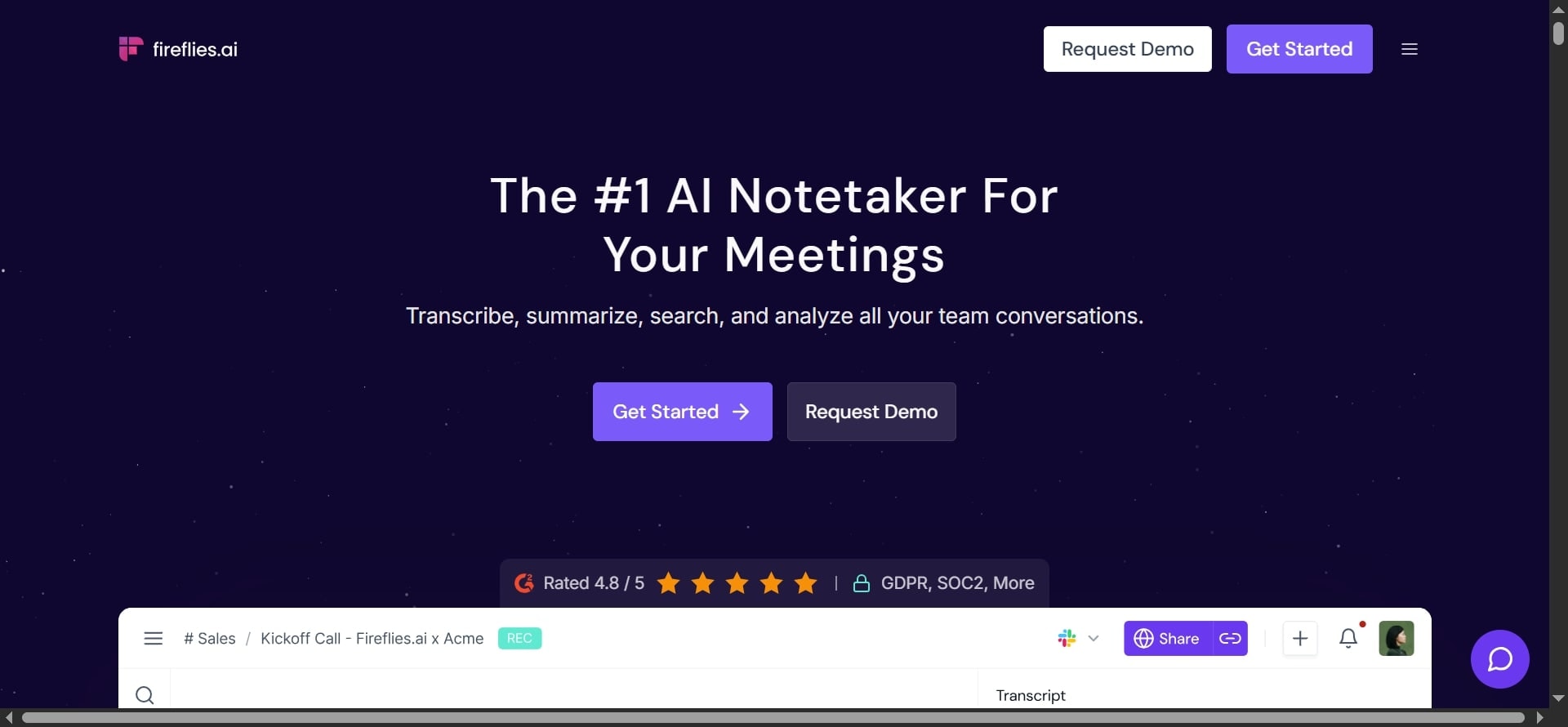
Fireflies.ai is the meeting butler you always wanted. Fireflies joins your Google Meet, Zoom, or Microsoft Teams call, transcribes everything in real-time, pulls out key points, actionable insights, and even sentiments. Later, you search meetings like a document, "show me every time we talked about the XYZ budget."
AskFred lets you query past hybrid meetings for quick answers. For hybrid teams, it's gold for conversation intelligence, with speaker talk-time analytics, and it integrates with CRMs like Salesforce and project management tools like Asana to auto-create tasks.
Pricing
- $0 for the free plan, best for beginners
- $10 for the Pro plan - best for professionals and small teams
- $19 for the Business plan - for fast-growing businesses
- $39 for the Enterprise plan - for large-scale enterprises
2. Loom AI
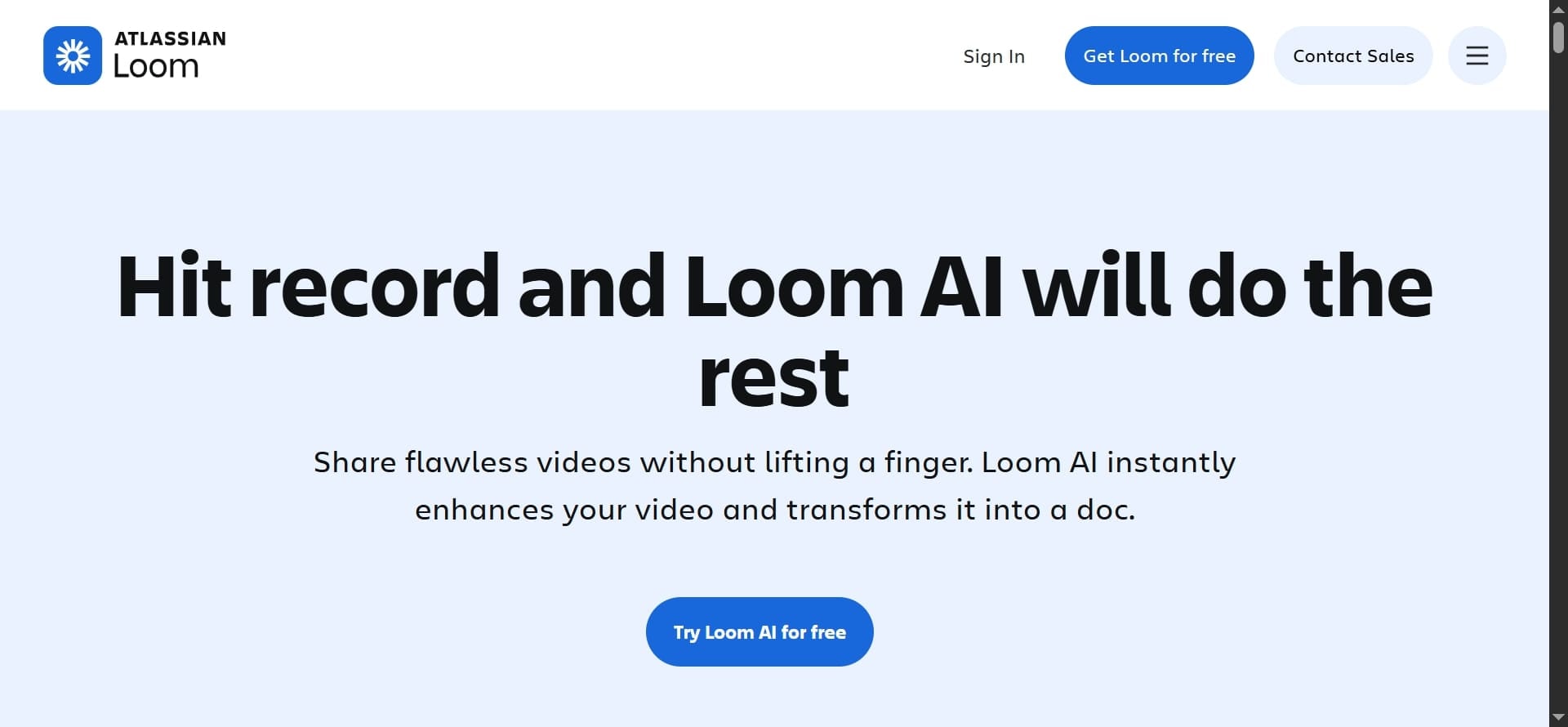
Editing video calls just got effortless with Loom AI. You can record a quick update, and AI chops out filler words, adds chapters, generates meeting summaries, and translates into 50+ languages for non-English remote team members. This is ideal for distributed teams who skip live video calls because it cuts miscommunication by surfacing key moments fast.
Pricing
- $0 Starter plan - 25 videos and 5 minutes of screen recording
- $15 Business plan - Unlimited videos and recording time
- $20 Business + AI plan - Unlimited videos with AI features
- Custom Enterprise plan - For the entire organization
3. Otter AI

Otter AI is your go-to tool for live transcription magic with up to 95% accuracy. It captures words instantly during a smart meeting on Google Meet or Zoom. Moreover, it builds searchable notes with speaker IDs and automatically generates summaries and action items.
The AI Chat feature lets you query past conversations for quick insights while automatically generating summaries and action items that go straight to your Slack or email.
Specialized agents can even integrate seamlessly with Salesforce or HubSpot to automatically turn discussion points into CRM updates. For hybrid benefits, it saves over 4 hours weekly on manual note-taking and up to 33% of time on follow-ups.
Pricing
- Free Basic plan - For first-time users
- $8.33 Pro plan - For individuals and small teams
- $19.99 Business plan - For medium-sized teams
- Custom Enterprise plan - For large organizations
3. Sintra.ai's Buddy Bot
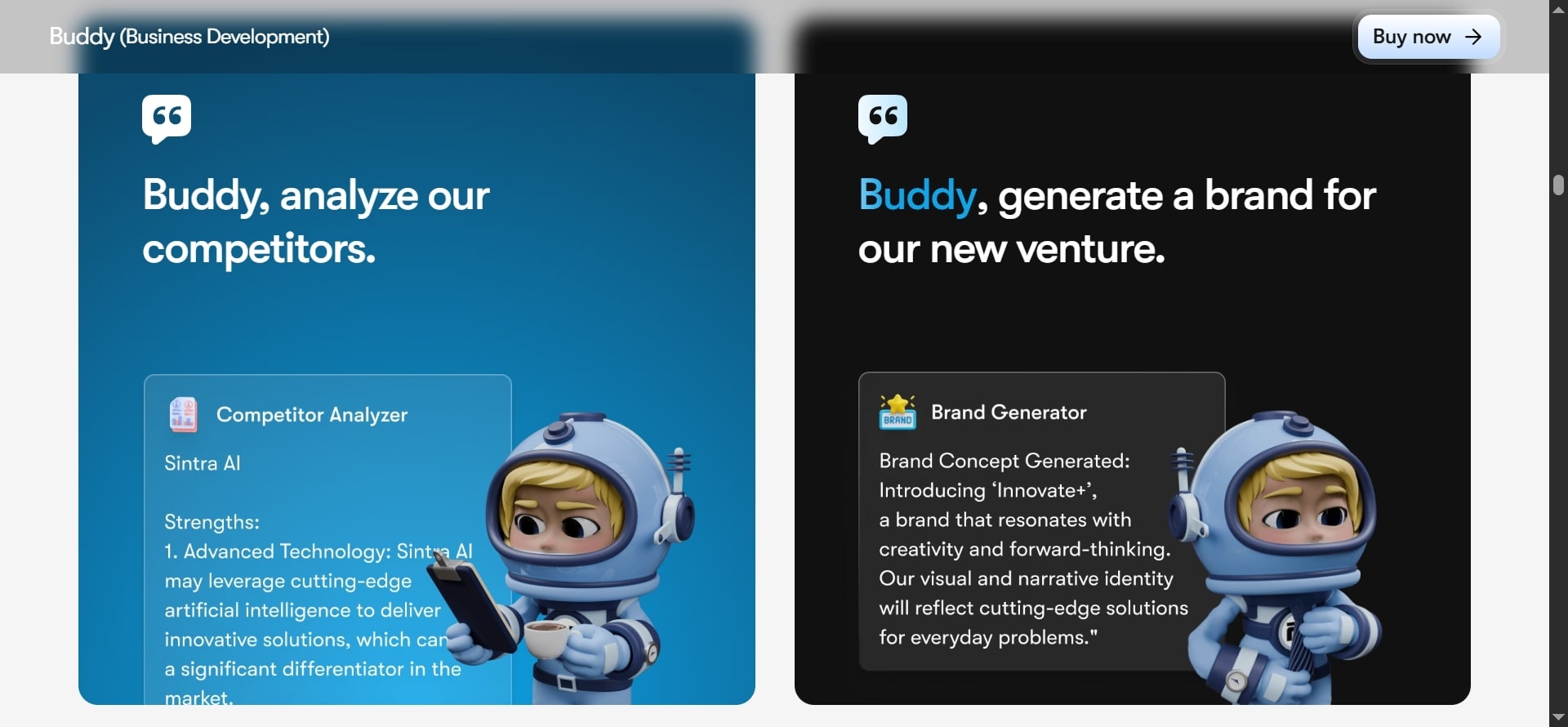
This AI business strategist is your tireless ally for elevating team communication in hybrid setups. It is always ready to draft polished updates or pull insights from discussions to keep remote and in-office folks aligned. While it doesn't directly hop into Google Meet calls, it shines after the meeting by generating comprehensive notes.
You just have to upload a transcript or describe the chat, and Buddy crafts structured summaries with agendas, key points, action items, and even follow-up tasks.
For hybrid work. Buddy automates planning from ideas to execution. It saves teams hours on routine strategy work while fostering seamless collaboration through its Power-Ups. Users have reported faster decision-making and a real edge in business growth after using Sintra's AI features.
Pricing
- One Sintra.ai's AI Helper costs $39/month, billed annually
- The entire team of AI Helpers with extra perks costs $97/month
AI-Powered Communication Tools
Communication breakdowns are the silent killer of hybrid workflow. These tools enhance written communication, auto-reply to routine tasks, and keep remote and hybrid teams looped in without endless pings.
5. Slack AI

Slack AI dives deep into the history of communication channels for real-time message summarization, auto-replies, and daily recaps. Plus, it searches across files and integrations, such as Salesforce. It automates translations and meeting notes without any prompts. For distributed teams, it saves time by 97 minutes weekly on recaps and searches, enhancing efficiency in sales or engineering.
Pricing
- Free plan - 90 days of message history
- $8.75 Pro plan - Unlimited message history
- $18 Business+ plan - Scale with AI features
- Custom Enterprise plan for large organizations
6. Microsoft Teams with Copilot

Microsoft Teams blends chats, docs, and meetings into a single hub. Copilot drafts responses, summarizes threads, pulls insights from past conversations, and offers noise cancellation plus real-time translation for video conferencing. Users love using it and have reported that it boosts team collaboration by 20% in hybrid setups. They also love it for keeping global teams on flexible schedules without missing anything important.
Pricing
- Free plan for web and app use
- $30/month/user for full integration with Microsoft 365
7. Wordtune

Wordtune is an AI writing wizard that rewrites messages on the fly. Paraphrasing for clarity, tweaking tones (casual to formal), and suggesting synonyms or fact-checks from multiple sources, it can do all. It supports the English language with translations from Spanish and Mandarin. For hybrid teams, it reduces misunderstandings in cross-cultural email communication, making written communication more native-like and professional.
Pricing
- Free plan - 10 Rewrites for one day
- $6.99 Advanced plan - 30 Rewrites and AI suggestions for one day
- $9.99 Unlimited plan - Unlimited Rewrites and AI suggestions
AI Project & Workflow Management
These platforms use AI to prioritize, automate, and track, turning project chaos into smooth sailing for project managers and their squads.
8. Monday AI

This AI tools automates project tracking with smart dashboards, auto-reports, and workflow automation that flags bottlenecks. It also suggests task shifts based on workloads, which is ideal for hybrid teams' work where time zones complicate everything.
Pricing
- Free plan - 2 seats
- $9 Basic plan per seat
- $12 Standard plan
- $19 Pro plan
- Custom Enterprise plan
9. Asana AI
Asana AI suggests task priorities and deadlines using team data, predicts delays, and auto-assigns via AI Teammates. It builds no-code workflows to handle busywork. For distributed teams, it cuts manual back-and-forth, boosting capacity for high-impact work.
Pricing
- Free Personal plan for 2 users
- $10.99 Starter plan with AI
- $24.99 Advanced plan with unlimited portfolio
- Custom Enterprise plan
10. ClickUp AI
ClickUp generates project summaries, goal overviews, and role-play scenarios. AI agents like Project Manager automate assignments and progress tracking, integrating with Slack or Zoom. Users report that it saves 88% costs owing to its comprehensive capabilities.
Pricing
- Free plan for individual users with 60 GB storage
- $7 Unlimited plan for small teams with unlimited storage
- $12 Business plan for mid-sized teams with Google SSO
- Custom Enterprise plan
AI File & Knowledge Management
Scattered files are a hybrid team's nightmare. These tools centralize everything, summarize on demand, and make knowledge sharing as easy as a quick search.
11. Dropbox AI (Dash)

The OG file and project management software, Dropbox, auto-sorts files, summarizes docs or videos, and retrieves the documents via natural queries ("find ABC slides"). It speeds up document management for remote teams, reducing hunt time by 40%.
Pricing
- $15 Dash for Teams for up to 100 users
- $35 Dash for Business for over 100 users
12. Notion AI
Notion AI enhances documentation by automatically generating outlines, extracting key points, and conversing with models like GPT-4. It creates or edits content with permission, translates it, and autofills databases. You can avail of the Business/Enterprise plans to experiment with the app without data training. Once connected with other apps, it significantly cuts time for hybrid teams.
Pricing
- Free plan for individuals
- $12 Plus plan for small teams
- $24 Business plan for growing businesses
- Custom Enterprise plan
AI-Powered Creativity & Design
For fueling innovation without the usual block, these tools spark ideas and speed up creation for creative leads in hybrid setups.
13. Figma AI

Figma accelerates UX/UI with auto-layouts, background removal, variant generation, text rewriting, and flowchart creation. It gets easily integrated with coding and drawing tools for design-to-development in one go. Figma also automates repetitive tasks, cutting iteration time by 30% for distributed design teams.
Pricing
- Free Starter plan for individuals and personal projects
- Professional plan starting from $3
- Organization plan starting from $5
- Enterprise plan starting from $5
14. GitHub Copilot

GitHub is your best friend if you are the developer of your team. It generates code snippets, explains legacy code, and writes tests. Its agent mode is for editing content. Users rave about boosting productivity by up to 55% in hybrid engineering teams.
Pricing
- Free basic plan
- $4 Team plan
- $21 Enterprise plan
15. Sintra.ai's Soshie Bot
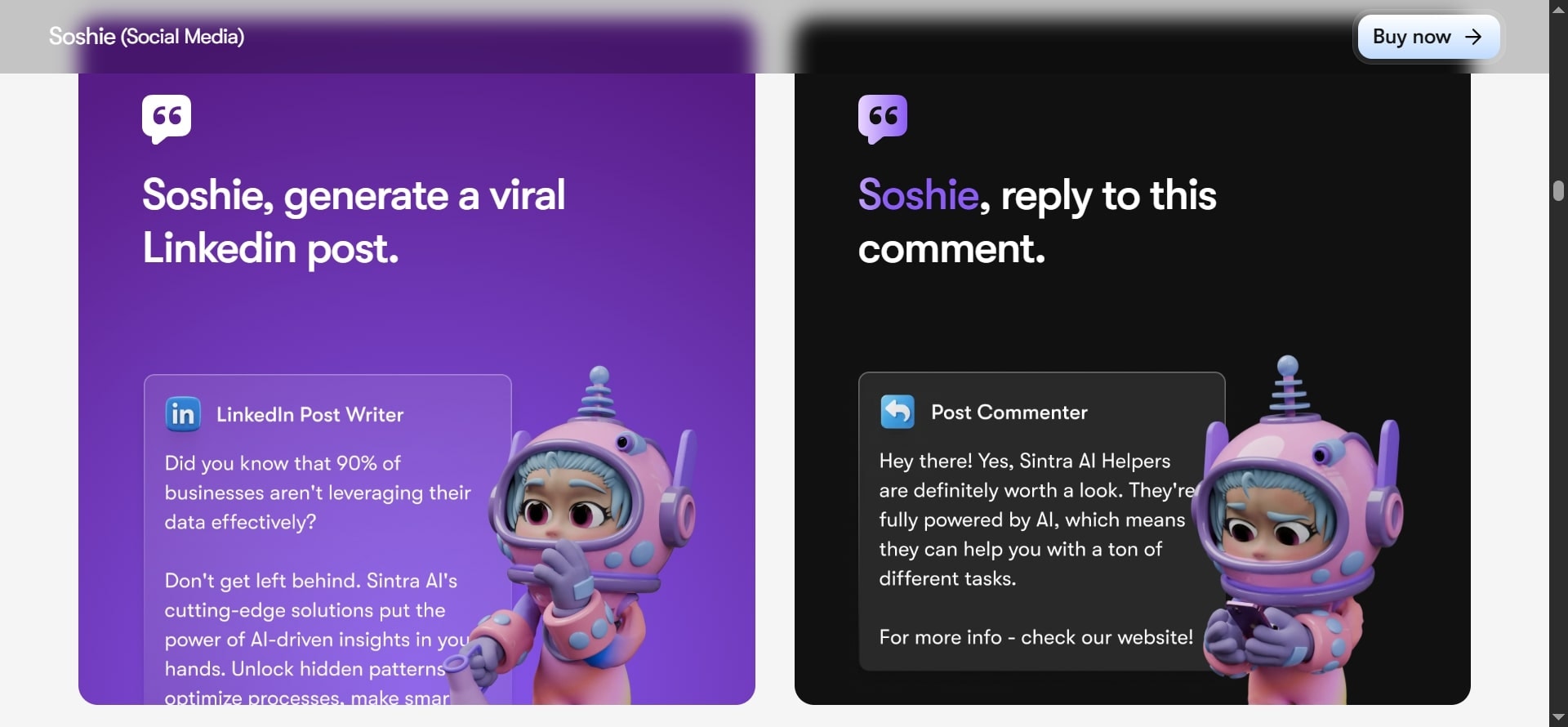
Soshie is the beloved social media bot that you all need in your hybrid team's work. This AI social media manager drafts posts, scripts, captions, and images using templates and trends. It schedules calendars, analyzes metrics, and integrates with automation tools. Soshie's powers shine through with its seamless multitasking skills, allowing team members to catch a breather while it handles multiple accounts across multiple platforms.
These 15 tools are only the beginning of your AI journey into your hybrid workforce. Start with 2-3 that fit your pain points, integrate them into your team's workflow, and scale from there. From then on, see your productivity skyrocket!
Pricing
- One Sintra.ai's AI Helper costs $39/month, billed annually
- The entire team of AI Helpers with extra perks costs $97/month
Building Your AI-powered Hybrid Tech Stack
You don't need fifteen new tools on day one of implementing AI in your hybrid work. You need the right four or five that actually talk to each other and solve your biggest headaches. Here's precisely how smart hybrid teams are doing it in 2026:
1. Audit Your Current Tools
You need to have a serious meeting with your team leads and ask them what pains them the most during task management. It could be endless Slack threads, missed meeting notes and action items, project updates scattered across six different locations, or scheduling conflicts across time zones.
Write them all down because these pain points become your shopping list.
2. Prioritize Collaboration Essentials
Next, prioritize the essentials that give you the fastest wins. If your biggest issue is "nobody knows what was decided in meetings", start with a meeting assistant like Fireflies or Otter. If remote members feel left out of async updates, drop Loom AI into the mix.
If project visibility is the problem, pick one platform and commit to it. Resist the urge to buy everything blindly because two solid tools that solve real problems beat a bloated stack every time.
3. Integrate AI-powered Dashboards
Integrate everything into one dashboard next. The goal is a single source of truth and real-time facts. Microsoft Teams + Copilot, Notion AI with its AI features, or ClickUp Brain can all become that hub.
Connect your meeting tool, your communication app, and your project management platform so data flows automatically. When someone records a Loom AI, the summary is added to the project task.
When Fireflies finishes a call, action items appear in Asana without anyone having to copy and paste. This seamless integration is what makes task management feel like a breeze.
4. Train Employees for AI Adoption
The next step is to properly train your people. Resistance and aversion usually come from fear or confusion, not laziness. Run short, fun 15-minute live in-person meetings and show "Here's how Copilot writes your meeting recap in ten seconds" or "Watch how Buddy turns our strategy call into a full competitor report."
Let employees play with the tools on real work and task automation. The faster they see time saved, the faster they become advocates.
5. Measure ROI and Productivity Gains
Finally, measure what matters - the results. Every decent tool now has built-in analytics. Track meeting hours saved, tasks completed per week, or how quickly remote team members respond after an async Loom drop. Most teams see ROI within 45-60 days, and some as quickly as 2 weeks. Use those numbers to justify the next tool or to celebrate with the team.
Let's get you in on a secret. Sintra's AI Helpers let you spin up custom assistants that glue everything together. They're like the missing pieces to your puzzle. They are your own virtual assistants that already know your processes and speak your language.
Best Practices for Managing AI-Powered Hybrid Teams
Running a team with employees, freelancers, and AI assistants sounds futuristic, but the real magic happens when you manage them like a band, not solo acts. Here are the four habits that top-performing hybrid teams live by in 2026:
1. Assign Tasks Strategically
Giving creative work to AI and grunt work to your best people wouldn't be a good idea. Let AI own the boring task management like meeting notes, data entry, and basic customer replies. Hand the creative, strategic, or high-empathy tasks to freelancers and full-time employees. Result? Faster delivery and happier humans who feel valued, not replaced.
2. Keep Human in the Loop
AI is a wonderful thing, but it still hallucinates and can sound robotic when you need warmth. Make "human checking" mandatory for anything customer-facing or high-stakes. A simple rule that works everywhere: AI purposes, human disposes. A quick 2-minute review catches 99% of weird outputs and keeps trust high with clients and team members alike.
3. Build Transparent Workflows
Your dashboard should show exactly who did what and when, even for AIs. Use tools like ClickUp, Notion AI, or Microsoft Teams to tag an AI-generated task clearly as "Generated by Copilot - reviewed by Sarah." That transparency kills confusion in distributed teams, especially when freelancers jump in mid-project and need to see the full history instantly.
4. Prioritize Data Security
Hybrid teams share files across continents and tools, so treat security like oxygen. Only choose AI tools that support end-to-end encryption, SOC 2 Type II compliance, and zero-retention policies for your data.
This means that AI companies don't train their models on your data. Bonus points if they offer private cloud or on-premise options. One breach can compromise years of trust, but you don't have to learn it the hard way.
By following these four habits, your AI + humans team will stop feeling like an experiment and start feeling like the most productive team you've ever led.
Conclusion: Scaling Smarter with AI Tools for Hybrid Teams
In 2026, the companies winning aren't the ones with the biggest offices; they're the ones using AI tools to turn chaos into clarity for hybrid teams. Better communication across time zones, automation of repetitive tasks, and a serious lift in productivity, engagement, and fresh ideas are now the talk of every day. The gap between teams that adopt these tools and teams that don't is widening fast.
You don't need a massive budget or a PhD in tech. Start small, pick one or two tools that fix your biggest pain, test them with real work, measure the win, and then scale.
You can also start by exploring Sintra's AI Helpers that you must have in your team. Done right, your hybrid team stops feeling scattered and starts feeling unstoppable.
FAQs About AI Tools for Hybrid Teams
How much do AI tools for hybrid teams cost?
Most tools offer free or under $10/user/month, like Loom, ClickUp, and Notion. Enterprise or business plans run $6-$30/user/month.
Can AI replace human team members?
No. AI excels at automating repetitive tasks, but it can't replace human creativity, empathy, or judgment. The winning model is augmentation: AI does the tedious work while humans do the job that matters.
How do I integrate AI tools into my hybrid workflow?
Pick one significant problem in your team (e.g., meeting notes or task tracking), choose a tool with native integrations, run a two-week pilot with 5-10 people, gather feedback, then roll out company-wide.
Related articles