



15+ Best Planner Apps for 2026 (Daily, Digital & AI)


Table of Contents

Quick Answer: What Is the Best Planner App in 2026?
The best planner app depends on how you work. For a founder, managing multiple business functions looks nothing like the best one for someone tracking daily tasks and habits. What matters is to pick the right tool that aligns with your planning style and personal preferences.
Finding the best planner apps sounds simple until you're 12 tabs deep and still not sure what to download. There are hundreds of options, and most of them look great until you actually try to use them.
Planning in 2026 has genuinely changed. Smarter tools have replaced the rigid, passive systems most of us started with. The right planner app is a personal question, not a universal answer. Research published in Frontiers in Education confirms that different planning strategies produce different outcomes across individuals.
We went through the top planner apps category by category, from clean daily planner apps for people who just want their mornings to feel less chaotic, to AI-powered systems like Sintra AI that work more like a thinking partner than a task list. Whatever your work looks like, there's a fit here. Let's find yours.
Here's a full breakdown of every tool in this guide:
| Tool | Planner Type | Best For | Key Feature | Pricing | Platform |
|---|---|---|---|---|---|
| Sintra AI | AI Business Planner | Founders, solopreneurs, teams | Context-aware workflow planning | From $49/mo | WebiOSAndroidDesktop |
| Google Calendar | Scheduling Planner | Meeting-heavy professionals | Time-based event management | Free / $8.40/mo (Business) | WebiOSAndroid |
| Notion | Customizable Planner | Advanced users, teams | Flexible databases + pages | Free / $12/mo (Plus) | WebiOSAndroidDesktop |
| Todoist | Goal-Oriented Planner | Daily task managers | Karma system + priorities | Free / $7/mo (Pro) | WebiOSAndroidDesktop |
| Sunsama | Guided Daily Planner | Intentional planners | Structured daily planning ritual | $20/mo | WebiOSAndroid |
| Motion | AI Auto-Scheduler | Overloaded calendars | Automatic task scheduling | $49/mo | WebiOSAndroid |
| ClickUp | All-in-One Planner | Teams + project workflows | Customizable everything | Free / $10/mo (Unlimited) | WebiOSAndroidDesktop |
| Trello | Visual Planner | Simple workflows, content | Kanban boards | Free / $6/mo (Standard) | WebiOSAndroid |
| Outlook | Email-Based Planner | Corporate email users | Inbox + calendar combined | Free / $9.99/mo (M365 Personal) | WebiOSAndroidDesktop |
| TickTick | Habits + Tasks Planner | Routine builders | Habit tracking + Pomodoro | Free / $2.99/mo | WebiOSAndroidDesktop |
| Akiflow | Inbox Planner | Multi-tool professionals | Task consolidation | $34/mo | WebMacWindows |
| Any.do | Simple Planner | Light personal planning | Clean quick-capture | Free / $5/mo (Premium) | WebiOSAndroid |
| Structured | Timeline Planner | Visual daily schedulers | Hour-by-hour timeline | Free / $2.99/mo | iOSMac |
| Evernote | Notes + Planner Hybrid | Note-first thinkers | Notes linked to tasks | Free / $14.99/mo (Personal) | WebiOSAndroidDesktop |
| Monday.com | Business Workflow Planner | Operations teams | Pipelines + process views | Free for 2 / $12/seat/mo | WebiOSAndroid |
| Things 3 | Minimalist Apple Planner | Apple-only users | Beautiful UX + project areas | One-time ($9–$49) | iOSMac |
| Hive | Team Collaboration Planner | Collaborative teams | Multiple project views | Free / $7/mo (Starter) | WebiOSAndroid |
15+ Best Planner Apps for 2026
Not all planner apps solve the same problem. Some are built purely for scheduling. Others help you capture and organize tasks across project management pipelines. Whereas the advanced applications use Artificial Intelligence to actively help you decide what to work on next.
We've structured this list so you can find the right fit for your budget and the nature of the work.
1. Sintra AI — Best AI Planner for Business Workflows
Our platform is built for people who plan around real business work, not just personal errands. It helps founders, solopreneurs, and small teams turn messy priorities into clearer daily plans across sales, marketing, admin, client work, and operations.
Instead of only storing tasks, Sintra helps you organize what needs to happen, break work into next steps, and keep context in one place through Brain AI. With the Sintra's mobile app, you can also manage your AI helpers, review work, and keep plans moving from anywhere.
Get on App Store
Get on Google Play
It is best for teams that want an AI planner that supports daily execution, not just reminders.
Brand-Aware Planning With Brain AI
One of Sintra AI's most practical business features is Brain AI. It stores context about your business, such as your brand voice, goals, audience, and ongoing projects. So every planning interaction stays consistent. You're not re-explaining yourself every session. The digital planner app remembers what matters and uses that to shape how it helps you plan.
For anyone managing a brand or a growing business, this kind of context-aware planning is genuinely useful. It turns the tool from a passive organizer into an active business planner that understands your work.
Standout Features
- AI-powered task prioritization based on your business context
- Specialized AI agents for marketing, sales, operations, and more
- Brain AI for persistent brand and project memory
- Integrates across tools to centralize work
- Built for recurring workflows, not just one-off tasks
Pros
- Goes beyond task lists to actual workflow assistance
- Great for managing multiple business functions in one place
- Context retention makes planning faster over time
- Strong fit for solopreneurs and small business teams
Cons
- Not designed for simple personal task tracking
- Requires onboarding time to get full value
Pricing
Costs $49/month for a single AI helper (drops to $39/mo with a commitment).
2. Google Calendar — Best Scheduling-First Planner
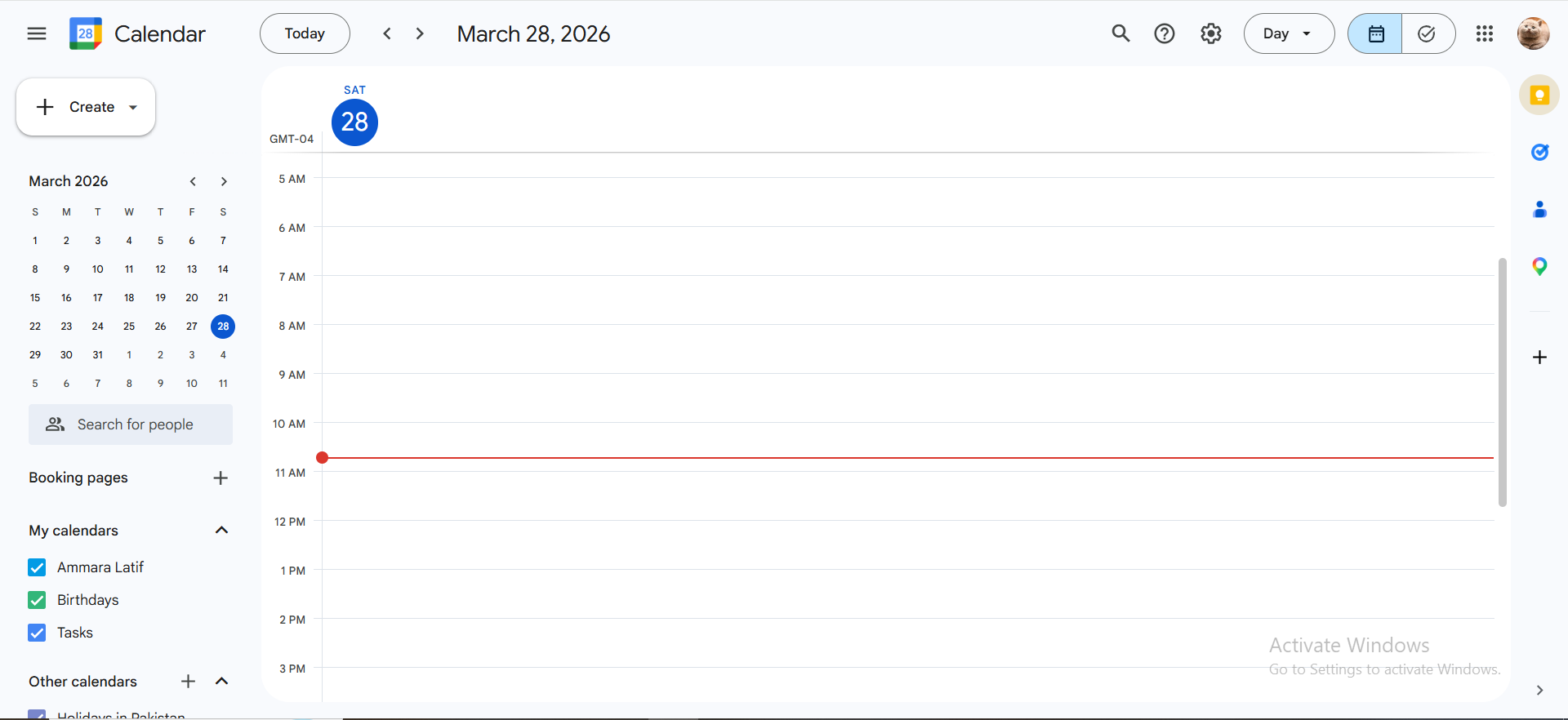
Google Calendar is the default planning layer for millions of professionals, and for good reason. It's not built around tasks; it's built around time. If your daily schedule is driven by meetings, recurring events, and availability blocks, this is still one of the most reliable tools out there.
How It Works
You plan by placing events directly into your calendar. Google Calendar syncs across devices instantly, supports shared calendars, and integrates cleanly with most project management tools and productivity apps. It's a time-first planner, not a task-first one.
Features
- Calendar events with reminders, guests, and locations
- Shared calendars for teams
- Integration with Gmail, Meet, and thousands of other apps
- Smart suggestions for meeting times
- Works as a base layer for many planner apps that sit on top of it
Pros
- Free and universally accessible
- Excellent for scheduling and time-blocking
- Strong integration ecosystem
- Clean calendar view across day, week, and month
Cons
- No real task management beyond basic reminders
- Not built for prioritization or complex workflows
- Can get cluttered in meeting-heavy weeks
Pricing
Free for personal use; Business Starter is $8.40/month.
3. Notion — Best Customizable Digital Planner
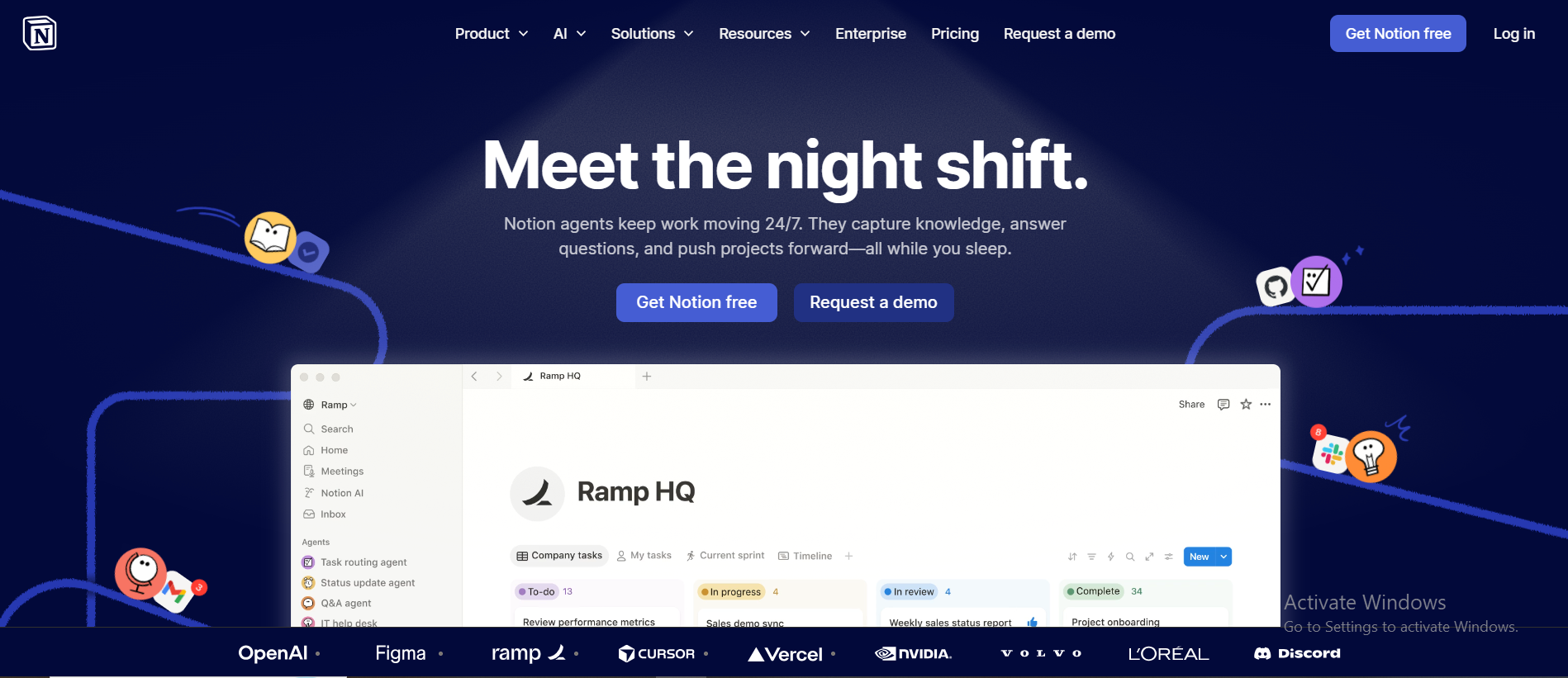
Notion is the digital planner for people who want to build their own system. There's no fixed structure; you define the layout, databases, views, and logic. That flexibility is both its biggest strength and its sharpest learning curve.
How It Works
There are blank pages for you to begin. Notion supports databases, kanban boards, calendar view, tables, and linked pages. Many teams use it as both a project management hub and a note-taking app. The Notion calendar feature lets you connect tasks and pages directly to dates for a proper daily planner experience.
Features
- Fully flexible page and database system
- Notion calendar for date-based planning
- Templates for daily planner, project tracking, wikis, and more
- Strong team collaboration features are on paid plans
- Works well as a digital planning tool for complex projects
Pros
- Extremely customizable
- Works for both personal and team use
- Strong note-taking capabilities alongside task tracking
- The free plan is generous for individuals
Cons
- Setup takes real time and thought
- Can become bloated if not maintained
- Not ideal for simple daily task management
Pricing
Free for solo users; Plus plan is $12/month (billed monthly).
4. Todoist — Best Goal-Oriented Daily Planner
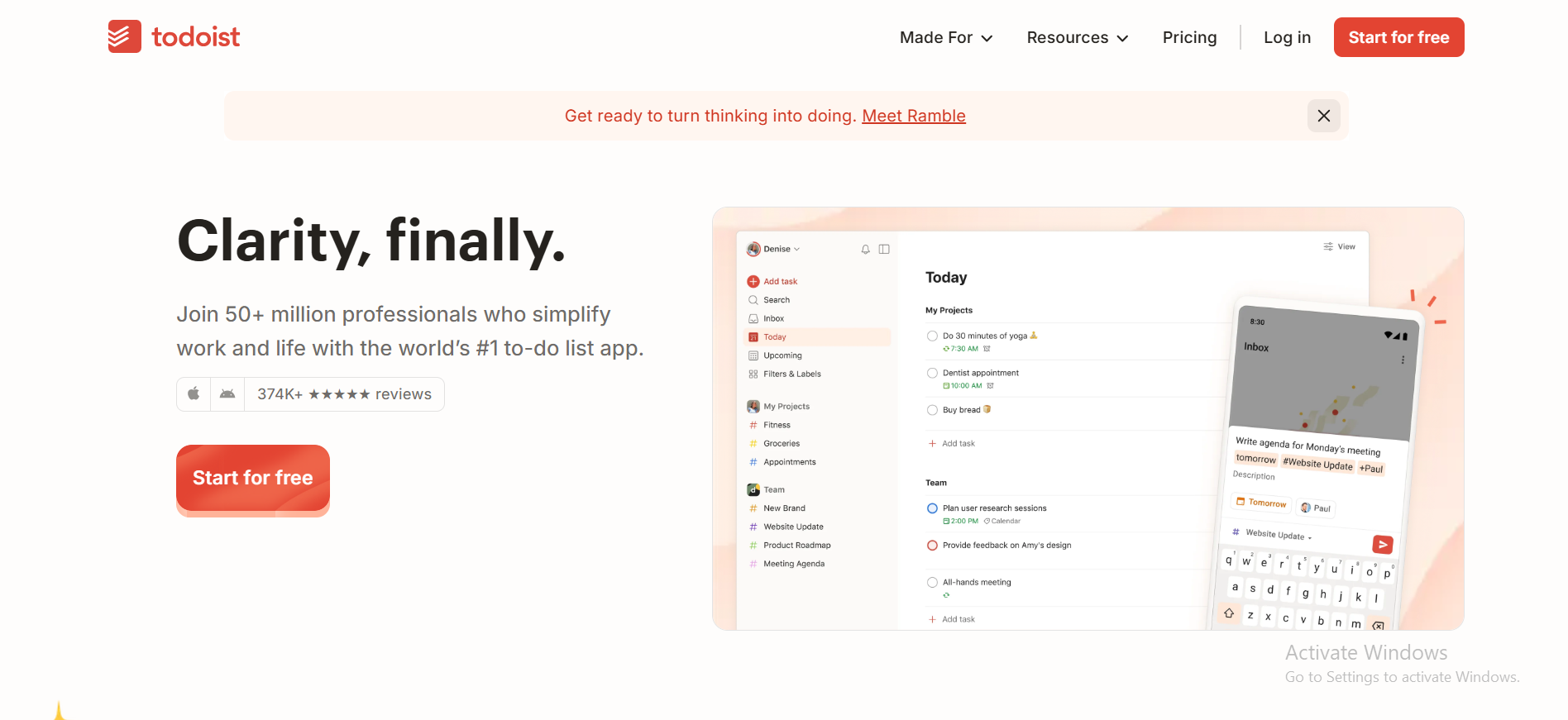
Todoist has been around long enough to earn serious trust. It focuses on one thing: helping you capture, prioritize, and complete tasks consistently. No bloat, and no complexity for its own sake. Just a clean, reliable daily planner app that actually helps you get things done.
How It Works
You add tasks, assign priorities (P1-P4), set due dates, and sort them into projects. Todoist's natural language input makes it fast to create tasks. For example, type "report due Friday at 3 pm," and it parses it automatically. It features a Karma system that rewards users with points for completing tasks, enhancing motivation, which is one reason it consistently ranks among the best daily planner app options for solo professionals.
Features
- Priority levels (P1–P4) for task priority management
- Recurring tasks with flexible scheduling
- Natural language task entry
- Sub-tasks for breaking down complex work
- Integrations with Google Calendar, Slack, and other tools
- Available across every major platform
Pros
- Clean, fast interface with low friction
- Great for personal and professional daily tasks
- Strong mobile app for iOS and Android users
- Free plan includes core features
Cons
- Collaboration features are limited on lower tiers
- No built-in time tracking
- Not designed for complex project management
Pricing
Free version available; Pro is $7/month (or $5/mo annually).
5. Sunsama — Best Guided Daily Planning App
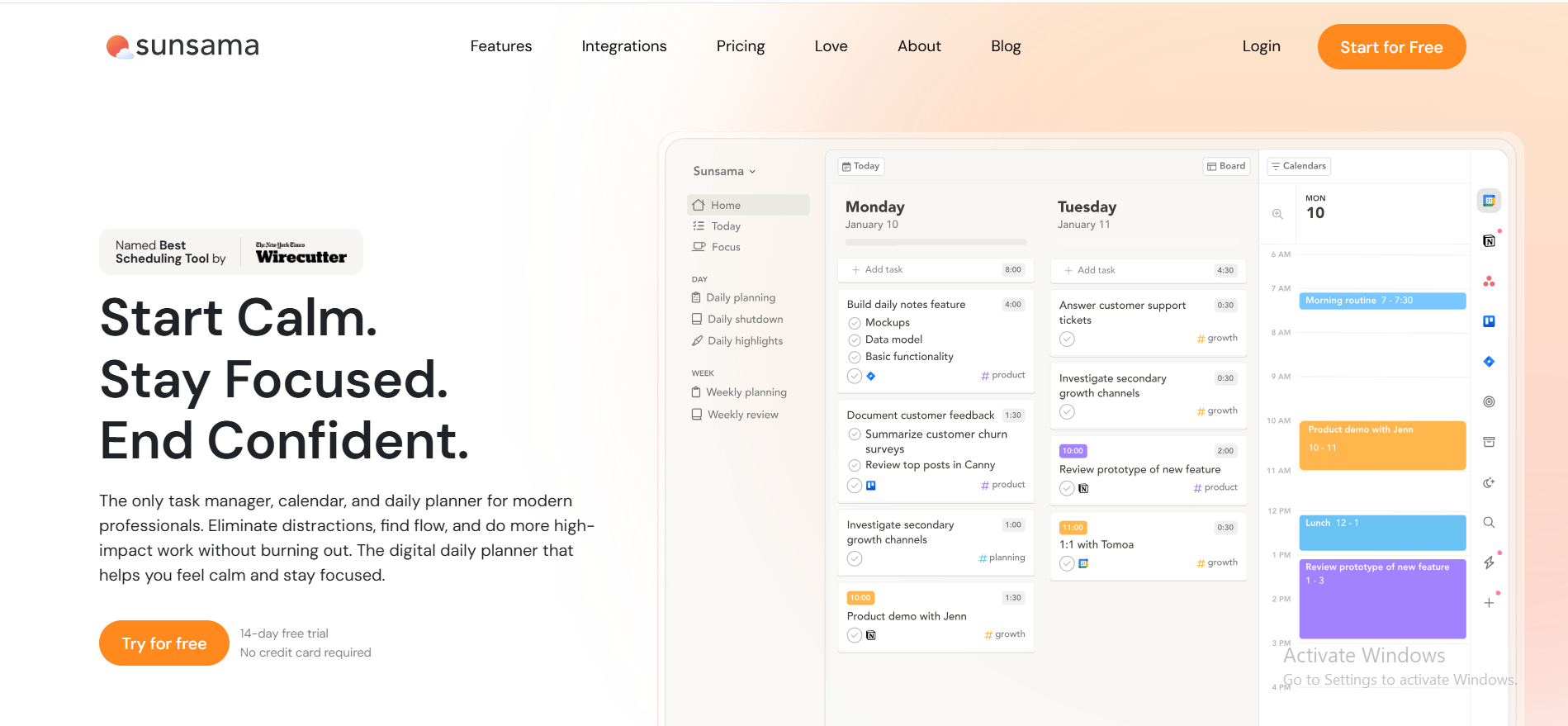
Sunsama isn't just a place to store tasks. It's a structured ritual for starting your day with intention. Each morning, it walks you through a guided planning session. It pulls in tasks from connected tools, helping you choose what's realistic, and build a daily schedule you can actually stick to.
How It Works
You plan all your tasks each morning through a step-by-step flow. Sunsama pulls from Google Calendar, Asana, Todoist, Linear, and other tools, then asks you to select what you'll actually do today. At the end of the day, it prompts a short reflection. Sunsama incorporates reflective planning techniques by prompting users to review their progress at the end of each day.
Features
- Guided daily planning ritual (morning + evening)
- Pulls tasks from other apps into one view
- Time estimates per task to prevent overcommitment
- Weekly planning and review built in
- Calendar integration with Google and Outlook
- Focus mode for deep work sessions
Pros
- Encourages realistic, mindful daily planning
- Great for professionals who overcommit regularly
- Reduces the anxiety of an overwhelming task list
- Builds strong daily routines over time
Cons
- $25/month is steep compared to similar tools
- No free plan — 14-day trial only
- Less useful if you don't have consistently connected tools
- Takes more time each morning than simpler planner apps
Pricing
No free tier; standard pricing is $25/month.
6. Motion — Best AI Auto-Scheduling Planner
Motion acts as a personal assistant, automatically scheduling tasks and deadlines in calendars. You stop manually placing tasks in your day because Motion does it for you, rebuilding your daily schedule based on priorities, deadlines, and available time. Motion's AI scheduler rebuilds schedules based on task priority and deadlines.
How It Works
You add tasks with deadlines and durations. Motion automatically fits them into your calendar, working around your existing meetings and blocks. When something runs long, or a new task comes in, it reschedules everything in real time.
It's one of the most practical AI planner tools on this list for people who want structure without manual effort. It also handles overdue tasks by automatically reassigning them to the next available slot rather than letting them pile up unaddressed.
Features
- Automatic schedule tasks placement in the calendar
- Real-time rescheduling, including overdue tasks
- Meeting scheduler built in
- Recurring tasks support
- Project management view for multi-step work
- Calendar integration with Google and Outlook
Pros
- Eliminates manual daily planning almost entirely
- Great for professionals with unpredictable schedules
- Handles task priority and deadlines intelligently
- Strong time-blocking for focused work
Cons
- Takes a few days to trust the algorithm
- Not ideal for team collaboration
- Can feel rigid if you like full manual control
- Pricier than basic planner apps
Pricing
High-end AI scheduling at $49/month (monthly) or $29/month (annual).
7. ClickUp — Best All-in-One Work Planner
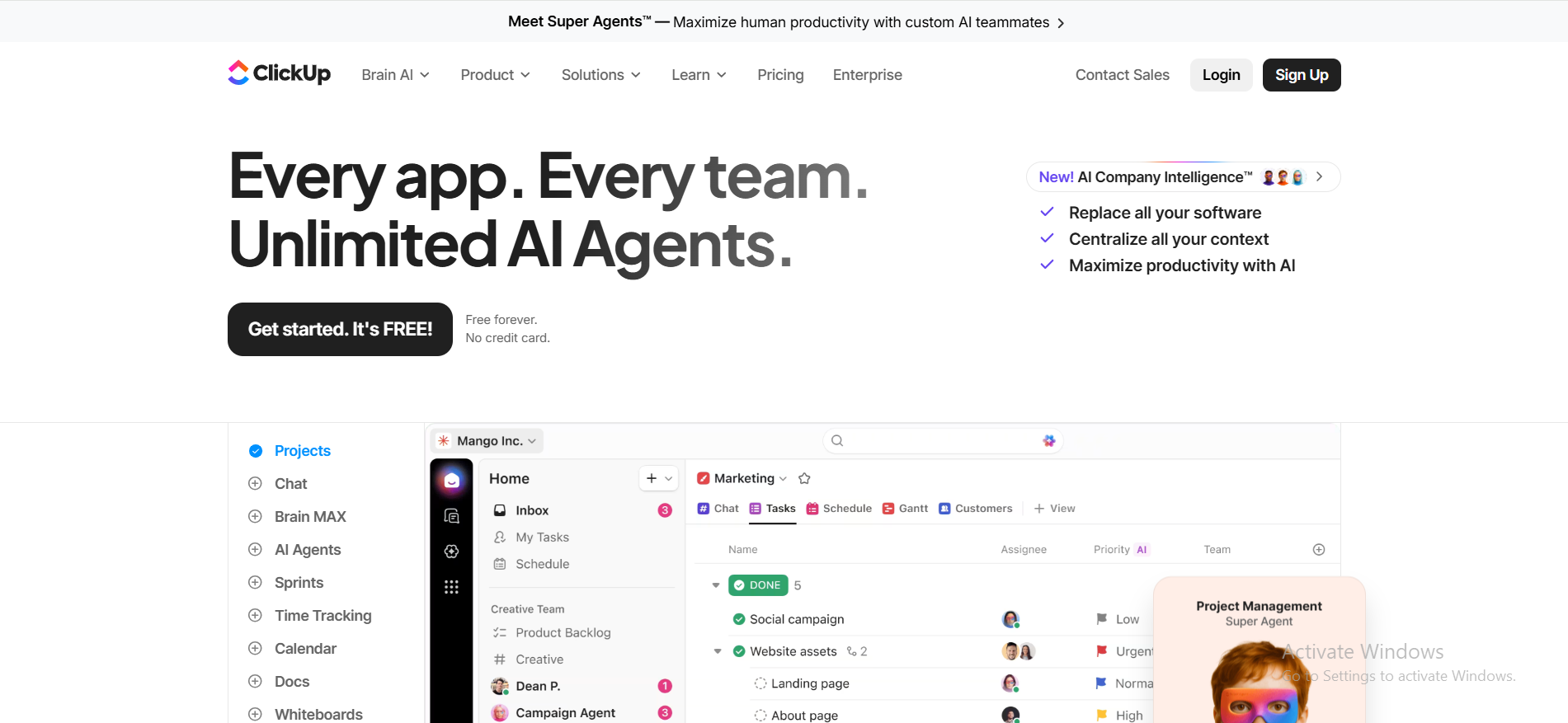
ClickUp is a tool designed for teams looking for robust project management features, and can also be used as a day planner app for task organization. It covers everything from simple task lists to full project management software and aims to replace multiple tools with a single tool. The range is both its biggest advantage and its steepest learning curve.
How It Works
You organize work into Spaces, Folders, and Lists. Tasks support sub-tasks, priorities, time estimates, and task reminders. You can switch between list, board, Gantt, and calendar views as needed.
ClickUp also includes docs, whiteboards, and built-in reporting. Its task integrations connect with hundreds of external platforms, making it a true hub for teams already spread across multiple tools.
Features
- Multiple views: list, board, Gantt, timeline, calendar view
- Custom statuses, priorities, and task priority settings
- Time tracking built in (or via integrations)
- Recurring tasks and automation
- Strong team collaboration with comments and assignments
- Task integrations with 1000+ third-party tools
- Free plan with unlimited tasks
- Robust features across all tiers, including docs, dashboards, and workload views
Pros
- Replaces multiple project management tools in one place
- Drag and drop task management across views
- Highly customizable for different workflows
- Generous free plan with unlimited tasks
Cons
- Overwhelming for new users — steep learning curve
- Slower performance with large workspaces
- The mobile app is less polished than the desktop version
- Notifications need careful management
Pricing
Free Forever; Unlimited tier is $10/month (monthly).
8. Trello — Best Visual Planner
Trello keeps planning visual and simple. Its board-and-card approach makes it easy to see where every task stands without digging through lists or dashboards. Trello uses a Kanban board layout for intuitive task tracking, allowing users to visualize task movement through stages.
How It Works
You create tasks as cards and move them across columns; typically, something like To Do, In Progress, and Done. Drag and drop make it fast. You can add tasks with labels, checklists, due dates, and attachments. For content planning, sprint tracking, or simple project pipelines, it's hard to beat for ease of use.
Features
- Kanban boards with drag-and-drop cards
- Drag tasks between columns easily
- Drop tasks into different lists or boards
- Power-Ups (integrations) for calendar view, time tracking, and more
- Templates for common workflows
- Free plan with unlimited cards
Pros
- Fastest visual setup of any tool on this list
- Intuitive for individuals and small teams
- Great for content calendars and simple project tracking
- Solid free plan
Cons
- Gets messy at scale
- Limited reporting and project progress tracking
- No native time tracking
- Less suited for complex multi-team work
Pricing
Free basic boards; Standard is $6/month (monthly).
9. Outlook — Best Email-Based Planner
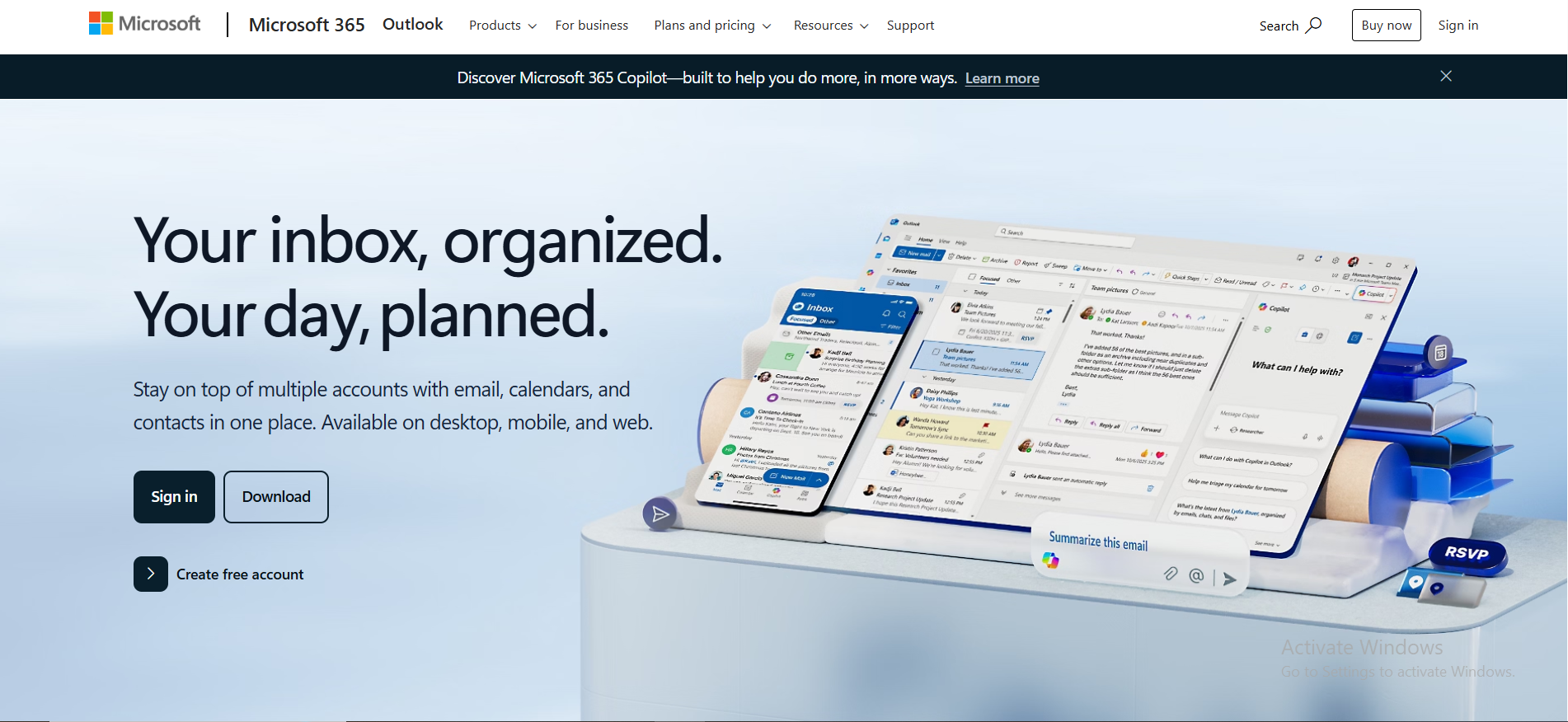
For corporate teams already embedded in the Microsoft ecosystem, Outlook is the natural planning hub. Your inbox, calendar events, and task list sit in one place. If your daily schedule is built around emails and meetings, Outlook makes sense as a planning layer.
How It Works
Outlook combines email, Google Calendar-style scheduling, and Microsoft To Do into one interface. You can flag emails as tasks, schedule meetings directly from messages, and view everything in a unified calendar view. It's a planning environment built for email-driven professionals.
Features
- Unified inbox and calendar in one place
- Microsoft To Do integration for task management
- Task reminders and follow-up flags on emails
- Recurring tasks and meeting scheduling
- Strong calendar integration across Microsoft products
- Works with Teams, SharePoint, and other tools in M365
Pros
- Perfect for teams already on Microsoft 365
- Email-to-task workflow is seamless
- Strong calendar view and scheduling tools
- Cross-device sync on desktop and mobile
Cons
- Dated interface compared to modern planner apps
- Limited for personal productivity or non-corporate use
- Task management features are basic compared to dedicated tools
- Customization options are restricted
Pricing
Free web version; full desktop features start at $9.99/month via Microsoft 365.
10. TickTick — Best Daily Planner with Habits
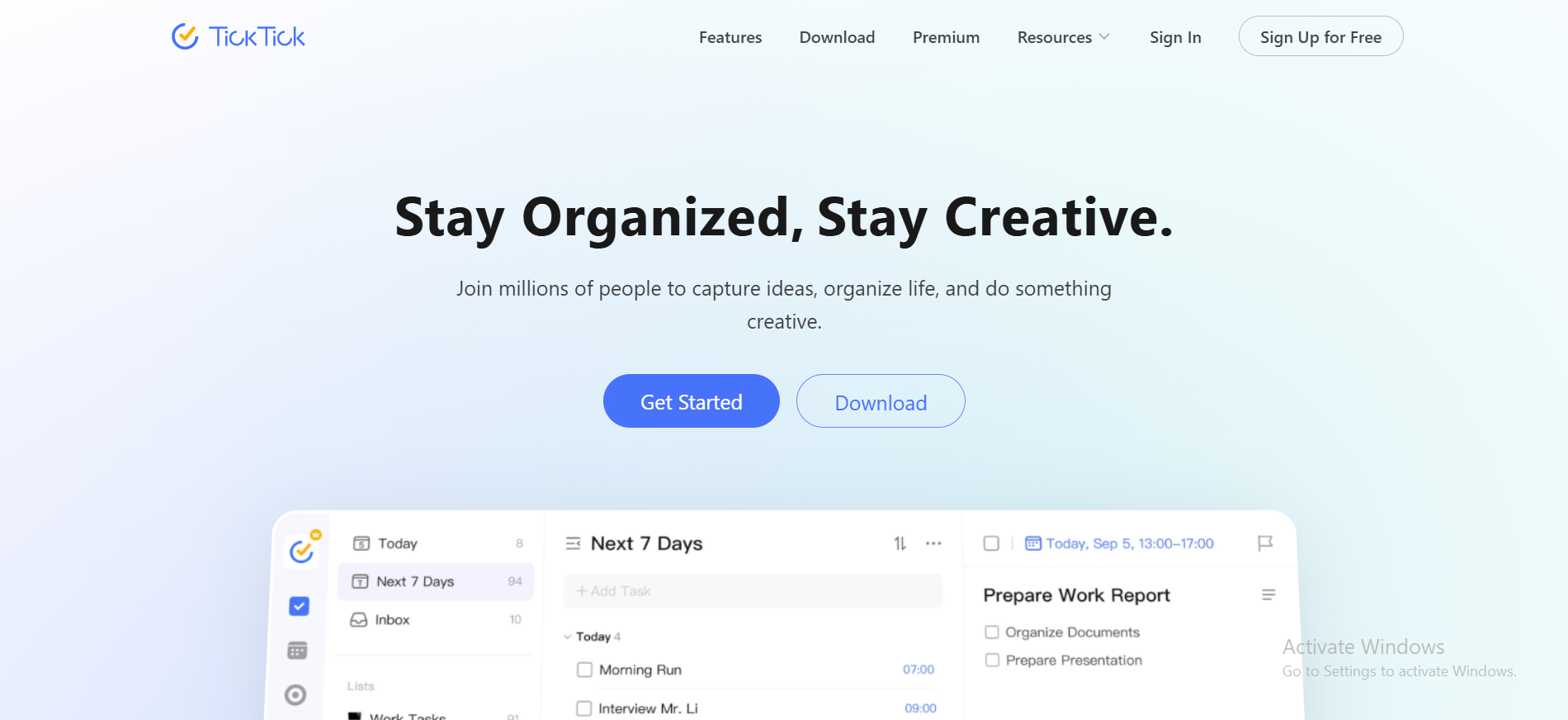
TickTick is a versatile productivity app that combines task management and focus tools into a single platform for personal and professional use. What sets it apart from most daily planner apps is its built-in habit tracking. You can manage your daily tasks and your routines in the same place, without switching between tools.
How It Works
You add tasks, set priorities, and assign due dates. TickTick also lets you build habits with daily check-ins and streaks. The built-in Pomodoro timer helps you stay focused during work sessions. A calendar view shows all your daily tasks and habits in one timeline. It also supports a weekly view for people who prefer planning across broader time horizons rather than day by day.
Features
- Habit tracking with streaks and reminders
- Built-in Pomodoro focus timer
- Task priority and smart date parsing
- Recurring tasks for daily routines
- Calendar view and weekly format planning
- Sub tasks and checklists
- Available on iOS, Android, Web, and Desktop
Pros
- Best combination of tasks and habit tracking in one app
- Clean, fast interface
- Pomodoro timer built in — no need for a separate productivity app
- Strong free plan with core features
Cons
- Advanced features (smart lists, calendar view) require a paid plan
- Less suited for team project management
- Collaboration features are limited compared to dedicated team tools
Pricing
Robust free version; Premium is $2.99/month.
11. Akiflow — Best Inbox Planner
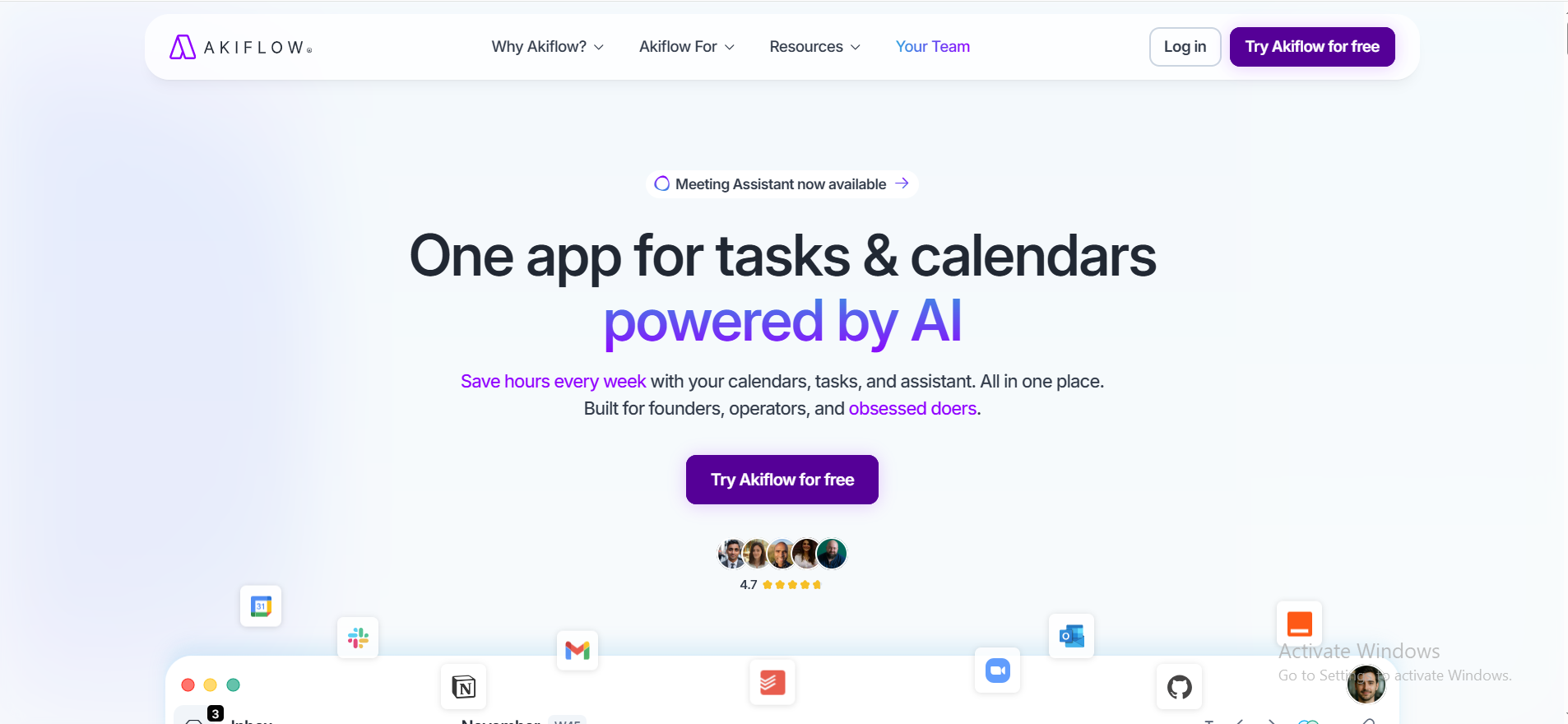
Akiflow centralizes tasks from various tools into one inbox and calendar. If your work comes from multiple directions, like Slack messages, emails, Asana tasks, and Notion pages, Akiflow pulls it all together so you can plan from one place instead of chasing inputs across different tools.
How It Works
Akiflow connects to your existing third-party apps and pulls tasks into a unified inbox. You review them each morning, decide what goes on today's schedule, and drag tasks into time blocks on your calendar. It's designed specifically for the kind of task consolidation that knowledge workers need.
Features
- Task inbox pulling from Gmail, Slack, Asana, and other apps
- Drag and drop tasks onto a calendar view
- Time tracking per task
- Morning planning ritual built into the flow
- Keyboard-first interface for fast capture
- Calendar integration with Google and Outlook
Pros
- Excellent for consolidating scattered work into one plan
- Fast keyboard shortcuts for power users
- Reduces the mental load of managing different tools
- Strong calendar integration
Cons
- Mac and Windows desktop only (no mobile app as primary use)
- Pricier than simple planner apps
- Learning curve for the keyboard shortcuts
- Fewer templates and customization than broader tools
Pricing
No free plan; Monthly is $34/month (or $19/mo annually).
12. Any.do — Best Simple Planner
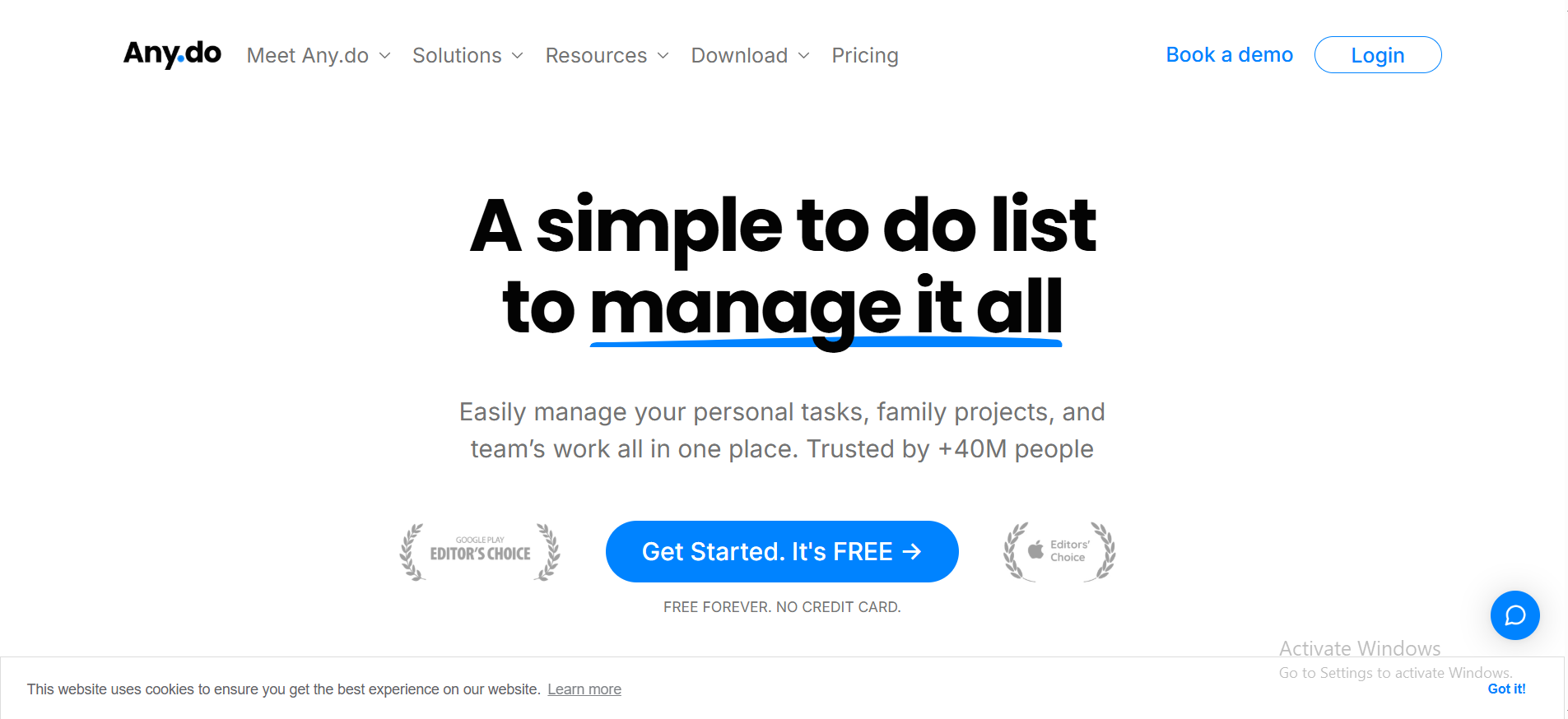
Any.do is an easy-to-use task manager with smart reminders, offering a clean interface for organizing both personal and work tasks. If you want to stay organized without spending an hour setting up a system, Any.do is one of the cleanest options available.
How It Works
You create tasks, assign dates, and check them off. Any.do supports recurring tasks, sub-tasks, and a calendar view that shows your daily planner layout. It also has a voice capture feature for quick add tasks on the go.
Features
- Clean daily planner layout with swipe-based task management
- Recurring tasks and smart reminders
- Calendar integration with Google and Apple Calendar
- Voice capture for fast input
- Shared lists for lightweight team collaboration
- Available on iOS, Android, Web, and Desktop
Pros
- Fastest setup of any app on this list
- Clean design makes it easy to stay organized
- Good for managing daily tasks and personal errands
- Free version handles most basic use cases
Cons
- Limited for complex project management
- The free version has restrictions on recurring features
- Not designed for business workflows
- AI features feel surface-level compared to dedicated AI planner tools
Pricing
Free version; Premium is $5/month (monthly billing).
13. Structured — Best Timeline Planners
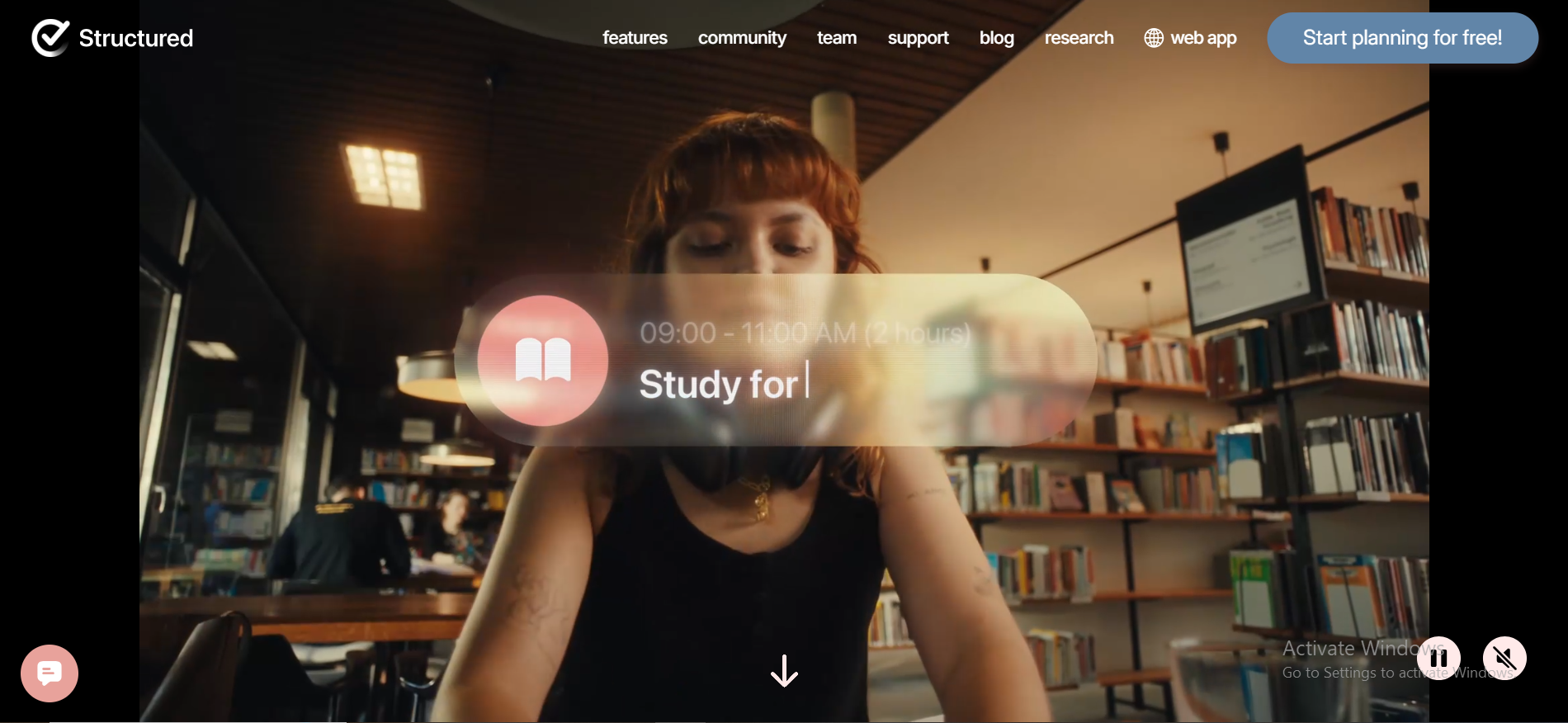
Structured combines tasks, calendar events, and habits into an organized timeline for daily planning. Instead of a list, it gives you a visual hour-by-hour breakdown of your day. Making it especially useful for anyone who plans by time rather than by task category.
How It Works
You build your daily schedule by adding blocks of time with assigned tasks. Calendar events from your device calendar appear alongside your planned tasks. The result is a full visual timeline of your day that helps you see gaps, conflicts, and realistic capacity at a glance. For Apple users looking for a clean digital daily planner that doesn't bury you in settings, it's one of the best options available.
Features
- Visual daily timeline view
- Syncs calendar events from Apple Calendar
- Recurring tasks and habit support
- Widget for a quick home screen view of your daily schedule
- Clean, minimal design focused on visual clarity
- Available on iOS and Mac only
Pros
- Most visual daily planner app on this list
- Excellent for time-conscious planners
- Beautiful design that's actually functional
- Syncs seamlessly with the Apple ecosystem
Cons
- iOS and Mac only — not for Android users
- Less suited for complex tasks or project management
- No desktop web version
- Limited team collaboration features
Pricing
Free timeline; Pro is $2.99/month, or get a yearly subscription for $9.99.
14. Evernote — Best Notes + Planner Hybrid
Evernote has always been about capturing ideas, meeting notes, research, and plans. Over the years, it added tasks and reminders, turning it into a note-taking app that also functions as a digital planner for note-first thinkers.
How It Works
You write notes, clip web content, and now attach tasks directly to notes. An integrated calendar view shows your scheduled tasks alongside your notes. If your planning process starts with writing and thinking before organizing, Evernote's hybrid approach fits naturally.
Features
- Rich note-taking capabilities with formatting and attachments
- Tasks embedded directly in notes
- Calendar view showing upcoming tasks and deadlines
- Web clipper for research-based planning
- Calendar integration with Google Calendar
- Search across all notes and work tasks
Pros
- Best for note-driven planning workflows
- Strong search and organization across large libraries
- Good for capturing all the details in one place
- Works across all major platforms
Cons
- Slower than dedicated task tools for quick daily tasks
- The free plan is very limited (1 notebook, 50 notes)
- Has had reliability concerns in recent years
- Not built for team collaboration at scale
Pricing
Limited free tier; Personal is $14.99/month.
15. Monday.com — Best Business Workflow Planner
Monday.com is a tool designed for teams looking for robust project management features and structured business operations. Where most planner apps focus on individual tasks, Monday.com is built for managing processes, pipelines, and recurring workflows across departments.
How It Works
You build boards for each workflow, such as sales pipeline, content calendar, and onboarding. Each board tracks items through custom stages with automations, owners, and deadlines. It's closer to project management software than a personal daily planner, but for operations-heavy teams, it's one of the most powerful options available.
Features
- Fully customizable boards and workflows
- Multiple views: Kanban, Gantt, timeline, calendar view
- Automation for recurring tasks and status updates
- Team collaboration with comments, assignments, and notifications
- Time tracking and workload management
- 200+ integrations with third-party tools
Pros
- Excellent for structured project management at the team scale
- Strong automation reduces manual overhead
- Good visibility into project progress across teams
- Wide range of templates for common business workflows
Cons
- Overkill for individual or simple daily planner use
- Pricing adds up quickly per seat
- Can feel like a heavy tool for basic task management
- Steeper learning curve than simpler planning apps
Pricing
Free for 2 users; paid starts at $12/seat/month (3-seat minimum).
16. Things 3 — Best Minimalist Planner for Apple Users
Things 3 is praised for its award-winning design in the Apple ecosystem. It's one of those rare apps where the design isn't just pretty; it actively makes planning feel calmer and clearer. If you're on Apple devices and want a daily planner app that doesn't overwhelm you, Things 3 is hard to beat.
How It Works
You capture tasks into an inbox, then sort them into Areas (like Work or Personal) and Projects. The Today view shows your daily tasks in a clean, focused layout. There are no team features; Things 3 is built entirely around personal planning and individual focus. As a task management tool, it prioritizes depth and simplicity over breadth, which is exactly right for users who don't need team features cluttering the experience.
Features
- Natural language data entry for daily tasks
- Areas and Projects for organized task management
- Today, Upcoming, and Anytime views
- Recurring tasks with flexible scheduling
- Quick Entry from any app on Mac
- Apple Watch and widgets support
- Offline-first — works without internet
Pros
- Most beautiful daily planner app on this list — genuinely
- Fast, fluid, and distraction-free
- Excellent for personal task management without clutter
- One-time purchase (no monthly subscription)
Cons
- Apple only — no web or Android users support
- No team collaboration or sharing
- No built-in time tracker or habit features
- Limited third-party app integrations
Pricing
One-time purchase of $9.99 (iPhone), $19.99 (iPad), or $49.99 (Mac).
17. Hive — Best Planner for Team Collaboration
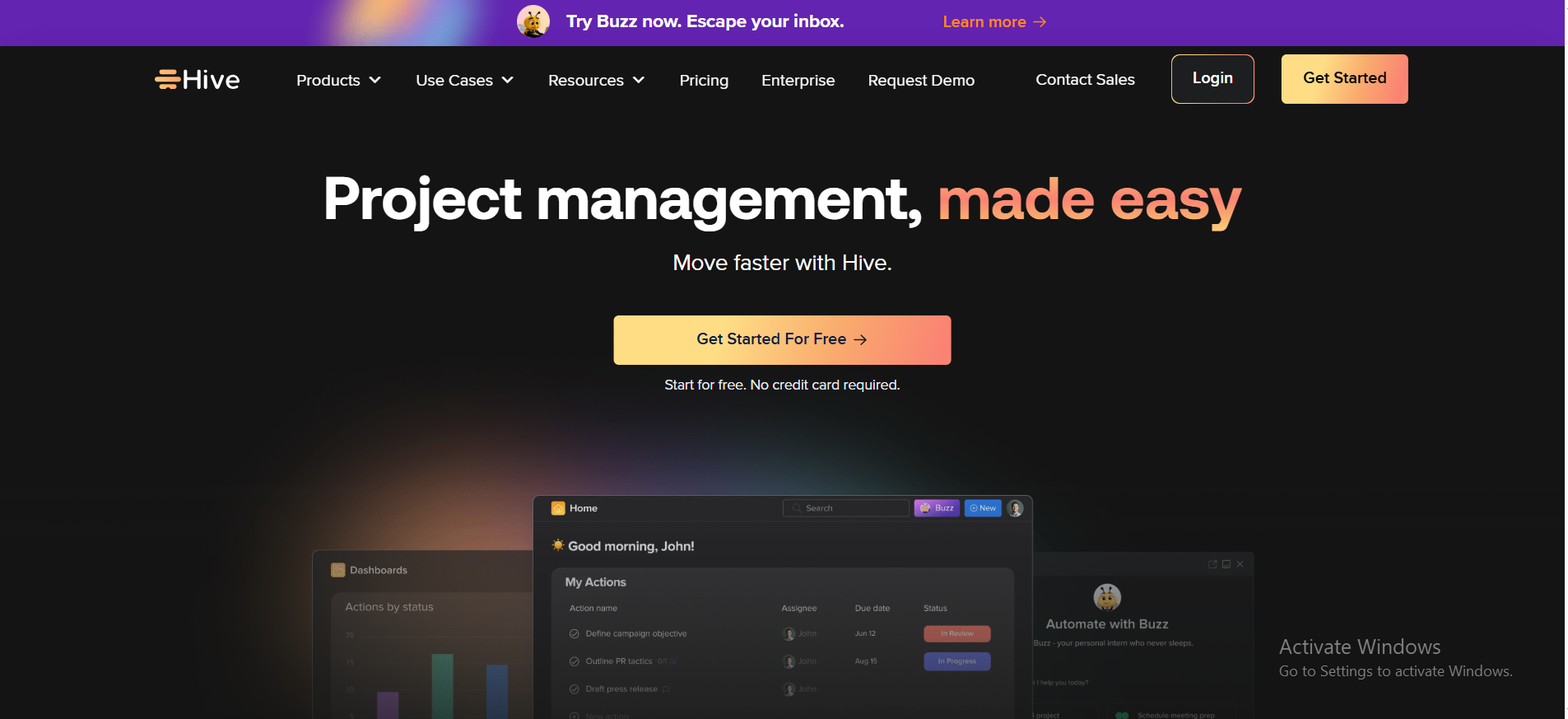
Hive is a collaborative business planner designed to help teams manage projects, workflows, and communication in one place. It blends project management with real-time messaging and flexible workflow views.
How It Works
Teams create projects with tasks, assign owners, set deadlines, and track project progress without jumping between multiple tools. Hive includes built-in messaging so teams can communicate directly about work tasks without switching to Slack. Flexible layouts allow different teams to organize tasks as they prefer.
Features
- Multiple project views: Kanban, Gantt, calendar view, table
- Built-in team messaging
- Time tracking per task and project
- Recurring tasks and milestone tracking
- Team collaboration with file sharing and approvals
- Third-party apps integrations (Slack, Google, Zoom, and more)
- Free plan for small teams
Pros
- Strong balance of project management and communication
- Flexible views make it adaptable to different teams
- Built-in messaging reduces the need for other apps
- Competitive pricing for teams
Cons
- Less intuitive for new users than simpler planner apps
- Smaller integration library than ClickUp or Monday.com
- The mobile app has room for improvement
- The free plan has limitations on features and storage
Pricing
Free for individuals; Starter plan is $7/month (monthly).
How to Choose the Right Planner App in 2026
The gap between the best planner app that works for you and one that just adds to your noise comes down to how honestly you answer a few questions.
Start with how you actually plan, not how you wish you did. Do you naturally think in lists or timelines? Do you need to manage tasks solo or coordinate with a team? Are your days driven by meetings and email, or by focused, deep-work blocks?
Your personal preferences matter more than feature lists here. A tool that fits how you naturally work will always outperform a technically superior one that fights your instincts every day.
Many users prefer planner apps that offer intuitive interfaces and easy navigation. User feedback often highlights the importance of intuitive navigation in planner apps, as complex interfaces can lead to frustration and decreased productivity. The best tools go further - AI-powered productivity platforms like Google Calendar, Outlook with Copilot, and Todoist with AI use ML, NLP, and analytics to automate prioritization, detect conflicts, and dynamically reschedule, with studies showing measurably more balanced schedules and reduced planning time. If a tool feels confusing on day one, it rarely gets better.
Consider these factors while choosing the right planner app:
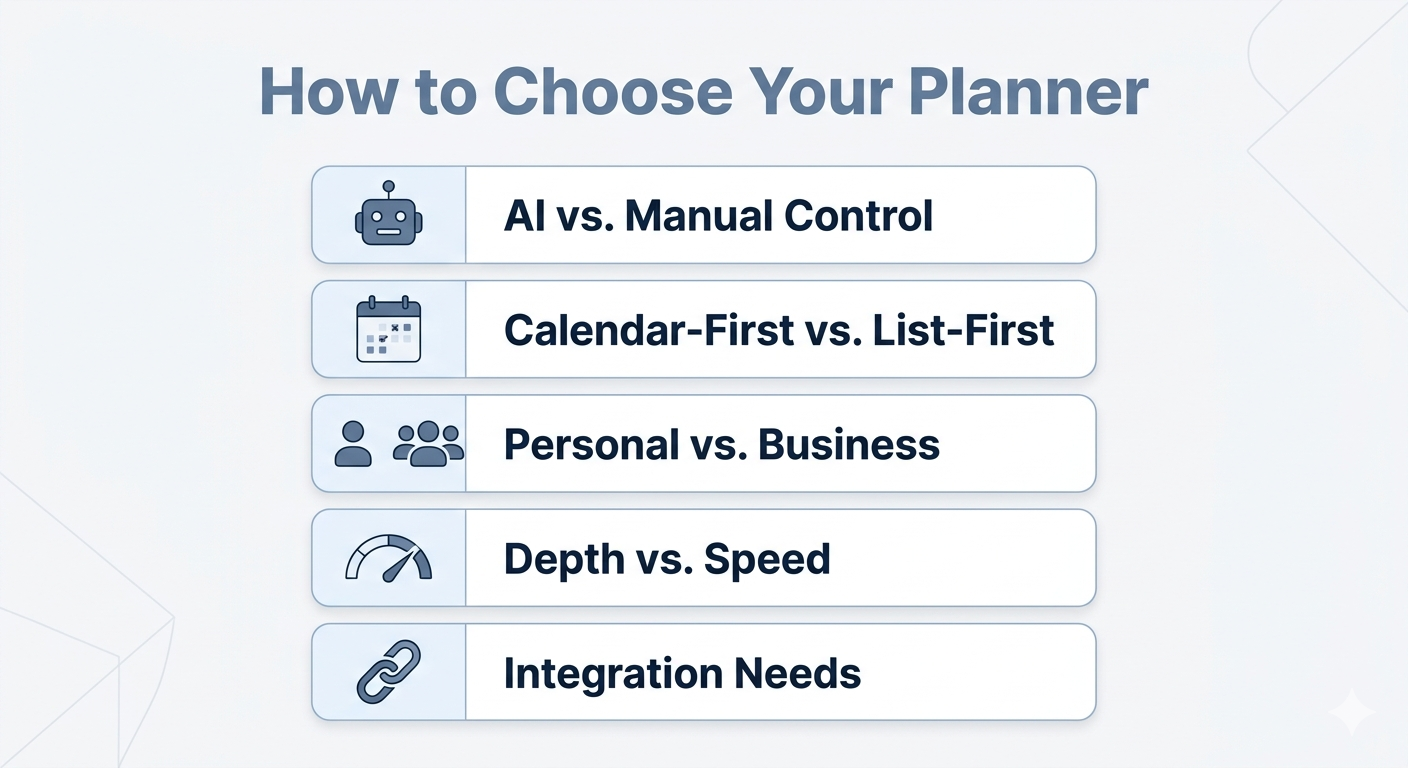
- AI vs. Manual Control. If you want automation and smart prioritization, tools like Sintra AI or Motion are built for that. If you prefer full control over your daily planner, Notion or Todoist gives you that structure without interference.
- Calendar-First vs. List-First. Some people plan by time (Google Calendar, Structured, Outlook). Others plan by task (Todoist, Things 3, Any.do). Neither is wrong; pick the mental model that fits.
- Personal vs. Business. Tools like ClickUp, Monday.com, and Hive are designed for teams managing project management workflows. Things 3 and TickTick are better for individual daily planner use. Sintra AI sits at the intersection of founders and operators, managing both.
- Depth vs. Speed. Some planning apps take time to set up and maintain (Notion, ClickUp). Others work in 30 seconds (Any.do, Things 3). Match the complexity to the work you're actually doing.
- Integration needs. If you use other tools like Slack, Gmail, or Asana, look for planner apps that integrate with them; Akiflow and Sunsama are built for this exact need.
Who Should Use an AI Planner?
AI planning apps aren't for everyone. But for the right person in the right situation, they remove a meaningful amount of friction from how work gets done.
The honest case for AI planners is about decision fatigue, context switching, and overloaded task lists, not about magic. Here's who genuinely benefits.
People Who Struggle With Prioritization
Most people who struggle with planning apps don't have a capturing problem; they have a deciding problem. The task list grows, but knowing what actually matters today is hard. AI planning apps surface priorities based on deadlines, goals, and context, so you're not staring at a long list trying to figure out where to start.
A 2024 survey by Timewatch found that 25% of professionals have no structured planning system at all and simply react to whatever feels most urgent; a pattern that consistently results in important tasks getting pushed aside. An AI planner interrupts that cycle by doing the deciding work for you.
Founders, Solopreneurs, and Operators
Running a business solo or with a small team means wearing many hats: marketing, sales, ops, and client work, all at once. A business planner that understands the different contexts of your work (not just a flat task list) helps you structure the day without losing track of what's urgent across functions. This is where Sintra AI's integrations with business tools make a real difference.
Knowledge Workers With Inbox-Driven Days
If your daily planner gets derailed every morning by emails and Slack messages, an AI planner helps you convert incoming requests into structured, scheduled work. Instead of reactively checking off what lands in your inbox, you're working from a plan that absorbs new inputs without breaking.
Teams That Need Lightweight Planning
Not every team needs full project management software. Small teams that need coordination without heavy overhead can use AI-assisted planning apps to align priorities quickly without setting up complex systems.
Users Who Want to Save Time on Planning
Some people spend more time managing their daily planner than actually working. If you recognize that pattern, an AI personal assistant that handles scheduling, prioritization, and organization automatically is worth serious consideration. The point isn't novelty; it's getting back time.
When an AI Planner Might Not Be Necessary
If you're managing a short personal to-do list, tracking simple daily routines, or working with a very low volume of tasks, an AI planner app is probably more than you need. Tools like Any.do or Things 3 handle basic task management without the overhead. AI planners earn their value at higher complexity; that's the honest benchmark.
Why Use a Planner App Instead of a To-Do List?
To-do lists capture tasks. Planner apps help you decide what to work on and when. That's the core distinction, and it matters more than most people realize.
The shift away from paper planners makes this even clearer. Paper planners offered structure and time-blocking by design; you couldn't just keep adding items without running out of physical space.
Digital to-do lists removed that natural constraint, which is part of why so many people feel overwhelmed by them. A good daily planner app brings that structure back in a format that actually works for modern life.
To-Do Lists Track Tasks, Planners Shape Priorities
A to-do list is passive. You add something to it, and it stays there until you act. Planner apps introduce structure: they help you group, prioritize, and sequence your work tasks so the most important ones rise to the top. The difference between a list and a plan is intention.
Reactive Work vs. Intentional Planning
Without a daily planner, most people work reactively, that is, responding to what's in front of them rather than choosing what matters. Planning apps flip that. You decide what you're working on before you start, which means fewer interruptions and more progress on what actually counts.
A research paper in the Journal of Emerging Technologies and Innovative Research highlights that effective time management through goal setting and task prioritization has a direct positive impact on job performance and overall well-being, exactly what intentional planning with the right tool supports.
Planning Time, Not Just Tasks
Planner apps account for time, capacity, and daily schedules in ways that to-do lists simply don't. When you assign a task a time block, you're forced to reckon with how long things actually take. That's where daily schedule planning beats an endless list; you manage time effectively instead of just tracking items. Good time management starts with treating time as a finite resource, not an unlimited buffer.
Why To-Do Lists Often Lead to Overload
To-do lists grow without limits. There's no natural constraint; you can add a hundred items, and the list doesn't push back. Planner apps force you to reckon with reality. When your daily planner is already full, adding more shows you immediately that something has to move or be cut. Poor time management doesn't just hurt output; it directly affects work-life balance and stress levels, which makes choosing the right planning system genuinely worth the effort.
Planners Support Execution, Not Just Organization
A good daily planner app bridges the gap between having goals and actually doing the work. It turns ideas and loose to-dos into scheduled actions with clear owners, times, and contexts. That bridge is what makes the best productivity planners worth using over a simple notes app.
When a To-Do List Is Still Enough
For simple personal tasks, like groceries, task reminders, and quick errands, a to-do list is completely sufficient. Not every situation needs a full daily planner. The goal is always the lowest-friction system that actually works for you. If a plain list does that, use it.
Why Sintra AI Is the Best Planner for Business Workflows
Most tools on this list do one thing well. Sintra AI is designed for the person who needs to do many things well, across marketing, sales, operations, and client work, without losing track of any of it.
The difference isn't just automation. It's the combination of context-awareness, specialized AI personal assistant support, and a planning layer that understands your business, not just your to-do list. Milli, Sintra's AI sales manager, is one example. It integrates with your other business workflows, so you don't have to context-switch between tools.
The broader point is that modern time management for business owners is less about picking the right productivity technique and more about having the right system underneath your work.
A 2024 study in the ACM Symposium on Human-Computer Interaction for Work found that task management software design directly shapes how workers estimate task duration and manage stress, which is exactly why the architecture of your planning tool matters as much as its feature list.
For founders, operators, and business owners who've outgrown simple task management, Sintra AI offers a different kind of business planner; one that works with you rather than just waiting for you to update it.
Ready to Plan Smarter in 2026?
The right planner app makes your work easier. The wrong one just gets in the way. Most of the tools on this list are solid. The real difference is finding the one that fits how you actually work.
If you run a business, lead a team, or handle a lot of moving parts, Sintra AI is worth trying. It does more than track tasks. It helps you figure out what to focus on and gets your workflow moving. Think of it as an AI assistant that works with you, not just one that sends you reminders.
Get started with Sintra AI and see what planning looks like when the tool is actually on your side.
Planner Apps FAQs
How do I choose the best planner app for my needs?
Start with the problem you want to solve. If you just need to manage tasks day to day, a simple daily planner app like Todoist or Things 3 does the job well. If you run business workflows or work with a team, look at ClickUp, Monday.com, or Sintra AI. Think about your personal preferences too. Some people like lists. Others need visual timelines. From there, check whether you need calendar integration, habit tracking, AI features, or team collaboration, and pick the tool that checks those boxes.
What is the difference between a planner app and a to-do list?
To-do lists hold tasks. Planner apps help you decide when to do them and in what order. The best planner apps also factor in deadlines, available time, and priorities, not just what needs to get done.
Are AI planner apps better than traditional planners?
For busy or complex work, yes. AI planning apps help reduce decision fatigue, bring the most urgent work to the top, and handle scheduling automatically. For lighter personal use, a basic daily planner app is often the simpler and faster choice.
Which planner app is best for business use?
Sintra AI is our top pick for business workflows, especially for founders, solopreneurs, and small teams juggling many responsibilities. For team project management, ClickUp and Monday.com are strong picks. For teams with packed calendars, Motion and Sunsama are worth a look.
What is the best daily planner app right now?
The best daily planner app comes down to your device and how you like to plan. Apple users tend to love Things 3. TickTick is great if you want tasks and habits in one place. Sunsama works well for structured, guided planning. For AI-powered daily planner help, Sintra AI and Motion lead the pack.
Related articles


