













Sintra's solutions.
Sintra.ai Integrations: Connect Every Tool Your Business Runs On.



























One Click. Every Tool Connected.
Sintra.ai integrations connect the tools you already use - Gmail, Google Calendar, LinkedIn, Notion, QuickBooks, and more - directly to the specialist that needs them. No coding, no complex setup. Each integration takes one click, and from that moment your specialists work with real data from your actual business stack. Emails sent, posts scheduled, reports generated, meetings managed - all without switching tabs or repeating yourself

Sintra.ai Integrations List: Every Tool You Can Connect
Gmail
Your AI email specialist sends, replies to, and reads your Gmail inbox - executing outreach campaigns, following up with leads, and managing inbound messages without you lifting a finger.

Schedule and publish LinkedIn posts, manage your company page, and grow your professional presence - all handled by your social media specialist.


Google Calendar
Your virtual assistant reads and creates Google Calendar events, keeping your schedule organized and your commitments on track - automatically.

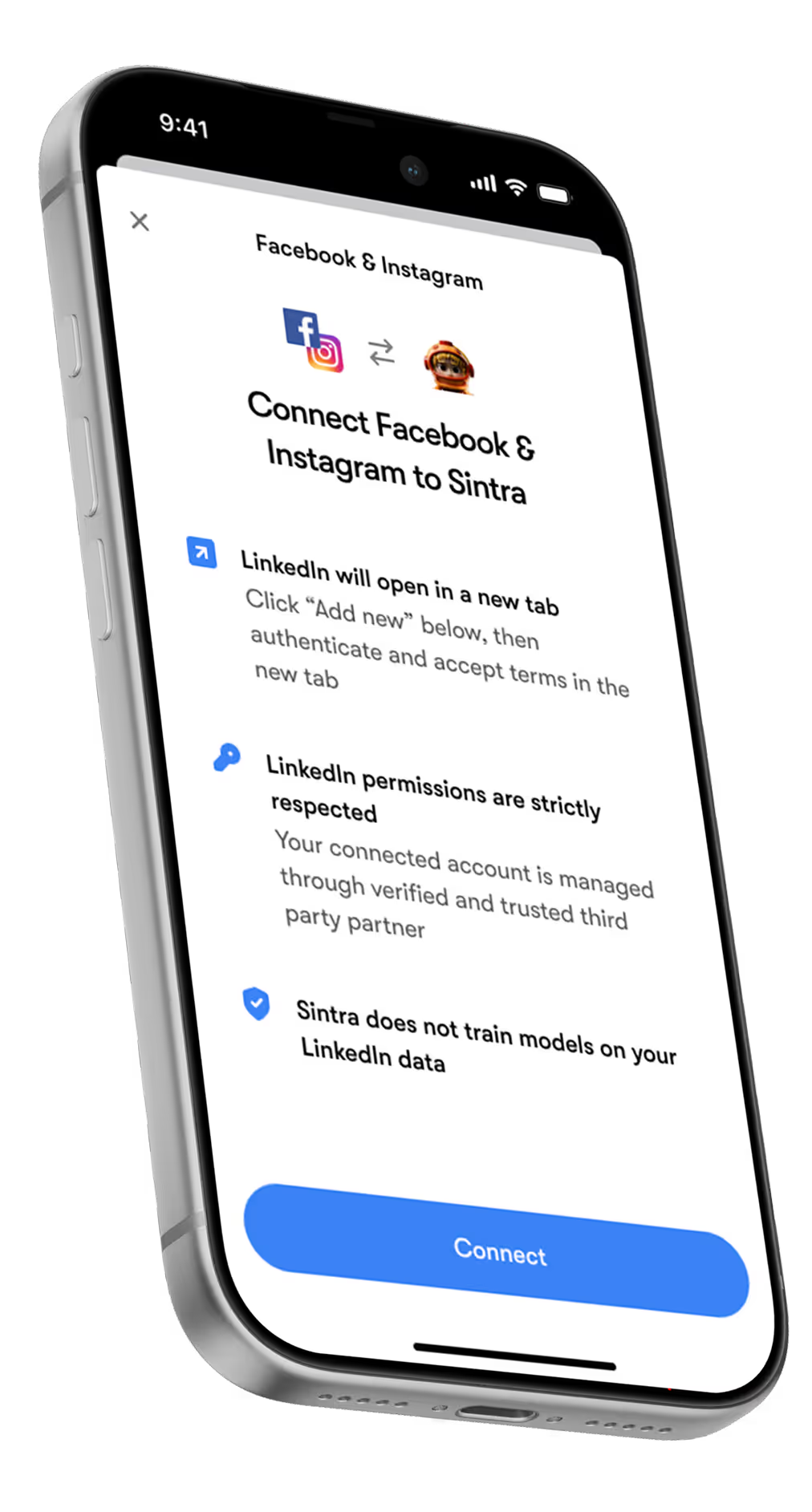
Facebook & Instagram
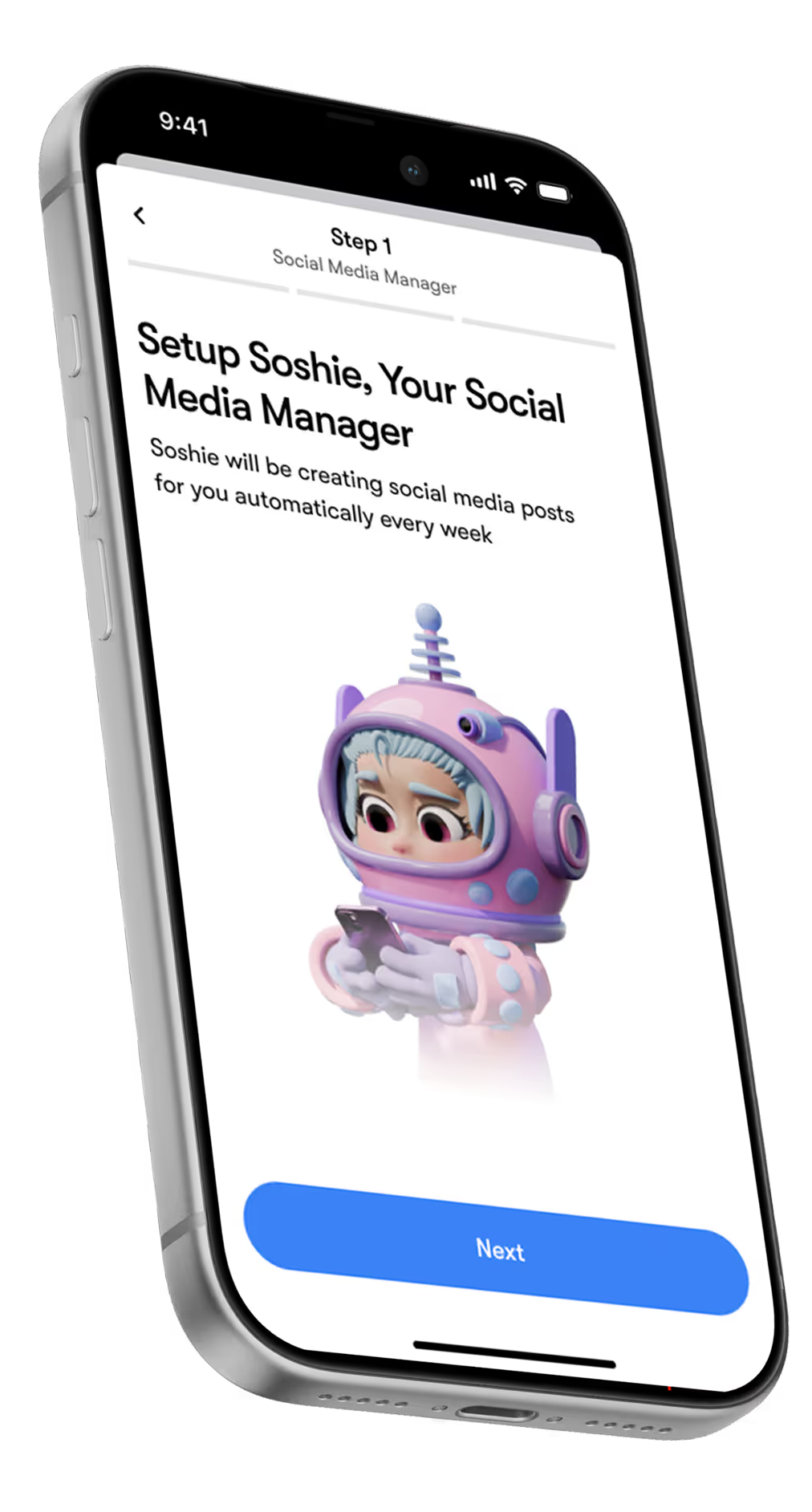
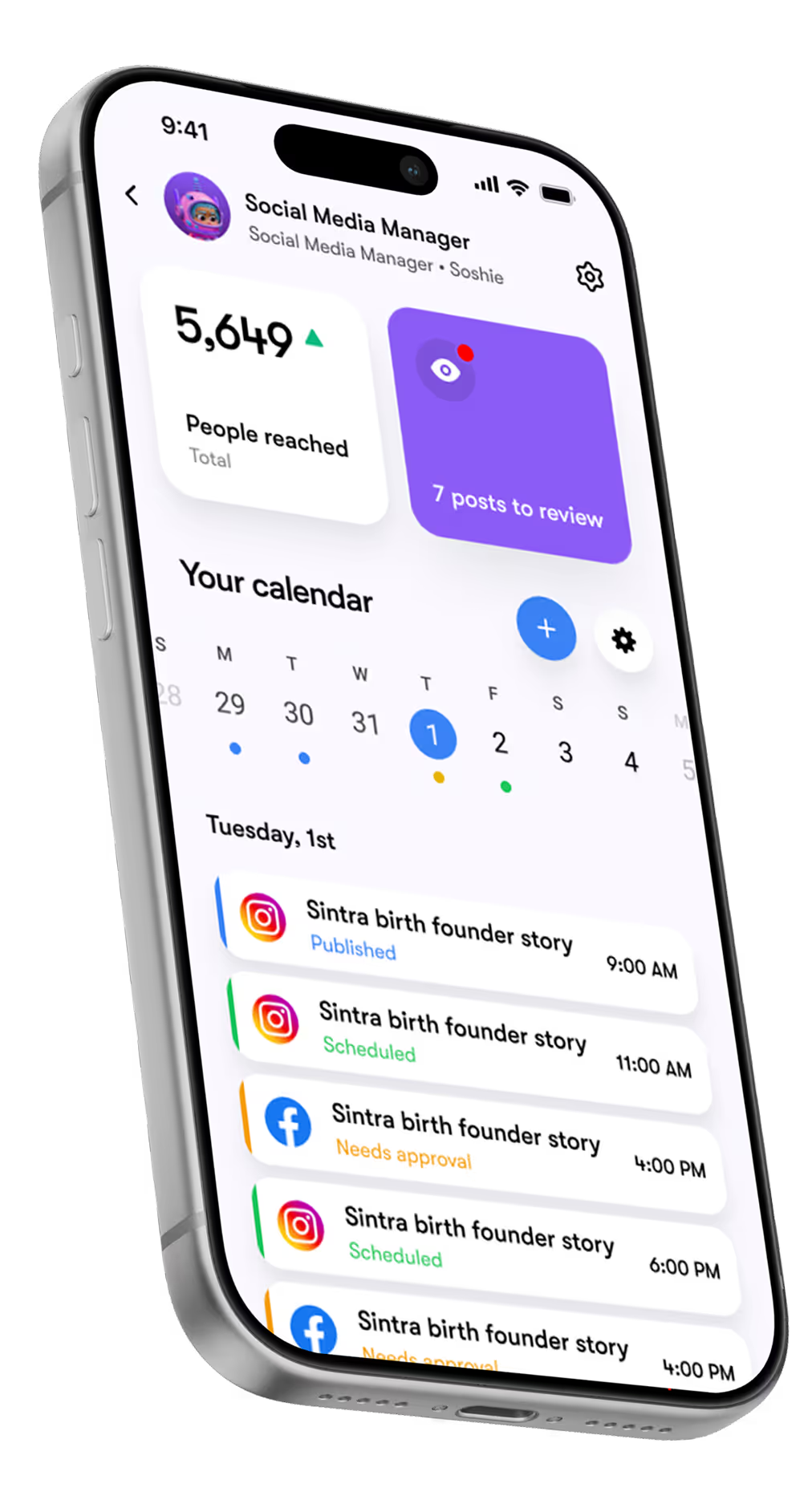
Publish posts to Facebook and Instagram, track page insights, and grow your audience - your social media specialist handles both platforms simultaneously.

Notion
Create and update Notion pages, read databases, and keep your projects organized - your virtual assistant handles the admin so you stay focused on strategy.

Google Drive
Save documents, reports, and messages directly to Google Drive - your specialists store outputs automatically so nothing gets lost.

Microsoft
Send, reply to, and read your Microsoft Outlook inbox - the same email capabilities as Gmail, but for your Microsoft stack.

Strava
Your personal coach reads your Strava activity data to track fitness goals, adjust your schedule, and keep your health habits consistent.

Google Analytics & predictive analytics
Your data analyst connects directly to Google Analytics to analyze traffic, generate reports, and surface actionable recommendations - so you get insights without digging through dashboards yourself.

Quickbooks
Create and send invoices, read financial data, and generate reports in QuickBooks - your data analyst keeps your finances organized and up to date.


TikTok
Upload and manage videos on your TikTok account - your social media specialist keeps your video content consistent and on schedule.

YouTube
Upload and manage videos on your YouTube channel - your social media specialist handles publishing so your channel stays active without manual effort.

Meta Ads
Manage your Facebook and Instagram ad campaigns - your sales manager monitors spend and performance so your paid social stays on track.

Slack
Send messages, manage channels, and keep your team communication flowing - your virtual assistant keeps Slack organised without you managing it manually.

Google Tasks
Your virtual assistant creates and reads tasks in Google Tasks, keeping your to-do list in sync with your Google Calendar and nothing slipping through.

Trello
Your virtual assistant creates, reads, and updates Trello cards to keep your projects moving - no manual board management needed.

Todoist
Create, read, and complete tasks in Todoist - your virtual assistant keeps your personal and team task lists up to date automatically.

Linear
Manage issues, projects, and teams in Linear - your virtual assistant searches issues, creates tasks, and tracks project progress without manual updates.

Dropbox
Read and update your Dropbox files - your specialists store and retrieve documents directly from Dropbox without manual file management.


HubSpot
Read and update your HubSpot data - your sales manager tracks leads, contacts, and deals so nothing falls through the cracks.

WordPress.com
Your copywriter and SEO specialist publish, read, and update content directly on your WordPress site - from blog posts to landing page copy.

Webflow
Manage your Webflow sites, CMS collections, and pages - your copywriter and SEO specialist create, update, and publish content directly.

Shopify
Read and manage your store's orders and products - your eCom specialist keeps your Shopify store organised and your inventory up to date.

GitHub
Manage issues and pull requests in your GitHub repositories - your virtual assistant tracks development tasks and keeps project progress visible.

Google Workspace
Admin
Manage your Google Workspace domain - list, view, and create user accounts so your team setup stays organised without IT overhead.
Set Up Any Sintra Integration in Minutes
No coding, no developer, no complicated setup. Pick your tool, connect it once, and your specialists start working with real data from your stack immediately.

Connect your tools
Go to Integrations, pick the tool, authenticate in one click.
Assign to the right specialist
Each tool connects to the specialist that uses it - Gmail to your email marketer, Analytics to your data analyst.
Work gets done
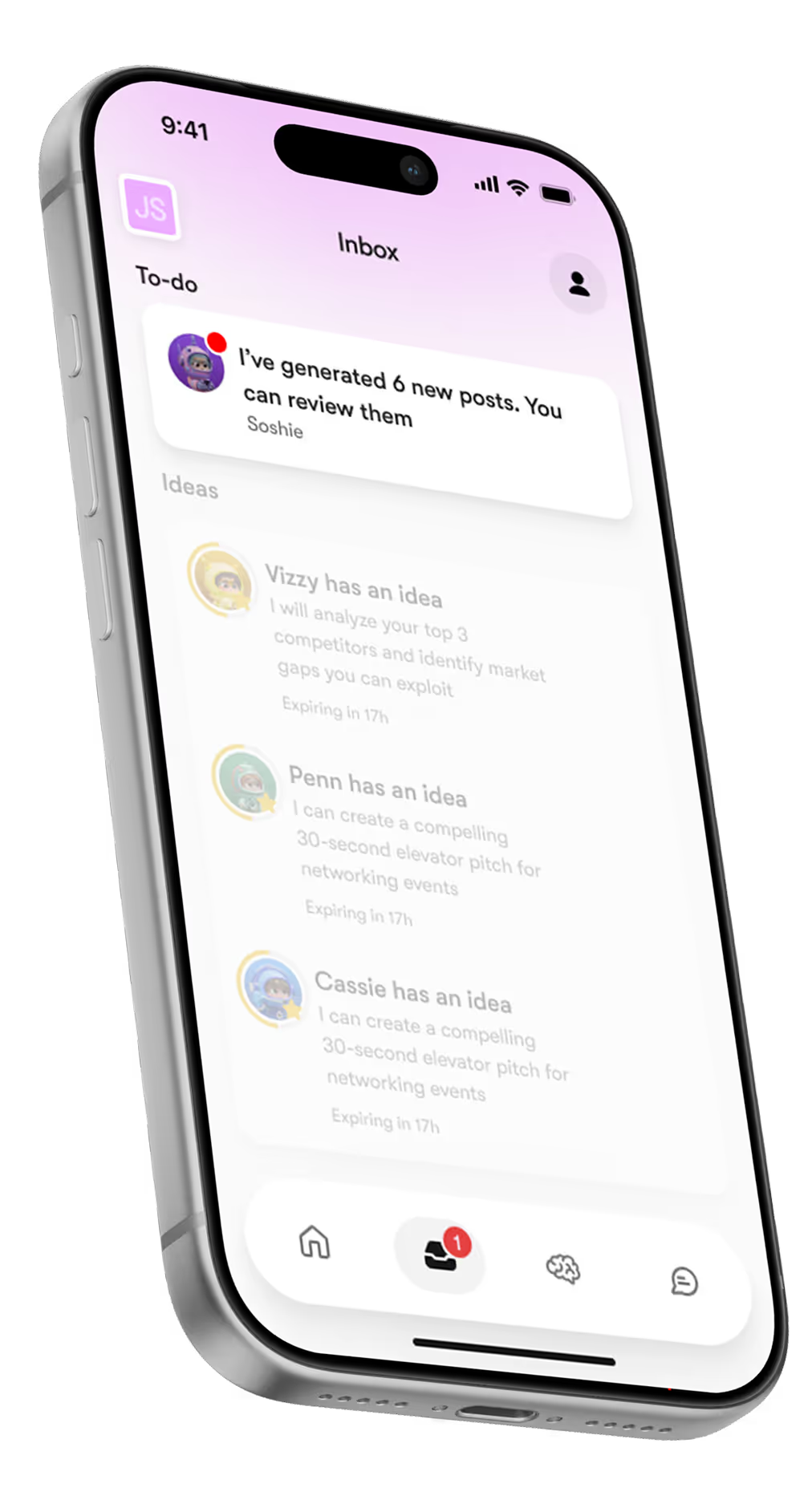
From that moment, your specialists work with live data from your actual stack - no manual inputs, no copy-pasting.
12 Specialists. Each One Connected to the Tools You Already Use.
Every Sintra specialist is pre-wired to your integrations - so when you connect Gmail, your email marketer can send campaigns the same day. Connect Google Analytics, and your data analyst starts pulling reports immediately.












What Users Say About Sintra.ai Integrations
50,000+ business owners have connected Sintra to their tools - here's what they experienced after their first integrations went live.


I can’t recommend SintraAI enough. It’s like having a personal business coach 24/7, mapping out steps to grow my company and clarifying my priorities. I feel a renewed sense of focus and control every day.
December 29, 2024 • Socrate Concepcion • US

Each AI bot tackles my to-do list, from scheduling tasks to crawling my website for SEO tips. I love how it set up calendar reminders for all my commitments. Sintra.ai is well worth every penny, especially for a busy single-person business.
December 14, 2024 • Jennifer Glenn • US

As an entrepreneur launching a new venture, Sintra.ai has made a real difference. The AI assistants are like personal staff I can rely on. And whenever I needed support, the team was on point. A must-try for any budding business!
December 21, 2024 • Custódio Barreiros • HU

I once had a large team, and although I loved my helpers, they needed constant motivation. With Sintra, there’s no drama, just new ideas that I can simply accept or reject. It’s a huge relief—100% recommended.
December 26, 2024 • Holly Wehde • US

Hiring Sintra was a great decision for my struggling boutique. They handle social media posts, guide my ads, and even offered a solution for double social media pages. Now I can focus on my inventory and customers.
December 17, 2024 • Michele Davis • US

Signed up for Sintra X—it felt overwhelming at first, but once it understood how I think, it turned into a creative powerhouse. Support is top-notch, and the daily integrations impress me.
Dec 10, 2024 • Sami Liftoff • US

I’m not usually one to give top marks, but once I got comfortable with Sintra’s 12 helpers, I was blown away by their efficiency. They churn out so many analytical ideas I have to pause and digest them. It’s sometimes overwhelming, but in a good way.
December 29, 2024 • lars • DK

Sintra integrates with all my favorite tools and these little helpers automate my tasks in a huge way. They actually learn my company’s style day by day. It’s a massive step up from generic AI chats.
December 30, 2024 • Michelangelo • IT

My life is simpler with Sintra. It handles content creation, next steps, brainstorming, and copy. I highly recommend it if you want to free up mental space for what truly matters in your business.
December 28, 2024 • Lionel D'Alvia • US

My “team” in Sintra knocks out tasks like magic, offering fresh ideas for efficiency and better customer outreach. It’s a relief knowing I have AI assistants ready to go around the clock.
December 31, 2024 • Kat Angelica • US

I’ve only been using Sintra for a couple of weeks, but the experience has been great—especially with the social media bot reaching out to me with new ideas. The pull model feels super proactive and makes me more confident in my daily tasks.
December 30, 2024 • Bayan Qandil • US

I challenge anyone to compare other platforms to Sintra.ai and their staff—you won’t find a better customer experience. Everyone is professional, responsive, and genuinely cares about helping. Truly top-notch!
December 28, 2024 • Timothy Montjoy • US

This platform helps me like a full-time employee would. As a startup, I can’t afford extra staff, so Sintra stepped in to handle complex tasks and free me up for big-picture thinking.
December 28, 2024 • Jules Kincaid • US
I’m juggling multiple hats in my business, and these 12 AI “helpers” lighten the load. They even crack jokes and celebrate milestones with me! I saved thousands in consultant fees by letting Sintra handle SEO and content tasks.
December 30, 2024 • Michelle Smith • US

This platform helps me like a full-time employee would. As a startup, I can’t afford extra staff, so Sintra stepped in to handle complex tasks and free me up for big-picture thinking.
December 24, 2024 • Domanic R.H • US
Why should you get Sintra Helpers?
Stop jumping between tools
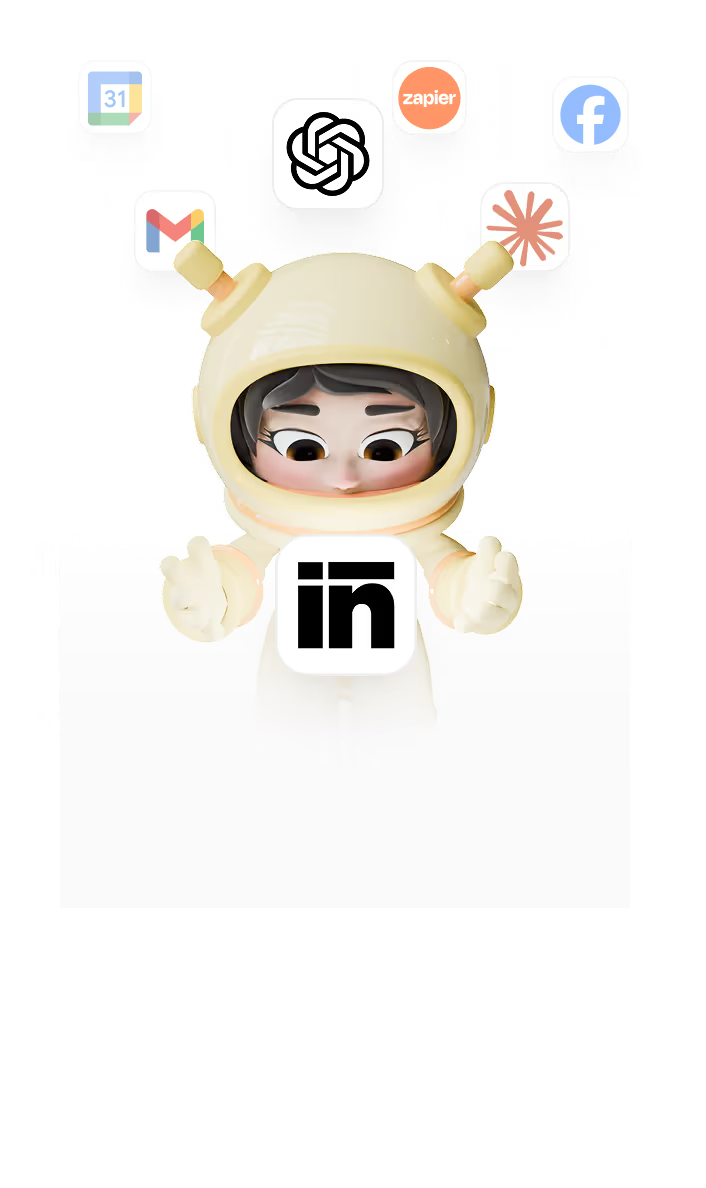
Switching from tools Gmail to ChatGPT to Canva kills your focus — Sintra puts it all in one workspace.
Write, design, and plan content in one chat
Send emails or post online in one app
Keep all brand files and info in your Brain AI
Automate the tasks you hate
Social media posts, comments, email replies... — your Helpers do them for you while you grow your business.
Auto-post and schedule your content
Auto-reply to comments and messages
Get daily summaries from your inbox
Never feel lost in business
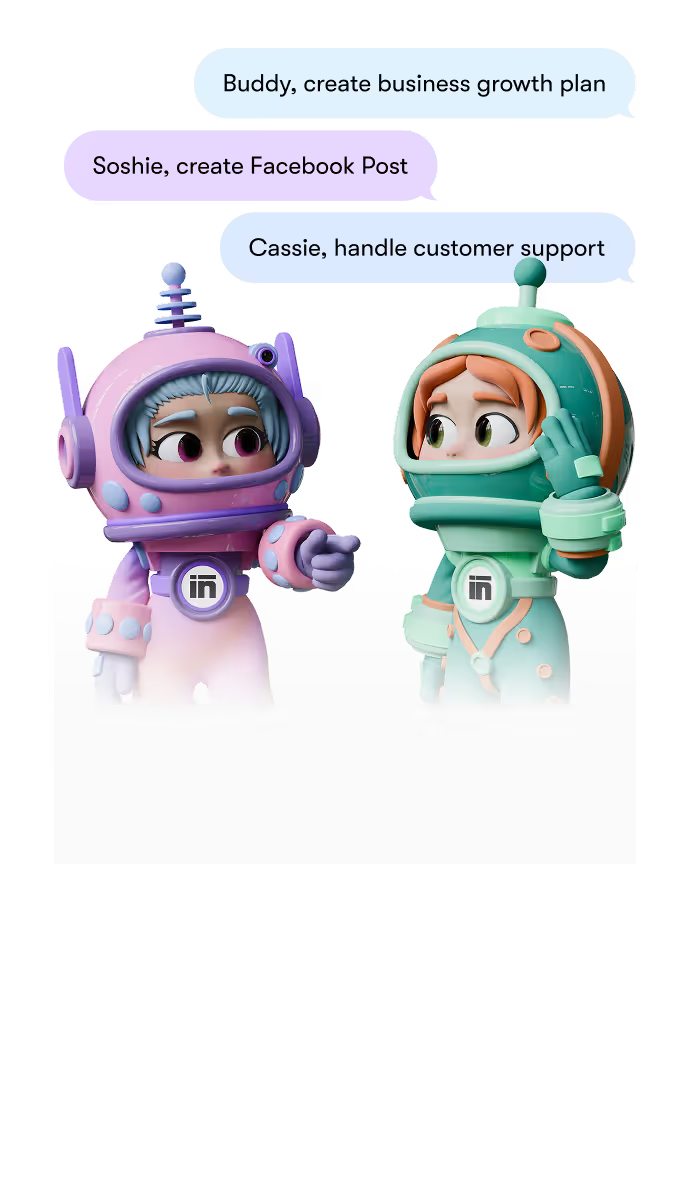
Get guidance and ideas from experts who know your brand — from strategy to SEO to customer care.
Build a plan with your Business Strategist
Grow traffic with your SEO Specialist
Get feedback from your Helpers anytime

Your data stays yours - even when your tools are connected.
Sintra integrations are read-write only for the tasks your specialists need. We don't store credentials, don't train on your data, and you can disconnect any tool at any time.
Encrypted by design
From your first login to the last addition in your business knowledge vault, every interaction is encrypted in transit and at rest. This means that neither Sintra nor any third party can access your files or analytics.
Full Data Ownership
"Your content, your strategy, your AI - they belong entirely to you. At any time, you can delete your data or export it. We don’t train models on it or resell it, and your Brain AI is built exclusively on your own assets.
GDPR Compliant
We follow the highest standards of data protection under the GDPR framework. Your personal information is collected and stored transparently - with clear rights to access, modify, or delete your data at any time.
Sintra.ai Integrations - Frequently Asked Questions
What is the full Sintra.ai integrations list?
The current Sintra.ai integrations list includes: Gmail, Microsoft Outlook, LinkedIn, Facebook, Instagram, Google Calendar, Google Drive, Google Analytics, Notion, QuickBooks, and Strava - with more being added regularly. Each integration connects directly to the specialist role that uses it most: Gmail and Outlook go to your email marketer, Google Analytics to your data analyst, and so on.
Do I need technical skills to set up Sintra Integrations?
None at all. Setting up Sintra.ai integrations takes about 2 minutes per tool - you authenticate your account, select which specialist connects to it, and you're done. No coding, no webhooks, no developer needed.
How do Sintra.ai integrations work with my existing tools?
Once connected, each Sintra specialist accesses your tool directly to read, write, or send - depending on what the task requires. Your email marketer uses Gmail to send campaigns; your data analyst pulls from Google Analytics for reports. Everything works inside your existing stack, and you stay in control of what each specialist can access.
What happens if I face issues with my integrations?
Our support team is available via email and live chat to help you troubleshoot any Sintra.ai integration issue. Most integration problems are resolved within a few hours. You can also find step-by-step setup guides for every integration in our Help Center.
Can I add new integrations to Sintra.ai in the future?
Yes - Sintra.ai integrations expand regularly. You can connect all available tools from day one with no limit, and new integrations are added based on user demand. If there's a tool you rely on that isn't listed yet, you can request it directly from your dashboard.