


AI for design that handles the words around your work
Drafts briefs, project narratives, and presentation specs in your studio's voice.
Builds client status updates, scope tracking, and project marketing copy.
Brain AI holds your style guide, past projects, and client briefs.
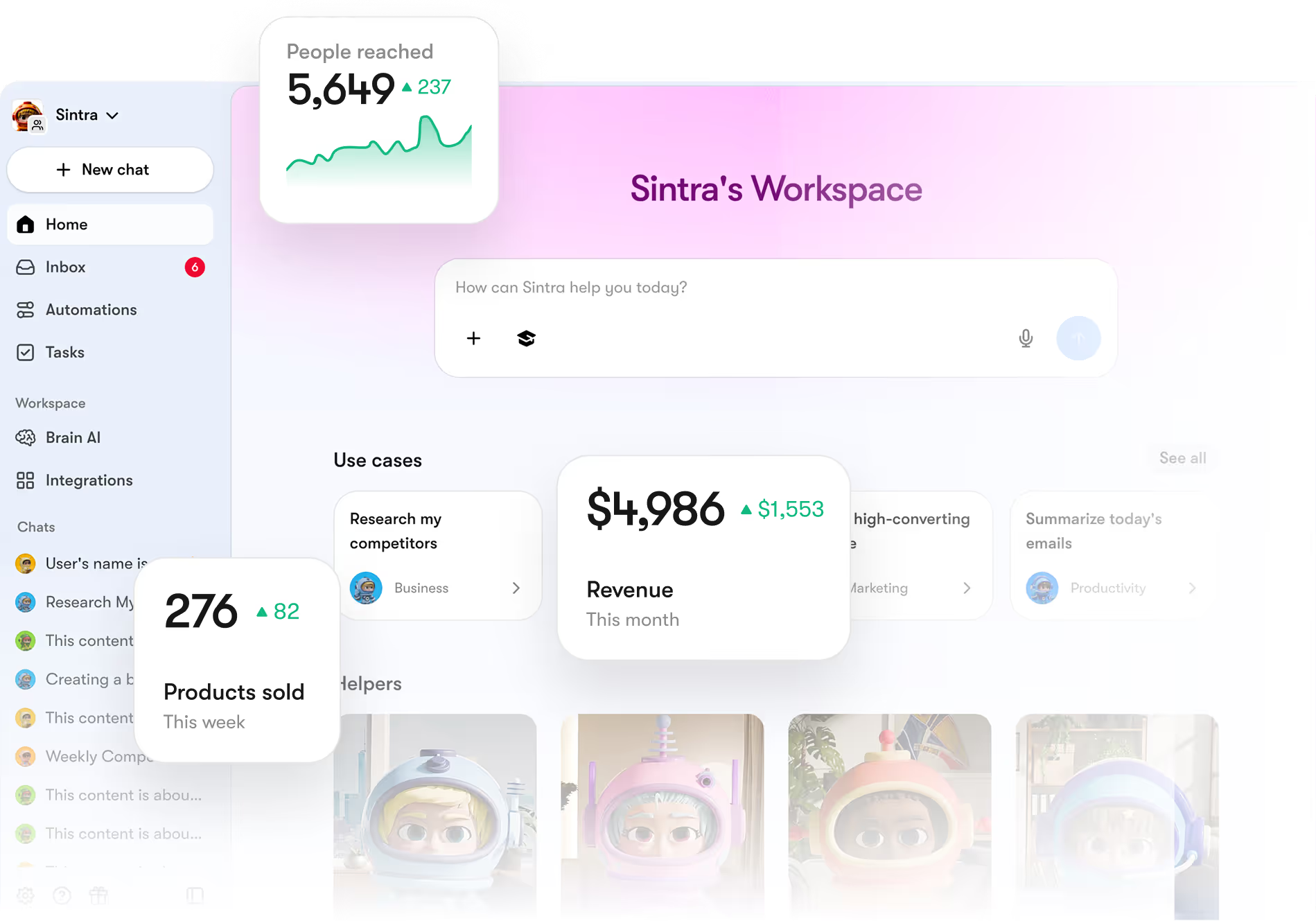
What is AI for design?
AI for design is software that handles the words around the work: briefs, concept presentations, case study writeups, pitch decks, and the studio's own marketing. It works from your studio's voice and the projects you've shipped, not a generic template.
It doesn't design. Typography, layout, the brand system, and every visual judgement stay with the designers. What AI takes is the writing that sits between the work and the client seeing it.
What it does for your studio
What it doesn't
Every design office workflow in one platform
Design work is the visual problem. The words around the work — briefs, presentation copy, status emails, case studies — eat hours that should be on the design. Sintra runs that office side for you. Twelve specialised functions across briefs, client comms, marketing, and reporting, all sharing your studio's voice through Brain AI.

What slows down a design studio
AI for design should free up the visual time, not eat it. These are the drains every studio runs into.
Briefs take longer to write than to design from
Each project needs a clear brief. Writing the brief takes half a day. The design work waits.
Presentation prep eats Tuesdays
Slide-by-slide narrative, client-facing rationale, and the deck assembly that wraps every concept review.
Case studies never get written
Great project finished, the case study draft sits half done. The next project starts.
Status updates slip when projects squeeze
Client expects weekly updates. When the design crunches, the updates stop.
Pitch decks reinvent every time
New client gets a custom deck. The reusable parts get rewritten anyway.
Studio marketing depends on quiet weeks
Blog posts, social, awards submissions all wait for the quiet week. The quiet week doesn't come.
How AI for design runs your office, function by function
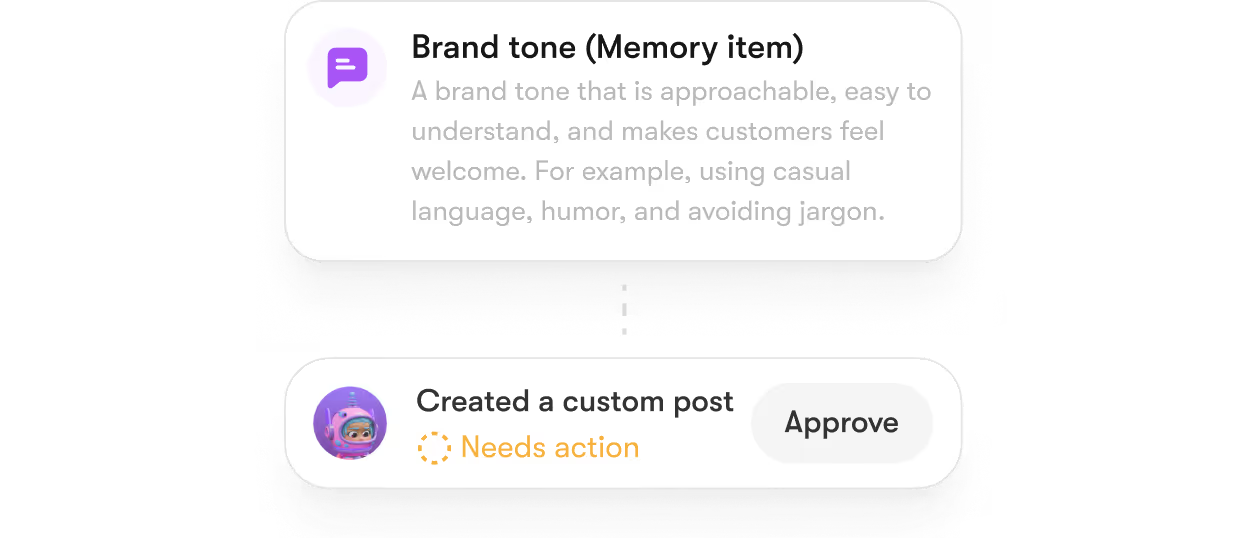
Each role is built for one office task. Brain AI holds your style guide, past projects, and client briefs.
Draft design briefs from client conversations

Write presentation copy and rationale

Build case studies from completed projects

Draft client status emails and project updates

Generate pitch decks for new business

Schedule studio social and awards submissions

Run weekly project status reports

Audit studio website and project pages

Five workflows design studios run on AI
Each one gives back the design hours.
Brief writing
AI takes your kickoff call notes and drafts the design brief. Scope, audience, constraints, success metrics all sit in one doc before the design starts.
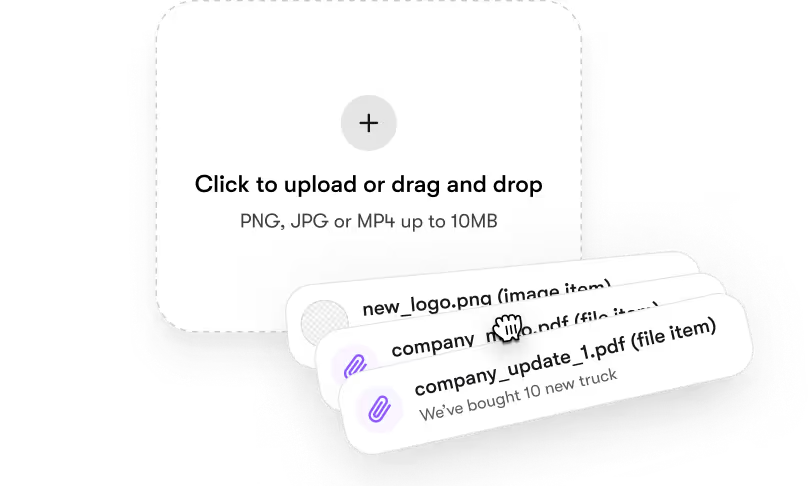
Concept presentation
Drop your visuals and the brief into Brain AI. AI drafts the slide-by-slide narrative and the rationale paragraphs. The presentation prep that took a Tuesday takes an hour.
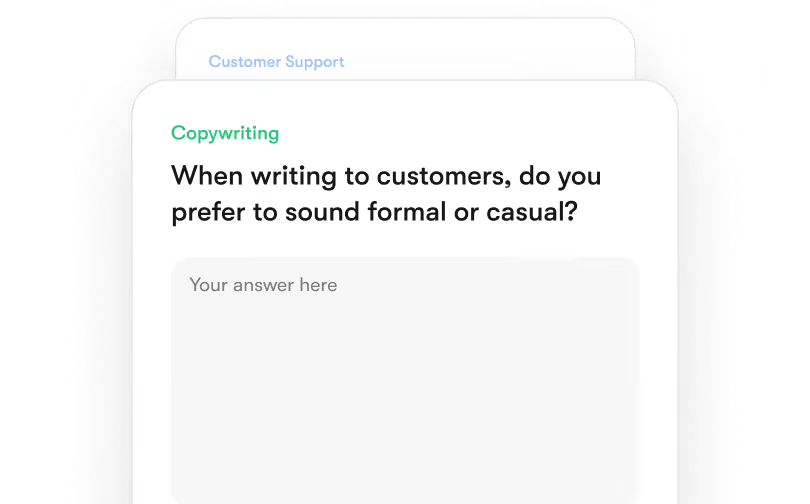
Case study writeup
AI takes the project assets and the brief, drafts the case study in your studio voice. The portfolio refresh stops depending on a quiet Friday.
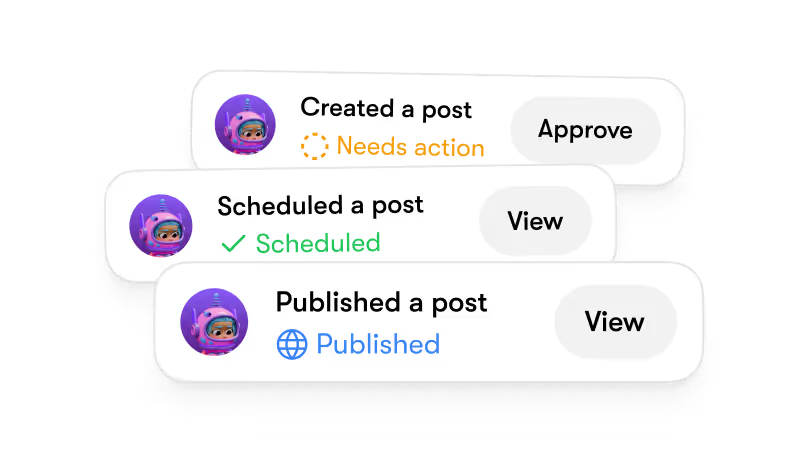
Pitch deck
Drop the RFP and past relevant projects. AI drafts the pitch deck structure, the case-study selections, and the team page. Pitches that wouldn't have gone out, go out.
Studio marketing
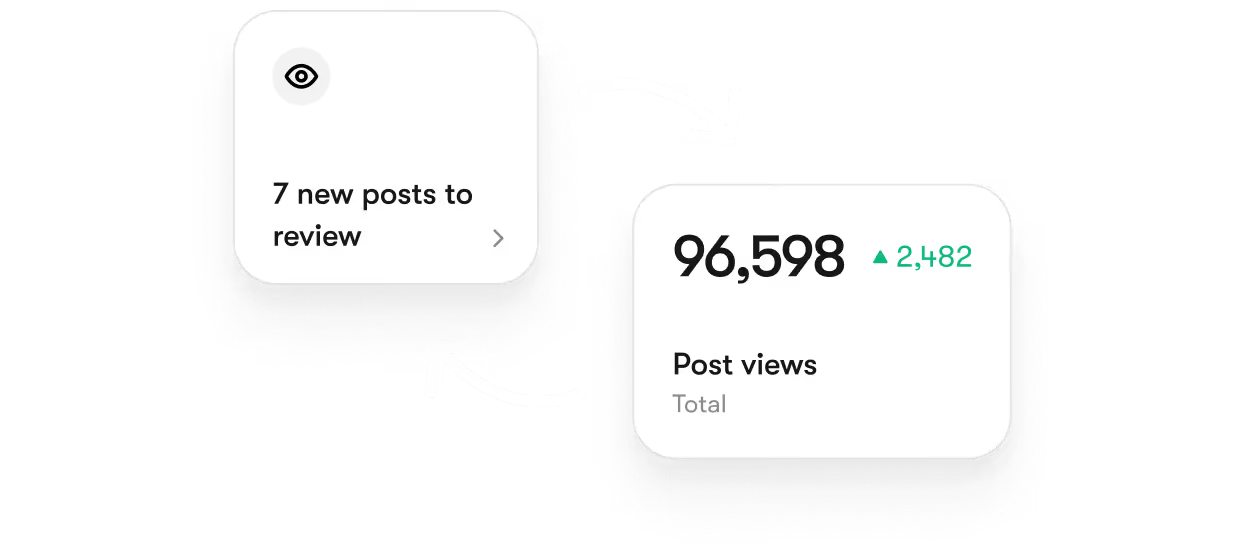
AI drafts blog posts on recent projects, schedules studio social updates, and queues awards submissions. The marketing lane stops being optional.
Twelve AI tools for design, one subscription
Each role is built for one part of office work. They share your style guide, past projects, and client briefs through Brain AI.

How to use AI for design
Where to start, and what to hand over first.
Start with the task you do most and want least
Not the concept. The one that eats a Friday. For most studios that's the case study, or the brief written from a messy call recording.

Write down how you actually do it
Your studio's voice, the work you want more of, how you talk about craft. If it only lives in a founder's head, no tool can use it.

Hand over one task, not the function
One case study. Not 'marketing'. Start with something small enough to read before it publishes.

Check the first outputs like you'd check a junior's
Early drafts land close, and generic in ways only a designer can see. Say what's wrong. It holds.

Widen the scope once it's right
When the case study reads like your studio, add the pitch decks, then the briefs.

Brain AI keeps every project's context current
Drop your style guide, past projects, client briefs, and studio voice into Brain AI. Every output reads from it before it writes. The brief, the presentation copy, the case study all pull from one source. 93% of users see response accuracy improve once Brain AI is populated.
93%
Of users report increase in response accuracy after filling Brain AI.
5.2 hours
Saved for users per week by eliminating repetitive context-setting.

As users continue to engage with Brain AI, they experience ongoing improvement in their critical thinking skills and cognitive abilities.
Plugs into the design studio stack you already use
Google
Drive

Gmail

Google Calendar


Outlook

Notion

Quickbooks

Microsoft

Strava

Google
Analytics

Google
Drive
Gmail
Google Calendar
Outlook
Notion
Quickbooks
Microsoft
Strava
Google
Analytics
Google
Drive
Gmail
Google Calendar
Outlook
Notion
Quickbooks
Microsoft
Strava
Google
Analytics
How to choose AI for design
Four options, and what each one is best at.
A general AI chatbot
Best for testing the idea cheaply. It will draft a usable case study if you're willing to write the brief and explain the project every time.
The AI in your design tool
Best on the canvas. It generates layouts, fills content, and removes backgrounds inside the file, and nothing here touches the visual work.
Hiring a studio manager or writer
Best for work that needs a person. Someone who reads a client in a presentation and knows which concept to lead with.
Sintra
Best for the words around the work, running continuously. Briefs, presentations, case studies, pitch decks, studio marketing, each client's voice kept separate, from one place.
How to start
Three steps from sign-up to your first written brief.
Connect your stack
Link your project tool, email, and document storage. Set up takes ten minutes.

Fill Brain AI
Drop in three past briefs, your style guide, and a studio voice sample.
Run the first brief
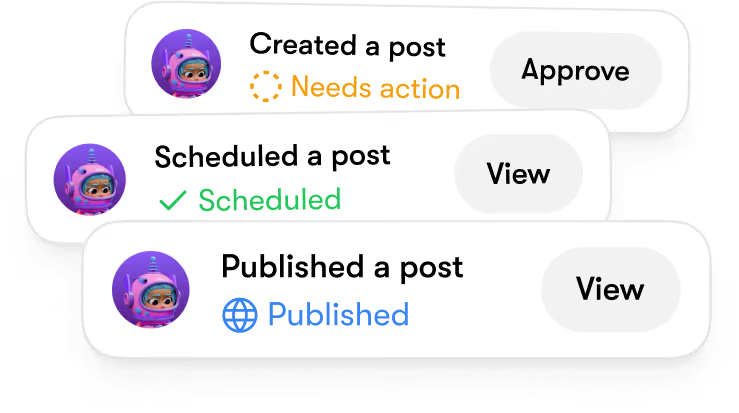
Ask AI to draft the brief for your next project. Real output before the next client call.

With great powers
comes great privacy.
Encrypted by design
From your first login to the last addition in your business knowledge vault, every interaction is encrypted in transit and at rest. This means that neither Sintra nor any third party can access your files or analytics.
Full Data Ownership
"Your content, your strategy, your AI - they belong entirely to you. At any time, you can delete your data or export it. We don’t train models on it or resell it, and your Brain AI is built exclusively on your own assets.
GDPR Compliant
We follow the highest standards of data protection under the GDPR framework. Your personal information is collected and stored transparently - with clear rights to access, modify, or delete your data at any time.
Pricing built for design studios
One subscription gives you all 12 functions, Brain AI, and the full integration list. No per-seat fees, no per-project charges. 14-day money-back guarantee on your first paid month.


Used by more than
50,000+ founders.


I can’t recommend SintraAI enough. It’s like having a personal business coach 24/7, mapping out steps to grow my company and clarifying my priorities. I feel a renewed sense of focus and control every day.
December 29, 2024 • Socrate Concepcion • US

Each AI bot tackles my to-do list, from scheduling tasks to crawling my website for SEO tips. I love how it set up calendar reminders for all my commitments. Sintra.ai is well worth every penny, especially for a busy single-person business.
December 14, 2024 • Jennifer Glenn • US

As an entrepreneur launching a new venture, Sintra.ai has made a real difference. The AI assistants are like personal staff I can rely on. And whenever I needed support, the team was on point. A must-try for any budding business!
December 21, 2024 • Custódio Barreiros • HU

I once had a large team, and although I loved my helpers, they needed constant motivation. With Sintra, there’s no drama, just new ideas that I can simply accept or reject. It’s a huge relief—100% recommended.
December 26, 2024 • Holly Wehde • US

Hiring Sintra was a great decision for my struggling boutique. They handle social media posts, guide my ads, and even offered a solution for double social media pages. Now I can focus on my inventory and customers.
December 17, 2024 • Michele Davis • US

Signed up for Sintra X—it felt overwhelming at first, but once it understood how I think, it turned into a creative powerhouse. Support is top-notch, and the daily integrations impress me.
Dec 10, 2024 • Sami Liftoff • US

I’m not usually one to give top marks, but once I got comfortable with Sintra’s 12 helpers, I was blown away by their efficiency. They churn out so many analytical ideas I have to pause and digest them. It’s sometimes overwhelming, but in a good way.
December 29, 2024 • lars • DK

Sintra integrates with all my favorite tools and these little helpers automate my tasks in a huge way. They actually learn my company’s style day by day. It’s a massive step up from generic AI chats.
December 30, 2024 • Michelangelo • IT

My life is simpler with Sintra. It handles content creation, next steps, brainstorming, and copy. I highly recommend it if you want to free up mental space for what truly matters in your business.
December 28, 2024 • Lionel D'Alvia • US

My “team” in Sintra knocks out tasks like magic, offering fresh ideas for efficiency and better customer outreach. It’s a relief knowing I have AI assistants ready to go around the clock.
December 31, 2024 • Kat Angelica • US

I’ve only been using Sintra for a couple of weeks, but the experience has been great—especially with the social media bot reaching out to me with new ideas. The pull model feels super proactive and makes me more confident in my daily tasks.
December 30, 2024 • Bayan Qandil • US

I challenge anyone to compare other platforms to Sintra.ai and their staff—you won’t find a better customer experience. Everyone is professional, responsive, and genuinely cares about helping. Truly top-notch!
December 28, 2024 • Timothy Montjoy • US

This platform helps me like a full-time employee would. As a startup, I can’t afford extra staff, so Sintra stepped in to handle complex tasks and free me up for big-picture thinking.
December 28, 2024 • Jules Kincaid • US
I’m juggling multiple hats in my business, and these 12 AI “helpers” lighten the load. They even crack jokes and celebrate milestones with me! I saved thousands in consultant fees by letting Sintra handle SEO and content tasks.
December 30, 2024 • Michelle Smith • US

This platform helps me like a full-time employee would. As a startup, I can’t afford extra staff, so Sintra stepped in to handle complex tasks and free me up for big-picture thinking.
December 24, 2024 • Domanic R.H • US


Data-Backed Results From Real Users
+37%
Revenue growth in the first 90 days
5x
Faster content production across all channels
20h
Saved weekly on admin, support, and content work
80%
Of repetitive tasks fully automated



Run your design studio on AI
Twelve functions, one subscription, no extra admin hire. Get Sintra, drop your style guide into Brain AI, and see your first brief draft by lunch.
AI for design: common questions
It writes. The visual design judgement, the typography choices, the brand work all stay with the designers. AI runs the office work around the studio.
Brain AI holds your studio voice. Upload past briefs, case studies, and presentation notes. The output reads like your studio after the first proper upload.
Not directly into the visual workflow. AI works on the office side, pulling project records and metadata from your project management tool.
Brain AI supports up to five distinct voice profiles. Each client's voice and brief stays separate.
Solo designers get the highest leverage. AI replaces the admin partner you couldn't justify hiring. The 14-day money-back guarantee lets you confirm.