



11 Best Gemini Alternatives in 2026

Table of Contents

Quick Answer: What Is the Best Gemini Alternative in 2026?
Sintra AI is the best Gemini alternative for anyone who wants AI that actually executes, not just answers questions. It works like an AI team across your entire business.
For different needs, here are the top picks:
- Sintra: Best for teams that want full workflow automation
- ChatGPT: Best for general everyday use
- Claude: Best for long documents and deep thinking
- Perplexity AI: Best for research with real sources
- Jasper: Best for marketing teams
Google Gemini is smart. It can search the web, read images, write code, and hold a conversation. But for many users, it still falls short where it matters most, that is, actually doing the work, not just talking about it.
This guide covers the 11 best Gemini alternatives in 2026, free and paid, compared honestly so you can pick the right tool. Whether you want automation, better research, smarter writing, an AI like Gemini for everyday use, or a full AI team running your business, there is something here for you. One thing is clear: depth of use matters. Among Enterprise ChatGPT users, 19% have never used data analysis and 14% have never used reasoning, but among daily active users those figures drop to just 3% and 1%, meaning the right tool is only as good as how fully you use it.
The short answer: Sintra AI is the best Gemini alternative for execution-focused users, ChatGPT wins for general use, Claude leads in reasoning, and Perplexity is best for research. Several of these also offer free plans.
| Tool | Best For | Does It Automate? | Works With Other Tools? |
|---|---|---|---|
| Sintra AI | Full business automation | ✅ Yes | ✅ Yes |
| ChatGPT | General use | ❌ No | ⚠️ Limited |
| Claude | Long-form reasoning | ❌ No | ⚠️ Limited |
| Perplexity AI | Research | ❌ No | ❌ No |
| Jasper | Marketing teams | ⚠️ Partial | ✅ Yes |
| Copy.ai | GTM automation | ✅ Yes | ✅ Yes |
| Writesonic | Budget content | ❌ No | ⚠️ Limited |
| Notion AI | Productivity | ⚠️ Partial | ⚠️ Notion only |
| Poe | Multi-model access | ❌ No | ❌ No |
| Rytr | Lightweight writing | ❌ No | ❌ No |
| HuggingChat | Open-source | ❌ No | ⚠️ Limited |
Top Gemini Alternatives at a Glance (Free and Paid)
The tools below fall into a few clear categories. Some are AI assistants that answer questions and help you write. Others are execution platforms that run actual workflows. Some are built for specific jobs, such as research or marketing. Knowing which category fits your needs will save you a lot of trial and error.
1. Sintra AI — Best for Full Business Automation
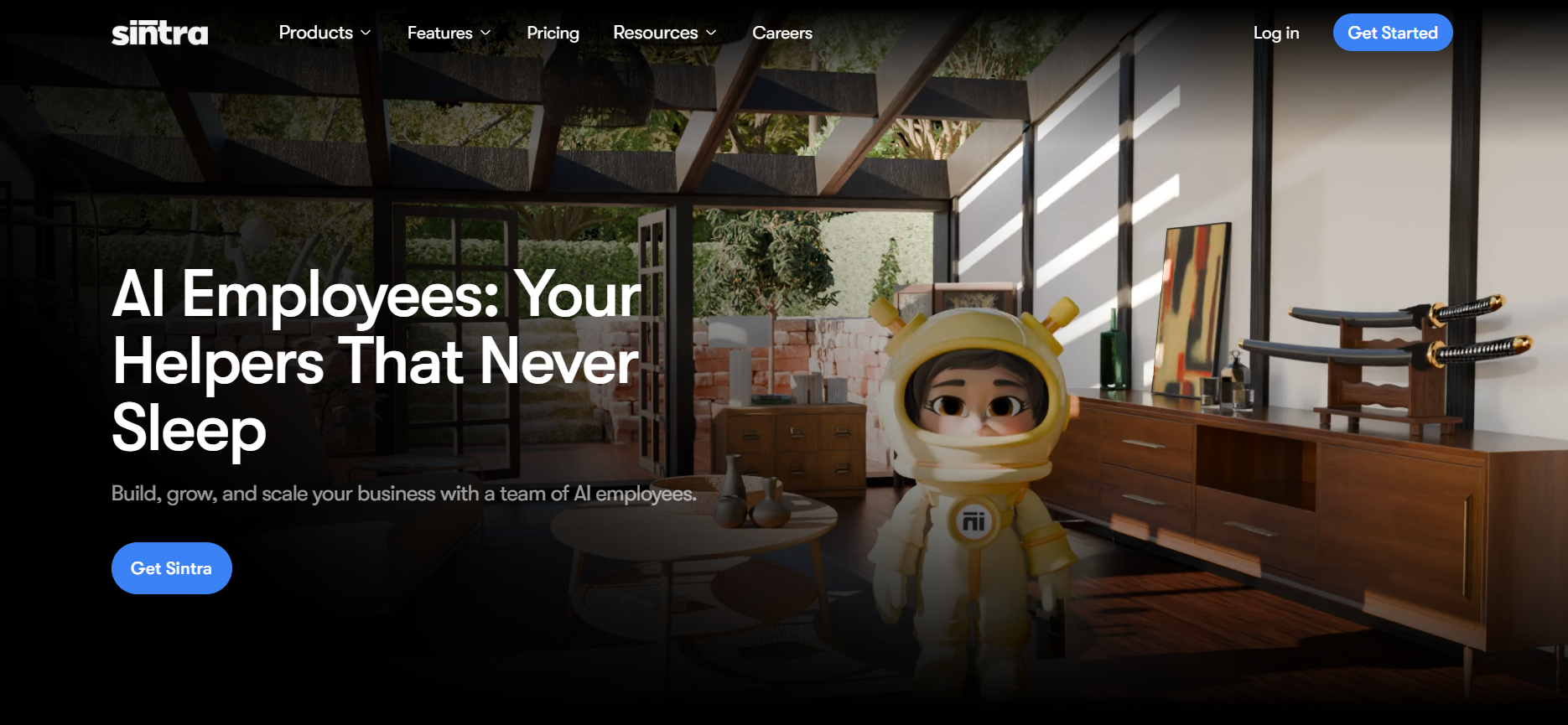
If you have been using Gemini to chat your way through tasks, you already know the real problem: you still have to do the actual work yourself. Sintra AI is different. It does not just reply to you; instead, it acts on your behalf.
Sintra runs like a full AI team. Instead of one general chatbot, you get specialized AI helpers built for specific jobs. One handles marketing, another manages customer support, and another runs your social content. Think of it as hiring a team without the overhead.
Picture a founder running lean. They need blog posts, customer replies, and social captions every week. With Sintra, the workflow runs on its own once it is set up. That is the difference between a chat tool and an execution platform.
Choosing an AI tool that fits your specific workflow needs can lead to better outcomes than using a generalist tool like Google Gemini, and Sintra is built exactly around that principle. It is best suited for startups, SaaS founders, and operations teams that want real output at scale.
Best Features
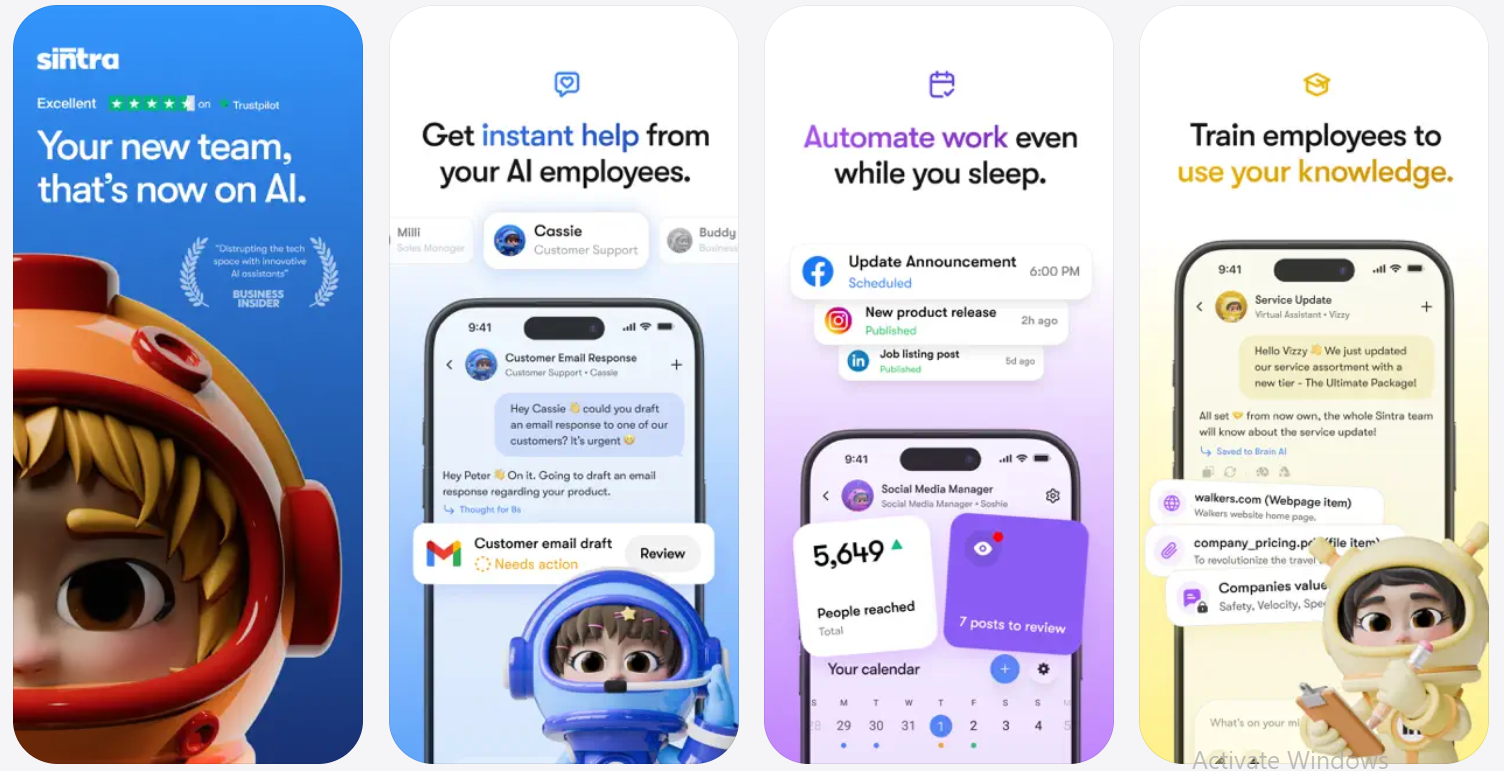
- AI Helpers for every role: Sintra gives you specialized AI employees for marketing, copywriting, customer support, strategy, and more. Each one is trained for a specific job, so you get better output than a general AI trying to do everything.
- Workflow automation across functions: Instead of switching between tools, Sintra connects your tasks in one place. It can plan content, write it, and help you distribute it without manual input at every step.
- Scales with your business: Whether you are a solo founder or a team of 20, the platform adjusts. You can add more helpers as your workload grows.
- Replaces multiple subscriptions: Many users find they can cancel 3 to 5 other tools after switching to Sintra because it covers what those tools were doing separately.
Weaknesses
- It may feel like a lot at first, especially for users who just want a simple chatbot.
- It is not ideal if your only need is quick one-off questions or casual conversations.
- The learning curve is real, but short. Most users feel confident within a week.
Pricing
Starts at $39/month for a single AI Helper or $97/month for the full Sintra X automation suite.
Free Tier: No free plan available; testing is provided via a 14-day money-back guarantee on paid plans.
2. ChatGPT — Best General-Purpose Gemini Alternative
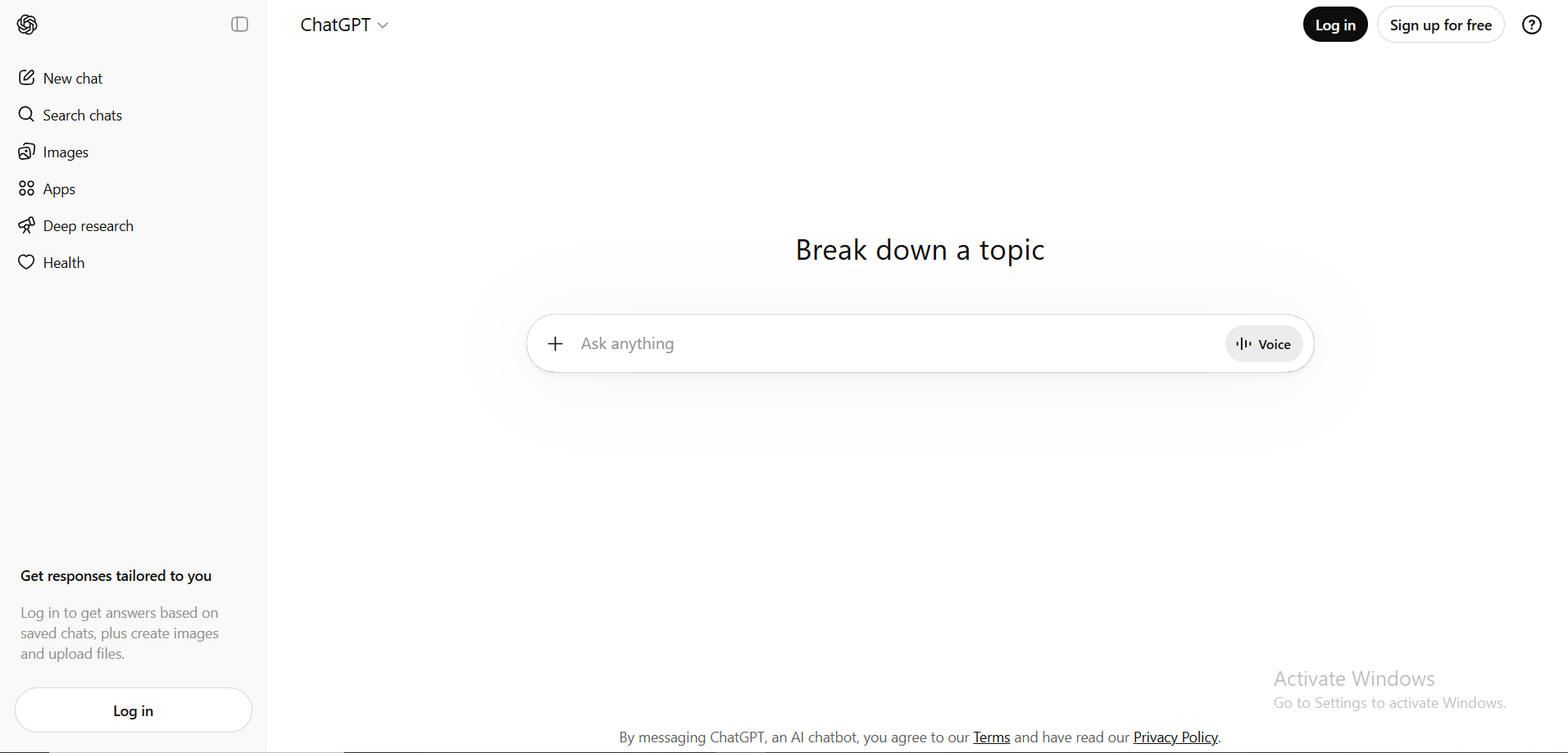
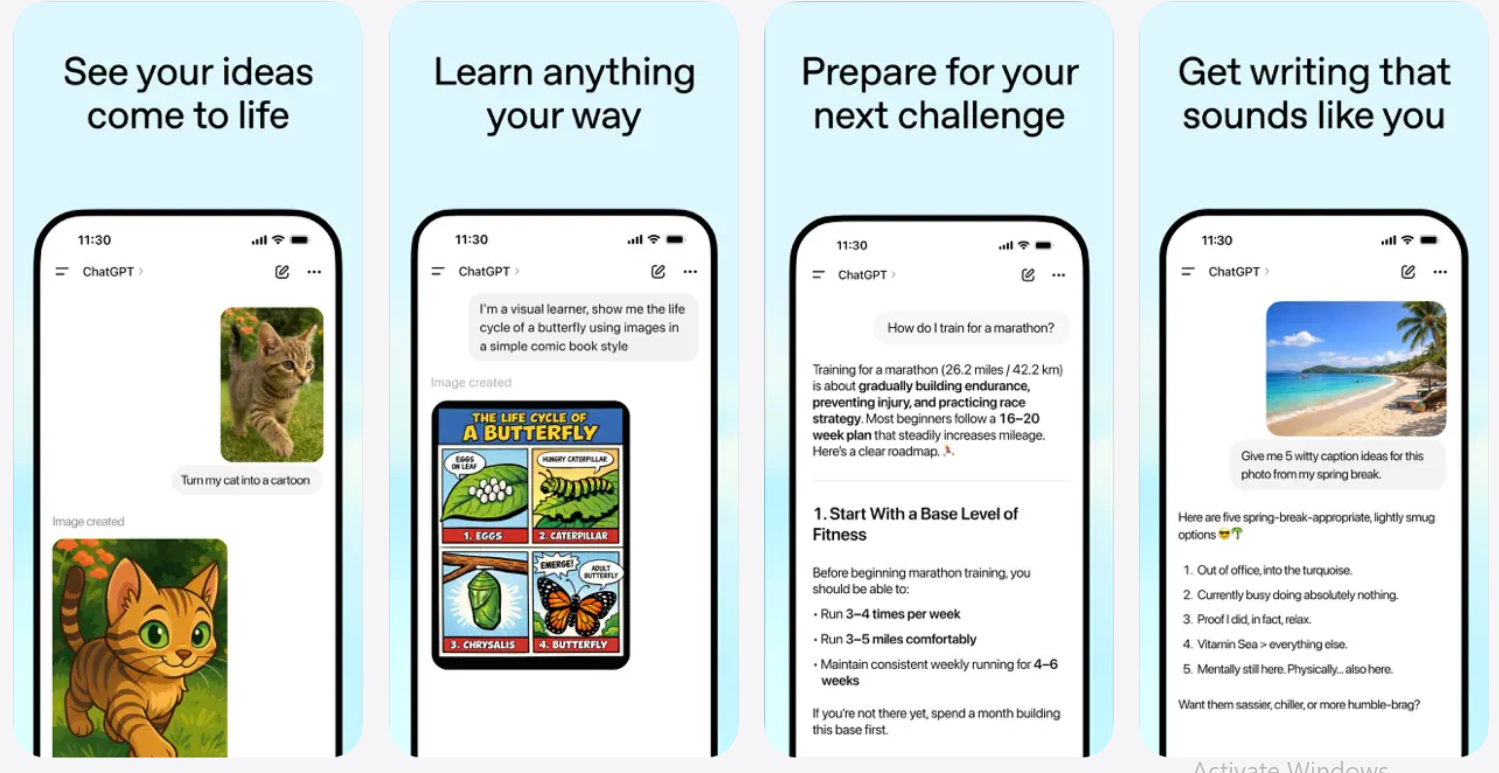
OpenAI ChatGPT is often the first alternative that comes to mind when users search for AI tools similar to Gemini, thanks to its natural conversational flow and context retention. The reason is simple: it handles almost everything. Writing, coding, data analysis, brainstorming, summarizing, customer emails, in short, you name it, and ChatGPT can take a first pass at it.
OpenAI's ChatGPT is recognized for its natural conversational flow and ability to retain context during interactions, which makes long, multi-step work sessions feel natural rather than repetitive. A content marketer might use it to outline a blog post in the morning, write ad copy at noon, and draft a client email in the afternoon, all within the same chat window.
One thing to keep in mind: OpenAI's ChatGPT does not cite its sources, which can make verifying important information difficult. Output quality also depends heavily on how well you phrase your request. It will not proactively complete tasks or automate workflows.
Best Features
- Versatile across almost any task: Writing, coding, math, analysis, brainstorming. Solid quality across all of them.
- GPT-4o model: Fast, multimodal (reads images and voice), and handles complex instructions well.
- Large user community: Thousands of pre-built prompts and use cases you can copy and adapt.
Weaknesses
- Output quality depends heavily on how well you write your prompts.
- It does not execute workflows on its own. Every output still needs manual follow-through.
- It can confidently give wrong information, so fact-checking is necessary for important tasks.
Pricing
$20/month for Plus (priority access) or a light $8/month "Go" plan for casual users.
Free Tier: Free forever with limited GPT-5.3 access (approx. 10 messages every 5 hours) before switching to mini models.
3. Claude — Best for Long-Form Reasoning
Here is a common problem: you paste a 50-page report into a chatbot, and it loses track of the beginning by the time it reaches the end. Claude does not do that.
Claude, developed by Anthropic, excels in coding tasks and long-form writing, making it suitable for research and business analysis. Its context window goes up to 200,000 tokens, meaning it can hold an entire research paper, legal contract, or project history in memory while working through it with you.
Claude by Anthropic is designed to provide helpful, harmless, and honest responses, emphasizing AI safety. That design philosophy shows in how it handles complex or sensitive topics; it is careful, thorough, and rarely gives you a fast wrong answer just to seem confident.
If you are a researcher, analyst, or anyone who regularly deals with long, complex content, Claude is one of the strongest Gemini alternatives available. According to AWS's official Anthropic documentation, the standard 200,000-token context window corresponds to roughly 150,000 words, i.e., over 500 pages of content processed in a single session.
Best Features
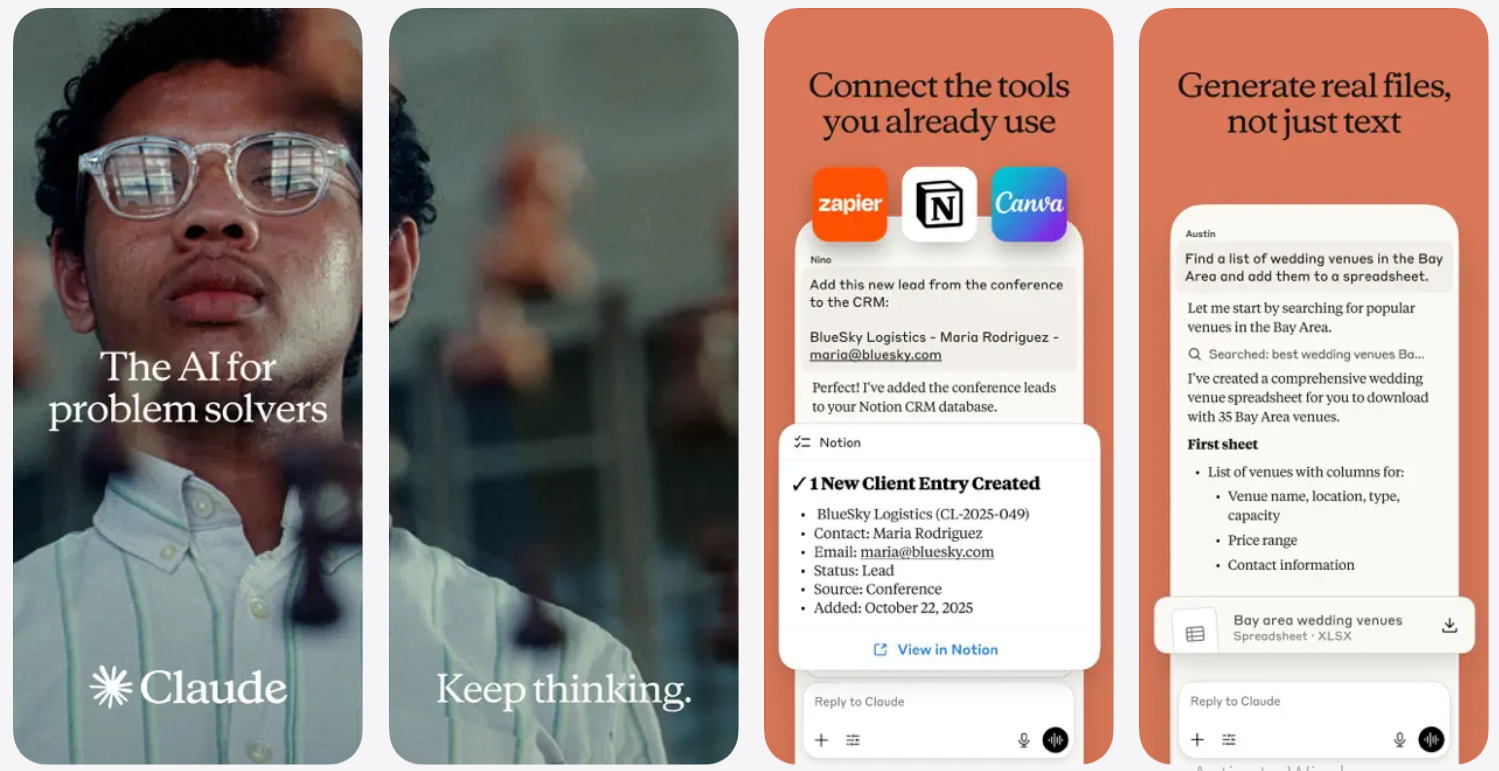
- Massive context window: Up to 200,000 tokens, enough to hold an entire novel in memory.
- Thoughtful, structured responses: Claude thinks through problems carefully and presents answers in a clear, organized way.
- Strong at document work: Reports, contracts, essays, strategy decks. If it is long and text-heavy, Claude handles it well.
Weaknesses
- Limited integrations compared to tools like Sintra or ChatGPT.
- No image generation or voice output.
- Not built for automation. You still need to prompt it manually every step.
Pricing
$20/month for Pro or $100–$200/month for the elite "Max" tier with unrestricted Opus 4.6 access.
Free Tier: Free plan includes Claude Sonnet 4.5 with a cap of ~15–40 messages per 5-hour window.
4. Perplexity AI — Best for Research
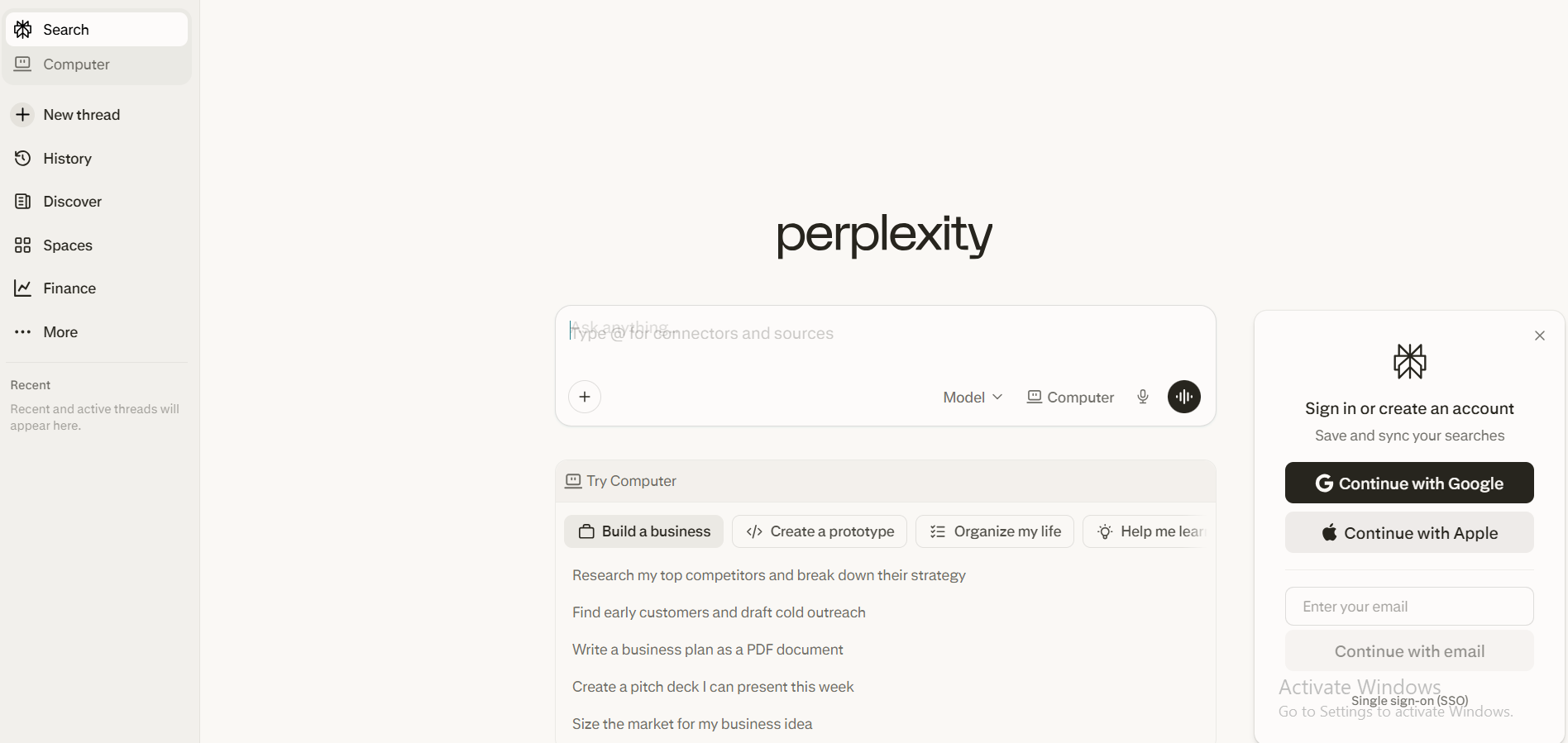
Most AI tools guess. Perplexity AI searches. It pulls real-time information from the web and shows you exactly where each piece came from, with clickable source links attached to every answer.
Perplexity AI functions as a research assistant, providing real-time answers with citations, distinguishing it from other AI tools like Gemini. If you have ever gotten a confident AI answer that turned out to be completely wrong, you understand immediately why this matters.
Perplexity AI is designed to provide accurate, citation-backed responses using real-time web data, making it a strong alternative for research. Use it when you need to research a market, fact-check a claim, or stay current on a fast-moving topic.
Best Features
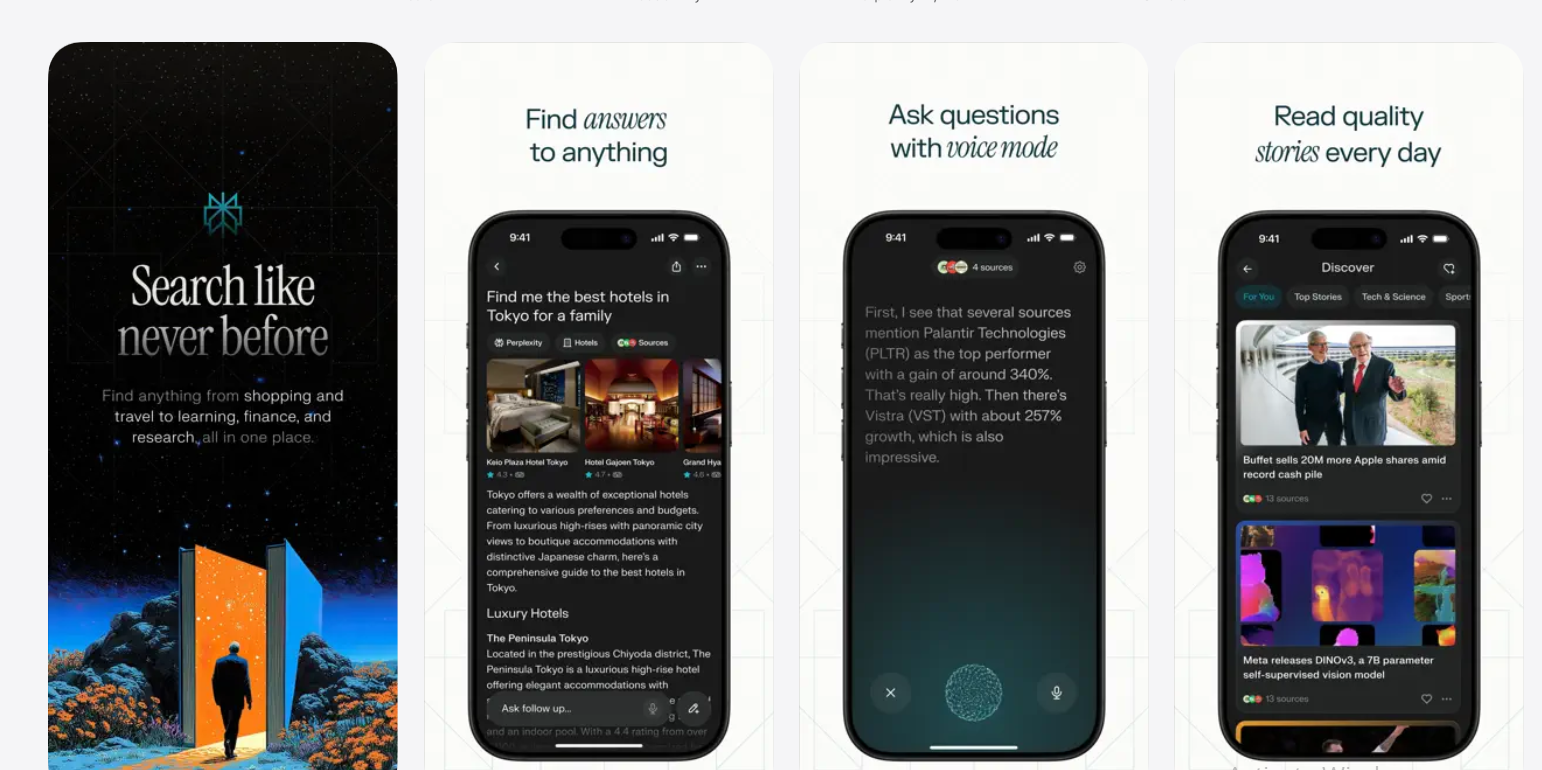
- Real-time web search: Answers reflect what is happening now, not just training data from months ago.
- Citations on every answer: See exactly where each fact came from and verify it with one click.
- Multiple model options (Pro): Switch between AI models based on task complexity.
Weaknesses
- Focused on search and answers, not content creation or workflow execution.
- Not great for writing long-form content, such as blog posts or emails.
Pricing
$20/month for Pro (unlimited deep research) or $40/user/month for Enterprise Pro teams.
Free Tier: Free access includes unlimited standard "Quick" searches and 5 advanced "Pro" searches per day.
5. Jasper — Best for Marketing Teams
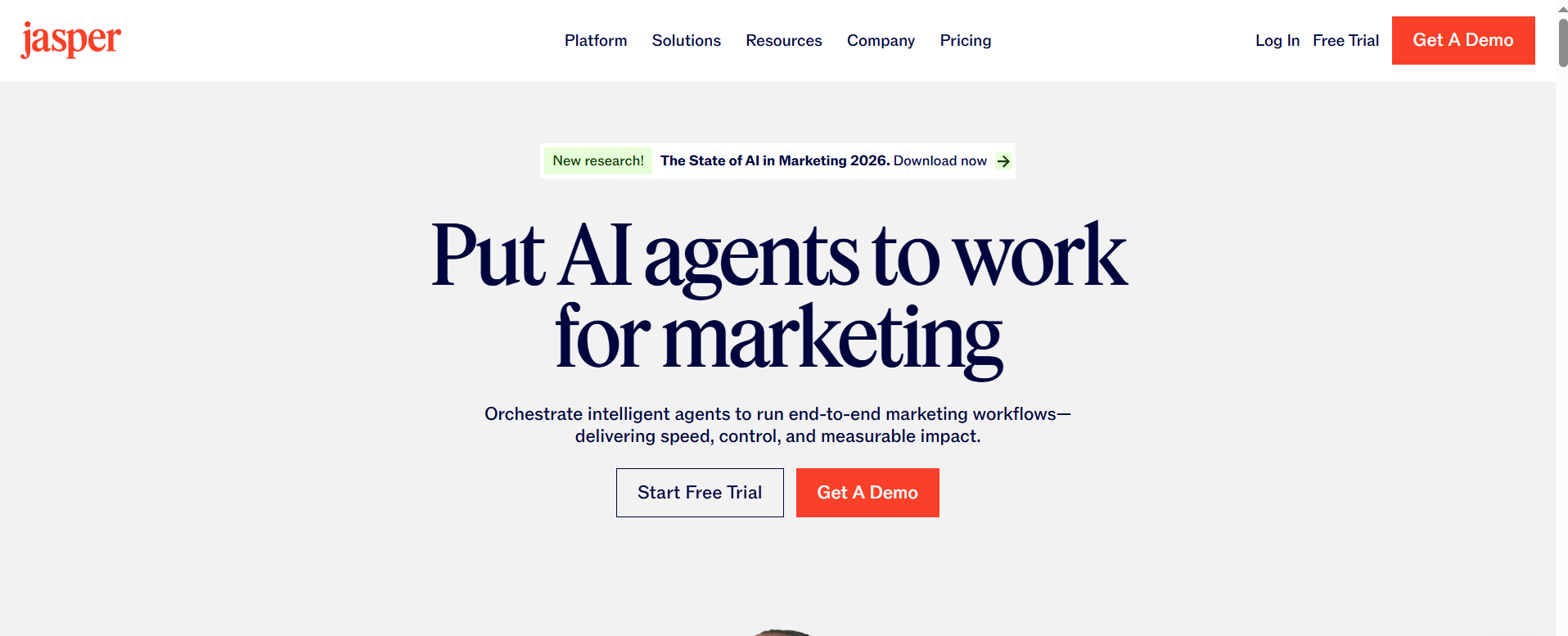
Jasper is purpose-built for marketing. It does not try to do everything; it focuses on helping marketing teams create consistent, on-brand content across campaigns, ads, social posts, and email sequences.
A 10-person marketing team can use Jasper to keep brand voice consistent across multiple writers, adapt long-form content into social clips, and scale campaign output without adding headcount. That specialization is its biggest strength and also its biggest limitation.
Best Features

- Brand voice settings: Train Jasper on your company's tone so every piece sounds like you.
- Marketing-specific templates: Ads, emails, blog intros, product descriptions. Ready to use with minimal setup.
- Team collaboration: Multiple users can share templates and brand guidelines within a single workspace.
Weaknesses
- Pricing is higher than most alternatives, making it hard to justify for individuals or small teams.
- It is a marketing tool only. Do not expect help with research, operations, or coding.
Pricing
$49/month for the Creator plan (single user) and $69/month for the Pro plan with team features.
Free Tier: No permanent free plan; offers a 7-day free trial that requires credit card verification to start.
6. Copy.ai — Best for GTM Automation
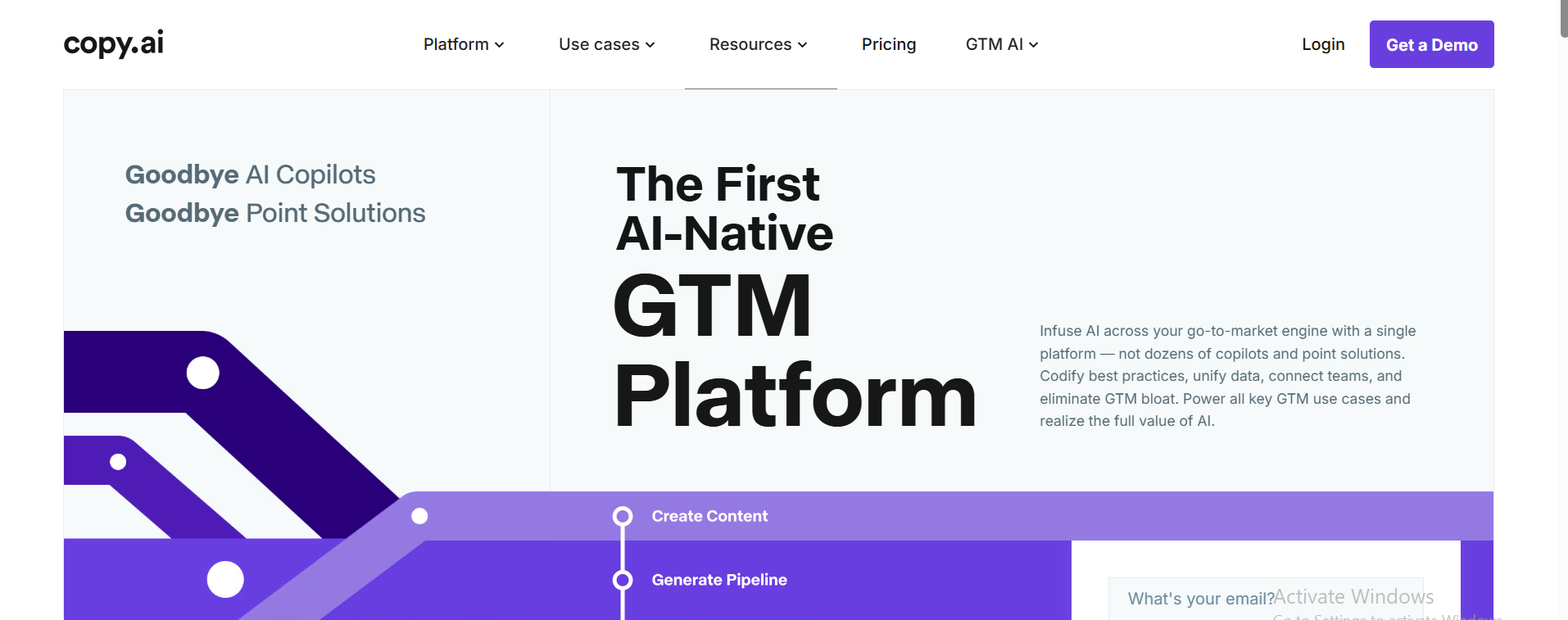
Copy.ai started as a copywriting tool and has grown into a go-to-market automation platform. It is built for sales and marketing teams that need to automate outreach, messaging, and campaign workflows at scale.
Copy.ai applies automation directly to sales pipelines. A sales team sending hundreds of personalized outbound emails every week can use it to handle research, message variation, and automated output, so reps spend time selling, not writing.
Best Features
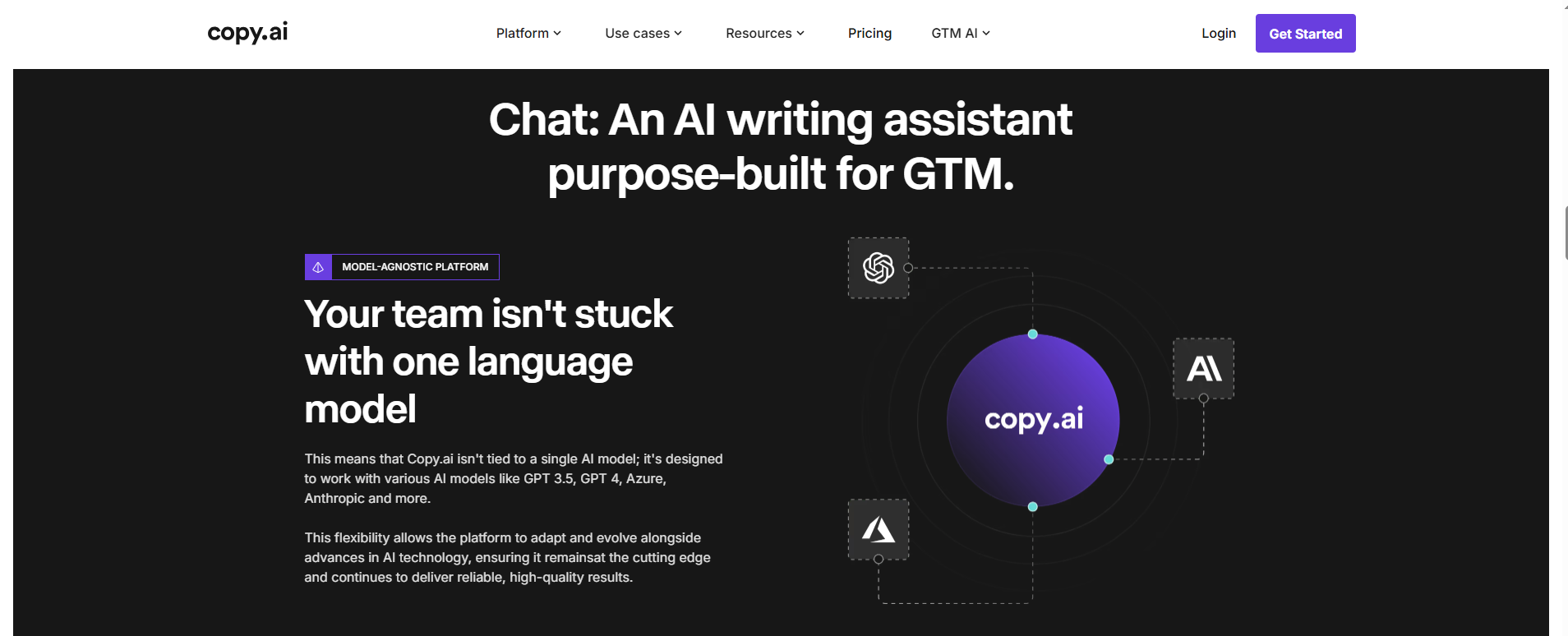
- GTM workflow automation: Build sequences for outreach, email campaigns, and content pipelines at scale.
- Sales messaging tools: Cold emails, LinkedIn messages, and follow-ups generated quickly.
- Team-friendly setup: Shared templates keep output consistent across your whole team.
Weaknesses
- Limited usefulness outside sales and marketing contexts.
- Not great for complex reasoning or research-heavy tasks.
Pricing
$49/month for Starter (unlimited seats) or $249/month for the Advanced GTM automation tier.
Free Tier: A free forever plan is available, but strictly limited to 2,000 words of content generation per month.
7. Writesonic — Best Budget-Friendly Alternative
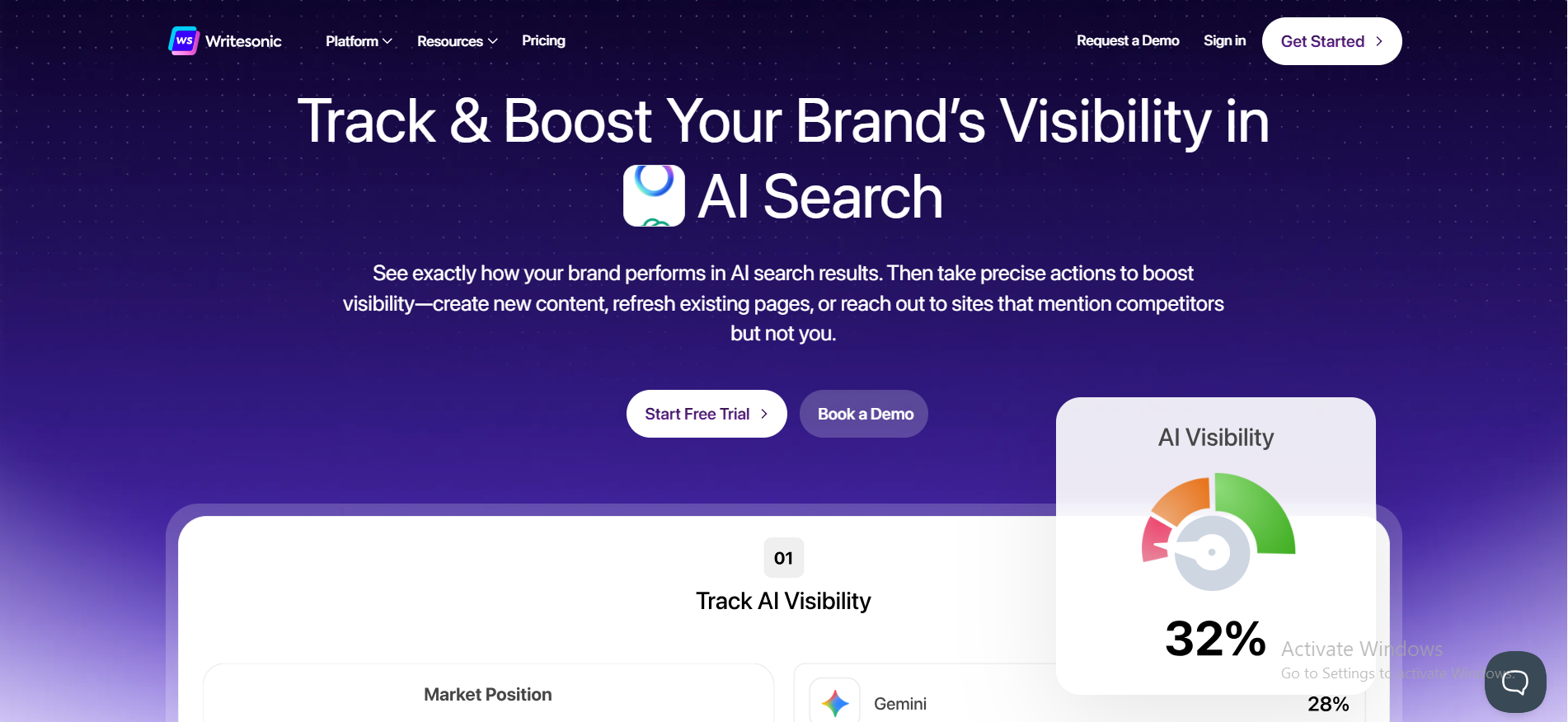
Not everyone needs enterprise-level AI. If you run a small blog, a freelance business, or a lean startup, Writesonic gives you solid content generation at a price that does not hurt. It is straightforward, fast, and gets the basics done well.
You can generate a 1,000-word blog post in a few minutes without needing to master complex prompt writing. The trade-off is that output quality can vary; it works best for standard content, not nuanced or highly strategic pieces.
Best Features
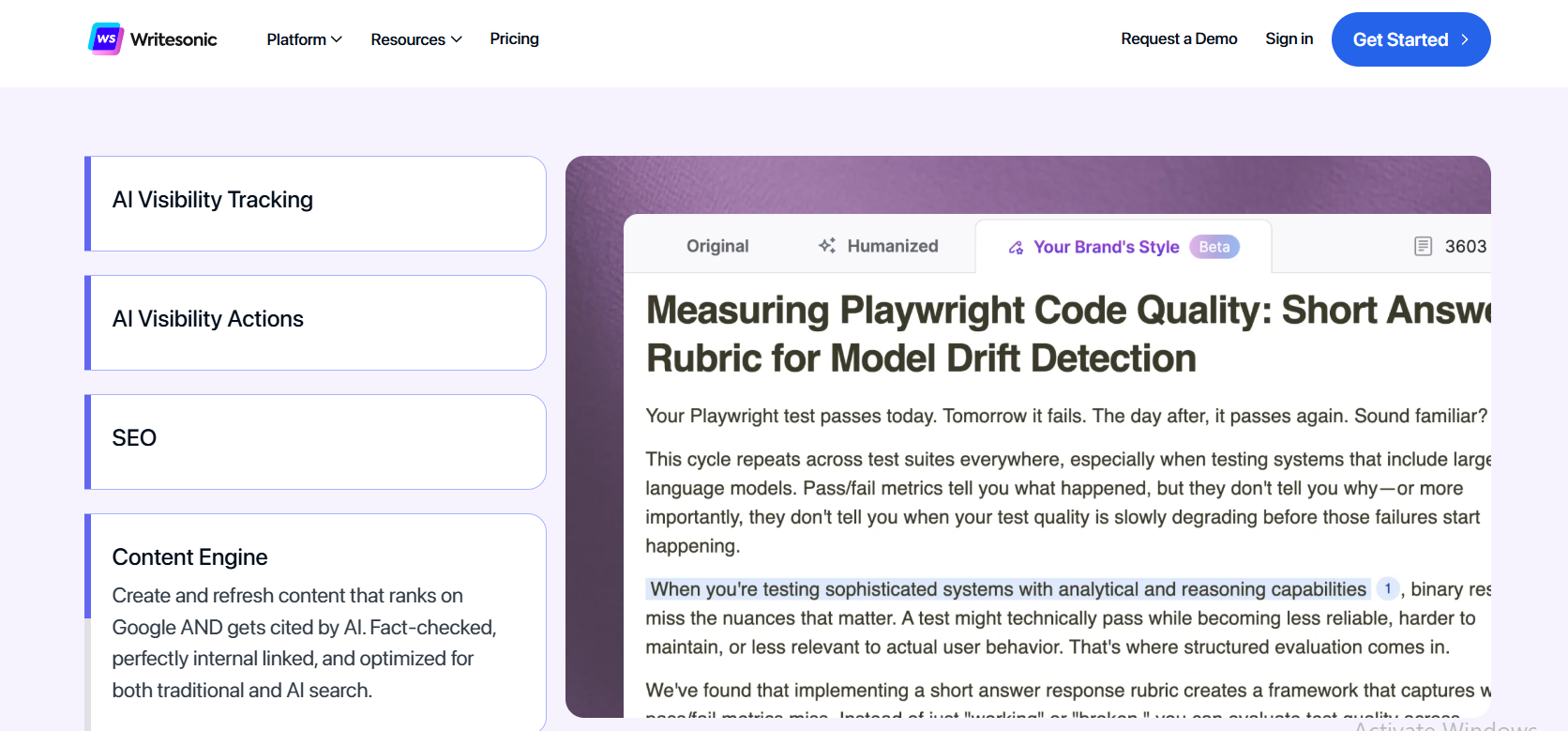
- Affordable pricing: One of the lowest starting prices among AI content tools.
- Wide content format coverage: Blogs, ads, emails, social captions, product pages.
- Fast setup: Start producing content within minutes of signing up.
Weaknesses
- Output quality varies on complex or nuanced topics. Plan to do more editing.
- Fewer advanced features than Jasper or Sintra AI.
Pricing
$15–$20/month for the Individual Professional tier; team/business plans scale from $99/month.
Free Tier: The free plan provides a one-time set of 25 credits to test all writing and image tools.
8. Notion AI — Best for Productivity Workflows
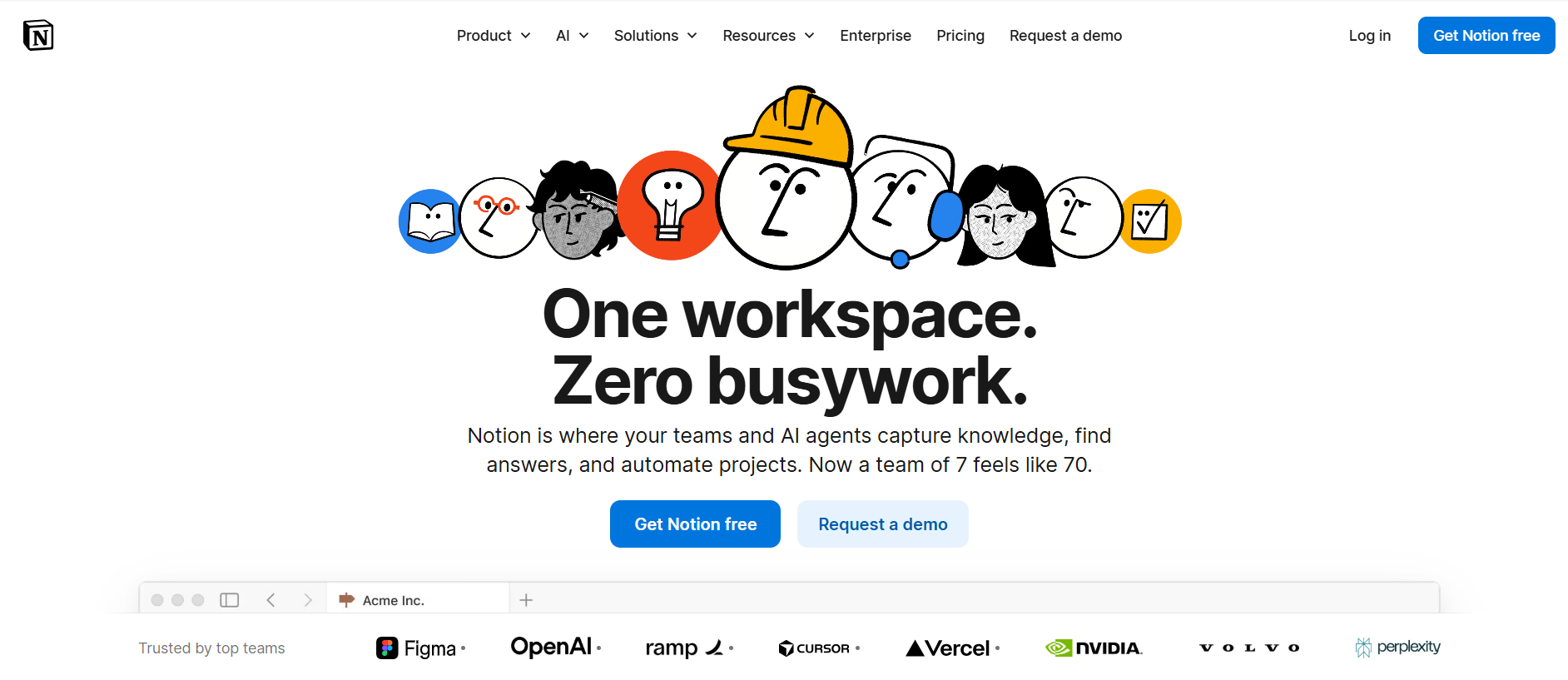
Notion AI lives inside your workspace. Instead of switching to a separate AI tool and copying outputs back into your notes, you highlight text, press a button, and the AI works right there in your document.
Notion AI is the clearest example of AI that works inside your existing workspace, as long as Notion is already your primary tool. A team using Notion for project management can use it to summarize meeting notes, draft SOP documents, and pull action items from long pages of notes.
Best Features
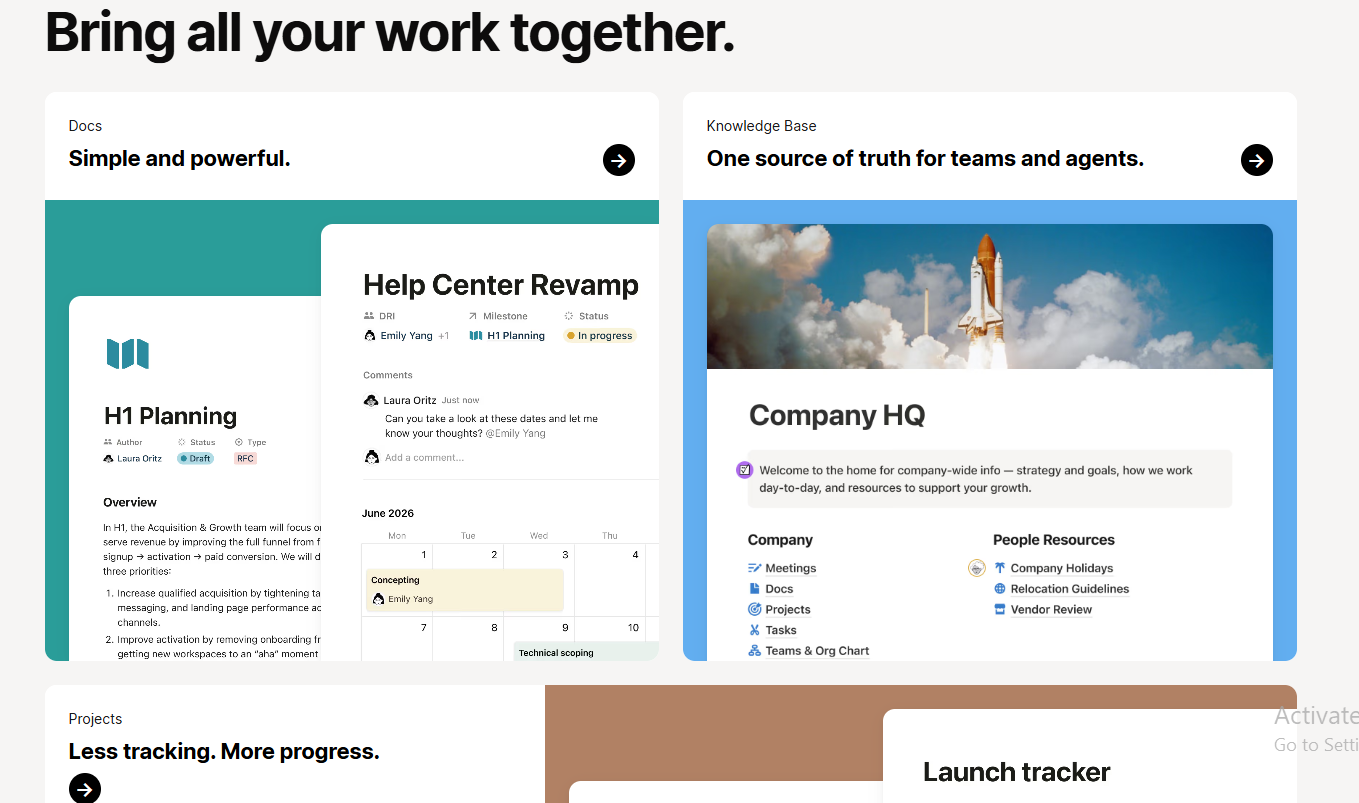
- Deep workspace integration: Works directly inside your existing Notion pages and databases.
- Smart document drafting: Turn rough notes into full, structured documents fast.
- Team knowledge management: Get answers pulled from your own internal pages.
Weaknesses
- Completely tied to Notion. No Notion, no value.
- Adds to the cost of your existing Notion subscription.
Pricing
Costs $24/month as part of the Business tier (which now bundles all AI Agent features).
Free Tier: The free version allows limited experimentation with roughly 20 total AI responses before prompting an upgrade.
9. Poe — Best for Multi-Model Access
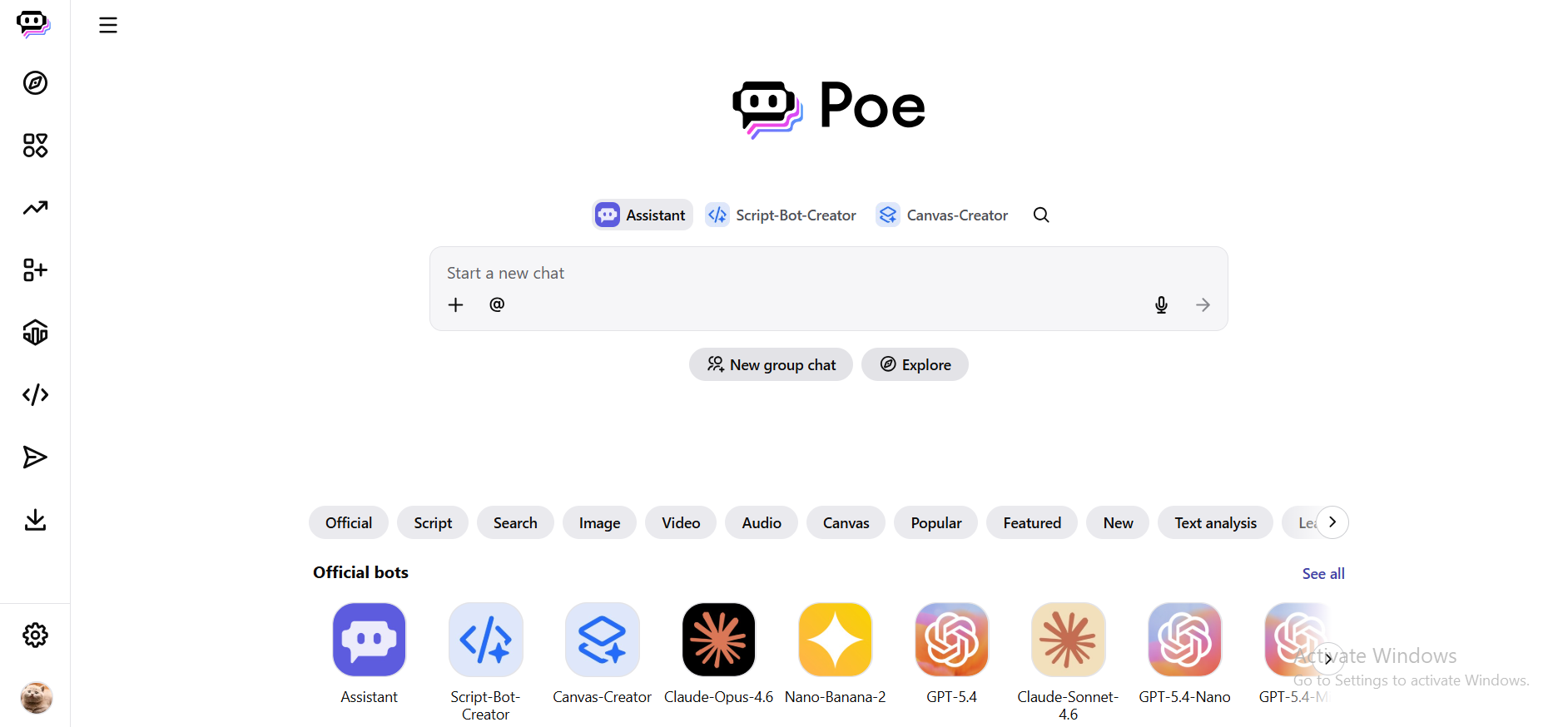
Can not decide which AI model works best for your task? Poe lets you run GPT-4, Claude, Gemini, and others from a single interface without managing multiple subscriptions. The idea is simple: one login, many models, zero jumping between tabs.
It is especially handy when you want to compare how different models respond to the same prompt; useful for researchers, developers, or power users who regularly work across multiple AI tools. It is not built for workflow automation, but for model flexibility; it is hard to beat.
Best Features
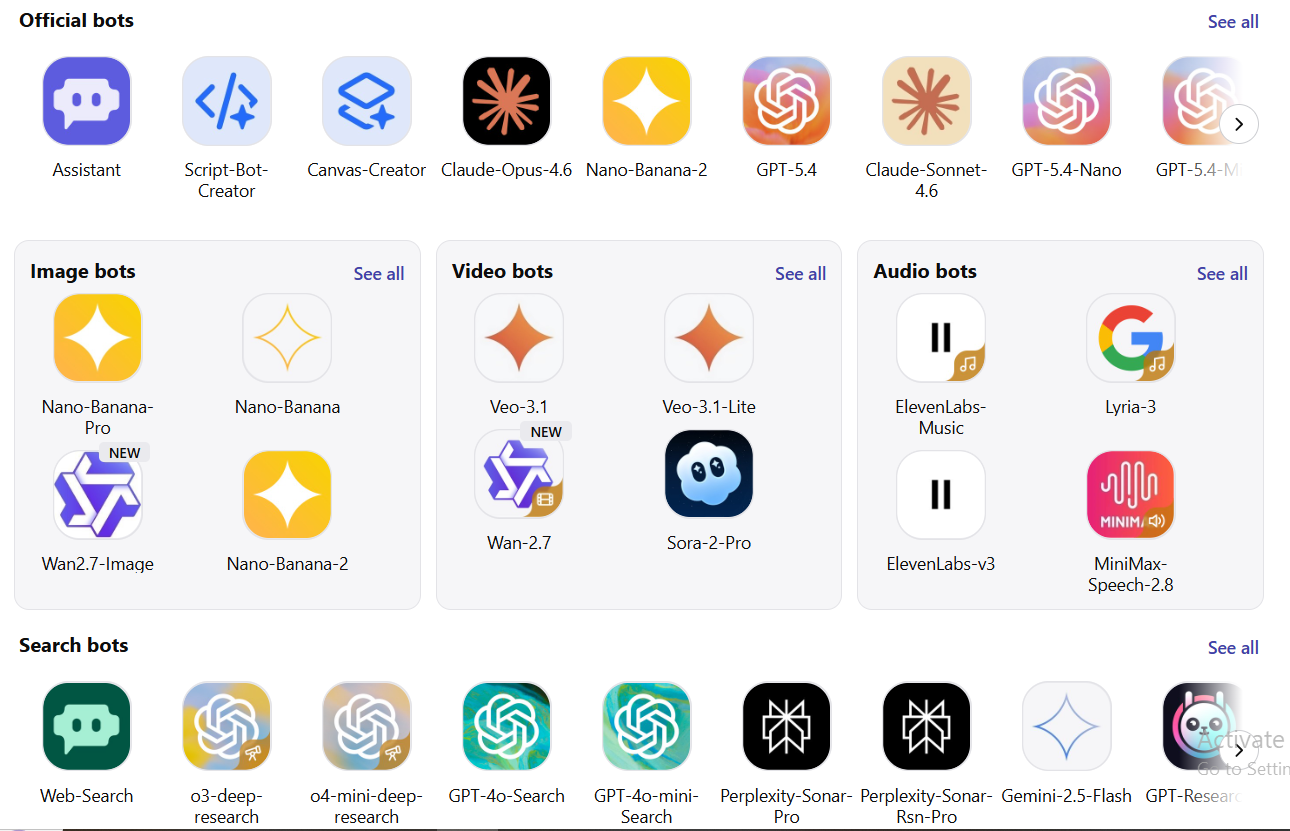
- Multiple AI models in one place: Test, compare, and switch without managing separate subscriptions.
- Custom bots: Build simple bots for specific tasks using the underlying models.
- Easy model comparison: Send the same prompt to different models side by side.
Weaknesses
- No automation or workflow execution. It is a wrapper, not a workflow tool.
- If you already know your preferred model, Poe adds limited extra value.
Pricing
$20/month for a Pro subscription, which provides a massive monthly compute point allowance.
Free Tier: Free access granted via 300 compute points daily, which reset every 24 hours for model testing.
10. Rytr — Best Lightweight AI Writer
Rytr is the simplest tool on this list. It is designed for one thing: generating short-form content quickly. Pick a use case and a topic, and it returns a draft in seconds.
Freelancers who need to produce 10 product descriptions or a few social captions in an hour will find it genuinely useful. It is not built for anything complex, but for fast, simple content output; it does exactly what it promises.
Best Features
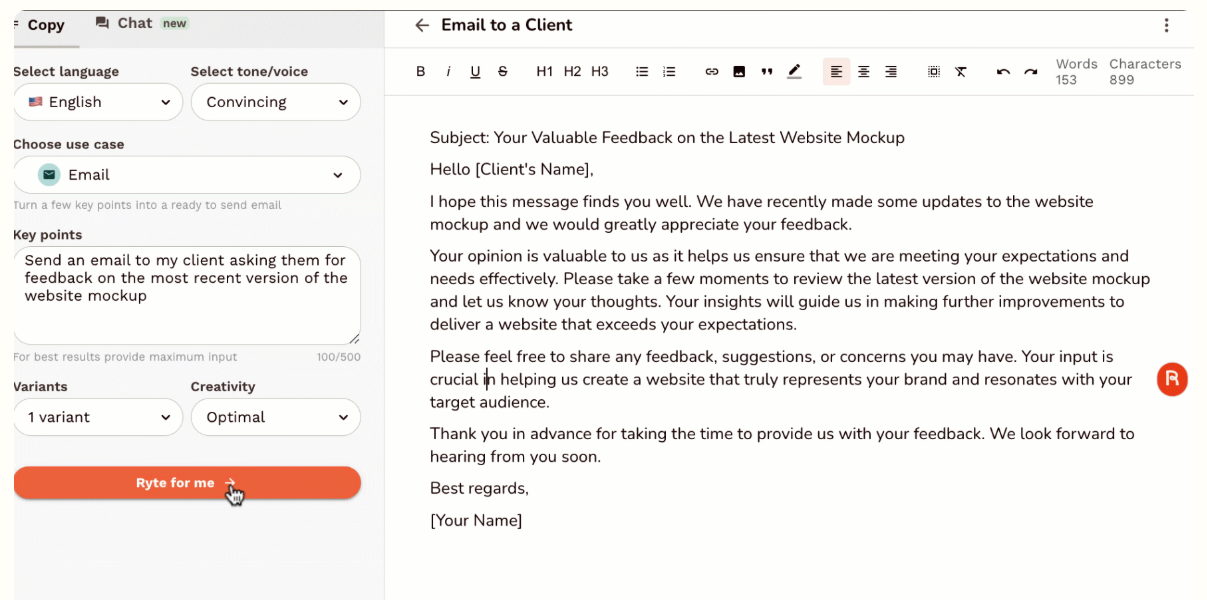
- Simple, clean interface: Pick a use case, give a brief input, and get your content. No learning curve.
- Fast output: Great when speed matters more than depth.
- Affordable for freelancers: One of the cheapest options with a usable free plan.
Weaknesses
- Very limited compared to advanced tools. No strategic thinking or deep analysis.
- Output can feel generic without very specific prompts.
Pricing
$9/month for the "Saver" plan (100k characters) or $29/month for the "Unlimited" generation plan.
Free Tier: A free plan exists, but it is heavily restricted to generating only 5,000 characters per month.
11. HuggingChat — Best Open-Source Alternative
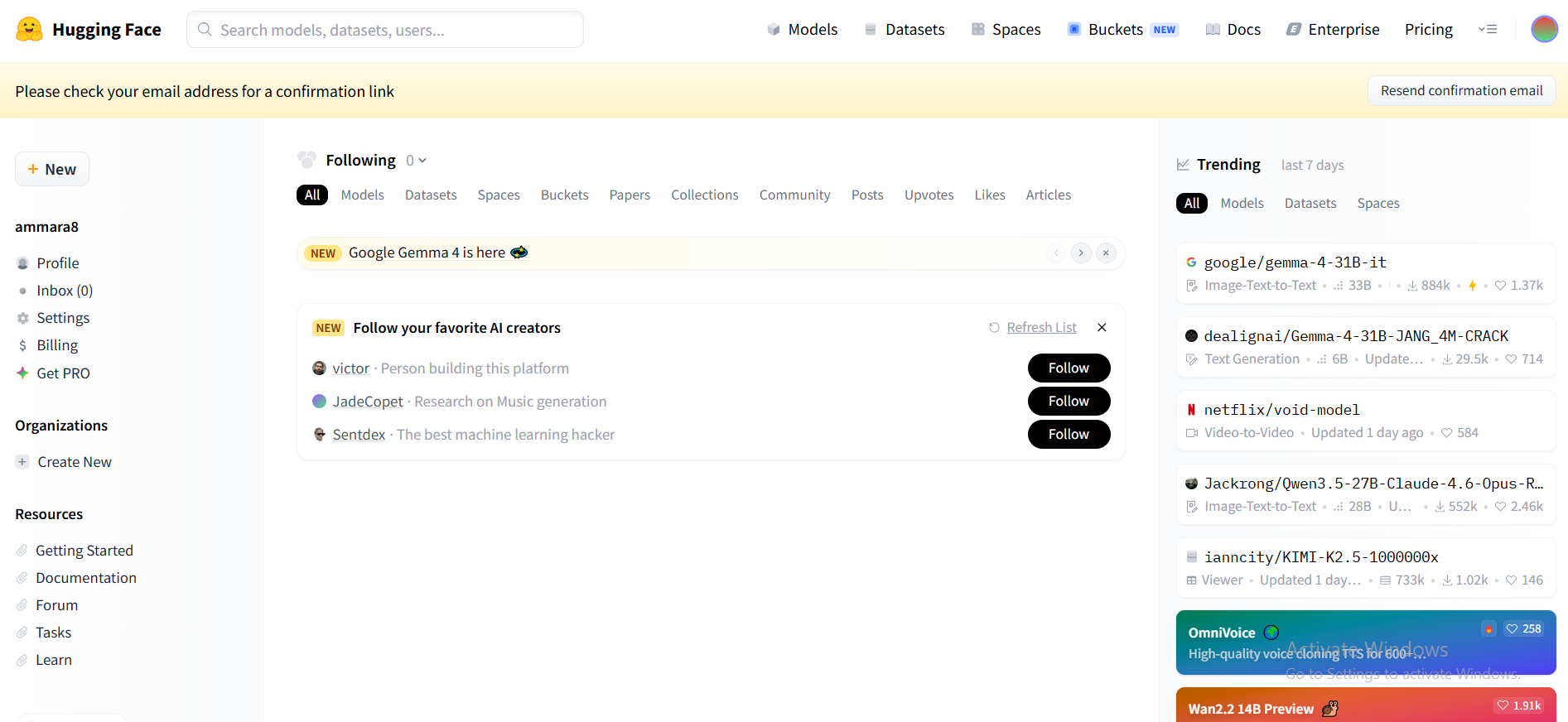
HuggingChat is built on open models from Hugging Face. It gives developers full control over the AI they use without being locked into any single company's system.
If you want to fine-tune a model for a specific industry, run your own version for data privacy reasons, or experiment without restrictions, this is where to start.
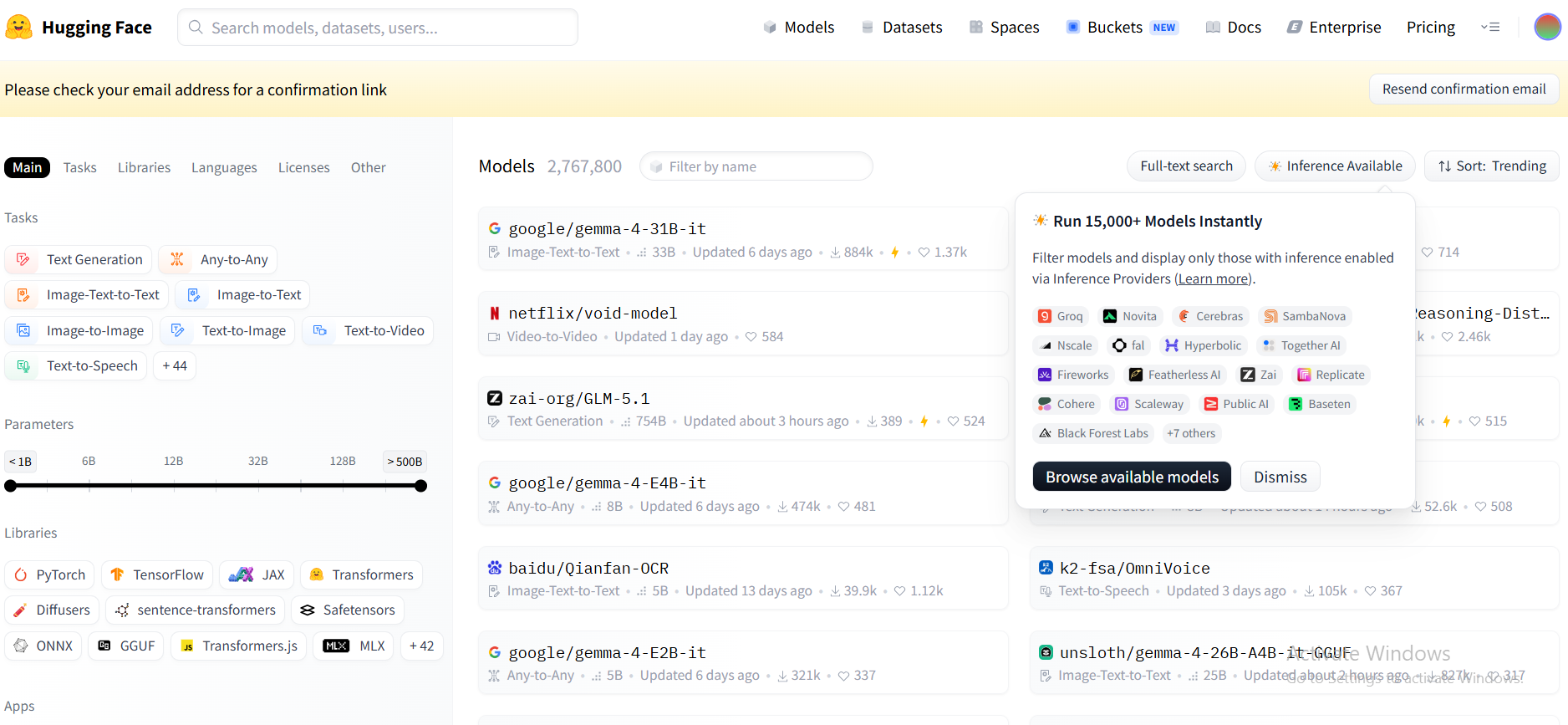
DeepSeek is known for its strong performance in technical reasoning, math, and logic tasks, making it popular among developers, and HuggingChat gives you access to similarly powerful open models with that same developer-first mindset. The trade-off is that it is less polished than commercial tools and does require some technical comfort to get the most from it.
Best Features
- Fully open source: Inspect the code, self-host if needed, and customize it for your requirements.
- Multiple open models: Choose from a range of open-weight models based on the task.
- No vendor lock-in: Not tied to any one company's pricing or feature decisions.
Weaknesses
- Less polished interface than commercial tools like ChatGPT or Claude.
- Setup and customization require technical knowledge.
Pricing
$9/month for a Pro account to get priority GPU access and early open-source model releases.
Free Tier: 100% Free for standard use, offering unrestricted access to various open-source models like Llama and Mistral.
How to Choose the Best Gemini Alternative for Your Needs
Picking the wrong AI tool is expensive, not just in money, but in the hours you burn trying to make it fit tasks it was never designed for. Here is a fast framework to make the right call.
Start by Defining Your Primary Use Case
Most people pick a tool first and figure out what to do with it later. That is backward. Start with the problem you are trying to solve.
A few examples of how use cases drive tool choice:
- A marketer who needs 20 blog posts a month needs a different tool than a founder who wants to automate customer support
- A researcher who needs cited facts needs a different tool than a developer debugging code
- A solo freelancer on a tight budget needs a different tool than a 50-person ops team
Get specific. "I want AI to help me" is not a use case. "I want AI to write and schedule my weekly social content." is a better way to define your case.
Choose Between AI Assistants vs AI Workflow Tools
These two categories look similar but work very differently:
- AI assistants (ChatGPT, Claude, Perplexity): you ask, they respond. You still do the work.
- AI workflow tools (Sintra AI, Copy.ai, Jasper): you set up a task, and they complete it. Less input from you, more output on its own.
If you find yourself copy-pasting AI outputs into other tools all day, you probably need a workflow tool, not just a smarter chatbot. This is one of the most important distinctions when evaluating Gemini alternatives.
Consider Ease of Use and Learning Curve
Some tools give you power at the cost of setup time. Others work the moment you log in. Ask yourself:
- How much time can you spend learning and configuring a new tool?
- Do you need results this week, or can you invest a month in setup?
- Will other people on your team use it, or just you?
For most non-technical users, tools like Rytr, Writesonic, or Notion AI are easy to get started with. For teams that want long-term ROI, investing setup time in Sintra AI or Copy.ai pays off much more.
Evaluate Integrations and Ecosystem Fit
An AI tool that does not talk to your other tools creates extra work, not less. Ask yourself:
- Does it connect to my CRM, email, or project management platform?
- Can it read documents from my cloud storage?
- Does it fit how my team already works day to day?
Sintra AI offers AI integrations built specifically for business tools. Match the tool to your existing stack, and adoption becomes much faster.
Look for Scalability and Team Use
A tool that works great for one person often struggles when five people try to use it together. Before committing, check:
- Does it support multiple users or shared workspaces?
- Can it keep outputs consistent across team members?
- Will it handle more volume as your business grows?
Scalability is a long-term investment. A cheap tool you outgrow in 6 months ends up costing more than choosing something built to grow with you from the start.
Beyond Gemini Alternatives: From AI Assistants to AI Teams
The AI landscape is changing fast. Two years ago, an AI chatbot that could write a paragraph felt impressive. Today, businesses expect AI that can complete entire workflows without being walked through every step. That shift is driving most of the interest in better Gemini alternatives.
The Limits of Traditional AI Assistants
Single AI assistants share one core problem: they wait for you. You craft the prompt, review the output, paste it elsewhere, then ask a follow-up question. Every step requires your input. That works fine for occasional tasks, but it does not scale.
Think about how a standard chatbot works: it is reactive. It answers what you ask and stops there. For most business workflows, that is one step in a ten-step process, which means you are still running nine steps yourself.
The Rise of AI Teams and Multi-Agent Systems
Multi-agent AI systems work differently. Instead of having a single AI handle everything in sequence, multiple specialized agents run in parallel. One handles research. One writes. One format. One schedule.
A single Sintra workflow might have one helper pulling your weekly analytics, another writing the performance summary, and a third drafting the client email, all triggered by a single instruction. That is the practical difference between a chatbot and an AI team.
Why Businesses Are Shifting Toward AI Execution
Execution-focused tools offer three things traditional assistants do not:
- Time savings: tasks that took 3 hours now take 15 minutes
- Scalability: one person can run workflows that used to need a whole team
- Consistency: automated outputs follow the same process every time, with no variation from fatigue
What This Shift Means for Choosing AI Tools
If you are evaluating Gemini alternatives, the most future-proof choice is a tool that not only assists but also executes. Ask not just "what can it do?" but "what can it do without me in the loop?"
Tools that support integrations, automation, and team-wide use will continue to deliver value as your business grows. Tools that only respond to prompts will always require you to stay in the middle of every task.
Why Sintra AI Is the Best Gemini Alternative
Most tools on this list are assistants. Sintra AI is a team. That single difference is why it is the best match for Gemini for anyone who wants real business results rather than better chatbot conversations.
It Goes Beyond Answers to Actual Execution
The difference is simple: Gemini gives you an answer. Sintra completes a task. You do not just get copy for your newsletter; you get the newsletter planned, written, and ready to send.
That is the execution gap. Most Gemini alternatives still leave you doing the actual work. Sintra closes that gap by treating your instructions as triggers for multi-step workflows, not just prompts for one-shot responses.
One Platform Instead of Multiple Tools
The average small business team uses 6 to 10 separate tools for marketing, support, and operations. Sintra can replace most of them. Instead of:
- A writing tool for content
- A separate tool for social media
- Another for customer support templates
- And another for strategy and planning
You get everything from one platform. That is a meaningful reduction in monthly costs and the time lost switching between tabs all day.
Specialized AI Helpers for Every Business Function
Sintra's role-based model is what makes it genuinely different. Each helper is built for a specific job:
- Buddy: Your AI business strategist for planning, positioning, and decision-making
- Vizzy: Your AI assistant for visual content and creative work
- Additional helpers covering support, copywriting, social, SEO, and operations
Because each helper is specialized, you get more accurate and consistent outputs than you would ever get from a single general-purpose model trying to do everything at once.
Designed for Real Business Workflows
Sintra is not designed around feature lists and demos. It is built around how businesses actually operate: recurring tasks, team handoffs, client deliverables, and content pipelines.
It connects through AI integrations with the tools your team already uses, so it fits into your existing stack rather than asking you to replace everything at once. That makes adoption faster and results more immediate.
Ready to Replace Gemini With Real AI Execution?
If you have been using Gemini or any other chatbot as your main AI tool, you have already hit the ceiling of what a reactive assistant can do. Every extra output requires another prompt. Every workflow still runs through you.
Sintra AI removes that ceiling. Your marketing runs. Your support replies. Your content ships. And you stay focused on the work that actually needs your judgment.
The businesses pulling ahead right now are not just using AI to answer questions. They are using it to execute. Get started with Sintra AI and see what that difference actually feels like.
Best Gemini Alternatives FAQs
What is the best alternative to Google Gemini?
The best alternative to Gemini depends on what you need. Sintra AI is the top pick for business automation and workflow execution. ChatGPT is best for general everyday use. Claude leads for long documents and deep reasoning. Perplexity AI is best suited for research that uses cited sources. If you want real task execution rather than just smarter chat responses, Sintra is the clear choice.
Which Gemini alternative is best for business use?
Sintra AI is built specifically for business teams. It covers marketing, customer support, content creation, and operations from one platform, replacing multiple single-purpose tools. For businesses that prefer automation over conversation, it is the strongest option available in 2026.
What AI tool is most like Google Gemini?
If you want an AI like Gemini for everyday use, ChatGPT is the closest match for general tasks and conversation, and Perplexity is the best pick when you need cited, real-time research. For teams that want an AI that executes work rather than just answering questions, Sintra AI is the strongest Gemini alternative.
What is the difference between Gemini and tools like ChatGPT or Claude?
Google Gemini is tightly connected to Google Search and Google Workspace. ChatGPT is more versatile for general tasks and deep reasoning, while Claude is better suited for deep reasoning, and both work outside the Google ecosystem. All three are primarily chat-based assistants; they respond to prompts but do not execute tasks on their own, unlike automation platforms like Sintra AI.
Are there free alternatives to Gemini?
Yes, several strong options come with free plans. ChatGPT has a free plan that gives you limited access to its flagship model (currently GPT-5.3) at roughly 10 messages every 5 hours, now with ads in the US, plus an $8/mo 'Go' tier for light users that raises the message volume but keeps the ads. Claude's free tier runs on Claude Sonnet 4.6 with a cap of about 15 to 40 messages every 5 hours. Perplexity AI lets free users run unlimited 'Quick' searches and around 5 'Pro' searches a day. HuggingChat is free and open-source, with access to models like Llama and Mistral up to its inference quota. Rytr offers a free plan capped at 10,000 characters a month for short-form needs. And Poe gives free access through a daily allowance of 300 'compute points' that resets every 24 hours, though that covers lighter models rather than the premium ones. One pro tip: rotate between ChatGPT and Claude to work around individual rate limits and get more out of your free daily output.
Related articles








Copyright © 2026 PlayOS, Inc. All rights reserved