



15 Best ChatGPT Alternatives for Writing in 2026

Table of Contents

Quick Answer: What Is the Best ChatGPT Alternative for Writing?
Writesonic and INK suit marketers focused on SEO content. For creative and fiction writing, Sudowrite and Claude stand out. For academic and research writing, Claude and Frase produce structured, well-cited drafts. If you want a free option, Rytr and QuillBot both offer capable free tiers. But for teams producing content daily across marketing, sales, support, and operations, Sintra AI is the strongest choice: its role-based helpers share one brand memory, so writing stays consistent across every channel instead of starting from zero in a chat window.
If you want an AI like ChatGPT for writing but with more consistency and control, you have strong options. ChatGPT works well for brainstorming, drafting, and one-off tasks, but as writing becomes a daily business function, its limits show.
Here are some key areas where ChatGPT falls short for ongoing content operations:
- Limited long-term context: ChatGPT does not reliably maintain brand voice or past decisions across conversations, making consistency difficult for teams.
- No role specialization: Marketing content, support replies, and internal documentation require different writing approaches, yet ChatGPT relies on a single general assistant.
- Workflow friction: Business writing happens across multiple tools, while ChatGPT remains primarily chat-based, creating extra manual work.
- Inconsistent team output: Different prompting styles often lead to variation in tone and messaging across writers.
In this article, we review the 15 best ChatGPT alternatives for writing in 2026, focusing on tools built for consistent, multi-channel content production. The need is urgent: 75% of organizations have no guidelines for generative AI use in marketing, 34% of marketers use AI tools at work without organizational guidance, and only 29% of companies over $1B have an AI council in place. The right tool is only part of the answer; having a structured approach to using it is the other.
ChatGPT Alternatives for Writing: At-a-Glance Comparison (2026)
| Tool | Best For | Free Plan | Starting Price |
|---|---|---|---|
| Sintra AI | Teams and startups needing full writing coverage | No (14-day money-back) | $39/month |
| Jasper AI | Marketing teams with brand voice needs | 7-day trial | $39/month |
| Copy.ai | Short-form marketing copy and GTM workflows | Yes (limited) | $49/month |
| Writesonic | SEO content and blog writing at scale | Yes (limited) | $39/month |
| Rytr | Budget-friendly short-form writing | Yes | $9/month |
| Grammarly | Editing and clarity improvement | Yes | $12/month |
| Notion AI | Internal docs and project notes | No (add-on) | $10/month/user |
| Sudowrite | Fiction and creative storytelling | 3-day trial | $19/month |
| Anyword | Performance-driven marketing copy | No | $49/month |
| Claude | General-purpose long-form writing | Yes | $20/month |
| QuillBot | Paraphrasing and text refinement | Yes | $8.33/month |
| Wordtune | Sentence rewriting and tone adjustment | Yes (limited) | $9.99/month |
| INK | SEO writing and optimization | Yes (limited) | Not mentioned publicly |
| Frase | Research-led SEO content writing | 7-day trial | $39/month |
| ChatSonic | ChatGPT-style writing with web search | Yes | $19/month |
The 15 Best ChatGPT Alternatives for Writing Compared
We evaluated each tool across the same real-world criteria: output quality for business writing, context retention, cross-channel flexibility, team usability, and long-term consistency. Here's what we found.
1. Sintra AI – Best Writing System for Teams and Startups
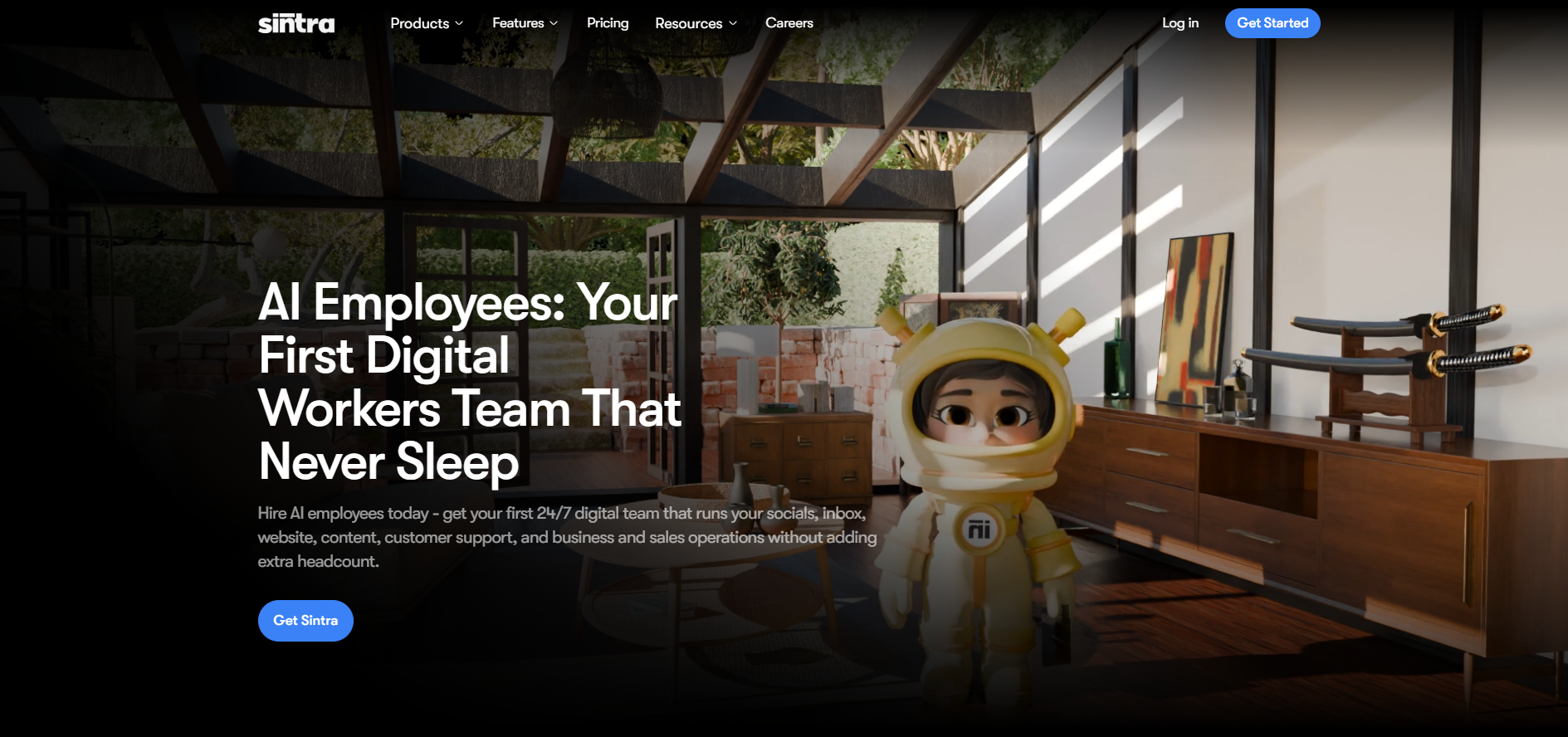
Most ChatGPT alternatives provide a blank text box and rely entirely on prompts. Sintra takes a different approach. It offers a set of specialized AI employees, each designed for a specific writing function, so teams do not depend on one general assistant for every task.
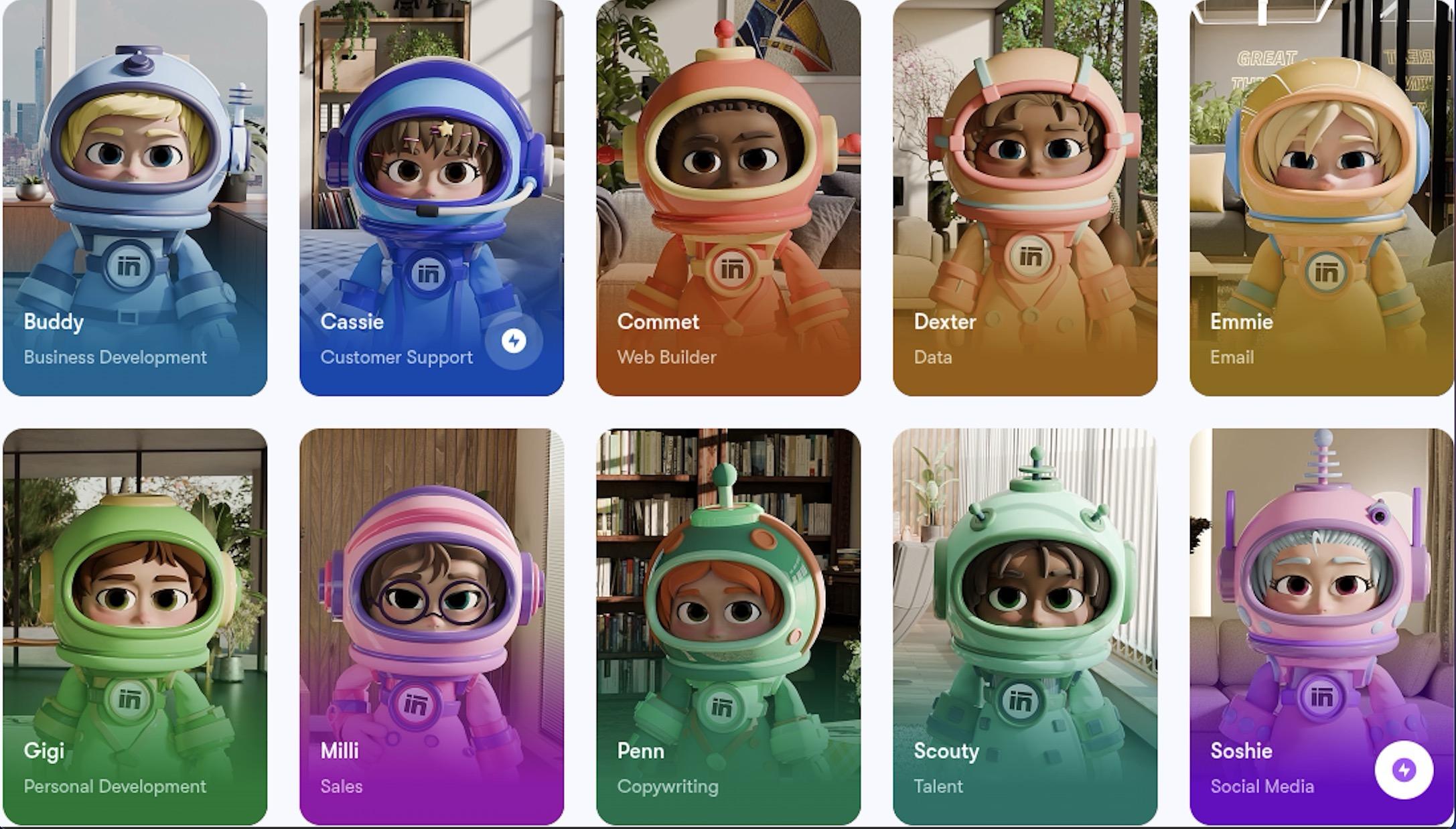
Its system is built around role-based helpers. Penn focuses on copywriting and conversion content. Soshie manages social media writing. Cassie handles customer support and documentation. Buddy supports operational and internal communication. Each helper is trained for a defined role, which improves consistency and output quality.
All helpers are connected through Brain AI, Sintra’s shared memory layer. Brand voice, product details, audience context, and tone preferences are stored once and applied across all writing. This removes the need to repeat instructions and helps maintain consistency over time.
Sintra also integrates with tools such as Gmail, Google Drive, Notion, LinkedIn, and Instagram, allowing content to move directly into existing workflows.
Key Features
- 12 specialized AI helpers covering writing, SEO, support, sales, and more
- Brain AI: a shared memory layer that retains your brand voice and business context across sessions
- 90+ Power-Up prompt packs for common business writing tasks
- Supports multilingual language support for international content teams
- Integrations with Gmail, Google Drive, Notion, LinkedIn, Instagram, and more
- Mobile and desktop access
Pricing
- Individual Helper: $39/month (access to one specialized helper)
- Sintra X: $97/month (all 12 helpers + Brain AI + 90+ Power-Ups)
- 14-day money-back guarantee (no free plan)
2. Jasper AI – Best for Marketing Teams Focused on Brand Voice
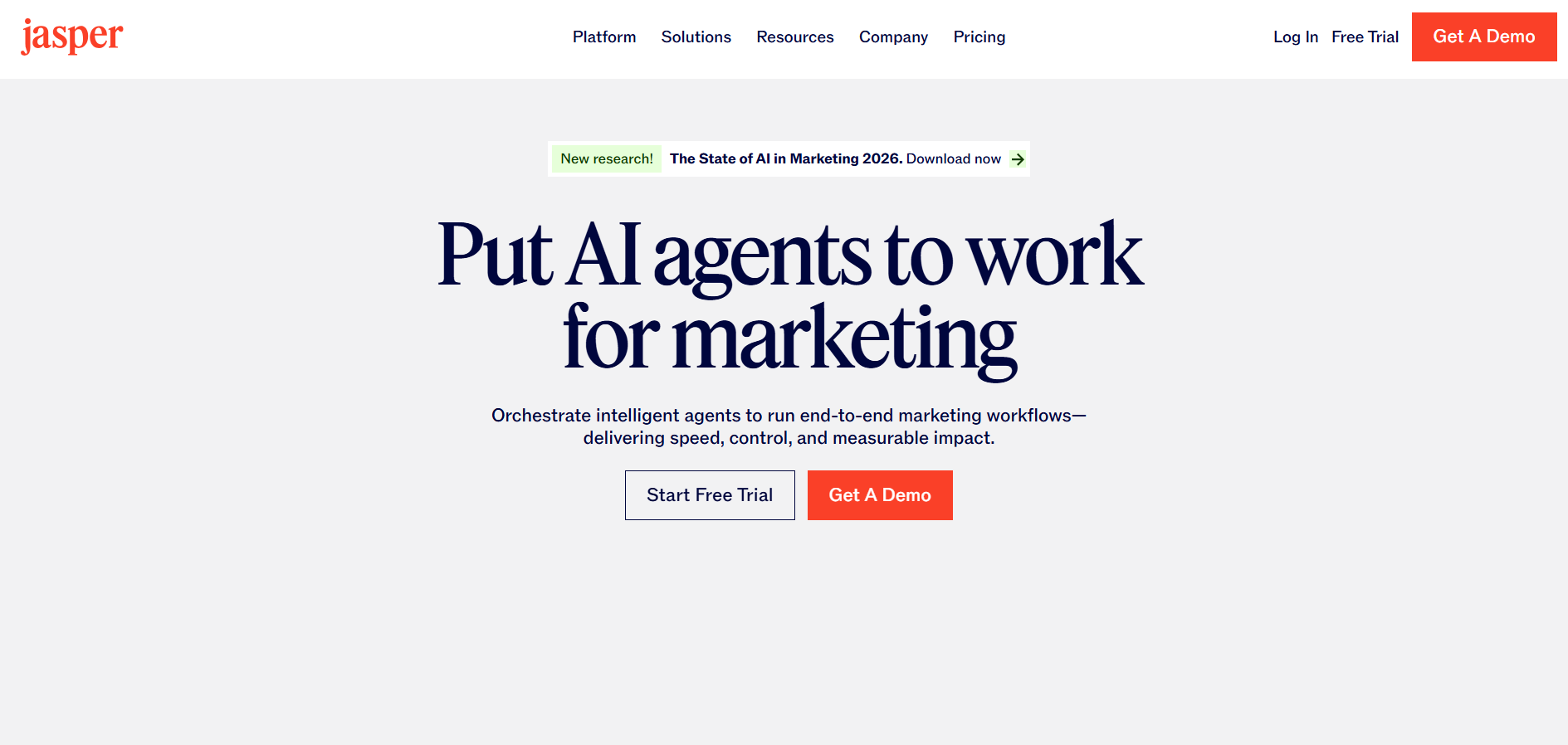
Jasper is a popular AI writing tool designed for marketing teams, offering features that help maintain brand voice and produce large volumes of content. Users can upload style guides or sample content, allowing Jasper to maintain a consistent tone across outputs. This is especially useful for teams working with multiple writers.
The platform supports blogs, ads, landing pages, emails, social posts, and product descriptions. The editor is clean, and the Surfer SEO integration helps writers optimize content during creation. Templates also speed up common marketing tasks.
Jasper’s limitations appear outside marketing workflows. It is not built for support documentation, internal communication, or broader business writing needs. It performs well as a marketing tool but does not function as a full business writing system.
Key Features
- Brand Voice feature that learns and replicates your tone
- 50+ content templates across ad copy, blog posts, emails, and landing pages
- Long-form document editor with real-time editing and collaboration
- Surfer SEO integration for search-optimized content
- AI image generation (Jasper Art)
- Content repurposing for different channels
- 29+ language support
- Campaign-building that generates multiple assets from one goal
Pricing
- Creator: $39/month (1 user, 1 brand voice)
- Pro: $59/month (multi-user, 3 brand voices, team collaboration, image tools)
- Business: Custom pricing (unlimited brand voices, API access, SSO, account manager)
- 7-day free trial on Creator and Pro
3. Copy.ai – Best for Short-Form Marketing Copy and GTM Workflows
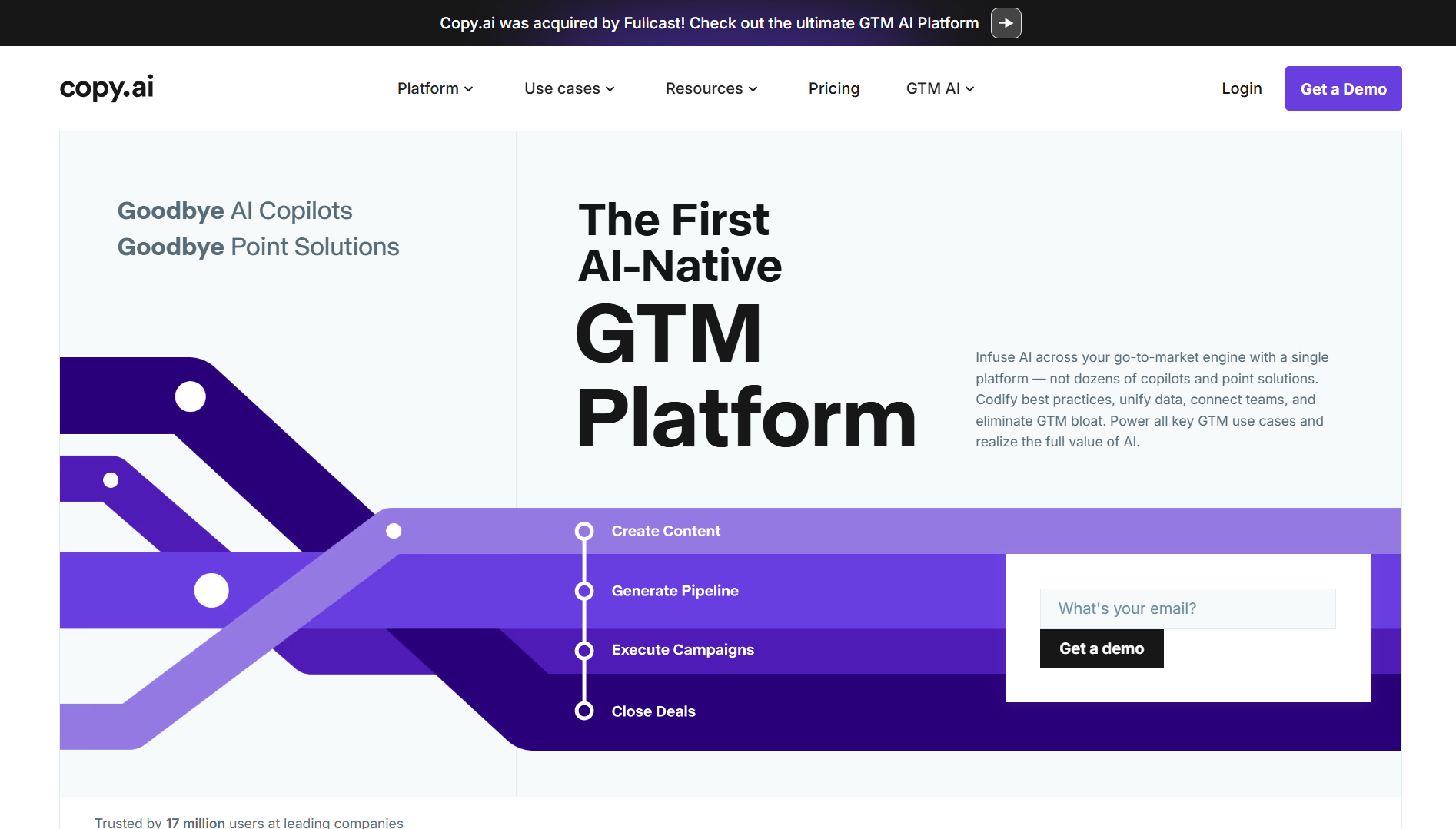
Copy.ai began as a simple AI writing tool and has evolved into a Go-to-Market (GTM) AI platform. It still includes more than 90 templates for ads, emails, social posts, product descriptions, and landing pages. Its main strength today is Workflows, which allow teams to automate multi-step content processes.
A single workflow can turn a keyword into a content brief, draft a blog post, and generate social variations without manual prompting at each step. This saves time for teams producing content at scale. Copy.ai has also expanded into sales and marketing use cases, adding tools for outreach, account-based marketing, and email sequences.
Its main limitation is long-term consistency. Copy.ai does not retain deep context between sessions, so brand guidelines often need to be reapplied. It works well for campaigns and short-form content, but is less suited for teams that require persistent brand memory across ongoing work.
Key Features
- 90+ templates for ads, emails, social posts, product descriptions, and more
- Workflows: multi-step automation pipelines for content tasks
- Specialized GTM agents for prospecting, ABM, and sales outreach
- Real-time collaboration tools
- Brand voice upload and context retention within sessions
- Integration with Google Docs, Slack, Salesforce, and Perplexity for research
- LLM-agnostic: supports GPT, Claude, and other models
- 25+ language support
Pricing
- Free plan (limited credits)
- Starter: $49/month (1 seat, full access to templates and chat)
- Advanced: $249/month (5 seats, full Workflows and automation)
- Enterprise: Custom pricing
- 7-day free trial on paid plans
4. Writesonic – Best for SEO-Driven Blog and Content Teams
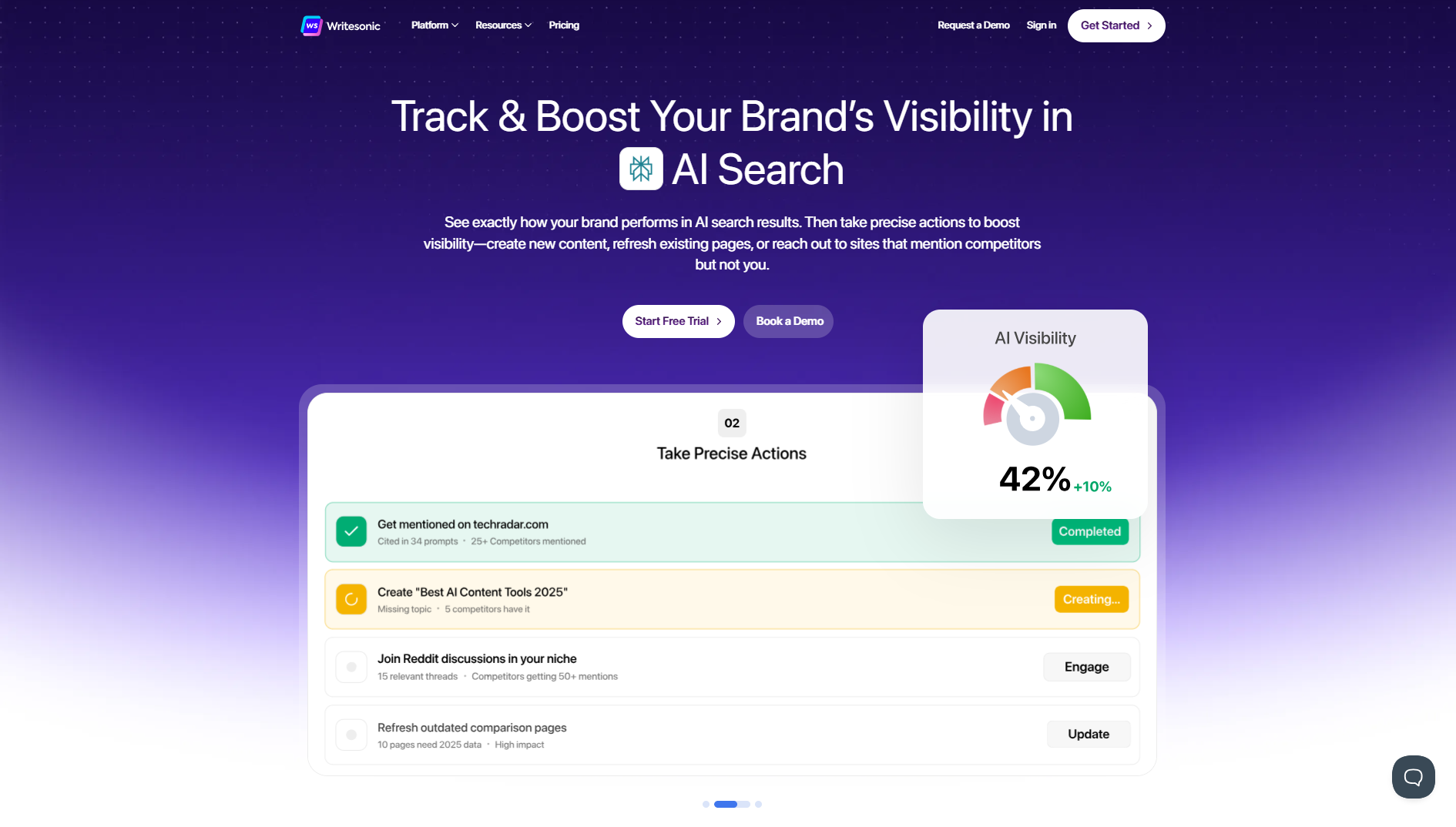
Writesonic stands out by combining multiple content tools into one platform. It includes a long-form AI writer, the Chatsonic research chatbot, an AI image generator, SEO optimization tools, and more than 80 writing templates. For smaller content teams, this reduces the need to manage several separate tools.
Its main feature is AI Article Writer 6.0. It uses real-time data, analyzes competitor pages, and produces SEO-focused drafts that usually require light editing. Chatsonic provides a chat interface connected to Google Search, allowing responses to reflect current information. Writesonic also offers Generative Engine Optimization (GEO) features designed to improve visibility in AI-generated search results.
The main limitation is tone consistency in longer content. Voice can vary between sections, even with brand settings applied. Writesonic is strong for content volume and search performance, but less suited for teams that prioritize strict brand consistency.
Key Features
- AI Article Writer 6.0 for SEO-optimized long-form content
- Chatsonic: web-connected AI chatbot with real-time Google Search data
- 80+ content templates (ads, product descriptions, emails, social posts)
- Generative Engine Optimization (GEO) for AI search visibility
- SEO Checker and Optimizer with a 0–100 scoring system
- Surfer SEO and Google Search Console integrations
- WordPress one-click publishing
- Photosonic AI image generation
- 25+ language support
Pricing
- Free trial available
- Paid plans start at $39/month (billed annually)
- Higher tiers get GPT-4 access, more brand voices, and larger team capacity
5. Rytr – Best Budget Option for Basic Writing Tasks
Rytr is the simplest and most affordable AI writing tool on this list. Its value lies in speed and accessibility. It suits freelancers, small business owners, and beginners who need product descriptions, emails, or short social posts without a high monthly cost. Rytr can generate story plots and song lyrics, catering to creative writers.
The interface is clean and easy to use. Users select from more than 40 templates and multiple tone options, and Rytr generates several content variations within seconds. Output quality is reliable for short-form writing and usually requires minimal editing.
Its limitations appear with longer or more complex work. Rytr generates content in isolated prompts and does not retain context over time. This works well for occasional tasks but makes it less suitable for teams that need consistent, long-term content production across channels.
Key Features
- 40+ use cases covering ads, emails, blog posts, product descriptions, and more
- 20+ tone options, including professional, witty, persuasive, and conversational
- 30+ language support
- Built-in plagiarism checker powered by Copyscape
- Chrome extension for writing directly in other apps and websites
- Keyword optimization is built into content generation
- Basic document editor
Pricing
- Free plan: 10,000 characters per month
- Saver: $9/month (100K characters per month)
- Unlimited: $29/month (unlimited characters + premium features)
- No enterprise tier
6. Grammarly – Best Editing and Proofreading Layer
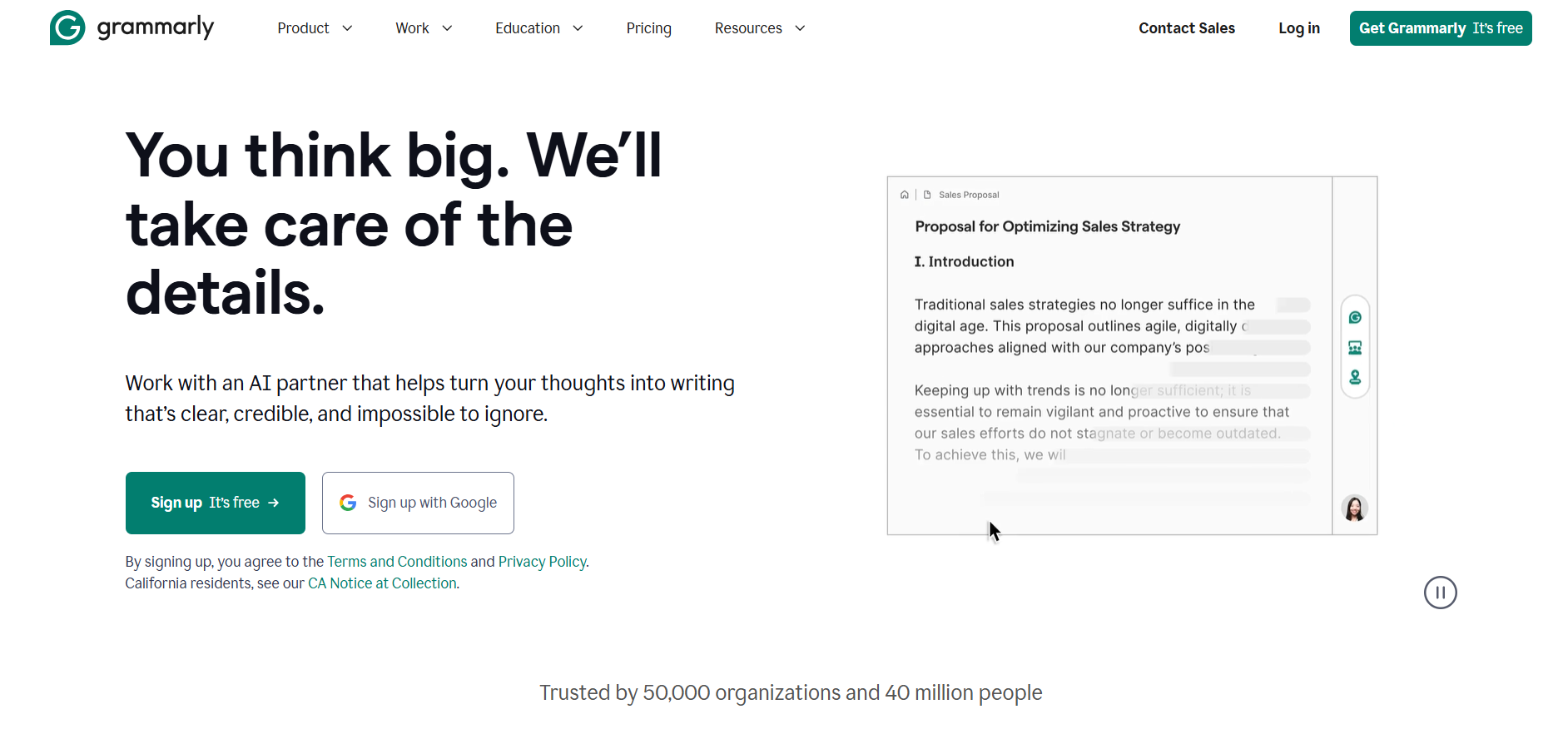
Grammarly is known for its advanced grammar checking and writing improvement features, making it a popular choice for enhancing writing quality.
Its main strength is integration. Grammarly works across tools such as Google Docs, Microsoft Word, Gmail, Notion, LinkedIn, and web browsers. Editing suggestions appear directly where you write, so there is no need to switch platforms. Grammar, clarity, tone, and style recommendations are reliable, and the Premium version adds deeper rewriting support.
GrammarlyGO introduces basic AI generation, including short drafts and rewrites within the editor. However, it works best as a refinement tool rather than a primary writing system. Most teams use Grammarly to polish content created elsewhere, and in that role, it remains highly effective.
Key Features
- Real-time grammar, spelling, punctuation, and style corrections
- Clarity and conciseness suggestions
- Tone detection and adjustment recommendations
- GrammarlyGO for short-form content generation and text rewrites
- Works across multiple apps and websites (Google Docs, Word, Gmail, browser)
- Plagiarism checker on premium tiers
- Full-sentence restructuring suggestions
- AI writing detection
Pricing
- Free: Basic grammar and spelling corrections, 100 AI prompts/month
- Premium: $12/month (billed annually), full features, 2,000 AI prompts
- Business: Custom pricing per seat
7. Notion AI – Best for Internal Documentation and Team Notes

Notion AI works well because it is built directly into Notion, a platform many teams already use for projects, documentation, and knowledge management. It allows users to write, edit, summarize, and generate content without leaving their workspace.
For internal writing, it is highly practical. Notion AI writing tool can summarize meetings, expand notes into documents, rewrite project briefs, and create structured FAQs directly within a page. Teams that already rely on Notion benefit from a smoother workflow.
Its limitations appear with external content. Notion AI is not designed for SEO-focused articles, large-scale marketing content, or brand voice management. It works best as an intelligent editor for internal documentation rather than a full content production tool.
Key Features
- AI-powered writing, editing, summarizing, and content generation inside Notion
- Inline suggestions: improve writing, change tone, shorten, or expand text
- Auto-summarize meeting notes, documents, and pages
- Turn messy notes into structured documents
- Brainstorm ideas and generate content outlines
- Integrates with all Notion workspace features (databases, projects, wikis)
- A Q&A feature that searches your Notion workspace and answers based on your own content
Pricing
- Notion AI is a paid add-on: $10/month per user (billed monthly), $8/month (billed annually)
- Requires an existing Notion plan (Free, Plus, Business, or Enterprise)
8. Sudowrite – Best for Fiction Writers and Storytellers
Sudowrite is built specifically for fiction writing. In that area, it performs better than most general AI writing tools. It supports novelists, short story writers, and screenwriters by focusing on story structure, character development, and narrative flow.
Its main feature is the Story Engine, which creates structured chapter outlines from a concept, characters, and setting. Tools such as Describe, Brainstorm, and “Show, Don’t Tell” help expand scenes, develop ideas, and improve prose clarity. Sudowrite offers specialized tools like 'Story Bible' for organizing characters and world-building.
Its limitation is scope. Sudowrite is not intended for marketing, business writing, or professional communication. The credit-based pricing model can also become limiting for heavy users. It is a strong choice for fiction writers but not for business-focused content teams.
Key Features
- Story Engine: scaffolds a complete novel outline from a basic concept
- SudoWrite includes a thesaurus tool that provides word suggestions as users write.
- Story Bible: builds and stores world details, characters, settings, and timelines
- Describe: adds vivid sensory details to flat scenes
- Brainstorm: generates plot ideas, character motivations, and unexpected twists
- SudoWrite's Feedback tool gives users three areas for improvement and can be run multiple times.
- "Show, Don't Tell" rewriting mode for more immersive prose
- Auto-Write: continues your narrative in a coherent direction from any point
- SudoWrite's Write tool can generate the next 300 words if a user gets stuck while writing.
- Sudowrite features a 'Canvas' for visual brainstorming, mapping out plots, and generating twists.
- Access to multiple AI models (Muse, Claude, Gemini) for different writing needs
Pricing
- Hobbyist: $19/month ($10/month billed annually) offering 225,000 credits
- Professional: $29/month ($22/month annually) offering 1,000,000 credits
- Max: $59/month ($44/month annually) offering 2,000,000 credits with rollover
- 3-day free trial available
9. Anyword – Best for Performance Marketers Who Write to Convert
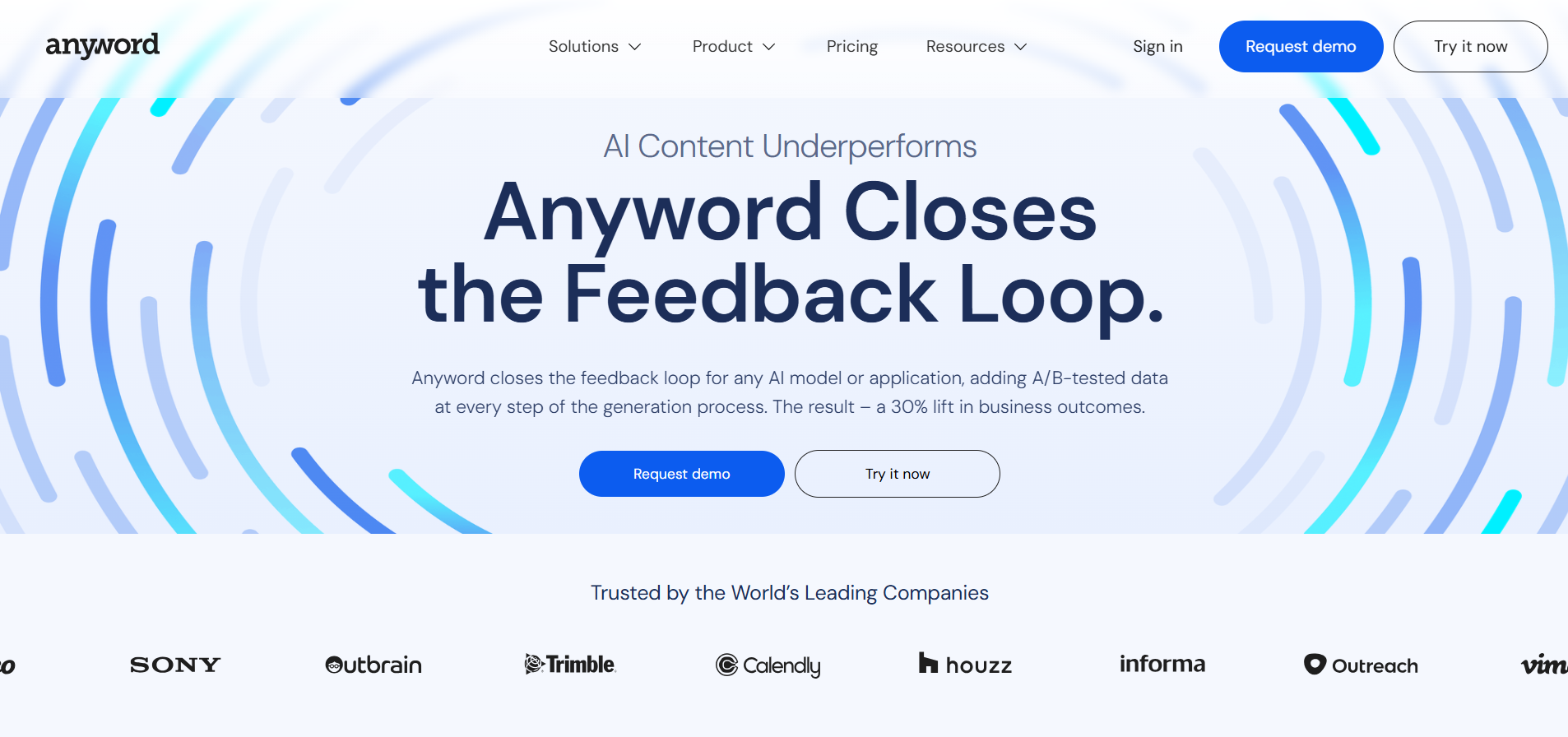
Anyword focuses on optimizing content performance by predicting how well a piece of writing will perform based on audience metrics. Its key feature is the Predictive Performance Score, which estimates how likely a piece of content is to convert before publication. The score is based on large datasets from ads, emails, and landing pages. Users can generate multiple variations and prioritize the highest-scoring options.
This AI writing tool is especially useful for paid media teams and growth marketers running frequent tests. Its Copy Intelligence feature analyzes past high-performing content and applies those patterns to new writing, helping align messaging with audience behavior.
Its value is more limited for organic and long-form content. Blogs, internal documents, and support materials benefit less from conversion scoring. Anyword works best as a performance copy tool rather than a general writing platform.
Key Features
- Predictive Performance Score: AI-estimated conversion likelihood before publishing
- Copy Intelligence: analyzes your own top-performing content to improve future outputs
- Data-Driven Mode: applies insights from high-converting content patterns
- 100+ templates for ads, landing pages, emails, and social posts
- Blog post and long-form writing tools
- Brand voice and tone customization
- A/B testing support with performance comparison
- Integrations with major ad platforms
Pricing
- Starter: $49/month
- Data-Driven Teams: $99/month
- Business: $499/month
- Enterprise: Custom pricing
10. Claude – Best General-Purpose AI for Long-Form Writing Quality
Claude is a ChatGPT alternative that excels at human-like writing and can match tone and style effectively. With a context window of up to 200,000 tokens, it handles complex, multi-section writing better than many alternatives.
This AI for writing works well for individual writers creating long articles, research summaries, and detailed documents. Tone control and reasoning are reliable, making it especially useful for non-fiction and analytical writing.
Its limitations appear in team workflows. Claude offers limited persistent memory across sessions and does not provide shared brand context by default. It also lacks role specialization and built-in workflow systems.
Key Features
- Exceptionally high prose quality with natural, human-like tone
- Offers a 200K token context window and can process and reason over full-length manuscripts
- Strong reasoning and argumentation for research-heavy content
- Reliable instruction-following for tone, format, and structure
- Handles long-form editing, rewriting, and structural feedback
- Works across diverse writing types: essays, stories, reports, summaries, and more
- Web search is available on paid plans
Pricing
- Free: Limited usage
- Pro: $20/month
- Max: $100–$200/month (extended usage)
11. QuillBot – Best for Rewriting and Paraphrasing Existing Content
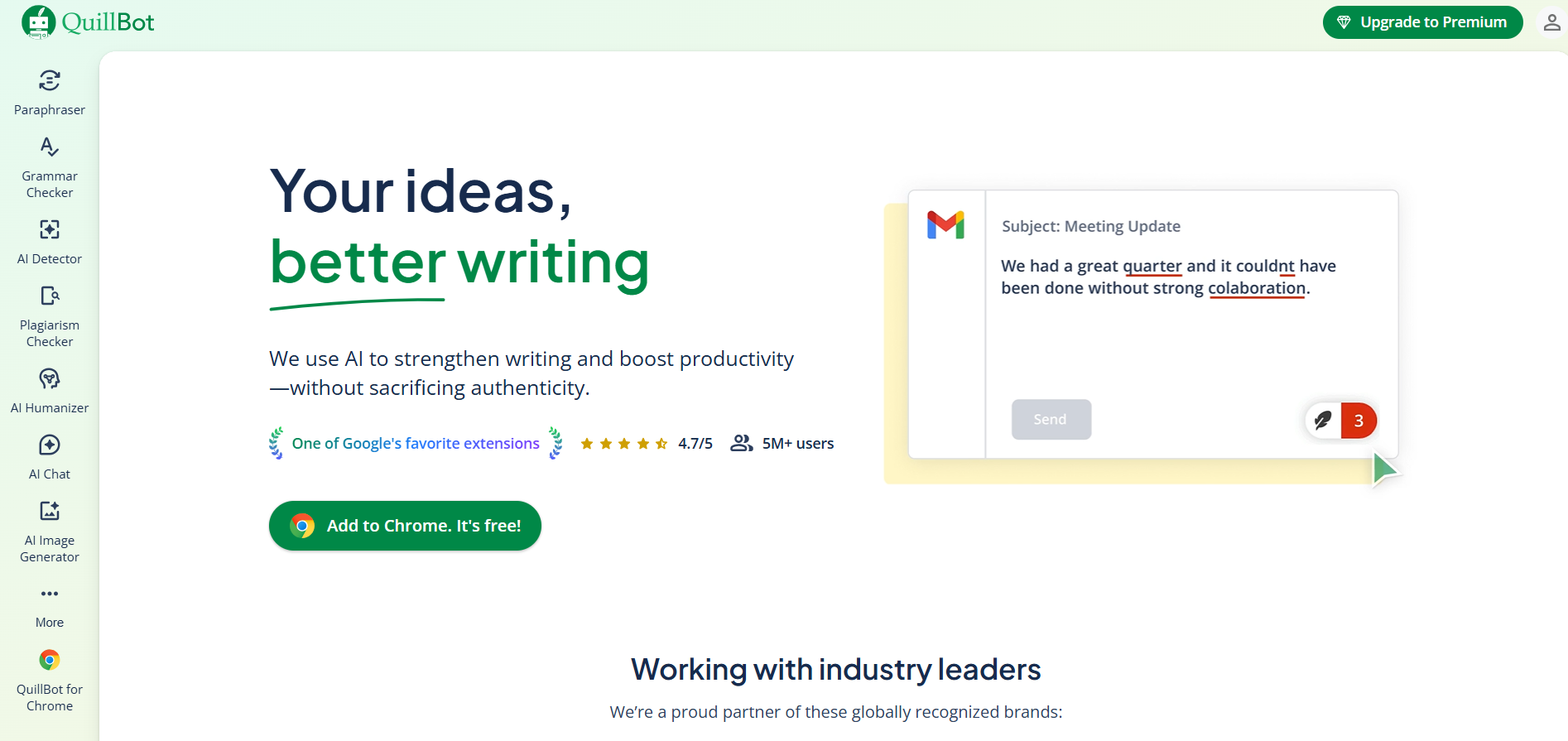
QuillBot focuses on improving existing writing rather than generating new content. It helps rewrite text to make it clearer, cleaner, and more concise while preserving the original meaning. Its paraphrasing tool is the main strength, offering multiple modes that adjust tone, length, and formality based on writing needs.
The grammar checker is fast and reliable, and the Premium plan includes a plagiarism checker. A built-in citation generator supports APA, MLA, and Chicago formats, making the tool especially useful for academic and research writing.
QuillBot does not create long-form content from prompts. It works as an editing and refinement tool rather than a full writing platform. It is most useful as a companion tool alongside content generators and provides strong value for students, researchers, and writers focused on polishing existing work.
Key Features
- Paraphraser with 8 modes: Standard, Fluency, Formal, Creative, Simple, Shorten, Expand, and Academic
- Grammar Checker with advanced style and punctuation recommendations
- Plagiarism Checker (up to 25,000 words/month on Premium)
- Summarizer for condensing long documents
- Citation Generator (APA, MLA, Chicago formats)
- AI content detector
- Unlimited freeze words to preserve key terms during paraphrasing
- Chrome extension for Google Docs and browser use
- 45+ language translation
Pricing
- Free: 125-word paraphrase limit, 2 modes, basic grammar checking
- Premium: $8.33/month (annual) / $19.95/month (monthly)
- Team plans available for educational institutions and businesses
12. Wordtune – Best for Quick Sentence-Level Rewrites
Wordtune focuses on sentence-level rewriting. Users highlight a sentence, and the tool suggests alternative versions that are shorter, longer, more formal, or clearer. It is useful for writers who know their message but want better phrasing.
The AI writing tool works best as a light editing assistant used during writing. Its browser extension integrates with Google Docs, Gmail, and most web text fields, allowing edits without interrupting workflow. It suits students and professionals who want quick clarity improvements.
Its limitations appear with broader writing needs. Wordtune does not support long-form generation, brand consistency management, or team collaboration. The free plan allows limited daily rewrites, and even paid versions remain focused on editing rather than full content creation. It works best as a finishing tool rather than a primary writing platform.
Key Features
- Real-time sentence rewriting with multiple alternatives per sentence
- Tone adjustments: casual, formal, concise, and expanded versions
- Summarizer for long articles and documents
- AI-powered suggestions inline with Google Docs and Gmail
- Chrome extension for browser-based writing
- Content recommendations and spice-ups (alternative phrases, examples, stats)
- Basic content generation for short-form tasks
Pricing
- Free: 10 rewrites/day, 1 line at a time
- Plus: $9.99/month, unlimited rewrites, summarizer access
- Unlimited: $14.99/month, full feature access
- Team plans available
13. INK – Best for SEO-Focused Writers Who Want an All-In-One Optimizer
INK is built around SEO-focused writing. The platform combines content generation with real-time keyword optimization, SERP analysis, and guided co-writing features. INK claims its SEO Optimizer is the only tool that uses semantic intelligence to predict SERP rank effectively.
Its main strength is the SEO scoring and keyword guidance system. INK evaluates keyword usage, readability, and structure during the writing process, which helps reduce switching between multiple SEO tools. This makes it useful for teams producing large volumes of search-driven content.
Being one of the best AI writing tools, the platform offers competitive pricing with unlimited AI words on higher plans and a usable free tier for testing. Its limitation is creative flexibility. Strong SEO optimization can make writing feel less natural or conversational. INK works best for search-focused content rather than brand storytelling or narrative writing.
Key Features
- Real-time SEO optimization alongside AI content generation
- NLP-based keyword analysis and topic scoring
- SERP analysis to benchmark against top-ranking competitors
- AI Co-Writing mode with keyword targets built into the editor
- Content briefs and outline generation
- Long-form article writer (1,500–3,000+ words)
- Readability scoring and improvement suggestions
Pricing
- INK does not list public pricing.
- Free AI writing tool: 5,000 AI words, 100 keywords, 3 SEO articles/month
14. Frase – Best for Research-Led SEO Content Creation
Frase is one of the best AI writing tool designed for content teams focused on research and search rankings. Before writing begins, it analyzes top search results for a target keyword, identifies topic coverage, and highlights content gaps. This reduces the need for manual SERP research.
The editor brings these insights directly into the writing process. Writers see optimization scores and topic suggestions while drafting. The AI writer can generate sections on demand, and the content brief builder helps teams structure articles quickly.
Frase blends SEO and AI text generation, allowing users to research keywords and generate full-length articles quickly. Its main limitation is the pricing structure. Full AI writing features require an additional add-on lower plans, and output quality can vary at times. Frase works best for search-focused content operations rather than general writing needs.
Key Features
- Top-20 SERP analysis for any target keyword before you write
- Content brief builder that auto-generates structured briefs from research
- Live topic score and optimization guidance inside the editor
- AI Article Writer for full-draft generation with SEO intent
- Google Search Console integration for performance tracking
- Competitor outline comparison and content gap identification
- Question research tool (pulls common questions from search results)
- Topic clustering and content calendar planning
Pricing
- Starter: $45/month (15 articles/month, 1 user)
- Professional: $115/month (75 articles, more users)
- Pro Add-On (AI Writer): $35/month
- Enterprise: Custom pricing
- 7-day free trial
15. ChatSonic – Best ChatGPT-Style Interface With Real-Time Web Access
ChatSonic is Writesonic’s conversational AI assistant. It works in a chat-based interface similar to ChatGPT but adds real-time Google Search integration. This allows it to generate content using current information, which is useful for topics involving recent updates or news.
The interface is simple and supports tasks such as blog drafting, social posts, emails, summaries, and ad copy. Built-in templates reduce prompting effort, and voice input allows users to dictate ideas directly.
Its limitations are similar to those of most chat-based tools. Sessions do not maintain strong long-term memory, and there is no shared brand context or role specialization. Output can vary in tone across sessions. ChatSonic is one of the best free AI writing tools that works well for quick research and drafting, but is less suited for structured, repeatable team workflows.
Key Features
- Real-time Google Search integration for up-to-date content
- AI agent workflows for research and content generation
- Chat with PDFs, documents, and images
- Voice input for hands-free content creation
- Brand voice customization for consistent tone
- Google Docs and WordPress integrations
- Prompt library for common content tasks
- Multilingual support
Pricing
- Free plan available (limited credits)
- Paid plans start at $19/month
- Available as part of Writesonic's broader platform
How We Evaluated These ChatGPT Alternatives for Writing
We did not rank these tools based on feature count. More features do not guarantee consistent performance when teams manage heavy content schedules, detailed brand guidelines, or shared writing standards.
Our evaluation criteria for choosing the best AI writing tools:
- Output quality: Does the content actually sound like something a competent writer would produce, or does it sound like it was written by a machine filling a quota?
- Context retention: Can the tool remember your brand, your audience, and your preferences across sessions? Or does it start fresh every time?
- Consistency: Does the quality and tone hold steady across long-form content and across multiple pieces written over time?
- Workflow coverage: Does the tool support the actual surfaces where your team writes: blogs, emails, social, support, internal docs, and sales content?
- Team vs. solo usability: A tool that's great for one person writing occasionally is often inadequate for a team writing daily across multiple channels.
- Value relative to price: We've tried to separate tools that justify their pricing from ones where you're essentially paying for a branded wrapper over a standard model.
Best ChatGPT Alternative for Writing by Type
Different writing jobs reward different tools. Here is the best ChatGPT alternative for writing for each common use case in 2026:
- Long-form content and articles. Claude, for depth and coherence.
- SEO content. Writesonic and Frase, built for search-optimized drafts at scale.
- Creative and fiction writing. Sudowrite, purpose-built for storytellers and long narratives.
- Academic and research writing. Claude and Frase for structured, well-cited drafts; QuillBot for paraphrasing and clarity.
- Marketing and ad copy. Jasper, Copy.ai, and Anyword for conversion-focused campaigns.
- Emails, sales pages, and product copy. Anyword and Copy.ai for high-converting short-form.
- Rewriting and editing. QuillBot and Wordtune for fast rewrites and tone control.
- A free AI like ChatGPT for writing. Rytr and QuillBot both offer capable free tiers.
- Daily writing across a whole team. Sintra AI, with role-based AI helpers and shared Brain AI memory.
Why Most ChatGPT Alternatives Fall Short for Serious Writing
Many writing teams feel they are managing their AI tools instead of benefiting from them. Most sites like ChatGPT repeat the same structural limitations, even if they appear different. This is where problems usually begin.
Writing Is Treated as a One-Off Task, Not an Ongoing System
Most tools assume writing is a one-time task. In reality, business writing is cumulative. New content must stay consistent with past work and align across channels and teams.
Prompt-based tools, including many ChatGPT alternatives, reset after each interaction. Every task starts from zero, leaving writers responsible for maintaining consistency on their own.
No Memory Means No Consistency
When a tool does not retain brand voice, product context, or past writing decisions, output becomes inconsistent. Teams often spend as much time correcting tone as they would writing manually.
Persistent memory is not optional. It separates basic tools from true systems. Tools generate text, while systems produce consistent, on-brand writing that improves over time.
One Generic Assistant Can't Handle Specialized Writing
Marketing copy, support replies, technical documentation, and internal reports serve different purposes and require different writing styles. Expecting one general assistant to handle all of them equally well often leads to average results.
The outcome is writing that works but rarely excels. For teams where writing quality directly affects business results, this limitation becomes costly.
Writing Happens Across Too Many Surfaces for Prompt-Based Tools
Business writing happens across many AI tools for writing, not inside a single chat interface. Moving content in and out of chatboxes creates friction for teams working daily across documents, emails, and collaboration platforms.
The effort may seem small per task, but it accumulates over time. Teams lose hours to copying, reformatting, and switching contexts, which reduces long-term adoption.
These Gaps Compound as Teams Grow
Small inefficiencies may seem manageable in small teams, but they become structural problems as teams grow. Inconsistent messaging creates confusion, duplicated work increases costs, and slower output reduces speed to market. Valuable context is lost each time a new session begins.
Tools that worked early on often become bottlenecks as content operations scale.
Who Should Use a ChatGPT Alternative for Writing?
The right AI, like ChatGPT, depends on how often you write, what you write, and whether you work alone or as part of a team.
- Solo writers and casual use: For occasional writing, simple and affordable tools like Rytr or the free version of QuillBot are usually sufficient.
- Content marketers focused on SEO: If search-driven content is the priority, Writesonic, Frase, or INK provide stronger optimization and research features.
- Marketing teams working across channels: Teams managing ads, landing pages, emails, and social content benefit from tools that support tone consistency and repeatable workflows, such as Jasper or Sintra.
- Support and customer-facing teams: Accuracy and consistency matter more than creativity. Structured tools like Sintra or well-configured templates in Writesonic are better suited for this work.
- Startups and growing teams writing daily: When writing spans marketing, sales, support, and operations, a system-based platform like Sintra helps maintain consistency across functions.
- Teams that need long-term consistency: Organizations that rely on strong brand voice and shared context should prioritize tools that retain memory and maintain continuity over time.
Why Use a ChatGPT Alternative for Writing Instead of ChatGPT?
ChatGPT is often the starting point for AI writing. The best alternatives to ChatGPT for writing add memory, brand voice, and multi-surface workflows that a single chat window cannot. It is flexible, accessible, and useful for quick tasks such as emails, rough drafts, or idea generation.
Limitations appear when writing becomes a daily process. ChatGPT offers limited persistent memory, lacks role-based specialization, and does not natively support structured team workflows. Brand consistency can also vary when multiple writers use different prompts.
For individual use, ChatGPT remains effective. For business writing at scale, many alternatives provide stronger structure, workflow support, and consistency for ongoing content production.
Why Sintra AI Is Different From Other ChatGPT Alternatives
Every tool on this list can generate text. Sintra differs in how it supports writing over time. Instead of a single writing interface, it provides an AI team designed to maintain consistent, on-brand writing across multiple business functions.
Sintra Is Not a Single Writing Box
Most ChatGPT alternatives follow a simple pattern: one prompt produces one output. This works for isolated tasks but does not scale for businesses that write daily across multiple functions. Writers must repeatedly explain context, tone, and goals, which slows workflows and creates inconsistency.
Sintra addresses this with role-based helpers. Each helper focuses on a specific writing function while sharing the same memory and context. This allows writing to remain coordinated and consistent across tasks.
Penn – Conversion-Focused Writing That Drives Action
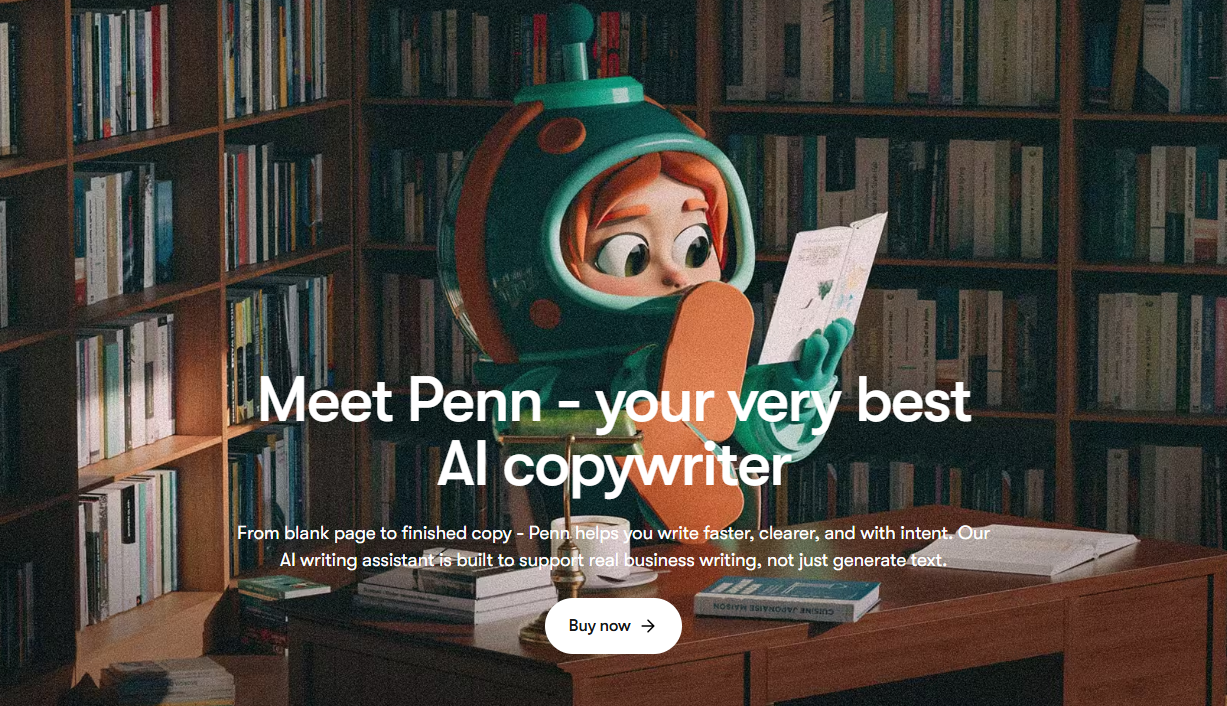
Penn is Sintra’s AI copywriter focused on conversion-driven writing. It supports landing pages, sales copy, marketing emails, and blog content designed to guide readers toward action.
Unlike a general writing assistant, Penn is built around persuasive writing principles. It applies structured calls to action, headline frameworks, and conversion-focused messaging. This specialization makes it useful for content where writing quality directly impacts results.
Soshie – Social Writing Built for Calendars, Captions, and Repurposing
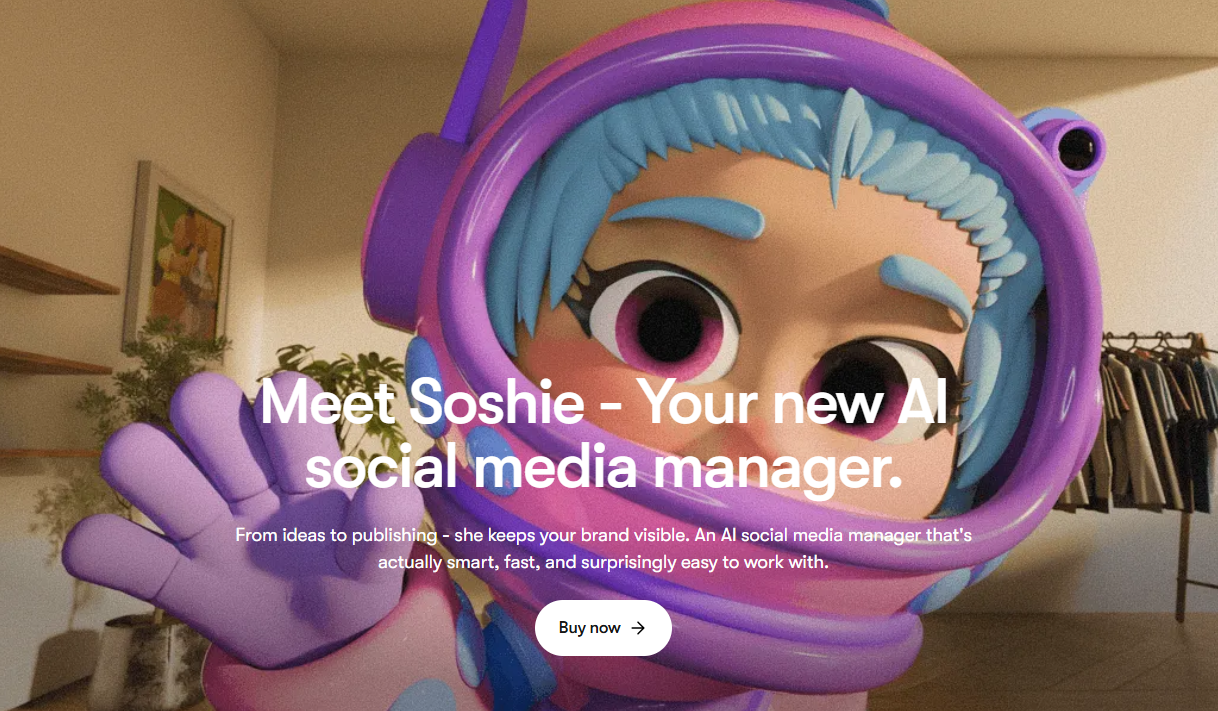
Soshie is Sintra’s AI social media manager. It supports caption writing, content planning, and post adaptation across platforms, helping teams maintain a consistent publishing rhythm.
Social content requires platform-specific tone and steady output, which general writing tools often struggle to manage. A specialized AI social media manager helps maintain consistency and reduce repetitive manual work.
Cassie – Support Writing for Email, Chat, FAQs, and Help Docs
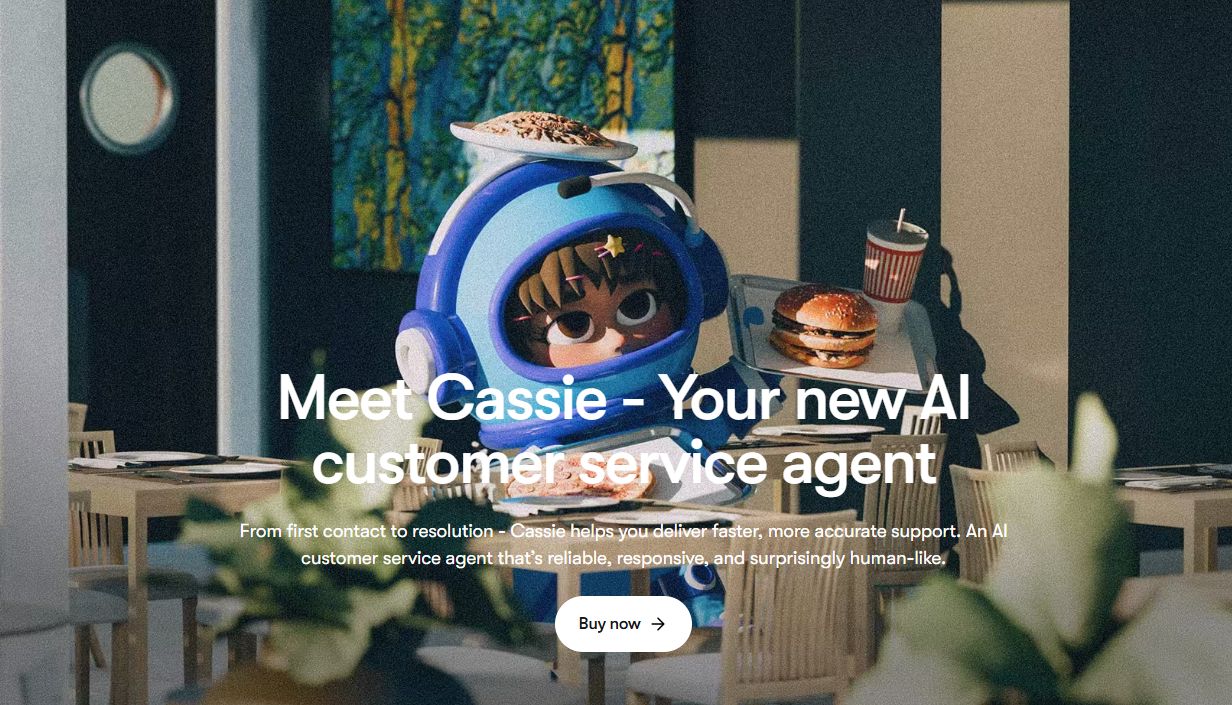
Cassie is Sintra’s AI assistant for customer support writing. It helps teams create customer replies, FAQs, help documentation, and chat responses with a consistent tone and clear language.
Support writing requires accuracy and reliability, which general AI tools often struggle to maintain. This AI for customer service is designed to keep responses aligned with product information and brand voice, helping teams deliver consistent customer communication.
Buddy – Strategy and Operations Writing That Keeps Teams Aligned
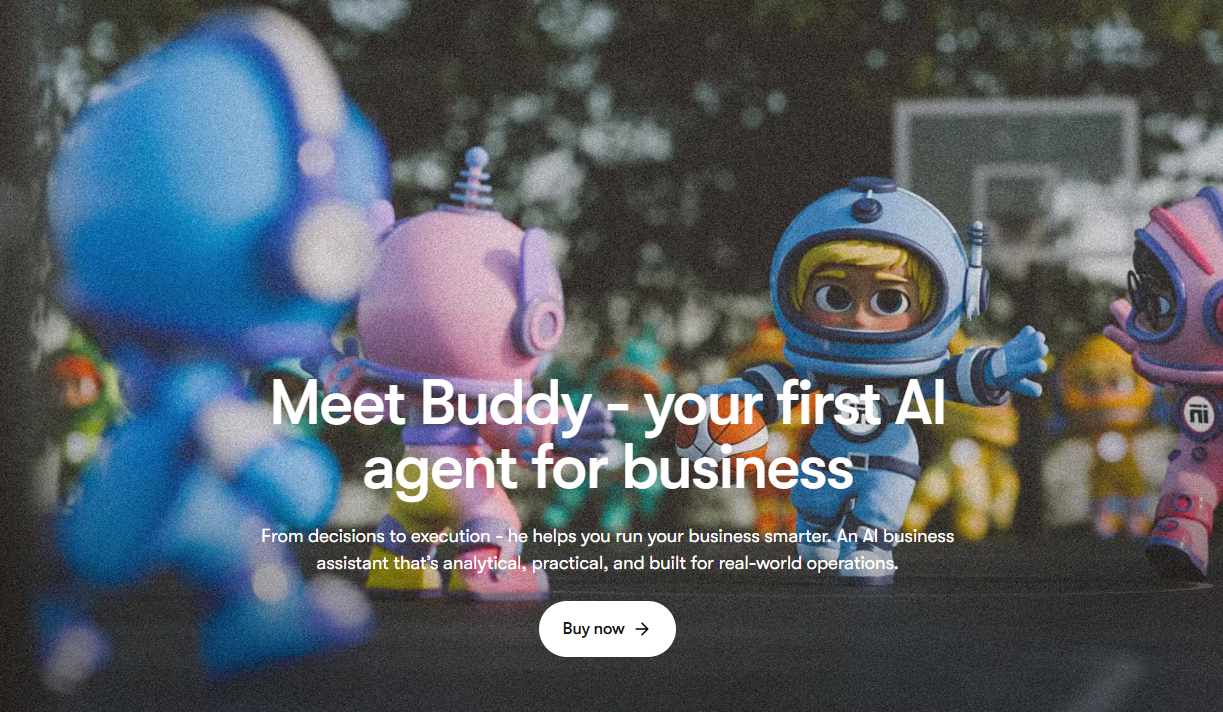
Buddy is Sintra’s AI business strategist. It supports internal documentation, strategic planning, meeting notes, and operational writing that keeps teams aligned.
It is useful for founders and operators who need to document decisions, organize ideas, and create clear internal briefs. Buddy focuses on internal business communication, an area most marketing-focused tools do not address.
Brain – Shared Memory That Keeps Writing Consistent Over Time
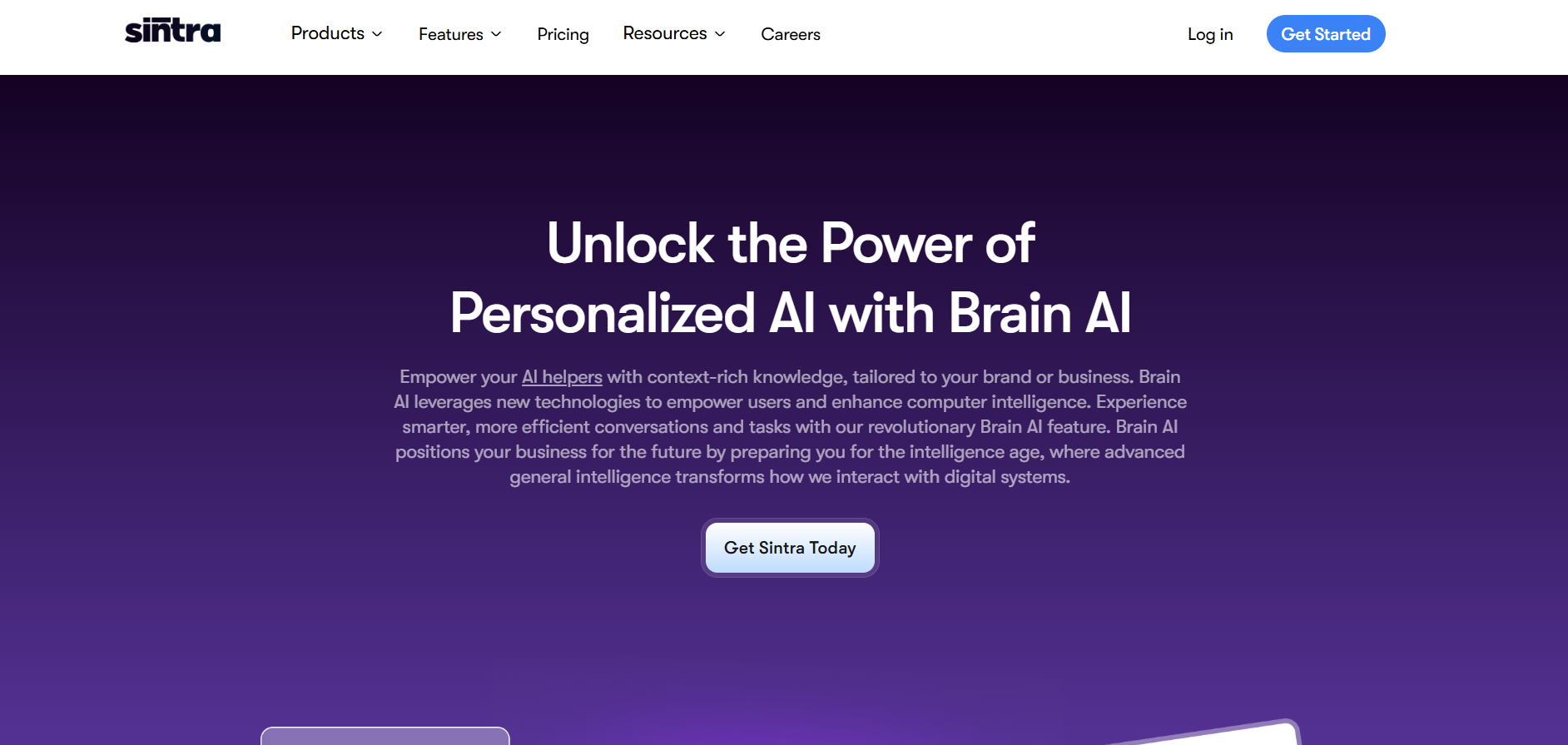
Brain AI is the system that connects all Sintra helpers. It stores shared information such as brand voice, product details, audience context, and communication preferences. Every helper uses this shared memory, so updates apply across the entire system and remain consistent for all team members.
This creates consistency over time. Instead of generating isolated text, the system produces writing that stays aligned with brand and audience across tasks.
Ready to Build a Writing System Instead of Just Generating Text?
Prompt-based tools work well for isolated tasks. They are far less effective at building the consistent, coordinated, on-brand writing that makes a business feel unified to customers, prospects, and internal teams alike.
When writing needs move beyond a one-prompt-at-a-time workflow, a different approach becomes necessary. Sintra introduces a system of AI helpers that understand your business, retain brand context, and support writing across multiple functions rather than responding to a single request in isolation.
Get started with Sintra to experience how daily business writing changes when the system maintains context and consistency for you.
ChatGPT Alternatives for Writing FAQs
What is the best ChatGPT alternative for long-form content?
For writing quality and long-document handling, Claude remains one of the strongest options. Writesonic and Frase perform well for SEO-focused long-form content at scale. For teams that need long-form writing within a coordinated system, Sintra’s Penn helper combines conversion-focused writing with structured workflows.
Is there an AI like ChatGPT for writing?
Yes. Several AI tools work like ChatGPT for writing but add features it lacks. Claude is closest for long-form quality, Jasper and Copy.ai for marketing copy, and Sudowrite for fiction. For teams that write every day, Sintra AI goes further, with role-based AI helpers and shared Brain AI memory so your writing stays consistent instead of starting from a blank box each time.
Which AI writing tool is best for teams and startups?
Sintra AI is designed for teams and startups that produce writing daily across marketing, support, sales, and operations. Its role-based helpers and shared Brain AI memory help multiple writers maintain consistency without repeated briefing. Jasper is well-suited for marketing teams focused on brand voice control, while Writesonic works best for teams prioritizing SEO-driven content volume.
What is the best ChatGPT alternative for creative and academic writing?
Sudowrite is one of the best ChatGPT alternatives for creative writing is purpose-built for storytellers, while Claude handles long, nuanced narrative well. For academic writing, Claude and Frase are strong for structured, research-led drafts, and QuillBot helps with paraphrasing and clarity. Match the tool to the format you write most.
How is Sintra AI different from other AI writing tools?
The main difference is the system design. Most tools provide one assistant for all tasks, while Sintra offers specialized helpers supported by shared memory through Brain AI. It is built for teams that write daily across multiple channels rather than occasional individual use.
Related articles




