



AI Personal Assistant: We Tested and Ranked the Best 10 in 2026


Table of Contents

Quick Answer: What Is the Best AI Personal Assistant in 2026?
For business execution: Sintra AI leads with role-based AI employees that own tasks, not just answer questions. For everyday versatility: ChatGPT remains the most flexible tool for individuals. For Google Workspace users: Gemini is already where you work. For Microsoft 365 teams: Copilot lives inside the tools your team opens every morning.
The global AI-powered personal assistants market was valued at $108.60 billion in 2023 and is projected to reach $242.30 billion by 2030, growing at a 17.3% CAGR. It indicates that this is not a trend; it is a shift in how work gets done.
The term AI personal assistant used to mean a voice that set your alarm. In 2026, it can run your marketing, reply to customers, write your content, and manage your calendar; all while you focus on actual work.
But here is the problem most people run into: not all AI assistants are built the same. Some talk. Some suggest. Very few actually execute. Workplace adoption has surged - 28% of employed U.S. adults now use ChatGPT at work, up from just 8% two years earlier, and 43% of U.S. knowledge workers use AI tools overall, up from fewer than 1 in 10 in late 2022.
We put 10 of the most talked-about tools through real work scenarios. It is not from demos, not toy prompts. To answer the question most people are really asking: which AI assistant is actually the best for your specific situation? This guide gives you a straight answer.
| Tool | Best For | Automation Depth | Integrations | Memory |
|---|---|---|---|---|
| Sintra AI | Business execution | ⭐⭐⭐⭐⭐ | Strong | Yes |
| ChatGPT | Versatile everyday use | ⭐⭐⭐ | Moderate | Beta |
| Google Gemini | Google Workspace users | ⭐⭐⭐ | Google-native | Limited |
| Microsoft Copilot | Office workflows | ⭐⭐⭐⭐ | Microsoft-native | Yes |
| Personal AI | Memory-driven use | ⭐⭐ | Limited | Strong |
| Notion AI | Knowledge work | ⭐⭐ | Notion only | No |
| Motion | Scheduling | ⭐⭐⭐ | Calendar tools | No |
| ClickUp AI | Project management | ⭐⭐⭐ | ClickUp-native | No |
| Replika | Companionship | ⭐ | None | Yes |
| Alexa / Siri | Voice tasks | ⭐⭐ | Smart home | Limited |
What Is an AI Personal Assistant?
Think of it as a very smart helper that lives in your phone or computer. You tell it what you need, for example, write this email, schedule that meeting, summarize this document, and it gets it done.
The basic ones, like Siri or Alexa, handle simple voice commands. The advanced ones plug into your tools, remember your preferences, and analyze your messages to detect which require immediate response and which can wait, so nothing urgent slips through and your focus stays where it matters.
In short, the best AI personal assistant does not just answer questions; it also does the work.
The 10 Best AI Personal Assistants Ranked
Every tool below follows the same review format so that you can compare them fairly: pros, cons, pricing, who it is built for, what makes it different, and one real-world use case that shows it in action.
1. Sintra AI — Best Personal AI Assistant for Daily Organization
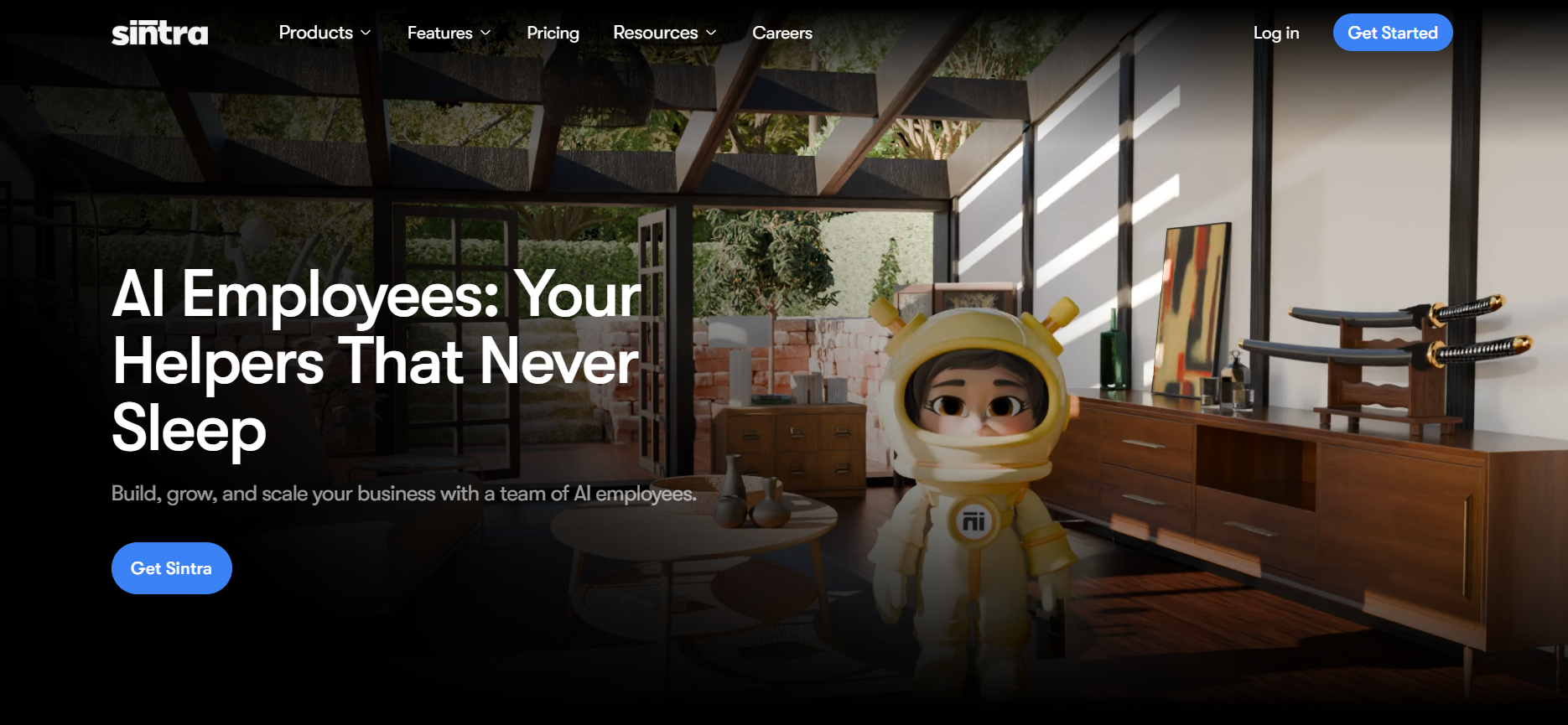
Our platform works as a personal AI assistant for people who need help organizing their day, not just answering questions. You can use it to plan tasks, sort priorities, manage reminders, draft messages, summarize notes, organize files, and keep track of what needs to happen next.
It is useful for busy founders, freelancers, and professionals who want one place to manage both personal admin and light work tasks. With Brain AI, you can store your preferences, notes, files, goals, and instructions, so your assistant can give more useful help over time.
Sintra is best for people who want an AI assistant that helps them stay organized, reduce mental load, and move through the day with more structure.
Pros
- Helps organize daily tasks, notes, files, and reminders
- Useful for planning your day and sorting priorities
- Brain AI stores your preferences, goals, and instructions
- Can support both personal admin and light work tasks
- Good fit for people who want more structure in their day
Cons
- Takes some setup to make Brain AI useful
- Not voice-first like Siri or Google Assistant
- More structured than a casual chatbot
- May feel too advanced if you only need simple reminders
Pricing:
No free tier. Individual AI Helper is $39/month, and the full Sintra X AI team suite is $97/month. Annual plans reduce the effective monthly cost.
Who It's Built For:
Busy professionals, freelancers, founders, and people who want help managing daily tasks, notes, messages, plans, and personal organization from one AI workspace.
What Makes It Different:
Most personal assistant apps only answer questions or set reminders. Sintra can store your context in Brain AI, so it can help with planning, writing, organizing, and task support in a more personal way over time.
One Real Use Case:
A busy freelancer can use Sintra to plan the week, turn scattered notes into tasks, draft client messages, organize priorities, and keep track of what needs attention next.
2. ChatGPT — Best for Versatile Everyday Use
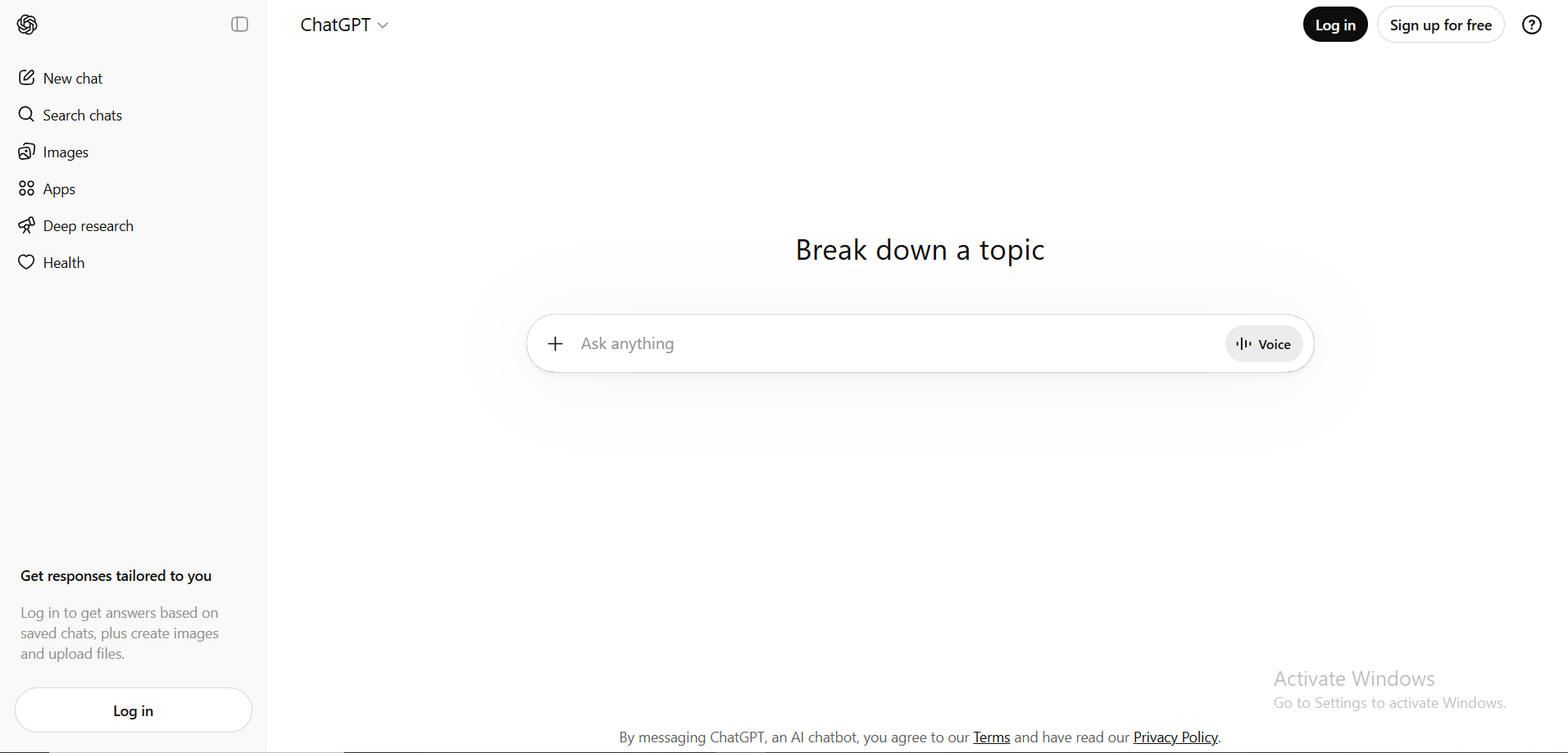
ChatGPT is the closest thing to a Swiss Army knife in the best AI assistant category. Writing, research, brainstorming, summarizing, email drafting, and coding help; it handles almost any text-based task with high-quality output. Generative capabilities enable AI personal assistants like ChatGPT to create content, such as drafting emails and summarizing meetings, enhancing their utility across nearly every profession.
Pros:
- Handles almost any text task with consistent quality
- Large plugin and integration ecosystem
- Enterprise-grade security available
- Accessible across all devices
Cons:
- No native workspace for tasks or calendars
- Memory is still limited or in beta for many users
- Requires manual prompting every session
Pricing:
Free tier available; Plus is $20/mo, Pro Lite (mid-tier) is $100/mo, and Pro (max compute) is $200/mo.
Who It's Built For:
Content creators, marketers, educators, and developers. Around 80% of employees at organizations that have integrated ChatGPT save over 2 hours each week, which adds up quickly for a solo user or small team. ChatGPT reached between 800 million and 1 billion weekly active users in early 2026, making it the most widely adopted AI personal assistant app in the world.
What Makes It Different:
Its flexibility. No setup required, open it, describe what you need, and get a useful output.
One Real Use Case:
A marketer who needs 10 subject line variations, a rewritten landing page paragraph, and a summarized competitor review, all in one sitting, gets all three done without switching tools.
3. Google Gemini — Best for Google Workspace Users

Gemini sits directly inside Gmail, Docs, Sheets, Drive, and Calendar. Modern AI personal assistants like Gemini can access your calendar while checking your email, view your to-do list while reviewing your project notes, and connect different apps and services natively, without opening a separate tab.
Pros:
- Deep native integration across the full Google ecosystem
- Strong document summarization and email drafting in context
- Voice interaction through Gemini Live
- Custom "Gems" for recurring task types
Cons:
- Noticeably weaker outside Google tools
- Not built for multi-step autonomous automation
- Advanced features require paid Workspace plans
Pricing:
Free tier available; AI Plus (200GB) is $7.99/mo, and AI Pro (2TB + Gemini 3.1) is $19.99/mo.
Who It's Built For:
Google Workspace power users in education, consulting, and small business operations. If your team opens Gmail and Docs every morning, Gemini is already where you work. For those asking, "What is the best AI assistant for integrated productivity?" Gemini's in-context awareness is hard to beat.
What Makes It Different:
It reads what is in front of you, like the email you are looking at, the document you are drafting, and helps you act without switching context. Standalone chatbots cannot replicate that without manual copy-pasting.
One Real Use Case:
Reading a long email thread, asking Gemini to summarize it, draft a reply, and add a follow-up to your calendar; all without leaving Gmail, saves 10 to 15 minutes on a single email chain.
4. Microsoft Copilot — Best for Office Workflows
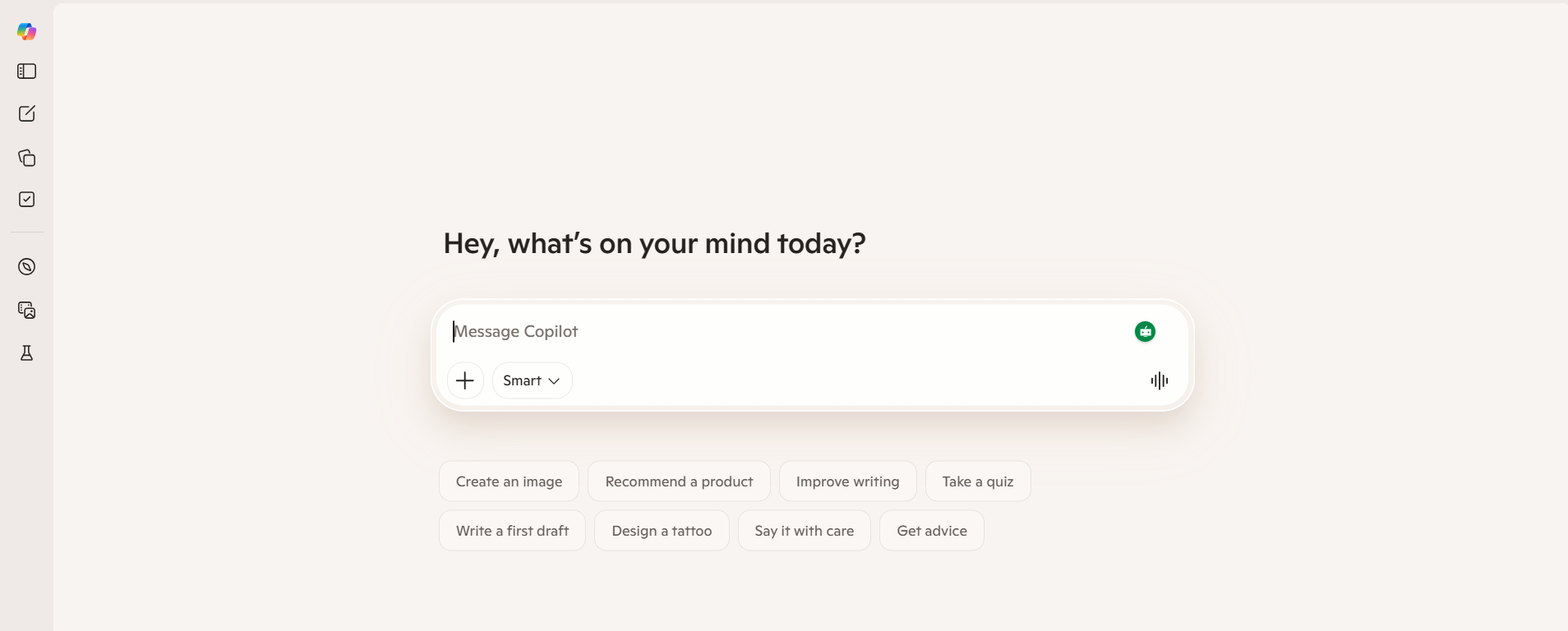
Microsoft Copilot brings AI-powered assistant functionality directly into Word, Excel, Outlook, PowerPoint, and Teams. AI personal assistants like Copilot can automate repetitive tasks such as scheduling meetings and managing emails, saving users significant time within the tools enterprise teams already use.
Pros:
- Enterprise-grade security and compliance standards
- Excellent Excel analysis and Word document drafting
- Meeting summaries inside Teams without extra apps
- Covers the full Microsoft 365 suite
Cons:
- Adds meaningful cost on top of M365 subscriptions
- Best value only for Microsoft-native teams
- Not cost-effective for individuals or small teams outside the ecosystem
Pricing:
Free web version; Pro is $20/mo, while the M365 Business add-on is $30/user/mo on top of your existing office plan.
Who It's Built For:
Organizations with 50 or more employees are already running on Microsoft 365. Early Microsoft 365 Copilot users report average daily time savings of 14 minutes, or 1.2 hours per week, with 22% of users saving more than 30 minutes per day.
What Makes It Different:
It works inside the documents and emails you already have open. No exporting, no context switching. The AI is embedded in the workflow.
One Real Use Case:
A manager finishes a two-hour Teams meeting and needs a written recap with action items sent to the team in five minutes. Copilot handles it end-to-end, no extra tool required.
5. Personal AI — Best for Personalized Memory
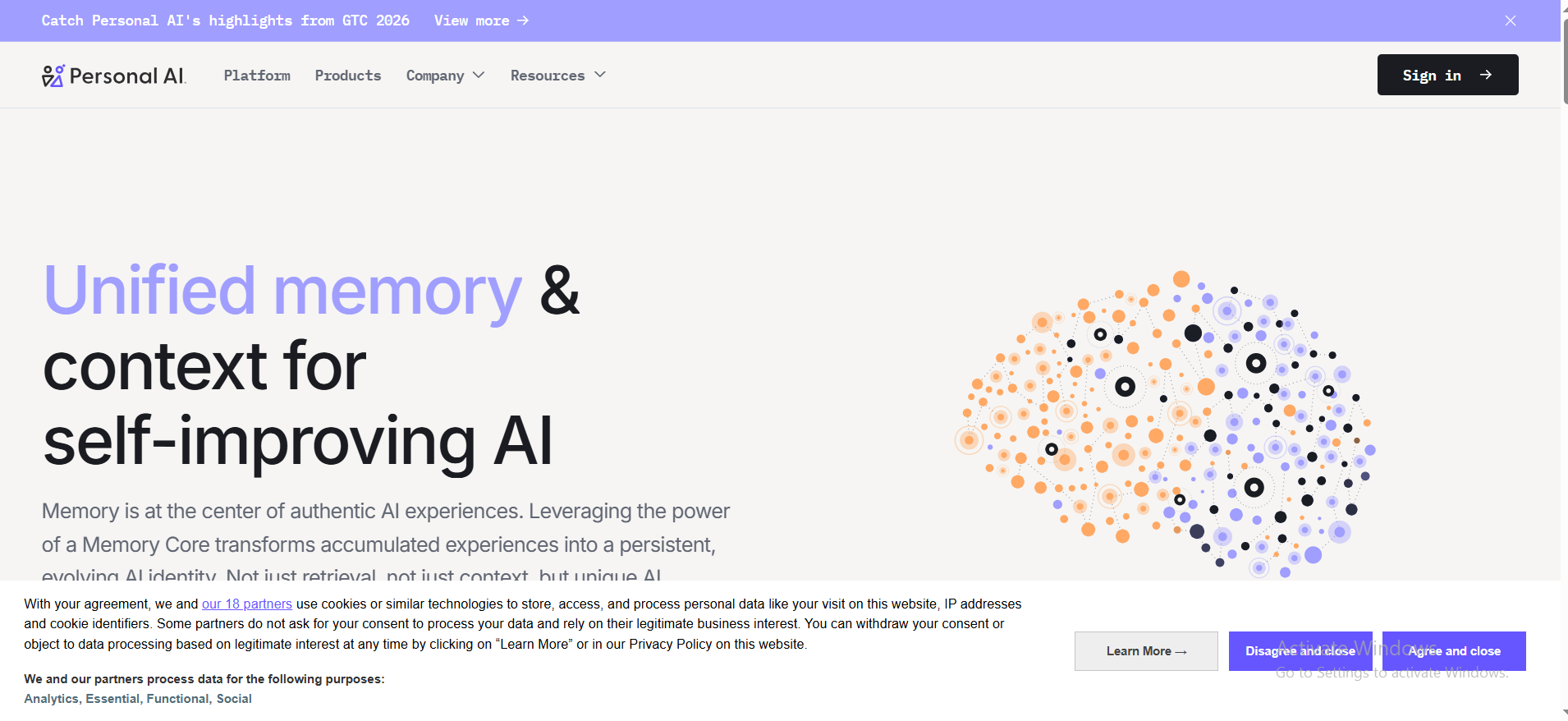
Personal AI trains on your own writing, communication style, and knowledge base over time. AI personal assistants can learn your usage patterns, routines, and preferences to better serve your needs, and Personal AI is built entirely around that principle. The longer you use it, the more it sounds like you.
Pros:
- Long-term memory that genuinely learns your style
- Conversation continuity across sessions
- Strong for personal communication and note drafting
Cons:
- Very limited automation depth
- Not designed for team workflows
- Niche use case that will not suit most business users
Pricing:
Starts with a limited free model, with Pro plans for custom "Twin" training starting at $40/mo.
Who It's Built For:
Researchers, consultants, and knowledge workers who communicate heavily in writing want an AI secretary that mirrors their voice rather than producing generic output.
What Makes It Different:
It is the only tool on this list that actively tries to become you, rather than just assist you generically. Every interaction helps the model better match your individual communication style.
One Real Use Case:
A consultant who needs to draft 20 client emails a week in a consistent personal tone uses Personal AI to generate drafts that already sound like them, significantly reducing editing time.
6. Notion AI — Best for Knowledge Work
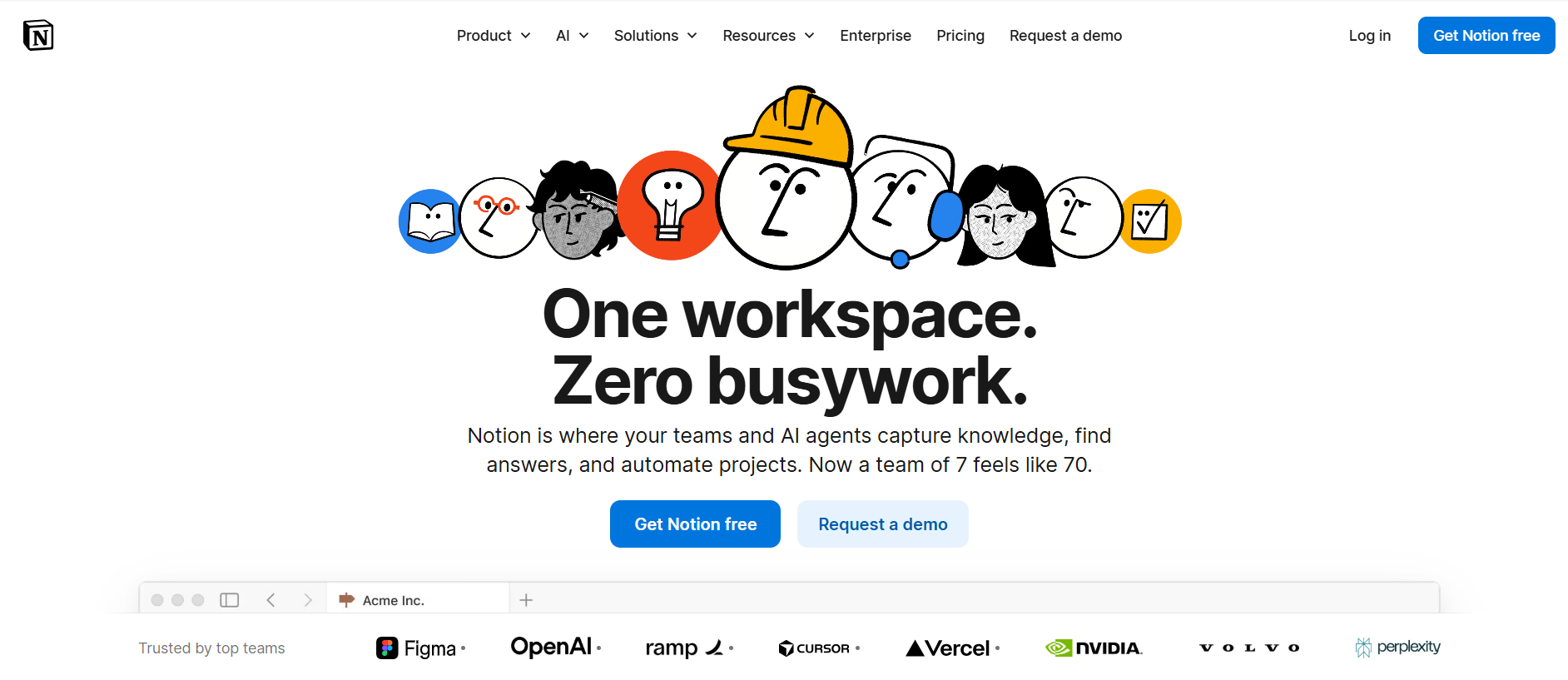
Notion AI lives inside your Notion workspace; it already has access to your notes, wikis, databases, and project pages. AI personal assistants can capture and organize ideas, preventing users from losing important thoughts or tasks, and Notion AI does this within the workspace where those ideas already live.
Pros:
- Deeply embedded in your existing Notion workspace
- Answers questions based on your own stored content
- Strong for documentation summarization and drafting
Cons:
- Completely tied to the Notion ecosystem
- No value if your team does not use Notion
- Limited compared to standalone AI tools for automation
Pricing:
Now bundled into the Business plan at $20/user/mo, with a new Custom Agents add-on at $10 per 1,000 credits.
Who It's Built For:
Teams and individuals who already use Notion as their central workspace. If Notion is your second brain, Notion AI is its natural upgrade.
What Makes It Different:
It answers questions based on your internal data, not based on the internet. Ask it something about a project, and it pulls from your actual Notion pages, no copy-pasting required.
One Real Use Case:
A product team with a Notion wiki of customer interviews uses Notion AI to summarize patterns across 40 notes and generate a product brief draft in minutes, not hours.
7. Motion — Best for AI Scheduling
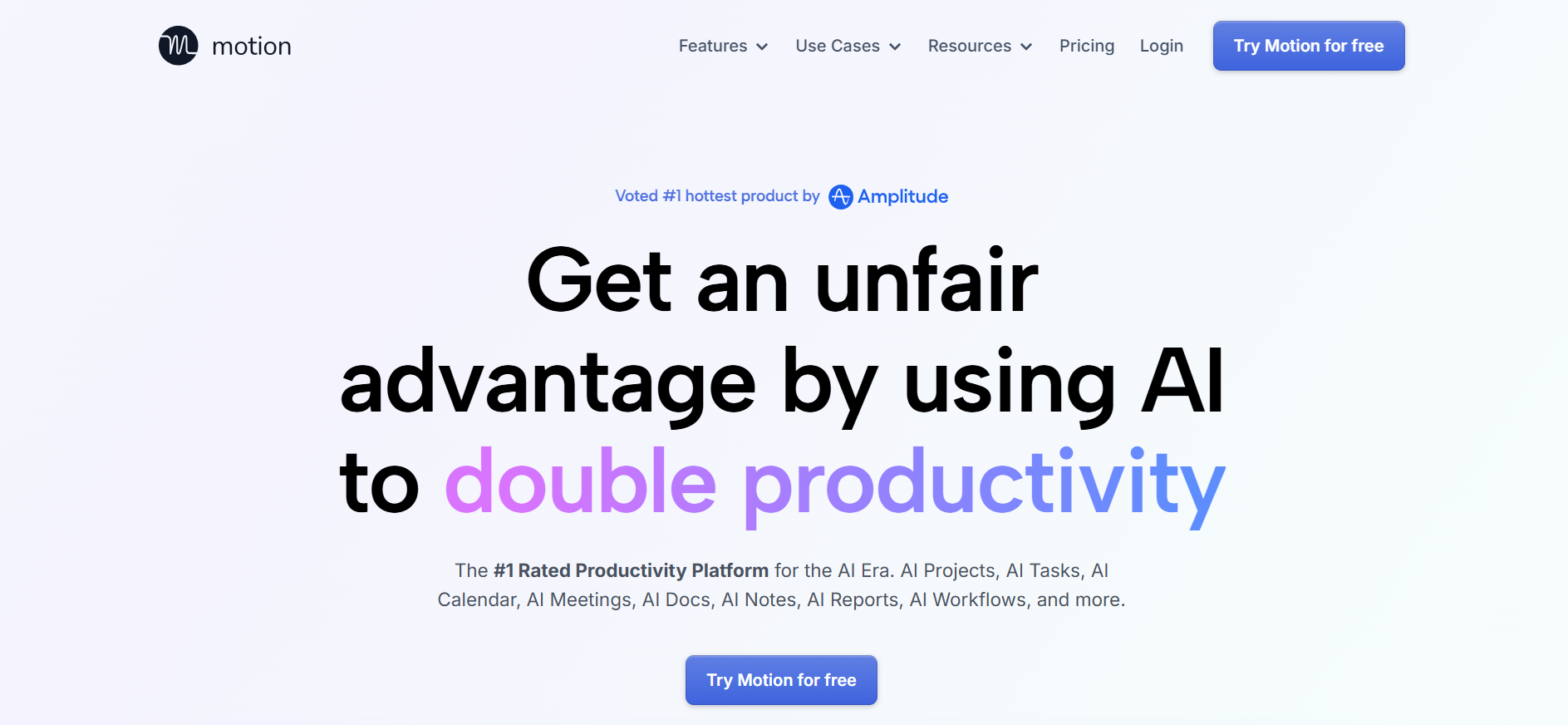
Motion analyzes your tasks, deadlines, meetings, and priorities, then automatically builds your daily schedule. When something shifts, it reschedules your entire day. AI personal assistants can automate calendar management, helping users schedule events and set reminders efficiently. Motion takes this further by treating your entire day as one dynamic, self-adjusting system.
Pros:
- Fully automatic daily scheduling without manual input
- Combines task management and calendar in one place
- Adapts in real time when priorities or meetings change
Cons:
- No permanent free plan; 7-day trial only
- Narrow focus: scheduler, not a general assistant
- Can feel rigid with highly unpredictable workflows
Pricing:
No free tier; Pro AI (Individual) is $29/mo ($19 annually) and Business AI is $49/user/mo ($29 annually).
Who It's Built For:
Professionals managing packed calendars with multiple projects, client commitments, and shifting deadlines. The AI agents market is projected to grow from $7.63 billion in 2025 to $50.31 billion by 2030 at a CAGR of 45.8%, with scheduling automation tools like Motion among the leading adoption drivers.
What Makes It Different:
It considers your entire workload and automatically fits tasks into real gaps. No other tool on this list touches scheduling at that depth.
One Real Use Case:
A project manager feeding Motion 47 tasks across three clients finds it reschedules automatically when two urgent meetings drop in, without the manager touching anything.
8. ClickUp AI — Best for Project Management Teams
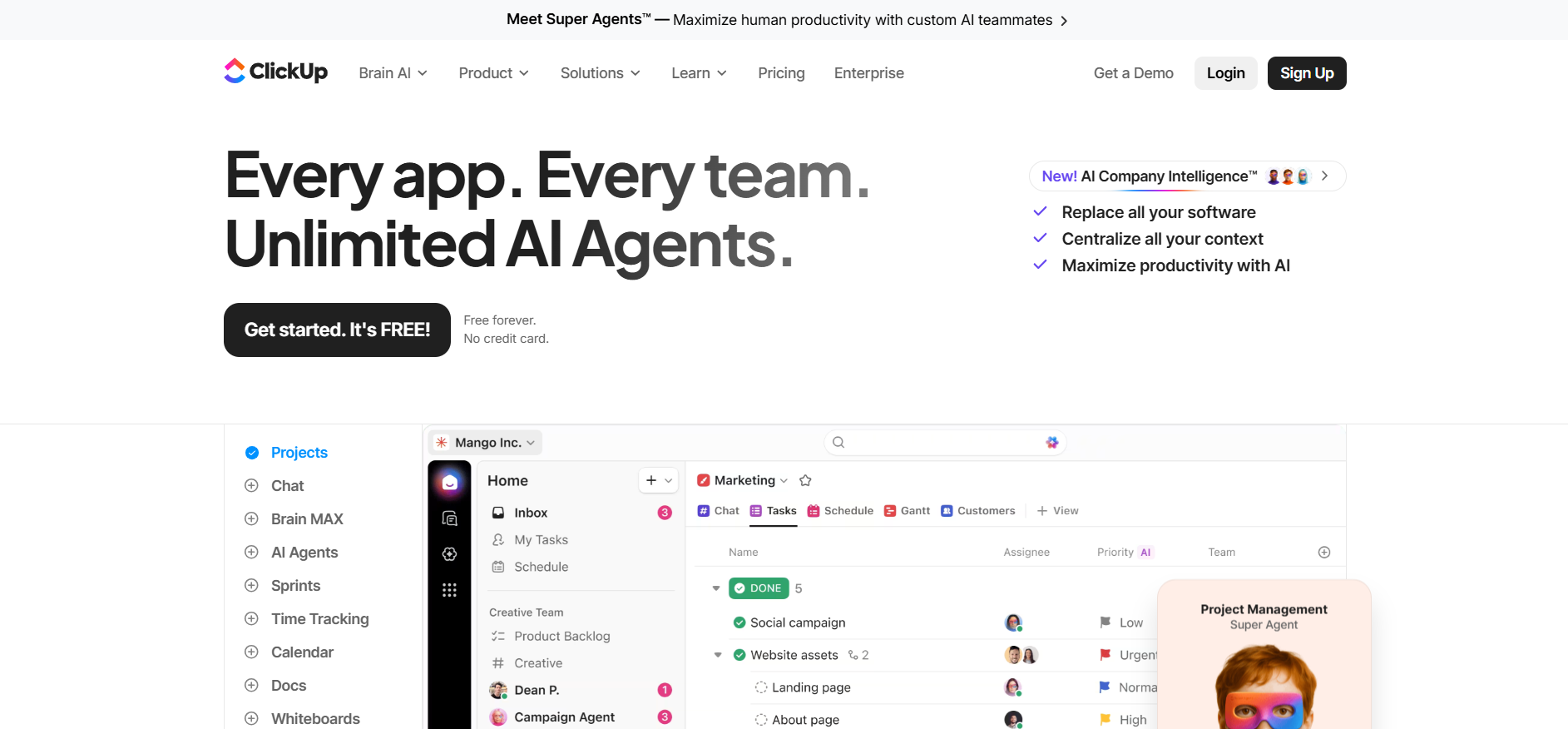
ClickUp AI adds an intelligence layer to a platform already built for complex project management. AI personal assistants can streamline daily tasks by integrating various digital tools into a single interface; ClickUp AI does exactly this within a project management context, where the work is already tracked.
Pros:
- Tightly integrated with tasks, docs, and project views
- Reduces time on status updates and internal documentation
- Useful for cross-functional teams managing multiple projects
Cons:
- Only valuable if your team already uses ClickUp
- Limited automation outside the ClickUp environment
- AI features cost extra on top of existing plan pricing
Pricing:
Available as a $9/user/mo add-on (Brain AI) or a $28/user/mo "Everything AI" bundle on any paid plan (starting at $7/user/mo).
Who It's Built For:
Project managers and cross-functional teams running workflows inside ClickUp who want to reduce time spent on documentation and status reporting.
What Makes It Different:
Status updates and project documentation are the two biggest time sinks in most team environments. ClickUp AI addresses both from inside the project view; no export, no copy-paste, no context switch.
One Real Use Case:
A project manager needs a stakeholder-ready sprint summary. ClickUp AI reads the task list and generates a clean update in seconds, whereas a task that previously took 20 minutes now takes 0.
9. Replika — Best for Conversational Companionship
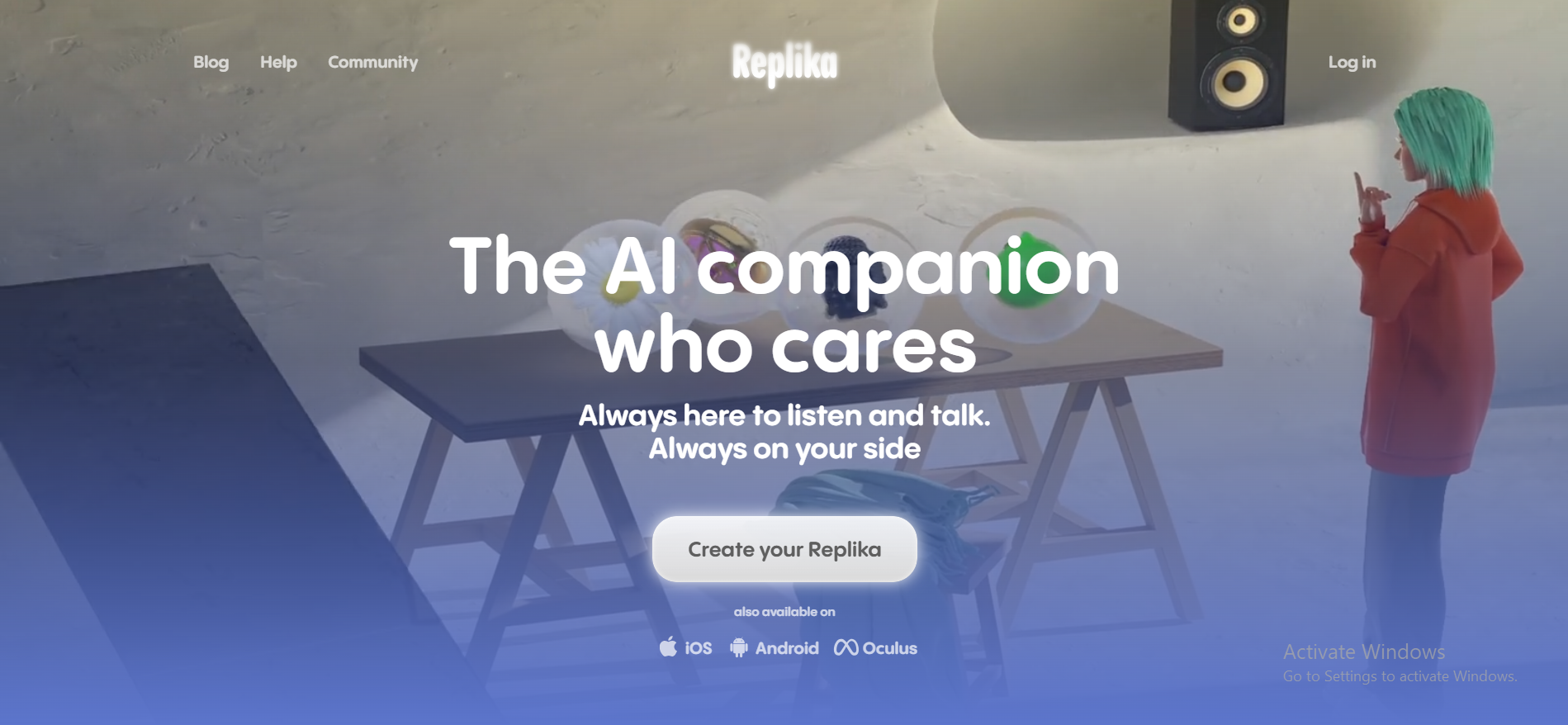
Replika is not trying to make you more productive. It is trying to make you feel heard. AI personal assistants can help reduce cognitive overload by managing communications. Replika takes a different angle, reducing mental load through conversation rather than automation.
Pros:
- Warm, personalized conversations with genuine continuity
- No productivity pressure or task management friction
- Accessible across all devices
Cons:
- Zero business or productivity utility
- Advanced interaction modes are locked behind a premium paywall
- Not suitable for workflow automation
Pricing:
Free version available; Replika Pro for full relationship and voice features is $19.99/mo or $69.99/year.
Who It's Built For:
People experiencing isolation, social anxiety, or decision fatigue who want a judgment-free space to process thoughts or feel less alone. Among all AI personal assistant options, Replika occupies a category entirely its own.
What Makes It Different:
Every other tool on this list is optimizing your output. Replika is optimizing how you feel.
One Real Use Case:
Someone navigating a stressful period at work uses Replika each evening to process the day. The AI remembers previous conversations and responds with continuity; something most other tools on this list are not built to do.
10. Alexa and Siri — Best for Voice-Based Personal Tasks
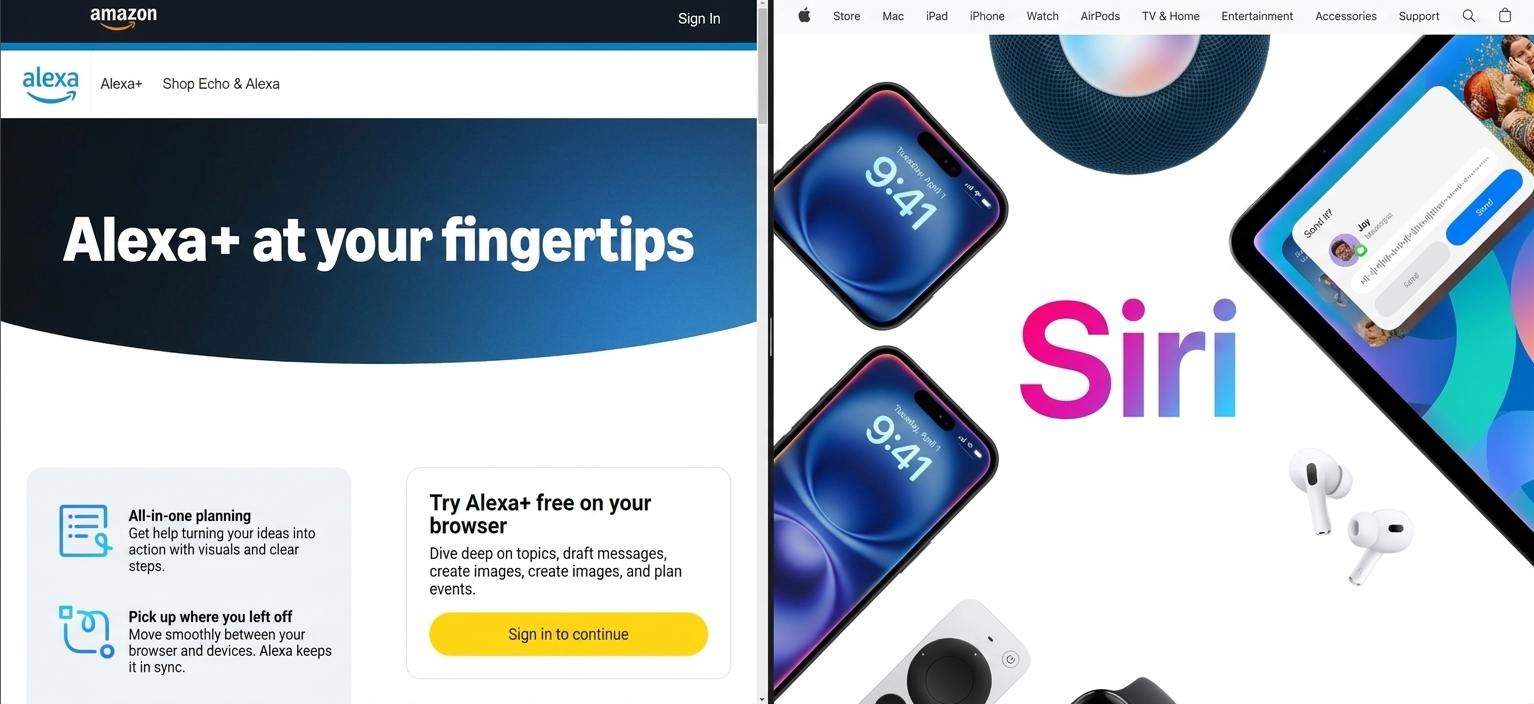
Alexa and Siri were the original AI virtual assistant options, and for ambient voice tasks, they still do their core job better than anything else on this list. AI personal assistants can provide timely notifications for important events, allowing users to focus on preparation rather than logistics. For that specific use case, voice assistants remain unmatched.
Pros:
- Zero friction — speak, and it responds instantly
- Smart home integration that is genuinely mature
- No learning curve for most users
Cons:
- Limited reasoning depth for anything complex
- Not built for professional or business workflows
- Context understanding remains inconsistent
Pricing:
Basic voice remains free; the new LLM-powered Alexa Plus is $19.99/mo (initially free for some Prime members), while Siri remains bundled with Apple hardware.
Who It's Built For:
Anyone who wants ambient, hands-free control of their environment. Over 50% of smartphone users had used an AI personal assistant at least once in 2023, and 35% of U.S. adults interact with voice assistants daily, a testament to how embedded voice-first assistants have become.
What Makes It Different:
Speed and zero friction. No app to open, no screen to look at. For simple recurring tasks, nothing on this list competes with a well-placed voice command.
One Real Use Case:
A parent cooking dinner while managing three simultaneous timers, adding items to a shopping list, and asking for a weather update, all through voice, hands never leaving the counter.
Sintra AI vs Generic AI Personal Assistants
Most people assume all AI assistants work the same way: type something, get an answer, and copy the output. Sintra AI and conversational tools are solving fundamentally different problems.
Core Difference: Execution vs Conversation
| Factor | Generic AI Assistants | Sintra AI |
|---|---|---|
| Task model | Responds when prompted | Owns ongoing tasks |
| Context | Resets each session | Retained across workflows |
| User role | You coordinate everything | Sintra executes for you |
| Best for | One-off tasks and Q&A | Recurring business processes |
| Output type | Suggestions and drafts | Completed deliverables |
| Multi-agent | No | Yes, specialized roles |
| Setup required | Minimal | Business context onboarding |
According to Gartner, today's chatbots run on LLMs and respond to user prompts by predicting the most common word combinations; they lack the agency to define and accomplish tasks independently. AI agents, in contrast, will have agency to define and accomplish tasks. That distinction is exactly why Sintra AI belongs in a different category.
Workflow Ownership and Task Automation
Using a general chatbot for a product launch: You write a prompt for the announcement email. Another for social captions. Another for the FAQ page. Every session starts fresh. You are the coordinator, the editor, and the project manager simultaneously.
Using Sintra AI for a product launch: You set the product context once. Your content AI employee drafts the launch sequence. Your marketing AI employee plans the distribution. You review and approve. Most high-performing individuals and teams now use a hybrid approach, with AI handling the heavy lifting of data processing and scheduling; Sintra is built exactly around that model.
Multi-Agent Collaboration vs Single Chat Interface
Generic AI tools give you one interface: a chat box. Sintra gives you an AI team; specialized roles working in parallel, all within the same shared business context. AI personal assistants can integrate with various applications and services to streamline workflows and reduce context switching; Sintra's multi-agent structure takes that further by reducing human coordination across those workflows.
Business Use Cases vs Personal Productivity
| If You Need This… | Then Use This… |
|---|---|
| Campaign creation and support management | Sintra AI |
| Quick writing, research, and brainstorming | ChatGPT |
| Deep Google Workspace integration | Gemini |
| Microsoft 365 enhancement | Copilot |
| Calendar optimization | Motion |
| Documentation inside Notion | Notion AI |
The AI integrations Sintra supports also matter here -- it connects to the tools your business already runs on rather than asking you to rebuild your stack around it.
When to Choose Sintra AI Over a Generic Assistant
Choose Sintra AI when:
- You need recurring work executed without prompting for every step
- You manage content, support, or operations at any real volume
- You are scaling output without scaling headcount
Choose a conversational AI when:
- You need flexible one-off help with writing or research
- You work solo and primarily need a thinking partner
- Your workflow does not involve recurring business processes
How to Choose the Right AI Personal Assistant?
Pick the case below that most closely matches your situation and start thinking about the best possible solution. It will help you find the right AI personal assistant. Here are some possible circumstances you might be facing right now.
"My calendar is always a mess."
AI personal assistants can automate calendar management, helping users schedule events and set reminders efficiently. If you spend 30 or more minutes a day manually rescheduling, the problem is the system, not your effort. Motion is there specifically for this.
"I spend too much time writing from scratch."
A controlled MIT study found that participants using generative AI completed writing tasks around 40% faster, while independent evaluators rated the AI-assisted output as higher quality on average. ChatGPT or Gemini will pay for themselves quickly if writing is where you spend your time.
"My business needs to run without me doing everything."
This is where conversational AI for personal use reaches its limit. Implementing an AI personal assistant requires a deliberate adoption process where the user and the assistant evolve together, and Sintra AI is built to support exactly that kind of structured, ongoing delegation.
"My team uses Google or Microsoft all day."
Identifying the biggest time sinks in your workflow is crucial for effectively implementing an AI personal assistant. If those time sinks live inside Gmail or Word, Gemini or Copilot is the path of least resistance.
"I can’t justify the cost right now."
Starting small with one specific task can help in gradually adopting an AI personal assistant into your workflow. ChatGPT's free tier handles most everyday writing and research tasks. Google Gemini is free for most users. Pick your single biggest pain point, test one free tool for two weeks, and let the results guide the decision.
"I am not sure my data is safe."
Setting boundaries for AI assistance involves establishing data privacy guidelines for the assistant's access privileges. For any tool you are connecting to email or calendars, read the privacy policy before authorizing access. Enterprise tools like Microsoft Copilot and Google Gemini Workspace publish detailed compliance documentation. While 78% of organizations now use AI in at least one business function, 77% of businesses also express concern about AI hallucinations, underscoring the need for due diligence before setting up a smart habit.
Ready to Replace Manual Work With AI Employees?
The best AI assistant for work does not wait to be prompted. It owns the task, runs the workflow, and delivers the output while you focus on what actually moves your business forward.
AI employees handle the volume. You handle the direction. That is what real delegation looks like; not copy-pasting prompts into a chat box, but a functioning AI assistant for work that operates like a hire, not a tool.
Get started with Sintra AI and see what your team gets back when the busywork is no longer yours to carry.
AI Personal Assistant FAQs
What is the best AI personal assistant in 2026?
For business execution and automation, Sintra AI leads the way. For versatile personal use, ChatGPT is the most flexible and best AI personal assistant app available. For Google Workspace users, Gemini integrates most naturally. The right answer depends on your workflow, not a single ranking.
Which AI assistant is the best for business use?
Sintra AI. It is the only tool on this list built around role-based AI employees that own ongoing business tasks rather than just responding to prompts.
What is the difference between an AI chatbot and an AI personal assistant?
A chatbot responds to what you type. A true artificial intelligence personal assistant integrates with your tools, retains context across sessions, and takes action proactively. Today's chatbots respond to user prompts by predicting word combinations; they don't have agency to define and accomplish tasks. AI agents will.
Can an AI personal assistant replace a human assistant?
Not entirely. AI personal assistants are designed to complement human efforts, not replace them, by handling repetitive tasks and providing support. Salespeople spend 71% of their time on non-selling tasks, such as administrative work and data entry, precisely where an AI secretary or AI-powered assistant delivers its biggest return. Judgment, relationship management, and strategic thinking still benefit from human oversight.
Who is the best assistant for small business owners?
Sintra AI for owners who need business processes executed automatically. ChatGPT for owners who primarily need writing and research support. Motion for owners whose biggest challenge is calendar management. The best AI personal assistants adapt to user needs and preferences, providing tailored support. Start by identifying your biggest time drain, then match it with the best AI personal assistant for that specific problem.
Related articles


