We tested the 9 Best ChatGPT Apps in 2026


Table of Contents

Quick Answer: What Are the Best ChatGPT Apps in 2026?
ChatGPT apps are integrations that plug external services directly into the ChatGPT platform, so you can design, shop, automate, and plan without switching tabs. The best ChatGPT app for you depends entirely on the workflow you want to run inside ChatGPT.
ChatGPT now has over 800 million weekly active users, and many people use it for more than simple conversations. They design graphics, order groceries, automate workflows, and book flights without leaving the chat interface. This is possible through ChatGPT apps, which connect external tools such as Canva, Instacart, or Skyscanner directly inside the conversation.
This article focuses on the most useful apps you can connect to ChatGPT to complete real tasks. It does not cover AI tools that compete with ChatGPT. Instead, it highlights integrations that extend what ChatGPT can do in practical workflows - and the stakes are significant: McKinsey estimates AI agents could automate up to $2.9 trillion in U.S. economic value by 2030.
Here's a quick look at the most useful ChatGPT apps in 2026:
| App Name | Best For | Limitations |
|---|---|---|
| Canva | Social graphics and presentations from prompts | Advanced editing still requires Canva directly |
| Figma | Design collaboration and visual brainstorming | Final design work still happens in Figma |
| HubSpot | CRM insights and marketing content in chat | Full campaign management needs the dashboard |
| Zapier | Building automation workflows through conversation | Complex automations may need Zapier's editor |
| Adobe Photoshop | Image editing via plain-language prompts | Precise edits still need the full application |
| SlidesGPT | Converting ideas into slide decks fast | Slides often need polishing before presenting |
| Komoot | Hiking and cycling route planning by chat | Navigation still happens in the Komoot app |
| Instacart | Meal planning to grocery checkout in one chat | Delivery availability varies by location |
| Skyscanner | Flight search through natural language | Final booking redirects to airline websites |
Our Top 5 quick picks:
- Canva is unbeatable for turning a prompt into a shareable visual in seconds.
- Figma helps teams turn rough ideas into diagrams and collaborative visual assets quickly.
- Zapier lets you wire up automations just by describing what you want.
- Instacart is the first ChatGPT app to support full checkout without leaving ChatGPT.
- Skyscanner saves serious time when you're hunting for the cheapest travel options.
The 9 Best ChatGPT Apps We Tested in 2026
We tested these apps inside the ChatGPT platform to evaluate how well they support real tasks through conversation. The list focuses on integrations that perform reliably in practical use and function similarly to AI employees that assist with specific tasks.
Some apps support common workflows such as writing, research, and automation. Others focus on specific tasks like travel planning or grocery ordering. Whether you're looking for an option for work or personal use, this list covers what actually delivers.
Each section explains what these apps do inside ChatGPT, where it works well, their limitations, and the pricing.
1. Canva – Best ChatGPT App for Social & Design Content
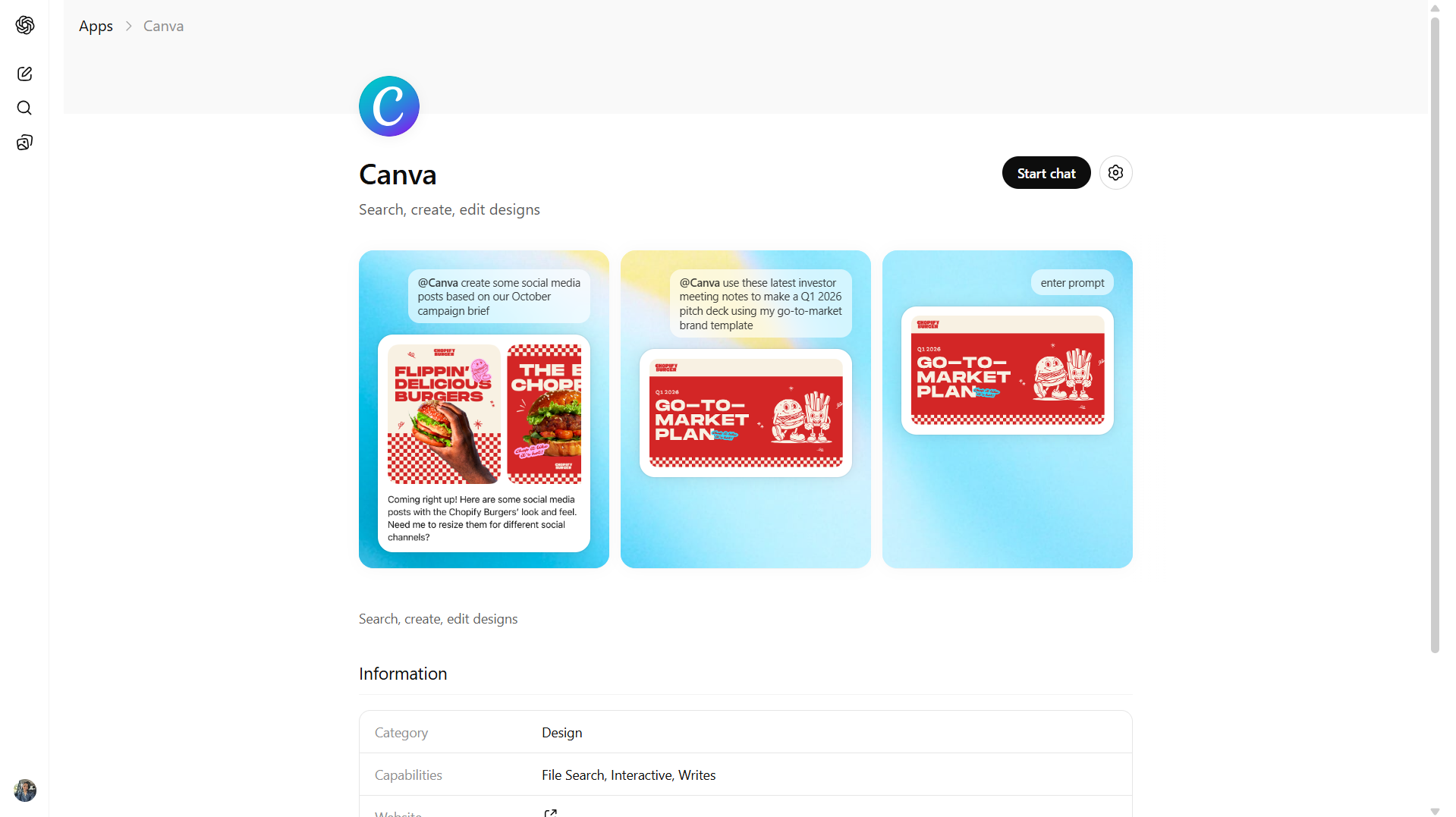
If you have ever spent too long looking at a blank Canva canvas, this integration helps solve that problem. Canva is one of the first design platforms to connect directly with ChatGPT. It allows you to generate social media graphics, presentation slides, Instagram carousels, and marketing visuals through a simple text prompt without leaving the chat.
A key advantage is that it can use the context from your conversation. If you have already described a campaign or product in ChatGPT, Canva can use that information to generate designs that align with what you discussed, so you do not need to explain everything again.
What You Can Do With Canva Inside ChatGPT
Type a prompt like "Canva, turn this outline into a pitch deck, make it clean and tech-focused," and you'll get an editable design back, right in the chat window. You can ask for bulk text edits across an entire deck, request resizes for different platforms, or generate a brand kit for a new project, all through conversation.
Teams with Canva Brand Kits can now pull their fonts, colors, and visual identity directly into ChatGPT creations, so what you generate is on-brand from the start.
Pros
- Generates social media graphics and presentations from prompts
- Brand Kit integration means outputs match your visual identity
- You can preview and make conversational edits
- Works for absolute beginners
Cons
- Advanced design adjustments need to happen in Canva itself
- Features like Magic Resize and full Brand Kit access require a paid Canva plan
- The Canva connector requires a paid ChatGPT subscription (Plus or Pro)
Pricing
Canva offers a free plan, but using it inside ChatGPT requires a ChatGPT Plus or Pro subscription.
2. Figma – Best for Design Collaboration and Visual Brainstorming
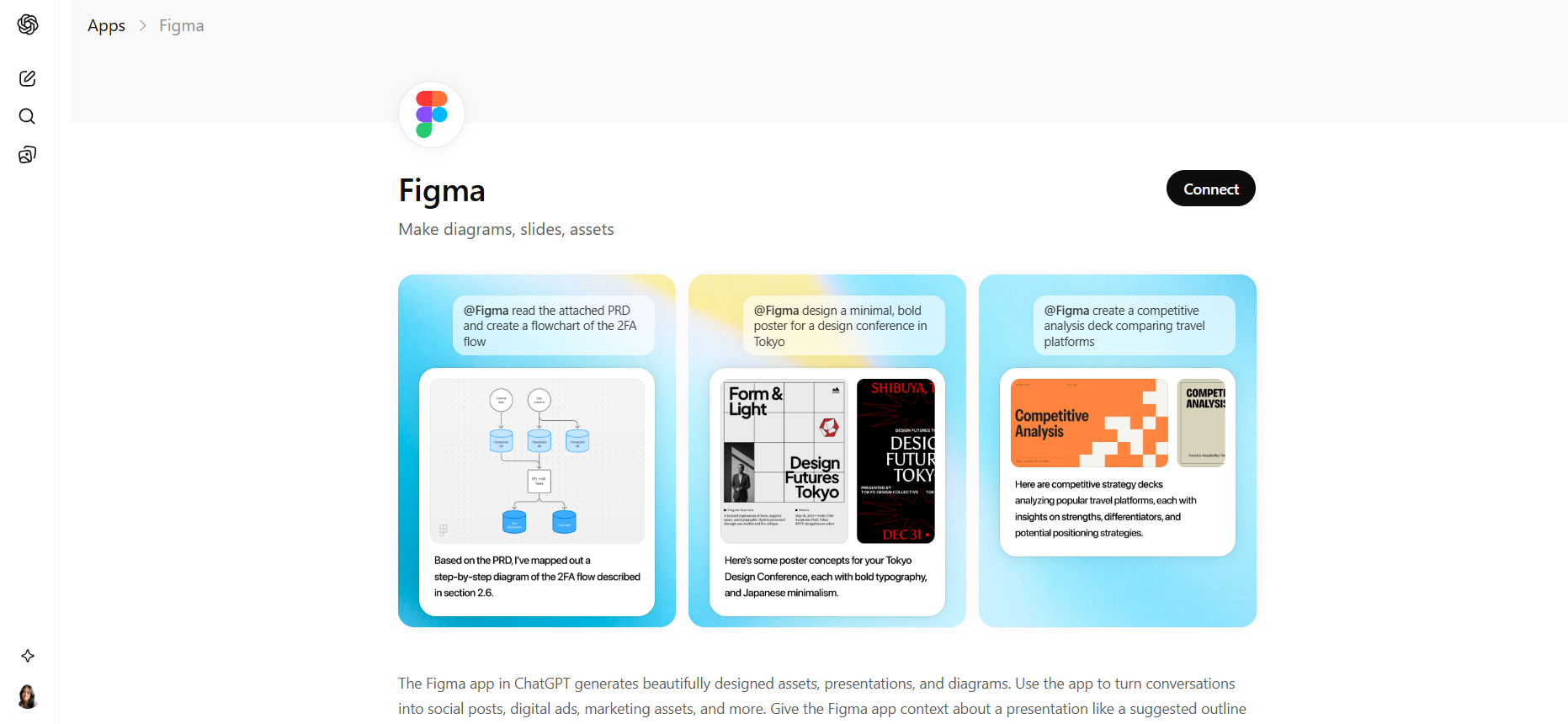
The Figma inside ChatGPT allows you to turn ideas from a conversation into visual assets that can be opened and edited in Figma. Instead of starting a design file manually, you can describe what you want to build and generate diagrams, presentations, or design assets directly from the chat.
The integration focuses mainly on early-stage design workflows. It can convert brainstorming sessions into visual structures such as flow charts, sequence diagrams, or planning boards using FigJam. The generated files can then be opened in Figma, where teams continue editing and collaborating.
Recent updates expanded the integration to generate visual assets and presentation slides that can be edited in tools like Figma Slides or Figma Buzz, making it useful for marketing visuals, presentations, and collaborative design work.
What You Can Do With Figma Inside ChatGPT
You can ask ChatGPT to generate visual diagrams or assets based on your conversation. For example, you can turn a product workflow into a flow chart, convert brainstorming notes into a FigJam diagram, or generate presentation structures that open in Figma for editing and collaboration.
Files created through the integration can be exported to Figma, where teams can refine layouts, adjust design details, and share the file with collaborators.
Pros
- Converts conversations into diagrams, presentations, and visuals
- Helps teams visualize workflows, product ideas, or project plans
- Generated files open in Figma for editing and collaboration
Cons
- Focused on diagrams and design workflows rather than full UI design files
- Final design still happens inside the Figma editor
- Requires a connected Figma account
Pricing
Using the Figma app requires a Figma account. Figma offers a free plan with basic design and collaboration features, while paid plans add advanced team collaboration and workspace controls.
3. HubSpot – Best ChatGPT App for Marketing and CRM Workflows
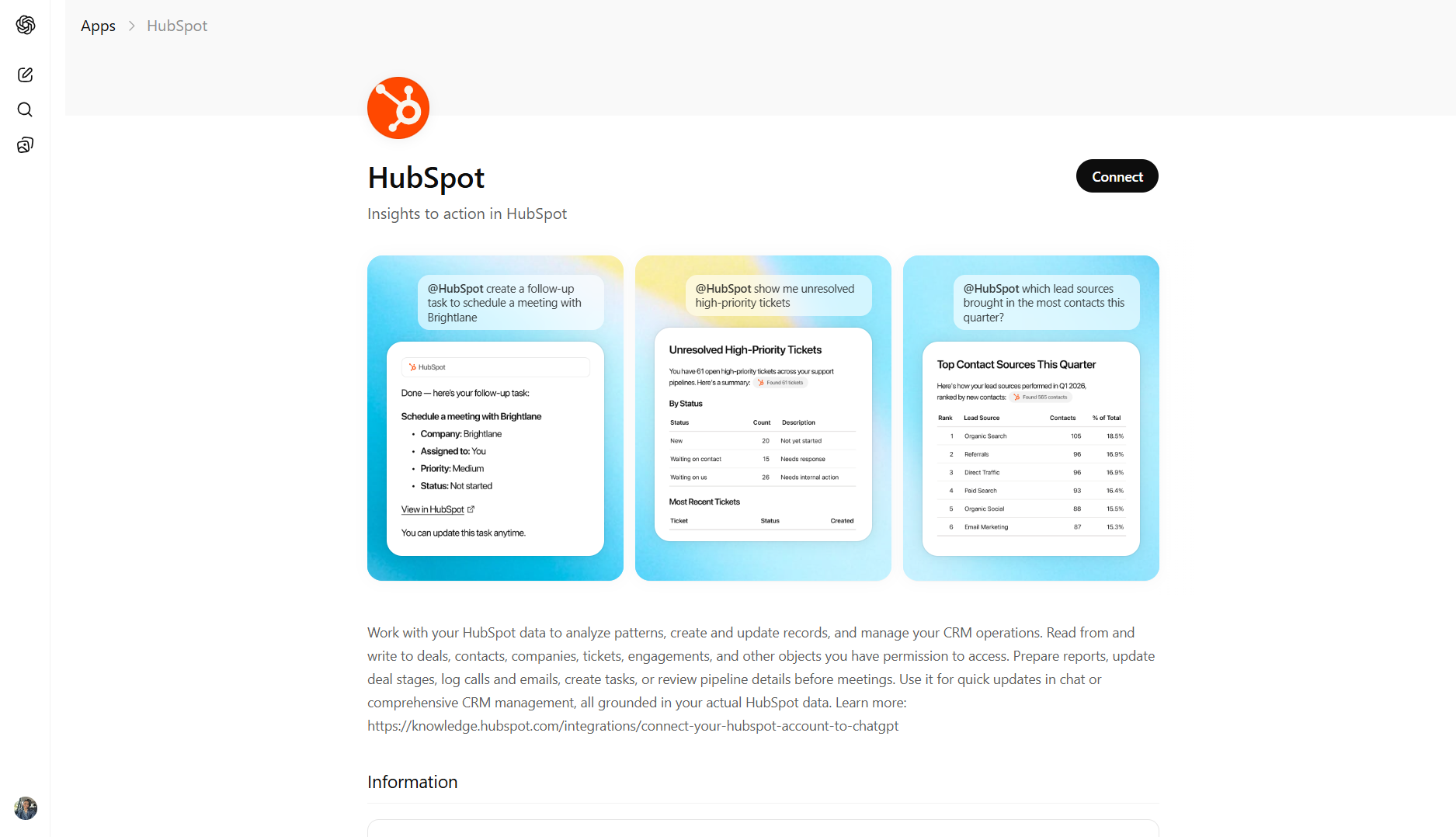
Switching between ChatGPT and a CRM often slows down common tasks such as checking lead details, reviewing deals, or preparing outreach emails. HubSpot's ChatGPT connector reduces that friction by allowing ChatGPT to access and analyze CRM data directly through conversation.
The integration connects your HubSpot account to ChatGPT so you can ask questions about contacts, companies, deals, or support tickets using natural language. ChatGPT can then summarize information, analyze patterns in your pipeline, and help draft outreach or marketing content using that CRM context.
This makes it particularly useful for sales and marketing teams that already rely on HubSpot but want faster access to insights and AI-assisted writing during their workflow. For teams evaluating the best ChatGPT app for business use, HubSpot's integration is one of the more practical options available.
What You Can Do With HubSpot Inside ChatGPT
You can ask ChatGPT questions about your CRM data and receive summarized insights without navigating the HubSpot dashboard. For example, you can review deal pipelines, summarize contact history before a meeting, analyze patterns in closed deals, or draft outreach messages based on lead context.
The connector can access core CRM objects such as contacts, companies, deals, and support tickets that your account has permission to view.
Pros
- Access CRM insights through natural language queries
- Draft outreach emails and marketing content using real CRM context
- Quickly review pipeline status or contact history before meetings
Cons
- Advanced campaign management and workflow setup require the HubSpot dashboard
- Requires connecting a HubSpot account with the permissions
Pricing
HubSpot offers a free CRM plan with core features. Marketing, sales, and automation capabilities are available through paid tiers that scale based on tools and usage.
4. Zapier – Best ChatGPT App for Workflow Automation
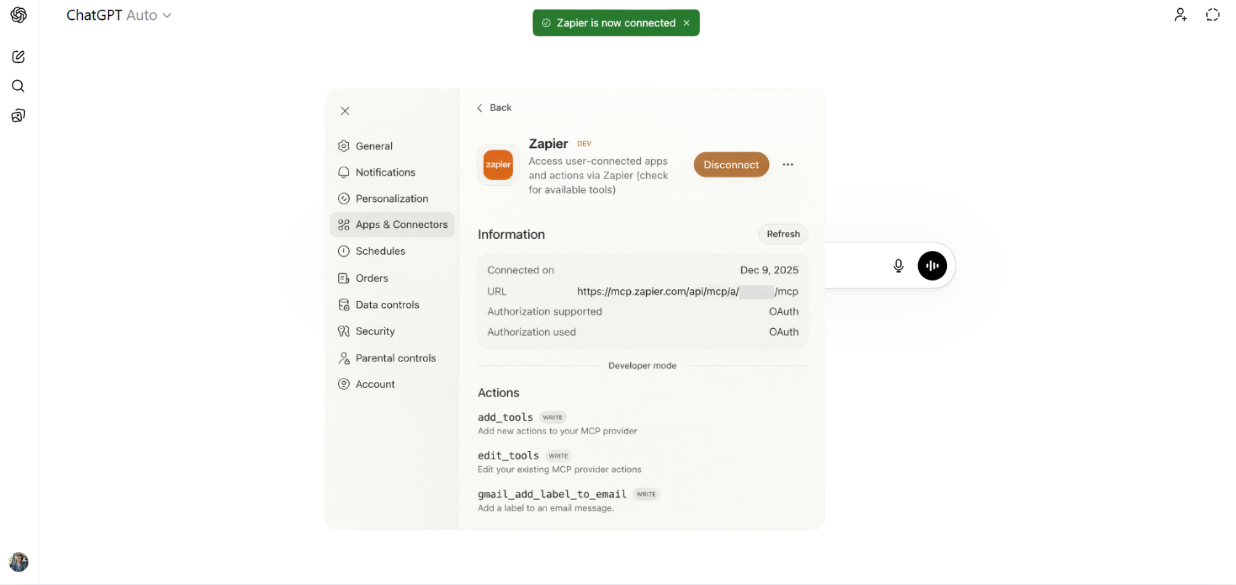
Most automation platforms require building workflows with triggers, conditions, and actions inside a visual editor. Zapier's integration with ChatGPT allows automation workflows to include AI steps and natural-language instructions, which can simplify how automations are created and managed.
Zapier connects over 8,000 apps, including tools such as Google Sheets, Slack, HubSpot, Gmail, Shopify, and Notion. This allows users to automate tasks across different services without writing code.
Automations in Zapier are called "Zaps." A Zap links a trigger in one app to an action in another, allowing data to move automatically between tools. For example, a new form submission can trigger adding a contact to a CRM and sending a notification to Slack.
What You Can Do With Zapier Inside ChatGPT
Zapier can connect ChatGPT to other apps so that AI-generated outputs trigger actions in workflows. For example, ChatGPT can generate email responses, summarize information, or create content drafts, which can then be sent to tools like Gmail, Slack, or a CRM through Zapier automation.
This allows teams to automate processes such as lead management, content generation, internal notifications, and data synchronization between apps.
Pros
- Connects 8,000+ apps across marketing, productivity, and business tools
- No coding required to build automation workflows
- Can integrate AI steps such as content generation or summarization into workflows
Cons
- Advanced workflows require configuring filters or conditions in Zapier's editor
- Pricing is based on task usage: each action executed in a workflow counts as a task
- High-volume automations can increase costs
Pricing
Zapier offers 100 tasks per month and basic automations. Paid plans increase the number of tasks and allow multi-step workflows and premium app integrations.
5. Adobe Photoshop – Best ChatGPT App for Image Editing
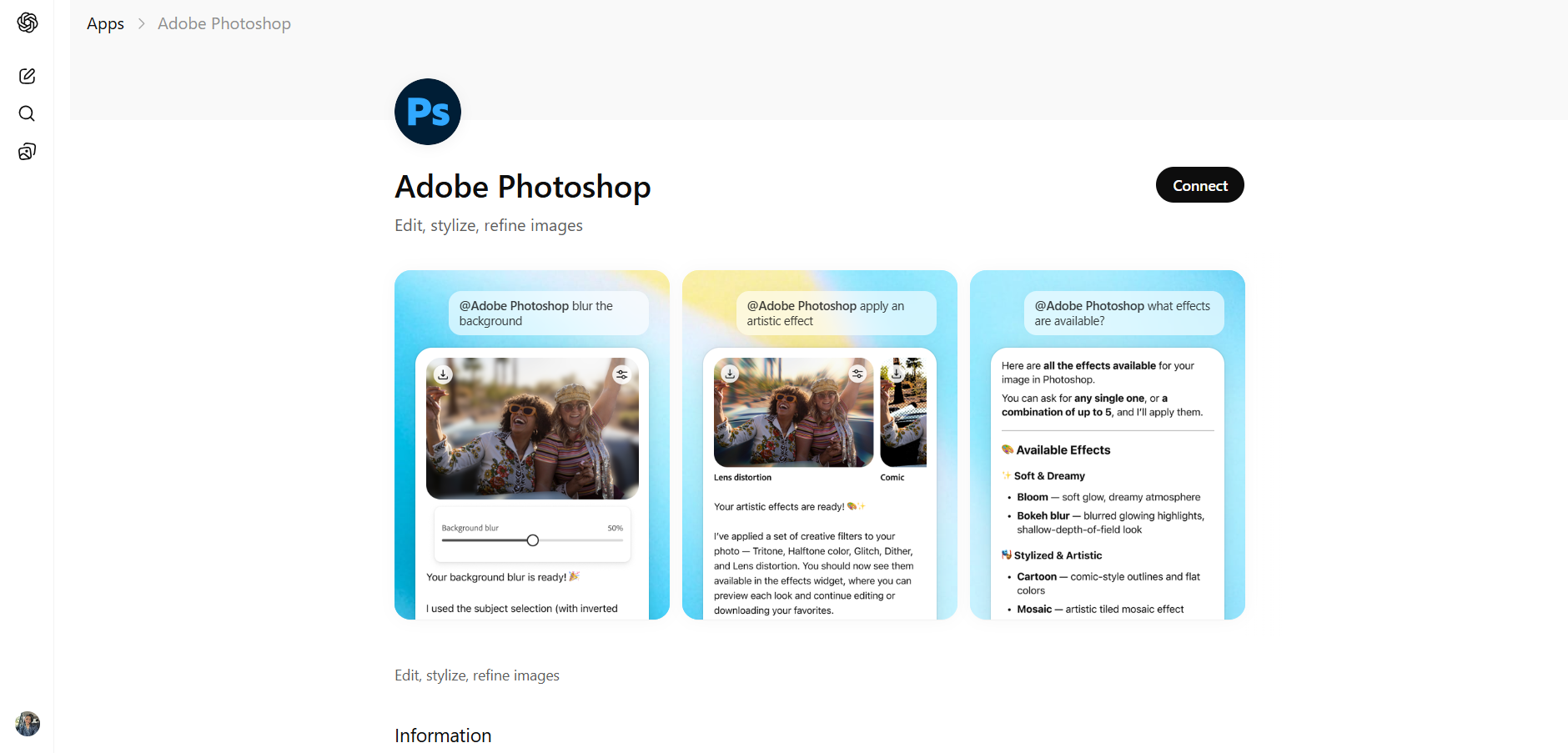
Adobe has integrated Photoshop into ChatGPT, allowing users to edit images by describing the changes they want in natural language. Instead of navigating layers, menus, and adjustment tools, you can upload an image and ask ChatGPT to apply edits using Photoshop tools behind the scenes.
This integration is designed to make image editing easier for people who do not regularly use Photoshop. It allows basic visual adjustments and creative effects to be applied through text prompts while still giving users the option to continue editing inside Photoshop if needed.
What You Can Do With Photoshop Inside ChatGPT
You can upload an image and describe the edits you want. ChatGPT can then apply Photoshop adjustments such as background changes, brightness or contrast adjustments, color corrections, and creative effects.
Users can also refine results by adjusting the intensity of effects or continuing editing in Photoshop Web or the full application if more detailed control is required.
Pros
- Edit images using natural language prompts rather than navigating Photoshop
- Apply edits such as color, background, and lighting changes quickly
- Allows beginners to use Photoshop without learning the full software
Cons
- The ChatGPT integration does not include all Photoshop features
- Advanced or highly precise edits still require the full Photoshop application
- Results may need manual adjustments for complex images
Pricing
Adobe Photoshop starts at $22.99 per month for the single-app plan, or $19.99 per month as part of the Photography plan with Lightroom. The full Creative Cloud suite with 20+ apps costs $69.99 per month.
6. SlidesGPT – Best ChatGPT App for Presentation Creation
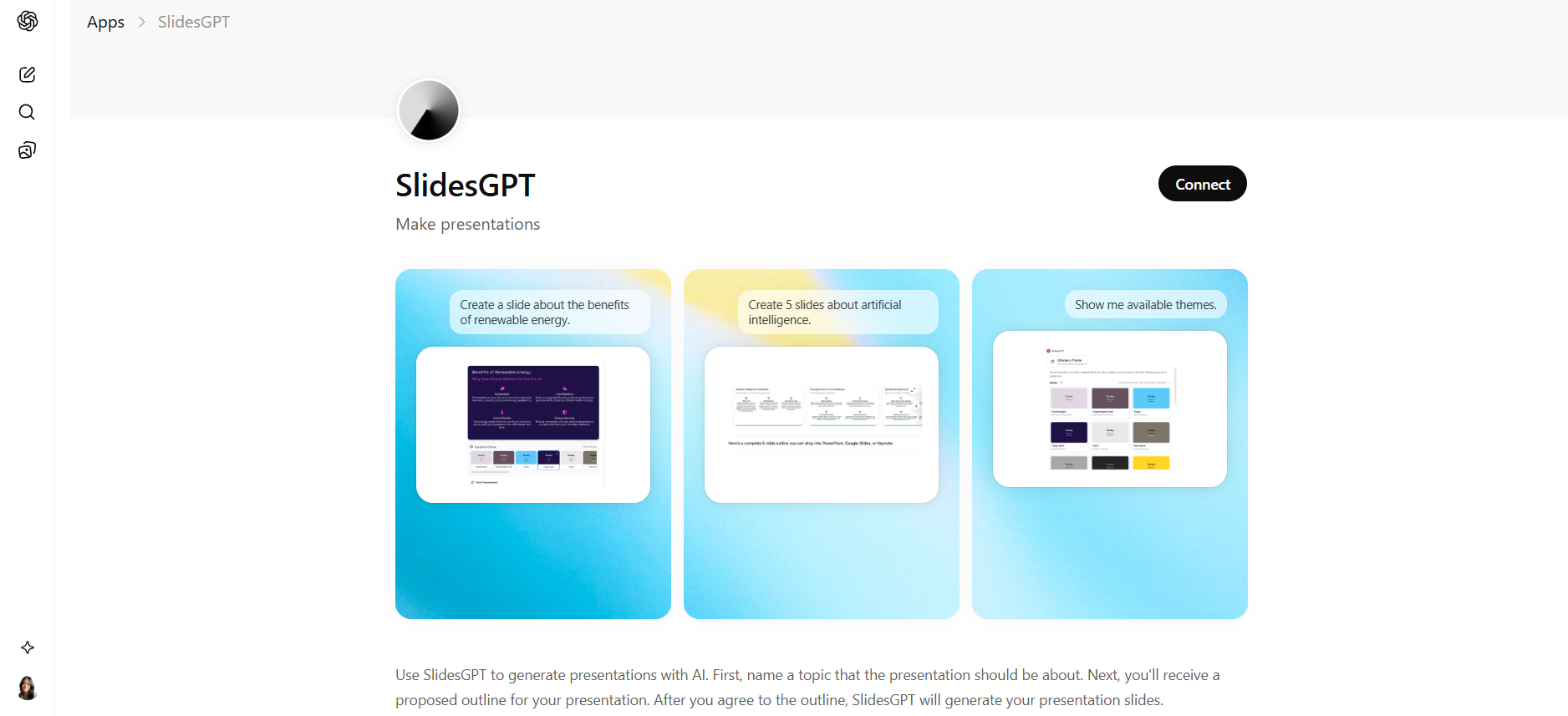
SlidesGPT is an AI presentation generator that creates slide decks from a short prompt, outline, or existing content. Instead of building slides manually, you provide the topic and the tool generates a structured presentation with titles, bullet points, and a logical slide flow.
The main goal is speed. SlidesGPT focuses on quickly producing a usable presentation structure so users can spend less time assembling slides and more time refining the content or visuals. As the top ChatGPT app for quick presentations, it removes one of the most time-consuming parts of putting together a deck.
What You Can Do With SlidesGPT Inside ChatGPT
You can describe a topic, paste notes, or provide source material, and SlidesGPT will generate a presentation outline and slide content automatically. The generated deck can then be exported into formats such as PowerPoint, Google Slides, or PDF for further editing or presentation.
The tool can also generate speaker notes and structured sections to help guide the presentation narrative.
Pros
- Generates complete slide structures from a prompt or outline
- Saves time by automating the initial slide creation process
- Supports export to presentation formats like PowerPoint and Google Slides
Cons
- Slides often require additional design work before presenting
- Content can be generic and may need customization with real data or examples
- Editing happens in presentation software such as PowerPoint or Google Slides
Pricing
SlidesGPT offers a free plan that allows users to create and share presentations online. Downloading presentations typically requires payment.
7. Komoot – Best ChatGPT App for Outdoor Route Planning
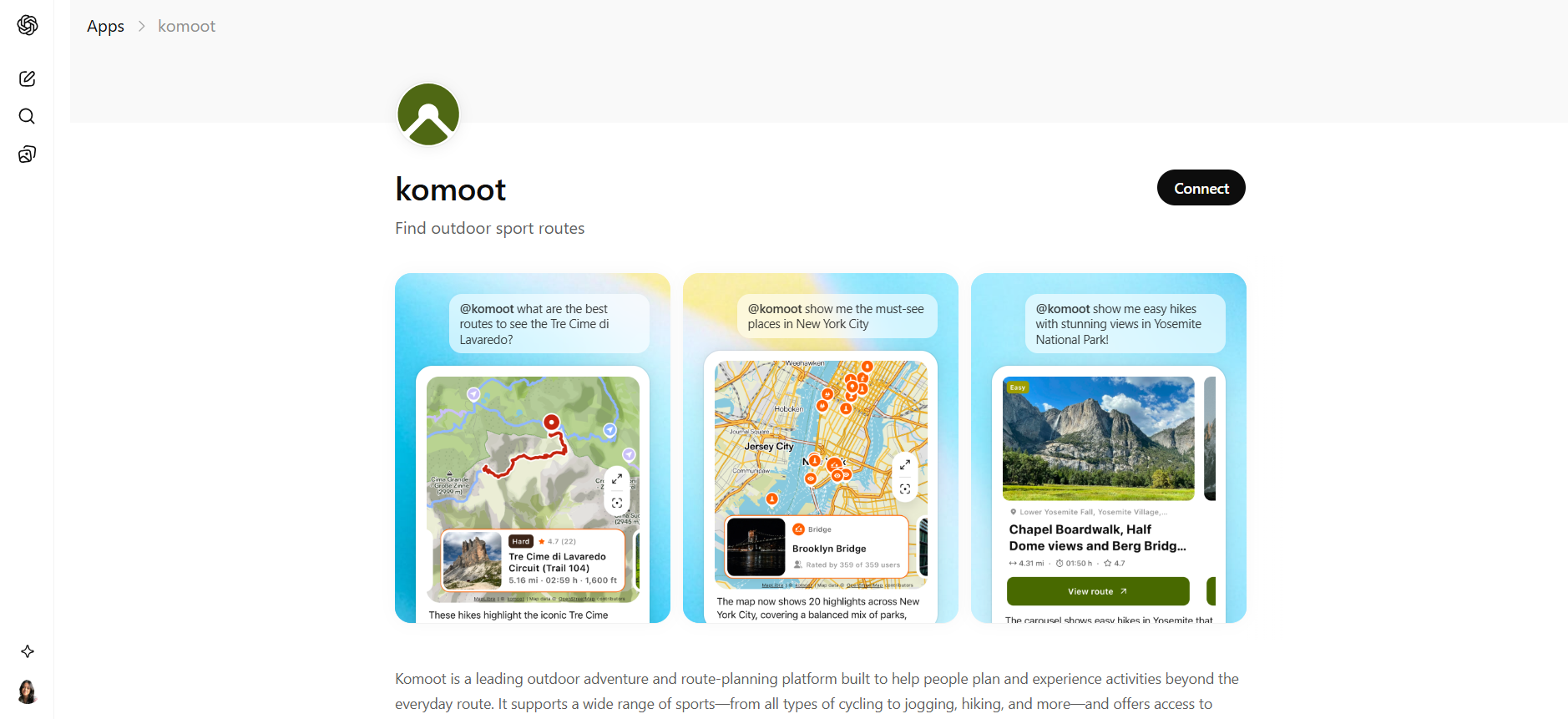
Planning a hiking or cycling route often involves searching across multiple maps, trail databases, and forums. The Komoot inside ChatGPT simplifies that process by allowing users to describe the kind of route they want in natural language. ChatGPT then matches that request with routes from Komoot's database and returns suggestions directly in the conversation.
The integration draws on Komoot's large route library, which includes more than 7 million outdoor routes and around 4 million community-recommended highlights worldwide.
What You Can Do With Komoot Inside ChatGPT
You can describe your location, preferred activity, terrain type, or distance, and receive route suggestions generated from Komoot's route database. The suggested routes can then be opened directly in the Komoot app, where they can be saved, edited, or downloaded for navigation.
Komoot itself handles route navigation, including features such as turn-by-turn voice navigation and offline maps for outdoor activities like hiking, cycling, or mountain biking.
Pros
- Natural-language route discovery through ChatGPT
- Access to a large global library of outdoor routes and highlights
- Useful for planning hikes, cycling trips, and outdoor adventures quickly
Cons
- Navigation and route tracking still happen inside the Komoot app
- Focused mainly on outdoor activities such as hiking and cycling
- Requires a Komoot account to save and manage routes
Pricing
Komoot offers a free version that allows users to plan routes and use basic navigation. Additional features are unlocked through paid options.
8. Instacart – Best ChatGPT App for Grocery Planning
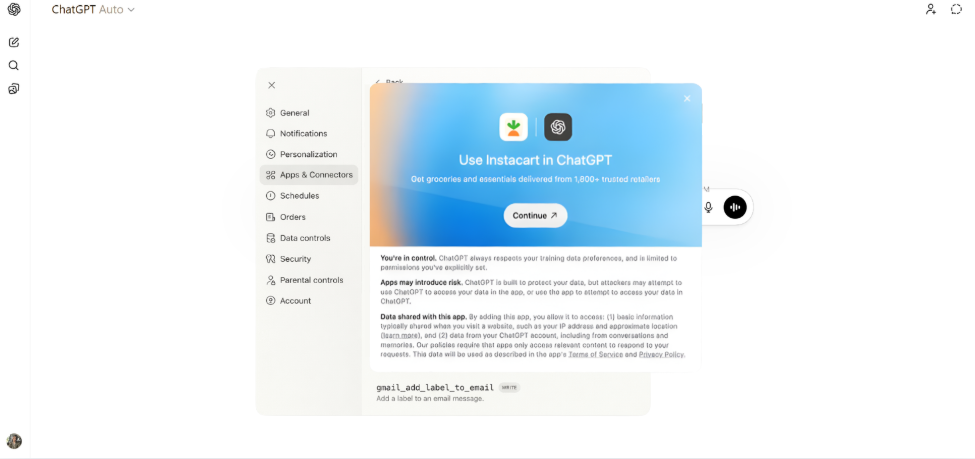
Instacart in ChatGPT allows users to plan meals, build grocery carts, and complete checkout without leaving the chat interface. The integration makes Instacart the first grocery partner and the most popular ChatGPT app to offer embedded checkout, powered by OpenAI's Agentic Commerce Protocol and Stripe.
The system connects ChatGPT conversations with Instacart's grocery network so users can move directly from meal planning to placing an order. Once items are selected, the app creates a ready-to-review cart from local retailers and allows users to complete payment inside ChatGPT.
Instacart's retail network includes more than 1,800 grocery retailers, giving the integration access to local inventory and delivery services across many regions.
What You Can Do With Instacart Inside ChatGPT
You can ask ChatGPT for meal ideas, recipe ingredients, or grocery lists. The Instacart app then finds matching products from nearby retailers, assembles them into a cart, and allows you to review and complete the order without leaving the conversation.
After checkout, the order is fulfilled through Instacart's delivery network and delivered from participating stores in your area.
Pros
- Full shopping flow from product discovery to checkout inside ChatGPT
- Access to inventory from 1,800+ grocery retailers
- Converts meal ideas or recipes into a ready-to-order grocery cart
Cons
- Delivery availability depends on Instacart service coverage in your location
- Substitutions may occur if items are out of stock
- Requires signing into an Instacart account
Pricing
Using Instacart for browsing or building grocery lists is free.
9. Skyscanner – Best ChatGPT App for Travel Planning
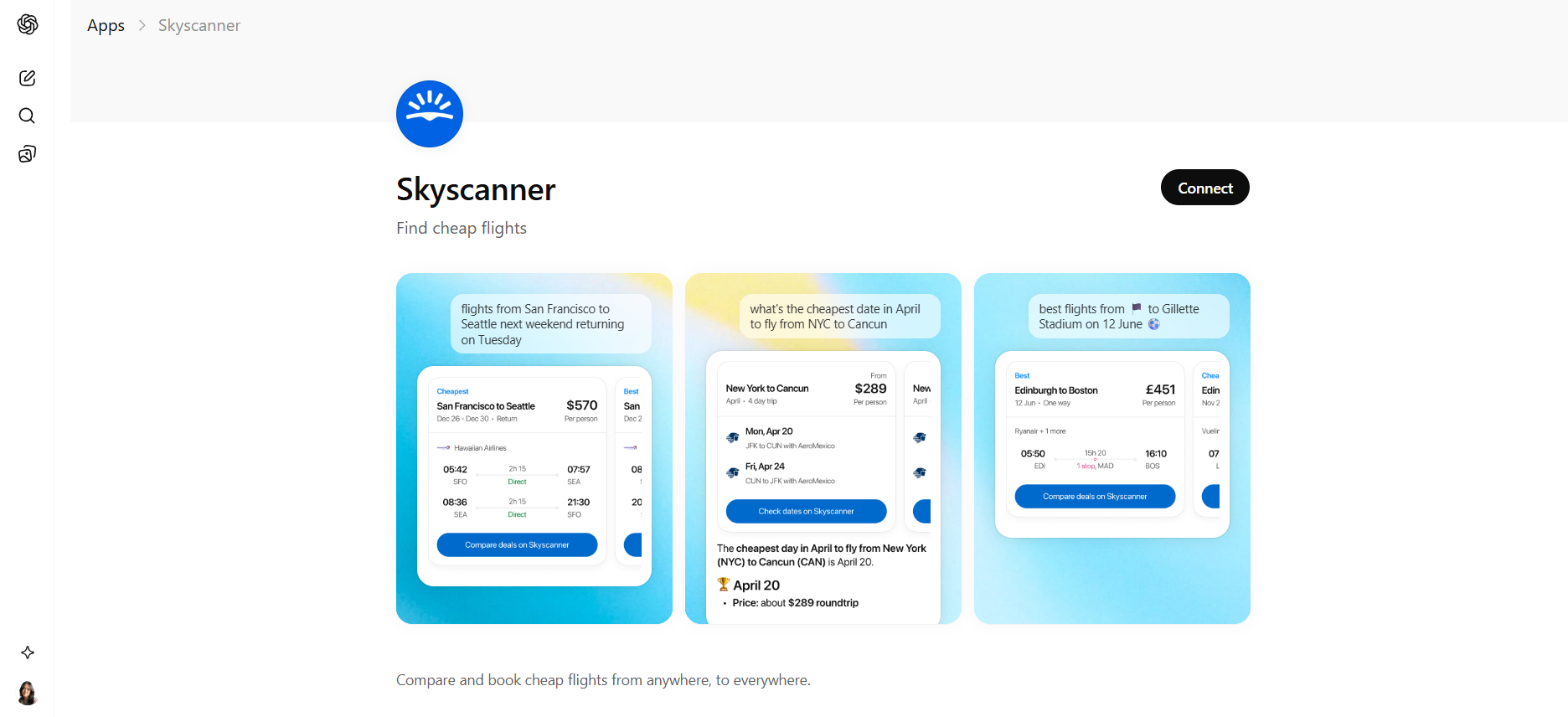
Searching for flights usually means filling out forms, adjusting filters, and comparing multiple results pages. The Skyscanner inside ChatGPT changes that flow. Instead of using search boxes, you can describe the trip you want in natural language and receive flight options directly in the conversation.
The app connects ChatGPT to Skyscanner’s flight comparison engine. When you ask for a trip, the system pulls live results and displays routes, airlines, and prices without requiring the traditional search interface.
Skyscanner’s platform already compares flight prices from airlines and travel partners worldwide and is used by roughly 160 million travelers each month. It simply brings that same search capability into a conversational format. Many users consider it the best ChatGPT app for Android
What You Can Do With Skyscanner Inside ChatGPT
You can request flight options using natural language prompts, such as asking for the cheapest flights to a destination or flexible travel dates. The app then shows live flight results and price comparisons inside the chat. You can refine results by changing dates, destinations, or departure airports through additional messages.
Once you choose a flight, the booking process redirects to the airline or travel provider, consistent with Skyscanner's metasearch model.
Pros
- Conversational flight search using natural language
- Live flight prices and route comparisons inside ChatGPT
- Ability to refine search results quickly by adjusting dates or airports
Cons
- Final booking happens on airline or travel partner websites
- Currently launched in limited markets such as the US and UK
- Focused mainly on flight search rather than full travel booking
Pricing
Using Skyscanner as a ChatGPT app is free.
The Best ChatGPT Alternative – Sintra AI
Each ChatGPT app on this list focuses on solving a specific task. Canva helps with design, Zapier automates workflows, and Skyscanner helps find flights. These tools are useful individually, but using several of them often means managing multiple separate platforms.
Sintra AI takes a different approach. Instead of connecting separate tools, it provides a set of role-based AI assistants designed for business tasks such as copywriting, SEO, marketing strategy, data analysis, social media management, and customer support. This includes specialized roles like an AI business strategist that can help with planning, analysis, and decision support.
Sintra is not a ChatGPT plugin or integration. It is a standalone AI platform built to support business workflows in one place. For teams that currently rely on multiple tools for writing, marketing, automation, and analysis, it offers a single system designed to handle many of those tasks together.
If you want to explore how it works, you can get started with Sintra and see how its role-based AI assistants support everyday business tasks.
What You Can Do With Sintra AI
Sintra provides role-based AI helpers designed around real business functions such as copywriting, SEO, social media management, data analysis, and customer support. The platform connects with tools you already use and builds brand context over time through its Brain AI system.
Instead of handling isolated prompts, it allows you to delegate larger workflows to assistants that understand your brand voice and processes. You can explore the full set of AI integrations on Sintra's website.
This is the main difference from most ChatGPT apps. A typical ChatGPT app performs a single action inside the chat. Sintra assigns a role to an AI assistant that works through an entire workflow rather than responding to one request at a time.
Pros
- One platform can replace several single-purpose tools
- Role-based AI helpers are designed for real business workflows
- Brain AI stores brand context and improves outputs over time
- Useful for founders, marketers, operators, and teams that need more than a chatbot
Cons
- Requires initial onboarding to configure each helper properly
- Not a ChatGPT plugin; it runs as a separate platform
- Highly specialized technical tasks may still require dedicated tools
Pricing
Sintra AI pricing starts at $39 per month for a single AI helper, while the full Sintra X plan with all helpers costs about $97 per month, with discounted rates available on longer billing terms.
How We Tested ChatGPT Apps
We tested each ChatGPT app by completing real tasks inside the ChatGPT platform rather than relying on documentation or feature lists. The goal was to see how well each integration performs in practical workflows.
Each app was evaluated based on how the integration works inside ChatGPT, how much of the task can be completed through conversation, and whether it reduces the time or effort compared with doing the task manually.
We prioritized apps that allow users to take action directly in the chat instead of only generating suggestions that must be completed in another tool. We also considered ease of setup, consistency of results, and usefulness across common workflows such as marketing, design, planning, automation, and research.
The nine apps in this guide are the ones that delivered clear practical value during testing.
How ChatGPT Apps Work
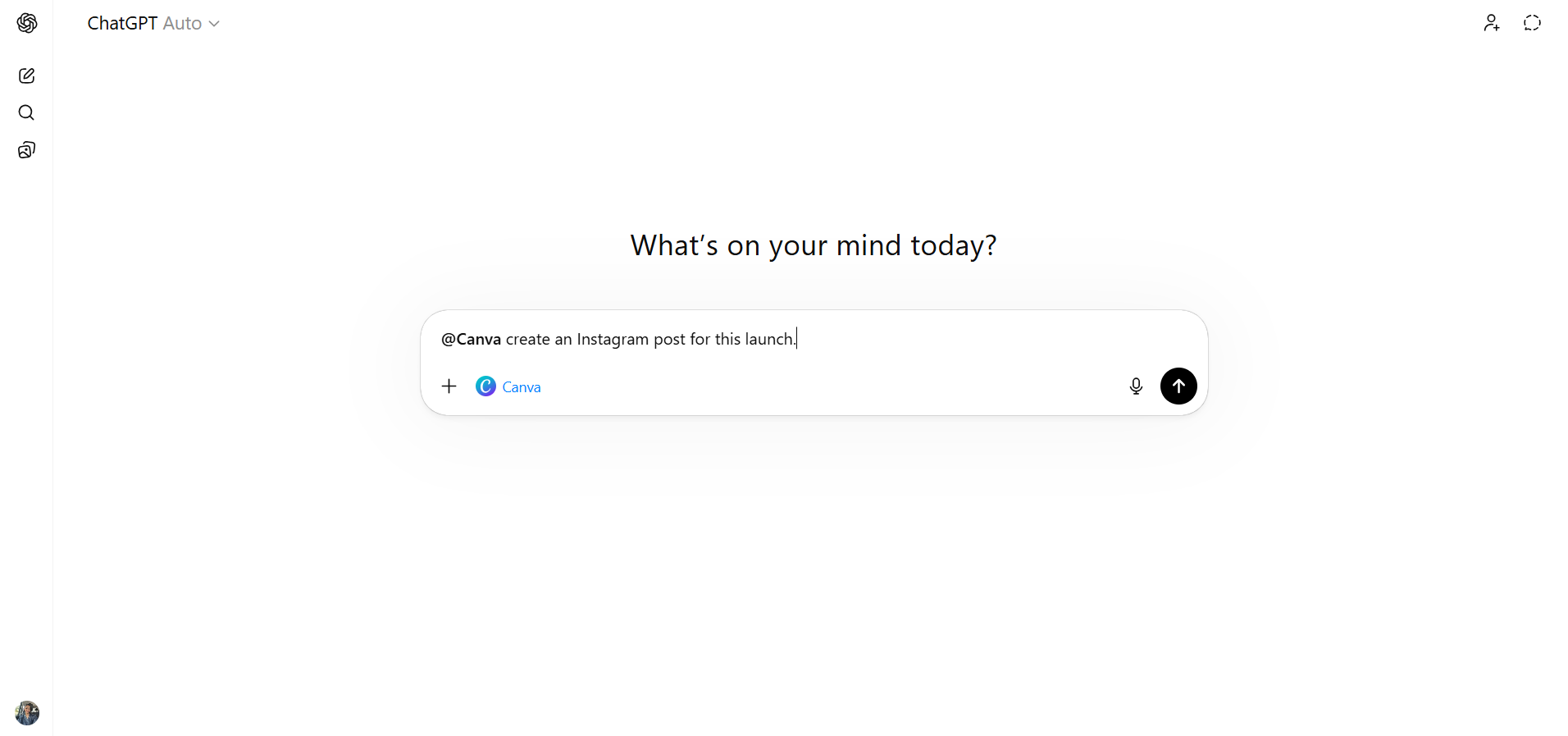
ChatGPT apps are integrations that connect external services to the ChatGPT platform through secure APIs. Instead of switching between different tools, you can interact with those services through conversation by describing the task and letting the integration handle the action.
You can access apps in ChatGPT through the Tools menu or by typing "@" followed by the app name in the chat, such as "@Canva create an Instagram post for this launch." On Enterprise and Edu plans, workspace administrators control which ChatGPT apps are available and what permissions they have.
The main advantage is completing more work inside a single conversation. When ChatGPT already has context about a task, such as a campaign brief or project requirements, passing that context to an integrated ChatGPT app can make the process faster and more efficient than starting the task in a separate tool.
How to Choose the Right ChatGPT App for Your Workflow
The right ChatGPT app is the one that removes friction from work you already do regularly. Because these apps connect ChatGPT with external services, the best choice usually depends on which tasks you want to complete inside the conversation.
Match the App to Your Primary Use Case
Start with the type of work you do most often. If you frequently create social media content, Canva can simplify the design process. If you build workflows across multiple tools, Zapier can automate those processes. For travel planning, apps like Skyscanner can help search for flights directly through chat.
The top ChatGPT app is the one that supports the tasks you perform most often.
Consider How Often You'll Use It
Some ChatGPT apps fit into daily workflows, such as writing assistance, marketing planning, or automation tools. Others are more occasional. For example, an outdoor route planner like Komoot may only be used when planning trips. Prioritize apps that support recurring tasks so the integration provides consistent value.
Evaluate Integration Capabilities
ChatGPT apps vary in what they allow you to do. Some integrations mainly provide search or suggestions, while others allow you to take direct actions such as creating designs, building workflows, or placing orders. When testing an app, try a real task to see whether it can be completed inside ChatGPT or whether you still need to switch tools.
Review Permissions and Data Access
Many ChatGPT apps require access to accounts in external services. Before connecting, check what data it can access and what actions it can perform. This is especially important when connecting tools that contain business data, such as CRM systems or marketing platforms.
Focus on Workflow Efficiency
The most practical way to evaluate a ChatGPT app is to ask whether it makes a task faster or easier. If you still need to move between several tools to finish the task, the integration may not provide much benefit. Apps that allow you to complete a workflow inside the conversation usually deliver the most value.
Ready to Start Working With ChatGPT Apps?
ChatGPT apps allow you to complete tasks directly inside the chat interface, not just generate answers. With the right integrations, you can create designs, search for flights, build automations, edit images, or generate presentation decks through conversation.
Start with an app that supports the task you perform most often. Connect it, run a real workflow, and evaluate whether it saves time before adding more integrations.
If you find yourself relying on multiple tools to handle everyday work, it may also be worth exploring platforms like Sintra AI, which provide a set of AI assistants designed to support several business workflows within a single system. If that approach fits your needs, you can get started with Sintra to see how its role-based assistants support day-to-day tasks.
ChatGPT Apps FAQs
What are ChatGPT apps?
ChatGPT apps are integrations that connect external tools and services to the ChatGPT platform. They allow you to use services such as Canva, Instacart, Skyscanner, or Zapier through conversation instead of switching between different tools. These apps extend what ChatGPT can do by allowing actions to happen inside the chat interface.
How do I enable apps inside ChatGPT?
You can browse available apps at chatgpt.com/apps or open Settings → Apps and Connectors in ChatGPT. Select the app you want, connect your account, and approve the required permissions.
After connecting, you can activate apps from the Tools menu in chat or by typing “@” followed by the app name, such as “@Canva create a social post for this product launch.” On Enterprise and Edu plans, workspace administrators must enable apps for the organization first.
What's the best ChatGPT app?
The best ChatGPT app depends on the task you want to complete. Canva works well for design tasks, Figma helps turn ideas into diagrams, visual assets, or collaborative design files, Zapier is useful for workflow automation, and Skyscanner simplifies flight searches. Instacart stands out for grocery shopping because it allows users to build a cart and complete checkout directly in ChatGPT.
If you prefer managing multiple business tasks in one system instead of connecting several individual apps, platforms such as Sintra AI provide role-based AI assistants designed for broader workflows.
Can ChatGPT apps access my external accounts?
Yes, it can. When you connect an app, ChatGPT receives permission to interact with that service on your behalf. This can include reading information, creating items, or completing actions depending on the app’s capabilities. Before connecting, you review the permissions the app requests. ChatGPT only accesses data that your connected account is already allowed to view.
How to choose the best ChatGPT app?
Start with the task you perform most often and look for an app that handles that workflow well. Test a real scenario instead of relying on a demo to see whether the task can be completed directly inside ChatGPT.
Also, review the permissions the integration requires, especially if it connects to business tools or customer data. Apps that support tasks you perform regularly tend to provide the most value.
Related articles