21 Best ChatGPT Alternatives in 2026


Table of Contents

Quick Answer: What Are the Best ChatGPT Alternatives in 2026?
There is no single alternative to ChatGPT that fits every business need, so the best alternatives to ChatGPT vary by the job you need done. The right tool depends on the job you want the AI to do. Here are the top ChatGPT alternatives shortlist:
- Sintra AI - for small teams looking for various workflow automations
- Microsoft Copilot - for teams looking to increase Microsoft 365 productivity
- Google Workspace AI - for teams looking to increase efficiency while working on Google App
- Zapier Agents - for teams looking for no-code autonomous automation across apps
- Notion AI - for teams looking automations within Notion workspace
ChatGPT is no longer enough to run a business on its own. The best ChatGPT alternatives and apps like ChatGPT now do more than chat: they automate work, run research, and write code. That is why businesses reach for specialized AI agents that look more like Sintra's AI employees than plain chatbots.
This shift is redefining what people mean by AI tools. The best tools are not smarter chatbots; they are systems that plug into workflows, take ownership of tasks, and run in the background. The demand spans all ages: 64% of U.S. teens aged 13–17 now use AI chatbots, with roughly 30% using them daily, a sign of just how embedded these tools have become across generations. This guide walks through ChatGPT's competitors that specialize in their respective categories, where execution has become the real benchmark for value.
There is no single alternative to ChatGPT that fits every business need. The right tool depends on the job you want the AI to do. Here are the top ChatGPT alternatives and apps like ChatGPT in 2026, each serving a different purpose for your business:
| Tool | Category | Best For | Price Range |
|---|---|---|---|
| Sintra AI | Business & Operations | Small teams workflow automation | Individual helper: $39/month Sintra X: $97/month |
| Microsoft Copilot | Business & Operations | Productivity in Microsoft 365 | $21–$30/user/month |
| Google Workspace AI | Business & Operations | Seamless integration inside Google Apps | Bundled: $7–$26/user/month |
| Zapier Agents | Business & Operations | No-code autonomous automation across 8000+ apps | Free (limited) Pro ~$33+/month + metered |
| Notion AI | Business & Operations | Workspace automation in Notion | Business ~$20/user/month (annual) |
| HubSpot AI | Business & Operations | CRM revenue operations | Pro ~$800–$1,200/month base |
| Perplexity | Search & Research | Cited real-time research | Free (limited) Pro ~$20/month |
| You.com | Search & Research | Customizable AI search | Free Pro ~$15–$20/month |
| Arc Search | Search & Research | Mobile-first synthesized answers | Completely free |
| Elicit | Search & Research | Academic literature reviews | Free (limited) Plus $12/month |
| Consensus | Search & Research | Evidence-based answers | Free (limited) Pro ~$10–$15/month |
| Claude | Coding & Reasoning | Deep reasoning & large context | Free (limited) Pro ~$20/month |
| DeepSeek | Coding & Reasoning | High-performance coding/math | Free (open-source) API ~$0.10–$0.42/M tokens |
| Cursor | Coding & Reasoning | AI-native VS Code assistant | Free (limited) Pro $20/month |
| Codeium | Coding & Reasoning | Unlimited autocomplete coding | Free Teams $12/user/month |
| Phind | Coding & Reasoning | Developer-focused AI search | Free Pro ~$17–$20/month |
| Jasper AI | Content & Marketing | Marketing content at scale | ~$59–$69/month/seat |
| Copy.ai | Content & Marketing | Sales & marketing copy | Free (limited) Pro ~$49/month |
| Writesonic | Content & Marketing | Versatile content creation | Free (limited) $39–$100+/month |
| Notion AI (content) | Content & Marketing | Content inside Notion | Business ~$20/user/month (annual) |
| HubSpot Content AI | Content & Marketing | HubSpot-integrated content | Pro ~$800–$1,200/month base |
What Makes a Great ChatGPT Alternative in 2026?
The criteria of a good ChatGPT alternative have shifted from conversation quality to real-world execution. Businesses need AI that can reliably complete tasks, coordinate workflows, and maintain context across teams. Prompt skills have become less significant because modern AI tools come with built-in role-based workflows, memory, and business context.
The key characteristics that define modern alternatives of ChatGPT are:
- Execution capability: Can the AI complete end-to-end tasks on its own? For example, scheduling social posts, generating performance reports, or following up on leads without manual oversight. Execution-focused AI reduces bottlenecks and frees human teams for strategic work.
- Integrations with real tools: Effective alternatives plug into CRMs, marketing platforms, analytics, dashboards, and project management systems. In short, a good AI tool should seamlessly work where you already work.
- Memory and consistency: Top AI like ChatGPT remembers what you have used it for earlier. It should know the ongoing tasks, past interactions, and your preferences every time you plug in. This prevents repeated instructions, reduces errors, and ensures consistent outputs across campaigns and workflows.
- Governance and reliability: Your AI tools should never put your safety and that of your data at risk. Audit trails, permissions, and safeguards make the AI trustworthy for business-critical operations. Your teams can track actions, review decisions, and maintain compliance.
- Time-to-value: Tools that deliver outcomes quickly are more valuable than those that require expert, prompt engineering. Pre-configured workflows, templates, and AI agents accelerate adoption and productivity.
Platforms like Sintra's Brain AI demonstrate these qualities. Acting as AI employees, they handle complex tasks, maintain continuity across projects, and free humans to focus on higher-level strategy rather than repetitive execution of mundane tasks.
Best ChatGPT Alternatives by Category
Free AI tools like ChatGPT have evolved from mere chatbots into fully independent tools that are capable of automating workflows. These tools have made businesses scale faster and more efficiently without burning out teams.
Picking the right AI is now all about clearly defining the job. Research, content, coding, automation, and operations all require different strengths and features. To expect one tool to do it all would be unwise.
To keep things simple, we group ChatGPT competitors into categories. Each category below covers tools that solve a different business problem.
Best ChatGPT Alternatives for Business & Operations (AI Teams)
Founders and leaders demand consistency, follow-through, and execution across tools, not one-off answers. They need tools that work as virtual assistants inside their workflows, without manual intervention.
This is where AI employees change the equation. Instead of prompting for ideas, teams deploy AI that handles planning, writing, follow-ups, support, and reporting inside real workflows. These tools behave less like tools and more like coordinated AI teams built for outcomes.
This category of AI tools matters because it replaces repetitive operational work. Let's have a look:
1. Sintra AI. Best AI Team for Small Business Workflows in 2026
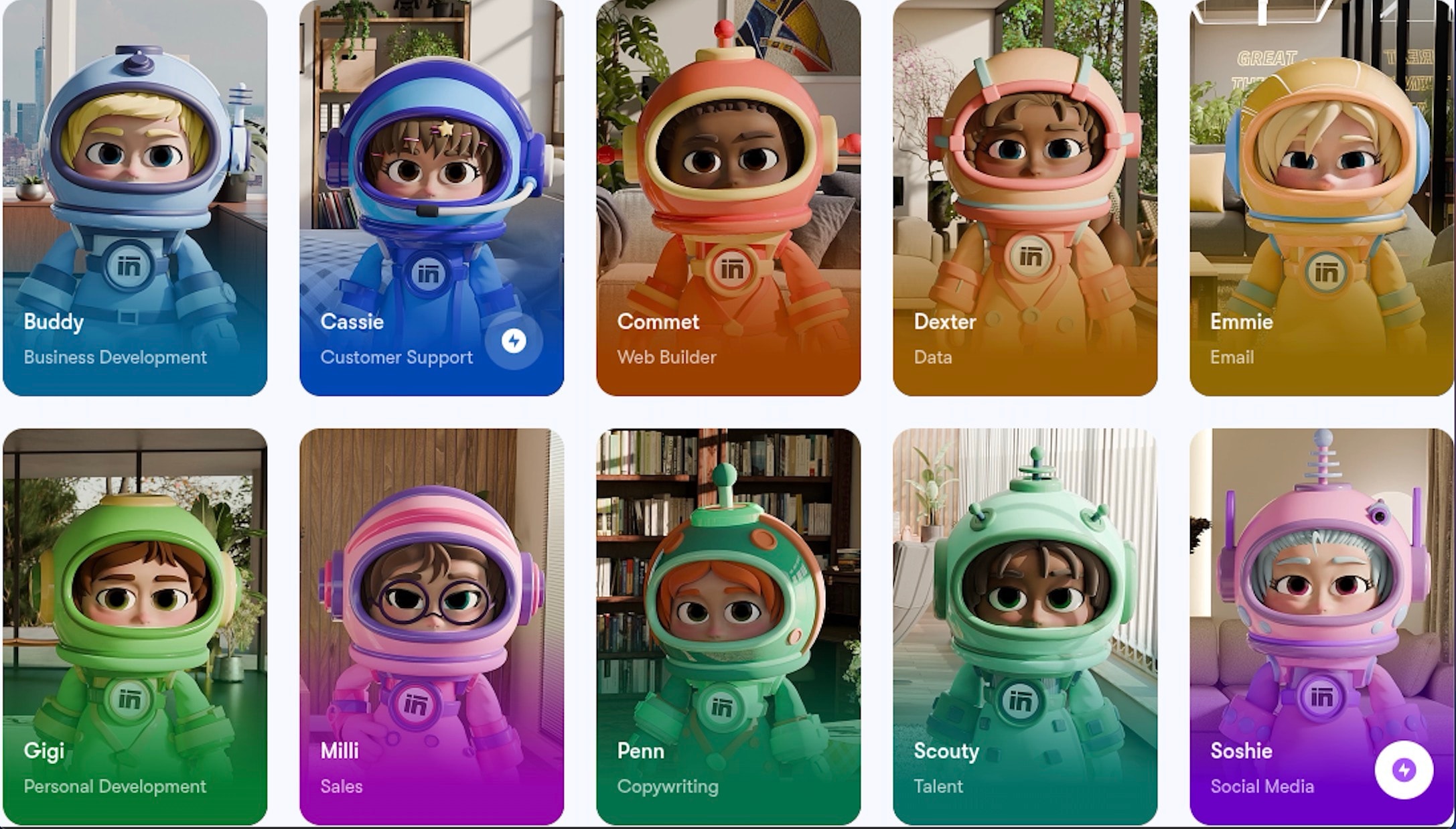
Sintra AI gives you a team of specialized AI helpers instead of one chatbot. Each helper has their own job, like social media, customer support, email marketing, copywriting, SEO, sales, or data tasks, just like real team members.
All helpers share one brand memory known as Brain AI. It keeps your business info, style, documents, goals, and rules in one place. This means every helper uses the same voice and facts. You don't need to explain things repeatedly.
There are also ready-made workflows that guide you through bigger tasks with very little typing. Pick a workflow, add a few details if needed, and the helpers work together to finish it fast.
Best For: Founders and small teams who handle regular tasks in marketing, sales, support, and operations.
Core Features:
- Role-based AI helper
- Shared brand memory so every helper stays consistent
- Ready-made workflows that need almost no prompting
- Connections to the apps you already use
- Mobile-friendly workspace you can use anywhere
Pricing: Around $97/month for full access to all 12 helpers (cheaper if you pay yearly).
Pros/Cons:
- Pros: Focuses on getting work done, keeps everything consistent, and needs very little prompt typing. Smooth AI integrations with your existing work stack.
- Cons: Needs some setup at the start, not ideal for casual use.
Business Workflow Example: You can use Sintra AI to plan your weekly marketing calendar, create content, schedule posts, reply to customer messages, and get quick summaries, all inside one workspace.
Sintra’s Role-Based Helpers
Sintra AI uses specialized AI helpers instead of a general chat tool. Each helper focuses on one business task, uses your shared brand memory, and follows guided steps to deliver consistent, accurate results.
Let's take a look at some of Sintra's helpers:
- Cassie - AI for customer support and management. Reads inbox, prioritizes messages, drafts replies in your brand's voice, tracks tickets, and gives summaries.
- Replaces: Manual email handling and repetitive answers.
- More effective: Works in real time, stays consistent, and reduces response time.
- Penn - AI copywriter for conversion-focused writing. Writes ads, landing pages, product descriptions, blog posts, and sales copy.
- Replaces: Writing marketing content from scratch.
- More effective: Study your successful copy and brand rules. Targets conversions.
- Soshie - AI social media manager. Creates content calendars, writes captions, suggests ideas, adds hashtags, and schedules posts.
- Replaces: Manual weekly planning and posting.
- More effective: Builds full strategies, aligns with brand, optimizes timing.
- Emmie - an AI email assistant that writes cold emails, follow-ups, newsletters, and lead replies.
- Replaces: Manual email drafting.
- More effective: Personalizes content, uses proven open-rate tactics, and keeps tone consistent.
- Vizzy - Your virtual AI assistant. It suggests ideas for graphics, reels, carousels, ads, layouts, colors, and image prompts.
- Replaces: Creative brainstorming and designer briefs.
- More effective: Gives structured, brand-aligned concepts that are ready to use.
All helpers share the same brand memory, so tone and facts remain consistent. They provide more targeted results compared to tools similar to ChatGPT.
Additional Business & Operations AI Tools
Business and operations go beyond content creation. AI similar to ChatGPT are capable of handling operations like finance, HR, project tracking, analytics, and even admin work.
Here are some strong options that work well alongside marketing and team-focused AI.
2. Microsoft Copilot. Best for Microsoft 365 Productivity

Microsoft 365 Copilot is the built-in AI assistant for Microsoft 365 users. It boosts everyday productivity inside familiar apps.
What it does in 2026: It drafts and edits documents, writes emails, analyses spreadsheets, summarises meetings, creates presentations, and runs custom agents for multi-step automation.
Best for: Companies already paying for Microsoft 365, teams that live and breathe Word docs, Excel data, PowerPoint decks, Outlook inboxes, and Teams chat every day.
Core features:
- AI inside Word, Excel, PowerPoint, Outlook, Teams
- Drafts, summarizes, and rewrites documents and emails
- Excel: formulas, charts, data insights
- Teams: meeting recaps and action items
- Copilot Chat with your work files + web access
- Agent mode for guided tasks and custom agents
Pricing 2026:
- $21 per user per month for Business plans
- $30 per user per month for the enterprise plan
- Heavy agent use adds credits for around $200 per 25000 credits.
Pros:
- Deep integration with Microsoft tools
- Excellent data privacy and grounding
- Strong for everyday business work
- Agent automation saves time
Cons:
- Requires an existing Microsoft 365 subscription
- Cost scales quickly with team size
- Agent features have an extra usage fee
- Advanced setup takes time
Business workflow example:
To generate an AI sales report, you ask Copilot in Excel to analyze data and build charts. It drafts the narrative summary with key insights in Word. It also turns everything into slides using PowerPoint. Using Teams and Outlook, it pulls related meeting notes and sends action items to the team.
3. Google Workspace AI (Gemini). Best for Google Workspace Users
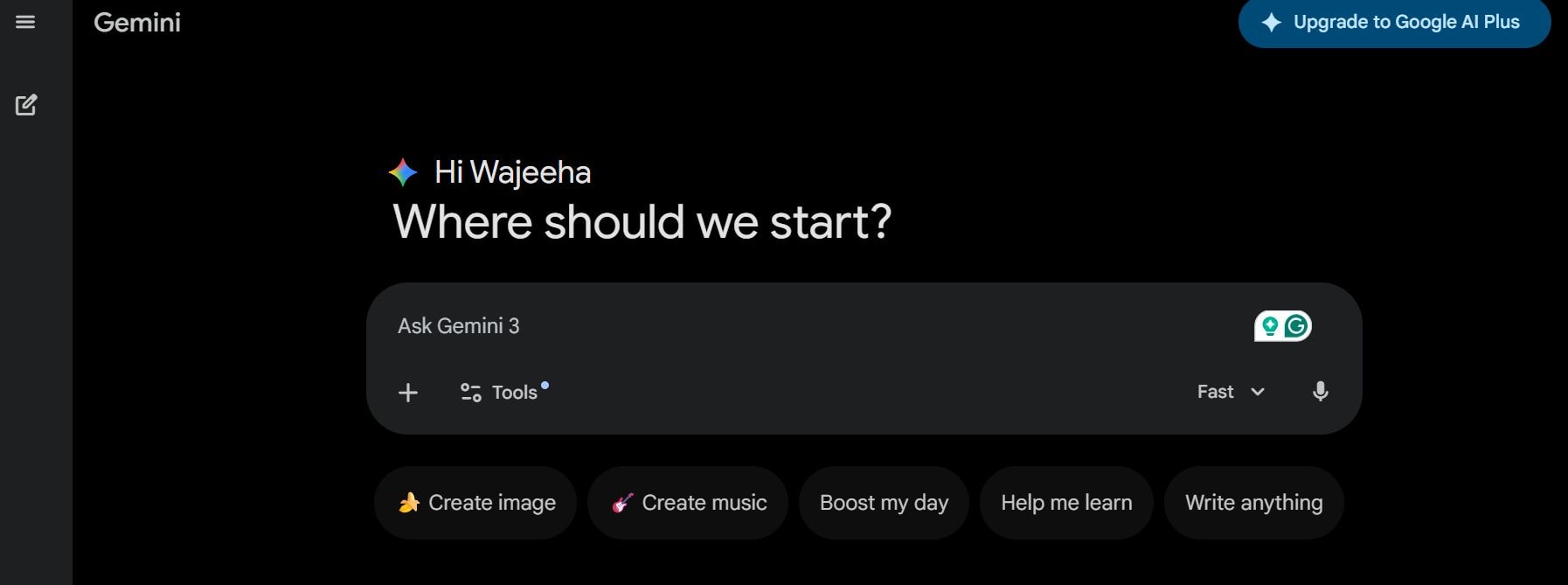
Google Workspace AI, Gemini, is the native AI layer inside Google's productivity suite. It makes Google apps smarter for daily work.
What it does in 2026: It drafts and summarizes emails in Gmail, generates text and images in Docs/Slides, creates formulas and charts in Sheets from plain English, recaps meetings in Meet, and searches your Drive files with full work context.
Best for: Gemini is best for businesses that use Google Workspace every day. It is also great for small teams handling email, documents, spreadsheets, presentations, meetings, and file collaboration.
Core features:
- AI drafting and summarizing in Gmail, Docs, Slides
- Smart email replies and thread summaries
- Formula and chart creation in Sheets
- Meeting summaries and action items in Meet
- Image and video generation in Vids/Slides
- Gemini app with access to your Workspace files
- Enterprise-level security and privacy controls
Pricing 2026:
- Business Starter: approx. $7-8/user/month
- Business Standard: $14-17/user/month
- Business Plus: $22-26/user/month
- Advanced usage: custom pricing
Pros:
- Tight integration with Google apps
- Strong privacy using your own data
- No extra fee for core AI
Cons:
- Limited Gemini features on the Starter plan
- Advanced features need paid add-ons
- Cost grows with team size
- Requires Workspace subscription
Business workflow example:
Here's how you can create a client proposal using Gemini. Draft and summarize email threads in Gmail, write and edit the main content in Docs, analyze budget numbers and build charts in Sheets, design slides with AI-generated images in Slides, get meeting recap and actions from Meet. All of this will happen by pulling accurate context from your Drive files.
4. Zapier Agents. Best for No-Code Task Automation
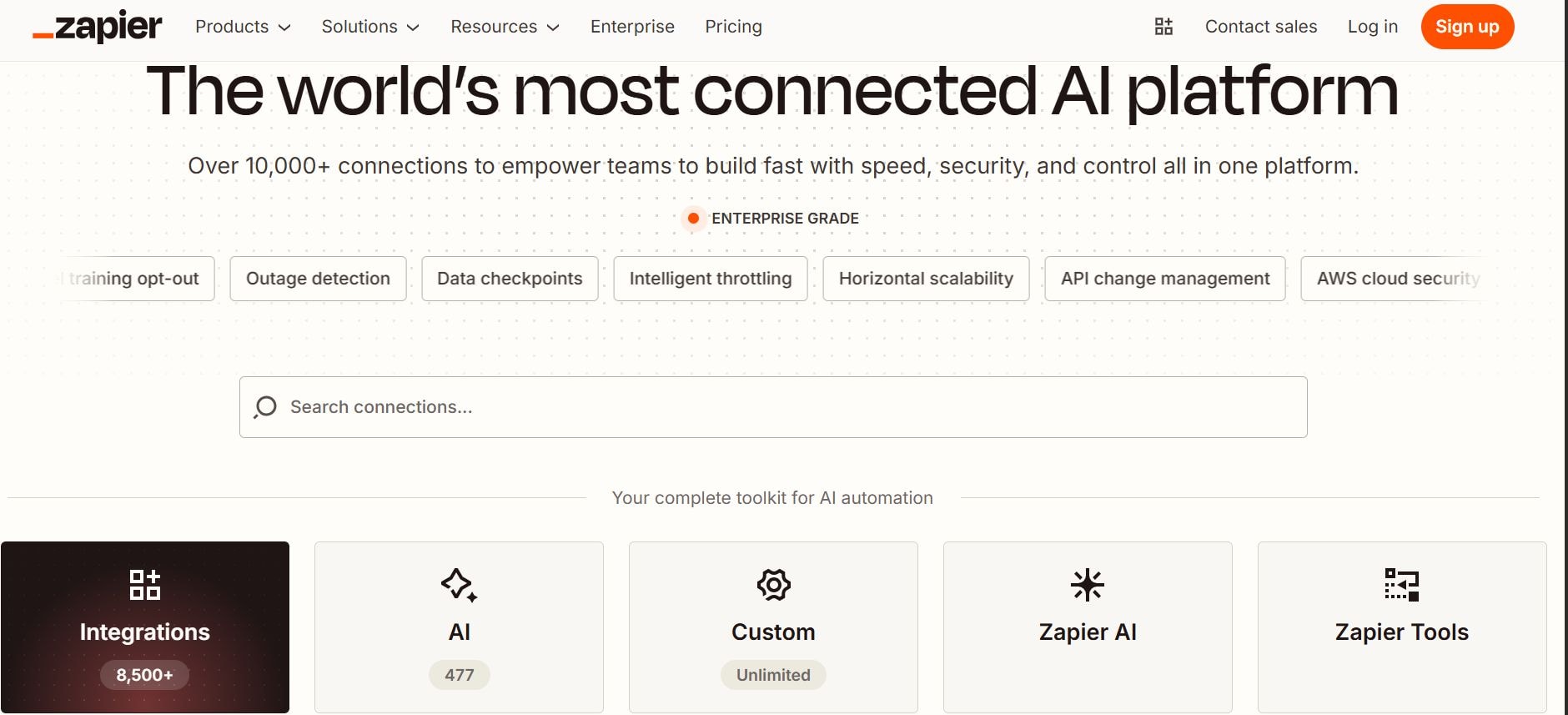
Zapier Agents are no-code AI agents that automate repetitive tasks across thousands of apps. They act autonomously on your behalf.
What it does in 2026: Zapier Agents automate tasks across 8,000+ apps using natural-language instructions. They monitor forms/emails, qualify leads, enrich data, update CRMs, send personalized follow-ups, and run multi-step business workflows with optional human review.
Best for:
- Small to mid-sized businesses and teams that need no-code AI.
- Solopreneurs or ops/marketing teams wanting agents that act without constant prompting.
Core features:
- Natural language agent creation and training
- Access to 8000+ apps integrations for triggers/actions
- Live data sources and web browsing
- Chrome extension interaction
- Pods for grouping/organizing agents
- Enterprise-level security and governance
Pricing 2026:
- Free tier: 400 activities/month
- Pro/Advanced tier: starting from $33/month for 1500+ activities, advanced models, and more sources
- Professional tier: $30/month
- Team tier: $100+/month
Pros:
- Huge app ecosystem
- Easy no-code setup
- Autonomous multi-step execution
- Strong for automation-heavy workflows
Cons:
- Activity-based limits can add costs quickly
- Requires a base Zapier subscription
- Steep learning curve for complex agents
Business workflow example:
Lead qualification: An agent monitors new form submissions, enriches data via Clearbit/LinkedIn, scores leads based on your criteria, adds qualified ones to HubSpot CRM, sends personalized follow-up emails via Gmail, and notifies Slack if human review is needed.
5. Notion AI. Best for Notion Workspace Automation
Notion AI is the intelligent layer inside Notion for workspace and project automation. It turns Notion pages into active operational hubs.
What it does in 2026: It autofills databases, analyzes calendars and comments, builds onboarding docs, runs agents for project tasks, summarizes meetings, and maintains persistent memory across your workspace.
Best for: Notion is best for teams that already use Notion as their main workspace for projects, docs, databases, and ops. It is also a great tool for non-technical users or ops leads who need simple agents for routine business processes.
Core features:
- Database autofill, insights, and formula generation
- Autonomous agents for multi-step tasks (onboarding, competitor tracking, project setup)
- Mobile meeting transcription + action-item summaries
- Page, comment, and calendar analysis with persistent context
- Multi-model support (GPT, Claude, Gemini) with auto-selection
- Enterprise-grade search, privacy, and governance
Pricing 2026:
- Free / Plus: very limited trial (~20 responses or basic features only)
- Business: ~$20/user/month (annual billing) or $24/monthly (unlimited AI, agents, multi-model)
- Enterprise: custom pricing (team workspaces, advanced controls)
Pros:
- Coherent integration, everything stays inside Notion
- Persistent memory keeps context across pages and agents
- Low learning curve for existing Notion users
- Strong privacy (no training on your data)
Cons:
- Full AI power requires a Business plan or higher
- Limited trial on Free/Plus makes testing hard
- Still tied to the Notion ecosystem, not ideal if you don’t use it heavily
Business workflow example:
New client onboarding: AI creates a project database entry, autofills tasks/dependencies from past clients, pulls templates/docs from linked pages, transcribes the kickoff call on mobile, and extracts action items into the database, then scans calendars to schedule follow-ups. All this happens inside Notion AI without much human intervention.
6. HubSpot Breeze. Best for CRM and Revenue Automation
HubSpot Breeze AI consists of specialized agents inside the HubSpot CRM platform. It automates the revenue funnel from lead to close.
What it does in 2026: It researches prospects, prioritizes pipelines, generates personalized emails/content, automates customer support across channels, and delivers real-time sales forecasting using CRM data.
Best for: HubSpot AI is best for companies already in HubSpot CRM or Marketing/Sales/Service Hubs. It is a great option for marketing, sales, and support leaders wanting automation without adding headcount.
Core features:
- Pre-built agents: Customer (support), Prospecting, Content, Social Media, Data, Closing
- Custom agent creation via Breeze Studio (beta in 2026)
- Deep CRM grounding for hyper-personalized actions
- Multi-channel execution (chat, email, WhatsApp, Messenger)
- Autonomous task completion with human-in-the-loop escalation
- Agent marketplace (HubSpot-built + third-party)
- Credit-based usage tracking and reporting
Pricing 2026:
- Professional: starts ~$800–$1,200/month base (Marketing/Sales/Service/Customer Platform)
- Enterprise: starts ~$3,600/month base (advanced agents, more seats/contacts)
- Additional: credit-based usage (~$30/100 credits pack)
Pros:
- Extremely accurate because it uses your real CRM data
- Covers the full revenue funnel (marketing → sales → support)
- Scales with credit packs, no hard seat limits
- Reduces manual work across channels significantly
Cons:
- Only available in expensive Professional/Enterprise tiers
- Credit costs can add up quickly for high-volume use
- Requires HubSpot setup and onboarding time
- Less valuable if you’re not already deep in HubSpot
Business workflow example:
Inbound lead handling: Customer Agent answers website chat/email, qualifies the lead using your knowledge base. Prospecting Agent researches the contact, drafts personalized outreach, and adds to CRM pipeline. Sales reviews; if progressing, the Closing Agent analyzes engagement and suggests/updates next steps.
Best ChatGPT Alternatives for Search & Research
General LLMs like ChatGPT often give answers from old training data, which can be inaccurate, outdated, or unsourced. Search-first AI tools fix this by browsing the live web, citing sources, and synthesizing current information.
Conversational answers focus on speed and fluency. Research-backed synthesis pulls fresh data, shows citations, and creates structured, verifiable outputs. This key difference makes these tools ideal for competitor analysis, market sizing, SEO research, or sourcing expert quotes.
Let's take a look at the top AI tools like ChatGPT that are built specifically for accurate, sourced research in 2026:
Search & Research Tools
7. Perplexity. Best for Cited, Real-Time Answers
Perplexity is a search-first AI engine that delivers cited, up-to-date answers. It replaces traditional Google-style link lists with direct synthesis.
What it does in 2026:
It combines GPT-5-level reasoning with live search to answer complex queries, summarize sources, generate reports, and perform deep research.
Best for: Researchers, marketers, founders, analysts, and content creators who need fast, accurate, sourced answers for competitor analysis, market research, SEO keyword discovery, trend spotting, or expert quote sourcing.
Core features:
- Real-time web search with citations
- Pro Search (detailed reasoning chain)
- File upload + analysis (PDFs, CSVs, images)
- Collections & saved threads
- Agentic follow-up questions
- Voice mode and mobile app
- Enterprise-grade privacy and SOC 2 compliance
Pricing 2026:
- Free: Unlimited quick searches, limited Pro searches
- Pro: $20/month or $200/year
- Enterprise: Custom (starts $40/user/month
Pros:
- Extremely accurate and well-cited
- Clean interface
- Strong complex queries
Cons:
- Free tier limits Pro features
- Occasional hallucinations in very niche topics
- Paid plan required for heavy daily use
Business workflow example:
Competitor analysis: Ask "Compare pricing, features, and recent funding of Competitor A, Competitor B, and Competitor C in the SaaS CRM space as of 2026." Perplexity pulls live pricing pages, feature lists, Crunchbase/TechCrunch articles, and recent announcements. It also delivers a structured comparison table with sources and suggests gaps your product can exploit. You can copy the report into Notion or export it as a PDF for the strategy deck.
8. You.com. Best for Customizable AI Search
You.com is a customizable AI search and creation platform. It blends conversational answers with productivity tools.
What it does in 2026:
It synthesizes information with citations, supports customizable modes/apps called YouApps, generates content/code/images, analyzes files, and offers agentic research via APIs and vertical indexes. It effortlessly integrates LLMs like GPT, Claude, and Gemini for tailored responses.
Best for:
- Marketers, researchers, developers, and professionals
Individuals who require AI for quick research, content drafting, coding help, or app-based workflows without switching tools.
Core features:
- Conversational AI search with citations
- Customizable YouApps and modes (research, writing, coding)
- Real-time web + file analysis
- Content/code/image generation
- Privacy mode and no-tracking options
- API access for custom agents/indexes
- Multi-model support
Pricing:
- Free: Basic search, limited daily queries, and ads.
- Pro: $15-20/month. Unlimited access, ad-free, premium models
- Max: $175/month
- Enterprise: Custom pricing
Pros:
- Strong privacy focus
- Customizable workspace
- Blends search + creation well
- Multi-model access
Cons:
- Free tier is limited by ads
- Results are sometimes less comprehensive than Google
- Requires paid plans for heavy use and advanced agents
Business workflow example:
Market sizing: You.com pulls data from Statista, Gartner reports, Crunchbase, and recent news; synthesizes it into a structured report with figures (e.g., 15-20B market, 25% CAGR), segment breakdowns, and cited sources. It then refines everything with follow-ups for regional splits or forecasts, then exports to Docs for your team.
9. Arc Search. Best for Mobile AI Browsing
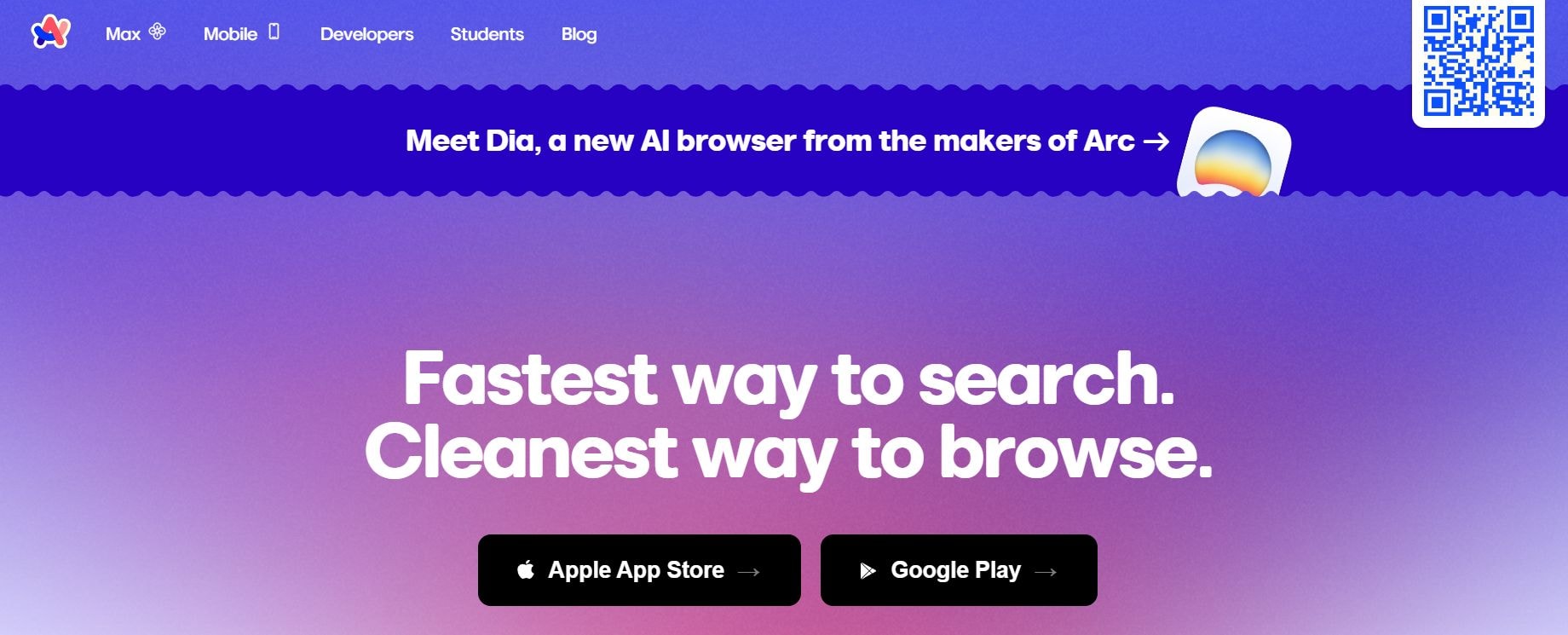
Arc Search is a mobile-first AI browser from The Browser Company. It eliminates ad clutter and link overload.
What it does in 2026:
Its “Browse for Me” agent scans the web and creates clean, ad-free custom pages with summaries, recommendations, comparisons, images, and key facts instead of link lists.
Best for:
Mobile users who want fast, clean answers without ads or clutter. It is a great app for quick research, fact-checking, or comparison on the go.
Core features:
- Browse for Me AI agent builds custom answer pages
- Automatic ad, tracker, and pop-up blocking
- Voice search and conversation mode
- Instant page translations
- Summaries, recommendations, comparisons, images
- Clean reading view
- Tab sync with Arc browser
Pricing 2026:
Completely free. No paid tiers or subscriptions.
Pros:
- Completely free
- Excellent ad-free experience
- Fast summarized answers
- Great mobile interface
- Privacy focused
Cons:
- Mobile-only (no desktop version)
- Less depth for complex topics
- Summaries can be oversimplified
Business workflow example:
SEO search: If you search "Top SEO trends for SaaS in 2026, including keyword strategies and tools", Browse for Me scans recent sources like Ahrefs and Semrush blogs, builds a clean page with key trends, stats, tool suggestions, and sources. It also reviews the summary, images, and copy points for your content calendar.
10. Elicit. Best for Academic Literature Research
Elicit is an AI assistant for academic and evidence-based research. It specializes in scholarly literature.
What it does in 2026:
It searches millions of papers, extracts key findings, builds comparison tables, answers research questions with citations, and analyzes uploaded PDFs.
Best for:
Elicit is best for researchers, students, academics, and professionals in general and medical sciences. It is a great ChatGPT alternative for people who need fast, cited literature reviews, evidence synthesis, or paper discovery.
Core features:
- Searches 200M+ academic papers with semantic understanding
- Answers questions with direct citations and summaries
- Extracts methods, results, abstracts, and key claims
- Builds comparison tables from multiple papers
- PDF upload and analysis
- Brainstorm research questions and gaps
- Export to CSV, BibTeX, or reference tools
Pricing 2026:
- Free: Limited credits
- Plus: $12/month or $120/year
- Pro: $49/month or $490/year
Pros:
- Extremely accurate for academic sources
- Strong citation and table features
- Good for evidence-based decisions
Cons:
- Focused only on scholarly papers, weak for news/blogs
- Very limited free tier
- Slower on non-academic topics
Business workflow example:
Competitor analysis: Ask "What do recent academic papers say about features and limitations of AI chatbots in customer support for eCommerce 2024-2026?" Here's what Elicit does next:
- Searches academic databases
- Pulls 15-25 relevant studies
- Summarizes key findings (e.g., “Accuracy drops 25% on complex queries – Kim et al. 2025”)
- Extracts direct quotes from authors (e.g., “Hybrid human-AI systems improve satisfaction” – Chen 2026)
- Creates a comparison table of chatbot performance metrics across studies
11. Consensus. Best for Scientific Evidence Search
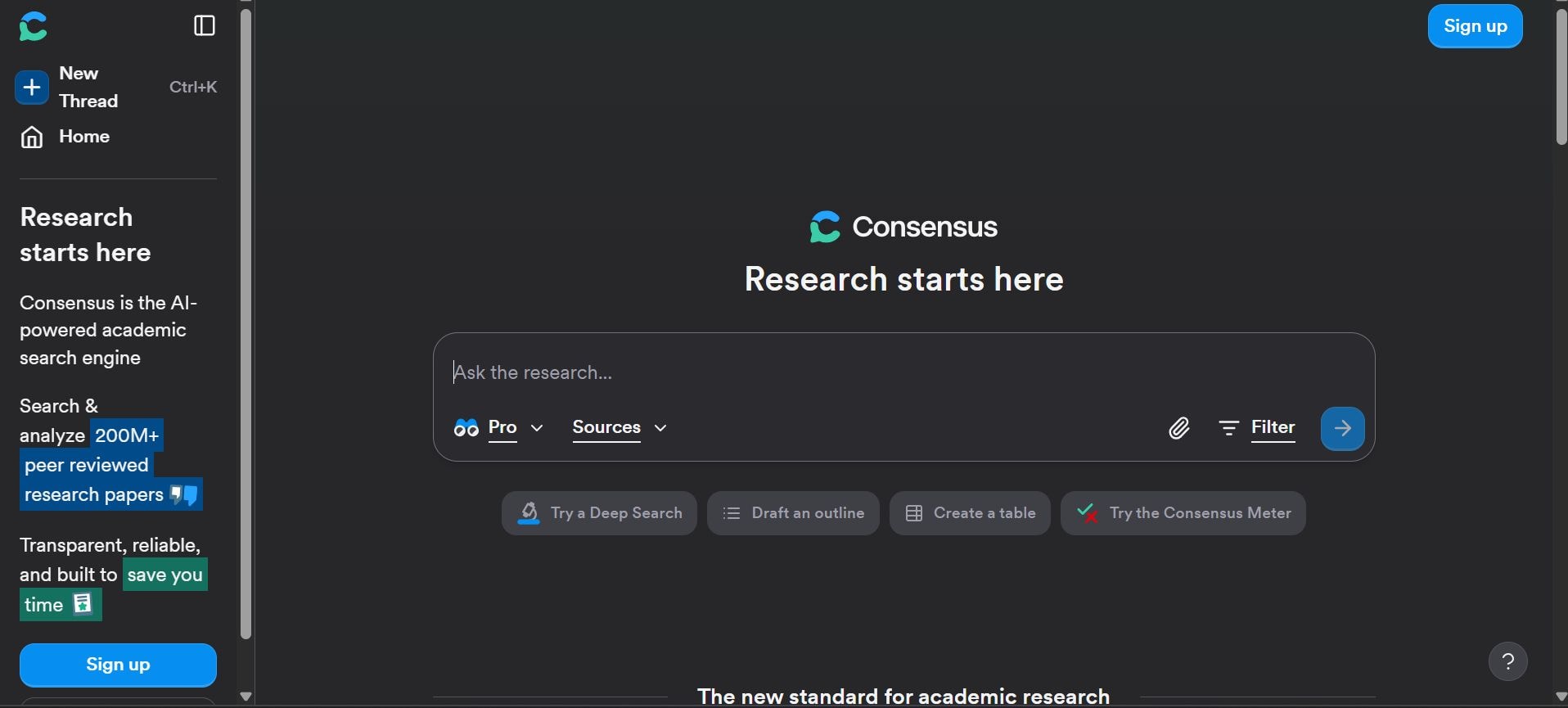
Consensus is a scientific search engine focused on evidence synthesis. It answers questions with research consensus.
What it does in 2026:
It delivers yes/no answers with a consensus meter (% agreement across studies), summarizes supporting/opposing evidence, and provides quick study snapshots with citations.
Best for:
Anyone who needs fast answers to research questions with scientific backing: clinicians, journalists, consultants, students, or business professionals checking evidence on health, tech, policy, or social topics.
Core features:
- Yes/no answers with Consensus Meter
- Evidence summaries and citations from papers
- Pro Analysis
- Deep Search for full literature reviews
- Export citations and results
- Full-text access in paid plans
Pricing 2026:
- Free: Limited daily searches and basic features.
- Pro: $12/month or $120/year - unlimited Pro searches, full-text, higher limits.
- Deep: $50/month or $500/year - advanced reviews, more Deep Searches.
- Enterprise: Custom for teams.
Pros:
- Quick consensus signals
- Reliable yes/no answers
- Great for evidence checks
- Clean citation handling
Cons:
- Only academic papers (no web/news)
- Limited free use
- Slower on broad non-scientific queries
Business workflow example:
Market sizing research: "Is the market for AI diagnostics in oncology growing in 2024-2026?" Consensus shows the Consensus Meter (e.g., 85% yes), summarizes growth estimates from studies (e.g., $4-7B by 2026, 30%+ CAGR), lists key drivers (precision medicine, FDA approvals), and provides direct quotes with citations.
Best ChatGPT Alternatives for Coding & Reasoning
ChatGPT alternatives, free or paid, are built for more than chattering. They are also designed for real programming work, making them a necessity for developers, engineers, and analysts. These tools handle complex logic, debug errors, refactor old code, support many languages, and give structured answers like step-by-step plans or clean code blocks.
Here are the best ChatGPT alternatives for coding and serious thinking tasks:
Coding & Reasoning Tools
12. Claude. Best for Complex Reasoning and Long Context
Claude (by Anthropic) is a frontier reasoning model family (Opus, Sonnet, Haiku). It excels at complex, long-context tasks with high accuracy.
What it does in 2026:
Claude is Anthropic's frontier AI model family that includes Opus 4.6, Sonnet 4.5, and Haiku 4.5. It excels at deep reasoning, agentic coding, large context handling (up to 1M tokens in Opus), multi-step planning, debugging, refactoring, and tool use. Claude Code (CLI agent) reads code-based, executes multi-file changes, runs tests, and handles autonomous workflows.
Core features:
- Advanced reasoning and planning (best on Terminal-Bench, agentic coding)
- Claude Code CLI agent for codebase navigation and execution
- 200K–1M token context window
- Code generation, review, debugging, refactoring
- Multi-agent teams for parallel work
- Artifacts for interactive code/docs
- Strong safety and low hallucination rate
Pricing 2026:
- Free tier: Limited access on claude.ai (basic Sonnet/Haiku).
- Pro: $20/month – unlimited Sonnet 4.5, higher limits.
- Max/Team: $100–200+/month – advanced Opus 4.6 access, team sharing.
- API: Sonnet 4.5 $3/$15 per million tokens (input/output); Opus 4.6 $5–$15/$25–$75 depending on tier
Pros:
- Top-tier reasoning and
- Coding accuracy
- Excellent large codebase handling
- Strong debugging/refactoring
- Reliable agentic workflows
Cons:
- Higher cost for Opus access
- API pricing scales with heavy use
- Requires setup for Claude Code
- Less "chatty" than some competitors
Business workflow example:
Debugging errors and shipping a feature: In Claude Code CLI, paste error logs from a failing API endpoint in a large Python codebase. Claude analyzes logs, reads relevant files (auth module, DB layer), identifies the root cause (a race condition in caching), and suggests a fix with a code diff. It writes unit tests for the fix, runs them locally, refactors for clarity, commits changes, and pushes to Git.
13. DeepSeek. Best for Open-Source Coding and Math
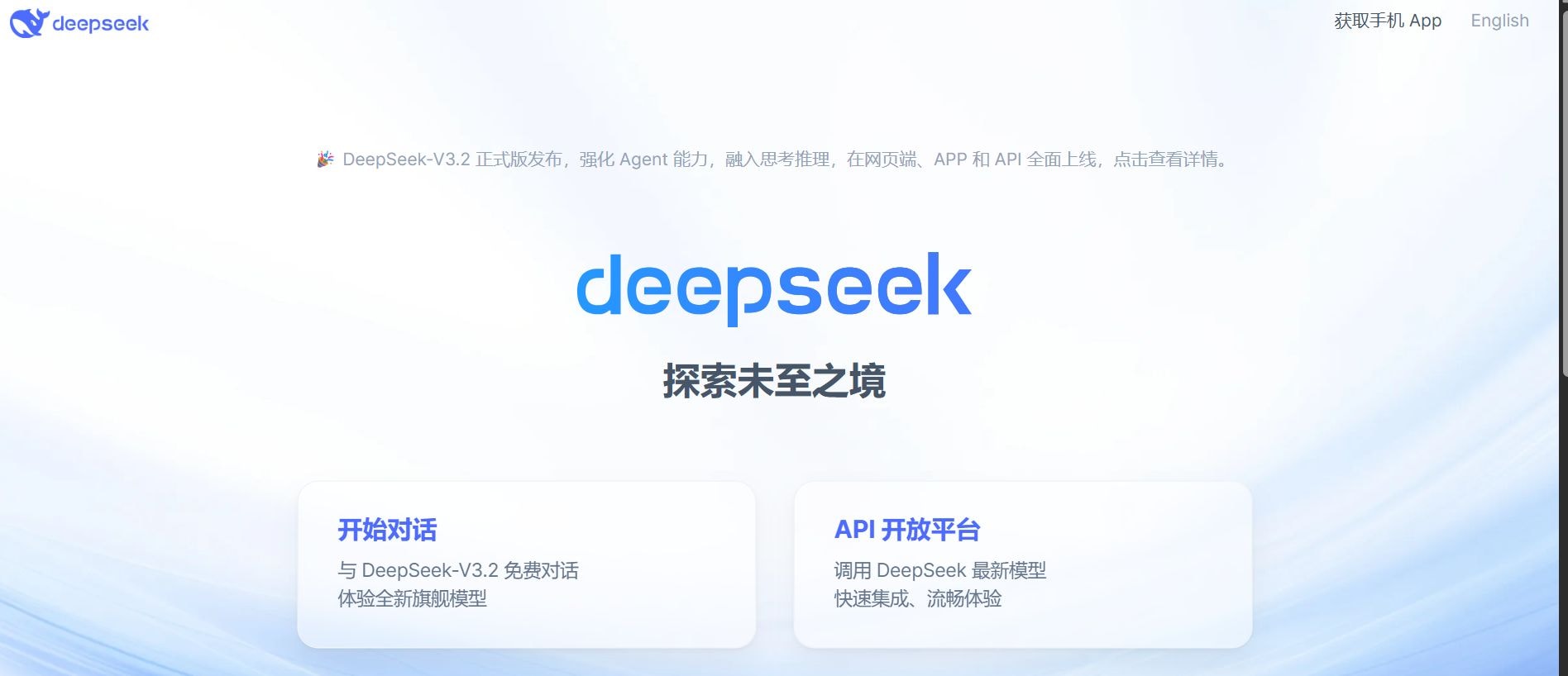
DeepSeek is an open-source and API model family optimized for coding, math, and reasoning. It offers top performance at a very low cost.
What it does in 2026:
It generates accurate code, solves competitive programming problems, handles large context (128K tokens), debugs/refactors, and delivers strong reasoning/math results via free open weights or cheap API.
Best for:
- Budget-conscious developers,
- Indie hackers,
- Engineers doing backend/frontend, algorithms, testing, or local/offline coding.
Core features:
- High-quality code generation & completion
- Strong debugging, refactoring, & test writing
- Large 128K token context
- Step-by-step reasoning & explanations
- Open weights for local use
- Ultra-low-cost API
Pricing 2026:
- Free: Download open-source models (run locally or on Hugging Face).
- API: ~$0.10–$0.28 per million tokens (input/output).
- Pay-as-you-go, no subscription needed.
Pros:
- Top coding performance for the price
- Huge context, open-source privacy option
- Beats many paid models on dev benchmarks.
Cons:
- Less chatty than Claude
- Occasional rate limits on API
- Weaker on non-coding topics.
Business workflow example:
Writing tests and shipping a feature: Paste your new Python API code into DeepSeek Coder. Ask “Write pytest unit + integration tests covering happy path, errors, auth, and edge cases.” It creates full test files with mocks and assertions. Run locally, fix flagged issues, then prompt “Refactor for performance and readability.” Apply changes, commit, and deploy the feature with good coverage.
14. Cursor. Best for AI-Native Code Editing
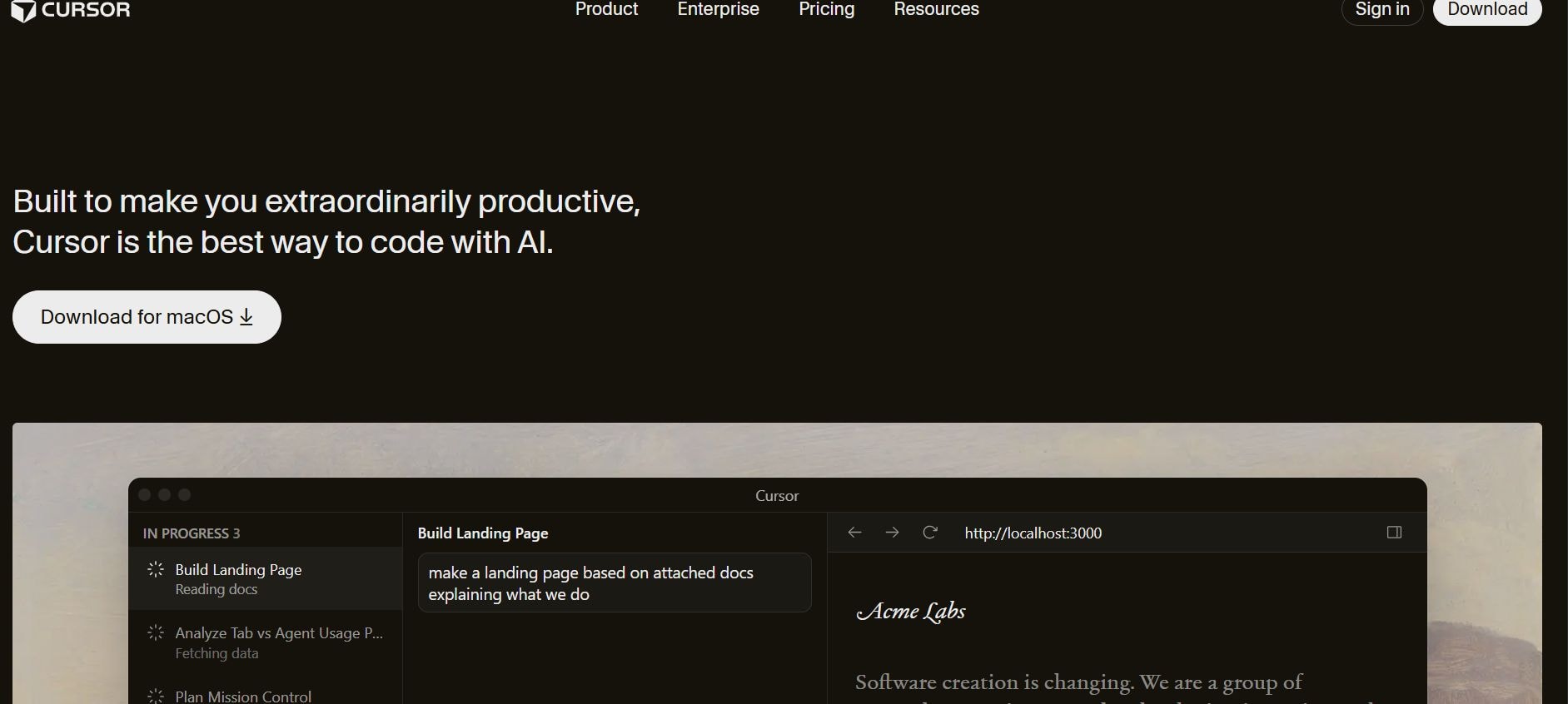
Cursor is an AI-native code editor built as a fork of VS Code. It brings powerful AI directly into the coding workflow.
What it does in 2026:
It performs multi-file edits, generates tests, refactors code, debugs issues, and runs agentic Composer workflows with inline suggestions and large codebase understanding.
Best for:
Developers and engineers who want AI directly inside their editor for faster coding, debugging, refactoring, and shipping features without switching apps.
Core features:
- AI chat and inline code suggestions
- Composer for multi-file edits and agentic workflows
- Codebase indexing and @-mentions
- Automatic test writing and debugging
- Refactoring and error fixing
- Terminal integration and diff previews
- Privacy mode (no training on your code)
Pricing 2026:
- Free: Basic AI usage, limited fast requests.
- Pro: $20/month – unlimited fast generations, priority models, Composer.
- Team/Business: $40/user/month – team sharing, admin controls, higher limits.
Pros:
- Familiar VS Code experience
- Excellent multi-file editing
- Fast debugging/refactoring
- Strong agentic Composer.
Business workflow example:
Shipping a feature with tests: In Cursor, describe “Add user role-based access to the dashboard API” in Composer. It reads your codebase, creates new routes, middleware, and auth checks across files. Ask to “Write Jest tests for all new endpoints covering roles, errors, and edge cases.” Cursor generates test files, runs them in the terminal, and fixes failures inline.
15. Windsurf. Best for Fast Coding Autocomplete
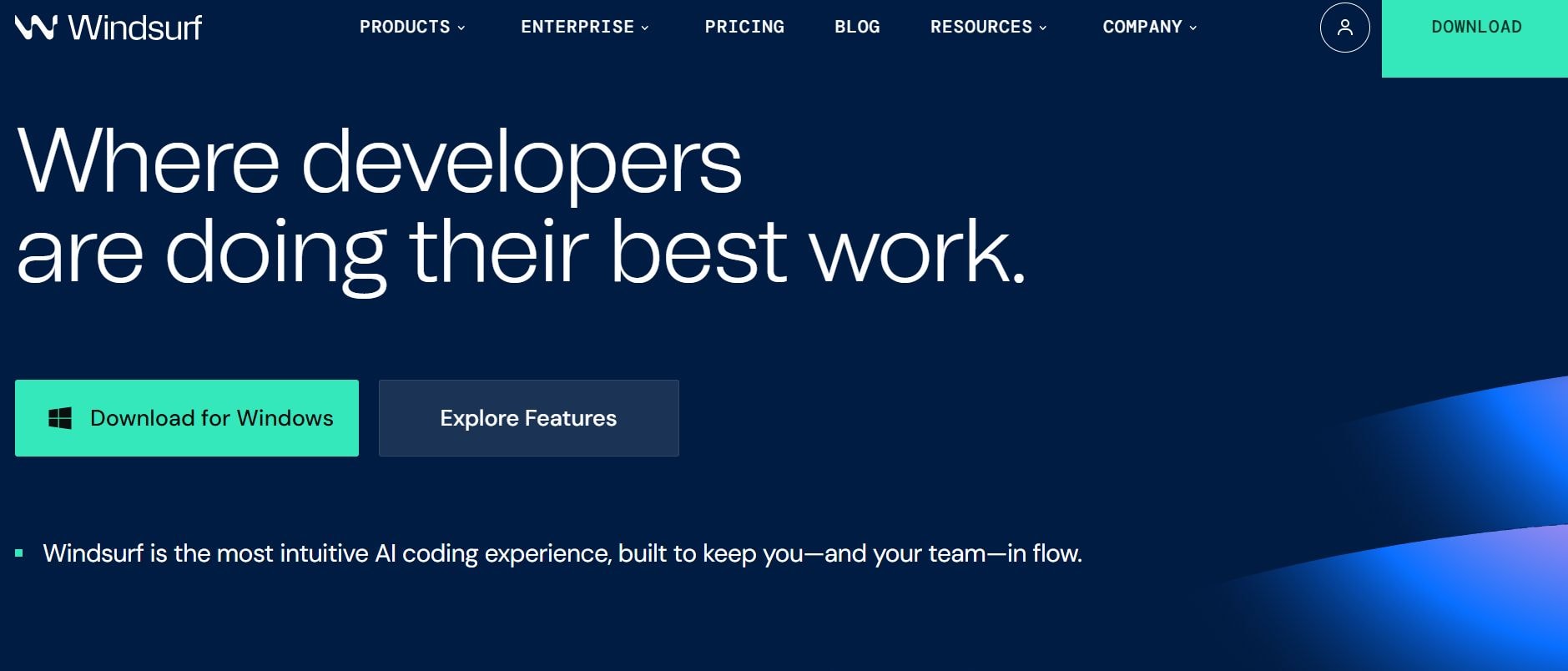
Windsurf is a fast, privacy-focused coding autocomplete tool. It works across many editors.
What it does in 2026:
It offers fast autocomplete, chat, inline edits, test generation, debugging help, and refactoring. It uses its own models optimized for speed and accuracy on enterprise codebases, with strong support for 70+ languages and privacy-focused local options.
Best for:
Developers and teams want fast, low-latency AI in their editor without high costs. Codeium is great for daily coding, test writing, bug fixing, and refactoring in large projects.
Core features:
- Instant autocomplete and multi-line suggestions
- Chat for explaining code or fixing bugs
- Inline edits and refactoring commands
- Test generation and coverage suggestions
- Debugging assistance with log analysis
- Enterprise self-hosted option
- Privacy mode
Pricing 2026:
- Free: Unlimited for individuals (most features).
- Teams: $12/user/month – team sharing, admin controls, priority support.
- Enterprise: Custom – self-hosted, SSO, higher limits, audit logs.
Pros:
- Extremely fast autocomplete
- Generous free tier
- Strong privacy/self-host
- Good test/debug support.
Cons:
- Less advanced reasoning than Claude/Cursor on very complex tasks
- Occasional weaker suggestions on niche languages.
Business workflow example:
Debugging errors and shipping a feature: In VS Code, highlight a crashing function with error logs in the console. Ask Codeium chat, “Analyze this stack trace and fix the null reference error.” It suggests code changes inline. Accept diff, then prompt “Write unit tests using Jest for this fixed function, cover edge cases.” It generates tests; run them, fix any failures it flags, refactor for clarity, commit, and push to deploy the feature safely.
16. Phind. Best for Developer Search
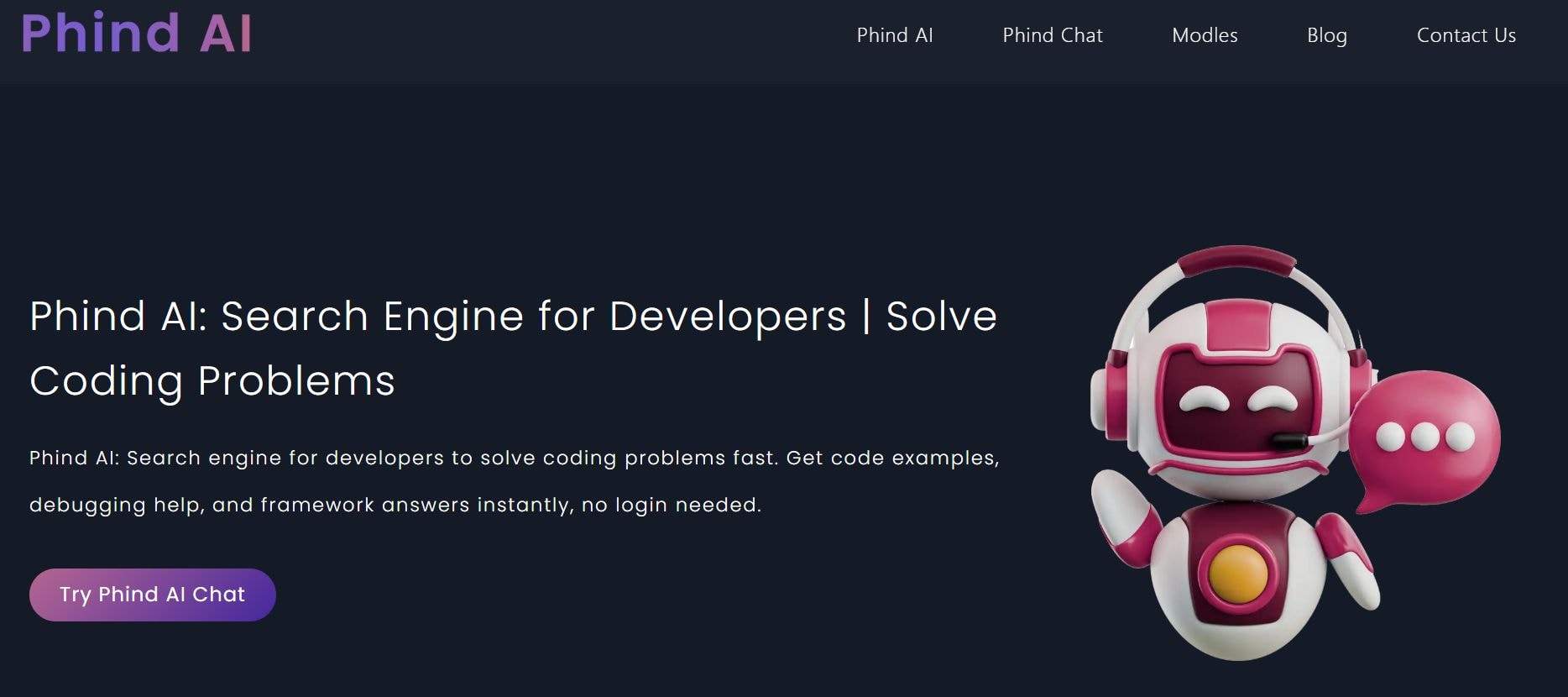
Phind is a search engine designed specifically for developers. It combines real-time web and code-focused indexing.
What it does in 2026:
It combines real-time web search, code-focused indexing, and frontier models to answer coding questions with accurate, cited code snippets, explanations, and step-by-step reasoning. It pulls from docs, Stack Overflow, GitHub, Reddit, and recent posts.
Best for:
Developers and engineers who search for solutions, libraries, errors, or best practices daily. It is ideal for quick lookups, debugging help, learning new frameworks, or finding up-to-date code examples.
Core features:
- Developer-specific search with citations
- Real-time web + code/doc indexing
- Code generation, explanations, and fixes
- File upload for error analysis
- Follow-up chat and conversation memory
- Structured answers (code blocks, tables, steps)
- Privacy mode, no training on your queries
Pricing 2026:
- Free: Unlimited basic searches and answers.
- Pro: $20/month or $200/year – faster responses, priority models, file uploads, higher limits, no ads.
- Enterprise: Custom – team sharing, API access, SSO.
Pros:
- Fast and accurate for coding questions
- Great citations from real sources
- Strong on current libraries/errors
Cons:
- Weaker on non-coding topics
- Occasional over-reliance on web results
- Paid for advanced file/debug features
Business workflow example:
Search “Why does my React useEffect cause an infinite loop with Zustand store update 2026?” Phind pulls recent GitHub issues, React docs, and Stack Overflow threads, explains the cause (stale closure + dependency mismatch), and gives a fixed code snippet with useEffect deps array. Paste your code file for deeper analysis. It also suggests refactoring and writing a test case with Jest.
Best ChatGPT Alternatives for Content & Marketing
One of the best features of ChatGPT competitors is their ability to create content that aims to reach the target audience. It can create entire campaigns from scratch so that your marketing teams can focus more on strategy. And these tools keep your brand voice intact so that content remains consistent throughout every platform.
Let's take a look at some of the top ChatGPT alternatives that are built for serious content and marketing work in 2026:
Content & Marketing Tools
17. Jasper. Best for High-Volume Marketing Content
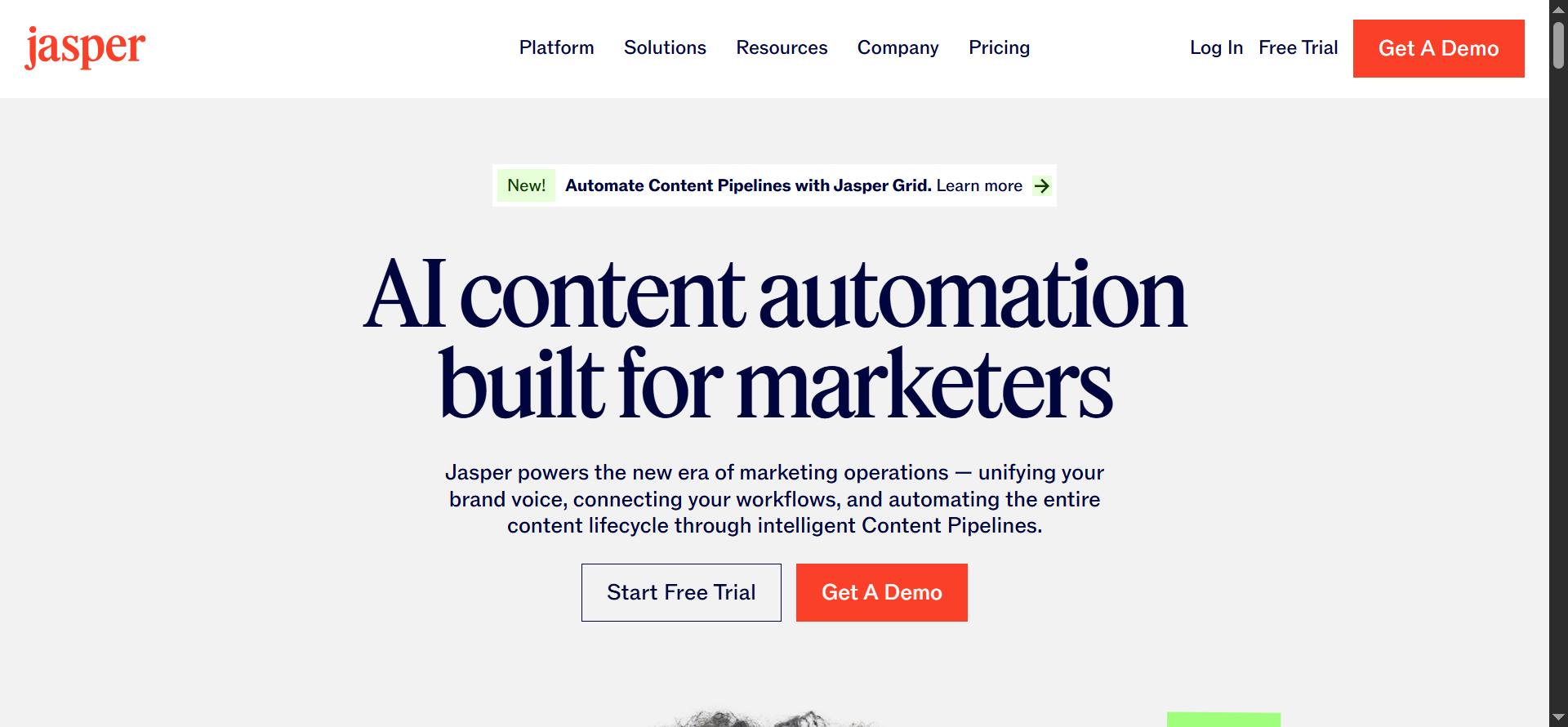
Jasper AI is a full marketing content platform. It generates high-volume, brand-consistent copy.
What it does in 2026:
It uses 100+ specialized AI agents and connected pipelines to run end-to-end workflows: planning, creating, optimizing, and publishing content.
Best for:
Marketing teams and agencies are scaling content production while keeping brand consistency. Ideal for campaign planning, multi-channel repurposing, and ongoing content engines without losing quality or control.
Core features:
- 100+ specialized marketing agents
- Content pipelines for automated workflows
- Brand voice memory and Jasper IQ hub
- Canvas for planning/collaboration
- Studio for custom agent builds
- SEO/AEO optimization agent
- Image generation and on-brand visuals
- Performance insights and iteration
Pricing 2026:
- Pro: $59/month per seat annually, or $69/month – unlimited words, 2–5 brand voices, knowledge assets, team seats.
- Business: Custom pricing (contact sales) – unlimited assets/voices, advanced security, SSO, dedicated support, custom agents.
Pros:
- Built for marketing workflows
- Strong brand consistency
- Agentic automation saves time
- Good SEO/performance focus
Cons:
- Higher cost per seat for teams
- A Custom Business plan may seem pricey
- Steep learning curve for Studio/agents
Business workflow example:
Launching a product: Input product details, target audience, and key messages into Jasper Canvas. Agents generate a launch plan, blog post, email sequence, social posts, and ad copy all in your brand voice. Use Studio to automate repurposing: turn webinar recordings into blog highlights, LinkedIn threads, and short videos. You can track performance via Jasper IQ, optimize low-engagement assets, and schedule/publish across channels for a coordinated launch campaign.
18. Copy.ai. Best for Fast Sales and Marketing Copy
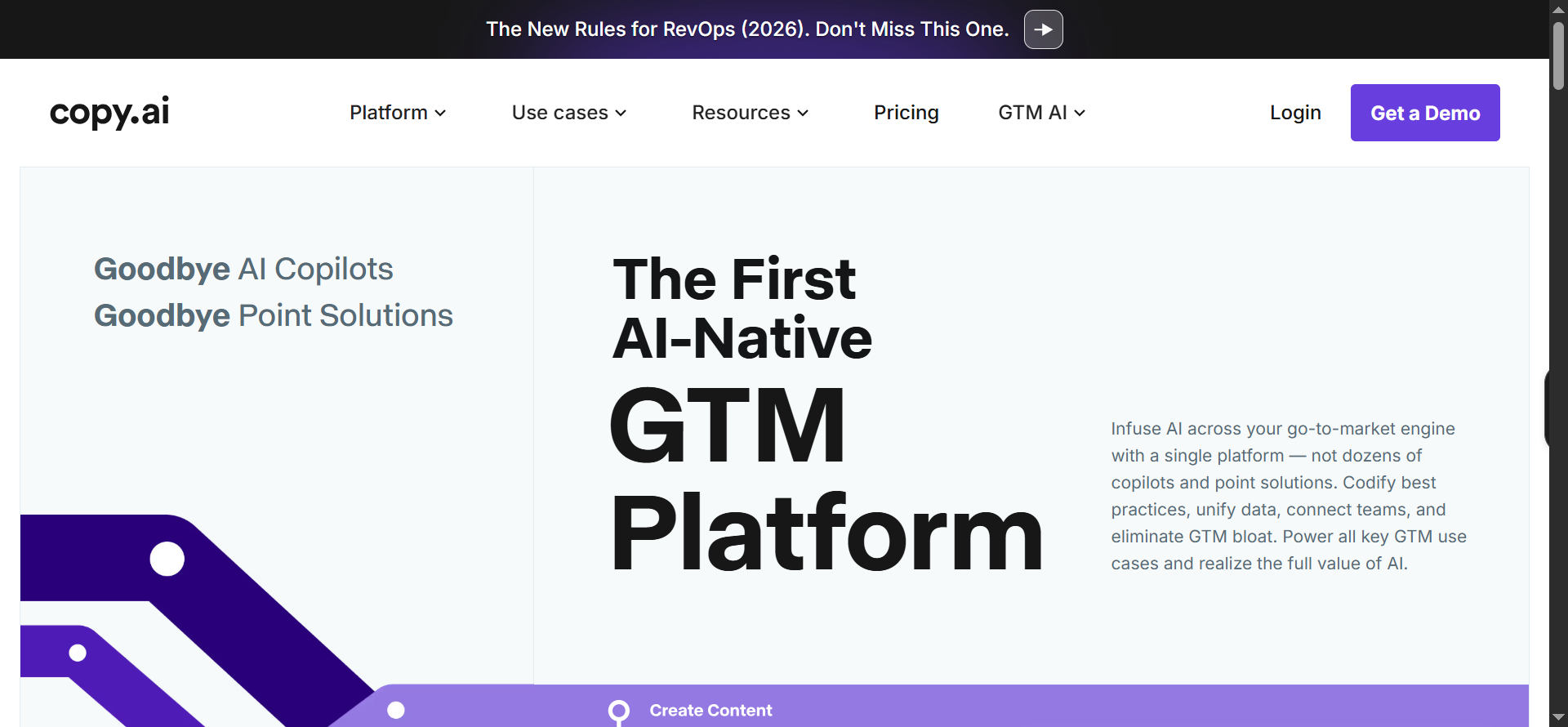
Copy.ai is a fast copywriting tool for marketing and sales teams. It specializes in quick, tone-matched generation.
What it does in 2026:
It produces emails, social captions, product descriptions, ad copy, landing pages, and supports A/B testing with brand voice consistency.
Best for:
Marketers, e-commerce teams, and agencies focused on fast copy creation, campaign launches, and consistent messaging across channels. It is great for small to mid-size businesses scaling content without large teams.
Core features:
- Brand voice profiles and memory
- Workflow templates (ads, emails, social, blogs)
- Multi-channel repurposing engine
- Copy scoring and A/B suggestions
- Image + copy generation
- Team collaboration and approvals
- Integrations (CRM, e-commerce, CMS)
Pricing 2026:
- Free: Limited words/month, basic templates.
- Pro: $49/month annually or $59/month – unlimited words, brand voices, workflows, integrations.
- Team: $249/month – multi-user, shared brand kits, approvals, priority support.
- Enterprise: Custom pricing.
Pros:
- Fast copy generation
- Excellent for sales/ad copy
- Efficient repurposing
- Affordable prices
Cons:
- Less depth in long-form content
- Occasional generic outputs
- The Team plan is quite expensive
Business workflow example:
You can launch a product using Copy.ai by entering product specs, target audience, and key benefits into it. Use the product launch workflow to generate launch emails, social media threads, ad copy variants, and landing page text. Then, repurpose the main blog post into Instagram carousels and LinkedIn posts. Generate A/B headline options, score them, pick winners, and export to Shopify/WordPress for immediate publish and campaign rollout.
19. Writesonic. Best for All-in-One Content Creation
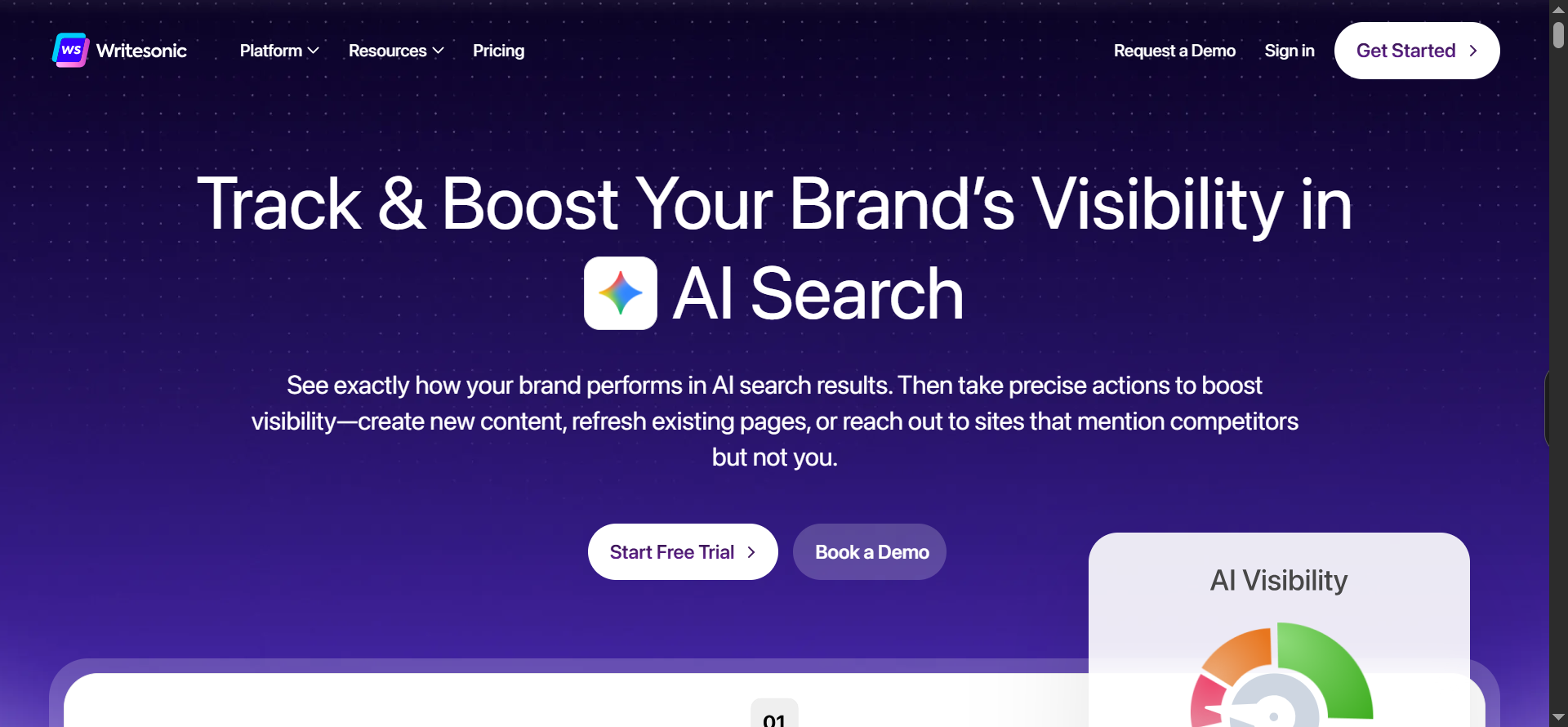
Writesonic is a versatile, all-in-one content creation tool. It covers text, images, and chat features.
What it does in 2026:
It generates articles, SEO copy, ads, product listings, chatbots, and images with templates, multi-language support, and workflow automation.
Best for:
Marketers, e-commerce stores, agencies, and creators who need fast, SEO-friendly content at scale. Ideal for product launches, weekly content calendars, and turning one piece into many formats.
Core features:
- Brand voice training and profiles
- AI Article Writer and bulk content tools
- Sonic Editor for collaborative editing
- SEO checker and keyword integration
- Image + copy generation
- Repurposing engine (blog - social - email)
- Integrations (WordPress, Shopify, Zapier)
- Performance tracking
Pricing 2026:
- Free: Limited words/month, basic templates.
- Individual: $16/month (annual) or $20/month – 100k+ words, brand voice, basic SEO.
- Standard: $79/month (annual) or $99/month – unlimited words, premium features, team seats.
- Enterprise: Custom – advanced agents, SSO, priority support.
Pros:
- Very affordable
- Strong SEO tools
- Great for long-form and bulk generation
Cons:
- Needs heavy voice training to avoid generic content
- Occasional quality dips on complex topics
- Higher plans are needed for unlimited use
Business workflow example:
Repurpose a webinar with Writesonic. Upload the webinar transcript to Writesonic. Use the repurposing workflow to generate a full blog post summary, LinkedIn carousel posts, Twitter threads, email newsletter version, and short YouTube script. Optimize each for SEO/engagement, generate matching images, add your brand voice, review in Sonic Editor, then export to WordPress, social schedulers, and email tool for a multi-channel content push from one source.
20. Notion AI. Best for Writing Inside Notion
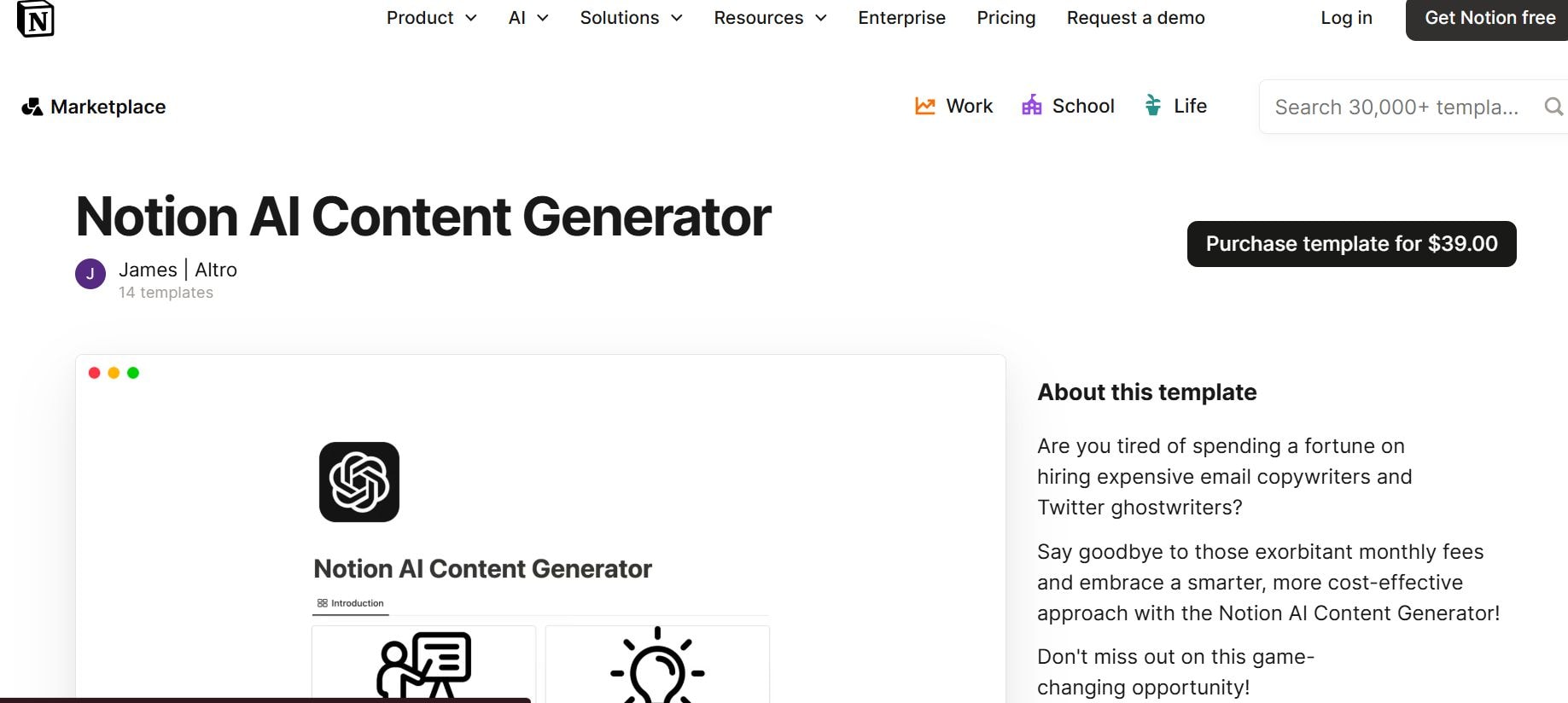
Notion AI (content) is the writing and brainstorming layer inside Notion. It enhances note-taking and page creation.
What it does in 2026:
It summarizes notes, generates drafts/outlines, brainstorms ideas, autofills databases, and creates content directly in your Notion pages.
Best for:
Content creators, marketers, and teams are using Notion as their main hub.
Core features:
- Drafting, rewriting, summarizing pages/notes
- Idea generation and outlines
- Database autofill and insights
- Meeting transcription/summaries to social posts
- Custom AI Agents for workflows (coming/expanding)
- Multi-model support (GPT, Claude, Gemini)
- Integrations with Slack, Google Calendar, etc.
- Brand-consistent outputs via workspace context
Pricing 2026:
- Free/Plus: Limited trial responses.
- Business: ~$20/user/month (annual) or $24/month – unlimited AI, agents, multi-model.
- Enterprise: Custom – advanced security, unlimited features.
Pros:
- Strong collaboration in Notion workspace
- Great for organization and creation
- Strong collaboration
Cons:
- Less specialized in pure copy generation than Jasper/Copy.ai
- Full features require a Business plan
- Agents are still evolving
Business workflow example:
Running a weekly content engine: In your Notion content calendar database, prompt Notion AI to “Brainstorm 5 blog ideas from last month’s top pages and current trends.” Pick one and ask to “Draft a full blog post in our brand voice.” Edit in-page, then prompt “Repurpose into LinkedIn post, Twitter thread, and email snippet.” Summarize a recent meeting recording into social posts.
21. HubSpot Content AI. Best for CRM-Connected Content
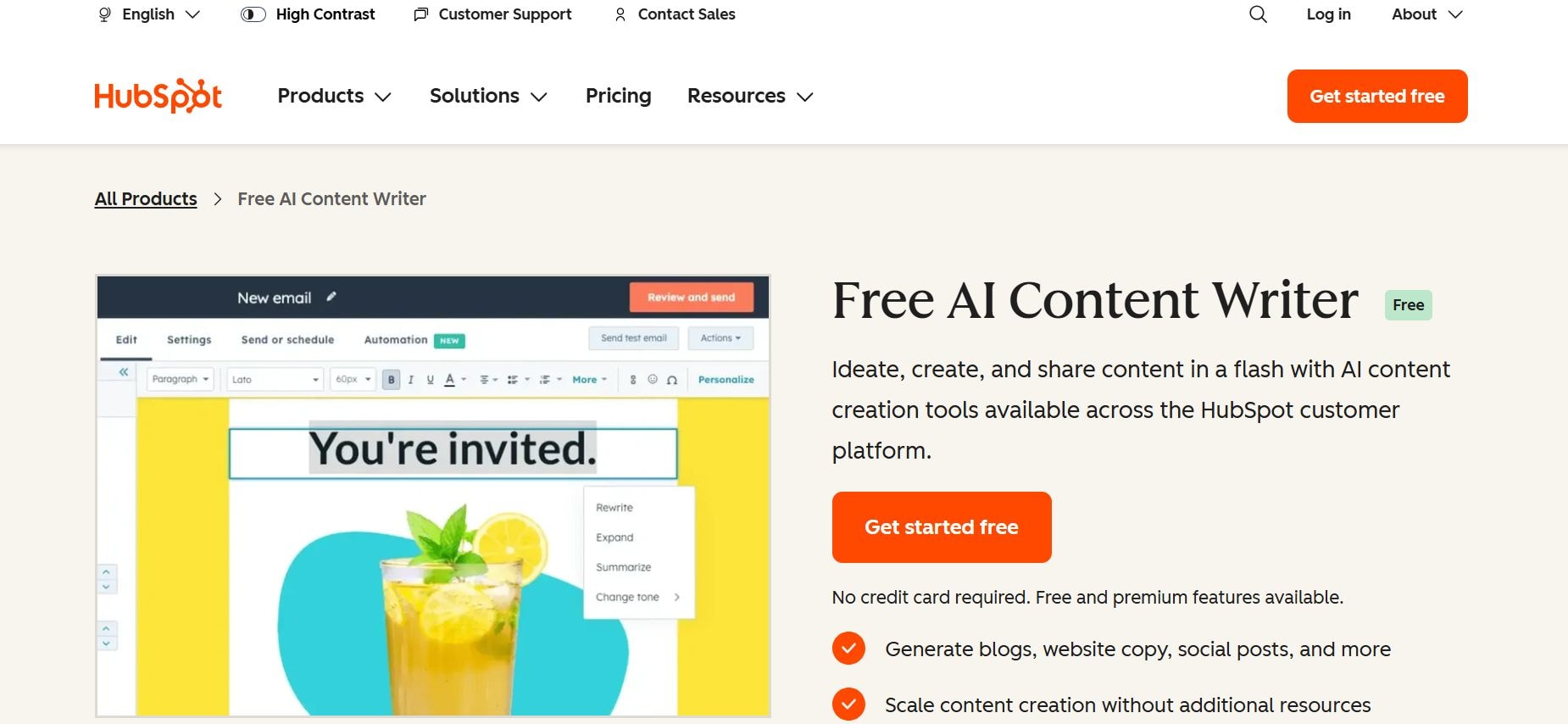
HubSpot Content AI is the content generator tied to the HubSpot CRM ecosystem. It creates marketing assets optimized for your data.
What it does in 2026:
It produces blogs, emails, landing pages, and social copy personalized with CRM insights, SEO recommendations, and performance tracking.
Best for:
Marketers and teams already in HubSpot who want integrated content creation tied to CRM, leads, and analytics.
Core features:
- Breeze Content Agent for full-page/post generation
- Brand voice training and CRM grounding
- Content remix (blog → social/email)
- SEO optimization and keyword suggestions
- Landing page + form + CTA builder
- Performance insights for iteration
- Integrations with HubSpot CRM/email/social
Pricing 2026:
- Starter plan - $20/month per seat with basic AI and limited features
- Professional plan - Start at $500/month with remix, advanced tools, and full Breeze AI.
- Enterprise - Starts at $1500/month with custom agents and security
Pros:
- Deep HubSpot/CRM integration
- Strong for full campaigns
- Good SEO/remix tools, consistent brand outputs.
Cons:
- Expensive at Pro/Enterprise levels
- Best inside the HubSpot ecosystem
- Credit/usage limits on heavy generation
Business workflow example:
Launching a product: Input product details and buyer personas in HubSpot. Content AI generates personalized blog posts, email sequences, social posts, and ad copy using CRM data. Repurpose the blog into a LinkedIn carousel, a Twitter thread, and a YouTube script. Score for SEO/performance, create A/B variants, schedule/publish in HubSpot, and track engagement in the CRM for the full campaign.
How to Choose the Right ChatGPT Alternative in 2026?
Choosing the right AI tool in 2026 should only be about business outcomes. Your main focus should be on what the tool actually delivers in your daily work, not how many features it has that are of no use to you.
Start With the Job, Not the Tool
Identify the exact job that you want the AI tools to own: content planning, support replies, lead follow-ups, social scheduling, and email triage. Map tools directly to your workflows.
Evaluate Execution vs. Assistance
Know the difference between execution and assistance. Assistance tools help you think straight, while execution tools do the work. You may need both for some aspect of your business, but it is the execution-first tools that deliver faster ROI. They eliminate manual steps, instead of just speeding them up
Check Integration Depth
The best tools work inside your real workflow: Gmail, Outlook, calendars, CRMs, Slack, Google Drive, or social platforms. Shallow integration creates friction and low adoption. The deeper the integration, the higher the daily usage and real-time savings.
Assess Memory and Consistency
Chat tools aren't worth it if they lose memory after each session. Look for shared memory or persistent context systems that remember your voice, guidelines, and past decisions forever.
Compare Time-to-Value and Learning Curve
Prompt-heavy tools demand perfection with steep learning curves. On the other hand, guided workflows or role-based agents offer one-click use cases and minimal setup. Low learning curve and fast results.
You can learn from Sintra's AI SEO helper Seomi and fold it into your workflow without disruption.
Why Use an AI Tool Instead of ChatGPT in 2026?
ChatGPT is great for quick answers and simple tasks, but in 2026, it will not be enough for serious work. People need more specialized AI tools instead of a single chat interface. They need tools for specific jobs like coding, marketing, research, and operations that connect to their data, apps, and workflows.
Let's explore why exactly people are shifting from ChatGPT to more specific AI tools:
Chatbots Are for Thinking, Not Running a Business
Chatbots like ChatGPT are strong for ideation, drafting, and exploring ideas quickly. The weakness lies in its execution. It does not remember your brand voice for long. You have to run multi-step workflows, own tasks, or connect to your tools and data
Businesses need follow-through, consistency, and automation. You need AI that handles planning, scheduling, responding, analyzing, and keeping everything aligned, without having to repeat instructions.
AI Tools Reduce Prompting and Decision Fatigue
Writing prompts all day takes time and energy. Structured AI tools remove this friction. They store your brand memory once, use pre-built workflows, and run multi-step tasks automatically.
Founders value clarity over endless flexibility. They want reliable outputs fast, not perfect prompts. Less prompting means more focus on business decisions.
AI Tools Create Systems, Not One-Off Outputs
ChatGPT alternatives build systems that run content engines instead of one-time answers. They plan calendars, generate batches, repurpose across channels, schedule posts, and track performance automatically.
In businesses, repeatability matters because businesses need consistent output every week, not random pieces. These tools keep the brand voice intact and avoid last-minute chaos. They enforce better habits by storing rules once, reminding you of deadlines, and showing gaps.
Better Accountability and Outcomes
Since each tool or agent is responsible for specific tasks like planning content or analyzing data, you know exactly what it handles and what still needs human review.
It is easier to track real metrics like response times, engagement rates, conversion lifts, or completed workflows. This reduces the "AI theater" of endless chat with no progress and focuses on actual business outcomes.
Who Should Upgrade to an AI Team?
Not every business needs an advanced AI team. Upgrading makes sense only when manual work and repetitive tasks are eating up time. Here's who benefits the most:
Solo Founders and Small Teams
Solo founders and teams of 2-10 people juggle multiple roles at once. An AI team acts as a force multiplier. It automates repeatable tasks like email responses, content drafts, and social posts so you focus on decision-making and strategy.
Marketing, Sales, and Ops Leaders
Leaders managing high volume across channels face constant pressure for consistency, speed, and visibility. Role-specific AI helpers learn your brand voice, follow guided workflows, and handle multi-step processes end-to-end. One AI can draft, schedule, reply, and report, making AI teams essential for a consistent tone.
Businesses With Repeatable Workflows
Any business with weekly content calendars, daily inboxes, ongoing customer support, lead follow-ups, or recurring reports has clear candidates for automation.
Here are a few examples of tasks that should never stay manual:
- Weekly social posts and scheduling
- Inbox triage and customer replies
- Lead qualification and follow-up emails
- Content repurposing (blog - social - email)
- Basic reporting and summaries
If human time is costing you more than the automation, it is time to implement AI into your workflow.
Who Should Not Use Advanced AI Tools Yet?
Skip advanced AI if:
- You’re a casual user experimenting for fun
- Your tasks are one-off with no repetition
- Your team has no defined processes or workflows
Without repeatable work or structure, AI adds complexity instead of ease. For teams ready to recruit AI help, have a look at Sintra's AI recruiter.
Why Sintra AI Is the Best ChatGPT Alternative for Business
After exploring all these ChatGPT alternatives, it is clear that generic chat tools force you to repeat context and craft perfect prompts every time. Sintra solves this by giving you an actual AI team built for real business work.
Sintra Is Built Around Roles, Not Prompts
Sintra AI replaces prompt engineering with role-based AI employees. Cassie is for customer support, Penn for copywriting, Soshie for social media, etc. Each helper has a clear job, deep domain knowledge, and consistent behavior.
Role clarity delivers better outputs because the AI stays in character instead of you pushing it for every task.
Shared Memory Solves the Consistency Problem
Generic chat forgets everything after one session. Sintra's Brain AI is shared memory across all helpers. It remembers your voice, guidelines, docs, goals, and past decisions forever.
Guided Workflows Mean Faster Results
Sintra's guided workflows are one-click use cases. You just have to ask it to "Plan weekly content calendar", or "Qualify inbound leads." Non-technical users adopt fast since no prior prompt experience is required.
Sintra Fits How Modern Businesses Actually Work
Sintra aligns with today's multi-channel, always-on, and async team mode. Its mobile-first workspace, integrations with Gmail, Slack, calendars, CRMs, and social platforms make it a perfect fit. You don't have to create a new workflow; Sintra's AI works within your existing workflow.
The “Hire an AI Team Member” Mental Model
Investing in AI is a lot similar to hiring a long-term team member. Founders know exactly what they expect from the AI: "I'm hiring Cassir for customer support." And since the roles are predefined, Sintra's AI helpers become a long-term asset. It scales with your business, learns continuously, and frees human time for high-value work.
Hire Your First AI Team Member Today
By now, it should be clear that generic chatbots are only great for one-off ideas, but they do force you to fight for consistency every time. Investing in an AI team is a much better option for your business and team members.
Sintra gives you a real AI team based on virtual helpers. The shared memory keeps everything on-brand, guided workflows deliver fast results, and it fits your multi-channel, async business without extra overhead.
This is your queue to stop experimenting and get started with Sintra for an ultimate AI team experience. All you have to do is pick your first AI employee and start working in minutes.
ChatGPT Alternatives FAQs
What is the best ChatGPT alternative in 2026?
There is no single tool, as it depends on your use case. Claude excels at reasoning/coding, Perplexity at research, Sintra AI at business teams/workflows, and Cursor at coding in-editor. For multi-role business execution, Sintra stands out in 2026.
Are AI agents better than chatbots for business?
Yes, for most business needs. AI agents handle multi-step, autonomous workflows with memory and tools. Chatbots are better for one-off Q&A. Agents reduce repetition and deliver consistent execution.
What’s the difference between an AI agent and an AI team?
An AI agent is one specialized, autonomous worker (e.g., handles support or copy). An AI team is multiple role-based agents that share memory and collaborate (e.g., support + copy + social agents working together seamlessly).
Which ChatGPT alternative is best for small businesses?
Sintra AI. It provides a full role-based AI team (marketing, support, email, social) with shared brand memory and guided workflows, perfect for limited headcount and repeatable tasks. High leverage, low overhead.
Are there any free ChatGPT alternatives worth using in 2026?
Yes: Perplexity (free tier with strong research), DeepSeek (free open-source coding model), Codeium (unlimited free coding autocomplete), Phind (free developer search). They outperform ChatGPT's free tier in their niches.
Can AI teams replace human employees?
No, they augment, not replace. AI teams handle repetitive, time-consuming tasks (email triage, social posting, basic support). Humans still own strategy, creativity, relationships, and complex decisions. Best results come from human + AI collaboration
What apps are like ChatGPT?
Popular apps like ChatGPT include Sintra AI for business automation, Claude for reasoning and long documents, Perplexity for cited research, and Microsoft Copilot for Microsoft 365. The best app like ChatGPT depends on the job you need it to do.
What is the best free ChatGPT alternative?
The best free ChatGPT alternatives include Perplexity for cited search, Claude's free tier for reasoning, and Google Gemini for everyday tasks. For free AI writing, Copy.ai and Writesonic offer limited free plans. Most free tiers cap usage, so heavy users move to paid.
What is the best ChatGPT alternative for research?
For research, Perplexity is the strongest ChatGPT alternative because it cites real-time sources. For academic and scientific work, Elicit and Consensus search scholarly literature and synthesize evidence, which ChatGPT does not do natively.
What is the best ChatGPT alternative for coding?
For coding, Claude leads on complex reasoning and long-context work, Cursor and Windsurf bring AI directly into your editor, and DeepSeek offers strong open-source performance for math and code.
Related articles