8 Best ChatGPT Outlook Plugin Alternatives for 2026

.avif)
Table of Contents

Quick Answer: What Is the Best ChatGPT Outlook Plugin Alternative?
The best ChatGPT Outlook plugin alternatives for email writing and productivity are Microsoft Copilot, Superhuman, Mailbutler, Lavender, Missive, Front, Flowrite, and Shortwave. Each one addresses specific gaps that basic plugins cannot, from tone consistency to team-wide email management.
That said, these tools are still centered on email assistance. They improve what happens inside or around Outlook, but they do not extend beyond it.
Sintra AI operates in a different category entirely. Rather than assisting with individual emails, it handles full workflows across sales, support, and marketing, making it a practical option for teams that need AI to work across functions, not just inside an inbox.
ChatGPT Outlook plugins work well for basic email tasks, but they lack the depth and continuity needed by professionals managing high-volume or complex communication workflows. Dedicated AI email tools prove the difference - in a Microsoft Copilot study of 3,000 workers over 6 months, users read 11% fewer emails and spent 4% less time on them, with high-impact users spending 25–45% less time reading email overall.
Here are the core areas where they fall short:
- No session memory: Every interaction starts without context. There is no record of previous conversations, decisions, or preferences, which means users have to re-explain background information at the start of every session.
- Disconnected workflows: These plugins handle individual prompts in isolation. They cannot link tasks, follow a sequence, or carry context from one email to the next, making them ineffective for anything beyond a single, standalone request.
- No automation or consistency: Maintaining a consistent tone across an account or automating recurring communication patterns is not possible. Each session resets with no way to build on previous work.
Only around 14% of ChatGPT usage is tied to email composition, while adoption is shifting toward research, automation, and decision-making. That gap reflects what professionals are finding in practice.
In this article, we review the best ChatGPT Outlook plugin alternatives in 2026, covering focused plugins that improve specific parts of the email workflow and broader platforms that bring AI into team-wide communication processes.
Here's a quick overview of all the tools we're covering:
The 8 Best ChatGPT Outlook Plugin Alternatives
These tools were evaluated across four practical areas: email quality, automation, integrations, and real-world usability for teams. Some work inside Outlook, some alongside it, and some replace it entirely. Each one focuses on moving beyond one-off prompts into more connected, usable workflows.
1. Microsoft Copilot for Outlook – Best Native AI Plugin
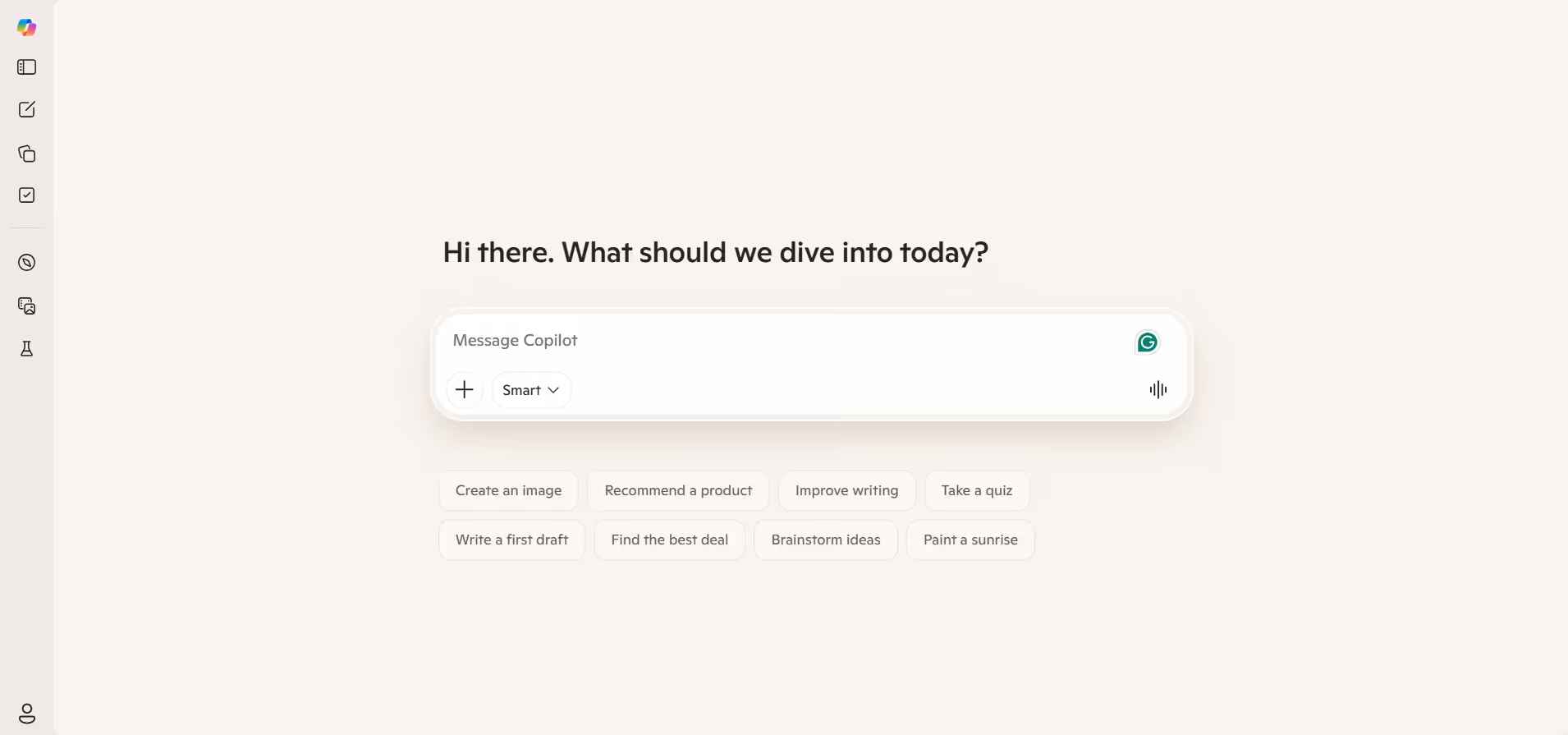
If your team already uses Microsoft 365, Microsoft Copilot is the most natural upgrade. It works directly inside Outlook, Word, Excel, Teams, and other Microsoft apps, so everything stays in one place. You don’t need to switch tools or copy context manually.
That built-in integration is the real advantage. While writing an email in Microsoft Outlook AI plugin, Copilot already has context from your calendar, past emails, meetings, and documents. It feels like part of your workflow rather than an add-on.
Key Features
- Draft full emails inside Outlook with context from past conversations
- Summarize long email threads instantly
- Improve tone, clarity, and structure of messages
- Highlight key action items from conversations
- Access insights across Word, Excel, and PowerPoint
- Use calendar and inbox awareness for better context
Best For
Teams already using Microsoft 365 who want AI built directly into their existing workflow.
Pricing
Starts at around $18–$21 per user/month for business plans, with enterprise plans at $30/user/month. Requires a Microsoft 365 subscription.
Comparison to ChatGPT Outlook Plugin
Copilot is far more integrated than a typical plugin because it connects directly to your emails, calendar, files, and meetings. Instead of re-entering the context each time, it already understands your workflow.
It still operates within the Microsoft environment, so workflows that involve CRM systems, support tools, or marketing platforms need to be handled separately.
2. Superhuman AI – Best for Fast Email Workflows
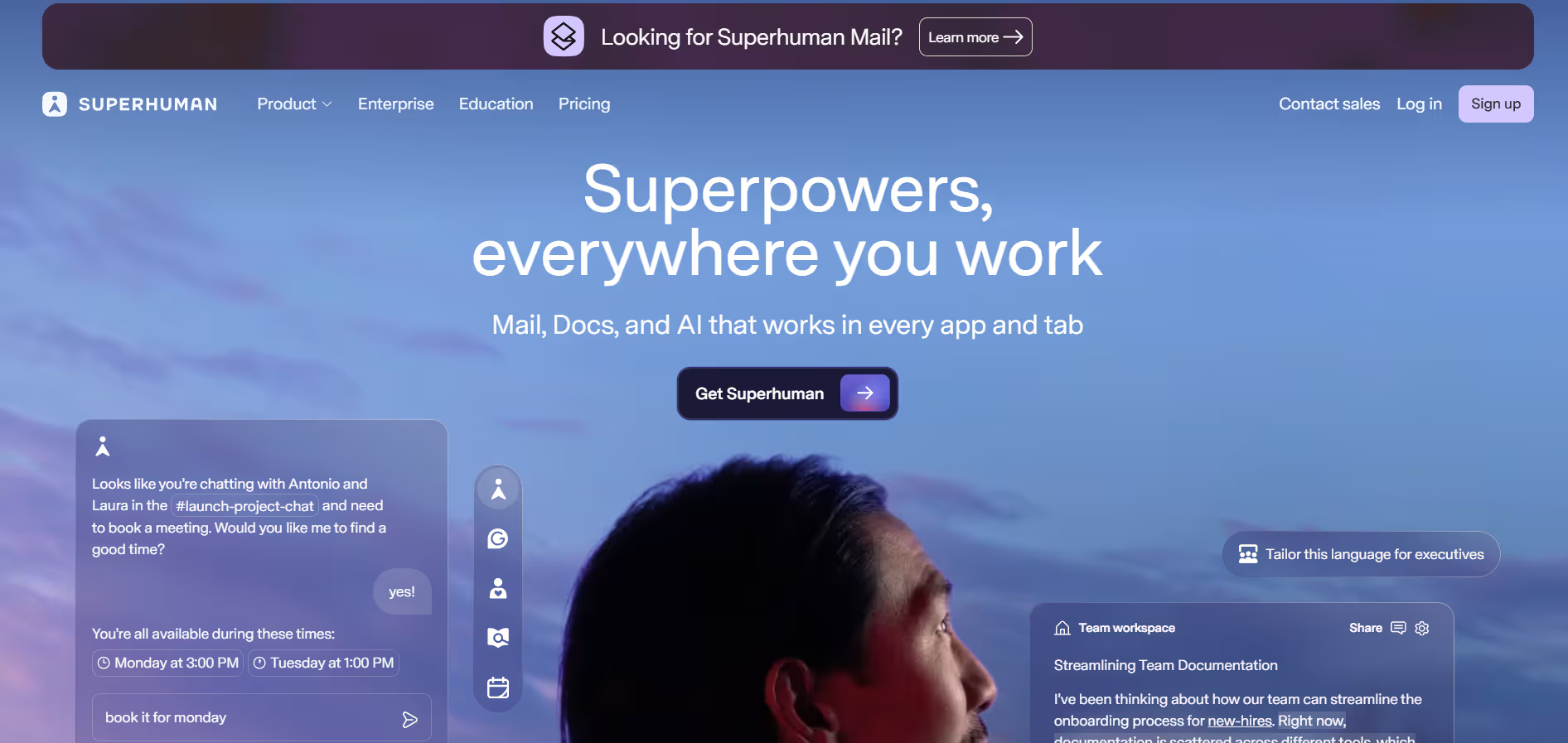
Superhuman is built for people handling high email volume every day. If you’re going through hundreds of emails, it focuses on one thing: speed. Users typically move through email about 2x faster, reply sooner, and save several hours each week. If speed is your main goal, it stands out.
The product is designed so your inbox never slows you down. Almost everything works through keyboard shortcuts, and actions like replying, archiving, and searching feel instant. The AI layer supports this by helping you move faster, not by adding extra steps.
Key Features
- Auto Drafts that write follow-ups in your tone
- Auto Labels that organize incoming emails automatically
- Smart tone adjustment based on past conversations
- Fast keyboard-first navigation for quick actions
- CRM integrations with tools like HubSpot, Salesforce, and Pipedrive
- Built-in writing support enhanced by Grammarly
Best For
Professionals and sales teams managing a high volume of emails who care most about speed and efficiency.
Pricing
Starts at around $33/month (annual) or $40/month (monthly) for the Business plan.
Comparison to ChatGPT Outlook Plugin
Compared to ChatGPT Outlook AI email assistant, Superhuman improves email writing and handling with better context and tone awareness. It’s a strong upgrade if email speed is the main issue.
It stays focused on the inbox, so workflows outside email still need separate tools.
3. Mailbutler – Best for Email Tracking and Productivity
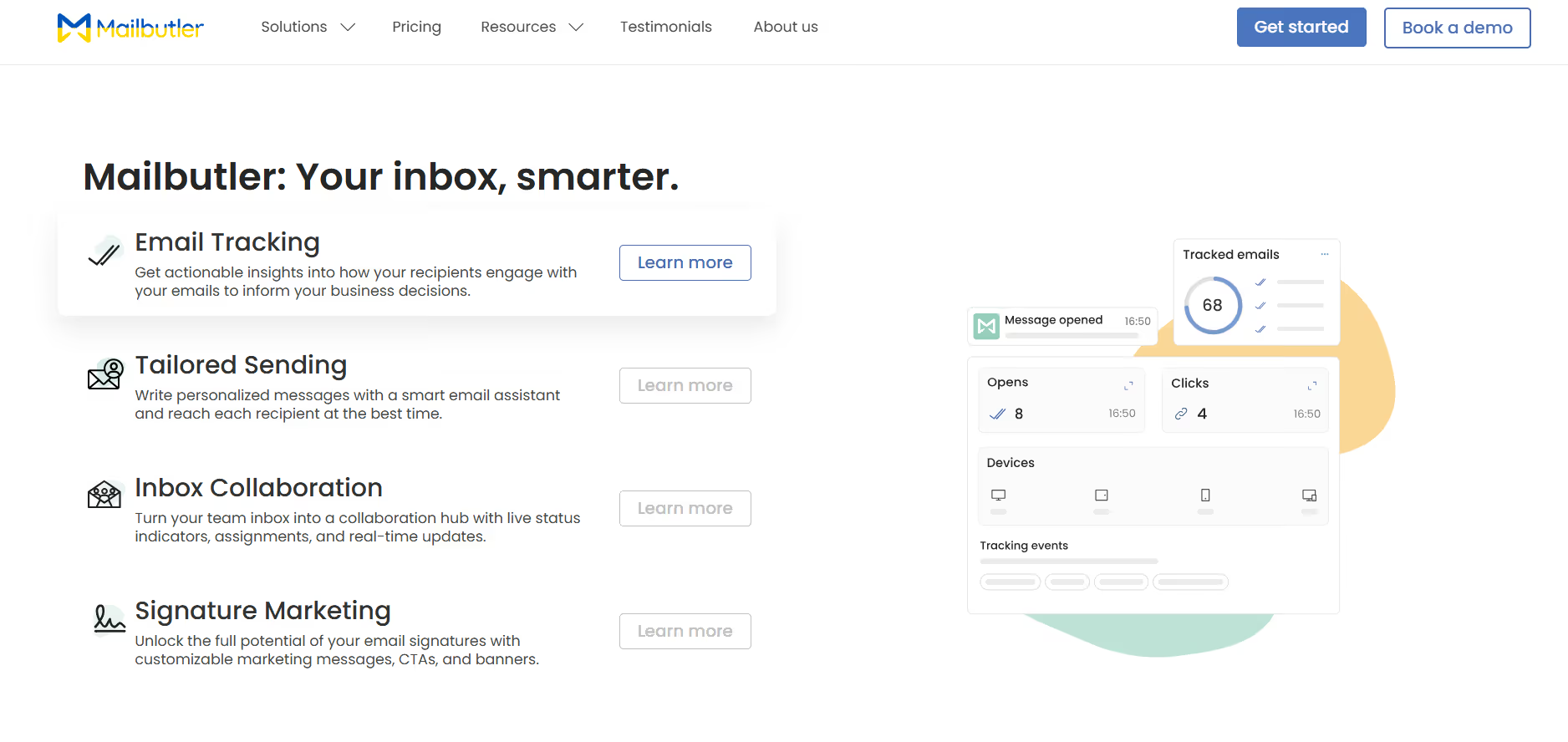
Mailbutler takes a simpler approach. Instead of replacing your email client, it adds AI and productivity features on top of tools like Gmail, Outlook, or Apple Mail. You keep your current setup and get extra functionality without switching platforms.
It’s especially useful for people who care about how their emails perform. Along with writing help, it gives visibility into opens, clicks, and follow-ups, which makes it easier to improve outreach over time.
Key Features
- Email open and link tracking for performance insights
- Send scheduling and follow-up reminders
- AI-assisted writing and email summarization
- Pre-built templates for faster replies
- Contact notes to track conversations and context
- Works directly inside Outlook, Gmail, and Apple Mail
Best For
Sales professionals, freelancers, and small teams who want tracking and AI features without changing their email client.
Pricing
Starts at around $3.95/month, with AI features available in higher plans (around $14/month).
Comparison to ChatGPT Outlook Plugin
Mailbutler feels closer to a practical upgrade. You get tracking, scheduling, and AI writing in one place, without needing to rework your setup. It still stays within email, so anything involving multiple tools or workflows sits outside its scope.
4. Flowrite – Best for AI Email Writing
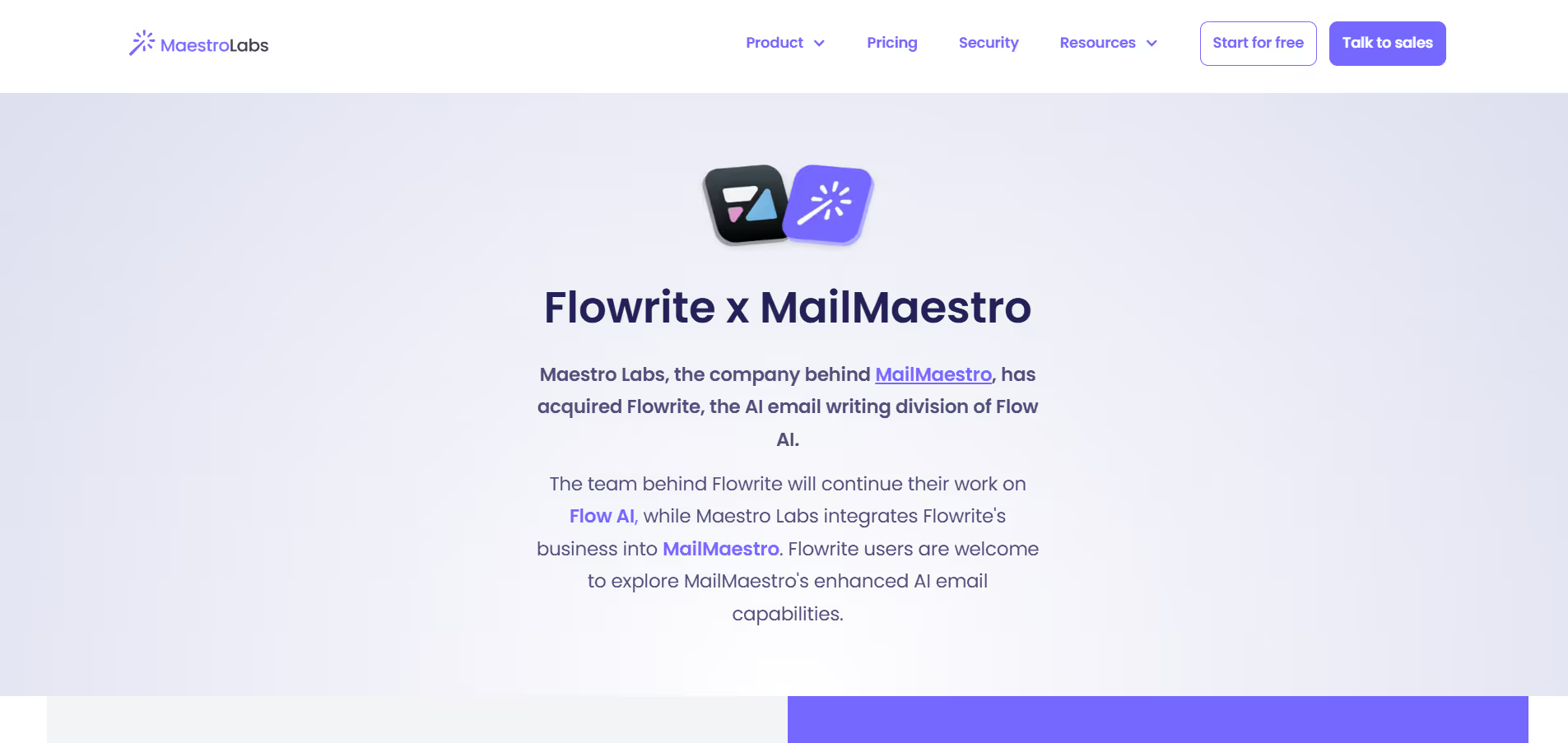
Flowrite was acquired in 2025 and is now part of MailMaestro. If you used Flowrite before, MailMaestro is the direct upgrade with added features like inbox triage, thread summaries, and stronger Outlook support.
The core idea stays simple. You write a short instruction or a few bullet points, choose a tone, and the AI turns it into a ready-to-send email. It fits directly into the compose window, so the process feels quick and smooth for everyday emails.
Key Features
- Generate full emails from short prompts
- Built-in templates for common use cases
- Tone selection (casual, neutral, formal)
- Personalized reply suggestions
- Context-aware drafting
- Inbox prioritization and email triage
Best For
Users who want the fastest way to turn ideas into complete emails, especially for routine communication.
Pricing
Starts at around $5/month, with a free tier available.
Comparison to ChatGPT Outlook Plugin
This is the closest AI email assistant Outlook match in terms of use case. Both focus on turning input into emails quickly. MailMaestro feels more direct. It sits inside the compose window, keeps formatting consistent, and removes the extra step of moving text between tools.
5. Lavender – Best for Sales Emails
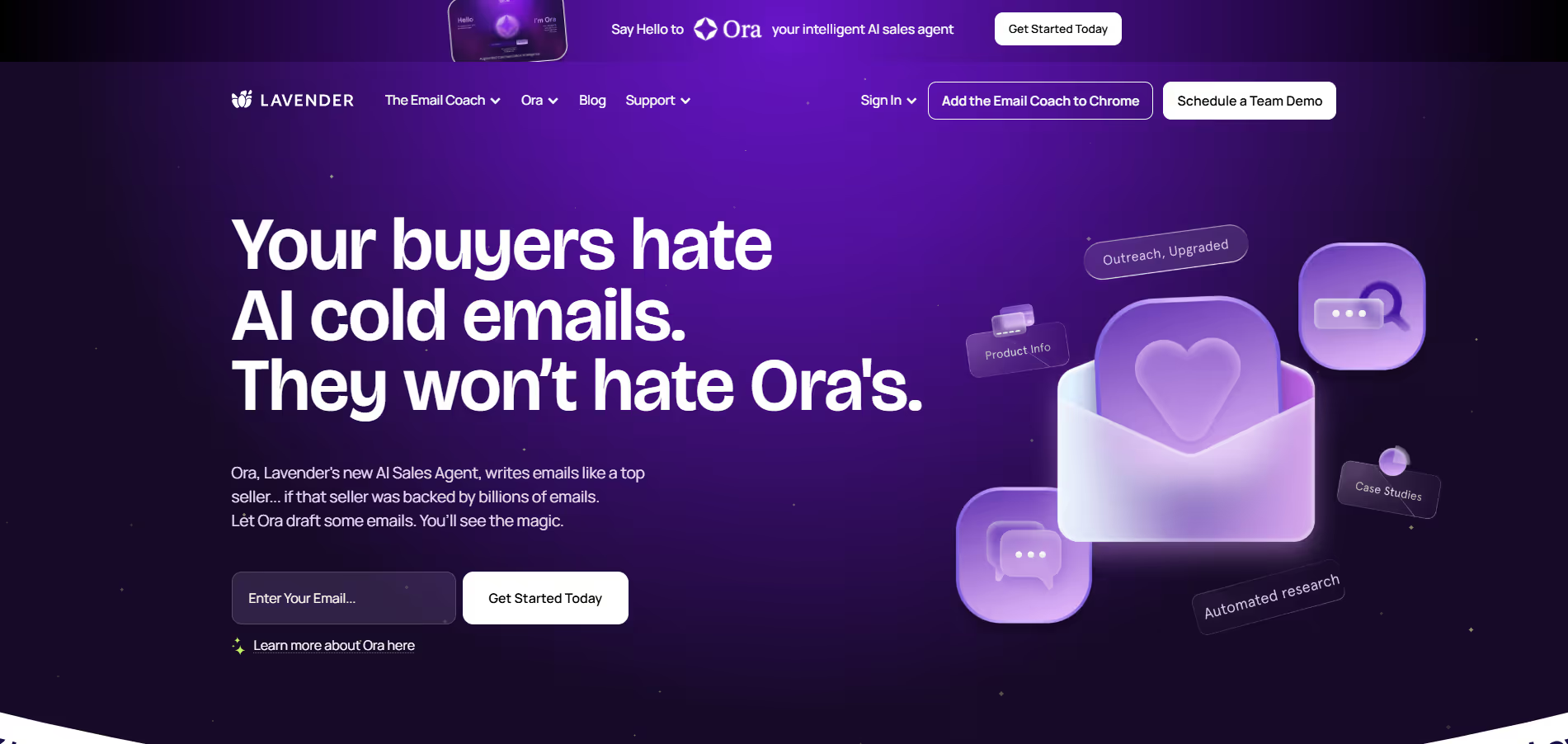
Lavender takes a different approach. It doesn’t act like a typical email writer. Instead, it works as a real-time coach that sits next to your inbox and helps you improve emails before you send them.
Rather than generating emails for you, it focuses on making your writing more effective. That’s why it’s widely used by sales teams aiming to improve reply rates.
Key Features
- Real-time email scoring based on tone, length, and clarity
- Suggestions to shorten and improve messaging
- Works across email and LinkedIn outreach
- Spam score and readability tracking
- Team analytics and performance insights
Best For
Sales reps and SDRs focused on improving outreach quality and increasing reply rates.
Pricing
Free plan available, with paid plans starting at around $29/user/month.
Comparison to ChatGPT Outlook Plugin
Lavender focuses on improving your writing instead of generating it. You write the email, and it guides you to make it better. It’s a strong fit for outreach and sales emails. For general inbox management or broader workflows, it plays a smaller role.
6. Missive – Best for Team Collaboration
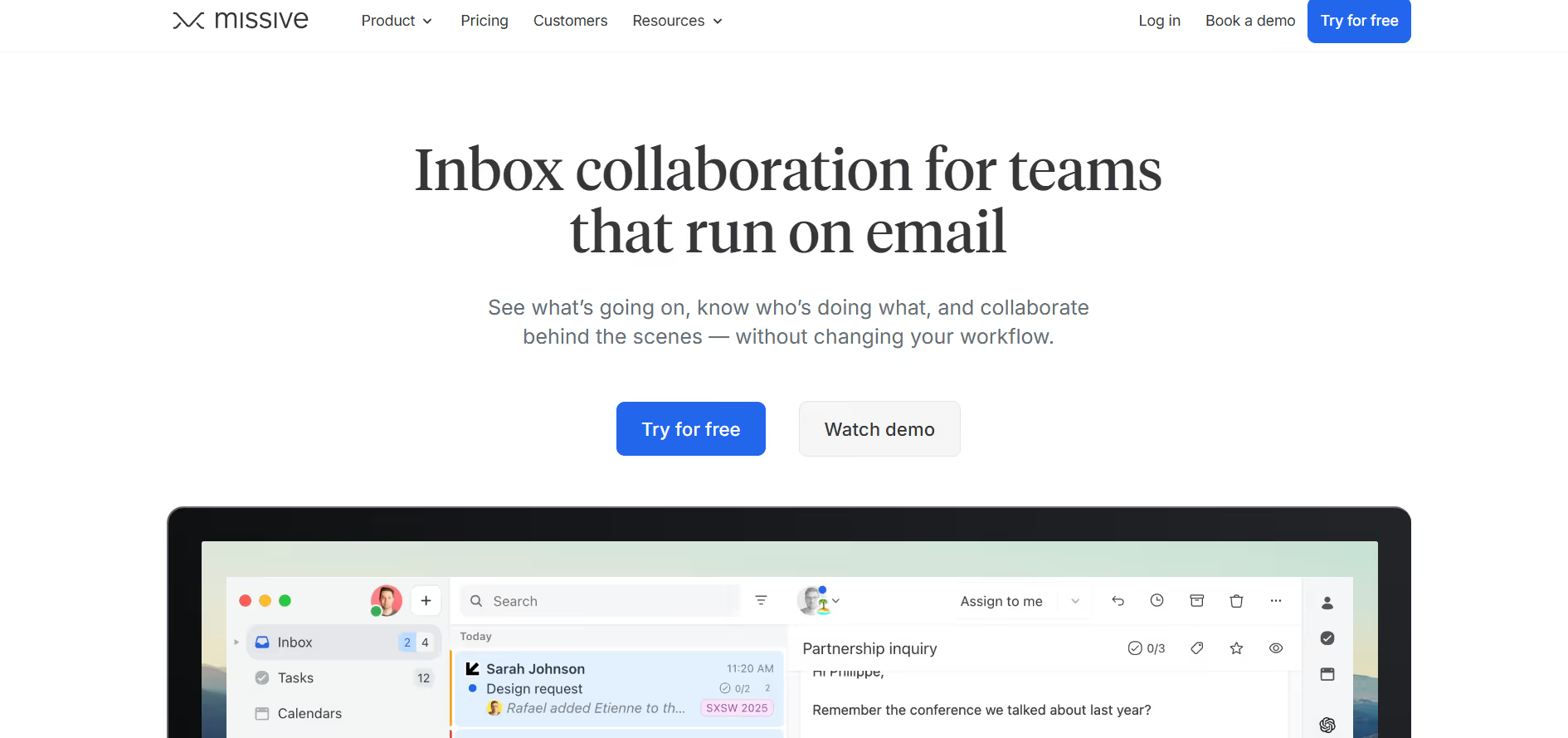
Missive is built for teams that manage email together, not individuals handling a personal inbox. It’s widely used by support teams and agencies where multiple people need visibility into the same conversations.
The standout feature is collaborative drafting. Multiple team members can work on the same reply at the same time, leave internal comments, and track ownership without cluttering the inbox.
Key Features
- Real-time collaborative drafting on email replies
- Internal comments that stay hidden from customers
- Automation rules for routing, tagging, and assignment
- AI editing tools within the drafting flow
- Shared inbox management across teams
- Integrations with Gmail, Office 365, and platforms like Instagram and WhatsApp
Best For
Teams that need shared visibility and coordination across email conversations.
Pricing
Starts at $14/user/month, with higher tiers at $24 and $36/user/month depending on team size and features.
Comparison to ChatGPT Outlook Plugin
Missive is built for team coordination, not individual writing. Multiple people can manage the same conversation, assign ownership, and collaborate in one place. It focuses more on visibility and workflow across teams. AI writing is not the main strength here.
7. Front – Best for Customer Communication
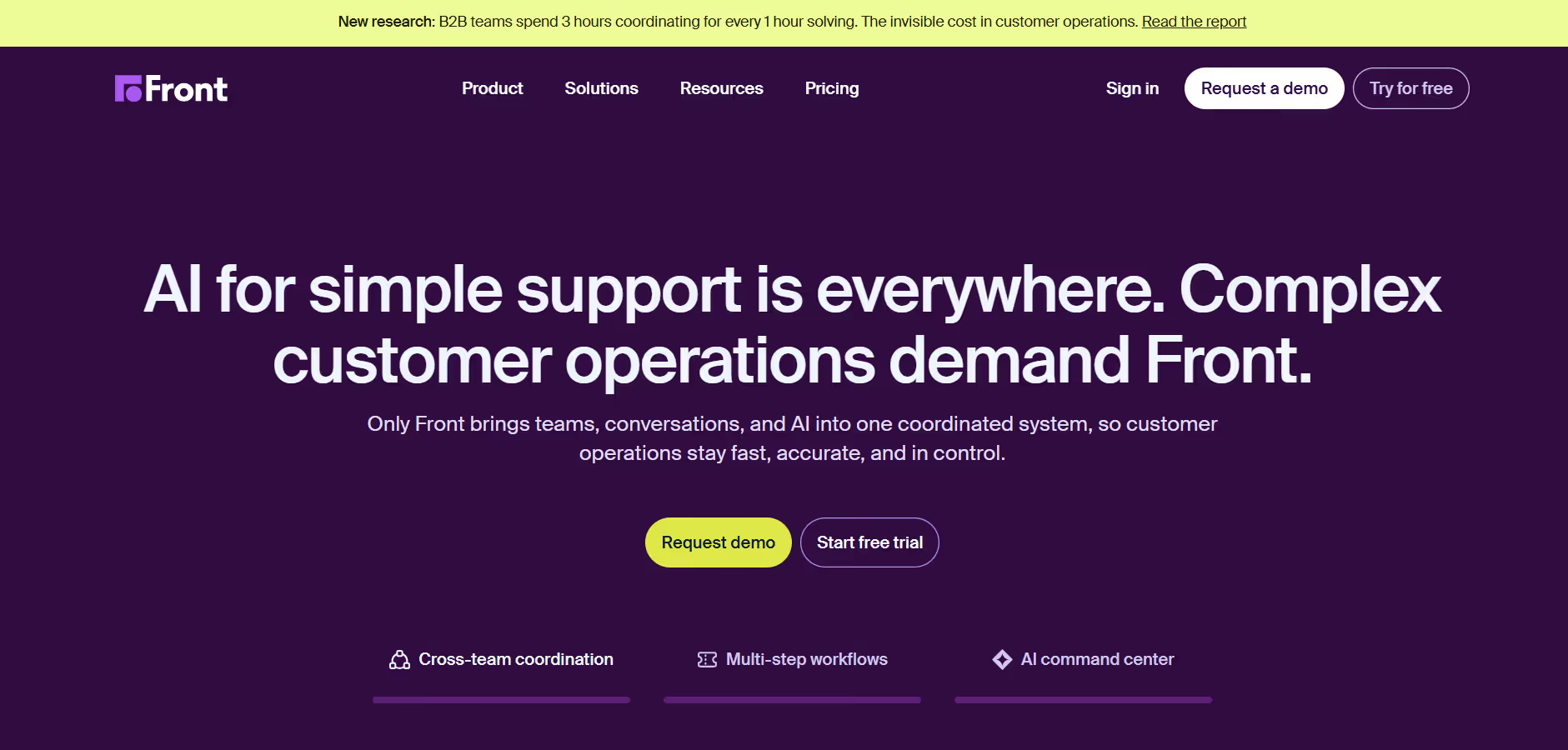
Front sits between email and customer operations. It’s built for teams handling large volumes of inbound messages across support, sales, and customer success.
Where Missive focuses on internal collaboration, Front is designed for customer-facing workflows. It adds structure to how conversations are handled, tracked, and measured.
Key Features
- Multi-channel support across email, SMS, social, voice, and WhatsApp
- Automated routing and assignment of conversations
- SLA tracking for response and resolution times
- AI tools for drafting, translating, and summarizing messages
- Autopilot for handling and routing conversations automatically
- Advanced analytics for team performance and conversation volume
Best For
Support and operations teams, managing high volumes of customer conversations.
Pricing
Starter at $25/user/month, Professional at $65/user/month, and Enterprise at $105/user/month (billed annually). AI features are available as add-ons.
Comparison to ChatGPT Outlook Plugin
Front operates at a different level. It manages incoming conversations across channels, assigns them, and tracks performance across the team.
It’s built for operations, not just writing emails. The main consideration is cost, especially as teams grow and add advanced features.
8. Shortwave – Best Gmail-Style AI Experience
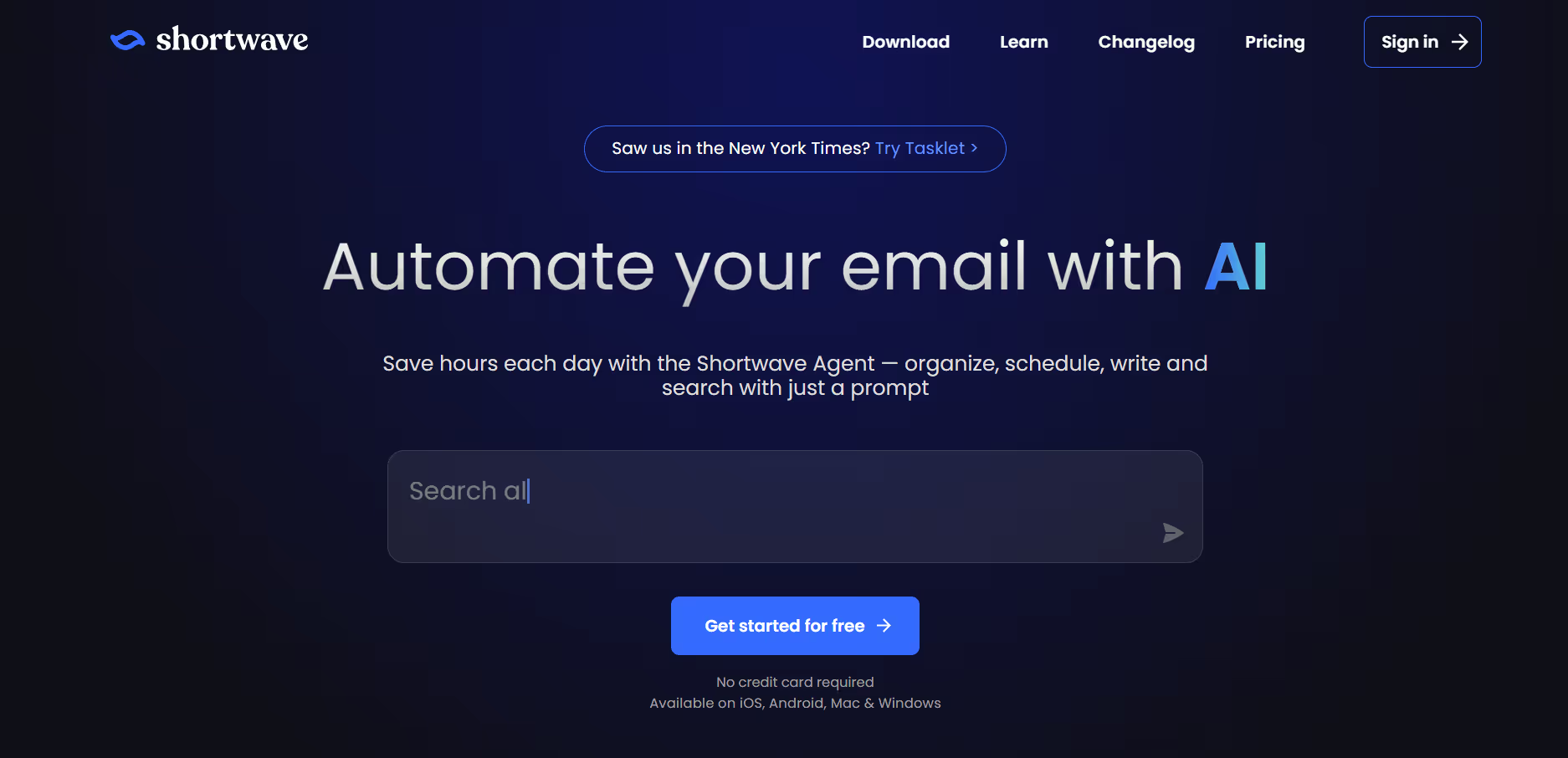
Shortwave is one of the clearest examples of an AI-first inbox. Built by former Google employees, it rethinks email from the ground up with AI at the center.
Instead of adding AI on top, Shortwave builds it into the entire experience. It can search across your email history, generate replies with context, summarize threads, and run simple automations based on natural language.
Key Features
- AI-powered search across your full email history
- Thread summarization for faster reading
- Smart inbox organization and categorization
- Plain-English automation rules
- Context-aware reply generation
- Learns your writing style over time
Best For
Individuals and small teams who want a modern, AI-first inbox and are open to moving away from traditional email clients.
Pricing
Free tier available with limited history. Paid plans start at $14/user/month.
Comparison to ChatGPT Outlook Plugin
Shortwave replaces the inbox instead of extending it. It delivers a more AI-driven experience with stronger search, summaries, and automation. It’s built mainly for Gmail-style workflows, so it doesn’t fit well if you want to stay inside Outlook.
Why Sintra AI Is the Best Alternative to ChatGPT Outlook Plugins

Every tool we’ve covered so far improves email in some way. They help teams move faster, stay organized, and collaborate more effectively. But email is only one part of the workflow, and improving that layer alone doesn’t address the larger operational gaps around it.
Sintra AI is built with a different approach. It’s not focused on email assistance. It’s designed as a system of AI helpers that run workflows across sales, support, and marketing from end to end.
Instead of adding another point solution, it brings these workflows into a single environment, allowing tasks to move forward with shared context and less manual coordination.
Sintra AI Is Not a Plugin—It’s a Full AI Team
The key difference between Sintra AI and the other tools on this list comes down to scope. A plugin works inside Outlook. Sintra operates across your entire business stack.
A plugin helps you write a single email. Sintra’s AI helpers take that further. They can manage the follow-up, update your CRM, schedule next steps, notify the right team members, and generate reporting on outcomes, all within the same flow.
This is not a step forward from a ChatGPT Outlook plugin. It sits in a different category, focused on running complete workflows rather than assisting with individual tasks.
Role-Based AI Helpers Replace Single-Use Assistants
A single generic AI assistant handling sales, support, and marketing at the same time often leads to average outputs. Sintra AI is built around specialization instead. Its AI helpers are designed as role-based systems, not general tools.
Each helper is trained for a specific function. Cassie handles customer support, Milli focuses on sales, Emmie manages email marketing, Scouty supports hiring, and Seomi works on SEO. This structure means every output is aligned with the actual context of the task.
A sales follow-up, a support reply, and a marketing email are treated as completely different workflows. That level of role awareness is something a typical AI email assistant or Outlook plugin cannot replicate, since it responds only to the prompt in front of it.
Shared Memory (“Brain”) Keeps Communication Consistent
One of the biggest limitations of a standard plugin is memory. Each session starts fresh, so you end up re-entering context, re-explaining your brand voice, and pasting previous conversations. Even then, the output can vary from one interaction to the next.
Sintra AI handles this differently through its Brain AI, a shared memory layer that keeps track of your brand voice, product details, customer history, and communication style across workflows.
That means a support reply sent on Monday and a sales follow-up sent later in the week stay consistent in tone and context. For teams managing ongoing customer relationships, this level of consistency directly impacts how professional and reliable the business feels.
Works Across Tools, Not Just Inside Outlook
ChatGPT Outlook plugin alternatives exist because email has never worked in isolation. A sales email connects to your CRM. A support message can trigger internal alerts. A marketing campaign depends on coordination across multiple tools. Improving email alone doesn’t fix how these pieces work together.
Sintra AI is built around connected workflows. It integrates with tools like Gmail, Notion, and CRM systems, so actions can move across platforms without manual handoffs.
A simple example: a customer sends an inquiry. Sintra’s AI helpers draft and send the reply, log the interaction in the CRM, route it to the right team if needed, and flag it for reporting. The workflow moves forward on its own, with human input only where it adds value.
Built for Real Business Workflows, Not Just Email Drafting
The tools listed above are built to make email faster. Sintra AI is built around outcomes. It focuses on what happens after the email is sent, including follow-ups, campaign coordination across channels, support workflows from first contact to resolution, and performance reporting.
For teams measuring pipeline velocity, support SLAs, or campaign conversion, this difference matters. The focus shifts from managing the inbox to improving results across the entire workflow.
Scales With Teams as They Grow
Plugins are built for individual use. They don’t offer shared visibility, team-level context, or structured collaboration. As teams grow, this approach starts to break down and creates fragmented workflows.
Sintra AI is designed for team environments. Shared memory keeps everyone working from the same context, and workflows stay consistent regardless of who is handling them.
As the business scales, the system scales with it. Teams don’t need to set up separate tools or manually align context across members.
How We Tested ChatGPT Outlook Plugin Alternatives
Our evaluation covered eight tools based on real-world use, not just feature lists. Each one was tested in practical scenarios like outbound sales emails, inbound support conversations, shared inbox management, and follow-up workflows.
Here's how we evaluated each tool:
- Email Writing Quality: Accuracy, tone, and how much editing was needed
- Automation Capability: How much manual work the tool removed
- Integration Depth: How well it connected with CRM, calendar, helpdesk, and other tools
- Real-World Usability: Onboarding, ease of use, and reliability of outputs
We also considered pricing in relation to value. A tool priced at $60 per user needs to deliver clearly stronger results than one at $14. In some cases, that difference shows. In others, it doesn’t.
The goal was simple: identify which tools reduce the most friction in the workflows teams rely on every day.
How AI Tools Improve Email Efficiency in Outlook
The reason teams switch becomes clear when you look at how much time email takes. Most knowledge workers spend 2 to 3 hours a day writing, replying, sorting, and catching up.
A large part of that time goes into repetitive work: rewriting the same context, formatting similar replies, and searching for information that already exists somewhere else. AI tools are built to reduce this exact workload by handling those repetitive tasks automatically.
Faster Email Writing and Replies
The most immediate benefit is speed. Instead of starting from a blank email, you begin with a strong first draft. For routine messages like follow-ups or updates, the draft is often close to ready. For more complex emails, it handles structure and tone so you can focus on the message.
Automated Summaries for Long Threads
Long email threads slow down decision-making. AI tools can summarize dozens of messages into a few key points, including decisions, open questions, and next steps. In practice, this removes the need to read every message in sequence, which is especially useful for managers or anyone returning to a full inbox.
Smarter Inbox Management and Prioritization
Not all emails are equally important. AI tools can classify incoming messages and highlight what needs attention first.
For example, tools like Superhuman and Shortwave automatically organize emails, helping you focus on high-priority conversations instead of sorting manually. This reduces constant context-switching, which is one of the highest hidden costs of email.
Reduced Repetitive Tasks With Automation
A large portion of email work is repetitive. Follow-ups, onboarding messages, and internal notifications often follow the same pattern.
Automation handles these tasks without manual input. Teams using workflow automation report saving 15+ hours per week by removing repetitive processes. This is where basic plugins fall short. They help you write emails, but they don’t remove the repetition around them.
Improved Consistency in Communication
For teams, consistency directly affects how the business is perceived. Different tones, formats, and response styles create a fragmented experience across customers.
AI tools help standardize communication by maintaining tone and structure across emails. This leads to clearer, more professional interactions at scale, especially in sales and support environments.
Why Teams Are Looking for ChatGPT Outlook Plugin Alternatives
These limitations usually become clear after using a plugin in real workflows. What works well for a few emails starts to break down as volume increases and tasks extend beyond the inbox. The following reasons break down why teams are constantly searching for ChatGPT Outlook Plugin alternatives.
Plugins Only Work Inside Outlook, Not Across Workflows
A ChatGPT plugin inside Outlook only has visibility into your inbox. It doesn’t connect to your CRM, helpdesk, project tools, or internal communication platforms. In practice, this creates extra steps. A sales rep might draft a follow-up email in Outlook, then switch to Salesforce to update the opportunity, log the activity, and set a reminder. The email is handled quickly, but the rest of the workflow remains manual.
No Memory Means No Context Over Time
Plugin sessions don’t retain context. Once the session ends, everything you explained earlier is lost. Teams often repeat the same inputs, such as brand voice, product details, or customer history, just to get usable outputs. For ongoing conversations, this leads to variation in tone and messaging, which can affect consistency over time.
One AI Assistant Can’t Handle Every Business Function
A single assistant is expected to handle sales emails, support replies, marketing content, and internal communication. Each of these has different requirements and expectations. When everything goes through the same interface, the output tends to be general. It works, but it rarely matches the level of quality needed for specific functions.
No Built-In Automation or Workflow Execution
Plugins help with writing, but they stop there. They don’t trigger follow-ups, route conversations, update systems, or initiate next steps. After an email is sent, the rest of the process still depends on manual work. Over time, these small tasks add up, especially for teams handling a high volume of communication.
Limited Support for Teams and Collaboration
Plugins are designed for individual use. They don’t provide shared visibility or coordination across a team. This can lead to inconsistency, where different team members respond in different styles or follow different processes. Tools like Missive address collaboration within email, while platforms like Sintra AI extend this across broader workflows.
These Limitations Become Clear as Teams Grow
At a small scale, these gaps are manageable. A few extra steps or slight inconsistencies don’t have a major impact. As teams grow and communication volume increases, the same gaps start to affect speed, consistency, and coordination. What begins as a small inefficiency becomes a recurring operational issue.
How to Choose the Right Outlook AI Email Assistant
Not every team needs the same type of solution. The right choice depends on your use case, team size, existing tools, and how much of your workflow you want AI to handle.
Match the Tool to Your Primary Use Case
Start with the core problem you want to solve. If the goal is faster email writing, tools like Mailbutler or MailMaestro are simple and effective. For high-volume sales inboxes where reply quality matters, Lavender or Superhuman are better suited. If you’re managing customer communication across a team, Front or Missive offers the structure needed. If the focus is on automating workflows beyond email, that typically requires a different type of system.
Decide Between a Plugin and a Full AI System
There is a clear difference between a plugin and a full system. Plugins are quick to set up and work well for individual productivity. Platforms like Sintra AI require more setup but handle broader workflows across functions. If the main issue is writing speed, a plugin is usually enough. If the issue includes follow-ups, coordination, and task management after the email is sent, a larger system becomes more relevant.
Evaluate Integration With Your Existing Tools
An email assistant is only as useful as its ability to connect with the rest of your workflow. If it doesn’t integrate with your CRM, calendar, or helpdesk, manual work remains. Before choosing a tool, map out the systems your team uses daily and confirm that the tool practically connects to them.
Consider Team Size and Collaboration Needs
Individual tools work well for solo users. As soon as multiple people are involved, coordination becomes important. Shared visibility, assignment workflows, and consistent communication matter more at the team level. Tools like Missive and Front are designed for this, while most plugins are not.
Look for Automation, Not Just Email Writing
Writing assistance is only one part of the value. The bigger gains come from automation after the email is sent. Follow-ups, routing, and trigger-based actions reduce ongoing workload without requiring manual input. When evaluating tools, consider what happens beyond drafting.
Check for Memory and Context Awareness
Persistent memory improves output quality over time. Tools that retain context, such as brand voice, customer history, and communication patterns, produce more consistent results. Without this, each interaction starts from scratch, which affects both speed and quality.
Balance Ease of Use With Capability
More advanced tools often require more setup and learning. In practice, tools that are easy to adopt and use consistently tend to deliver better results. A simpler tool that fits into daily workflows is often more effective than a complex one that is underused.
Think Long-Term: Will This Tool Scale With You
Changing tools later can be costly in terms of time and effort. It’s useful to consider where your team will be in the future, not just current needs. A tool that supports growth in team size and workflow complexity can prevent the need for switching later.
Test With Real Workflows Before Committing
Feature lists don’t always reflect real-world performance. The most reliable way to evaluate a tool is to test it with actual workflows. Use it for real emails, real tasks, and real team coordination, and observe whether it reduces friction in day-to-day work.
Ready to Move Beyond Outlook Plugins?
Every tool on this list is a clear improvement over a standard ChatGPT Outlook plugin. The right choice depends on where your actual bottleneck is.
If your focus is faster email writing or better inbox organization, tools like Superhuman, Mailbutler, or MailMaestro will cover that well. If your needs go beyond email, the requirement changes. Workflows, automation that runs without constant input, and consistent context across interactions require a different type of system.
Sintra AI is that category. If your team has outgrown ChatGPT Outlook plugin alternatives and needs a system that actually runs workflows at scale, it's worth seeing what that looks like in practice. Get started with Sintra AI and see what a full AI team can do for yours.
ChatGPT Outlook Plugin Alternatives FAQs
What is the best ChatGPT Outlook plugin alternative?
The best alternative depends on your primary need. For native Outlook integration, Microsoft Copilot is the strongest option. For speed and high-volume inbox management, Superhuman is the gold standard. For lightweight AI writing without switching apps, Mailbutler is the easiest entry point. For teams that need workflows beyond email, a full AI system like Sintra AI addresses problems that no email plugin can.
Are AI email assistants better than plugins?
Generally, yes. Purpose-built AI email assistants outperform generic ChatGPT plugins for email tasks because they're designed specifically for how email works. They integrate directly into your compose window, offer relevant templates and tone controls, and in some cases retain context across sessions. Plugins tend to require more manual prompt engineering and produce less consistent results for email-specific tasks.
Can AI tools replace Outlook plugins completely?
For most use cases, yes. The tools covered in this article collectively cover everything a standard ChatGPT Outlook plugin does, AI writing, summarization, tone adjustment, inbox management, and extend well beyond it with automation, tracking, and collaboration capabilities. The exception would be highly specialized plugin use cases built on custom integrations, which would need to be evaluated on a case-by-case basis.
What features should I look for in an AI email assistant?
The core features worth prioritizing in an AI email assistant are: contextual AI drafting (not just generic generation), persistent memory or context retention, automation for repetitive tasks like follow-ups, integration with your existing CRM and calendar, inbox prioritization and triage, and some form of collaboration support if you work on a team. If you need workflows beyond email, look for platforms that extend into cross-tool automation.
Is Microsoft Copilot better than ChatGPT plugins?
For Outlook users in the Microsoft 365 ecosystem, yes. Copilot has direct access to your Microsoft Graph data, including emails, calendar events, files, and meetings. It doesn't require manual context-pasting and works natively inside Outlook rather than as a layered extension. The trade-off is cost: it requires an existing Microsoft 365 subscription plus an additional Copilot license. For teams already on Microsoft 365, that cost is usually justified by the depth of integration alone.
Related articles

.avif)