12 Best AI Text Generators in The Market

Table of Contents

Quick Answer: Best AI Text Generators
The best AI text generator is the one that aligns with your specific content goals. For business owners who need high-quality marketing copy that stays true to their brand, Sintra AI is a top-tier choice. Its "Penn" copywriting agent uses Brain AI to remember your brand voice and past work, making it feel less like a tool and more like an expert teammate.
If you’re looking for other specialized options, Jasper is excellent for enterprise-level marketing campaigns, while Writesonic leads the way for SEO-optimized articles. For fiction writers, Sudowrite offers unique creative features, and ChatGPT remains the most flexible free option for general brainstorming and drafting. No matter your niche, there is a generator designed to help you scale your writing without losing quality.
Following the success of ChatGPT, several AI-powered writing assistants flooded the market. From Microsoft to Google, everyone jumped into the trend, but many of them now seem irrelevant. The scale of adoption tells the story: OpenAI now serves more than 1 million business customers and over 7 million ChatGPT workplace seats, with Enterprise seats up roughly 9x year-over-year.
That said, we cannot take away from these tools. AI writing tools help businesses produce marketing pieces at scale, attain higher conversions, and keep their audience engaged, with minimal effort.
But the question is, how to know which one is right for you? The answer is in this review list of 12 best AI text generators based on content quality, convenience, and advanced features. So, dive right in.
Benefits of using AI Text Generators
AI text generators help businesses create content faster without sacrificing consistency or quality. They reduce the time spent on brainstorming, drafting, rewriting, and editing, allowing teams to focus more on strategy, distribution, and performance. Instead of starting from scratch, marketers can generate structured outlines, refine messaging, and test multiple variations in minutes.
These tools also support scalability. Whether you need blog posts, AI for ad copy, emails, landing pages, or social captions, AI writing assistants make it easier to maintain a consistent brand voice across formats. If you're specifically focused on admin and business communication, our guide on AI virtual secretaries is also worth exploring. For growing businesses, this means producing more content with fewer resources while keeping messaging clear, relevant, and aligned with marketing goals.
Best AI Text Generators at a Glance
Let’s see how these AI writer generators compare at first impression.
12 Best AI Text Generators You Must Try in 2026
1. Sintra.ai - Best Marketing AI Agents for Businesses

How would you like AI employees that never sleep? Sintra.ai is all about it. This business solution is built on twelve agents that do everything for you, from writing to marketing, posting, and analyzing.
Meet Penn - the copywriting AI expert from Sintra.ai. Trained on hundreds of thousands of data points from popular sites, it has commendable context awareness. You can use it for ad copy, long-form articles, emails, and more.
Plus, it stores conversations in its subconscious brain. Whenever you enter a prompt, it generates content that aligns with your brand voice and previous content.
But, beyond helping with the writing process, this platform also stands out for its integration. It is a centralized workspace in itself that can seamlessly incorporate tools like social media accounts, LinkedIn, Google, and more. So, it does a better job of managing your tasks.
Key Features
- 12+ AI helpers, each specializing in a certain role, from copywriter to AI customer support, data analytics, scheduling assistance and more.
- Multiple teamspaces (each with up to 5 profiles) where members can collaborate in real time.
- Integration with third parties, including Google Calendar, Notion, Gmail, Facebook, and more.
- Brain AI that aids AI helpers with rich contextual knowledge of your brand or business for smarter and relevant conversations.
- 90+ power-ups that complete routine tasks (image generation, creating LinkedIn posts, and optimized landing pages) in one second.
Pros
- Multilingual capabilities
- All-in-one marketing solution
- Highly customizable
Cons
- No free version
Pricing
- Individual Subscription: $39 per month (for individual avatars)
- Sintra X Subscription: $97 per month (All Helpers included).
Visit Sintra.ai's pricing page to learn more about exclusive discounts and the summer sale.
Ideal for
Businesses that want to automate their routine tasks and create highly relevant, quality content according to brand standards.
2. Jasper - Best AI Tool for Marketing Content

Formerly known as Jarvis, Jasper is inarguably a premium feature-filled generative AI tool for marketers.
It is trained on GPT and uses a massive database to produce writings that sound mature and versatile. You can use it for blog posts, ads, optimized captions, social media posts, and more.
What I like about Jasper is how human it sounds. You won’t find any hint of AI in the text generated. Also, its brand voice function ensures that the content remains relevant to your voice across all channels.
Key Features
- 50+ templates for paragraphs, creative stories, long-form content, summaries, and more.
- Browser extension to craft emails, articles, and draft pieces (Chrome and Edge).
- An AI chat function to brainstorm ideas and answer queries.
- Built-in AI grammar and plagiarism checker to prevent any errors.
Pros
- Offer better privacy
- Integration into workflow
- High-quality content
Cons
- Chat has no backup memory.
Pricing
- A free 7-day trial.
- Pro Subscription: $69 per month/ seat, $59 per month/ seat (if paid annually)
- Business Subscription: Contact sales for custom pricing.
Ideal for
Jasper works best for businesses that don’t have budget constraints and want to focus on growth-led market campaigns.
3. ChatGPT- Best Free AI for Conversational Content
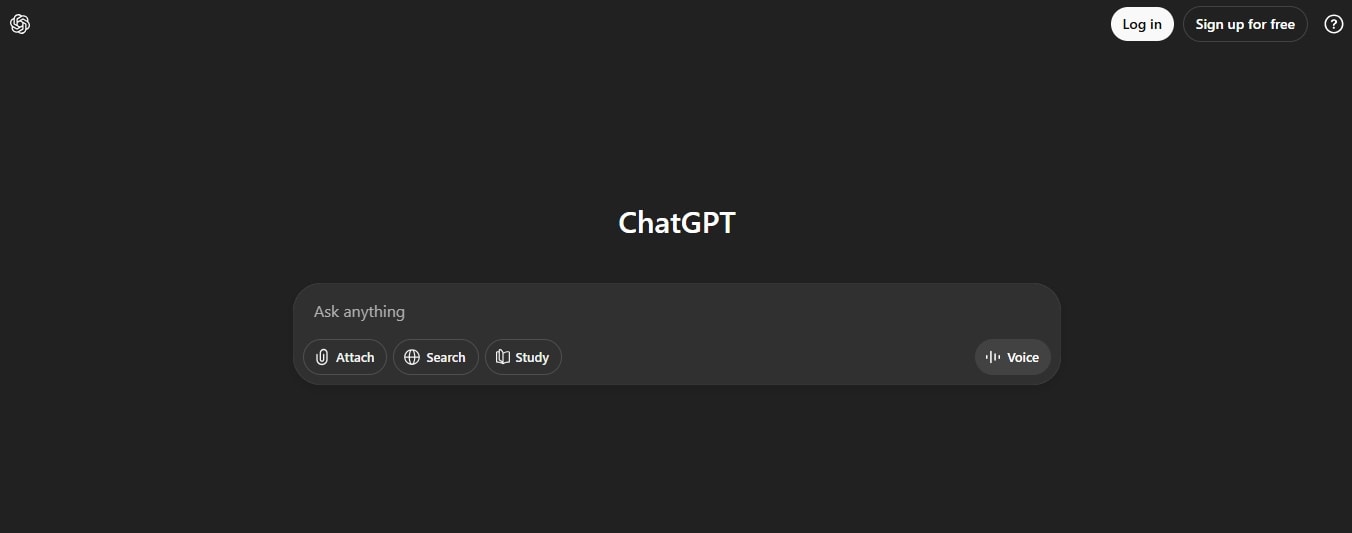
The popular AI, ChatGPT, can also generate content for free. You can use it to craft outlines, rephrase content, and correct grammatical errors.
With a conversational LLM model, ChatGPT can better understand the tone, intent, and context of the prompt. Therefore, the output is coherent and specific to your brand voice. It also supports real-time web search, giving you an edge over competitors in creating compelling copy.
Moreover, its conversation memory is one of the best after Sintra. With this, it can answer your follow-up prompts with greater precision.
Key Features
- Multimodal capabilities (text, images, videos, CSV, spreadsheets, etc).
- 70+ plug-ins, including Zapier, Web Pilot, Expedia, and more.
- Web browsing to derive information from internet sources in real time.
- Deep search that slows down the processing to produce sites and structured outputs.
Pros
- Cross-platform support
- No learning curve
- Understand context better
Cons
- Don’t provide references
Pricing
- Free AI trial with all basic functions.
- Plus Subscription: $20 per month.
- Pro Subscription: $200 per month.
- Business Subscription: $25 per user/ month (if billed annually), $30 per user/ month (billed monthly).
- Enterprise Subscription: Contact the sales team for custom pricing.
4. Rytr AI - Best Affordable Free AI Writing Tool

A hobbyist wanting to explore AI text generators without spending a lot of money? Try Rytr AI. A budget-friendly alternative to quick and straightforward AI-generated content.
Trained on GPT-3 technology, it mostly relies on the older LLMs, which is fair for the pricing. It might be far from sophisticated tools like Sintra.ai and Jasper, but the quality is digestible. You can use it for outlines, business pitches, social media ads, and more.
Rytr is also quite easy to use and takes just a few clicks. Simply choose your use case, give some context, and that’s it. However, you have less control over aspects such as preferred tone and vocabulary.
Key Features
- Over 40 templates and use cases for content creation, along with 20 different tones of voice.
- A keyword extractor that includes recommended phrases for content and headings to rank better.
- A built-in plagiarism checker that gives you exactly similar text for further modifications.
- An AI-powered chatbot to perform extensive research and brainstorm ideas.
Pros
- Creates quality copy
- Better content management
- Easy to use
Cons
- Character limitation for prompts.
Pricing
- Free AI trial with limited functions.
- Unlimited Subscription: $9 per month, $7.50 per month (if billed annually).
- Premium Subscription: $29 per month, $24.16 per month (if billed annually).
Ideal for
Freelancers, hobbyists, and startups can employ Rytre to produce marketing content for social media.
5. Writesonic - Best for SEO Optimization
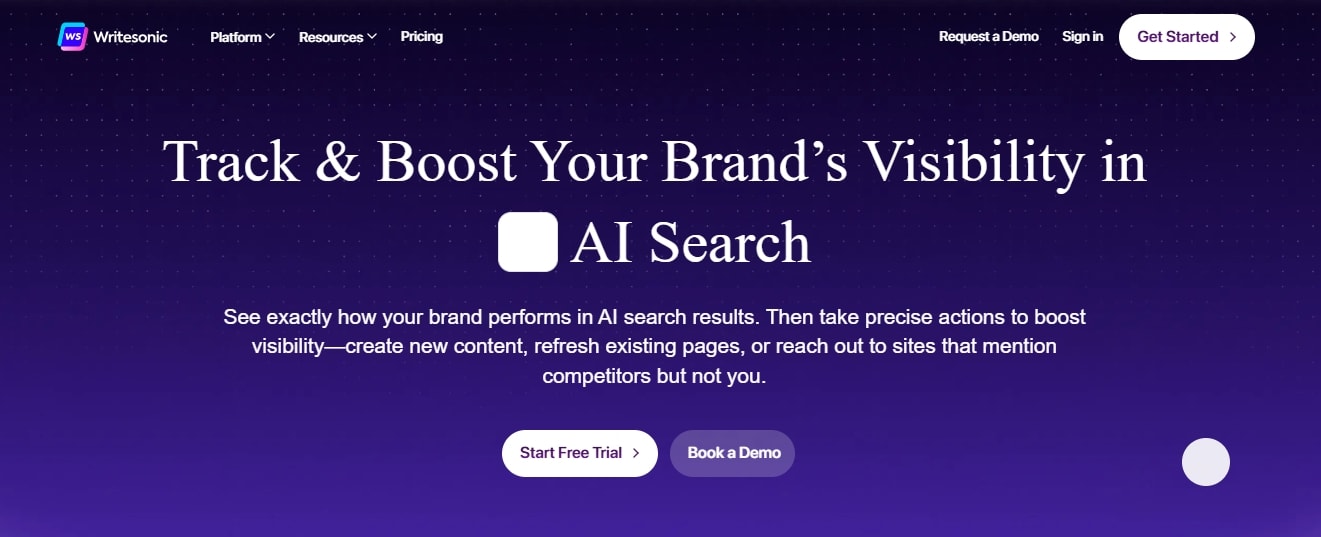
Having a brand across social media and search engines means a constant demand for quality content.
Of all the text generators I have used, Writesonic produces the highest quality SEO-optimized writing. It can produce blog posts, landing pages, summaries, and more. Additionally, you can select the language model based on the desired quality.
Beyond writing, Writesonic is also capable of keyword analysis, competitor research, and reference finding independently.
Key Features
- AI Article Writer to train the algorithm on your brand’s content and documents for personalized and optimized content.
- A massive template library with customizable emails, blog posts, and more.
- A suite of intelligent tools that helps you identify the target audience, extract keywords, and align your content on the AIDA framework.
- Text expander that creates longer sentences in multiple languages in seconds.
Pros
- Supports a feedback mechanism
- High-quality content
- Intuitive interface
Cons
- Content can misinterpret context sometimes
Pricing
- Free tier with limited access.
- Lite Subscription: $39 per month (billed annually).
- Standard Subscription: $79 per month (billed annually).
- Professional Subscription: $199 per month (billed annually).
- Advanced Subscription: $399 per month (billed annually).
- Enterprise Subscription: Contact the sales team for custom pricing.
Ideal for
Writesonic is perfect for content teams, especially e-commerce teams, who need to publish SEO content at scale and with speed.
6. Anyword - Best for Social Media Ads and Conversion Tracking
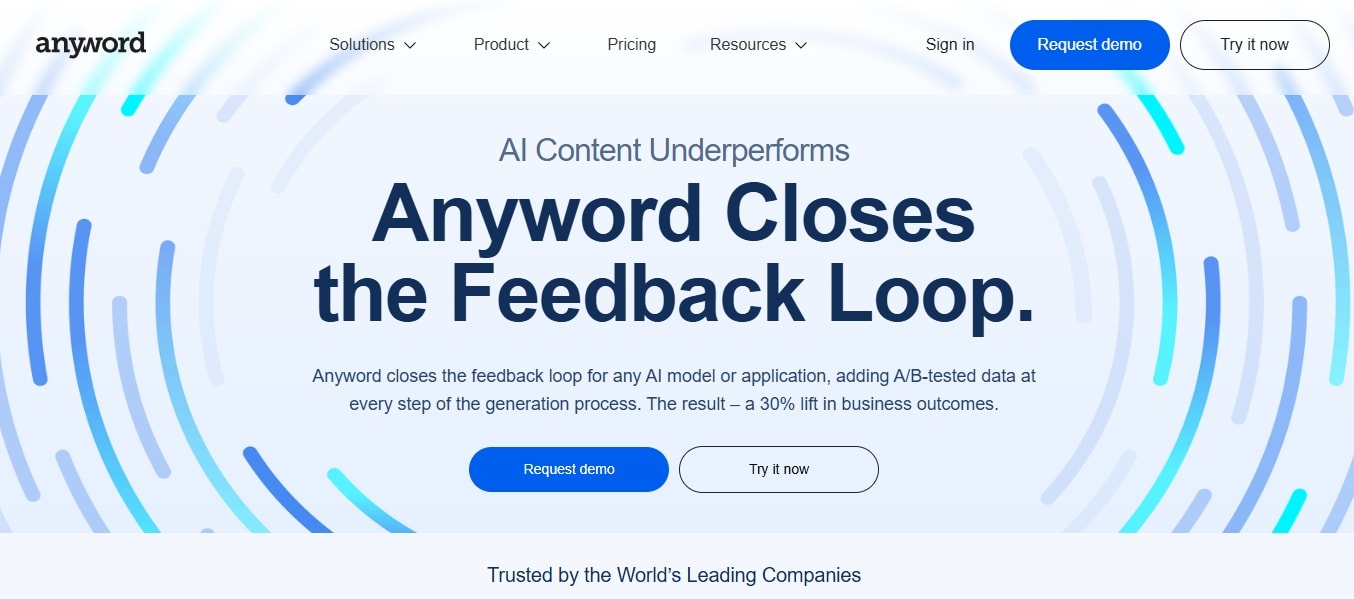
Presenting Anyword. Another top AI writing generator that not only produces text but also tracks its click-throughs, conversion rates, and more.
For starters, it has two primary tools. The Blog Wizard is for long-form content, while the Data-Driven Editor is for copy, cold emails, and social media captions. Both are capable of incorporating your brand values and vocabulary to target a specific audience.
But the highlight of this tool is its analysis capabilities. Anyword can evaluate everything it generates for the engagement score.
Key Features
- Predictive performance analytics that help you track your conversions, click-through, engagement metrics, etc.
- A data-driven editor that uses performance marketing data to produce copy, generate ads, and craft emails.
- Copy intelligence to analyze, evaluate, and improve the generated content.
- A Chrome extension that helps you perfect your browser content.
Pros
- Offer real-time feedback
- User-friendly interface
- Cost-effective plans
Cons
- It has fixed output tones
Pricing
- Starter Subscription: $49 per month, $39 per month (if billed annually).
- Data-Driven Subscription: $99 per month, $79 per month (if billed annually).
- Business Subscription: Contact the sales team for custom pricing.
Ideal for
Anyword is a good choice for freelance marketers and marketing teams of start-ups to produce content, specifically for e-commerce, SaaS, and social media.
7. Sudowrite - Best for Fiction Writers
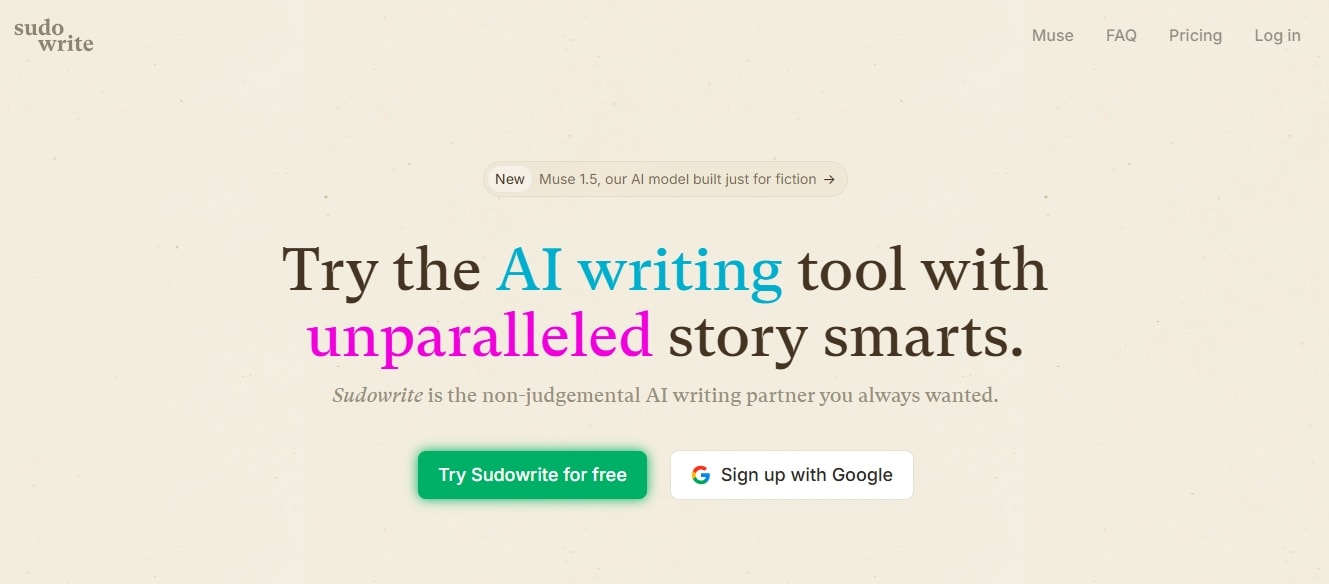
An AI writing assistance with emotional awareness and detail to nuances - how does it sound? Sudowrite is all about mimicking human-written content.
The tool was marketed toward fiction writers, which was precisely why its launch attracted controversy. All things aside, Sudowrite is intricate and human-like, even when producing ads. Its language AI model, Muse, is trained on narrations, hence the emotional nuances.
But what truly makes it stand out are the supplementary tools like Describe and Brainstorm. These can help you incorporate fun metaphors, deep thinking for characters, and more.
Key Features
- A chapter generator that uses short summaries to write whole chapters with your desired nuances.
- Tone shift that allows adjusting the specific tone of your story, based on emotions.
- Rewrite feature for polished text (make it descriptive, shorter, add details, etc).
- A brainstorming tool that can help you with extensive research on dialogues, world-building, character sketches, new ideas, objects, and more.
Pros
- Feature-rich writing assistance
- Content aligns with your narrations
- Assistance at each stage
Cons
- No API integrations
Pricing
- Hobby and Student Subscription: $19 per month, $10 per month (if billed annually).
- Professional Subscription: $29 per month, $22 per month (if billed annually).
- Max Subscription: $59 per month, $44 per month (if billed annually).
Ideal for
Sudowrite is an excellent way for screenwriters, game narrative designers, and fiction authors to overcome creative block and fine-tune their writing.
8. Copysmith - Best for Collaborative Content Creation at Scale
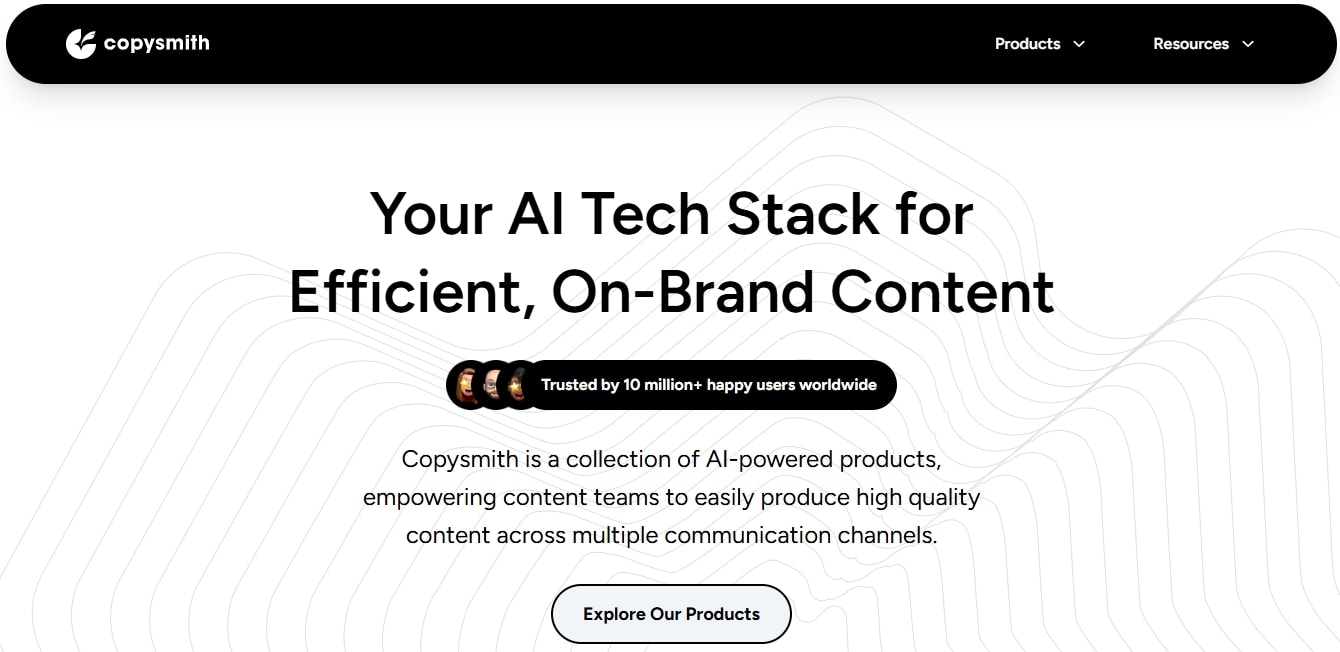
Content creation is not just about producing written work. Rather, it involves a thorough strategy for topic research, optimization, and postings. Copysmith is a space to do all this and more.
This AI text generator is trained on GPT-3 LLM, best suited to create content for marketing. Unlike other tools, Copysmith is capable of content scraping. So, all you need to do is add the URL, a short description, the target audience, and a positive match keyword, and that’s it.
Now, the collaboration aspect. You can integrate it with Google Docs, Rytr, Hootsuite, and more for a smooth workflow.
Key Features
- Workflow Que, a collaborative space for your team to assign tasks, give feedback, etc.
- A campaign builder that crafts a well-organized strategy for your social media.
- Third-party integration with Google Docs, WooCommerce, Frase, Rytr, etc.
- Chrome extension to craft content while on the browser.
Pros
- Offers SEO-optimized content
- Launch comprehensive campaigns
- Bulk product description production
Cons
- A steep learning curve.
Pricing
- Starter Subscription: $19 per month, 50 credits per month.
- Professional Subscription: $59 per month, 250 credits per month.
- Adopter Plan (Limited Offer): $59 per month, 1000 credits per month.
Ideal for
Copysmith is an ideal choice for marketing agencies and freelancers who manage multiple websites and require a steady stream of content.
9. Constant Contact - Best for AI-Powered Email Marketing
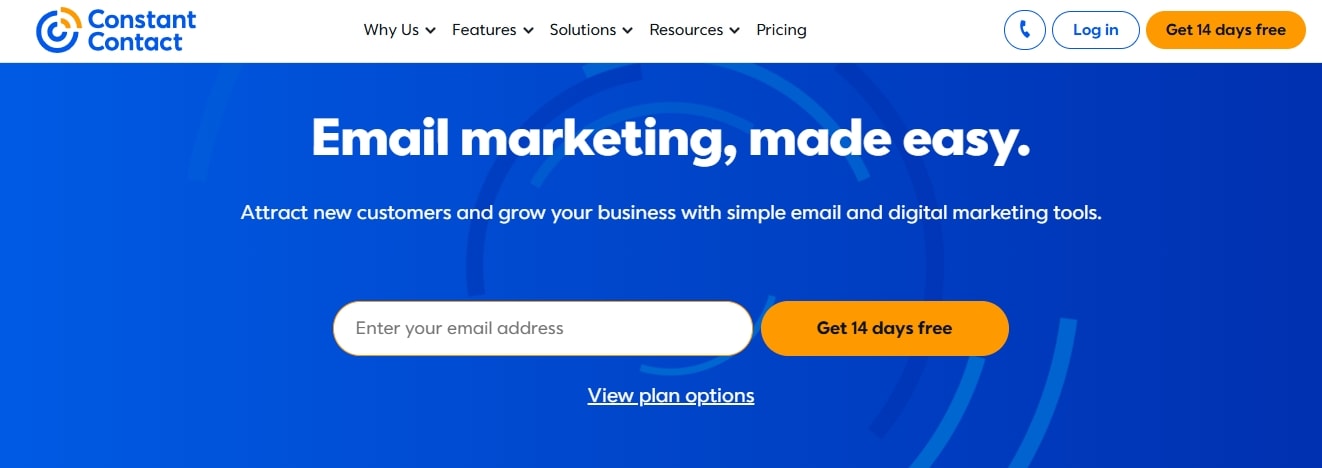
Constant Contact is for anyone who wants to upgrade their digital marketing game. It can help you create content, power your messaging, and target the right audience.
It features a drag-and-drop editor that makes creating professional-looking emails and website copy a breeze. Don’t want to start from scratch? You have plenty of templates to choose from. Constant Contact also lets you narrow down the subscribers from its list management tools.
It goes beyond basic capabilities. This tool has special analytics that give you regular reports on how the campaigns are doing - including click-through rates, engagement metrics, and more.
Key Features
- Reporting function to analyze the opens, clicks, and shares on your sent emails.
- Hundreds of professionally-designed cold email templates to use or feed your AI system.
- Marketing automation that lets you automatically send emails to customers who engage with your sent requests.
- Customer list management that adds, stores, and sorts your contacts into different segments, depending on your target audience.
Pros
- Great customization scope
- Aids optimized marketing strategies
- Basic user interface
- templates to adhere to tight deadlines
Cons
- Pricing can be improved for features
Pricing
- Lite Subscription: $12 per month
- Standard Subscription: $35 per month
- Premium Subscription: $80 per month
Ideal for
Constant Contact is perfect for small businesses that want to save time and streamline their email marketing and social media management.
10. Copy.ai - Best for Quick Ad Copy
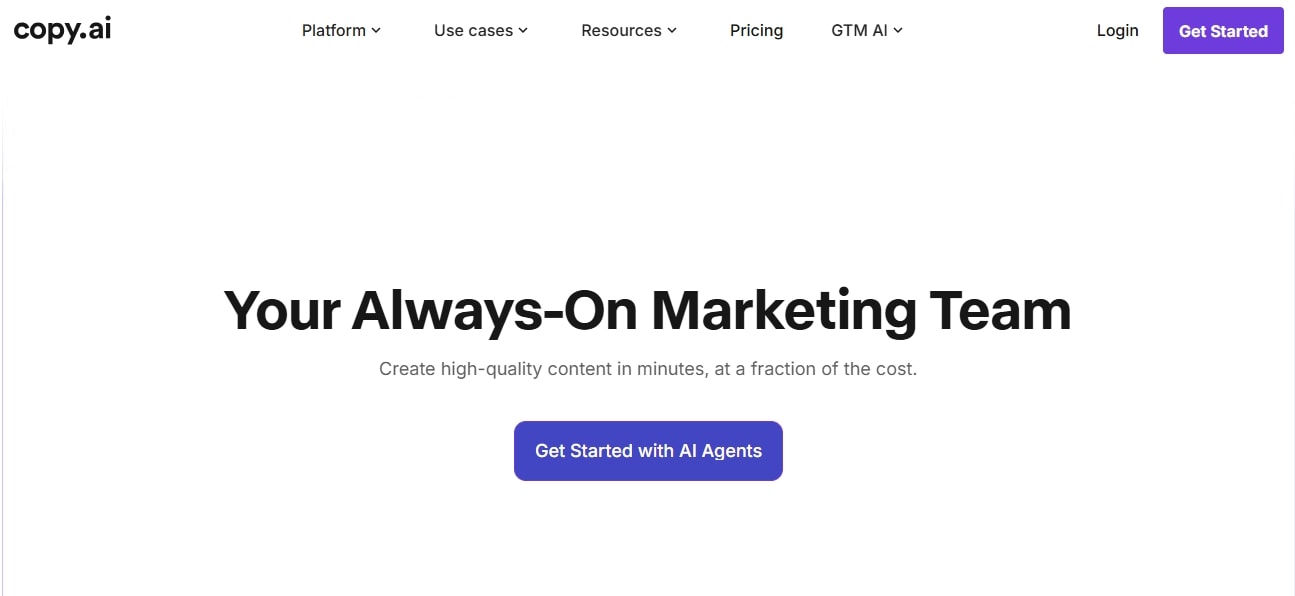
Struggling to write a copy that converts? Try Copy.ai. It is a lead-focused text generator for social media - Facebook, Google, and TikTok.
The highlight of Copy.ai is its Infobase. With this, you can direct the AI to reference and repurpose your own brand’s content. You can combine it with the existing content templates for blog posts, listicles, and more for scaled production.
Even if you are starting from scratch, the improve function can help. It lets you enhance your prompts for relevancy and accuracy.
Key Features
- 100+ pre-built templates for emails, ads, social media captions, and more.
- Built-in plagiarism checker to check for similarity index and further modifications.
- A centralized team space that has role-based access and version history for enterprise users.
- Integration with third parties, including Google Docs, Slack, Salesforce, and more.
Pros
- User-friendly interface
- Offers scope for scalability
- Better workflow management
Cons
- The outputs can be inconsistent.
Pricing
- Chat Subscription (Self-Serve): $29 per month, $24 per month (billed annually, $288 per year)
- Agent Subscription (Self-Serve): $249 per month, $211 per month (billed annually, $2532 per year).
- Enterprise: Contacts the sales for a custom demo.
Ideal for
Copy.ai is a suitable choice for e-commerce, SaaS, and social media marketing agencies that want to automate and scale their content creation process.
11. WitingMate - Best for SEO and Blog Content Planning
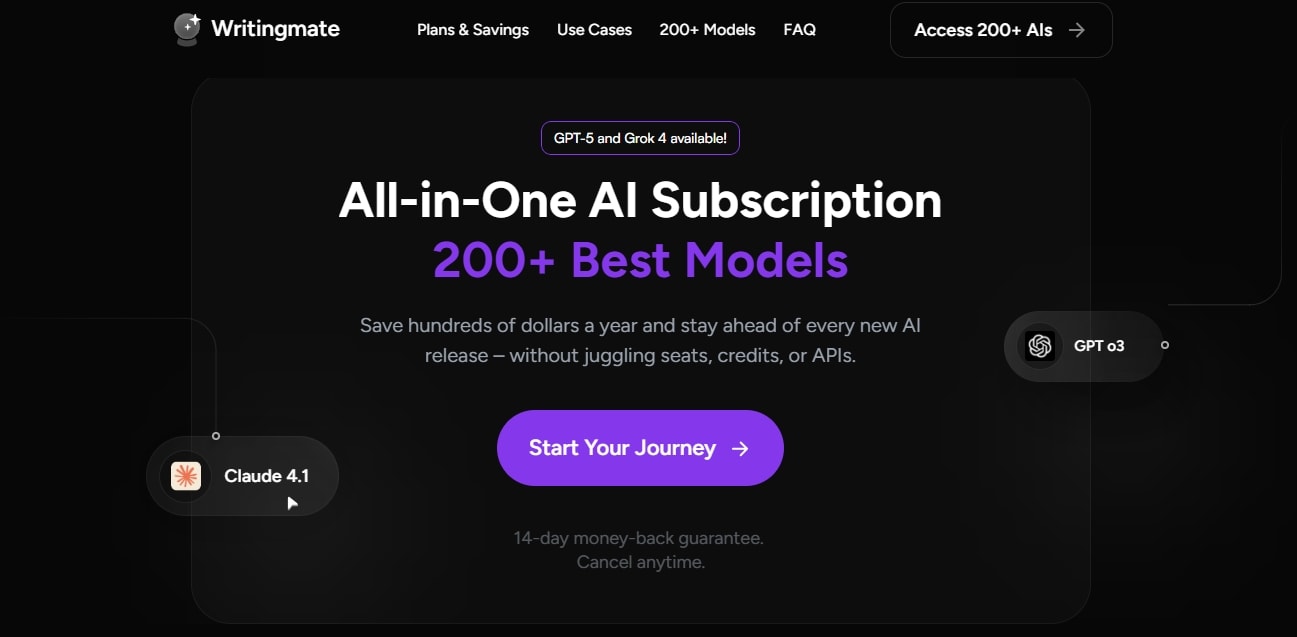
Struggling with conversions and ranking on search engines despite having dedicated landing pages? Presenting WritingMate.
It is an SEO-focused AI writing generator that can help you align your produced content with search engine algorithms. This software comes with a keyword discovery toolkit that helps you identify potential phrases and keywords for a higher success rate.
What I like most about its generative AI is the topic prioritization algorithms. This ranks the topics by difficulty, so you can make smart choices for upcoming campaigns.
Key Features
- An AI web search that gives you up-to-date information from the internet in real time.
- Chat with files that let you upload documents (PDF, Word files, Excel, etc) for queries, summaries, and analysis.
- An image generator that creates detailed and realistic images from simple text prompts.
- Support voice input, allowing you to dictate the prompts directly into the system.
Pros
- A collection of useful tools
- Offers data analysis
- Better content management
Cons
- Content can feel robotic
Pricing
- Premium Subscription: $14.99 per month, $9.99 per month (if paid annually).
- Professional Subscription: $29.99 per month, $19.99 per month (if paid annually).
- Ultimate Subscription: $59.99 per month, $39.99 per month (if paid annually).
Ideal for
Writingmate is developed for freelance writers, content marketers, and SEO agencies who publish content at volume and compete in crowded search engines.
12. TextCortex - Best AI Model for Multilingual Support

Catering to a wider audience means producing content in multiple languages at scale? And, TextCortex is just the right choice for that.
It’s an AI-powered writing platform designed to help you generate, repurpose, summarize, and translate content. That too, in over 25 languages. You can use it to generate outlines, social media captions, ads, and cold emails.
An added advantage - you are free to use TextCortex’s free tools, like the humanizer. It detects and fixes the AI-sounding phrases and words to appear more human and genuine.
Key Features
- A rewrite function that rephrases content and adds details as per your requirements.
- A built-in summarizer to condense lengthy content with key points extraction.
- Adaptable tone of voice that helps you change the tone of your writing, depending on its usage (casual, professional, formal).
- Translates any content in 25+ languages.
Pros
- Ready-to-edit content templates
- Error-free writing
- Intuitive interface
Cons
- Limited characters can be a downside.
Pricing
- A free plan with limited functions.
- Premium Subscription: $29.99 per month, $23.99 per month (if paid annually).
- Enterprise Subscription: Contact the sales team for a custom plan.
Ideal for
TextCortex is an affordable choice for content creators and marketers who need an AI-powered content solution in various languages.
Things that Matter When Choosing the Right AI Writing Generator
AI-powered writing assistance is not just about entering a prompt and getting your desired content. There’s more to it. And here are some things you must check before choosing a tool to streamline your marketing goals.
- Context Awareness: An AI-powered text generator with context awareness flows naturally. It sounds coherent, humane, and adapts to tone, especially content for marketing.
- Brand Voice Consistency: A platform that keeps its outputs consistent across the different formats of content is ideal. So, try the shortlisted ones and see how many of them maintain their tone across use cases.
- Content Quality: Mediocre content isn’t really worth it. Even if you have to pay some extra pennies, definitely invest in a tool that ensures quality and consistency.
- Cost: Some AI text generators come with free plans, while others do not. But you have to go beyond that. Compare the prices with the features. The pricier tools must justify the extra expense with additional features or benefits.
- Integration Capabilities: Nothing is worse than switching tools for individual tasks. So, your AI writing generator should have integration capabilities, especially with popular platforms.
- Scalability: Your AI writing tools should offer scalability, especially if you aspire to grow in the future. This will help you upgrade with the existing tool, rather than starting from scratch.
- Ease of Use: An interface that is easy to use and offers control must be a prerequisite. Ideally, the entire purpose of Artificial Intelligence systems is convenience.
- Customization: Always remember! The more options you have to change the tone, style, and language of the content, the better the output. And, if they have a centralized workspace for collaboration, definitely consider it.
FAQs
Is there a free AI text generator?
Of course, there are various free AI text generators, including ChatGPT and Rytr. You can use them for basic content creation - outline structuring, draft emails, video scripts, and social media captions.
Is ChatGPT the best AI for writing?
Not really. There are many better AI writing tools, such as Sintra.ai for brand-relevant content, Jasper for ads, and Anyword for fictional writing. So, it depends on your demands and the features of your considered tool.
What is the best AI text generator for accuracy?
Well, there is no one most accurate AI generator. That said, ones with better contextual awareness and memory can give you precision and relevancy. In terms of these capabilities, ChatGPT and Sintra.ai definitely stand out.
Final Thoughts!
The best AI text generators are an excellent way to streamline your content creation goals and launch successful marketing campaigns. However, you must not blindly choose an AI tool. Take a moment, create a checklist of your requirements, and then make a decision.
If you are still unsure, consider using Sintra.ai or Jasper. Both offer great customization and integration scope, helping you manage content effectively and produce content that aligns with your brand voice.
Related articles