Taskade Alternatives: We Ranked the Best 10 of 2026

.avif)
Table of Contents

Quick Answer: What Are the Best Taskade Alternatives?
The best Taskade alternatives for 2026 are Sintra AI, Notion, and ClickUp.
- Sintra AI: Best for autonomous execution; it uses AI agents to complete workflows instead of just listing tasks.
- Notion AI: Best for centralized wikis; ideal for teams that prioritize long-form documentation over rigid task lists.
- ClickUp: Best for complex scaling; offers the most granular hierarchy for large teams managing hundreds of sub-tasks.
Taskade has an irresistible charm. With its clean interface, fast setup, and just enough structure, it has the potential to make your workflow easier, and it actually does. Until it doesn't. The real cracks start showing when you start a large-scale project.
Many users find that Taskade's unstructured nature makes it difficult to manage complex projects effectively. What begins as flexibility quickly turns into clutter. What was once an organized workspace quickly turns into a pile of nested tasks. This is where users turn to find Taskade alternatives.
Developers spend 40%+ of their time on repetitive tasks that could be automated with better tools. Users find that their project management needs evolve beyond the capabilities of basic tools like Taskade. They require clearer workflows, better collaboration, and tools that can actually handle project complexity.
Lucky for you, we tested 10 of the best Taskade alternatives so you don't have to. Each of these works better than Taskade, and some even offer AI employees for a seamless experience.
The right choice depends on whether you need a workspace for planning or execution. Besides the top 3, here are the top picks:
The 10 Best Taskade Alternatives Compared
Now that you’ve seen the quick list, let’s break down the best Taskade alternatives in detail. Users often compare task management applications based on their ability to handle complex project management needs, which is exactly what this comparison is built around.
We’ve evaluated these tools based on practical use cases, including team collaboration, project complexity, automation, and day-to-day usability. Each tool below is reviewed consistently across features, pricing, strengths, and limitations, along with how it compares directly to Taskade.
This is not just a feature list of the best apps; it is the one that should help you find the right fit based on how your team actually works. Let's get straight into it.
1. Sintra AI – Best for Teams That Want Work Done, Not Just Managed
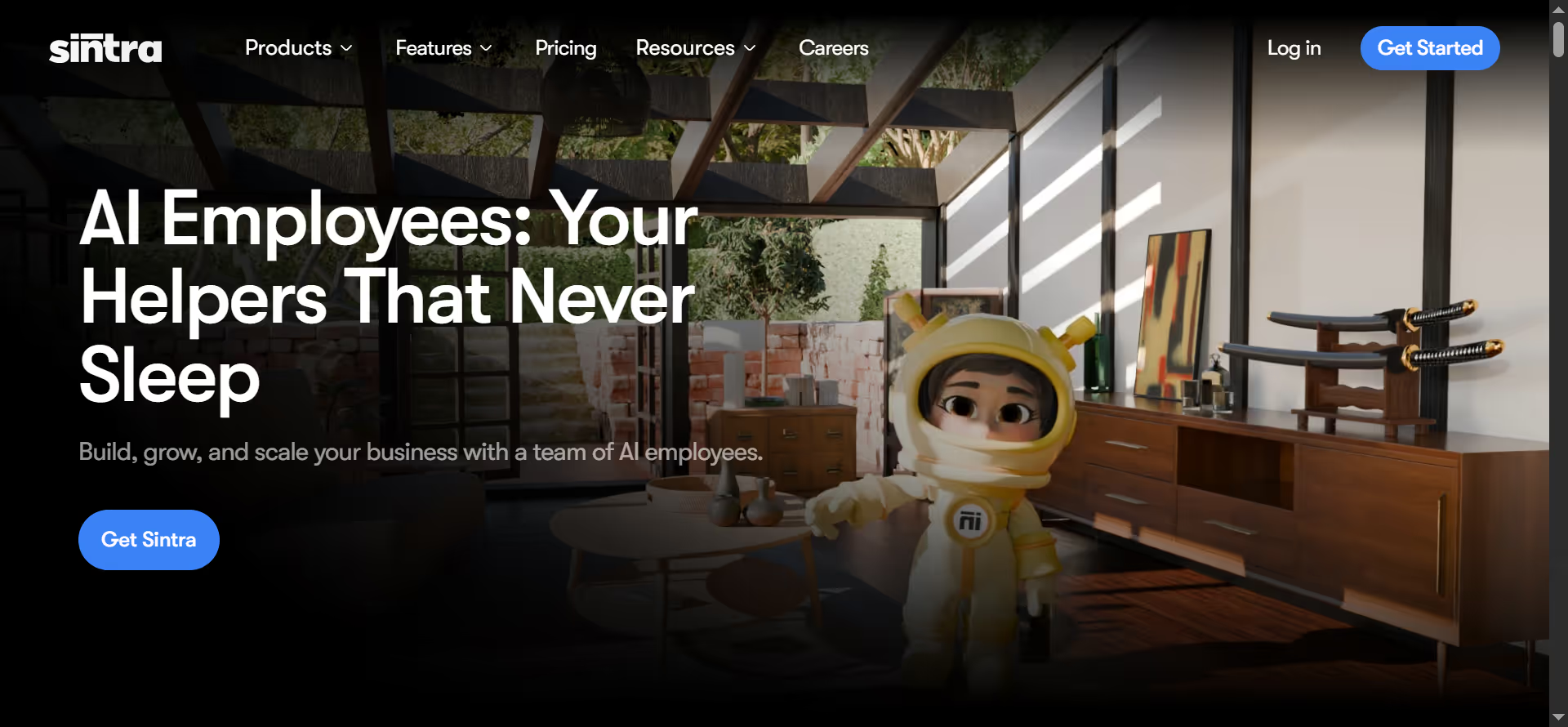
Sintra AI positions itself differently from most Taskade alternatives. Instead of focusing only on organizing tasks, it acts as an AI-powered workspace with multiple specialized assistants that help handle real business activities.
According to recent reviews, Sintra combines automation, content creation, and productivity tools into a single system designed to reduce manual workload across teams. It has an entire team that is dedicated to different aspects of a business. You can use Soshie for social media management, Penn for copywriting, Cassie for customer support, and more.
Another key distinction is that while Taskade focuses on structuring tasks, Sintra focuses on helping complete them. That shift from organization to execution is why it stands out among the rest for growing teams.
Key Features
- Role-based AI Assistants: Sintra includes 12+ AI helpers designed for specific functions like marketing, customer support, analytics, and operations.
- Shared Brain (memory system): Allows the AI employees to use business data and context to personalize outputs and maintain consistency.
- All-in-one workspace: Combines content creation, automation, and task assistance in a single interface.
- Multi-language support: Supports over 100 languages for global teams.
- Pre-built use cases: One-click workflows for tasks like email campaigns, SEO, and reporting.
Pricing
- Starts at around $39/month for a single AI helper
- Full suite (all helpers) costs about $97/month
Comparison to Taskade
Taskade is primarily a task and productivity tool. It helps teams organize ideas, lists, and workflows. And while that may be enough for many beginner-level teams with small projects, many users find that Taskade's unstructured nature makes it difficult to manage complex projects effectively.
Sintra AI takes a broader approach. Instead of just managing tasks, it helps automate and execute them through AI employees.
In short, Taskade organizes your tasks while Sintra AI assists you with those tasks through completion. This makes Sintra a better fit for teams that want to reduce manual work and automate parts of their workflow, rather than just track tasks.
2. Notion AI – Best for Documentation and Internal Knowledge
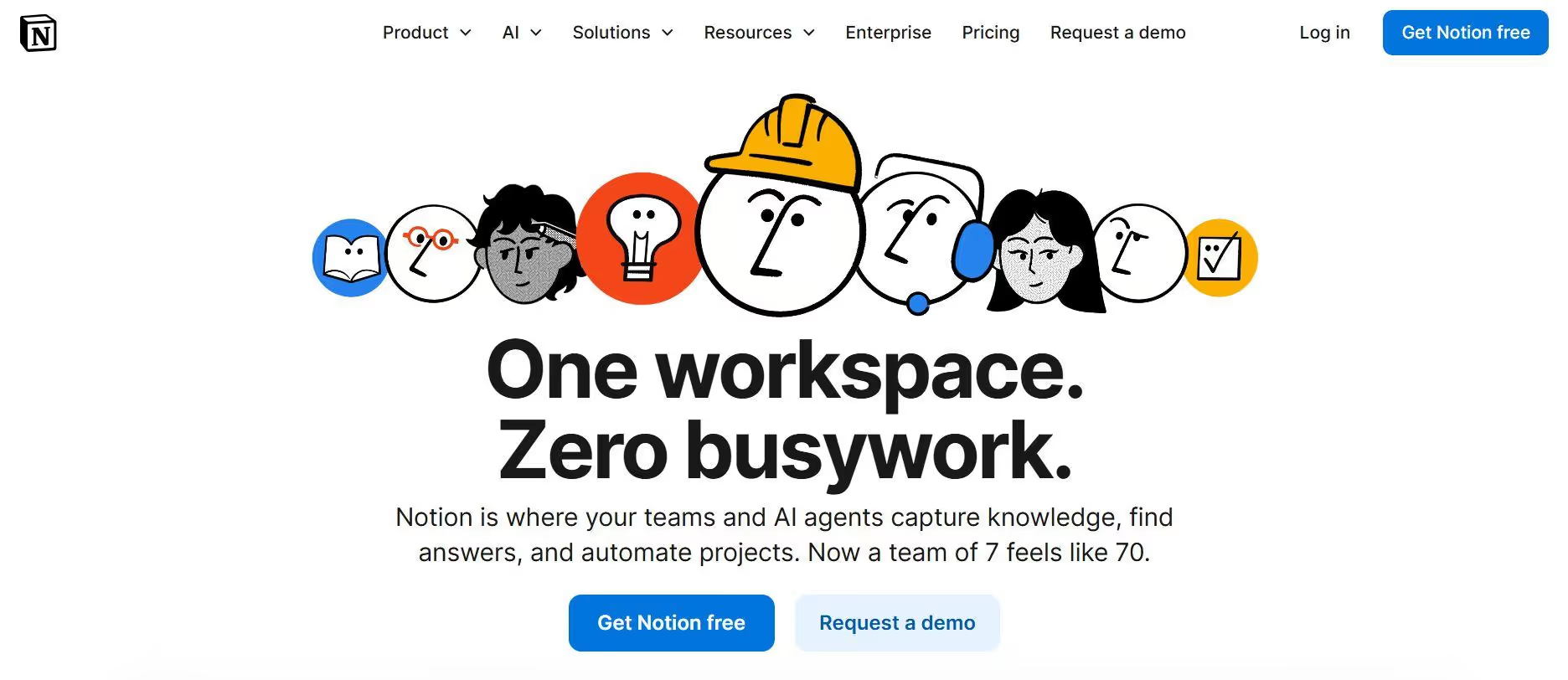
Notion AI is known for its core strengths: documentation and knowledge management. AI is embedded directly into pages, databases, and workflows, which makes it especially useful for teams that rely heavily on internal docs, SOPs, and shared knowledge.
Notion can answer questions across your workspace and pull relevant information instantly. This helps reduce the time spent searching through pages.
While it excels at organizing and generating content, Notion is still primarily a documentation-first system. Teams that need execution-first workflows or automation beyond writing and planning may find it limiting.
Key Features
- AI writing and editing: Generate drafts, summaries, translations, and content improvements directly inside documents.
- Connected databases: Structure tasks, projects, and knowledge using relational databases (Notion’s core strength).
- Workspace-wide Q&A: Ask questions and retrieve answers from across all pages and data.
- Collaboration tools: Real-time editing, comments, and shared workspaces for teams.
- All-in-one workspace: Combines notes, tasks, wikis, and lightweight project management in one system.
Pricing
- Free plan available with limited features
- Paid plans start at ~$10/user/month (Plus plan)
- Business plan at ~$18/user/month with advanced features
- AI typically costs ~$10/user/month as an add-on or is included in higher tiers
- Enterprise pricing is custom
Comparison to Taskade
Notion AI offers what Taskade lacks: a structured system through databases, docs, and linked workflows.
Notion gives teams more control over how information is organized and connected. Taskade is limited to task organization for smaller projects with limited automation. But when it comes to execution, both tools still rely heavily on manual input.
3. ClickUp – Best for All-in-One Project Management
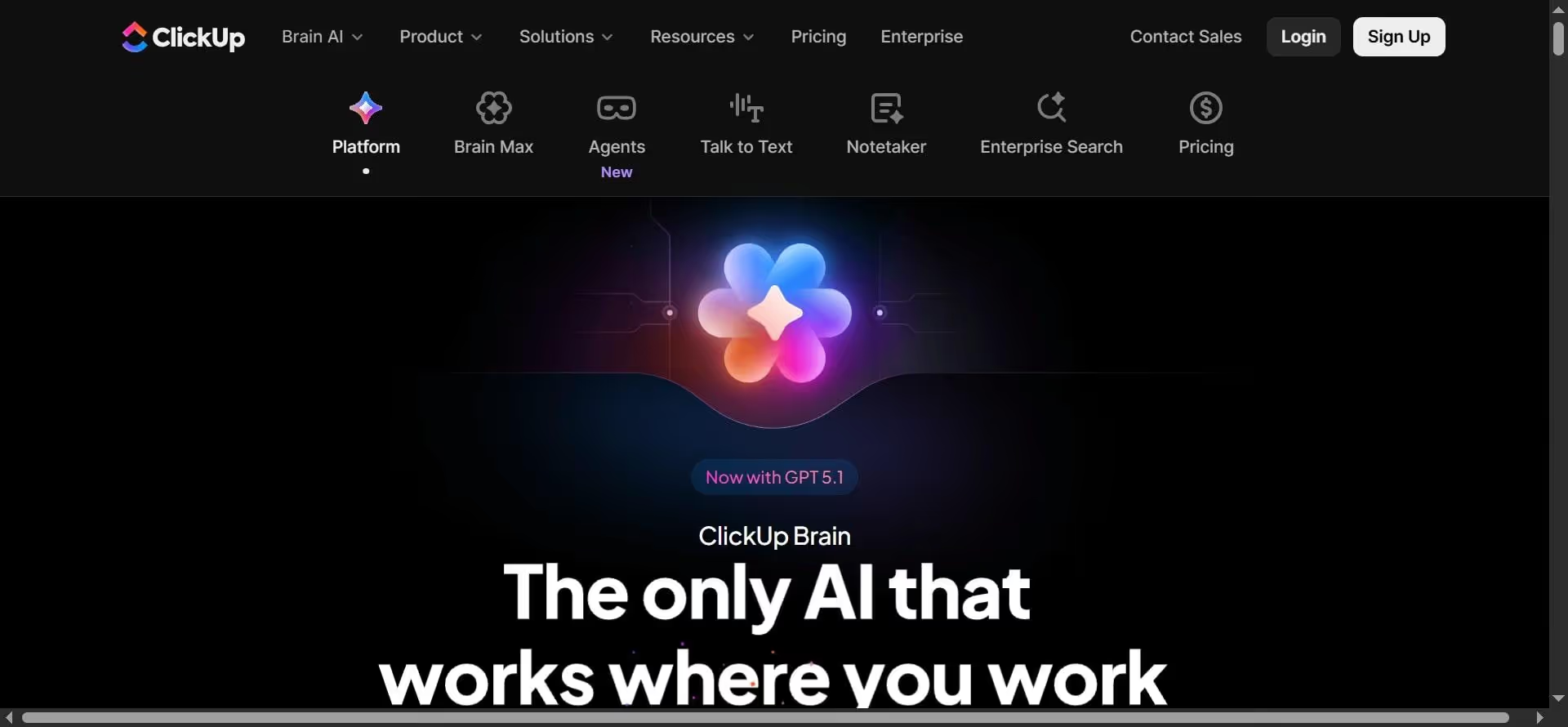
ClickUp is often described as the "everything app" for work, and that is not a tagline for marketing purposes. It combines tasks, docs, dashboards, goals, and automation into a single platform. It reportedly serves over 10 million users and is positioned as a tool that can replace several productivity apps in one system.
This makes ClickUp one of the most powerful alternatives to Taskade for teams managing complex projects. It is widely recognized as a feature-rich app, but it comes with a steep learning curve for new users. The same depth that makes ClickUp powerful also makes it harder to learn.
Let's take a look at its features for your better understanding:
Key Features
- Tasks and multiple views: Manage work using list, board, calendar, Gantt, timeline, and more. ClickUp offers 15+ different views for managing projects.
- Docs and knowledge management: Built-in document editor for notes, SOPs, and collaboration.
- Dashboards and reporting: Track progress, workloads, and performance with customizable dashboards.
- Automation: Automate repetitive workflows without needing advanced technical skills.
- All-in-one system: Combines tasks, docs, goals, time tracking, and whiteboards in one platform.
Pricing
- Free plan available with core features and limited storage
- Unlimited plan starts at ~$7/user/month (annual billing)
- Business plan at ~$12/user/month with advanced features and automation
- Enterprise plan with custom pricing for large teams
Comparison to Taskade
Taskade is designed for flexibility and speed. It works really well for small teams and individuals since it offers a limited set of project views without advanced planning tools.
ClickUp, on the other hand, is built for structured, large-scale project execution. It supports 15+ project views, including charts, timelines, and workload planning with task dependencies and goal tracking.
Taskade keeps getting difficult to navigate as the tasks pile up. ClickUp introduces a hierarchy that helps teams remain organized even when things get seriously complex.
In short, Taskade is enough for lightweight tasks, but for deadlines, dependencies, multiple teams, or detailed workflows, ClickUp is a better option.
4. Monday.com – Best for Visual Workflow Management
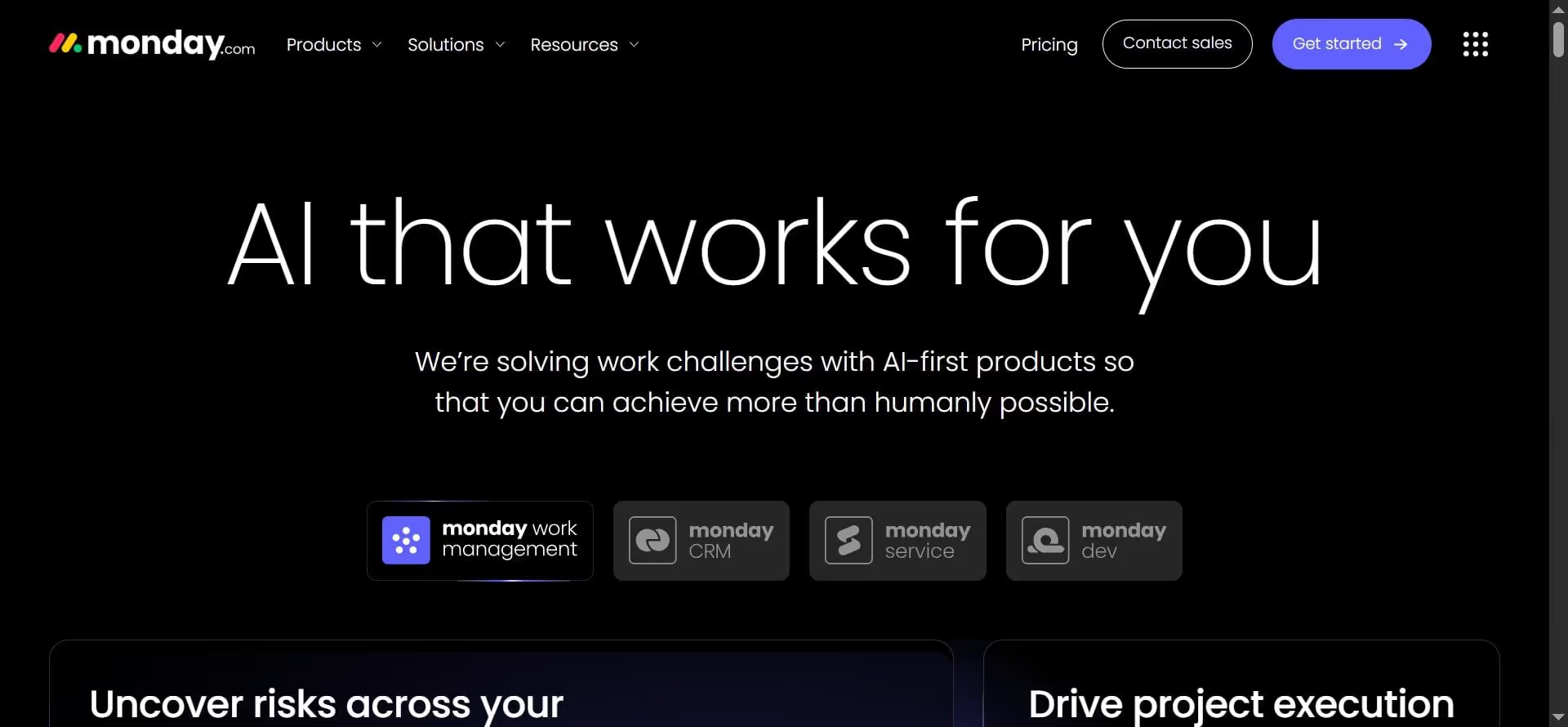
Monday.com takes a slightly different approach than most taskade alternatives. It is built around the core idea of making things visible to you rather than making nested tasks. It uses visual boards, timelines, and dashboards to show exactly what's happening across a project at any moment.
This makes it one of the most popular task management platforms among marketing teams. They use it to track campaigns, HR teams manage hiring pipelines, and product teams plan releases.
Monday.com is widely recognized as one of the most user-friendly project management tools with an intuitive, visual interface, making it ideal for teams that need clarity.
Key Features
- Visual boards and multiple views: Kanban, timeline, calendar, Gantt, and table views for different workflows.
- Automation: Automate repetitive tasks like status updates, notifications, and task assignments.
- Dashboards and reporting: Track project progress, team workload, and performance in real time.
- Integrations: Connect with tools like Slack, Zoom, Salesforce, and more.
- Templates: 200+ pre-built templates for different industries and workflows.
Pricing
- Free plan available (limited to 2 users and basic features)
- Basic plan starts at ~$9/user/month (annual billing)
- Standard plan (~$12/user/month) adds timeline, calendar, and automation
- Pro plan (~$19/user/month) includes advanced automation and reporting
- Enterprise plan with custom pricing for large teams
Comparison to Taskade
You can easily point out the key differences between Monday.com and Taskade by how they both visualize work.
Taskade focuses on lists and nested structures. Monday.com moves every project inside a board with columns, statuses, owners, and timelines. You don't just see tasks, you see progress, bottlenecks, and priorities in real time.
Another major difference is customization. Monday allows teams to build workflows that match how they actually operate. Taskade, by comparison, is more limited in how workflows can be structured.
That being said, Monday's features make it a bit costly compared to Taskade. Its setup is also more complex and time-consuming. But it still makes a better choice for teams that need clarity across multiple moving parts.
5. Asana – Best for Structured Team Collaboration
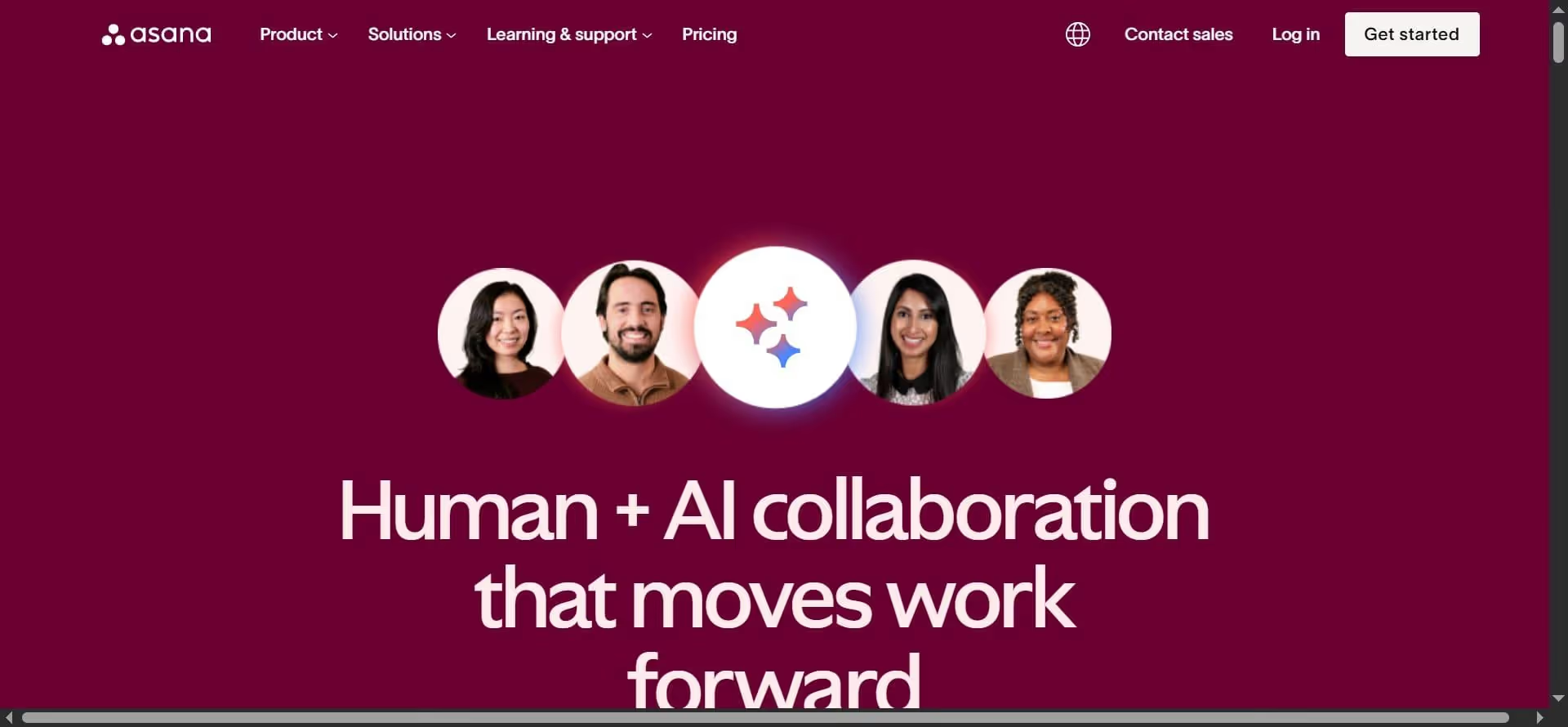
Unlike flexible tools like Taskade that prioritize speed, Asana focuses on defining who is doing what, by when, and how it connects to larger goals. It is used by over 100,000 organizations globally to manage projects and team workflows, highlighting its strong adoption in structured environments.
Asana is one of the best platforms for teams managing ongoing projects, cross-functional collaboration, or deadline-driven work. Other use cases include marketing campaign planning, product launches, and operational workflows where multiple parties need visibility and coordination.
Key Features
- Task management with ownership: Assign tasks, set deadlines, add dependencies, and track progress.
- Timeline and workload view: Visualize project timelines and balance team capacity.
- Goals and reporting: Connect daily tasks to company-level objectives and track outcomes.
- Multiple project views: List, board, calendar, and timeline views for flexibility.
- Collaboration tools: Comments, file sharing, and real-time updates within tasks.
Pricing
- Free plan available for individuals and small teams
- Starter plan starts at ~$10.99/user/month (annual billing)
- Advanced plan at ~$24.99/user/month with timelines, goals, and reporting
- Enterprise plans available with custom pricing
Comparison to Taskade
Taskade is flexible and fast. But this flexibility compromises clarity and structure. Asana fills this gap by enforcing structure. Every task has an owner, a due date, and a clear place within a project.
Teams can map dependencies, track timelines, and connect work to goals. This makes it far more reliable for managing complex workflows. However, that structure can feel rigid for smaller or less formal teams.
If your work involves multiple people, deadlines, and dependencies, Asana is the safer long-term choice compared to the more relaxed Taskade.
6. Trello – Best for Simple Kanban Workflow
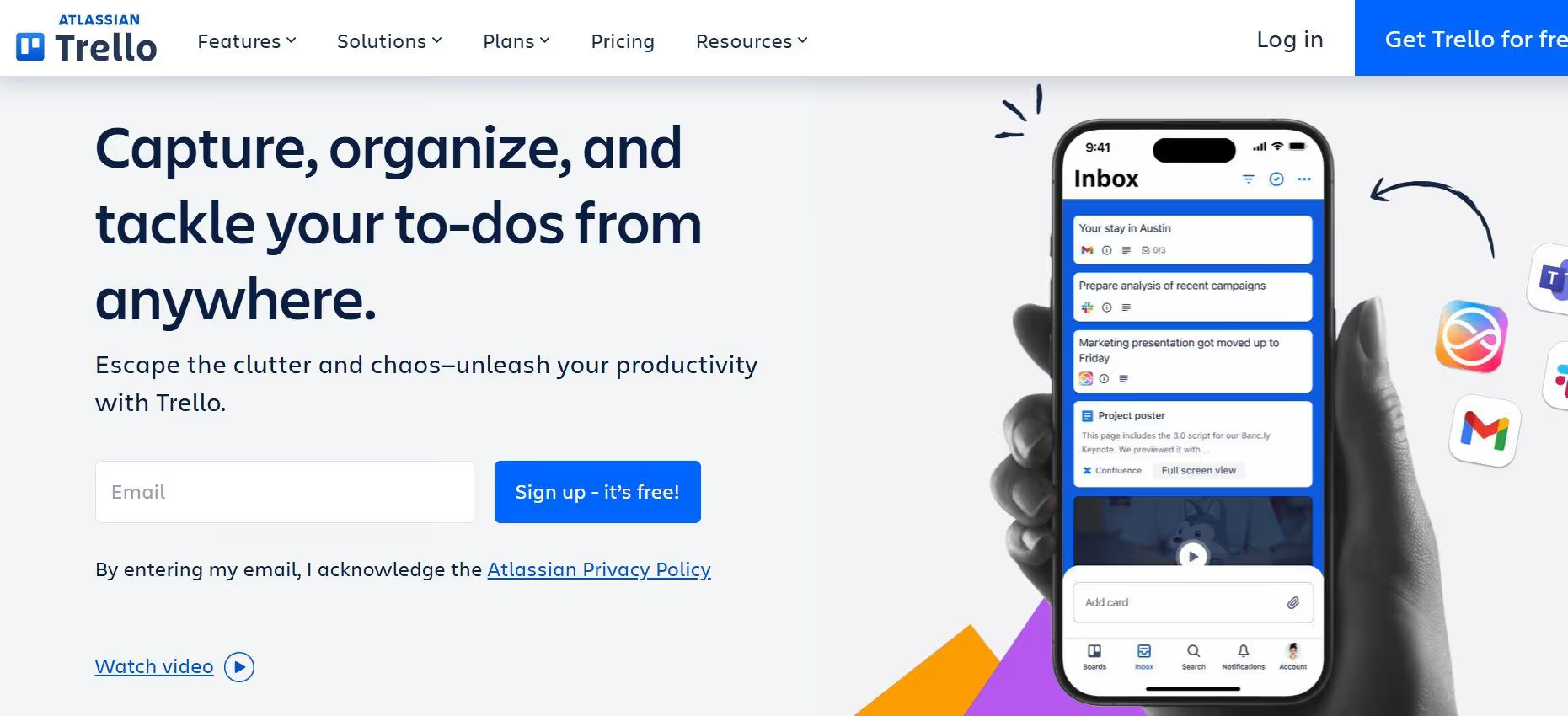
Trello is one of the simplest project management tools on the market. It’s built around Kanban boards, where tasks are organized as cards that move across columns like “To Do,” “In Progress,” and “Done.”
This simplicity is exactly why it remains popular. Trello has over 50 million registered users and is widely adopted for its ease of use and visual approach to task management. It works great for small teams and individuals. But as workflows grow more complex, Trello starts to show its limits.
Key Features
- Kanban boards and cards: Visual task tracking using drag-and-drop boards.
- Lists and workflows: Organize tasks into stages like backlog, in progress, and completed.
- Power-Ups (integrations): Add features like calendars, automation, and third-party tools.
- Automation (Butler): Automate repetitive actions like moving cards or assigning tasks.
- Collaboration: Comments, mentions, attachments, and team visibility.
Pricing
- Free plan available with core features
- Standard plan starts at ~$5/user/month (annual billing)
- Premium plan at ~$10/user/month with advanced views (timeline, calendar)
- Enterprise plan starts at ~$17.50/user/month, depending on team size
Comparison to Taskade
At a glance, Trello and Taskade may seem similar. Both are simple, flexible tools designed for quick task management. But the difference lies in the way they both structure your work.
Taskade uses nests and notes, while Trello uses visual elements like Kanban boards and cards to track your progress. You get more flexibility with Taskade for writing, outlining, and combining tasks with content. However, with Trello, you get more visibility and clarity.
With Trello, you don't have to dig through nests to understand what's happening. Taskade can especially feel more cluttered as tasks grow due to its structure.
7. Motion - Best for AI-Powered Scheduling and Time Management
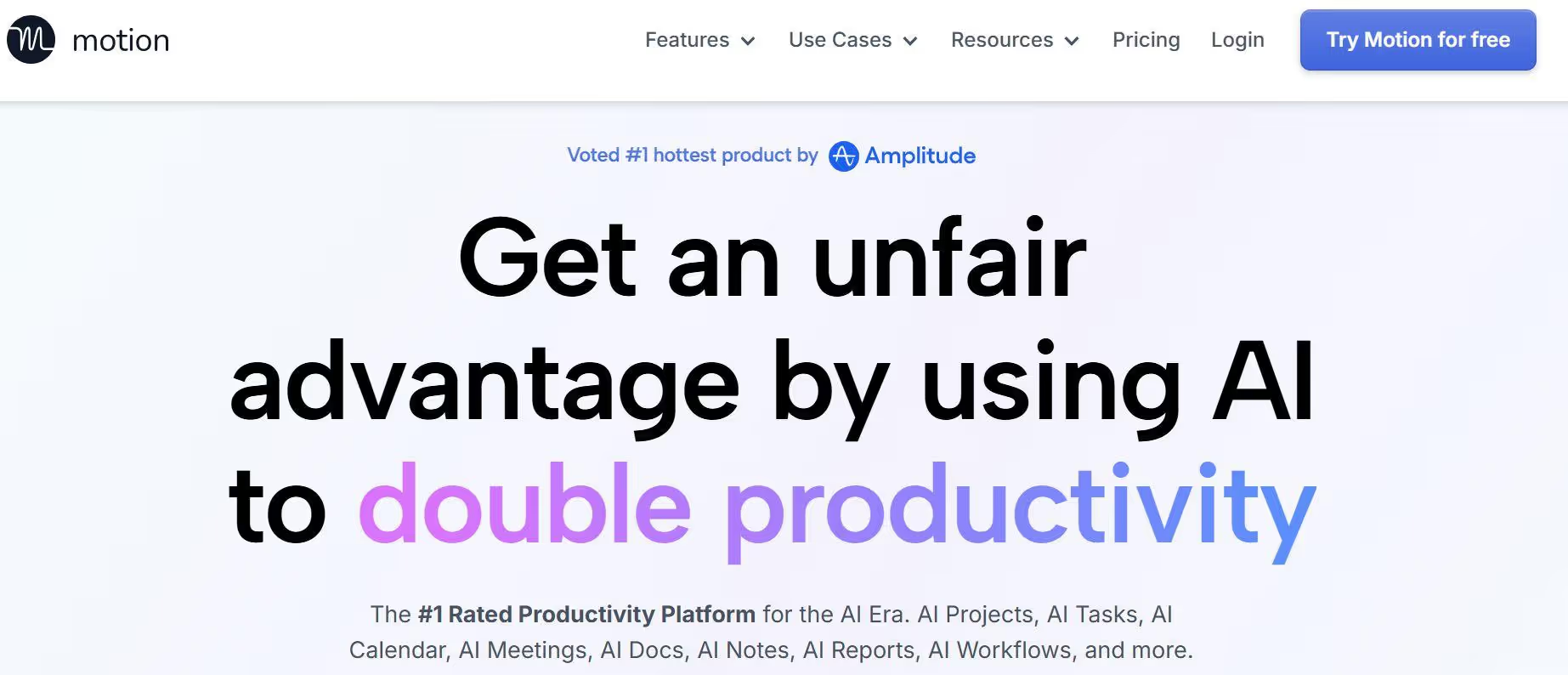
Motions jumps one stop more compared to traditional task management apps. Instead of just helping you list and organize tasks, it focuses on automatically scheduling your work into your calendar.
It acts like an AI planner. You add tasks, deadlines, and priorities, and Motion builds a daily schedule for you. It uses AI to automatically plan tasks, meetings, and projects into your calendar based on priority and deadlines, reducing the need for manual planning.
This makes it especially useful for individuals and small teams who struggle with time management, context switching, or overloading their schedules.
Key Features
- AI-powered scheduling: Automatically plans your day by placing tasks into available calendar slots.
- Dynamic rescheduling: Adjusts your schedule in real time when priorities or deadlines change.
- Task and calendar integration: Combines to-do lists with your calendar in one system.
- Meeting management: Schedules meetings intelligently based on availability.
- Focus optimization: Prioritizes deep work by organizing tasks around your productivity patterns.
Pricing
- No free plan available
- Individual plan starts at ~$19/month (annual billing)
- Team plan starts at ~$12/user/month (billed annually, with minimum users)
Comparison to Taskade
Motion and Taskade solve two completely different problems, even though both fall under productivity tools.
Taskade helps you organize tasks and ideas. But it leaves the execution to you. You still have to decide when to do the work and what to prioritize. Motion removes this layer of decision-making and turns your task list into a real schedule.
Motion uses AI to plan your day without your manual input. However, it is much less flexible when it comes to collaboration, documentation, or complex project management.
8. Coda - Best for Customizable Doc-Based Workflows
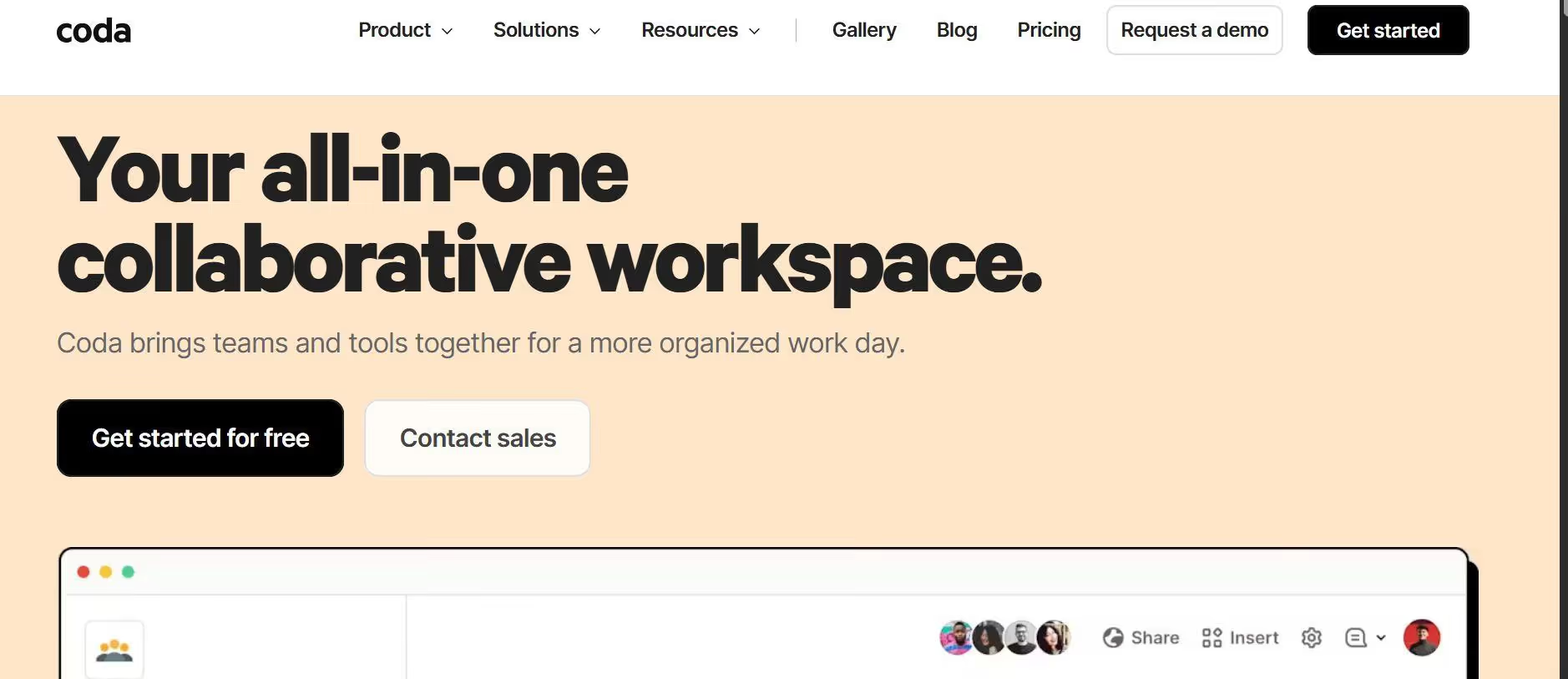
Coda looks like a doc at first, but underneath, it works like a database-powered workspace where you can build workflows, trackers, and even lightweight apps. That flexibility is what makes it a strong Taskade alternative.
It combines documents, spreadsheets, and applications into a single platform, allowing teams to build fully customized workflows in one place. Instead of forcing you into a fixed structure, Coda lets you design your own system; whether that’s a content calendar, CRM, product roadmap, or internal dashboard.
Key Features
- Docs with database power: Combine text, tables, and interactive elements in one workspace.
- Custom workflows: Build systems like CRMs, trackers, and project boards from scratch.
- Automation: Automate workflows, notifications, and update docs.
- Integrations (Packs): Connect with tools like Slack, Google Calendar, Jira, and more.
- Collaboration: Real-time editing, comments, and team sharing
- AI features: Generate content, summarize data, and automate repetitive writing tasks.
Pricing
- Free plan available with core features
- Pro plan starts at ~$10/user/month (Doc Makers)
- Team plan at ~$30/user/month with advanced controls and automation
- Enterprise plan with custom pricing
Comparison to Taskade
At first glance, Taskade and Coda seem similar as they both combine docs and tasks. But the way they scale is very different.
Taskade offers speed and flexibility, while Coda offers customization. You don't just manage tasks with it, you build systems based on your preferences. For example, you can create a project tracker that connects tasks, timelines, budgets, and team ownership all in one place
This makes Coda a hard choice for beginners and individuals since it requires a steep learning curve and more setup. But compared to Taskade, it is a better option for teams that want a deeper level of structure.
9. TickTick - Best for Productivity and Habit Tracking
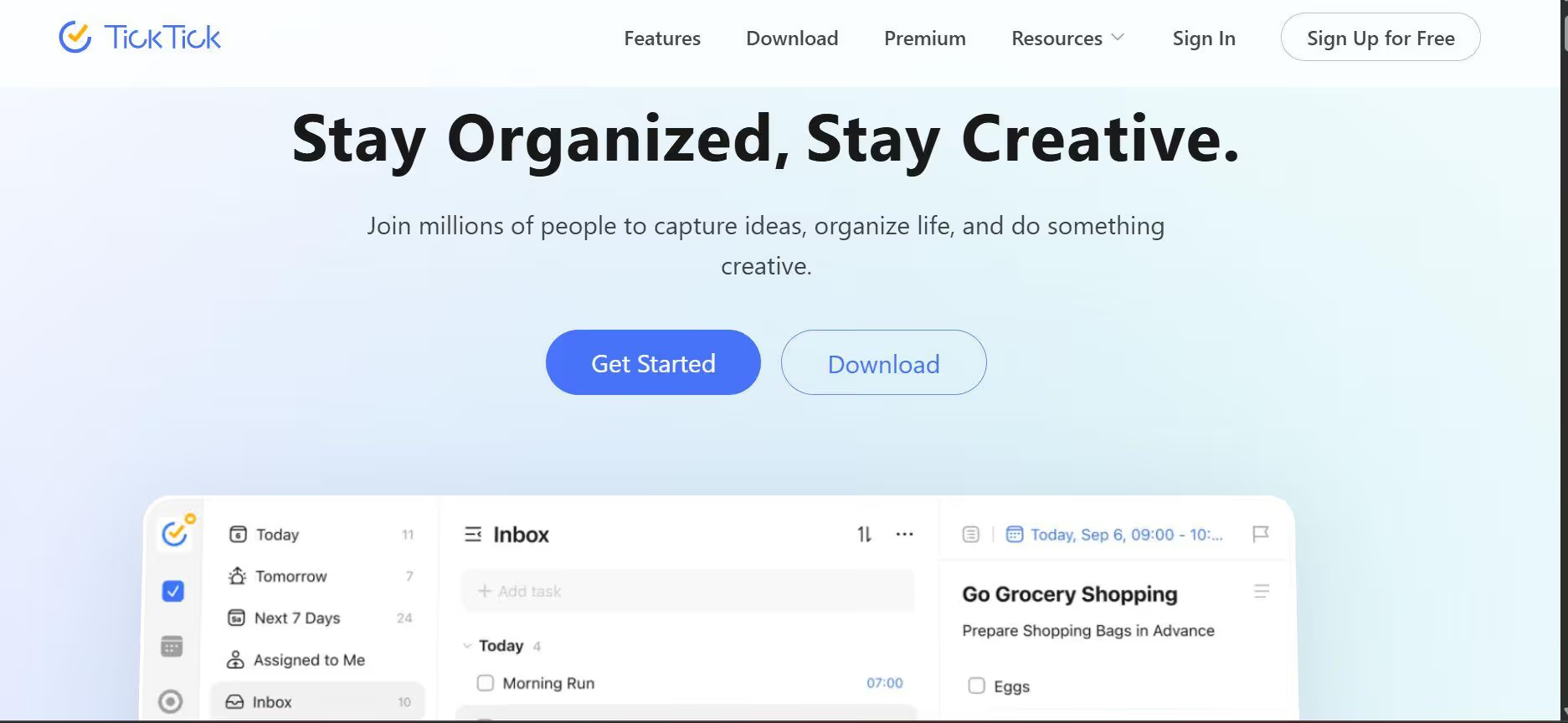
TickTick is designed for individuals who want to track their daily progress and habits. It integrates task management with calendar scheduling and habit tracking, which makes it popular among individual users and small teams.
Like Taskade, TickTick focuses on simplicity, speed, and daily usability rather than complex team workflows. This makes it a strong choice for freelancers, students, or solo operators, but less suitable for larger teams or advanced project management needs.
Key Features
- Task management with priorities: Create tasks, set deadlines, reminders, and priority levels.
- Calendar integration: View tasks alongside your schedule in a unified calendar.
- Habit tracking: Track recurring habits and routines from the same app.
- Smart lists and filters: Automatically organize tasks based on tags, dates, and priorities.
- Cross-platform sync: Available on mobile, desktop, and web with real-time syncing.
- Pomodoro timer: Built-in focus timer to improve productivity.
Pricing
- Free plan available with core features
- Premium plan starts at ~$2.99/month (billed annually)
Comparison to Taskade
Taskade and TickTick serve different types of users, even though both are productivity tools.
Taskade is built for team collaborations. It can feel unstructured and less focused for personal productivity. TickTick is the opposite, as it is specifically built for small teams and individuals who want a clean, distraction-free system to manage their day.
TickTick offers features like habit tracking and focus timers, which Taskade lacks.
10. Lindy AI - Best for Autonomous AI Agents and Workflow Automation
Lindy AI is built around a very different concept compared to most taskade alternatives. Instead of organizing tasks or projects, it focuses on creating AI agents that can actually perform tasks across tools like email, CRM systems, and internal workflows.
Think of it as a digital operator instead of a task manager. It enables users to build AI agents that can automate tasks across email, calls, and business tools, making it more execution-focused than traditional productivity platforms.
This makes it especially useful for teams exploring automation and AI-driven operations, but less suitable for basic task tracking or simple project management.
Key Features:
- AI agents for task execution: Create agents that can perform actions like replying to emails or handling workflows.
- Workflow automation: Automate multi-step processes across different tools and systems.
- Integrations: Connect with tools like email, CRMs, and other business platforms.
- Event-based triggers: Run workflows automatically based on actions or conditions
- Multi-channel support: Handle tasks across email, chat, and other communication channels.
Pricing
- Free plan available with limited usage
- Paid plans start at ~$49/month (varies based on usage and features)
Comparison to Taskade
Lindy AI lets you take control of your tasks by creating AI agents for you. It not only organizes your project, but it also sees everything through completion. Taskade stops at organization and planning.
For example, instead of assigning someone to reply to emails or update a system, you can create an agent that handles it automatically. However, this comes with a tradeoff. Lindy AI is not designed for visibility, planning, or team collaboration. It is also more technical to set up compared to Taskade.
How We Evaluated These Taskade Alternatives?
All productivity tools might look the same, but they are not designed for the same type of work. Some focus on simple task tracking, others on structured management, and a few go further into AI-driven execution.
To keep this list practical and trustworthy, we evaluated each tool based on how it performs in real workflows. Here's the criteria we followed:
- Usability: How easy the tool is to set up and use daily. We prioritized platforms that reduce friction and don’t require constant configuration to stay functional.
- Scalability: How well the tool performs as projects grow. This includes handling larger workflows, multiple collaborators, and long-term usage without becoming cluttered or difficult to manage.
- AI capabilities and automation: How effectively the tool uses AI in real scenarios. This includes content generation, scheduling, automation, and whether it actually reduces manual work.
- Real-world outcomes: How the tool performs in practical use cases like managing campaigns, coordinating teams, and automating repetitive tasks. This is based on product documentation, feature validation, and user-reported experiences—not just marketing claims.
Our goal was to highlight tools that genuinely improve how you get work done, not just a feature list to confuse you even more.
Who Should Consider Using a Taskade Alternative?
Not every team outgrows Taskade at the same pace. For some, it works perfectly for simple task tracking and quick collaboration. But as workflows evolve and get more complex, cracks start to surface.
This is usually when teams begin exploring Taskade alternatives. The shift doesn't happen randomly. It's driven by specific needs like better structure, clearer visibility, stronger collaboration, or automation that goes beyond basic task management. The productivity gains from the right tools are measurable - in a 6-month Microsoft study with 3,000 workers, Copilot users read 11% fewer emails and edited 10% more documents, and 73% said it helped them complete tasks faster.
Let's take a look at the exact scenarios where switching makes more sense than staying loyal to your current platform.
Teams That Need More Than Task Organization
Taskade is great for organizing tasks, but that's where it stops. Many teams need help with execution, not just planning.
An alternative to Taskade is necessary for teams running marketing campaigns, customer support, or operations that deal with repetitive, action-heavy work. Writing content, responding to users, and managing workflows requires more than a task list.
Marketing and Content Teams Focused on Output
Marketing teams don’t just plan content; they produce it daily. Social posts, captions, blogs, emails, and campaigns all require consistent output.
Taskade doesn't offer much support for creating content. This is one of the many reasons teams look for the best Taskade alternatives that can assist with writing, generating ideas, and speeding up production.
Operations Teams Managing Complex Workflows
The operations department deals with entire systems. They manage processes that span multiple tools, people, and steps.
Taskade doesn't offer integrations with your existing CRMs and tools. It would show flaws if forced to do multi-step workflows. This becomes a bottleneck as operations scale. That is why it would be wise for the ops team to opt for an alternative to Taskade that helps them run workflows without constant manual input.
Businesses Looking for AI-Driven Execution
In 2026, businesses are moving from task management to task execution. Taskade may organize your tasks, but if it cannot help you execute your workflows faster, it needs to be replaced.
Taskade includes basic AI features, but it still relies on users to execute tasks. That's a limitation for teams looking to automate real workflows. AI-driven tools like Sintra AI stand out in this regard. They can generate content, handle responses, and run workflows across the system.
Why Task-Based Tools Fall Short as Teams Scale?
Companies are increasing tech spend by ~8% annually, but productivity is growing only ~2%, showing a clear efficiency gap. Task-based tools work well in the early stages. They help individuals and small teams organize work, track to-dos, and stay on top of simple workflows. But as teams grow, that simplicity starts to break down.
As complexity increases, the gap becomes clearer. Hence, the need for modern tools arises that focus on automation, integration, and execution from start to finish.
Let's take a look at the reason why task-based tools are not enough for your scaling business:
Tasks Don’t Equal Outcomes
The biggest gap in traditional task management tools is that getting tasks done does not always mean getting work done. Some tasks just don't contribute to the end results but consume time and resources.
Take a marketing campaign. You can mark tasks like “write post” or “schedule content” as complete, but that doesn’t guarantee performance, consistency, or results. Similarly, there is a difference between closing tickets and resolving issues when it comes to customer support.
As teams scale, this gap becomes more obvious. Progress isn’t about how many tasks are completed. It’s about what actually gets delivered.
Lack of Context and Continuity
Most task-based tools are not designed to remember context and store past conversations. They know what needs to be done, but they are bad at remembering what already happened and why things were done a certain way.
This gap causes teams to lose continuity. A designer finishes a task, but someone else who picks a related task later gets confused because they can't find the context. Similarly, a writer updates a blog but doesn't see the reasoning behind the last SEO shift.
All this affects the quality of results, and teams spend hours repeating stuff that should be obvious. This is why AI-driven workflow automation is needed for seamless continuation and efficient teamwork.
Work Gets Fragmented Across Tools
A single workflow is usually spread across multiple platforms, from team productivity tools to chat apps, design software, spreadsheets, and documentation systems.
Each tool may serve a different purpose, but if they cannot work together in unison, they are as good as nothing. Your workflow should not be fragmented across platforms and tools, as it leads to duplicates and a higher chance of errors.
As a result, workflows get affected since silos hit bottlenecks all the time. Teams do not necessarily need multiple tools; they need a few that speak to each other seamlessly and get the work done in one place.
Manual Coordination Breaks at Scale
Manual coordination works fine in small teams. But as they scale up, it gets hard to keep in sync with everyone.
This causes bottlenecks as information moves more slowly, and progress starts depending on how fast a message gets through. At the same time, tasks keep multiplying, and dependencies increase. Even a small delay in communication starts affecting multiple parts of a workflow.
This is where things get fragile. As the workload increases, coordination stops being a supporting function and becomes the main workload itself. This is one of the biggest reasons teams start looking for an alternative to Taskade.
What Makes Sintra AI a Stronger Alternative to Taskade?
Most productivity tools stop at organizing tasks. The best Taskade alternatives, like Sintra AI, shift the focus away from task tracking and toward outcome-driven execution. Instead of helping teams organize fragmented work, it aims to coordinate the work itself through AI-powered systems.
Let's take a look at why Sintra AI is considered one of the strongest alternatives to Taskade and why you should invest in it.
From Task Tracking to Real Work Execution
Instead of stopping at task tracking, Sintra AI focuses on the actual execution of work. It completes the task instead of just organizing it. And it does it all without much manual input from you.
For example, instead of creating a task for writing a blog. Sintra's specialized AI helper can write the blog, refine it, and align it with the campaign goal in one flow. In support workflows, instead of assigning tickets across multiple people, responses can be drafted, contextualized, and resolved faster with AI-assisted execution.
This reduces the gap between intention and output. Work doesn't get stuck in planning layers or endless task updates.
Built Around Specialized AI Helpers, Not One Generic Tool
Sintra AI takes a different approach by using role-based AI helpers designed for specific functions. Instead of one generic workflow engine, it has focused helpers for areas like marketing, support, and operations. Each one understands the context, patterns, and expectations of that specific type of work.
A marketing-focused helper, Soshie, can think in terms of campaigns, messaging, and audience intent, while a support-focused helper, Cassie, can prioritize clarity, tone, and resolution speed. Together, they work seamlessly with minimum friction.
Shared Memory That Keeps Work Consistent
One of Sintra AI's most unique features is its shared memory called Brain AI. Instead of repeating instructions, brand guidelines, or workflow preferences every time, teams can rely on a system that remembers how work is supposed to be done. This includes tone of voice, past decisions, ongoing project context, and even execution patterns that have already proven effective.
Brain AI ensures continuity in action, keeping every piece of work connected instead of starting from zero each time. All the AI helpers can communicate with each other without you having to repeat the instructions.
For teams comparing modern Taskade alternatives, this shift is what turns execution from a fragmented effort into a consistent system of work.
Designed for Teams, Not Just Individuals
Sintra AI is a team productivity tool. It uses an entire AI team to manage and execute the workflow. It is designed for coordinated team execution across functions like marketing, sales, and support from the ground up. Instead of each department working in its own isolated space, teams operate within a shared system where context, priorities, and outputs stay aligned.
A marketing team can create campaign direction while the content helper generates execution-ready assets. At the same time, the sales side can align messaging based on the same context, ensuring consistency across customer touchpoints. Then, support teams can respond using the same shared understanding.
The result is faster alignment and cleaner execution. That's what makes Sintra AI more than just another productivity tool.
Connected Workflows Through Integrations
Most tools rely heavily on workflow automation, but the reality is that automation alone doesn’t fix fragmentation if systems are still disconnected.
Sintra AI focuses on connecting workflows instead of scattering them. Through integrations, it brings different parts of work into a single coordinated system, reducing the need to constantly jump between tools. It offers seamless AI integrations with your existing CRMs and tools that you already use.
This kind of connected setup becomes even more important as teams grow. The result is a smoother, more scalable workflow where teams spend less time managing tools and more time actually executing work.
Stop Managing Tasks. Start Getting Work Done
If your workflow still depends on constantly updating tasks, chasing context, and managing coordination, you are not moving fast; you are just staying busy. Real progress doesn’t come from better task tracking; it comes from execution that actually finishes work.
This is where the shift matters. Instead of relying on another alternative to Taskade that only improves task organization, it’s time to move toward a system built for outcomes, not upkeep. Sintra AI removes the friction between planning and doing, so work stops circulating and starts being completed.
Stop spending energy managing work that should already be done. Start operating in a system where execution is the default, not the exception. Get ready with Sintra AI.
Taskade Alternatives FAQs
What is the best Taskade alternative in 2026?
The best option depends on needs, but AI-first platforms like Sintra AI are strong choices because they focus on execution, not just task tracking.
Are there free Taskade alternatives available?
Yes, several tools offer free plans, but most limit automation and collaboration depth.
Can AI tools replace task management software?
Yes, AI tools can go beyond task management by handling execution, coordination, and context automatically.
How does Sintra AI compare to Taskade?
Sintra AI shifts from task organization to outcome-driven work with AI-powered execution and shared memory.
What should I look for in a Taskade alternative?
Look for automation, context retention, team collaboration, and real execution support, not just task lists.
Related articles