




Salesforce AI Agent: Pipeline Reads and Outreach Drafts in One Chat
Pipeline lookups from chat by stage, owner, or account
Milli drafts outreach in your sales voice from Brain AI
Stage and activity summaries pulled on request
Trusted by over 50,000+ business owners and founders





How Milli works with Salesforce
She reads your pipeline, drafts the message, and writes back what she found. The CRM stays the source of truth.
Connect Salesforce to Milli
Open Milli in Sintra and pick Salesforce from her integration list. Sign in with the Salesforce account that has access to the org you want her covering.

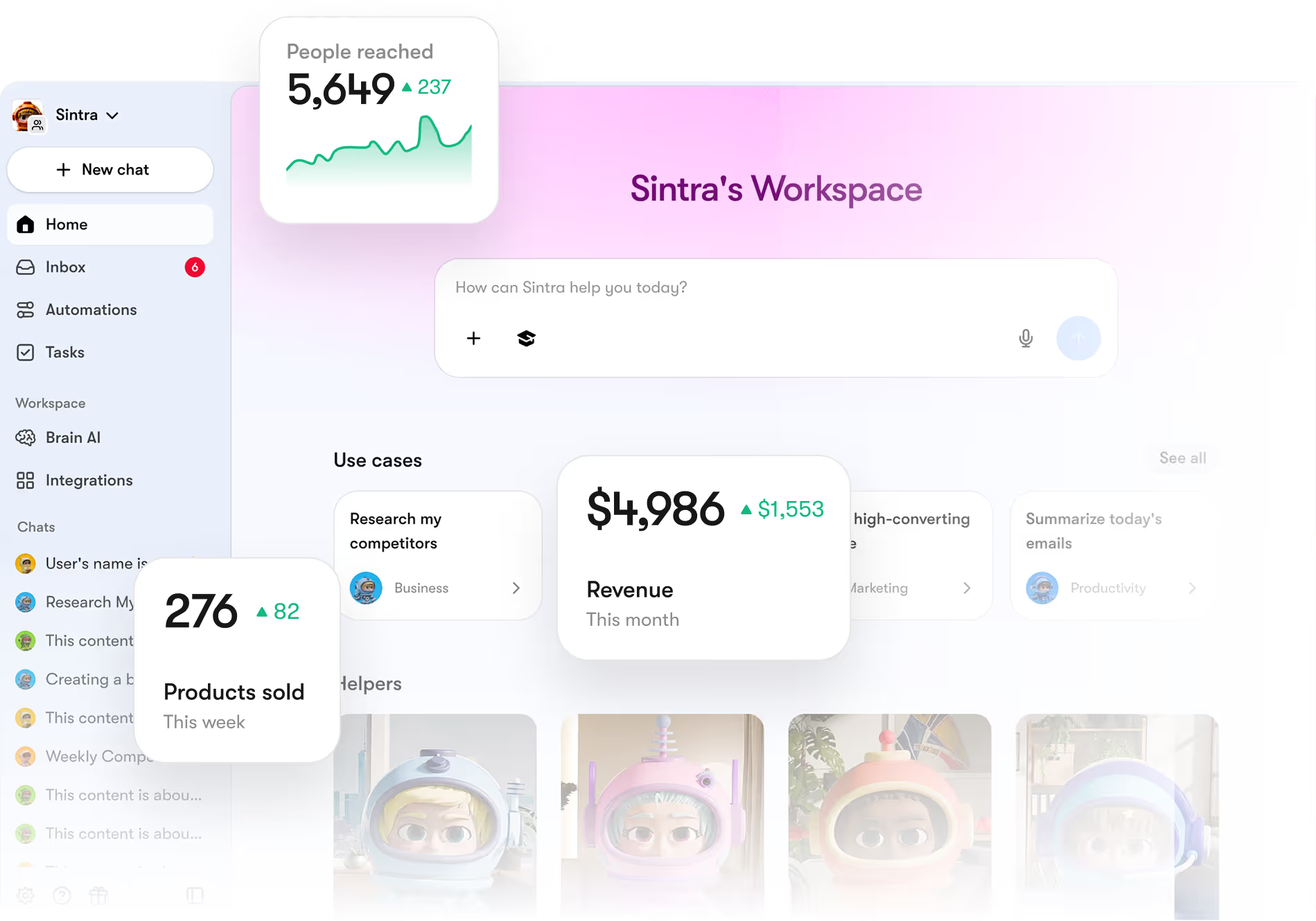
Tell her the pipeline shape
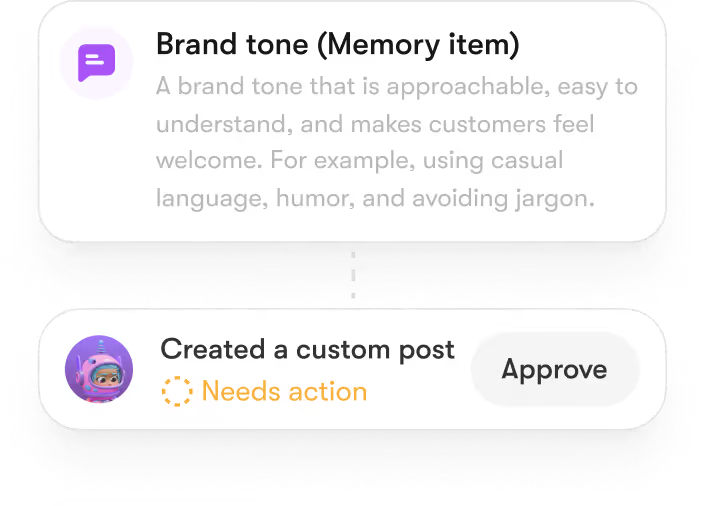
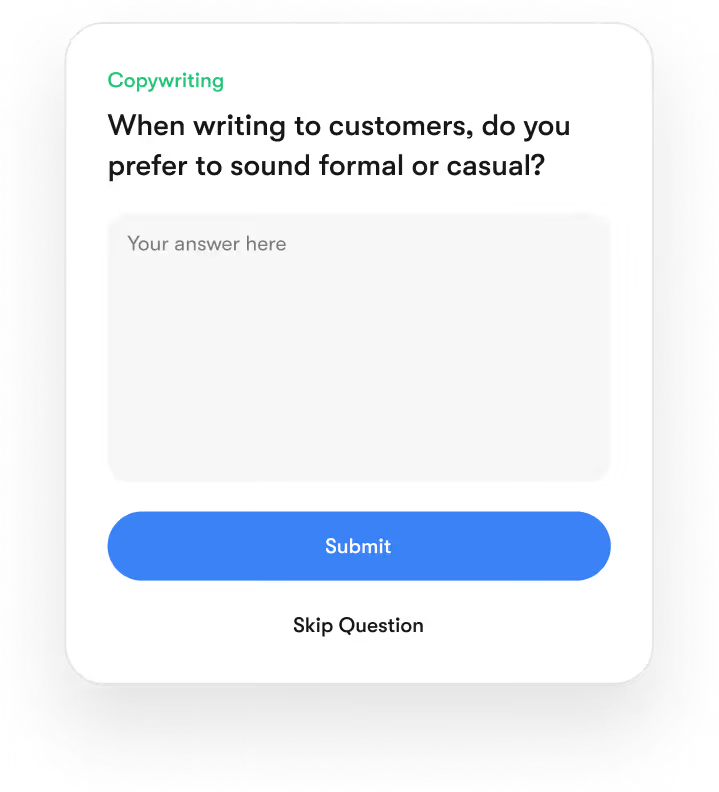
Stages, key accounts, the ICP. Save the context in Brain AI so her outreach drafts and pipeline reads stay tight.
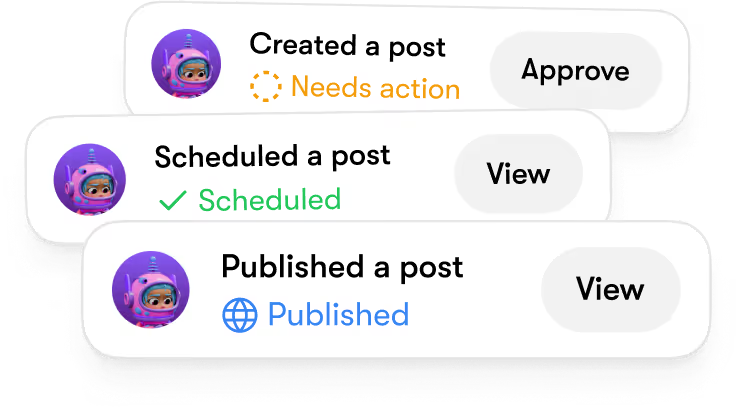
Get drafts and reads
Pull deals in proposal stage over 50k.' 'Draft a first outreach for this prospect.' 'Summarize activity on the Acme account this week.' Milli works against your Salesforce org.
Who benefits from using Salesforce AI Agent
Sales-led teams on Salesforce who want CRM reads and outreach drafts without context-switching.



Sintra vs other Salesforce AI tools
Salesforce AI tools are powerful for CRM, sales, and enterprise workflows. Sintra is more approachable for small businesses that need practical support across sales, marketing, admin, and daily execution.











Data-Backed Results From Real Users
+37%
Revenue growth in the first 90 days
5x
Faster content production across all channels
20h
Saved weekly on admin, support, and content work
80%
Of repetitive tasks fully automated
Set up Salesforce with Sintra
Open Milli
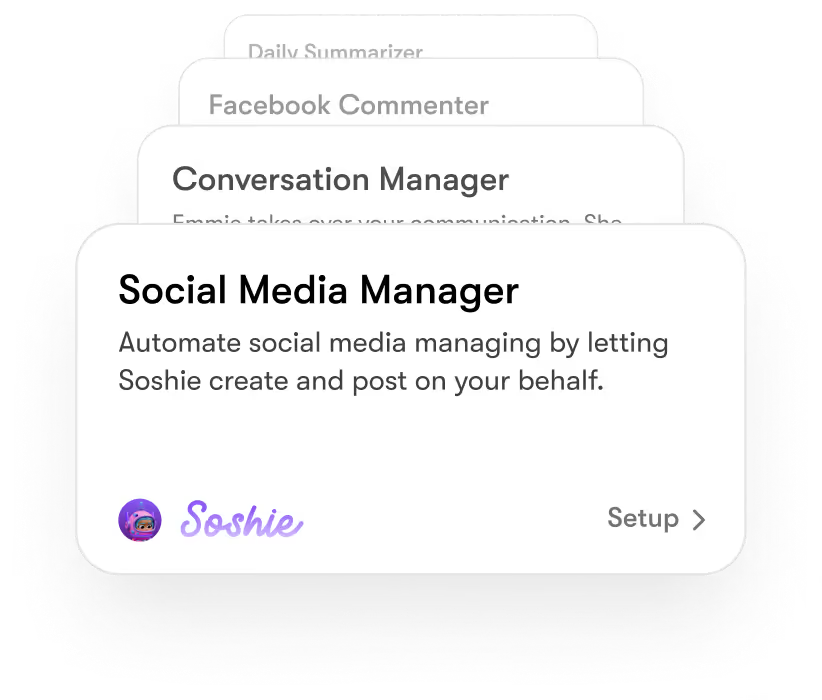
Milli is the sales helper. She owns Salesforce in Sintra.

Sign in to Salesforce
Click the Salesforce connection. Sign in with the user that has the org and object access you want her using. Approve the API scopes.
Set the pipeline focus
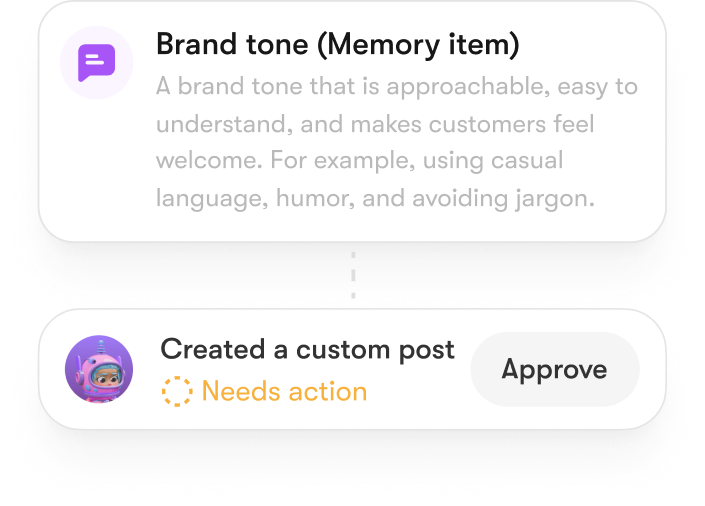
Tell Milli which stages, products, or accounts matter most. Brain AI keeps the focus across drafts and reads.
Run a real ask
Pull deals in your priority stage. Ask Milli to draft outreach for one of them. Confirm the current Salesforce write scope on Sintra's help center.

Used by more than
50,000+ founders.


I can’t recommend SintraAI enough. It’s like having a personal business coach 24/7, mapping out steps to grow my company and clarifying my priorities. I feel a renewed sense of focus and control every day.
December 29, 2024 • Socrate Concepcion • US

Each AI bot tackles my to-do list, from scheduling tasks to crawling my website for SEO tips. I love how it set up calendar reminders for all my commitments. Sintra.ai is well worth every penny, especially for a busy single-person business.
December 14, 2024 • Jennifer Glenn • US

As an entrepreneur launching a new venture, Sintra.ai has made a real difference. The AI assistants are like personal staff I can rely on. And whenever I needed support, the team was on point. A must-try for any budding business!
December 21, 2024 • Custódio Barreiros • HU

I once had a large team, and although I loved my helpers, they needed constant motivation. With Sintra, there’s no drama, just new ideas that I can simply accept or reject. It’s a huge relief—100% recommended.
December 26, 2024 • Holly Wehde • US

Hiring Sintra was a great decision for my struggling boutique. They handle social media posts, guide my ads, and even offered a solution for double social media pages. Now I can focus on my inventory and customers.
December 17, 2024 • Michele Davis • US

Signed up for Sintra X—it felt overwhelming at first, but once it understood how I think, it turned into a creative powerhouse. Support is top-notch, and the daily integrations impress me.
Dec 10, 2024 • Sami Liftoff • US

I’m not usually one to give top marks, but once I got comfortable with Sintra’s 12 helpers, I was blown away by their efficiency. They churn out so many analytical ideas I have to pause and digest them. It’s sometimes overwhelming, but in a good way.
December 29, 2024 • lars • DK

Sintra integrates with all my favorite tools and these little helpers automate my tasks in a huge way. They actually learn my company’s style day by day. It’s a massive step up from generic AI chats.
December 30, 2024 • Michelangelo • IT

My life is simpler with Sintra. It handles content creation, next steps, brainstorming, and copy. I highly recommend it if you want to free up mental space for what truly matters in your business.
December 28, 2024 • Lionel D'Alvia • US

My “team” in Sintra knocks out tasks like magic, offering fresh ideas for efficiency and better customer outreach. It’s a relief knowing I have AI assistants ready to go around the clock.
December 31, 2024 • Kat Angelica • US

I’ve only been using Sintra for a couple of weeks, but the experience has been great—especially with the social media bot reaching out to me with new ideas. The pull model feels super proactive and makes me more confident in my daily tasks.
December 30, 2024 • Bayan Qandil • US

I challenge anyone to compare other platforms to Sintra.ai and their staff—you won’t find a better customer experience. Everyone is professional, responsive, and genuinely cares about helping. Truly top-notch!
December 28, 2024 • Timothy Montjoy • US

This platform helps me like a full-time employee would. As a startup, I can’t afford extra staff, so Sintra stepped in to handle complex tasks and free me up for big-picture thinking.
December 28, 2024 • Jules Kincaid • US
I’m juggling multiple hats in my business, and these 12 AI “helpers” lighten the load. They even crack jokes and celebrate milestones with me! I saved thousands in consultant fees by letting Sintra handle SEO and content tasks.
December 30, 2024 • Michelle Smith • US

This platform helps me like a full-time employee would. As a startup, I can’t afford extra staff, so Sintra stepped in to handle complex tasks and free me up for big-picture thinking.
December 24, 2024 • Domanic R.H • US


Other integrations on Sintra





























Hire your Salesforce AI agent
Get Sintra X today. Plug Salesforce into Milli and the CRM stops being the tab you keep open. 14-day money-back guarantee.
Frequenly asked questions
It reads your Salesforce org and drafts outreach in chat. In Sintra, Milli plays this role. She works against the user permissions you authorize.
Outbound send and CRM write depend on the current integration scope. Confirm before relying on autonomous actions.
Sign in with a Salesforce user that has the org and object access you want Milli using. She asks for API and standard object read scopes. Custom object access depends on user permissions.
Connect each org through Milli's integration panel. Name the org in chat.
Confirm Salesforce is still connected and the user has object-level access to that record. For deals locked by sharing rules, you may need a different user account. Reauthorize if Salesforce session expired.