


10 Best Websites to Generate AI Images in 2026


Table of Contents

Quick Answer: What are the Top Websites to Generate Images in 2026
For artistic and creative work, Midjourney, Leonardo AI, and Adobe Firefly are among the top choices. For businesses that need to create images for social posts, marketing campaigns, and day-to-day content production, Vizzy by Sintra AI stands out thanks to its AI team approach. Microsoft Designer and Ideogram remain some of the strongest free options available.
Vizzy by Sintra AI, Midjourney, and DALL-E 3 (via ChatGPT) are among the best AI image generators in 2026. Midjourney stands out for creative artwork, while tools like Vizzy fit naturally into an AI team built to handle content, marketing, and design tasks.
AI-generated images are everywhere now. Nearly 7 in 10 marketers use generative AI to create visuals for ads, social media, blogs, and other content. What used to take hours of design work can now be done in minutes with a simple prompt.
That speed is why AI image generators have become a go-to tool for creators, marketers, and businesses looking to produce more content without slowing down.
Here's a snapshot of the top 10 image generators before we get into the full breakdowns:
Best Websites to Generate AI Images in 2026
Most AI image generators focus only on image creation. The best tools go further by helping you turn those images into usable content, marketing assets, and finished projects. These tools can produce a wide range of visuals, from photorealistic images to artistic illustrations, depending on the input prompts and the capabilities of the specific AI model used.
1. Vizzy by Sintra AI: Best for Business Image Generation
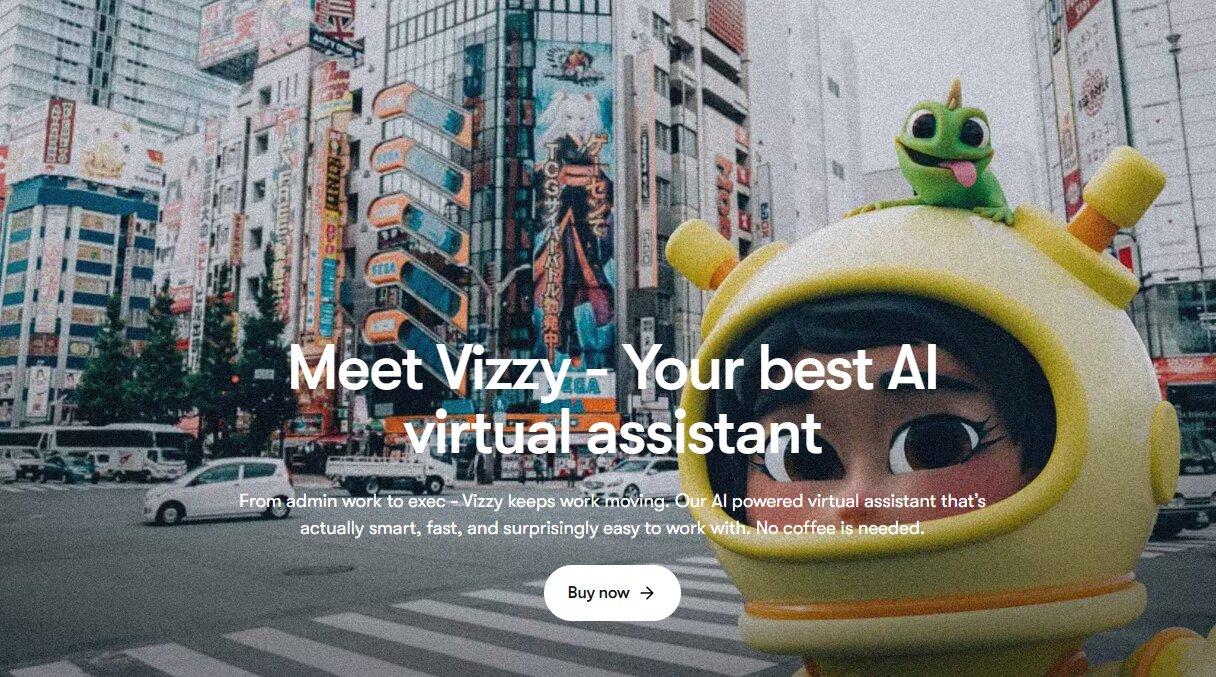
Vizzy is an AI visual assistant designed for marketers, business owners, and content creators. It uses multiple image models, including GPT-Image-1, Gemini Flash Image, and Flux, allowing users to generate different types of visuals from a single platform.
What makes Vizzy stand out is that it is part of Sintra's AI team. Images created in Vizzy can be used alongside Sintra's other AI helpers for content writing, social media management, and marketing tasks. This helps keep content creation in one place instead of switching between multiple tools.
The image quality is built for commercial use rather than experimental AI art. Vizzy can generate realistic product images, ad creatives, social media graphics, and branded visuals with strong detail and more reliable text rendering than many image generators. This makes the outputs easier to use in real marketing campaigns with fewer edits required.
Vizzy also uses Brain AI, Sintra's memory system. It remembers brand details, business information, and creative preferences to help keep visuals consistent over time. The platform supports popular formats like 1:1, 4:5, and 9:16, making it easy to create images for different social media channels.
Key Features
- Uses GPT-Image-1, Gemini Flash Image, and Flux
- Brain AI memory for brand and business information
- Built-in social media image sizes
- Works with Sintra's AI team
- Image editing and regeneration tools
- Shared context across Sintra helpers
- Team workspaces and collaboration features
Pricing
Vizzy is included with all Sintra AI plans.
- Monthly Plan: $48.50/month
- Quarterly Plan: $23.60/month
- Annual Plan: $15.60/month
2. Midjourney: Best for High-Quality Artistic Images
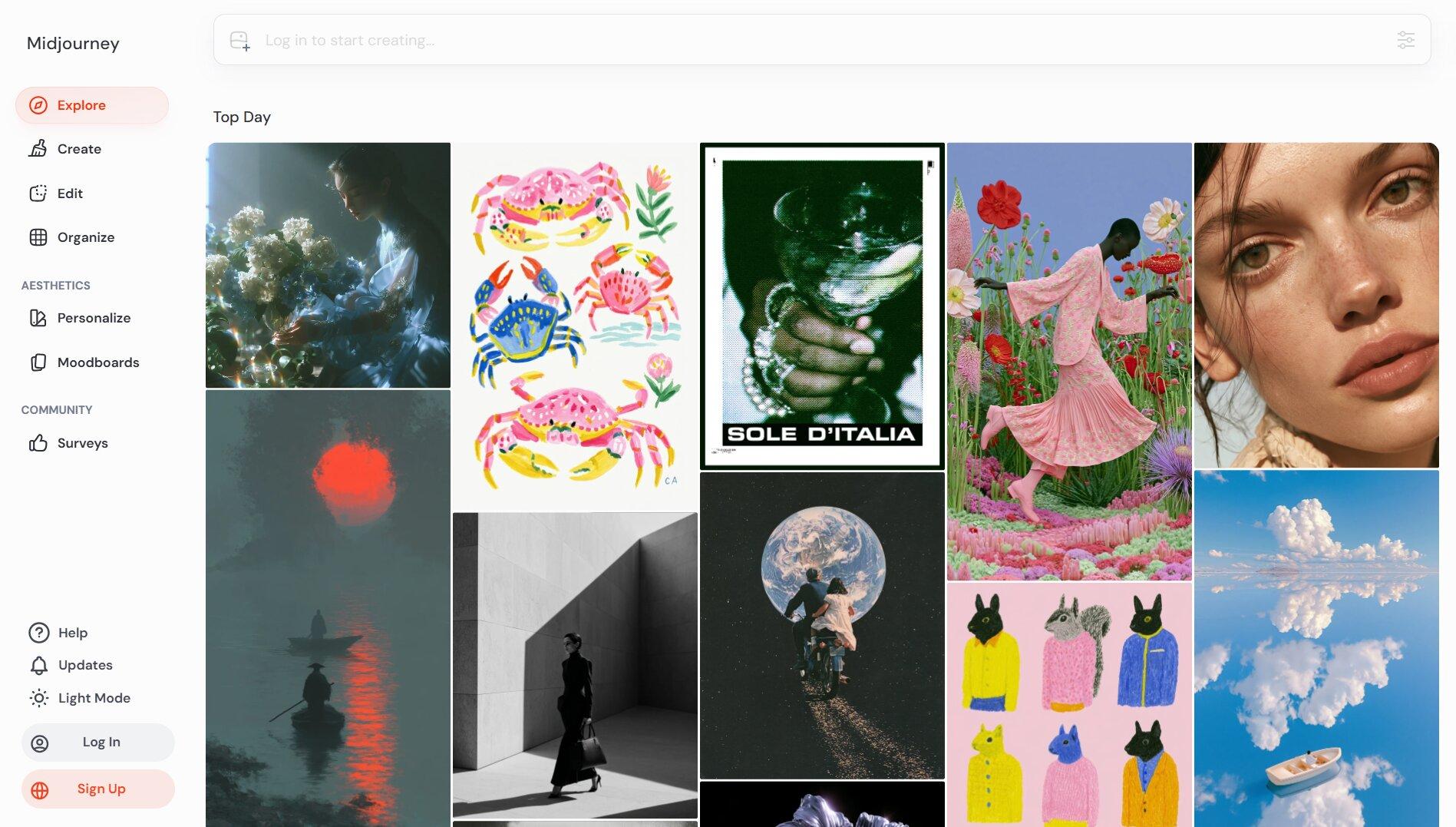
Midjourney is one of the best AI image generators for creative work. It consistently produces detailed, polished images with strong lighting, composition, and artistic style. If image quality is your top priority, Midjourney is still one of the strongest options available.
The platform originally ran through Discord, but it now has a web app that is much easier to use. It is especially popular among designers, artists, marketers, and creative professionals who need high-quality visuals for branding, advertising, and creative projects.
The main downside is that Midjourney is focused on image generation only. It does not include the content, marketing, or workflow tools found in some business-focused platforms. There is also no free plan.
Key Features
- Excellent image quality
- Strong understanding of style and composition
- Web app and Discord access
- Great for illustrations, concept art, and marketing visuals
- Commercial use allowed on paid plans
- Stealth Mode on higher plans
- Unlimited Relax Mode on Standard plans and above
Pricing
- Basic: $10/month
- Standard: $30/month
- Pro: $60/month
- Mega: $120/month
3. DALL-E 3 (ChatGPT): Best for Prompt-Friendly Generation
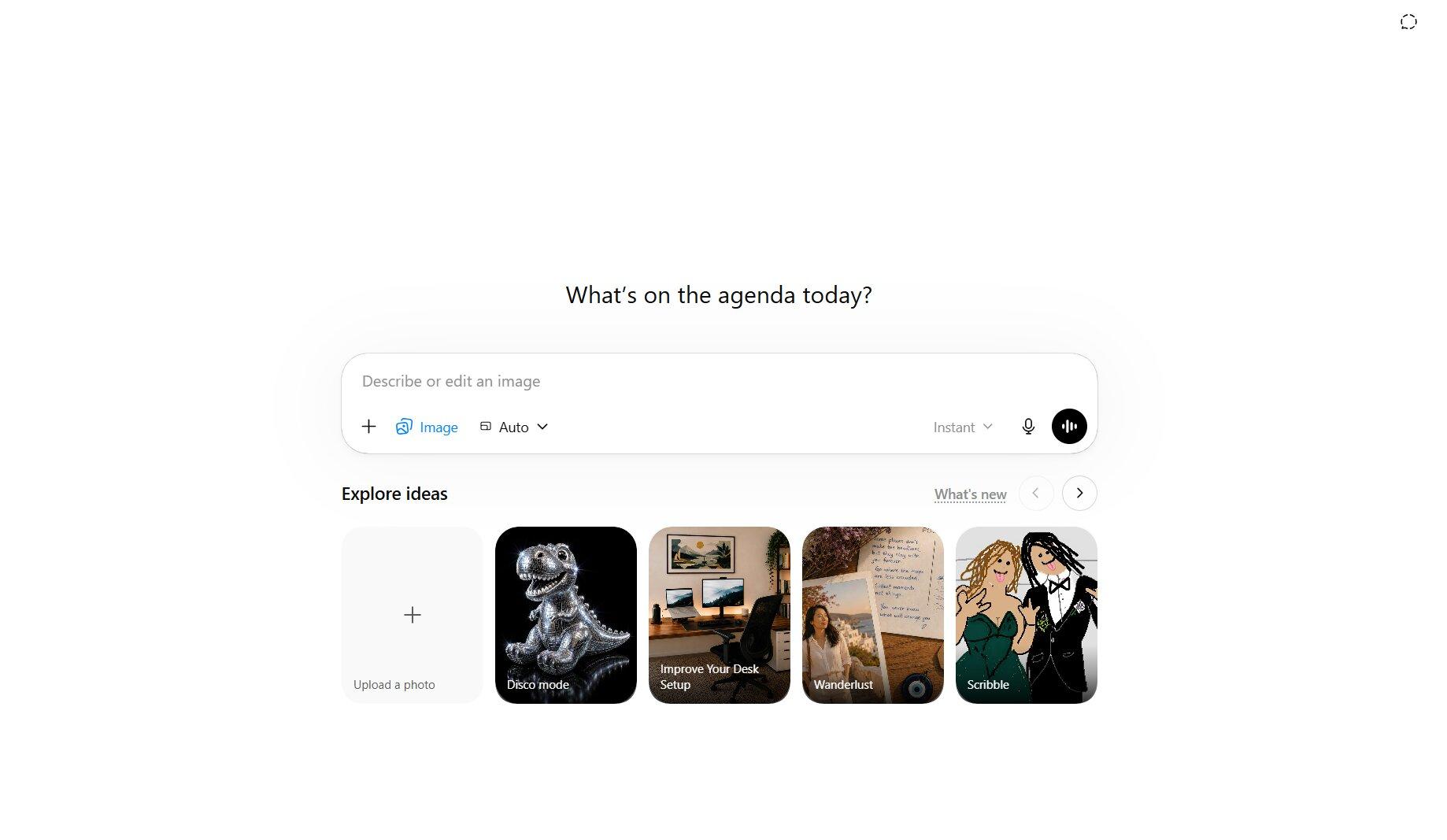
DALL-E 3 is built into ChatGPT, making it one of the easiest AI image generators to use. If you already use ChatGPT, you can create and edit images without switching to another platform.
Its biggest strength is how well it follows instructions. DALL-E 3 understands detailed prompts better than most AI image generators. This ChatGPT image generator is also one of the best tools for creating images with readable text. If you want to change something, you can simply tell ChatGPT what to adjust. For example, you can change colors, move objects, update text, or try a different style.
This simple chat-based workflow makes DALL-E 3 a great choice for beginners, marketers, and everyday users. It is especially useful for people who already have a ChatGPT subscription.
Key Features
- Built directly into ChatGPT
- Follows detailed prompts well
- Strong text generation inside images
- Edit images through simple chat commands
- Create and edit images in one place
- Easy for beginners
- Available on web and mobile
Pricing
- Free Plan: Limited image generation
- ChatGPT Plus: $20/month
- ChatGPT Pro: $200/month
4. Adobe Firefly: Best for Commercially Safe Images
Adobe Firefly is a strong choice for businesses, agencies, and marketing teams. It is trained on Adobe Stock content, public domain material, and other licensed sources, making it one of the safest AI image generators for commercial use.
Firefly works especially well for teams that already use Adobe products. It connects directly with Photoshop, Adobe Express, and other Adobe apps, making it easy to edit and refine images after they are generated.
Its editing tools are one of its biggest strengths. Features like Generative Fill, Generative Expand, and image editing give users more control over the final result. While it may not be as artistic or creative as Midjourney, it offers more predictable results and a workflow that fits well into professional design projects.
Key Features
- Commercially safe training data
- Built into Adobe Creative Cloud
- Generative Fill and Generative Expand tools
- Strong image editing capabilities
- Works with Photoshop and Adobe Express
- Text-to-image generation
- Image expansion and object removal
Pricing
- Firefly Standard: $9.99/month
- Firefly Pro: $19.99/month
- Firefly Pro Plus: $49.99/month
- Firefly Premium: $199.99/month
5. Canva AI Image Generator: Best for Non-Designers
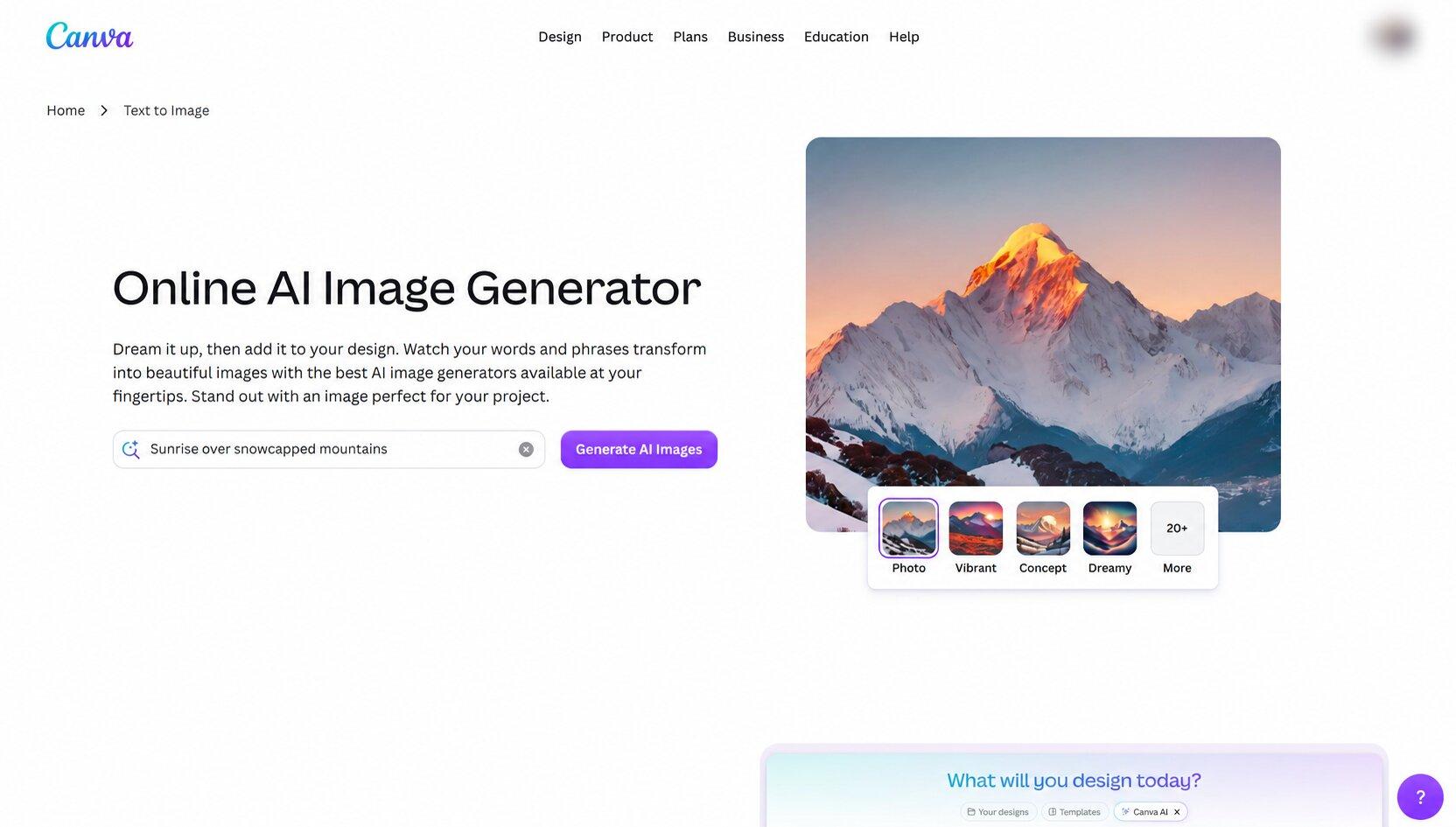
Canva's biggest advantage is not image quality. It is speed. The AI image generator is built directly into Canva's editor, so you can generate an image and place it straight into a social post, presentation, ad, document, or video without switching platforms.
This makes Canva especially useful for marketers. You can generate an image, apply your Brand Kit, resize it for multiple platforms, and publish content from the same workspace. Features like Magic Design, Magic Media, and one-click resizing help speed up content production even further.
Compared to tools like Midjourney, Canva offers less creative control and less artistic output. But for everyday business content, it is often the more practical option because the entire workflow lives in one place.
Key Features
- Magic Media AI image generator
- Magic Design for instant layouts
- Brand Kit for logos, fonts, and colors
- One-click resize for different platforms
- Built-in social media, presentation, and video templates
- Background removal and AI editing tools
- Content scheduling tools for social media
Pricing
- Free Plan: Limited AI generations
- Canva Pro: $15/month
- Canva Teams: Starts at $30/month for 5 users
6. Ideogram: Best for Text-in-Image Generation
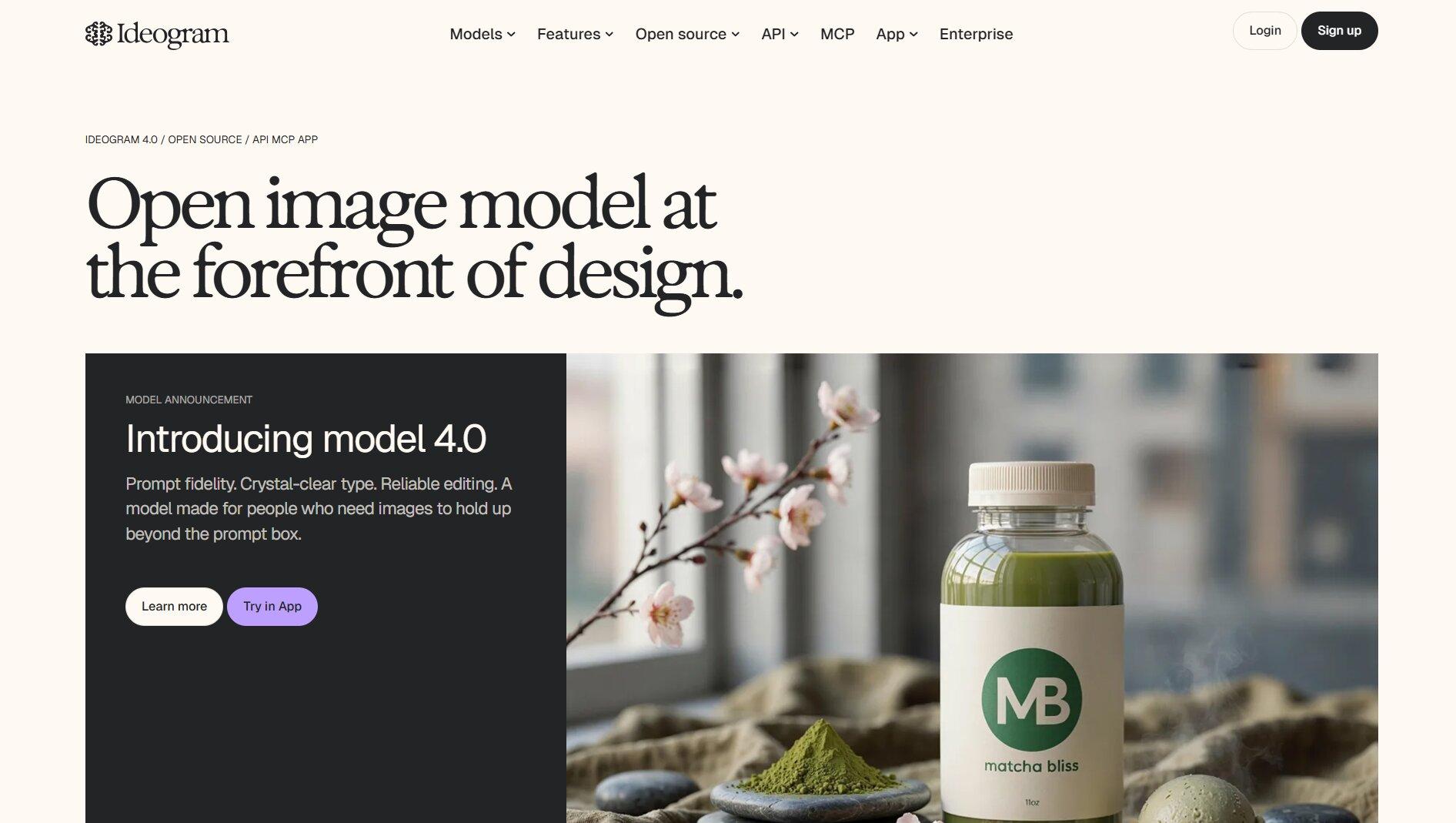
Ideogram has become the go-to AI image generator for posters, ads, product packaging, and social graphics. Its biggest strength is typography. The platform can generate entire designs with headlines, slogans, and other text already embedded in the image, making it especially useful for marketing content.
Recent versions added features like Style References, Character References, and color palette controls. You can use a reference image to keep the same visual style across multiple designs or maintain the same character throughout a campaign. The Magic Prompt feature also rewrites prompts automatically to improve results.
While Ideogram has improved its realism significantly, it remains strongest as a design tool rather than an art generator. If your goal is creating promotional graphics, event posters, thumbnails, or branded social content, it solves a problem that few AI picture generators handle as well.
Key Features
- High-quality typography generation
- Multi-line text support
- Style References
- Character References
- Magic Prompt enhancement
- Color palette controls
- Poster, ad, packaging, and social graphic generation
- Web-based interface
Pricing
- Free: 10 prompts per week
- Plus: $20/month
- Pro: $60/month
- Team: $30/user/month
7. Leonardo AI: Best for Creative Control and Style Consistency
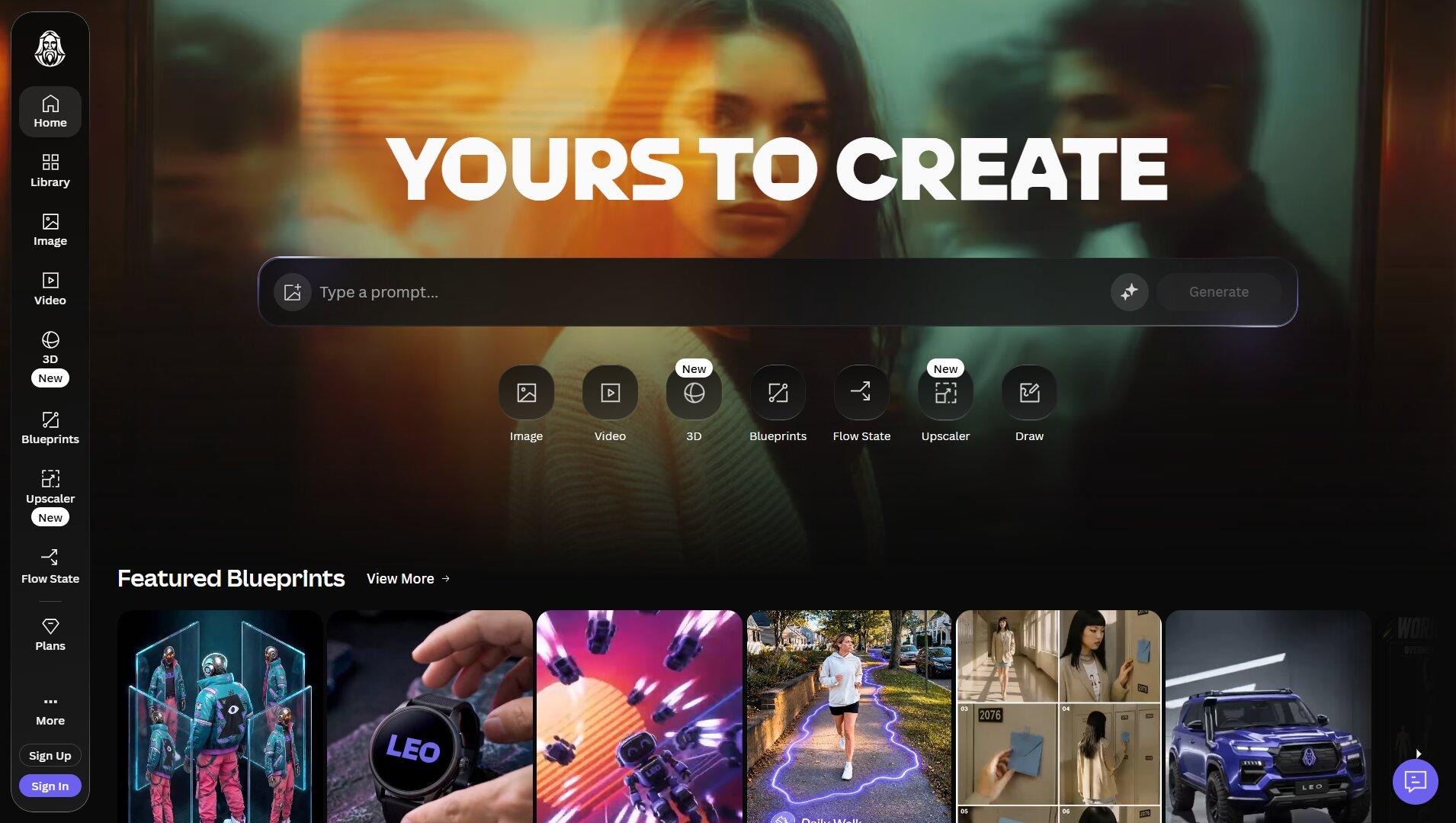
Leonardo AI is built for people who need the same style over and over again. Instead of generating random images each time, it helps you create a visual style and stick with it.
One of Leonardo's biggest strengths is custom model training. You can train the AI on your own artwork, characters, products, or brand assets. Once trained, the model can generate new images that follow the same look. Leonardo also has a huge library of community models. These cover everything from anime and fantasy art to game assets and product photography.
The platform includes Canvas, a built-in editor for expanding images, replacing objects, fixing details, and combining multiple visuals. Another useful feature is Flow State. It continuously generates new image variations, making it easier to explore ideas without rewriting prompts every few minutes.
Key Features
- Custom AI model training
- Large library of community models
- Canvas editor for inpainting and outpainting
- Flow State for continuous image generation
- Character and style consistency tools
- Image-to-image generation
- Real-time generation modes
- Advanced creative controls
Pricing
- Free Plan: 150 daily tokens
- Apprentice: $12/month
- Artisan Unlimited: $30/month
- Maestro Unlimited: $60/month
8. Microsoft Designer (Bing Image Creator): Best Completely Free Option
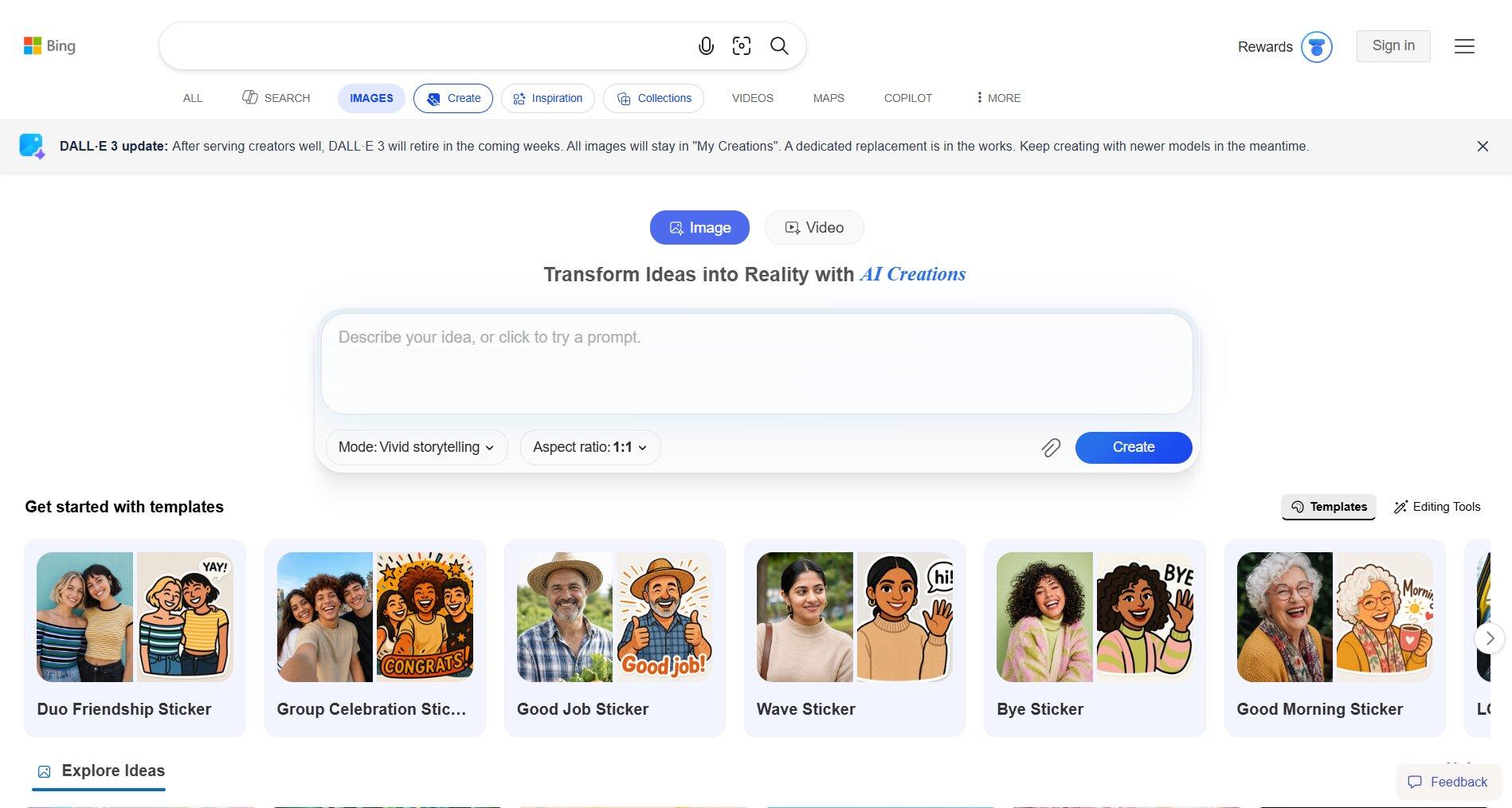
Microsoft Designer is one of the easiest ways to create AI images. Type a prompt, click generate, and get multiple image options in seconds. The tool is built for speed, so beginners can start creating right away.
What makes Designer different is that it is also a design tool. After generating an image, you can turn it into a social media post, invitation, banner, flyer, wallpaper, or other graphic without leaving the platform. Everything happens in one workspace.
The platform also includes useful editing tools. You can remove backgrounds, erase unwanted objects, resize images, blur backgrounds, and apply brand kits for a consistent look. These features make it useful for marketers, students, bloggers, and small business owners who create visuals regularly.
Microsoft has also integrated Designer into products like Copilot and Microsoft 365. This makes it easy to generate images while working on presentations, documents, or other projects. Instead of learning complex design software, users can create and edit visuals with just a few clicks.
Key Features
- Free AI image generation
- Built-in graphic design tools
- Background removal
- Object removal and cleanup
- Image resizing for different platforms
- Social media and marketing templates
- Brand kit support
- Integration with Microsoft 365 and Copilot
Pricing
- Free Plan available
- Additional AI credits and features are available through Microsoft 365 plans
9. Stable Diffusion: Best for Open-Source Flexibility
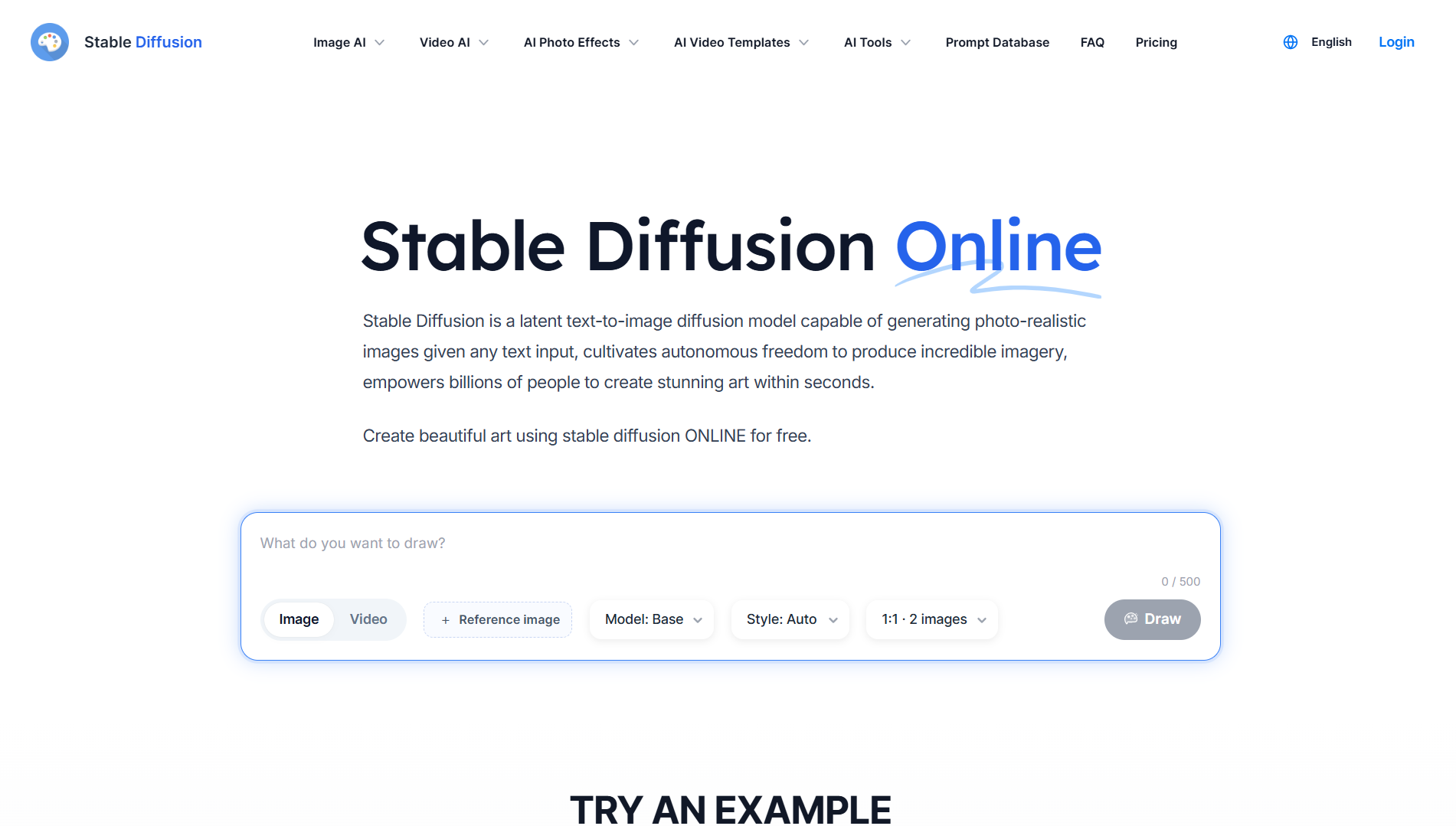
Stable Diffusion is built for people who want full control over image generation. Since it is open-source, anyone can download it, run it locally, and customize it however they want.
A big reason for its popularity is the massive community behind it. Users have created thousands of custom models for anime, realistic photography, architecture, fantasy art, game characters, and almost every style you can think of. If one model doesn't fit your project, you can simply switch to another.
Stable Diffusion also gives users much more control over the final image. You can edit existing images, replace specific parts, expand scenes beyond their original borders, or guide poses and compositions using tools like ControlNet. This flexibility has made it a favorite among digital artists, designers, and AI enthusiasts.
Another major advantage is local generation. Images can be created directly on your own hardware instead of relying on a cloud service. Many users connect Stable Diffusion with tools like Automatic1111 or ComfyUI to build custom workflows and speed up repetitive tasks.
Key Features
- Open-source image generation
- Thousands of community-trained models
- Custom model training and fine-tuning
- Image-to-image generation
- Inpainting and outpainting
- ControlNet for pose and composition control
- Local image generation
- Support for Automatic1111 and ComfyUI
Pricing
- Free: 10 credits per day
- Pro: $10/month, 2,000 credits per month
- Max: $20/month, 5,000 credits per month
You can also run Stable Diffusion locally for free on your own computer.
10. NightCafe: Best for Exploring Multiple AI Models
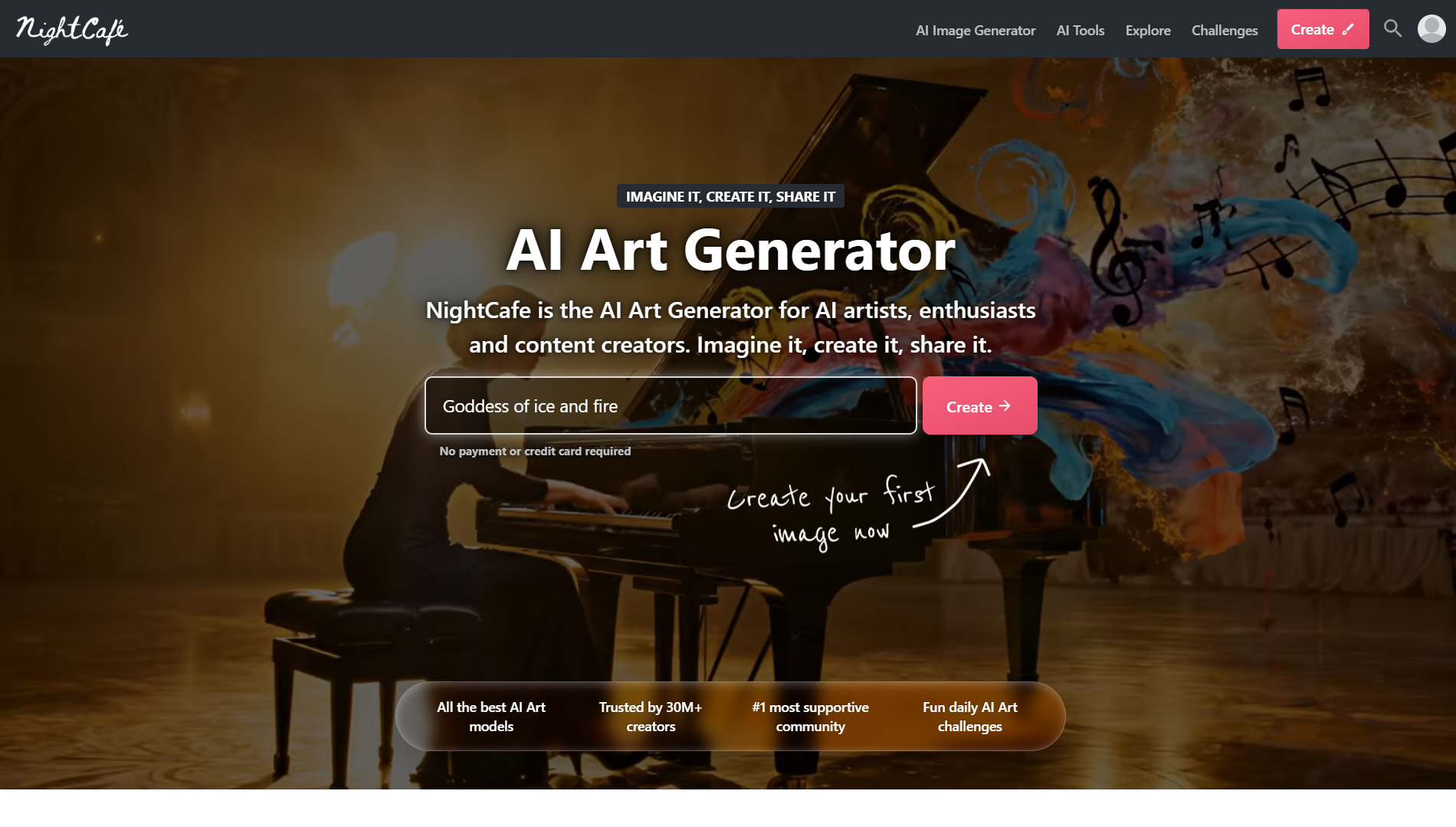
NightCafe is built around both AI art creation and community participation. Users can create artwork, share it with others, join daily challenges, and earn rewards for staying active on the platform.
The platform gives access to several popular AI models from a single dashboard. This makes it easy to experiment with different art styles and creative ideas without setting up separate tools.
Creating images is simple. Enter a prompt, select a model, and generate artwork in seconds. NightCafe also includes tools for image editing, style transfer, upscaling, and custom model training.
A feature many users like is the credit system. Free credits can be earned by entering challenges, voting on artwork, and participating in community activities. This allows users to keep creating without constantly purchasing extra credits.
NightCafe is especially popular among hobbyists, digital artists, and creators who enjoy sharing their work and discovering inspiration from other AI artists.
Key Features
- Access to multiple AI image models
- Daily art challenges
- Community sharing and feedback
- Text-to-image generation
- Style transfer tools
- Custom model training
- Image upscaling
- Free credit rewards
Pricing
- Free: Daily credits included
- AI Beginner: $6/month
- AI Hobbyist: $10/month
- AI Enthusiast: $20/month
- AI Artist: $50/month
How to Choose the Best AI Image Generator for Your Needs
The best website to generate images depends on what you're creating.
If you need artwork, character designs, or concept art, look at Midjourney, Leonardo AI, and NightCafe. These tools give you more control over style and visual direction.
If you're creating social media posts, ads, presentations, or branded content, Canva, Adobe Firefly, Microsoft Designer, and Vizzy are usually a better fit. They focus on speed and fit more naturally into business workflows.
Budget also matters. Microsoft Designer, Canva, Ideogram, and NightCafe offer useful free plans. Leonardo AI provides daily free credits, while tools like Midjourney require a paid subscription from the start.
Finally, think about how much control you need. Canva and Microsoft Designer are easy to learn. Leonardo AI and Stable Diffusion offer more customization but take longer to master.
Creative Use vs Business Use
Not every AI image tool is built for the same type of work. Midjourney, Leonardo AI, and NightCafe are popular with artists, illustrators, and game developers. They are often used for concept art, character creation, and creative projects.
Canva, Adobe Firefly, Microsoft Designer, and Vizzy focus more on business content. They make it easier to create social graphics, ad creatives, presentations, and branded visuals.
Free vs Paid: What You Actually Get
Many of the best AI photo generators offer free plans, but the experience can vary a lot.
Microsoft Designer, Canva, Ideogram, and NightCafe give users enough free access to create images regularly. Leonardo AI also includes daily free credits.
Paid plans become useful when you need more generations, faster processing, higher limits, or advanced tools.
If you're looking for the best free AI image generators, Microsoft Designer, Canva, Ideogram, and NightCafe are good places to start. For larger projects and daily use, paid plans usually offer much better value.
Why Businesses Are Switching to AI Image Generators
Businesses are creating more content than ever, and visuals are a big part of that. Blog posts need featured images. Ads need multiple creative versions. Social media posts need graphics almost daily.
AI image generators help solve that problem. Instead of waiting for a designer or searching through stock photo libraries, teams can create custom visuals in minutes. A marketer can generate several ad concepts before lunch. A startup founder can build landing page graphics without hiring a designer. A content team can create unique images for every article they publish.
The biggest benefit is speed. The second is scale. AI makes it easier to produce more visual content without growing design costs at the same rate. Recent surveys show that marketing and creative teams are among the fastest adopters of generative AI, largely because of the time savings it offers.
Cost and Speed Advantages Over Traditional Design
Traditional design can be expensive, especially for small businesses. Freelance designers commonly charge anywhere from $25 to over $100 per hour, while stock image subscriptions often cost $10–$50 per month and still limit you to existing images.
Image generators AI work differently. Most paid plans cost around $10–$30 per month and can generate hundreds of images during that time.
The time savings are just as important. A design request may take hours or days to complete. An AI image maker can generate several concepts in under a minute. That allows small teams to test ideas faster and launch campaigns sooner.
Scalable Visual Content for Marketing Campaigns
Marketing teams rarely need one image. They need dozens. A single campaign might require Facebook ads, LinkedIn posts, blog graphics, email banners, landing page visuals, and display ads. Creating all of those manually can quickly become a bottleneck.
AI image generation capabilities make it easier to create large volumes of content while keeping a consistent look. Teams can generate multiple ad variations for testing, create matching visuals for blog posts, and maintain the same visual style across channels.
This is also where platforms like Vizzy by Sintra AI become useful. Instead of treating image generation as a separate task, it connects visuals with the broader content and marketing workflow. That means less time jumping between tools and more time publishing campaigns.
Vizzy by Sintra AI: Image Generation Built Into Your Business Workflow
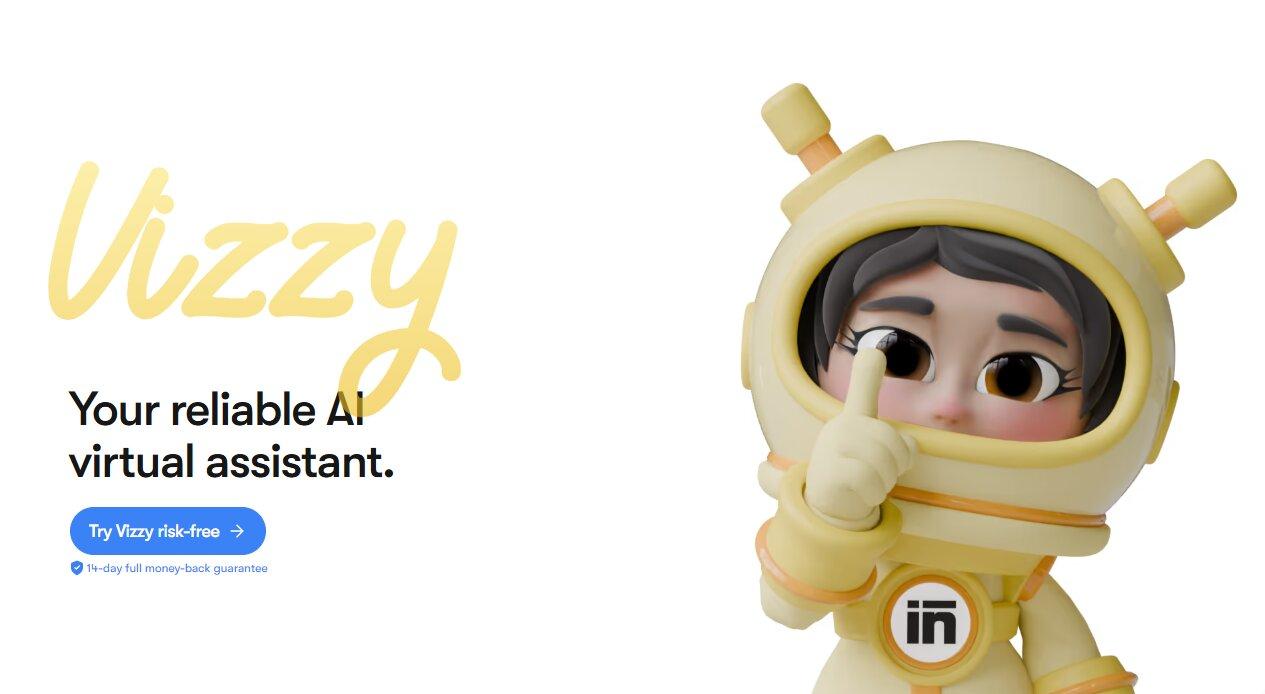
Vizzy is designed for businesses that create content regularly. Instead of treating image generation as a standalone task, it connects directly with the rest of the Sintra AI employees.
That means the image is only one part of the process. The same platform can help with content creation, social media management, scheduling, and campaign execution. For businesses producing content every week, this reduces the amount of tool switching involved in getting work published.
Image Outputs That Feed Directly Into Marketing Campaigns
A product image created in Vizzy can immediately be used inside broader marketing activities through Sintra's AI integrations.
For example, an image can be paired with a blog post created by Penn or sent to Soshie for social media publishing. Brand information stored in Brain AI also carries across projects automatically. Color preferences, visual style, and content guidelines stay consistent without extra setup.
These AI integrations help businesses maintain a consistent brand presence across different channels and campaigns while reducing repetitive manual work.
Multiple Image Models, One Platform
Vizzy includes access to Gemini 2.5 Flash Image, GPT-Image-1, and Flux Kontext.
Having multiple models in one dashboard gives users more flexibility when creating visuals. Different projects often require different styles, and switching between models only takes a few clicks.
Vizzy also supports platform-specific image sizes, including square, portrait, and vertical formats. Images can be created for Instagram posts, LinkedIn content, blog graphics, Stories, and Reels without additional resizing work.
For businesses publishing content across multiple channels, these small workflow improvements can add up quickly.
Ready to Generate AI Images That Work as Hard as You Do?
The best AI image generator is the one that fits how you work.
If you only need images, tools like Midjourney, Leonardo AI, and NightCafe are excellent choices. But if you're creating content, running campaigns, and publishing across multiple channels, the workflow around the image matters too.
That's where Sintra AI stands out. Vizzy creates the image, while the rest of the platform helps with content creation, social media scheduling, publishing, and brand consistency.
Instead of managing separate tools for every step, you can keep everything in one place. Get started with Sintra AI and turn AI-generated images into finished marketing assets faster.
Best Website to Generate AI Images: FAQs
What is the best free website to generate AI images?
Ideogram is one of the top free AI image generators available today. It offers daily free generations and is especially good at creating images that include readable text. Microsoft Designer is another strong option for beginners, while Leonardo AI provides daily free credits for users who want more creative control.
Which AI image generator produces the highest-quality results?
Midjourney is widely considered the best AI image generator for artistic quality. It consistently creates detailed, polished images with strong visual appeal. For realistic images and accurate prompt following, DALL-E and Flux are also excellent choices.
Can I use AI-generated images for commercial purposes?
In most cases, yes, but the rules depend on the platform and plan you use. Adobe Firefly is a popular choice for commercial projects because it was built with business use in mind. Many other tools also allow commercial usage on paid plans. Always check the platform's licensing terms before using images in client work, advertising, or products.
What is the best AI image generator for social media content?
Canva is a great option for creating social media graphics because image generation and design tools are available in the same platform. Ideogram works particularly well for posts that include text. For businesses managing ongoing campaigns, Vizzy by Sintra AI helps connect image creation with content production and social media workflows.
How is Vizzy by Sintra AI different from other AI image generators?
Vizzy is designed for businesses and marketing teams. Along with image generation, it connects with other Sintra AI tools for content creation, social media management, and campaign execution.
It also provides access to multiple image models, including Gemini 2.5 Flash Image, GPT-Image-1, and Flux Kontext, from a single dashboard. Combined with built-in aspect ratios and AI integrations, this makes it easier to create and use images as part of a larger marketing workflow.
Related articles


.avif)




