Best Social Media Scheduling Tools to Plan and Publish Content in 2026

Table of Contents

Quick Answer: What Are the Best Social Media Scheduling Tools?
The best social media scheduling tools are:
- Sintra AI - Best for small teams that want scheduling as well as automation
- Buffer - Best for beginners who need simple, affordable scheduling with a clean interface.
- Hootsuite - Best for teams that need advanced reporting, team collaboration, and managing multiple clients or profiles.
For every user, the right tool depends on their business needs and what features they require.
We have tested multiple social media scheduling tools and handpicked the top ones. The table below gives you a concise comparison of the tools so that you can make a thorough decision on your own.
Social media platforms may sound simple until you have to juggle five platforms, different posting times, and a content calendar that always lags. If that is you while managing your business online, you are in need of social media scheduling tools.
Social media scheduling tools help maintain a consistent presence, which is crucial for keeping the audience engaged and the brand visible. A good scheduling platform takes that pressure off - and the business case is strong. A Forrester study found social media AI tools deliver 268% ROI over three years, with teams reporting 60% time savings on scheduling and publishing, 80% on reporting, and 25% on influencer management. Instead of posting manually every day, you can plan content in advance, queue it up, and let it go live automatically.
But that's not all that modern social media scheduling tools do. They immaculately combine scheduling with automation with the help of AI employees. Most of these tools offer features like bulk scheduling, analytics, and collaboration.
Let's dive straight into the most effective social media scheduling tools that help you plan smarter, publish faster, and grow consistently in 2026.
12 Best Social Media Scheduling Tools for 2026
Social media scheduling started as simple calendar-based posting but evolved into full-scale workflow systems. Today, these tools don't just schedule posts; they support content planning, automation, collaboration, and performance tracking in one place.
Social media scheduling tools help streamline workflows by centralizing content creation, approval, and publishing processes. This makes these apps essential for both small teams and large marketing operations.
In this list, we'll break down the most effective tools for scheduling social media, while highlighting what each one does best and how it fits different types of users.
1. Sintra AI
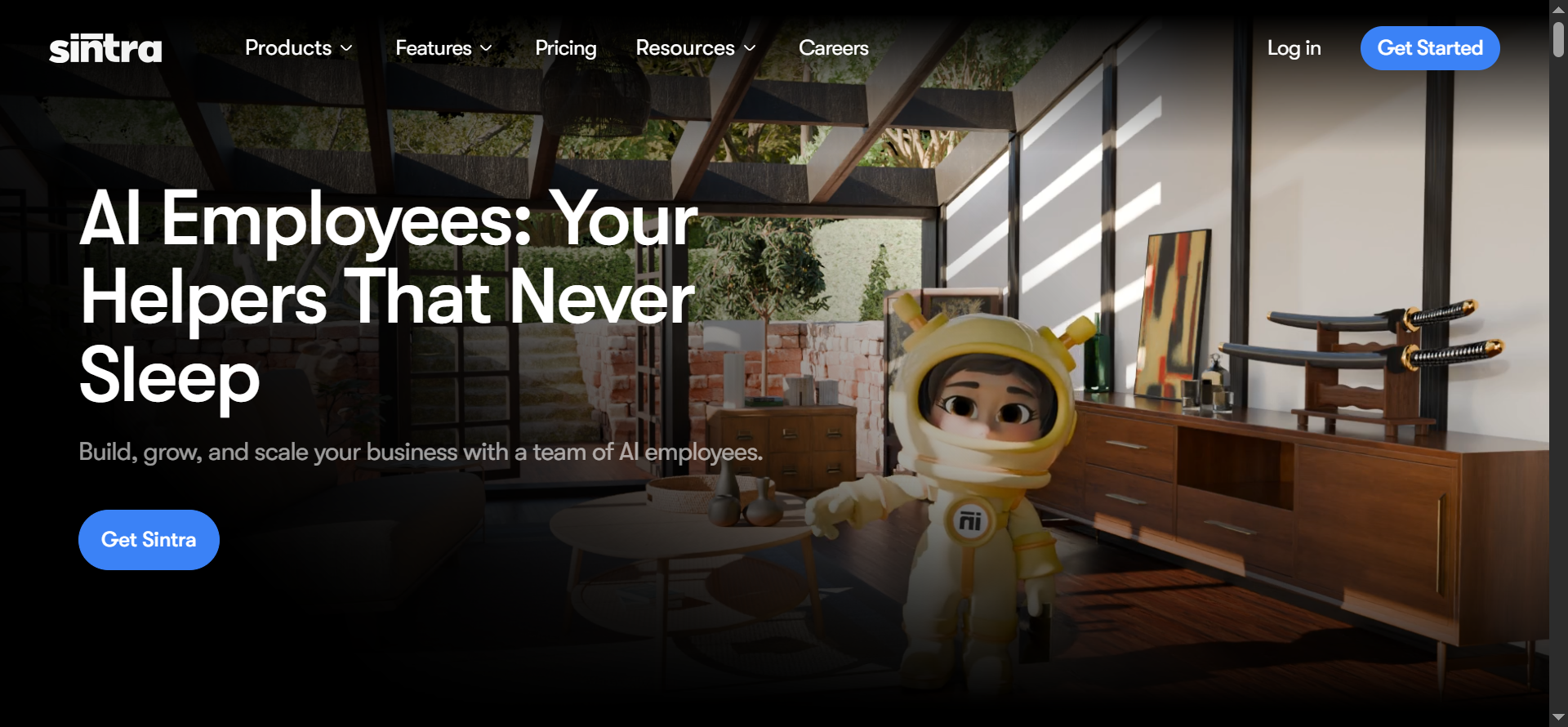
Sintra AI is an AI-powered platform that gives you role-based AI assistants to handle everyday business tasks, including social media scheduling.
One thing that makes Sintra AI stand out is its dedicated helpers. For social media management, you get Soshie, the AI social media manager. Soshie helps you plan your content calendar, write engaging captions, pick the right images or videos, and schedule posts across platforms.
Your business's tone and context stay consistent through every platform using Sintra's Brain AI. This feature makes Sintra different from most other social media schedulers.
Sintra AI Standout Features
Sintra AI is not your average social media scheduler; it is a complete scheduling platform. It functions as a full AI team rather than just a simple calendar.
Its role-based AI helpers actively help you:
- High-quality content: Generate high-quality, on-brand captions and posts from your notes or ideas
- Complete workflow: Organize complete social media workflows - from content planning to scheduling and engagement
- Brand consistency: Maintain perfect brand consistency across all platforms and posts without constant manual checking
2. Planable
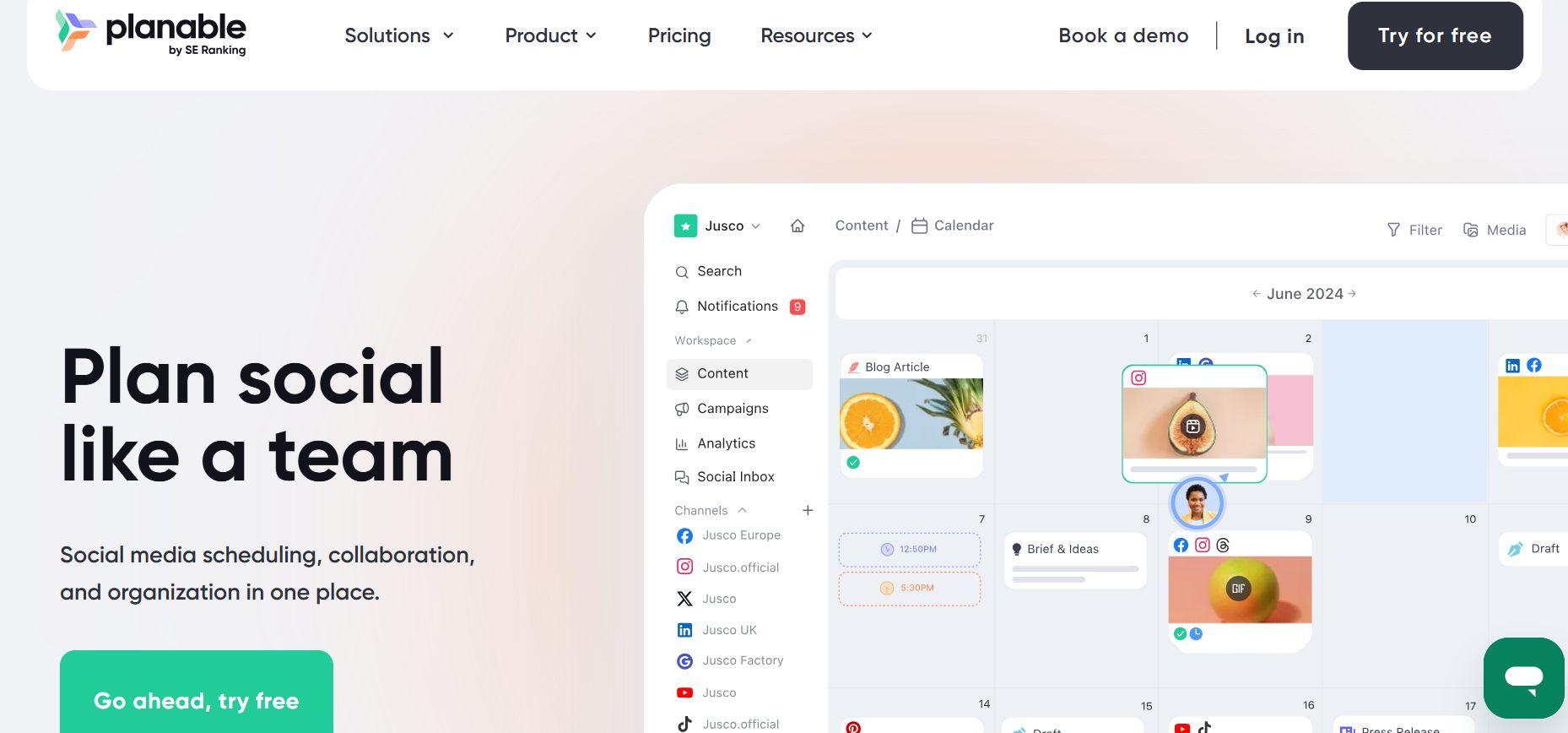
Planable is a collaborative social media scheduling platform built specifically for teams that need clear approval workflows before everything goes live.
Agencies and marketers love Planable because they can plan entire campaigns, preview how posts will look on every platform (Instagram, LinkedIn, TikTok, Facebook, etc.), and collect real-time feedback from multiple people.
It's especially useful for teams that want structured review processes. It is an incredibly useful tool for teams that want mistakes to be caught earlier so that everyone stays aligned before the content is published.
Planable Standout Features
- Collaborative review workflow: Team members can comment, suggest edits, and approve or reject posts directly in the calendar with one click.
- Accurate visual previews: See exactly how every post will appear on each social platform before publishing.
- Flexible approval flows: Set up single, multi-level, or optional approvals to match your team’s process.
- Built-in AI assistance: Helps rewrite captions, suggest ideas, and speed up content creation.
3. Hootsuite
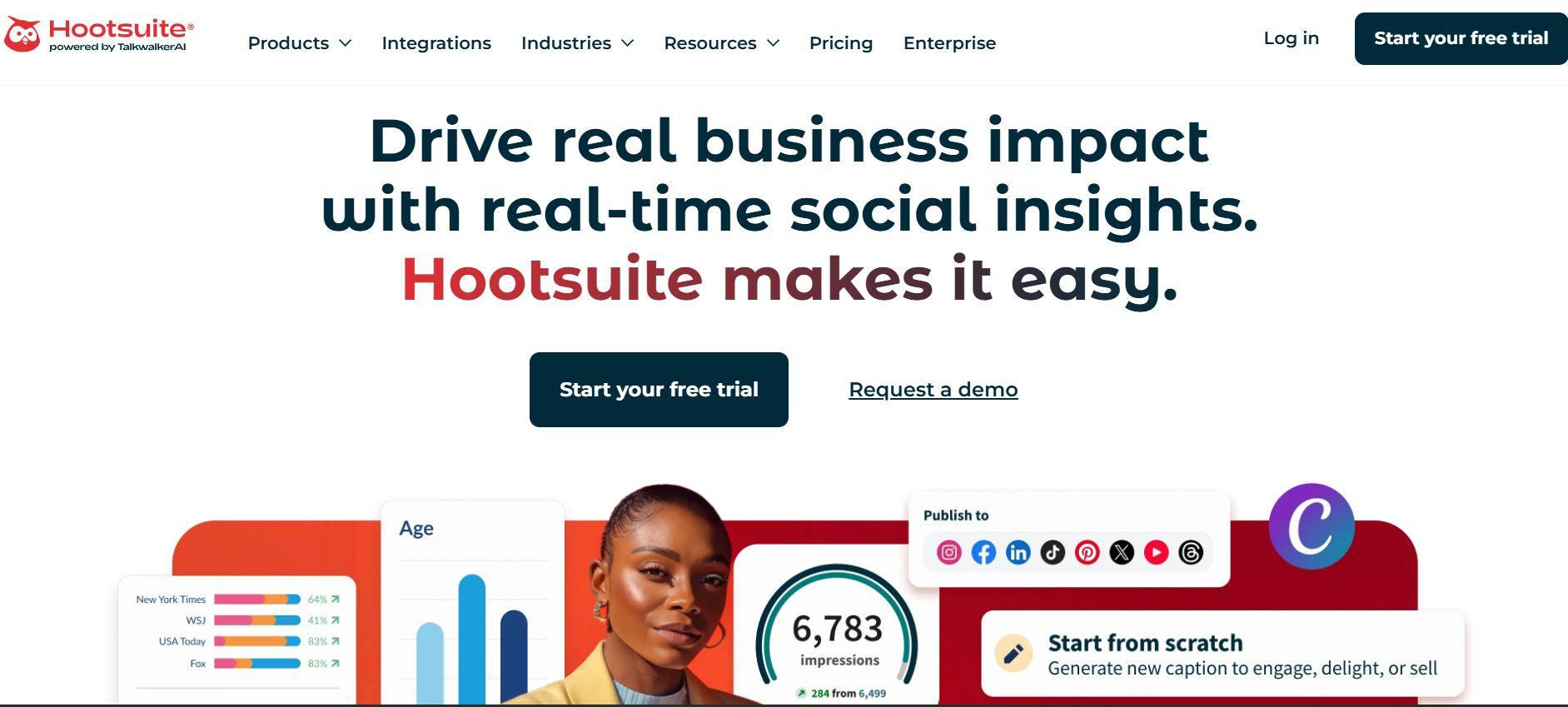
Hootsuite is one of the most established and widely used social media scheduling tools. It allows teams to manage multiple networks such as Instagram, Facebook, LinkedIn, X/Twitter, etc., from a single dashboard.
You can use it to schedule posts, monitor mentions, engage with your audience, and track performance without switching tabs. It also provides detailed analytics and campaign management, making it a go-to choice for mid-sized businesses and agencies.
Hootsuite Standout Features
- Analytics Dashboards: Provides clear, customizable reports on reach, engagement, audience growth, and campaign performance across all channels.
- Scheduling Calendar: A visual content calendar that lets you plan, drag-and-drop, and schedule posts weeks or months in advance.
- Powerful Integrations: Connects with major marketing platforms, CRMs, Canva, Google Analytics, and many other tools to streamline your workflow.
- Team Collaboration: Role-based access, approval workflows, and assignment features make it easy for larger teams to coordinate.
4. Sprout Social
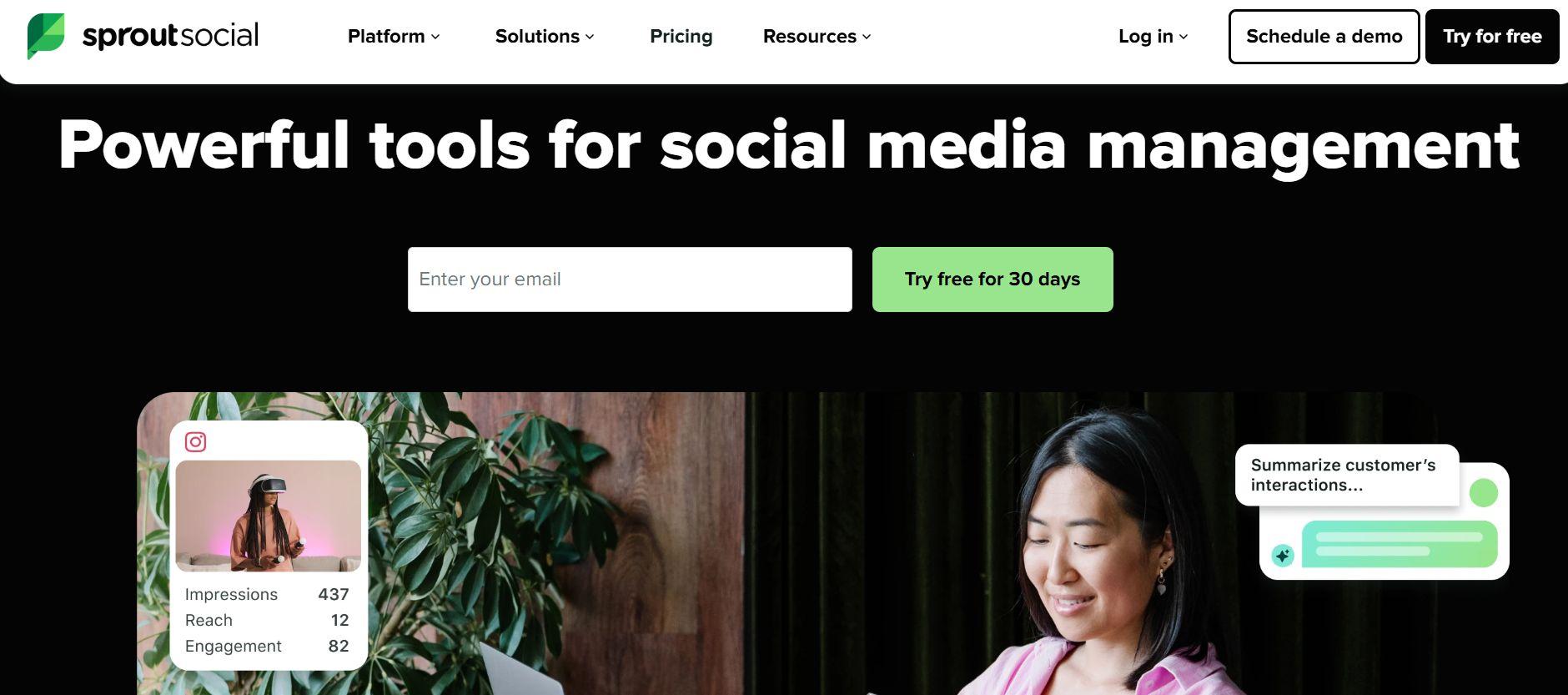
Sprout Social is a comprehensive social media scheduling software designed primarily for larger teams and enterprise-level businesses.
It focuses heavily on analytics, detailed reporting, and customer engagement features. This makes it a strong contender for marketing teams that need deep insights and professional audience management rather than basic scheduling.
Sprout Social Standout Features
- Advanced Analytics Reporting: Detailed performance dashboards with custom reports, competitor benchmarking, and ROI tracking across all social channels.
- Engagement Management Tools: Unified social inbox that brings together comments, messages, and mentions from multiple platforms for faster response.
- Smart Scheduling Capabilities: Visual content calendar with optimal posting time suggestions and recurring post options.
5. Buffer

Buffer is a widely used yet simple social media scheduling tool. Users love it for its clean, intuitive interface and straightforward publishing workflow that makes social schedules feel effortless.
Unlike more complex enterprise tools, Buffer keeps things simple and user-friendly, making it a favorite among content creators, freelancers, and small marketing teams. It is an excellent choice for teams who want reliable scheduling without getting overwhelmed by advanced features or steep learning curves.
Buffer Standout Features
- Queue-based scheduling: Add posts to a queue, and Buffer automatically publishes them at optimal times or according to your custom schedule.
- AI Assistant: Helps generate captions, rewrite text, suggest ideas, and create platform-specific variations quickly.
- Analytics: Provides clear, easy-to-understand reports on reach, engagement, and best posting times.
- Integrations: Works smoothly with major platforms, including Instagram, Facebook, LinkedIn, X/Twitter, TikTok, and Pinterest, plus tools like Canva.
6. CoSchedule
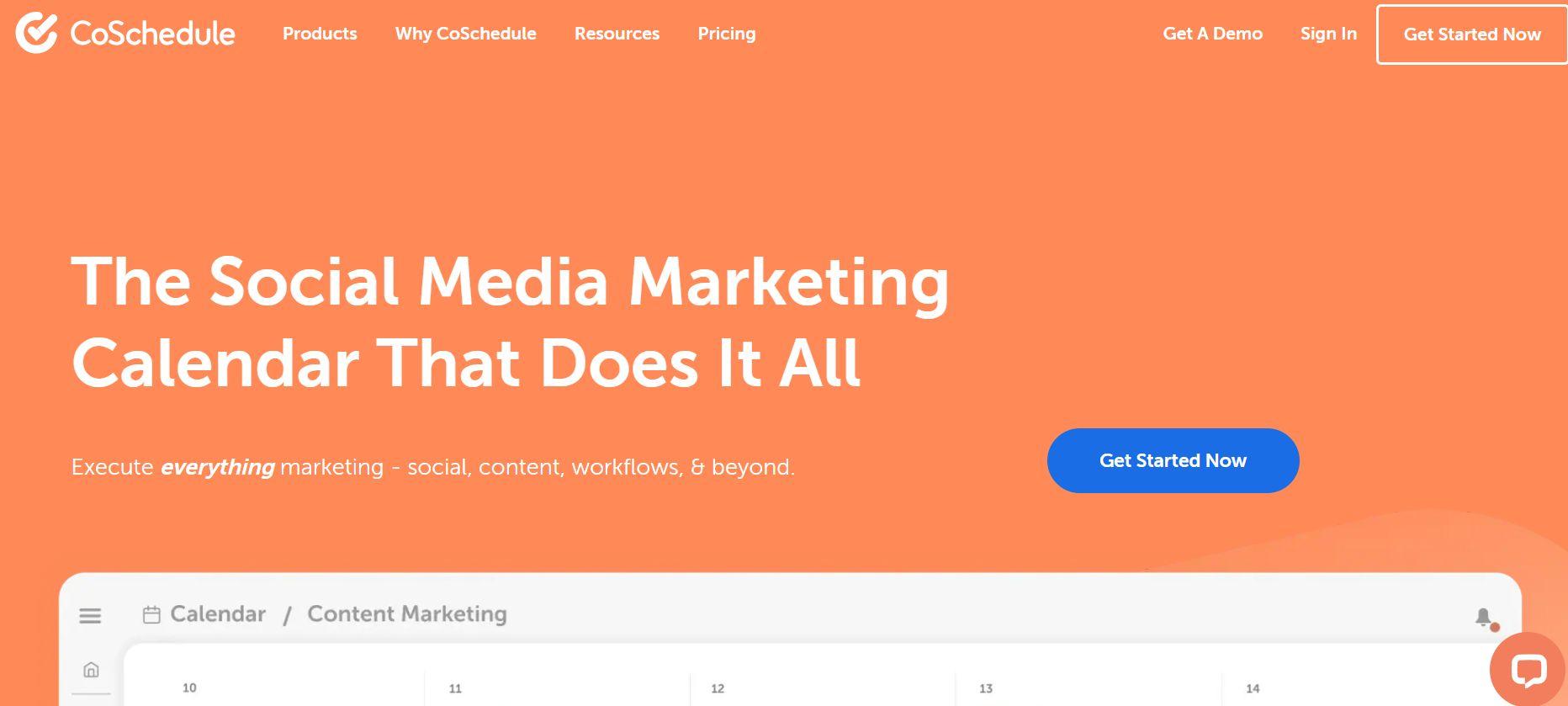
CoSchedule is a marketing calendar platform that combines content planning with social media scheduling in one unified workspace.
It is especially popular among marketing teams that want to coordinate blog posts, email campaigns, social content, and other marketing activities from a single place. Teams can plan, create, and schedule everything together instead of switching between multiple tools.
CoSchedule Standout Features
- Marketing Calendar: A visual calendar that gives teams a clear overview of all upcoming content and campaigns across channels.
- Campaign Organization: Allows users to group related content (blog posts, social posts, emails) into campaigns for better planning and tracking.
- Workflow Planning: Built-in task assignments, approval workflows, and deadlines to keep the entire team aligned and on schedule.
7. Later
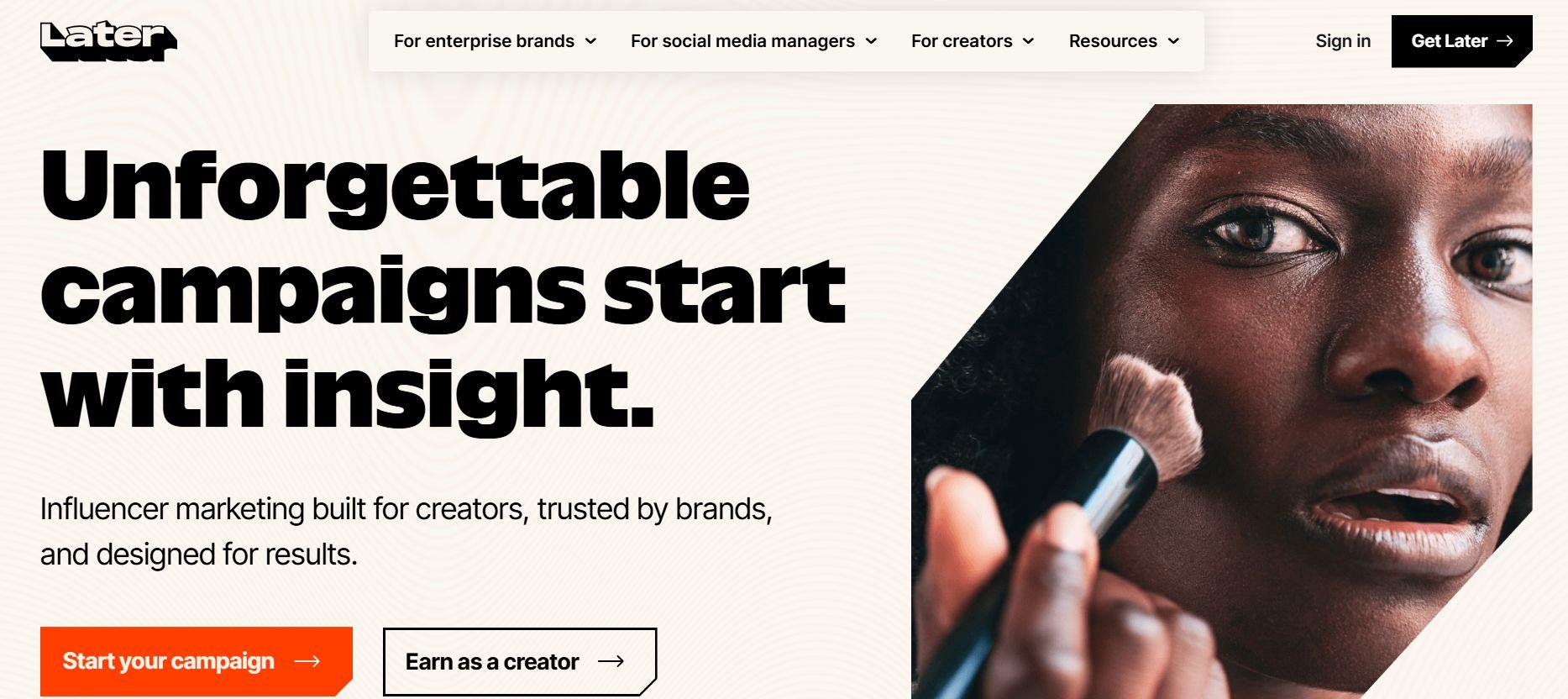
Later is a visual-first social media publishing tool that puts strong emphasis on how your content should look before it goes live.
It is particularly popular among creators, influencers, and brands that focus heavily on visual platforms like Instagram, TikTok, and Pinterest. Later’s drag-and-drop calendar lets you plan your entire feed aesthetically while scheduling posts across multiple networks.
Later Standout Features
- Visual Content Calendar: Drag-and-drop planner that shows exactly how your feed will look, making it easy to maintain a cohesive aesthetic.
- AI Caption Tools: Helps generate, rewrite, and optimize captions with hashtag suggestions and platform-specific variations.
- Link in Bio Tool: Turns your Instagram/TikTok bio into a customizable, shoppable landing page.
- Analytics & Best Time to Post: Provides insights on engagement and suggests optimal posting times.
8. Zoho Social
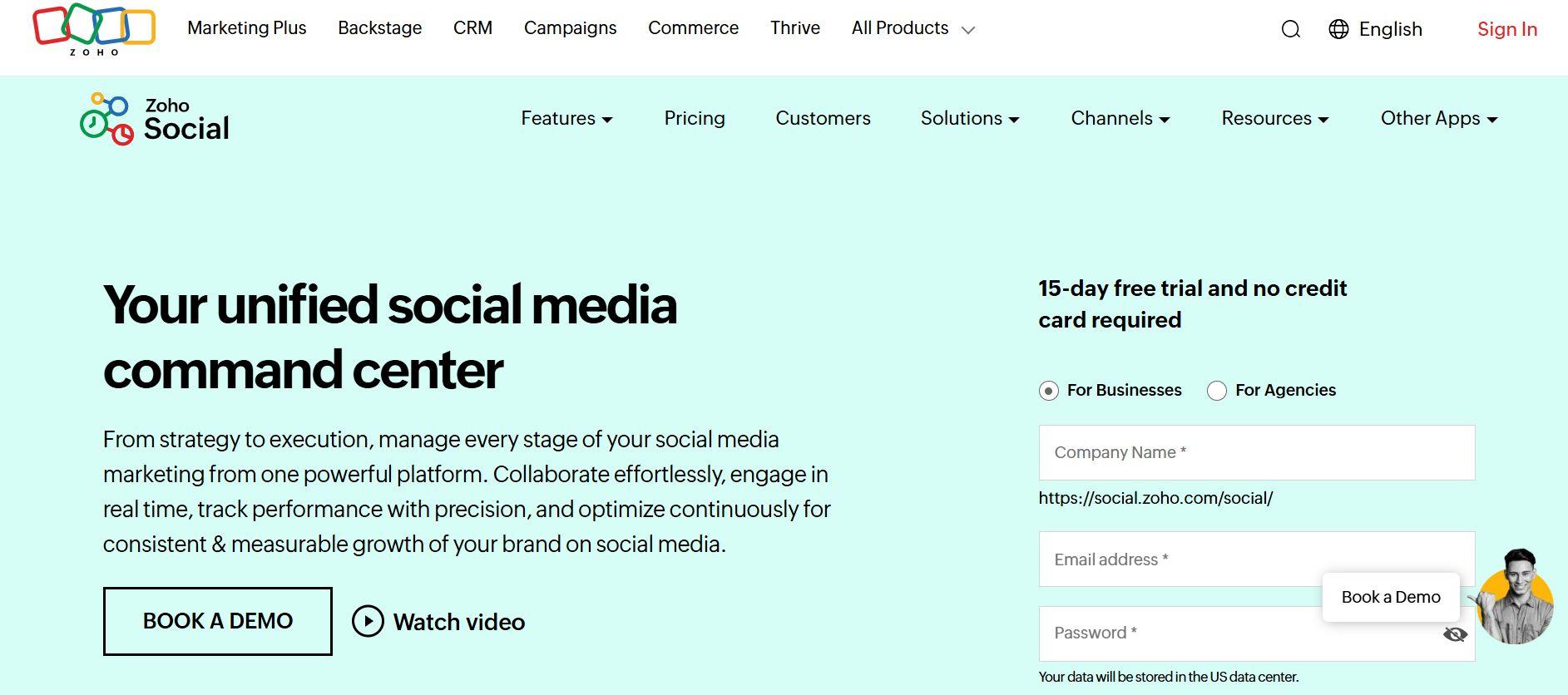
Zoho Social is part of a larger Zoho ecosystem. It is a dedicated social media marketing tool for businesses for scheduling posts, monitoring engagement, and analyzing performance across major social networks.
It is particularly useful for companies that are already using Zoho CRM, Zoho Campaigns, or other Zoho marketing tools. This allows seamless integration with the social media scheduling aspect of your business so that you don't have to switch platforms.
Zoho Social Standout Features
- Deep CRM Integrations: Connects directly with Zoho CRM so you can pull customer data, segment audiences, and align social media activity with sales pipelines.
- Advanced Reporting Tools: Provides detailed analytics and custom reports that combine social performance with broader marketing and customer insights.
- Smart Scheduling & Publishing: Offers bulk scheduling, optimal timing suggestions, and a unified calendar for managing multiple social channels.
9. Agorapulse
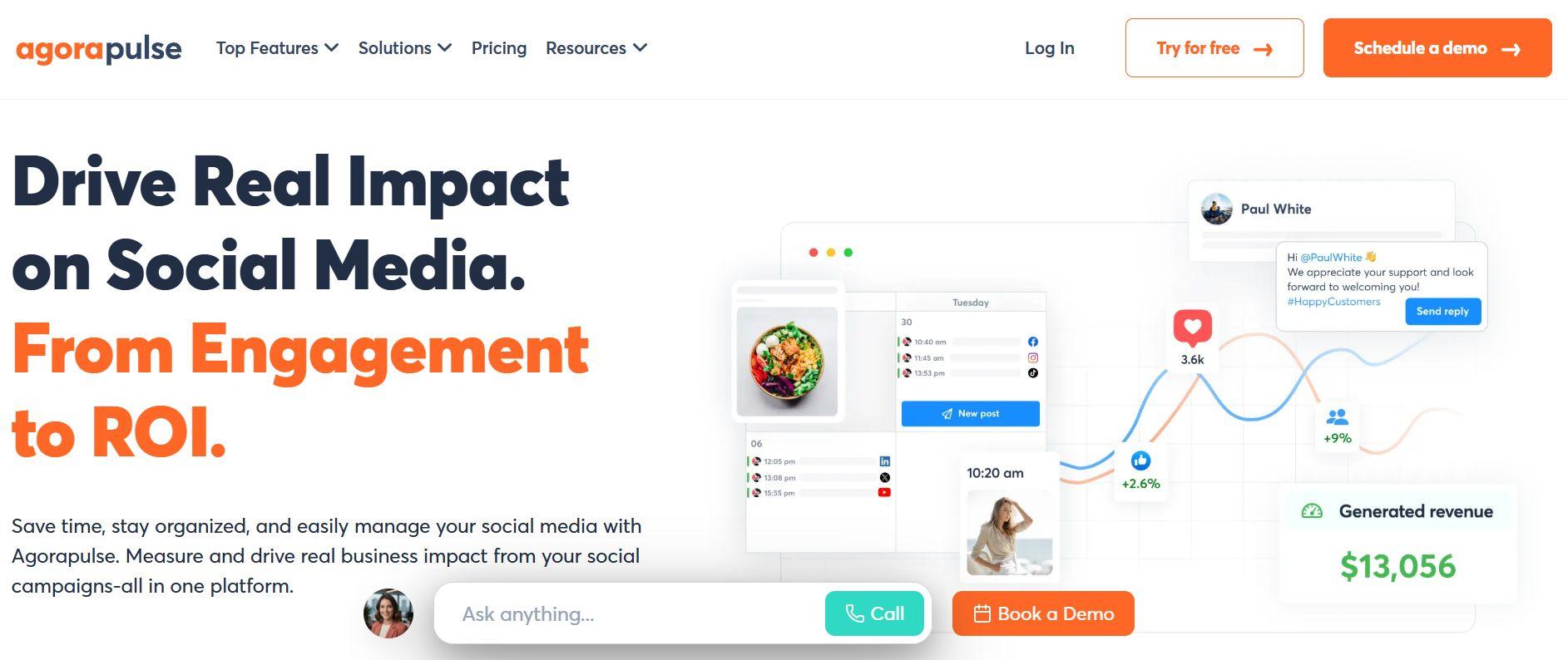
Agorapulse is a well-rounded social media posting platform that combines powerful scheduling with strong engagement management. It doesn't just schedule posts for you, it keenly observes interactions and brings it all under a unified inbox.
Instead of jumping between different social apps, Agorapulse brings all the comments, direct messages, and mentions from multiple accounts under one dashboard. This makes responding and keeping track of customer feedback much easier and quicker.
Agorapulse Standout Features
- Unified Inbox Management: Consolidates all incoming messages, comments, and mentions from different platforms into a single, organized inbox for faster and more efficient responses.
- Automated Scheduling: Offers bulk scheduling, recurring posts, and smart timing suggestions through an intuitive visual calendar.
- Analytics & Reporting: Delivers clear performance insights and engagement metrics to help teams measure the success of their social media efforts.
10. Sendible
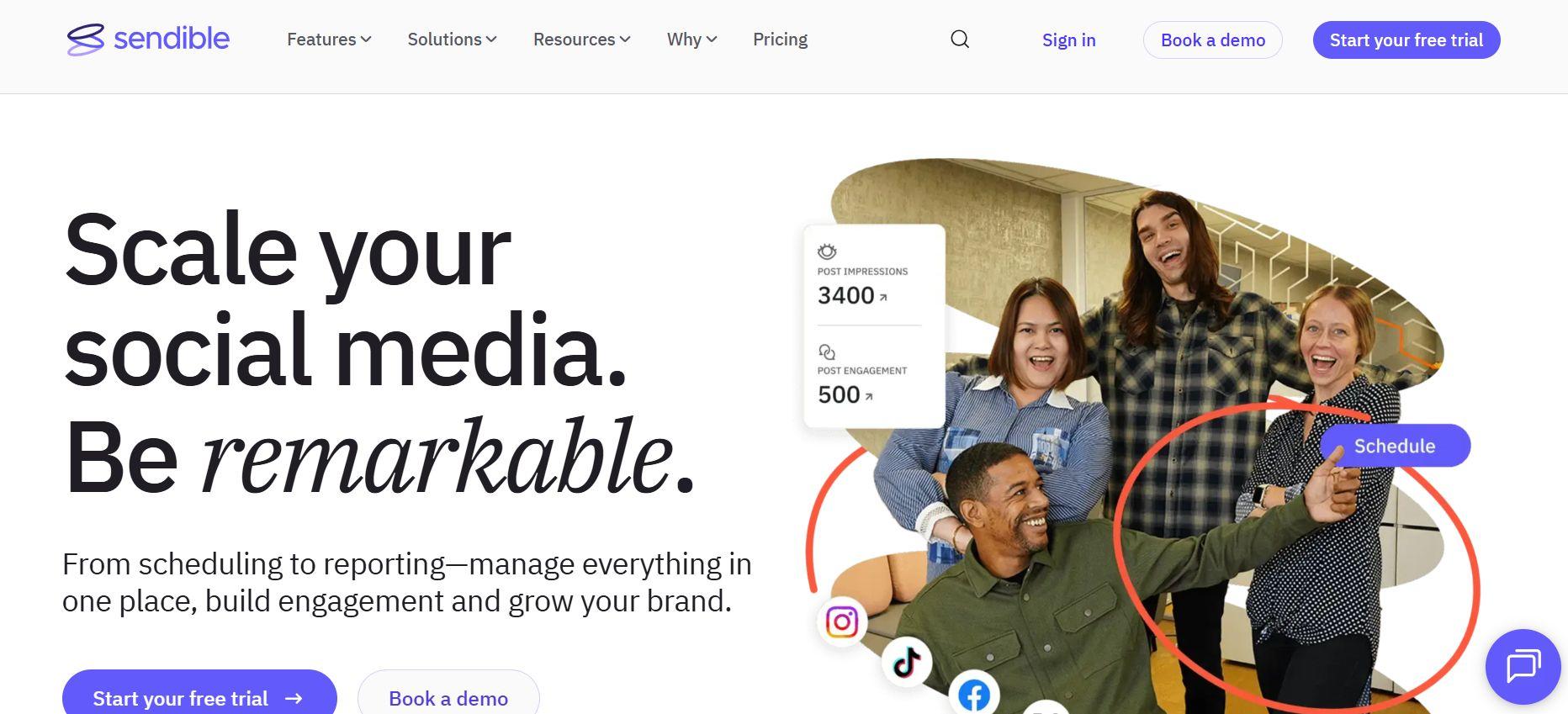
Sendible is built specifically for agencies and businesses that manage multiple client social media accounts.
It provides a centralized dashboard where agencies can organize client profiles, plan content calendars, schedule posts across platforms, and maintain consistent branding for every client. Many agencies choose Sendible as their social media scheduling tool because it simplifies client management and makes it easier to deliver professional, organized social media services at scale.
Sendible Standout Features
- Advanced Reporting Tools: Creates beautiful, client-ready performance reports with custom branding and clear insights.
- Deep Integrations: Connects smoothly with major social networks, Canva, Google Analytics, Bitly, and other marketing tools.
- Client Management Features: Allows agencies to set up separate workspaces for each client, manage approval workflows, and maintain clear boundaries between accounts.
11. Statusbrew
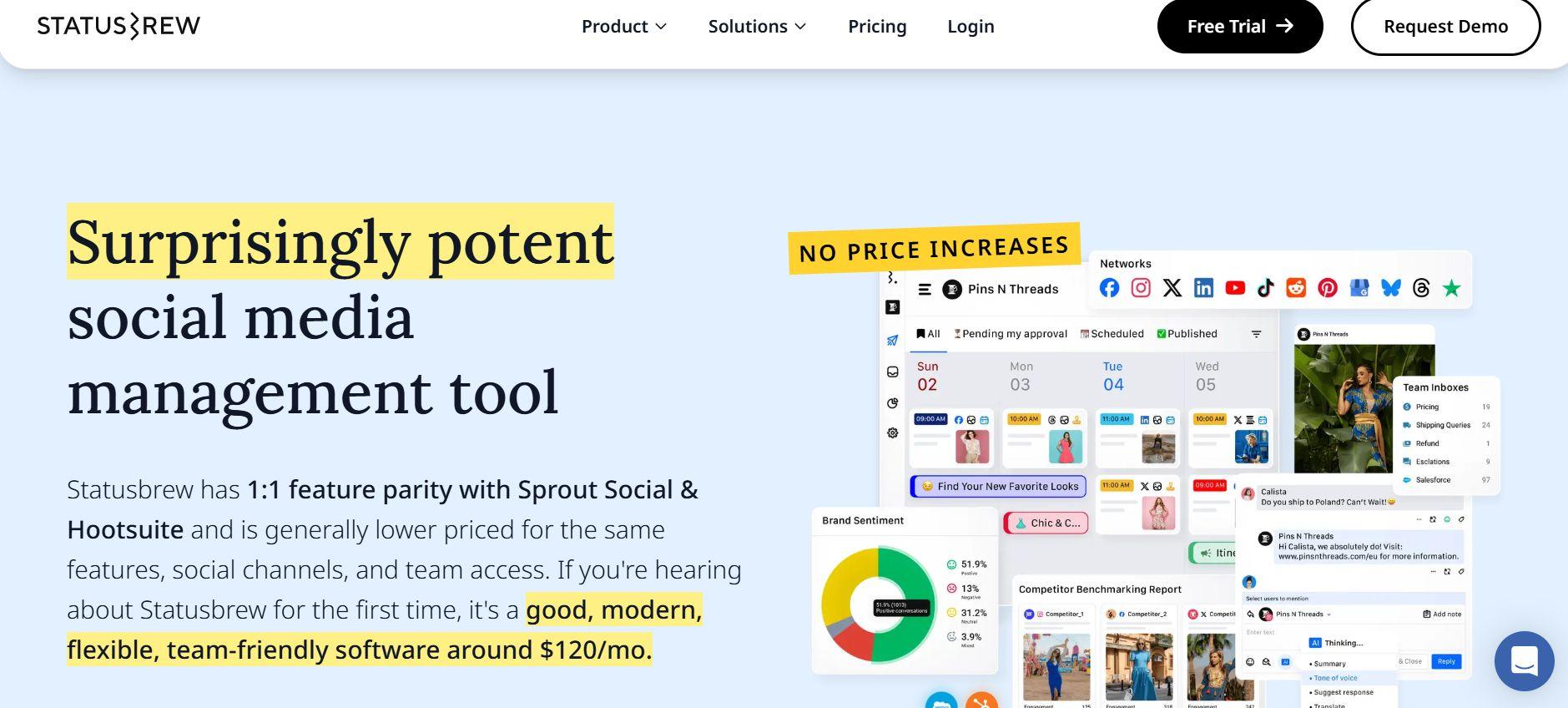
Statusbrew is a robust social media scheduler designed for teams that handle large volumes of social media conversations and scheduled content.
It is particularly popular among support and marketing teams that need to manage high levels of engagement across multiple platforms. Statusbrew combines scheduling, publishing, and inbox management in one platform, helping teams stay organized even when dealing with hundreds of daily interactions.
Statusbrew Standout Features
- Unified Social Inbox: Consolidates all comments, messages, and mentions from different platforms into one inbox for faster response and better customer service.
- Smart Scheduling & Publishing: Offers bulk scheduling, recurring posts, optimal timing suggestions, and a visual content calendar.
- Advanced Analytics: Provides detailed performance reports, sentiment analysis, and competitor benchmarking to help teams measure and improve their strategy.
- Team Collaboration: Role-based access, approval workflows, and task assignment features make it easy for larger teams to coordinate effectively.
12. Loomly
Loomly is a content planning and social media post scheduler designed for marketing teams that work on multiple clients across multiple platforms at the same time.
It focuses on helping teams organize content ideas, build publishing calendars, and maintain a consistent posting rhythm across multiple social channels. Loomly is often chosen by teams that want a structured yet flexible way to plan and execute their social media strategy without complexity.
Loomly Standout Features
- Post Suggestions & Ideas: Built-in content inspiration and post idea generator that helps teams brainstorm and plan content more efficiently.
- Campaign Planning Tools: Allows teams to group related posts into campaigns, set timelines, and coordinate messaging across platforms.
- Analytics Dashboards: Provides clear performance metrics, engagement insights, and reporting to help teams understand what’s working and adjust their strategy.
- Visual Content Calendar: Easy-to-use calendar view that gives teams a complete overview of upcoming posts and campaigns.
Must-Have Features in Any Social Media Scheduling Tool
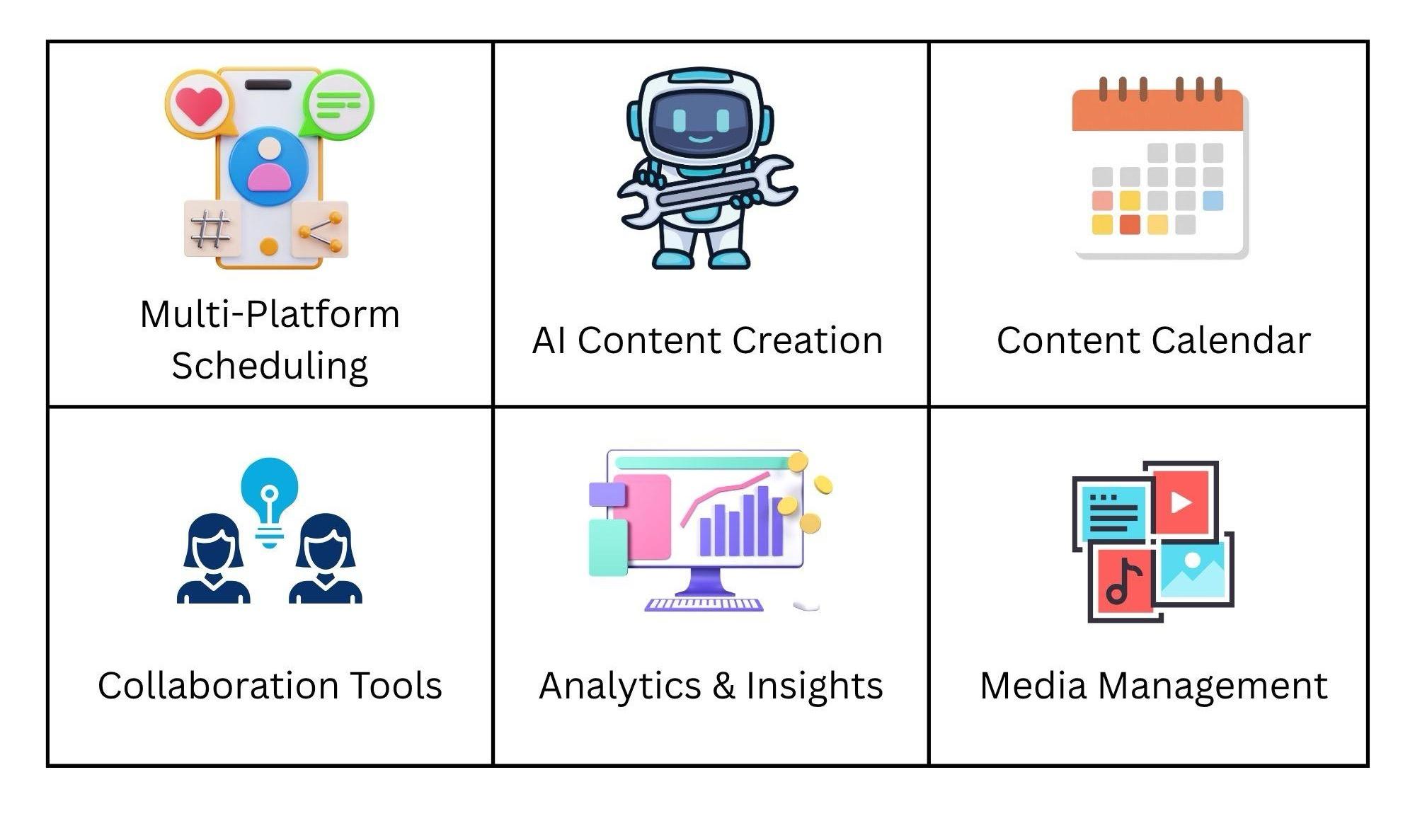
While many platforms let you queue posts, the best ones go beyond simple calendar organization. The best social media management tools allow users to control their full social media presence in a single app. They help you plan content, generate posts, automate publishing, and track performance, all in one workflow.
A modern social media scheduling platform is designed to reduce manual work and keep everything organized. They can help streamline workflows by centralizing content creation, approval, and publishing processes.
The following features highlight what to look for in a scheduling software that can scale with your team and support long-term growth.
Multi-Platform Scheduling and Publishing
If you have to juggle between multiple tabs just to schedule and publish for multiple accounts, your scheduler isn't doing a great job. A good social media posting tool should be able to publish to multiple channels from a single dashboard.
A centralized system simplifies this process. Instead of logging into each platform separately, teams can plan, schedule, and publish everything in one place. This automation makes it easier to stay consistent without extra effort.
AI-Powered Content Creation
An AI social media scheduler can generate captions, suggest post ideas, and even create variations of the same content for different platforms. These variations can be optimized for each social media platform in just a few steps. This makes it easier to keep your content pipeline full without starting from scratch every time.
This feature is especially useful for maintaining consistency across all platforms. AI can easily match brand tone, suggest relevant hashtags, and format posts based on the platform's best practices. It reduces time spent on manual labor, allowing teams to focus on strategy and creativity.
Content Calendar and Scheduling Automation
For consistent posting, you need to have a clear content plan. This is where visual calendars come in. Most tools for social media scheduling allow content calendars to be mapped out in advance. A drag-and-drop calendar in scheduling tools helps users organize posts, spot gaps, and avoid overlaps in their content schedule.
By combining this content organization with automation, you can significantly reduce manual work every day. Teams can schedule content in advance and let the AI publish automatically at the specified time.
Collaboration and Approval Workflows
Collaboration is the backbone of any social media team. Teams are often required to draft, review, and approve content before anything goes online.
A smooth approval workflow not only saves time, but it also allows team members to work efficiently with minimum disturbance. Collaboration features in scheduling tools, such as shared drafts and internal notes, streamline communication among team members.
These workflows reduce errors, prevent miscommunication, and ensure every post aligns with brand guidelines before it's published.
Analytics and Performance Insights
You may plan your content ahead of time, but if you aren't sure whether it will drive results or not, you are wasting time. The smart social media scheduling tools include built-in analytics that show how your posts are performing across all platforms.
Analytics and performance tracking features in scheduling tools help marketers refine their strategies by providing insights into post engagement and audience demographics. Marketers can track engagement, reach, and audience behavior to see what content resonates.
Media Management and Content Organization
Social media cannot run without images, videos, and other design assets. Without organization, it can all quickly look like beautiful chaos. Built-in media libraries in social media management tools allow teams to store, organize, and reuse content when preparing scheduled posts.
Most social media management tools come with features like content calendars and post planners, often paired with media storage to keep everything in one place. This makes it easier to maintain consistency and avoid recreating assets from scratch.
How AI Is Changing Social Media Scheduling?
Social media scheduling was once all about filling calendars in advance and remembering to follow it to the dot. With the evolution in AI, it has shifted towards AI-assisted planning and execution, where tools help create content, suggest posting times, and optimize performance.
Let's take a look at how AI has revolutionized the realms of social media scheduling:
AI-Assisted Content Creation
Brainstorming for new content and captions is an exhausting task even for professionals. AI is making this process easier and more flexible by suggesting and generating captions, post ideas, hashtags, and multiple variations of the same asset.
This allows teams to test different angles quickly and adapt or edit the content for different platforms without extra manual efforts.
Automated Content Planning
Instead of planning posts manually each week, AI tools can now generate structured schedules automatically based on your past content, themes, and campaign goals.
By analyzing which type of content performed well in the past, AI can suggest what to post and when, helping teams stay consistent without constant planning. Effective use of AI social media scheduling tools can enhance marketing strategies by ensuring timely and consistent content delivery.
Smart Scheduling and Timing Optimization
Earlier, you would have to calculate the time at which your target audience would be more likely to engage with your posts. And if the time zone is different than yours, it's a guessing game on another level. AI takes this guesswork out of the question.
It can recommend optimal times to publish content, no matter where you are. This ensures posts reach the most active followers, improving visibility and engagement without constant manual monitoring. It allows you to pre-plan and queue up content, ensuring that posts are published at regular intervals and peak times.
Multi-Platform Content Adaptation
AI helps content perform on every platform. It can adjust captions, formatting, and media types so a single post works effectively on Instagram, LinkedIn, Facebook, and more.
This saves you from rewriting or resizing content manually and ensures messaging stays consistent. The result is a broader reach and brand consistency without extra effort.
How Do I Choose a Social Media Scheduler That Scales With My Team?
Choosing the right social media scheduler depends on your current team size, automation needs, and content volume. It cannot be a "one size fits all" situation because what works for a solo founder may become limiting for a bigger team.
Here's how to evaluate properly:
- Team Size: Solo users or very small teams usually do best with simple, lightweight tools like Buffer or Later. Larger teams need platforms with strong collaboration features, approval workflows, and role-based access.
- Automation Needs: If you publish only a few posts per week, basic scheduling is enough. If you need to generate captions, repurpose content, or run campaigns across platforms, choose tools with strong AI capabilities and workflow automation.
- Content Volume: Low-volume creators can manage with basic queues. High-volume teams or agencies require advanced features like bulk scheduling, content calendars, AI suggestions, and performance analytics.
A startup posting 3-5 times a week may find free social media scheduling tools like Buffer or Later perfectly sufficient. On the other hand, a growing business or agency posting daily across different platforms will benefit more from platforms like Sintra AI, Sprout Social, or Hootsuite.
The key is to choose a tool that can grow with you. It doesn't have to be the most expensive or complex one.
Why Sintra AI Works Best for Social Media Scheduling?
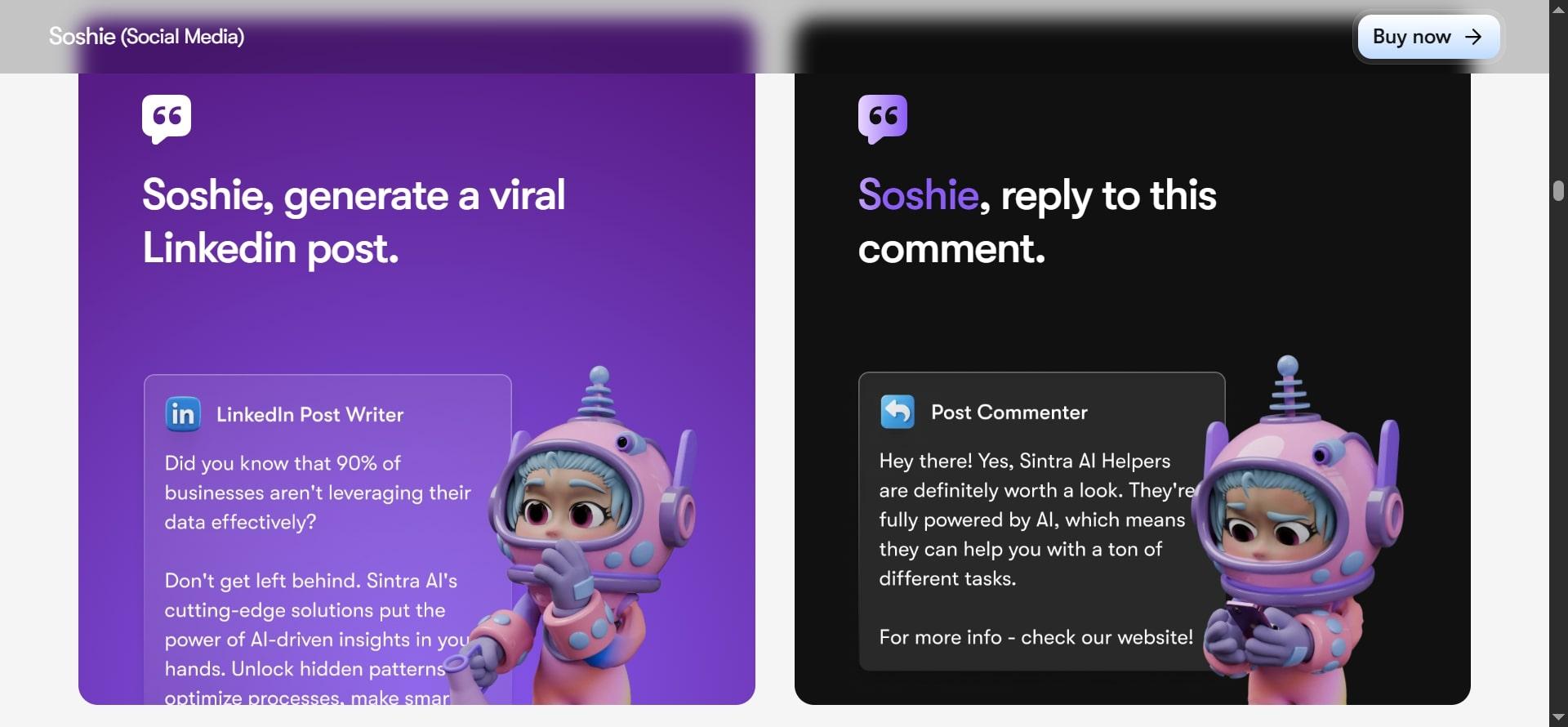
Sintra AI treats social media scheduling differently from traditional tools. While most schedulers only help you publish posts, Sintra combines content creation, planning, and scheduling into one intelligent AI workflow.
At the center of this automation is Soshie, Sintra's dedicated AI social media helper. Soshie can generate engaging captions and suggest post ideas, organize calendars, and schedule posts for different platforms. And it does all this while maintaining your brand voice.
This means teams no longer need to manually manage content calendars or spend hours writing posts. Soshie handles the heavy lifting, allowing you to focus on strategy instead of execution.
As a result, Sintra delivers more consistent posting, higher content quality, and significantly less manual work compared to conventional tools.
Ready to Automate Your Social Media Workflow?
Tired of juggling content calendars, writing captions at the last minute, and manually scheduling every single post? It is time for you to consider a smarter approach and consider investing in a good social media scheduling tool.
The best scheduler should do more than scheduling; it should help you create, plan, and publish with consistency and less effort.
Sintra AI is built exactly for this purpose. It combines scheduling with content generation and automation into one seamless AI workflow. Your team can maintain a steady social media presence without burning out.
Let Sintra's AI helpers handle the heavy lifting while you focus on strategy and growth. Get started with Sintra and see how easy social media scheduling can become.
Social Media Scheduling Tools FAQs
What is the best social media scheduling tool in 2026?
The right choice depends on your team size, content volume, and level of automation required. Sintra AI stands out for teams that want AI to generate content and automate workflows. Buffer and Later are ideal for simplicity and ease of use. Sprout Social and Hootsuite are better suited for larger teams that need advanced analytics and reporting.
What do social media scheduling tools actually do?
Social media scheduling tools let you plan, create, and publish posts across multiple platforms in advance from one dashboard. They usually include a content calendar, basic analytics, and team collaboration features. More advanced tools also offer AI caption generation, optimal posting time suggestions, and automated workflows.
What should you look for in a social media scheduling tool?
Look for a clean and easy-to-use interface, support for the platforms you use most, a visual content calendar, team collaboration features like approvals, decent analytics, and AI assistance for generating or optimizing content. Reliable integrations with other tools you already use are also important.
What is the difference between social media scheduling and social media management tools?
Social media scheduling tools mainly focus on planning and publishing posts ahead of time. Social media management tools are broader. They include scheduling but also offer engagement tools, advanced monitoring, detailed reporting, and customer service features.
How to choose the right social media scheduling tool?
Choose a social media scheduling tool based on your team size, platforms used, required automation, and analytics needs. Look for ease of use, multi-platform support, and features that match your workflow.
Related articles