


Best AI Website Builder (2026 Guide)

.avif)
Table of Contents

Quick Answer: What Is the Best AI Website Builder?
The best AI website builder depends on what we prioritize - design automation, ecommerce infrastructure, or AI-powered growth tools. Platforms like Sintra AI focus on continuous website building, optimization and automation, while builders like Shopify Magic and Wix ADI specialize in quickly generating site structure and layouts so we can launch in minutes.
Together, these represent the new generation of top AI website builders that handle both website creation and ongoing business execution.
The best AI website builder in 2026 does far more than generate a layout from a prompt. The best AI website builders now automate key parts of building and running a site - from design and content structure to SEO setup, ecommerce functionality, and ongoing optimization. Real-world results show what AI-powered customer engagement can achieve - Lowe's Mylow AI answers nearly 1 million questions a month, and customers who engage with Mylow online convert at more than double the normal rate.
In this guide, we will evaluate the best AI website builders based on practical criteria that matter for real businesses: design automation quality, ease of use, flexibility, ecommerce readiness, and the ability to support growth after launch.
Our goal is simple: identify the AI website builders that help founders, marketers, and small businesses go from idea to a fully operational website as quickly and reliably as possible. 🚀
Shortlist - Comparing The Top Options
Top 10 Best AI Website Builders Compared
While many AI website creators can quickly produce a site design, the real difference comes from how well each platform supports SEO, ecommerce, integrations, and long-term growth.
We selected the tools below based on automation depth, usability, AI capabilities, integrations, and real-world performance when launching and managing websites. For each platform, we look at strengths, limitations, and the type of user it fits best.
Sintra AI (Commet)
Sintra's website AI assistant approaches site creation differently from many traditional builders. Instead of relying on templates or visual editors, Commet works more like a conversational AI assistant that helps us generate and optimize ecommerce website pages.
At the center of the system is Commet, an ecommerce employee that helps us create and improve store content using natural language prompts.
How Commet builds website pages
We simply describe what we want to build - for example a landing page, product page, or collection page - and provide context about the business, products, and positioning. Commet then generates the page content and structure so it aligns with the store’s messaging and SEO goals.
What Commet can do:
- Generate website pages and landing pages
- Create SEO-focused collection pages
- Write and optimize product descriptions
- Draft upsell and cross-sell copy
- Produce email flows and marketing campaigns
- Support product positioning and messaging
Instead of replacing ecommerce platforms, Sintra works alongside them. We can connect our store and use Sintra’s team of AI employees to help manage content, SEO, and marketing tasks.
Shopify AI

Shopify uses a set of built-in AI tools, primarily Shopify Magic and Sidekick, to help us create and manage ecommerce stores faster. These tools generate store content, assist with setup tasks, and automate parts of the store-building workflow directly inside the Shopify admin.
Shopify’s AI can also generate storefront layouts based on a simple description of the business. By entering keywords such as the brand name, product category, or design style, the platform can produce ready-to-edit store designs with images and text.
What Shopify AI can help us do:
- Generate product descriptions automatically from product details
- Create marketing copy such as emails and store content
- Generate custom theme blocks or sections by describing them in plain language
- Assist with store setup and tasks through the Sidekick AI assistant
Because these tools are built directly into Shopify’s ecommerce platform, they work alongside the store’s products, themes, and analytics. This allows us to generate store content quickly while still relying on Shopify’s infrastructure for payments, inventory management, and app integrations.
Wix ADI

Wix ADI (Artificial Design Intelligence) builds a website by asking us a series of questions about our business, design preferences, and the type of website we want to create. Based on those answers, the AI automatically generates a complete website with pages, layout, images, and starter content.
Instead of designing everything manually, we describe our business and goals, and the AI creates a personalized site structure that can be edited afterward. The generated website can include suggested sections, navigation, images, and text that match the business type and design preferences we selected.
What Wix ADI can generate
- A complete website layout and page structure
- Design styles such as colors, fonts, and layouts
- Starter website content and images
- Navigation menus and sections
- A responsive design optimized for different devices
After the website is generated, we can continue editing it using Wix’s visual editor to customize the design, content, and branding.
Squarespace AI

Squarespace uses an AI system called Blueprint AI Builder, part of its broader Design Intelligence toolkit, to generate personalized websites based on user input. We start by answering a few questions about our business, goals, and brand personality, and the AI generates a custom website draft with recommended layouts, pages, fonts, and color palettes.
The system walks us through a guided setup process where we choose design directions, page types, and styling preferences. Once the selections are complete, Squarespace converts those choices into a fully structured website that can be edited and expanded in the standard Squarespace editor.
What Squarespace AI can generate
- Website layouts and page structures
- Color palettes and font pairings
- AI-generated images and website copy
- Suggested sections and navigation structure
- SEO-friendly page content drafts
After the initial AI-generated site is created, we can continue editing content, styling, and structure using Squarespace’s visual builder and design tools.
Hostinger AI Builder

Hostinger’s AI Website Builder creates a full website from a short description of the business or project. We start by describing the type of site we want - such as a blog, business site, portfolio, or online store, and the AI generates a complete website draft with layout, pages, and starter content.
The generated website can then be edited using Hostinger’s drag-and-drop builder, allowing us to adjust layouts, colors, fonts, images, and page sections without coding.
What Hostinger AI Builder can generate
- A full website layout and page structure
- AI-generated website text and images
- Navigation menus and page sections
- SEO metadata such as titles and descriptions
- Logos, blog posts, and product descriptions using built-in AI tools
The platform also includes hosting, a domain, and additional AI tools like an AI writer, image generator, and SEO assistant, allowing us to build and launch a website from one platform.
Hostinger’s AI builder is designed primarily for beginners and small businesses that want to launch a website quickly without technical setup.
Durable AI
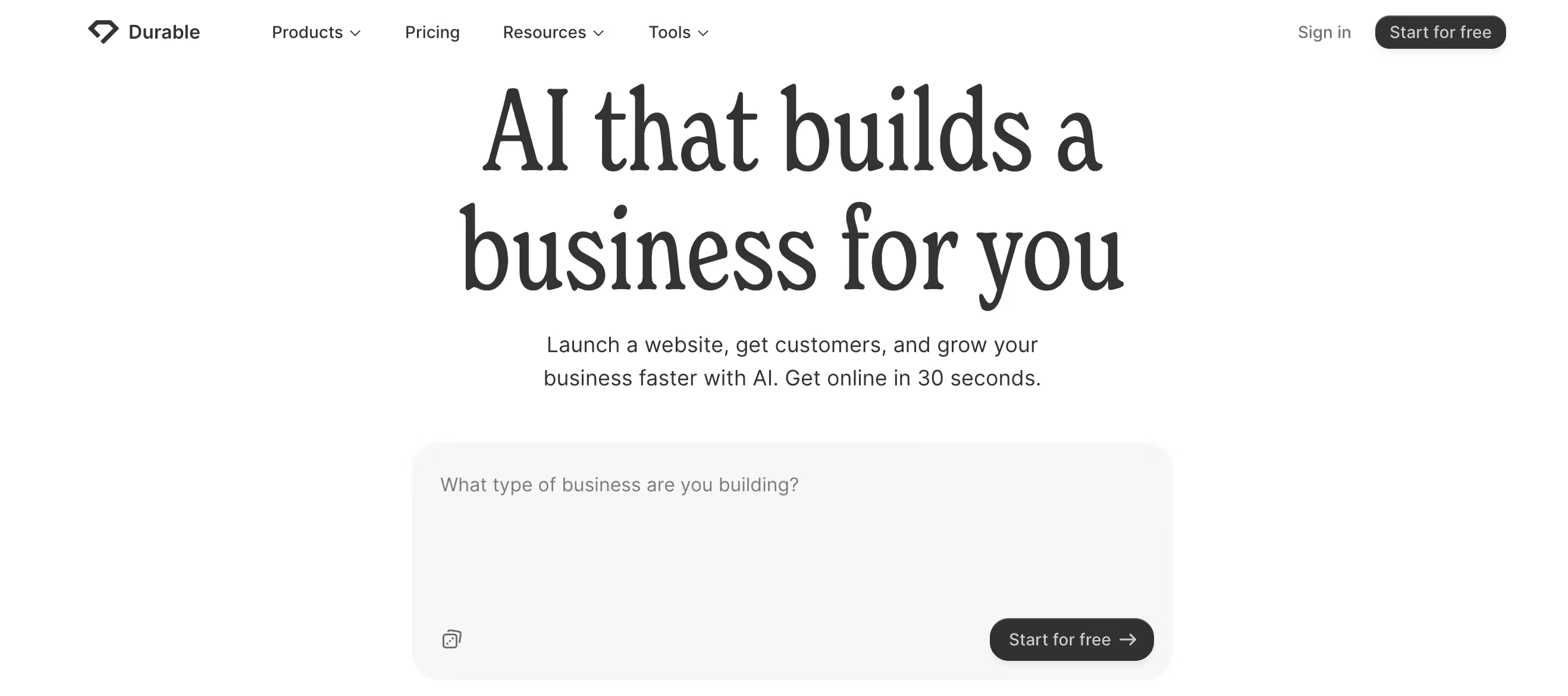
Durable’s AI Website Builder creates a complete business website automatically after we enter a few basic details about our business, such as the company name, industry, and location. The AI then generates a multi-page website with layouts, images, and written content tailored to the business.
The platform is designed to launch a working website very quickly. Durable states that its AI can generate a fully functional site in about 30 seconds, including common pages like a homepage, service pages, and contact forms.
What Durable AI can generate
- A complete multi-page website with layouts and content
- AI-written text and industry-specific copy
- Images and responsive design automatically applied
- Contact forms and standard business pages
Durable also includes additional business tools alongside the website builder, such as CRM, invoicing, and marketing tools, allowing small businesses to manage customers and operations from the same platform.
10Web AI Builder
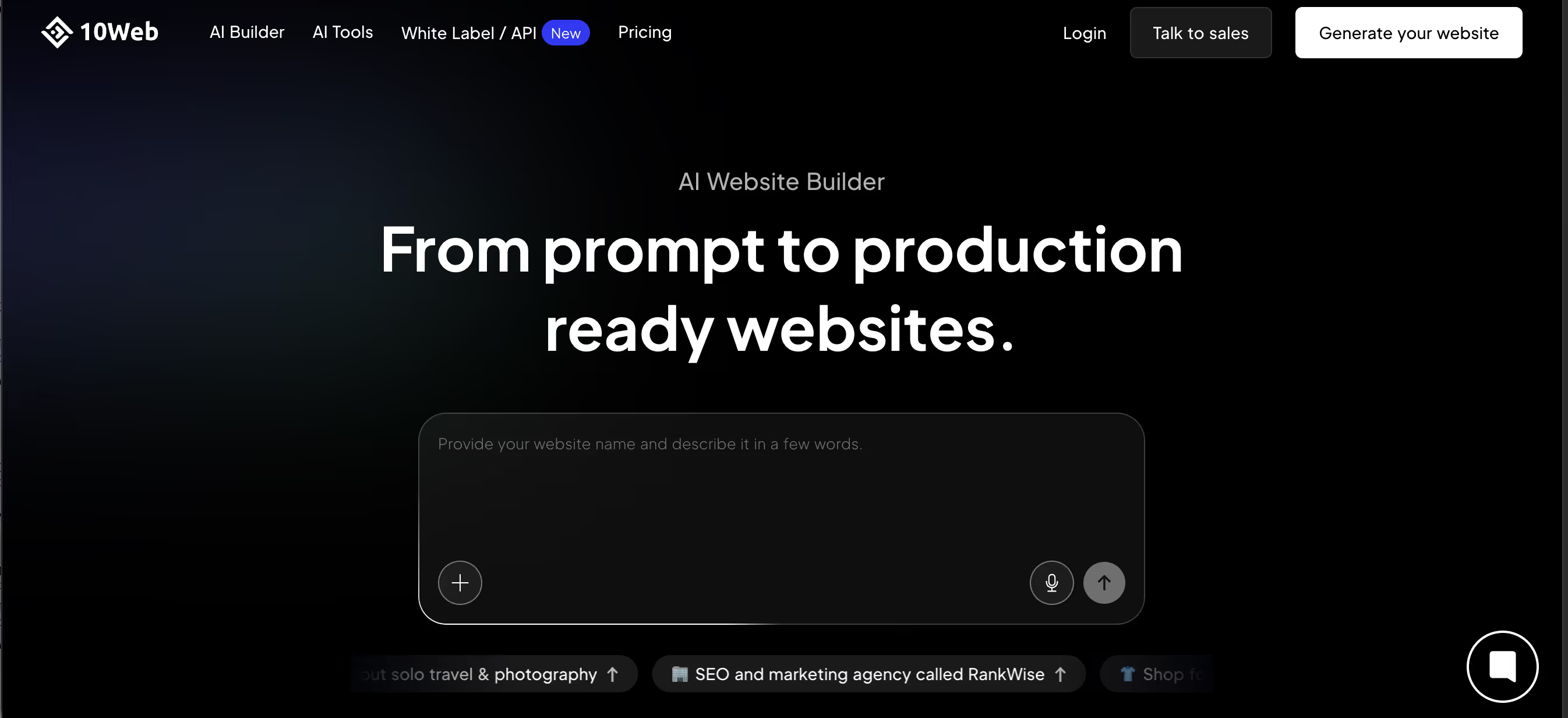
10Web AI Builder creates WordPress websites automatically using generative AI. We start by describing our business and website goals, and the platform generates a complete website structure with layouts, images, and written content tailored to that input.
The generated website runs on WordPress, which means we can edit and expand it using WordPress tools and plugins. After the AI generates the site, we can customize pages using a drag-and-drop editor based on Elementor.
What 10Web AI Builder can generate
- A full WordPress website based on a description of the business
- Page layouts, images, and written website content
- Responsive designs that work across devices
- WordPress sites that can be edited with a drag-and-drop Elementor-based editor
One feature that distinguishes 10Web from many AI website builders is its ability to recreate an existing website and convert it into a WordPress site, which can then be edited and customized further.
Because it is built on WordPress, the platform gives us access to the broader WordPress ecosystem, including plugins, hosting tools, and additional customization options.
GoDaddy AI Website Builder

GoDaddy’s AI Website Builder generates a website after we answer a few questions about our business and goals. The platform’s AI then creates a website with layout, text, and images automatically, so we can launch a site quickly without designing it from scratch.
The AI builds the initial version of the site - including common pages like a homepage, about page, and contact page, and we can then edit the content, layout, and branding inside GoDaddy’s website editor before publishing.
What GoDaddy AI Website Builder can generate
- A complete website layout with pages and navigation
- AI-generated text and page content
- Images and responsive page designs
- Standard website pages such as Home, About, and Contact
GoDaddy also integrates additional AI tools into the platform, allowing us to generate website content, create marketing materials, and manage our online presence from the same dashboard.
The builder is primarily designed for speed and simplicity, making it suitable for small businesses that want to launch a functional website quickly without technical setup.
Framer AI
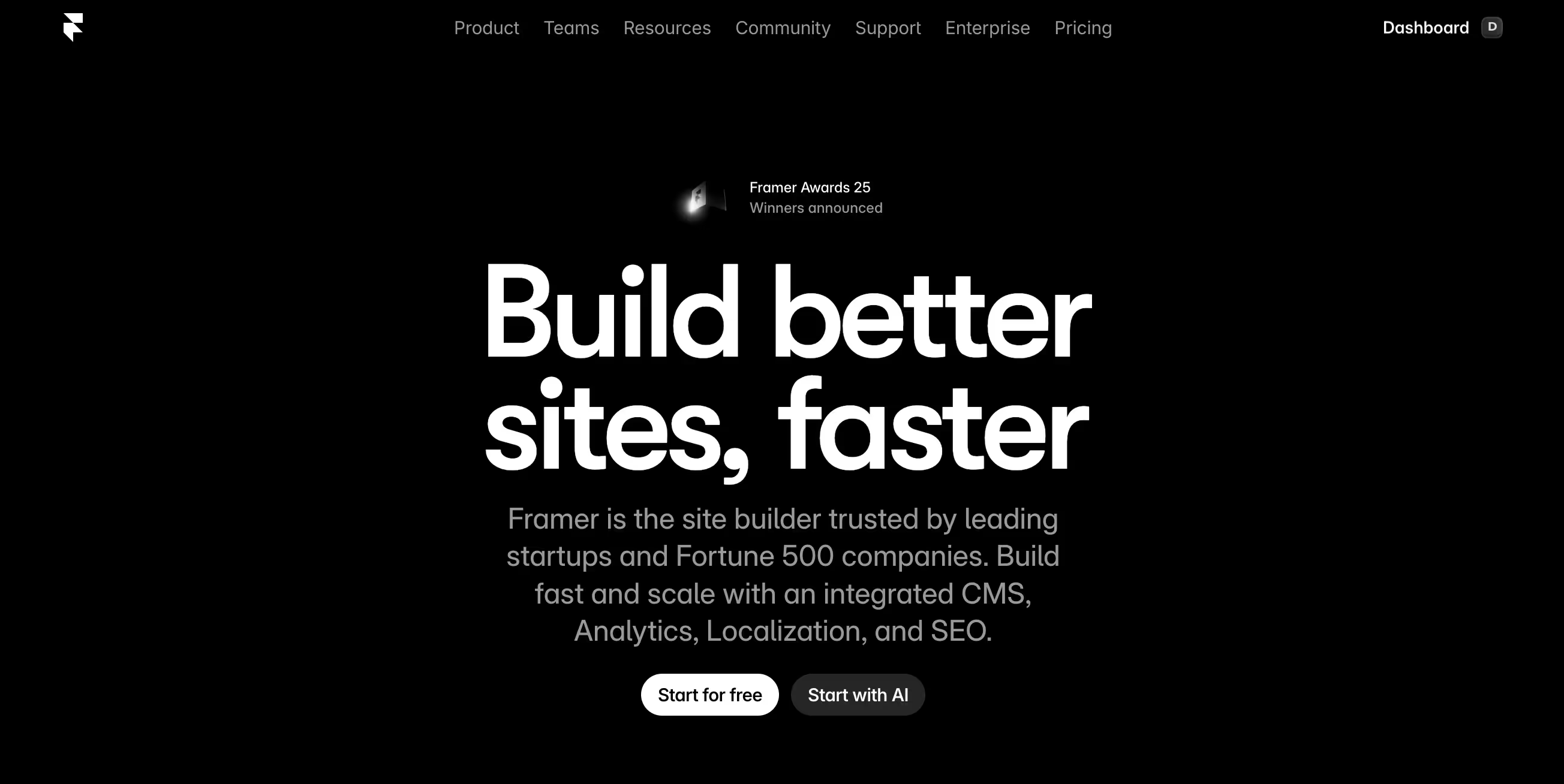
Framer AI helps us generate website layouts and starter content from a text prompt. We describe the type of website we want - such as a landing page or marketing site, and the AI generates a responsive page structure with sections, layout, and example content that we can refine afterward.
Instead of generating a complete finished website automatically, Framer typically creates page structures or wireframes that we then customize using its visual design editor. This workflow allows us to quickly move from an idea to a working layout while still keeping full control over design details and interactions.
What Framer AI can generate
- Page layouts and responsive website sections from a prompt
- Starter content and page structure
- Draft copy or rewritten page text using AI tools
- Interactive components or design elements generated with prompts
After the AI generates the initial page, we can customize the design using Framer’s visual editor, animations, and layout tools before publishing the site with built-in hosting.
Webflow AI
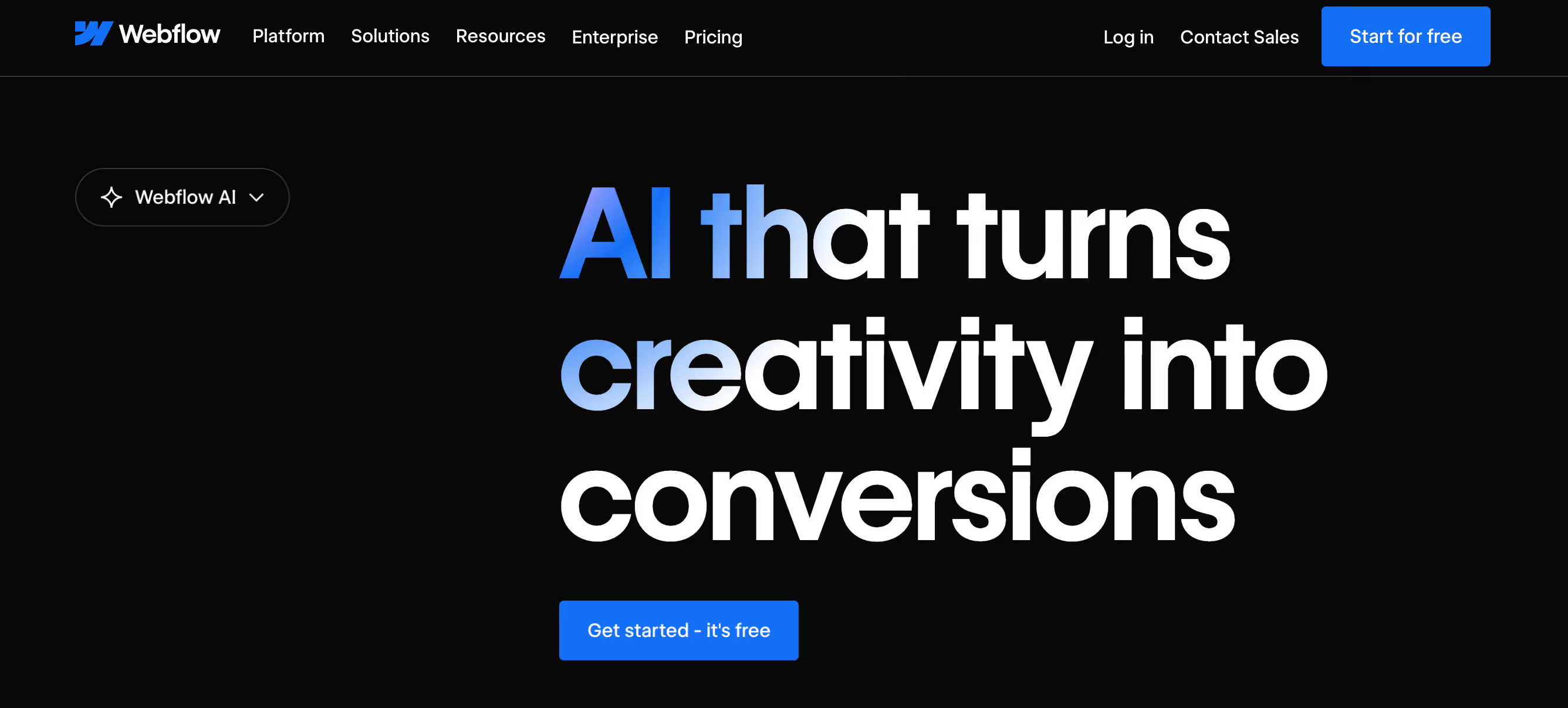
Webflow includes an AI Site Builder and AI Assistant that help us generate and design websites using natural language prompts. We can describe the type of site we want, and Webflow generates a structured website with layouts, styles, and starter content that we can customize further in the Webflow editor.
Unlike fully automated builders, Webflow’s AI typically generates a multi-page site foundation and design system, which we can then refine using Webflow’s visual design tools. This allows us to keep full control over layout, styling, and interactions while still speeding up the initial build process.
What Webflow AI can generate
- A full website structure from a prompt
- Page layouts, styles, and starter copy
- New sections that match the site’s existing design system
- CMS collection items and dynamic content
- Additional pages or design updates using the AI assistant
Because the AI works inside Webflow’s design platform, we can continue customizing the site visually, create animations and responsive layouts, and manage dynamic content using Webflow CMS.
This makes Webflow AI a strong option for teams that want AI-assisted site generation while still maintaining advanced design control.
How We Ranked the Top AI Website Builders
To identify the top AI website builders, we evaluated each platform using practical criteria that reflect how businesses actually build and scale websites today. Instead of focusing only on AI layout generation, we looked at how well each builder supports SEO, ecommerce, customization, and long-term growth.
Our evaluation criteria:
- AI design quality – how well the platform generates layouts, pages, and website structure from prompts
- Customization depth – how much control we have over layout, branding, and page structure after generation
- SEO capabilities – support for metadata, structured pages, blogs, and schema generation for SEO-friendly content creation
- Ecommerce readiness – product catalogs, checkout, payments, and store management features
- Scalability – whether the platform can support growing websites and more complex projects
- Integrations – compatibility with marketing tools, analytics platforms, and third-party apps
- Pricing transparency – how clearly pricing tiers reflect the features available
Our rankings are based on documented platform capabilities, product documentation, and hands-on testing where possible. This helps ensure the comparison reflects real-world usability rather than marketing claims.
What Most AI Website Builders Actually Do
Most AI website builders focus on helping us launch a website quickly by automating the structural setup of a site. These tools act as an creators that generate the initial layout, pages, and design framework so we don’t have to build everything manually.
Instead of designing from scratch, we typically answer a few questions or describe our business, and the AI generates a ready-to-edit website.
What most AI website builders automate
- Website layout and page structure
- Theme selection and visual styling
- Navigation and section setup
- Basic website copy suggestions
- Store or product catalog configuration
- Initial onboarding and site setup
Builders like Wix, Hostinger, and GoDaddy follow this model by generating a website from prompts or questionnaires. Platforms like Shopify and 10Web also use AI to speed up store setup and content generation inside their ecosystems.
The main advantage of these tools is speed and accessibility. They make it possible to launch a functional website in minutes, even without technical experience. However, their primary role is to create the website foundation, not necessarily to manage ongoing content optimization or growth workflows after the site goes live.
How to Choose the Best AI Website Builder for Your Business
Choosing the best AI website builder depends on how we plan to use the website. Different businesses need different capabilities - some prioritize speed and simplicity, while others need deeper ecommerce functionality, SEO support, or long-term scalability.
Most builders focus on generating layouts and launching a site quickly, while some tools extend beyond that by supporting ongoing content creation and optimization. In many cases, businesses combine a builder with additional AI tools that help manage marketing, SEO, and ecommerce operations after launch.
Identify Your Business Type and Primary Objective
The first step is understanding what the website needs to achieve. Different business models require different website capabilities.
- Ecommerce stores usually prioritize product catalogs, checkout systems, and store management tools.
- Service businesses often focus on lead generation, booking systems, and clear service pages.
- SaaS companies typically need landing pages, product documentation, and marketing funnels.
- Personal brands or creators often prioritize portfolios, content publishing, and audience building.
Clarifying whether the main goal is product sales, lead generation, SEO traffic, or brand visibility helps narrow down which AI website builder is the right fit.
Evaluate AI Features and Automation Depth
Not all AI builders offer the same level of automation. Some tools primarily generate layouts and page structures, while others support deeper operational workflows.
When evaluating platforms, it helps to look beyond design generation and consider what the AI can actually assist with.
- Website layout and design generation
- AI-generated content and page copy
- SEO page creation and optimization
- Product description automation
- Marketing or workflow assistance
Builders typically focus on creating the site itself. Additional AI tools—such as ecommerce assistants—can help manage tasks like content generation, SEO updates, and marketing execution once the site is live.
Consider Scalability, Integrations, and Ecosystem
As a website grows, integrations and platform flexibility become more important. The best AI website builders support connections with other tools that businesses rely on.
Key integrations to evaluate include:
- Ecommerce platforms and payment systems
- CRM and customer management tools
- Email marketing platforms
- Analytics and reporting tools
- Marketing automation software
A builder that integrates well with other platforms makes it easier to expand marketing, sales, and customer management workflows over time.
Review Ease of Use and Setup Speed
Finally, consider how easy the platform is to use and how quickly a website can be launched. Most AI website builders aim to reduce technical complexity, but the experience can vary significantly between platforms.
Factors to evaluate include:
- Onboarding and setup process
- Quality of generated templates and layouts
- How much editing is required after generation
- Customization flexibility and design control
For many businesses, the ideal builder balances fast setup with enough flexibility to adapt the website as the business grows.
Why Sintra AI Is the Best Choice for a Website Builder

Among the best AI website builders, Sintra AI stands out because it generates and optimizes website pages through natural language. Instead of relying on templates or manual editors, we can describe what we want to build and the system generates pages that match our business context and messaging.
Using Sintra’s AI helpers, we can generate landing pages, product descriptions, collection pages, and marketing content directly through conversation. This approach makes it easier to build and continuously improve a website without switching between multiple tools.
How Sintra helps improve a website after launch
- Generate new SEO landing pages to target additional keywords
- Improve existing product descriptions and collection pages
- Create upsell and cross-sell copy for product pages
- Produce email campaigns and promotional content
- Refine product positioning and messaging
- Generate marketing content that supports store growth
For businesses that want a more conversational and content-driven way to build websites, Sintra provides a flexible alternative to traditional AI builders.
Ready to Build Your First Website with Commet?
Most of the best AI site builders help us launch a website quickly, but growing that website requires consistent content, SEO pages, and marketing workflows. This is where Commet comes in.
If you’re ready to move beyond basic website generation and start scaling your store content, you can get started with Sintra and explore how Commet helps automate website growth.
Best AI Website Builder FAQs
What is the best AI website builder in 2026?
The best AI website builder depends on the business model. Platforms like Shopify, Wix, and Webflow generate site structure and design quickly. The best results often come from combining a builder with tools that help generate and optimize content, allowing the website to grow beyond the initial layout.
Are AI website builders good for ecommerce stores?
Yes. Many AI website builders support ecommerce features such as product catalogs, checkout systems, and store setup. Platforms like Shopify and Wix are commonly used for online stores because they combine AI site generation with payment processing, inventory management, and integrations needed for running an ecommerce business.
Can a free AI website builder rank on Google?
Yes, but ranking depends on SEO strategy rather than the builder itself. Free AI website builders can publish indexable pages, but strong rankings require optimized content, internal linking, and keyword targeting. Builders mainly provide the infrastructure - search performance still depends on the quality of the website’s content. Worry not, we've got SEOmi - an seo AI agent to help with optimization.
Do AI website builders handle SEO automatically?
Most AI website builders help generate SEO-friendly page structures and suggest basic metadata, but they do not fully automate SEO. Ranking still requires keyword research, optimized content, internal linking, and ongoing updates. AI tools can assist with these tasks, but strategy and content quality remain critical.
Which AI website builder is best for beginners?
For beginners, the best AI website builder is one that lets us create a site with simple prompts and minimal setup. Tools like Wix or Hostinger are often recommended because they generate layouts automatically and require no coding. Platforms like Sintra also work well for beginners because we can generate pages by describing what we want in natural language.
Related articles
.avif)


.avif)




