Best AI Solutions for eCommerce for 2026

Table of Contents

Over 50% of ecommerce businesses have adopted AI technologies. Running an e-commerce brand in 2026 means tight margins, high ad costs, and customers who expect fast, personal service. To automate this, you need the best AI solutions for e-commerce that actually support growth.
The data shows where the impact lands - consumer goods and retail organizations use gen AI most in marketing and sales at 46%, and supply chain gen AI delivers the highest cost-decrease rate of any business function at 61%.
We review 20 AI solutions for ecommerce, including all-in-one options like an AI employee, and show where each tool fits in a real tech stack.
You will see how we rate tools based on:
- Impact on revenue, margin, and customer experience
- Depth of automation for daily e-commerce workflows
- Fit for small and mid-sized ecommerce brands
Quick Answer
The most effective AI tools for e-commerce help you do three things fast: attract buyers, convert, and keep them coming back. They automate campaigns, product recommendations, pricing, and support so your team spends less time on repeat tasks.
For many brands, the best AI for e-commerce is a mix of one core AI platform like Sintra plus a small set of focused tools.
Shortlist
Here is a quick view of the top AI tools for e-commerce business owners to consider first. These work well for e-commerce brands that want a clear impact without a long build.
- Sintra AI: All-in-one AI employee platform for marketing, support, and store operations.
- Klaviyo: Lifecycle email and SMS with strong AI-driven segmentation and send time optimization.
- Nosto: On-site personalization and product recommendations that lift conversion and average order value.
- Kount: Real-time fraud detection and risk scoring for safer payments and fewer chargebacks.
- Jasper: Content engine for product pages, ads, and campaigns that need fast, consistent copy.
Why Use AI in 2026?
Most ecommerce teams already feel the squeeze: ad costs keep rising, customers compare prices in seconds, and founders are expected to run personal, always-on experiences with small teams. That is why more brands are moving from “testing AI” to building it into daily work.
Recent industry research from firms like Deloitte shows that leading retailers invest heavily in data, automation, and AI-driven decision-making. Top performers use AI technology for ecommerce to improve targeting, stock decisions, and customer experience rather than relying on manual judgment alone.
For a modern AI for an ecommerce business strategy, the benefits look like this:
- AI tools group customers by intent and value, then trigger tailored campaigns, product recommendations, and on-site experiences.
- AI can potentially lower client acquisition costs by up to 50%.
- Chatbots and AI agents handle common questions, returns, and order updates so human agents can focus on complex cases.
- Algorithms scan product, inventory, and demand data to suggest which items to push, how to bundle, and when to adjust prices.
- Copy, creatives, audiences, and send times get tested and optimized automatically, so each channel produces more with less manual work.
- AI is believed to help retailers save up to $340 billion annually.
- Once core workflows are automated, you can add new regions, channels, or product lines without hiring at the same rate.
What AI Tools Are the Best for eCommerce Thus Far?
Not every AI tool for ecommerce will suit your store. The right stack depends on your traffic mix, margin, catalogue size, and how your team works day to day.
In the next section, we walk through a focused list of tools that support core ecommerce jobs: marketing, product discovery, customer service, pricing, and on-site optimization:
1. Sintra AI
Best for: Ecommerce brands wanting an all-in-one AI employee team

Sintra AI is an all-in-one AI employee platform for ecommerce brands that want fewer tools and more output. Instead of stitching many apps, it provides unified AI solutions for ecommerce across marketing, support, SEO, and operations.
You get named assistants for campaigns, email, content, and reporting. Together, they act as AI tools for ecommerce marketing that share the same data and brand rules. Brain AI stores product data, policies, and brand tone so every assistant works from the same context.
With the Commet ecommerce AI agent, Sintra handles ecommerce website tasks like questions, order updates, and on-site messages. It also suggests follow-up campaigns, FAQ updates, and new tests based on store performance.
What users like
- All in one AI team instead of many tools
- Brain AI keeps brand tone consistent across assistants
- Ecommerce agent handles product, order, and shipping questions
- Helpful for campaigns, SEO, support, and basic ops
- Central workspace reduces context switching between apps
- Proactive suggestions highlight the next tasks from store activity
What users do not like
- Learning curve across multiple assistants and Brain AI
Sintra AI Pricing
Sintra AI pricing plans start from $15.62 per month with the choice of a refund-backed trial.
2. Wisepops
Best for: Onsite pop-ups that grow lists and promote offers
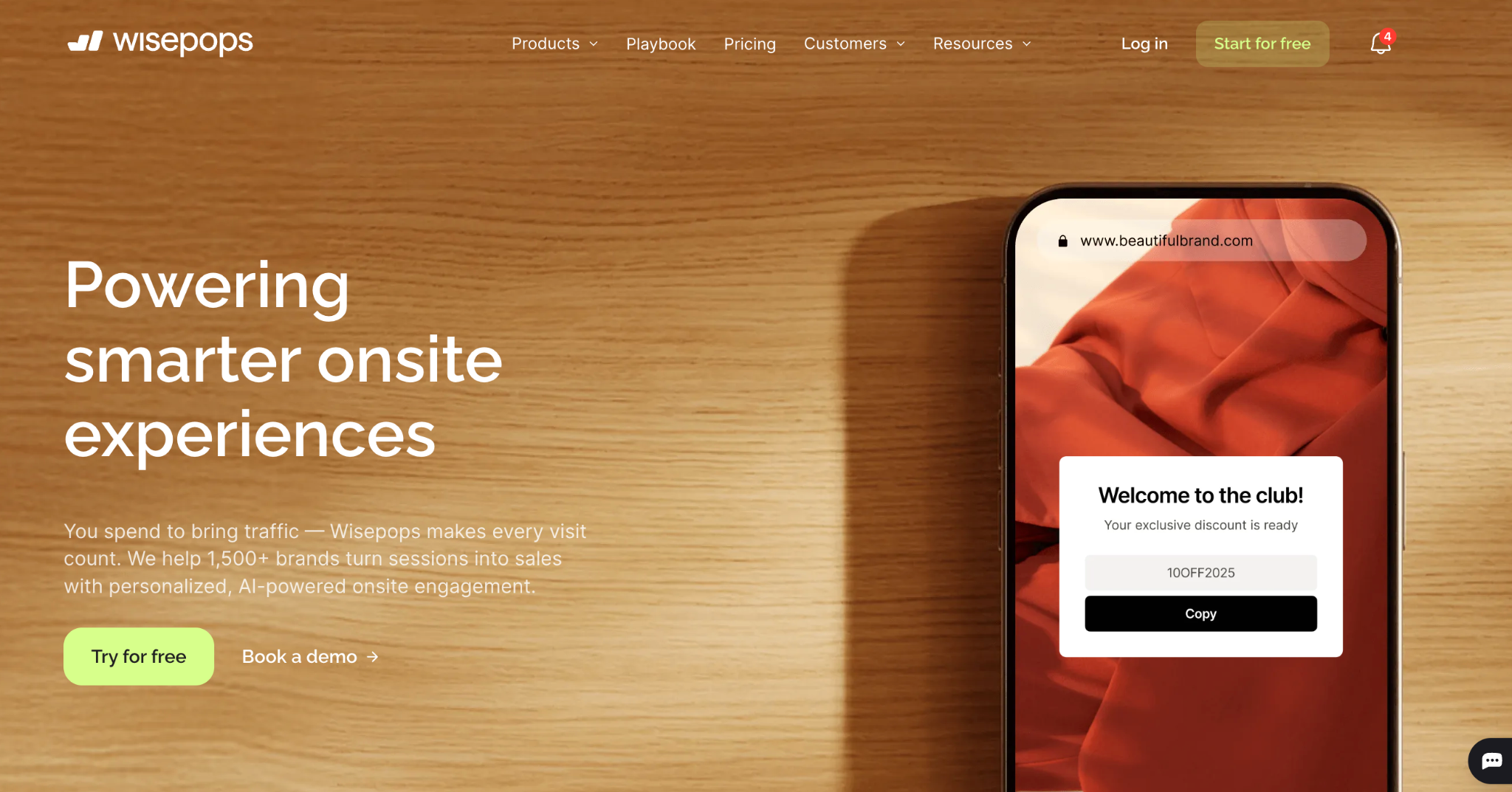
Wisepops is a pop-up and onsite messaging platform used by online stores to capture emails, promote offers, and guide visitors toward key actions. It focuses on onsite campaigns such as welcome popups, exit intent discounts, banners, and surveys that match your brand style.
Marketers can build campaigns with a visual editor, then target segments based on behaviour, traffic source, device, and more. This makes it useful for growing lists, reducing abandonment, and highlighting offers without changing the core site template.
What users like
- Visual builder that lets teams create campaigns without code
- Many templates for welcome offers, exit intent, and announcements
- Targeting options for traffic source, behaviour, and device
- Works with major ecommerce and email platforms
- Good fit for list growth and on-site promos
- Scheduling and frequency controls to avoid over-showing messages
What users do not like
- Poorly configured pop-ups can still feel intrusive to visitors
- Extra scripts may affect page speed on some setups
- Advanced targeting and testing take time to configure well
- Best results usually require design and CRO effort, not just installation
Wisepops Pricing
Wisepops pricing plans start from $49 per month.
3. LYRO AI Chatbot
Best for: Real-time chat support on orders and basic policies

LYRO AI Chatbot focuses on real-time customer support for ecommerce stores. It sits on your site as a chat widget and answers routine questions about orders, products, and policies without waiting for a human agent.
For ecommerce brands with small teams, it helps keep response times low during busy periods. You can feed it FAQs and store data so it handles simple conversations, then hands complex tickets to your support staff.
What users like
- Answers common questions instantly, even outside hours
- Reduces basic tickets for small support teams
- Connects to store data for order information
- Learns from past chats and support history
- Simple chat widget fits most store designs
What users do not like
- Needs good training data for reliable replies
- Can struggle with unusual or multi-part questions
- Still requires human backup for edge cases
- Quality depends on setup effort and monitoring
LYRO AI Chatbot Pricing
Lyro AI offers four plans (Starter, Growth, Plus, Premium), with pricing starting from $24.17 per month.
4. Nosto
Best for: Mid-sized and enterprise stores needing deep personalization

Nosto is a personalization platform for ecommerce brands that want tailored on-site experiences without building them in-house. It uses AI technology to adjust products, layouts, and content for each visitor in real time.
Teams use Nosto to power product recommendations, dynamic content blocks, personalized landing pages, and targeted pop-ups. It also supports segmentation, merchandising rules, and testing so you can align experiences with inventory, margin, and campaign goals.
What users like
- Strong product recommendation and personalization engine
- Good controls for merchandising and manual overrides
- Segmentation based on behavior, history, and context
- Works with major ecommerce platforms and stacks
- Visual tools for managing on-site experiences
- Helps lift conversion rate and average order value
What users do not like
- Pricing fits larger or fast-growing brands best
- Setup and tuning can take real effort
- Needs clean data to perform at full value
- Advanced use cases may require specialist support
Nosto Pricing
Nosto offers custom pricing based on your ecommerce setup and needs.
5. Adobe Sensei
Best for: Adobe Commerce users wanting AI personalization and analytics

Adobe Sensei is the AI layer inside Adobe’s marketing and commerce products. For ecommerce teams using Adobe Commerce or Experience Cloud, it powers personalization, product recommendations, and on-site testing without building models in-house.
It also supports analytics and optimisation. Teams use it to surface key trends in customer behaviour, test creative and offers at scale, and adjust journeys based on real data rather than manual guesswork.
What users like
- Deep integration with Adobe Commerce and Experience Cloud
- Strong personalisation and product recommendation features
- Helps automate testing of offers, layouts, and creatives
- Surface trends and anomalies inside Adobe Analytics
- Built for large catalogues and higher traffic volumes
- Enterprise-grade controls and governance options
What users do not like
- Works best only for brands already on Adobe
- Set up and optimisation can feel complex for small teams
- Usually priced for mid-market and enterprise budgets
- Needs solid data hygiene to deliver good results
Adobe Sensei Pricing
Adobe Sensei pricing depends on the Adobe plan you choose within Creative Cloud, Experience Cloud, or Document Cloud.
6. Plerdy
Best for: Teams focused on CRO, heatmaps, and UX insights
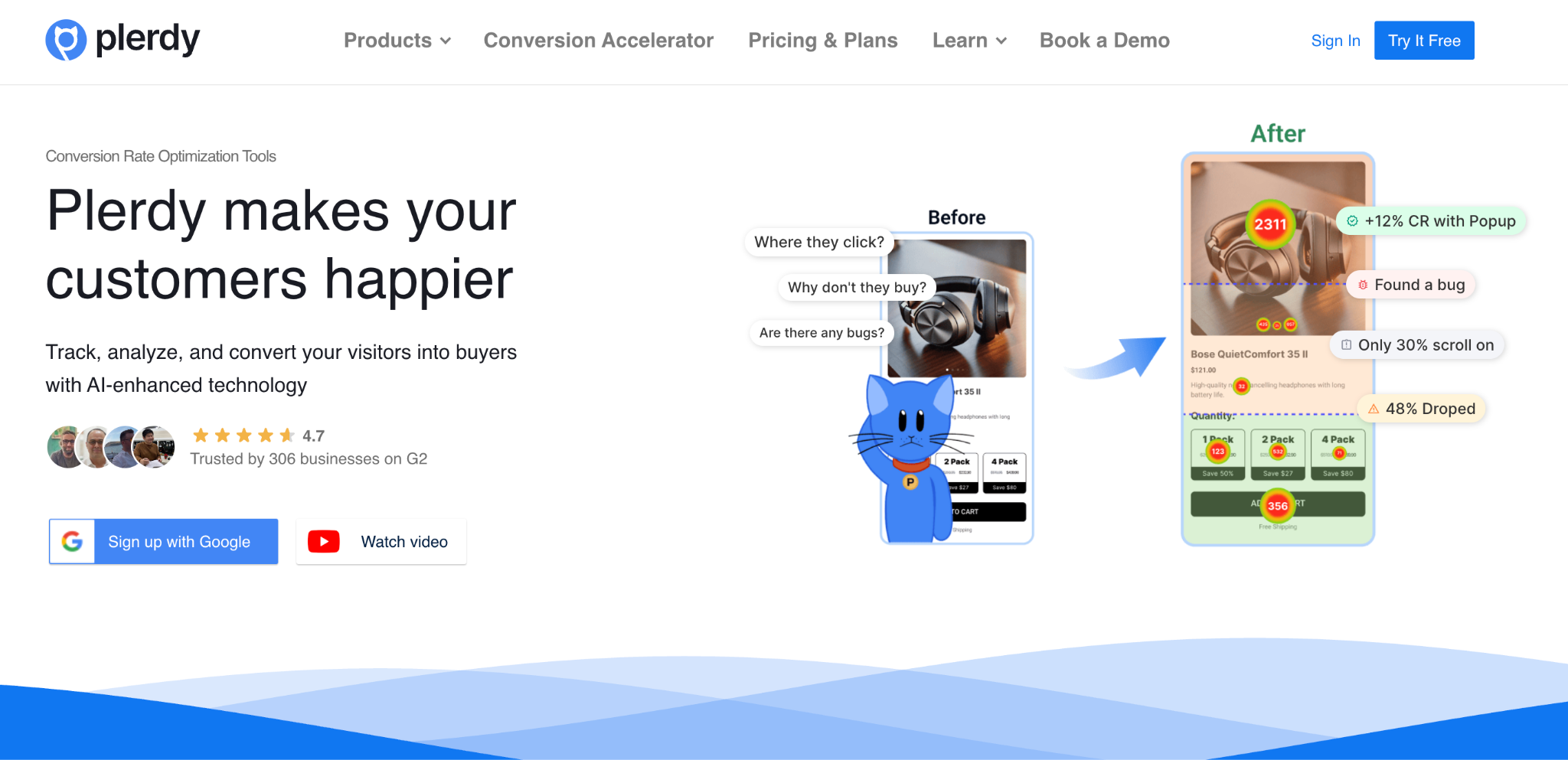
Plerdy is a conversion and UX toolkit for online stores. It combines heatmaps, click tracking, session recordings, and funnels so you can see how visitors move through key pages and where they drop off.
Alongside these reports, Plerdy includes automated hints and scoring to highlight elements that may hurt conversion, such as weak CTAs, layout issues, or distracting design patterns. This makes it useful for teams that want quick, visual insight before making design or copy changes.
What users like
- Heatmaps show clicks, scroll depth, and attention on key pages
- Session recordings reveal real visitor behaviour and friction
- Conversion funnels help find leaks in checkout and key flows
- On-site widgets and forms can be tested without engineering time
- Event tracking and goals are available from one dashboard
- Useful for CRO work, UX reviews, and ongoing optimisation
What users do not like
- Interface and reports can feel dense for new users
- Needs traffic volume to produce strong insights
- Extra scripts may need care to avoid slowing pages
- Best value comes when someone owns CRO and uses it regularly
Plerdy Pricing
Plerdy offers three plans (Startup, Scale, Thrive), with pricing starting from $21 per month.
7. Navigation AI by UXIFY
Best for: Large catalogs that need smarter product discovery paths
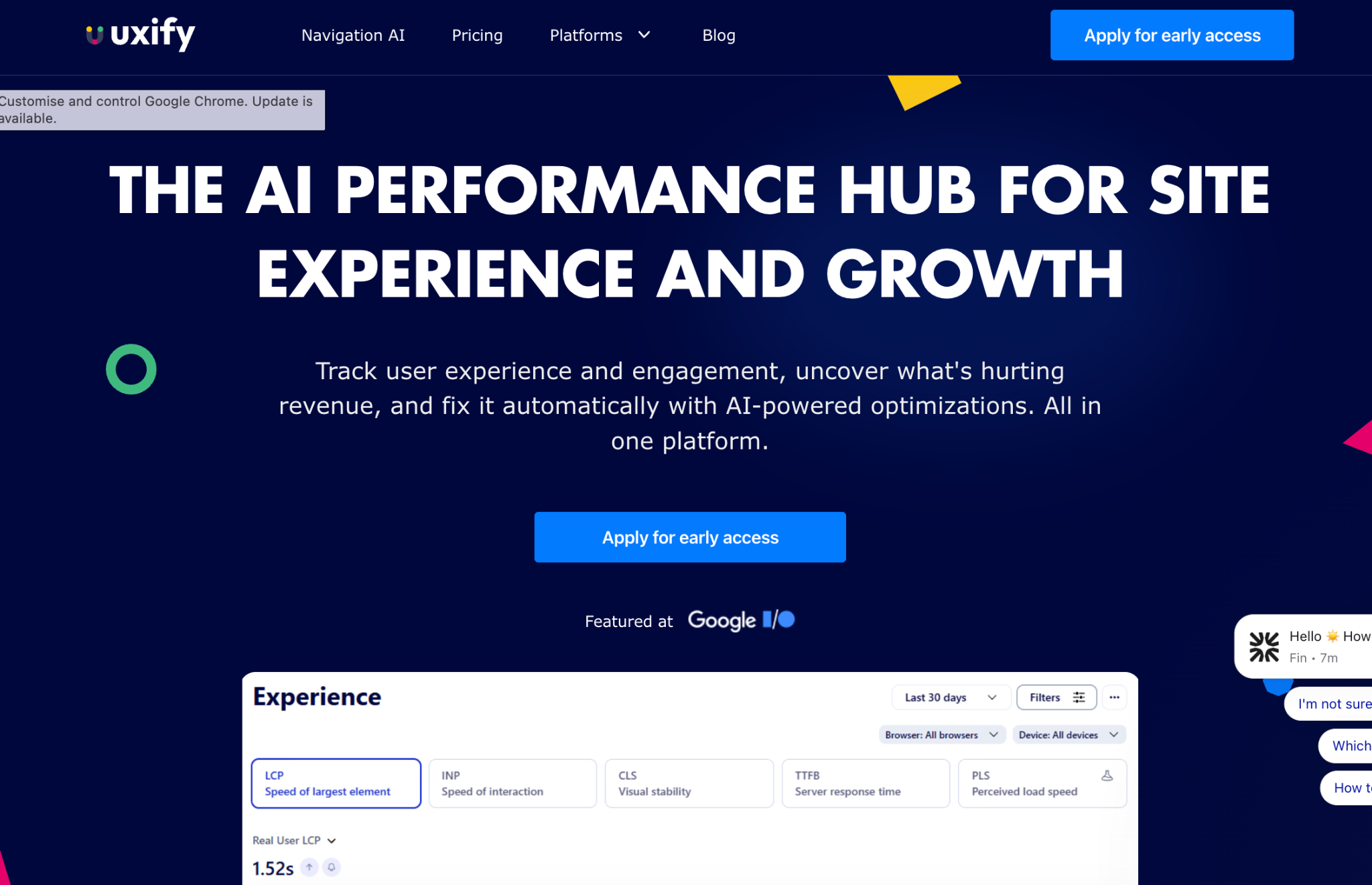
Navigation AI by UXIFY focuses on on-site navigation for ecommerce stores. It uses behavioral data and search patterns to help visitors reach the right categories and products faster. For many teams, it sits between search, menus, and filters.
Stores use it to improve product discovery, reduce bounce on category pages, and guide visitors who use vague or broad search terms. The goal is a smoother path from first click to product page, without a full redesign of the site.
What users like
- Helps visitors find products with fewer clicks
- Uses behavior and search terms to refine navigation
- Can surface popular or high-converting categories more often
- Supports on-site search and collection discovery together
- Reduces reliance on manual menu updates
- Useful for stores with large or complex catalogues
What users do not like
- Needs clean product data to work well
- Benefits are harder to see in very small catalogues
- Extra scripts can add some setup and testing work
- Tuning rules and options take time at the start
Navigation AI by UXIFY Pricing
Navigation AI by UXIFY offers two plans (Starter and Enterprise), with pricing starting from $59 per month.
8. Banuba
Best for: Beauty and eyewear brands adding AR try-on

Banuba provides augmented reality try-on experiences for online stores, mainly in beauty, eyewear, and accessories. Shoppers can see how products look on their face or body through their camera instead of guessing from static images. This helps reduce uncertainty before purchase.
The platform offers SDKs and ready-made modules that plug into apps and web stores. Teams use it to add virtual try on to product pages, landing pages, or mobile apps so visitors can test different shades, frames, or styles in a few taps.
What users like
- Real-time virtual try on for beauty and eyewear
- Helps buyers visualise products before checkout
- Can lift engagement and time spent on product pages
- SDK and web options for apps and browsers
- Supports multiple product types and use cases
- Useful for brands with style-driven catalogues
What users do not like
- Best results require good lighting and camera quality
- Implementation needs developer time and testing
- Not every category fits AR try on well
- High-quality 3D or effect assets add extra work
Banuba Pricing
Banuba typically uses custom or tiered pricing based on usage, channels, and product scope. Contact the sales team for a quote.
9. Klaviyo
Best for: Ecommerce email and SMS lifecycle automation

Klaviyo is a lifecycle marketing platform built around email and SMS for online stores. It helps ecommerce teams send targeted messages based on browsing, purchase history, and real-time behaviour.
Its AI features support subject line suggestions, send time optimisation, and predictive metrics like expected next order date.
What users like
- Deep ecommerce integrations with Shopify and major platforms
- Strong templates for ecommerce email and SMS
- Behaviour-based flows for cart and browse abandonment
- Predictive metrics for churn and next purchase
- Useful segmentation for VIPs, discount seekers, and new buyers
- Clear revenue reporting tied to specific campaigns and flows
What users do not like
- It can get expensive as the list size grows
- Learning curve for complex flows and segmentation
- Deliverability needs active list cleaning and management
- Lots of options may overwhelm smaller marketing teams
Klaviyo Pricing
Klaviyo uses tiered monthly pricing based on contact and SMS volume. It offers a free plan, with paid tiers starting from $45 per month.
10. Forms.app
Best for: Stores collecting leads, feedback, and post-purchase surveys

Forms.app is an online form and survey builder that suits ecommerce brands collecting leads, feedback, and post-purchase data. You can use it for contact forms, quizzes, NPS, product surveys, and simple order-related workflows.
It offers templates and smart helpers so teams can spin up forms fast and keep data structured. For stores, this works well for list growth, customer research, pre-launch interest checks, and quick on-site questionnaires that support marketing and support decisions.
What users like
- Drag and drop builder that is easy to learn
- Many templates for surveys, quizzes, and lead forms
- Conditional logic to show questions based on responses
- Embeds on product pages, blogs, and landing pages
- Integrations with major email and spreadsheet tools
- Simple analytics on responses and completion rates
What users do not like
- Design options can feel limited next to premium tools
- Branding controls may require paid tiers
- Complex logic and workflows need careful testing
- Best results come when someone owns a form strategy
Pricing
Forms.app offers three plans (Basic, Pro, Premium), with pricing starting from $25 per month.
11. Jasper
Best for: Marketing teams scaling ecommerce copy across channels
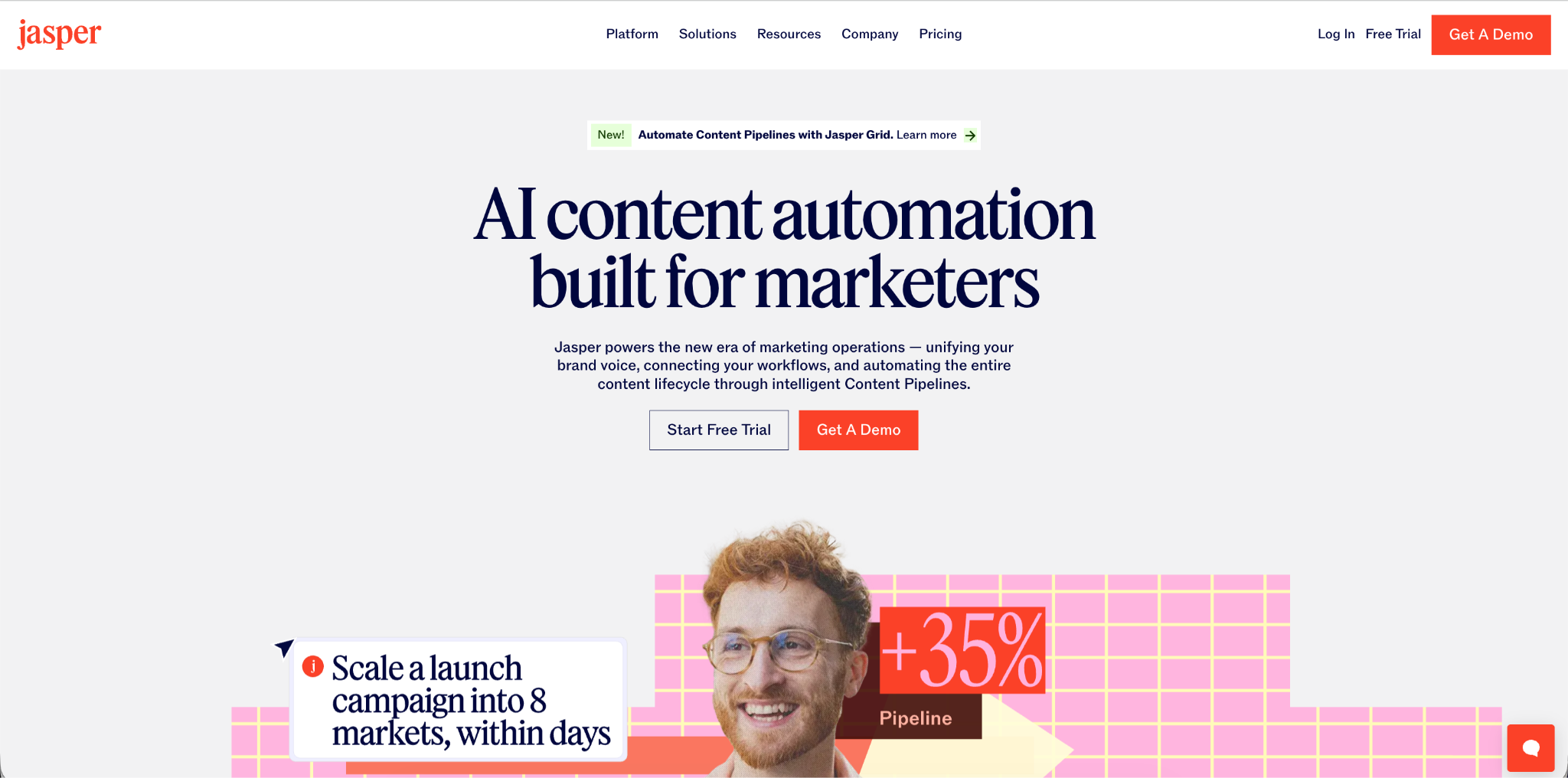
Jasper is a writing assistant built for ecommerce teams that need steady content output. It helps create product descriptions, ad copy, landing pages, emails, and blog posts from structured inputs and briefs.
Brands use Jasper to keep wording consistent across campaigns and channels while saving time on first drafts. Among AI tools for ecommerce businesses, it works well as the core copy engine that feeds your store, ads, and lifecycle flows.
What users like
- Templates for product pages, ads, emails, and blogs
- Brand voice features keep tone consistent across channels
- Helpful for turning briefs into ready-to-edit drafts
- Good for repurposing long content into shorter snippets
- Collaboration tools support teams working on many assets
- Integrations with common CMS and marketing platforms
What users do not like
- Needs human editing for niche or complex topics
- Can repeat ideas if prompts are too broad
- Best results require clear briefs and guidelines
- Pricing suits active users more than casual writers
Jasper Pricing
Jasper uses tiered monthly plans based on seats and feature access.
12. Salesforce Einstein
Best for: Salesforce customers needing AI scoring and forecasting
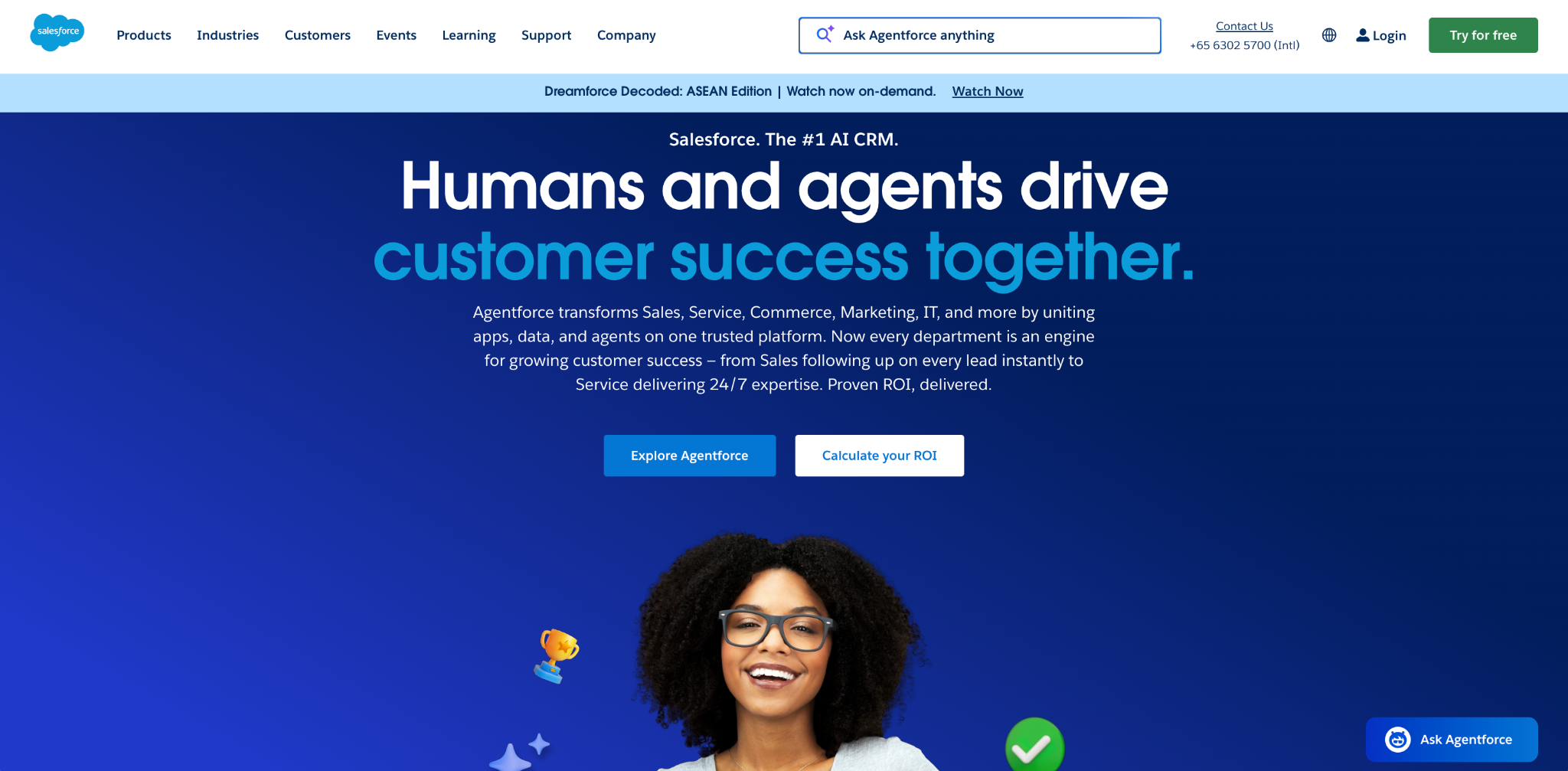
Salesforce Einstein adds AI features on top of Salesforce CRM and Commerce Cloud. It helps sales and ecommerce teams score leads, surface next best actions, and personalise experiences using the data already stored in Salesforce.
Brands use Einstein to predict which contacts are likely to convert, flag at-risk opportunities, recommend products, and automate routine updates. It fits best for teams that already rely on Salesforce and want smarter insights without building their own models.
What users like
- Lead and opportunity scoring based on historical deal data
- Product recommendations that use browsing and purchase behaviour
- Automated data capture from emails and calendar events
- Forecasting tools that clarify pipeline health and trends
- Tight integration with existing Salesforce objects and workflows
- Dashboards that put key predictions in daily views
What users do not like
- Works best only for committed Salesforce customers
- Setup and tuning can feel complex for small teams
- Data quality issues reduce the value of predictions
Salesforce Einstein Pricing
Einstein features are sold as add-ons or bundled capabilities within various Salesforce clouds. Pricing starts from $125 per month, with higher tiers depending on product and usage.
13. Optimonk AI
Best for: On-site personalization and behavior-based pop-ups
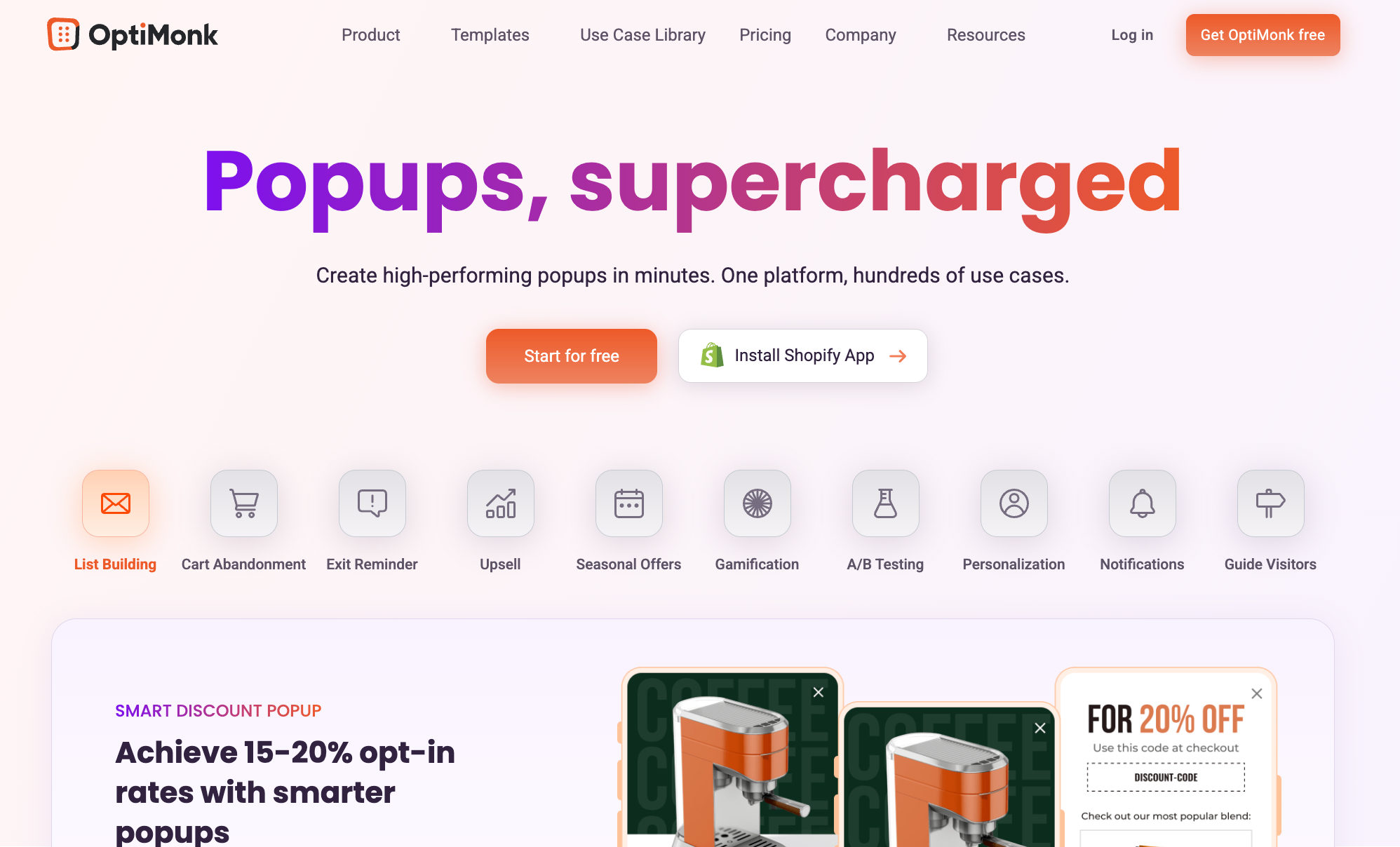
Optimonk AI is an on-site conversion platform for online stores. It focuses on popups, embedded messages, and personalized on-page experiences that encourage visitors to join lists, finish checkout, or return to viewed products. It sits between your ecommerce platform and email or SMS tools and aims to lift conversion without full redesigns.
Teams use Optimonk to show tailored offers, product suggestions, and surveys based on behaviour, cart content, and traffic source. The AI features help pick messages, segments, and timing so each visitor sees more relevant prompts instead of generic discounts.
What users like
- Strong targeting based on behaviour, cart, and source
- Many templates for popups, sidebars, and bars
- Personalised offers that help raise average order value
- Built in A/B testing for creatives and messages
- Integrations with major ecommerce and email platforms
- Clear reporting on views, clicks, and conversions
What users do not like
- Poorly tuned campaigns can still feel intrusive
- Needs ongoing testing to avoid offer fatigue
- Extra scripts may impact speed in some stores
- Advanced setups can feel complex for small teams
Optimonk AI Pricing
OptiMonk offers one free plan and four paid plans (Essential, Growth, Premium, and Master), with paid pricing starting from $19 per month.
14. Competera
Best for: Retailers optimizing prices and promotions at scale
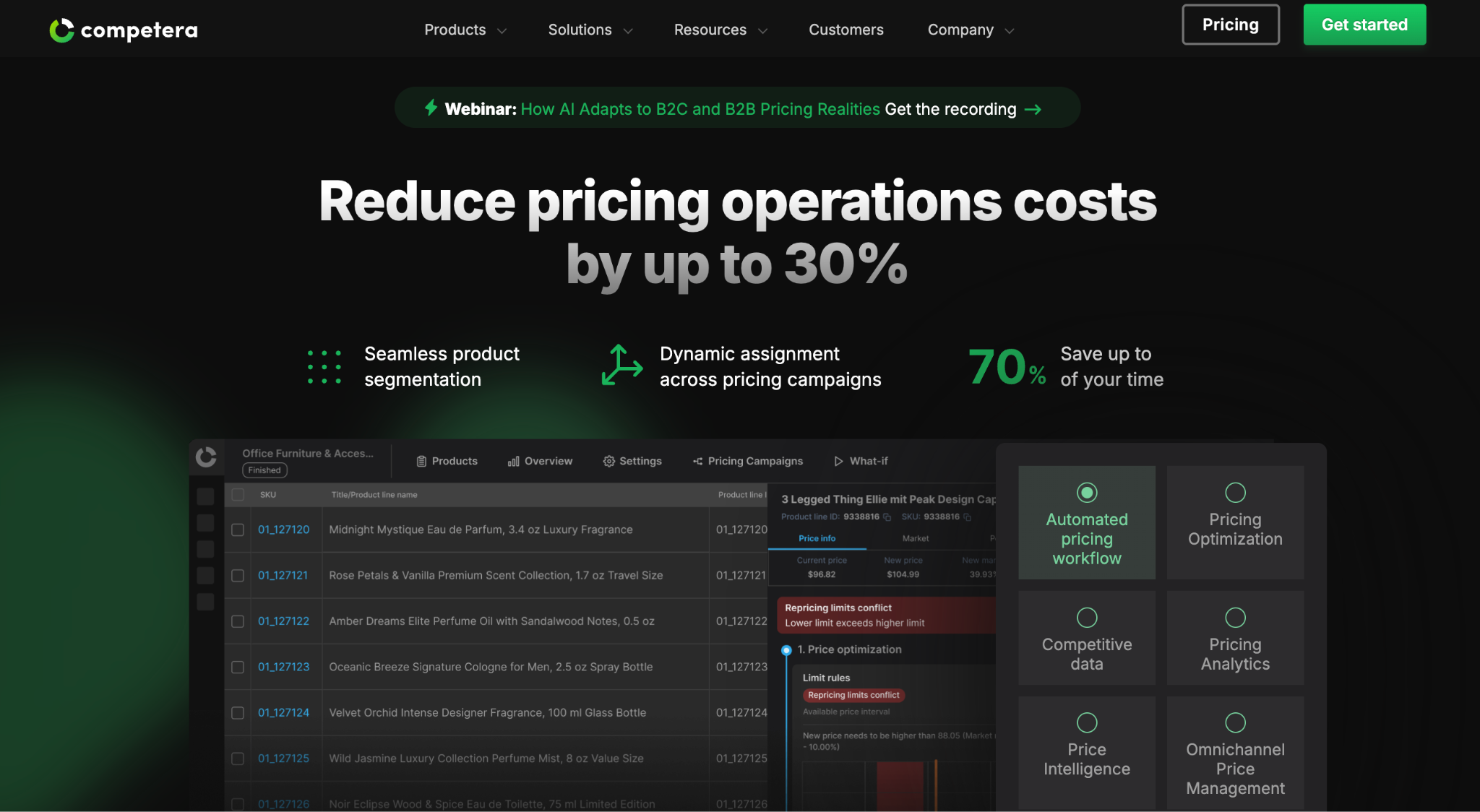
Competera is a pricing platform for retailers and ecommerce brands. It uses machine learning to suggest optimal prices across your catalogue based on demand, competition, and business rules. The goal is higher revenue and margin without manual spreadsheet work.
Teams use Competera to track competitors, model price changes, and run scenario analysis before updating prices. It fits best for larger assortments where small improvements in price and promo strategy can drive meaningful profit.
What users like
- Strong focus on retail and ecommerce pricing needs
- Competitive data feeds support market-aware price decisions
- Price recommendations consider margin and demand together
- Scenario tools show impact before changing live prices
- Helpful for large catalogues with frequent price changes
- Supports both rule-based and algorithmic pricing approaches
What users do not like
- Aimed more at mid-market and enterprise brands
- Setup and integration can take significant project time
- Needs clean, rich data to deliver reliable suggestions
- Internal teams must adapt to new pricing workflows
Pricing
Competera uses custom and tiered pricing, quoted based on business size, data scope, and implementation needs.
15. Kount
Best for: Ecommerce stores reducing fraud and chargebacks
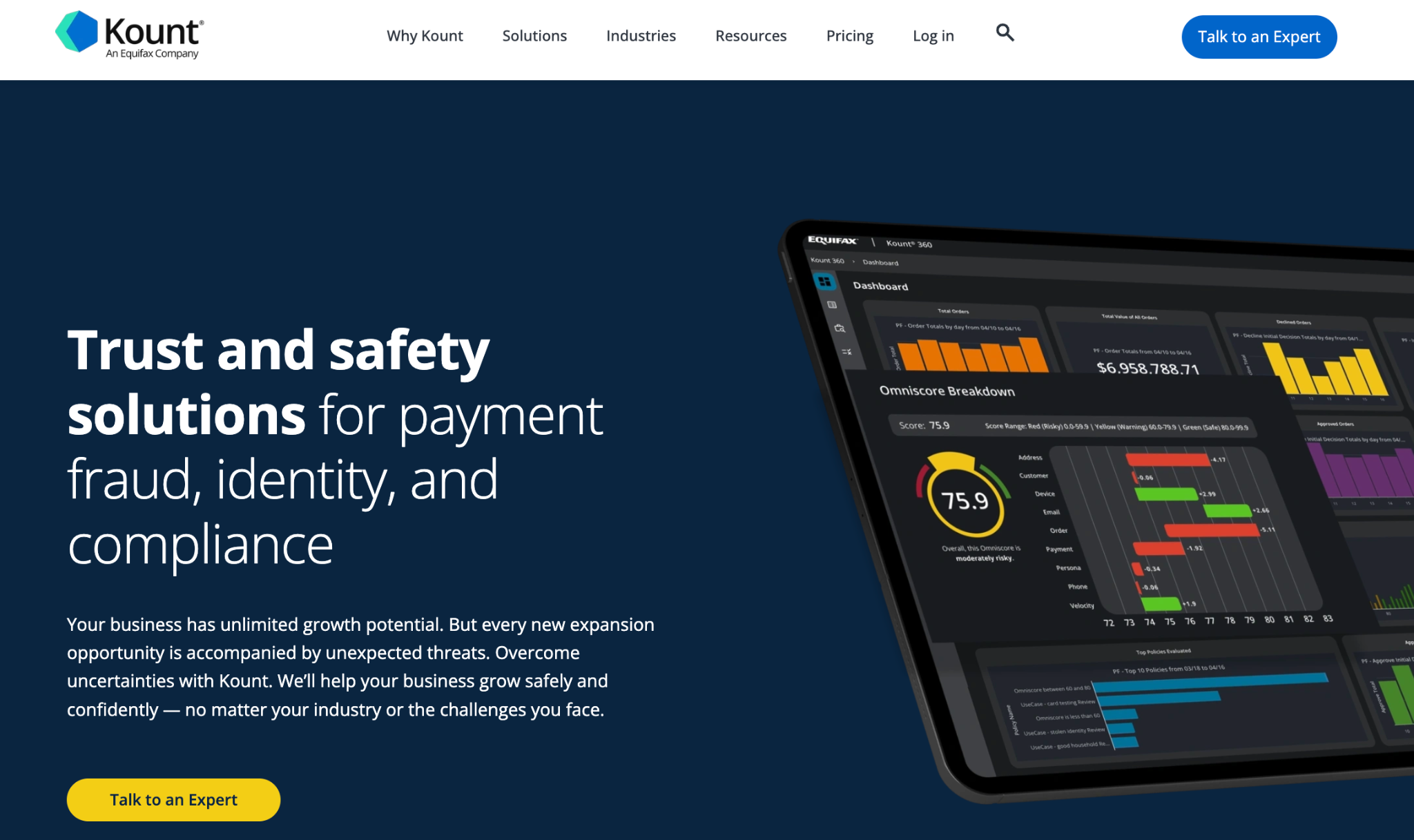
Kount provides fraud detection and risk management for online payments. It scores transactions in real time so teams can block risky orders, review edge cases, and let safe customers check out without friction.
For ecommerce business use, Kount helps reduce chargebacks, protect margins, and keep payment flows smooth. It plugs into gateways and platforms, so fraud controls sit close to where orders are approved.
What users like
- Real-time risk scoring for each transaction
- Helps cut chargebacks and payment-related losses
- Device and behaviour data improve fraud decisions
- Flexible rules on top of machine learning models
- Works with major payment gateways and platforms
- Dashboards show alerts, patterns, and decision history
What users do not like
- May flag some good customers for manual review
- Tuning rules and thresholds need ongoing attention
- Pricing fits best for stores with higher volume
- Integration usually needs technical support and testing
Kount Pricing
Kount uses custom pricing based on transaction volume and solution scope, with details available from the sales team.
16. Sitechecker
Best for: Teams needing ongoing technical SEO and monitoring
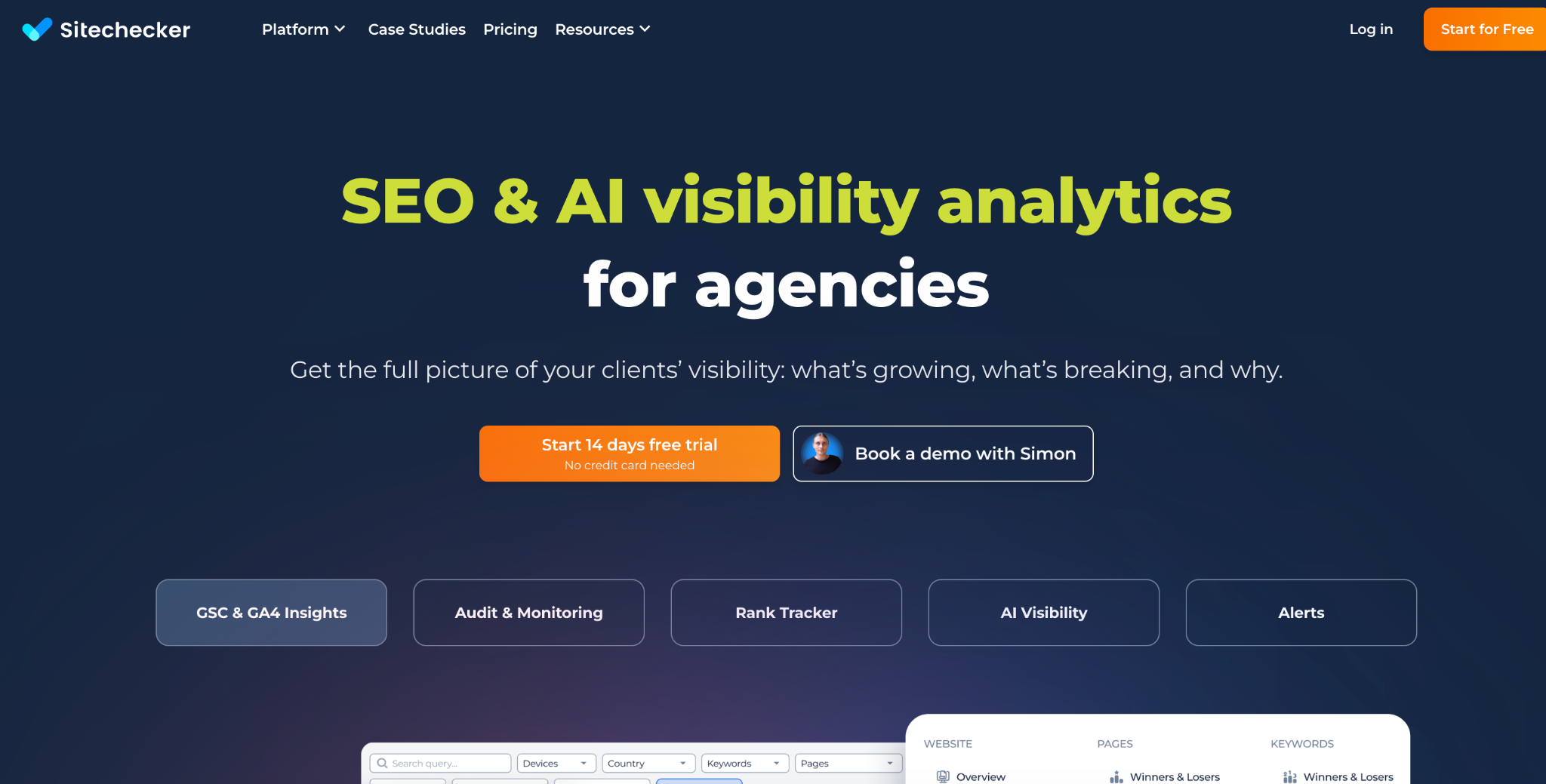
Sitechecker is an SEO platform that helps ecommerce teams audit, monitor, and improve their sites. It crawls your store, flags technical and on-page issues, and tracks how key pages perform over time. Stores use it to keep category, product, and blog pages healthy, then feed insights into content and campaign plans.
What users like
- Full site audits that catch technical SEO issues
- Clear on-page checklists for priority pages
- Rank tracking for important ecommerce keywords
- Alerts when pages drop, break, or change status
- Simple interface that non-specialists can understand
- Useful exports for agencies and developer handoff
What users do not like
- Surface many low-priority warnings at once
- Still needs someone to act on the insights
- Data may not match other SEO tools exactly
Sitechecker Pricing
Sitechecker offers three plans (Basic, Standard, Premium), with pricing starting from around $89 per month.
17. Surfer AI
Best for: Brands scaling SEO content and ecommerce blogs

Surfer AI is a content writing and optimization tool built on top of Surfer SEO. It helps create articles, guides, and supporting pages that align with real search data instead of guesswork. For ecommerce teams, it is useful for blog content, buying guides, and category descriptions that need both search reach and clear structure.
Many ecommerce brands use Surfer AI to scale content without losing control of quality. It pulls in SERP data, suggested terms, and structure ideas, then generates drafts your team can review and edit.
This keeps writers focused on expertise and product insight while the tool handles outlines and optimisation.
What users like
- Content drafts based on real SERP data
- Helpful outlines that match the searcher's intent and topics
- On-page guidance for headings and structure
- Keyword suggestions tied to the current topic
- Works well with existing SEO workflows and tools
- Good for scaling briefs and drafts for writers
What users do not like
- Drafts still need human editing and brand voice
- Learning curve for new users on reports
- Best value shows with steady content volume
Surfer AI Pricing
Surfer SEO offers three plans (Essential, Scale, Enterprise), with pricing starting from $79 per month.
18. Synthesia
Best for: Quick script-based product and how-to videos
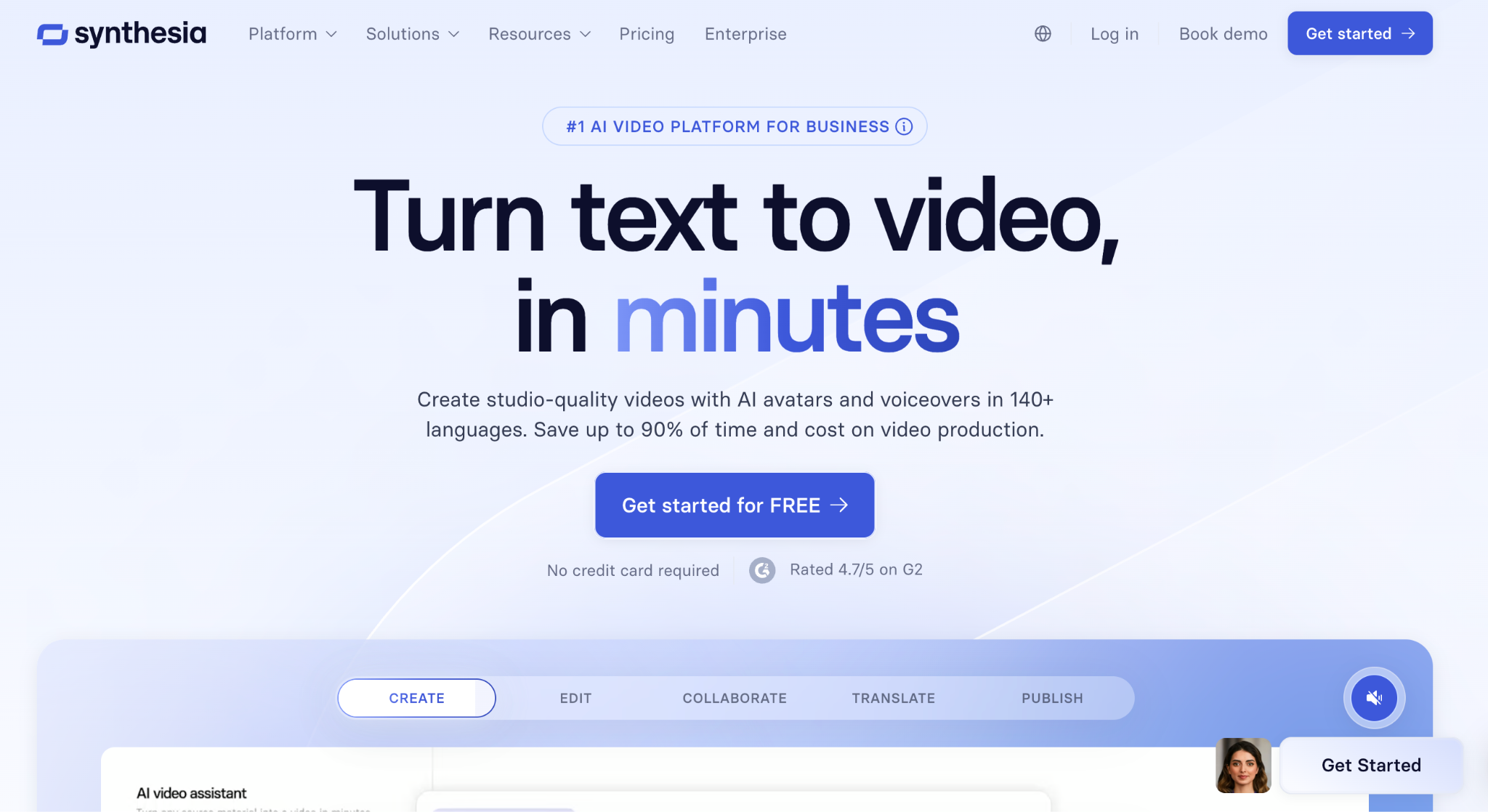
Synthesia is a video creation platform that lets ecommerce teams produce product explainers, how-to videos, and branded content from scripts instead of full film crews. You pick an avatar, enter text, and the tool generates spoken video content that you can embed on product pages, landing pages, and emails.
For growing brands, this kind of AI technology is useful when you need many variants of similar videos, for example, per product, per language, or per offer.
What users like
- Creates videos from simple scripts in minutes
- Many avatars, styles, and language options are available
- Helpful for product explainers and how-to content
- Easy to update text without reshooting footage
- Good fit for localization across multiple markets
- Web-based workflow that non-designers can use
What users do not like
- Avatars can still feel less natural than real actors
- Brand-heavy or emotional stories may not fit well
- Requires careful scripting to avoid flat delivery
- Best results need design work on backgrounds and assets
Synthesia Pricing
Synthesia offers four plans (Basic, Starter, Creator, and Enterprise), with pricing starting from $29 per month.
19. MarketMuse
Best for: Content-heavy brands planning topics and long-form coverage

MarketMuse is a content strategy and planning platform that helps teams decide what to write and how to cover a topic well. It audits existing pages, finds gaps against competitors, and suggests themes, subtopics, and structure so content supports search and buyer research.
For ecommerce brands, it is useful for category guides, comparison posts, and educational content that feeds organic traffic and email.
What users like
- Strong topic modelling and gap analysis features
- Helps prioritize which pages to create or update
- Detailed content briefs with headings and subtopics
- Good view of competitive coverage for key topics
- Useful inventory of existing content and strengths
- Supports long-term planning, not just single posts
What users do not like
- Pricing suits serious content programs, not small blogs
- Interface can feel complex at first
- Needs steady use to justify the investment
- Full value comes with larger content libraries
MarketMuse Pricing
MarketMuse offers a free plan, with paid Optimize, Research, and Strategy tiers available on custom pricing.
20. Cart Upsell Popup
Best for: Stores testing simple in-cart and checkout upsells.

Cart upsell popup tools show targeted offers in the cart and just before checkout. They help stores suggest add-ons, bundles, or upgrades based on what a shopper already selected, without changing the core theme.
Teams use these tools to raise average order value, test simple offer ideas, and promote high-margin items. They are quick to launch and are often one of the first revenue experiments for smaller ecommerce brands.
What users like
- Increases average order value with relevant add-ons
- Targets offers based on items already in the cart
- Easy to launch without full redesign work
- Works alongside existing discounts and promotions
- Clear reporting on impressions, clicks, and uplift
- Useful for seasonal or campaign-specific offers
What users do not like
- Overused pop-ups can annoy or distract shoppers
- Poorly chosen upsells may reduce overall conversion
- Needs testing to avoid cannibalizing main products
- Extra scripts can affect load time on weak setups
Cart Upsell Popup offers four plans (Development, Launch, Shopify Plus, Scale), with Development free and paid plans starting from $49 per month.
What Are the Benefits of Using AI Tools in Ecommerce?
Most ecommerce teams want the same outcomes: more revenue from each visitor, lower operating costs, and fewer manual tasks on busy days. Modern AI-driven tools support these goals by taking over repetitive work and improving decision quality.
Independent research from major consultancies and commerce platforms points to the same pattern. Brands that use automation and data-driven decision systems at scale tend to ship more campaigns. They respond faster to customers, and run leaner teams without losing growth.
Key benefits you can expect:
- Automation of Routine Work: AI systems handle tasks like tagging orders, routing tickets, drafting replies, and building reports. Demand forecasting with AI reduces stockouts and ensures product availability when needed.
- More Accurate Targeting and Timing: Recommendation engines and audience tools use large volumes of data to understand customer behavior and preferences. This improves click rates and reduces wasted impressions.
- Real Personalization at Scale: AI-driven personalized recommendations contribute to a 15-20% increase in conversion rates. They can also adjust product blocks, on-site messages, and emails for each visitor.
- Content Creation: Writing and design assistants help teams produce product pages, ads, and campaigns faster. An AI social media manager like Soshie can keep your social feeds active while your team focuses on strategy and testing.
- Stronger Insight and Reporting: AI-driven analytics can help businesses reduce inventory costs by up to 75%. They highlight patterns that are hard to spot in raw data. They flag issues, surface trends, and suggest next actions so operators can act sooner with more confidence.
Are There Any Privacy Concerns Using These Tools?
Yes. Any tool that touches customer or order data raises privacy questions. Payment details, addresses, behavior data, and support conversations are all sensitive. You need to treat AI vendors like any other critical infrastructure, not like a casual plugin.
Key points to consider:
Data Access and Storage
Check what data the tool collects, where it is stored, and how long it is kept. Confirm if it uses your data to train global models or only your private instance.
Compliance and Legal Basis
Make sure the vendor supports your required frameworks, such as GDPR, CCPA, or PCI for payments. You should have a clear data processing agreement and clear terms on sub-processors.
Security Practices
Look for encryption in transit and at rest, access controls, audit logs, SSO, and role-based permissions. Your team should be able to restrict which staff members see which data.
Data Minimization
Only send the tool what it needs. Avoid piping full exports of data when a narrow integration would work. Redact or tokenise fields that are not necessary for the workflow.
Customer Communication
Update your privacy policy and consent flows if you change how data is processed. Be clear about which systems handle data and how customers can request deletion or access.
Handled properly, AI tools can sit inside a privacy safe stack. The key is to treat onboarding like any other vendor risk review, not a quick install.
Why Choose Sintra AI?
Sintra is built as an AI employee ecosystem, not just another app. It gives ecommerce teams role-based assistants that handle campaigns, support, content, and reporting inside one workspace. For many operators, it sits in the same bucket as the best AI tools for ecommerce, but covers several jobs at once.
At the center is Brain AI, a shared knowledge base. It stores products, policies, brand tone, and key documents. Every assistant pulls from this same memory, so replies, pages, and campaigns stay consistent across channels without constant rebriefing.
Sintra works well as an AI for ecommerce business owners who want fewer logins and clearer workflows. Assistants draft emails, product copy, FAQs, and responses based on live store context. They summarize performance, flag issues, and suggest next steps instead of waiting for prompts.
Through AI integrations, Sintra connects to your ecommerce platform, email, calendar, and other core tools. That lets it act on data, not just describe it. Over time, you get a stable set of AI “employees” that support daily operations, while your human team focuses on strategy and creative work.
Improve Your Ecommerce Workflows Today
Most ecommerce teams already run at full capacity. You juggle campaigns, product updates, support tickets, and reporting with a small crew. For ecommerce brands, the fastest win is clear: let assistants handle repeat tasks so people focus on strategy and creative work.
Instead of adding more scattered tools, treat Sintra as the core layer for automation. Its AI employees support content, support, and basic operations in one place, so your stack stays simpler, and output stays high.
If you want AI tools for ecommerce business that you can test in real workflows, contact us now!
Ecommerce AI Solutions FAQs
What are the best AI tools for ecommerce in 2026?
The best tools depend on your size and stack. Most brands use a mix of three types: an AI operations layer (such as an AI employee platform), a lifecycle marketing tool tied to the store, and one or two point solutions for pricing, search, or fraud. Start with tools that plug into your current platform.
How can AI increase sales for my ecommerce store?
AI can significantly improve response times in customer service interactions. It helps you show better offers to the right visitors at the right time. It can suggest products, trigger abandonment flows, personalize on-site messages, and identify segments that respond well to specific campaigns. Over time, this improves conversion, average order value, and repeat purchase rate without increasing traffic.
Which AI tools help automate ecommerce customer support?
Chatbots and virtual assistants provide 24/7 instant support, guide purchases, and handle FAQs. They can answer common questions about orders, shipping, returns, and basic product details. They live in chat widgets, email, or social channels. Good tools route edge cases to agents, learn from past tickets, and log every interaction so your team keeps context and can review what the bot said.
Can AI assistants manage marketing tasks for ecommerce brands?
Yes, many teams use AI to handle drafts and execution. Assistants can write product descriptions, ad copy, and emails, suggest segments, schedule posts, and build reports. Humans still decide the offer, positioning, and budget. AI handles the repetitive work, so marketers spend more time on testing and creative direction.
Are AI tools for ecommerce expensive to implement?
Many AI tools are now more accessible and affordable for small businesses due to scalable subscription models and cloud-based services. The key is to compare cost against expected impact. Start with one or two use cases, track revenue or hours saved, then expand only when the numbers are clear.
Is AI safe to use for ecommerce data and customer information?
It can be safe if you pick vendors with strong security and clear data policies. Check where data is stored, how long it is kept, and whether it is used to train general models. Look for encryption, access controls, and compliance with laws in your key markets. Include AI tools in your normal vendor risk review.
How do I choose the right AI for ecommerce website?
Begin with your main bottlenecks, such as support backlog, low conversion, or slow content output. Shortlist tools that integrate with your platform and core apps. Review use cases, data needs, and pricing. Run a small pilot for 30 to 60 days with clear metrics, then decide to scale, switch, or drop the tool.
Related articles