



25 Best AI Tools for Small Businesses in 2026

Table of Contents

Quick Answer: Best AI Tools for Small Businesses in 2026
If you want the short version, here it is. For most small business owners, the fastest path is:
- Sintra AI: Best all-in-one “AI team” for small businesses (marketing, support, and operations in one place).
- HubSpot: Best for AI-powered CRM, sales, and marketing automation.
- Canva: Best for fast, on-brand visuals with AI design help.
- Jasper: Best for high-volume marketing copy and long-form content.
- ChatGPT: Best general-purpose AI for ideation, drafting, and problem-solving across the business.
The best AI tools for small businesses in 2026 help owners automate marketing, sales, support, and daily operations without adding headcount. Running an SME means constant trade-offs. Time is tight. Budgets are limited. Bigger competitors move fast with larger teams and better tools. That's where AI can help you work smarter without adding headcount. The data is compelling - 84% of high-tech small business adopters saw sales growth versus 77% of low-tech peers, and 77% of small businesses using AI say limits on the technology would directly hurt their growth and bottom line.
We’ll walk through the best AI tools for small businesses, compare when to use all-in-one platforms versus single-purpose apps, and show where an AI “team” like Sintra can replace a whole stack of point tools.
Instead of juggling separate tools for SEO, social media, email, support, and data, you can lean on an AI employee that learns your brand and works across channels. Keep reading!
Small Business AI Tools at a Glance
Here’s a quick comparison so you can see where each one fits. Sintra AI is listed first because it acts as an all-in-one AI team instead of a single-use app:
The 25 Best AI Tools for Every Small Business
Here’s a focused look at the most effective AI tools across marketing, sales, support, knowledge management, productivity, and creative work:
1. Sintra AI – All-in-One AI Team for Small Businesses
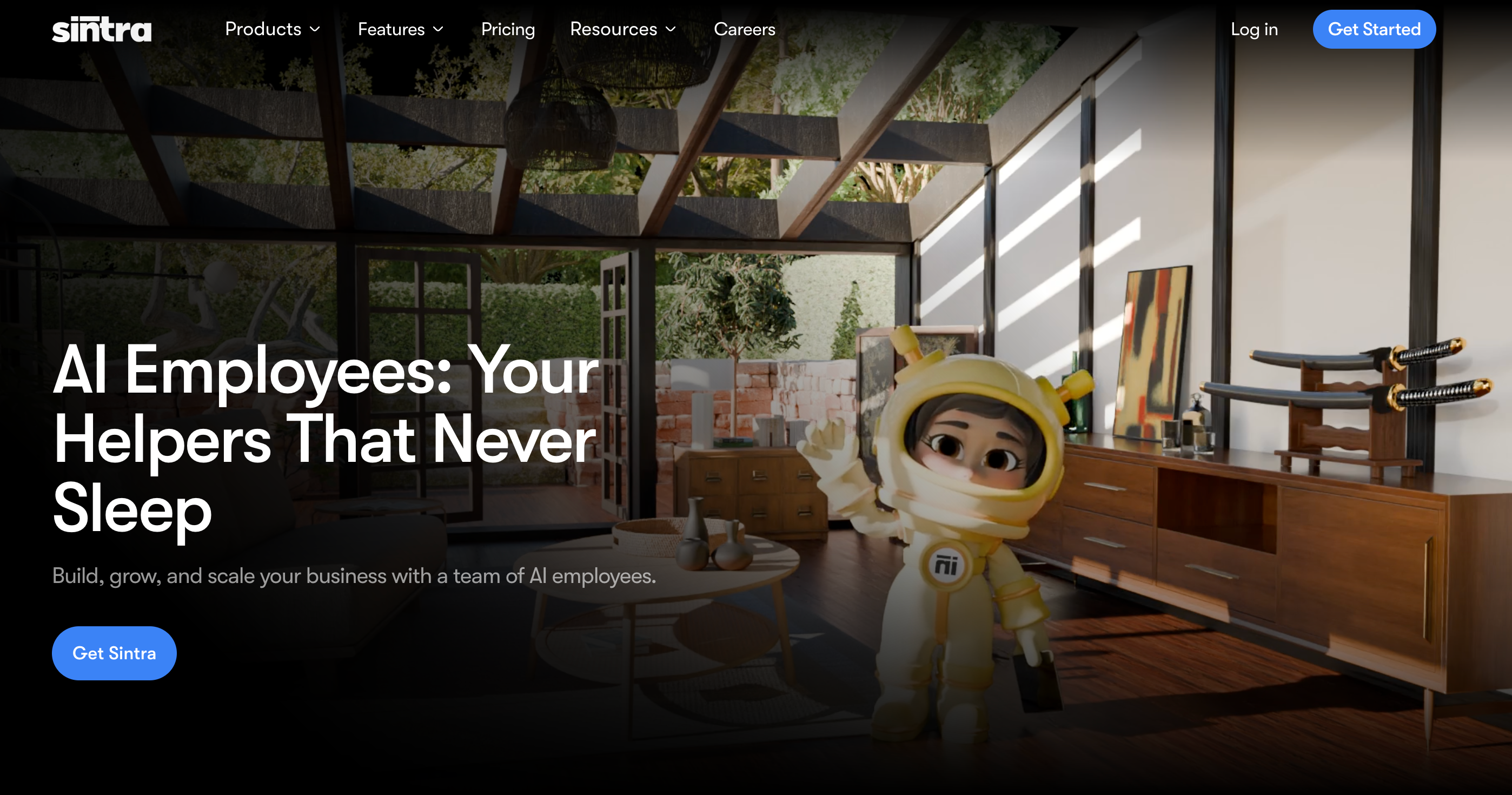
Instead of one generic AI chatbot, we give small businesses a specialized AI team. You get 12 role-based assistants (for SEO, email, social, data analysis, recruiting, and more) that work inside one workspace rather than across separate apps.
Each AI assistant is connected with Brain AI, a shared knowledge base where you store brand guidelines, documents, and key URLs. That allows our team to generate more contextual, on-brand output across channels.
Our AI helpers also proactively highlight suggestions daily, so you’re not always the one prompting the system.
For many small businesses, this all-in-one approach can replace a patchwork of separate writing, SEO, social, and admin tools, making Sintra a strong all-in-one alternative to standalone AI agents for small businesses that want one central AI hub.
What Users Like
- Twelve assistants cover most core business roles
- Brain AI stores files, sites, and brand rules
- Power-Ups speed up repetitive marketing workflows
- Proactive ideas and tasks without constant prompting
- Simple web interface with fast initial onboarding
- Integrations with tools like Gmail and Instagram
- Popular with founders, freelancers, and independent businesses
What Users Don’t Like
- Higher entry price than generic AI chatbots
- Real value depends on using it regularly
- The prompt library feels opaque and hard to tweak
- Outputs can repeat without fresh Brain AI data
- Not built for complex multi-step agent automations
Sintra AI Pricing
Sintra X is currently listed at $97/month for access to all 12 helpers, Brain AI, and Power-Ups, with discounted annual billing options.
2. HubSpot – Marketing, Sales & CRM for Growing Teams
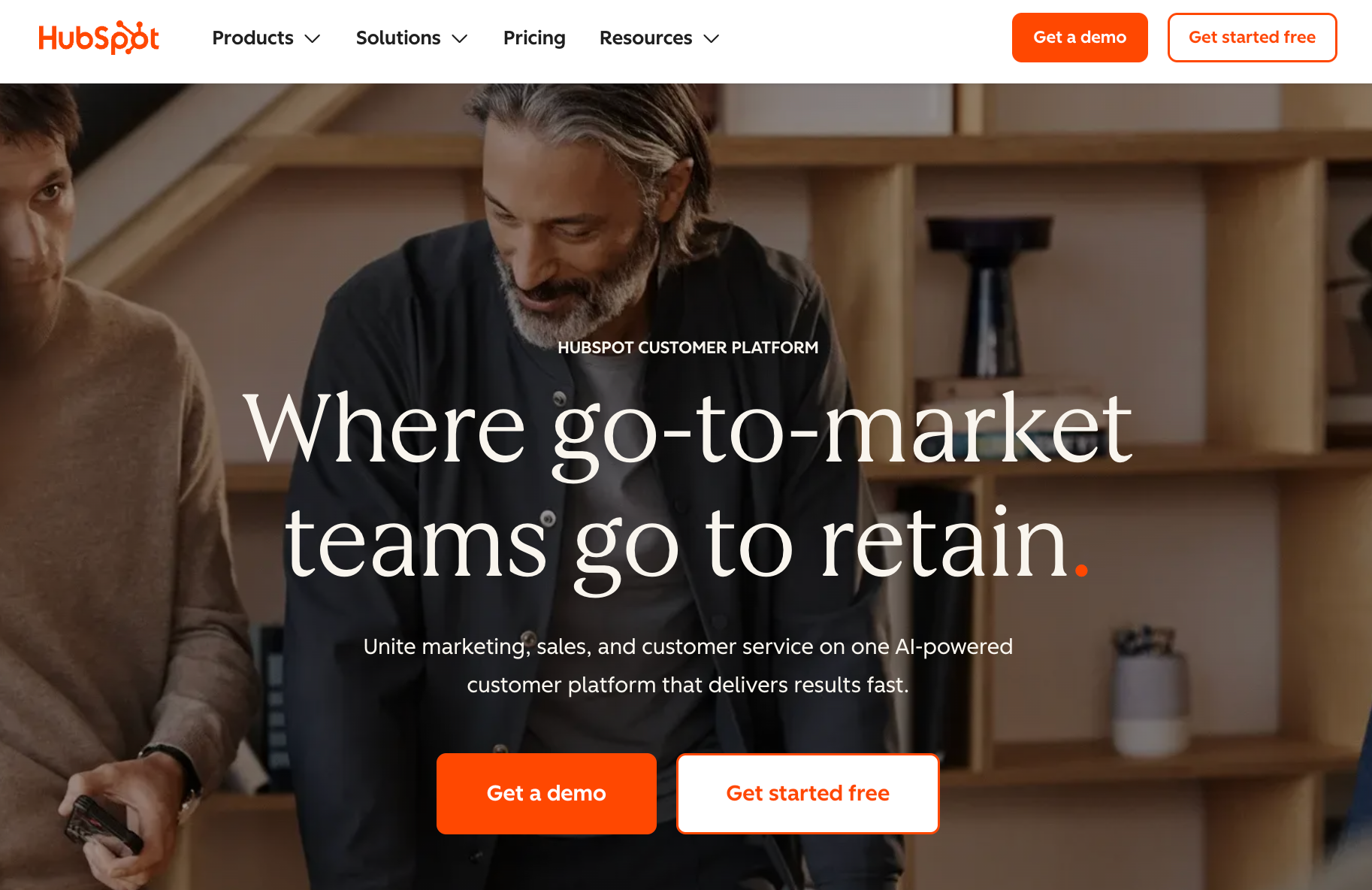
HubSpot is a unified CRM platform that brings marketing, sales, and service tools into one place, with AI features now bundled under the Breeze brand. These include content and email assistants, AI lead scoring, and forecasting that sit directly inside its Smart CRM and connected hubs.
For small and mid-sized businesses that already rely on a CRM or want a single hub, HubSpot can reduce manual work across campaigns, pipelines, and customer support. Its free CRM plan makes it accessible to early-stage teams, while paid tiers add automation and deeper analytics as the company grows.
What Users Like
- Free CRM plan helps small teams start quickly
- Integrated hubs connect marketing, sales, and service data
- AI tools streamline emails, scoring, and forecasting workflows
- User interface feels polished and beginner-friendly
- A large integration marketplace connects many existing business apps
What Users Don’t Like
- Pricing rises quickly as contacts and seats grow
- Plan structure and add-ons feel complex to navigate
- Advanced automation features are locked behind higher tiers
- New teams face a noticeable setup and learning curve
- Free plan includes branding and some feature limitations
HubSpot Pricing
HubSpot offers a free CRM plan, with paid Starter CRM Suite packages beginning around $50 per month, and individual hubs such as Sales Hub Starter starting from roughly $9–$15 per user each month, with higher Professional and Enterprise tiers priced significantly above that range.
3. Canva – Fast Visual Content Creation for Non-Designers
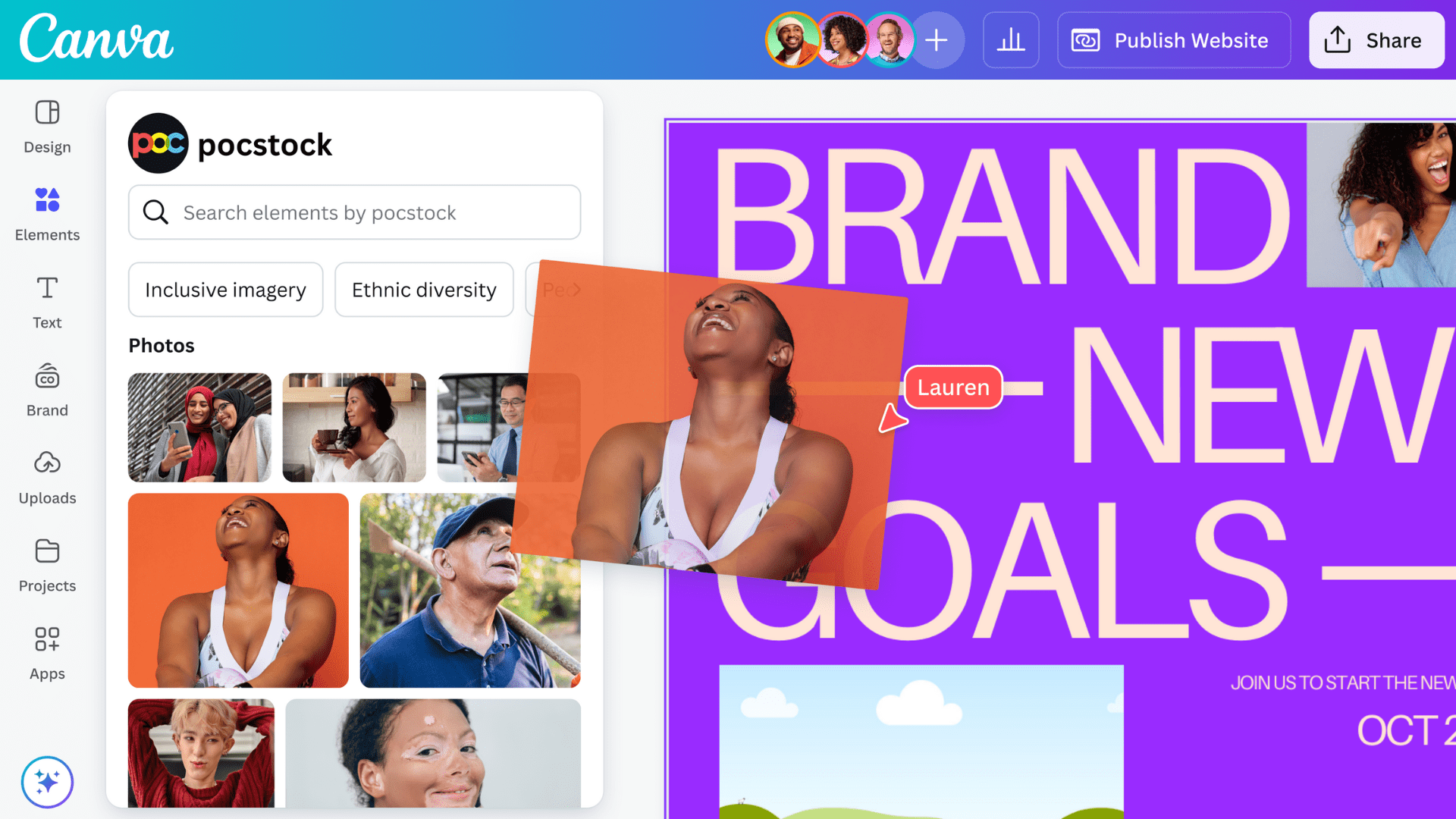
Canva is a design platform that now bundles a full Magic Studio of AI tools, including Magic Write for copy, Magic Design for layouts, and Magic Media for text-to-image and video generation.
These tools help non-designers turn simple prompts into social posts, presentations, flyers, and ads without learning traditional design software. Background remover, auto-resize, and brand kits keep visuals consistent across channels, which is useful for resource-strained small organizations.
Because everything lives in one editor, teams can draft copy, generate images, and publish assets from the same place, instead of switching between multiple AI-powered tools.
What Users Like
- Integrated AI tools for design, text, and images
- Very beginner-friendly for non-designers and marketers
- Huge template library speeds up everyday business content
- Magic Resize helps adapt designs for multiple platforms
- Works well alongside dedicated copy or scheduling tools
What Users Don’t Like
- AI features are limited on the free plan usage
- Teams complain about recent price jumps for AI
- Heavy, complex designs can feel slow sometimes
- Brand management tools are locked behind Pro and Teams
Canva Pricing
Canva offers a free plan. Canva Pro starts at about $120 per person annually (roughly $12–$15 per month), with Canva Teams plans priced higher for multi-user access and expanded AI limits.
4. Jasper – AI Copywriting for Marketing Content

Jasper is a marketing-focused AI writing platform that helps teams create blog posts, ads, emails, and social content from structured prompts and templates. It is built around brand voice training, workflows, and collaboration features so teams can keep messaging consistent across channels.
The tool is popular with marketing teams, agencies, and content-heavy mid-market companies that need to scale output without hiring a big writing staff. Users highlight its templates, long-form editor, and ability to keep tone aligned with brand guidelines across many pieces of content.
What Users Like
- Strong focus on marketing copy, campaigns, and branding
- Brand Voice training keeps content consistent across channels
- Dozens of templates for blogs, ads, and emails
- Teams report big-time savings on content production
- Interface feels familiar for writers used to docs
What Users Don’t Like
- Higher monthly price than many generic AI tools
- Still needs human editing on complex or niche topics
- It can repeat itself or go off-topic sometimes
- Best results require clear, detailed prompts and briefs
- Some users mention glitches and occasional billing frustrations
Jasper Pricing
Jasper’s Pro plan is currently listed at around $59 per seat per month, with Business plans offered at custom, higher pricing for larger teams and advanced governance features.
5. Salesforce Einstein/ Agentforce – AI Insights for Sales Teams
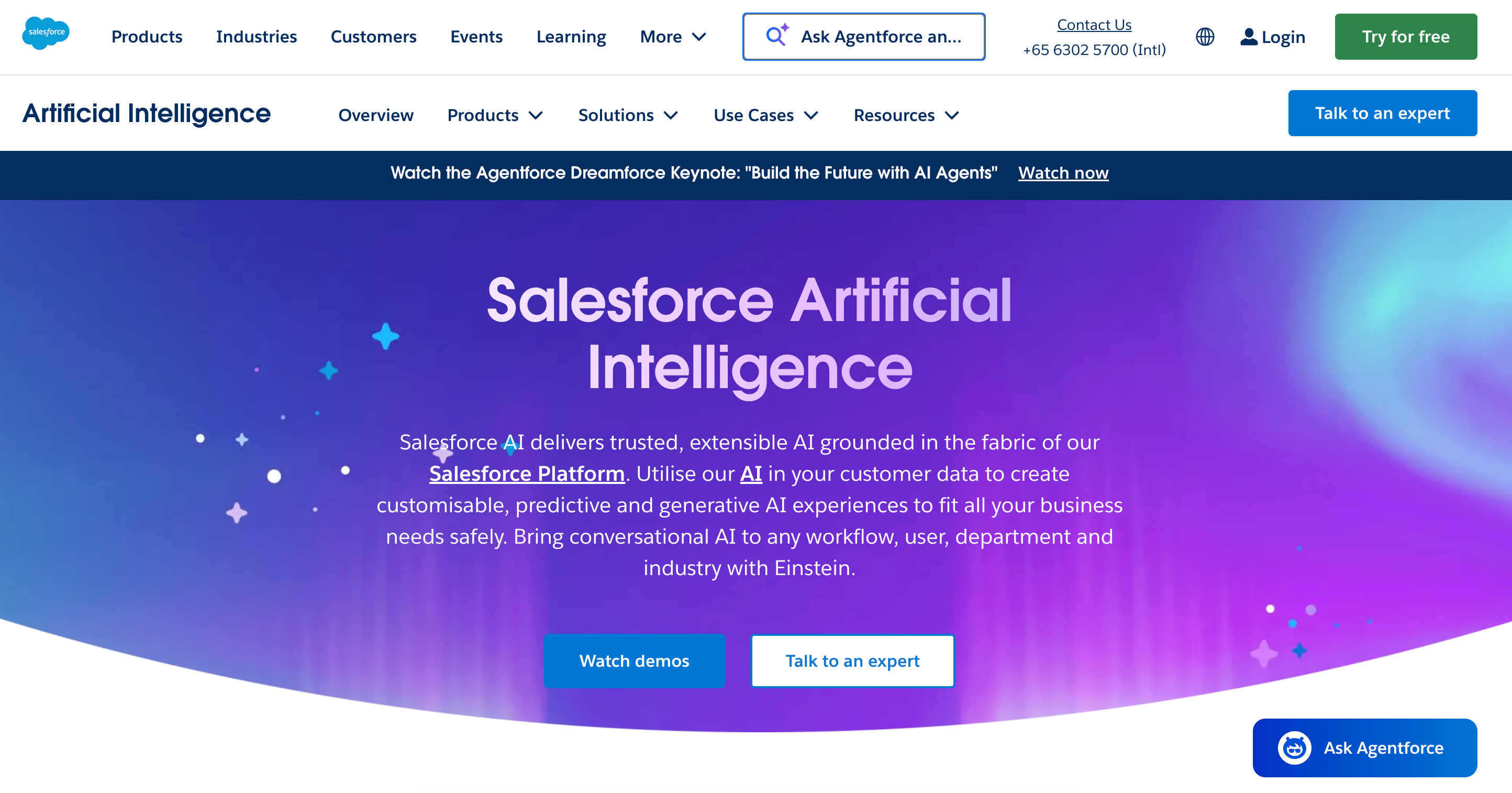
Salesforce Einstein is the AI layer inside Salesforce CRM that adds predictive lead and opportunity scoring, email insights, and automated forecasts directly into the records your team already uses. It looks at past deals and activity to highlight which leads are most likely to convert and which opportunities deserve attention now.
Agentforce is Salesforce’s newer platform for AI agents. These agents can work across Sales, Service, Marketing, and Commerce to suggest next steps, draft emails, and even take actions like updating records or kicking off workflows, all inside Customer 360.
This setup suits small sales teams that already live in Salesforce and have enough clean data to train the models. It is less ideal for brand-new CRMs or owners who want something simple to set up without long configuration or extra licenses.
What Users Like
- Built into existing Salesforce sales and service workflows
- Predictive lead and opportunity scores highlight the best deals
- Reduces manual logging using Einstein Activity Capture
- Agentforce can automate support, upsell, and routing
- Strong analytics and forecasting for revenue-focused leaders
What Users Don’t Like
- Add-on pricing and licenses become expensive quickly
- Setup, data prep, and configuration take real time
- Smaller CRMs may lack enough data for scoring
- A complex feature set creates a learning curve for teams
- Best suited to larger or fast-scaling organizations
Salesforce Pricing
Core Salesforce Einstein add-ons commonly start around $50 per user per month on top of eligible Enterprise or Unlimited editions, while broader Einstein and Agentforce bundles are usually quoted directly by Salesforce.
6. Chorus.ai – Conversation Intelligence for Sales Calls
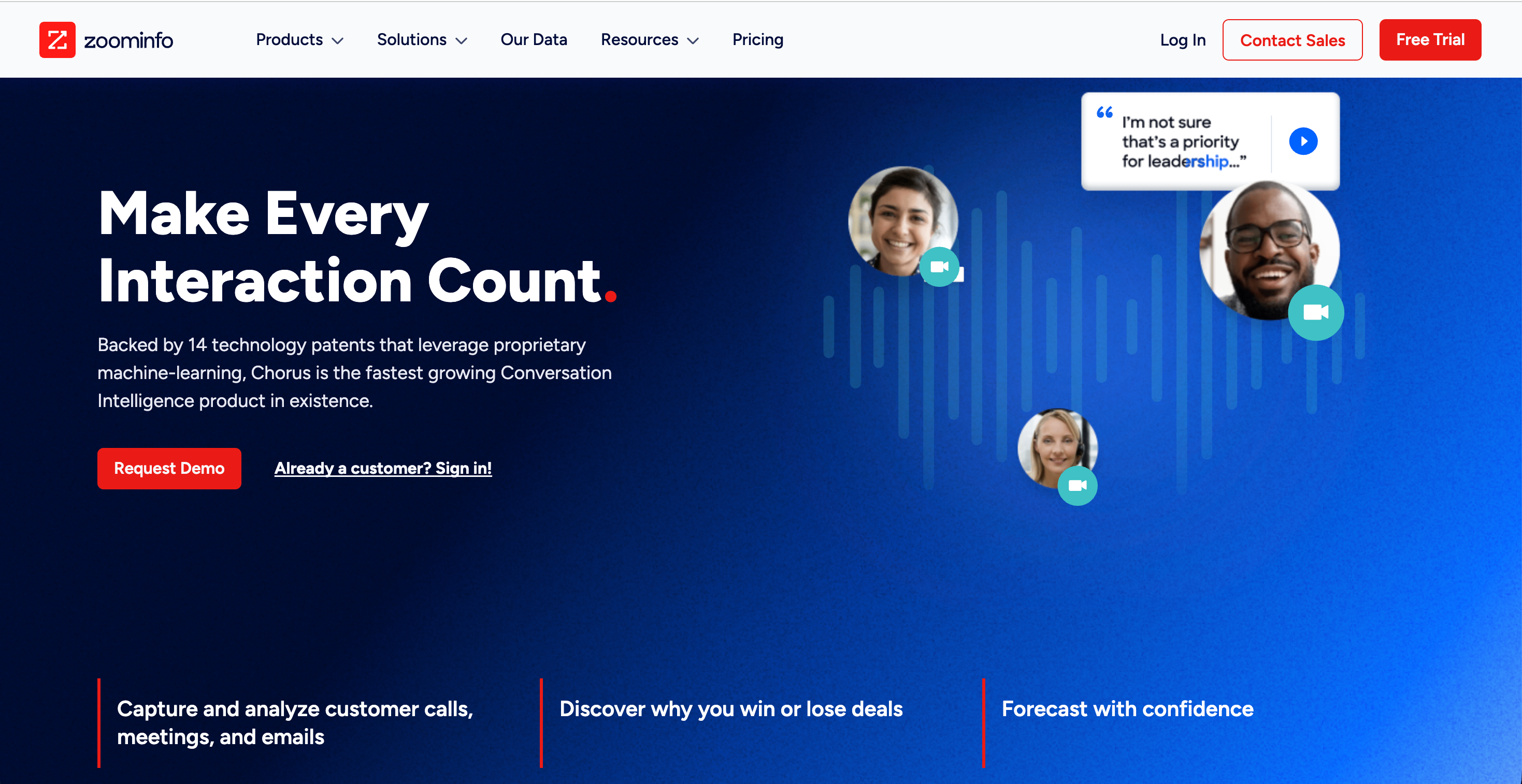
Chorus.ai (now part of ZoomInfo) records, transcribes, and analyzes sales calls, video meetings, and emails so teams can turn conversations into coaching moments and deal insights. It surfaces key topics, next steps, and talking patterns that leaders can use to train reps and standardize winning behaviors.
The platform is built for revenue teams that run many customer calls each week and want clearer visibility into pipeline health. Conversation analytics, scorecards, and libraries of “best calls” help shorten onboarding and improve coaching quality.
For smaller teams, it’s most attractive when calls already run through tools Chorus integrates with and when coaching and deal review are core parts of the sales culture.
What Users Like
- Accurately records, transcribes, and analyzes sales conversations
- Strong coaching tools for managers reviewing rep calls
- Helps identify risks and opportunities across active deals
- Call libraries highlight successful talk tracks and objection-handling
- Integrates with major CRMs and sales engagement platforms
- The interface is generally rated as intuitive and easy to navigate
What Users Don’t Like
- Pricing is considered high for many smaller sales teams
- Occasional transcription errors and missed call moments were reported
- Some users mention that navigation and search feel cumbersome
- Implementation and change management can take several months
Chorus Pricing
Public estimates suggest Chorus starts around $8,000 per year for three seats, with additional users roughly $1,200+ per seat annually, though ZoomInfo sells it via quote-based, multi-year contracts rather than transparent self-serve pricing.
7. Zendesk – AI-Powered Customer Support Platform
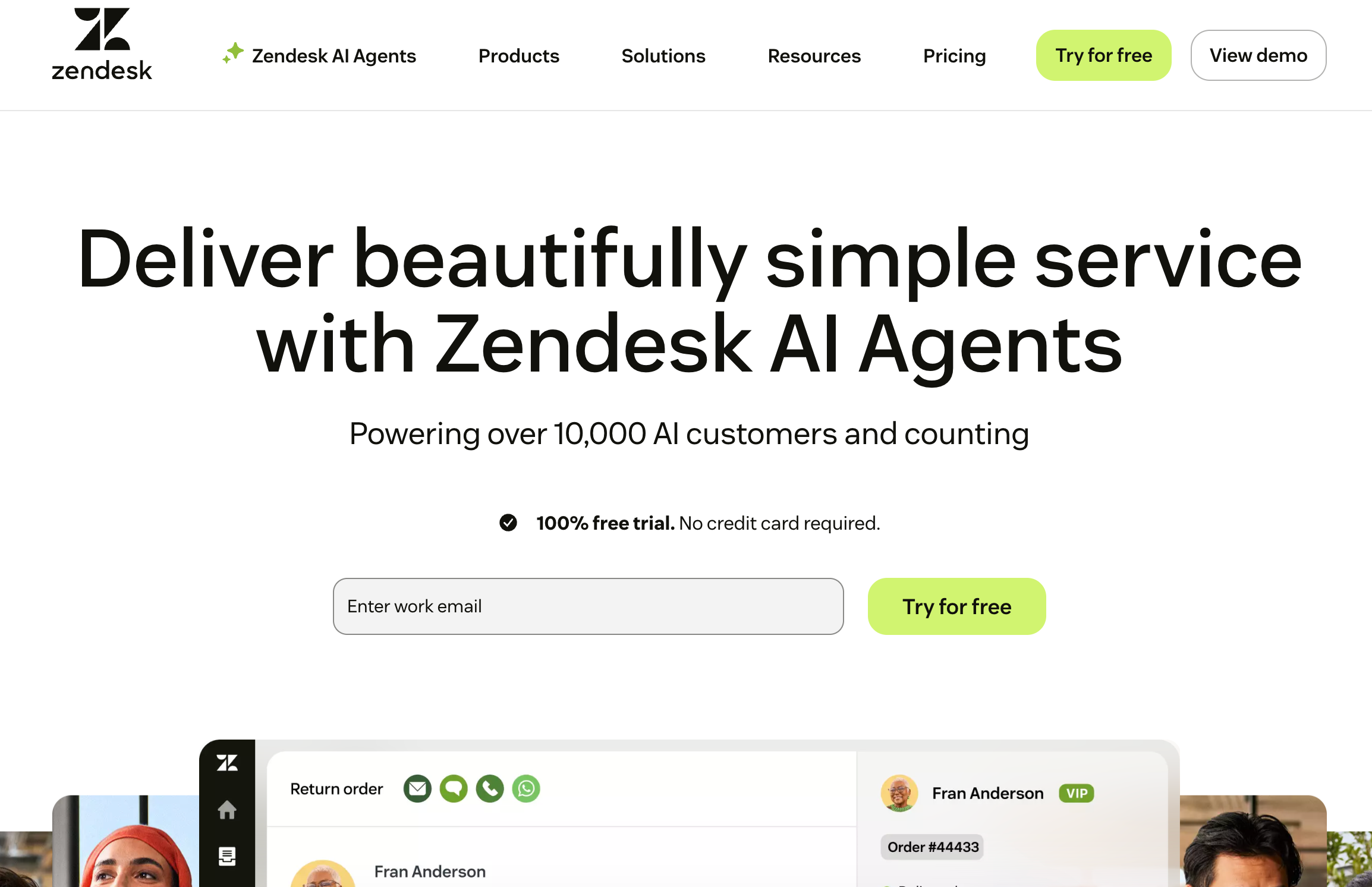
Zendesk is a cloud-based customer support platform that pulls email, chat, phone, and social messages into one workspace. Agents work from a single ticketing view, with automations to cut down repetitive tasks.
Its AI tools add intelligent triage, suggested replies, and AI agents that can resolve simple tickets or route issues to the right queue. This helps teams answer faster and keep quality consistent, even when volume spikes.
Zendesk suits small teams that want structured, omnichannel support with room to scale into more advanced workflows over time.
What Users Like
- Omnichannel support across email, chat, phone, and social
- Ticketing and automations streamline repetitive support workflows
- AI agents and bots handle common customer questions
- Detailed analytics dashboards show trends, SLAs, and satisfaction
- Large app marketplace connects Zendesk to existing business tools
- Mature platform used widely by growing and enterprise teams
What Users Don’t Like
- Admin configuration is complex; workflows often need technical expertise
- Some users report slow, inconsistent responses from Zendesk support
- Learning curve for advanced reporting and automation features
- Smaller teams sometimes feel overwhelmed by product depth
- Per-agent pricing scales poorly for large frontline teams
Zendesk Pricing
Zendesk Support Team starts at $19 per agent/month annually; Zendesk Suite Team starts at $55 per agent/month.
8. Intercom – Customer Messaging & Automation
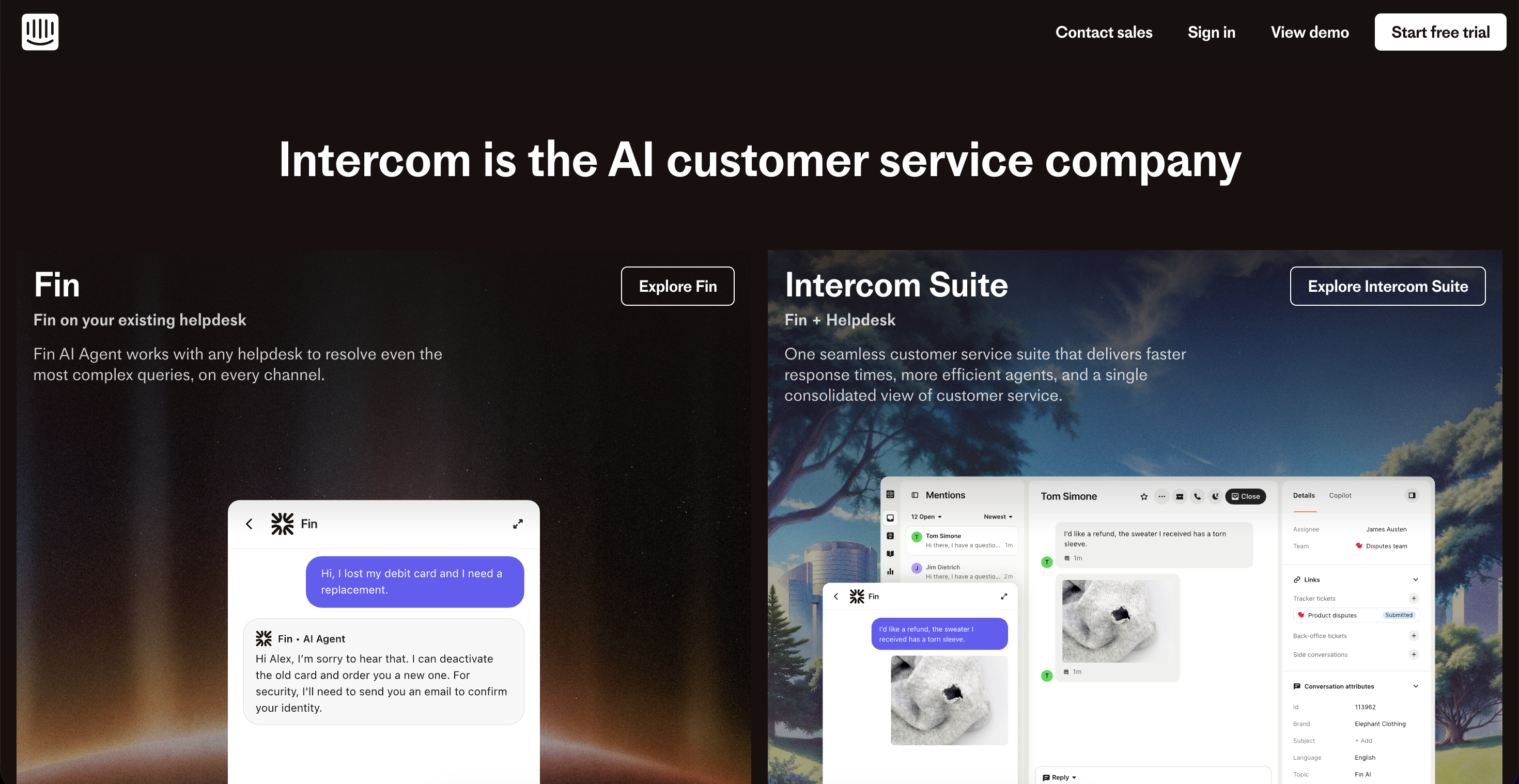
Intercom is an AI-first customer service and messaging platform that combines live chat, help desk, email, and proactive support in one place. Its Fin AI Agent answers common questions using your help center content, while human agents handle more complex conversations from the same inbox.
Fin uses a pay-per-resolution model and plugs into Intercom’s helpdesk or other platforms like Zendesk and Salesforce. This makes Intercom a good fit for teams that want modern chat, automation, and AI together instead of stitching separate bot and ticketing tools.
What Users Like
- AI-first helpdesk with live chat and tickets
- Fin AI Agent resolves many questions automatically
- Good multichannel support across web, email, and mobile
- Automation builder reduces repetitive customer workflows
- Strong knowledge base and in-product help options
- Modern interface compared to legacy helpdesk tools
- Works for both startups and larger support teams
What Users Don’t Like
- Costs rise with seats and Fin resolutions
- The pricing model feels complex for some teams
- Advanced features are locked in higher paid tiers
- Initial setup and workflows need careful configuration
- Smaller teams may find product depth overwhelming
- Some users report occasional bugs or performance issues
Intercom Pricing
Customer Service Essential from $29 per seat/month (annual billing) plus $0.99 per Fin AI resolution, with higher Advanced and Expert plans priced above this level.
9. Freshdesk – Omnichannel Support with AI Assistance
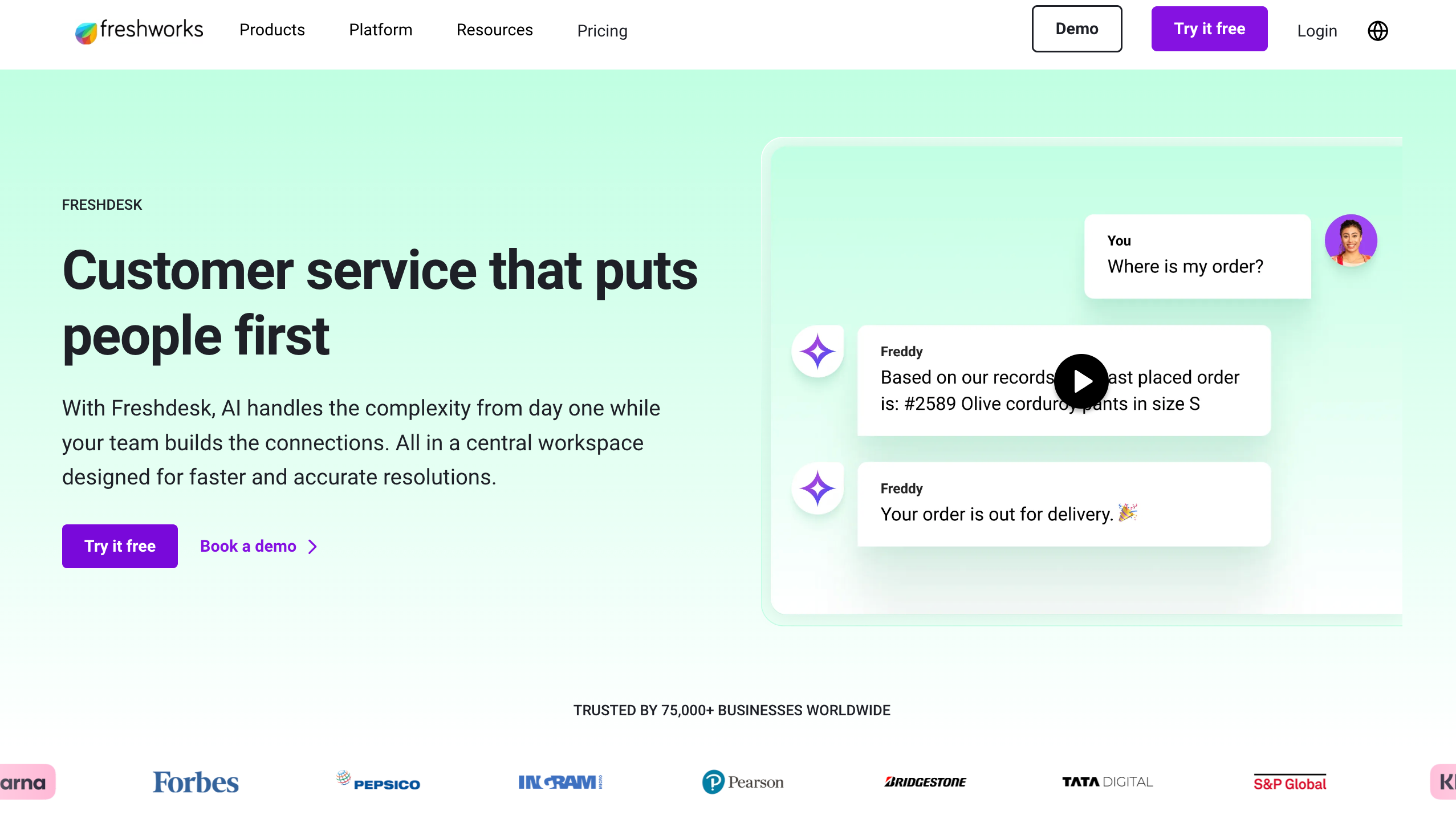
Freshdesk is a cloud-based help desk that pulls email, chat, phone, and social messages into one ticketing workspace, with a shared knowledge base and reporting for support teams.
Its Freddy AI layer adds features like ticket summarization, suggested replies, sentiment detection, and AI bots that help agents resolve or route issues faster. This combination makes it a practical option for SMB that need structured omnichannel support without building their own stack.
What Users Like
- Simple ticketing that centralizes all customer channels
- Easy-to-use interface for everyday support workflows
- Freddy AI suggests answers and summarizes long threads
- Free plan works for very small teams
- Scales from email-only to full omnichannel suite
- Integrations connect with CRMs and other business tools
What Users Don’t Like
- Per-agent pricing increases as teams grow
- Many advanced features are locked in higher tiers
- Freddy AI's pricing model feels confusing, unpredictable
- Configuration and automation setup can be time-consuming
- Some users report occasional bugs and reliability issues
Freshdesk Pricing
Freshdesk offers a free tier for up to two agents, with paid Growth plans starting at about $15 per agent/month on annual billing and higher Pro and Enterprise tiers priced above that range.
10. Kipwise – Knowledge Management with Smart Suggestions
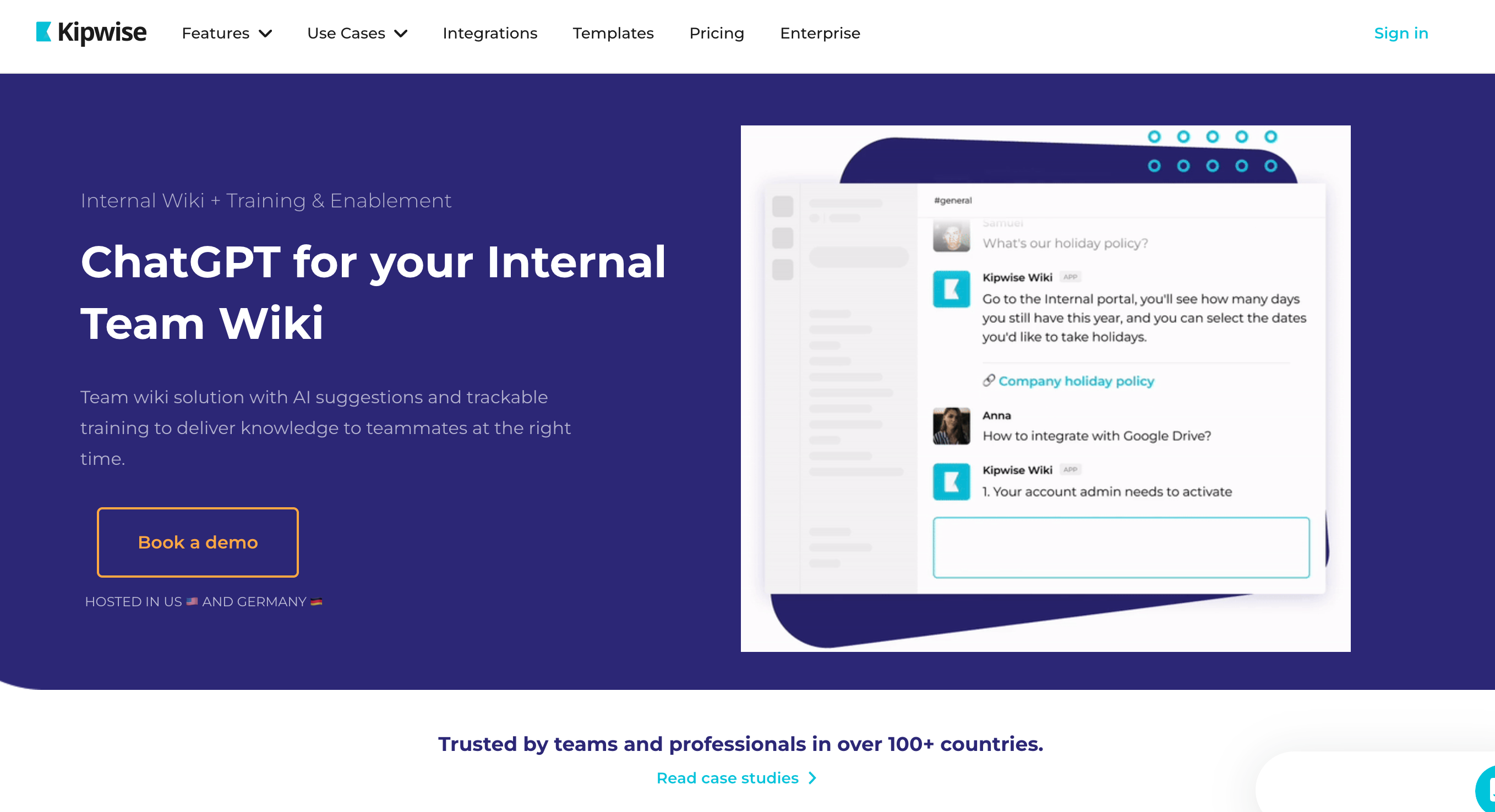
Kipwise is a collaborative knowledge base and team wiki that centralizes company information in one searchable hub. Teams use it to document processes, FAQs, and project knowledge so people can find answers without pinging coworkers.
Its AI layer powers knowledge suggestions through a Chrome extension and Slack bot. When someone handles a ticket in tools like Intercom, Gmail, or Zendesk, Kipwise can automatically suggest relevant pages, eliminating the need for manual searches.
For smaller teams, it’s often used to speed up onboarding, reduce repeated questions, and keep tribal knowledge structured in one place. Real-time collaboration, content review flows, and integrations with tools like Slack and Google Drive support that use case.
What Users Like
- AI suggestions surface relevant wiki pages inside workflows
- Chrome extension recommends knowledge while answering tickets or emails
- Slack bot auto-answers repeated questions from teammates automatically
- Unified search looks across the wiki, Drive, and integrations
- Real-time collaboration lets multiple users edit pages together
- Good for onboarding, process documentation, and internal FAQs management
- Content review flows help keep articles accurate and current
What Users Don’t Like
- Interface and navigation feel dated compared to newer tools
- Requires admin ownership to keep the structure organized and useful
- Initial setup and folder creation take a noticeable time investment
- Some users find UX confusing and navigation unintuitive
- Pricing details vary; some reviewers mention limited transparency online
Kipwise Pricing
Official plans start from around $16 per month, while some marketplaces list a Basic package at about $25.50 per month, depending on plan and region.
11. Confluence by Atlassian – Documentation Hub with Smart Search
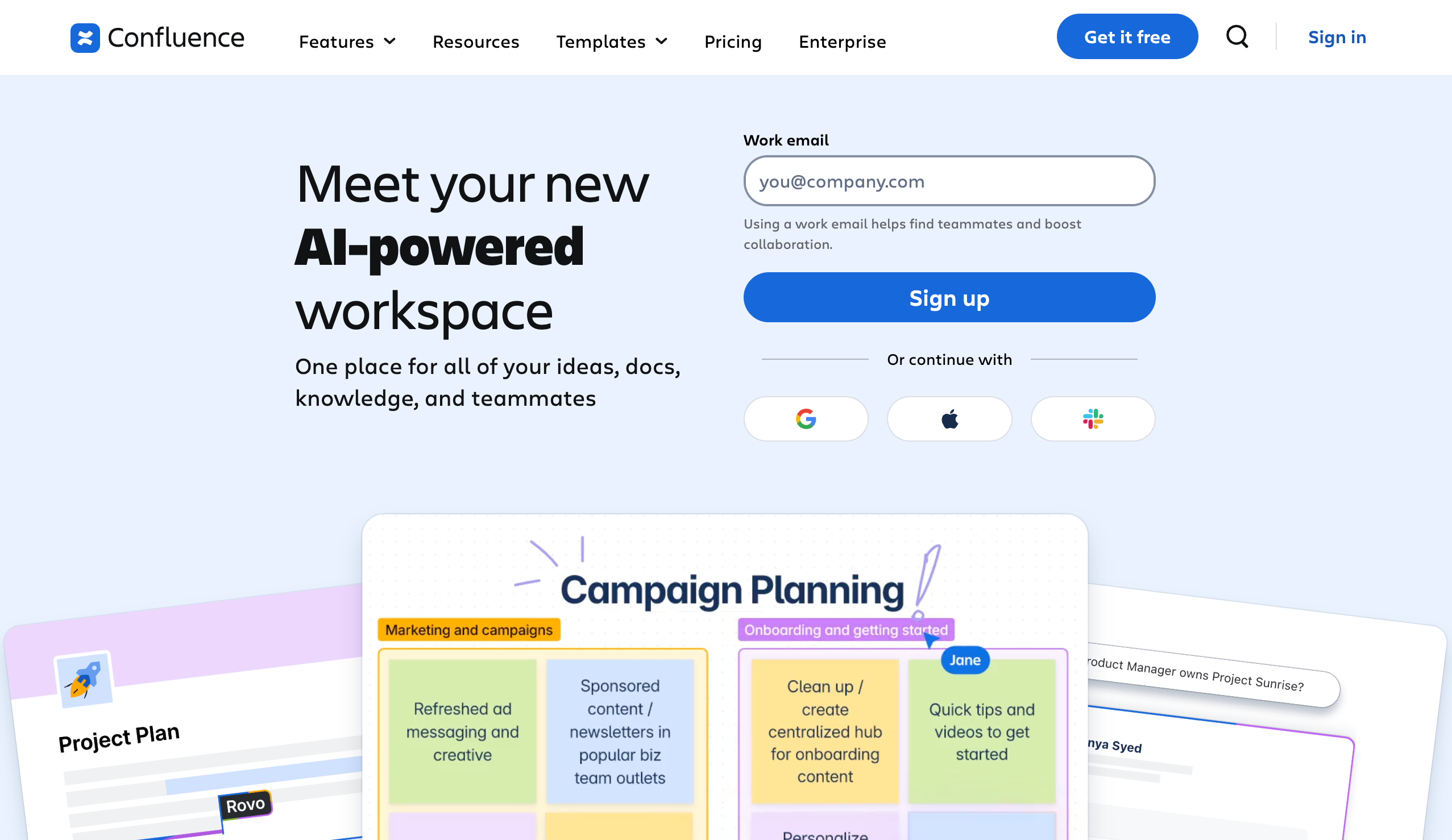
Confluence is a team workspace for creating and organizing documentation, project pages, and internal knowledge in one place. Teams structure content into spaces and pages, then use templates and comments to keep work organized and collaborative.
Atlassian’s AI (Rovo / Atlassian Intelligence) adds smart search, summaries, and writing assistance on top of this hub. You can ask natural-language questions, get AI-generated page summaries, and draft or polish content directly inside Confluence.
For many teams, this turns Confluence into a central documentation hub where people find answers faster and keep long pages more manageable.
What Users Like
- Central hub for documentation, knowledge bases, and collaboration
- Spaces and pages keep different teams’ content separated logically
- AI search answers questions using natural language, not filters
- AI summarizes long pages and recent changes quickly
- Tight integrations with Jira and other Atlassian products
- Templates help standardize meeting notes, requirements, and documentation
- Good fit for distributed or cross-functional teams needing alignment
What Users Don’t Like
- Content can become cluttered without a clear structure and ownership
- New users often face a learning curve with spaces
- Some AI features are limited to higher-paid cloud plans
- Pricing and feature differences between tiers confuse some buyers
Confluence Pricing
Confluence Cloud offers a free plan for up to 10 users. Standard plans are typically priced around $5–6 per user/month, Premium plans around $10–12 per user/month, plus custom Enterprise pricing for large deployments.
12. Notion – All-in-One Workspace with AI Writing
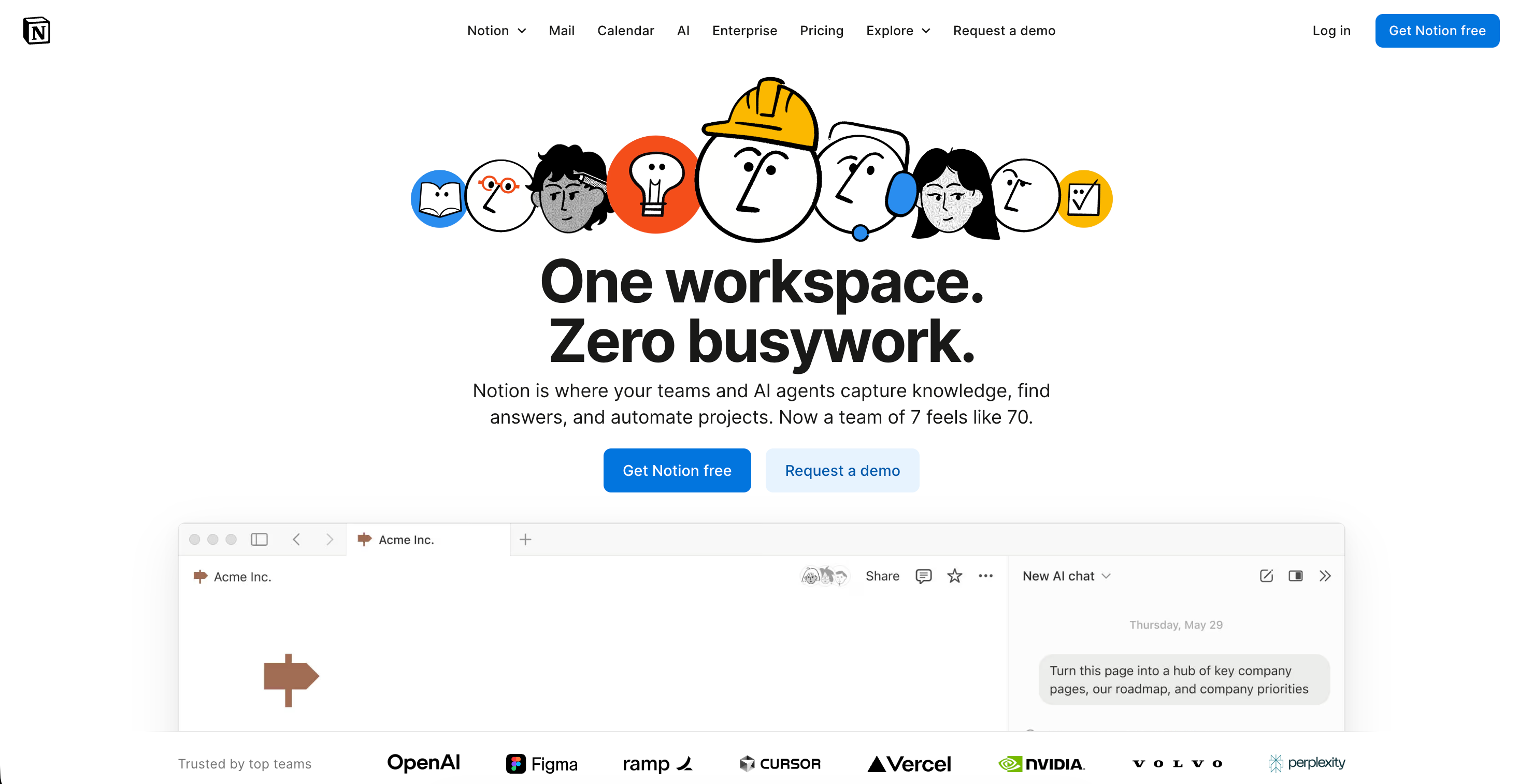
Notion is an all-in-one workspace that combines notes, docs, tasks, wikis, and databases in one place. Teams use it to plan projects, document processes, and keep knowledge organized instead of spreading information across multiple apps.
Notion AI sits inside that workspace as a built-in assistant. It can draft text, refine writing, summarize long pages, extract action items, translate content, and answer questions based on what you’ve already stored in Notion.
This setup works well for small teams that already organize work in Notion and want AI to speed up documentation, research, and follow-ups without adding another separate tool.
What Users Like
- Integrated workspace for notes, tasks, docs, and databases.
- AI writing, summarization, and editing inside each page.
- Q&A search answers questions from workspace content.
- Database autofill creates summaries and action items automatically.
- Templates and wikis help standardize team documentation.
- Strong fit for teams already living inside Notion.
What Users Don’t Like
- Full AI access is limited to Business, Enterprise tiers.
- Modular AI apps can become expensive per seat.
- Q&A sometimes struggles with specific database queries.
- Generated text still needs review for accuracy, tone.
- Interface and options feel overwhelming for casual users.
- Best value when the team already depends on Notion.
Notion Pricing
Free plan at $0; Plus around $10 per user/month annually; Business around $20 per user/month with full Notion AI included; Enterprise is custom priced above Business.
13. Trello – Visual Task Management with Automation
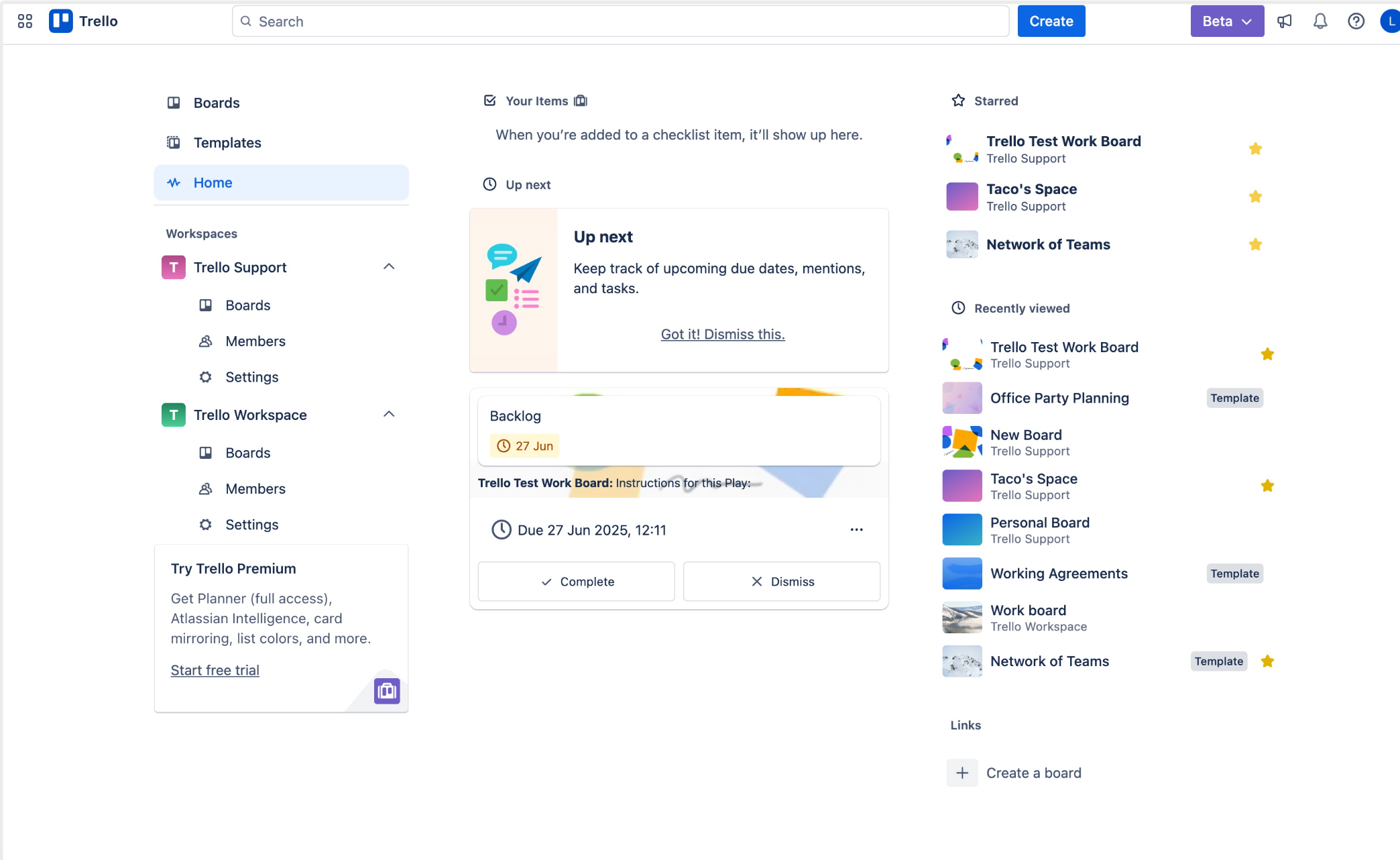
Trello is a visual project management tool built around boards, lists, and cards, which makes it easy for small teams to track tasks and simple projects. Its default Kanban view and drag-and-drop interface are popular with new users and budget-conscious teams.
Built-in Butler automation lets you create rules, buttons, and scheduled commands to move cards, update due dates, and trigger actions across boards without code. Atlassian Intelligence on higher tiers adds AI help for writing card descriptions and generating ideas.
For small teams that want a simple, visual way to manage tasks and automate repetitive board actions, Trello offers a low-friction starting point with room to grow.
What Users Like
- Very simple, visual Kanban-style task boards
- Built-in Butler automation for repetitive workflows
- Forever free plan for small teams
- Power-Ups connect Trello to many apps
- Works well for simple, small-scale projects
- Low learning curve for new project tools
What Users Don’t Like
- Advanced views and AI only on Premium
- Large boards can feel cluttered, hard to manage
- Heavy automation may hit Butler's command limits
- Unlimited workspaces reserved for top-tier plans
Trello Pricing
Free plan available; paid plans typically start around $5–$6 per user per month, with higher Premium and Enterprise tiers above that.
14. Asana – Project Management for Growing Teams
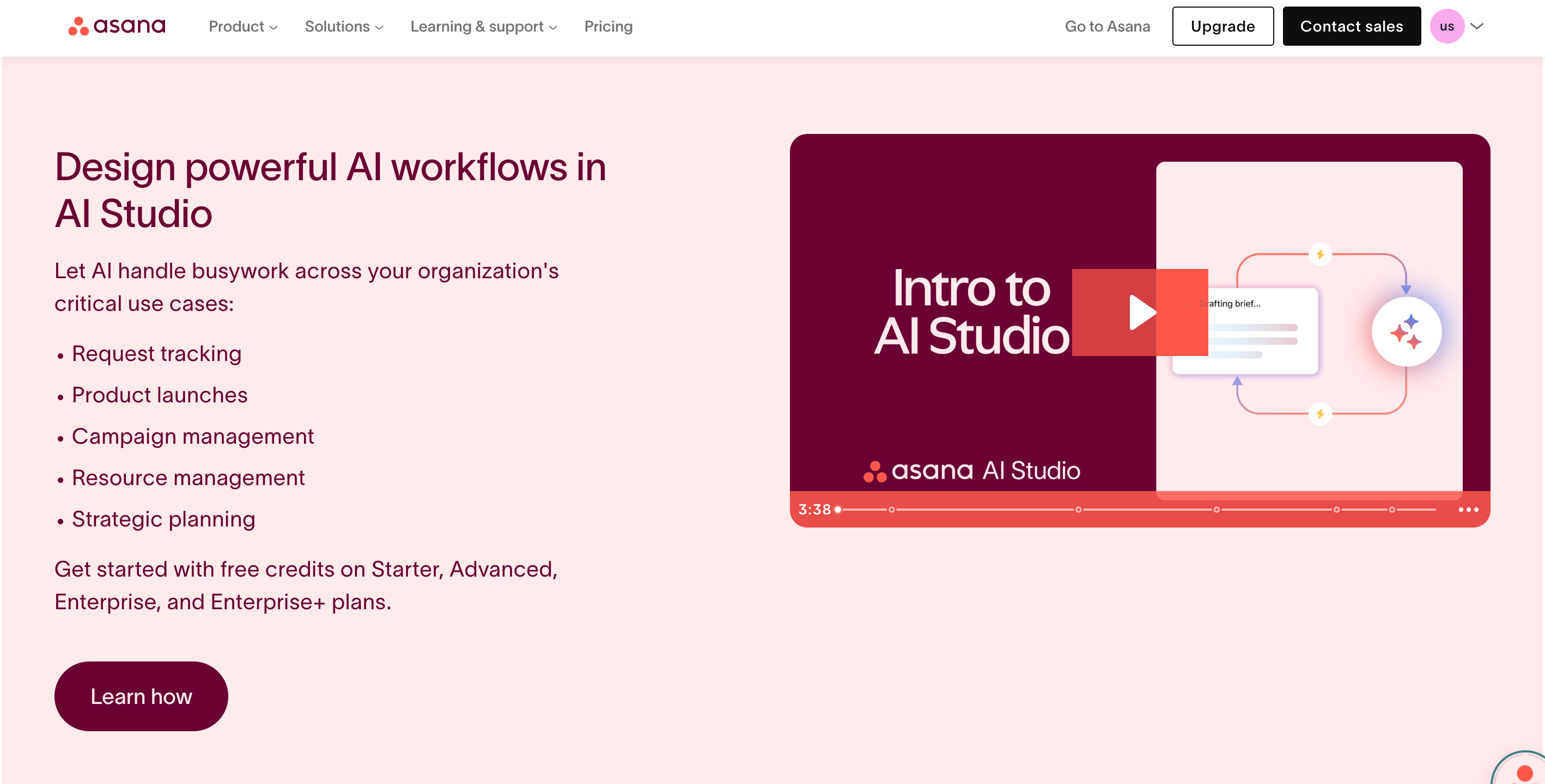
Asana is a work management platform that helps teams plan projects, assign tasks, track deadlines, and see progress in one place. You can switch between list, board, timeline, and calendar views, and use templates to launch new projects quickly.
Asana AI now assists with task descriptions, project summaries, workflow creation, and goals and reporting. It sits on top of automation rules, workload management, and integrations, which makes it useful for growth-stage companies coordinating multiple projects or client engagements.
What Users Like
- Flexible views with lists, boards, timelines, calendars
- Strong task management with subtasks and priorities
- Powerful automations to reduce manual follow-up work
- Helpful AI for summaries and task descriptions
- Many integrations with tools like Slack, Google Workspace
- Templates speed up launching repeatable project workflows
What Users Don’t Like
- Learning curve for new users and admins
- Pricing is higher than some project management competitors
- The free plan is limited in features and controls
- Large workspaces can feel cluttered, hard to navigate
Asana Pricing
Free plan available; paid plans from $10.99/user/month annually.
15. Monday.com – Customizable Work OS with AI Insights
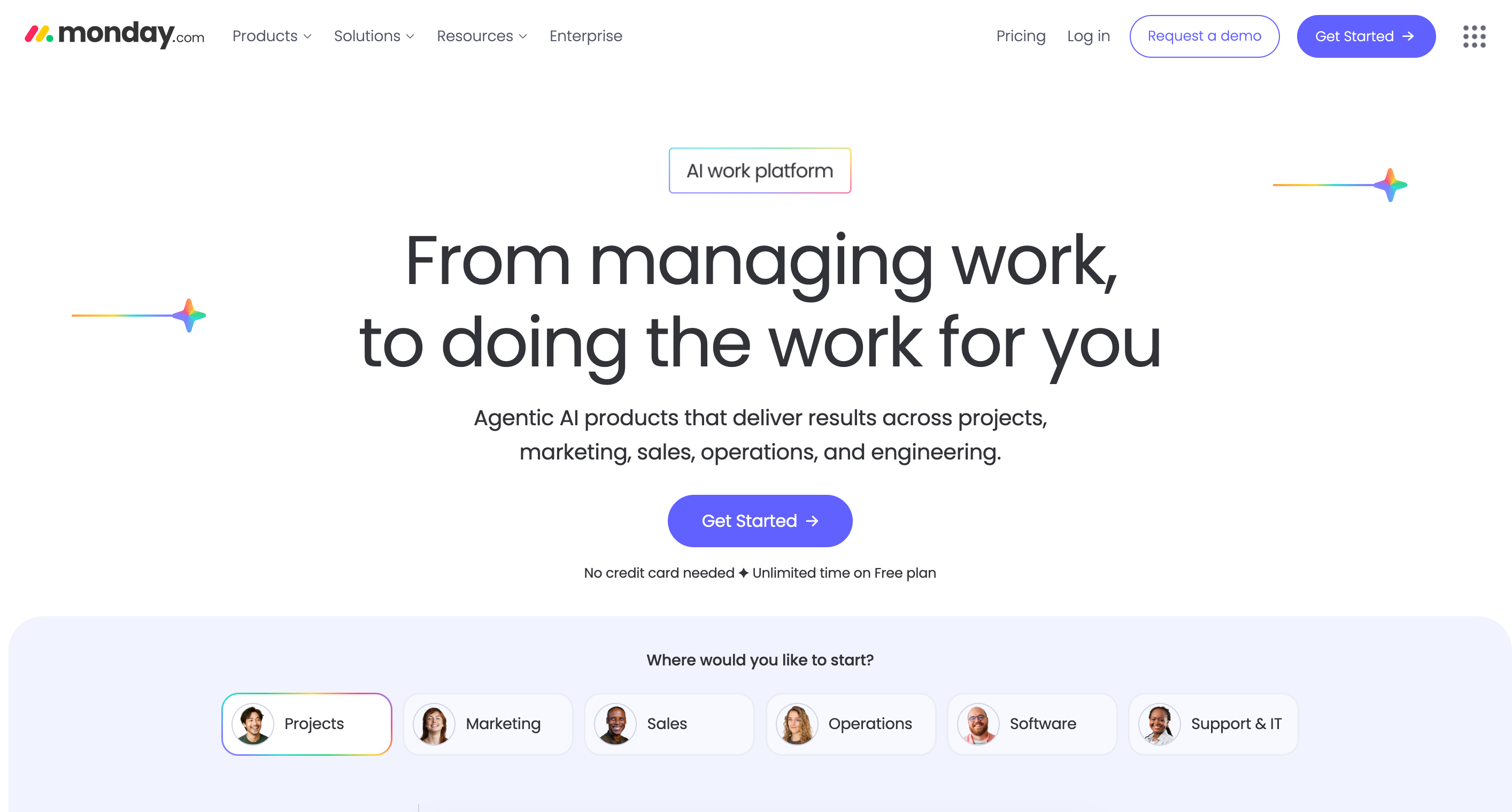
Monday.com is a visual work management platform where teams build boards to track projects, tasks, and workflows. It positions itself as a “Work OS,” letting you customize columns, views, and dashboards for many use cases, from marketing campaigns to ops processes.
Automation rules and built-in AI features help reduce manual updates, trigger status changes, and surface insights about workload and progress. This makes Monday.com attractive for small and mid-sized teams that want flexibility without building their own system from scratch.
What Users Like
- Highly visual boards for projects, tasks, and workflows
- Flexible customization with columns, views, and dashboards
- Automation reduces manual updates and repetitive status changes
- Templates help teams standardize processes and project setups
- Mobile and web apps support distributed, hybrid teams
- Works well for small to mid-sized teams
What Users Don’t Like
- Paid plans have a three-seat minimum commitment for teams
- It can become expensive as the team size scales up
- Basic plan limits automations, integrations, and advanced views
- Large, complex boards sometimes feel slow and heavy
- New users may need time to learn the structure
Monday Pricing
Free plan available; Basic Work Management starts from about $8 per seat per month on annual billing.
16. Dialpad AI – Business Communications & Contact Center
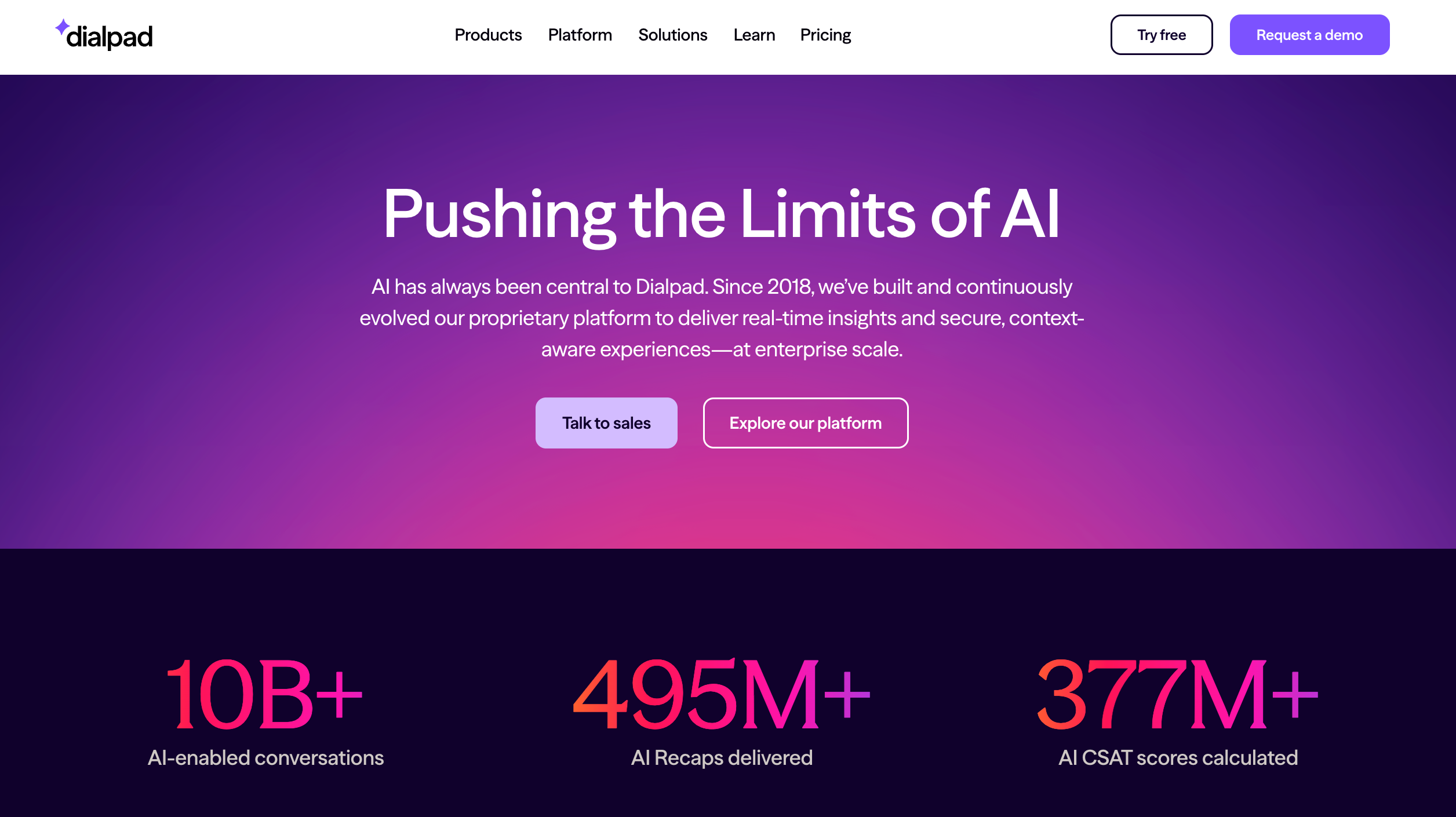
Dialpad is an AI-powered business communications platform that combines calling, video meetings, messaging, and contact center features in one app. Its core differentiator is Dialpad AI, which sits across products and powers real-time transcription and analytics on every conversation.
During calls, Dialpad AI can transcribe speech in real time, analyze sentiment, and generate post-call summaries with action items. This reduces manual note-taking and gives managers better visibility into what’s actually happening on the phones.
For small and mid-sized sales or support teams, this setup replaces separate telephony, recording, and analytics tools with a single platform, while reviews highlight a modern interface and accessible entry pricing.
What Users Like
- Unified voice, video, messaging, and contact center platform
- Real-time transcription built into calls and meetings
- Automatic call summaries and action items after conversations
- Sentiment analysis highlights struggling calls for supervisors
- Live coaching prompts help agents respond more effectively
- Entry-level pricing is competitive for smaller customer-facing teams
- The modern interface is generally rated as simple and easy to use
What Users Don’t Like
- Pricing structure feels complex with multiple products, add-ons
- Key features are sometimes reserved for higher-tier plans
- Some reviewers report occasional call quality or stability issues
- Limited customization compared with more advanced contact center suites
- International calling costs, add-ons can increase total spend
Dialpad AI Pricing
Standard business voice plans typically start around $15 per user/month.
17. Seventh Sense – Email Marketing Optimization
Seventh Sense is an AI-driven email timing tool built specifically for HubSpot and Marketo users. It analyzes each contact’s historical engagement to decide when they are most likely to open and click, then schedules campaigns per person instead of blasting everyone at once.
Beyond send-time optimization, it offers email throttling, frequency optimization, and analytics to improve deliverability and reduce fatigue. Marketers use it to pace campaigns, protect sender reputation, and squeeze more performance from existing email programs without changing their core marketing platform.
It works best for teams already invested in HubSpot or Marketo, sending regular campaigns at meaningful volumes, and looking for measurable uplifts rather than a brand-new email suite.
What Users Like
- Boosts open by optimizing send times per recipient
- Helps protect the sender's reputation and inbox deliverability long-term
- Integrates directly with HubSpot and Marketo email platforms
- Flexible throttling feature avoids sudden large email blasts
- Frequency optimization reduces fatigue from over-emailing engaged audiences
- Analytics reveal patterns that basic email tools never surface
What Users Don’t Like
- Only works with HubSpot and Marketo right now
- Pricing can feel steep for very small lists
- Setup and integration steps require time and attention
- Interface occasionally feels complex when exploring advanced settings
- Best results demand a solid existing email marketing strategy
Seventh Sense Pricing
Public sources report HubSpot plans starting around $64–$80 per month, with Marketo and higher-volume enterprise plans priced higher and sold on a quote basis.
18. Flick – Social Media AI Assistant
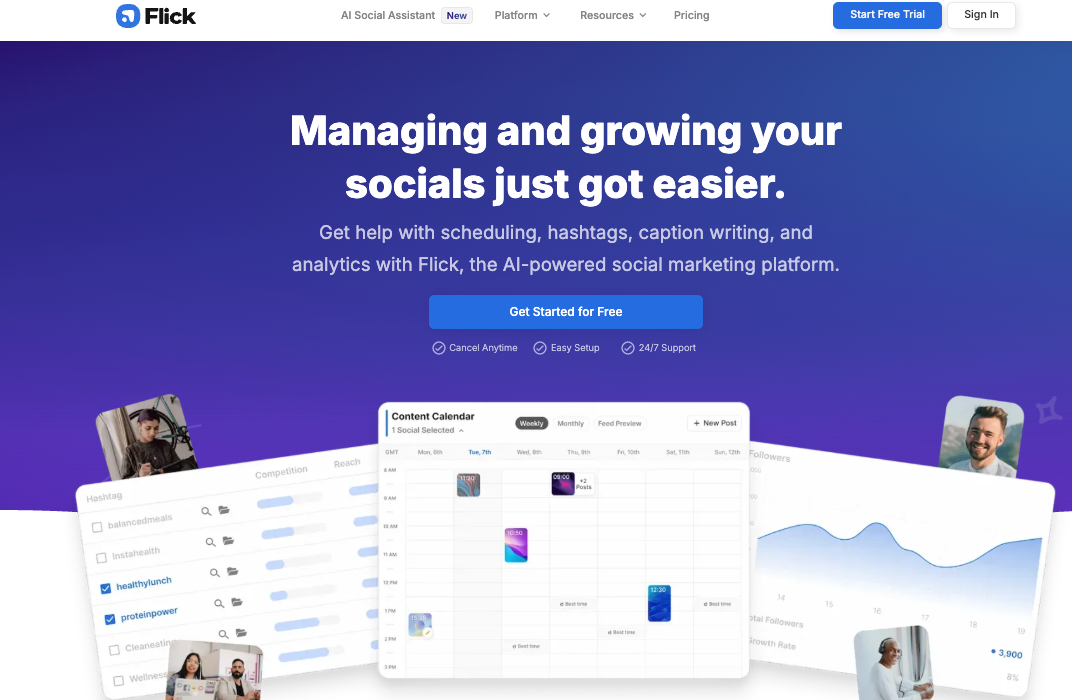
Flick is an AI-powered social media marketing platform that combines scheduling, hashtag research, caption writing, and analytics in one place. It supports Instagram, Facebook, TikTok, and LinkedIn, so you can plan multi-platform campaigns from a single calendar.
Its AI Social Media Assistant (often called Iris) helps brainstorm ideas, write on-brand captions, and repurpose longer content into short posts. Hashtag tools score tags by reach and competition, while analytics highlight what’s actually working so teams can refine their strategy.
Reviews emphasise time savings and ease of use, especially for creators, agencies, and busy marketers who want to reduce manual scheduling and guesswork around hashtags and posting times.
What Users Like
- Single platform for scheduling, hashtags, captions, and analytics
- An AI assistant helps brainstorm ideas and social captions
- Hashtag tools with analytics and banned-tag checks
- Visual calendar for planning across major social platforms
- Users report strong time savings on social management
- Interface feels intuitive, even for new marketers
What Users Don’t Like
- No permanent free tier beyond a short trial period
- Pricing can feel high versus leaner scheduling tools
- AI captions sometimes sound generic or slightly inauthentic
- Some advanced features focus heavily on Instagram workflows
- New users mention a mild learning curve in mastering data views
- A few reviewers mention billing or support frustrations
Flick Pricing
Plans from around $14/month, with Solo, Pro, and Agency tiers.
19. DALL-E 2 – AI Image Generation
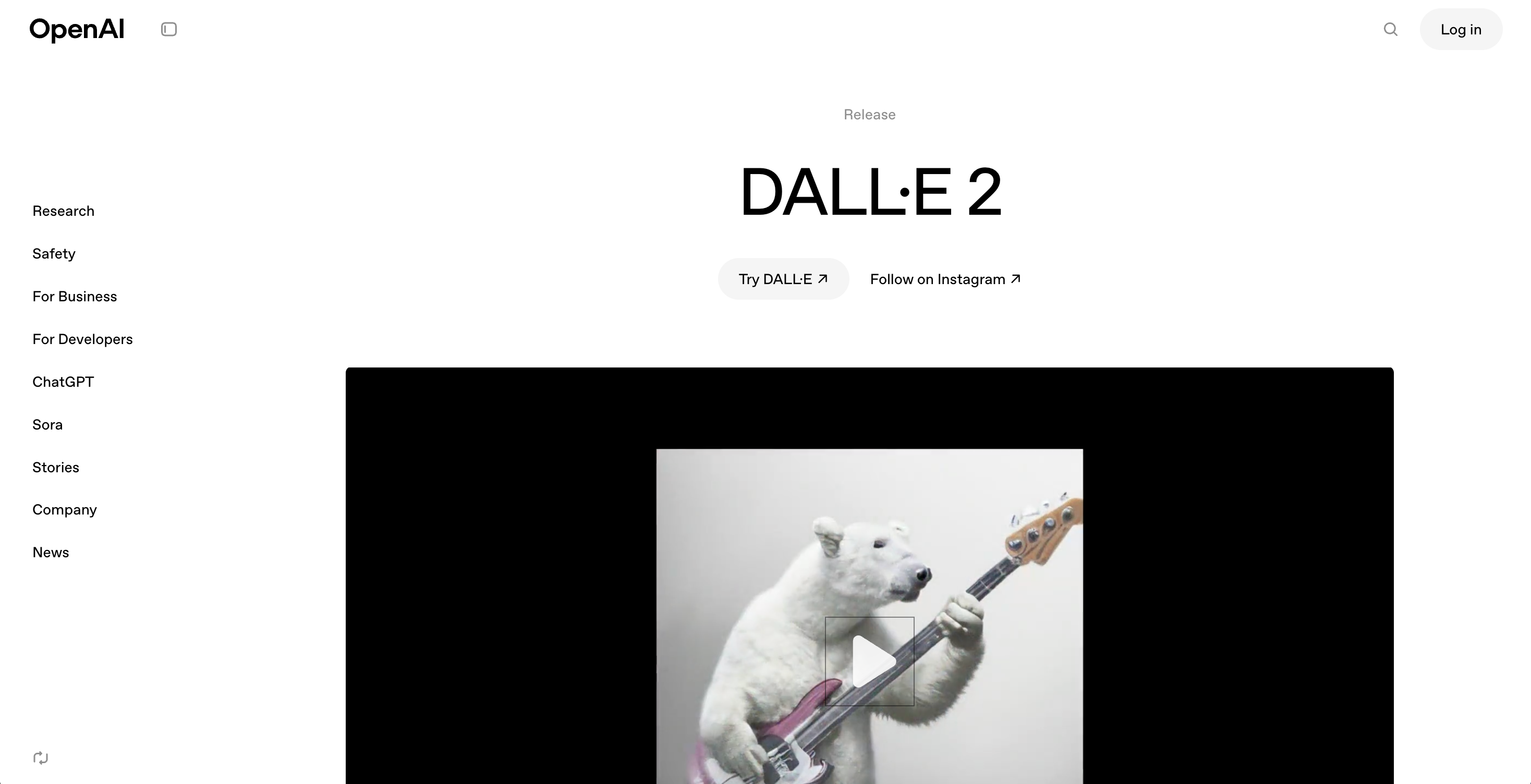
DALL-E 2 is OpenAI’s image generator that turns natural-language prompts into detailed visuals, from simple icons to full scenes. Designers, marketers, and creators use it to prototype ideas, create campaign assets, and experiment with different visual styles without hiring a dedicated illustrator for every concept.
Beyond pure text-to-image, DALL-E 2 supports editing existing pictures. You can remove objects, extend backgrounds, or add new elements using inpainting and outpainting, while keeping lighting and style consistent. This makes it handy for SMB that need social graphics, ads, or product mockups but lack in-house design capacity.
What Users Like
- High-quality images from simple, natural-language text prompts
- Supports editing existing images with inpainting and outpainting tools
- Wide range of visual styles, from logos to art
- Great for marketers, designers, and small creative teams
- Fast generation speeds suitable for iterative visual experimentation
- Commercial use rights available under OpenAI licensing guidelines
What Users Don’t Like
- No ongoing free tier after initial trial credits
- Precise prompting is needed to consistently achieve desired results.
- Limited integrations compared with some other creative platforms.
- Heavy use can become expensive for frequent image generation.
- Occasional artifacts or odd details in complex compositions.
DALL-E 2 Pricing
OpenAI offers DALL-E 2 on a credit-based model, with new users getting limited free credits and paid packs starting around $15 for roughly 100+ standard images, while API pricing follows per-image rates published in OpenAI’s current pricing tables.
20. 6sense – Revenue & Lead Intelligence
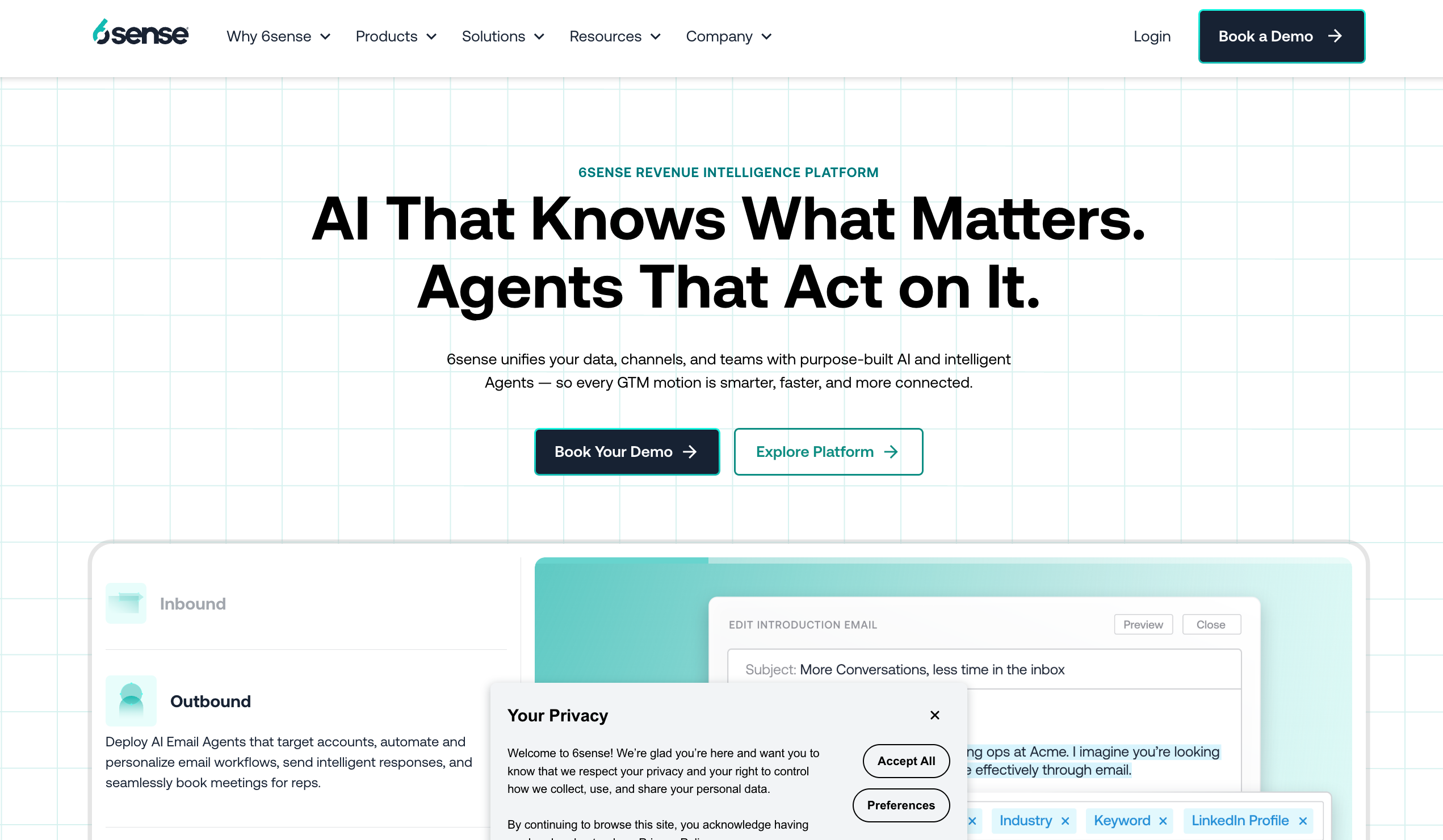
6sense is a B2B revenue platform that uses intent data and AI to show which accounts are actively researching your category and likely to buy soon. It tracks anonymous web activity, third-party signals, and CRM data to score accounts and buyers, then pushes those insights into your sales and marketing tools.
Teams use 6sense to prioritize accounts, build focused outbound lists, and coordinate ads, email, and SDR outreach around real buying stages instead of cold guessing. It’s most common in B2B companies with defined ICPs, longer sales cycles, and established CRMs and marketing automation platforms.
For smaller teams, the free tier and Chrome extension give a taste of the data, but the full platform is generally positioned toward revenue teams with meaningful pipeline and budget.
What Users Like
- Strong intent data to find in-market target accounts
- Predictive models highlight the highest-priority accounts and contacts
- Deep integrations with major CRMs and marketing platforms
- Helpful dashboards for pipeline visibility and campaign performance
- Chrome extension surfaces insights while browsing company websites
- Supports account-based marketing and coordinated revenue campaigns
What Users Don’t Like
- Pricing is considered expensive for many smaller B2B teams
- Implementation and data setup can take significant time
- Learning curve for non-technical sales and marketing users
- Scoring models sometimes feel “black box” to some teams
6sense Pricing
Free plan with limited credits; full platform pricing is quote-based and typically positioned at enterprise budgets.
21. Clari – Revenue Forecasting & Pipeline Management
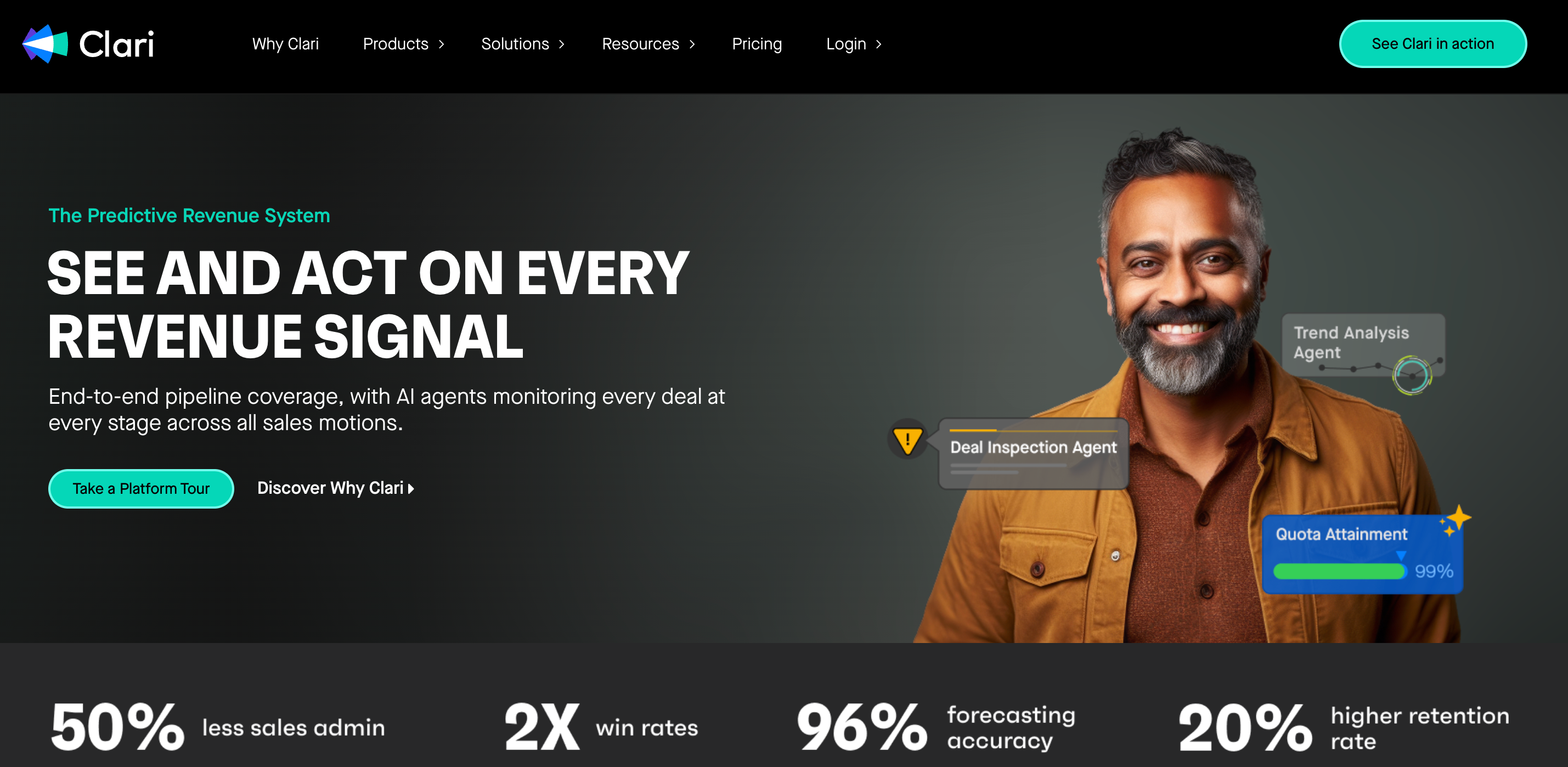
Clari is an AI-powered revenue orchestration platform that gives sales leaders a single view of pipeline, forecasts, and deal health. It pulls data from CRM, emails, meetings, and other systems to show where revenue is at risk and which deals need attention.
Its forecasting tools use machine learning and “revenue context” to compare rep commits, historical performance, and activity signals. Leaders get rollups they can inspect down to individual opportunities, while reps see guided next steps and risk indicators.
Clari is most common in B2B sales organizations that already use Salesforce or similar CRMs and want more predictable, data-driven revenue processes across sales, marketing, and customer success.
What Users Like
- Forecasting helps leaders see pipeline health in real time
- Single platform unifies revenue data, systems, and teams
- Deal inspection views highlight risk and momentum early
- Strong fit for complex, enterprise B2B sales environments
- Integrations with Salesforce and other tools are deep
- Leadership gains better forecast accuracy and quarter-end confidence
What Users Don’t Like
- Learning curve steep; interface not always intuitive enough
- Implementation and rollout can take many weeks
- Customization limits on dashboards frustrate some advanced users
- Best value requires dedicated RevOps ownership and process
Clari Pricing
Public benchmarks put most Clari plans in the $50–$120 per user per month range on annual contracts, depending on modules and scale.
22. Grammarly – AI Writing and Editing Assistant
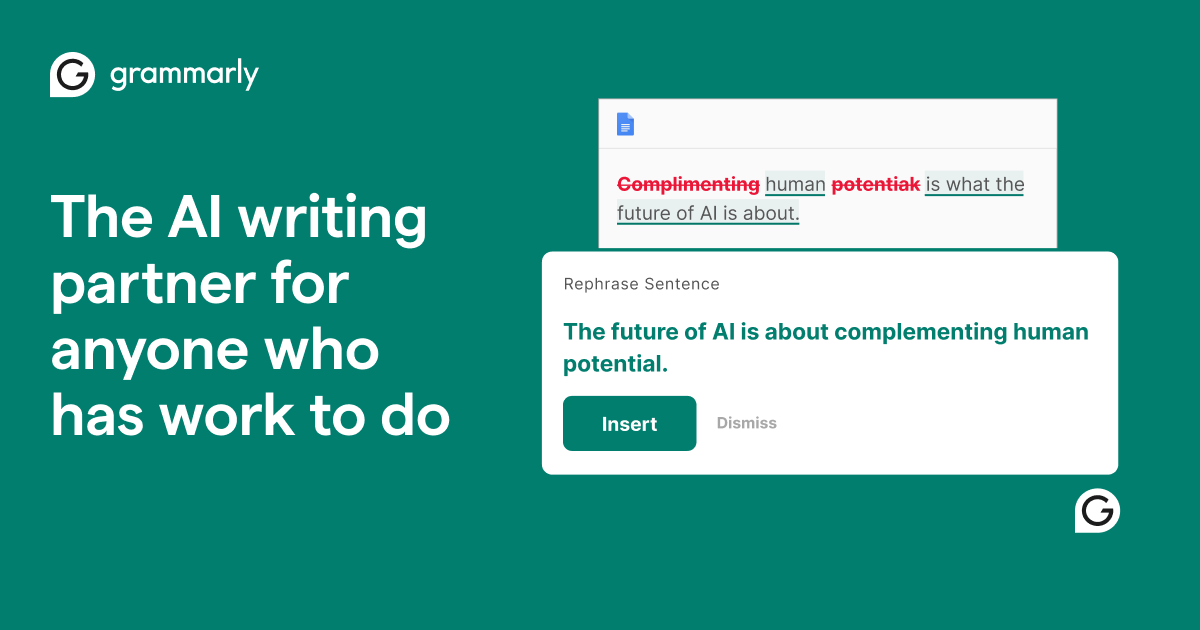
Grammarly is an AI writing assistant that checks grammar, spelling, clarity, and tone as you type in emails, documents, and web apps. It flags mistakes, suggests improvements, and helps keep business communication clear and easy to read.
The tool works through browser extensions, desktop apps, mobile keyboards, and integrations with tools like Gmail, Google Docs, and Microsoft Office, so suggestions appear almost everywhere you write. Its generative AI (previously called GrammarlyGO) can draft text from prompts, rewrite paragraphs, adjust tone, summarize emails, and adapt content for different audiences.
Business plans add team features such as brand tones, style guides, and admin controls, which help companies keep writing consistent across sales, support, and marketing. Recent changes mean Grammarly is being folded into the broader “Superhuman” productivity suite, but the core writing assistant remains available on similar plans.
What Users Like
- Strong grammar, spelling, and punctuation checking in real time.
- Helpful clarity, conciseness, and tone suggestions across apps.
- Works in email, browsers, docs, and desktop editors.
- GrammarlyGO generates drafts, rewrites, and idea variations quickly.
- Team features support style guides and shared brand tones.
- Simple interface suitable for students, professionals, and teams.
What Users Don’t Like
- Premium and Business plans feel expensive for individuals.
- Occasional false positives or missed errors in complex writing.
- Generative AI sometimes produces generic or overly formal text.
- Limited language support; strongest performance remains in English.
- Privacy and data retention policies require careful review internally.
- Free plan lacks advanced suggestions and generative AI capabilities.
Grammarly Pricing
Free plan available; Premium from about $12/month; Business from about $15/user/month.
23. Speechify – Text-to-Speech for Busy Owners
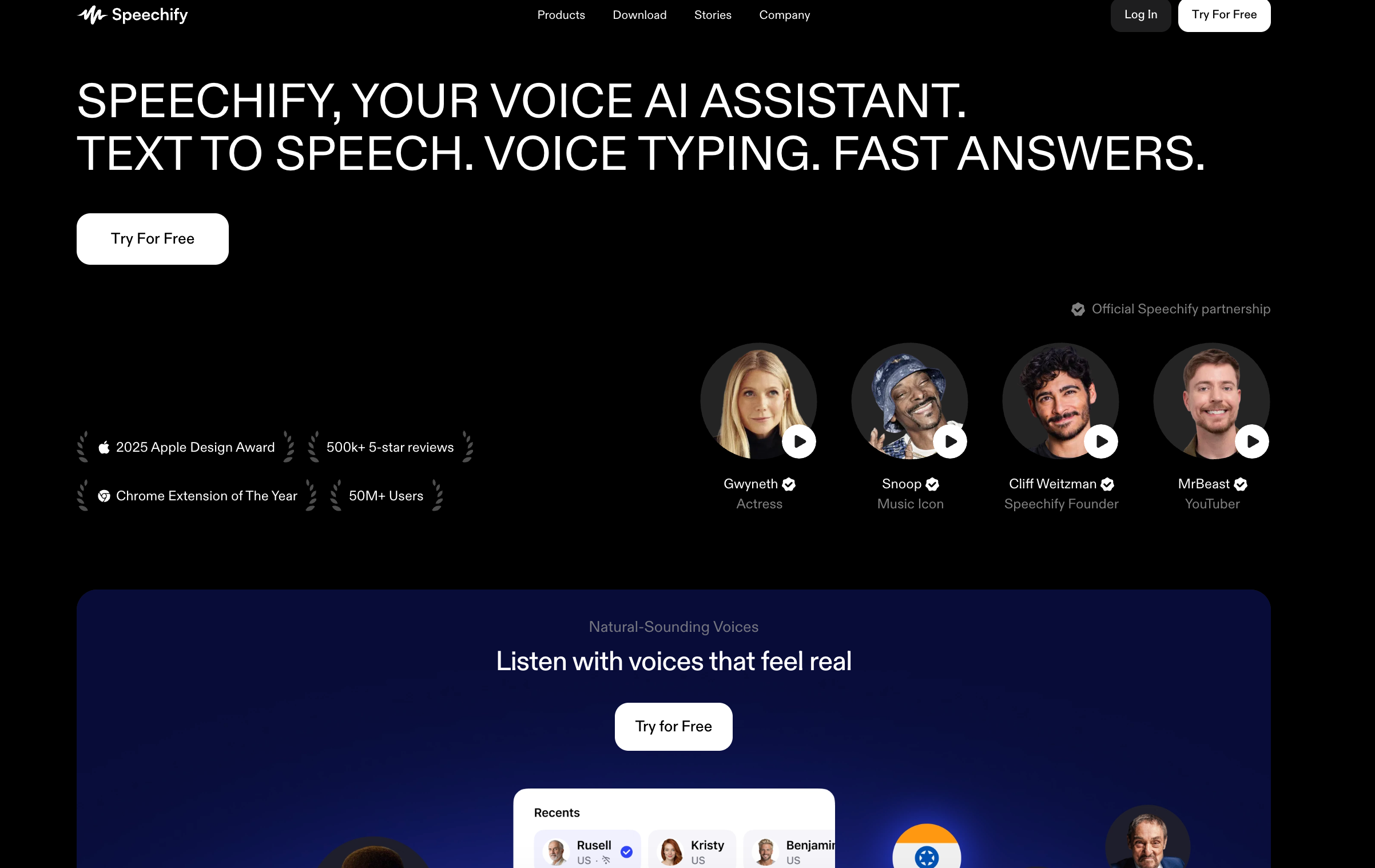
Speechify is a text-to-speech app that turns articles, PDFs, emails, and documents into natural-sounding audio, with a large library of AI voices and support for 60+ languages. It runs on web, mobile, desktop, and via a Chrome extension, so you can listen almost anywhere.
It was originally built to support people with dyslexia and reading difficulties, and is now widely used by students, professionals, commuters, and busy solo founders who prefer listening instead of staring at a screen. Features like adjustable reading speed, highlighting, and OCR for scanned documents make it useful for both productivity and accessibility.
Most reviewers see Speechify as an excellent “listening companion” rather than a full voiceover production tool, so it’s better for consuming content than creating polished, studio-grade audio.
What Users Like
- Natural voices that sound clear at higher playback speeds
- Works across web, desktop, mobile, and browser extensions
- Supports PDFs, web pages, emails, and scanned text
- Helpful for dyslexia, ADHD, and general accessibility needs
- Chrome extension makes online articles easy to listen
- Playback speed control lets busy owners skim faster
- Syncs progress across devices so queues stay consistent
What Users Don’t Like
- Premium pricing feels high compared to some alternatives
- Some users report confusing trial and renewal terms
- Not ideal for polished, multi-speaker voiceover production
- Limited fine-grained control over pacing and emotion
- Occasional sync or playback glitches reported in reviews
Speechify Pricing
Free plan available; Premium from about $11–$12 per month.
24. ChatGPT – General-Purpose AI Ideation & Research
ChatGPT is a general-purpose AI assistant that helps with brainstorming, drafting, rewriting, summarizing, explaining concepts, and basic coding in a chat interface. You type questions or prompts in plain language and get structured, conversational responses back.
For work, teams can use ChatGPT to analyze documents, generate emails, draft marketing copy, outline articles, and translate or clean up text. Business plans add shared projects, connectors to tools like email, calendars, and storage, plus admin controls and stronger data protections.
Many SMB owners treat ChatGPT as a flexible “first pass” assistant in their AI tools for a small business stack, then refine outputs with their own judgment and specialist tools as needed.
What Users Like
- Handles brainstorming, drafting, research, and coding in one.
- Works in browser and apps with minimal setup.
- Supports voice, images, documents, and longer multi-step chats.
- Good starting point before adding specialist AI business tools.
- Business plans include admin controls and data protection.
- Integrates with email, calendars, drives, and code repositories.
What Users Don’t Like
- Outputs still require human review for accuracy and nuance.
- It can hallucinate facts sometimes; external verification remains essential.
- Interface and features may overwhelm very casual users.
ChatGPT Pricing
Free plan; paid plans from $20 per month.
25. Reply.io – AI Sales Engagement Automation
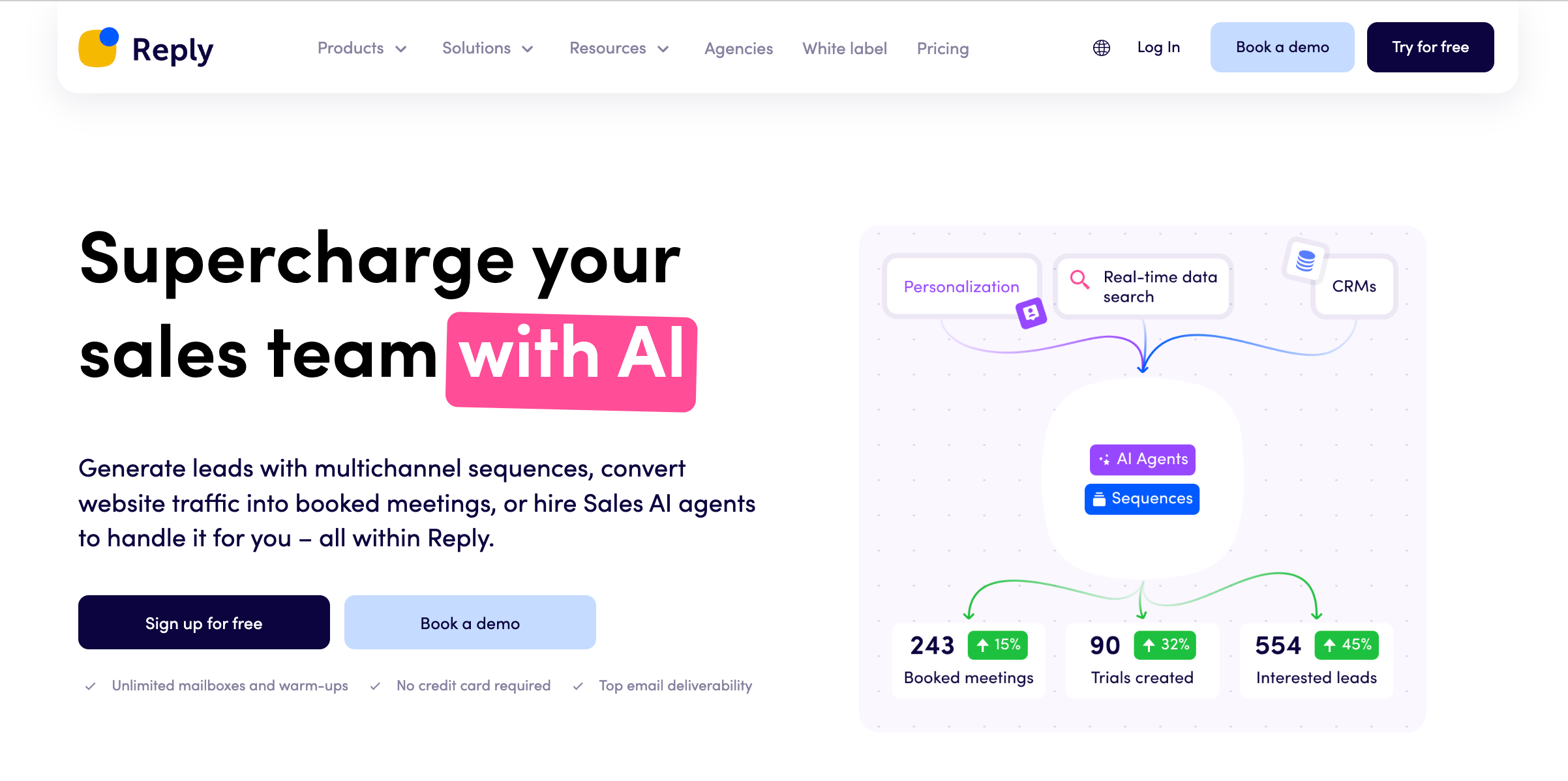
Reply.io is an AI-powered sales engagement platform for multichannel outreach across email, LinkedIn, calls, SMS, and WhatsApp. It helps sales teams automate sequences, send follow-ups, and track engagement from a single dashboard rather than juggling separate tools.
The platform includes an AI SDR agent that learns your product, finds ideal prospects, personalizes messages, and books meetings at scale. A built-in B2B contact database (Reply Data) gives access to targeted leads without switching between list providers.
Most teams using Reply.io are B2B SDR groups, founders, and agencies that rely on outbound. They lean on its deliverability tools, multichannel sequences, and analytics to keep inbox placement healthy and focus time on hot replies instead of manual prospecting.
What Users Like
- Multichannel sequences across email, LinkedIn, calls, and SMS
- AI SDR agent personalizes outreach and books meetings
- Built-in B2B data for precise prospect targeting campaigns
- Strong email automation, follow-ups, and deliverability controls built in
- Good integrations with CRMs and other sales tools
- Detailed analytics dashboards show performance across sequences clearly
- Scales well for SDR teams, agencies, and growing pipelines
What Users Don’t Like
- The interface and setup feel complex for new users
- Takes time to design effective multichannel sequences
- Some reviews mention bugs, glitches, or deliverability issues
- LinkedIn automation is limited by platform rules and restrictions
- Reporting depth can overwhelm lighter outreach needs
Reply.io Pricing
Plans start from about $49 per user/month on annual billing.
Best AI Tools for Small Businesses by Category
AI covers many jobs, so here is the best pick by category for small businesses in 2026:
- All-in-one AI team: Sintra AI, with role-based AI helpers that cover writing, social, support, and SEO in one place.
- Automation: Sintra AI, HubSpot, and Reply.io for workflows across marketing, sales, and outreach.
- CRM and sales: HubSpot, Salesforce Einstein, and 6sense for pipeline and lead intelligence.
- Marketing: HubSpot, Jasper, and Seventh Sense for campaigns, copy, and send-time optimization.
- Content creation: Jasper, ChatGPT, and Grammarly for drafting and editing.
- Customer support: Zendesk, Intercom, and Freshdesk for AI-assisted tickets and chat.
- Analytics and revenue: Chorus.ai, 6sense, and Clari for conversation and forecasting insight.
- Design and visuals: Canva and DALL-E 2 for on-brand graphics and images.
- Project management: Notion, Trello, Asana, and Monday.com for tasks and operations.
- Communication: Dialpad AI for calls and contact-center workflows.
How to Choose the Best AI Tools for Small Businesses?
Here are some important steps you can follow when choosing the right AI for small business needs:
- Clarify your main outcome: Decide if your priority is saving time, growing revenue, improving support, or getting better visibility into numbers. When comparing the best AI tools for small businesses, ignore anything that doesn’t clearly support that outcome.
- List your repeat tasks: Under marketing, sales, support, and operations, write down the tasks you do every week. Choose tools that can automate or speed up those specific jobs, rather than generic “AI for everything” promises.
- Check fit with your existing stack: Look for the best AI app for small business that connects to your CRM, help desk, and storage through solid AI integrations. Fewer manual exports and imports mean you’ll actually use the tool.
- Set a budget and an owner: Decide on a realistic monthly budget before you trial anything. Assign one person to own setup, testing, and training so the tool doesn’t become “everyone’s job and nobody’s priority.”
- Run a focused 30-day test: Pick one workflow (like email campaigns or support triage) and track a simple metric such as hours saved or responses sent. Keep the tool only if you see clear gains within that short window.
Why Choose Sintra AI as Your AI Team?
Many small businesses end up with a “Frankenstack” of AI point tools. One for copy, one for social, one for SEO, one for email, plus a few random bots. Every tool needs its own login, its own training, and its own budget line.
Here’s how Sintra takes a different path:
All-in-One Team Instead of a Frankenstack
Sintra is built as an AI workforce rather than a single chatbot. You get named assistants like Soshie (social media), Seomi (SEO), Emmie (email), Penn (copywriting), Dexter (data), Cassie (support), Vizzy (exec assistant), and more.
For many teams, this makes Sintra one of the best AI for small business owners where headcount is tight, but the workload spans multiple channels. Independent reviews consistently describe it as an “AI team” that replaces a stack of smaller tools.
Brain AI: One Shared Memory for Your Brand
With most AI tools for small businesses, you train each app separately. Sintra’s Brain AI is a shared memory layer. You upload documents, brand guidelines, product info, and key URLs once, and all helpers can use that context.
Reviews highlight that Brain AI doesn’t just store data. It drives more accurate content, keeps tone consistent, and powers proactive suggestions, so helpers can propose campaigns, optimizations, and follow-ups instead of waiting for prompts.
Proactive, Not Just Reactive
Typical chat-based tools respond when you ask. Sintra’s helpers nudge you with daily ideas, check-ins, and next steps based on your Brain AI. Users report getting suggested campaigns, content angles, and priority lists without having to think up prompts first.
For a small business leader juggling many roles, this matters. You get reminders about neglected channels, follow-up ideas for warm leads, and summaries of what changed, which is closer to how a junior team would behave.
Power-Ups and Integrations Over Time
Sintra adds “Power-Ups” so helpers can run audits, generate assets, or connect to tools like Google Calendar, Gmail, Notion, and social platforms. That means your AI employees can pull data, act on it, and save outputs back into your stack instead of living in a silo.
This makes scaling AI for small businesses simpler: you keep the same AI team, then switch on extra capabilities as your workflows mature, instead of buying an entirely new product each time.
Ready to Build Your Small Business Team?
If you’re tired of juggling disconnected tools, this is the moment to simplify. Instead of testing endless best AI tools for small businesses, give yourself one AI team that learns your brand, supports your workflows, and actually ships work.
Sintra lets you spin up AI “employees,” plug in your core tools, and test real workflows like email campaigns, social posts, and customer replies in days, not months. If that sounds like the best AI tools for small business owners, then the path for you. Get started today and build your first Brain AI.
Best Small Business AI FAQs
What are the best AI tools for small businesses if I’m just getting started?
Start with one core tool that covers several jobs instead of signing up for ten apps at once. A simple stack could be an all-in-one AI “team” like Sintra for content and support, plus your CRM and a basic design tool. Focus on automating one workflow first, such as email or social posts.
How much should a small business budget for AI tools each month?
Most small businesses start in the $50–$300 per month range across a few tools. Begin at the low end with one core platform and only upgrade when you can point to clear time savings or extra revenue. Treat AI spend like any other tool: it should earn back several times its cost.
Can small teams use multiple AI tools without getting overwhelmed?
Yes, but only if each tool has a clear job. Limit yourself to one main AI hub, one CRM or support platform, and one specialist add-on. Document “how we use this tool” in a short internal page. If nobody can explain why a tool exists, it probably needs to go.
Does AI for small businesses require technical skills to set up?
Most modern small business AI tools are low-code or no-code. You’ll still need someone comfortable with settings, integrations, and basic troubleshooting. Plan for a short onboarding window where one person experiments, creates simple SOPs, and records short Loom-style walkthroughs for the rest of the team.
How long does it take to see results from AI tools in a small business?
For simple use cases like drafting emails or social posts, you can see time savings in the first week. For deeper workflows (support automation, sales outreach), expect a 30–60 day period to tune prompts, templates, and processes. If the impact is still unclear after that, rethink the tool or workflow.
Is my customer and business data safe with AI tools?
It depends on the provider and your settings. Always review the security page and data policy. Check where data is stored, how long it’s kept, and whether it’s used to train public models. Use role-based access, strong logins, and limit which systems connect to sensitive finance or HR data.
How do I measure the ROI of AI tools in my small business?
Pick one or two metrics per tool before you start. For example: hours saved per week, replies sent, leads generated, or tickets resolved. Track a baseline for two weeks, then compare during a 30-day test. If the tool doesn’t clearly move those numbers, downgrade or cancel instead of hoping it will “pay off later.”
Related articles




