


Pre-Built AI Chatbots to Grow Your Business on Autopilot
Pre-built AI chatbots to drive your business forward. It's like hiring a dedicated team - always available. Boosting your productivity in the background while you focus on what matters - growth. Automate customer support, lead generation, and FAQs Connect to your social media, email, analytics and more Train on your content, brand voice, and customer data
Save money. Replace $15,000/month in salaries
Save time. All the helpers working with the perfect context.
Get work done. Without prompting all day.
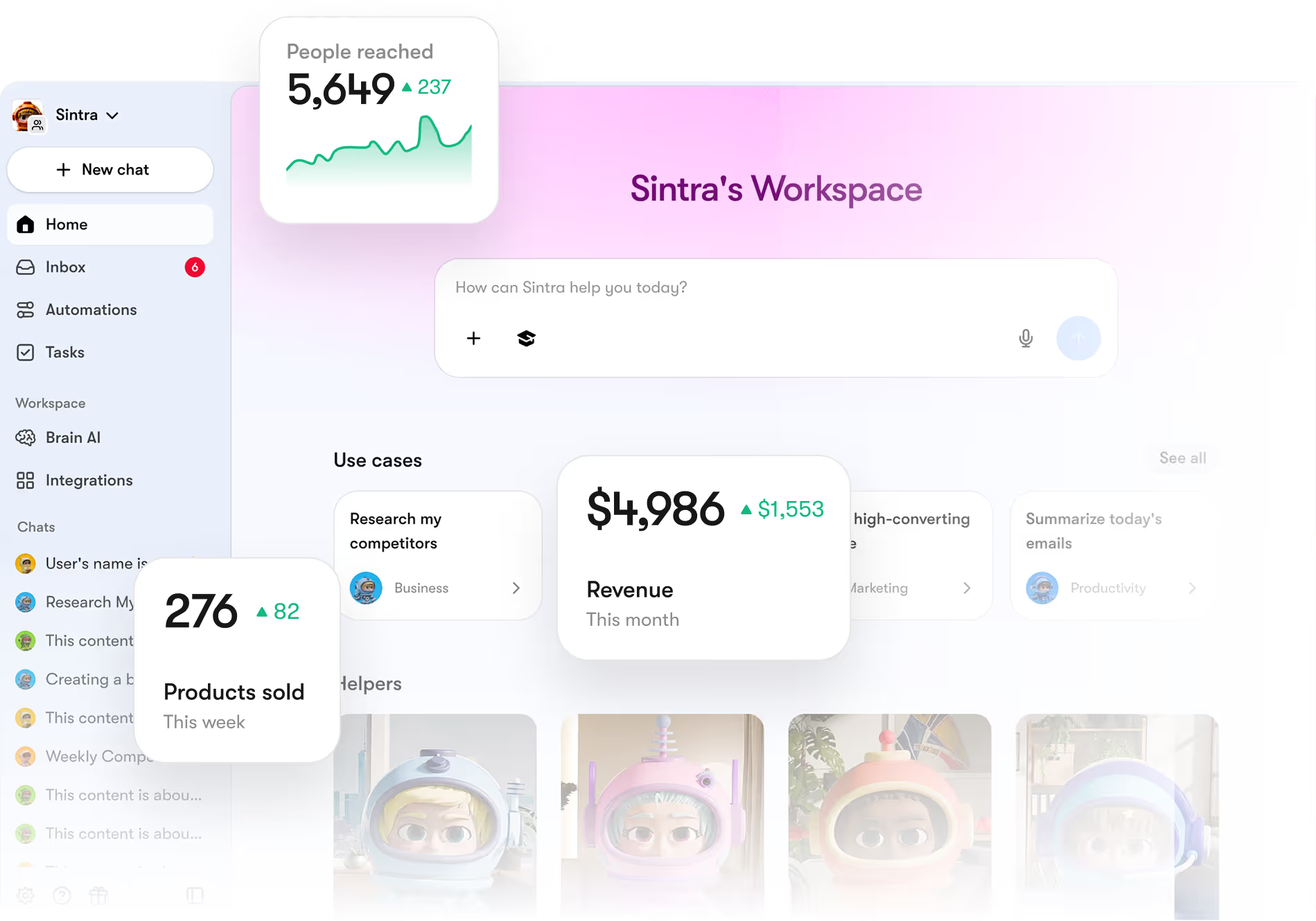
What is an AI chatbot?
An AI chatbot is software that holds a natural, back-and-forth conversation and helps you get things done, from answering questions to completing tasks. Unlike a basic scripted bot, an AI chatbot understands what you mean and replies in your own words.
AI chatbots run on a large language model and can connect to your tools, so they do more than chat. For businesses, AI chatbots handle support, capture leads, and automate routine conversations across every channel, around the clock.
How do AI chatbots work?
Send an AI chatbot a message and it works through these steps to reply.
Perceiving the environment.
An AI chatbot reads your message along with any connected data and context to understand what you are asking.

Processing input data
It interprets the message with a large language model, working out your intent.

Making decisions
It decides how to respond or which action to take, using your tools and knowledge.

Planning and executing
It generates a natural reply or completes the task, whether answering, booking, or updating a record.

Learning and improving
It improves from real conversations and feedback, getting more accurate over time.

Types of AI chatbots
Chatbots range from simple scripted bots to fully generative AI. These are the main types, and where each one fits.
Rule-based chatbots
Follow fixed scripts and decision trees. Best for simple, predictable questions.
Menu and FAQ bots
Form and booking bots
Simple support flows
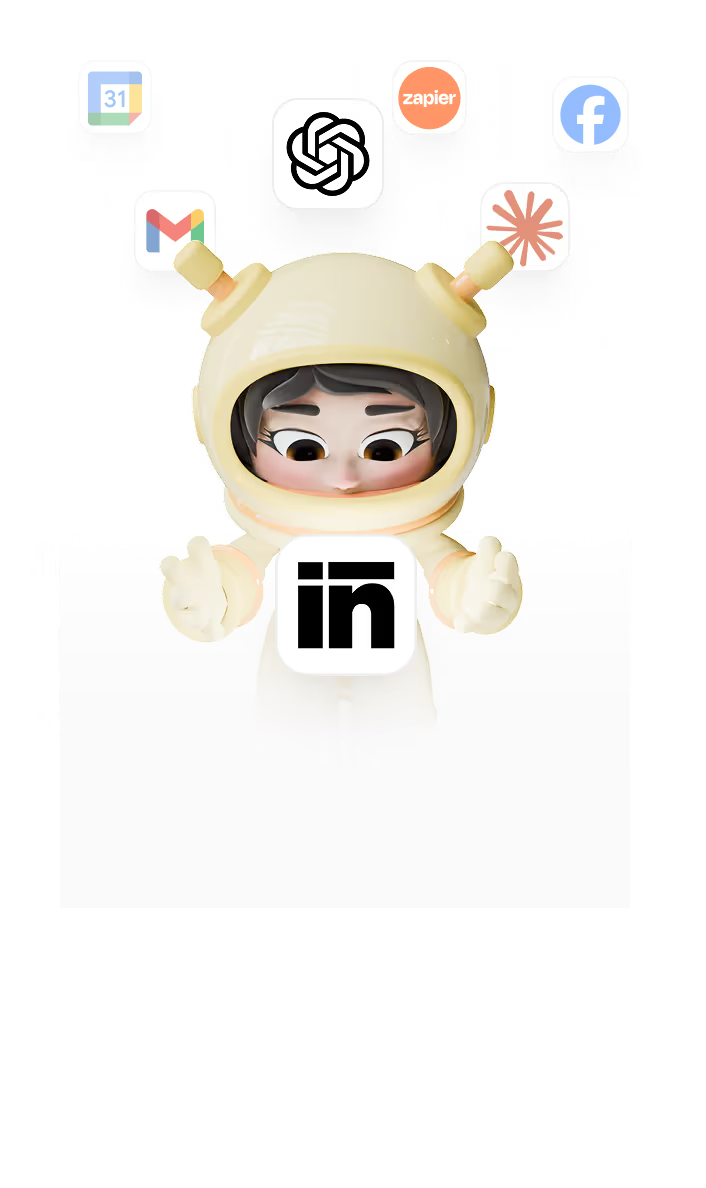
Generative AI chatbots
Run on a large language model and understand natural language. Best for real conversations and tasks.
Support copilots
Sales assistants
Sintra helpers
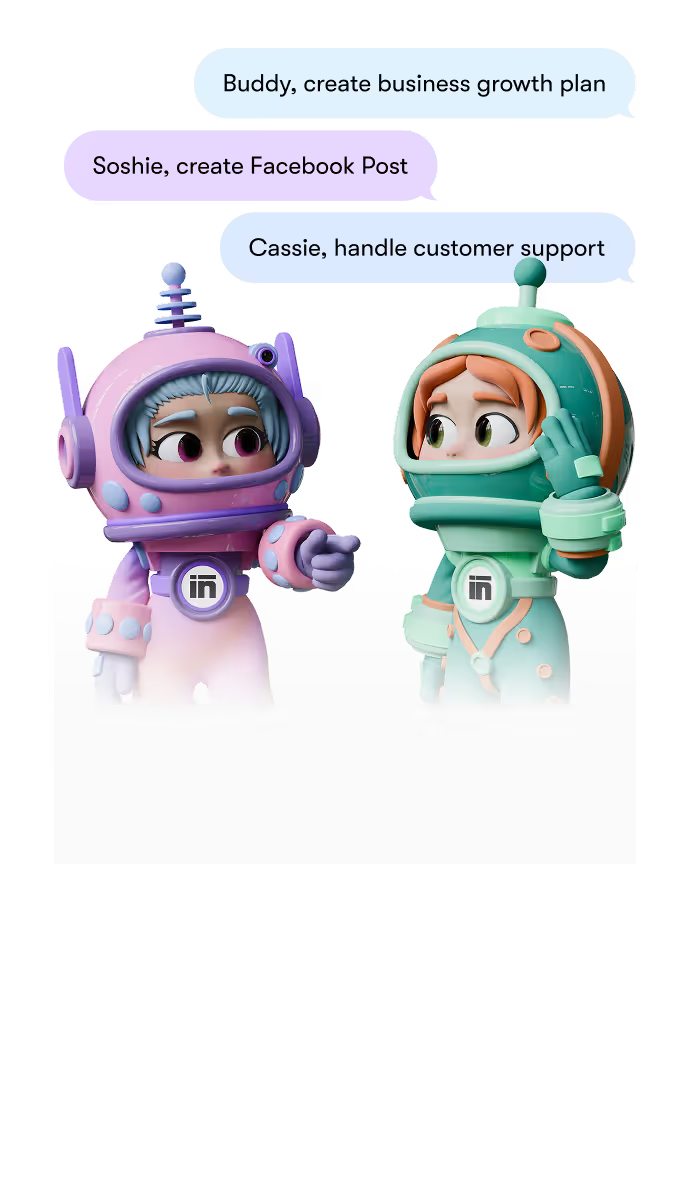
Hybrid chatbots
Combine scripts with AI, using rules for structure and AI for understanding. Best for scale with control.
Guided support with free text
Lead qualification
Triage and routing
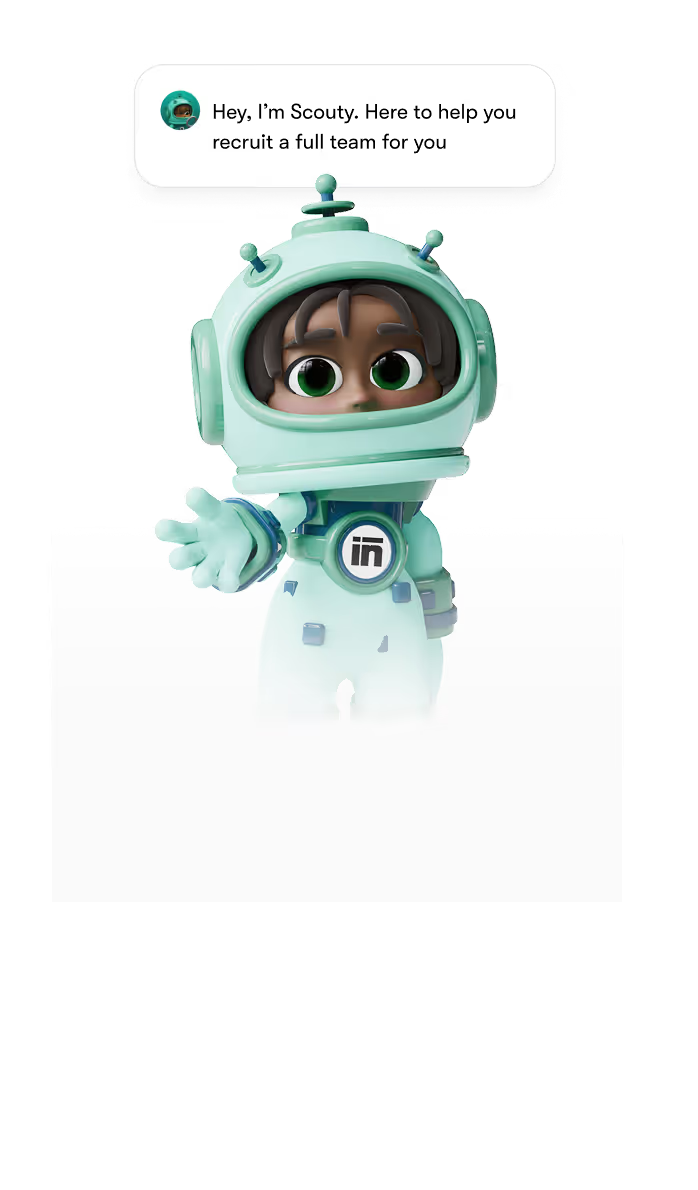
AI chatbots to assist any business role
Employ Sintra's chatbots to create content, manage inboxes, track leads, automate follow-ups, and much more.


How to set up your AI chatbots in Sintra
Create dedicated teams that work alongside you to get complex work done in just a few clicks on the keyboard.
Set up your AI chatbots
Set up your AI chatbots by signing up, creating a workspace, and selecting your helpers. Onboard with Brain AI for brand context.
Define tasks and set up instructions
Plug your tools and define specific tasks and instructions.
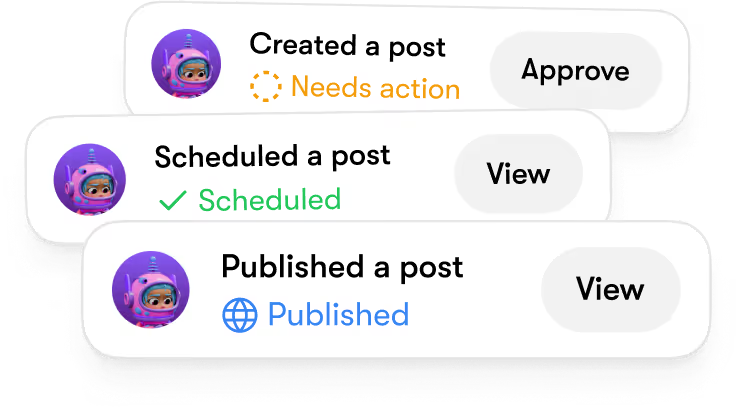
Deploy, use, review - repeat
Start your project, complete tasks, review results, and repeat for continuous improvement.
Powerful features built for speed, scale, and real results
Your AI chatbots run around the clock, handling real conversations and tasks, not just canned replies.
Powered by top AI models
Sintra AI combines text, image, and video capabilities using models such as Gemini 2.5 and Flux Kontext for seamless automation.
Multi-brand management
Easily switch between multiple brands and manage all your profiles in one convenient platform.
Supports 100+ languages
Deploy AI chatbots that communicate in 100+ languages.
Unlimited team members
Add unlimited users. One subscription includes your whole team.
End-to-end encryption
Full privacy. All data encrypted with 256-bit security. Never used for training.
24/7 support
Priority support whenever you need it. You are in control.
Powered by Brain AI for context and improvement
Our AI chatbots, powered by Brain AI, learn from conversations, remember context, and become more accurate and helpful with every interaction.
93%
Of users report increase in response accuracy after filling Brain AI.
5.2 hours
Saved for users per week by eliminating repetitive context-setting.

As users continue to engage with Brain AI, they experience ongoing improvement in their critical thinking skills and cognitive abilities.
Enterprise-grade AI chatbot tools for any size of business
Built for individuals and teams alike, Sintra AI fits your workflow. Work together, delegate tasks, and scale without overhead.


Sync your stack with our AI chatbots instantly
Bring your tools together and automate how your business runs. Sintra AI syncs your stack, connects workflows, and removes repetitive work so your team can focus on growth instead of managing disconnected systems.

Imagine your best teammates, multiplied.
Get more done with less effort. Set a task once and your AI chatbots handle it, so you stay focused on the work that matters.

No Code Needed
Our AI chatbots require no coding or complex setup.

Beautifully simple
Chat naturally and get instant responses.

Set it and forget it
Runs automatically while you focus on other tasks.
Benefits of AI chatbots
See what AI chatbots add to your business. These are the benefits teams notice first.
Lead generation
AI chatbots streamline lead generation by engaging potential customers instantly. This boosts response rates and simplifies the qualification process.


Daily planning
AI chatbots streamline daily planning by organizing tasks and reminders efficiently. This leads to faster, clearer, and more manageable schedules.
Copywriting
AI chatbots streamline the copywriting process by generating content quickly. This leads to faster project completion and less stress for your team.

Social media management
AI chatbots streamline social media management by automating responses and interactions. This leads to faster engagement and consistent communication.

How our AI chatbots compare









Your new team that works 24/7 – even while you sleep.
Our AI chatbots are simple to use. Yet insanely powerful under the hood.
50,000+ business owners use Sintra
Powering 50,000+ entrepreneurs globally, Sintra brings AI prompts, bots, and workflows into one platform.

This has saved me a ton of time managing my social media and business. I mapped out a social media campaign that boosted Facebook views by over 10.1k% and increased my followers by 100%. On Instagram, same applies to increasing followers to over 200% in one week. The content has been viewed over 1,586 times in two days.

I tried out other AI "assistants" and they were basically just ChatGPT. What I love about Sintra is that it's always thinking of new ways to better my business by asking questions that helps it better service me and my business.


I love the set up and how quickly and in depth Sintra bots get to know you. I was immediately blown away by the impressive suggestions on how to grow my business and improve my current processes. Just on the social media side it helped me to publish 400% more content in the last week, resulting in 1000% more new followers than week before.

Still learning how to take advantage of all the assistance, but so far - I am amazed! Tasks like preparing social media posts and gathering geographical marketing data - all in matter of seconds! Excited to keep exploring!

Before trying Sintra, I was scared of AI. Due to starting a new business, I felt timing was perfect for learning all of the ins and outs of Sintra and I have found I can't live without it, EVER!!!


Data-Backed Results From Real Users
+37%
Revenue growth in the first 90 days
5x
Faster content production across all channels
20h
Saved weekly on admin, support, and content work
80%
Of repetitive tasks fully automated
Hire your first AI chatbot for just $1 per day.
Unlock Buddy, Soshie, Penn, Seomi, Gigi, Scouty and more – zero technical setup. Available on desktop, iOS and Android. Simply chat and ask.


14-days risk-free guarantee
Pricing for all helpers starts at $97/m with Sintra X. Save extra with annual billing. If unsatisfied get a full refund, no questions asked.
AI Chatbot FAQs
AI chatbots are software programs that hold natural conversations and help you get things done, from answering questions to completing tasks. They run on a large language model, understand what you mean, and reply in your own words.
To choose the right AI chatbot, identify your specific needs, like customer support or content creation. Look for a chatbot that learns your brand voice and can handle tasks efficiently, like Sintra's AI helpers.
No, you don't need technical skills to use AI chatbots. Sintra's platform is designed for everyone, allowing you to interact with helpers through simple chat-like conversations.
AI chatbots can handle complex tasks by using specialized helpers that learn your brand and automate various processes. They can draft emails, write blog posts, and analyze data, making your work easier and more efficient.




