


Best Email Deliverability Tools & Strategies in 2026


Table of Contents

The best email deliverability tools are Sintra, GlockApps, Mailtrap, Warmy, Everest, ZeroBounce, MxToolbox, and InboxAlly. These platforms help teams understand how email deliverability works and what influences where your emails land across different inbox environments.
A strong setup improves inbox placement, stabilizes email delivery, and keeps both email campaigns and transactional emails consistent. The scale of the challenge is growing - global email volume is around 360 billion messages a day and climbing roughly 15% per year. Average inbox placement was 86% in 2023, but deliverability gets 5% harder during peak holiday periods, and 65% of marketers say it is getting harder overall. When teams track delivery signals instead of guessing, they see clearer patterns in routing behavior, engagement shifts, and authentication results. This makes it easier for messages to reach the recipient’s inbox and improves long-term email marketing performance.
This guide explains how email deliverability refers to the full delivery process, the factors that influence it, and the best email deliverability tools that provide the visibility needed to maintain reliability.
What is Email Deliverability and Why It Matters?
Email deliverability is the probability that your message reaches the recipient’s inbox rather than being blocked, deferred, or filtered away.
This metric reflects how your sending infrastructure and behaviour are judged by inbox providers, mailbox providers, and the local internet service provider. They track your healthy/poor sender reputation, domain reputation, authentication status, engagement levels, and how your traffic compares to other senders.
- A study by Validity shows the global average inbox rate is around 84%, meaning roughly one in six messages fails to land.
- For senders using full authentication (SPF + DKIM + DMARC), rates approach 85–95%; for unauthenticated domains, they fall to 30–50%.
When poor deliverability happens, even strong campaigns and high-quality content won’t reach their audience. Your email service provider may mark your traffic as risky, causing more of your sends to land in the spam folder or the promotions tab instead of the primary inbox.
Transactional flows are impacted as well. Invoices, password resets, and alerts may fail to arrive when either the domain reputation or the sending IP address is weak. In that sense, email deliverability is a reliability issue for core communication.
Teams measure mailbox placement and email delivery rates to understand how often their messages reach their desired destination. These figures reveal which segments, sending patterns, or authentication gaps are costing visibility.
Knowing how email deliverability refers to everything from technical setup to recipient interaction gives you a clearer path to improvement.
Key Factors that Influence Email Deliverability
Email deliverability is driven by technical and behavioural signals that inbox providers use to decide where your messages land. Understanding these factors helps you identify what to fix first:
- Sender and domain reputation - Trust scores based on bounce rates, spam complaints, engagement, and sending history. High complaints damage reputation and push messages to spam.
- Email authentication (SPF, DKIM, DMARC, BIMI) - Proves you're a legitimate sender. Modern bulk sender rules from Gmail, Yahoo, and Microsoft require proper authentication.
- IP reputation and infrastructure - How your sending IP has behaved over time. Sudden volume spikes or complaints lower trust and lead to throttling.
- List hygiene and data quality - Sending only to valid, engaged addresses. Repeated sends to invalid addresses and spam traps are strong negative signals.
- Consent and acquisition method - Opt-in and double opt-in lists create higher engagement. Purchased or scraped lists trigger spam complaints.
- Engagement and recipient behaviour - Opens, clicks, and replies signal value to providers. Continuing to send to unengaged subscribers drags down performance.
- Content quality and spam signals - Subject lines, body copy, and layout are analyzed by filters. Aggressive language or misleading hooks increase risk.
- Sending patterns and volume behaviour - Large volume jumps and irregular schedules look risky. Gradual warm-up and consistent cadence build trust.
- Unsubscribe and complaint handling - Gmail and Yahoo require one-click unsubscribe and complaint rates below 0.3%.
- Mailbox-specific requirements - Each provider has unique policies. Ignoring these leads to junk routing and blocks.
- Monitoring and diagnostics - Tools like Google Postmaster show how providers see your traffic and help catch issues early.
- Brand and identity consistency - Stable from-names and sending domains help filters recognize you.
Essential Features of Email Deliverability Tools
Top email deliverability tools help you understand how mailbox providers evaluate your identity, content, and infrastructure. Instead of separating each feature into subheadings, here is a concise breakdown of what matters most:
- Inbox placement testing to see whether emails land in primary, promotions, updates, or spam folders before full deployment.
- Spam filter analysis to detect structural, authentication, header, or content-related risks.
- Blacklist and blocklist monitoring to alert you if your domain or IP appears on major DNS-based lists.
- Email authentication checks for SPF, DKIM, and DMARC alignment and validation.
- Technical configuration analysis covering DNS, reverse DNS, TLS, BIMI, ARC, and SMTP behavior.
- Domain and IP reputation monitoring to track complaints, bounce spikes, and engagement trends.
- List validation and data quality controls to remove invalid addresses, spam traps, and inactive users.
- Engagement analytics measuring opens, clicks, replies, deletes, and inactivity patterns.
- Content and spam trigger analysis reviewing subject lines, layout, links, and formatting risks.
- Pre-send testing and delivery scoring to predict performance before large-scale campaigns.
- Security and compliance checks to prevent spoofing, forwarding abuse, and authentication gaps.
- Competitor and market benchmarking to compare placement, complaints, and engagement against industry norms.
The Best Email Deliverability Tools in 2026
These are the top email deliverability tools used by marketers, developers, and technical teams. Each tool plays a specific role in testing, monitoring, and improving inbox performance across different business workflows.
1. Sintra.ai
Ideal for teams using AI-driven workflows to automate email deliverability diagnostics and corrective actions. Best fit for marketers and developers who need fast root-cause insights and automated tasks.
2. GlockApps
Best for teams that need deep mailbox placement tests and seed-based spam filter analysis. Useful for marketers who want fast visibility into filtering behaviour.
3. Mailtrap
Ideal for developers who test emails in staging environments before going live. Helps prevent configuration errors and broken authentication protocols.
4. Warmy
Designed for businesses warming up new domains or IPs. Automates gradual sending to build a reputation safely.
5. Everest (Validity)
Suited for enterprise teams that need large-scale monitoring, reputation tracking, and competitive benchmarks. Strong for multi-brand operations.
6. ZeroBounce
Best for list validation and data-quality management. Useful for marketers maintaining clean, reliable sending lists.
7. MxToolbox
A technical tool-set for DNS checks, blacklist monitoring, and server diagnostics. Helpful for IT teams managing infrastructure.
8. InboxAlly
Focused on improving engagement signals and boosting inbox visibility over time. Useful for senders with declining email placement.
9. SendForensics
Strong for content scoring, pre-send analysis, and message optimisation. Good fit for teams refining templates and compliance.
10. MailMonitor
Ideal for marketers who want automated inbox delivery tracking and domain/IP reputation insights across global providers.
In-Depth Reviews of Top Tools
Here are the detailed reviews, highlighting features, pros and cons, and best-suited audience:
1. Sintra.ai (Emmie)
Best for: AI-driven email marketing and inbox management for teams that want strategy and execution in one place.

Sintra.ai is a suite of AI “helpers,” with Emmie focused on email marketing and inbox workflows. Emmie can plan campaigns, write emails, design win-back and lifecycle flows, and help manage replies across Gmail and Outlook from a central workspace.
Emmie is trained on thousands of email marketing success practices so that it can generate full sequences, subject lines, and automations with minimal input.
It connects to existing email platforms and inboxes, so users can draft, organize, and act on emails directly in their current stack.
What Users Like
Clean workspace for managing marketing emails
- Strong at writing sequences and subject lines
- Quick setup for Gmail and Outlook accounts
- Helpful for sorting and prioritising replies
- Consistent tone matching for brand emails
- AI suggestions for improving message structure
- Saves time on campaign planning and research
What Users Don’t Like
- New users report a learning curve around setting up “profiles,” prompts, and helper workflows before results feel consistent.
Pricing
Emmie can be used as a standalone AI email marketer for around $39 per month. The full Sintra.ai suite with all helpers is typically priced around $97 per month, with occasional promotional discounts.
2. GlockApps
Best for: Inbox placement testing and spam diagnostics for email marketers and technical teams.
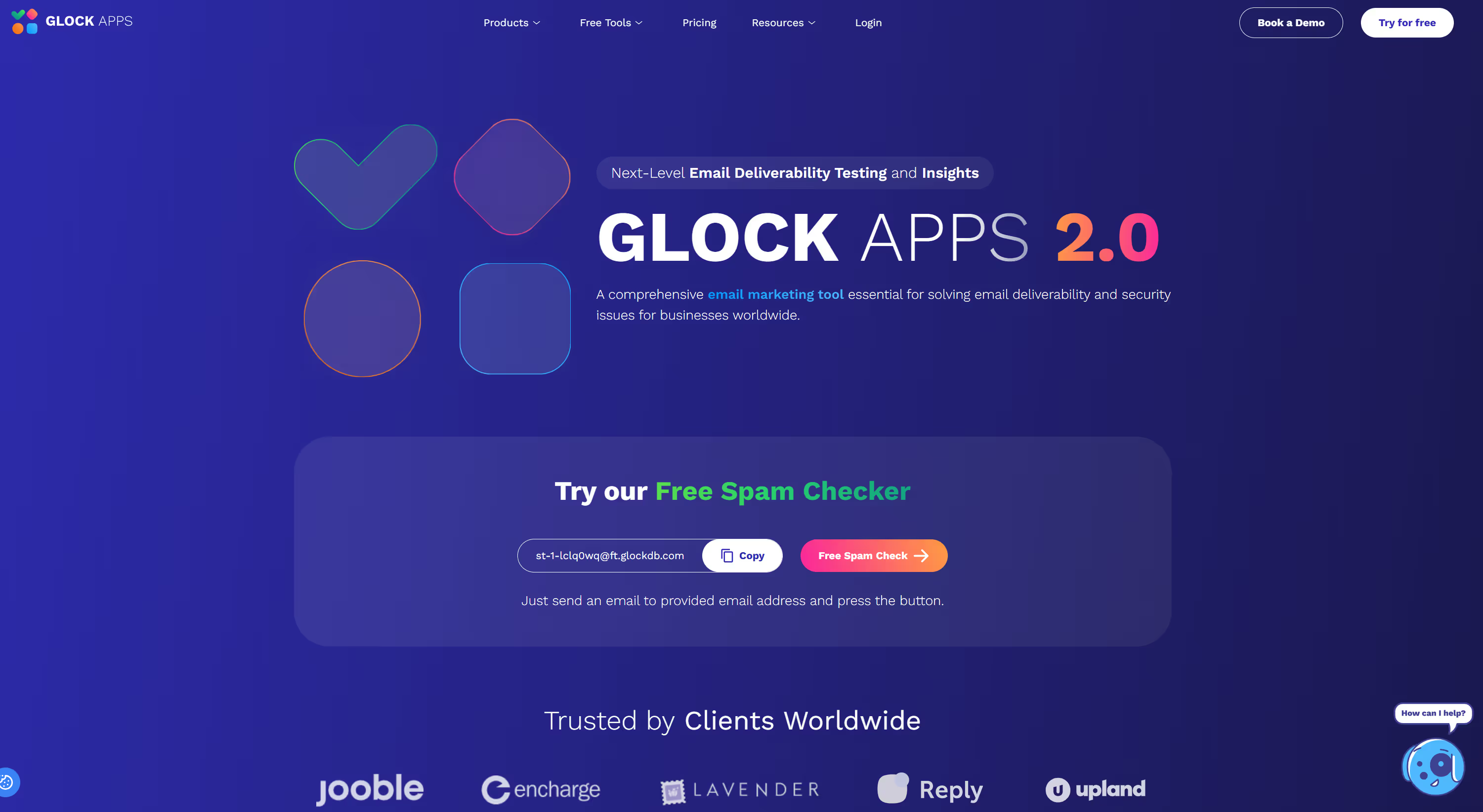
GlockApps is an email deliverability and spam testing platform that shows where your emails land and why. It combines placement testing, spam filter checks, blacklist monitoring, and DMARC analytics so teams can spot and fix issues before full sends.
What Users Like
- Clear inbox placement reports across major providers
- Detailed spam filter testing with Google, Barracuda, and SpamAssassin
- Built-in SPF, DKIM, and DMARC authentication checks
- Domain and IP analytics in one dashboard
- Blacklist and blocklist monitoring for 50+ lists
- DMARC reporting and forensic views for security teams
- Automatic tests and alerts for ongoing monitoring
What Users Don’t Like
- Interface and reports can feel technical for non-experts
- Pricing scales with tests and DMARC volume, which can be high for small teams
- Not optimized for cold outreach workflows compared with some newer tools
Pricing
GlockApps offers a free tier and paid plans starting around $59 per month for Essential, with Growth and Enterprise tiers above that for higher spam test and DMARC volumes.
3. Mailtrap
Best for: Developers and product teams that need safe email testing plus reliable sending.
Mailtrap combines an Email Sandbox for testing with an Email API/SMTP service for production sending. Teams can capture emails in a virtual inbox during development, then switch to high email deliverability sending for transactional and marketing flows in production.
What Users Like
- Safe sandbox inbox for testing emails without hitting real users
- Real SMTP and Email API for live transactional and bulk emails
- Easy setup with clear SMTP credentials and API docs
- Spam score checks and HTML/CSS validation in the sandbox
- Good fit for CI/CD pipelines and automated tests
- Organised message view for inspecting headers, previews, and raw content
- Generous free tier for small projects and trials
What Users Don’t Like
- The interface and feature set can feel developer-centric for non-technical marketers
- Pricing grows with email volume and extra inboxes, which can be high for larger teams
- Advanced deliverability analytics are lighter than some specialist monitoring tools
Pricing
Mailtrap offers free plans for both Email Sandbox and Email Sending, with paid subscriptions starting around $10–$14 per month and scaling up to higher tiers for larger volumes and enterprise features.
4. Warmy
Best for: Warming up domains and inboxes to improve email deliverability before campaigns.
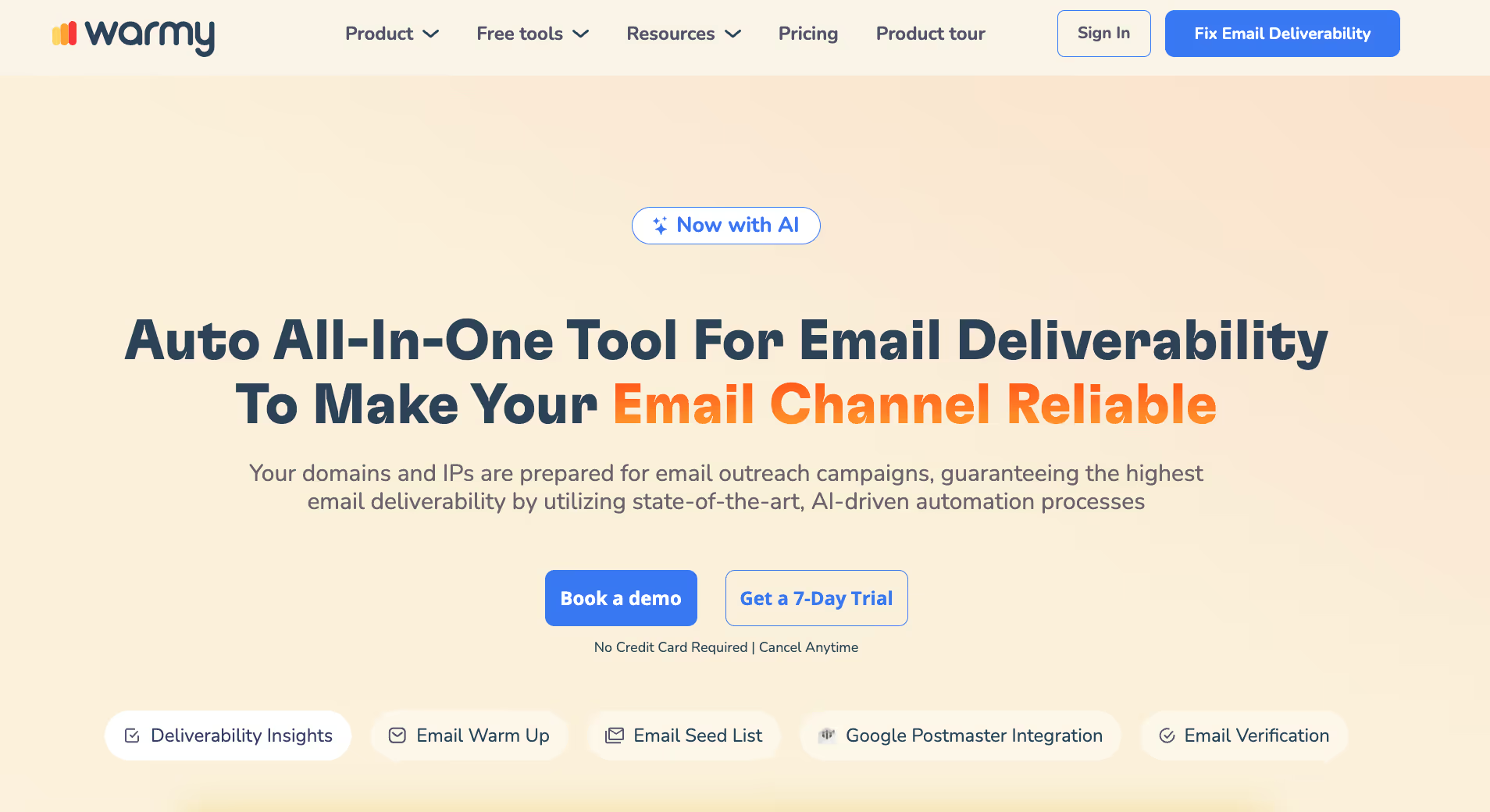
Warmy is an AI-powered email warm-up and deliverability platform. It uses a large network of real inboxes, automated engagement, and placement tests to build sender reputation, recover damaged domains, and improve inbox placement for outreach and marketing.
What Users Like
- Automated warm-up for domains, IPs, and mailboxes
- Large seed network of real inboxes for realistic interactions
- Email deliverability tests to check inbox placement and spam rates
- Built-in email verification and list quality checks
- An AI engine that adjusts warm-up speed and patterns automatically
- Support for many providers, including Gmail, Outlook, Yahoo, and custom SMTP
- Health dashboards for reputation, blacklist status, and inbox placement
What Users Don’t Like
- Pricing is higher than several competing warm-up tools
- Advanced customisation options can feel complex for new users
- Best results require consistent use over multiple weeks, not instant fixes
Pricing
Warmy uses tiered subscriptions that depend on mailbox count, warm-up volume, and testing limits. Pricing is not fully public; most reviews report it as a premium option, with costs noticeably higher than some rivals for similar capacity.
5. Everest (Validity)
Best for: Enterprise and high-volume senders that need deep deliverability monitoring and benchmarks.
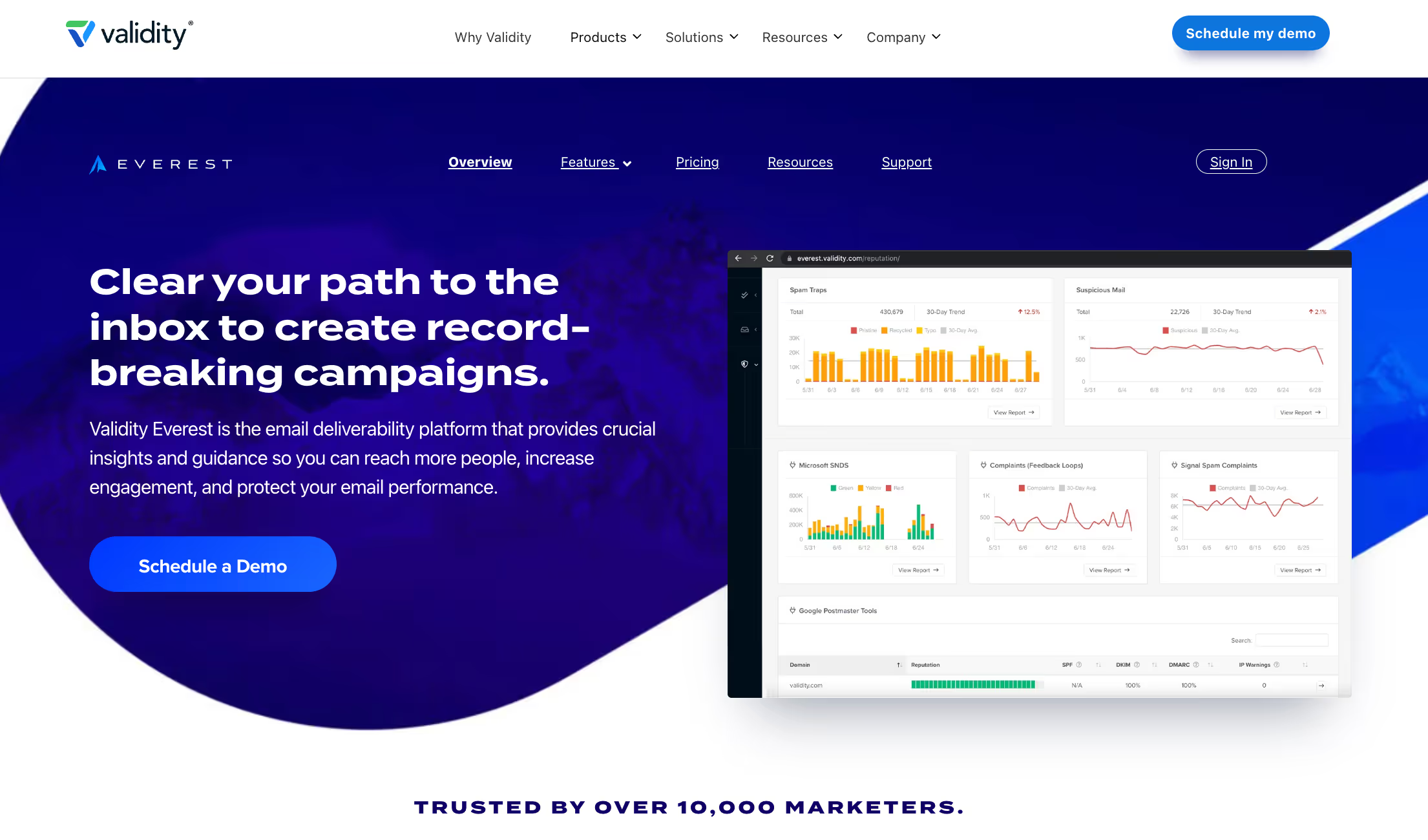
Everest is Validity’s email success platform built from Return Path, 250ok, and BriteVerify. It gives teams placement testing, spam filter analysis, reputation monitoring, list verification, and competitive benchmarks in a single environment
What Users Like
- Unified view of inbox placement, reputation, and analytics
- Strong spam filter and deliverability testing features
- Detailed sender reputation and domain health dashboards
- Built-in list verification via the BriteVerify stack
- Competitive and industry benchmarking for performance context
- Access to exclusive data from mailbox provider partnerships
- Helpful for large teams coordinating across multiple ESPs and brands
What Users Don’t Like
- Pricing is considered steep, especially for smaller teams
- Setup and onboarding can feel complex due to the many features
- Some users report limited or cumbersome integrations in certain stacks
Pricing
Everest does not publish flat self-serve pricing. Review sites report entry-level plans starting around $20 per month, with most customers on custom, quote-based contracts for mid-market and enterprise use.
6. ZeroBounce
Best for: Email list validation and data quality for marketing and sales teams.
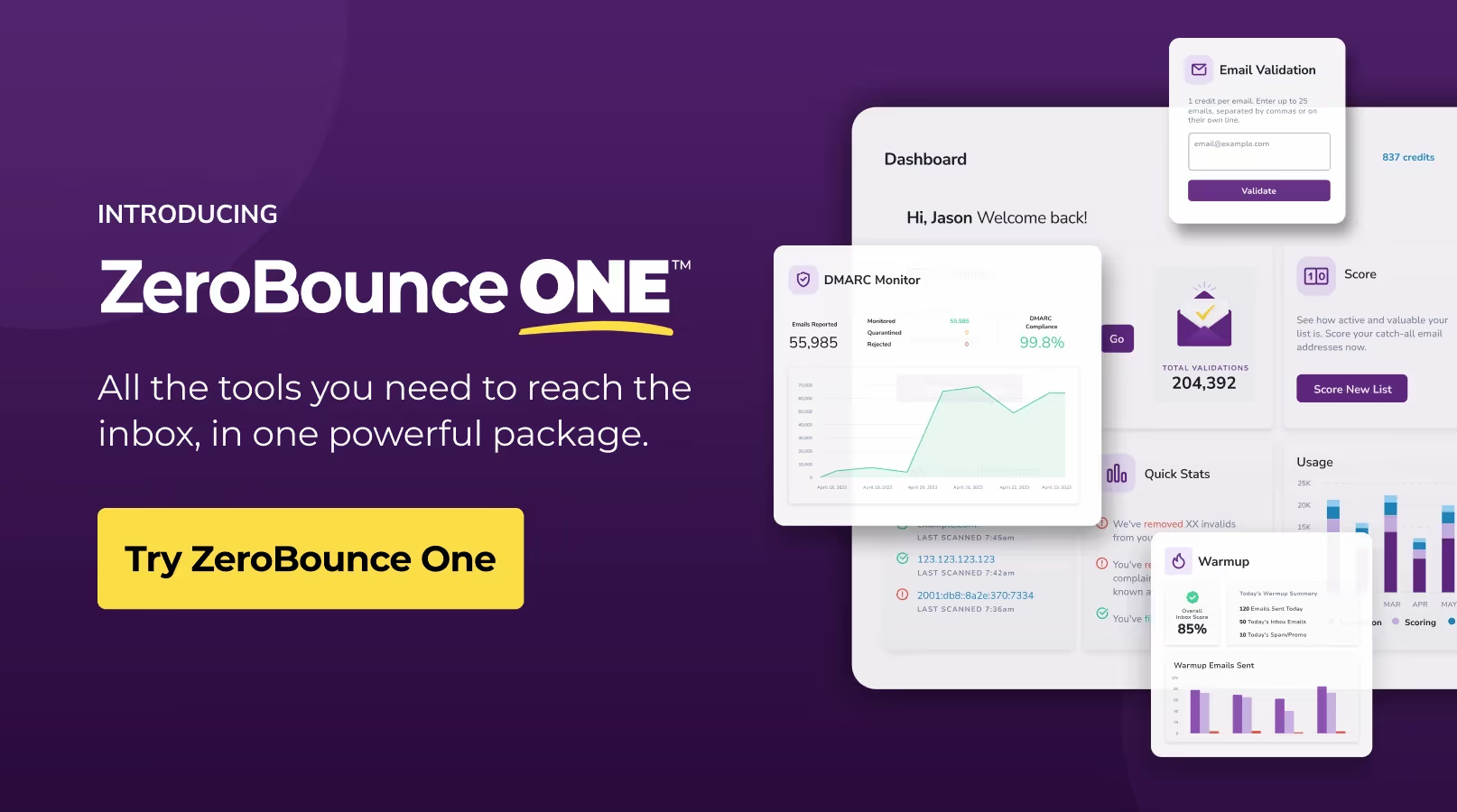
ZeroBounce is an email verification and deliverability platform focused on cleaning lists and reducing bounces. It validates addresses in bulk or via API, detects risky and disposable emails, and includes tools for blacklist monitoring and basic deliverability insights.
What Users Like
- High-accuracy email validation results with detailed status codes
- Simple bulk upload workflow and clear CSV exports
- Real-time API for validating emails at signup or in CRM flows
- Detection of spam traps, abuse emails, and disposable domains
- Built-in blacklist monitoring and basic deliverability tools
- Good documentation and responsive support for onboarding
What Users Don’t Like
- Pricing can feel expensive for very large or frequent validations
- Interface can be slow with very large file uploads
- The feature set and options can feel heavy for teams that only need basic checks
Pricing
ZeroBounce offers a free tier with 100 validations per month and pay-as-you-go credits starting around $18, with volume-based pricing for higher counts and enterprise plans for large senders.
7. MxToolbox
Best for: IT teams and technical marketers who need deep infrastructure and blacklist diagnostics.
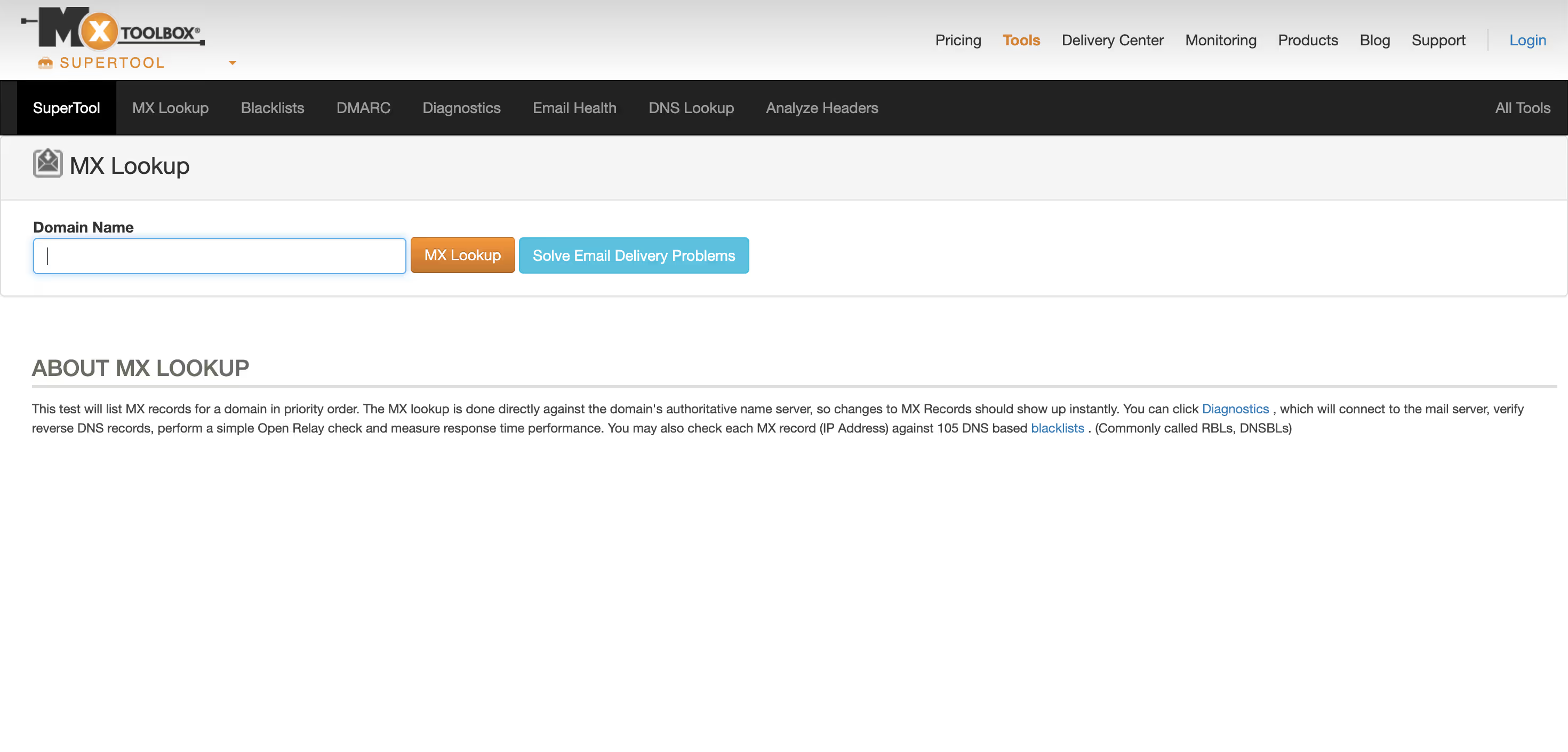
MxToolbox is a domain and email infrastructure monitoring platform, best known for blacklist checks and DNS tools. It offers blacklist monitoring, SMTP diagnostics, DNS and SPF checks, and an email deliverability report that analyzes headers, IP health, and authentication for each test message.
What Users Like
- Comprehensive blacklist monitoring for IP addresses and domains
- Rich DNS, MX, SPF, and DMARC lookup tools in one place
- An email deliverability test that scans headers, reputation, and SPF setup
- Good fit for troubleshooting server, DNS, and routing issues
- Clear alerts when assets get listed on major blocklists
- Helpful for ongoing monitoring of domain health over time
What Users Don’t Like
- Interface feels dated compared with newer SaaS dashboards
- Focus is more on diagnostics than on marketing-focused guidance
- Advanced monitoring features can become pricey for small teams
Pricing
MxToolbox provides a free tier with core lookups and one free monitor, with paid plans starting around $129 per month for extended monitoring, more blacklists, and advanced delivery tools.
8. InboxAlly
Best for: Senders who need to repair or boost inbox placement through engagement-style training.
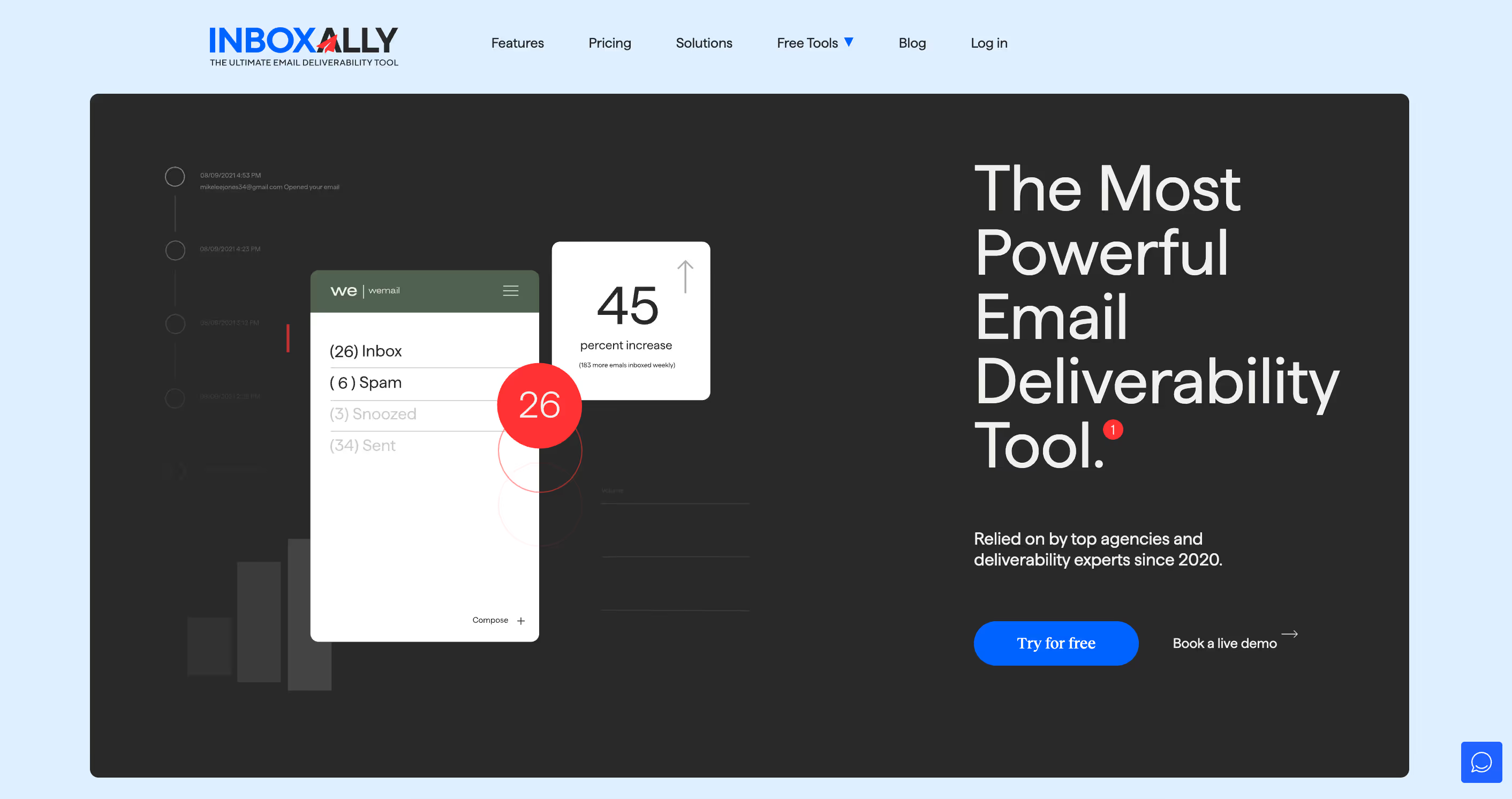
InboxAlly is a deliverability tool that “trains” inbox providers to place your emails in the inbox. It uses real-looking accounts that open, read, and engage with your campaigns to strengthen strong sender reputation and improve inbox placement over time.
What Users Like
- Clear focus on improving inbox placement, not just reporting
- Automated opens, reads, stars, and replies from monitored inboxes
- Support for many ESPs and custom SMTP setups
- Simple dashboards showing warm-up and placement progress
- Helpful for repairing a damaged reputation on older domains
- Works alongside other deliverability tools and warm-up services
What Users Don’t Like
- Requires ongoing use to keep results stable
- Pricing can feel high for small teams or single inboxes
- Some senders want more detailed technical diagnostics inside the product
Pricing
InboxAlly uses subscription plans based on the number of email addresses and sending volume, with entry tiers commonly reported in the low hundreds of dollars per month. Exact pricing is available via their plans page and sales team.
9. SendForensics
Best for: Teams that want advanced deliverability analysis and reputation monitoring in one place.
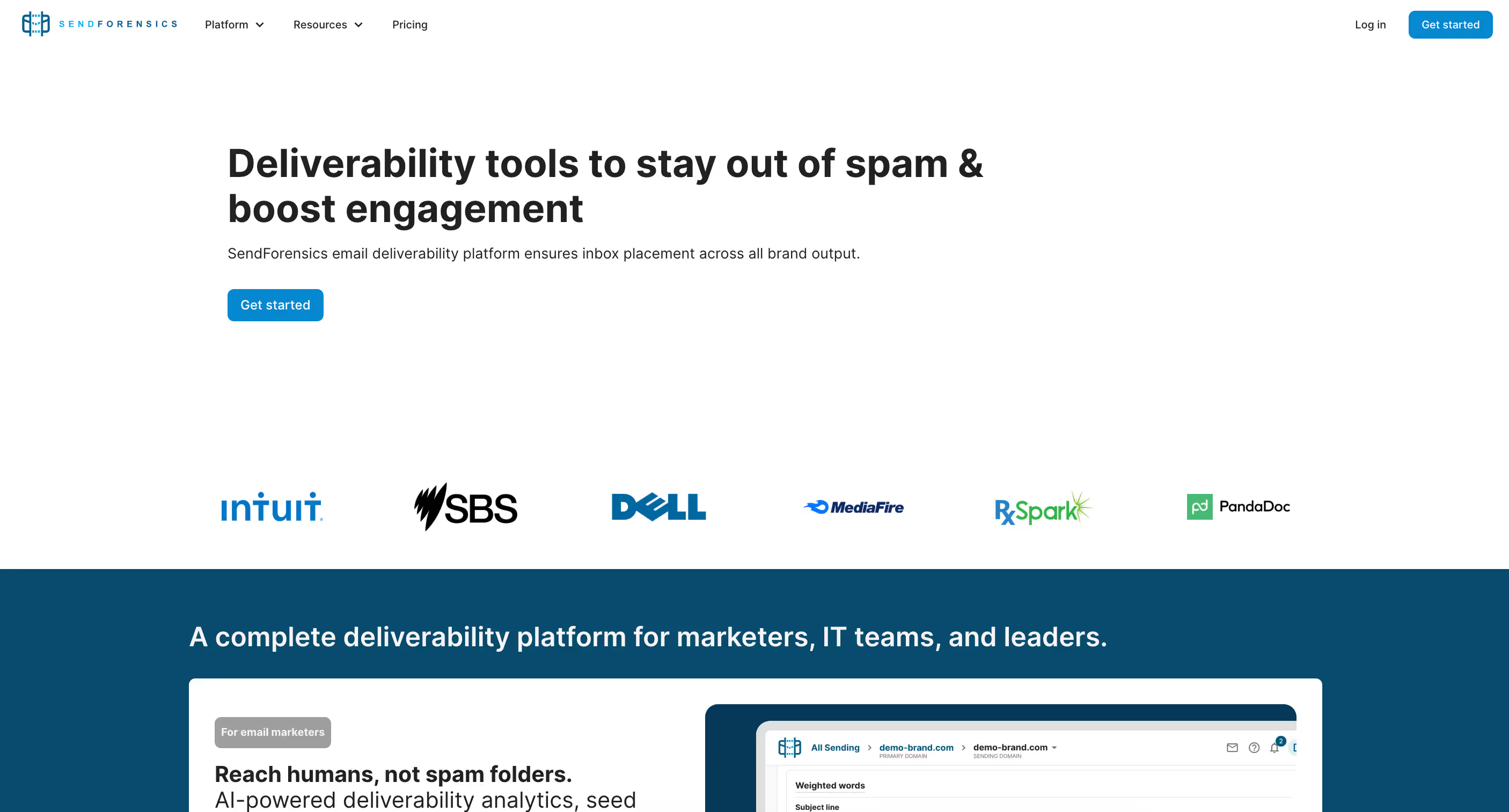
SendForensics is a cloud-based email deliverability and optimisation platform. It focuses on predictive deliverability scoring, spam testing, and reputation dashboards so teams can see how content, infrastructure, and reputation affect inbox results. It also consolidates data from ESPs and tools like Google Postmaster into a single view.
What Users Like
- Predictive deliverability scoring before full sends
- Machine learning spam tests to find risky content elements
- Reputation dashboards for domain, IP, and blacklist status
- Centralised data from multiple ESPs and provider tools
- DMARC monitoring and authentication visibility
- 24/7 monitoring with alerts for deliverability changes
- Suitable for agencies and teams managing many domains
What Users Don’t Like
- Learning curve for non-technical users due to the depth of data
- Pricing can feel high for very small senders
- Some users report occasional lag or slow rendering in reports
Pricing
SendForensics offers several paid plans. Public references show Brand plans starting around $39 per month, with Company, Agency, and Enterprise tiers scaling up to a few hundred dollars per month depending on domains, volume, and features.
10. MailMonitor
Best for: Marketers and agencies that want placement testing plus ongoing deliverability monitoring.
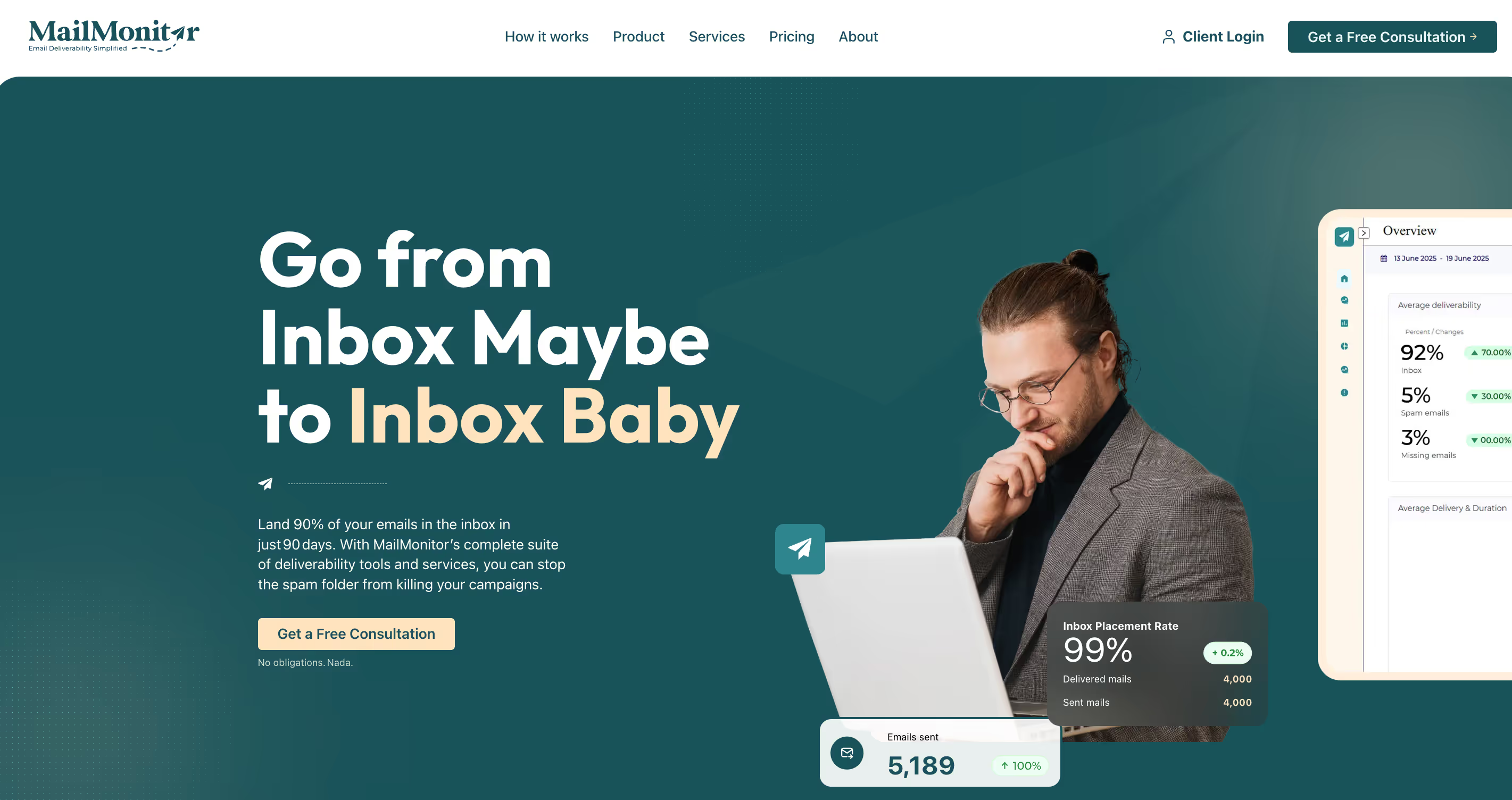
MailMonitor is a cloud-based email deliverability platform focused on testing, monitoring, and improving inbox placement. It offers placement testing across hundreds of real inboxes, sender reputation tracking, blacklist monitoring, authentication checks, and analytics to show how campaigns perform across providers.
What Users Like
- Placement testing with a large global seed list
- Clear reporting on spam folder rates and inbox placement over time
- Domain and IP health monitoring in one dashboard
- Blacklist and blocklist monitoring with alerts
- Authentication checks for SPF, DKIM, and DMARC setup
- Engagement analytics for opens, clicks, and deliverability rates
- Good value compared to some larger enterprise suites
What Users Don’t Like
- Interface and data depth can feel advanced for smaller teams
- Some users want a more granular spam trap and forensic detail
Pricing
MailMonitor offers a Starter plan for around $99 per month, with Advanced and higher tiers on custom pricing. Some sources note free DMARC tools and trial options depending on plan and contract.
How Sintra.ai Automates and Improves Email Deliverability
Manual deliverability work does not scale. Watching reports, adjusting volumes, rewriting templates, and checking DNS records by hand drains time and still leaves gaps in email deliverability.
Sintra.ai uses a team of specialised AI helpers, led by Emmie, to keep these workflows running in the background while you focus on strategy.
Around Emmie, other helpers like Dexter, Penn, Cassie, and Buddy handle analytics, copy, replies, and targeting. Together, they maintain the details that decide where your emails land, how stable your inbox placement stays, and how well your email campaigns perform over time.
Emmie – Deliverability-Aware Email Flows
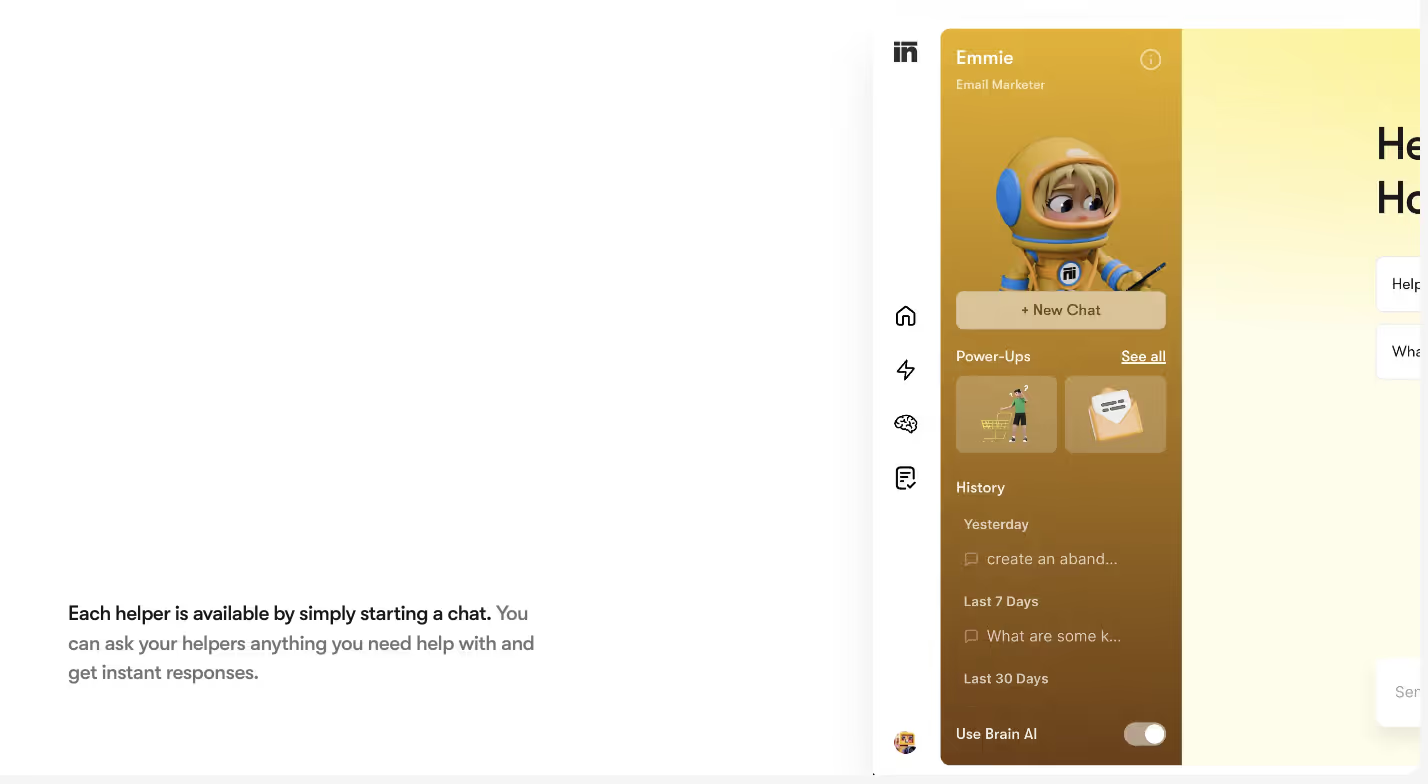
Emmie plans and writes full email sequences rather than one-off messages. It generates welcomes, cart reminders, post-purchase follow-ups, and re-engagement flows that respect list quality, cadence, and engagement patterns.
Because Emmie is trained on thousands of top campaigns, it avoids common mistakes that create spam complaints or fatigue. It can space sends, adjust frequency by segment, and keep tone consistent, which supports stronger engagement and better email performance instead of blasting every contact with the same schedule.
You can also use Emmie to test subject lines and template variants. Over time, this improves how often emails land in high-visibility folders rather than spam. For a deeper breakdown of what Emmie can do, see the dedicated Emmie page.
Dexter – Turning Metrics into Deliverability Insights
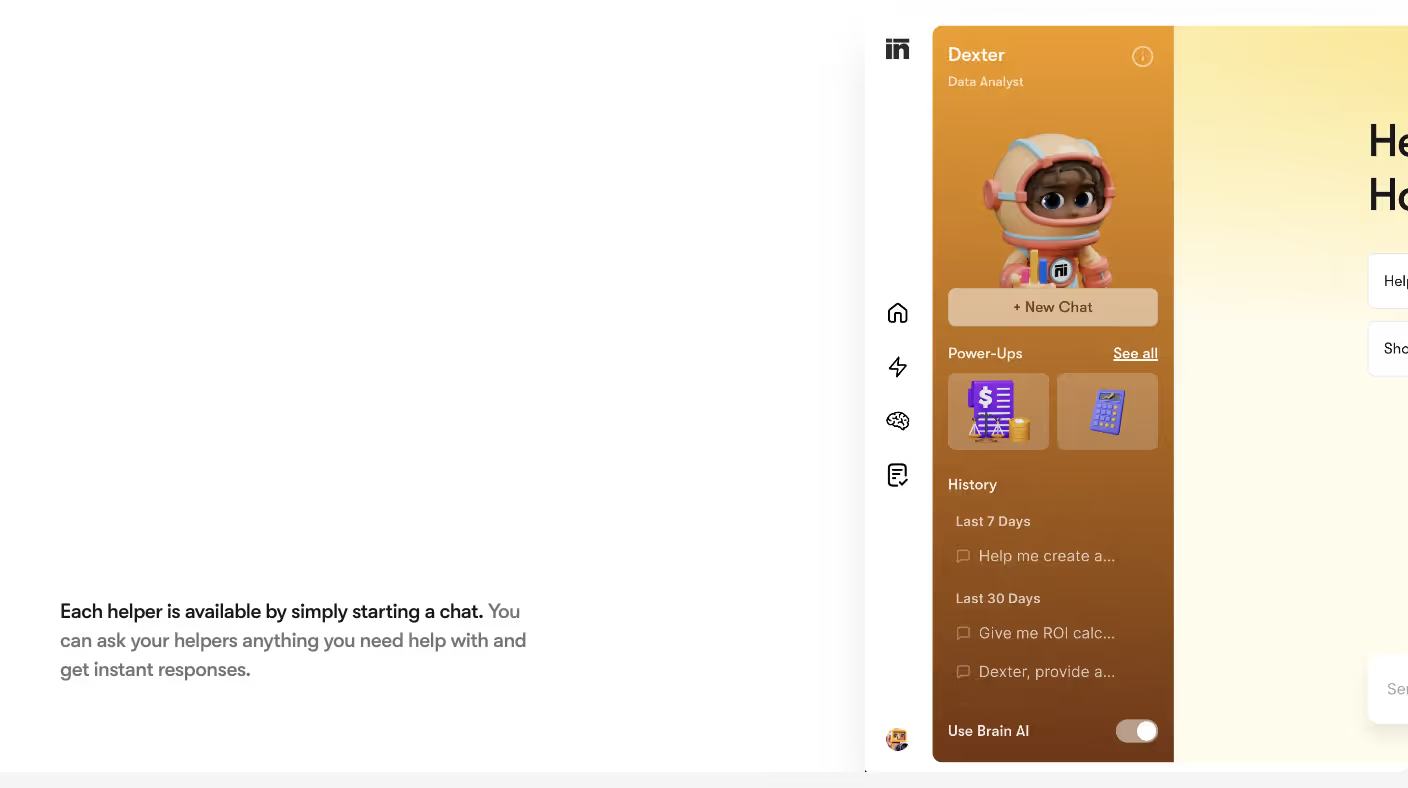
Dexter is the data analyst helper. It reads reports from your ESP and tools like Google Postmaster-style dashboards, then explains what the numbers mean for inbox placement and sender health.
You can ask Dexter to:
- Flag segments that drag down opens and clicks
- Highlight sudden shifts in complaints or bounces
- Compare domains or IP addresses on deliverability insights
Instead of scanning raw charts, teams see which campaigns or audiences changed how often emails land where they should and which actions will stabilise performance.
Penn – Clean Copy and Spam-Safe Structure
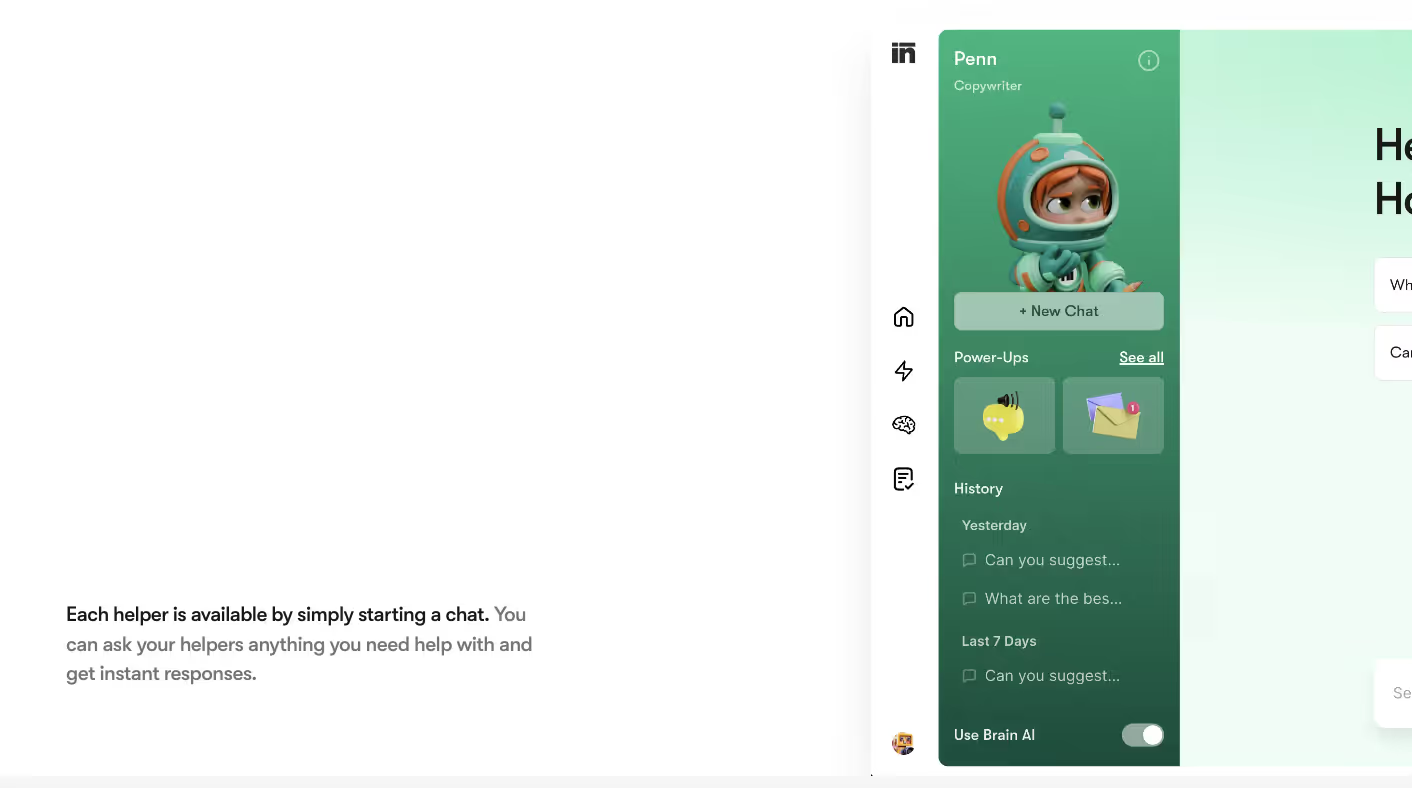
Penn is the copywriting helper. It focuses on clarity, tone, and layout so templates are easy to read and low-risk for filters.
In practice, you can use Penn to:
- Rewrite subject lines that feel aggressive or vague
- Simplify body copy that looks promotional but thin
- Standardise structure across high-volume templates
Well-structured content makes it easier for inbox systems to classify your traffic and improves long-term inbox placement. For broader guidance on using AI for email content, you can reference Sintra’s article on the best AI email generator for businesses.
Cassie – Reply Handling and Inbox Signals
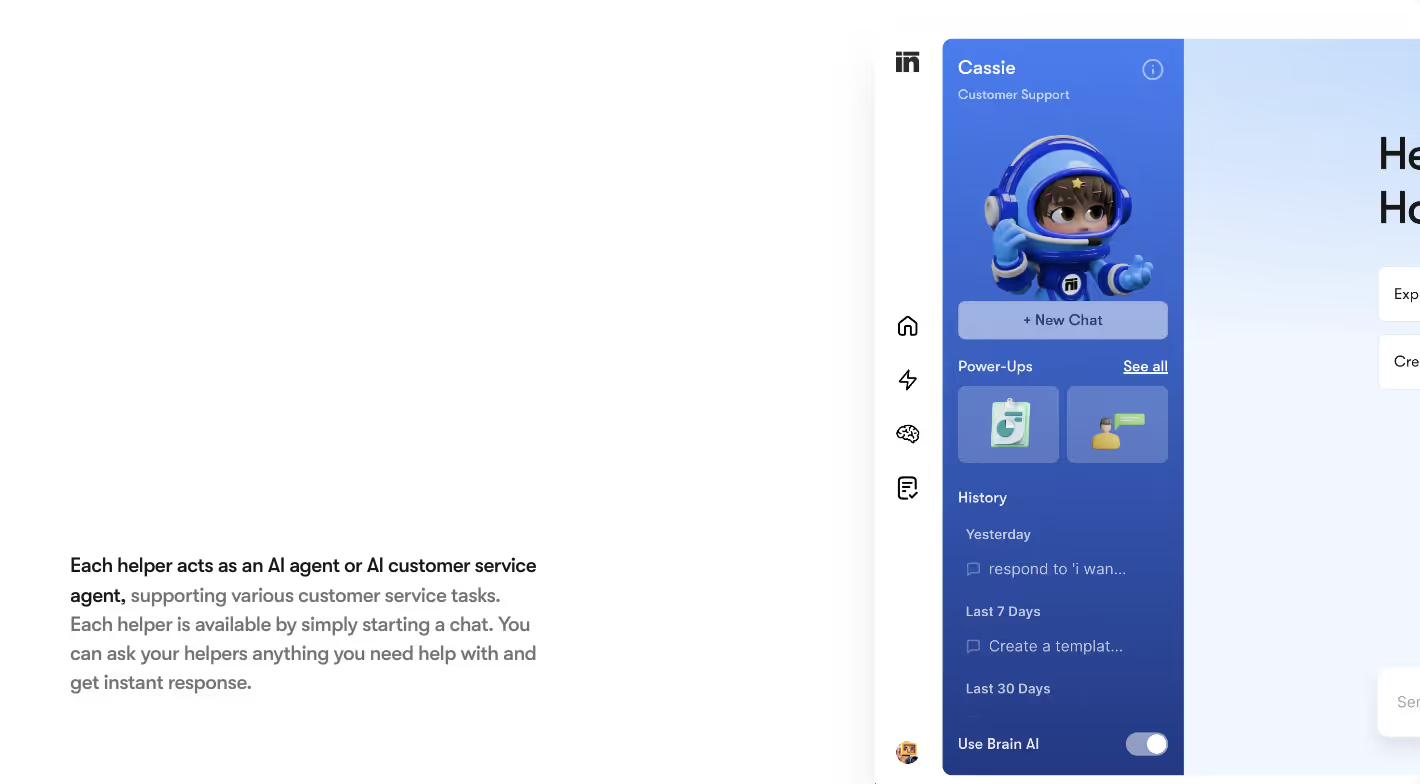
Cassie is the customer support helper. It assists with sorting, drafting, and routing replies so conversations do not pile up or get ignored.
Fast, relevant replies help maintain positive engagement signals around your domain. When users get timely answers instead of chasing support, they are less likely to report messages as spam or disengage from future sends.
Cassie supports this by keeping inbox queues organised and turning reply threads into structured tasks. For deeper reply-workflow examples, see the blog on how Sintra sorts replies and prioritizes for you.
Buddy – Smarter Targeting and Volume Discipline
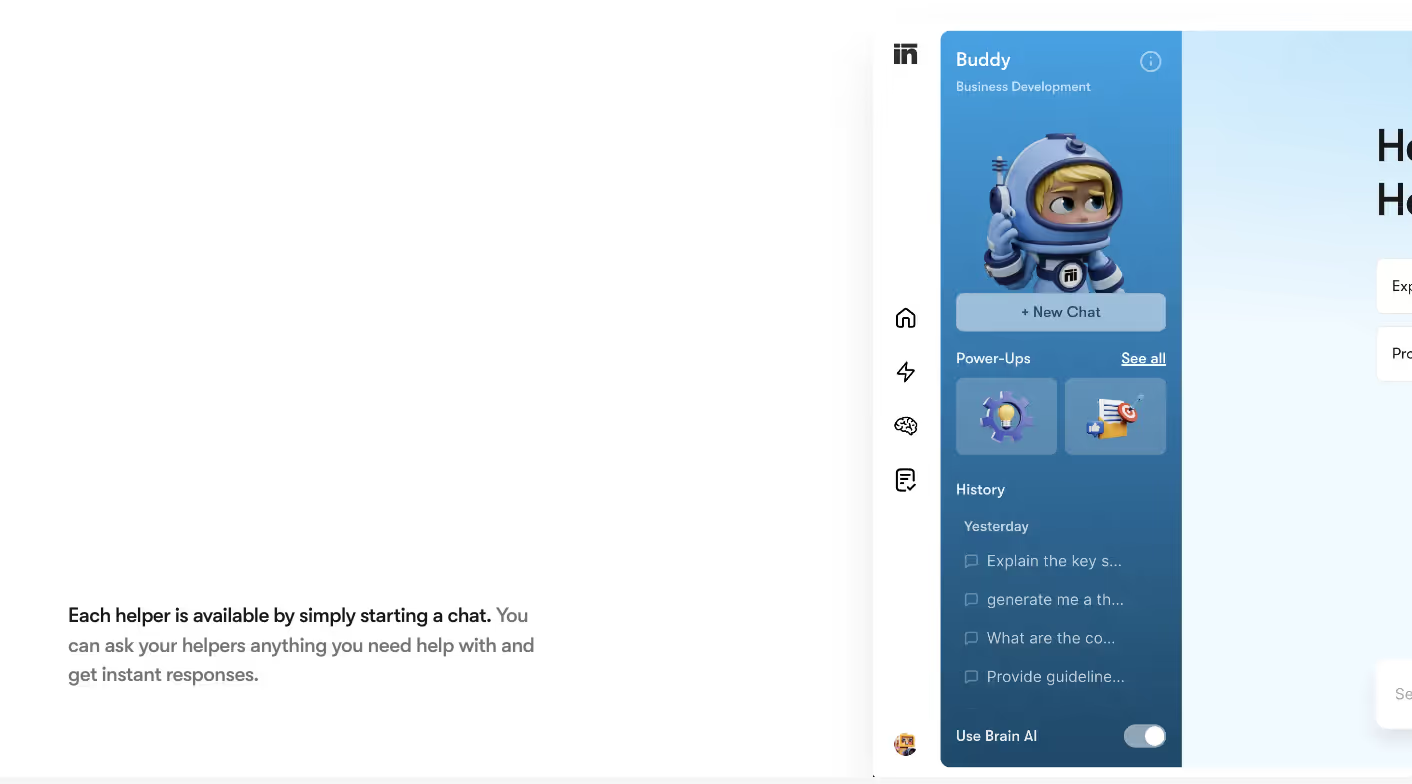
Buddy is the business development helper, but targeting skills matter for deliverability. It can help define which contacts should receive outreach, which segments are high value, and which groups should move to lower-frequency or re-engagement tracks.
Better targeting reduces wasted volume and keeps engagement healthier across lists. That lowers complaint risk and supports steady email deliverability instead of large, unfocused sends that dilute performance.
Workflow Integration Across Helpers
Used together, Sintra’s helpers form a deliverability-aware workflow:
- Emmie designs and sends sequences with strong structure and pacing
- Penn keeps templates clear and safe for filters
- Dexter turns metrics into actions to protect inbox placement
- Cassie maintains a healthy reply behaviour and reduces friction
- Buddy tightens audience selection so volume stays efficient
Over time, this loop supports a higher, more stable deliverability rate and makes it easier to sustain strong results at scale.
Best Practices to Maximize Your Email Deliverability
A strong email deliverability rate comes from repeatable habits, not one-off fixes. The goal is simple: send wanted messages, from a trusted setup, to the right people, at a sustainable pace.
Below are the core email deliverability best practices 2026, written as workflows you can plug into your stack or automate with tools like Sintra, your ESP, or dedicated deliverability tools.
Protect Your Domain and Authentication Setup
Start with a clean technical base.
- Publish and maintain SPF, DKIM, and DMARC for every active sending domain.
- Enforce alignment so records match what your ESP actually uses.
- Use a dedicated IP address (or pool) once volume and consistency justify it.
Set a recurring check to review DNS, DMARC reports, and any changes pushed by your ESP or IT team. This prevents hidden misconfigurations that quietly lower inbox placement and deliverability rate over time.
Keep Lists Clean and Consent-First
List quality is one of the strongest signals behind where your emails land.
- Use a double opt-in process or at least clear, explicit consent on forms.
- Run regular list cleaning for invalid addresses and long-term inactive contacts.
- Avoid purchased or scraped lists completely.
Cleaning lists quarterly is the minimum. High-volume senders should review engagement monthly and move unengaged subscribers into reactivation or suppression flows rather than pushing them through every email marketing campaign.
Control Volume, Frequency, and Warm-Up
Mailbox providers watch email volume and patterns. Aggressive sending is a common reason emails land in the spam folder.
- Warm up new domains and IPs gradually; avoid sudden jumps.
- Set clear frequency rules per segment (e.g., max X campaigns per week).
- Pause or slow down sending to domains that show rising bounces or spam complaints.
Treat each new stream (newsletters, promos, product updates, password resets, transactional emails) as something you phase in, not switch on at full scale.
Focus on Engagement, Not Just Volume
Engagement is now a core ranking signal for inbox placement.
- Send fewer, but more relevant, email campaigns to each segment.
- Use clear, honest subject lines that match the content.
- Regularly identify low-response cohorts and move them to slower cadences.
Replies, clicks, and positive actions tell providers you are a legitimate sender. Silence or irritation pushes more of your traffic towards filtering.
Design Content to Pass Spam Filters
Good content supports deliverability.
- Avoid obvious spam trigger words and shouting-style formatting.
- Keep the layout simple, with a sane mix of text and images.
- Make the “from” name, design, and tone consistent across email templates.
Run periodic checks with deliverability tools or your email deliverability platform to catch patterns that repeatedly trigger spam filters before they become systemic.
Make Unsubscribing Easy and Fast
Forced retention always backfires.
- Place an obvious unsubscribe link in every message.
- Honour unsubscribe requests immediately.
- Offer frequency or topic controls where possible.
Easy exits reduce complaints, which is one of the fastest ways to protect a healthy deliverability rate across your entire program.
Monitor, Diagnose, and Act on Signals
Deliverability is not “set and forget.”
- Track email performance beyond opens: complaints, bounces, placement tests.
- Use tools for blacklist checks, email configuration analysis, and inbox placement testing regularly.
- Investigate any sudden change at the domain, IP, or campaign level.
You can route raw data into an AI helper (such as Dexter in the Sintra stack) to summarise deliverability insights and suggest next actions instead of manually scanning dashboards.
Automate Repetitive Deliverability Tasks
Where possible, move routine checks into workflows.
- Automate list cleaning rules (bounce thresholds, inactivity windows).
- Schedule recurring authentication checks and blacklist monitoring.
- Use AI or rules-based flows to adjust segments when engagement drops.
This keeps your email marketing and email marketing campaign plans aligned with best practices without constant manual policing.
Frequently Asked Questions
How do SPF, DKIM, and DMARC improve deliverability?
They prove you are allowed to send from your domain and that the messages weren’t altered in transit.
SPF lists which servers can send on behalf of your domain. DKIM signs each message with a key that receiving servers can verify. DMARC adds policy and alignment, telling providers what to do when SPF or DKIM fail. When all three are set up correctly and aligned, mailbox providers trust your traffic more and are less likely to block or downgrade it.
What causes emails to go to spam?
Spam placement usually comes from a mix of weak reputation, poor engagement, and risk signals in content or setup.
Common triggers include sending to bad or inactive lists, sudden volume spikes, misleading subject lines, high complaint rates, and broken authentication or DNS records. Sometimes the problem isn’t one “big” error but lots of small negative signals that add up over time.
How often should I test my email deliverability?
Most active programs should test at least once per month, and whenever something important changes.
You should run tests before big new campaigns, when you move ESPs, change domains, or warm a new IP. If you send high volumes or rely heavily on email for revenue, weekly spot checks are safer, especially during key seasons.
What are the best tools for monitoring sender reputation?
You need a mix of provider dashboards and independent tools for monitoring a good sender reputation
On the provider side, use Google Postmaster Tools and similar panels from Microsoft or Yahoo, where available. On the independent side, inbox testing and monitoring tools (like GlockApps, Everest, SendForensics, MailMonitor, and others from the list above) help you track domain and IP health, blacklist status, and inbox placement patterns in one place.
Can AI help improve email deliverability?
Yes, if it is used to support decisions, not replace basic best practices.
AI can help analyse logs and reports faster, spot patterns humans might miss, suggest safer copy variations, and keep an eye on engagement and list health. In Sintra’s case, helpers like Emmie and Dexter can turn raw performance data into concrete actions, but you still need solid authentication, clean lists, and sensible sending behaviour in place.
How does list hygiene affect inbox placement?
List hygiene is one of the strongest levers you control.
Sending to invalid, inactive, or uninterested contacts increases bounces and complaints, and lowers engagement. Providers read that as a sign that your messages are not wanted. When you regularly remove bad addresses and long-term non-engagers, inbox placement usually improves because the remaining audience reacts more positively to what you send.
Related articles






.avif)




