10 Best Microsoft Power Automate Alternatives to Try in 2026


Table of Contents

TL;DR - Top Microsoft Power Automate Alternatives
Power Automate alternatives in 2026 are faster, easier, and more flexible, especially outside Microsoft’s ecosystem. Here are our top picks:
- Sintra AI – Best for AI that executes tasks end-to-end
- Make – Best for visual workflow automation
- Zapier – Best for simple app integrations
- n8n – Best for open-source, customizable workflows
- Workato – Best for enterprise-grade integrations
Microsoft Power Automate works well if your whole business runs inside Microsoft. But the moment you step outside that world, things get complicated fast. The learning curve is steep, pricing can get confusing, and building even a simple workflow can eat up hours of your day. The market has responded - low-code platforms can cut software development time by 50–90%, and 87% of enterprise developers now use them for at least some of their work.
That's why so many teams are now searching for better alternatives to Power Automate, or even a Google Power Automate equivalent that works just as smoothly with non-Microsoft tools.
In 2026, the best options go way beyond "simpler versions" of the same thing. Tools like Sintra AI, Make, n8n, Zapier, and Workato offer completely different approaches to automation. Some use AI employees to handle full tasks for you. Others give you a clean visual editor. A few let you self-host everything.
This guide breaks down all 10 so you can pick the right one without wasting time testing tools that don't fit.
Here's a quick comparison table to help you see the full picture:
| Tool | Best For | Core Strength | Pricing Level | vs. Power Automate |
|---|---|---|---|---|
| Sintra AI | Teams wanting task execution, not workflow building | AI employees handle full tasks end-to-end | Mid | Much simpler, no workflow design needed |
| Zapier | Non-technical users needing quick automations | Huge app library, easy setup | Mid | Easier to use, less Microsoft-focused |
| Make | Teams needing advanced visual logic | Flexible visual workflow builder | Low to Mid | More control, less Microsoft lock-in |
| n8n | Developers and technical teams | Self-hosted, deeply customizable | Free to Mid | More flexibility requires tech skills |
| Workato | Large enterprises | Enterprise-grade integrations and security | High | More powerful for diverse tech stacks |
| Activepieces | Teams wanting open-source control | Open-source, customizable | Free to Low | More ownership, less hand-holding |
| Gumloop | Teams that want AI-first automation | Modern AI-driven interface | Mid | AI-first vs rule-first |
| Pabbly Connect | Budget-conscious small teams | Flat-rate pricing | Low | Affordable, less scalable |
| Tray.io | Growing mid-to-large businesses | Scalable iPaaS platform | High | More flexible outside Microsoft |
| Lark | Teams want all-in-one tools | Built-in collaboration plus automation | Free to Mid | All-in-one vs specialized |
10 Best Microsoft Power Automate Alternatives in 2026
We picked these tools based on five things:
- How easy they are to set up
- How strong their AI features are
- How many integrations do they offer
- How well they scale
- And how they hold up in real-world use.
Each tool is broken down the same way: what it does, pros and cons, pricing, and how it compares directly to Power Automate. No filler, no vague descriptions.
1. Sintra AI

Most automation tools ask you to design a workflow before anything happens. Sintra AI skips that step entirely.
Instead of building trigger-action chains, you assign tasks to AI helpers. These are specialized AI employees, each built for a specific job. Need a product launch email written? Need customer questions answered? Need a competitor research summary? You give the task, the AI gets it done. No flowchart required.
This is what makes Sintra AI a truly different kind of Power Automate alternative. You are not automating a process. You are replacing the process itself with execution.
Pros
- No workflow building, just assign tasks directly
- AI helpers cover marketing, support, ops, and more
- Shared memory keeps outputs consistent across tasks
- Fast to start, no technical setup required
- Works across business functions, not just one area
Cons
- Less control over step-by-step logic than traditional tools
- Teams used to flowcharts may need an adjustment period
- Not ideal if you need fine-grained rule-based conditionals
Pricing
Sintra AI offers flexible plans designed to replace multiple tools or even whole roles in your team. Sintra X: Starts from $39/month (individual) to $97/month (all helpers) – 250 credits + 12 AI helpers and 30+ integrations.
Comparison to Microsoft Power Automate
Power Automate is built for developers and trained users who are comfortable mapping out every trigger, condition, and action before a single task runs. Setup is measured in hours or days. Sintra AI flips that entirely. Any team member can assign a task in plain language and have a result back in minutes, no workflow design required.
Where Power Automate layers on AI through a Copilot add-on that still sits on top of rule-based logic, Sintra AI delivers full task execution from the ground up. And unlike Power Automate, which leans heavily on the Microsoft ecosystem to function at its best, Sintra AI has no Microsoft dependency at all. It works wherever your team works. If you need deep SharePoint or Teams automation and your whole stack lives inside Microsoft 365, Power Automate still has a case. But if you want work done rather than work connected, Sintra AI gets you there faster, with far less standing between you and the result.
2. Zapier
Zapier is an AI workflow orchestration platform that is easy to use and integrates with many applications.
It is the go-to tool for teams who want automation without writing a single line of code. You build "Zaps," which are simple trigger-action pairs. For example: "When someone fills out this form, add them to my CRM and send a welcome email."
Zapier is not flashy. But it works reliably and quickly.
Pros
- Connects 6,000 plus apps out of the box
- No technical skills needed to build automations
- Pre-built templates for dozens of common workflows
- Reliable for simple, repetitive tasks
- Strong community and detailed documentation
Cons
- Costs scale up fast as automation volume grows
- Complex logic often requires creative workarounds
- No deep AI task execution like newer tools offer
Pricing
Zapier's pricing starts at $15.99 per month for its professional plan, which includes multi-step workflows and conditional logic. Higher-tier plans unlock more tasks per month, faster run speeds, and team collaboration tools.
Comparison to Microsoft Power Automate
Zapier wins on simplicity and breadth of app connections. Power Automate wins if you're deeply embedded in the Microsoft 365 world and need things like SharePoint list triggers or Teams notifications. For everyone else, Zapier is the friendlier starting point with far less setup friction.
3. Make (formerly Integromat)
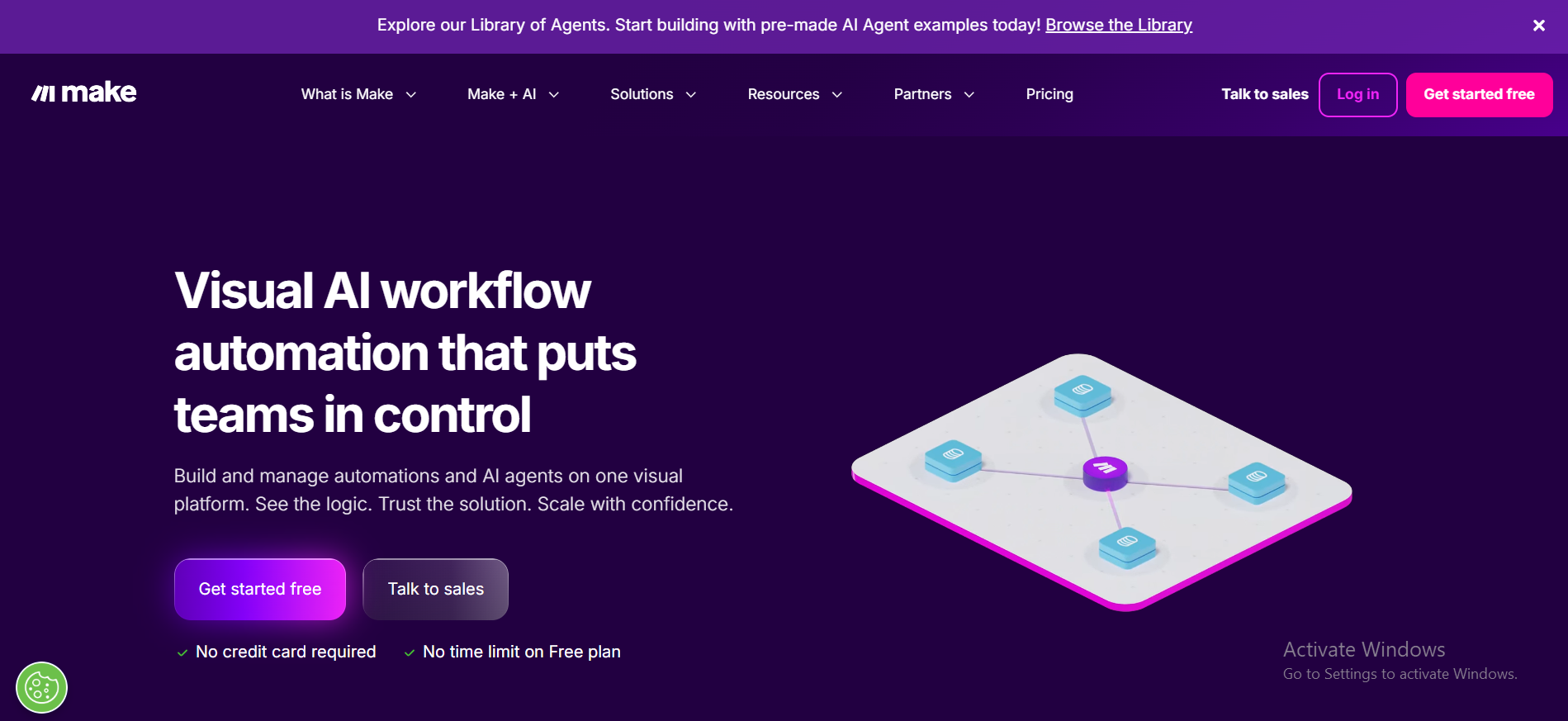
Make (formerly Integromat) offers a visual workflow editor that lets users design highly customized automation scenarios with conditional logic and data transformations.
Think of it as a canvas where you drag, connect, and configure automation modules. Instead of a vertical list of steps, you see your entire workflow laid out like a map. This makes it much easier to understand what's happening at each stage and catch problems before they go live.
Pros
- Visual builder shows the entire workflow at a glance
- Handles complex branching logic in a clear way
- Strong data transformation built right in
- Much more affordable than Power Automate at scale
- Active template library to help you start fast
Cons
- Can feel overwhelming for first-time users
- The module-based system takes time to learn
- Customer support response times can be slow on lower plans
Pricing
Make offers a free plan with limited automation runs, and paid plans start at $9 per month, making it a budget-friendly option. Free plan offers 10,000 credits/month; higher plans (Core, Pro, Teams, Enterprise) use custom pricing.
Comparison to Microsoft Power Automate
Where Power Automate uses a rigid, step-by-step vertical builder, Make gives you a full visual canvas that shows every connection and logic branch at once. This makes it much easier to spot errors and understand complex flows at a glance.
Power Automate offers tighter Microsoft 365 integration that Make cannot match. But if your team uses Google Workspace, Slack, or other non-Microsoft tools, Make gives you more control for less money.
4. Activepieces
Activepieces is an open-source business automation ecosystem that is user-friendly for non-technical users and flexible for technical users.
If you want full ownership over your automation setup without vendor lock-in or black-box pricing, Activepieces is one of the few tools that actually delivers that. You can self-host, customize, and extend it however your team needs.
Pros
- Fully open-source, you own your data and infrastructure
- Friendly interface despite its technical depth
- No per-task pricing surprises or sudden cost jumps
- The community is constantly building new integrations
- Works for both technical and non-technical team members
Cons
- Self-hosted setup requires some technical know-how
- Ongoing maintenance falls on your internal team
- Fewer native integrations than Zapier or Make currently
Pricing
Standard: Free for 10 active flows, then $5 per extra active flow/month – unlimited runs. Unlimited: Custom annual contract (contact sales) with advanced team/SSO features. Community self-hosted is free.
Comparison to Microsoft Power Automate
Power Automate's pricing can quickly become expensive, especially for businesses that need advanced automation features. Activepieces flips that dynamic entirely. You control costs from day one. The trade-off is that you swap Microsoft's hand-holding for full ownership and flexibility. For teams that want that control, it's a very good trade.
5. Gumloop
Gumloop is one of the newer AI-first tools on this list, and it shows in the best way. The interface is clean and modern. The whole platform is built around quickly creating automations, with AI assistance woven into the process.
Where older tools feel like configuring software, Gumloop feels more like describing what you want and watching it come together. It's especially useful for content workflows, data processing, and research-type tasks.
Pros
- AI-assisted workflow creation saves real time
- Modern, clean interface that's easy to navigate
- Fast from idea to working automation
- Good for content, data, and research workflows
- Low barrier to entry for users brand new to automation
Cons
- Fewer native integrations than more established tools
- Still maturing, some enterprise features are limited
- Smaller community and fewer templates available currently
Pricing
Gumloop offers a free tier for individuals testing the platform. Paid plans are designed for teams and higher usage volumes. Pricing is usage-based and competitive with Make and Zapier at similar tiers, making it a reasonable option for growing teams.
Comparison to Microsoft Power Automate
Power Automate is rule-first. You define every step manually before anything runs. Gumloop is AI-first. You describe what you want, and it helps you build it. For fast-moving teams that want to automate without becoming automation engineers, Gumloop offers a fresher, faster path to results.
6. n8n
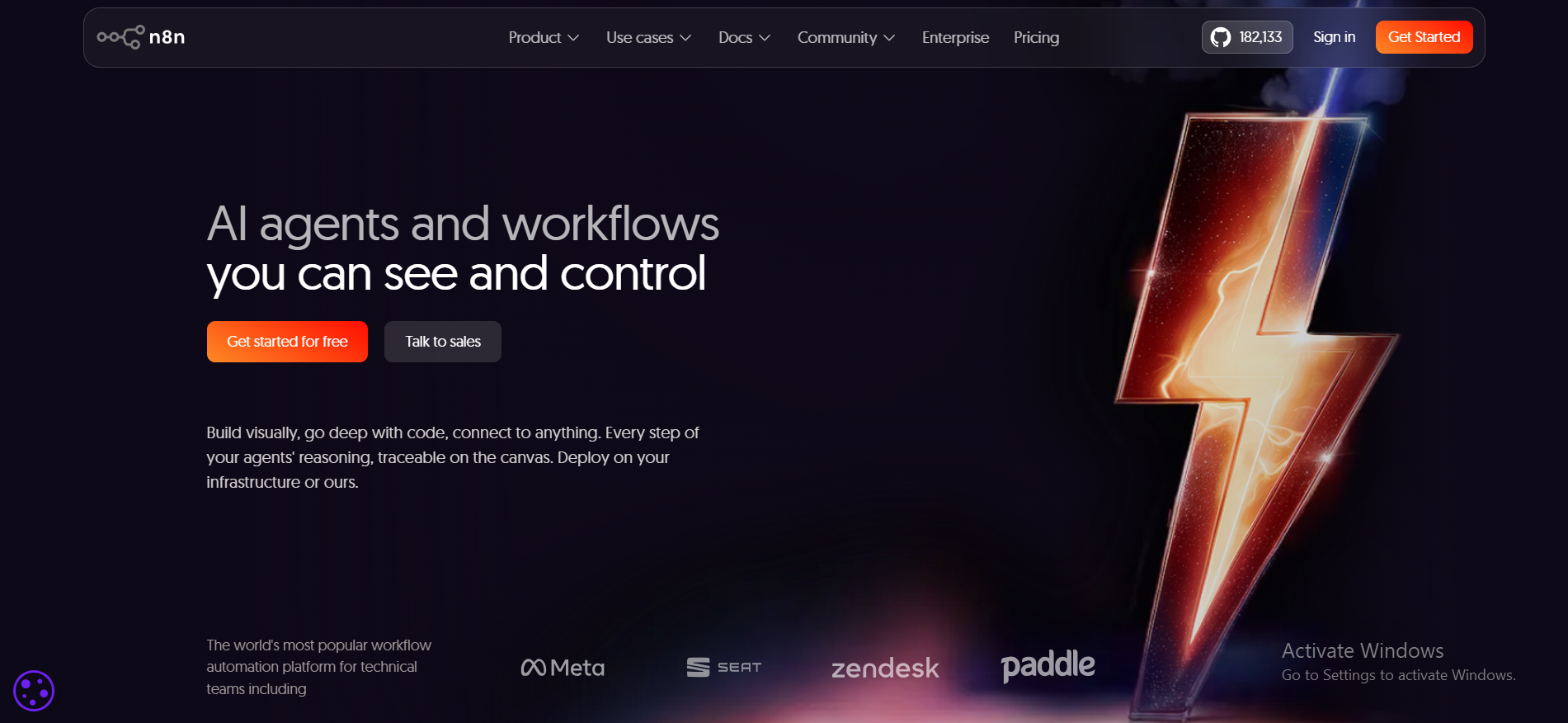
n8n is a source-available business automation platform that offers both cloud and self-hosted deployment options, making it developer-friendly and supporting deep customization.
If you have a developer on your team, n8n gives you more control than any other tool on this list. You can run it on your own server, write custom code directly inside workflows, and connect anything that has an API. It's the kind of tool that can handle genuinely complex automation needs without forcing you into a third-party cloud environment.
Pros
- Self-host for full data control and privacy
- Custom code nodes give you deep workflow flexibility
- 400-plus built-in integrations and growing fast
- Fair-code license, free to self-host
- Very active developer community building extensions
Cons
- Not beginner-friendly, requires real technical comfort
- Self-hosted setup and maintenance take ongoing effort
- The interface is functional, but not the most polished
Pricing
n8n provides a free self-hosted version, while its managed cloud experience starts at $20 per month. For teams that can manage their own hosting, n8n is one of the best-value automation options available anywhere.
Comparison to Microsoft Power Automate
Power Automate offers more hand-holding and Microsoft-native convenience. n8n gives technical teams something Power Automate will never: the ability to run automation entirely on their own infrastructure, write custom code within any workflow step, and connect to any system via an API without paying for a premium connector.
If you're non-technical, it's probably not the right fit. But if you are technical and tired of Microsoft's licensing complexity, n8n is a genuine breath of fresh air.
7. Pabbly Connect
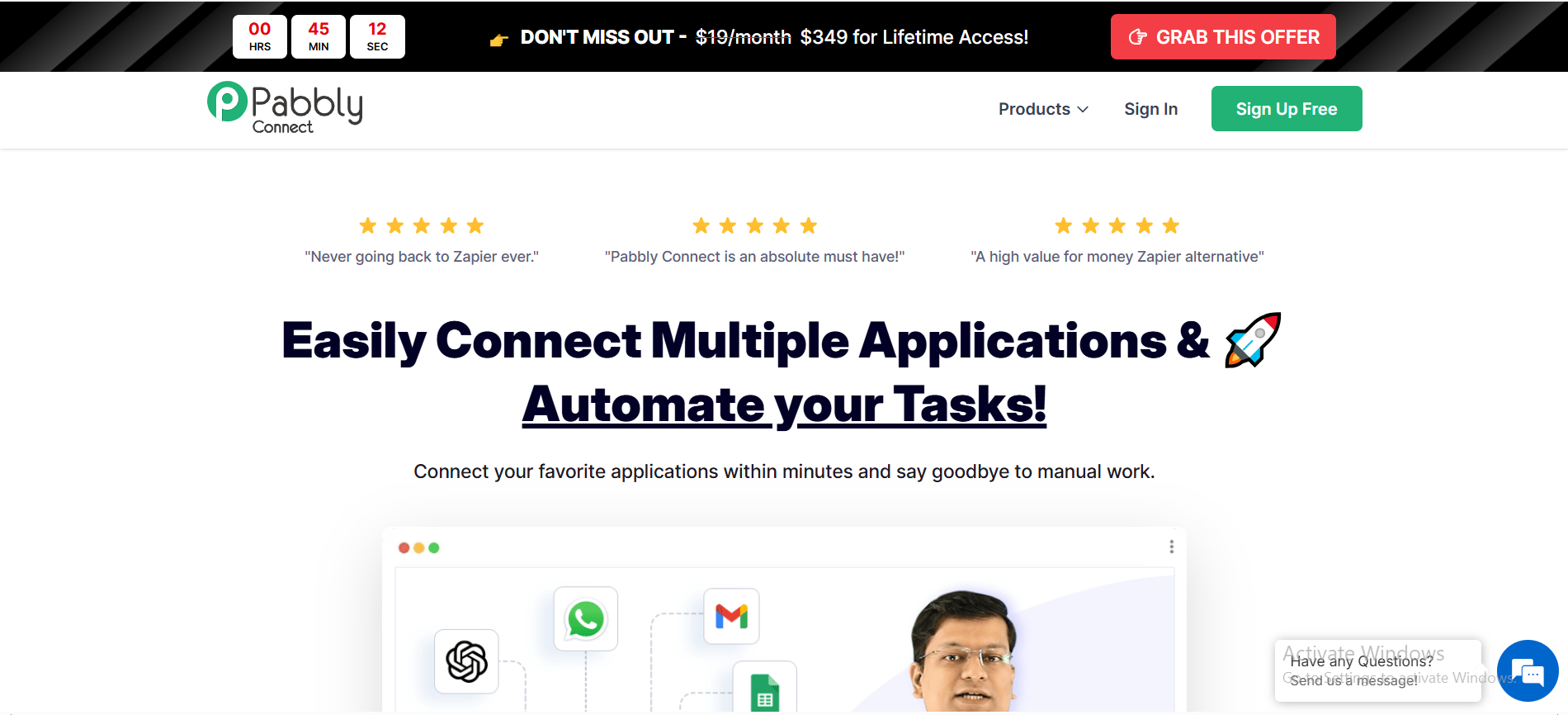
Pabbly Connect is the budget pick on this list. It does what Zapier does, costs significantly less, and charges a flat fee instead of per task. That last part matters a lot once your automations start running at any real volume.
Pros
- Flat-rate pricing, no per-task cost surprises
- Simple interface, easy for non-technical users
- Covers most common app-to-app connections
- Good value for small business budgets
- Handles multi-step workflows reasonably well
Cons
- Fewer integrations than Zapier or Make
- Limited advanced logic and conditional branching
- Not suited for large enterprise workflow needs
- Feature development is slower than that of competitors
Pricing
Free: $0 – 100 tasks/month (unlimited workflows & apps). Standard: $16/month – 10,000 tasks/month; Unlimited plan available (price not specified).
Comparison to Microsoft Power Automate
Power Automate wins on enterprise depth and Microsoft ecosystem integration. Pabbly Connect wins on cost clarity and simplicity. Organizations explore alternatives to Power Automate due to high pricing for businesses, and Pabbly Connect addresses that directly with pricing that makes sense from day one.
8. Workato
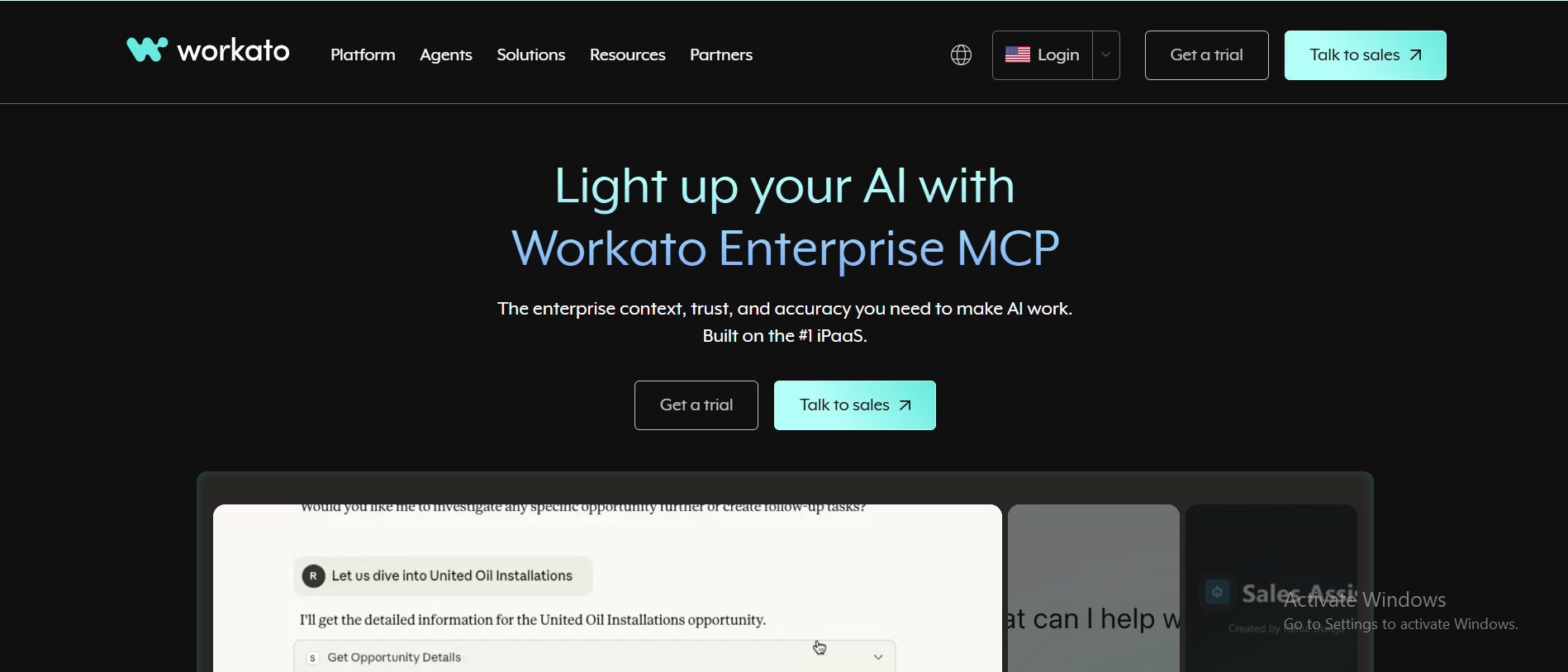
Workato is an enterprise-grade integration and automation platform that features AI-enhanced workflows and robust security.
This is the tool you reach for when your automations need to talk to SAP, Salesforce, Workday, and a dozen other enterprise systems at the same time, securely, and with governance controls built in. It is not for small teams or simple workflows. It is built for serious enterprise-level automation work.
Pros
- Deep enterprise-grade integrations across all major platforms
- Strong security and compliance, including SOC 2 and GDPR
- AI-enhanced workflows for smarter automation at scale
- Excellent for cross-department workflow orchestration
- Handles high-volume, complex automations reliably
Cons
- Not affordable for small teams or early-stage startups
- Overkill for simple or low-volume automation needs
- Requires real onboarding time to get full value from it
Pricing
Workato uses an enterprise pricing model, requiring users to request a custom quote based on their workspace and tasks. Enterprise-focused iPaaS with custom pricing (contact sales).
Comparison to Microsoft Power Automate
Both are enterprise-grade tools. The key difference is breadth. Workato is designed for large enterprises that need high-level security, governance, and complex cross-departmental orchestration, while Power Automate is strongest within the Microsoft ecosystem. Workato specializes in complex, secure automation across systems for enterprise-level needs, making it the stronger choice when your tech stack goes well beyond Microsoft.
9. Tray.io
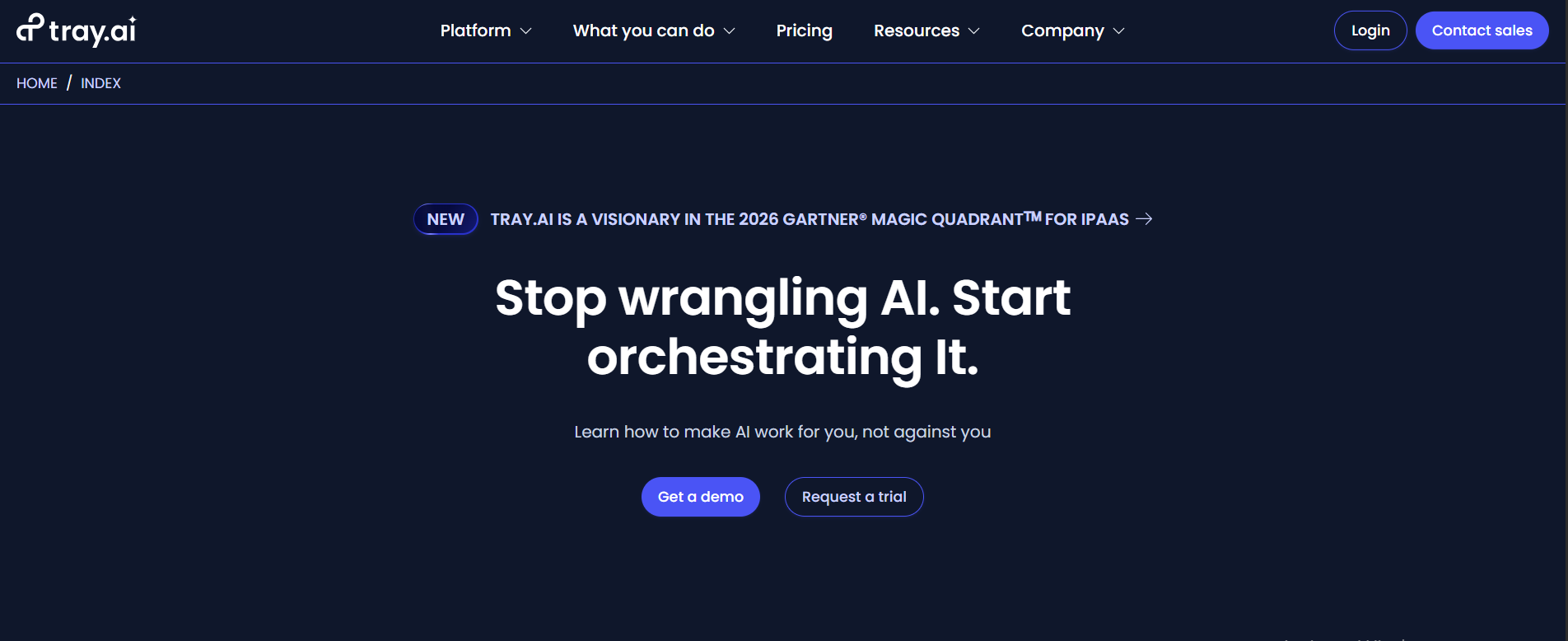
Tray.ai's iPaaS enables businesses to create and deploy AI agents that integrate with existing tools and applications.
Tray.io sits between developer tools like n8n and heavy enterprise platforms like Workato. It's designed to grow with your business, so the automation setup you build as a mid-sized company still holds up when you double in size.
Pros
- Scales cleanly as your team and workflow volume grow
- Supports AI agent deployment alongside traditional automation
- Flexible enough for both technical and semi-technical users
- Good API and integration management built in
- Solid reliability for high-volume workflows
Cons
- Pricing is too high for smaller teams or startups
- Learning curve is steeper than Zapier or Make
- Complex setups can take longer to get right
Pricing
Tray.io uses a custom pricing model based on usage and team size. It's positioned above mid-market and below full enterprise cost. You'll need to request a quote based on your actual needs, which is standard for this platform category.
Comparison to Microsoft Power Automate
Power Automate has a Microsoft-first advantage in terms of native integrations. Tray.io wins when your stack isn't Microsoft-centric, and you need automation that scales reliably as your business grows. For teams planning to expand well beyond their current size while using diverse tools, Tray.io is a more future-proof option.
10. Lark (Automation Tools)
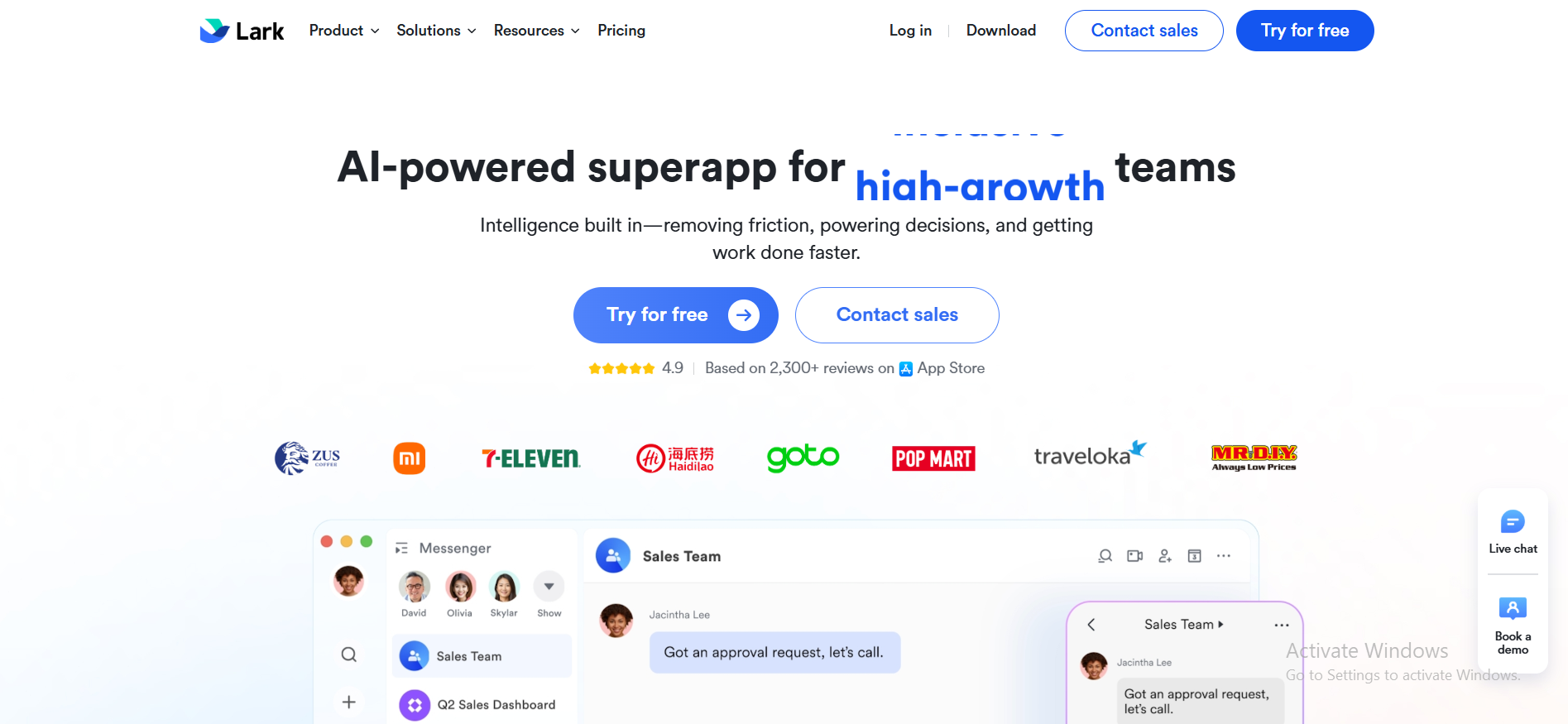
Lark is not a dedicated automation platform. It's an all-in-one collaboration tool that combines messaging, documents, tasks, and meetings, with built-in automation features. If your team already works inside Lark every day, its automation features mean you don't need a separate tool at all.
Pros
- Everything in one place: chat, docs, tasks, and automation
- Simple to set up basic workflow automations
- No extra tool subscription needed for basic use
- Works well for internal approval flows and notifications
- Free plan covers a surprising amount of ground
Cons
- Automation depth is limited compared to dedicated tools
- Not suitable for complex, multi-system automations
- Less control over logic and conditional branching
- The integration library is smaller than Zapier or Make
Pricing
Lark offers a generous free plan that covers most small-team needs. Paid tiers start at competitive prices and add more users, storage, and advanced features. For small teams, the free plan combined with built-in automation can replace both a collaboration tool and a basic automation subscription.
Comparison to Microsoft Power Automate
Power Automate is a specialist built purely for automation. Lark is a generalist built for collaboration, with built-in automation. If you need deep, complex automations across many external systems, Lark will quickly fall short. But if you want quick internal automations, like "when this task is marked done, notify the team leads," Lark handles it cleanly without any extra setup or cost.
What Is Microsoft Power Automate, and Why Are Teams Moving Away?
Microsoft Power Automate is a workflow automation tool built into the Microsoft 365 ecosystem. It connects apps, sets triggers, and runs automated sequences. Things like saving email attachments to OneDrive, or sending a Teams notification when a form is submitted.
For Microsoft-heavy teams, it genuinely works. But in 2026, teams expect more from their automation tools. They want:
- A setup that takes minutes, not days
- AI that understands what they're trying to do
- Tools that connect to Google, Slack, HubSpot, and other non-Microsoft apps
- Pricing that doesn't require a call with a Microsoft licensing specialist
Many users find Power Automate too complex and report a steep learning curve. That frustration, combined with the rise of genuinely smarter tools, is why so many teams are now looking elsewhere.
How Microsoft Power Automate Works
Power Automate runs on a trigger-action model. Here is how it works step by step:
- Trigger - Something happens, like a new email arriving in Outlook
- Condition - You optionally filter it, like "only if it's from a client."
- Action - Something happens in response, like saving the attachment to SharePoint and posting a message in Teams
Example in real life: A sales team sets up a flow where every new web form submission automatically adds the lead to a SharePoint list, assigns it to a rep in Teams, and logs it in an Excel sheet. No manual data entry needed.
That's genuinely useful. The problem is that getting from idea to a working flow takes real skill and a good chunk of time.
Key Limitations of Microsoft Power Automate
Complex Workflow Setup
Building even a medium-complexity workflow in Power Automate means choosing from hundreds of triggers, adding conditions, writing logic expressions, and debugging when something fails silently.
Example: Setting up an automated invoice approval requires configuring approval steps, writing timeout conditions, adding expressions for dynamic values, and connecting to SharePoint or Dataverse. A non-developer can easily spend a full day on a single flow like this.
Time-Consuming to Scale
As businesses grow, Power Automate gets harder to manage, not easier:
- Each new workflow is a separate thing to build and maintain
- Changes in one flow don't automatically update related flows
- Debugging at scale becomes its own full-time job
- Performance and scalability issues with Power Automate prompt users to look for other options once workflow volume increases significantly
Limited Flexibility for Non-Technical Users
Power Automate's limited cross-platform flexibility leads organizations to seek alternatives. The interface uses technical terminology throughout. Even "low-code" features often require understanding arrays, JSON expressions, and dynamic content. Most non-technical team members, such as marketers, support staff, or HR teams, cannot use it independently without IT support.
Heavy Dependence on Microsoft Ecosystem
Organizations often find Power Automate's integration with non-Microsoft applications to be limited. It works smoothly with SharePoint, Teams, Outlook, and Dynamics 365. Outside that world, connectors can be unreliable, premium connections cost extra per user, and some integrations require workarounds that eventually break without warning.
Why Teams Are Looking for Power Automate Alternatives in 2026
The shift is real, and it keeps growing. Research shows that 92% of executives now plan to implement AI-enabled automation in workflows, which shows how dramatically expectations have changed in just a few years.
Teams today are prioritizing:
- Tools they can start using the same day, without reading a manual
- AI that interprets tasks instead of just connecting apps
- Platforms that work across every tool they already use
- Transparent pricing that they can understand and predict
Many organizations seek alternatives to Power Automate due to its restrictive nature and complexity, and the market has responded with tools that are genuinely better in most of these areas.
AI vs Traditional Automation: What's Changing in 2026
Here is the core difference between old-school automation and what's available now:
| Dimension | Traditional Automation (like Power Automate) | AI-Driven Automation |
|---|---|---|
| How it works | You define every step in advance | AI interprets the goal and figures out the steps |
| Setup time | Hours to days | Minutes |
| Who can use it | Developers and trained users | Almost anyone |
| Handles unexpected situations | No, it breaks | Often, yes, it adapts |
| Example | "If email arrives, save attachment to folder." | "Handle all incoming customer inquiries and escalate if urgent." |
Traditional tools like Power Automate set rules. AI tools follow intent. That's a fundamental change in how automation works, and it's why AI-first platforms are gaining ground so quickly across every industry.
Users report that Power Automate can struggle with high-volume workloads, resulting in slower execution times as businesses scale up. AI-driven tools handle that kind of volume more gracefully because they're not dependent on rigid, predefined logic for every step.
Why Sintra AI Is the Best Alternative to Microsoft Power Automate
Most tools on this list still operate on the same core idea: you design a workflow, and the tool runs it. Sintra AI breaks that model entirely.
Instead of building workflows, you get a team of AI employees, each specialized in a different business function, that you can assign real work to. The output isn't a connected trigger. It's an actual task completed.
Here are real examples of what this looks like in practice:
- Marketing: Brief your AI helper on your product, and it drafts a full campaign including emails, social posts, and landing page copy in one session
- Support: Your AI support helper handles customer questions, categorizes tickets, and drafts replies based on your brand guidelines
- Operations: Your AI ops helper can research suppliers, summarize reports, or build outreach lists without you building a single workflow
This is the difference between automation and execution. And it's why Sintra AI sits at the top of this list.
From Workflow Automation to AI Execution
With Power Automate, you'd build a flow like this: "When a new lead fills out a form, add them to the CRM, send a welcome email, and notify the sales rep." You design every step manually before anything moves.
With Sintra AI, you say: "Handle our lead follow-up process. Add them to the CRM, send a personalized welcome, and loop in the right sales rep."
The AI helper figures out the rest. No trigger mapping. No action chaining. Just a result. That gap between "building the system" and "getting the result" is exactly what makes Sintra AI a different class of power automate alternative for everyday teams.
Role-Based AI Employees for Every Business Function
What makes Sintra AI work so well is that each helper is built for a specific role. This mirrors how real teams are structured:
- Marketing helpers for campaigns, content, and strategy
- Support helpers for customer inquiries and ticket management
- Copywriting helpers for product descriptions, ads, and emails
- Operations helpers for research, scheduling, and analysis
All of these work through AI integrations that connect to the tools your team already uses. You are not replacing your tech stack. You are putting AI to work on top of it, which means the transition is smoother than switching to an entirely new platform.
Shared Memory With Brain AI for Consistent Output
One of the biggest problems with automation is inconsistency. When different tools handle different tasks, the output often sounds like it came from five different people with five different ideas about your brand.
Sintra AI solves this with Brain AI, a shared-memory layer that spans all your helpers. It stores:
- Your brand voice and tone guidelines
- Business context, goals, and key facts
- Customer data and previous interactions
Every helper draws from this shared memory. So whether your marketing helper is writing an ad or your support helper is responding to a customer complaint, the output always sounds like it came from the same team.
Why AI-Driven Tools Like Sintra AI Are Replacing Traditional Automation
Traditional automation tools require too much from users before they get any value. You need to know what to automate, how to connect the apps, what triggers to set, and how to fix it when something breaks. Most people just want the work done.
Sintra AI gives teams exactly that. Instead of spending hours designing a workflow for a single process, they assign the task to an AI helper and get the result back quickly. Teams that used to spend half a day on manual work or complex automation setup are handling the same volume in a fraction of the time.
That shift from "build the system" to "get the result" is why AI-driven tools are replacing traditional automation for everyday business tasks. The other tools on this list are all strong in their own right, but none of them go as far as Sintra AI does in removing the setup burden entirely for non-technical teams.
Ready to Replace Manual Workflows With AI Execution?
If you have spent time wrestling with Power Automate, building flows that break, debugging logic that made sense last month, or just avoiding automation entirely because it feels too hard, there is a better way.
Sintra AI does not ask you to become an automation engineer. It gives you a team of AI employees who handle real work across real business functions, starting today. No flowcharts, no triggers, and no maintenance windows.
Get started with Sintra AI and see how fast things move when the work actually gets done for you.
Power Automate Alternatives FAQs
What is the best alternative to Microsoft Power Automate?
The best alternative depends on your use case. For AI-driven task execution with no workflow setup needed, Sintra AI is the top pick. For simple app connections without technical skills, Zapier is the most popular choice. Whereas Make (formerly Integromat) offers a visual workflow editor that lets users design highly customized automation scenarios with conditional logic.
For enterprise-level needs, Workato is the most capable. Effective alternatives to Power Automate include Zapier, Make, n8n, Workato, and Tray.io, depending on your team's size and needs.
Are there free Power Automate alternatives available?
Yes, several tools come with solid free plans, and many automation platforms offer a free tier or trial so you can test them before committing. n8n is free to self-host with full features. Make has a free plan that caps how many runs you get each month. Activepieces is fully open-source and free to self-host. And Lark has a generous free tier that covers collaboration plus basic automation.
What is the Google equivalent of Power Automate?
Google does not have a direct equivalent. Google AppSheet and Google Cloud Workflows cover some of the same territory, but neither matches Power Automate's breadth. For teams using Google Workspace, Zapier, or Make, these are generally better choices because they integrate deeply with Google tools and connect to thousands of other platforms.
Are AI tools better than traditional automation platforms?
For most everyday business tasks in 2026, yes. Traditional tools like Power Automate are powerful but require technical setup and someone who knows how to build the logic behind every workflow.
AI tools remove that barrier. You describe what you need in plain language, and the tool figures out how to do it. No flowcharts, no conditional logic, no developer required.
That said, traditional automation still wins for highly complex, large-scale enterprise systems. For small to mid-sized teams who just want things done faster, AI tools are the more practical choice right now.
How do we choose the right automation tool for our business?
Start with three honest questions. First, who will use it? Non-technical users need a simpler interface, while developers can handle more powerful tools. Second, what do you need it to do? Task execution, app connections, and enterprise orchestration each point to a different category of tool. Third, what's your budget? Free tiers exist, but costs scale, so pick a tool whose pricing makes sense for how you'll actually use it over the next 12 months. Once you've answered those, narrow it down to two or three options and run the free trial on your top pick. Most of these tools are up and running in under an hour.
Related articles