Martin AI Alternatives: We Tested the Best 6 AI Assistants

Table of Contents

Quick Answer: What Are the Best Martin Alternatives in 2026?
The best Martin alternatives in 2026 focus on personal assistance, task automation, and daily productivity. Here are the top picks:
- Sintra AI: Best for moving beyond personal assistance into execution
- Lindy AI: Best all-around personal AI assistant for emails and tasks
- Motion AI: Best for daily planning and automated scheduling
Do you know 80% of companies are already using AI tools, yet over 60% report no meaningful results. Productivity tools like Martin AI are the most popular ones for small, one-off tasks, but what happens when your workflow demands real execution? That is why individuals and small businesses start looking for Martin alternatives.
Tools like Martin AI help with quick tasks, but they rarely scale into workflow, automation, or consistent output.
We have created this guide to fix that. We tested the best Martin alternatives based on real use, focusing on what actually improves daily productivity, reduces manual effort, and helps you move from simple assistant to getting real work done.
Check out the comparison table below for a quick review of all the right Martin alternatives:
Best Martin Alternatives in 2026 (Ranked and Tested)
We have curated this list keeping in mind how people use Martin AI in real life. That means looking at AI assistants that can handle scheduling, communication, reminders, and daily coordination.
Martin itself works across channels like SMS, email, and calendar integrations to manage tasks and communication in one place, so any real alternative needs to operate at that same level of usefulness.
Each tool in this list was evaluated based on how well it handles personal workflows, how much manual effort it removes, and how effectively it fits into everyday routines. Some tools specialize in planning or communication, while others expand beyond assistance into execution.
Let's dive straight in:
1. Sintra AI
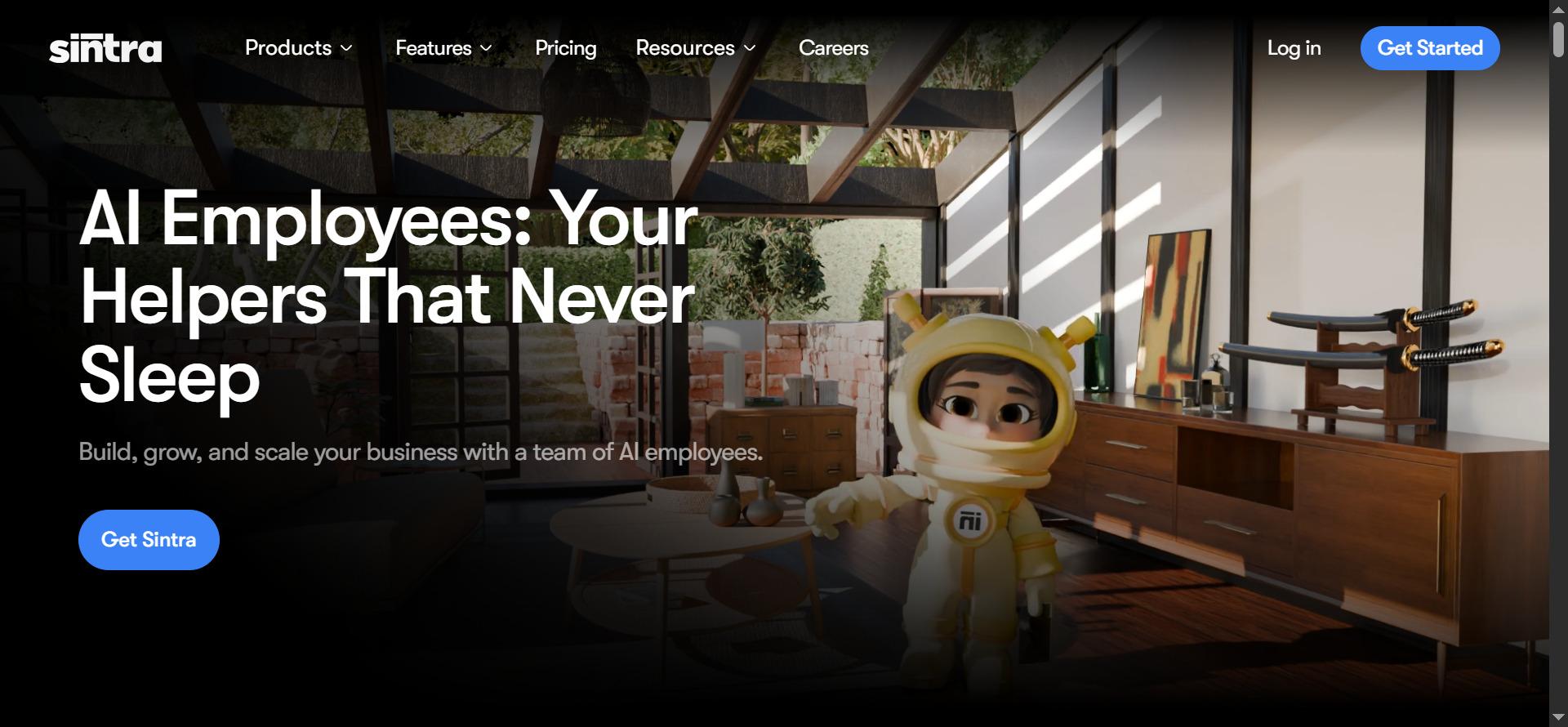
Sintra AI stands out as a Martin alternative by taking a different approach to how AI fits into daily workflows. While Martin AI is designed to help individuals manage tasks like messages, reminders, and scheduling, Sintra shifts the focus towards execution.
It is built for people who are no longer just trying to stay organized but need help actually getting work done. Instead of acting like a single assistant that responds to prompts, Sintra operates more like an AI team. It distributes work across specialized AI helpers, allowing tasks to move forward without constant manual input.
Let's take a look at some of the features Sintra AI has to offer:
Key Features
- AI helpers: Role-based assistants designed for specific tasks instead of one generic chatbot
- Brain AI: Stores context, tone, and past work so you don’t repeat instructions
- Workflow execution: Turns tasks into structured processes that move toward completion
- Integrations: Connects with external tools to reduce switching between apps
- Context awareness: Improves output quality by learning from previous interactions
Pricing
- $39/month: Access to a single AI helper (individual use)
- $97/month: Full access with all helpers and Brain AI
- Scales based on usage and number of helpers
Best Use Cases
Sintra AI is best for individuals who are starting to outgrow simple assistants like Martin AI. If you're managing multiple responsibilities like content, communication, or personal projects, it helps you move from organizing tasks to actually completing them. For example, instead of just reminding you about sending an email, Sintra will create the content, send it for you, and keep tabs on a follow-up as well.
How It Compares to Martin AI?
Martin AI focuses on personal assistance like scheduling, messaging, and reminders. Sintra AI goes further by turning those tasks into structured workflows handled by specialized AI helpers. This makes it a great choice for individuals and small teams as well, while Martin is primarily for personal use.
2. Lindy AI
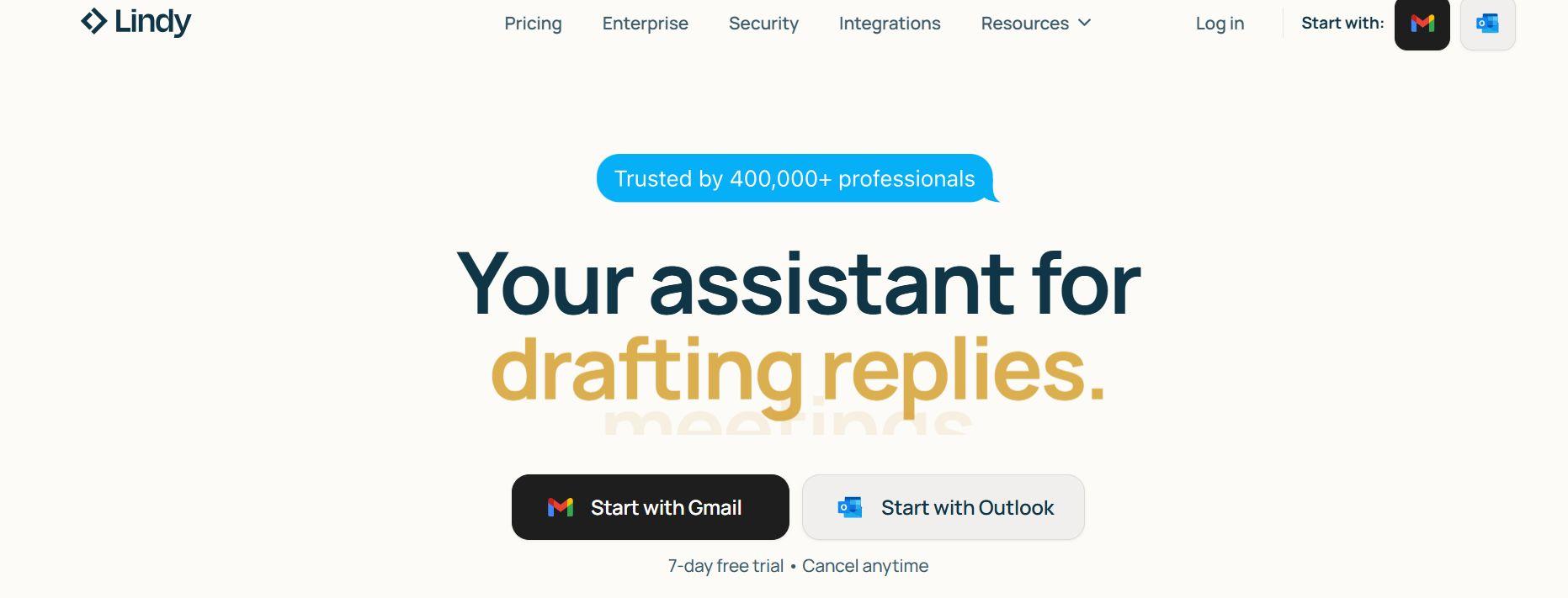
Lindy AI is one of the closest matches to Martin AI in terms of how it functions in everyday use. It is built as a personal AI assistant that can handle communication, scheduling, and repetitive admin work without constant input.
Instead of just responding to prompts, Lindy is designed to take action across your tools, which makes it feel more like a digital assistant than a chatbot. It connects with your existing tools and helps manage ongoing tasks like follow-ups, scheduling, and inbox organization.
Key Features
- Email automation: Drafts replies, manages inboxes, and handles follow-ups automatically
- Meeting scheduling: Coordinates meetings, sends invites, and manages calendar events
- Cross-platform actions: Works across tools like Gmail, Calendar, and messaging apps
- AI agents (“Lindies”): Custom assistants that handle specific repetitive tasks
- Learning behavior: Adapts to your writing style and preferences over time
Pricing
- Free plan: ~400 credits for light usage
- Plus plan: $49.99/month (basic assistant usage, limited scale)
- Pro plan: $99.99/month (higher usage, more automation capacity)
- Max plan: $199.99/month (advanced usage and multi-account support)
Best Use Cases
Lindy AI is ideal for individuals and small teams that deal with a high volume of emails, meetings, and follow-ups. It works especially well for freelancers, founders, or busy professionals who want to reduce time spent on repetitive communication. For example, Lindy can automatically draft replies, schedule meetings, and follow up with contacts, helping you stay on top of your day without constant manual effort.
How It Compares to Martin AI?
Lindy AI is very similar to Martin AI in that both focus on handling communication, scheduling, and daily coordination. However, Lindy leans more towards automation and action across apps, while Martin focuses more on conversational assistance. This makes Lindy a stronger option for users who want tasks to be handled automatically rather than just managed.
3. Motion AI
Motion AI manages your entire day by scheduling your tasks based on priorities, deadlines, and availability. Unlike Martin AI, which helps you handle tasks and communication, Motion takes a more structured approach by adapting to changes in the schedule on the go.
It works less like a conversational assistant and more like an intelligent planner that actively reorganizes your day as things change. This makes it especially useful for individuals who feel overwhelmed by juggling tasks, meetings, and deadlines, and want a system that decides what to work on and when.
Key Features
- AI auto-scheduling: Automatically places tasks into your calendar based on deadlines and priority
- Dynamic rescheduling: Adjusts your entire day when plans change or tasks are delayed
- Task prioritization: Decides what to work on next without manual planning
- Calendar integration: Syncs with tools like Google Calendar and Outlook
- Focus time blocking: Protects deep work time by minimizing interruptions
Pricing
- $19/month (Pro AI, annual billing): Core AI scheduling and task planning
- $29/month (Business AI): Advanced features and higher usage limits
- Free trial available (no permanent free plan)
Best Use Cases
Motion AI is best for freelancers, students, and professionals managing multiple deadlines. It manually decides which task takes priority and which can wait. It builds your schedule around your deadlines and adjusts it in real time if any changes happen.
How It Compares to Martin AI
Martin AI lacks the adjustments that Motion AI provides inside the schedule. Instead of you stating priority, Motion AI decides automatically which tasks take precedence and allots the time accordingly. Martin, however, focuses more on reminders, communication, and general task assistance.
4. Reclaim AI
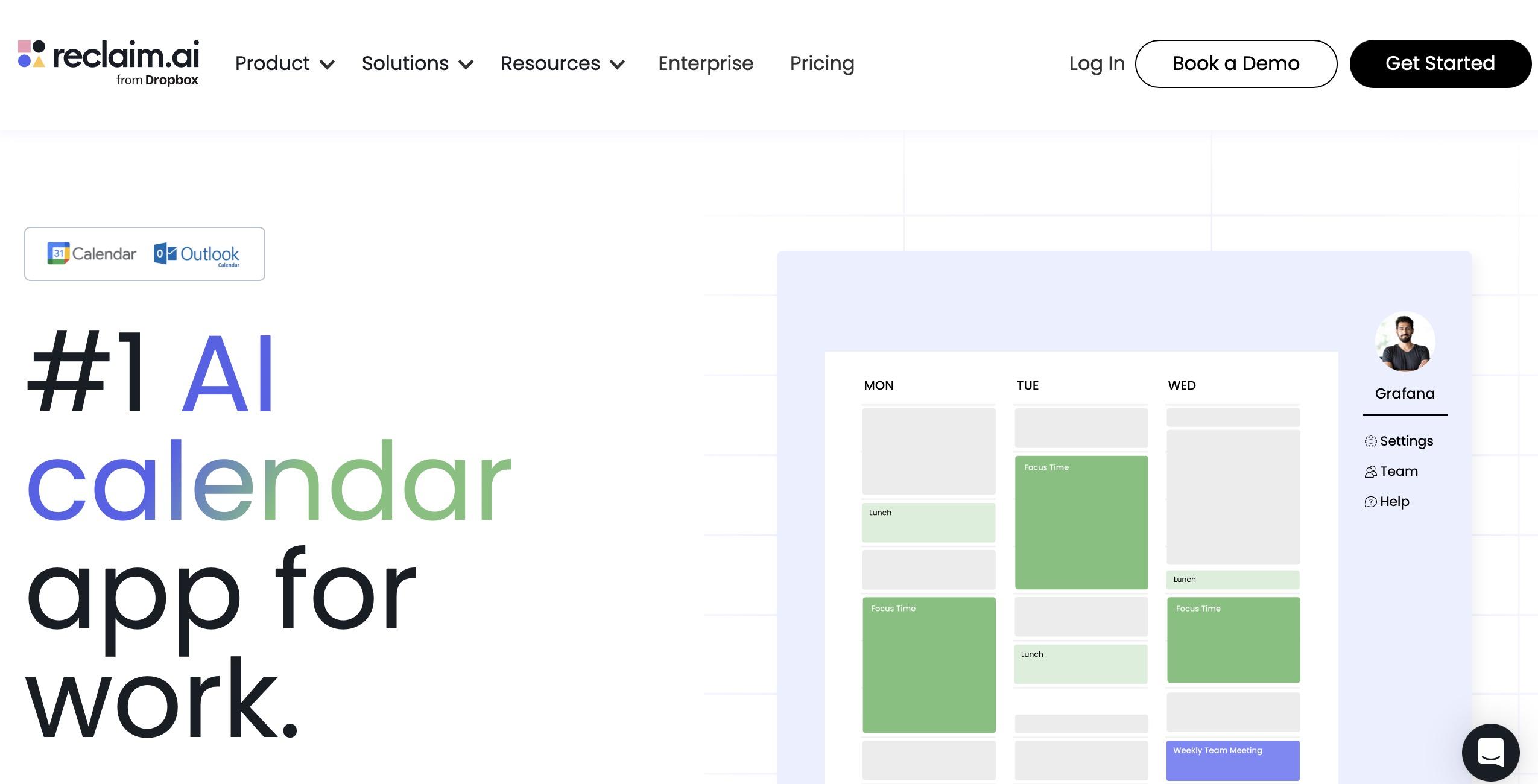
Reclaim AI behaves like an intelligent layer on top of your calendar. It continuously adjusts your schedule by fitting in tasks, habits, and meetings. You don't have to manually plan everything; Reclaim works quietly in the background to organize your schedule, making sure your priorities actually get allocated.
This makes it especially useful for individuals who feel like their calendar is full, but their important work still doesn't get done. Also, Reclaim AI's free plan is sufficient for individuals, while paid tiers unlock deeper automation and flexibility.
Key Features
- Auto time blocking: Automatically schedules tasks into your calendar based on priority and deadlines
- Habit scheduling: Builds recurring routines like workouts or study time that adjust dynamically
- Smart meetings: Find optimal meeting times and reschedule when conflicts arise
- Focus time protection: Reserves uninterrupted blocks for deep work
- Calendar sync: Works with Google Calendar and Outlook without replacing them
Pricing
- Free plan: Basic features with limited scheduling range and integrations
- Starter plan: $12/month with extended scheduling and more features
- Business plan: $15/month with advanced scheduling and unlimited features
- Enterprise plan: $22/month for higher usage and support
Best Use Cases
Reclaim AI is ideal for individuals who struggle to balance tasks, meetings, and personal routines. It understands which of your tasks needs your attention the most and blocks the time for it. For example, you will not have distractions during a meeting with an important client. It also knows when to schedule your workout so you can easily slip away from work.
How It Compares to Martin AI
Reclaim AI can also be used by small teams for managing everyday routines and workflows. It allows users to plan and execute their workflows without much interference. Martin focuses more on communication and verbal assistance instead of proper execution.
5. Microsoft Copilot

Microsoft Copilot, also known as Gemini, is a widely known AI assistant that can be embedded directly into your tools like Outlook, Word, Excel, and even Windows. That means it knows about your tasks and priorities more than any external tool. This makes it less about replacing your workflow and more about enhancing it where you already work.
For individuals, Copilot acts as a general-purpose assistant that can help with writing, summarizing, email management, and basic productivity tasks. However, its real strength comes from its deep integration into Microsoft’s ecosystem, which allows it to pull context from documents, emails, and meetings to generate more relevant outputs.
Key Features
- In-app assistance: Works inside Word, Excel, Outlook, Teams, and Windows
- Email and writing support: Drafts emails, rewrites text, and summarizes communication
- Document analysis: Extracts insights from files, spreadsheets, and reports
- Meeting support: Summarizes calls and highlights key action points
- Context awareness: Uses Microsoft ecosystem data for more personalized outputs
Pricing
- Copilot Pro (individual): $20/month for personal use with priority access and GPT-4-class capabilities
- Microsoft 365 Copilot (business add-on): ~$30/user/month for full integration across Office apps
- Free Copilot chat experience available with limited features in select environments
Best Use Cases
Microsoft Copilot is best suited for individuals who already live inside the Microsoft ecosystem. It helps streamline everyday work like writing emails, summarizing documents, and managing information across apps. For example, it can turn meeting notes into summaries, draft reports in Word, or analyze Excel data without manual effort, making it a strong productivity layer.
How It Compares to Martin AI?
Martin AI acts as a standalone personal assistant that actively manages tasks like scheduling, reminders, and communication. Microsoft Copilot integrates with your existing tools and uses your data to personalize the perfect calendar for you. Instead of managing your day directly like Martin, Copilot improves how you work within Microsoft apps.
6. Pi.ai
Pi.ai is the most different tool in this list because it is not focused on task management or productivity execution. Instead, it is designed as a conversational personal AI companion. It focuses on natural conversation, emotional support, and idea exploration.
Pi is more like your supportive thinking partner, rather than a management app. Users interact with it to talk through decisions, brainstorm ideas, or simply have open-ended conversations. This makes it useful for individuals who want empathetic guidance or reflection rather than structured task execution.
Key Features
- Conversational AI: Designed for natural, human-like dialogue focused on support and discussion
- Emotional intelligence: Responds in a calm, empathetic tone to user input
- Voice interaction: Supports spoken conversations for a more natural experience
- Idea exploration: Helps users brainstorm, reflect, and think through decisions
- Multi-platform access: Available on web and mobile apps with a continuous conversation experience
Pricing
- Free access: Core conversational AI experience is available at no cost
- No standard paid subscription publicly positioned for core usage in most regions (primarily a freemium model)
Best Use Cases
Pi.ai is best suited for individuals who want a conversational AI rather than a productivity assistant. It works well for brainstorming ideas, talking through decisions, or getting a second perspective on personal or creative problems. For example, users often rely on it to think out loud, explore options, or get emotional clarity rather than manage tasks or schedules.
How It Compares to Martin AI?
Pi.ai and Martin AI are similar in terms of how they interact; both use conversational tone and a chatbot-like interface to talk to their users. Pi has a more empathetic approach when giving replies, while Martin can be as professional and straightforward as you like. You can use Pi to make decisions about something and then use Martin to work on it.
How We Evaluated These Martin Alternatives
To compare the best Martin alternatives, we focused on how each tool performs in real personal workflows, not just feature lists or marketing claims. Since Martin AI is built around managing everyday tasks like scheduling, communication, and reminders, the evaluation centered on how efficiently each tool reduces manual effort in similar situations.
We also tested each tool as an individual user would actually experience it day to day, especially in scenarios like handling messages, organizing time, and managing simple workflows. Here's how we evaluated our list:
- Usability: How easy the tool is to use in daily personal workflows without setup friction
- Automation: How much work the tool can handle independently without constant prompts
- Integrations: How well it connects with everyday tools like email, calendars, and apps
- Scalability: How effectively it continues to work as tasks and responsibilities increase
- Real-world usefulness: Whether it genuinely replaces manual effort or just adds another step
Tools that actively reduce decision-making and handle execution performed better in this comparison of Martin's alternatives.
Why Teams Are Looking for Martin AI Alternatives?
People are searching for Martin alternatives because the way people work has changed faster than most personal AI assistants can keep up with. While Martin AI is useful for handling individual tasks like reminders, scheduling, and basic communication, it starts to feel limited when work becomes more complex, collaborative, and execution-heavy.
Modern individuals and teams are no longer managing tasks; they are running workflows. Hence, they need an AI assistant that can handle their daily tasks without creating a huge pile.
Let's take a look at some of the gaps that Martin creates:
Limited Workflow and Automation Capabilities
The core reason why people shift from Martin is that prompt-based assistants stop being enough once work becomes multi-step. It can help with individual tasks, but it struggles when work needs to move through connected stages rather than isolated actions.
A business setting is rarely one-step. It requires a variety of departments, all demanding different workflows. A marketing campaign, for example, involves planning, content creation, approvals, publishing, and performance tracking. Customer support involves intake, response handling, escalation, and follow-ups.
When tools only handle single prompts, teams end up stitching everything together manually, which slows execution and increases errors.
Lack of Role-Based Functionality for Teams
Most AI assistants like Martin are designed for one system that handles everything through general prompts. That works for personal tasks, but it starts to break down when multiple functions need to run in parallel.
In a real business environment, work is divided across roles like marketing, sales, and support, each with different needs and workflows. A single assistant like Martin might be enough for individual use, but when a whole business depends on AI tools, you need something more flexible.
Difficulty Scaling Across Business Functions
As small teams grow into bigger ones and their businesses finally scale up, tools like Martin AI become an issue. They are not built to scale across multiple functions. They work well for individual productivity, but start falling short when different departments need to rely on the same system.
A business needs to stay aligned in terms of structure and context. Without it, work becomes inconsistent and fragmented. A tool that handles tasks at an individual level cannot easily coordinate across functions, which leads to repeated instructions, misalignment, and slower execution.
Lack of Shared Memory and Context
Martin is a good productivity tool, but it does not retain memory and context while it organizes your day. You and your team need a tool that remembers who you are and what your business is about. You should not have to repeat instructions and preferences every day while guiding the output.
For teams and even individuals managing ongoing work, consistency matters. Whether it’s maintaining a brand voice, following a process, or keeping track of past decisions, shared memory becomes essential.
Too Much Manual Work and Prompting
One of the biggest reasons users start exploring Martin alternatives is the amount of manual effort required to get consistent results. They rely heavily on prompting, which means users often spend time refining instructions, rephrasing inputs, and guiding outputs step by step.
This constant back-and-forth reduces efficiency, especially when tasks need to be repeated or scaled. Instead of saving time, users can end up managing the tool itself.
Need for All-in-One Platforms Instead of Multiple Tools
Another reason teams look for a Martin alternative is the growing overload of tools. While assistants like Martin AI can help with specific tasks, they often sit alongside several other platforms for content, communication, planning, and execution. This creates a fragmented workflow where users constantly switch between apps to get work done.
Teams now prefer all-in-one platforms that bring content creation, automation, and operations into a single system. Instead of managing multiple tools, they can run entire workflows in one place, which improves efficiency and keeps everything consistent.
How to Choose the Best Martin Alternative for Your Business?
Choosing the right tools for your workflow comes down to your business goals and needs. Not all Martin alternatives serve the same purpose. Some focus on scheduling and time management, others handle communication, while a few are built to execute full workflows. The right choice depends on whether you are trying to stay organized, automate repetitive tasks, or move toward structured execution.
Individuals with simple needs may benefit from lightweight assistants, but as responsibilities grow, tools that support automation, workflows, and AI integrations become more valuable.
Let's take a deeper look at how you can choose the right AI tools for yourself and your teams:
Understand Your Primary Use Case First
You need to be clear about what you actually want the tool to do. Some tools are better for scheduling and daily planning, while others focus on communication, automation, or execution.
For example, if you need help managing your calendar, your choice will differ from someone automating emails or handling support queries. Defining your primary use case first makes it much easier to pick the right tool without overcomplicating your workflow.
Decide Between an AI Assistant vs an AI Team
You need to decide whether you need a single AI assistant or an entire AI team. Assistants are good for responding to prompts, writing, or helping with basic tasks, but they still rely on you to drive the work. Execution-focused platforms like Sintra AI go further by distributing work across specialized roles that handle different parts of a workflow.
If your needs are growing beyond simple assistance, scalability and execution become the deciding factors.
Evaluate Workflow and Automation Capabilities
Workflows are what separate basic assistants from real productivity systems. Some tools only generate outputs when prompted, while others can actually run multi-step processes from start to finish.
For example, a campaign workflow may include planning, content creation, approval, and publishing, all handled in sequence. The more a tool can automate these connected steps, the less manual coordination you need.
Consider Integrations With Your Existing Stack
AI Integrations can make or break your workflow. A tool is only useful if it fits into what you already use, like Gmail, calendars, CRMs, or note-taking apps. Without that, you end up manually transferring information between platforms, which slows everything down.
An AI that connects with your email and calendar is far more practical than one that works in isolation. The best choice is always the one that adapts to your existing stack, not replaces it entirely.
Match the Tool to Your Team Size and Growth Stage
A solo user might only need basic assistance for scheduling or communication, while startups often require tools that support light collaboration and shared workflows. As teams grow, scalability becomes more important, especially when multiple people need access to the same processes and outputs.
Larger teams also need better coordination features to avoid duplicated work and rising costs. The right tool is the one that can grow with your workload instead of limiting it.
Balance Ease of Use With Depth of Features
Simple tools are easy to start with and work well for basic tasks like reminders or quick assistance, but they often lack depth when workflows become more demanding.
On the other hand, more advanced platforms offer automation, structure, and execution, but may take a bit more time to set up and understand. The right choice depends on whether you prioritize speed and simplicity or long-term functionality and control.
Look for Long-Term Value, Not Just Short-Term Output
It’s easy to focus on what a tool can do right away, like writing a response or completing a single task. The real difference shows up over time, when short-term output starts to feel repetitive and disconnected from actual workflows. Tools that only respond to prompts often don’t improve how you work in the long run.
Your focus should be on long-term value that comes from systems that build memory, support structured workflows, and adapt as your needs grow. These tools reduce repetition, improve consistency, and help teams or individuals work more efficiently over time.
Why Sintra AI Stands Out Among Martin Alternatives?
Sintra AI stands out because it is built for execution, not just assistance. While most tools focus on helping users manage tasks, respond to prompts, or stay organized, Sintra is designed to actually move work forward through structured workflows and specialized AI helpers.
For people comparing Martin alternatives, this becomes the key point: do they want a tool that helps them manage work, or one that helps them complete it?
Built as an AI Team, Not Just an Assistant
Instead of relying on one chatbot to handle every type of request, it uses specialized AI helpers for different functions like marketing, sales, and support. This mirrors how real teams operate, where responsibilities are divided instead of handled by one general system.
Instead of increasing headcount, you get an entire team under one platform. Each helper is highly specialized in their department, and they work together to come up with an organized, synchronized workflow.
Execution-Focused, Not Just Output-Based
Sintra AI is built to support full executions. It doesn't stop at one result; it helps you work through complete workflows that actually lead to outcomes. This shift is what makes it more useful for real operational work.
For example, instead of just drafting a marketing idea, it can support the full campaign process from planning to execution. The same applies to customer support or task coordination, where multiple steps need to be handled in sequence.
Shared Memory With Brain AI for Consistency
Sintra AI especially stands out among the rest of Martin's alternatives because of its shared Brain AI feature. It keeps context consistent across all interactions. Instead of treating each request as separate, it remembers brand voice, preferences, and past work, so outputs stay aligned over time. This reduces repetition and removes the need to constantly re-explain instructions.
Designed for Real Business Workflows
Sintra AI is designed around structured business workflows that can be repeated and scaled. It supports consistent processes across areas like marketing, sales, and operations, where work needs to follow clear steps instead of isolated outputs. This makes it more suitable for ongoing execution rather than occasional task help.
Replaces Multiple Tools With One Platform
Sintra AI reduces the need to juggle multiple apps by combining different workflows into one system, making it a strong fit for an AI team setup. Instead of using separate tools for writing, planning, and support, users can manage these functions within a single platform. This helps remove the constant switching between tools that slows down execution.
Scales With Your Team as You Grow
A strong Martin alternative should work just as well for a solo user as it does for a growing team, and that’s where Sintra AI stands out. It adapts to different stages of growth, whether you’re handling everything yourself or coordinating across multiple people and functions. This flexibility makes it useful both at the early stage and as operations become more complex.
Better Fit for Teams Than Traditional AI Assistants
Most Martin alternatives still follow the traditional assistant model, where the focus is on helping individuals complete small tasks like reminders, messages, or simple planning. Sintra AI is a better fit for these situations because it moves beyond assistance into execution across functions. Instead of just helping users manage tasks, it supports structured workflows that can run across marketing, sales, and operations in a connected way.
Build a Full AI Team Instead of a Single Assistant
You might be working well with a personal AI assistant like Martin, but sooner or later, you are going to need a tool that can be used beyond productivity. Instead of relying on one tool to handle everything, you should be looking for structured setups where specialized AI roles handle different functions.
An AI team also scales better as work becomes more complex. With dedicated helpers, each part of the workflow can be handled in a focused way, improving accuracy and execution.
Ready to Replace Martin AI With a Smarter Solution?
If you’re exploring Martin alternatives, the real question is whether you want to keep managing tasks the old way or move toward a system built for execution. Tools like Martin AI work well for basic assistance, but they quickly reach their limits when workflows, coordination, and scale become important.
Sintra AI takes an entirely different approach by bringing structure, automation, and execution together in one place through an AI team setup. This is your sign to invest in an AI team instead of keeping a single AI assistant that is good for personal use only.
Choose Sintra AI and watch how your productivity skyrockets in daily and business life.
Martin Alternatives FAQs
What is Martin AI and how does it work?
Martin AI is a personal assistant that helps users manage tasks like scheduling, reminders, and communication across apps. It works by responding to prompts and handling basic daily coordination.
Why are people searching for Martin alternatives?
People look for Martin alternatives because they often need more than simple task assistance. As workflows grow, users want automation, execution, and better scalability than traditional assistants offer.
What is the best alternative to Martin AI?
The best Martin alternative depends on your needs, but tools like Sintra AI stand out for execution-focused workflows, while others focus on scheduling or communication support.
Is Sintra AI better than traditional AI assistants?
Yes, for users who need more than basic assistance. Sintra AI focuses on execution through structured workflows and an AI team, rather than just responding to prompts like traditional assistants.
Can AI assistants replace business teams?
AI assistants cannot fully replace business teams, but they can reduce workload significantly. Tools with structured workflows and automation can handle repetitive tasks, allowing teams to focus on higher-level work.
Related articles