



Top AI virtual assistant examples

Table of Contents

Quick Answer
AI virtual assistants are software-based helpers that use natural language understanding and automation to handle tasks like scheduling, drafting content, or supporting customers. They turn text or voice requests into actions by connecting to calendars, email, business apps, or smart devices.
Most modern assistants rely on NLP to interpret user intent. They use machine learning to improve over time and automation to trigger actions across connected tools. This allows them to support everything from personal reminders to enterprise workflows at scale.
In this guide, we’ll walk you through virtual assistant AI examples across four main groups:
- Consumer assistants on phones and smart speakers
- Productivity-focused tools for writing and scheduling
- Business assistants that act more like full “AI employees.”
Together, they show how modern assistants work in real life, not just in demos.
AI assistants are now part of everyday tools like phones, email, browsers, and work apps. They help with scheduling, writing emails, research, and other routine tasks that usually take up valuable time. Their reach has extended well beyond the office too - over 70% of all ChatGPT consumer messages are now non-work-related, covering health, relationships, planning, and entertainment, up from 47% at launch. Looking at real virtual assistant AI examples makes it easier to see how these tools fit into daily life without replacing the human touch.
Under the hood, most AI virtual assistants are powered by conversational AI technology, combining natural language processing (NLP) and machine learning. This is how they can understand user requests and respond in a more human-like way. Over time, many assistants learn from interactions and improve their responses, accuracy, and efficiency through continued use.
This article walks through real-world AI helpers across personal, business, and productivity categories. You’ll see what each one actually does, where it fits best, and how people use it day to day.
We’ll compare different assistant types, from chat-based helpers to calendar optimizers and multi-agent AI employees. These tools are increasingly used to automate repetitive tasks, provide 24/7 support, and handle high-volume requests.
Shortlist
Here’s a quick scan of the main assistants covered in this guide, grouped loosely by focus area:
- Sintra AI: Multi-agent business assistant for marketing, support, ops
- ChatGPT: Conversational helper for planning, content, and research
- Gemini: Multimodal Google ecosystem assistant for search and drafting
- Grok: Chat-based bot with real-time, social-platform-aware responses
- Siri: Voice assistant built into Apple devices and services
- Alexa: Smart-speaker assistant for home control and voice commands
- Socratic: Study helper for students with step-by-step explanations
- Jasper: Writing assistant for content and marketing workflows
- Clockwise: Calendar optimizer for focus time and meeting load
- Lindy: Workflow assistant for tasks, communication, and coordination
- GitHub Copilot: Code-completion and coding helper inside IDEs
- IBM Watson Assistant: IBM Watson provides businesses with access to powerful generative AI models for tasks like content creation and automation.
- Microsoft Copilot Studio: Builder for customized assistants in the Microsoft ecosystem
- Youper: Mental health companion for guided check-ins and support
- Florence: Health-focused assistant for reminders and symptom tracking
- Adobe Firefly: Creative assistant for generating images and design assets
- Bixby: Samsung ecosystem assistant for device and app control
Well-known virtual assistant applications such as Amazon Alexa, Apple Siri, Google Assistant, and Bixby focus primarily on consumer use cases. This includes smart-home control, quick information access, and personal productivity through device synchronization.
Best AI Virtual Assistant Examples
Each assistant was chosen based on four things:
- Why use a virtual assistant
- How deep the automation goes
- How clearly the use case is defined
- How relevant it is for both individuals and teams.
Across these examples, AI virtual assistants automate routine work and provide 24/7 availability. They also handle large volumes of requests, reducing the workload on human staff.
You’ll see chat-based helpers, consumer assistants, productivity tools, developer copilots, and niche bots so you can compare options before adding one to your stack.
Chatbot Examples
Chatbot-style assistants focus on fast, conversational replies inside a chat window. They answer questions, guide users through simple flows, and trigger actions such as updating a ticket or sending a link. These virtual assistant chatbot examples usually live on websites, in apps, or inside messaging tools.
They differ from task-focused personal assistants that manage your calendar, inbox, or files across many apps. Chatbots are usually front-line support or information layers. Personal assistants behave more like an ongoing helper that follows you across tools, projects, and devices.
1. Sintra AI
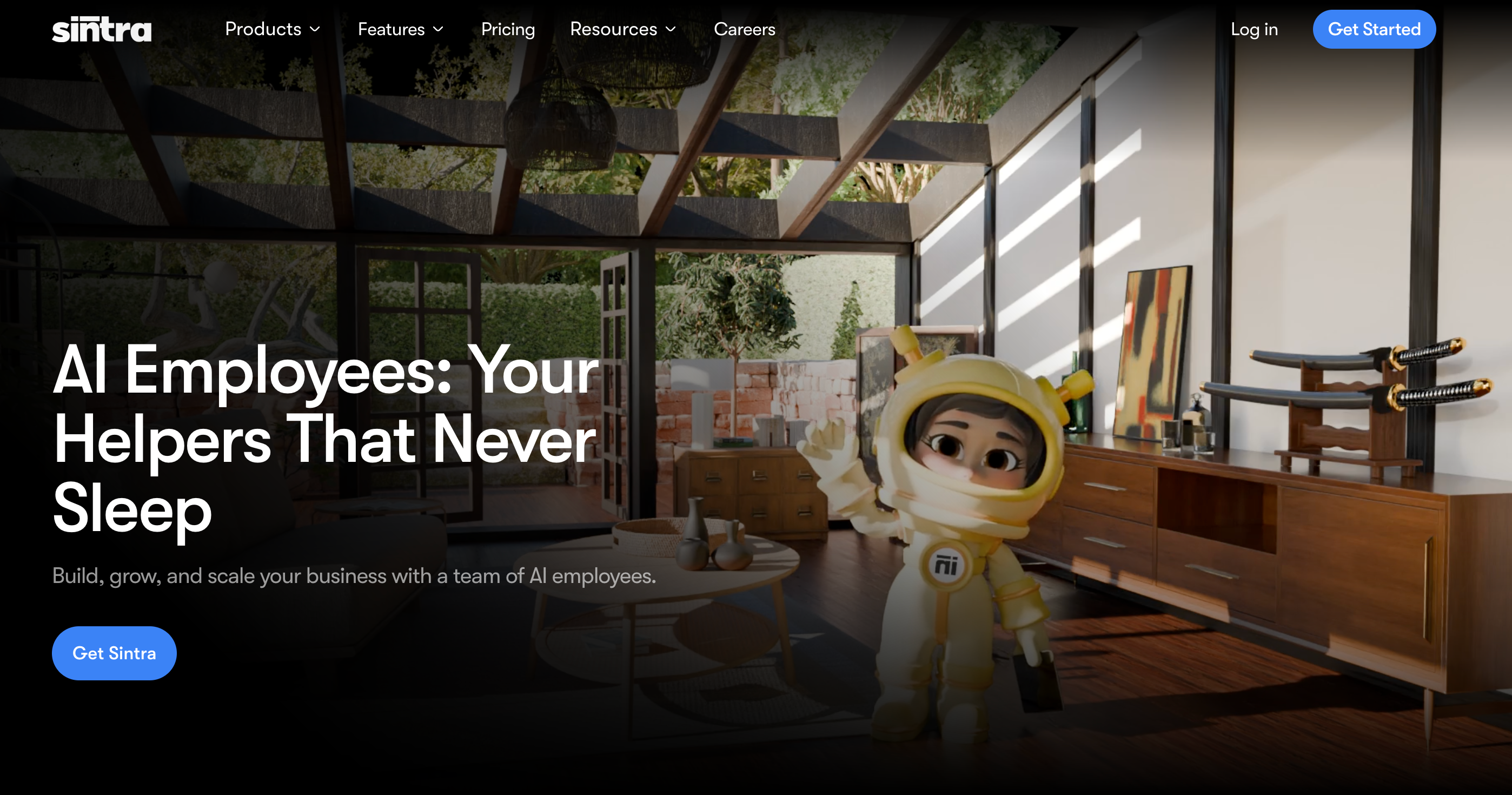
Sintra AI works as a multi-agent AI employee system for lean teams. Instead of one generic bot, you get 12 role-based helpers like Vizzy, Soshie, Emmie, Penn, and Gigi, each mapped to a specific business function.
Vizzy acts as an executive-style assistant for scheduling support, inbox prep, and daily summaries. Cassie, Soshie, Emmie, and other agents focus on automating social replies, support, and outreach. Together, they cover admin tasks, reporting, and routine operations across tools like Gmail, Calendar, and social channels.
All helpers sit on top of Brain AI, a shared memory layer that stores documents, processes, and brand guidelines. This shared context is then fed back into every assistant’s work.
Key Features
- Twelve helpers cover marketing, support, sales, and admin
- Brain AI stores documents, processes, and brand voice centrally
- Vizzy sends daily summaries and key business highlights automatically
- Cassie, Emmie, and Soshie automate replies, campaigns, and outreach
- Integrations connect helpers with Gmail, Calendar, and socials
- Owners like having one AI workspace instead of many
2. Gemini
Gemini is Google’s multimodal AI assistant that works across web, mobile apps, and Google products like Gmail, Docs, Sheets, and Drive. It can answer questions, draft content, analyze data, and work with text, images, and other files in the same conversation.
For individual use, Gemini helps with planning, research, writing, and everyday tasks through the main app and browser experience. For teams, Gemini for Workspace adds side-panel assistance directly inside Workspace apps. This allows users to summarize documents, generate slides, or draft emails using context from open files.
Because it sits on top of Google’s ecosystem, it’s especially useful if you already live in Gmail, Drive, and Calendar and want an AI layer that understands that environment out of the box.
Key Features
- Deeply integrated with Gmail, Docs, Sheets, and Drive
- Multimodal: handles text, images, files, and code
- Web, mobile, and Workspace sidebars share one assistant
- Great fit for people already using Google products
- Fast responses for everyday planning, drafting, and research
- The Enterprise version offers admin controls and data protection
3. ChatGPT

ChatGPT is a conversational AI assistant used for answering questions and explaining concepts. It also supports drafting and rewriting text, summarizing documents, and assisting with coding tasks.
It now supports text, images, voice, and file uploads, so you can work with emails, PDFs, spreadsheets, and more in one place.
Beyond simple chat, newer “agent” capabilities let it browse the web, interact with sites, manage files, and connect to apps like Gmail, Drive, and GitHub to complete multi-step tasks. This turns it from a pure Q&A bot into a practical work assistant for planning, research, documentation, and workflow support.
Teams use it for drafting content, outlining projects, analyzing data, and building light automations, with higher-tier plans adding stronger models, usage limits, and admin controls.
Key Features
- Handles writing, coding, and research in one place
- Supports text, images, voice, and file uploads
- Agent mode can browse, click, and complete tasks
- Widely documented, with many tutorials and community workflows
- Multiple plans for casual users, pros, and teams
4. Grok
Grok is xAI’s conversational assistant built into X, designed to mix real-time answers with a sarcastic, meme-aware personality. It pulls fresh data from the X platform to explain trends, summarize threads, and respond to mentions directly in the feed.
Unlike more neutral bots, Grok leans into humor and “attitude,” giving blunt replies and cultural references while still handling search, drafting posts, and quick fact checks. It now appears both inside X and through a dedicated mobile app, so active users can keep the same assistant across devices.
For social media managers and power users, that makes it a handy sidekick for monitoring conversations, generating replies, and understanding why a topic is blowing up without leaving the platform.
Key Features
- Real-time answers powered by live X platform data
- Witty, personality-driven style that feels less corporate
- Explains trends, threads, and viral topics quickly and clearly
- Draft posts and replies tailored to X conversations
- Integrated directly into X, plus a separate mobile app
- Supports coding, math, and general Q&A as well
Consumer-focused Assistants Examples
Consumer-oriented assistants handle day-to-day life: reminders, media, smart-home control, quick answers, and simple planning. They sit in phones, smart speakers, TVs, and apps, and respond to short voice or text requests rather than long work projects.
Most people use these tools for things like timers, calls, directions, music, and homework help. They’re less about deep workflow automation and more about making everyday tasks and information access faster and hands-free.
1. Siri
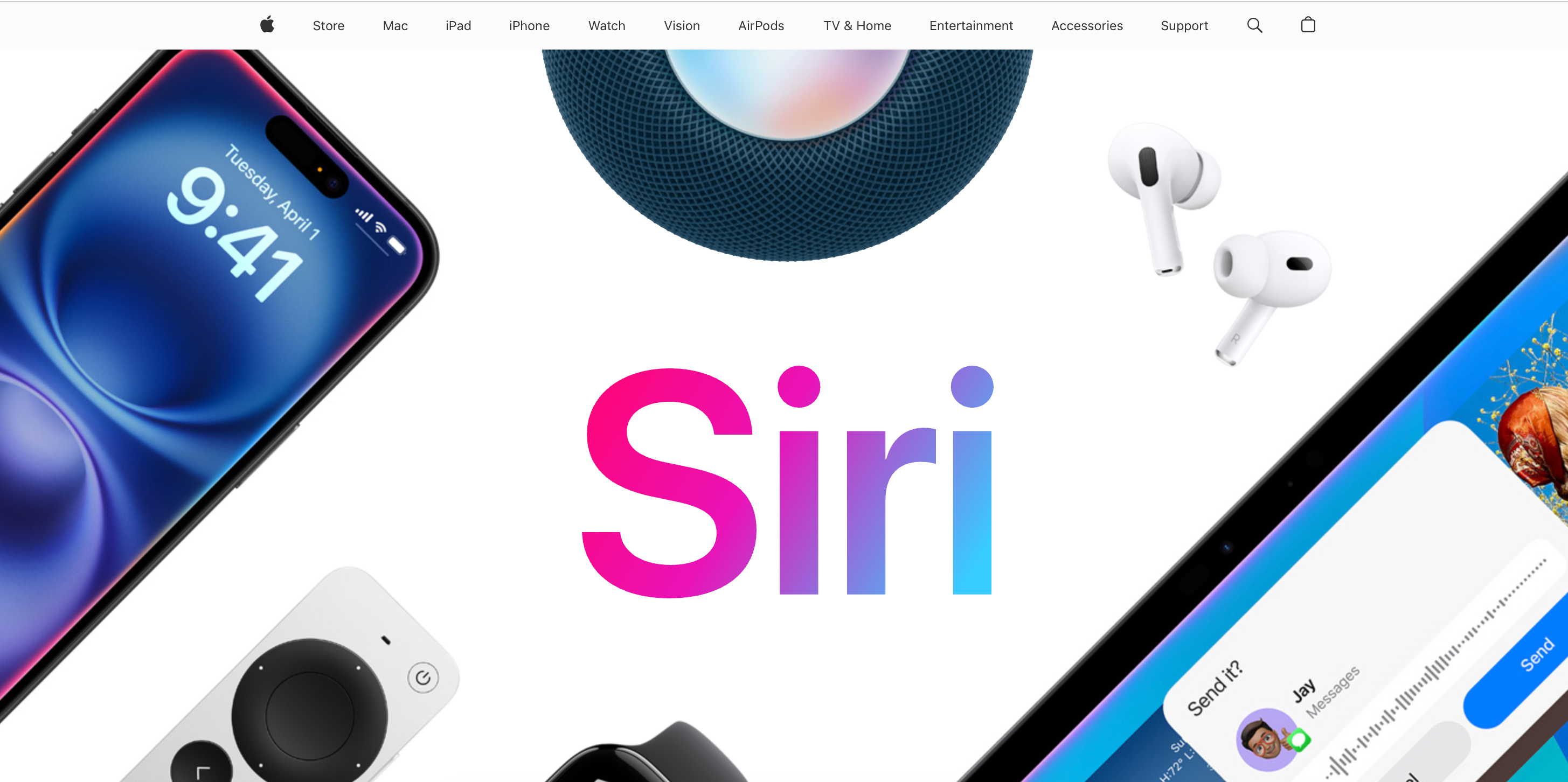
Siri is one of the most widely used virtual personal assistant examples, built into Apple devices like iPhone, iPad, Mac, Apple Watch, Apple TV, and HomePod. It handles everyday tasks like sending messages, setting reminders, placing calls, and giving directions using voice or text commands.
Because it’s part of Apple’s operating systems, Siri can control system settings, trigger Shortcuts, manage HomeKit devices, and recognize different voices on shared speakers for personalized responses. It’s mainly used for hands-free help, timers, alarms, quick searches, navigation, music, and basic productivity support.
Key Features
- Built into Apple devices, no extra installation needed
- Hands-free control for calls, music, and navigation
- Works with HomePod and HomeKit smart-home devices
- Supports timers, reminders, calendar events, and alarms
- Customizable voices, accents, and language options available
- CarPlay support enables safer, voice-only use while driving
2. Alexa

Alexa is Amazon’s voice assistant for Echo speakers, Fire TV, and many third-party devices. It responds to voice requests for music, weather, timers, shopping lists, and more, and can control smart-home gear like lights, thermostats, and locks through compatible skills.
Because it runs on a large “skills” ecosystem, Alexa can also handle things like calling, announcements, routines, and integrations with services such as Spotify, Uber, and smart-home platforms. It’s used as a household hub for voice-first control and quick information.
Key Features
- Easy hands-free control for music, timers, and questions
- Works with a wide range of smart-home devices
- Routines automate multi-step actions from a single command
- Huge skill library from third-party developers and brands
- Affordable Echo hardware options for different rooms and needs
3. Socratic

Socratic by Google is a free, AI-powered study app that helps students solve homework problems and understand concepts across subjects like math, science, literature, and history. You take a photo, type, or speak a question, and the app returns step-by-step explanations, videos, and concept cards instead of just a final answer.
It’s aimed at middle school, high school, and college learners who want quick help on specific questions, plus visual explanations and curated resources from across the web. Socratic functions as a pocket study companion rather than a full replacement for classes or tutoring.
Key Features
- Snap a question; get clear, stepwise explanations
- Supports many subjects, not just mathematics problems
- Mix of videos, diagrams, and written learning cards
- Helpful for homework, revision, and exam preparation
- Simple mobile interface; easy for teens to navigate
Productivity Assistants Examples
These digital workers focus on work output: writing, scheduling, research, and time management. They sit in your browser, inbox, or calendar and remove small friction from every workday. Many people feel closer to a digital chief-of-staff than a simple Q&A bot.
In business settings, AI assistants in this category are often used to summarize meetings, draft emails, automate follow-ups, and analyze data quickly to support better decision-making.
1. Jasper

Jasper is a writing-focused assistant built for marketers, agencies, and content teams. It helps create blog posts, ads, landing pages, emails, and social updates from structured briefs, with tools for SEO and brand voice control.
Its workflows, campaigns, and brand libraries are designed so teams can keep tone, messaging, and formatting consistent across many channels. Customers also use it to repurpose long-form content into shorter snippets and social posts.
Key Features
- Strong focus on marketing and long-form content work
- Brand Voice keeps copy aligned with house style
- Templates for blogs, ads, emails, and landing pages
- Campaign workflows organize multi-asset launches in one place
- Collaboration tools support multi-writer teams and approvals
- Integrations with CMS and marketing tools are available
2. Clockwise

Clockwise is a smart calendar assistant that restructures your schedule to protect focus time and reduce meeting overload. It connects to Google Calendar or Microsoft 365 and automatically moves flexible meetings to create longer, uninterrupted blocks.
Teams use it to coordinate calendars, place meetings at less disruptive times, and track metrics like meeting load and deep-work hours. Features like Autopilot and Focus Time aim to make calendars feel managed without constant manual tweaks.
Key Features
- Automatically protects focus time on busy calendars
- Moves flexible meetings to less disruptive time slots
- Team-level optimization balances collaboration and deep work
- Integrates with Google Calendar and Microsoft 365 easily
- Analytics show meeting load and focus-time trends clearly
- Helpful for hybrid and remote teams with heavy meetings
3. Lindy

Lindy is an AI executive assistant platform that automates email, scheduling, note-taking, and admin work. It reads incoming messages, drafts replies in your voice, books meetings, and updates tools like CRM systems.
Under the hood, Lindy lets you build agents and flows without code. These agents can run email triage, follow-ups, sales workflows, customer support, and other repetitive office tasks, triggered by events in tools such as Gmail, Calendar, Zoom, or Slack.
It targets founders, executives, and operators who want something closer to a digital chief-of-staff than a simple inbox filter.
Key Features
- Handles email triage and reply drafting in your tone
- Books meetings and manages back-and-forth scheduling threads
- Agents can automate multi-step workflows without coding skills
- Integrates with Gmail, Calendar, Salesforce, Slack, and more
- Designed for founders, executives, and operations-heavy roles
- Reviews highlight fast setup and good adaptation to style
Developer Assistants
These assistants sit close to your code and systems. They help write and review code, generate documentation, and power smarter conversational experiences for products and internal tools.
1. GitHub Copilot

GitHub Copilot acts like an AI pair programmer inside editors such as VS Code and Visual Studio. It suggests whole lines or blocks of code based on your current file and project context, and can explain snippets or help with tests in chat-style views.
Teams use it to speed up routine coding, explore unfamiliar libraries, and reduce time spent on boilerplate. It’s most useful when you already know what you want to build and need help getting there faster, not as a replacement for core programming skills.
Key Features
- Speeds up boilerplate and repetitive coding tasks
- Works directly inside popular IDEs and editors
- Learns from surrounding files and project context
- Helpful for tests, small fixes, and refactors
- Supports many languages and frameworks out of the box
- Good for exploring unfamiliar APIs while coding
- Reduces context-switching to external documentation
2. IBM Watson Assistant
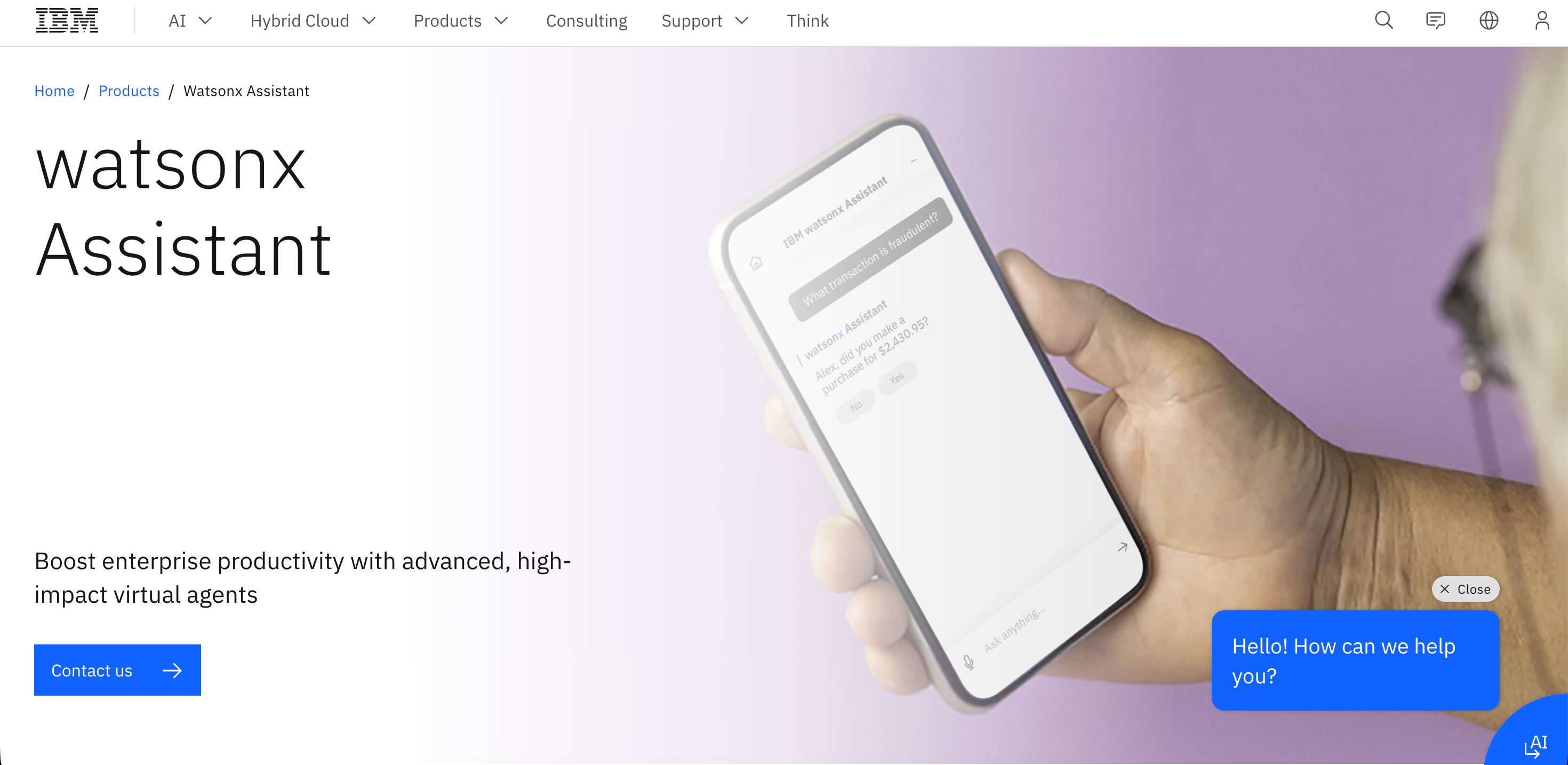
IBM WatsonX provides businesses with access to powerful generative AI models for tasks like content creation and automation. Many teams use it to deflect common support queries, guide users through forms, or route complex issues to humans.
With this tool, you can build simple workflows across web, mobile, voice, and messaging channels. You design dialog flows, connect to back-end systems, and deploy assistants that answer questions or complete tasks.
Key Features
- Strong tooling for building structured dialog flows
- Omnichannel deployment across web, mobile, and voice
- Built-in analytics on conversations and resolutions
- Enterprise integration options and governance features
- Good fit for larger support and service teams
- Templates for common industries and use cases
3. Microsoft Copilot Studio
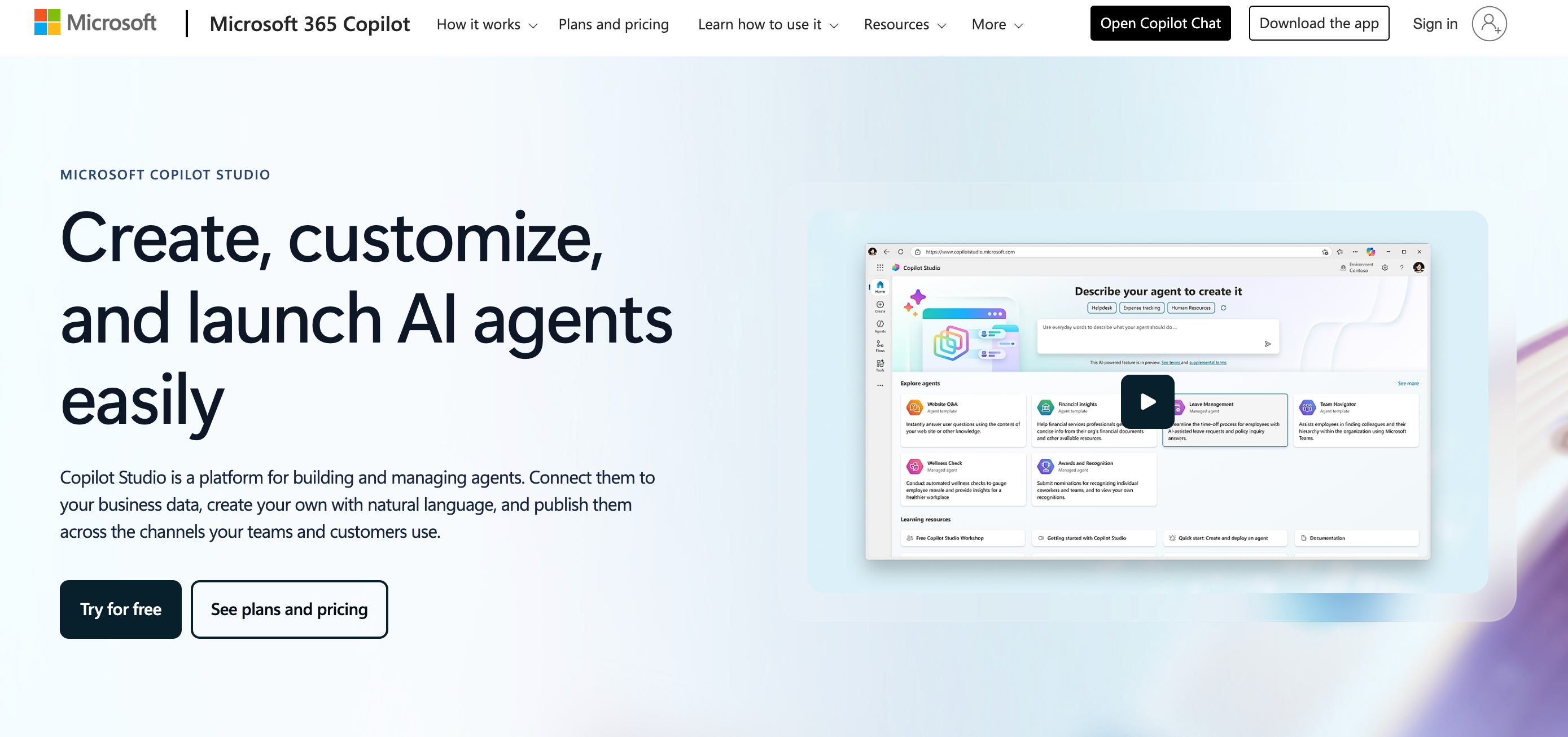
Microsoft Copilot Studio is a low-code environment for building custom copilots and chat experiences that plug into Microsoft 365, Power Platform, and other business systems. You define topics, data sources, and actions so the assistant can answer questions and trigger workflows.
It’s often used to create internal help bots, customer-facing support agents, or task-specific copilots that sit inside Teams or business apps. Because it connects to existing data and flows, it’s most useful for organizations already invested in the Microsoft ecosystem.
Key Features
- Low-code tools for designing conversational experiences
- Deep integration with Microsoft 365 and Power Platform
- Can call flows and connectors to take actions
- Useful for internal helpdesk and self-service portals
- Central admin controls for access and governance
Healthcare & Wellness Assistants
These helpers focus on mental health, medication habits, and day-to-day health tracking. They don’t replace doctors or therapists, but they can support routines, self-reflection, and check-ins.
1. Youper

Youper is an AI-driven mental health companion that guides users through CBT-style conversations, mood tracking, and short exercises for stress, anxiety, and low mood. It’s designed by mental health professionals and used by millions of people as a self-guided support tool rather than a full replacement for therapy.
The app runs structured chats, prompts journaling, and tracks patterns over time so users can spot triggers and progress. Independent reviews note early evidence that regular use can reduce symptoms for some people, but experts still see it as a supplement to human care, not emergency or crisis support.
Key Features
- Always-on support with CBT-based prompts and tools
- Mood and habit tracking that surfaces patterns over time
- Mix of journaling, exercises, and short check-ins
- Science-backed techniques (CBT, ACT, DBT) behind conversations
- Private and app-based format that reduces stigma for many users
2. Florence

Florence is a health companion bot that focuses on practical habits: medication reminders, pill schedules, and simple health tracking for things like weight, mood, or menstrual cycles. Users interact through chat, often on messaging platforms, and get gentle nudges to stay on top of their routines.
Behind the scenes, Florence has also evolved into clinician-led text-messaging programs that support chronic-condition management, using automated check-ins and symptom questions to help patients follow care plans and free up staff time.
Key Features
- Conversational reminders for meds and health tasks
- Tracking for mood, weight, periods, and other indicators
- It can share basic information about conditions and local services
- Text-based programs help clinicians monitor patients between visits
- Low-friction chat interface; works on common messaging apps
Platform-Specific Assistants
These assistants are built for a specific ecosystem rather than serving every tool you use. They live inside design suites, mobile operating systems, TVs, or devices, and are optimized for the actions people take there most often.
They’re useful when you already rely heavily on that platform and want a built-in helper instead of bolting on yet another standalone app.
1. Adobe Firefly

Adobe Firefly is Adobe’s generative AI engine for creative work. It creates and edits images, text effects, and design variations from prompts, directly inside tools like Photoshop, Illustrator, and the Firefly web app.
Because it’s wired into Adobe’s ecosystem, designers can move from prompt to layered, editable artwork without exporting between tools. That makes it useful for marketing teams and creators who already build most assets in Creative Cloud.
Key Features
- Deeply integrated with Photoshop, Illustrator, and other Adobe apps
- Generates editable, layered results rather than flat exports
- Good for quick concepts, variations, and mood boards
- Commercial-use model trained on licensed and Adobe-owned data
- Helpful for non-designers who still need decent visuals
- Speeds up asset production for campaigns and social content
2. Bixby

Bixby is Samsung’s built-in assistant for Galaxy phones, tablets, some TVs, and smart-home devices. It handles voice commands like calls, messages, device settings, and simple requests such as weather, timers, and directions.
On Samsung hardware, Bixby also runs routines and device control: changing modes, adjusting sound or display settings, and managing SmartThings-connected lights or appliances. It’s most useful if you’re already deep in the Samsung ecosystem and want hands-free control.
Key Features
- Preinstalled on many Samsung phones, TVs, and devices
- Handles calls, messages, timers, and quick requests by voice
- Bixby Routines automate common device and home actions
- Works with SmartThings for lights, plugs, and appliances
- Hardware buttons or wake words make it easy to trigger
Other AI Virtual Assistant Examples Worth Considering
Beyond the assistants covered in detail above, there are many other AI virtual assistant examples focused on enterprise operations, internal productivity, workflow automation, and customer support. These tools are often used by larger organizations or teams with more complex internal systems.
Moveworks AI Assistant
Moveworks AI Assistant automates tasks across different departments, providing a single platform for IT helpdesk tickets and HR requests. It helps employees resolve common issues quickly without navigating multiple systems.
Microsoft Copilot
Microsoft Copilot integrates AI assistance directly into Microsoft 365 applications such as Outlook, Word, Excel, PowerPoint, and Teams. It enhances productivity by helping users draft content, summarize meetings, analyze data, and automate routine work inside the tools they already use.
ServiceNow Now Assist
ServiceNow’s AI assistant, Now Assist, enhances IT service management through conversational AI. It helps resolve incidents, guide workflows, and surface relevant knowledge articles within ServiceNow environments.
Kore.ai
Kore.ai provides a conversational AI platform used for both customer support and internal operations. Organizations use it to deploy AI assistants across multiple channels, including web, messaging apps, and voice interfaces.
Glean
Glean is an AI-powered workplace search assistant that centralizes organizational knowledge. It allows employees to quickly find documents, messages, and insights across tools like email, chat, and cloud storage.
Amazon Q Business
Amazon Q Business is designed to improve workplace productivity by enabling employees to query internal data, automate workflows, and take action using natural language across connected business systems.
Zapier Agents
Zapier Agents combine conversational AI with Zapier’s automation platform, allowing users to trigger complex, multi-step workflows across thousands of connected apps using simple prompts.
Zendesk AI
Zendesk AI enhances customer service platforms with intelligent automation. It helps support teams handle high volumes of inquiries, automate responses, and maintain consistent communication across channels.
Salesforce Agentforce
Salesforce Agentforce uses AI to create smart service agents that support customer interactions across multiple channels. These agents integrate deeply with CRM data to automate service tasks and improve response quality.
AI Virtual Assistant Use Cases
AI virtual assistants are used across industries to automate work, improve communication, and support faster decision-making. Common use cases include:
Data Analysis & Decision Support
AI virtual assistants can analyze large amounts of data quickly and accurately, helping businesses surface insights, summaries, and trends that support data-driven decisions.
Knowledge Management
Many assistants support knowledge management by creating, organizing, and maintaining knowledge bases, making documentation and internal information easier to access across teams.
Consumer vs Enterprise Use
Consumer voice assistants include Siri, Alexa, Google Assistant, and Bixby, which focus on everyday tasks and device control. Enterprise assistants such as Otter.ai, Intercom, Zendesk, Jasper, and ChatGPT are designed for meetings, content creation, support, and internal workflows.
Communication & Accessibility
AI virtual assistants improve communication by maintaining consistent messaging across channels and can be configured to operate in multiple languages. Features like speech recognition and real-time translation also improve accessibility for a wider range of users.
Employee Onboarding & HR
In HR, AI assistants streamline onboarding by automating paperwork, answering common employee questions, scheduling interviews, and supporting internal requests.
Customer Support
Tools like Intercom and Zendesk provide 24/7 customer service by automating responses, handling high-volume inquiries, and escalating complex issues to human agents when needed.
Meetings & Productivity
Meeting assistants such as Otter.ai and Fireflies.ai transcribe meetings, generate summaries, and create action items. Microsoft Copilot and Google Gemini help summarize meetings and draft emails inside everyday productivity tools.
Finance & Insurance
In finance, AI assistants support budgeting advice, investment insights, fraud detection, compliance monitoring, and data analysis, with tools like Cleo and Ally Assist. In insurance, virtual assistants handle quotes, policy comparisons, and claims status inquiries around the clock.
Marketing & Content Creation
Marketing teams use tools like Jasper and Surfer SEO to generate blog posts, optimize SEO, and automate content workflows. Specialized assistants handle focused tasks such as writing or editing.
Healthcare
AI chatbots in healthcare assist with preliminary symptom screening, answering FAQs, scheduling appointments, and 24/7 symptom triaging, as seen with tools like Babylon Health.
Travel, Hospitality & Automotive
In travel and hospitality, AI assistants provide personalized itineraries, automated booking, and real-time updates. Automotive AI, such as Echo Auto enables hands-free navigation and in-car controls.
Retail, Utilities & Education
In retail, AI assistants help manage inventory, process transactions, and support customers. In utilities, they provide emergency guidance and billing support. In education, they answer student inquiries and automate administrative tasks.
Workflow Automation
Many AI virtual assistants integrate with CRMs, calendars, help desks, and project management systems, allowing them to automate complex, multi-step workflows across tools.
How to Choose an AI Assistant for Your Business?
Here are practical steps you can use to choose the right tool for your team instead of guessing from marketing pages:
- Evaluating the user experience is crucial when choosing an AI personal assistant, since even the most powerful tool adds little value if employees don’t actually use it.
- Write down your top three virtual assistant use cases, such as inbox triage, social replies, or report summaries. If a product can’t clearly improve those workflows, it’s not a fit yet. Look beyond marketing claims and request demos with organization-specific use cases before committing.
- Separate chat-style support bots, scheduling helpers, writing tools, and full business “copilots.” Mixing the wrong virtual assistant types often leads to overlap and unused seats.
- Security should be a top priority, as AI assistants handle sensitive company data and integrate deeply with internal systems.
- Look for assistants that can actually take actions (send emails, move tickets, update CRM) rather than only reply in chat.
- Plan for long-term adaptability so your assistant can scale with your business, support new workflows, and evolve with advances in AI technology.
- Consider the total cost of ownership, including setup, integrations, training, and scaling, not just the monthly license price.
- Ask how the tool handles hallucinations, what controls you get over prompts and outputs, and how data is stored, encrypted, and deleted. For regulated industries, check compliance and audit options before rollout.
- Prioritize ease of use, since adoption drops quickly if tools are difficult to learn or configure.
Whenever possible, test the assistant through a free trial or pilot program to validate performance before full rollout.
Why Sintra AI is a Superior Choice for Marketing & Sales?

Most assistants handle one channel at a time. Sintra is built as an AI team that works across the full marketing and sales funnel in one workspace. That matters when you’re running campaigns, replying to leads, and reporting on results with a small crew.
Sintra gives you specialized helpers for each part of the workflow:
- Soshie, the AI social media manager, plans and schedules social posts, repurposes content, and keeps a steady publishing cadence.
- Emmie drafts and personalizes outbound and nurture emails, then helps with follow-ups and replies.
- Penn is an AI copywriter that supports landing pages, ads, and long-form content so campaigns stay on-message.
- Dexter turns raw numbers into simple summaries and daily or weekly reports.
All of them pull from Brain AI, which stores your offers, tone, and past assets. That means new campaigns, replies, and reports stay consistent without re-explaining your brand in every chat. Over time, Sintra’s helpers start suggesting next steps on their own: “here’s a follow-up sequence for last week’s leads,” or “here’s a social angle for this new blog.”
For lean marketing and sales teams, this reduces manual drafting, cuts context-switching across tools, and creates a clearer daily rhythm: check your summaries, approve key messages, and let the assistants handle the repetitive work.
Ready to Test Vizzy's Capabilities?

By 2025, AI virtual assistant tools are expected to evolve into more sophisticated collaborative partners, capable of managing complex workflows, coordinating across multiple systems, and proactively supporting teams rather than waiting for instructions.
If you want to see what an AI assistant can do for your day, Vizzy is the safest place to start. It acts like a practical executive assistant for solopreneurs and small teams: preparing your day, summarizing inboxes, scheduling, and nudging you on next steps instead of waiting for prompts.
You don’t need a complex rollout. Spin up your AI virtual assistant, connect the core tools you already use, and test a few simple workflows, daily briefings, meeting notes, and follow-up emails for a week. If you’re ready to turn those tests into real leverage, you can get started today and build Vizzy into your wider AI team.
Virtual Assistant FAQs
What is a virtual assistant, and how does it work?
A virtual assistant is software that understands your text or voice, then triggers actions like drafting emails, answering questions, or updating tools. It usually connects to apps such as calendar, email, CRM, or task managers through APIs.
What are the best examples of AI virtual assistants today?
Strong options cover different types of virtual assistants. Voice helpers like Siri and Alexa handle quick, hands-free tasks. Chat-based tools like ChatGPT or Gemini help with research and drafting. Business-focused assistants such as Sintra act more like an AI team, supporting marketing, sales, and operations inside one workspace. The “best” choice depends on where your biggest bottleneck sits.
What tasks can an AI virtual assistant handle?
A virtual assistant can handle email drafting, meeting scheduling, note summaries, research, content creation, customer support replies, and basic data entry.
Some tools specialize, for example, only in calendar management or only in writing. Others act as multi-role assistants that cover several of these jobs in one place. Start by mapping tasks you repeat every week, then match tools to that list.
Are AI virtual assistants better than human assistants?
AI is better at speed, volume, and working 24/7 on structured tasks. Humans are better at judgment, nuance, relationship building, and handling messy situations. Many teams get the best results by pairing both: AI handles drafts and routine steps, humans review, decide, and manage sensitive conversations.
How do I choose the right AI assistant for my business?
Start with your workflows, budget, and tech stack. Decide which AI assistant types you actually need: chatbot for support, writer for marketing, or multi-agent system for broader operations.
Check integration options, data controls, and how much real automation it offers versus simple chat. Run a 30-day pilot with clear metrics like hours saved or responses sent.
How much does an AI virtual assistant cost?
Costs range from free tiers up to hundreds of dollars per user each month. Simpler consumer tools often stay under a typical software subscription. Multi-agent business platforms or enterprise assistants charge more but cover many roles at once.
Can AI assistants integrate with my existing tools and workflows?
Most modern assistants connect to email, calendars, CRM, help desks, or storage through native integrations or APIs. Depth varies a lot. Some can only read data; others can send messages, update records, and trigger automations.
Are AI virtual assistants secure for business use?
They can be, but it depends on the vendor and your configuration. Check where data is stored, how long it’s kept, and whether it is used to train general models. Look for encryption, audit logs, role-based access, and SSO. Reviewing virtual assistant website examples from similar companies and their security pages is a good way to benchmark standards.
Related articles



