


15+ AI Email Assistants for 2026: Tested for Real Inbox Management
.jpeg)
Skip ahead
An average employee spends 4.1 hours sifting through emails and responding to them. This is more than half of your workday.
The solution: AI email assistants. These tools organize your inbox, draft emails, and respond to threads in seconds, improving communication and reducing mental load. But not all are worth investing.
We have tested 15 best AI assistants for email in 2026, reviewing usability, core functionality, supplementary features, and more. This guide will help you choose the right one for your task. So, dive right in.
Quick Answer: What Is the Best AI Email Assistant in 2026?
In 2026, the choice of the most effective AI email assistant depends on specific needs. While choosing one, you should focus on feature depth rather than hype. The competitive tools excel in context-aware personalization, which means their AI model understands full threads and customizes tone automatically. They also have inbox management with smart prioritization, labelling, and categorization. Modern AI assistants are also capable of advanced email summarization to condense long conversations into actionable insights.
Here are the top email assistants in 2026 based on specific requirements.
- Sintra AI for Full Inbox Ownership
- MailMaestro for Daily Executive Communication
- Missive for Team Collaboration
- SmartWriter for Personalized Outreach
- SaneBox for Inbox Prioritization
- Compose AI for Free AI Email Drafting
- Lindy for No-Code Email Workflow Automation
- Superhuman AI for Speed-Focused Users
- Gmail Smart Reply and Smart Compose for Gmail Productivity
- Microsoft Copilot for Outlook for Improving Communication
- Front for Enterprise Communication
- Gmelius for Customizable Team Workflows
- Hiver AI for Fast-Moving Customer Service
- Shortwave for Email Search
- Warmer.ai for Cold Email Personalization
What Is an AI Email Assistant and How Has It Changed?
AI email assistants use artificial intelligence to help manage your emails. These tools use natural language processing and machine learning to craft emails tailored to your needs. Beyond drafting, you can also use them to sort and organize emails by categories.
Unlike traditional rule-based bots, modern email assistant AI tools run on nuances. They interpret lengthy conversations to understand context, sentiment, and intent before drafting. So, instead of generic replies, you can now get context-aware personalized emails in seconds.
How AI Is Used in Email Management Today?
Forbes Advisory Survey reports that 61% of companies use AI to optimize emails, while 73% use AI-powered chatbots for instant messaging. Though not an outbreak, AI for email management has come a long way from where it started.
Today, these tools offer better predictive modeling, workflow automations, and personalization. Here are a few areas where AI can help you better manage your inbox.
Drafting and Replying to Emails
AI email assistants help busy professionals draft and follow up on conversations in less time. Here is what these tools can do for you.
- Personalize messages for your writing style, brand messaging, and tone.
- Rewrites with fixed grammar and awkward phrasing.
- Draft replies by scanning previous messages with follow-up questions and information.
Inbox Organization and Prioritization
AI email organizers tend to manage high inbox volume to boost productivity and add value to your workflows. These systems run on the following.
- Smart categorization of incoming emails based on content, behavioral patterns, etc.
- Prioritization of emails based on urgency and significance to the business.
- Automatic tagging and labeling that help professionals filter messages and reports.
- Thread-level understanding that analyzes lengthy conversations and not single emails.
Email Summarization and Context Awareness
Using AI in email management means differentiating what is important from what is not. Hence, these summarization agents extract meaningful information from unorganized threads while keeping the context. With these summaries, operators know how to take the next step and make informed decisions.
Automation and Reusable Email Actions
Modern AI assistants are also capable of automations. These automations streamline repetitive tasks via trigger-based actions, such as replying to common messages with specific templates. Such actions remove the cognitive load while reducing friction in communication.
The 15+ Best AI Email Assistants Compared
The best AI email assistant maintains inbox ownership, has personalization capabilities, and integrates seamlessly into your workflows. Let’s compare some popular tools to see how they perform.
Sintra AI for Full Inbox Ownership
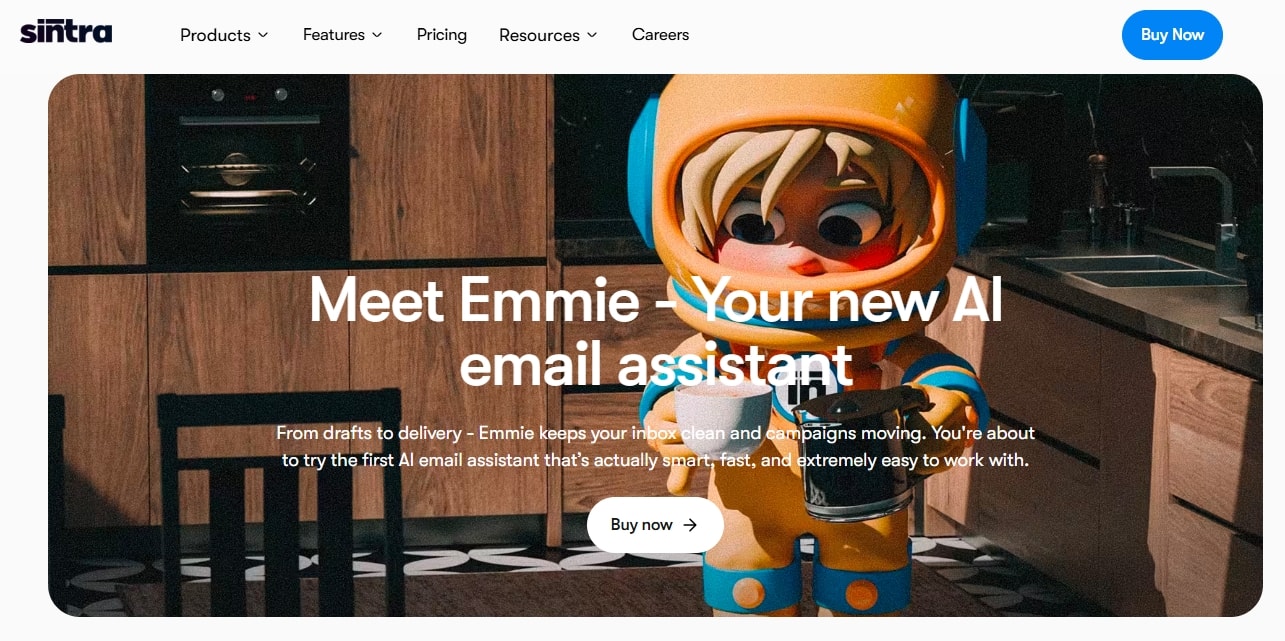
Sintra AI is an advanced business solution with specialized agents, including Emmie, Vizzy, and Penn. Unlike most assistants that focus on drafting and personalization, Sintra’s AI team acts as an operational layer on top of your inbox.
Once you log in, its role-based agents help you navigate the unorganized mailbox.
- Emmie is an expert email writer who understands your business objectives, audiences, and intent at scale. Once done, it produces ready-to-send emails and reports with a few clicks. You can send them directly or schedule them for later.
- Penn takes care of your tone. It learns from your business objectives and adapts to how you naturally write, while being consistent in brand messaging. Businesses are using this agent to write outreach messages to help conversions.
- Cassie is the AI for customer service that responds to customer queries via email. Capable of human-like conversations, Cassie drafts answers just as customers like. It works 24/7 without any supervision, even when you are sleeping.
- Vizzy is the virtual assistant you need to manage projects within emails. It sorts emails (high-priority on top) and connects to the calendar to schedule events. Managers can use it to track progress via lengthy email threads.
That’s not it. This multi-agent setup is supported by a shared knowledge base called Brain AI. It stores all your business data, from objectives to vision statements, audience feedback, and more. With this knowledge, the agents execute tasks.
But the best part is that it never stops learning. As you interact with the agents, it learns about your preferences and perform better.
Available On
Sintra offers third-party AI integrations with platforms such as Google Workspace, Microsoft Outlook, Slack, Notion, and more.
Standout Features
- 12 specialized role-based AI helpers to streamline routine business tasks.
- One-click use cases to perform repetitive tasks without lengthy prompts.
- Up to five business profiles, each customized with unique business needs and goals.
- Shared workspaces where teams can collaborate in real time, manage projects, and solve customer queries.
What I Liked
- It’s a no-code platform. So, even non-technical users can get started with zero effort.
- The output across the agents is consistent. The brand messages and tone also remain the same throughout.
- It learns over time as you interact with the agents. So, there is reduced friction in communication.
What I Disliked
- Writing the correct prompts takes time, especially if you are new to AI agents.
Sintra AI Pricing
- 12-month Plan: $15.6 per month
- 3-month Plan: $23.6 per month.
- 1-month Plan: $48.5 per month.
MailMaestro for Daily Executive Communication

Formerly Flowrite, Mail Maestro helps professionals write formal business emails in seconds. You can use this AI email tool to summarize lengthy threads and draft messages with different tones. While heavily integrated into Outlook, you can also use this for Gmail.
Once you finish setup, it prompts you to fine-tune tones from preset options like persuasive, friendly, assertive, etc. You can also use the Maestro custom templates and snippets to achieve a consistent brand voice in all your communication.
Beyond email writing, this AI Outlook assistant offers workflow automation. For instance, you can prompt it to document meeting agendas, summarize email threads, and translate text. The good thing: the company uses enterprise-grade security to keep your data protected.
Standout Features
- An AI email summary that extracts key insights from email threads and attachments.
- Maestro smart labels and filters to sort messages by priority and intent.
- An AI email writer that drafts three emails on one prompt with your desired language, tone, and length.
- An AI email response to follow up on conversations in multiple languages using the context of email threads.
What I Liked
- It’s great for executives who want a consistent brand voice throughout messages.
- The setup is easy, and it seamlessly integrates with work tools, be it Gmail, Outlook, or Slack.
- The customization is great. I could get the perfect tone and style in formal and casual messages.
What I Disliked
- While useful for solo professionals, the lack of shared team memory limits its usability. This can be restrictive for small startups.
MailMaestro Pricing
- Free version available.
- Professional/ Team Subscription: $15 per month, $12 per month (paid annually).
- MaestroDuo Subscription: $27 per month, $25 per month (paid annually).
- Contact the sales team for enterprise pricing.
Missive for Team Collaboration
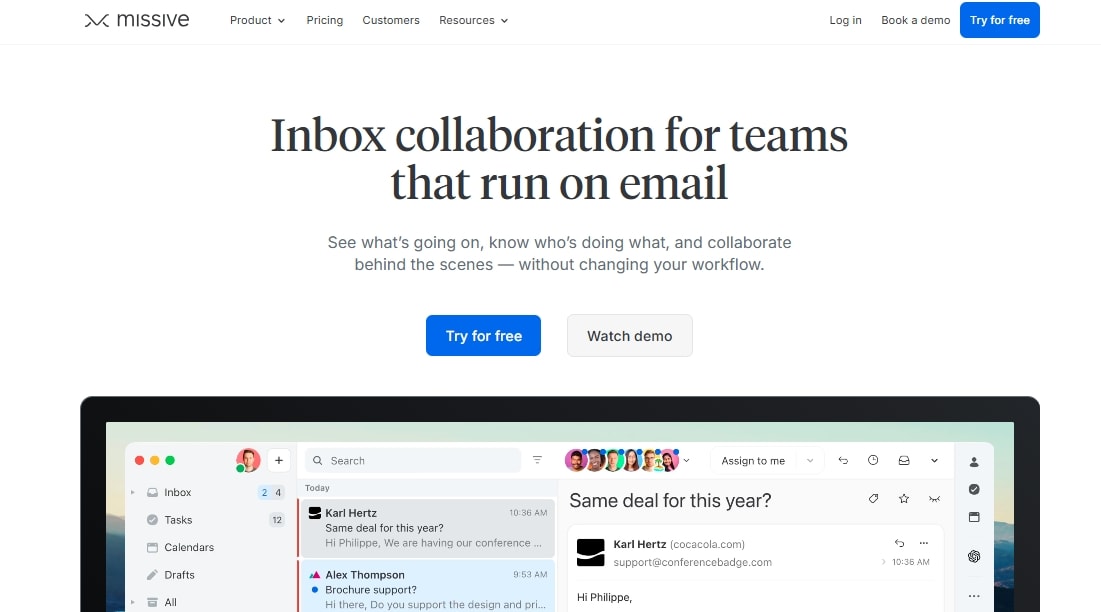
Missive AI is a business-first email assistant that brings all your email chats, follow-ups, and assigned tasks in one place. Connect it to your Apple Mail, Gmail, or Outlook and spend less time managing threads.
The highlight of Missive is the team inbox that organizes your team’s internal chats. Team leads can also assign these chats as tasks to certain members. Best part: the team chats let you tag others, share attachments, and more.
Also, its intuitive display is built to promote smooth communication, so you never miss an update. Let’s say the marketing team gets a message meant for customer support. Instead of forwarding it, they can simply drag and move it to the relevant team.
Standout Features
- AI-powered email replies that generate emails, replies, and translate messages.
- Labels and rules to help you automate email workflows according to your preferences.
- Internal team chat with task management capabilities (tag others, support conversations, and add attachments).
- AI analytics that measure your team’s productivity and communication habits.
What I Liked
- The most impressive thing is how easy it is to integrate Missive into your workflow. Be it Gmail, Slack, or Office, it works with almost all popular platforms.
- It lets you work on your terms. I really like the email snooze feature that lets you temporarily stop incoming emails to catch up later.
- The task management is great for small teams that need to streamline communication.
What I Disliked.
- The AI can write decently personalized messages. But it acts as secondary and does not actually get into your inbox workflows.
Missive Pricing
- Free version available.
- Starter Subscription: $14 per month (paid annually).
- Productive Subscription: $24 per month (paid annually).
- Business Subscription: $36 per month (paid annually).
- Contact the sales team for custom pricing.
SmartWriter for Personalized Outreach
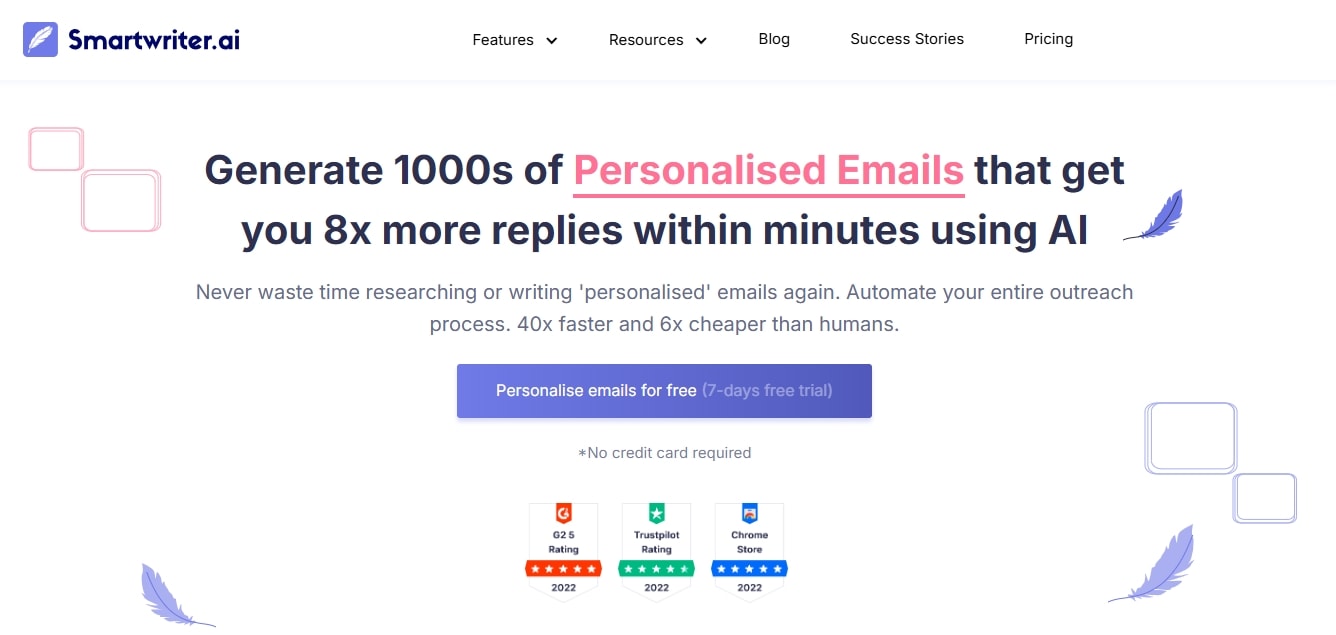
Smartwriter is an AI-powered email outreach assistant helping marketers send personal cold emails and LinkedIn messages with zero effort. It accesses your prospects’ online personas and generates content that speaks directly to their pain points.
Once you log in, the interface seems intuitive. It asks you to provide a list of prospects in a CSV file or a LinkedIn URL, and provide details about what you want to achieve. Within seconds, it will research the person and write some opening lines.
But the highlight of this email AI assistant is the personalization. Unlike contenders, it does not rely on generic messages. Instead, it uses filters, such as achievements, company news, and shared connections, to really make messages personal.
Standout Features
- Icebreaker suggestions designed to help you kickstart engagements.
- An email verifier that ensures emails are genuine and reduces bounce rates.
- Third-party integrations, including LinkedIn, Gmail, and other CRM platforms.
- Bulk email personalization for a list of prospects at scale.
What I Liked
- What I like about Smartwriter is the time saved. It produces personalized icebreakers at scale that are also actually useful for outbound campaigns.
- Its automated follow-up capabilities deserve a mention. With this, you don’t have to catch up on prospects who don’t respond initially.
- It seamlessly integrates into your workflow. And, you don’t need technical expertise to navigate the software.
What I Disliked
- The price can be a bit overwhelming. Even the basic plans start higher than they normally would. So, it may not be the best deal for small teams and freelancers.
Smartwriter Pricing
- A 7-day free trial is available.
- Basic Subscription: $59 per month, $49 per month (paid annually).
- Popular Subscription: $149 per month, $124 per month (paid annually).
- Pro Subscription: $359 per month, $299 per month (paid annually).
SaneBox for Inbox Prioritization
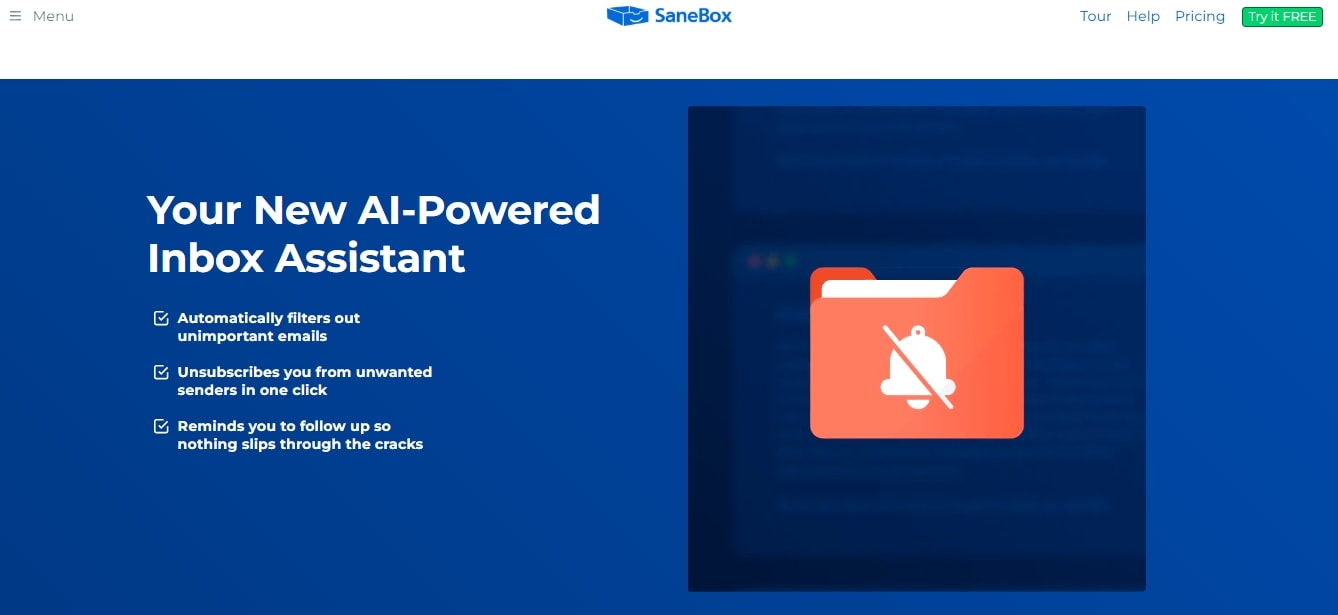
SaneBox is your go-to AI email organizer that sorts, filters, and prioritizes your emails however you like. The good thing about Sanebox is that it doesn’t really interrupt work. You only log in once, set it up, and use the inbox normally, while it works in the background.
For starters, it works on labels you decide. Then, it goes through your inbox and categorizes messages into newsletters, conversations with friends, automated marketing messages, etc. Once split into categories, you can easily trash unnecessary clutter.
With Sanebox, you can also create a focus inbox that filters messages based on your conversation history. The important ones stay on top while the low-priority chats go to the SaneLater folder.
Standout Features
- SaneBlackHole for senders (people and businesses) you want to block from sending you messages.
- Email Deep Clean to delete all unnecessary emails in five minutes.
- Built-in reminders that help you send follow-ups on urgent emails.
- A digest function that gives you executive summaries of unopened emails.
What I Liked
- The biggest deal maker is the time saved. Having all the important and unneeded messages sorted saves you mental stress and keeps your day going.
- I really appreciate the custom folders that let you categorize emails however you like, based on topics, people, and more.
- The reminder capabilities are excellent for busy professionals prone to overlooking important emails.
What I Disliked
- The initial setup can be demanding. Training this AI email assistant requires manual corrections, lengthy instructions, and more.
SaneBox Pricing
- A 14-day free trial.
- Snack Subscription: $3.49 per month, $2.42 per month (paid annually), $2.04 per month (paid biyearly)
- Lunch Subscription: $5.99 per month, $4.08 per month (paid annually), $3.50 per month (paid biyearly)
- Dinner Subscription: $16.99 per month, $11.58 per month (paid annually), $9.96 per month (paid biyearly)
Compose AI for Free AI Email Drafting
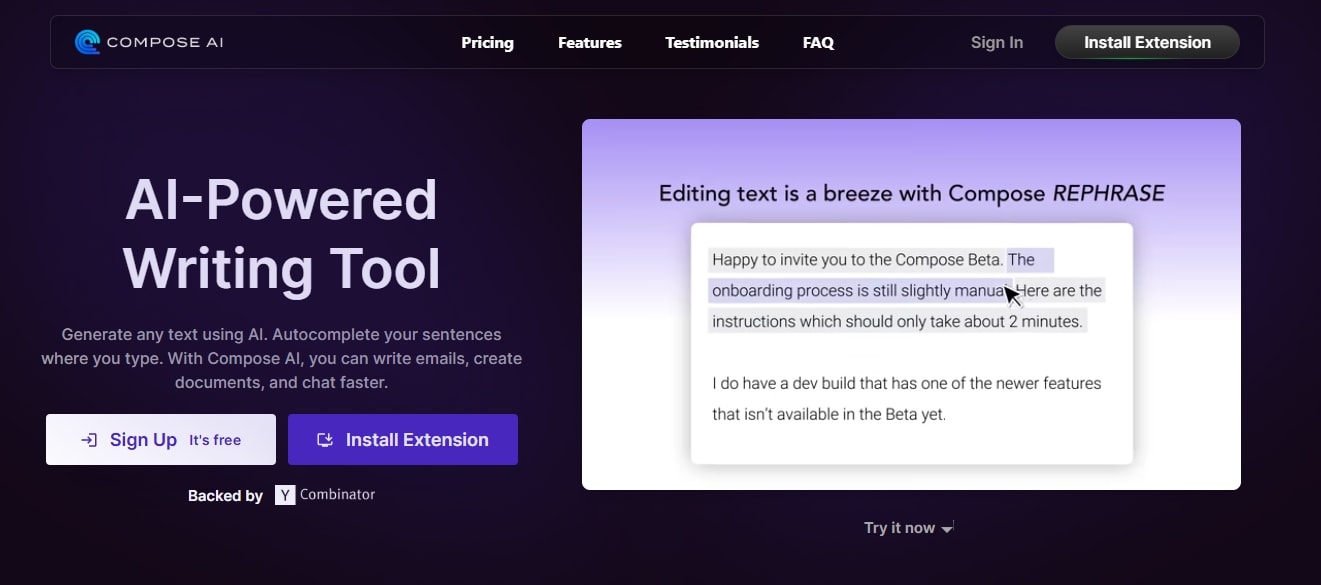
Compose AI is a Chrome plugin that helps you write better and faster. It autocompletes your sentences, writes personalized emails, and replies to chats in seconds. You can choose to get the extension for free or advanced features for a premium.
This assistant runs on context. It evaluates your writing, understands the nuances, and provides contextually aware suggestions that align with your goals. As you interact with it, Compose email AI employs predictive algorithms to improve the quality of auto-complete suggestions.
Another highlight of Compose AI is its cloning function. With this, you can duplicate content into professional email templates for repetitive use. Alternatively, you can use this tool to create a voice consistent with your brand messaging across all the written and replied emails.
Standout Features
- Easy email reply that follows up on messages and general professional responses in seconds.
- Context-driven personalization that understands your brand voice and offers auto-complete suggestions.
- The rephrase function edits your writing by highlighting certain information or changing the tone.
- A compose function that gives you ideas for blog posts, website copy, and research topics.
What I Liked
- Compose AI helped me become productive. Its auto-complete suggestions, grammar corrections, and style recommendations helped me cut down writing time by half.
- I also really like how easy it is to customize. You just write, and it adapts to your style.
- While you have a premium plan for additional features, the free version does most. It’s capable of most basic use cases.
What I Disliked
- While it can boost productivity instantly, over-reliance on such writing tools kills creativity and skill development in the long run.
Compose AI Pricing
- Free basic plan and browser extension available.
- Premium Subscription: $14.99 per month, $9.99 per month (billed annually)
- Ultimate Subscription: $44.99 per month, $29.99 per month (billed annually)
Lindy for No-Code Email Workflow Automation
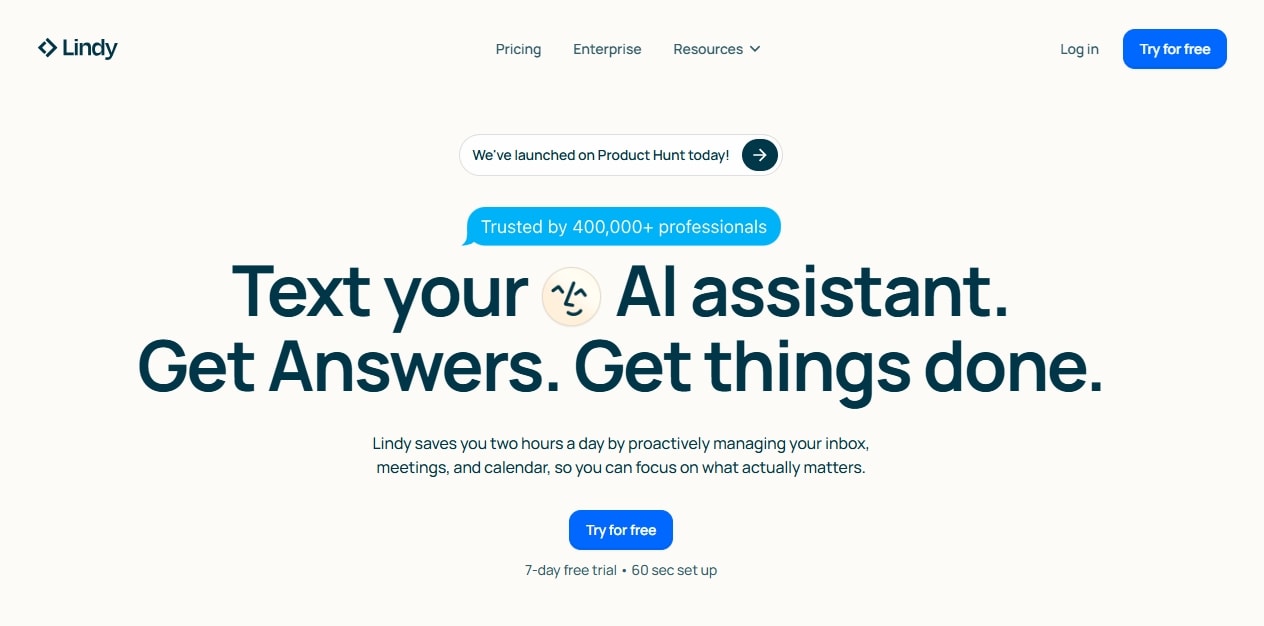
Similar to Sintra, Lindy is a no-code automation platform. Businesses across industries are using it for email and meeting management. Why is it so popular? Simple: Lindy is incredibly easy to use. Just log in, integrate into the workflow, and get started.
Think of it as an AI personal assistant for your email. It adds intelligent filters to your inbox. With this, you can prioritize urgent emails and summarize unneeded lengthy email threads. It also handles customer queries via email and drafts replies that stay true to your voice.
What makes it stand out is the workflow automation. Let’s say you build an AI agent to automate calendar events. It scans your incoming emails, extracts relevant information, and adds upcoming events to your Google Calendar. This way, you never miss an important day.
Standout Features
- 7000+ integrations across 1600+ apps, including calendars, CRMs, and project management tools.
- Customizable AI agents for scheduling, form handling, and lead routing.
- Hundreds of customizable templates for common use cases (sales, support, recruiting).
- Inbox management using intelligent flagging, deferrals, and filters.
What I Liked
- It goes beyond writing. You can use it to automate email management, scheduling, and other business operations.
- Another impressive thing is its cross-app coordination. It goes back and forth with emails, CRMs, and calendars with accuracy.
- It’s great for small teams and startups that don’t want to juggle multiple tools.
What I Disliked
- The setup can be complex, as it’s more than a simple drafting tool. So, be ready to put in effort.
Lindy Pricing
- A 7-day free trial is available.
- Pro Subscription: $49.99 per month.
- Contact the sales team for premium pricing.
Superhuman AI for Speed-Focused Users
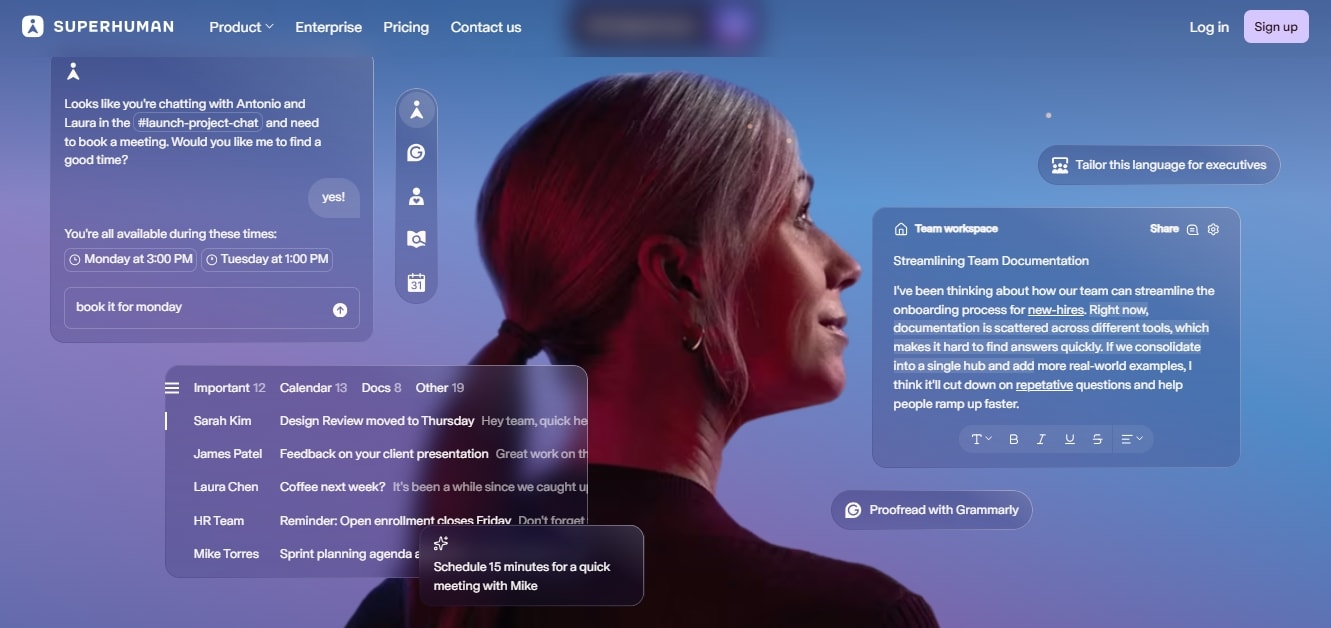
Superhuman’s AI email assistant from Grammarly helps people move through their inbox as fast as possible. It’s known for its 100-ms rule, which means a single interaction must not take more than 100 milliseconds. With this, it also balances the message's accuracy.
For starters, it’s a keyboard-driven app. For instance, you will press Enter to reply to an email, and for generating with AI, the key is Ctrl+J. With this email tool, you can also summarize email threads and rephrase messages. The good thing is that it is consistent in tone and intent.
But the highlight of Superhuman is the snippet templates. Beyond existing ones, you can build your own to include instantly used phrases, paragraphs, and even entire messages. Share them with your team to maintain consistent messaging across the company.
Standout Features
- Split inbox to automatically triage important emails from newsletters and social updates.
- Read status that tracks email reading activity (when and on what device).
- An AI-powered email writer that drafts, summarizes, and replies to your emails in seconds.
- A command bar and keyboard shortcuts that keep your hands off the mouse.
What I Liked
- The fast inbox management and power-user controls work great for users who handle large volumes of emails daily.
- You need little cognitive effort to use Superhuman. It gives you quick summaries and personalized messages, free from grammar errors.
- The snippets helped me polish replies and drafts without slowing down.
What I Disliked
- Learning the new keyboard shortcuts can take time.
Superhuman AI Pricing
- Free version available.
- Business Subscription: $40 per month, $33 per month (paid annually).
- Pro Subscription: $30 per month, $12 per month (paid annually).
- Contact the sales team for enterprise pricing.
Gmail Smart Compose & Smart Reply for Gmail Productivity
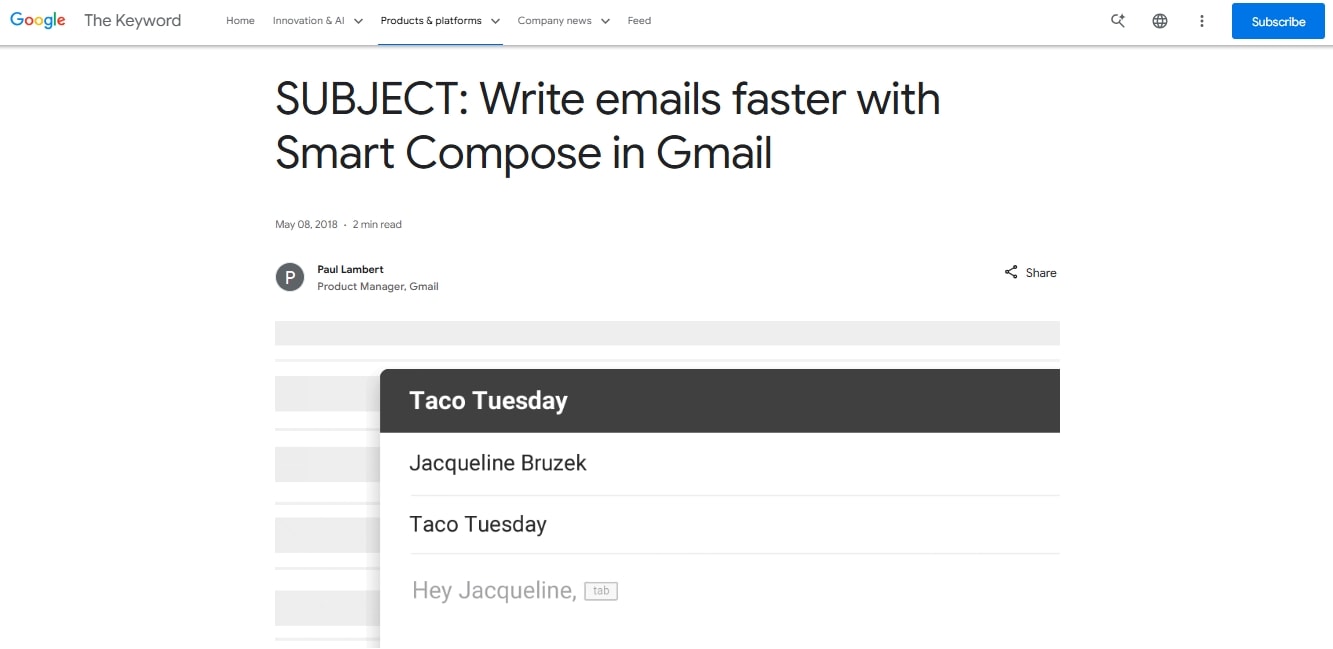
Gmail wants you to draft emails more easily and quickly, reducing friction in everyday conversations. Hence, come the Gmail Smart Compose and Smart Reply. Both these AI-powered tools use predictive text to help you draft relevant emails.
Ever noticed the gray text pop up whenever you type an email? That’s Gmail Smart Compose. This built-in Google Mail function is developed to auto-complete your sentences. You can always enable Compose Personalization from settings for it to adapt to your writing style.
Likewise, Smart Reply lives in your Gmail. It gives you reply suggestions as soon as you get an email, such as “Thanks, Sounds Good, etc.” A premium Gmail upgrade unlocks access to Contextual Smart Reply. This one gives you more detailed and context-driven responses.
Standout Features
- Contextual Smart Reply, available in business and higher plans, provides in-depth and contextually aware suggestions.
- Smart Compose is trained on billions of common phrases from public web and anonymized emails to produce accurate results.
- Smart Compose personalization adapts to your personal writing style over time.
What I Liked
- For starters, it feels great to have an assistant finish your common phrases. I could send responses with just one click.
- It corrects small typos and grammar slip-ups even when you are writing manually. Think of it as your proofreader.
- Both the tools live inside your Gmail. So, you don’t really have to switch tabs.
What I Disliked
- While helpful, context is not its powerful suite. And, as most emails don’t want simplistic replies, it doesn’t really do much for your brand messaging.
Google Workspace Pricing
- Free to use for personal Gmail accounts.
- Business Standard: $12.6 per month.
- Business Plus: $22 per month.
Microsoft Copilot Outlook Assistant for Improving Communication
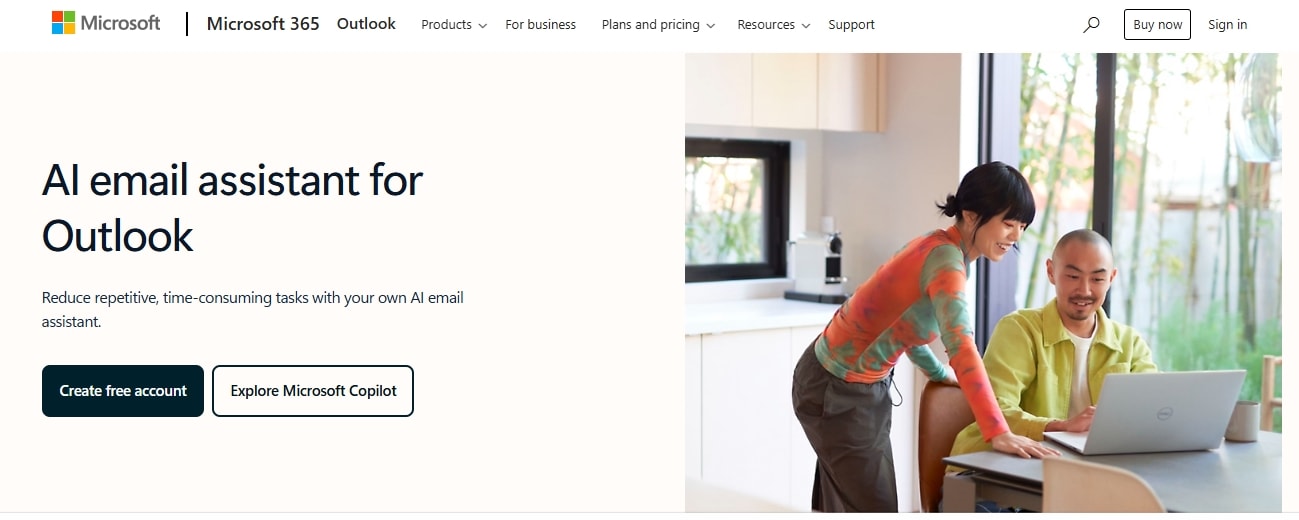
Copilot is Microsoft’s native AI for Outlook and other tools in the 365 suite. It uses Microsoft’s LLM to draft emails, summarize threads, and suggest replies. Though not outstanding, this AI assistant is easy to navigate and works well for busy corporate officials.
Once you log in, select Draft with Copilot, enter a prompt, and it will produce an email. You are free to set the tone and length. The same goes for thread summarization. Unlike others, its superscripts add numbers to the messages, so you can easily jump to your desired topic.
What really struck me was the Called Coaching function. It analyzes your written emails to see how the receiver will perceive the tone, content, and structure of the message. You also get a few example sentences as feedback to perfect the messages before sending.
Standout Features
- Thread summarization that derives key extracts from email threads and produces superscripts.
- Pulls context from other Microsoft tools, such as Word, Excel, SharePoint, etc.
- Inline drafting and rewriting assistants that help you keep the tone and context.
- Scheduling capabilities that connect with calendars and coordinate meetings.
What I Liked
- The fact that it extracts relevant information from Docs, calendars, and Excel improves its contextual awareness. This helped me with accurate personalization.
- It’s built within Outlook and works seamlessly without separate installation or add-ons.
- I also really like that you get pop-up reminders when it feels the AI-generated messages are inaccurate and need your revisions.
What I Disliked
- This AI email assistant is limited to email addresses ending in Microsoft-related domains (@outlook.com, @live.com, and @hotmail.com).
Copilot Outlook AI Pricing
It's available within the enterprise Copilot license.
- Free on app and web with limited daily usage.
- Individual Subscription: $19.99 per month (Premium), $9.9 per month (Personal).
- Copilot Business Subscription: $18 per month (Copilot chat included).
- Copilot Enterprise Subscription: $30 per month (Copilot chat included).
Front for Enterprises Communication

Front is an advanced shared inbox that consolidates all your email chats, SMS, and other social media messages. This communication platform helps declutter your inbox and speed up the response time, so your clients and customers stay happy.
Its shared inbox is where your team collaborates. It lets you assign emails as assignments and track coworkers’ activity. This way, nothing falls through the cracks. You can also snooze incoming emails during busy hours to catch up later.
Here, you can also chat live with team members and customers. Mention @teammates directly within email threads and communicate concerns. These threads will not be visible to the customers. You can also share drafts with managers to get a second opinion.
Standout Features
- AI analytics that help you measure response rate, team performance, and resolution rates.
- Team collaboration features, such as internal comments, shared drafts, and mentions.
- Omnichannel inbox that unifies emails, SMS, and social media messages.
- AI capabilities that draft replies and route conversations via action triggers.
What I Liked
- This email AI assistant seamlessly integrates with dozens of popular work platforms like Slack, social media, and more.
- Front really cuts down the time your team spends managing messy internal emails and makes working actually productive.
- The interface is clean and easy to navigate. There is no learning curve, and if you do, the user resources can get you started.
What I Disliked
- The pricing is the biggest complaint about Front. The high per-user cost becomes a hurdle for startups and companies with budget limitations.
Front Pricing
- Free version available.
- Starter Subscription: $35 per month, $25 per month (paid annually).
- Professional Subscription: $85 per month, $65 per month (paid annually).
- Enterprise Subscription: $105 per month (paid annually).
Gmelius for Customizable Team Workflows
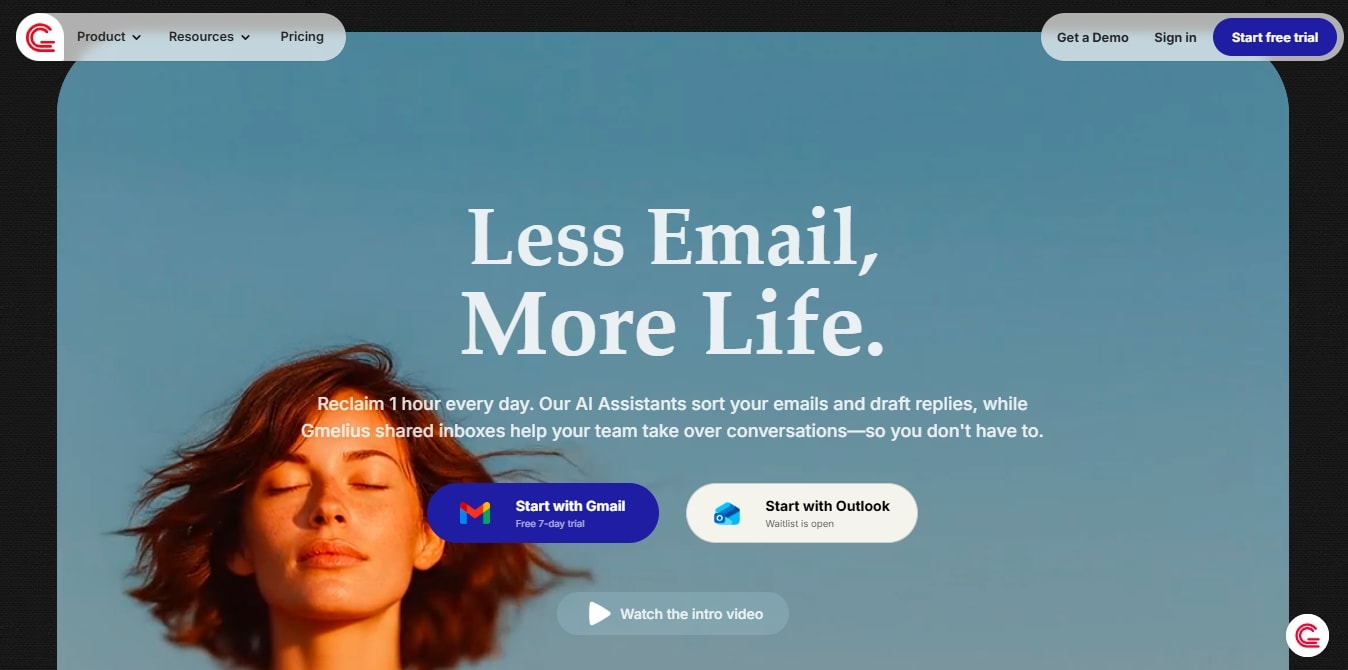
Gmelius is your go-to AI email organizer that converts your messy Gmail into a shared team space. Here, you can manage projects, automate manual tasks, and draft emails however you like. Marketing teams are using this platform to navigate projects with better communication.
Gmelius shared inbox actually makes sense. It allows tracking workers’ status, assigning messages as tasks, and keeping tabs on the progress. You can also turn your project-relevant emails into visual kanban boards. Just drag and drop, and that’s it.
What differentiates its email drafting from contenders is context. Meli, the AI assistant, is trained on massive inbox data points to learn email writing. You just have to train it on your knowledge base, so it can automatically replicate messages just like your customer support reps do.
Standout Features
- Email tracking that lets you categorize important unread messages from low-priority emails.
- An email scheduling function that allows you to schedule your emails to send later at a specific time.
- Meli AI is an intelligent AI assistant that drafts replies, summarizes threads, and suggests next steps.
- Shared inbox where sales, support, and marketing teams can manage projects within Gmail.
What I Liked
- The existing ready-to-edit templates are game changers in keeping you moving. You can ask Meli to use the template while keeping the context, and that’s it.
- The visual organization already puts you ahead of competitors. Just have a look at Kanban and see how the team is performing.
- Communicating within Gmail without the unnecessary clutter makes collaboration smooth. It makes sure everyone’s on the same page.
What I Disliked
- While the tool is intuitive for the most part, some advanced features can take time to get used to.
Gmelius Pricing
- 7-day free trial available.
- Meli Subscription: $21 per month, $19 per month (paid annually).
- Growth Subscription: $33 per month, $25 per month (paid annually).
- Pro Subscription: $50 per month, $40 per month (paid annually).
- Contact the sales team for enterprise pricing.
Hiver AI for Fast-Moving Customer Service
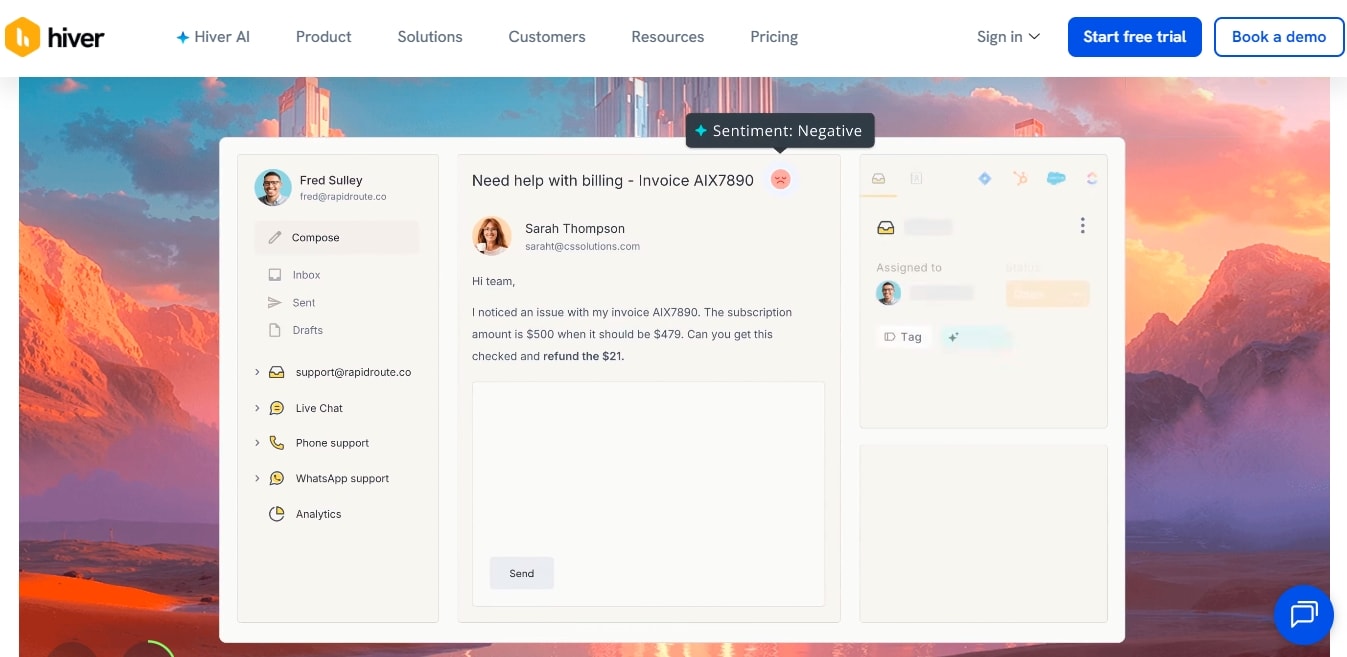
Hive AI is similar to professional help desks like Zendesk, but it lives in Gmail. It’s omnichannel coverage, Gmail automations, and intuitive design work great for fast-moving customer service teams like e-commerce, finance, and tech.
The biggest selling point of Hiver is its native Gmail design. Instead of a new interface, it works within Gmail, allowing users to communicate with team members. They can use color-coded tags, side-panel analytics, private notes, and tagging to make sure there are no cracks.
Its AI is mostly focused on supporting customers. Customer service reps can employ it to get answer suggestions for tickets, detect customer satisfaction, and evaluate risks.
Standout Features
- An email assignment that allows leads to assign messages as assignments with a single click.
- Harvey AI is an AI bot that spots key phrases to suggest template responses.
- AI capabilities, including auto-tagging, summarization, and response drafting.
- Analytics that provide insights into team performance, such as response rates, resolution metrics, and more.
What I Liked
- The native Gmail interface saved me time that would usually go into juggling between platforms.
- With Hive AI, the team stays on the same page. The private notes, auto-tagging, and color-coded messages improved communication significantly.
- This email AI assistant also reduces manual effort by drafting responses and summarizing responses in seconds.
What I Disliked
- This email assistant is not the best for big companies that require complex, multi-channel support.
Hiver AI Pricing
- Free version available.
- Growth Subscription: $35 per month, $25 per month (paid annually).
- Pro Subscription: $85 per month, $65 per month (paid annually).
- Elite Subscription: $125 per month, $105 per month (paid annually).
Shortwave for Email Search
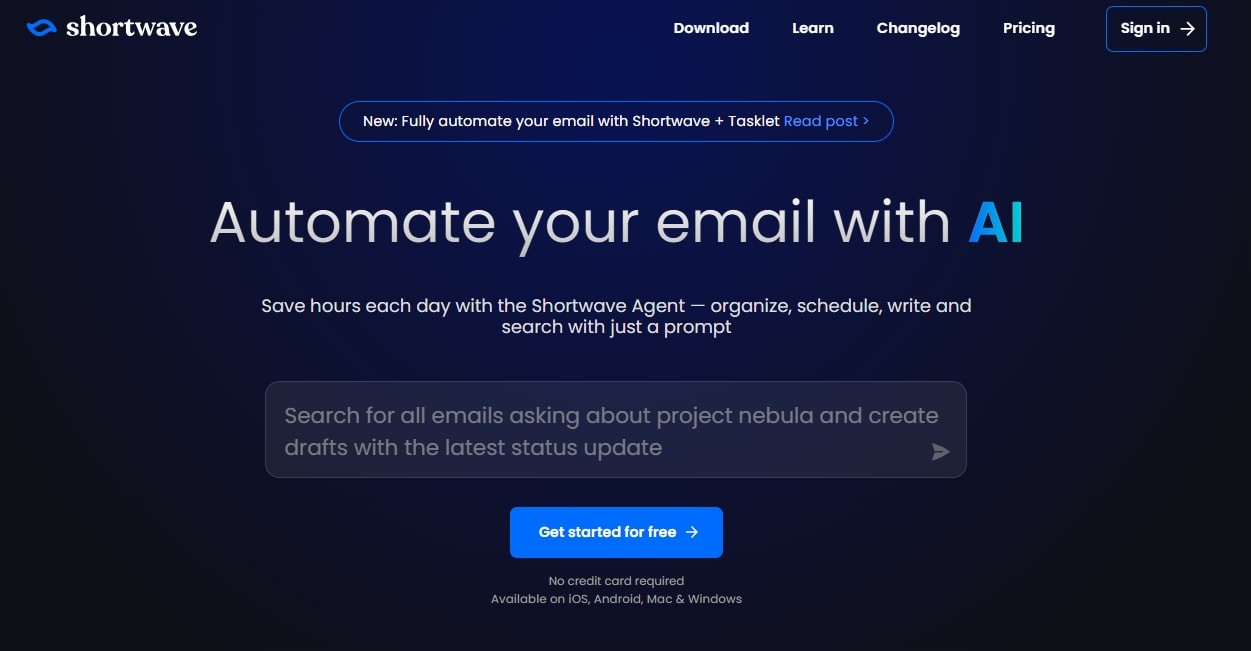
Founded by ex-Google engineers, Shortwave is an advanced email client to make your Gmail experience faster and more organized. Its minimalist interface has all AI tools living on top of your screen. So, you can access them on the go.
The main attraction of Shortwave is the AI-driven email search. Just ask a question or type keywords, and it will surface the old, forgotten conversations. You can also use it to extract desired information from email threads, write emails, and respond to messages.
Its intuitive interface also gets maximum marks, even from non-technical users. You get a chat window on the left side. It has emails sorted in categories, thread summaries, and externally connected apps. On the right side, you generate replies manually or with its AI Ghostwriter.
Standout Features
- A Ghostwriter AI that drafts your emails and automatically summarizes lengthy threads.
- Organize your inbox based on important emails, to-do tasks, and low-priority messages.
- Auto-complete personalized suggestions when you are manually writing emails.
- Scheduling function that checks your availability, creates events, and writes scheduling emails.
What I Liked
- This AI email works excellently for tech-forward professionals who want a chat-like email experience.
- The Ghostwriter takes time learning your writing style and makes sure to draft emails that sound just like you.
- It lets you categorize emails into to-do lists and important messages. This saves time and effort.
What I Disliked
- Shortwave only works with Gmail accounts, so you can’t actually integrate it with Slack or Outlook.
Shortwave Pricing
- Free version available.
- Business Subscription: $30 per month, $24 per month (billed annually).
- Premier Subscription: $45 per month, $36 per month (billed annually).
- Max Subscription: $120 per month, $100 per month (billed annually).
Warmer.ai for Cold Email Personalization
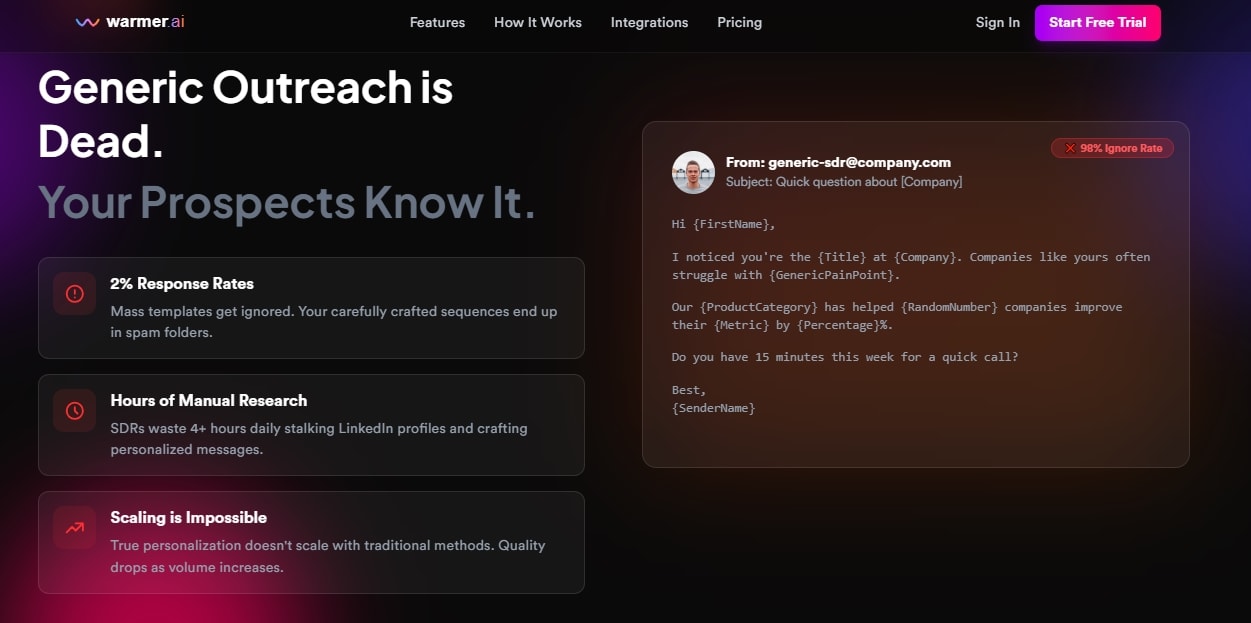
Warmer.ai is yet another AI-driven email personalization tool that uses NLP and machine learning to craft personalized outreach messages. It helps the sales team increase open rates and conversions.
Once you upload the prospects list, Warmer goes to the relevant website and LinkedIn to extract their information. It then prompts you to choose the email objective, be it link clicks, event promotion, or meeting bookings, and generate detailed messages.
What differentiates it is the company's intelligence function. This gathers and analyzes all your company data, including size, industry, recent news, and funding information, to target better prospects.
Standout Features
- Social data scraping that extracts prospects' information (job titles, company details, etc.) from social profiles.
- AI message generation that creates a personalized message for individual prospects.
- Email verification that ensures the messages reach real people with a lower bounce rate.
- AI personalization to generate unique, contextual messages as per the email objective.
What I Liked
- Using Warmer AI means you spend less time researching the prospects' information and use it for other strategic tasks.
- The bulk processing function works best for scaling campaigns. Just upload a CSV file, and it will draft multiple messages.
- The intuitive interface is developed for users of all skill levels. So, even non-technical people won’t have an issue.
What I Disliked
- The credit-based pricing can be overwhelming for users on a budget.
Warmer AI Pricing
- Free trial available.
- Growth Subscription: $79 per month, $790 billed annually.
- Professional Subscription: $149 per month, $1490 billed annually.
- Scale Subscription: $399 per month, $3990 billed annually.
Who Should Use an AI Email Assistant in 2026?
AI-powered email management works best where volume, speed, and operational workflow are the top priorities. Here is a list of people who can benefit most from smart email assistants.
- Support teams struggling with high ticket volume and common queries via email. Email AI tools in customer service help sales reps with intelligent routing and instant replies to queries.
- SaaS founders who communicate daily with clients, team members, and investors. These tools can help them prioritize messages, get smart summaries, and take action where needed.
- Creative agencies (consulting, marketing) that desire to streamline communication with clients. They can employ AI assistants to auto-tag internal and external messages, manage projects, and automate repetitive tasks.
Ready to Let AI Own Your Inbox?
AI email assistants are for businesses that want the zero inbox feeling, with reassurance that everything’s taken care of. These AI assistants reduce communication friction and cognitive overload. Not sure where to start from?
Begin with capable inbox management tools like Sintra. Its multi-agent system helps organize the inbox, respond to customers, and draft emails at scale. Get started with Sintra and see how it works.
AI Email Assistant FAQs
What is the best AI email assistant in 2026?
In 2026, the best AI email assistant for Outlook is Microsoft Copilot for speed-focused professionals who also want efficiency. Some other popular choices include Sintra for full inbox management, Shortwave for clarity, and Gemini for native Gmail.
Which AI email assistant can manage an inbox end-to-end?
Top contenders for inbox zero AI email management include Lindy, Sintra AI, and Shortwave. These tools use AI to categorize, prioritize, draft, and summarize emails. This way, professionals can be productive and save time.
Is there an AI email assistant for Outlook that goes beyond drafting?
Yes, Microsoft Copilot is an excellent Outlook AI assistant that goes beyond drafting. It summarizes threads, identifies information from emails, pulls content from native tools, and suggests next steps.
Can AI email assistants reply using help docs and FAQs?
Yes, role-based agents like Cassie are developed to reply to emails using documentation, FAQs, and an internal knowledge base. Using contextual analysis, these tools automate customer support and save you from answering repetitive queries.
Are AI email assistants safe for customer support emails?
It depends. AI email assistants use sensitive customer data to perform tasks. And, if they do not prioritize encryption and compliance with data-protection standards like GDPR and SOC 2, they are not safe.
Can a small team replace multiple tools with one AI email assistant?
Yes, a small team can replace multiple tools with one email assistant to improve productivity. These tools go beyond drafting and help professionals with automation, intelligent categorization, and consolidated communication.
Related articles


.avif)




Want a mystery discount on your order?

PlayOS, Inc.
All rights reserved