


Top 6 AI Tools for Teachers (Free & Paid)

.avif)
Table of Contents

TL;DR - What's are best AI tools for teachers?
AI tools help teachers save time on lesson planning, grading, and admin, making daily work more efficient without replacing real teaching.
- Sintra AI – automation for planning, admin, and workflows
- ChatGPT – lesson ideas, explanations, and content drafts
- Eduaide – structured lesson planning and resources
- Canva AI – presentations and visual materials
- Gradescope – grading and assessment automation
AI has officially entered the classroom. From reducing burnout to saving prep time and streamlining admin work, there's a lot educators can achieve with the right AI tools for teachers. The ROI for small organizations adopting AI is substantial - 91% of SMEs using AI say it directly boosts their revenue, AI can cut operational costs by up to 30% and save more than 20 hours per month, with early trends suggesting a 10x return for every dollar invested at advanced adoption levels.
The problem? The growing number of software options often creates even more decision fatigue instead of real relief.
That’s where this guide comes in. It breaks down the best AI tools for teachers that actually support the real work behind teaching. These tools help in repetitive tasks, speed up lesson prep, and make everyday workflows more manageable.
From productivity-focused platforms like Sintra to specialized tools for planning, feedback, and communication, this list shows how AI for teachers can give you time back without taking control away.
How AI Helps Teachers Without Replacing Teaching?
Did you know that teachers who use AI tools save around 5.9 hours on average, every week? That adds up to six weeks per school year, which is pretty impressive.
But despite these statistics, many teachers still fear that AI tools for teaching might make them less relevant or replaceable. But in practice, AI only works as a background assistant, guided by human expertise and professional judgement.
Another common fear is the loss of creativity. In reality, most AI-based learning platforms depend entirely on teacher input.
What AI actually does well
- Draft lesson plans, worksheets, and quizzes
- Summarizes long texts or research papers
- Suggests feedback language or rubric criteria
- Organize notes, schedules, and emails
What AI does not do
- Decide what or how students should be taught
- Understand classroom dynamics or student emotions
- Replace creativity, teaching style, or professional judgment
AI tools can only generate drafts. It's the teachers who adjust the tone, add relevant context, and make the final call.
Ethical challenges of using AI in education
- Accuracy of information provided to students
- Fairness of feedback and assessments
- Student equity and inclusivity
- Learning without proper context
- Loss of critical thinking and discussion
When used correctly, educational AI reduces mental load, not authority. By freeing up time spent on repetitive work, teachers can focus more on creativity, empathy, and making meaningful connections.
Sintra AI – Best for Teacher Productivity & Workload Reduction

Most AI tools for teaching tend to focus on a single task, leaving other areas unsupported. For instance, a tool might help with lesson planning but offer little assistance with grading or feedback. This often forces teachers to juggle multiple tools for everyday classroom tasks.
That’s why an AI platform with specialized assistants for different workflows can be a more practical addition to your teaching toolkit.
Unlike a single chatbot that tries to do everything, Sintra functions as an AI “team” built specifically for educators. Each helper has a clear role—one drafts lesson plans, another prepares feedback, another manages emails and automates administrative tasks.
This role-based structure mirrors real classroom workflows, making it easier to delegate repetitive tasks without losing control over content or quality. Instead of juggling a generic AI that switches between tasks poorly, teachers can rely on each assistant to handle its responsibility efficiently.
Here’s how Sintra’s AI employees can take charge in your classroom.
Lesson Planning & Teaching Material Creation
Creating lesson plans and teaching materials across different grades and subjects can be extremely time-consuming. It is especially challenging when you need to differentiate content for students with varying learning abilities.
With smart AI helpers for lesson planning, teachers can quickly draft lesson plans, create worksheets and quizzes, and adapt content for different grade levels and classroom needs. These AI tools for education act as a starting point, not a replacement for teaching.
For example, simplifying content for different grades is one of the most practical everyday uses of AI in lesson planning. A teacher can take a single concept, such as the French Revolution, and ask AI to rewrite it for multiple levels. The same topic can be explained in simple language for Grade 2, and with deeper analysis and academic context for high school students.
This saves educators significant time that would otherwise be spent rewriting the same material in different styles. It allows them to focus more on instruction and student engagement.
Grading, Rubrics & Feedback Drafting
Grading is a crucial part of teaching, but it can also be mentally exhausting due to the amount of repetitive writing involved. This is where an AI classroom tool can make a real difference by helping draft rubrics, feedback comments, and summary notes without taking over the actual grading process.
With a powerful AI app for teachers, you can generate:
- Rubric language for assignments, projects, and presentations
- Feedback comments for common strengths and recurring mistakes
- Summary notes highlighting overall performance and areas for improvement
For example, instead of writing similar comments repeatedly, teachers can use an AI copywriter for feedback writing to draft feedback for a strong essay, an average submission, or a partially completed assignment. This provides a rough draft for each student that can be edited and personalized based on context.
Another major benefit is tone adjustment and clarity. Teachers can ask the AI tool to make feedback more encouraging, more direct, or more supportive, depending on the student and the situation.
This significantly reduces mental fatigue while ensuring communication remains professional, consistent, and meaningful.
Teacher Admin, Emails & Communication
A large part of a teacher’s workload happens outside the classroom. They need to answer emails, send announcements, reply to student questions, and keep track of meetings.
These tasks are necessary, but also consume hours that could be spent on lesson prep and classroom teaching. Here, the AI tools can play a practical role in reducing administrative overload.
With the right AI assistant for email and communication, teachers can:
- Draft parent emails and respond to student questions quickly
- Create and send announcements and reminders for classes
- Summarize meeting notes and action points
- Ensure consistency and clarity in communication with parents and students
By letting AI tools handle admin-heavy tasks, teachers can spend less time in their inbox and more energy on what truly matters.
Multi-Role AI Helpers (Not One Generic Chatbot)
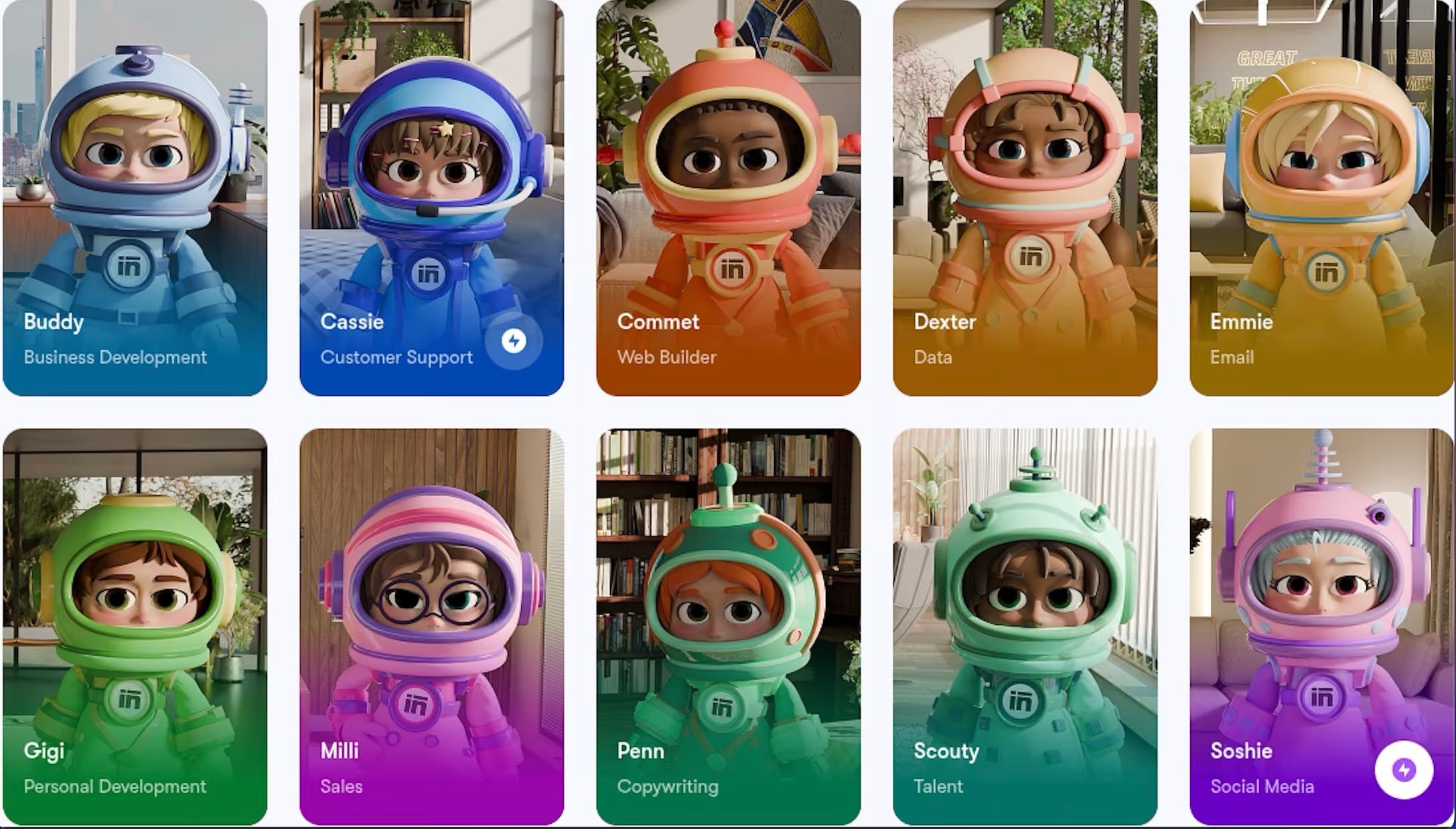
When educators first experience AI-powered teaching assistants, they usually start with a single chat interface. While this can be useful for simple tasks, relying on one tool for everything often leads to lost context and inconsistent results.
A multi-helper system works differently. Instead of one generic chatbot, each AI assistant has a specific function—such as lesson planning, writing emails, or designing interactive classroom content. This role clarity helps educators move between tasks without losing focus or repeatedly re-explaining their goals.
The biggest advantage of this approach is smoother context switching. Teachers do not need to reset instructions every time they change tasks. They can simply move from one helper to another, knowing each assistant is optimized for a specific type of work.
For example, you can plan a lesson with a brainstorming assistant and then create an interactive presentation using a visual AI assistant for teaching materials. You can achieve all this and more without worrying about mixed contexts or inconsistent outputs.
Shared AI Memory for Course Consistency
If you're managing multiple classes or cohorts, maintaining consistent explanations, tone, and policies across courses can be a real challenge. But a shared memory AI-based learning platform can ensure course consistency and deliver the results you need.
With a shared memory system, teachers can:
- Maintain consistent grading language and feedback style across semesters
- Ensure policies, rubrics, and expectations are applied uniformly
- Keep explanations of concepts aligned, even when teaching multiple cohorts or repeating courses
This feature reduces the need to constantly recall past decisions or check for consistency. Educators can simply use an AI tool for analyzing course data to generate new lessons with the same tone, structure, and instructions.
Other Popular AI Tools Teachers Use
Many teachers rely on multiple free AI tools for education to cover different aspects of their workflow. These tools usually solve a specific problem, which is why teachers combine them to maximize efficiency.
Here's a paid and free AI tools list for teachers that save time and boost productivity.
General-Purpose AI Chatbots
For many educators, general-purpose AI chatbots are their first real introduction to AI tools for teachers. While these tools are popular for their flexibility and quick responses, they also have limitations.
For example, a general-purpose AI-powered teaching assistant cannot remember context, such as course goals, student levels, or classroom preferences. Another downside of these tools is the lack of structure in responses.
In the end, they are very useful for quick tasks, but less effective for consistent lesson planning, grading, or ongoing class management.
ChatGPT
ChatGPT is one of the most widely used AI-powered tools among teachers, mainly because of its versatility and accessibility.
Teachers use ChatGPT to:
- Brainstorm lesson ideas and classroom activities
- Generate lesson variations for different grade levels
- Draft quizzes, worksheets, and discussion questions
- Simplify complex topics
- Generate examples, analogies, and explanations
- Summarize long articles or textbook chapters
However, ChatGPT isn't great for retaining long-term classroom context. So you may need to repeat instructions on course structure, learning goals, etc. Additionally, ChatGPT responses can also feel generic, which means you have to edit them carefully or risk losing the human connection with students.
ChatGPT pricing
- Free: Basic features
- Pro: Paid plans starting from $8/month, scaling up to $200/month for advanced models and higher limits.
Claude
Claude is mostly used by teachers for long documents and academic content. It's adaptive and understands context more effectively. A major upside of Claude is that it's been designed to be mindful of human values and social norms. This helps ensure that responses are sensitive and inclusive.
Teachers use Claude to:
- Analyze and summarize lesson content and research papers.
- Generate quizzes, lesson plans, and student materials
- Review and improve syllabi and course outlines
- Rewrite content in a more formal or academic tone
- Organize lecture notes into structured sections
However, like most general-purpose AI tools, Claude also struggles with long-term class memory. While its academic tone is a strength, it can sometimes feel overly formal and complex for younger students.
Claude pricing
- Free: Basic features
- Pro: Paid plans starting from $17/month, and go up to $100/month for priority access and higher limits.
Google Gemini for Education
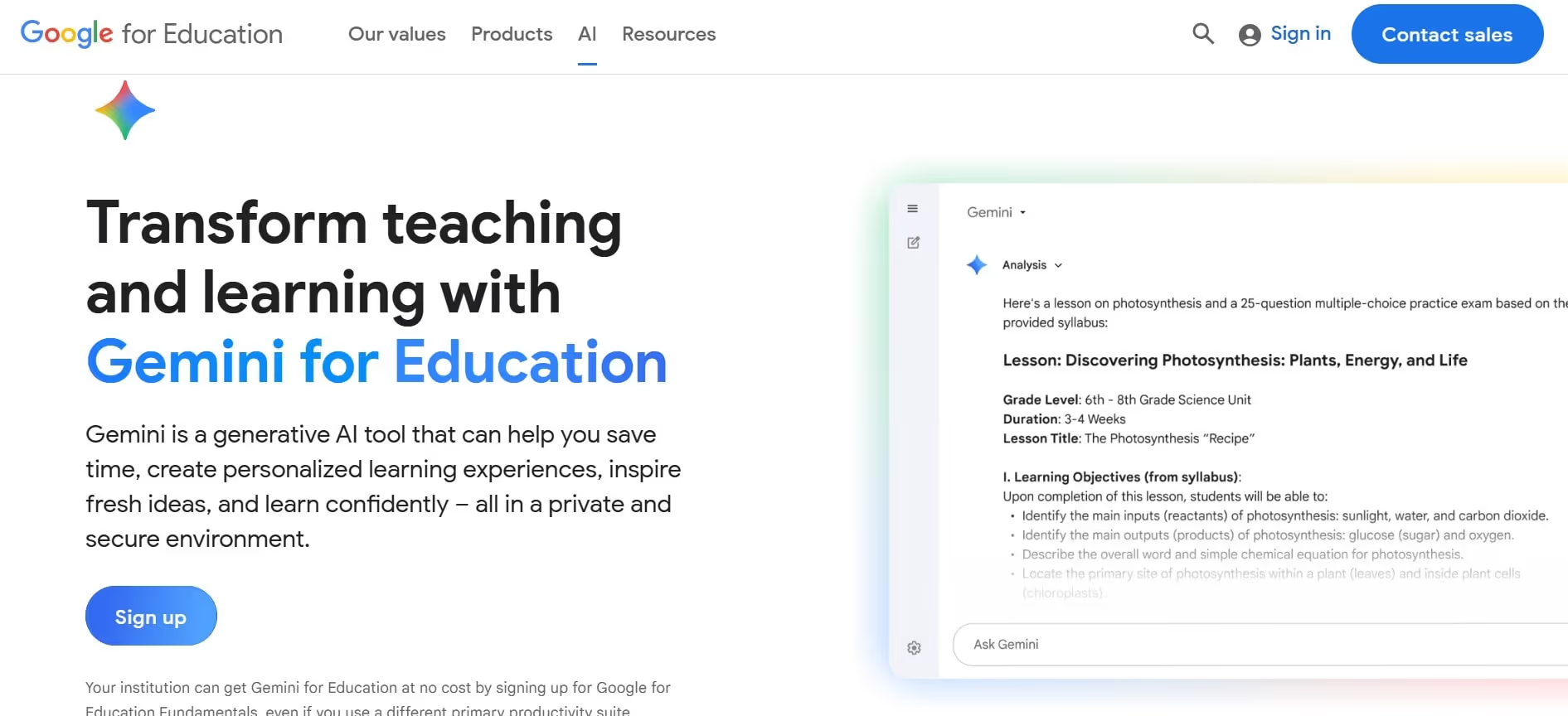
Google Gemini for Education is the perfect AI tool for schools and institutions already working inside the Google ecosystem.
Teachers can use Google Gemini for Education to:
- Create lesson plans that are aligned with learning objectives
- Differentiate course materials for student groups and levels
- Generate exams, quizzes, assignments, and rubrics
- Draft and edit content in Google Docs
- Summarize long email threads in Gmail
While Gemini for Education is a useful tool, it offers limited flexibility outside the Google ecosystem. Since it lacks strong third-party integrations, teachers may find it harder to use alongside a wider mix of educational tools.
Google Gemini for education pricing
- Free: Many schools can enable basic Gemini AI for education at no cost through Google Workspace for Education Fundamentals.
- Pro: Paid plans start from $20/month and include deeper integration and larger usage limits.
- School subscription: Teachers using a school-provided Google Workspace account can access Gemini features for free, depending on the school's subscription tier.
Lesson Planning & Instructional Design Tools
Unlike general-purpose educational AI, tools designed for lesson planning and instructional design help educators create structured lessons, align activities with learning standards, and adapt materials for different student levels.
These tools make it easier to create curricula, organize lessons effectively, support differentiation, and save valuable planning time.
MagicSchool.ai
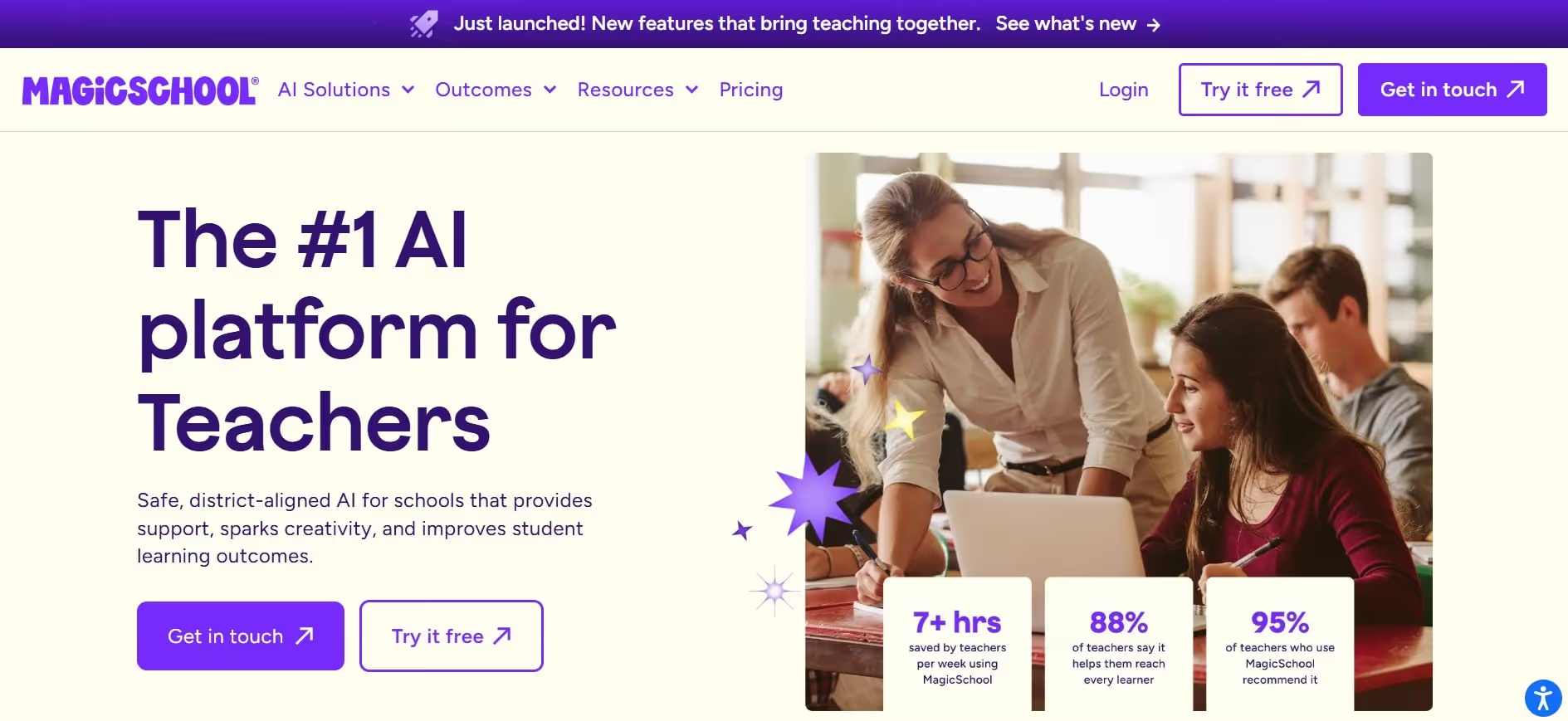
While MagicSchool.ai is an all-in-one AI assistant for teachers, its main strength lies in its AI-generated lesson plans, content, and instructional materials. This tool is educator-friendly and delivers accurate outputs with prompt engineering.
Teachers can use MagicSchool.ai to:
- Generate lesson plans quickly for different grade levels and subjects
- Create instructional materials aligned with curriculum standards
- Draft quizzes, worksheets, and activity guides
- Break down assignments into tasks for students
- Draft communication with parents and students
Although MagicSchool.ai provides a strong starting point, it still needs to be reviewed and adjusted to match student needs and classroom context.
Magicschool.ai pricing
- Free: Basic features for individual teachers.
- Pro: Paid plans start from $8.33/month with advanced tool features and unlimited access.
Diffit
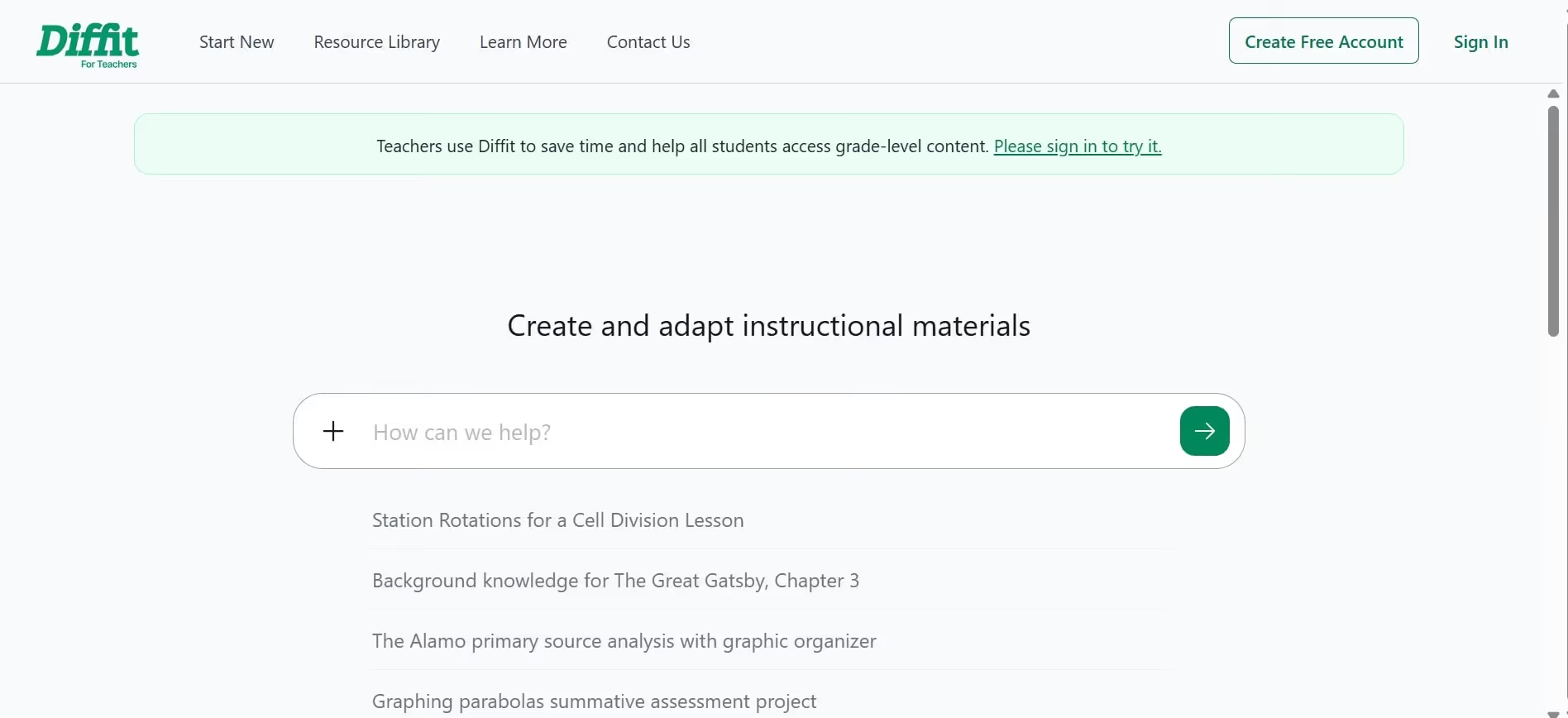
Diffit is a tool designed specially for differentiating classroom materials.
Educators use it to:
- Adapt learning material to different grade levels or reading abilities
- Simplify complex topics with images
- Generate standards-aligned worksheets and activities
- Translate lessons into 70+ languages
- Generate resources for YouTube videos and PDFs
While Diffit saves time and supports differentiation, teachers still need to review the output to ensure it meets learning objectives and matches student levels. Some users have also noted that the tool can be limited in handling more complex topics.
diffit pricing
- Free: Basic features for individual teachers.
- Pro: Paid plans start from $14.99/month, and include advanced features and additional export options.
Eduaide.ai
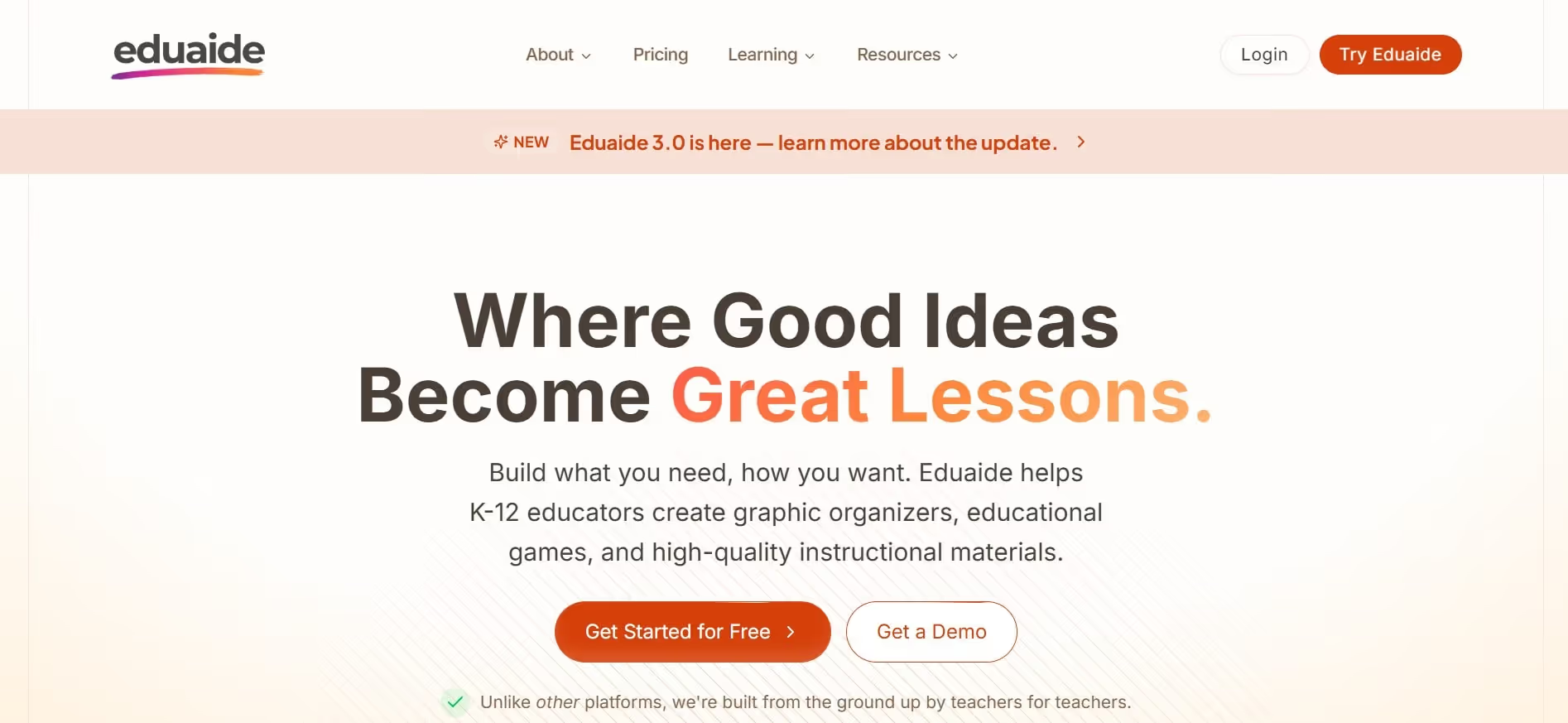
Eduaide.ai is an AI-powered tool that assists teachers in creating instructional resources, such as lesson plans, graphic organizers, and educational games.
Teachers use Eduaide.ai to:
- Generate resources and classroom-ready activities quickly
- Draft formative assessments to check student understanding
- Create different versions of class materials for students with varied learning needs
- Break down complex ideas into visual concepts for clarity
While Eduaide.ai helps with standards-aligned planning and differentiation, new users can find it challenging to get the most out of the tool at first.
eduaide.ai pricing
- Free: Basic features with generation limits.
- Pro: Paid plans start from $5.99/month, and offer unlimited generation and 5 educational standards per resource.
Quiz, Assessment & Worksheet Generators
The AI classroom tools in this category assist teachers in generating quizzes, assessments, and activity worksheets quickly. Whether you want to test your students with multiple-choice questions or in-depth analysis, these tools for teachers can cut down hours of your prep time.
All you need to do is insert the right prompt, review the output, and make the final call- all within minutes.
QuestionWell
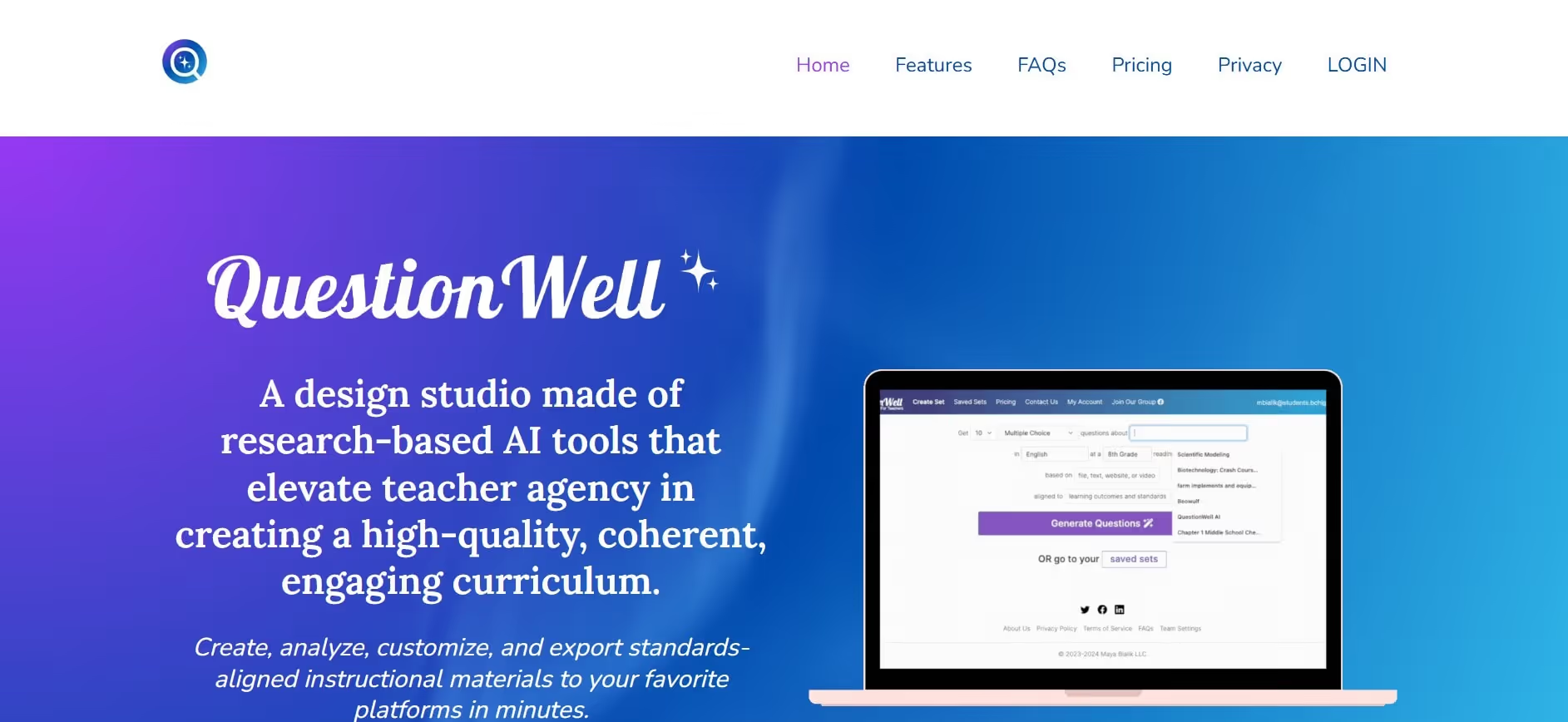
QuestionWell is an AI-powered tool that quickly generates questions and assessment materials from text or topics. It also helps teachers break the curriculum down into manageable learning outcomes.
Teachers can use QuestionWell to:
- Generate quick quizzes or exit tickets
- Create assessments according to learning outcomes and predefined standards
- Turn reading passages or videos into ready-made quizzes
- Save time on formative assessments without starting from scratch
While QuestionWell is great for quick assessments, educators still need to review and adjust the output. This helps ensure that students are tested with goal-aligned and level-appropriate questions.
Questionwell pricing
- Free: Basic features with 3 months of storage.
- Pro: Paid plans start from $5.83/month, and offer unlimited storage and advanced features.
Conker
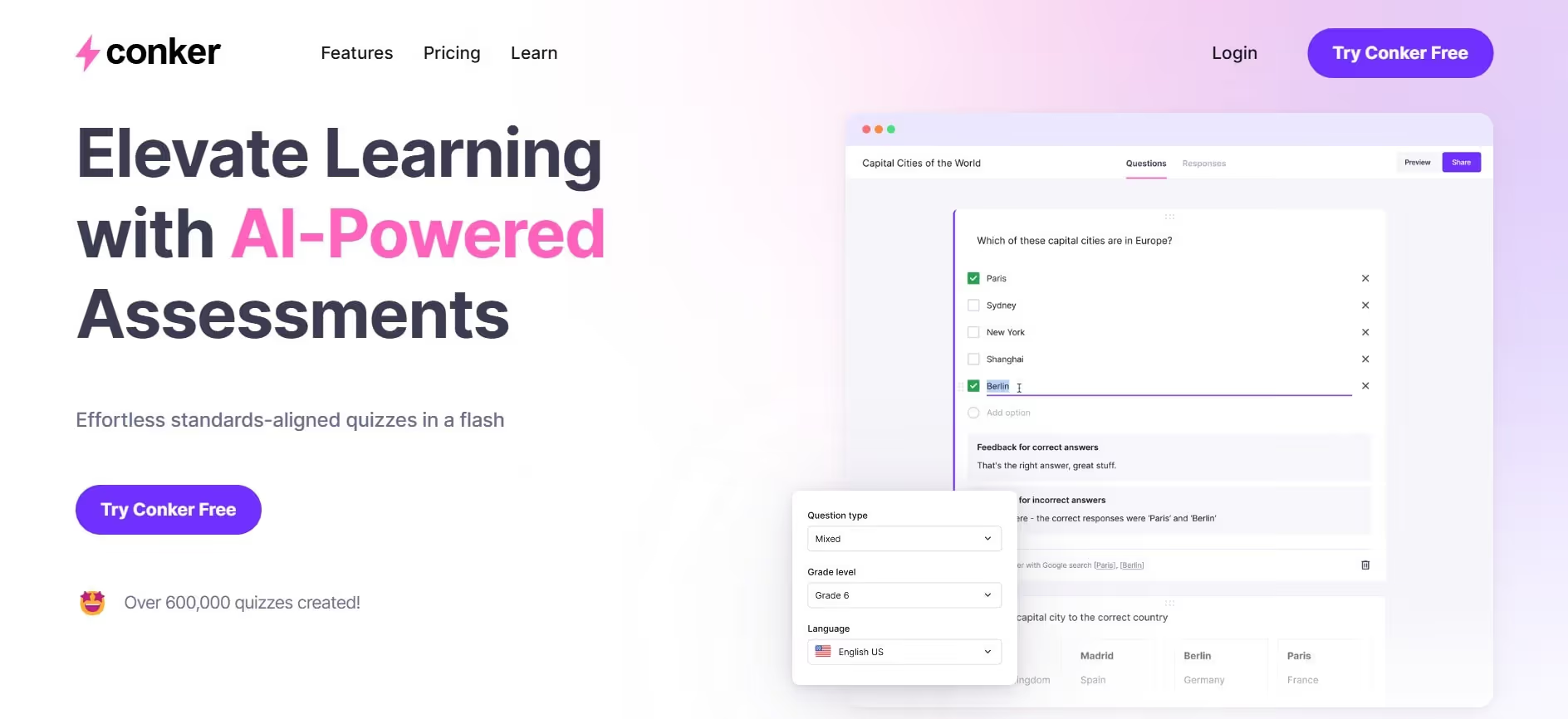
Conker is another useful assessment tool that helps teachers create tests and quizzes within minutes. One of its biggest strengths is that it integrates course standards and learning outcomes directly into the output. It also allows educators to customize assessments for different learner levels.
With Conker, teachers can:
- Generate unique quizzes with a variety of engaging question types
- Tailor quizzes to match different student learning abilities
- Use standards-aligned, classroom-ready assessments
- Quickly export tests to Google Forms or other popular LMS platforms
Conker is primarily designed for the K–12 education sector, which can limit its usefulness for educators working in higher education or specialized subjects.
conker pricing
- Free: Basic features with a 10-question limit.
- Pro: Paid plans start from $3.99/month and go up to $5.99/month, depending on your assessment needs.
Formative AI
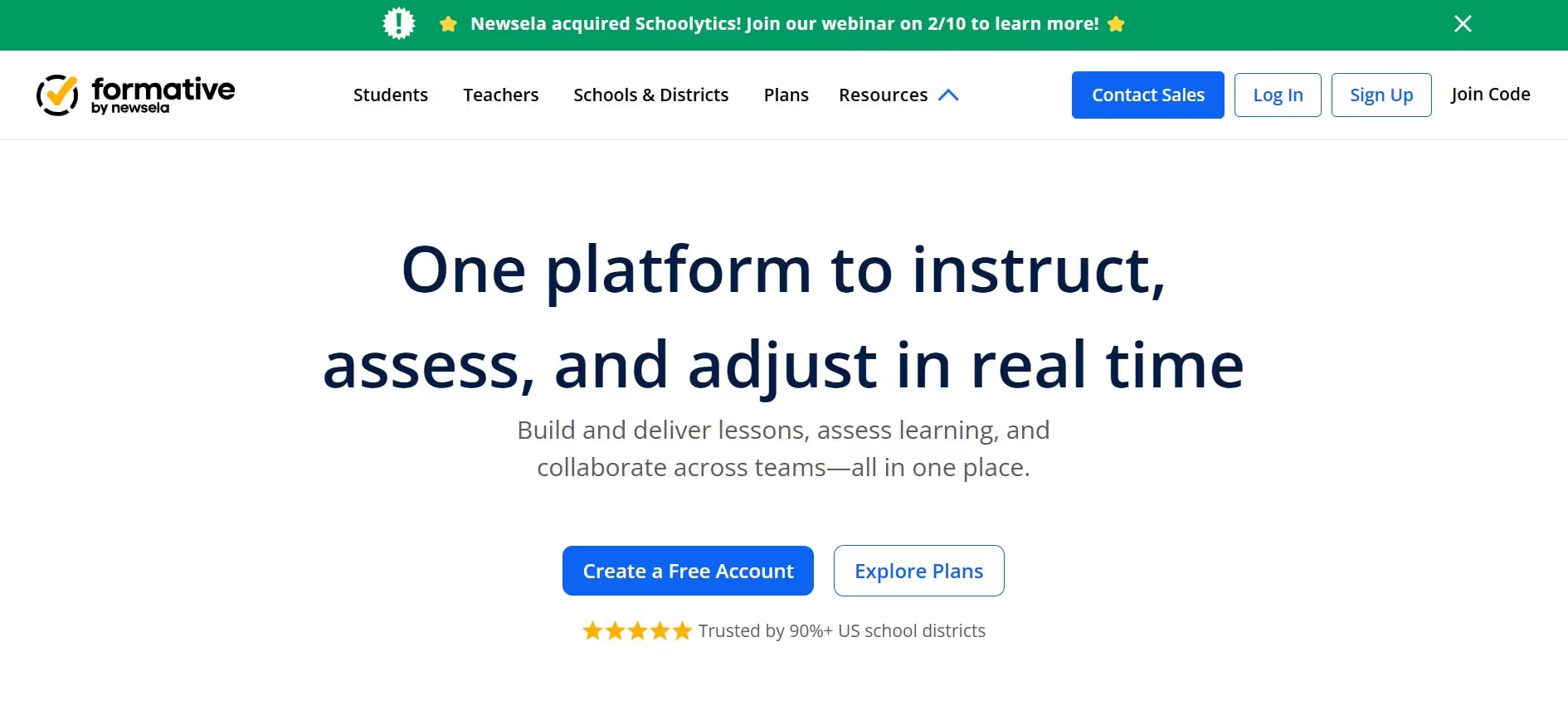
Formative AI is a powerful tool that allows educators to create interactive assessments and monitor understanding in real time. With Formative, teachers can provide immediate feedback on student submissions, fostering a hands-on and engaging classroom environment.
Formative AI helps teachers to:
- Generate multiple types of assessments with a variety of question styles
- Respond to student submissions and offer support in real time
- Customize question types according to grade levels and individual student needs
- Analyze student progress and identify learning gaps
Formative AI saves educators time by streamlining assessments and grading. However, teachers still need to set learning objectives and guide the tool with clear instructions to ensure meaningful results.
Formative AI pricing
- Free: Basic features and integrations
- Pro: Paid plans start from $20.75/month and include advanced question types and feedback tools.
Writing, Editing & Feedback Tools
One of the most time-consuming tasks for educators is writing content, whether it’s for lessons, assignments, or student feedback. AI-powered writing and feedback tools make this easier by helping ensure materials are grammatically correct, clear, and written in the appropriate tone.
However, while AI apps for teachers can generate feedback at scale, maintaining their quality, accuracy, and relevance is still the teacher’s responsibility.
Grammarly

Grammarly is a powerful AI tool for teachers that provides real-time corrections and suggestions in writing. It can significantly speed up creating lesson plans, parent emails, and student feedback.
With Grammarly, teachers can:
- Check and fix grammar, spelling, and punctuation
- Improve clarity and tone in writing
- Detect plagiarism in content
- Work seamlessly across documents, emails, and other online platforms
While Grammarly helps ensure lesson materials and communications are polished and professional, relying too heavily on AI suggestions can lessen a teacher’s personal voice.
grammarly pricing
- Free: Basic features
- Pro: Paid plans start from $12/month, and include complete rewrites with unlimited personalized suggestions.
QuillBot
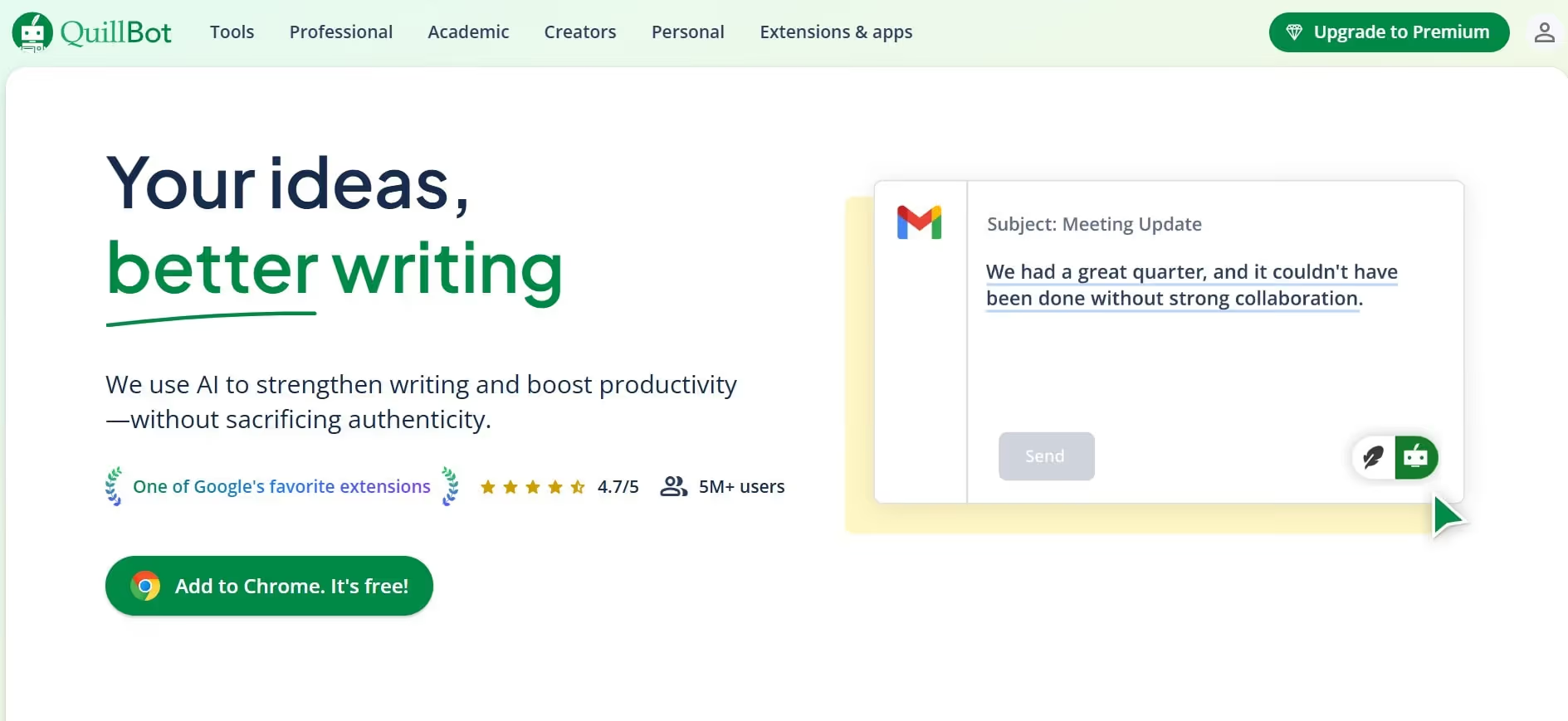
Quillbot is an AI-powered writing tool that helps teachers rephrase instructions, check grammar, simplify explanations, and adjust content for different reading levels.
QuillBot helps teachers to:
- Paraphrase lesson content in different structures and tones
- Refine writing with grammar checks
- Summarize long texts, including documents, articles, or papers, into key points
- Detect AI-generated content and rephrase it for a more human-like tone
While QuillBot can quickly paraphrase content, some users find its output lacks nuance. Teachers should review the results to ensure the original tone and meaning aren't lost.
Quillbot pricing
- Free: Basic features
- Pro: Paid plans start from $4.17/month with unlimited paraphrasing and custom summaries.
Visual, Design & Presentation Tools
Visual aids have become essential in hybrid classrooms, but creating them from scratch can take time away from actual teaching. Fortunately, visual AI tools for education can handle the heavy lifting by quickly designing slides, handouts, posters, and other educational visuals.
The only limitation with many design tools is that editing and customization options can be somewhat restricted.
Canva AI
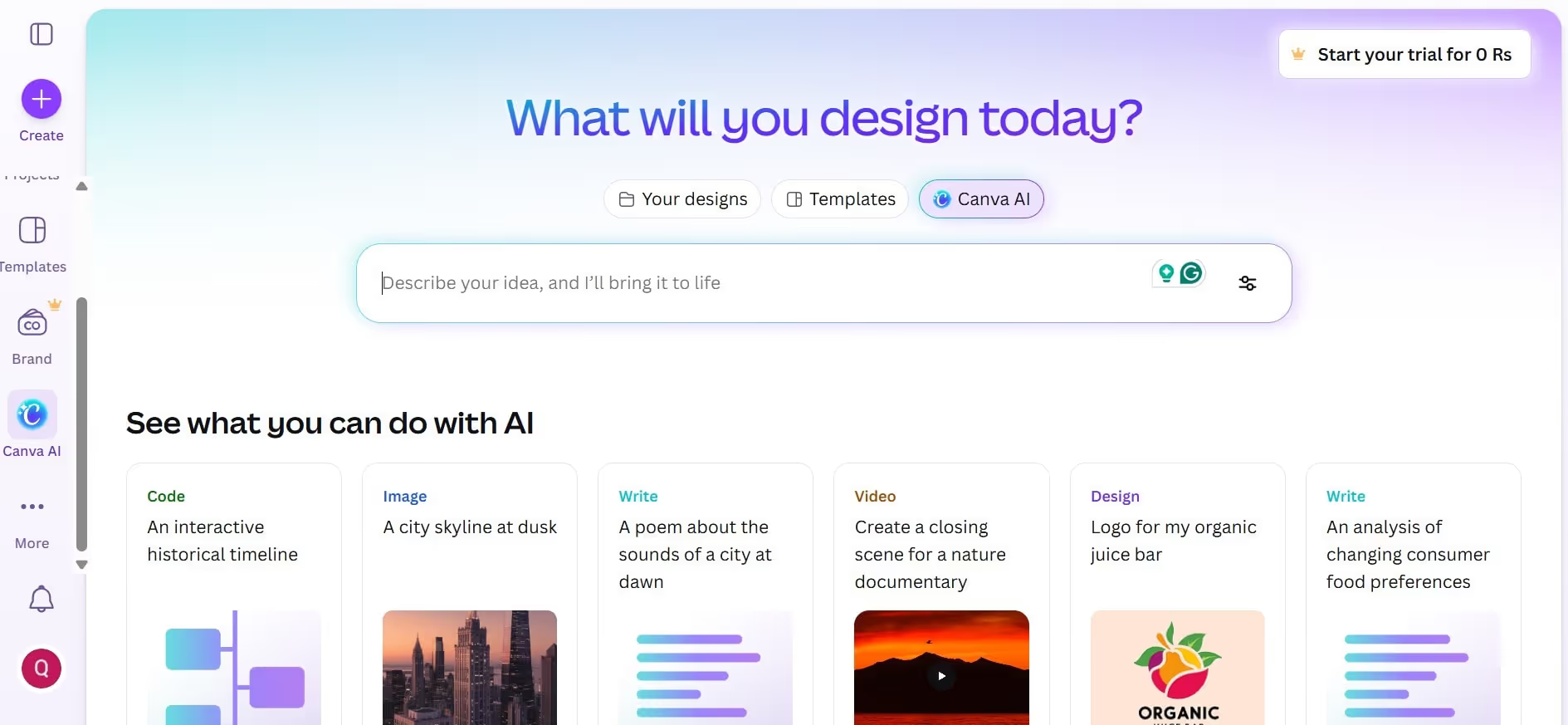
Canva AI is an impressive design tool that allows teachers to generate presentations, worksheets, infographics, posters, and other classroom visuals with minimal effort. The platform is simple yet powerful, offering a massive library of practical templates.
Teachers can use Canva AI to:
- Create lesson plans, infographics, and classroom visuals
- Add images, videos, and animations to existing materials
- Produce worksheets and activities for different subjects
- Generate interactive slides and presentations quickly
Canva AI enables teachers with limited design experience to create high-quality visuals. However, the extensive template library can sometimes feel overwhelming or distracting for new users.
Canva AI pricing
- Free: Basic features with limited AI access.
- Pro: Paid plans start from $12.99/month, and include premium tools and over 100GB of cloud storage.
- Canva for Education: Free for K–12 teachers and students, with access to premium features like Pro templates, collaboration tools, and AI design tools.
Gamma
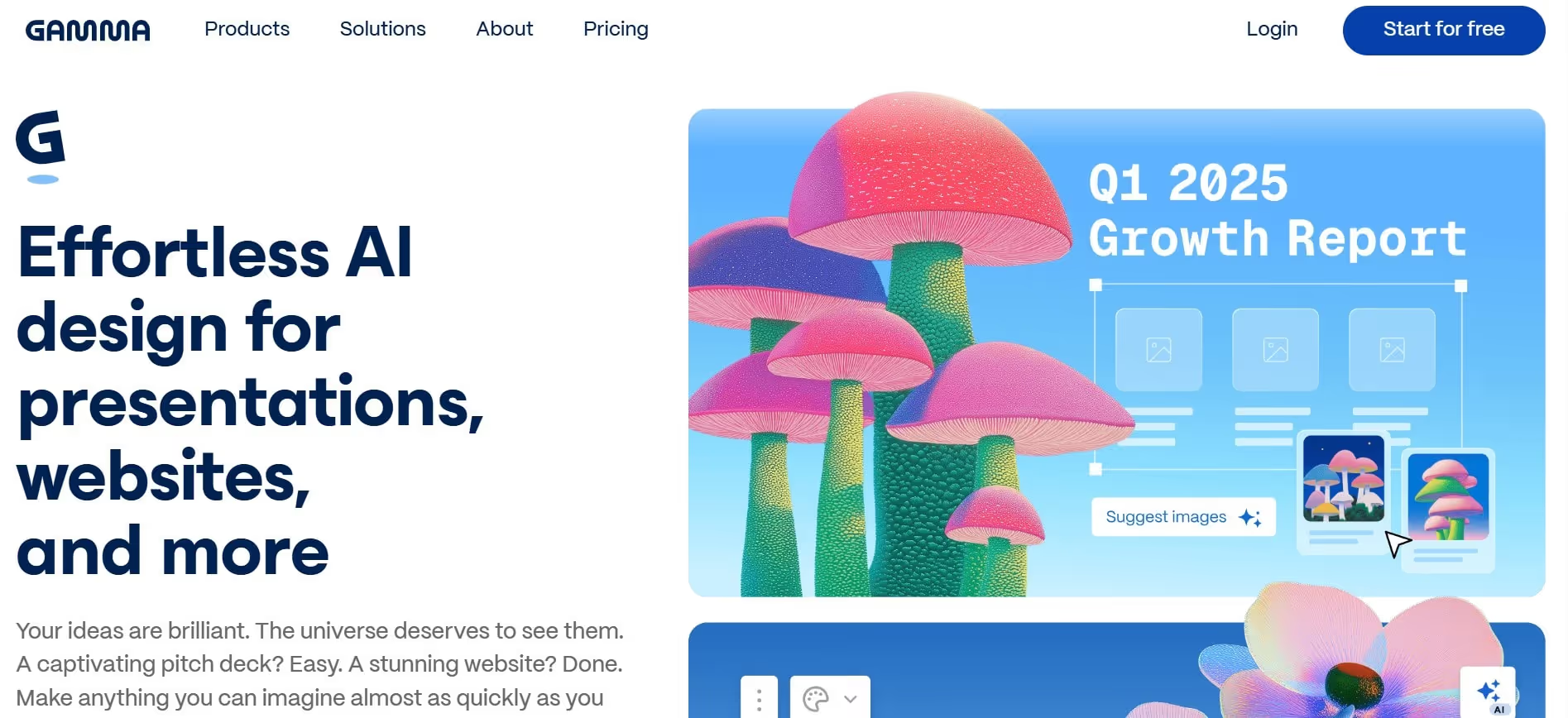
Gamma uses AI to quickly generate structured slides and lesson presentations. Simply provide a prompt, and the tool produces engaging slides that you can edit to fit your classroom needs.
With Gamma, teachers can:
- Create fully designed slides with just a few prompts
- Add interactive elements to visuals and presentations
- Collaborate with colleagues and students in real time
- Make edits without losing the overall structure
While Gamma can generate presentations instantly, the output can sometimes feel generic or lacking depth. Teachers may need to manually refine the slides to add additional educational content and nuance.
Gamma pricing
- Free: Basic features
- Pro: Paid plans start from $9/month and go up to $18/month. Higher tiers offer advanced AI image models and custom branding.
Adobe Express
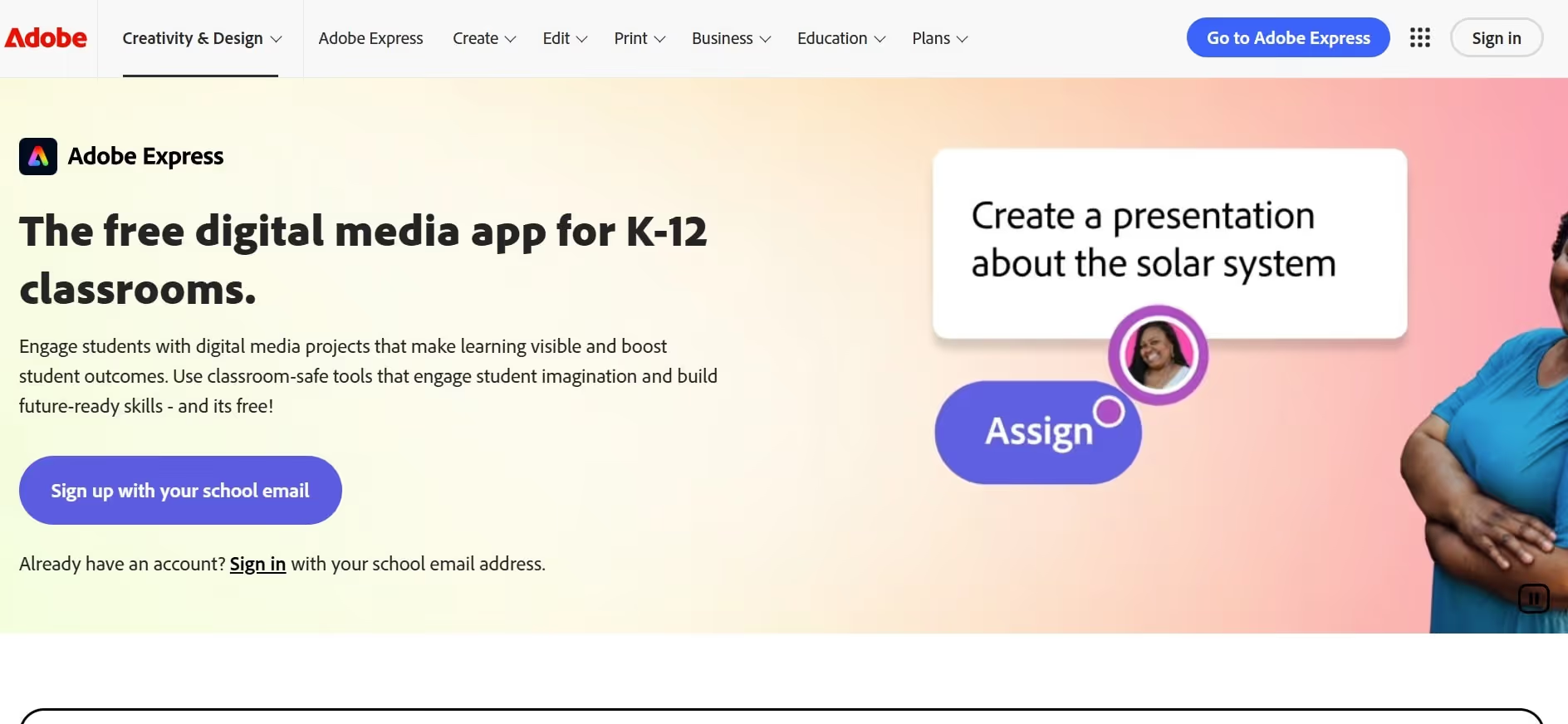
Adobe Express is a versatile design tool that helps teachers create polished, professional-looking visuals for classrooms and online courses. Its simple and intuitive interface ensures that even non-designers can produce appealing visuals quickly.
The tool allows educators to:
- Design visually appealing slides, posters, and handouts
- Create branded classroom materials with consistent colors, fonts, and styles
- Produce graphics for online courses, announcements, or social media
- Quickly customize templates to match lesson objectives or student needs
Although Adobe Express is a powerful design tool, some users find that it lacks advanced customization options and finer controls for templates.
Adobe Express pricing
- Free: Basic content creation tools with limited generative AI credits and assets.
- Pro: Paid plans start from $9.99/month and scale up to $19.99/month. Premium plans include advanced templates and assets, more generative AI credits, and advanced image editing.
- Adobe Express for Education: Free for qualified K–12 teachers, with access to thousands of templates, more generative AI credits, and time-saving features.
Classroom Collaboration & Reflection Tools
Modern classrooms thrive on real-time collaboration and discussion, not just direct instruction. AI-driven collaboration and reflection tools encourage interaction between students and educators while fostering a healthy learning environment.
Teachers can use AI-based learning platforms to promote classroom dialogue, support peer feedback, and engage students at a deeper level.
Padlet TA
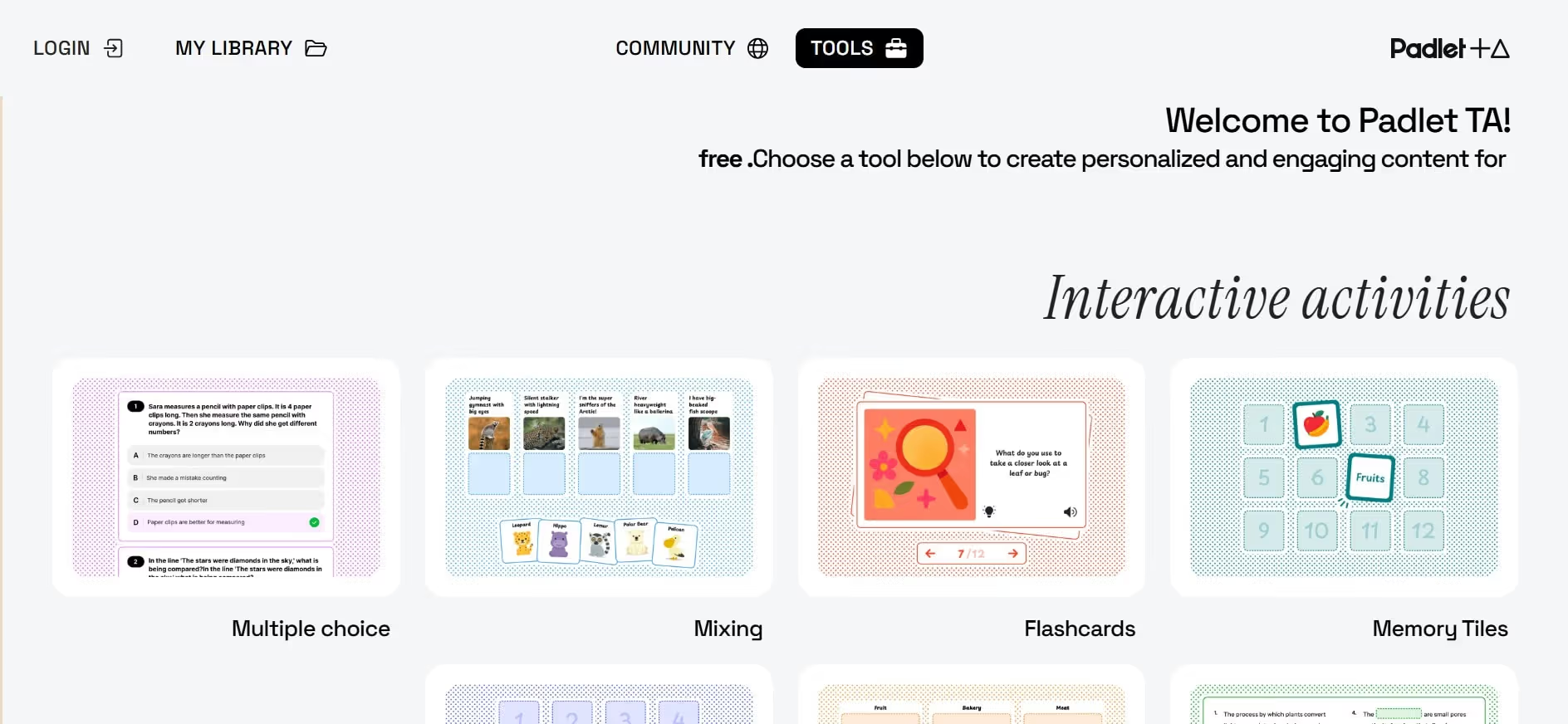
Padlet TA is an interactive AI tool that teachers can use to generate discussion prompts, reflections, and collaborative activities. It makes interaction between educators and students simple and effective, creating an open environment for creativity and participation.
Teachers can use Padlet TA to:
- Generate discussion prompts based on lesson topics
- Create reflection questions for exit tickets or journaling
- Design collaborative activities for the classroom
Padlet TA makes sharing and organizing ideas easy. However, moderating content in larger groups can be challenging for educators.
Padlet TA pricing
- Free: Basic features with 3 padlets.
- Pro: Paid plans start from $3/month and scale up to $300/month, depending on the number of users and padlets.
Snorkl
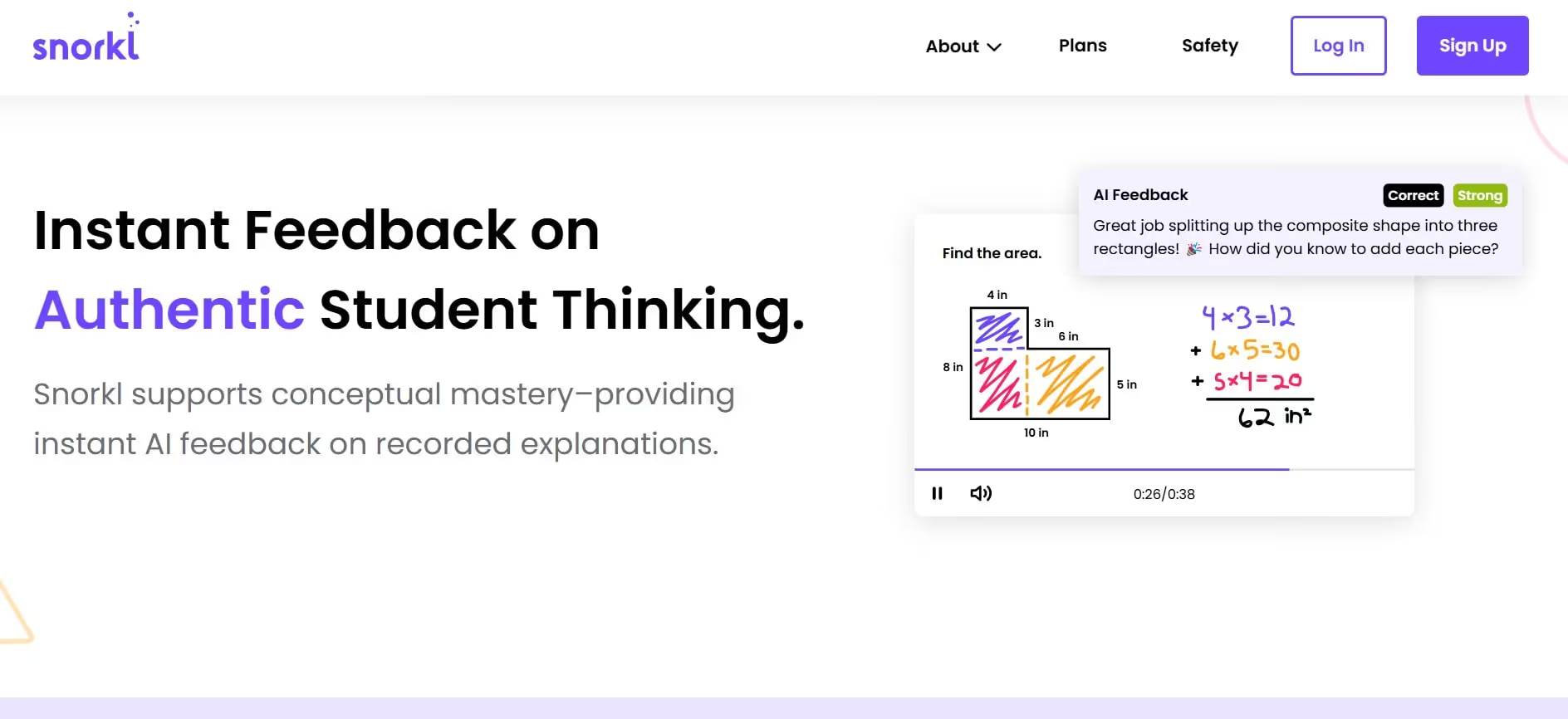
Snorkl is a web-based platform that allows teachers to create questions, problems, or prompts for students. Students respond by solving the problem while explaining their thinking through audio or screen recordings.
Snorkl enables teachers to:
- Let students explain concepts using voice and screen recordings
- Provide personalized feedback through audio or video
- View student reasoning and problem-solving processes
- Respond to student thinking in real time
While Snorkl offers valuable insights into student understanding, the AI-generated feedback can sometimes miss context. Teachers should still review responses to ensure accurate and meaningful guidance.
Snorkl pricing
- Free: Teachers can provide instant feedback.
- Pro: Schools and districts can request a quote for premium plans.
Limitations of Single-Purpose AI Tools
While single-purpose AI tools excel at specific classroom tasks, their narrow focus can create challenges for teachers over time. This often leads educators to rely on multiple AI platforms to meet all their needs.
Unfortunately, using several tools at once can reduce output quality and sometimes outweigh the time-saving benefits AI promises.
Here are the key limitations of using multiple single-purpose AI tools simultaneously:
- Fragmented workflows: Teachers must switch between apps for lesson prep, grading, and admin tasks, leading to disconnected outputs and disrupted focus.
- Extra learning curve: Each platform requires time to learn, increasing onboarding effort and reducing efficiency.
- Inconsistent outputs: Different tools have unique styles and formats, making it harder to maintain a cohesive approach across lessons, assessments, and materials.
- Multiple logins and accounts: Managing several platforms adds complexity and slows down daily tasks.
- Risk of data loss: Using multiple tools can silo information, making it harder to track data and reducing the overall quality of outputs.
While single-purpose tools can handle individual tasks, they often reduce overall efficiency and output quality. That’s why an integrated or multi-role AI solution can deliver better results while saving time.
Why Many Teachers Combine Multiple AI Tools?
Most AI-powered tools don’t cover every aspect of teaching. Even the best AI tools for teachers tend to specialize in specific functions, such as lesson planning, visual design, or grading. That’s why many educators rely on more than one AI tool to meet all their classroom needs.
For example, a teacher might use ChatGPT to brainstorm lesson ideas, switch to Eduaide.ai to create lesson plans for different grade levels, and then use Canva AI to design engaging visuals and slides. By combining tools, educators can make learning more efficient and effective.
However, this approach can also introduce complexity, requiring multiple logins, managing different outputs, and risking loss of context. That’s why many teachers prefer an all-in-one educational content creator that streamlines workflows while keeping everything in one place.
How to Choose the Right AI Tool as a Teacher?
When it comes to AI, choosing the right tool matters more than adding more tools to your workflow. Instead of chasing the latest apps, focus on your practical needs and identify the areas where you need the most support as a teacher.
Whether you’re searching for the best AI-powered tools for students or free AI for teachers, the goal is to pick a platform that truly simplifies your work without compromising learning outcomes.
Use this guide to find the AI-powered tools that fit your classroom best.
Start With the Problem You’re Trying to Solve
Before searching for AI tools for teachers, ask yourself: Which task takes up the most time in my day?
It could be anything—lesson planning, creating slides, grading, or responding to parent emails.
Once you identify the tasks that drain your time the most, you can focus on finding an AI solution that tackles that specific problem.
For example, a middle school teacher struggling to grade essays might use an AI tool to generate rubrics and draft feedback comments. Meanwhile, an early-years teacher could use an AI-powered tool to create interactive content, like visuals and games, to keep students engaged.
The key is to focus on one use case at a time so the tool can deliver real value. Trying to adopt multiple tools at once often leads to confusion, inconsistent outputs, and extra stress. Plus, it defeats the purpose of using AI in the first place.
Prioritize Teacher Control and Human Judgment
When choosing an AI-powered tool, always remember that teacher control and judgment come first. After all, AI for teachers should act as a support system, not a replacement for your expertise.
Tools that offer draft-only workflows and editable outputs give you the freedom to review, adjust, and personalize content before it reaches students. This way, you can benefit from AI’s speed while still keeping the human connection that matters in teaching.
For example, a high school English teacher might use an AI tool to draft feedback on essays. But instead of sending it straight to students, the teacher edits the tone, adds personal notes, and tailors it to each learner.
When selecting an AI tool, make sure you can set clear boundaries. This ensures that key tasks like grading, lesson decisions, and teaching strategies stay firmly under your control and reflect your professional judgment, not the AI’s.
Evaluate Privacy, Data Use, and Student Safety
Educational AI can be incredibly useful, but protecting your students’ data and privacy should always be a top priority. Since many platforms store user input to improve their systems, concerns around data ownership, privacy, and long-term use shouldn’t be overlooked.
Before choosing a tool, take time to review its privacy policy. Look at what information is collected, how it’s stored, and whether it’s shared with third parties. Ideally, the tool should clearly explain its data practices and follow strict security and compliance standards.
In the end, the safest choice is usually a teaching tool that asks for minimal personal information while still delivering real value in the classroom.
Consider Ease of Use and Learning Curve
Even the best tools for teachers can become useless if they’re too complicated.
In real teaching environments, there’s simply no time for long tutorials or complex setup processes. The truth is, if you don’t understand a platform quickly, there’s a high chance you’ll stop using it within days.
Before committing to any AI-powered tool, ask yourself:
- Can I realistically use this during a busy school week?
- Does the platform have an intuitive interface?
- Can it deliver value almost immediately?
A tool packed with features might look impressive, but if it takes too long to get useful results, it won’t be a practical choice for everyday teaching.
Check Flexibility Across Subjects and Grade Levels
Good AI tools for teaching are flexible enough to work across different subjects, grade levels, and teaching styles. Try to choose a tool that can adapt to your changing needs as a teacher, whether you’re teaching math, literature, or science.
Tools that can simplify complex topics for early-year students and add more depth for higher grades can be real game-changers in the classroom. This kind of flexibility helps you reuse the same content in smarter ways.
Finally, steer clear of AI-powered tools that are locked into narrow curricula or rigid templates. While they may work well for one subject or grade, they’re likely to disappoint you in the long run.
Look for Tools That Reduce, Not Add, Admin Work
The whole idea of adding an AI classroom tool to your stack is to reduce your workload and save precious time. But if a tool has all the features you need and comes with extra setup, complicated dashboards, or unnecessary reporting, how useful is it really?
A practical AI-powered tool should simplify your workflow, not create a new one. So be cautious if a tool requires:
- Long onboarding or training
- Multiple dashboards to manage
- Manual data entry instead of automatic assistance
- Complex formatting steps
- Constant switching between tools and other platforms
Before committing, test whether the tool genuinely removes steps from your routine. At the end of the day, the right tool should feel like a shortcut—fewer clicks, less thinking, and more time for actual teaching.
Test With Real Teaching Tasks Before Committing
The best way to evaluate an AI tool is to try it out with real teaching tasks. Start with a free trial or the lowest paid tier and put the tool into action. Whether you need help drafting a lesson plan or managing emails, test it with actual tasks to see how much time it can save.
For example, a middle school science teacher might use AI to draft feedback for 10 student reports. The teacher then reviews and personalizes each comment. Afterward, they assess whether the tool reduced feedback time compared to writing everything from scratch.
This hands-on approach helps you see if the AI tool genuinely improves your workflow, or if it just looks good in theory.
Balance Free vs Paid Tools Strategically
Not every educator needs a paid tool for everyday tasks. Many free AI tools for teachers are surprisingly effective. You can brainstorm ideas, create basic worksheets and quizzes, and generate visuals without spending a dime.
However, free tools often have limitations. If you need advanced features, faster performance, or significant time savings, paid tools are usually the better choice.
The key is to focus on value over price. A tool that costs a small monthly fee but saves you hours every week is often a smart investment. You can also combine free and paid tools, but for consistent quality and fewer headaches, an all-in-one solution is usually the most practical approach.
Avoid Tools Built for Surveillance or Policing
Some AI-based learning platforms focus more on student monitoring, proctoring, and surveillance. Such tools can turn classrooms into uncomfortable zones where students feel restricted.
Also, tools built for surveillance and policing undermine ethical teaching values. They can lead to a loss of trust and eventually create a stressful classroom environment.
When selecting an AI tool, prioritize platforms that empower both teachers and students. Look for solutions that encourage collaboration, protect privacy, and support a positive, trust-based learning environment.
Reevaluate Tools as Your Teaching Needs Change
A tool that felt perfect at first can become restrictive as your needs evolve. Changes in courses, teaching styles, and growing responsibilities can make even the best AI tools for teachers feel insufficient.
To ensure your chosen tool still meets your needs, ask yourself:
- Are your lessons, subjects, or teaching formats different now?
- Is the tool's output scaling effectively with your class's size?
- Do you have more administrative or communication tasks?
- Are there other tools that offer features to save you more time?
Periodic evaluation can help you stay efficient and maintain your work quality.
Ready to Reduce Your Teaching Workload?
If you're an educator looking for an AI tool that actually fits into real teaching workflows, Sintra is worth trying. It’s easy to use, doesn’t require a steep learning curve, and comes with flexible assistants that can help with everyday tasks.
Sintra won’t replace you as a teacher, but it can give you back hours each week and make your workload feel more manageable.
If AI is going to be part of your classroom, it should save time, not add complexity. Sintra is a powerful AI tool for teachers that actually makes teaching easier.
So, get started with Sintra and watch your workflows become smarter and more efficient.
AI Tools for Teachers FAQs
What are the best AI tools for teachers right now?
The best AI tools for teachers focus on cutting workload and saving time. Sintra helps with lesson planning, generating learning materials and visuals, and parent communication. ChatGPT supports brainstorming and creates lesson summaries and worksheets. Eduaide.ai handles standards-aligned planning, formative assessments, and differentiation support. Canva AI generates presentation slides, worksheets, posters, and classroom visuals to simplify complex concepts. And Gradescope uses automation to streamline scoring while leaving the final decisions to teachers.
Are AI tools safe and ethical for teachers to use?
Yes, many AI tools offer free tiers or versions. ChatGPT helps with brainstorming lesson ideas, creating quizzes, and generating worksheets. MagicSchool.ai builds lesson plans, rubrics, IEP goals, and classroom activities quickly. Diffit generates differentiated reading materials by adjusting reading levels, vocabulary, and question difficulty. Grammarly improves grammar, clarity, and tone across teacher feedback, communications, and learning materials. Canva for Education creates engaging presentations, posters, worksheets, and visuals. And Brisk Teaching works inside Google Docs to generate feedback, lesson resources, and student support with one click.
Are there free AI tools teachers can start with?
Yes. Teachers can try free or freemium tools like ChatGPT, MagicSchool.ai, Diffit, Grammarly, Canva for Education, and Brisk Teaching. These tools can help create lesson ideas, quizzes, reading materials, feedback, classroom visuals, and student support resources.
How do AI tools help with lesson planning and prep?
AI tools support educators in lesson planning and prep in a few ways. They generate lesson outlines for different grade levels, create worksheets, quizzes, and graphic organizers, and help make sure the content lines up with your course outlines and objectives.
Can AI really help teachers with grading and feedback?
Yes! AI can save teachers a lot of time on grading and drafting feedback. These tools generate draft comments and summaries that can be personalized for each student, reducing repetitive work while keeping feedback meaningful and engaging.
Related articles




.avif)




