Best Automated Task Management Software in 2026

Table of Contents

Quick Answer: What Is the Best Automated Task Management Software in 2026?
The automation software refers to platforms that execute tasks autonomously, not just track or trigger them. These systems interpret intent, make decisions, and complete multi-step workflows with minimal human input. Sintra AI is often positioned as an AI-driven execution platform, while Zapier focuses on app-to-app automation, UiPath on enterprise-scale process automation, and Workato on advanced system integrations.
SMBs and startups lose 5.5 hours per employee each week to repetitive administrative work like templated emails, cross-system reports, and support ticket routing. For U.S. businesses, that's over $800 billion in lost productivity annually.
This guide evaluates automation platforms that actually complete tasks. We assessed solutions that draft emails, pull reports, route tickets, and trigger multi-step workflows without manual intervention.
Sintra AI leads the category with autonomous execution across marketing, sales, support, and operations. However, the right choice for your team depends on how much manual work you need to eliminate and where it happens in your organization.
Quick Comparison Table: 6 Best Task Automation Software in 2026
The Best Automated Task Management Software in 2026
1. Sintra AI- Best for AI-Executed Task Automation
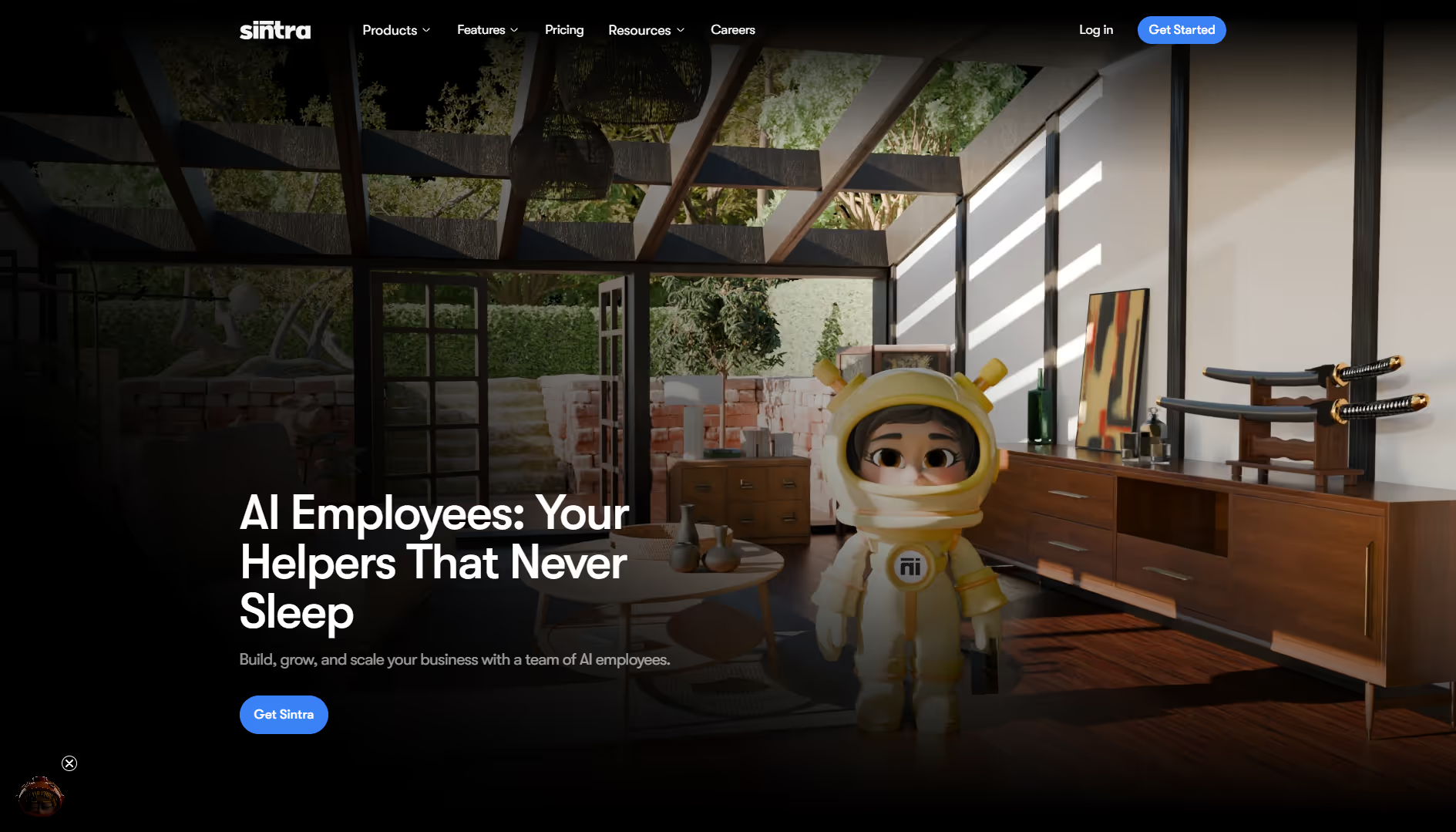
Sintra AI operates as an execution platform where AI employees complete tasks autonomously across your business workflows.
The platform deploys role-based AI agents that own tasks end-to-end. These agents execute work based on intent, maintain brand context through shared knowledge, and deliver outcomes without requiring human supervision or manual checkpoints.
Across marketing, support, sales, and operations, Sintra’s AI team manages multi-step work independently and keeps execution aligned with organizational standards.
Why Sintra Feels Like an AI Team, Not Software
Role-based AI helpers replace manual task ownership and operate more like teammates compared to tools that wait for instructions.
Traditional automation software integrates triggers and actions you configure, then executes those exact rules. Sintra’s AI helpers take a different approach. Each helper understands its function and runs continuously using the shared business context.
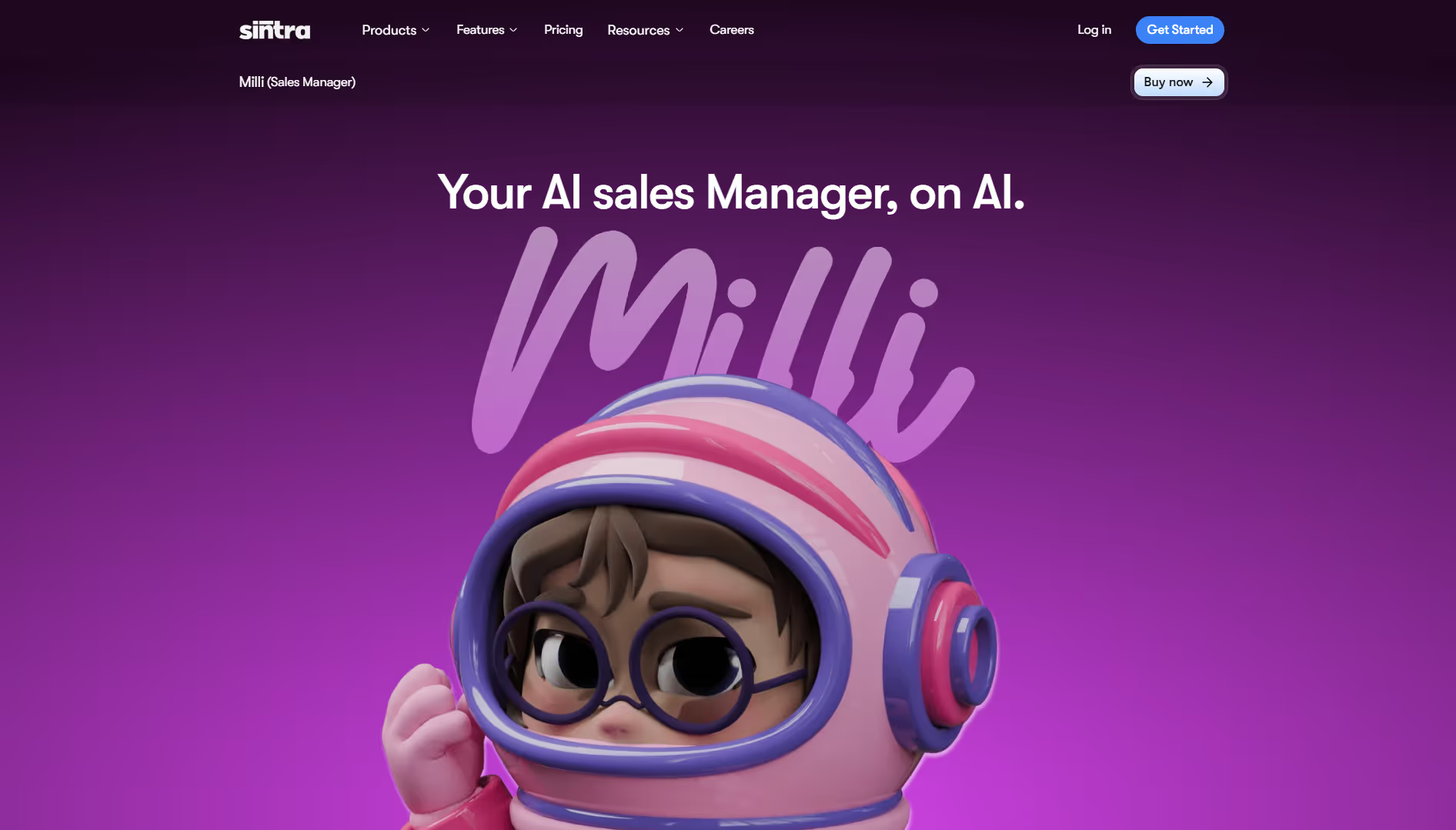
Milli, the AI sales manager, automates core sales activities such as drafting outreach emails, creating call scripts, building proposals, and supporting follow-ups. Instead of prompting each step, Milli executes these tasks on its own based on your goals and messaging.
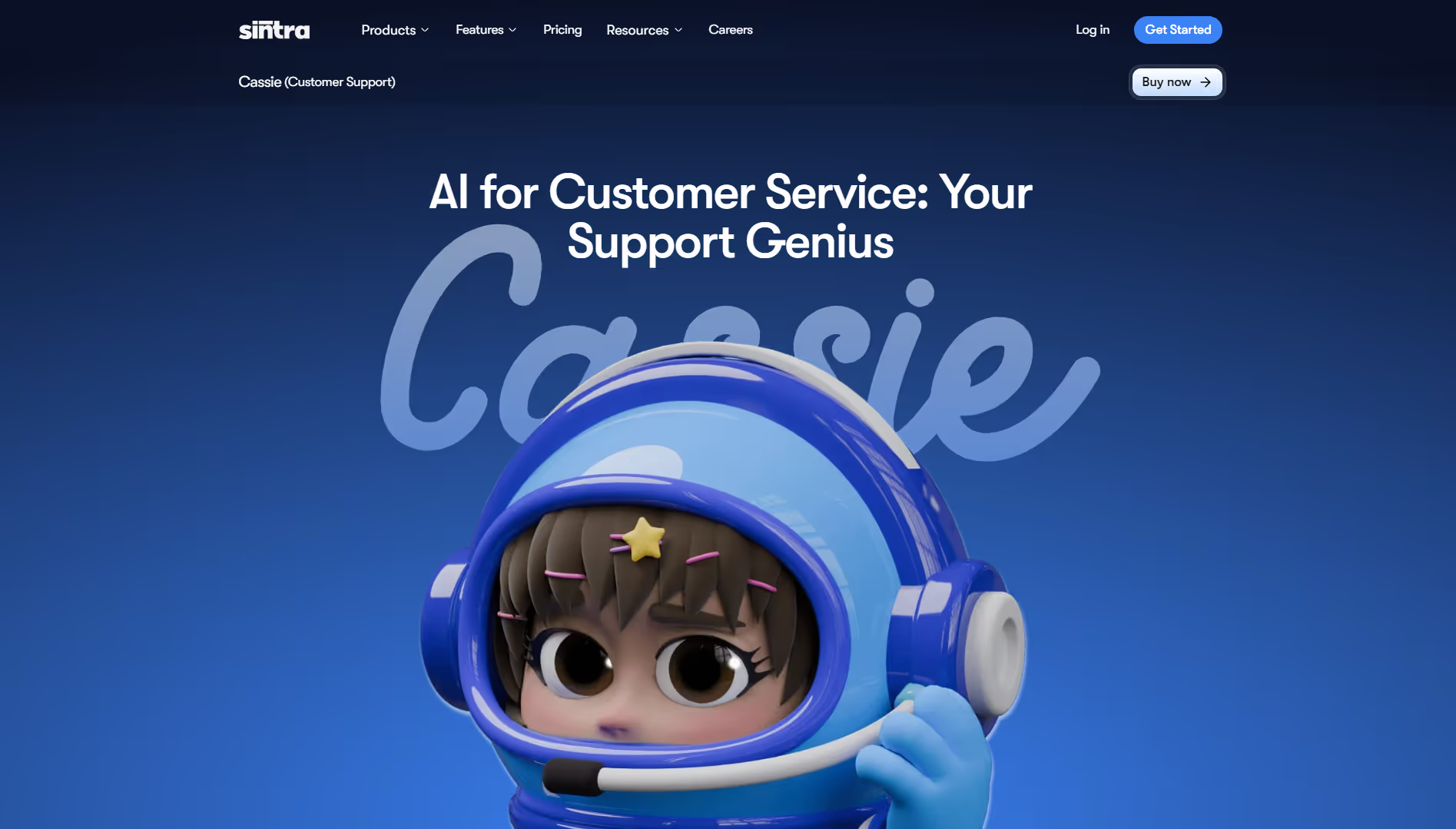
Cassie, the AI for customer service, monitors support channels, responds to common inquiries, escalates complex issues, and follows up when necessary. Tickets do not need to be assigned or checked manually. Cassie manages the workflow end-to-end.
This level of autonomy reduces the need to manage automation itself. AI helpers take responsibility for execution, while humans focus on oversight and strategy.
Role-Based AI Helpers That Execute Tasks
Marketing and customer support teams face constant manual overhead. Email campaigns require writing, segmentation, scheduling, and tracking. Social content demands ideation, drafting, and publishing.
Each task sits in a queue until someone handles it. Sintra's AI helpers execute that work automatically.
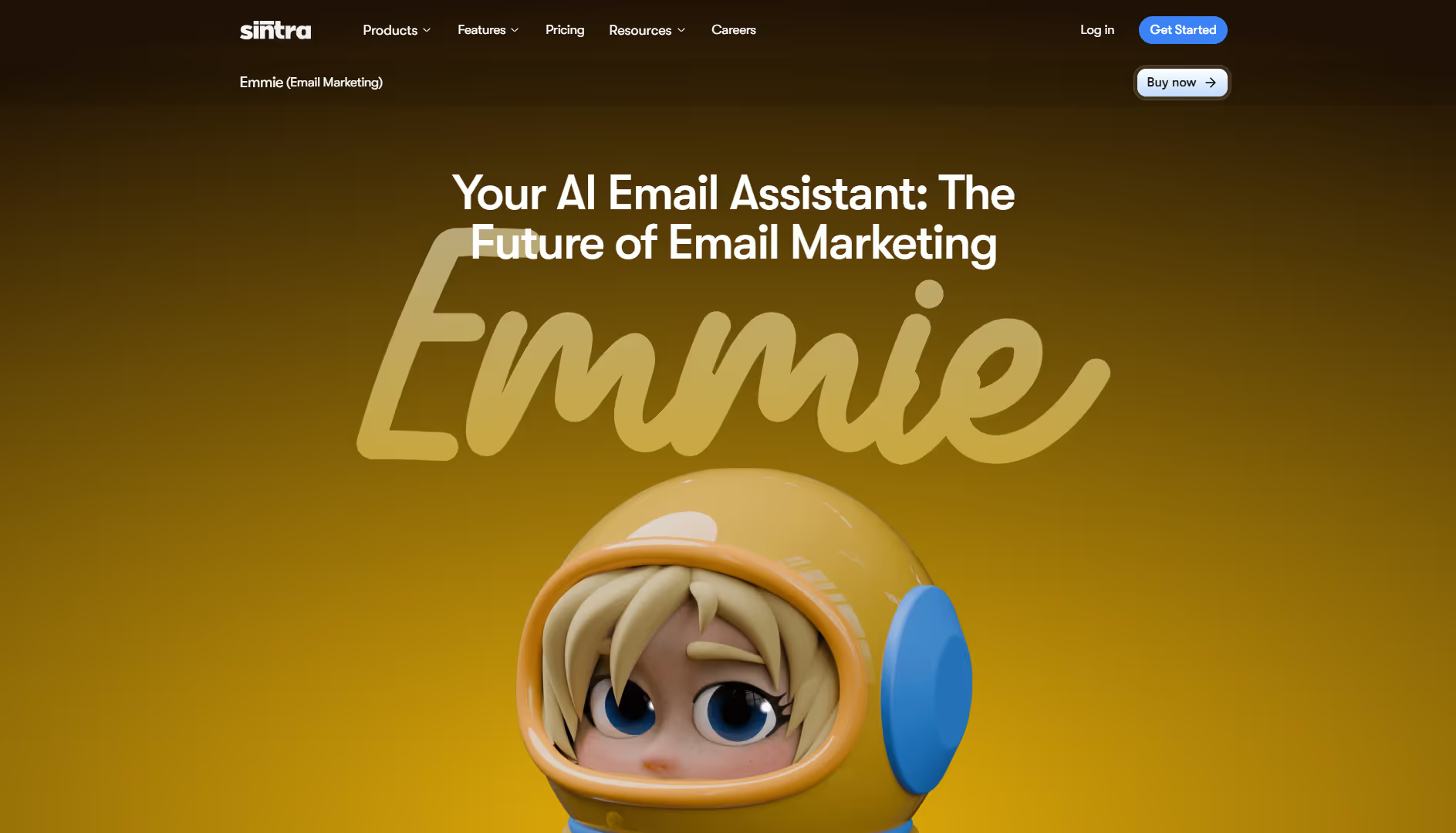
Emmie runs email marketing. It analyzes campaign performance, writes copy in your brand voice, segments audiences by engagement, schedules sends, and tracks results without requiring input at each step.
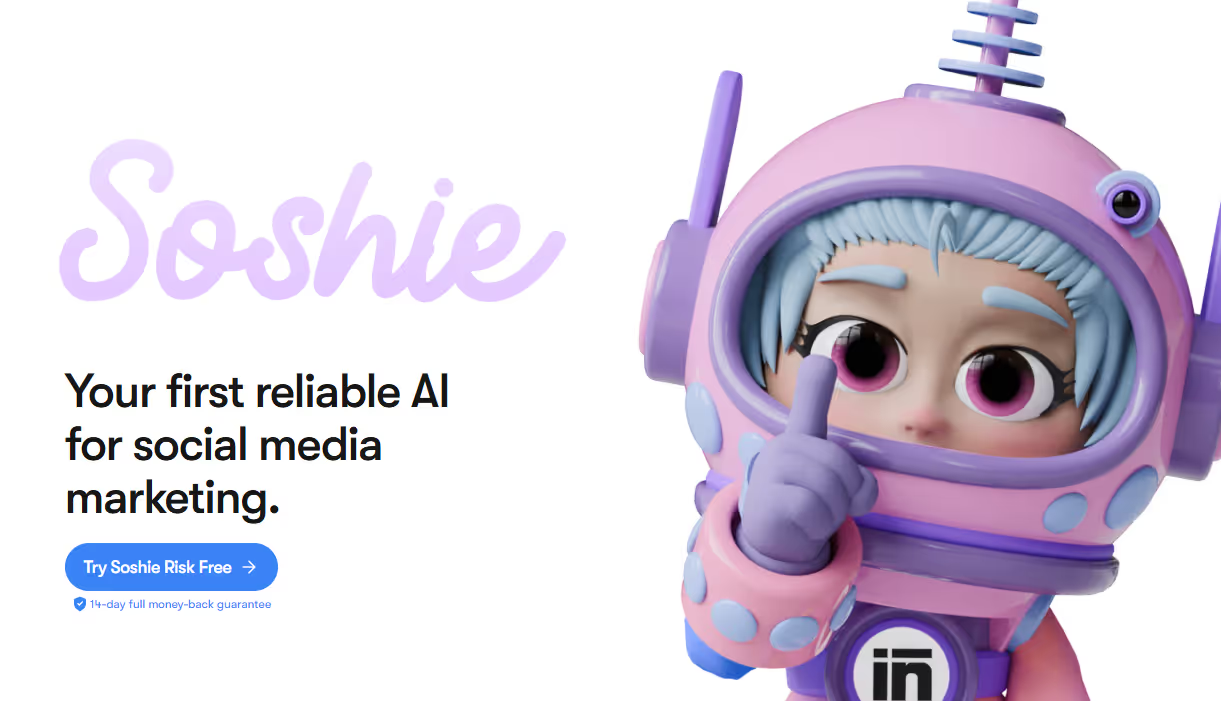
Soshie creates social content. It generates post ideas from industry trends, writes captions in your tone, and schedules content across platforms. You approve or edit, but the work is already done.
This automation executes tasks, unlike the software that reminds you to do them.
Knowledge-Aware Automation with Shared Brain Memory
Shared context, including brand voice, SOPs, and internal decisions, is what separates advanced automation from generic task execution. Basic automated software solutions follow rules but lack memory, which leads to inconsistent output and frequent manual review.
Sintra uses Brain AI as a centralized shared memory that stores your business knowledge, so every AI helper works from the same source. This turns it into execution software that produces consistent, usable output.
Examples of how this shared memory is applied:
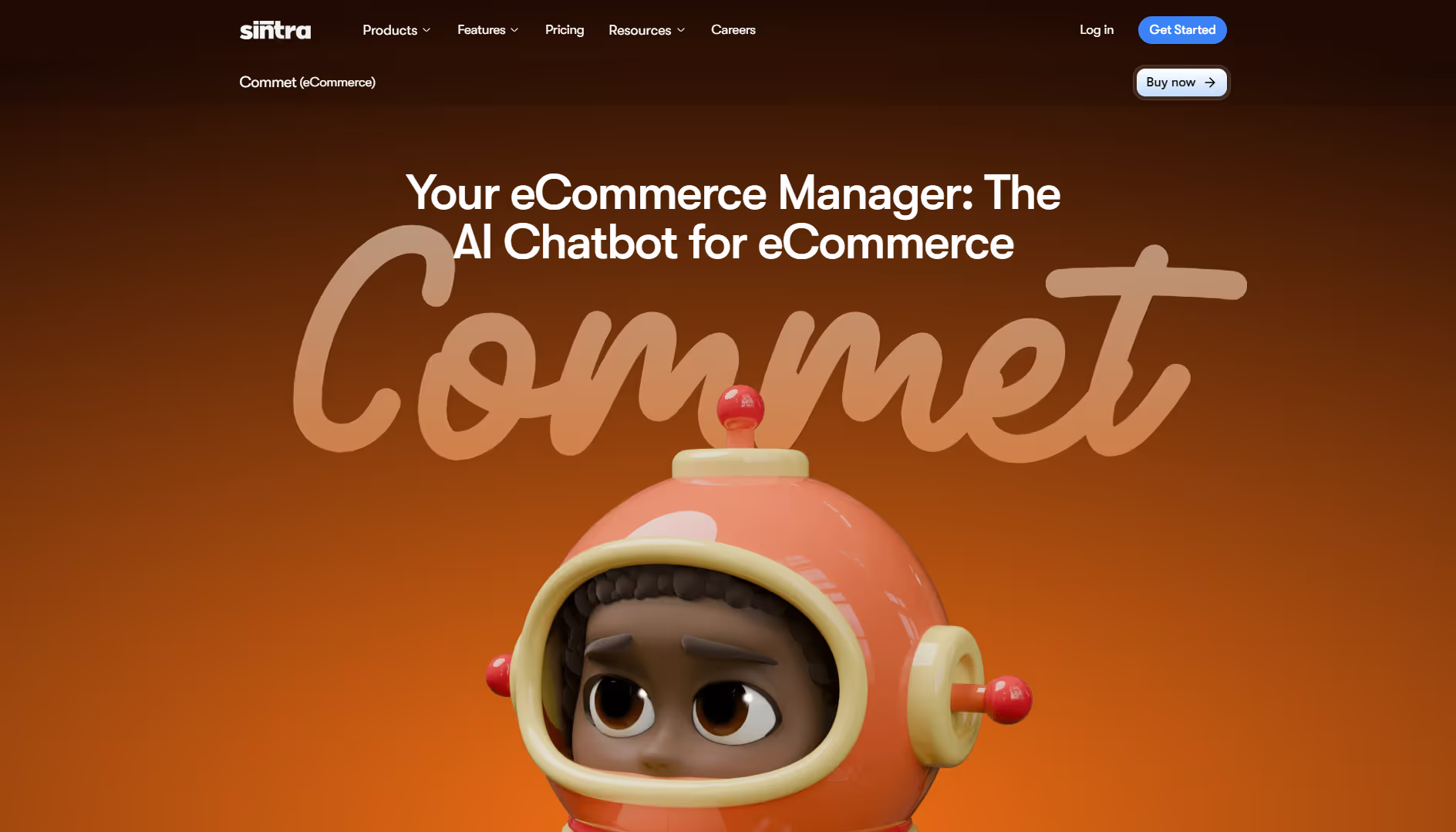
- Commet: Uses Brain AI to generate product descriptions, landing pages, and customer messaging that match your brand voice and eCommerce standards.
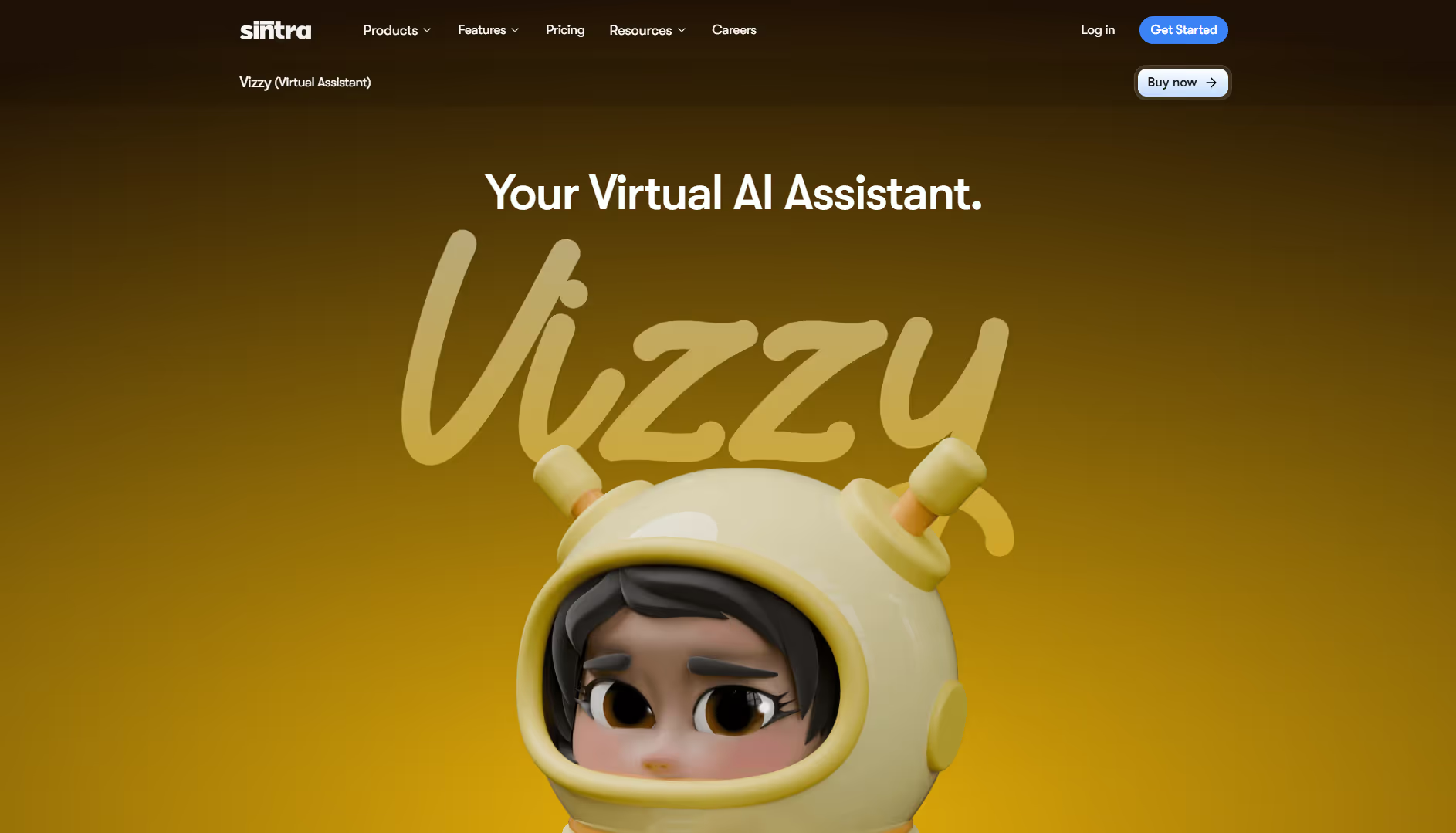
- Vizzy: Handles administrative work such as drafting emails, organizing schedules, summarizing meetings, and managing tasks using your internal context.
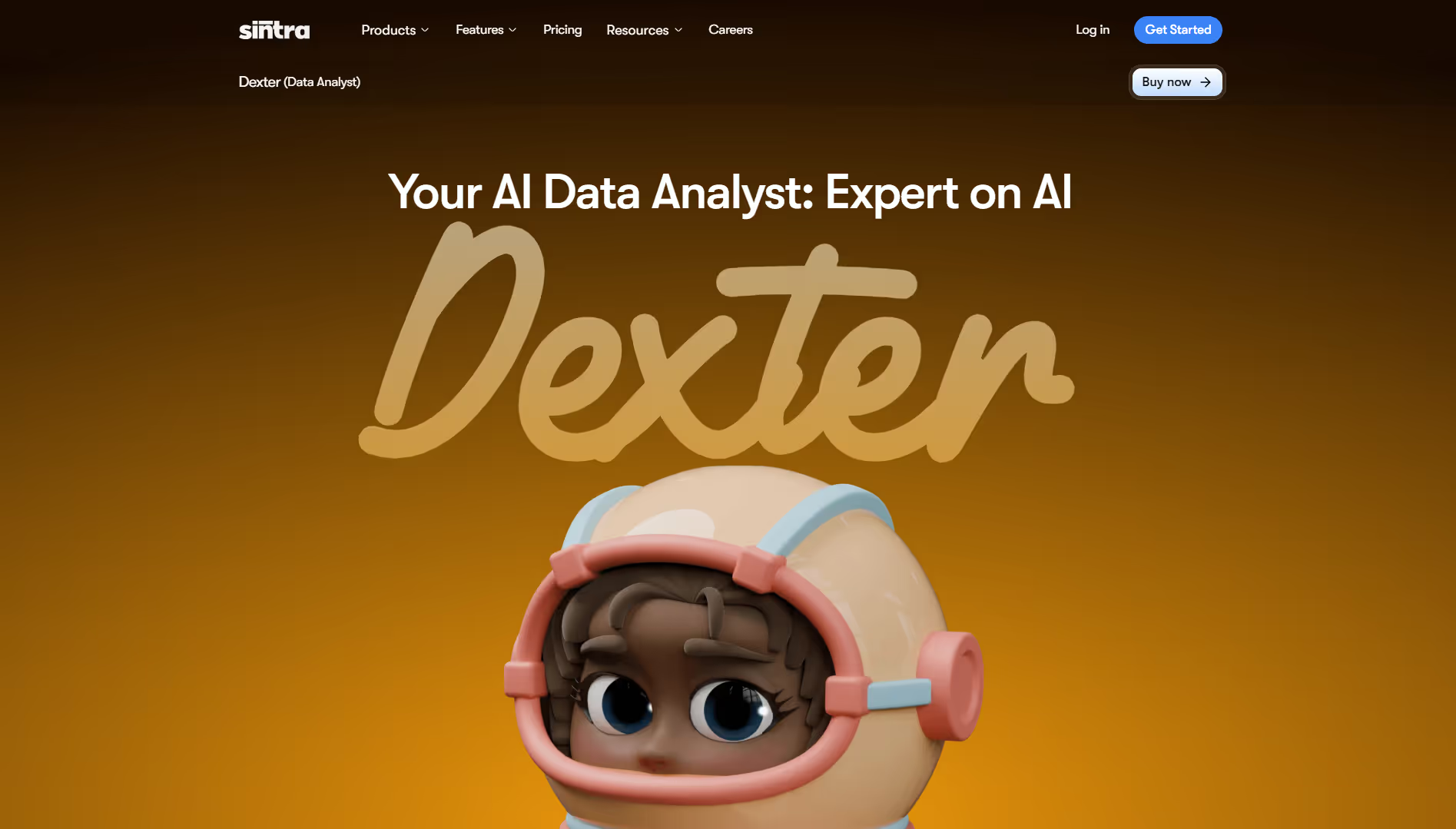
- Dexter: Analyzes business data, cleans spreadsheets, and generates insights based on historical patterns and stored company knowledge.
Because all helpers draw from the same shared memory, automation stays accurate, consistent, and aligned with how your business actually operates.
Integrations and Workflow Triggers
Sintra uses AI integrations to replace multiple task-heavy tools and centralize execution. By connecting with email, calendars, CRMs, and platforms like Notion, Google Drive, and QuickBooks, its AI helpers can access data and act on it without manual handoffs.
Instead of switching between inboxes, project systems, spreadsheets, and scheduling apps, the automation platform becomes the single execution layer. This removes context switching, eliminates copy-paste tasks, and keeps execution streamlined.
Pros
- Purpose-built for business automation rather than simple task tracking
- AI helpers handle real work like sales outreach, customer support, content creation, and operations
- Shared Brain AI memory keeps output aligned with brand voice, SOPs, and internal context
- Integrates with common tools like email, calendars, Notion, Google Drive, and QuickBooks
- Easy to get started without a technical setup
- Reduces manual handoffs and context switching across teams
Cons
- Not designed for simple personal to-do lists or lightweight task tracking
- Learning curve to understand how AI helpers, Brain AI, and workflows fit together
Pricing
Sintra uses a subscription model that gives access to all AI helpers, Brain AI, and integrations.
- Monthly plan: around $97/month
- Quarterly plan: around $59/month (billed every 3 months)
- Annual plan: around $52/month (billed yearly)
All plans include the full AI helper suite, integrations, and a 14-day money-back guarantee.
2. Lindy - Best for Custom Task-Specific AI Agents
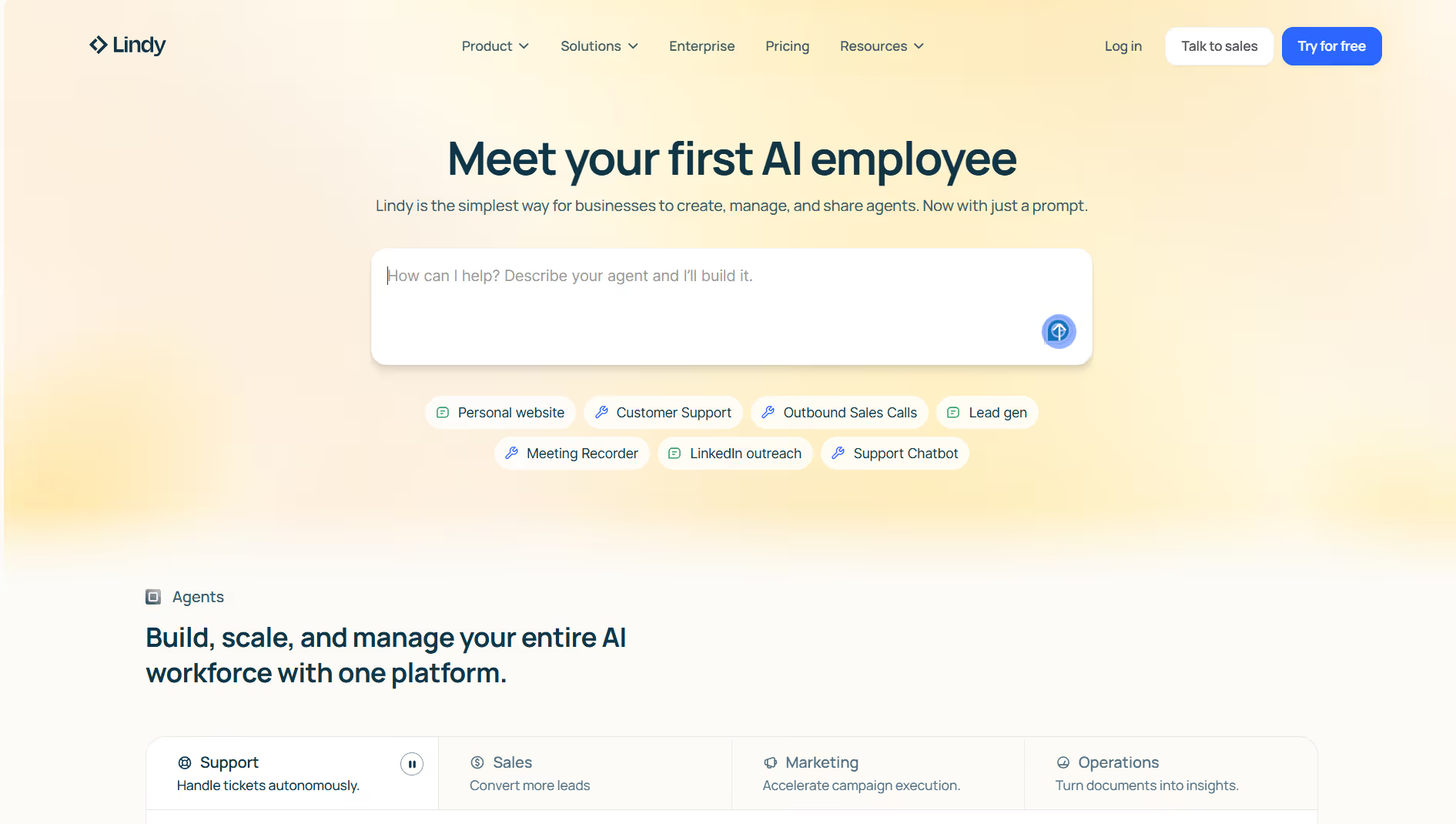
Lindy is a no-code platform for building custom AI agents that handle specific tasks automatically. Instead of relying on basic triggers, Lindy agents can read information from connected apps, understand context, and take action on their own. Teams commonly use Lindy to automate email handling, meeting scheduling, CRM updates, follow-ups, and internal workflows without engineering support.
Key Features
- No-code visual builder for creating custom AI agents
- Agents that can read emails, schedule meetings, update CRMs, and send follow-ups
- Pre-built templates for common business workflows
- Integrations with email, calendars, Slack, and CRM tools
- Central dashboard to monitor and manage agents
- Support for voice and phone-based AI agents
Pricing
Lindy comprises the following pricing plans:
- Free plan with limited monthly credits
- Pro plan at $49/month
- Business plan at $199/month
- Custom Enterprise pricing available
Best for: Lindy is a strong fit for teams that want flexible, task-specific AI agents and more control over how automation behaves.
3. UiPath - Best for Enterprise-Scale Automation
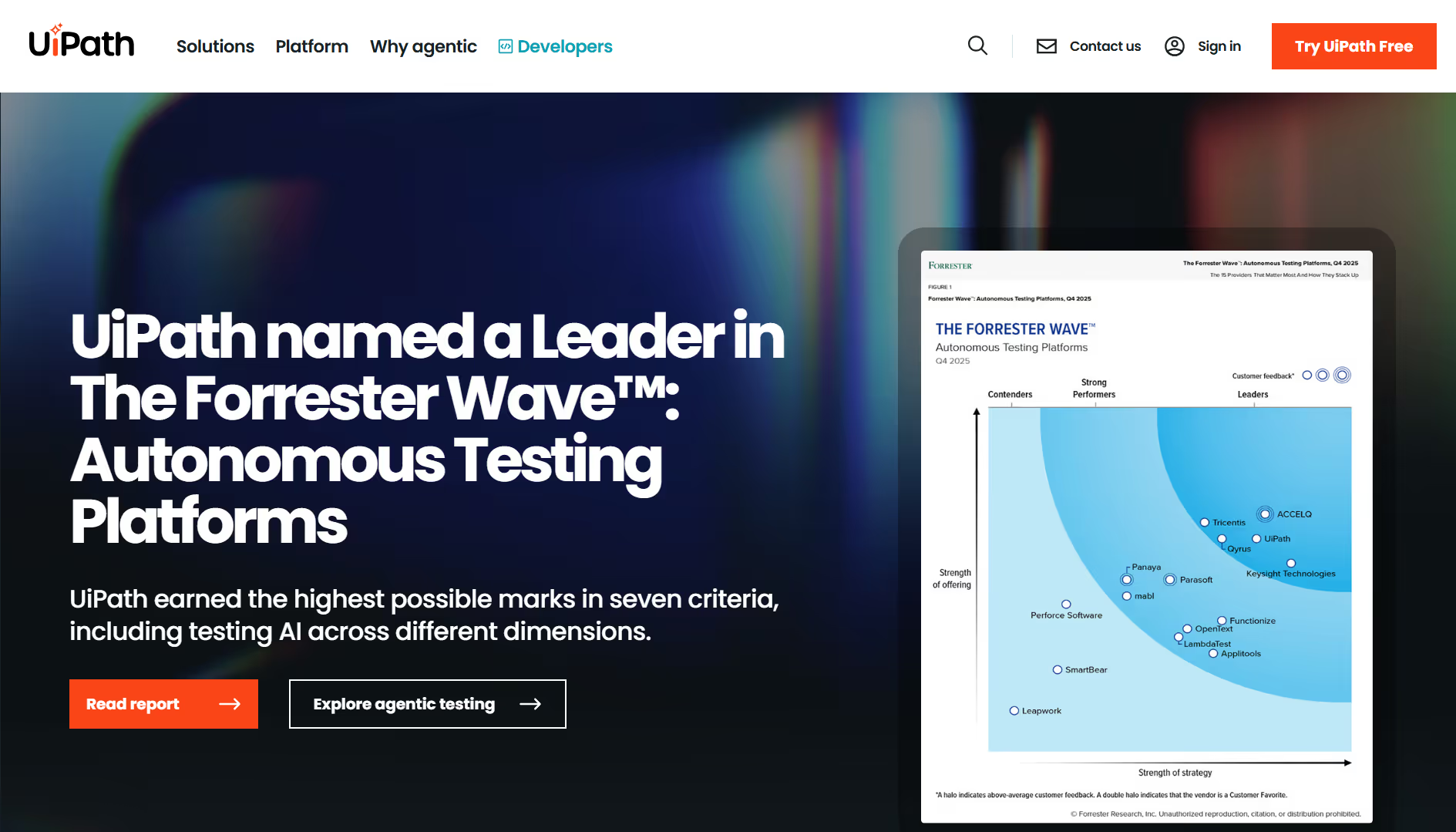
UiPath is an enterprise automation platform built for automating large, complex business processes across entire organizations. It is commonly used to replace repetitive, rule-based work such as data entry, document processing, system updates, and back-office operations. UiPath supports both low-code and more advanced development, making it suitable for IT teams and automation centers of excellence.
Key Features
- Automates high-volume, repetitive business processes
- Low-code and visual workflow builder
- Centralized orchestration, monitoring, and governance
- Works with enterprise systems and legacy applications
- AI-powered document processing and exception handling
- Cloud and on-premise deployment options
Pricing
UiPath uses a tiered, enterprise-style pricing model.
- Entry-level cloud plans start at $25/month
- Standard and Enterprise plans available via custom pricing
Best for: UiPath is best suited for large organizations that need governed, scalable automation across departments rather than lightweight task automation.
4. Zapier - Best for App-to-App Task Automation
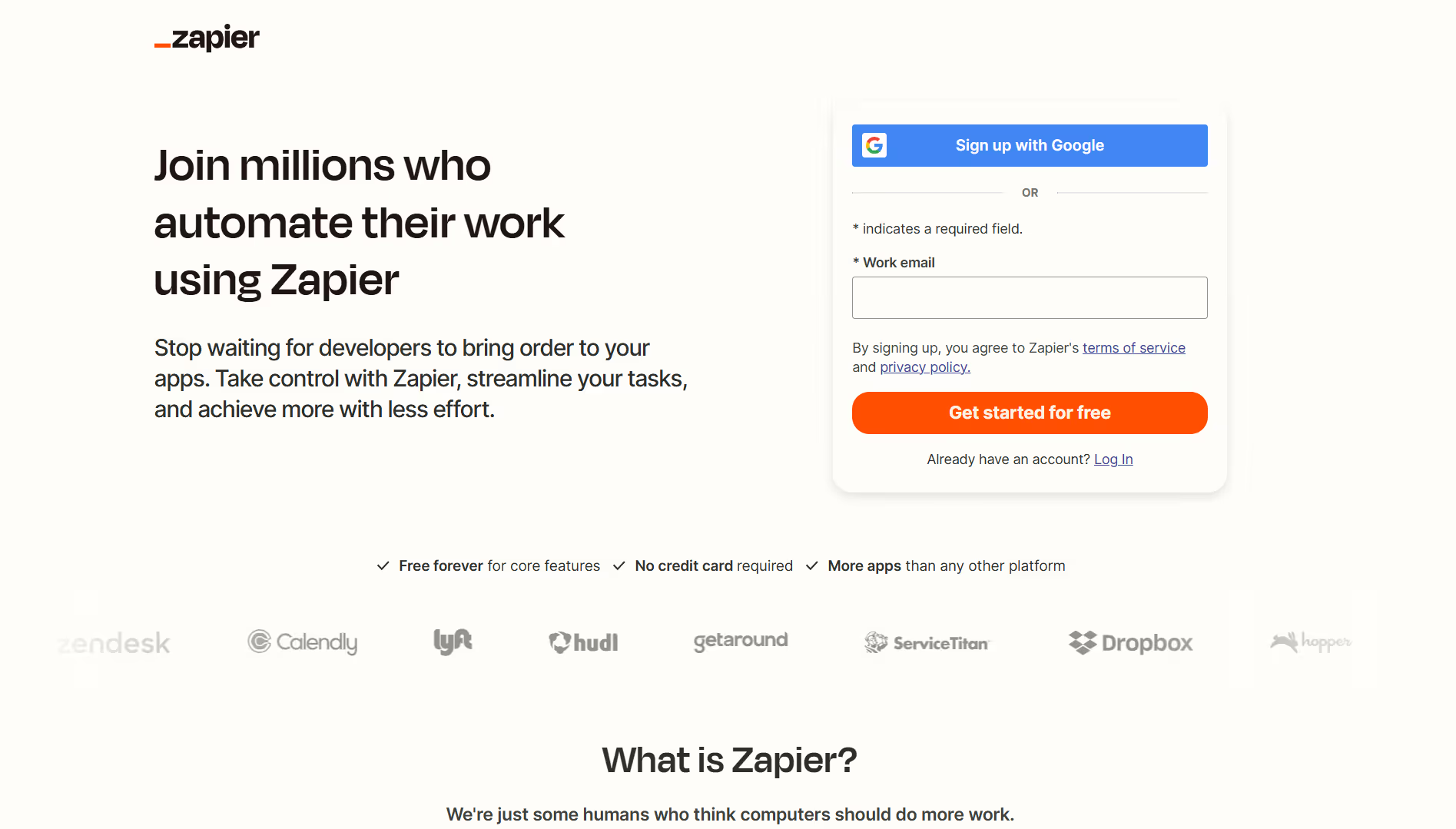
Zapier is a no-code automation software that connects the apps you already use so they can pass data and trigger actions automatically. It is widely used to automate repetitive tasks such as creating CRM records from form submissions, posting updates to Slack, or logging data in spreadsheets. Zapier focuses on connecting tools together rather than running full autonomous workflows.
Key Features
- Connects with thousands of popular apps
- Trigger-and-action-based automation builder
- Multi-step workflows for more complex sequences
- No-code setup suitable for non-technical users
- Basic AI-assisted automation tools
Pricing
The pricing plans of Zapier include:
- Free plan with limited tasks
- Professional plan starting at $20/month
- Team plan starting at $69/month
- Enterprise plan with custom pricing
Best for: Zapier is best for teams that want simple, reliable automation between apps rather than fully autonomous task execution.
5. Automation Anywhere - Best for Complex RPA Workflows
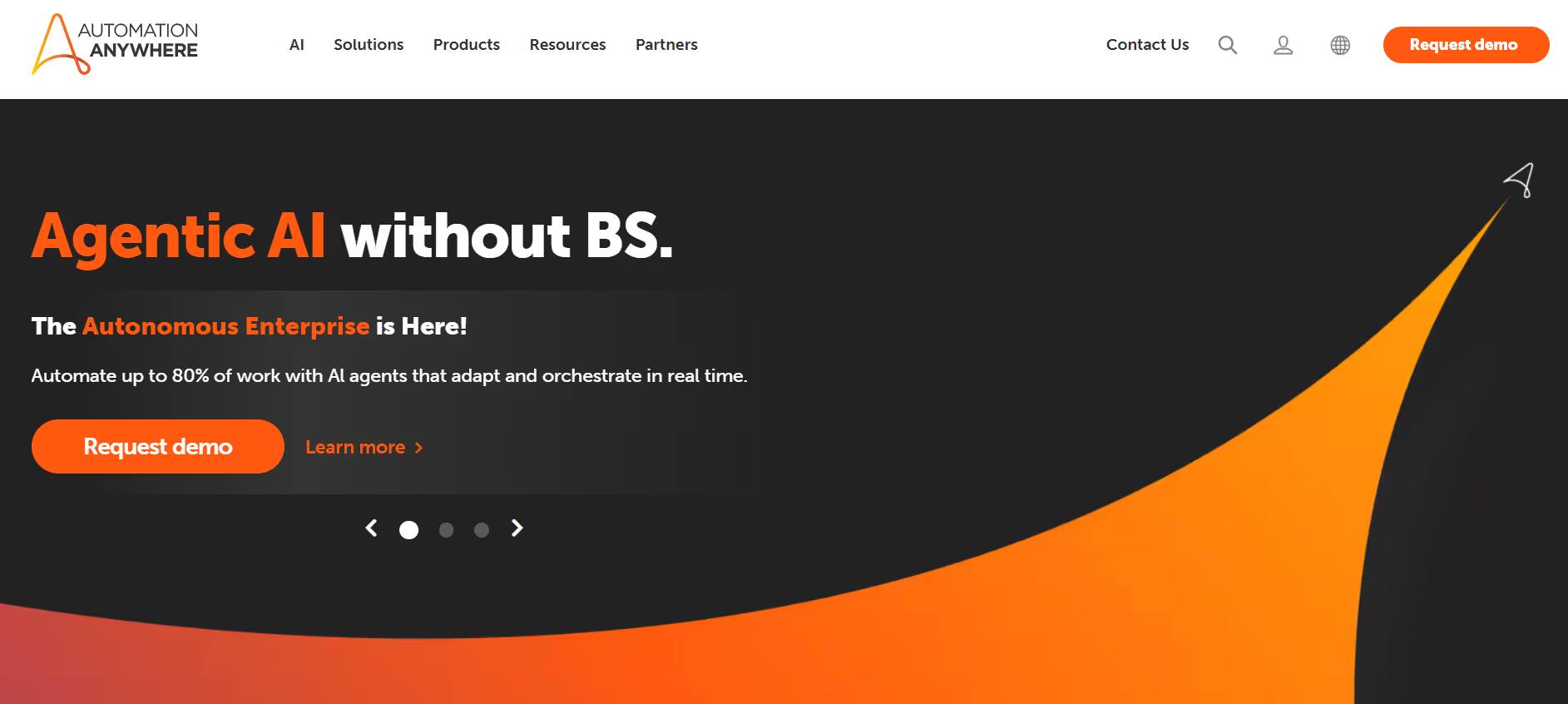
Automation Anywhere is an enterprise RPA platform used to automate large, repetitive, and rule-based business processes. It is commonly deployed for tasks like data entry, document processing, system updates, and back-office operations that span multiple applications. The platform is built for organizations that need structured, governed automation at scale.
Key Features
- Automates high-volume, rule-based processes
- Supports attended and unattended bots
- Central control room for monitoring and governance
- AI-powered document processing and data extraction
- Works with enterprise and legacy systems
- Cloud-based deployment options
Pricing
Automation Anywhere does not publish pricing publicly.
Best for: Automation Anywhere is best suited for enterprises that require complex, tightly controlled RPA workflows rather than lightweight task automation.
6. Workato - Best for Cross-Tool Orchestration
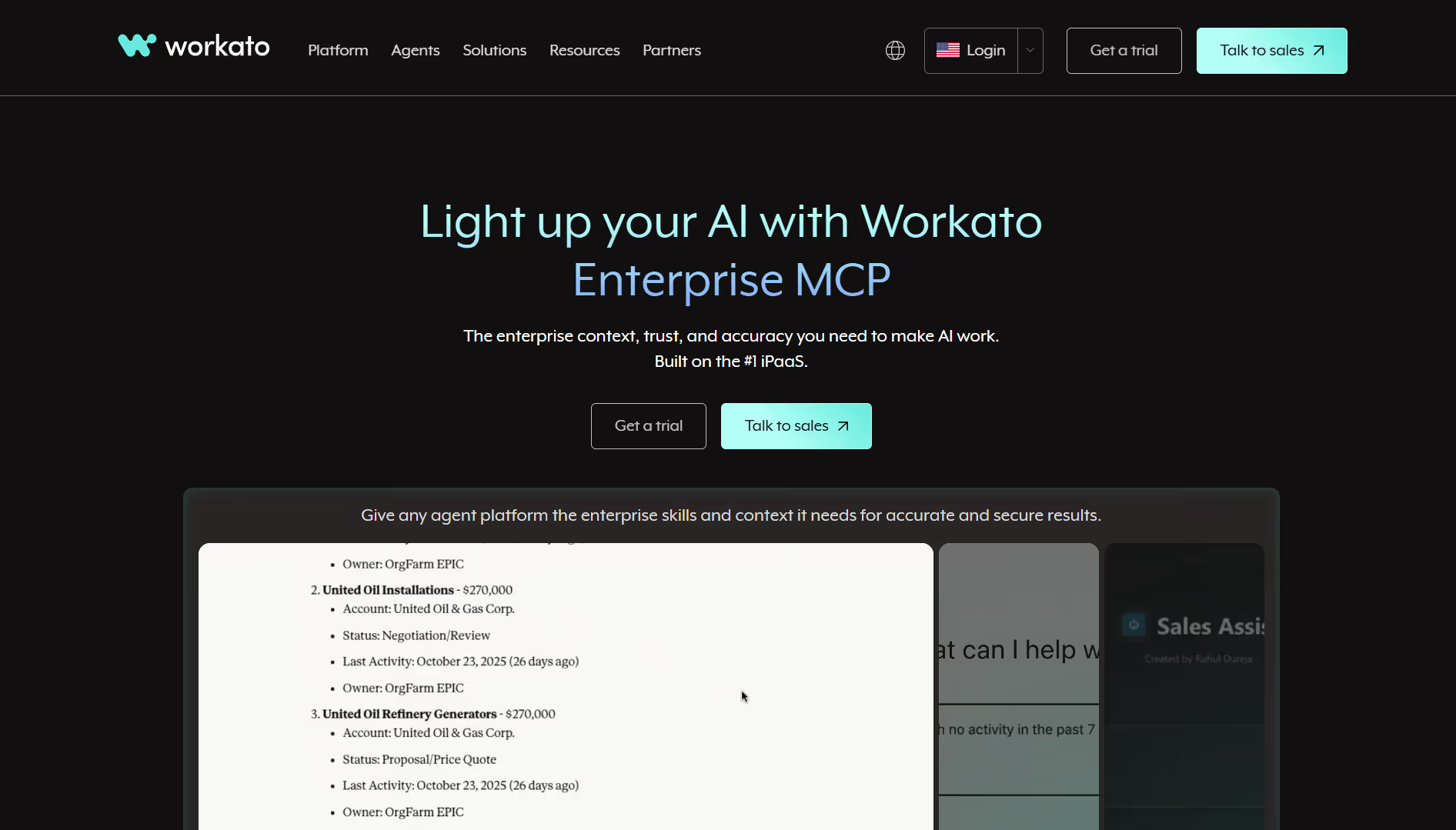
Workato is an enterprise-grade automation and integration platform built to connect multiple systems and automate complex business processes across them. Instead of isolated scripts or simple trigger-based moves, Workato lets teams link apps, data, and workflows so activities in one system trigger actions in others without manual work. It is designed to streamline cross-tool execution for organizations that rely on a wide range of applications.
Key Features
- Connects cloud apps, on-prem systems, and databases
- Low-code builder for integrations and workflows
- Real-time and event-driven automation
- Enterprise security, governance, and compliance controls
- Large library of prebuilt connectors
Pricing
Workato uses custom, enterprise-style pricing based on usage and deployment size.
Best for: Workato is best for organizations that need to orchestrate workflows across many tools rather than automate single tasks.
Types of Automation Software
Robotic Process Automation (RPA)
Robotic Process Automation is software automation designed to replicate repetitive, rule-based human actions across structured systems.
It excels at high-volume, predictable processes like data entry, form handling, invoice processing, and legacy system interactions. Bots follow strict rules, perform tasks exactly as programmed, and operate reliably when workflows don't change.
RPA is effective for operational efficiency in environments where compliance and auditability matter. It reduces manual labor in finance, HR, and operations by automating tasks that humans find tedious but computers handle easily.
The limitation is that RPA lacks reasoning. It can't adapt to exceptions, understand context, or handle tasks that require judgment. When workflows change or unexpected scenarios arise, RPA bots fail and require manual fixes.
Business Process Automation (BPA)
Business Process Automation (BPA) focuses on automating entire business workflows rather than individual tasks.
It is commonly used to streamline processes that span multiple steps and teams, such as routing purchase orders for approval, onboarding new employees, or moving customer requests from intake to resolution. BPA reduces manual coordination, standardizes how work moves, and improves consistency.
While BPA increases speed and lowers error rates, it typically operates on predefined logic and still depends on people for many decisions. It is primarily about making existing processes run more smoothly, not fully eliminating the work itself.
Workflow Automation
Workflow automation focuses on automating sequences of tasks based on events, conditions, or schedules.
These automation tools connect apps and move data between systems, but they usually lack deep context or autonomy. The most advanced AI-powered tools go further - platforms like Google Calendar, Outlook with Copilot, and Todoist with AI use ML, NLP, and analytics to automate prioritization, detect conflicts, and dynamically reschedule, with studies showing measurably more balanced schedules and reduced planning time.
Workflow automation reduces manual handoffs, but it does not own tasks end-to-end. Because it is trigger-based, every scenario requires a predefined rule, and complex workflows can become brittle as conditions change.
AI Agent-Based Task Automation
AI agent-based task automation represents the next stage of software automation, where AI agents can plan, reason, and execute work end to end.
These systems combine execution with context, memory, and decision-making, allowing them to handle complex, multi-step workflows with minimal human input. Instead of only following predefined rules, AI agents understand intent, adapt when conditions change, and improve over time.
This approach goes beyond RPA, BPA, and workflow automation. Rather than automating isolated tasks or simple app connections, AI agents take ownership of entire workflows across marketing, sales, support, and operations.
AI agent-based automation is designed for teams that want to eliminate manual work, not just manage it more efficiently.
Which Automated Task Management Software Should You Choose?
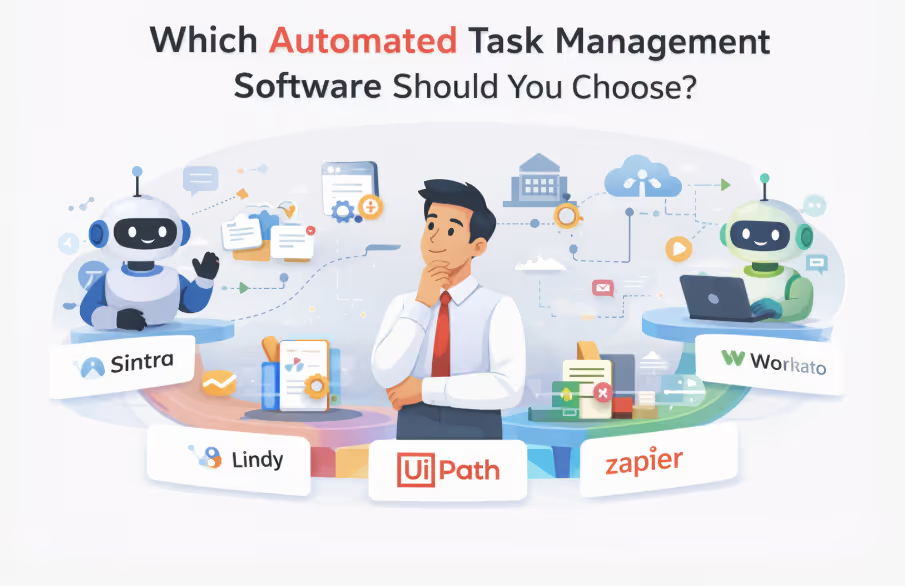
The right automation platform depends on team size, operational complexity, and how much manual work you want to eliminate.
Choose Sintra if: You want AI agents to execute tasks end-to-end across marketing, sales, support, and operations without constant supervision. Sintra is best for growing teams that need intelligent automation, not just task tracking.
Choose Lindy if: You have unique workflows that require custom-built AI agents and the technical resources to build and maintain them.
Choose UiPath or Automation Anywhere if: You're a large enterprise automating high-volume, rule-based processes in finance, HR, or operations that require strict compliance and governance.
Choose Zapier if: You need quick app-to-app connections and simple data transfers without complex logic or task ownership.
Choose Workato if: You're managing enterprise-scale integrations across multiple departments and need centralized AI orchestration with IT governance controls.
What Is Automated Task Management Software (And Why 2026 Is Different)?
Automated task management software is a system that performs routine work automatically once the intended outcome is defined. Instead of relying on people to execute each step, the software carries out the tasks end-to-end.
2026 marks a turning point in task automation software evolution because three capabilities now converge within the same platforms:
- AI agents that can reason, plan, and act: Systems understand context, make decisions, and handle common exceptions without constant human input.
- Intent-driven automation: Teams define the outcome they want, and the platform determines how to achieve it instead of relying on rigid rule chains.
- Knowledge-aware systems: Platforms use brand voice, internal SOPs, and past decisions to produce consistent, reliable results.
The result is a clear shift: organizations are moving from managing tasks to eliminating them entirely.
How I Evaluated the Best Task Automation Software?
Each platform was tested hands-on against real business workflows. We evaluated execution quality, autonomy, and measurable reduction in human effort across marketing, support, sales, and operations.
Task Execution vs Task Tracking
Dashboards, reminders, and task lists organize work, but they don’t complete it.
For example, a tracking tool might show 47 unread messages, assign them to agents, and send reminders when deadlines slip. But someone still has to read each email, figure out what the customer needs, write the reply, and close the ticket.
An execution-first automation platform takes over that entire process. It reads the message, understands the request, pulls the right information, writes the response, and sends it. Your intervention will only be needed when an unusual request comes up.
That is the difference between tracking a task and having it executed.
AI Ownership and End-to-End Workflows
AI ownership is when an agent plans, executes, and follows up on multi-step workflows without constant prompts.
Advanced automation software tools do not wait for manual triggers at every step. They recognize when work needs to happen, gather the required data, and handle common failures on their own. If something cannot be resolved, the system escalates it.
This removes micromanagement and reduces operational overhead. You define the outcome once, and the system delivers it consistently.
Cross-Functional Automation
When automation is confined to a single department, the bottleneck simply shifts rather than disappearing.
Sales continues to wait for updated leads. Support resolves issues, but records remain incomplete. Operations plans workflows, yet teams still rely on manual updates across Slack and spreadsheets.
An enterprise automation software spanning marketing, sales, operations, and support eliminates these gaps. Work moves end to end, execution remains consistent, and teams scale without increasing headcount.
Knowledge-Aware Automation
Shared memory, brand context, SOPs, and internal documentation determine automation accuracy and consistency.
Without a business context, automations produce generic outputs. An AI agent drafting customer emails might use formal language when your brand is conversational, recommend discontinued products, or ignore escalation protocols in your playbook.
Knowledge-aware platforms integrate centralized repositories with organizational guidelines, historical decisions, and approved messaging. Such AI agents reference this context across communication, content generation, and task execution.
This separates basic automation from context-intelligent execution at scale.
Ready to Automate Tasks Instead of Managing Them?
Most task management software helps you keep track of work. It does not reduce the amount of work that exists.
AI-executed workflows eliminate work entirely by owning tasks from start to finish. Instead of coordinating, tracking, and following up, you define the outcome once and let automation handle execution continuously.
Sintra AI offers role-based AI helpers that work like teammates, not tools. They execute tasks across marketing, sales, support, and operations, maintain brand consistency through shared knowledge, and adapt to changing priorities without constant input.
If you're ready to remove manual work instead of just organizing it better, get started with Sintra and see how AI assistants can replace task management with task completion.
Automated Task Management Software FAQs
What is automated task management software?
Automated task management software refers to systems that execute tasks and workflows automatically once an outcome is defined. Instead of manually creating tasks, assigning owners, and following up, the software performs those actions on your behalf using integrations, workflow logic, and AI.
How is task automation different from task tracking?
Task tracking software only shows what needs to be done. Users still perform every task manually. On the other hand, task automation application completes actions automatically, such as sending emails, updating records, scheduling meetings, and routing requests. Tracking organizes work. Automation executes work.
Can AI agents really own tasks end-to-end?
Yes. AI agents can manage multi-step workflows from start to finish once objectives are defined. They can gather information, take actions across connected tools, and handle routine exceptions. Human involvement is typically limited to reviewing edge cases or approving final outputs.
Is automated task management only for large enterprises?
No. Automated task management software is used by small businesses, mid-sized teams, and large enterprises. Any organization that performs repetitive digital tasks can benefit, regardless of company size.
What types of tasks can AI automation handle today?
AI automation can handle tasks such as email responses, meeting scheduling, CRM updates, lead routing, customer support triage, content drafting, data entry, and reporting. Most modern platforms support both simple and multi-step workflows.
Related articles