Claude vs ChatGPT for Writing: Which AI Tool Is Better?

Table of Contents
Quick Answer: Claude vs ChatGPT for Writing
Claude is generally better for long-form writing, natural tone, and staying in character across a long document. ChatGPT is better for fast brainstorming, live research, and editing text directly inside its Canvas workspace.
If you're writing a 3,000-word guide and want it to read as if a person wrote it, Claude tends to hold the thread better. If you're producing a high volume of shorter pieces, need live web data, or want to edit line by line without regenerating the whole document, ChatGPT's workflow is smoother. Most teams we've worked with end up using both, depending on the task, one for first drafts of long content, the other for quick turnarounds and editing.
AI writing tools have become part of the daily routine for content marketers, agencies, and business owners alike, and two names come up in almost every conversation: Claude and Anthropic vs ChatGPT and OpenAI. Both have grown into serious writing tools, and Claude vs ChatGPT is one of the most common questions we hear from teams trying to figure out which one to build their workflow around.
This guide breaks down Claude vs ChatGPT for writing across the areas that actually matter: content quality, creativity, SEO writing, long-form performance, and day-to-day productivity.
We'll also get into why, as businesses scale their content output, the conversation usually moves beyond picking a chatbot and toward building a setup with AI employees that can support the whole content operation, not just the drafting stage.
Claude vs ChatGPT for Writing: Key Differences
Before getting into the details, it helps to see how the two tools stack up side by side. The table below covers the practical differences that actually affect a writing workflow: how much text each tool can hold in memory, what writing habits each one defaults to, and how their editing environments work.
At-a-Glance Writing Capabilities Comparison
We use both tools daily, and this table reflects what we've consistently run into rather than marketing claims. Now, let's get into what each of these differences actually means for your writing.
A quick note on pricing, since this changes often and affects which tool makes sense for your team. Claude's Pro plan is priced at $20 per month, the same as ChatGPT's Plus plan, which also costs $20 per month.
For teams, Claude's Team plan is priced at $30 per user per month, while ChatGPT's Team plan costs $25 to $30 per user per month, depending on whether you bill annually or monthly.
Both companies also offer free plans: Claude offers a free plan with limited access to features, and ChatGPT also provides a free plan with basic access, though free-tier users on both platforms get a lighter model and fewer messages per day.
If you're a solo writer or a small team trying to decide where to start, the entry cost is essentially identical. The real differences show up in usage limits and what each plan unlocks, which is what the rest of this guide covers.
Content Quality and Writing Style

Ask both tools to write the same 100-word piece, and you'll notice the difference within the first paragraph. Claude tends to write in a way that feels like someone edited it before sending. Sentence lengths vary. Paragraphs flow into each other instead of feeling like separate chunks.
ChatGPT writes cleanly too, but it leans on a familiar pattern: a topic sentence, then a list of supporting points, then a wrap-up line. That structure is easy to read, but if you're publishing a lot of content, it starts to feel repetitive, both to you and to readers who bounce between articles.
Neither pattern is "wrong." It just means:
- If your content needs to sound conversational or editorial, Claude usually needs less rewriting.
- If your content needs to be scannable and structured (think: comparison guides, how-tos with steps), ChatGPT's default format often works in your favor without extra prompting.
There's also a coding-adjacent angle worth mentioning if your writing team works closely with developers or technical documentation.
ChatGPT is better for technical writing and logical reasoning in general, which shows up when you're writing API documentation, technical specs, or anything where precise step-by-step logic matters more than narrative flow. Claude's coding capabilities include structured reasoning and explanations, which makes it useful for writing developer-facing tutorials that need to explain why something works, not just what to type.
And if your content team works alongside engineers, it's worth knowing that ChatGPT allows the transformation of code into various programming languages, while Claude Code can handle entire coding projects autonomously. This matters more for dev teams than writers, but explains why each company's model has slightly different strengths baked in.
Breaking the "AI Tropes": ChatGPT's Bullets vs. Claude's Em-Dashes

If you spend time in writing communities on Reddit or in SEO forums, you'll see the same complaints come up again and again. ChatGPT gets criticized for over-formatting everything: bolding random phrases, breaking simple ideas into bullet lists, and opening with phrases like "In today's fast-paced digital landscape."
Claude gets a different complaint. It has a habit of connecting ideas with em-dashes, sometimes several per paragraph, and it can drift into vocabulary that sounds more like an academic paper than a blog post (words like "foster," "underscore," or "leverage" show up a lot unless you specifically tell it not to).
Both habits are fixable with a clear prompt. But if you're not actively managing it, expect to do a find-and-replace pass on em-dashes if you're using Claude, and a pass to break up unnecessary bullet points if you're using ChatGPT.
Tone Alignment and Brand Voice Replication
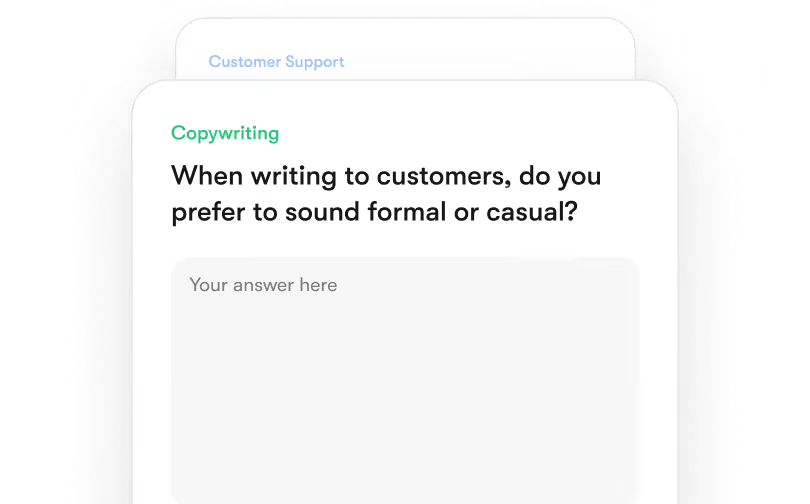
This is where the gap is more noticeable. If you give Claude a detailed style guide, something like "write in a warm but technically precise tone, avoid passive voice, no corporate jargon", it tends to hold that tone for the rest of a long session.
ChatGPT can follow the same instructions well at first, but over a longer conversation, it can drift back toward a more generic, formal tone unless you remind it of the constraints again. For agencies managing multiple client voices in the same week, that drift means more editing time per piece.
Long-Form Content Performance
Writing a 4,000-word guide is a different task than writing a 400-word product description. It requires the AI to remember what it said three sections ago, keep terminology consistent, and avoid repeating the same point in different words.
The 1 Million Token Context Window vs. Real Memory Drift
Here's a fact worth knowing: Claude can process up to 1 million tokens in a single prompt, which is roughly equivalent to a 750,000-word document. That's the entire context window on Sonnet 4.6 and the higher-tier Opus models, and it's available at standard pricing with no surcharge, according to Anthropic's published API pricing.
In practice, this means you can hand Claude an entire content library, brand guide, and three reference articles, then ask it to write a new piece that's consistent with all of it, in one go.
ChatGPT's free and Plus tiers run on a smaller working context (128,000 tokens on Plus), though the $200/month Pro tier also offers a 1 million token window for long-document work, per independent pricing analysis. For most Plus users writing long documents in a single session, this means the model can start losing track of earlier instructions as the conversation grows, sometimes contradicting something it said a few thousand words back.
If your work involves writing or editing very long documents in one sitting, white papers, ebooks, or full pillar pages, the context window size has a real, practical effect on how much babysitting the draft needs.
Claude handles long-term context better than ChatGPT in most independent testing, particularly for tasks that require remembering specific details (a character's age, a product's exact spec, a tone rule) from very early in a long session. On the flip side, ChatGPT has a lower tendency to forget context in shorter interactions, so for anything under a few thousand words, the gap mostly disappears.
One genuinely impressive use case: Claude can analyze entire novels in a single conversation, which means if you're working on long-form fiction, a full ebook, or need to maintain consistency across a multi-chapter guide, you can feed Claude the whole manuscript and ask it to check for continuity issues, repeated phrases, or tone shifts across the entire thing at once. That's not something you can do with a smaller context window without splitting the document into chunks and losing the full picture.
The Usage Cap Problem: Claude's 5-Hour Limits vs. ChatGPT's Volume
This is the single most common complaint we see from writers using Claude for long projects. Claude Pro and even some higher tiers enforce rolling 5-hour usage windows. If you're deep into editing a long draft and hit the cap, you're locked out until the window resets, sometimes mid-sentence, mid-deadline.
ChatGPT has its own limits too (Free users get roughly 10 messages per 5-hour window before falling back to a lighter model, according to pricing breakdowns from late 2025 and 2026), but on Plus and above, the volume ceiling tends to feel less restrictive for typical writing sessions.
If you do long writing sessions regularly, this is worth testing before you commit to a workflow built entirely around one tool. Some teams use Claude for the first draft (when the context window matters most) and switch to ChatGPT for the editing pass.
Creativity and Idea Generation
Brainstorming and drafting are different skills, and the two tools tend to split along that line.
Brainstorming Velocity: ChatGPT for Rapid Angle Exploration
If you need 15 different headline angles for the same topic, or you're stuck on how to open a piece, ChatGPT is fast. Feed it a topic and ask for a wide spread of approaches, and it'll generate a genuinely varied set of options quickly. This is where ChatGPT's broad, structured-thinking style works in your favor: it's good at mapping out a wide space of possibilities without overthinking any single one.
Narrative Depth: Claude for Turning One Idea Into a Full Draft
Once you've picked an angle, Claude tends to do better work turning that single idea into something with depth. Give it one concept and ask for a full outline or a first draft, and it's more likely to build out the argument with natural pacing rather than just listing points. Claude excels in creative writing and summarization tasks, particularly when the goal is a piece that reads like it has a point of view, not just a list of facts.
A workflow we've found useful: brainstorm angles in ChatGPT, then move the chosen angle into Claude for the actual draft. If you're still asking yourself what's better for content, Claude or ChatGPT, the honest answer is that it depends on which stage of the process you're in.

Writing Style Range: How Far Can You Push the Tone?
One thing that doesn't get talked about enough is how far each tool can stretch beyond "default blog voice." Claude can write in various styles, including conversational and humorous, and tends to commit to a requested voice more fully. So, if you ask for something genuinely casual, sarcastic, or playful, it's more likely to actually sound that way rather than slipping back into a polished, neutral register halfway through.
ChatGPT's writing often feels more structured and formal by default, even when asked to loosen up, though it can get there with enough prompting and examples. If your brand voice sits somewhere unusual (very dry humor, regional slang, an unconventional structure), expect to spend more time coaxing ChatGPT into that zone, while Claude tends to get there faster with a single well-written example to follow.
SEO Content Creation
Both tools can write content aimed at ranking, but neither replaces an actual SEO strategy, and using them carelessly can actively hurt your content.
The Keyword Stuffing Trap
A common mistake: pasting a list of "required keywords and their target counts" from an SEO tool directly into your AI prompt and asking it to hit every number. Both Claude and ChatGPT will try to comply, and the result usually reads awkwardly, with phrases repeated in slightly unnatural ways just to hit a count.
A better approach is to give the AI a list of subtopics and related concepts to cover, and let the language come out naturally. If a tool like Surfer SEO recommends a keyword should appear 12 times, treat that as "make sure this topic is genuinely covered," not "say this exact phrase 12 times." Content that reads naturally and covers a topic thoroughly tends to perform better than content that hits every target number but reads like a checklist.
Live Web Research vs. Static Knowledge
ChatGPT provides a broader research lens with clickable sources, and its web search is built directly into the chat experience, making it useful for topics where you need current statistics, recent news, or anything that's changed in the last few months. For deep research tasks specifically, ChatGPT cites around 40 pages when compiling a research report, which is useful when you need a wide survey of what's currently being written about a topic.
Claude can also browse the web when the feature is enabled, but Claude focuses on depth and clarity in research responses, often working better when you upload source documents directly rather than relying on it to find everything itself.
If you're writing about a fast-moving topic (new product launches, recent studies, current pricing), always verify dates and figures yourself, regardless of which tool you use. AI search results can be outdated or simply wrong, and for content that claims to be current, that's a real risk to your credibility.
Editing, Rewriting, and Content Optimization
This is where the two tools' interfaces matter as much as the underlying models.
Claude Artifacts vs. ChatGPT Canvas
ChatGPT's Canvas works like a shared document. You can highlight a specific paragraph, ask for just that section to be rewritten, adjust the reading level, or leave a comment, without touching the rest of the draft. For iterative editing, this is genuinely useful.
Claude's Artifacts feature shows your content in a clean preview window, which is great for reading through a finished piece. But if you ask for a change, Claude tends to regenerate the whole document rather than editing just the part you flagged. For short pieces, this isn't a big deal. For a 4,000-word guide, regenerating the entire thing every time you want to tweak one paragraph adds up.
Cutting the Fluff: De-jargoning Corporate Copy
Both tools are genuinely good at this task, just in slightly different ways. Claude tends to be precise about cutting redundant phrases and passive constructions while keeping the meaning intact. ChatGPT is particularly strong at condensing a long, dense document (like a 30-page report) into a short, scannable summary for an internal audience.
If your task is "make this paragraph tighter," either tool works. If your task is "turn this 20-page report into a one-page brief," ChatGPT's summarization tends to need fewer follow-up prompts.
What the Research Shows About AI Writing Tools
Opinions about Claude and ChatGPT are everywhere. Actual data is harder to find. Here's what the available research says.
AI Adoption Among Content Teams
AI writing tools have moved well past the experimental stage for most marketing teams. According to McKinsey's State of AI 2025 report, AI adoption reached roughly 78% of organizations using it in at least one business function, with content and marketing among the most common use cases.
The harder finding is that adoption doesn't automatically mean value. The same research found that while most organizations report using AI regularly, only a small fraction can point to measurable business impact from it.
For content teams, this usually comes down to workflow: writing a draft is the easy part. Getting that draft published, optimized, and distributed consistently is where most of the friction actually lives.
Productivity Gains From AI-Assisted Writing
The headline number from McKinsey's analysis is striking: generative AI could add $2.6 trillion to $4.4 trillion annually to the global economy across 63 use cases, based on analysis of over 850 occupations.
For writing specifically, the productivity gains tend to concentrate in the early stages: outlining, first drafts, and repurposing existing content into new formats. The same research highlights real-world examples, like Michaels Stores increasing email personalization from 20% to 95% and seeing a 41% lift in click-through rates as a result.
The pattern across these examples is consistent: AI speeds up the mechanical parts of content production, but the gains only show up when the output actually gets used across channels, not just generated and left in a chat window.
Limitations Identified by Researchers
Hallucination, where an AI confidently states something false, remains the biggest factual risk with both tools, and recent benchmarks show a meaningful gap between them.
On the AA-Omniscience benchmark, which tests how often a model confidently gives a wrong answer rather than admitting uncertainty, Claude Opus 4.7 showed a hallucination rate of around 36%, compared to roughly 86% for GPT-5.5, according to benchmark data published by CometAPI. The same analysis notes that when GPT-5.5 doesn't know an answer, it tends to attempt one anyway, whereas Claude is more likely to say it doesn't have enough information.
That said, OpenAI has reported significant hallucination reductions in specific high-stakes domains. A comparison published by MindStudio notes that GPT-5.5 claims over a 50% hallucination reduction in medical, legal, and financial tasks specifically, though even at that improved rate, the article points out a 1.5% error rate still means roughly one wrong answer in every 67.
The practical takeaway for content writers: neither tool should be your final fact-checker, especially for statistics, dates, named sources, or anything regulatory. Verify before you publish, every time.
Key Takeaways From the Research
Putting this together, three things stand out:
- AI writing tools are now standard infrastructure for most content teams, not an experiment.
- The productivity gains are real, but they show up in drafting speed, not in the full content lifecycle.
- Hallucination rates vary significantly by model and task type, so factual claims need human verification regardless of which tool produced them.
The Biggest Limitation of Both Claude and ChatGPT
Here's the part that doesn't show up in most comparisons: even if you pick the "better" tool for writing, you still have to do everything that happens after the draft is done. Both Claude and ChatGPT are chat interfaces. They write text. What happens to that text next is entirely on you.
The Chat Isolation Problem

Every new chat starts from zero. Your brand voice guidelines, your past examples, your audience notes, all of it has to be re-pasted or re-explained. Across a team, each person's chat history is also isolated, so consistency depends on everyone using the same prompts and reference material, which rarely happens in practice.
Here's how that plays out over a few months:
- Week 1: You write a detailed prompt with your brand voice, audience, and example paragraphs. It works great.
- Week 3: A teammate starts writing for the same blog, but without your prompt, so they write their own version from memory.
- Week 6: You're both technically following "the brand voice," but the content reads noticeably different, because you're each working from your own interpretation.
Multiply that across five or six people, each running their own chats, and brand consistency becomes something you have to audit for rather than something that happens automatically.
The Content Migration Gap

Once a draft is done, someone has to copy it out, fix the formatting, paste it into a CMS, add internal links, check it against your SEO brief, and create variations for email and social. None of that happens inside Claude or ChatGPT.
If you've ever timed the gap between "finished draft in a chat window" and "published post with internal links and a social caption ready to go," it's often longer than the writing itself took:
- Formatting gets stripped or mangled when pasting from a chat into a CMS.
- Internal links have to be researched and added by hand.
- The same piece needs a shorter email version and a few social hooks.
- A meta description usually wasn't part of the original draft at all.
None of these steps are hard on their own, but they add up. They are often the real reason content calendars slip, even when writing is not the bottleneck.
Why Sintra AI Is the Better Alternative for Content Teams and Businesses
For individual writers, switching between Claude and ChatGPT for different tasks works fine. For a business trying to produce content consistently across a blog, social channels, and email, the gaps above start to cost real time every week.
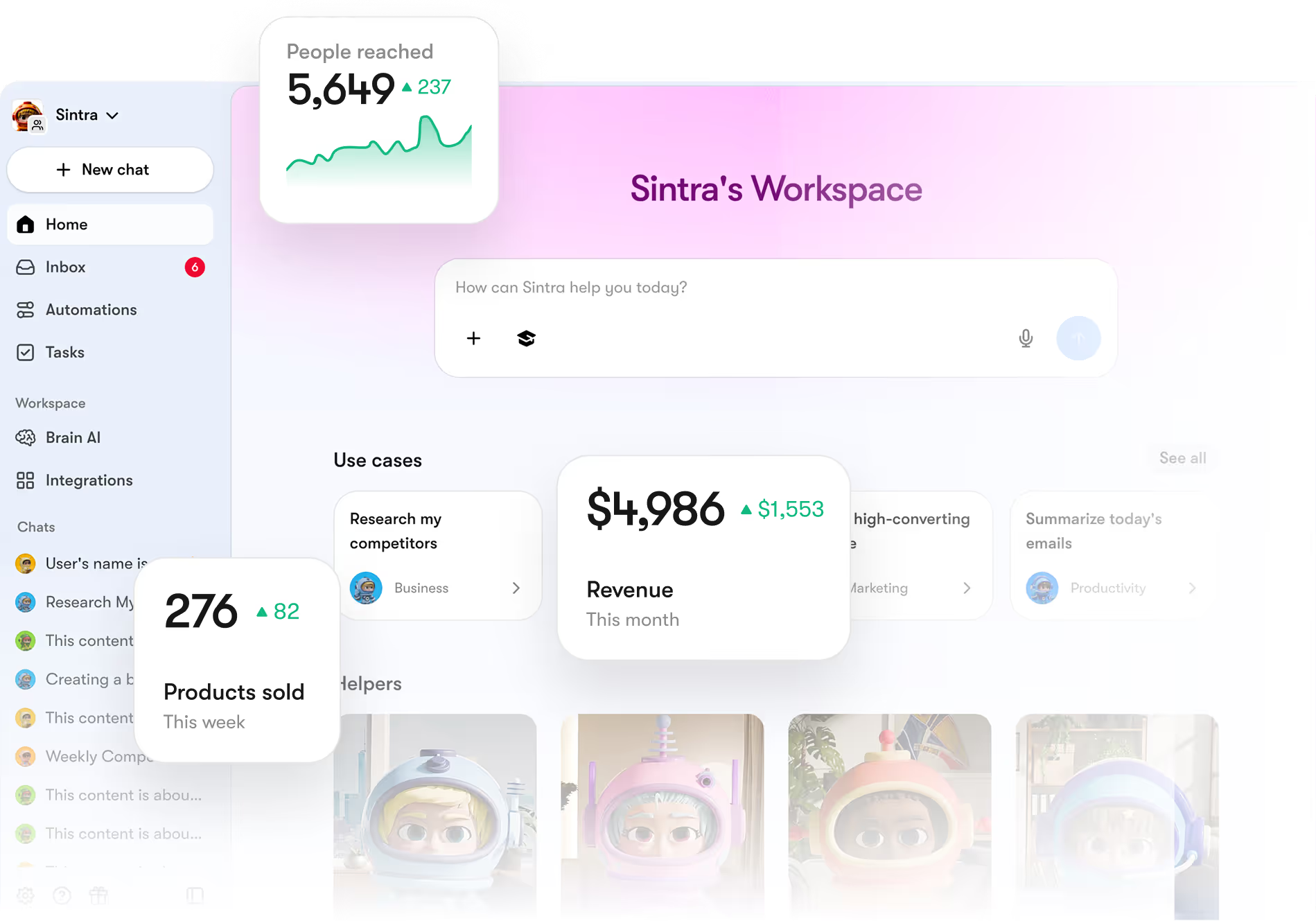
That's the problem Sintra AI is built to solve, not by being a better chatbot, but by handling the parts of content production that happen before and after the writing.
Seomi: The AI SEO Agent Built for Content Growth
Instead of manually building keyword briefs and checking them against a separate SEO tool, Sintra's Seomi agent is built specifically to handle SEO content planning: structuring briefs around search intent, mapping keywords to topics, and tracking what needs updating over time. It's the difference between treating SEO as a one-time prompt and treating it as an ongoing part of your content process.
Specialized AI Helpers Instead of One General Chatbot
A single chatbot has to be a generalist. Sintra instead uses a set of role-based helpers, each built for a specific kind of work:
- Penn handles long-form and conversion-focused writing.
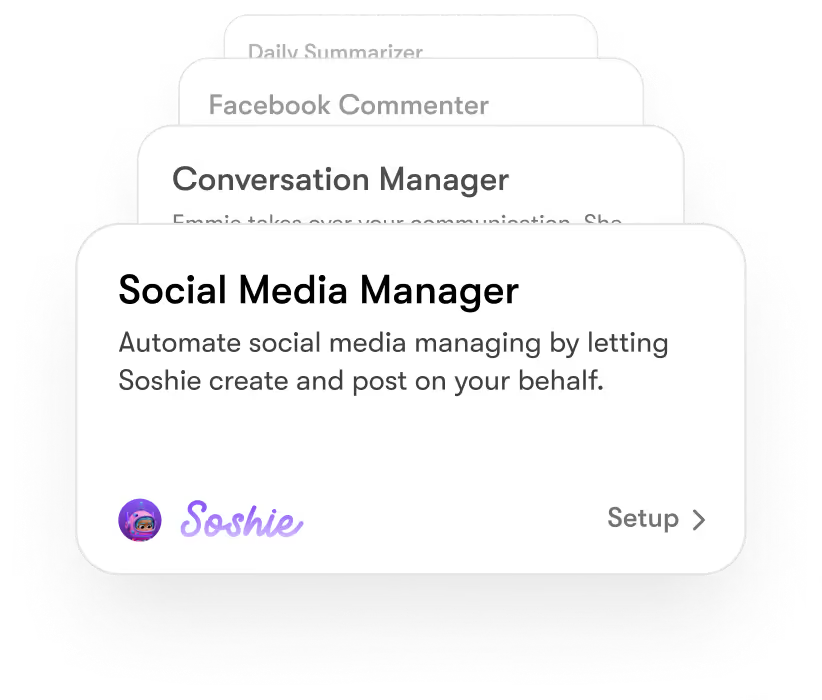
- Soshie builds social media content tailored to each platform.
- Cassie manages customer communication.
- Dexter handles marketing data analysis.
The idea is that a social media post and a technical white paper need different approaches, so they're handled by helpers built for each, rather than one chatbot trying to do both equally well.
Brain AI Keeps Content Consistent Across Every Channel
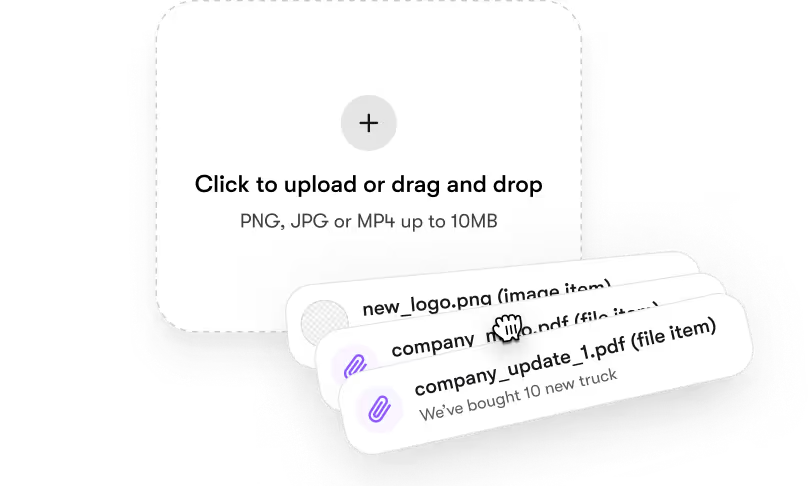
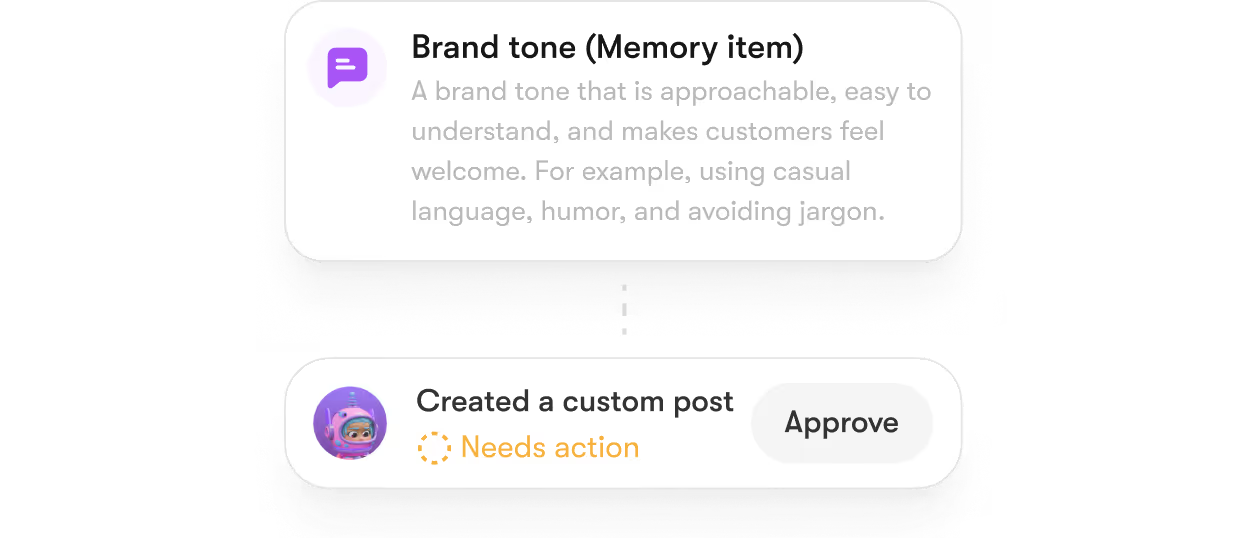
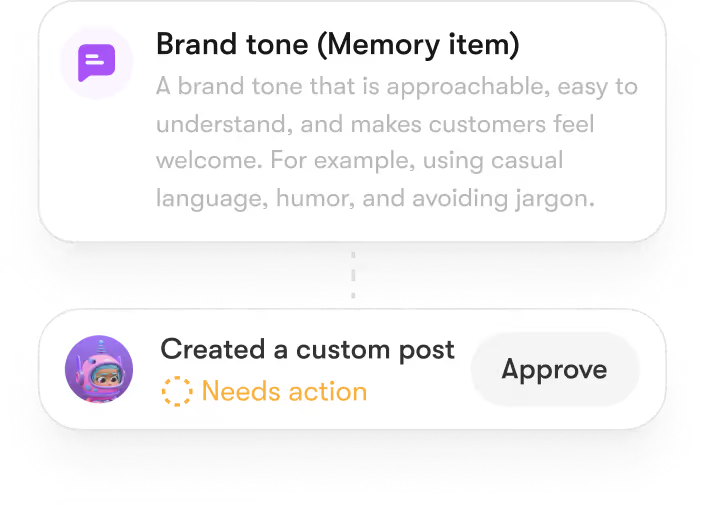
This is the direct answer to the "chat isolation" problem. Sintra's Brain AI acts as shared memory across all your helpers. Upload your brand guidelines, product details, and audience notes once, and every piece of content generated afterward, blog posts, emails, and social captions, draws from that same information. No re-pasting your style guide into a new chat every time.
Built-In Integrations for Real Business Workflows
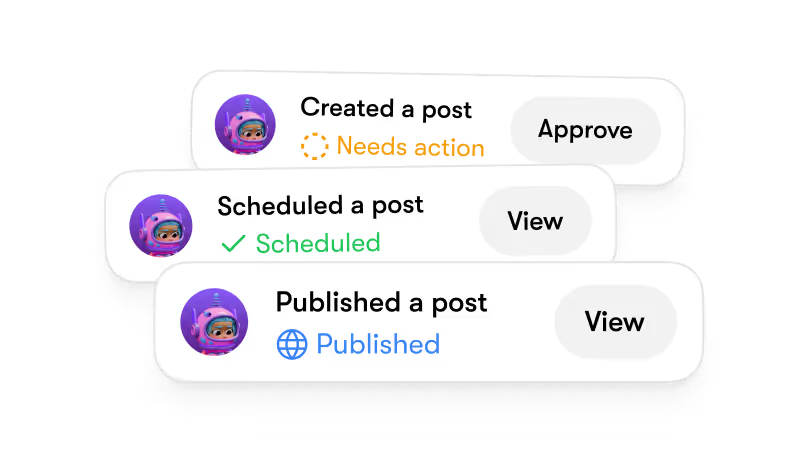
Standalone chatbots keep your writing trapped in an isolated window. To turn drafts into business value, teams waste hours on manual context switching, constantly moving text between email platforms, document editors, project boards, customer support queues, and operational tools. This disconnected process creates bottlenecks and slows down your publishing cycle.
By using purposeful AI integrations, you can connect your writing outputs directly into your daily business workflows. Instead of copy-pasting between apps, Sintra links seamlessly with your existing tech stack. This automates the heavy lifting that happens after a draft is finished, eliminating manual errors and moving your content from idea to live deployment without breaking your momentum.
Operational Comparison: Chatbots vs. Execution Systems
Why Businesses Eventually Need More Than AI Writing Tools
Writing speed stops being the bottleneck pretty quickly once you're producing content regularly. The bigger challenges become staying consistent across channels, keeping SEO work up to date, and not losing hours to copy-pasting between tools. That's the gap a connected system like Sintra is built to close.
The Future of AI Writing and Content Operations
The next phase of AI writing tools probably won't be about which model writes the best individual sentence. Both Claude and ChatGPT are improving fast, and the gap on raw sentence quality keeps narrowing with every release. The real differentiator is shifting toward which systems can hold context across an entire content operation.
A year ago, the main question was "Can the AI write something decent?" Now, both tools clear that bar for most everyday content. The questions slowing teams down today look different:
- Did this draft follow our style guide from three weeks ago?
- Did someone already write about this topic?
- Is this consistent with what went out on social media yesterday?
These are not model-quality problems. They are memory and workflow problems, and a standalone chat interface can't solve them, no matter how good the model behind it is.
The real question isn't just Claude vs ChatGPT for writing anymore. It's whether your writing tool fits into a system that can carry content from idea to published piece without you doing all the connective work by hand.
Ready to Move Beyond AI Writing Tools?
Claude and ChatGPT are great for writing. But scaling content, keeping your brand voice consistent across a team, and automating the workflow around publishing takes more than a chat window.
Sintra AI gives you a team of AI employees, including an AI SEO agent, backed by shared memory, so your whole AI team stays on-brand without constant re-explaining. Get started with Sintra AI and see what content production looks like as part of a bigger system, not the whole system.
Claude vs ChatGPT for Writing FAQs
Is Claude better than ChatGPT for writing?
For long-form content where tone and flow matter, Claude tends to need less editing. Claude's responses are generally more engaging and natural than ChatGPT's for narrative and conversational writing. For fast brainstorming, structured content, and live research, ChatGPT tends to be faster to work with. Most writers benefit from using both depending on the task.
What are the biggest differences between Claude and ChatGPT?
The most practical differences are context window size, usage limits, and editing interface. Claude supports a context window of up to 1 million tokens on its current Sonnet and Opus models, which helps with very long documents. ChatGPT's Plus tier runs a smaller 128,000-token window but includes Canvas, an interactive editing workspace, and live web search built into the chat.
Which AI is better for SEO content creation?
Neither tool automates SEO strategy on its own. ChatGPT's live web search is useful for current statistics and trending topics. Claude tends to handle longer, topic-dense content with more natural keyword integration when given a good brief. Either way, a human still needs to handle the actual SEO strategy, internal linking, and fact-checking.
Can Claude or ChatGPT replace human content writers?
No. Both tools speed up drafting, outlining, and editing, but they don't replace human judgment on strategy, original research, or fact-checking. Given that hallucination rates on current benchmarks range from roughly 36% to 86%, depending on the model and task type, human review remains essential before anything gets published, especially for factual claims, statistics, or anything in a regulated industry.
What's the best alternative to Claude and ChatGPT for business content creation?
For individual writing tasks, Claude and ChatGPT both work well. For businesses trying to run a consistent content operation across multiple channels, Sintra AI offers a more complete setup: role-based AI helpers, shared brand memory through Brain AI, and built-in integrations that cut down on the manual work standalone chatbots leave behind.