


Best AI Workspace Apps in 2026: We Tested the Top 5 Platforms


Table of Contents

Quick Answer: What Are The Best AI Workspace Apps?
The best AI workspace apps are Sintra AI, Google Workspace with Gemini, Notion AI, Taskade, and Saner.AI. Each one serves a distinct purpose, and the right choice depends on whether you need full business execution, deep documentation, project management, or personal knowledge management.
Not all workspace AI apps are built for the same purpose. Some focus on knowledge management, while others automate workflows or use AI employees to complete business tasks.
We tested each platform for ease of use, AI workflow support, integrations, collaboration, scalability, and overall business value, using real tasks like content creation, project management, customer support, and daily operations. Here's how they compare:
Sintra AI
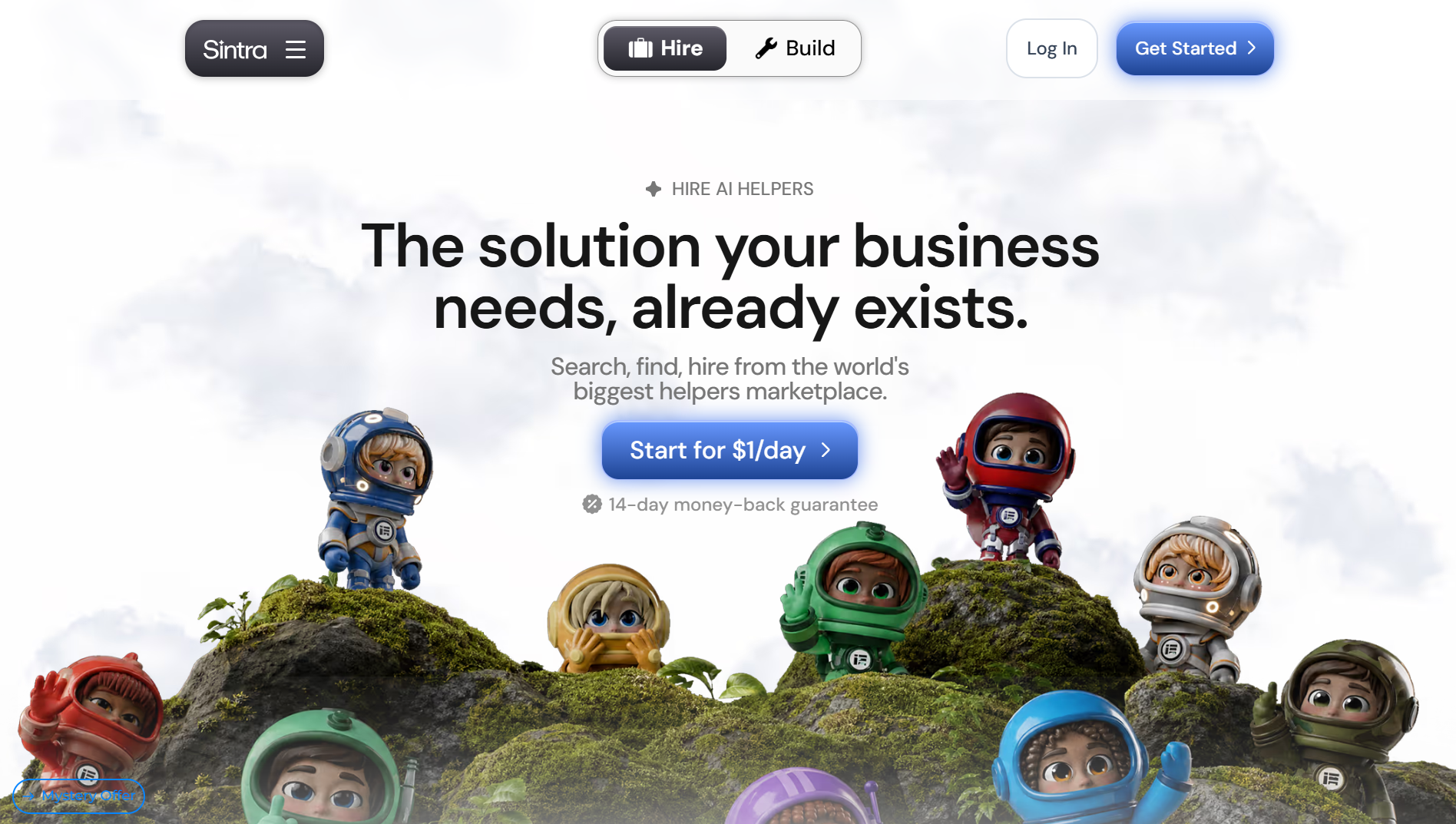
Sintra AI stands out by replacing the idea of a single AI assistant with an AI team of 12 specialized helpers. Each helper is built for a specific business function, including content creation, SEO, sales, customer support, recruiting, finance, and operations. Behind the scenes, Sintra uses multiple AI models, automatically selecting the best one for each task instead of relying on a single model.
Ease of Use
Sintra is designed for non-technical users. Setup starts by creating a Brain AI profile where you upload your website, brand guidelines, documents, FAQs, and other business information. Once that's done, every AI Helper automatically understands your company context, reducing the need to repeat prompts or explain your business each time.
AI Helpers
This is where Sintra stands out from most AI workspaces. Instead of using one AI chatbot for everything, it gives you different AI Helpers for different jobs. One Helper can write blog posts, another can manage social media, follow up with leads, analyze data, or answer customer questions. The Helpers can also work together to complete larger workflows instead of just individual tasks.
Integrations
Sintra connects with popular tools like Gmail, Notion, Facebook, Instagram, and other business apps. This lets the AI pull information, manage content, and complete tasks without constantly switching between platforms.
Collaboration
Teams can share business knowledge through Brain AI, assign work to Helpers, review AI-generated content before publishing, and collaborate from one shared workspace. Since every Helper uses the same business information, the output stays consistent across different projects.
Overall Business Value
Sintra is built around AI Helpers that handle specific business tasks instead of one general AI assistant. It's a strong choice for solopreneurs, agencies, and small businesses that want help with marketing, sales, customer support, and daily operations without setting up complex automations.
Pricing
Sintra offers the following pricing plans:
- 1-month plan: $48.50/month (discounted from $97/month)
- 3-month plan: $23.60/month (effective monthly price)
- 12-month plan: $15.60/month (effective monthly price)
Google Workspace with Gemini
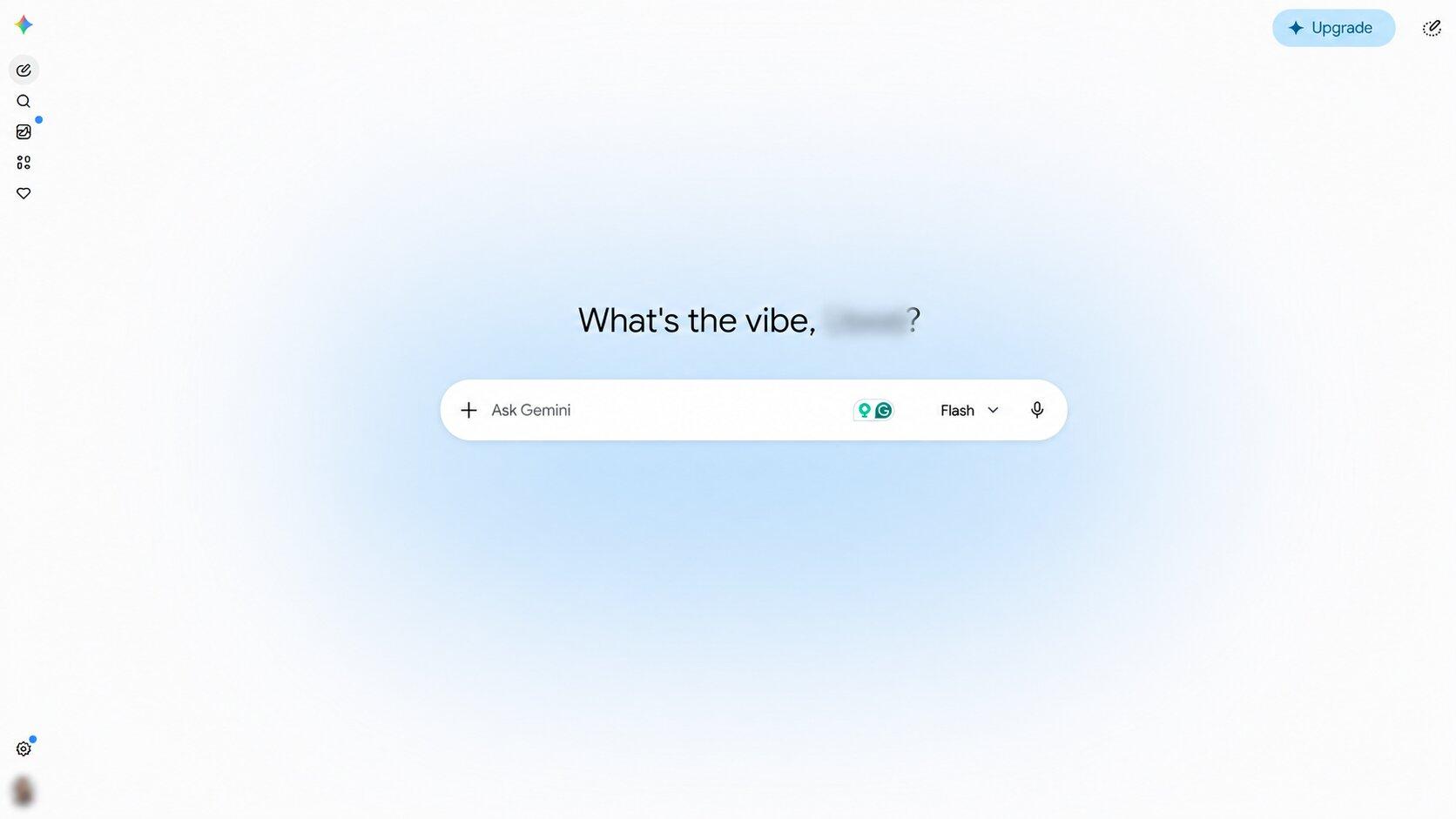
Google Workspace with Gemini is a great choice for businesses that already use Gmail, Docs, Sheets, Slides, Meet, and Drive. Instead of adding another AI tool, Gemini is built directly into the apps your team already uses. It can write emails, summarize meetings, analyze spreadsheets, create presentations, answer questions from your files, and help with everyday tasks without leaving Google Workspace.
Ease of Use
Gemini is built into the entire Google Workspace suite, so existing users can start using it right away. Workspace AI features appear inside Gmail, Docs, Sheets, Slides, Meet, Chat, and Drive, making them easy to access during everyday work.
AI Workflow Support
Gemini does more than help with writing. With Workspace Studio, teams can build AI agents and automate tasks like document approvals, meeting follow-ups, reporting, and email handling without writing code. Workspace Intelligence also gives Gemini access to your company's emails, files, meetings, and projects, making its responses more relevant.
Integrations
Gemini works seamlessly across Google Workspace apps, including Gmail, Docs, Sheets, Slides, Meet, Chat, Calendar, and Drive. It also connects with business tools like Salesforce, HubSpot, Jira, and Asana to support more advanced workflows.
Collaboration
Google Workspace has always been one of the best collaboration platforms. Teams can edit files together in real time, share documents, join meetings, and use Gemini without switching between different apps.
Overall Business Value
If your business already uses Google Workspace, adding Gemini is an easy upgrade. It's included with Google Workspace Business and Enterprise plans, so there's no need for a separate AI tool. While it's excellent for improving productivity, it's better at assisting employees than acting as role-specific AI workers for marketing, sales, or customer support.
Pricing
According to Google's official pricing:
- Business Starter: $7/user/month
- Business Standard: $14/user/month
- Business Plus: $22/user/month
- Enterprise: Custom pricing
Notion AI
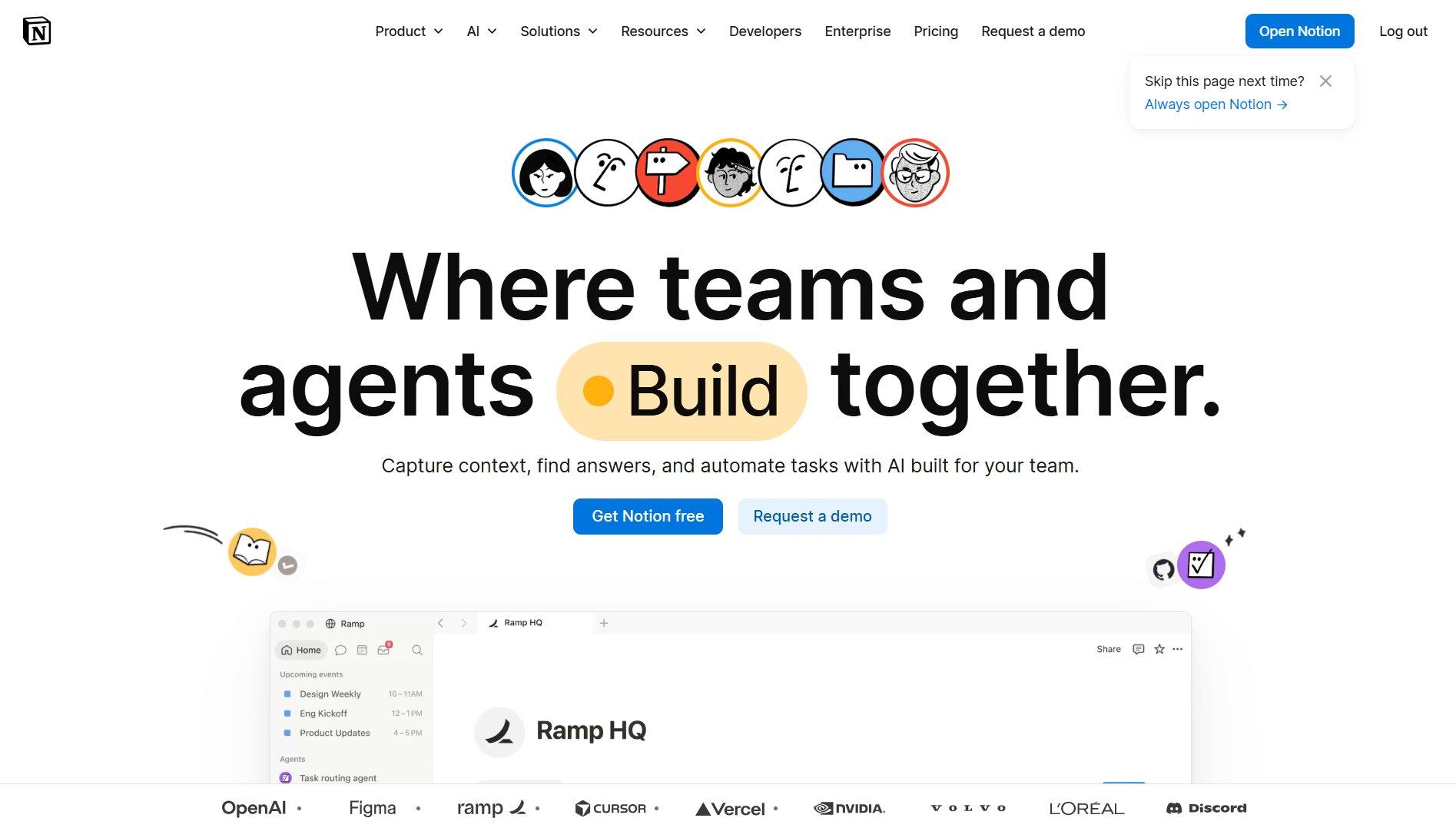
Notion AI is the best Workspace AI choice for teams that rely on documents, wikis, and company knowledge. Instead of working as a separate chatbot, it's built directly into Notion. It can write content, summarize documents, answer questions, search across connected apps, and even generate databases and project plans using your existing workspace.
Ease of Use
If your team already uses Notion, getting started is easy. AI is available inside documents, databases, projects, and meeting notes. New teams may need some time to organize their workspace first, since Notion AI works best when it has well-structured company knowledge.
AI Workflow Support
Notion AI goes beyond writing with Custom Agents. These agents can search your workspace, update databases, generate reports, and automate recurring tasks. They can also run in the background, so you don't have to start every workflow manually.
Integrations
Notion AI connects with tools like Slack, Google Drive, GitHub, Jira, Microsoft Teams, and more. This allows it to search information across different platforms instead of relying only on what's stored in Notion.
Collaboration
Notion makes it easy for teams to work together. Multiple people can edit documents, manage projects, build knowledge bases, and use AI from the same workspace. Custom Agents also help teams automate shared workflows while keeping everyone on the same page.
Overall Business Value
Notion AI is one of the best AI workspaces for documentation and knowledge management. It combines AI writing, search, project planning, and workflow automation in one platform. Businesses looking for AI employees to handle marketing, sales, or customer support may find dedicated AI workspace platforms like Sintra AI a better fit.
Pricing
According to Notion's official pricing:
- Free: $0
- Plus: $10/user/month (annual billing)
- Business: $20/user/month (annual billing)
- Enterprise: Custom pricing
Taskade
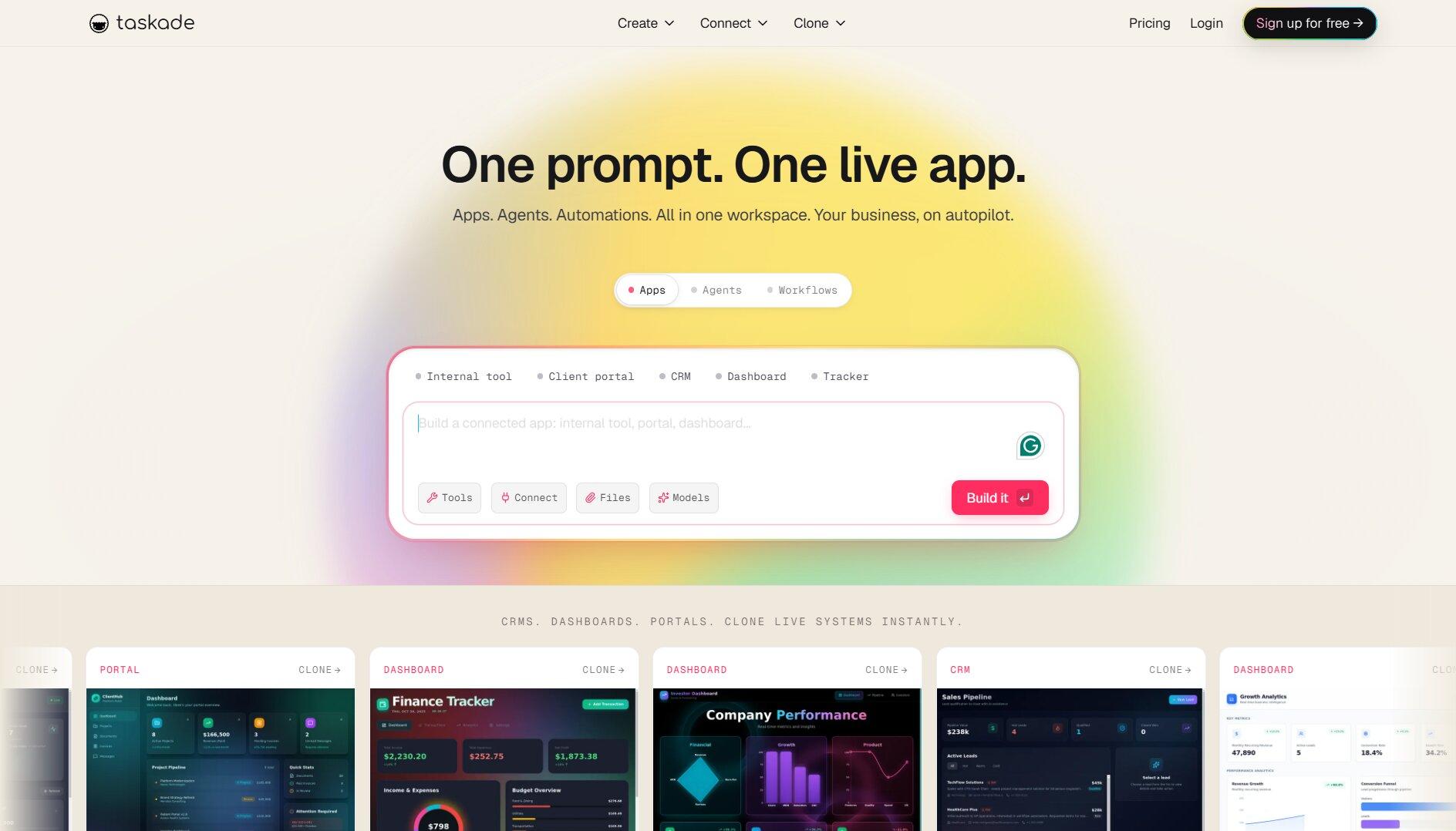
Taskade brings project management, notes, team collaboration, and AI agents into one workspace. Teams can plan projects, create documents, build workflows, and turn simple prompts into organized task lists. It also supports leading AI models like GPT, Claude, and Gemini, giving users more flexibility than many competing platforms.
Ease of Use
Taskade is easy to learn and works well for small teams. You can switch between lists, boards, calendars, tables, and mind maps without moving your work to another app. AI features are built directly into every workspace, so they're always within reach.
AI Workflow Support
Taskade is one of the strongest AI workflow tools in this comparison. Teams can build custom AI agents, automate repetitive tasks, and create complete workflows with Taskade Genesis. AI agents can also work together and use shared workspace memory to complete tasks more efficiently.
Integrations
Taskade connects with more than 100 tools, including Google Workspace, Slack, GitHub, Zapier, and Make. These integrations allow AI agents to pull information from different apps and automate work across your existing tools.
Collaboration
Taskade is built for teamwork. Team members can edit projects together, assign tasks, share AI agents, and collaborate on documents in real time without leaving the platform.
Overall Business Value
Taskade offers excellent value for startups, agencies, and small businesses. It combines AI agents, workflow automation, collaboration, and project management at a lower price than many competitors. However, larger organizations that need advanced reporting, resource planning, or portfolio management may outgrow it.
Pricing
According to Taskade's official pricing:
- Free: $0
- Starter: $6/month (annual billing)
- Pro: $16/month (includes up to 10 users)
- Business: $40/month (unlimited users)
- Max: $200/month
- Enterprise: $400/month (custom deployment and enterprise features)
Saner.AI
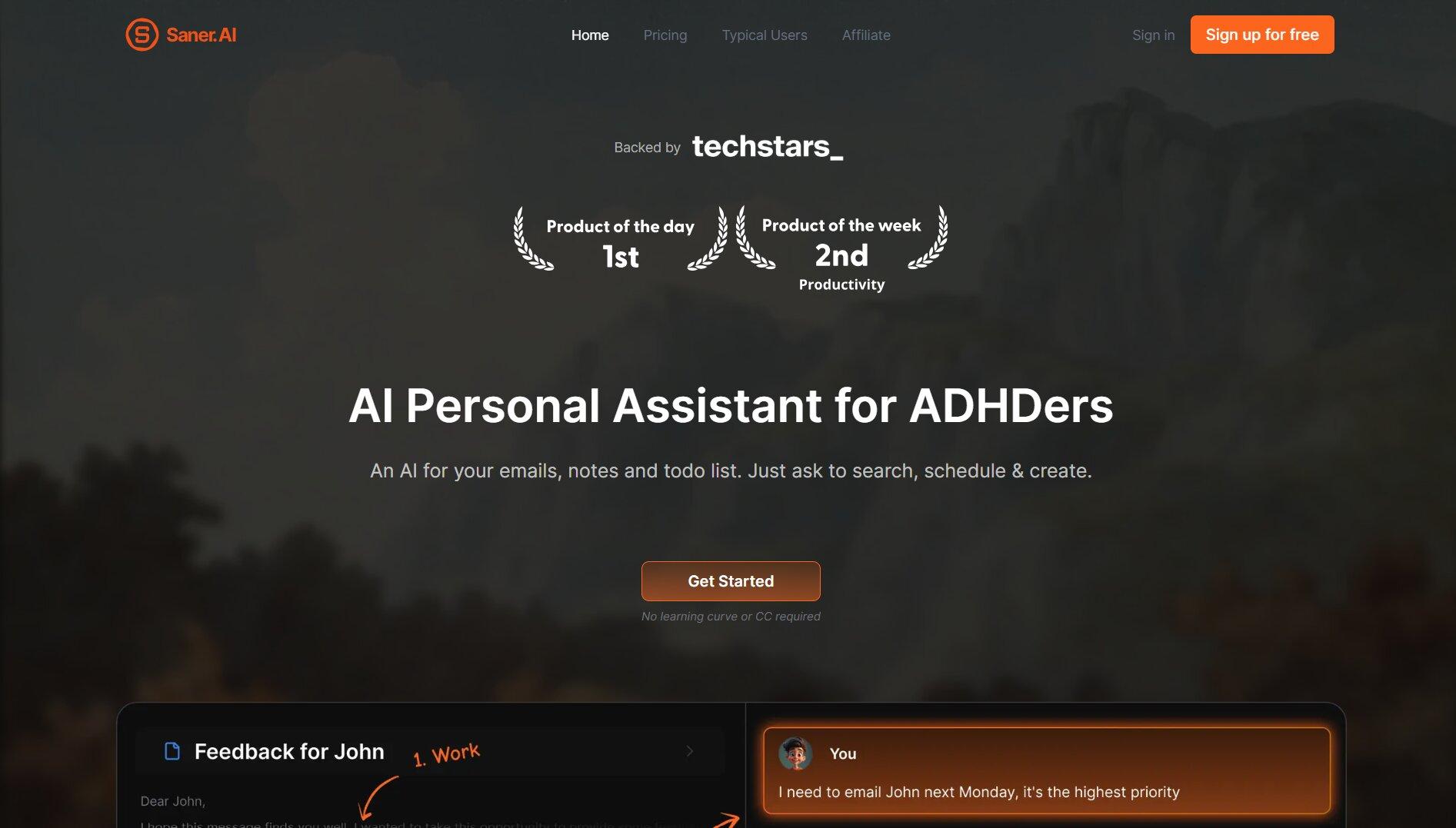
Saner.AI is different from most AI workspaces. Instead of focusing on project management or business operations, it helps you organize and find information faster. It brings your notes, emails, tasks, documents, and calendar events into one place, where its AI assistant, Skai, can answer questions, summarize information, and help you find what you need.
Ease of Use
Getting started is simple. You can capture ideas with text or voice, import documents, and connect Gmail, Google Drive, Slack, and Google Calendar. AI automatically tags and organizes your content, so your workspace stays searchable with very little manual effort.
AI Workflow Support
Instead of automating business operations, the AI is designed to help you organize and understand information. It can summarize notes, answer questions, extract tasks from documents, create daily plans, and search your knowledge base using natural language. The built-in knowledge graph also links related ideas automatically, making research much easier.
Integrations
Saner.AI works with Google Drive, Gmail, Slack, and Google Calendar. It also offers a Chrome extension that lets you save web pages and online content directly to your workspace.
Collaboration
The collaboration tools work well for individuals and small teams, but the platform isn't designed for managing large cross-functional teams or complex business workflows. Its strength is sharing and organizing knowledge rather than coordinating projects.
Overall Business Value
Saner.AI is a great choice for consultants, researchers, founders, and anyone who manages a large amount of information. If your biggest challenge is staying organized and finding information quickly, it's one of the best options available. Businesses looking for AI to automate workflows or manage operations will be better served by platforms like Sintra AI or Taskade.
Pricing
According to Saner.AI's official pricing:
- Free: $0
- Starter: $8/month (annual billing)
- Standard: $16/month (annual billing)
What Is an AI Workspace?
An AI workspace is a platform that combines AI, business knowledge, team tasks, documents, and workflows in one place. Unlike a standalone chatbot that only responds to prompts, an AI workspace understands your company's context so it can help complete work, not just answer questions.
That means AI becomes part of your team's daily workflow. Marketing teams can create on-brand content without repeating the same instructions, operations teams can automate recurring processes, and support teams can draft responses using company knowledge. Many modern platforms also include AI agents that can handle multi-step tasks, work across connected apps, and collaborate with your team from a single workspace.
The result is less time spent switching between tools and more time spent getting work done. Instead of adding another AI app to your stack, an AI workspace gives your team one place where people, information, and AI work together.
How to Choose the Right AI Workspace
The best AI workspace depends on what you need AI to do. There's a big difference between using AI to write content, manage projects, organize knowledge, or run business operations. Here's which platform stands out for each use case.
Best for Business Operations
If your business needs AI to support marketing, sales, customer service, and operations from one platform, Sintra AI is the strongest choice. Its 12 specialized AI helpers focus on a specific business function, while Brain AI keeps them aligned with the same company knowledge and brand voice. For small businesses and agencies that want AI to actively move work forward across departments, it's the most complete solution in this comparison.
Best for Content Creation and Marketing
Content teams need more than an AI writer. They need consistent brand messaging, collaboration, and scalable content production. Sintra AI stands out with dedicated Helpers for content, SEO, and social media that all share the same business context. Notion AI is also an excellent choice for teams that spend most of their time managing editorial calendars, briefs, documentation, and long-form content. If your priority is execution, choose Sintra. If it's documentation and knowledge management, Notion is the better fit.
Best for Project Management
Taskade is the best AI workspace for project management, especially for startups, agencies, and small teams. Its AI agents, workflow builder, and project templates make it easy to launch recurring projects in minutes, while its flat pricing offers exceptional value. Larger organizations that need advanced portfolio management, workload planning, or enterprise reporting may find Google Workspace with Gemini or dedicated project management platforms more suitable.
Best for Knowledge Management
Both Notion AI and Saner.AI excel at knowledge management, but they solve different problems. Notion AI is ideal for building a shared company knowledge hub that connects documents, projects, meeting notes, and external tools. Saner.AI focuses on personal knowledge management with AI-powered search, automatic tagging, and a visual knowledge graph that helps individuals organize research and ideas more effectively.
Best for Team Collaboration
For collaboration, Google Workspace with Gemini is difficult to beat. Gemini is built directly into Gmail, Docs, Sheets, Slides, Meet, and Drive, allowing teams to write, edit, meet, and collaborate without leaving the Google ecosystem. Taskade is another strong option for smaller teams that want collaboration tightly integrated with project management and workflows.
Best for Enterprise Organizations
Enterprise organizations typically prioritize security, governance, scalability, and integrations alongside AI capabilities. Google Workspace with Gemini is the strongest fit for companies already operating within Google's ecosystem, while Notion AI offers enterprise-grade compliance and knowledge management for documentation-heavy organizations. Businesses that want AI to actively execute work across multiple departments can also pair enterprise productivity tools with a dedicated platform like Sintra AI.
Ready to Build an AI-Powered Team?
A standalone chatbot can help you write an email or answer a question. An AI workspace goes much further. It can support your marketing, sales, customer service, and day-to-day operations while learning from your business over time.
That's what makes Sintra AI stand out. Its specialized AI helpers, shared Brain AI, and built-in workflows work together to handle real business tasks, so you don't have to start from scratch with every prompt. The more you use it, the more useful it becomes.
If you're ready to move beyond one-off AI prompts, get started with Sintra AI and start building AI-powered workflows for your business.
AI Workspace FAQs
What is an AI workspace?
An AI workspace is a platform that combines AI, business knowledge, team workflows, and collaboration in one place. Unlike a standalone chatbot, it understands your company's documents, brand, and processes, allowing AI to complete tasks and automate workflows instead of simply responding to prompts.
What is the difference between an AI workspace and ChatGPT?
ChatGPT is a general-purpose AI assistant that responds to prompts. An AI workspace goes further by storing business context, connecting to your existing tools, supporting team collaboration, and automating repeatable workflows. It's designed to become part of your team's daily operations rather than just answer questions.
Which AI workspace is best for businesses and teams?
It depends on your needs. Sintra AI is the best overall choice for businesses that want AI to support marketing, sales, customer service, and operations. Google Workspace with Gemini is ideal for teams already using Google's productivity suite. Notion AI is best for documentation and knowledge management, Taskade excels at AI-powered project management, and Saner.AI is designed for personal knowledge management.
Can AI workspaces automate workflows across different departments?
Yes. Many AI workspaces can automate tasks across marketing, sales, support, operations, and project management. Platforms like Sintra AI, Taskade, Notion AI, and Google Workspace with Gemini all support AI-powered workflows, though their capabilities vary depending on the platform.
What should you look for in an AI workspace?
Choose a platform based on how your team plans to use AI. Consider its workflow automation capabilities, access to business knowledge, integrations with your existing tools, collaboration features, ease of use, and pricing. The best AI workspace is the one that fits your team's workflow rather than forcing you to change it.
Related articles





.avif)




