11 Best AI Tools for Businesses in 2026


Table of Contents

Quick Answer: What Are the Best AI Tools for Businesses in 2026?
The best AI tools for business are Sintra AI, ChatGPT, and Notion AI. Sintra Ai serves as the ultimate AI software for business by letting you deploy digital employees to automate daily operational workflows. ChatGPT remains the most versatile helper available. Finally, Notion AI is the top tool for centralizing internal knowledge bases and instantly summarizing your workspace documentation.
Did you know that 61% of corporate ventures generated more than $10 million in revenue in 2025, up from 45% in 2023. In 2026, we've moved way past the point where artificial intelligence is just a trendy buzzword or a luxury for massive corporations.
Today, the best AI software for business isn't about replacing your team; it's about giving them superpowers. Forward-thinking companies are actively deploying AI tools for business to save thousands of hours, automate tedious grunt work, and massively improve the quality of their output.
If you want to keep your business competitive, hiring a dedicated AI team or integrating the right AI software into your daily operations is no longer optional. It is the ultimate shortcut to growth.
Let's dive into the absolute best tools on the market this year that you can start using right away.
11 Best AI Tools for Businesses in 2026
Gone are the days when companies only used artificial intelligence to draft quick social captions or run basic customer service chat widgets. Today's top-tier tools are designed to automate complex, multi-step workflows, maximize team productivity, lower overhead costs, and orchestrate smooth communication across departments. From scaling your sales pipeline and running data analytics to optimization of SEO workflows, these tools handle execution-heavy tasks so your human team can focus on growth strategy.
The top AI platforms for business below were selected based on practical usability, automation capabilities, integration depth, cost vs. value scalability, and overall output accuracy. To help you quickly cross-examine your choices, this side-by-side comparison table breaks down each platform before we jump into the detailed reviews.
1. Sintra AI - Best for all-in-one small business automation
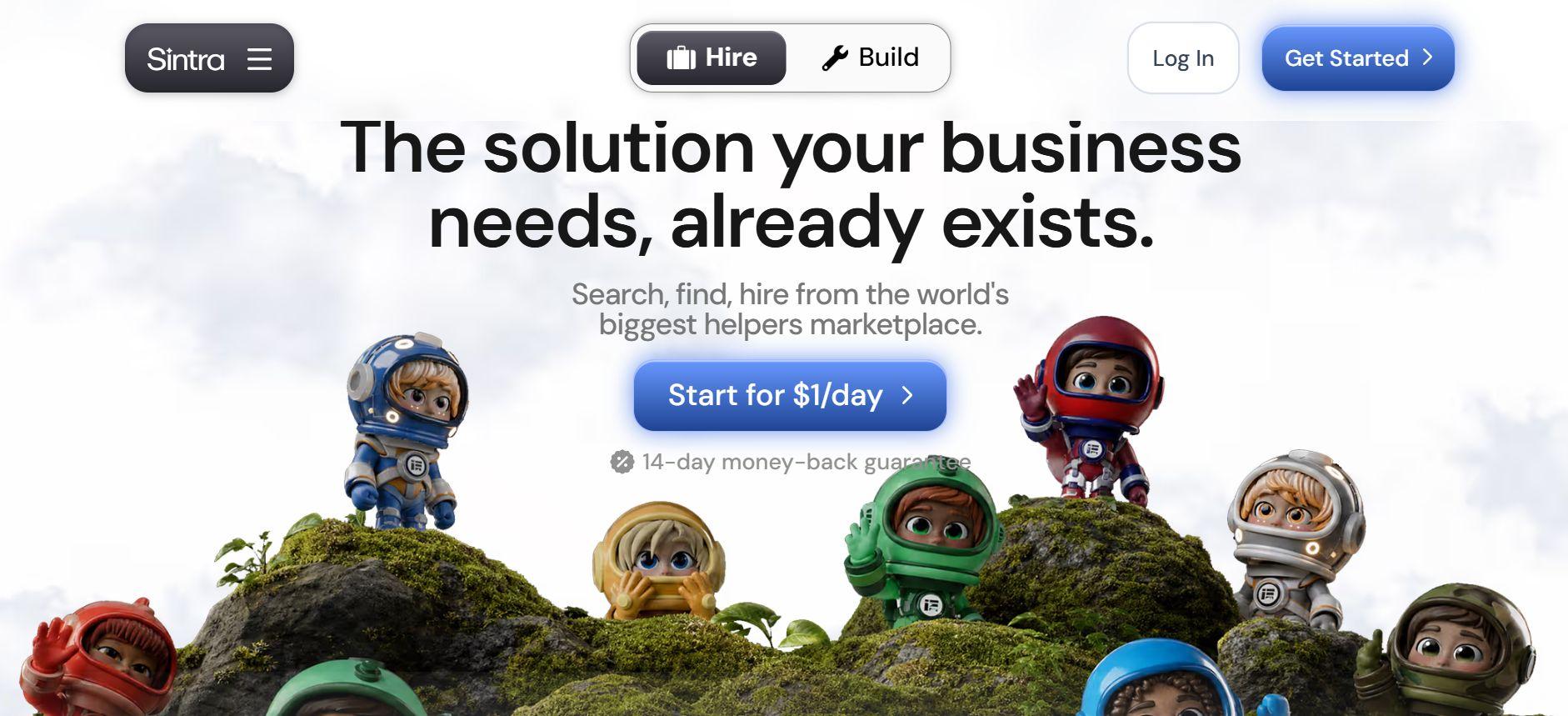
If you are tired of paying for dozens of disconnected subscriptions just to keep your company running, Sintra AI is exactly what you have been looking for. We keep it at the top of our list among the other AI tools because it gives you an entire digital workforce right out of the box.
Instead of forcing you to bounce between single-purpose apps, Sintra AI centralizes your marketing, sales, customer support, SEO, admin work, content creation, and operations. By deploying specialized role-based helpers powered by their advanced Brain AI, it acts as a cohesive digital ecosystem.
It is built specifically to help small teams automate their daily execution, keep their data in one place, and handle heavy workloads without losing their minds over complex setups. Let's take a look at what more Sintra AI has to offer.
Sintra AI Key Features
- Autonomous AI Employees: You can "hire" ready-to-go digital workers designed for specific roles like an SEO expert, a customer support agent, or a social media manager, that execute complex tasks for you.
- Brain AI Knowledge Core: This feature lets you upload your company’s internal documents, guidelines, and assets, giving your AI workers a shared business memory so they always stay on-brand.
- One-Click Use Cases: Access hundreds of pre-built prompts and automated workflows, so you don't have to spend hours figuring out how to prompt the system from scratch.
- Multi-Department Automation: Seamlessly manage and connect workflows across revenue, marketing, operations, and support within a single interface.
- Deep Workspace Customization: Tailor individual AI assistants to your specific operational habits, allowing these AI platforms to adapt to your unique way of working.
Sintra AI Best Use Cases
Here's a list of use cases Sintra AI works best for:
- Startups and small teams: When scaling fast on a budget, Sintra AI handles your operational heavy lifting. It allows you to automate daily execution across data tracking, marketing, and customer support.
- Agencies and consultants: If you manage multiple clients, you can use the platform's brand memory to keep every client's voice separate and secure. It streamlines content creation, competitive research, and client reporting, making it one of the most effective AI tools for entrepreneurs looking to boost billable capacity.
- E-commerce brands: You can easily handle your product descriptions, marketing campaigns, and customer inquiries simultaneously. By utilizing AI integrations with your existing storefront apps, you can build an automated back-office that runs smoothly around the clock.
Sintra AI Pricing
- Starter Plan: $29/month for each AI Helper
- Sintra X: $99/month for all 12 helpers.
- Enterprise Plan: Custom pricing
2. ChatGPT - Best for versatile brainstorming and text generation

When it comes to pure conversational flexibility, ChatGPT remains a staple AI tool for business development across every industry. Companies use it as an always-on digital assistant to speed up everyday research, draft initial content copy, outline project timelines, and write code scripts.
Whether you need to turn a messy transcript from an all-hands meeting into a clean summary or analyze an exported spreadsheet for hidden sales trends, ChatGPT handles it instantly. While it lacks the dedicated structural workflow of specialized platforms, its conversational agility makes it incredibly valuable for teams wanting to scale their creative output and technical productivity without onboarding friction.
ChatGPT Key Features
- Multi-Format Content Drafting: Generates everything from instant marketing copy and emails to detailed project outlines based on simple natural language prompts.
- Coding and Scripting Support: Writes, debugs, and explains code snippets across dozens of programming languages to assist developers and automate technical tasks.
- On-Demand Research Assistance: Explores complex topics, answers operational questions, and pulls information quickly to speed up your team's decision-making.
- Document Summarization: Condenses lengthy reports, meeting transcripts, and long articles into concise, actionable bullet points.
- Advanced Data Analysis: Upload spreadsheets directly into the platform to analyze data patterns, find trends, and build quick visual charts without manual calculations.
ChatGPT Pricing
- Free Plan: Offers basic access to standard language models, ideal for solo entrepreneurs doing everyday brainstorming.
- ChatGPT Plus: $20/user/month, access to the fastest models, advanced data analysis, and custom GPT creation.
- Team Plan: $25/user/month, shared workspace, higher message caps, and admin controls
- Enterprise Plan: Custom pricing
3. Jasper AI - Best for high-converting marketing copy
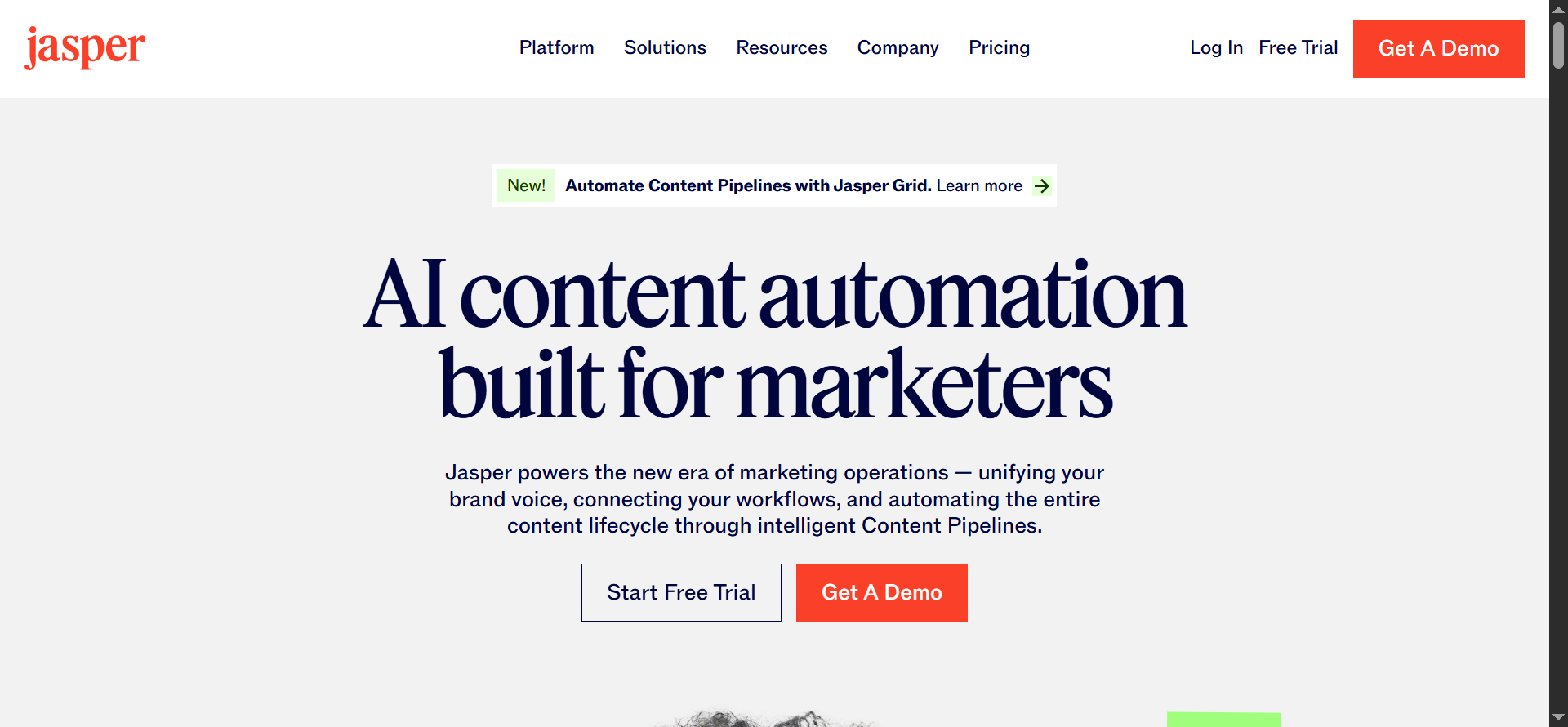
Jasper AI is engineered specifically to help marketing teams scale their operations and accelerate revenue generation. As one of the most prominent business AI tools, it excels at generating high-converting campaign copy, comprehensive blog posts, engaging social ads, targeted email sequences, and structured landing pages.
Unlike generic language models, it functions as a comprehensive ecosystem, enabling organizations to seamlessly generate multi-channel assets while ensuring that all outputs strictly adhere to company guidelines and strategic objectives.
Jasper AI Key Features
- Brand Voice & Style Guides: Train the AI on your specific brand identity, memory, and product positioning so that every output remains completely on-brand.
- Marketing Templates & Agents: Access an expansive library of pre-built marketing frameworks (such as AIDA and PAS) alongside specialized AI agents to automate standard promotional tasks.
- Connected Workflows: Execute end-to-end multi-step content pipelines that turn raw marketing briefs into polished, publishable assets.
- Team Collaboration: Brainstorm, write, review, and track content status collaboratively in a single, unified workspace with custom team permissions.
- SEO Support: Optimize content for search engines directly within the editor via native integrations with advanced keyword intelligence and optimization platforms.
Using Jasper AI allows marketing divisions to transition from manual drafting to strategic curation, maximizing overall productivity.
Jasper AI Pricing
- Pro Plan: $59/seat/month, billed annually. Includes 1 seat, Canvas creation, 2 distinct Brand Voices, 5 multi-modal Knowledge assets, and 3 targeted audiences.
- Business Plan: Custom volume pricing
4. HubSpot AI - Best for scaling inbound marketing and CRM management
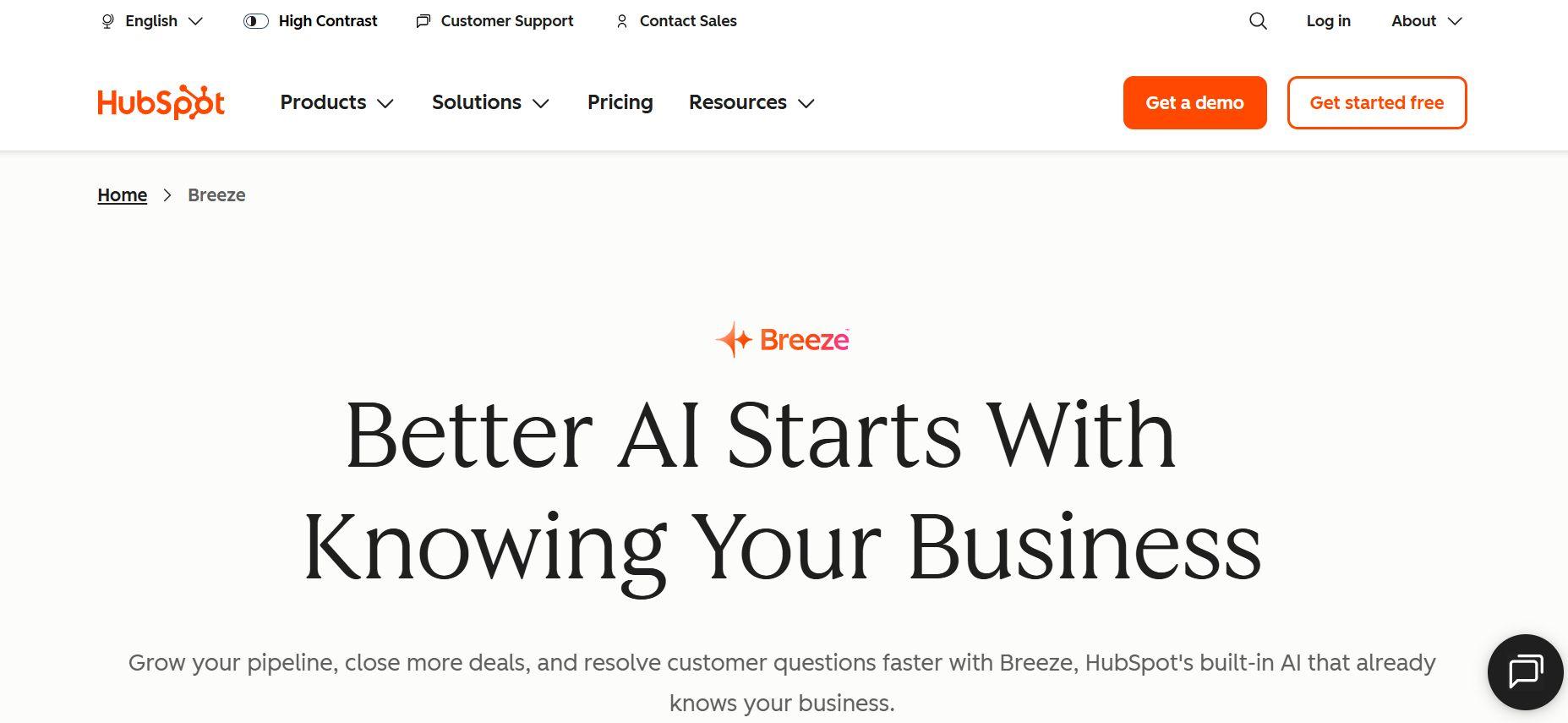
HubSpot AI embeds predictive intelligence and autonomous automation directly into your daily operations. Operating under their Breeze AI framework, the platform serves as an administrative engine that unifies your marketing, sales, and service branches.
You don't have to manually update customer records or draft outreach campaigns because HubSpot automatically analyzes inbound customer signals to trigger hyper-personalized email nurturing. For expanding teams, these integrated workflows function as a core set of AI tools for business development.
HubSpot AI Key Features
- Automated CRM Enrichment: Automatically updates customer records, maps account relationships, and cleanses data fields to eliminate manual entry.
- Breeze Copilot & Agents: Deploys dedicated digital agents to handle advanced company research, automate custom email prospecting, and manage support ticketing pipelines.
- Predictive Lead Scoring: Uses historical data trends and real-time interaction patterns to instantly rank prospective deals by closing probability.
- Omnichannel Content Assistance: Drafts contextual sales sequences, promotional emails, and targeted landing page copy directly inside the marketing suite.
- Advanced Conversational Intelligence: Transcribes live client calls automatically, providing sentiment analysis and actionable takeaways to optimize future sales pitches.
HubSpot AI Pricing
- Starter tiers: Start around $7 to $20 per seat/month. Includes 500 monthly credits, basic access to standard CRM tools, and text assistance for expanding teams.
- Professional tiers: Costs between $450 to $1300/month. Includes 3 to 5 core seats and up to 5000 monthly credits to support multi-step automation.
- Enterprise tiers: Start at $1500 to $4700/month per Hub Suite. Features advanced compliance guardrails, single sign-on (SSO) infrastructure, and up to 10,000 monthly credits to power deep enterprise AI tools.
5. Notion AI - Best for centralizing company knowledge and project tracking
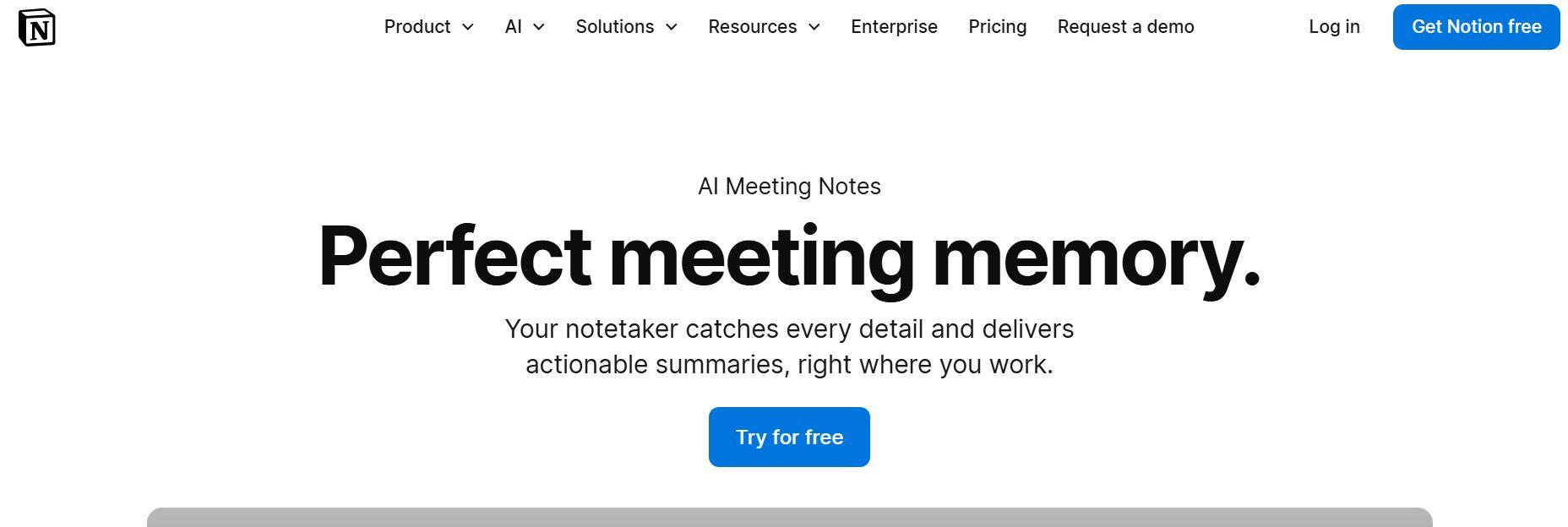
Notion AI transforms your company's workspace from a passive storage bin into an active operational assistant. For growing teams, it functions as a central brain that seamlessly unifies scattered notes, standard operating procedures (SOPs), onboarding guidelines, and complex project roadmaps.
It is highly valued as one of the most effective AI tools for business organizations because it helps small teams extract insights from their existing documentation, ensuring critical data is never lost in the shuffle.
Notion AI Key Features
- Workspace Search: Ask questions directly to your workspace and receive instant, structured answers pulled from across all your internal pages and connected docs.
- AI Meeting Notes & Transcripts: Captures and transcribes audio from Zoom or Google Meet calls, automatically generating clear summaries and task lists without requiring an external bot.
- Smart Database Autofill: Automatically reads project pages to populate tracking database properties, like instant status updates, risk levels, or next steps.
- Instant Document Generation: Drafts complete first-pass SOPs, project briefs, and employee onboarding outlines based on a few simple bullet points.
- Multi-Format Repurposing: Rewrites complex internal strategy papers into quick Slack updates, executive summaries, or bulleted emails in seconds.
Notion AI Pricing
- AI Add-On Seat: $10/member/month, can be applied to any existing workspace plan.
- Plus Workspace + AI: $22/member/month. Unlimited workspace blocks, file uploads, and core writing assistance.
- Business Workspace + AI: $34/member/month. Unlocks advanced data privacy controls, SAML single sign-on (SSO), and full access to advanced multi-step workspace agents.
6. Grammarly Business - Best for polishing team communication
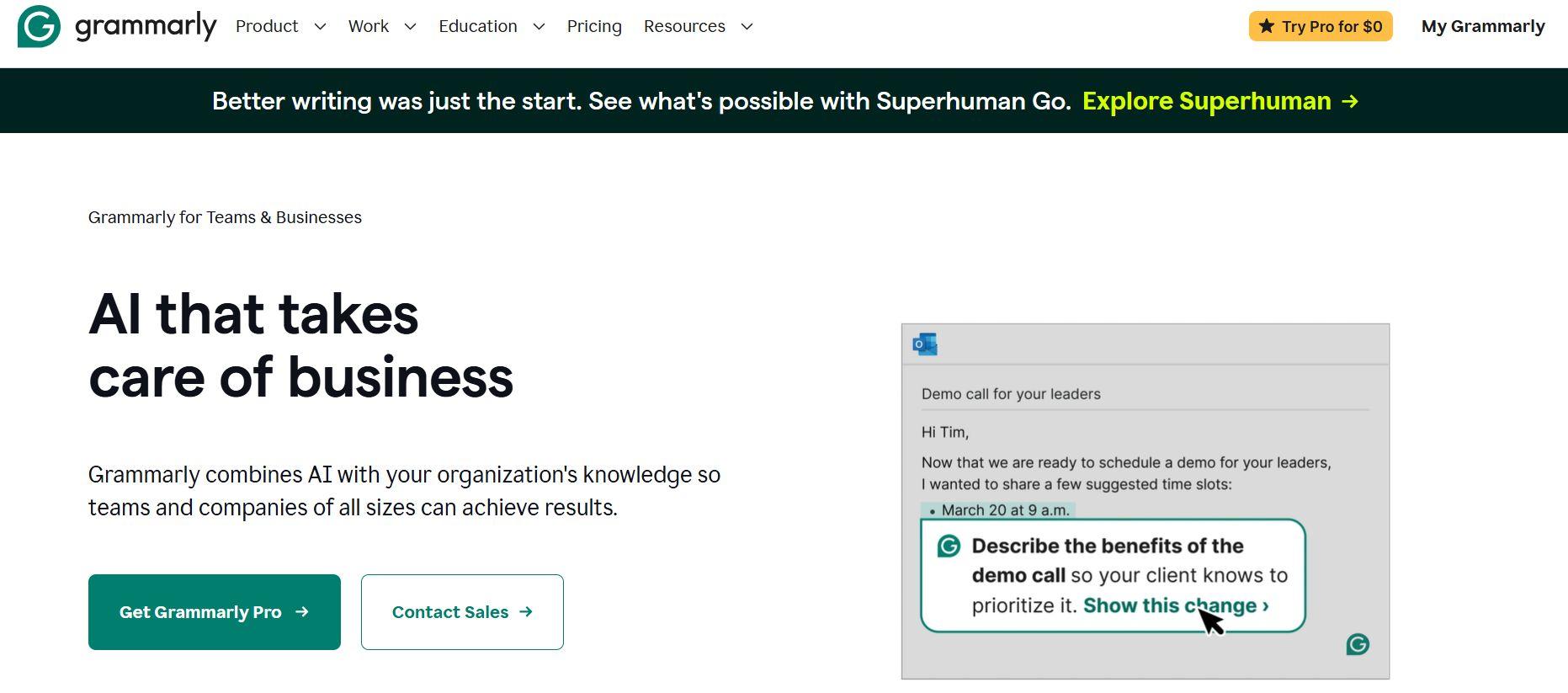
We all know the importance of clean and professional business communication. It is critical for maintaining brand credibility. Grammarly Business serves as an essential AI software that keeps team messaging polished.
The platform acts as a real-time editing assistant across all company channels, helping teams refine client emails, sales proposals, internal documentation, and Slack messages. Instead of just catching typos, it analyzes context to make sure every outgoing message sounds confident and clear.
Grammarly Business Key Features
- Real-Time Editing & Rewriting: Instantly fixes grammatical errors, spelling mistakes, and awkward phrasing as you type across thousands of web apps and desktop software.
- Tone Suggestions & Adjustments: Analyzes the emotional tone of your writing and suggests structural changes to ensure your message sounds collaborative, empathetic, or professional.
- Centralized Brand Style Guides: Create shared dictionary rules, preferred company terminology, and banned words so that every employee writes with a unified brand voice.
- Team Controls & Snippets: Allows administrators to create pre-written text snippets for common responses, managing team roles and custom permissions from a central dashboard.
- Analytics & Communication Insights: Provides team-wide usage data and tone trends to help managers see how communication quality improves over time.
Grammarly Business Pricing
- Business Plan: $15/member/month. Includes style guides, team snippets, centralized billing, and standard security compliance.
- Enterprise Plan: Features custom volume pricing designed for large organizations. Unlocks advanced data governance, single sign-on (SSO/SAML), dedicated account management, and unrestricted access to enterprise-grade writing features.
7. Salesforce Einstein - Best for predictive sales data analytics
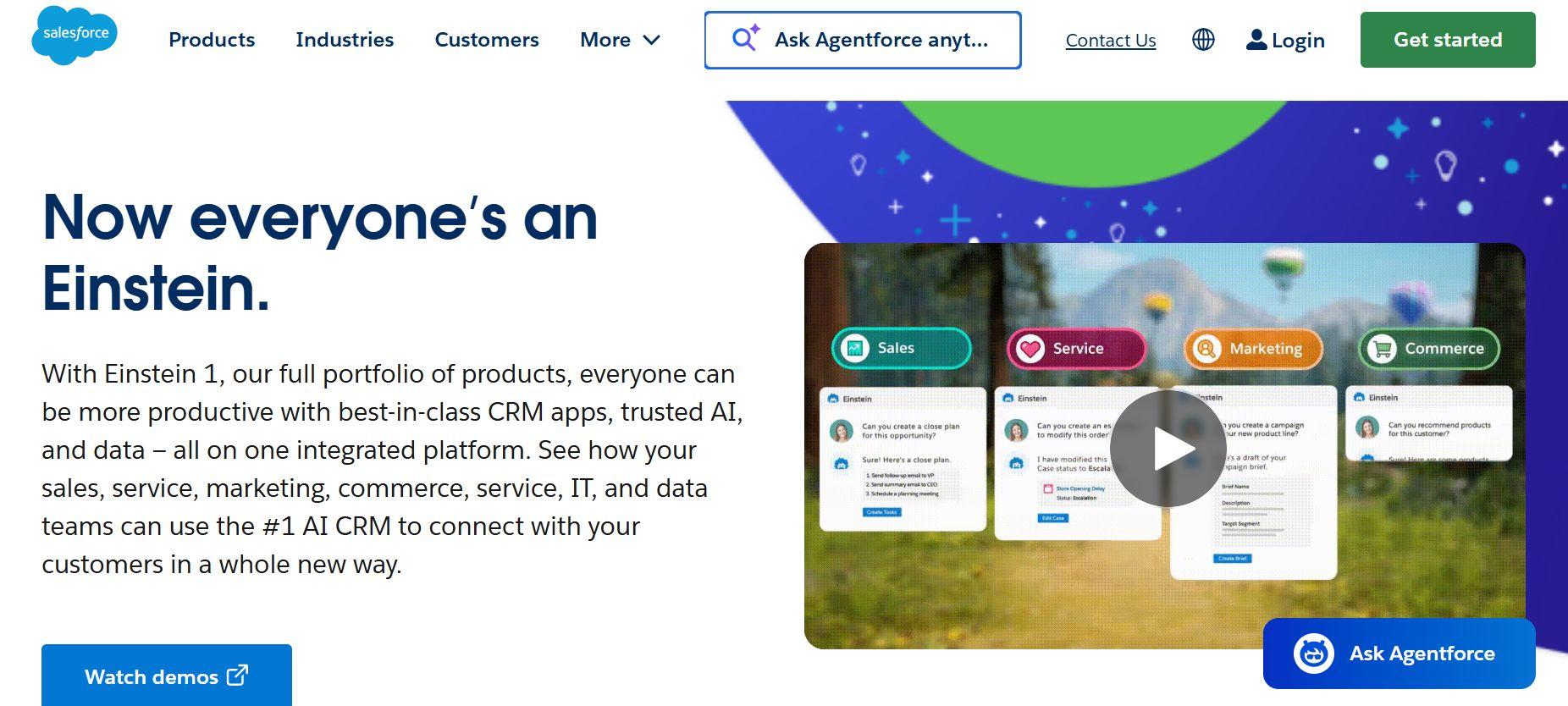
Salesforce Einstein embeds deep predictive intelligence directly into your customer relationship management (CRM) architecture, positioning it among the top enterprise AI tools for large organizations. Your team doesn't have to manually interpret pipeline health or client patterns; Einstein continuously scans historical customer accounts to output automated sales forecasting and deep behavioral trends.
For large-scale operational divisions, these features act as complete AI solutions for business intelligence. It also eliminates administrative guesswork, surfacing dormant revenue opportunities, and helping management allocate resources based on concrete, data-backed customer insights.
Salesforce Einstein Key Features
- Predictive Sales Forecasting: Automatically tracks team deal pipelines, historical win rates, and buying signals to predict upcoming quarterly sales revenue.
- Automated Lead Scoring: Ranks incoming prospects instantly based on conversion probability, guiding your sales reps straight to the highest-value opportunities.
- Einstein Conversation Insights: Transcribes and analyzes live sales calls to flag client objections, track mentions of competitor brands, and identify coaching moments.
- Native CRM Recommendations: Provides real-time action suggestions to account managers, telling them exactly when and how to follow up with a customer to close a deal.
- Agentic Customer Automation: Uses the built-in Agentforce framework to deploy autonomous digital agents that handle complex service workflows and resolve customer issues without human intervention.
Salesforce Einstein Pricing
- Enterprise Plan: $175/user/month. Offers complete API access and advanced customization, with basic predictive AI tools available as paid programmatic add-ons starting around $50 to $75/user/month.
- Unlimited Plan: $350/user/month. Fully unlocks built-in Einstein predictive intelligence, advanced sales forecasting, and comprehensive sandbox development environments natively
- Einstein 1 Sales: $500/user/month. Delivers maximum capacity for data-heavy operations, bundling core CRM functions with native Data Cloud access and built-in automation layers.
8. Zapier AI - Best for connecting software stack and building app workflows
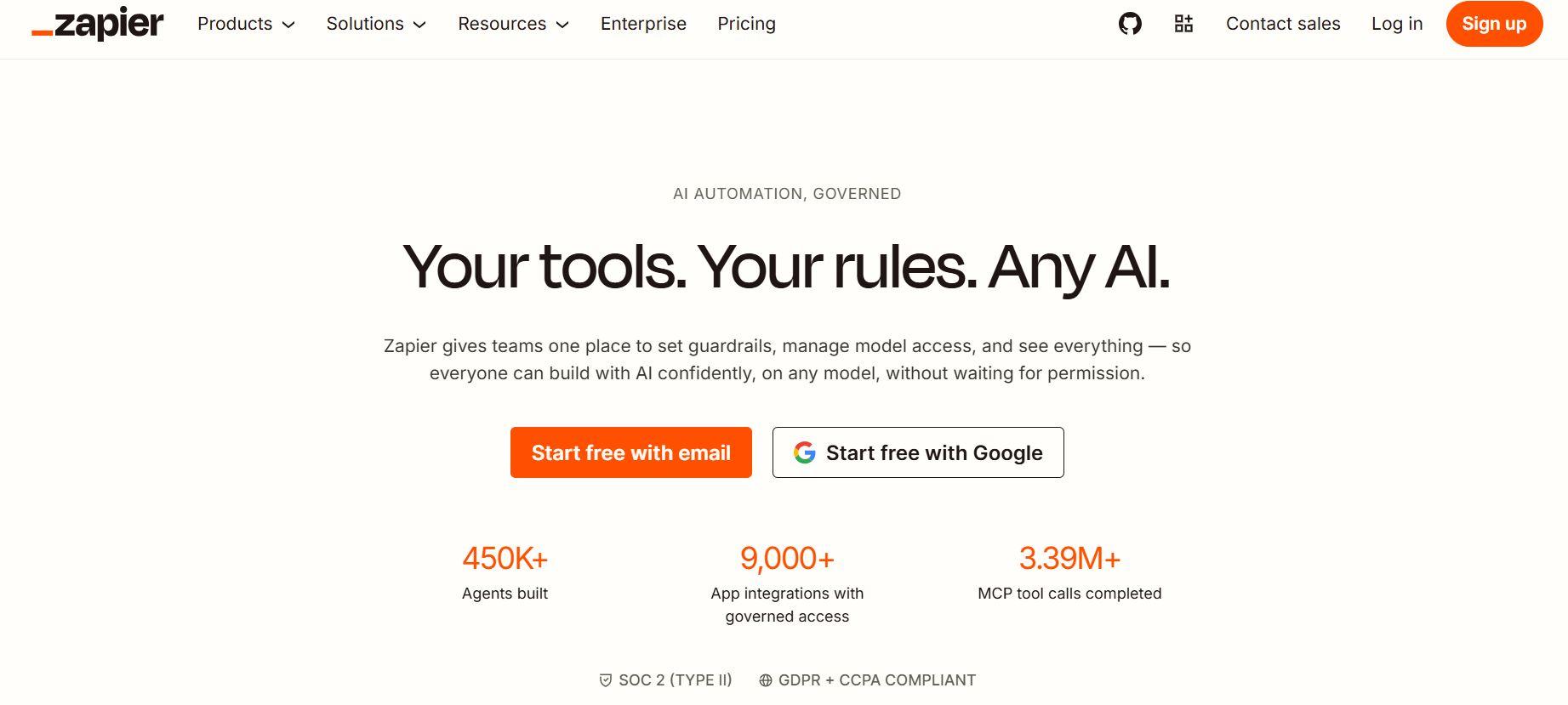
Zapier AI removes the technical friction of software integration, serving as a vital connective engine among modern tools for business. By embedding intelligent processing directly into cloud connections, Zapier enables non-technical teams to link distinct apps—such as matching incoming marketing leads to CRM fields or generating immediate Slack alerts based on financial updates—without writing a single line of custom code.
Zapier AI Key Features
- Massive App Integration Network: Seamlessly bridges data silos by connecting over 9,000 distinct business applications code-free.
- Zapier Central & AI Agents: Deploys interactive, background-running digital helpers capable of analyzing data tables, auditing logs, and executing tasks across apps 24/7.
- Natural Language Automation Builder: Translates plain English instructions into complex, operational backend sequences using the built-in AI Copilot.
- Model Context Protocol (MCP) Support: Plugs directly into advanced standalone assistants like Claude or ChatGPT to give your preferred LLM hands-on access to your entire software stack.
- Conditional Path Filters: Formats raw text, runs conditional logic rules, and splits single data inputs into multiple distinct operational directions automatically.
Zapier AI Pricing
- Free Plan: Grants 100 monthly tasks for basic, linear two-step automations (one trigger, one action) alongside core AI Copilot assistance.
- Professional Plan: Starts at $19.99/month. Unlocks multi-step automations, conditional logic paths, premium application connectors, and webhooks starting at 750 tasks per month.
- Team Plan: Starts at $103.50/month. Provides a collaborative team framework for up to 25 users, adding shared app connections, folder permissions, and premier customer support starting at 2,000 tasks per month.
- Enterprise Plan: Custom pricing.
9. Canva AI - Best for designing quick, professional-grade marketing assets
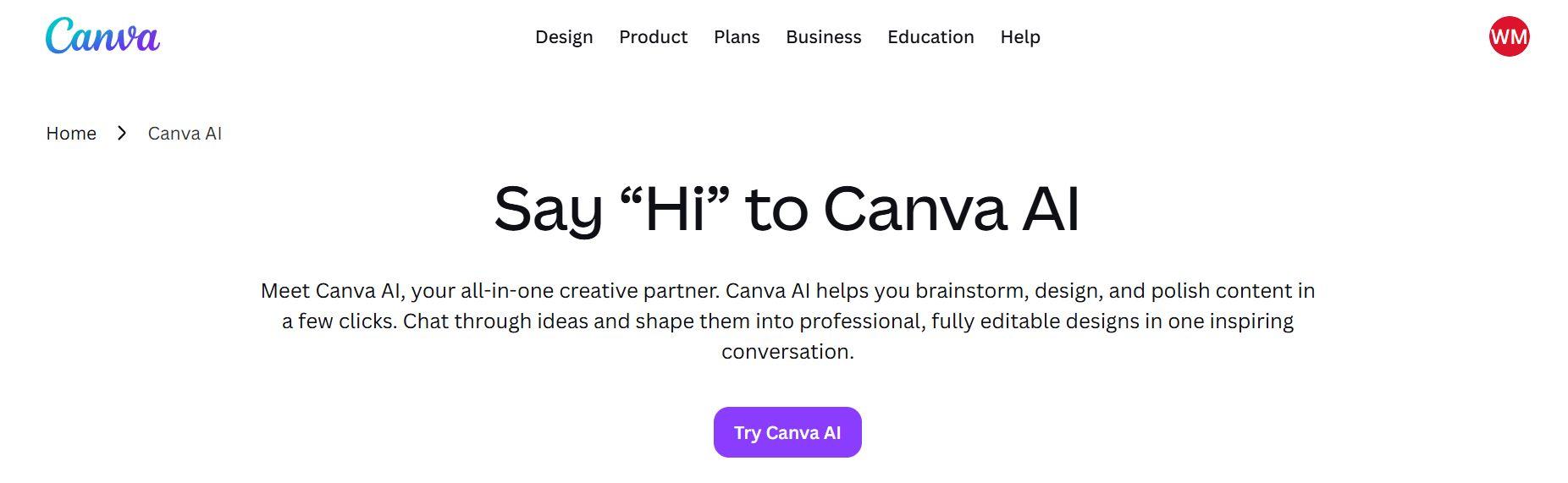
Canva AI is your go-to tool for everything visual. It allows small businesses to quickly scale their marketing output without relying on expensive design resources. By utilizing these integrated AI tools for small businesses, teams can automatically generate platform-optimized social media posts, design pitch presentations, and create high-converting advertisement layouts.
Canva ensures that your brand stays consistent across multiple channels by producing marketing visuals and essential brand assets.
Canva AI Key Features
- Magic Studio: Offers text-to-image and text-to-video generation (powered by integrations like Leonardo.Ai) alongside precise AI photo editing tools such as background removal, object erasing, and automated expanding.
- Brand Kits and Controls: Centralizes logos, color palettes, and typography across up to 100 distinct kits, ensuring all AI-generated content automatically adheres to strict brand guidelines.
- Magic Switch and Resize: Automatically transforms a single asset into multiple formats—such as turning a presentation slide into a collection of vertical social media posts or translating text into different languages with one click.
- Instant Presentations and Docs: Generates comprehensive multi-slide presentation decks, reports, and marketing copies from a simple text prompt.
Canva AI Pricing
- Canva Free: Offers basic drag-and-drop design tools, limited templates, 5 GB of cloud storage, and approximately 50 AI generation credits per month.
- Canva Pro: $13 to $18 per month for a single user. Unlocks unlimited access to premium stock assets, advanced editing tools like background remover, and roughly 500 AI credits monthly.
- Canva Business: $20 to $25/user/month. Offers 20x more AI capacity than the free tier, advanced team collaboration, approval workflows, centralized brand management, and embedded analytics tools.
10. Surfer SEO - Best for optimizing blog content and Google rankings
Surfer SEO is a leading data-driven content optimization platform designed to align writing strategies with search engine algorithms. It allows users to execute detailed SERP analysis and then evaluate the top-performing pages for any given target keyword. It then determines ideal word counts, heading structures, and keyword density.
Its real-time content scoring system provides an objective gauge of an article's ranking potential before it is even published. Furthermore, Surfer SEO automates complex SEO workflows by providing NLP-driven keyword recommendations and mapping out comprehensive topical coverage, ensuring businesses can establish topical authority seamlessly.
Surfer SEO Key Features
- Content Editor: A real-time workspace providing dynamic guidelines on word count, images, headings, and NLP keywords as you type.
- Topical Optimization & Maps: Generates structural visual maps to identify content gaps and build comprehensive topical authority across entire domains.
- SERP Analysis: Deconstructs the search engine results pages to pinpoint exactly why competitors are ranking based on over 500 on-page factors.
- Keyword Recommendations: Supplies contextual primary and secondary keyword suggestions based on semantic search trends.
- AI Writing Support: Employs an AI SEO assistant ("Surfy") and full-article generation tools to speed up initial drafting without losing search optimization context.
- Content Scoring: Uses a clear, numerical scale (0 to 100) to measure how well a document satisfies semantic search demands compared to current ranking data, streamlining the utility of business AI software.
Surfer SEO Pricing
- Discovery Plan: $49/month. For foundational optimization, providing tools to draft and optimize a baseline presence in search.
- Standard Plan: $99/month. Unlocks deeper content editor access, page audits, and fundamental AI integrations.
- Pro Plan: $182 to $129/month. Built for growing teams and agencies requiring multi-domain management, daily rank monitoring, internal linking automation, and brand tracking.
- Enterprise Plan: Starts at $999/month. Enterprise-grade deployment requiring white-labeling, SSO, dedicated account management, and custom automation infrastructure.
11. Intercom Fin - Best for automated customer support
Intercom Fin is an advanced AI agent designed to revolutionize how companies approach customer service. It acts as a primary line of defense that instantly resolves routine inquiries without needing human intervention by integrating directly into your customer service workflows.
It serves as one of the most efficient AI tools for businesses by drastically reducing overall ticket volume. By deflecting repetitive questions, human agents can focus on complex, high-value tasks, significantly lowering operational costs and scaling support capacity without a proportional increase in headcount.
Intercom Fin Key Features
- Instant AI Chat Support: Engages customers in natural, fluid conversations, answering complex questions accurately by pulling data straight from your connected knowledge bases.
- Help Center Integration: Automatically scans and interprets existing articles, documentation, and FAQs to generate trustworthy responses on the fly.
- Ticket Automation & Workflows: Seamlessly logs, categorizes, and tracks customer issues while executing back-end tasks via custom-built automation builders.
- Multilingual Support: Converses fluently and translates queries across dozens of languages natively, ensuring global audiences receive localized support instantly.
- Intelligent Escalation: Recognizes when an issue requires a human touch and smoothly transitions the entire conversation—along with its full context and summary—to a live support agent.
- Customer Experience Tools: Pairs with deep analytics, sentiment insights, and custom scorecards to help support managers monitor AI performance and optimize the customer journey.
Intercom Fin Pricing
- Essential Plan: $39/month. Offers Basic shared inbox, ticketing, public help center, Intercom Messenger, Slack integration, and pre-built reports.
- Advanced Plan: $99/month. Adds powerful automation workflows, multiple team inboxes, round-robin assignment, multilingual/private help centers, and Salesforce/Marketo integrations.
- Expert Plan: $139/month. Adds workload management, advanced SLA rules, custom roles, real-time dashboards, SSO (SAML), and HIPAA support.
How Businesses Use AI Tools in 2026?
In 2026, forward-thinking organizations are moving past basic standalone chatbots and adopting integrated AI employees to manage complex workflows. Using these smart tools helps businesses automate boring daily chores, make faster decisions, and take the pressure off human teams.
Instead of jumping between a bunch of different apps, modern teams use AI assistants that plug directly into their company data. For example, these digital assistants can handle tasks like reading data tables, building executive reports, instantly updating messy CRM files, and answering customer support chats around the clock.
Over in the marketing department, AI handles writing first drafts, planning social media calendars, and finding strategic SEO keywords. Even daily admin tasks like typing up meeting notes and organizing files can run completely on autopilot.
These smart platforms are total game-changers for founders and lean teams. By letting AI handle the heavy lifting in the background, small businesses can get way more done, match the output of huge corporations, and grow their revenue without needing to immediately hire a massive team.
How to Choose the Best AI Software for Your Business?
Finding the best AI software for business isn't about picking the tool with the most features or the biggest marketing hype. The right choice depends entirely on your company's specific goals, daily workflows, team size, and the real operational challenges you face every day.
To get the most value, look past the buzzwords and focus on practical business outcomes. You'll want to weigh key factors like how deep the automation goes, how easy it is to use, security, and long-term costs.
Bear in mind that while some teams thrive with centralized systems that handle everything in one place, others get better results by pairing specialized needs like CRM, SEO, or design. The best way to know for sure is to test your top choices using free trials or small pilot workflows before buying.
Define Your Business Goals Before Choosing an AI Tool
Before spending money on new software, take a close look at your business and find your biggest day-to-day bottlenecks. Don't buy a tool just because it is trending; buy it if it solves your business problems.
Decide whether your main goal is saving employee time, fully automating repetitive workflows, upgrading your customer support speed, boosting your marketing output, or cutting down on manual admin tasks. Nailing down these goals first ensures you invest in AI tools that fix actual inefficiencies rather than adding unneeded clutter to your tech stack.
Decide Between All-in-One AI Platforms and Specialized AI Tools
Next, decide if your team needs a centralized system or targeted software. It is completely okay to invest in standalone tools if they meet your goals instead of going all in with heavy systems.
Major platforms offer an all-in-one workspace that covers multiple departments, which helps keep your team on the same page and reduces the number of subscriptions you manage. On the flip side, specialized tools focus on doing one job incredibly well; whether that's advanced SEO keyword optimization, handling support tickets, or managing CRM sales data.
Evaluate AI Integrations and Workflow Compatibility
An AI assistant is only helpful if it actually talks to the tools you already use. Look for tools that natively connect with your current tech setup, including your CRM platforms, email clients, project management boards, analytics tools, and e-commerce systems.
If your chosen tool can't easily sync up with your existing data and team habits, it will create extra friction and stop you from building smooth, hands-free automations.
Compare AI Pricing, Scalability, and Long-Term Value
Look closely at the pricing plans to understand the true long-term costs. Pay attention to how the prices scale as you add more seats, and look out for feature locks or monthly automation credit limits that might disrupt your work.
The best tools scale smoothly as your company grows without causing your bill to skyrocket. Even high-end enterprise tools are worth the investment only if they offer a clear return on investment by saving hours of manual labor every week.
Prioritize Security, Accuracy, and Ease of Use
Data security and ease-of-use are non-negotiable factors when choosing AI tools for your business.
If you are handling sensitive company or client data, make sure the platform offers robust admin permissions and follows strict privacy regulations. At the same time, check how accurate the AI's outputs are so your team doesn't waste hours double-checking its work. Finally, pick a tool that is easy to learn; even the most advanced tools won't help your business if they are too confusing for your team to use every day.
Best AI Tools for Small Businesses vs Enterprise AI Tools
Small businesses and enterprise companies have vastly different operational realities, meaning their AI software requirements rarely look the same. While both leverage AI to drive efficiency, their choices are dictated by distinct budget constraints, team structures, workflow complexities, security requirements, and overall operational scale.
To help you identify which platform alignment matches your current company stage and operational goals, review this side-by-side comparison:
For small businesses, the core objectives when selecting AI solutions for business are immediate time-to-value and minimal friction. Since they typically operate without dedicated IT departments, small teams prioritize platforms that require zero technical expertise to deploy.
They also need tools that do not break their bank accounts. This makes flat-rate subscription setups highly attractive. Small teams favor comprehension, all-in-one workspaces where role-specific helpers can switch tasks dynamically.
On the other hand, at the enterprise level, a tool cannot simply be an isolated helper; it must act as a scalable engine that seamlessly integrates into massive, multi-tiered technology stacks.
Enterprise companies care deeply about architectural control, robust data governance, and rigorous compliance infrastructure. Their evaluations focus on granular administrative permissions, advanced data-scraping capabilities across isolated servers, and analytics dashboards that measure efficiency across thousands of seats.
Understanding where your company sits along this spectrum ensures you won't overpay for enterprise-grade compliance layers you don't need, nor will you bottleneck a massive team with lightweight software that lacks structural scalability.
Why Sintra AI Is the Best AI Tool for Business Automation in 2026?
Once teams are ready to deploy AI into their workflows, they are most likely to go overboard with the tools and end up paying a lot more than they should. Also, the constant app-switching wastes time and leaves your company data scattered across a dozen disconnected accounts.
Sintra AI solves this frustration by acting as a complete, centralized hub for your operations. Instead of having you manage multiple standalone apps, it unifies your entire business into a single easy-to-use dashboard.
The secret behind Sintra AI comes down to a few major features that make it the best AI software for business automation this year:
- Brain AI (Shared Business Memory): Instead of typing the same background information and brand guidelines into your prompts over and over again, you upload your company data once. Every single AI helper on the platform uses this shared memory, so they all naturally understand your brand voice, products, and goals.
- Role-Based Digital Workers: Think of these as your specialized virtual team. You can deploy ready-to-work AI employees designed for specific jobs, like an SEO specialist, a customer support agent, or a social media manager, without having to build or train them from scratch.
- Hands-Free Automation Workflows: Sintra AI doesn't just generate text; it actually executes tasks. Thanks to deep integrations, these digital workers can pass data between your favorite apps and run multi-step workflows completely in the background.
This unified approach makes it almost perfect for small businesses and enterprises alike. If you are looking for a reliable piece of AI that simplifies your tech stack and gives your human team their time back, Sintra AI is built to do exactly that.
Ready to Build Your AI Team?
You don't need a massive budget or a huge hiring wave to scale your business this year. By bringing AI employees onto your team, you can centralize your workflows, lock in absolute brand consistency, and give your human team the freedom to focus on big-picture growth.
Sintra gives you the shared business memory and role-based helper you need to handle marketing, operations, support, and sales entirely under one roof. Whether you are looking for the ultimate AI tools for scaling under one roof.
So, stop losing hours to manual tasks and context-switching every day. Get started with Sintra AI today and build a smarter, faster, and completely automated business on autopilot.
Best AI Tools for Businesses FAQs
What are the best AI tools for businesses in 2026?
The best business AI tools depend on your specific needs. Leading platforms include Sintra AI for full automation, ChatGPT for general drafting and research, Jasper for corporate marketing campaigns, and Zapier for cross-app automation.
What is the best AI software for small businesses?
Sintra AI is the best option for small businesses because it provides an all-in-one workspace with specialized digital workers. Instead of paying for multiple separate subscriptions, small teams can use Sintra AI to manage their marketing, customer support, data reporting, and SEO under a single dashboard with shared brand memory.
How can AI tools help businesses save time?
AI tools save business hours by instantly automating repetitive, manual tasks. They can take over background chores like updating CRM records, sorting through support tickets, generating weekly analytics reports, drafting content, and organizing project calendars.
What should businesses look for in AI software?
When evaluating AI software, look for deep workflow compatibility, seamless native integrations with your current tech stack, and clear data security protocols.
Are AI tools worth it for small businesses and startups?
Yes, AI tools are highly cost-effective for startups and small teams. They act as force multipliers, allowing a lean operation to match the production output and customer response times of a much larger corporation.
Related articles