


8 Best To-Do List Apps in 2026

Table of Contents

Quick Answer: What Is the Best To-Do List App in 2026?
The best to-do list app in 2026 depends on what you need. For simple, reliable tracking, Todoist and TickTick lead. For free reminders, Microsoft To Do and Google Tasks work well. For AI that actually does the work instead of just reminding you, Sintra AI stands out. Whether you want the best app for to-do list management or the best apps for to-do lists across a team, the right pick depends on how you work.
Are you a solopreneur looking for the best to-do list app in 2026? Feeling exhausted with hundreds of applications out there, right? We have tested the top 8 to-do list apps, which are no longer just fancy notebooks where you dump your tasks and momentarily feel organized. Instead, these task management applications make a real difference in productivity and take the burden of execution off you. The best ones now use ML, NLP, and analytics to optimize scheduling: automating prioritization, detecting conflicts, and dynamically rescheduling based on your habits, with studies showing measurably more balanced schedules and reduced planning time.
If you run a small team or own a SaaS agency, you will still find something better on this list than an idle application on your desktop that does nothing but show you a task checklist. This guide focuses on tools that solve real problems, whether they involve execution, scheduling, or basic organization.
The 8 Best To-Do List Apps in 2026
The best to-do list app depends on your specific needs. Here is a quick glance at the list of the top to-do list apps:
1. Sintra AI (To-Do Lists That Actually Execute Tasks)
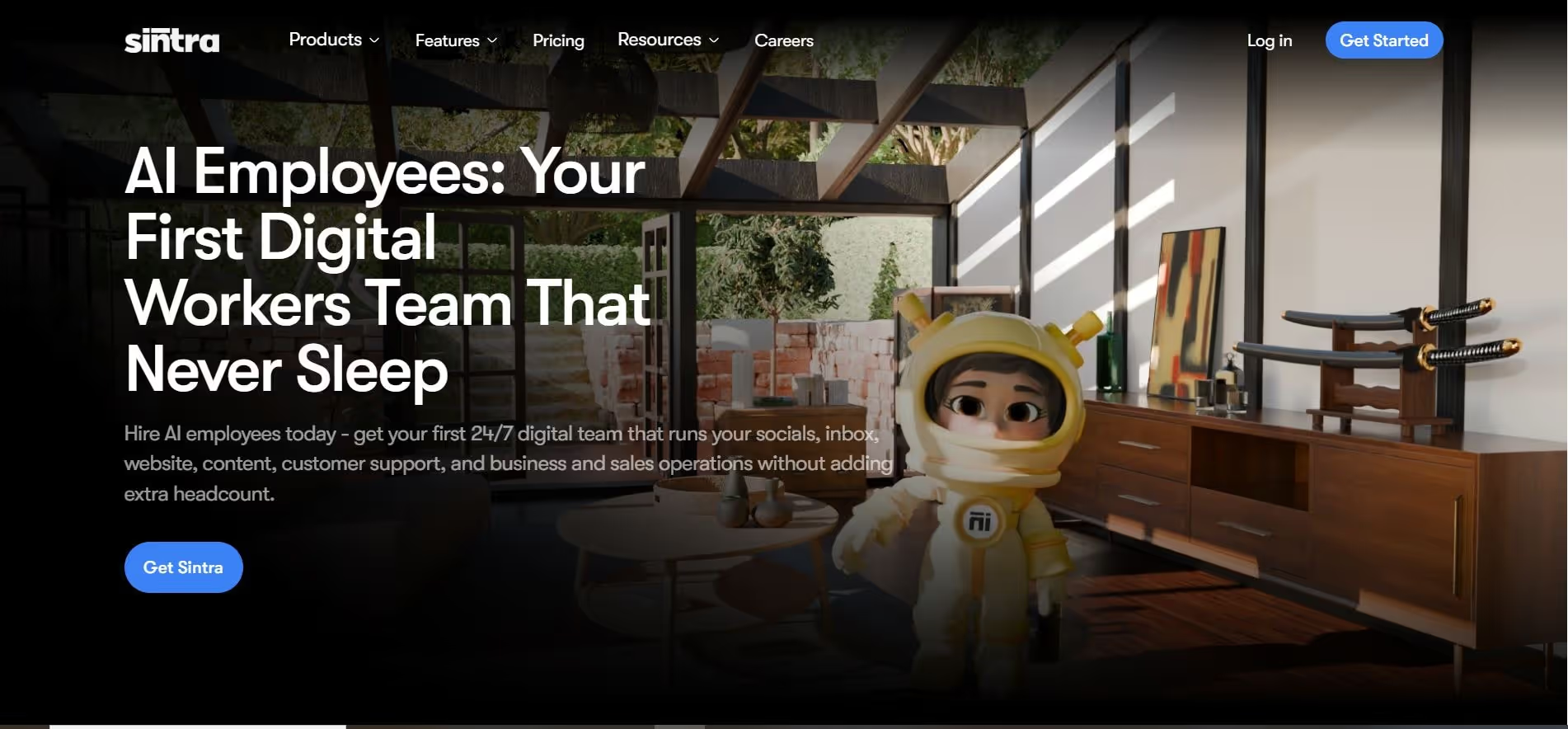
Our AI helpers assist founders, freelancers, and small teams to create, organize, and act on task lists in one place. You can plan your day in natural language, turn ideas into clear tasks, connect email and calendar workflows, and use Brain AI to remember your files, style, instructions, and business context.
This makes it useful when your to-do list is tied to real work, not just reminders. Instead of manually rewriting tasks from emails, meetings, and priorities, Sintra helps structure them into next steps and keeps the context attached, so you know what needs doing and why it matters.
The Real Pain It Solves
Freelancers, founders, and small teams live this nightmare daily:
- You open your eyes to 47 tasks, knock out maybe 9, and somehow end the morning with 12 fresh ones.
- You burn 2 hours crafting LinkedIn posts, another 90 minutes firefighting support tickets, then remember, crap! Those 3 warm leads from last week are still untouched.
- Night rolls in, you’re wiped out, yet the real growth stuff (strategy sessions, client deep-dives, actual product thinking) barely moved an inch.
The real killer isn’t forgetting tasks. It’s that the low-level grind eats every spare minute, leaving zero room for the work that actually moves the needle.
Goldman Sachs Research (2023) estimates that generative AI could automate up to 300 million full-time jobs globally, with administrative and repetitive tasks being the first wave of automation; exactly what online to-do list tools like Sintra target.
Features
Sintra gives you this whole crew of AI helpers ready to take stuff off your plate:
- The Brain AI remembers your style, files, instructions, and everything.
- They work 24/7, never sleep, never burn out.
- Talk to them in over 100 languages, no problem.
- Interact with your tasklist in natural language
- Hooks up with your email, calendar, CRM, and the usual tools.
- Works on phone or computer wherever you are.
- Data stays encrypted and GDPR safe.
Pricing
Sintra starts at $38.80 a month if you pay monthly, or drops to $15.60 a month if you commit to the year.
Best for
- Founders who wear like 10 hats and still need to sleep sometimes
- Small teams that want real work done without bringing on another full-time person
- Agencies trying to keep client stuff delivered on time without burning out
- Solopreneurs who feel like the business is eating their whole life and leaving nothing for the actual big moves
Tutorial
Watch Sintra's AI helpers handle real business tasks in this walkthrough video
2. Motion (Best for Time-Blocking and Scheduling Automation)

Motion greets you with your calendar right up front, showing exactly where your tasks could slide into your real day. The AI starts right away, suggesting smart spots based on your deadlines, priorities, and how you actually work.
The Real Pain It Solves
You know what has to get done, but the day just never leaves room for it. Sound familiar?
Like:
- Meetings keep swallowing the quiet blocks you planned for real thinking.
- A quick 30-minute thing drags on forever because notifications and people keep pulling you away.
- End of day hits, and half your list is still staring at you, with no clue when it'll actually happen.
- One meeting runs over, or something urgent pops up, and boom, your whole schedule is wrecked, and you're stuck dragging things around for 45 minutes.
Motion stops that endless mental juggling act.
Features
Here's what stands out:
- AI builds your daily plan automatically
- It reshuffles everything when life happens (no manual fixes)
- Book meetings without the endless email ping-pong
- Protects your focus blocks so nothing crashes them
- Keeps an eye on deadlines and bumps priorities if needed
- Syncs with whatever calendars you use
- Team spaces if you're working with others
- Mobile app so you can check or tweak from anywhere
It automatically shifts tasks if a call goes long or something urgent comes up; keeps things realistic without you having to babysit.
Pricing
Solo plans cost $19/month when paid annually, or $29 to $49 month-to-month, depending on the tier. Team plans start at $19–$29 per person per year.
Best for
- Professionals whose calendars are always jammed
- People who know what to do but can't figure out when
- Teams trying to line up complicated days without chaos
- Anyone tired of winging it and wanting their productivity dialed in
Tutorial
See how Motion's AI builds and rebuilds your schedule automatically in this demo video.
3. Todoist (Simple and Reliable To-Do Lists)

Todoist delivers a clean, clear experience the moment it opens. Just a straightforward box to drop tasks in, nothing flashy. You can get started in about two minutes: jot down items, pick dates, and group into projects. It feels like someone took your old paper notebook and made it digital without overcomplicating it.
The Real Pain It Solves
- Stuff you write down just vanishes into thin air.
- You scribble "Follow up with client" and then... poof, gone forever.
- Big projects sink under a pile of random daily crap.
- You're bouncing between phone notes, sticky notes on your desktop, half-finished email drafts, and still dropping balls left and right.
Todoist actually lets you capture things fast and keeps them visible, so nothing slips away quietly.
Features
It keeps things focused on solid task tracking:
- Project folders to sort your life
- Priority levels and handy labels
- Recurring tasks for the stuff you do every week
- Custom filters so you see exactly what you need
- Pulls tasks into your calendar view
- Shared projects if you're working with a team
- Ready-made templates for things you repeat
- Syncs perfectly across phone, laptop, everything
- Even tracks your streak with those karma points for motivation
- You check things off yourself; no fancy auto-magic here.
Pricing
The free version works great for solo stuff. Pro jumps to $5 per month (or $60 per year). The business side costs $8–$10 per person per month.
Free limits are reached quickly: only 5 projects, small file uploads, and 3 filters. Most people upgrade pretty fast.
Best for
- Keeping personal tasks straightforward and reliable
- Basic team stuff on simple projects
- Anyone who just wants a solid no-drama structure
- Works great as the best to-do list app for Android users, with cross-platform syncing.
Tutorial
Get a quick tour of Todoist's clean interface and see why millions trust it in this tutorial.
4. TickTick (Feature-Rich Free Option with Calendar View)
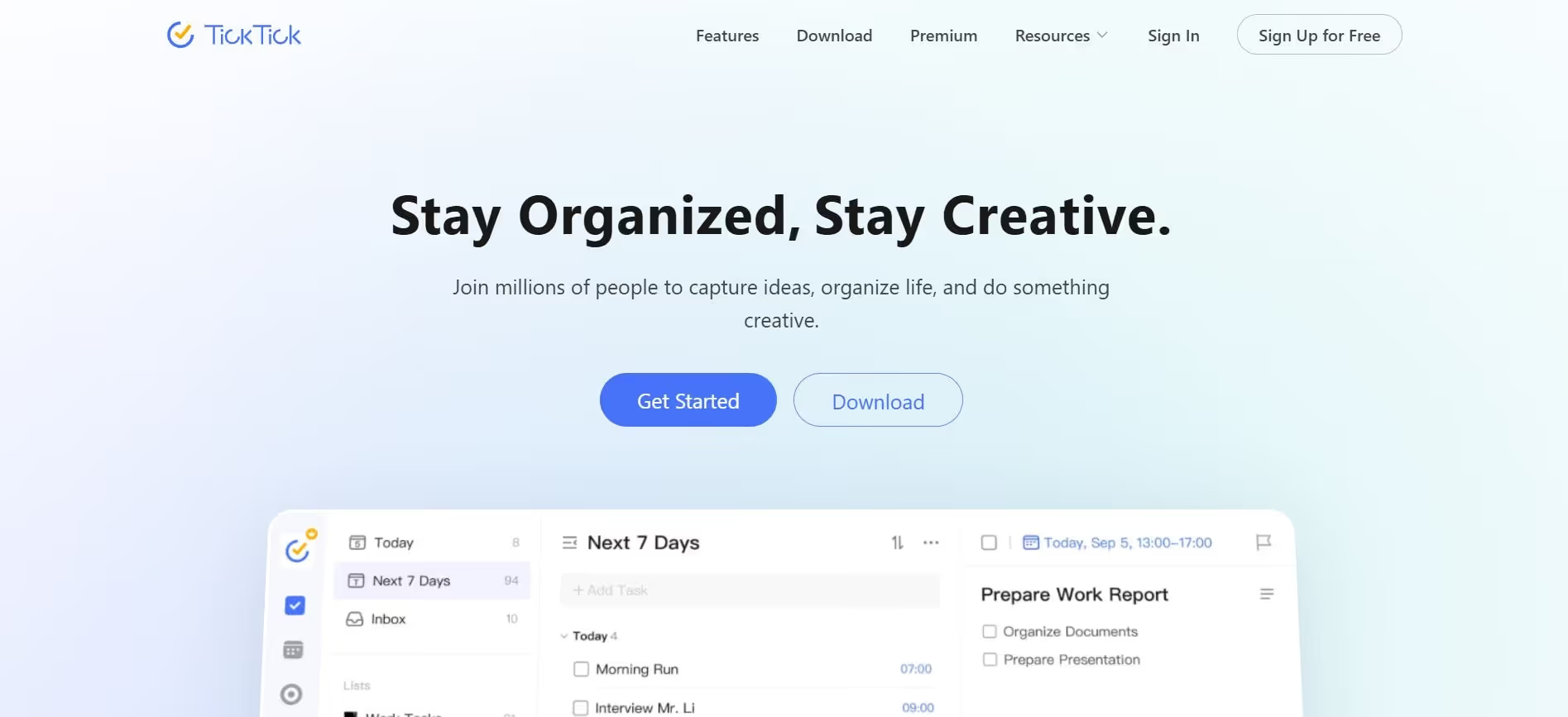
TickTick looks a lot like Todoist at first glance, but offers much better calendar views and packs more features even on the free plan. Seeing tasks laid out by day on a calendar makes planning feel way more natural than staring at a plain list.
The Real Pain It Solves
- You want real tools for focus and structure without paying.
- You try the Pomodoro method, but waste time switching between apps.
- Habits get forgotten because they're not next to your tasks.
- The monthly overview either looks messy or is missing entirely.
Features
TickTick crams a ton into the free version:
- Built-in Pomodoro right in your tasks for timed focus
- Habit tracker so routines live alongside to-dos
- A calendar that shows the full month clearly
- Multiple lists instead of rigid projects
- Priorities, labels, the usual suspects
- Super flexible recurring tasks
- Shared lists for team bits
- Workflow templates
- Custom views with filters
- Solid apps on iPhone and Android
- That Pomodoro timer tied directly to tasks is a standout for staying focused.
Pricing
The free plan is seriously strong. The premium is approximately $3 per month ($35.99 annually), making TickTick one of the best free apps for productivity.
Best for
- Folks watching their wallet but still wanting extras
- Anyone who swears by Pomodoro sessions
- People who need to see tasks on a calendar
- Tracking habits without a separate app
Tutorial
Discover how TickTick's Pomodoro timer and calendar view work together
5. Microsoft To Do (Free and Simple for Windows Users)
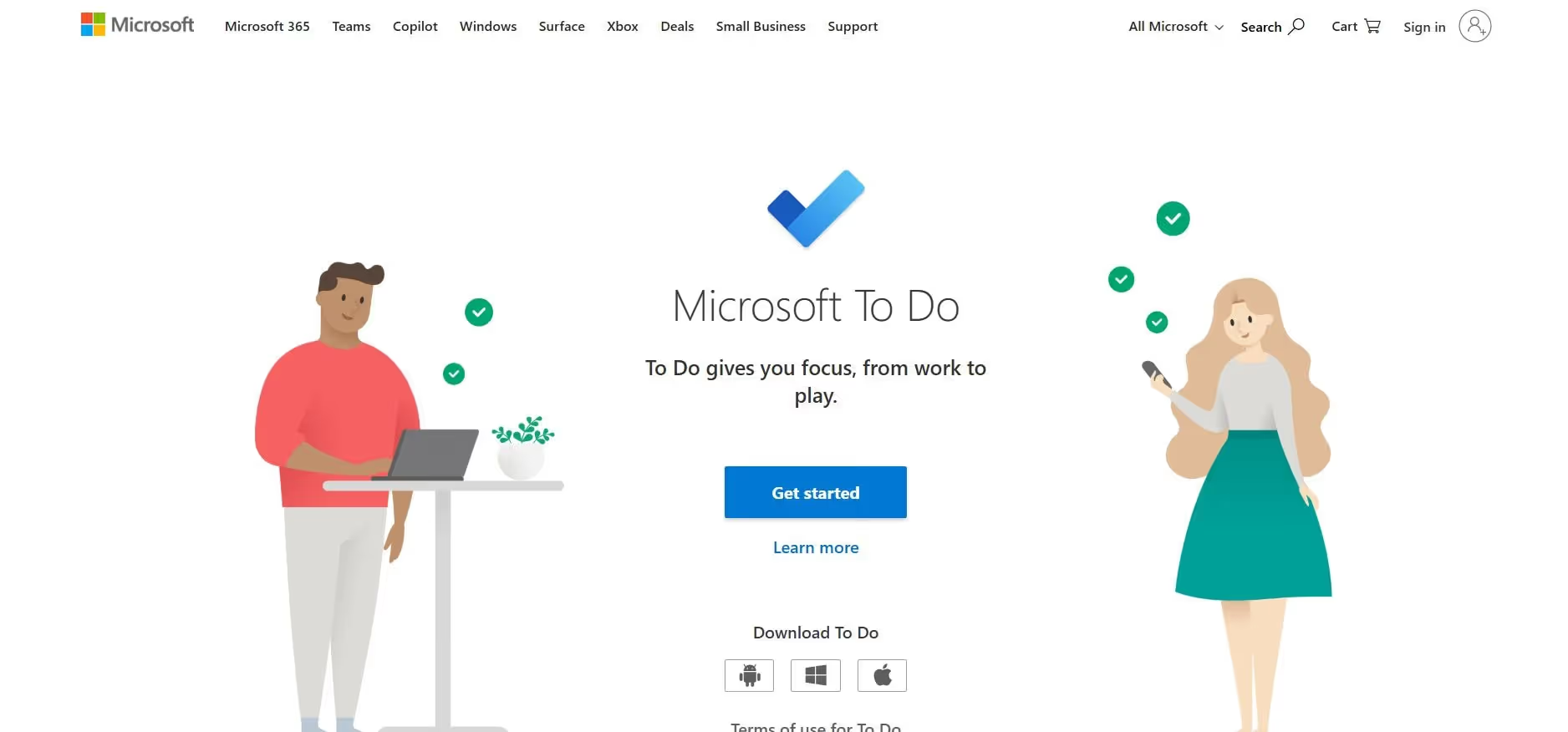
Microsoft To Do keeps it super basic, no bells, no whistles, just tasks. The look won't win any awards, but it’s 100% free and integrates smoothly with all your Microsoft products.
The Real Pain It Solves
- You're already living in the Microsoft world, and tasks are everywhere except one spot.
- Stuff is scattered in Outlook emails, Teams chats, and OneNote pages.
- That giant "everything" list has 300 items and no clear starting point.
- You want something solid and pro-feeling without paying a monthly fee.
Features
Straightforward basics:
- Simple lists to organize
- Break tasks into subtasks
- Recurring for weekly/monthly repeats
- Reminders that actually ping you
- Add notes or files to tasks
- Categories to group similar things
- Turns Outlook emails into tasks in one click
- Apps on Windows, iOS, Android
- "My Day" view to pick what matters today
- That email-to-task trick saves so much time if you're glued to Outlook.
Pricing
Totally free. No catch. This makes it one of the best free to-do list app options available.
Best for
- Heavy Windows or Office 365 users
- Anyone after dead-simple free tracking
- Outlook fans who want email flow into tasks
- People on a zero-budget setup
Tutorial
See how Microsoft To Do turns Outlook emails into tasks in seconds
6. Google Tasks (The Simplest Gmail Integration)
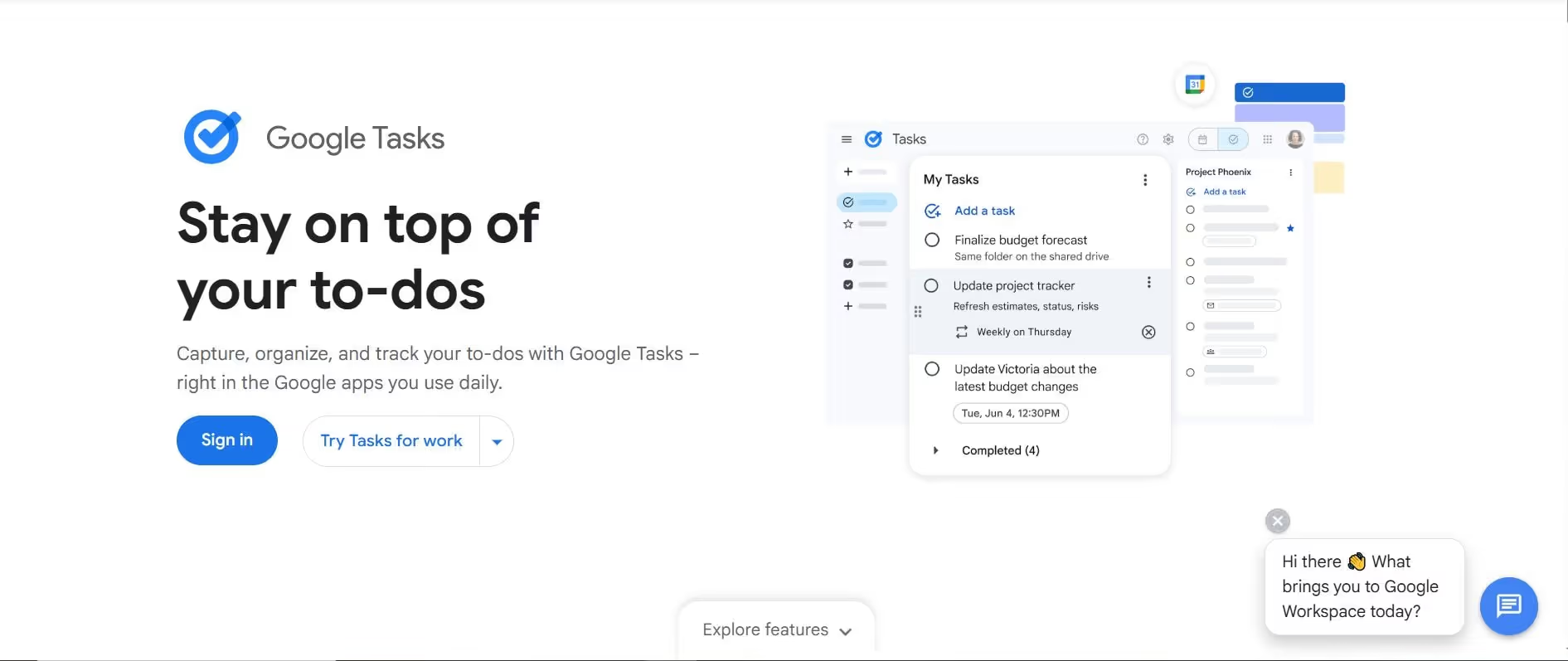
Google Tasks is about as basic as it gets. It lives right inside Gmail and Calendar, no separate app to open. You just add a task, set a due date, and maybe add a quick note. Done. That's literally the whole thing.
The Real Pain It Solves
- Switching apps every five seconds is killing your flow.
- You hate jumping out of an email just to jot "Call the bank."
- Your to-do list should sit exactly where your emails and calendar already live.
- All those fancy priority grids and matrices just end up making you procrastinate harder.
Features
It keeps things dead simple:
- Regular task lists to group stuff
- Due dates so things don't sneak up
- Notes field for extra details
- Repeating tasks for weekly chores
- Turn any Gmail into a task with one click
- Tasks show up in your Google Calendar
- Apps on Android and iPhone
- Break big tasks into smaller steps
Pop open Gmail sidebar, click an email, boom! Task created. It auto-appears on your calendar too. Check it off when you're done.
Pricing
Completely free if you already have a Google account.
Best for
- Anyone glued to Gmail who wants zero extra hassle
- People after free and basic tracking
- Heavy Google users who live in Calendar and Mail
- Folks who hate feature overload
Tutorial
Watch how Google Tasks lives right inside Gmail and Calendar
7. Any.do (Colorful Visual Planning with Weekly View)
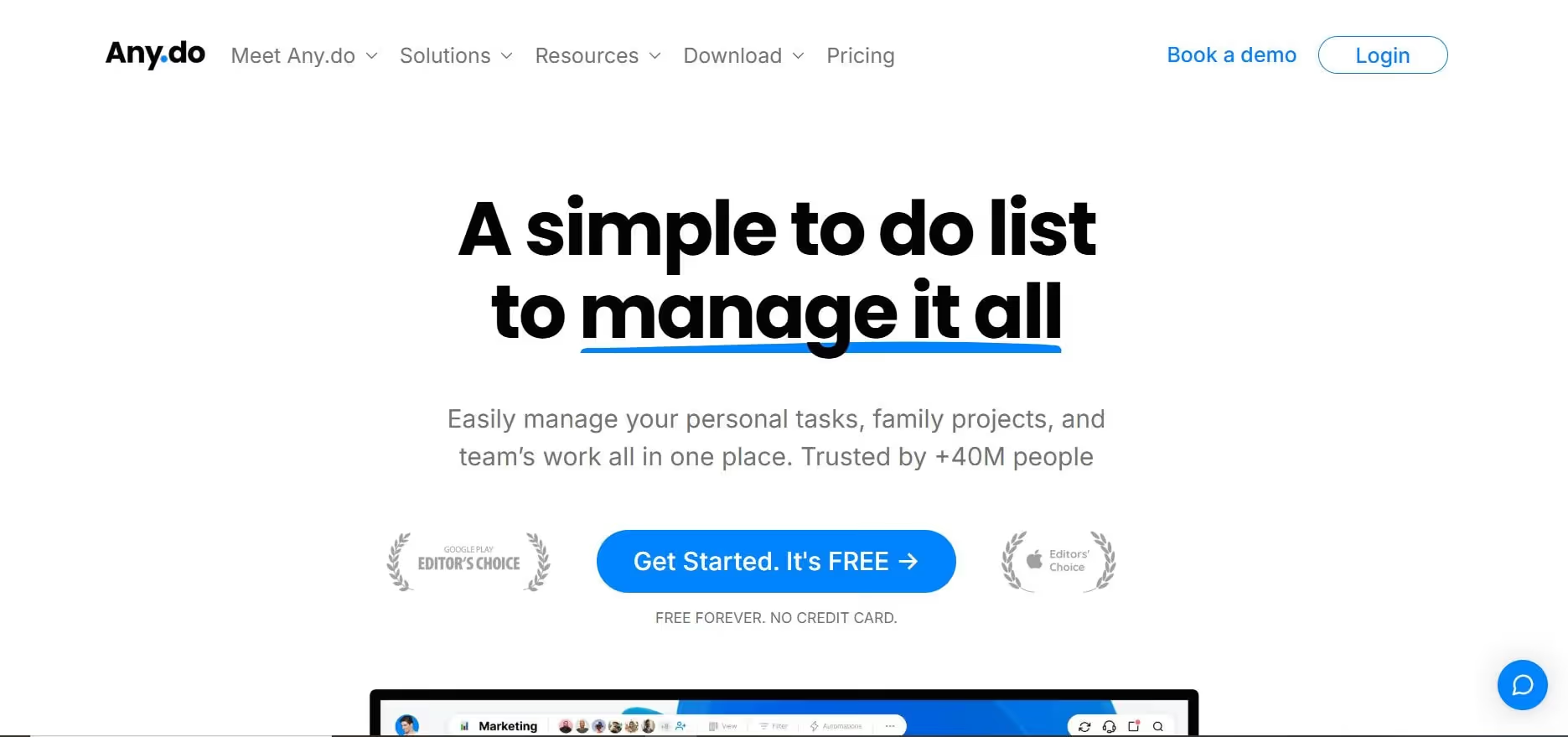
Any.do looks bright and clean, mostly blue and white, easy on the eyes. The weekly calendar view is the star here; it lays out your next seven days so you can actually see your week rather than guess.
The Real Pain It Solves
- Plain lists make everything feel flat and endless.
- You can't tell at a glance whether your week has breathing room or is already packed.
- Personal stuff like groceries gets mixed up with work deadlines, and it all blurs together.
- You want a single view that shows tasks, events, and reminders without feeling chaotic.
Features
Any.do packs in:
- Task lists you can organize however
- Weekly view that shows the next 7 days clearly
- Boards if you like visual drag-and-drop
- Repeating tasks for habits
- Shared workspaces for small teams
- Assign tasks to people
- Reminders that actually nudge you
- Notes and file attachments
- Workflow templates
- Nice mobile apps that feel modern
That weekly overview really helps you plan Monday through Sunday without scrolling forever.
Pricing
Free for personal use works fine. The premium is $5.99/month or $2.99/month with an annual subscription. Team plans are $5 per person monthly (yearly only).
Best for
- People who plan week by week and need to see it visually
- Anyone who likes colorful apps that don't look boring
- Small teams doing light collaboration
- Folks wanting a solid free weekly planner
Tutorial
Check out Any.do's colorful weekly view in action in this video.
8. Things 3 (Premium Apple-Native Design)
Things 3 is straight-up gorgeous if you're on Apple gear. Everything feels custom-built for iPhone, iPad, and Mac. Smooth gestures, perfect spacing, zero clutter. It just looks and feels expensive in the best way.
The Real Pain It Solves
- Messy apps give you that low-key stress every time you open them.
- You want tasks to disappear until the day they're actually due, no staring at a giant, overwhelming list.
- You're happy to pay once for something solid rather than subscribe forever.
Features
Things 3 does:
- Stunning design that matches iOS and macOS perfectly
- Projects and bigger "areas" to sort life
- Headings inside projects for sections
- Checklists for breaking tasks down
- Tags so you can slice and dice however
- "Today" view that shows only what's now
- "Upcoming" to peek at the next few days/weeks
- "Someday" bucket for ideas you aren't ready for
- Super-fast entry on Mac from anywhere
- Shows your calendar events right there
Gestures feel natural. Swipe to complete, drag to reorder. It's the kind of app that makes you want to use it.
Pricing
One-time buy, no subscription nonsense:
- iPhone version: $9.99
- iPad: $19.99
- Mac: $49.99
- All three together: about $80 once.
Best for
- Apple people who care about how nice the app looks and feels
- Anyone sick of monthly fees who prefers paying upfront
- Folks who put real weight on clean design
- iPhone + iPad + Mac users in the ecosystem
Tutorial
Experience the beautiful Apple-native design and smooth gestures of Things 3 in this tutorial.
Best To-Do List App for Every Need
No single app wins for everyone. Here is the best to-do list app for each common need in 2026:
- Best free. TickTick, Microsoft To Do, and Google Tasks.
- Best for reminders. Microsoft To Do, TickTick, and Any.do, with recurring reminders that ping you on time.
- Best AI to-do list app. Sintra AI and Motion.
- Best for time-blocking and scheduling. Motion, which auto-builds and reshuffles your day.
- Best for iPhone and Apple users. Things 3.
- Best for Android. Todoist, TickTick, and Google Tasks.
- Best for Windows and Microsoft 365. Microsoft To Do, with one-click Outlook email-to-task.
- Best for teams and small business. Sintra AI and Todoist.
- Best for personal use and errands. Todoist and Any.do.
- Best simple app for non-technical users. Google Tasks and Microsoft To Do.
Which To-Do List App Should You Actually Pick?
Keep in mind that there's no magic "best" app that fits everyone. It all comes down to where your day keeps falling apart and what kind of help you really need.
Quick way to figure it out based on what's killing you right now:
- Can't keep stuff organized, and things keep getting lost? Go for Todoist or TickTick
- Is a calendar a constant war zone with tasks? Give Motion a shot
- You know what to do, but never actually finish because there's no time. Sintra AI is built for that
- Broke or just hate subscriptions? Try Microsoft To Do or Google Tasks (both free forever)
- Live on Apple gear and want something that feels premium? Get Things 3
- Like seeing your whole week at a glance instead of endless scrolling? Any.do is the better option.
Here's the simple breakdown:
Todoist and TickTick shine when you just need reliable capture. Write it once, see it everywhere, get reminded, check it off. Perfect for remembering dentist appointments, following up on emails, and preventing grocery items from being forgotten again.
Motion steps in when the real problem is timing. Meetings eat your deep work blocks, priorities shift at the last minute, and you're always playing catch-up. It auto-builds and reshuffles your day, so you stop manually dragging tasks around like Tetris.
Sintra is for when the list itself isn't the issue. The issue is that you're buried under work that actually needs doing: writing posts, answering customer queries, chasing leads. Instead of another reminder, you get AI tools that handle parts of it, so your list actually gets shorter.
Most folks grab whatever's trending or what a friend swears by without stopping to ask: "Am I bad at remembering? Bad at scheduling? Or just have way too much real work?"
Select the option that addresses your specific weakness. That's when it stops feeling like another app and starts feeling like relief.
How Should You Choose the Right To-Do List App?
Pick one based on what actually trips you up, not what's trending or what your friend uses.
Ask yourself these:
Are my tasks mostly personal stuff or real work? Errands and chores require one thing; client work and deadlines require another.
Do I keep forgetting what to do, or do I remember but never finish because I don't have time? Forgetting needs better capture and reminders. Never finishing makes it harder to get things done.
Do I want a simple approach, a structured approach, or an actual backup of the work itself? Simple tracks. Structured plans and prioritizes. Execution tools do parts of the job for you.
Plenty of people start with a basic app for shopping lists and doctor visits, then hit a wall when work turns into proposals, content batches, and follow-up chains. What worked before suddenly feels useless.
The smart move is to identify exactly where your system fails, then choose the tool that fixes that spot rather than copying what everyone else has.
When a Simple To-Do List App Is Enough
Basic to-do list apps handle everyday personal stuff just fine:
- Personal errands and house chores
- Daily appointment reminders
- Light tracking across phone and laptop
- Recurring things like watering plants or paying bills
These are quick hits: write it, see it, do it, check it off. No need for fancy AI or workflows when "buy milk" or "call dentist" takes five minutes.
If that's still your world, go with whatever you'll stick to without thinking. Whether you need to use a to-do list software or just a simple tracker, Todoist, TickTick, Microsoft To Do, and Google Tasks all nail personal tasks without burying you in extras.
Simple doesn't mean weak. It means built for a different job.
When You Need More Than Just a Task List?
Regular apps start breaking when work gets heavier:
Tasks aren't checkboxes anymore. "Write proposal" means gathering information, outlining, drafting, editing, and formatting. "Follow up with leads" means pulling context from old chats and writing custom replies.
Your list grows faster than you clear it. You knock out five things, add fifteen more before noon. The pile never shrinks even when you're grinding all day.
You burn more time fiddling with the list; re-prioritizing, dragging deadlines, reorganizing, than actually working on the tasks.
That's when the bottleneck shifts from "remembering" to "doing." At that point, the best app isn't the prettiest one. It's the one that reduces your workload by completing real work, not just reminding you it's there.
Why Sintra Is a Better Fit for Execution-Driven Work?
Most people no longer forget tasks. The real problem is having way too much to do and not enough hours in the day.
Normal apps just help you line everything up nicely so you can stare at a beautiful, endless list you still have to grind through alone. Sintra flips that.
Its AI helpers take actual pieces of the work off your plate.
- Marketing copy? Penn writes the drafts for you.
- Customer emails piling up? Emmie sorts them and replies.
- Sales chasing leads? Milli crafts personalized messages and follows up.
The best tool for heavy work days isn't the one that looks nicest. It's the one that takes less off your plate by completing tasks rather than just reminding you it's there.
Ready to Stop Managing Tasks and Start Finishing Them?
If your to-do list is growing faster than you can chip away at it, more organization won't fix that. You need someone (or something) to knock things out.
Sintra turns that monster list into jobs handed off to AI specialists. You quit wasting brainpower deciding what to do next and start putting time into the big stuff only you can handle.
Give Sintra a try. Watch what happens when your list starts getting shorter for real, instead of just getting prettier.
To-Do List Apps FAQs
What's the best to-do list app right now?
Depends on what you're fighting. Todoist is solid and cheap for basic personal tracking. Motion handles crazy calendars by auto-scheduling everything. If you want actual work done instead of endless reminders, Sintra's AI team handles the tedious parts.
Are AI to-do list apps better than traditional ones?
Not better or worse, just different. Todoist-type apps are great if you need to remember and organize your own tasks. Sintra-type ones step in and do the drafting, emailing, and content creation for you. Pick based on whether you need a better notebook or actual help getting through the pile.
What is the best to-do list app with reminders?
Microsoft To Do, TickTick, and Any.do all have strong reminder features, including recurring reminders that ping you on time. Google Tasks handles basic due-date reminders inside Gmail and Calendar. If you want reminders plus a Pomodoro timer and habit tracking, TickTick is the best free pick.
What is the best free to-do list app?
Todoist offers a highly usable free version with unlimited tasks and limited team sharing. TickTick offers additional features at no cost, including Pomodoro and habit tracking. Microsoft To Do and Google Tasks are totally free, but they keep it very basic.
Which to-do list app is best for work tasks?
For quick actions and reminders, any solid one works. If deadlines and meetings keep clashing, Motion's auto-planning saves your sanity. When work means writing proposals, researching, or talking to people, Sintra's helpers actually produce the output, so you're not stuck doing it all manually.
Can a to-do list app actually complete tasks for you?
Regular ones? No, they only track. But AI tools like Sintra hand off real work: drafting documents, writing emails, creating posts, and handling routine tasks. It's a big jump from "mark as done" to "someone else did it."
What’s the difference between task management apps and to-do list apps?
They overlap a lot. To-do list apps are typically designed to capture quick items and check them off. Task management apps offer project buckets, team sharing, deadlines, and sometimes automation. What you need depends on whether you're juggling solo errands, small-team tasks, or larger business workflows.
Related articles




.avif)




