


Best 15 Small Business Tools for Productivity and Growth in 2026


Table of Contents

Running a small business or startup in 2026 is no joke. Every hour you waste, and every dollar you misspend, slows you down.
Hiring someone new for every gap in your team? That gets expensive fast. Doing it all yourself? That burns you out even faster.
The small teams that are winning right now keep their tool stack tight. They use AI that actually gets work done, not tools that just generate more lists for you to ignore. The efficiency gains for those who get it right are well documented - AI cuts SME admin tasks by 60% and meeting-minute drafting by 4x, with documented gains including 35,000 work hours saved annually at one company and RFPs cut from three weeks to two hours. Some are going even further, replacing whole job functions with software that runs on its own.
This guide shares the 15 best small business tools we've actually used and still rely on every day. If you're sick of paying for 10–12 apps that barely connect, start with our top all-in-one pick.
Quick Answer: Top Small Business Tools for 2026
If you want the best software for small businesses, here's the comparison of all 15 tools:
If you're flying solo or have a team under 20, jump on Sintra AI first. It's a lifesaver for small owners, which covers marketing, sales, ops, and support all in one place.
Top 15 Small Business Tools You Can Try in 2026
The shift in small-business tools right now is impossible to miss.
The best ones don't just sit there showing pretty dashboards or tracking to-dos. In 2026, the good stuff actually does the job: drafts emails, replies to customers, plans your week, crunches numbers, and delivers ready-to-use results that once needed a new hire.
Plenty of owners are ditching the old chaos that is patching together random apps with workarounds that never quite stick. AI is finally bringing it all together.
If you've got a dozen tools open and none of them actually complete real work without you babysitting, yeah... you're probably behind the curve.
Here's what we've found works for real people running real businesses.
Best Small Business Tools You Must Try in 2026
1. Sintra AI - Best All-in-One AI Team for Small Businesses
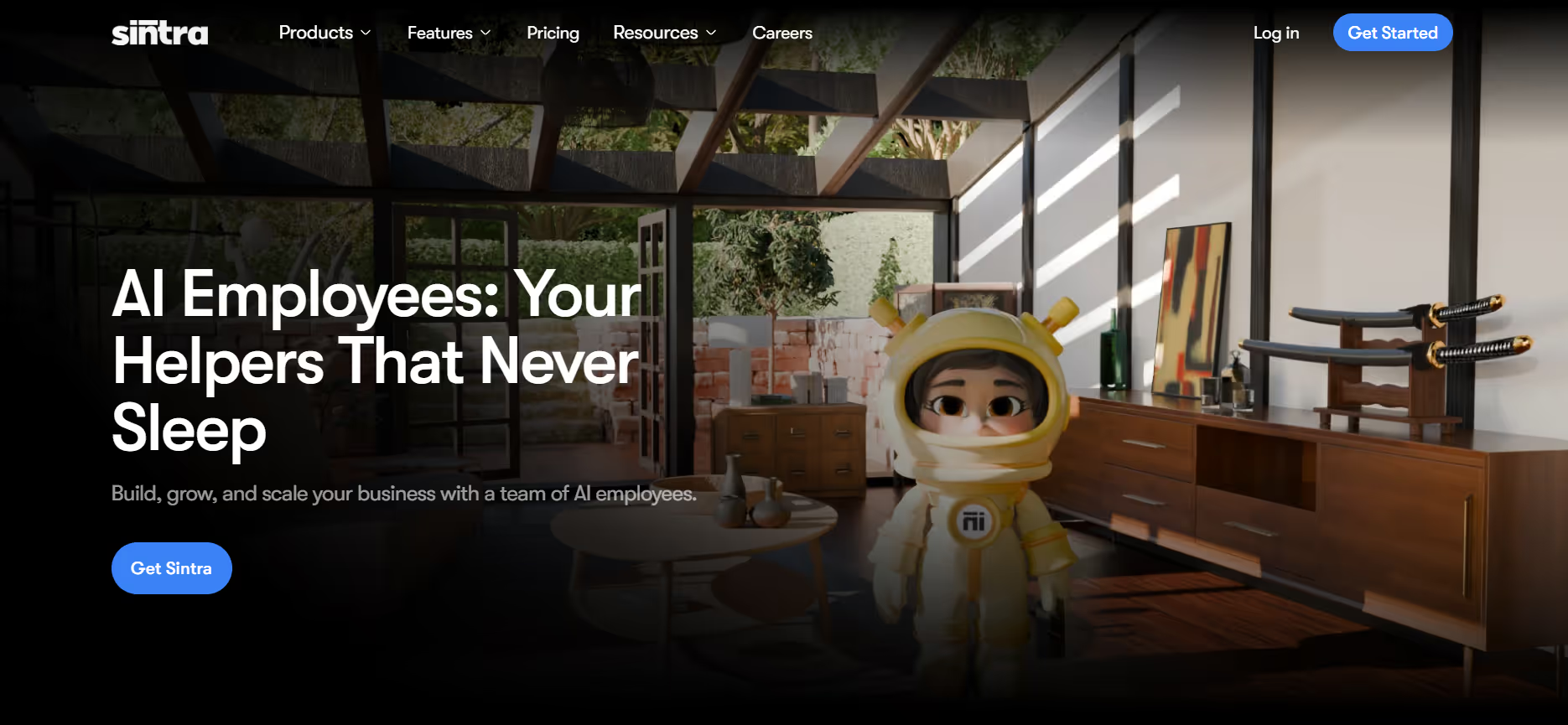
Sintra AI is not a chatbot or a prompt tool. It is an AI team that is designed to execute (not add more dashboards) for small businesses. Rather than recruiting a social media manager, customer service rep, copywriter, and sales coordinator, you have tailored AI assistants who do the jobs with memory, context, and real workflows in the background.
It is the nearest we have got to implementing actual business tools for small businesses that do not compromise output quality by replacing headcount.
What Works Well
- The AI assistants that have specific tasks: Soshie is a social media assistant, Penn is a copywriting assistant, Cassie is a conversation assistant, Vizzy is a design brief assistant, and Buddy is a strategic planning assistant.
- No immediate writing is necessary - every helper knows their role and what they must deliver.
- The Brain AI holds your brand voice, past choices, customer information, and business environment, so that each helper starts with a point of understanding your business.
- Consistency in output between tasks due to the shared memory among all helpers.
- A genuinely useful AI helpers library encompasses marketing, sales, operations, and support, all in a single subscription.
Where It May Fall Short
- It takes some time to fill your Brain with business context before it works best.
- More appropriate for small teams than for companies with complex approval processes or outdated systems.
- There will be a brief adjustment period among founders who have never worked with AI workflows.
Best Use Cases
- AI in customer service: On-brand replies that are automated and do not require a support rep.
- AI social media manager: Content plans, captions, and scheduling without a freelancer.
- Internal documentation: Creating SOPs, onboarding documents, and briefs within minutes.
- Founder planning: Strategic road maps, competitive analysis, and business reviews.
Pricing
Starts at $29/month for the Starter plan.
2. Motion - Best for Time Blocking and Focus
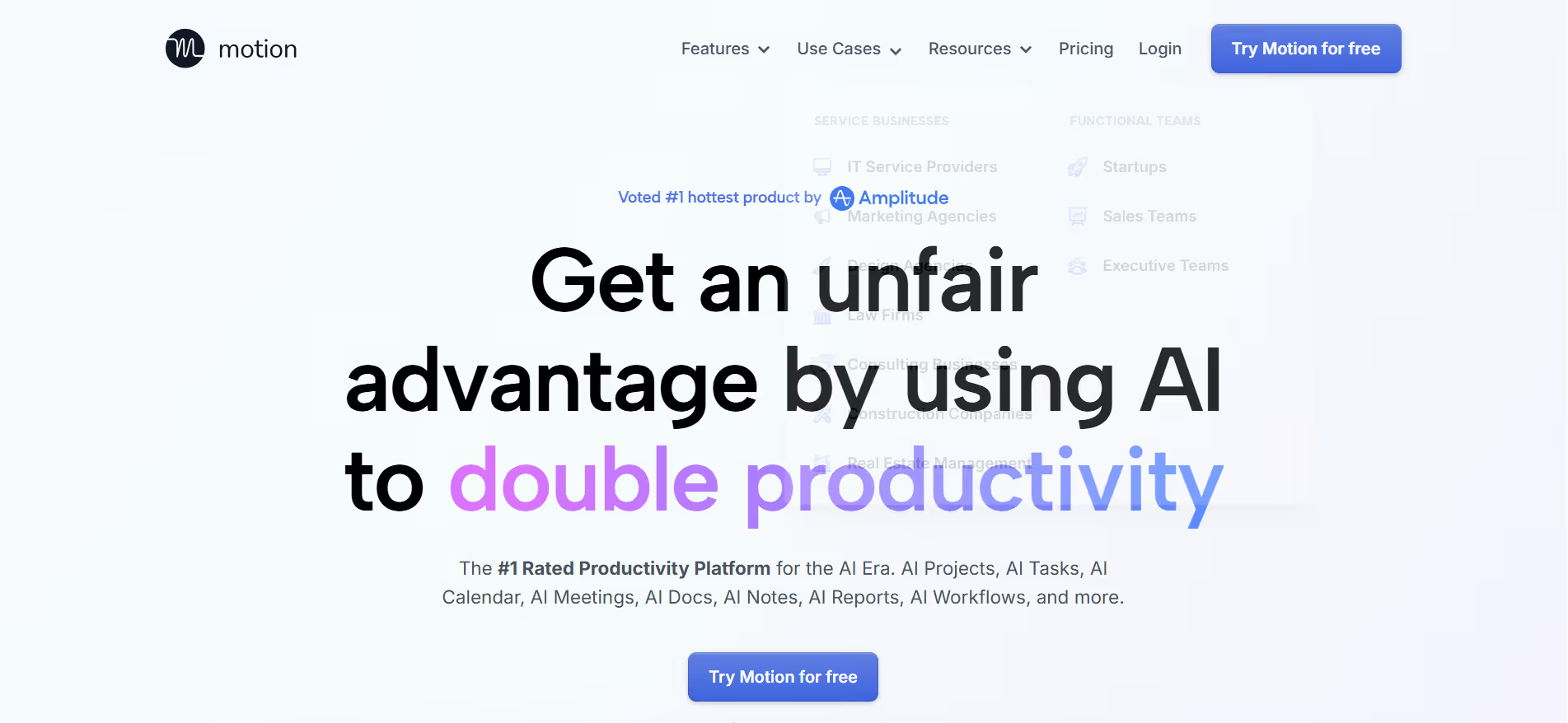
Motion takes your task list, your calendar, and your deadlines and makes your day for you. It figures out what and when you should be working, it blocks off time accordingly, and changes when things change. For founders drowning in meetings and scattered to-dos, this is the best small business organization tool for getting your calendar under control.
What Works Well
- AI-powered scheduling that puts things into your calendar based on priority and deadlines, not just order of entry
- Auto-schedules when meetings drag on or new urgent tasks come in, so your plan remains realistic throughout the day
- Deep work time protection by blocking focus time before meetings can take over
- Increase scheduling built-in meeting that handles Calendly-like booking without a separate tool
- One unified view of tasks and calendar that eliminates the need to maintain both separately
Where It Falls Short
- Plans the work but does not do it; every task still requires you to sit down and execute
- Takes one to two weeks to get to know your patterns well enough to feel genuinely useful
- The mobile app is clearly less polished than the desktop version
- The interface looks cluttered for users who prefer minimal tools
Best Use Cases
Founders are overwhelmed with meeting creep, missed deadlines, and the constant feeling that the week got away from them. Also strong for anyone juggling client work across multiple projects who needs a single view of everything without manually maintaining a schedule.
Pricing
Starts at $19/month (billed annually) for individuals.
3. Notion - Best for Internal Documentation
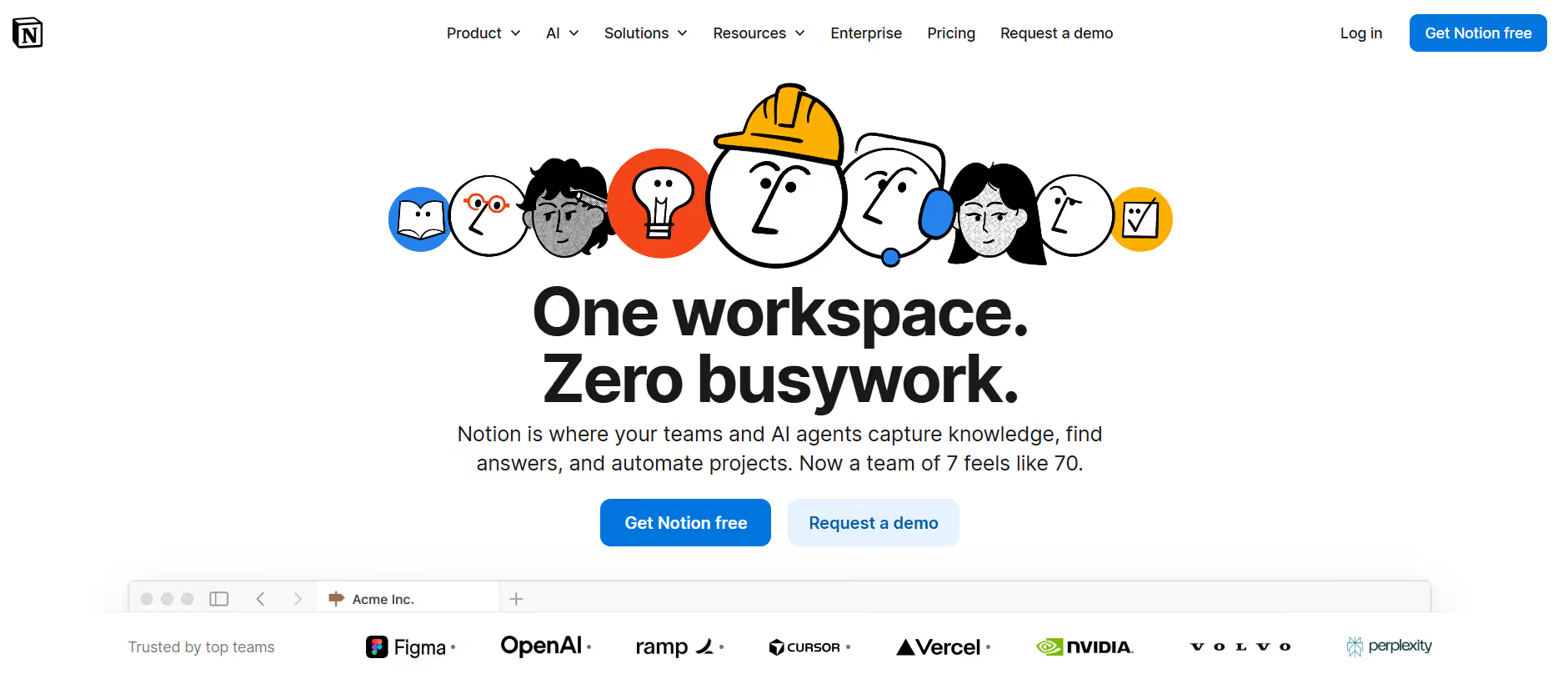
Notion is where small businesses store what they know. SOPs, onboarding guides, meeting notes, product roadmaps; it's all here. If your team's knowledge is currently in people's heads or dispersed across Slack threads, Notion is the solution.
What Works Well
- Flexible workspace that deals with wikis, linked databases, team templates, and knowledge bases without the need for a developer
- Notion AI is built into paid plans and helps with drafting, summarizing, and filling in pages faster
- Real-time collaboration on docs, database, and pages across your entire team
- Good template library that addresses most common small business needs out of the box
- Works as a lightweight project tracker as well as a documentation hub
Where It Falls Short
- Only useful if someone is actively maintaining it; neglected notion workspaces go stale fast
- Searching in large workspaces may be slow and inaccurate
- Features of databases are very powerful, but require actual time to configure them properly
- Not built for execution; it's about organizing what you know, but it does not do the work
Best Use Cases
Teams building internal knowledge bases, documenting SOPs, bringing on new contractors, managing editorial calendars, or creating a single source of truth for company information.
Pricing
Free for individuals; Plus plan starts at $10/user/month (billed annually).
4. QuickBooks - Best for Small Business Accounting
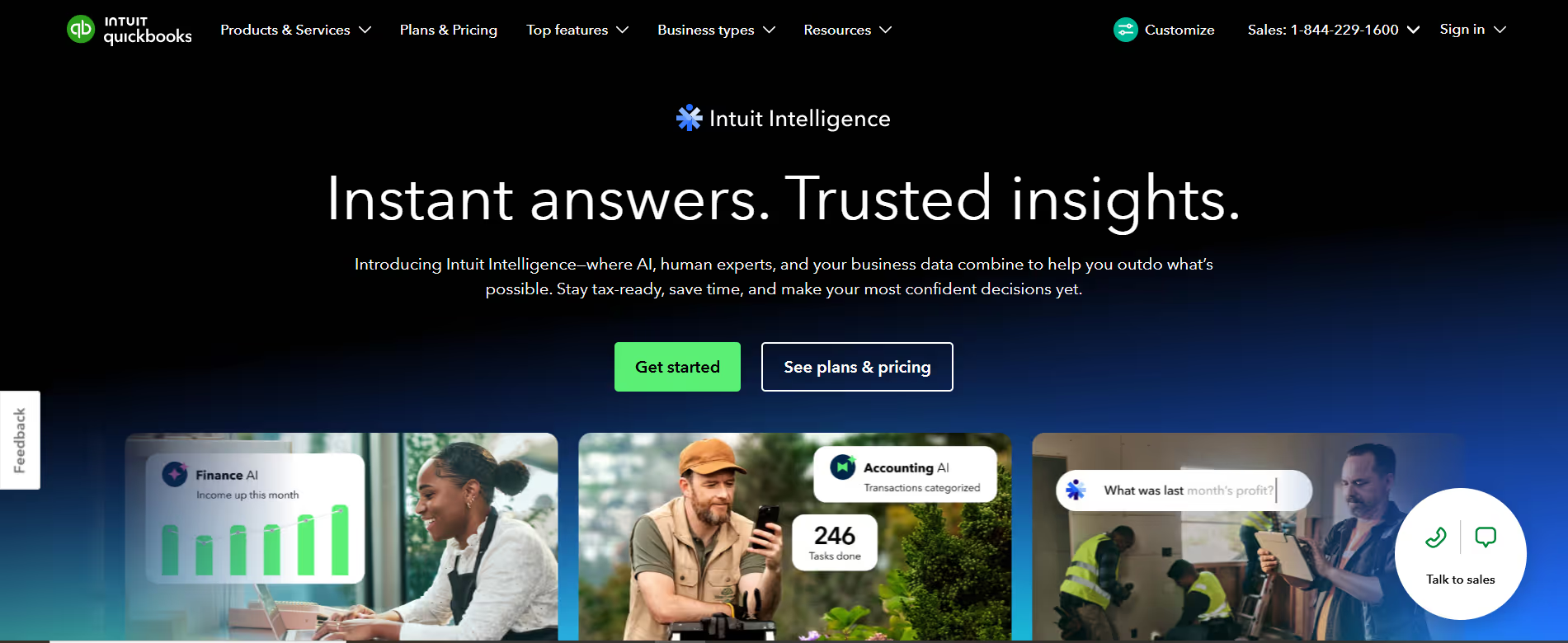
QuickBooks is the standard for bookkeeping, invoicing, and tax preparation in small businesses. It is linked to your bank accounts, auto-tracks expenses, and produces financial reports that actually make sense.
What Works Well
- Auto-categorization of expenses that extracts straight out of linked bank and credit card accounts.
- Automated payment, reminding invoices, and tracking.
- Without manual work, profit and loss reports, tax estimates, and cash flow snapshots.
- The mobile application is also good for receipt capture and mileage tracking.
- Connects with the majority of major banks, payroll systems, and payment processors.
Where It Falls Short
- A complex interface that is time-consuming to learn for founders who do not have a finance background.
- Cheap pricing levels come without the features most businesses require, so you are on a higher plan than you should be.
- Pricing has risen significantly over the last few years, while entry-level plans have changed little.
- Even in complex tax scenarios, a human accountant is necessary to review the output.
Best Use Cases
Freelancers, service companies, retail managers, and small product teams that require keeping track of revenue, controlling costs, issuing invoices, and being ready to prepare a tax filing without a full-time accountant.
Pricing
Simple Start begins at $30/month (frequent 50% off promos for 3 months).
5. Stripe - Best for Online Payments
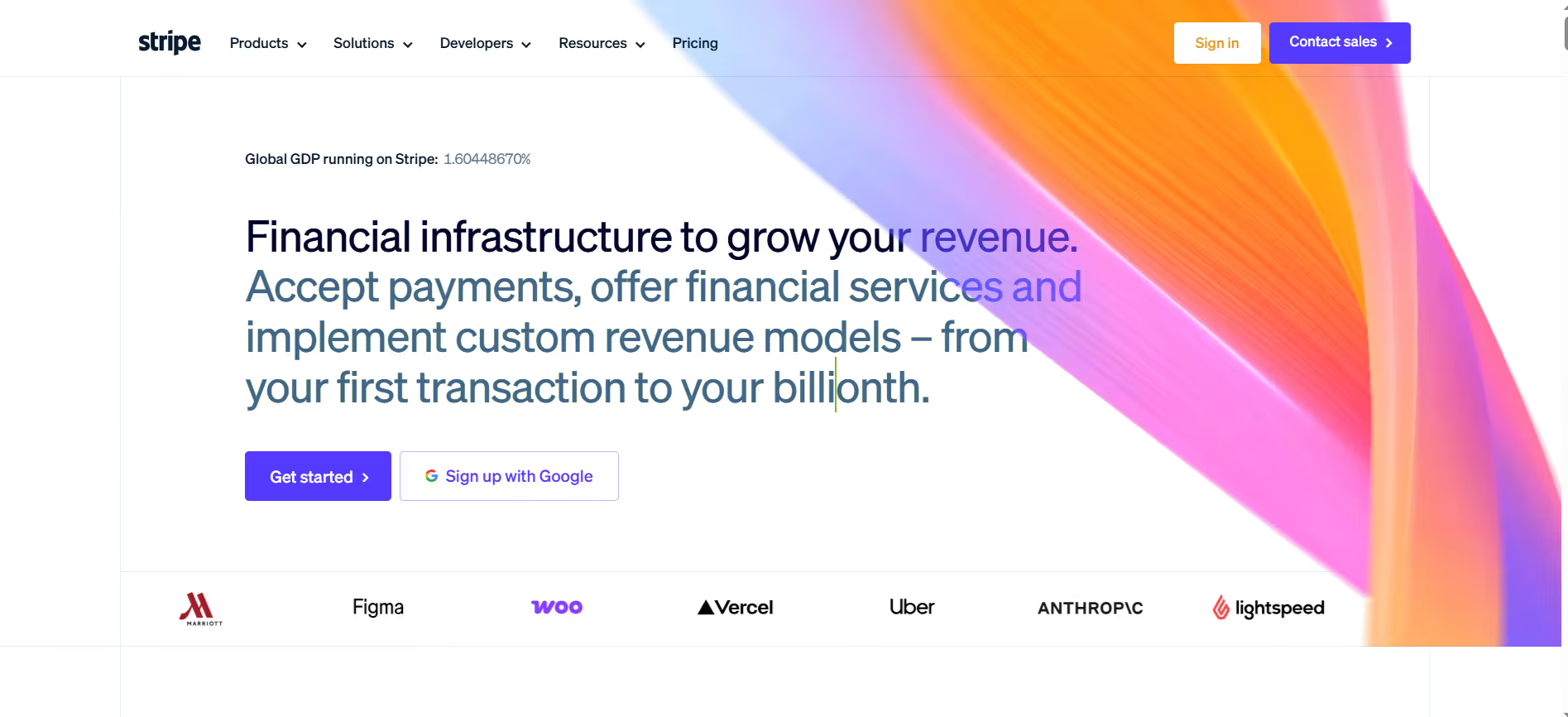
Stripe is the app that runs all SaaS subscriptions and even e-commerce checkouts. It supports recurring billing, one-time payments, global currencies, and a developer-friendly API, making it easy to integrate with any product. Stripe is the default option for technology tools in business that generate revenue directly, whether in startups or small businesses.
What Works Well
- Fast setup with documentation that is genuinely one of the best in the industry
- Manages subscriptions, one-time payments, payment links, invoices, and face-to-face payments on the Stripe Terminal.
- Supports more than 135 currencies and offers competitive payouts.
- The live dashboard provides a clear insight into income, disagreements, and refunds.
- Easily scales from a one-product small company to a high-volume business without changing the platform.
Where It Falls Short
- Non-technical founders have hit walls when trying to create custom setups because they are developer-friendly.
- The customer support team is responding to email instead of live chat, which is frustrating when a payment issue is actively costing money.
- High volume quickly accumulates transaction fees.
- Chargebacks are manually managed and might be disputed over time.
Best Use Cases
SaaS founders, e-commerce operators, service businesses that use retainers, and any small business that requires an online payment collection with a reliable system not based on a cumbersome third-party gateway.
Pricing
Pay-as-you-go at 2.9% + 30¢ per successful card charge.
6. HubSpot - Best CRM for Growing Sales Teams
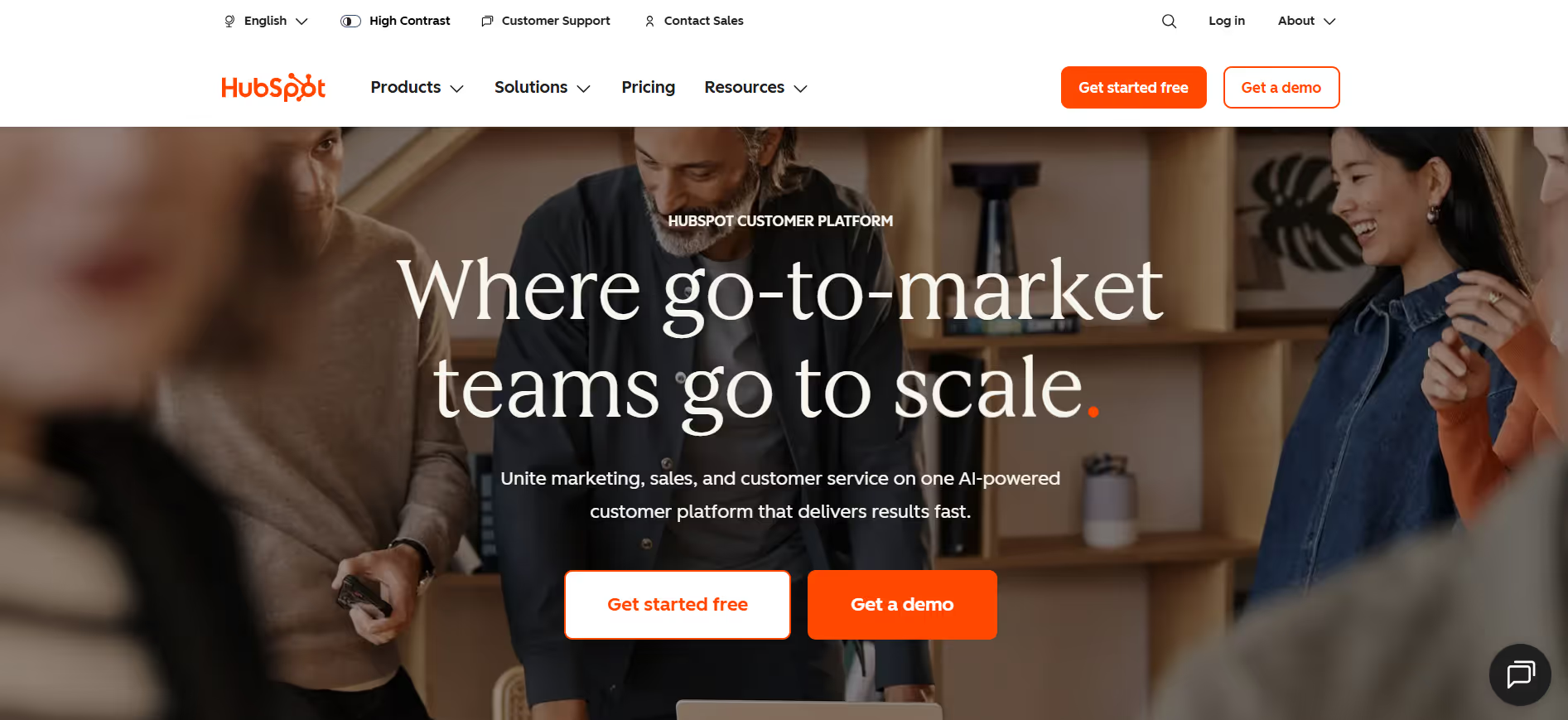
HubSpot begins with a free plan and scales as your team grows. It traces leads, maintains pipelines and email sequences, and provides an overview of where deals are lodged. HubSpot is trusted and supported by small enterprises for the business tools they need to structure their sales.
What Works Well
- Free CRM tier is indeed practical - contact management, deal tracking, email integration, and basic reporting are free of charge.
- As your needs grow, marketing, sales, and service hubs can be overlaid without changing platforms.
- Clean UI with clear documentation of the onboarding process to get a team up and running without outside training.
- Full integration ecosystem with most tools of a typical small business stack.
- Automated email sequence and pipeline on one of the paid plans.
Where It Falls Short
- The free-to-paid transition is very steep: automation and advanced reporting require Professional plans, which start at 800/month.
- Big platform with much surface area, such that it requires some time to get configured well before it saves time.
- Too expensive for very early-stage teams that only require simple contact tracking.
- Lower-level customization of reporting is minimal.
Best Use Cases
Teams that experience dynamic sales movement require a CRM with built-in email marketing and lead tracking. Also good with service businesses that handle client relationships and contacts in a single location.
Pricing
Free basic tools; Starter Customer Platform begins at $15/month/seat.
7. Slack - Best for Team Communication
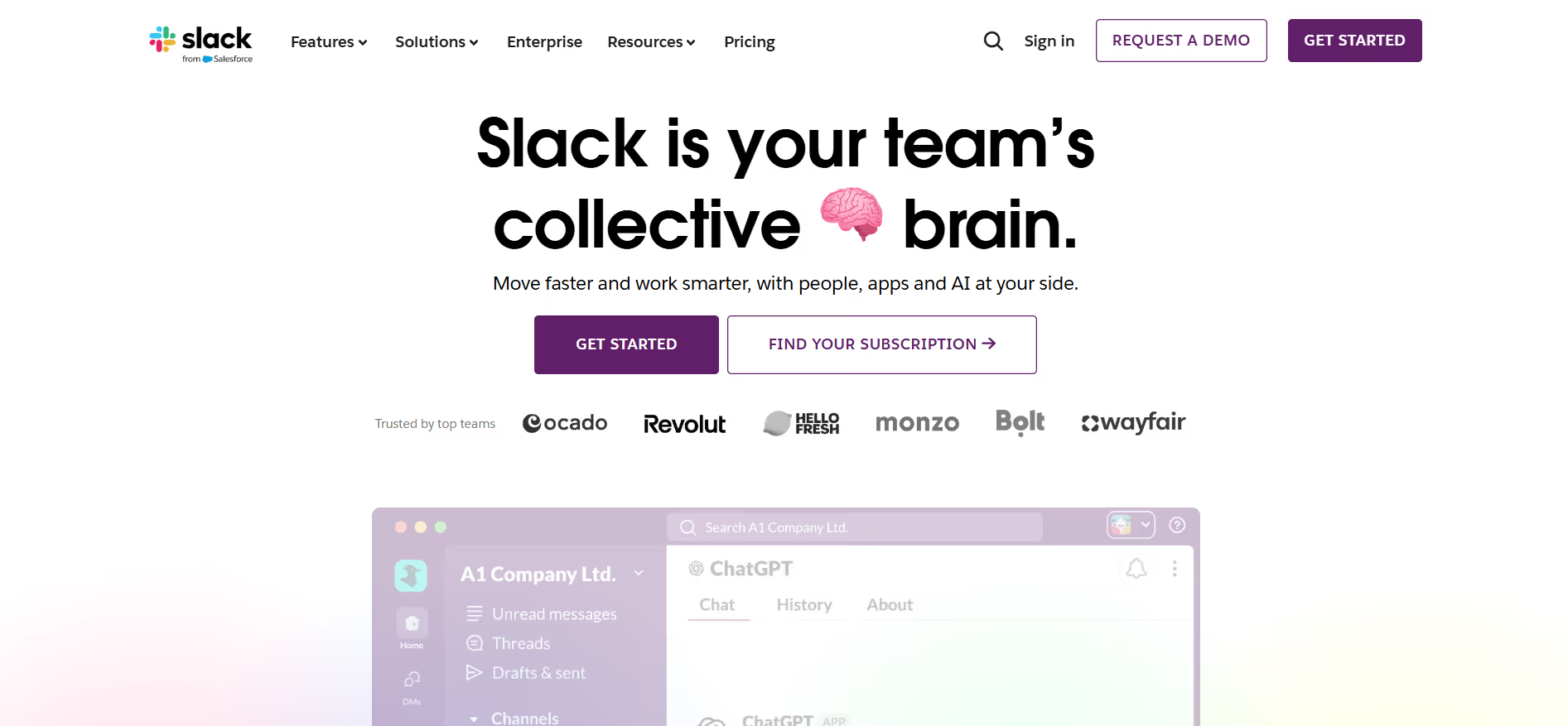
Slack enables internal communication through channels, direct messages, and deep integrations with the tools your staff already uses. To replace the scattered email threads and incomplete group chats, Slack remains the category leader for business tools.
What Works Well
- Project, client, and department channels enable conversations to be grouped and searched rather than lost in email chains.
- Slack Connect lets you collaborate with partners and clients in any format without changing the platform.
- App directory has 2,600+ integrations with HubSpot, Notion, Trello, and Zapier.
- Quickly adjusting to an asynchronous system is easy through Huddles and clips, even without scheduling a call.
- When searching for a message in any channel, time is saved in locating past decisions or files.
Where It Falls Short
- Turns into a productivity sink when there is no team cohesiveness on notifications and expected response times.
- The free tier only keeps a 90-day history, which can lead to valuable context being lost over time.
- Individual founders do not require it - it is truly team-based.
- Messages notification is a tangible issue when channels are not designed purposefully.
Best Use Cases
Remote work teams and businesses that are asynchronous first, and companies with several meeting spaces that have grown weary of email chains as a coordination tool.
Pricing
Free version available; Pro plan starts at $7.25/user/month (billed annually).
8. Zapier - Best for Connecting SaaS Tools
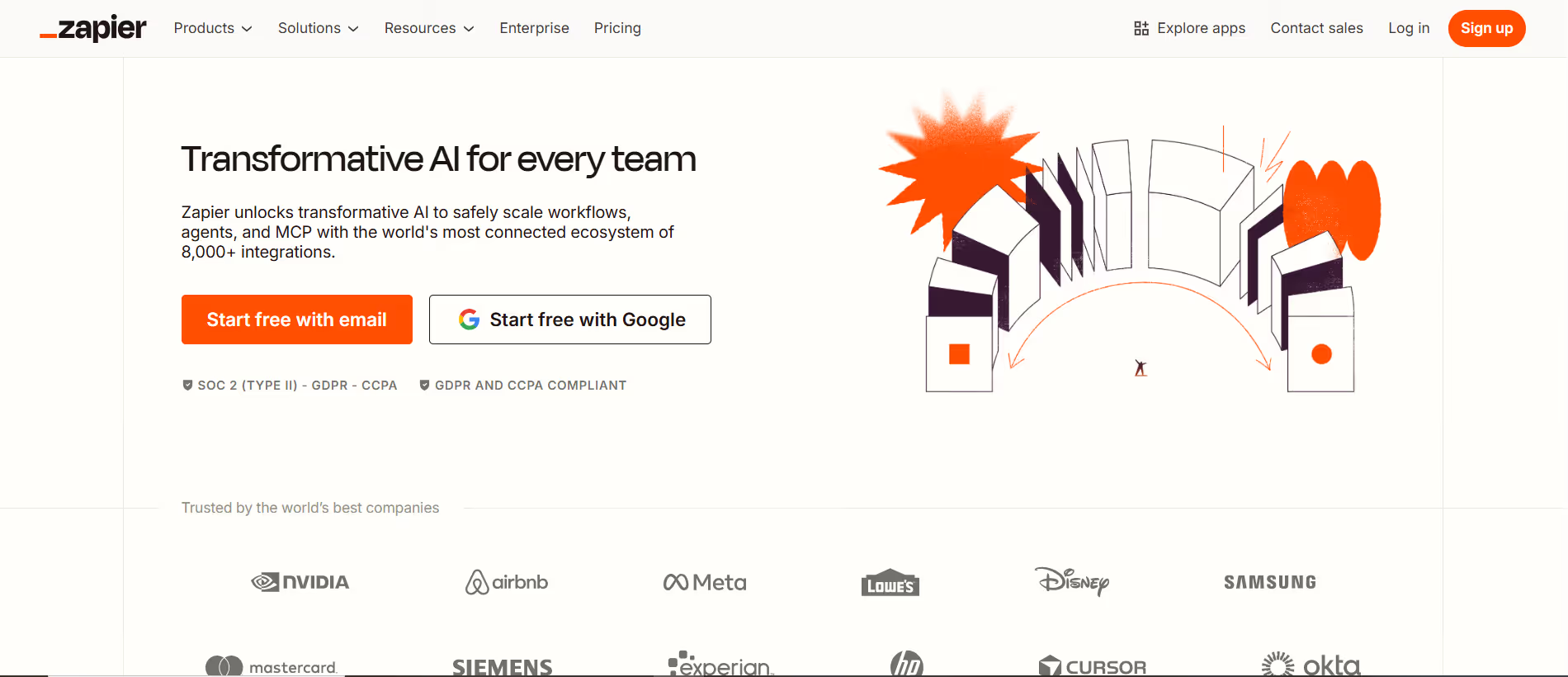
Most small business stacks use Zapier as their automation layer. It links apps so that when an action occurs in one tool, the appropriate action occurs in the other. New lead in your CRM? Slack alert goes out. New Shopify sale? Row inserted into your spreadsheet. For business tools that reduce manual work across platforms, Zapier deserves the spot.
What Works Well
- The app library has 6,000+ pre-built templates for the most common connections.
- No-code configuration means non-technical founders can create automations without a developer.
- Multi-step Zaps combine more complex steps - a trigger could update a CRM, send a Slack message, add a row to a spreadsheet, and send an email at the same time.
- Robust when it comes to straightforward and repeatable processes that do not require continuous attention.
- Saves hours per week in data entry and manual transfers of tasks.
Where It Falls Short
- Transfers data between tools but does not make decisions or produce outputs.
- Complex Zaps crash silently, and debugging them takes real time to get straightened out.
- The free tier limits to 100 tasks per month, easily exhausted by active businesses.
- Prices are responsive to the volume of tasks; they creep up into more expensive plans sooner than you thought.
Best Use Cases
Companies whose tools have been disintegrated and need to automate without engineering effort. Particularly useful when linking CRM, email, ecommerce, and communication tools without custom coding.
Pricing
Free for 100 tasks; Starter plan begins at $19.99/month (billed annually).
9. Shopify - Best for Selling Products Online

Shopify is the most comprehensive e-commerce platform for small businesses selling physical or digital products. It is responsible for storefronts, inventory, payments, shipping, and marketing integrations. It is the first thing most people turn to when they need software to shape their brand, especially for small business owners.
What Works Well
- Quick setup: a non-technical founder can be live in their store within a day.
- The app ecosystem includes 8,000+ integrations, such as reviews and loyalty programs, print-on-demand, and advanced analytics.
- Shopify Payments eliminates the use of a third-party payment gateway.
- The basic platform includes inventory management, order tracking, and abandoned cart recovery.
- Consistent with scale, high-quality documentation, and a vibrant support ecosystem.
Where It Falls Short
- Transaction charges apply when you are in an area that does not accept Shopify Payments, and they are very expensive.
- It often takes third-party applications to access the features you really want, which increases the actual monthly cost far beyond the base plan price.
- It can be more infrastructural than simple or low-volume stores.
- Any customization of the theme beyond basic needs requires assistance from a developer or a significant amount of time.
Best Use Cases
Product-based companies, DTC companies, and any online seller interested in a complete e-commerce experience, storefront, payment, fulfillment, and marketing without creating a custom platform.
Pricing
Basic plan starts at $39/month (often $1/month for the first 3 months).
10. Google Workspace - Best for Email and Documents
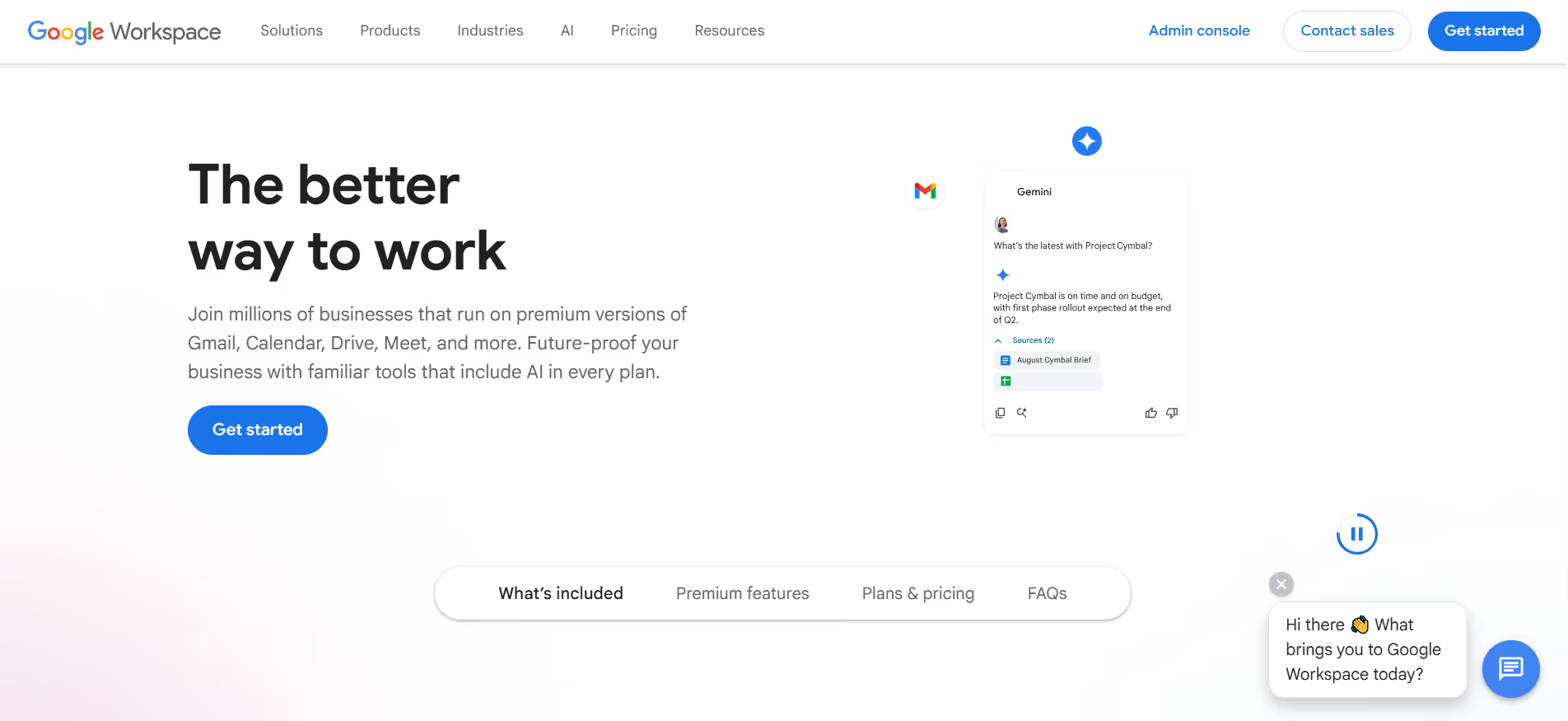
Still, the best bet among small teams is Google Workspace: Gmail, Docs, Sheets, Drive, Meet. Everyone already knows how to use it; it is everywhere in sync, and it retains files accessible to your entire team. At the basic level, small business productivity tools are an obvious default.
What Works Well
- Gmail is a professional email service with strong filtering and labelling that never fails.
- Real-time work in Docs and Sheets is collaborative, and the version-control nightmare inherent in emailing files back and forth is eliminated.
- Drive maintains files in order, shared and available on all devices.
- Meet lets you make video calls without extra software.
- Tools do not require any special setup to connect, as the whole suite works naturally together.
Where It Falls Short
- Lower-tier plans quickly run out of storage, particularly when a business regularly handles video or large files.
- Higher-priced plans unlock advanced security features and controls used by the administration.
- Offline access is slow and is clunky compared to native desktop apps.
- It is not a tool of execution; it is infrastructure, not automation.
Best Use Cases
Every small business. One cannot imagine a situation in which shared email, collaborative documents, and cloud storage are not handy. And it is the base upon which all the rest of your stack rests.
Pricing
Business Starter begins at $6/user/month.
11. Canva - Best for DIY Marketing Design
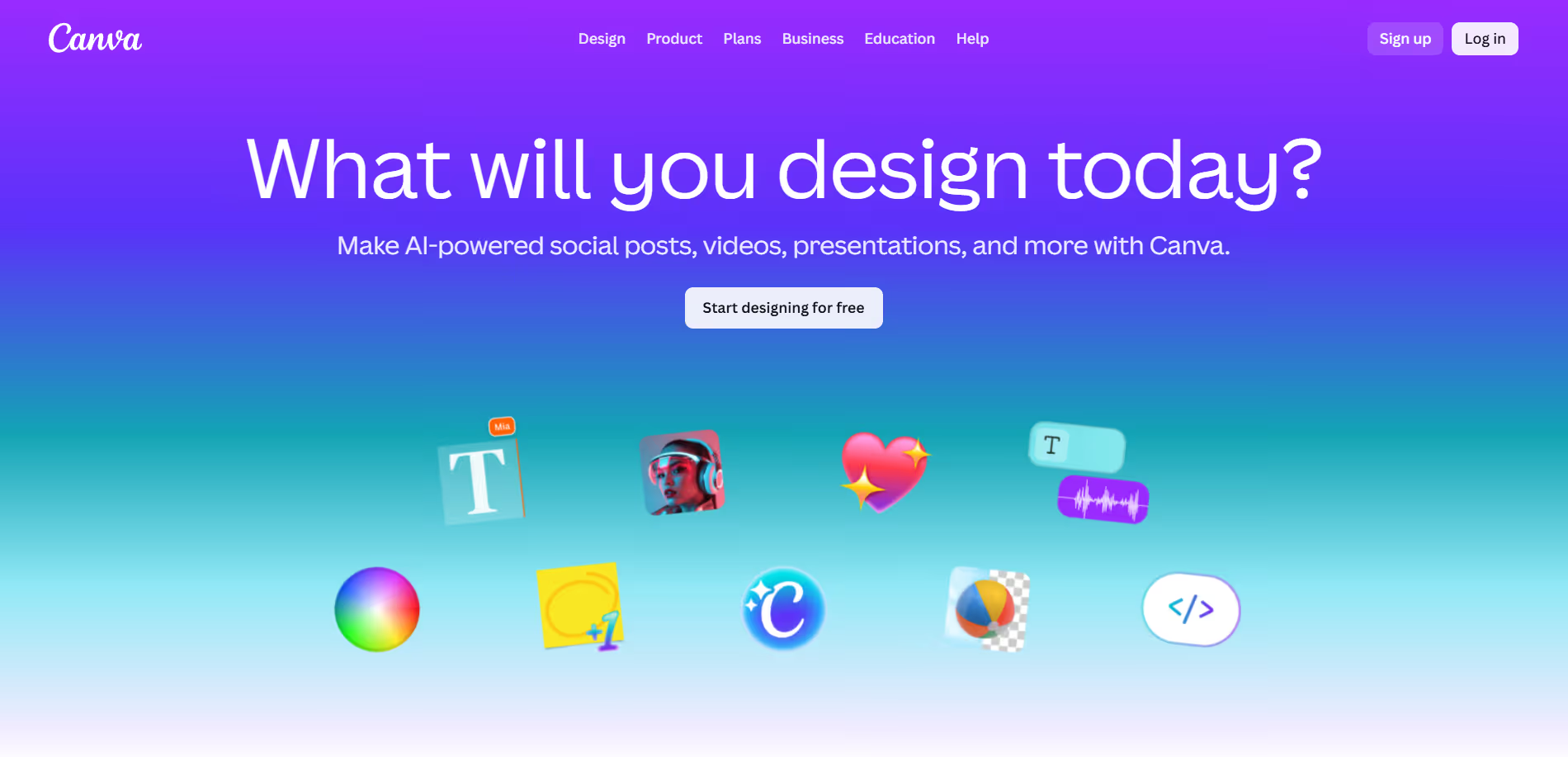
Canva allows non-designers to produce high-quality content quickly. Social posts, pitch decks, email headers, and flyers - Canva has a template for all of it and is fast to edit. For online business tools focused on visual marketing, Canva is a good choice when the team has no designer.
What Works Well
- The large template library is very well-designed and holds a real professional look after minimal editing.
- Your colors, fonts, and logo are locked in Brand Kit to ensure all assets remain on-brand automatically.
- Canva Pro (background remover, Magic Write, image generation) includes AI that substantially reduces production time.
- Collaboration is a good aspect of a team that enables them to read and accept visuals before publication.
- Desktop and mobile work with an almost zero learning curve.
Where It Falls Short
- It is not an alternative to precision design work - Figma or Adobe is still needed to create custom illustrations and complicated layouts.
- The free version limits the premium templates and elements, which, in fact, make designs look good.
- Brands that require a highly differentiated visual identity will grow rapidly out of Canva.
- Output may appear generic in the case that you have the same templates as thousands of other small businesses.
Best Use Cases
Business pioneers and in-the-field generalists who require social graphics to appear professional, pitch decks and email banners, and printouts without investing in a designer or learning complicated software.
Pricing
Free version available; Canva Pro is $120/year for one person.
12. Trello - Best for Simple Task Tracking
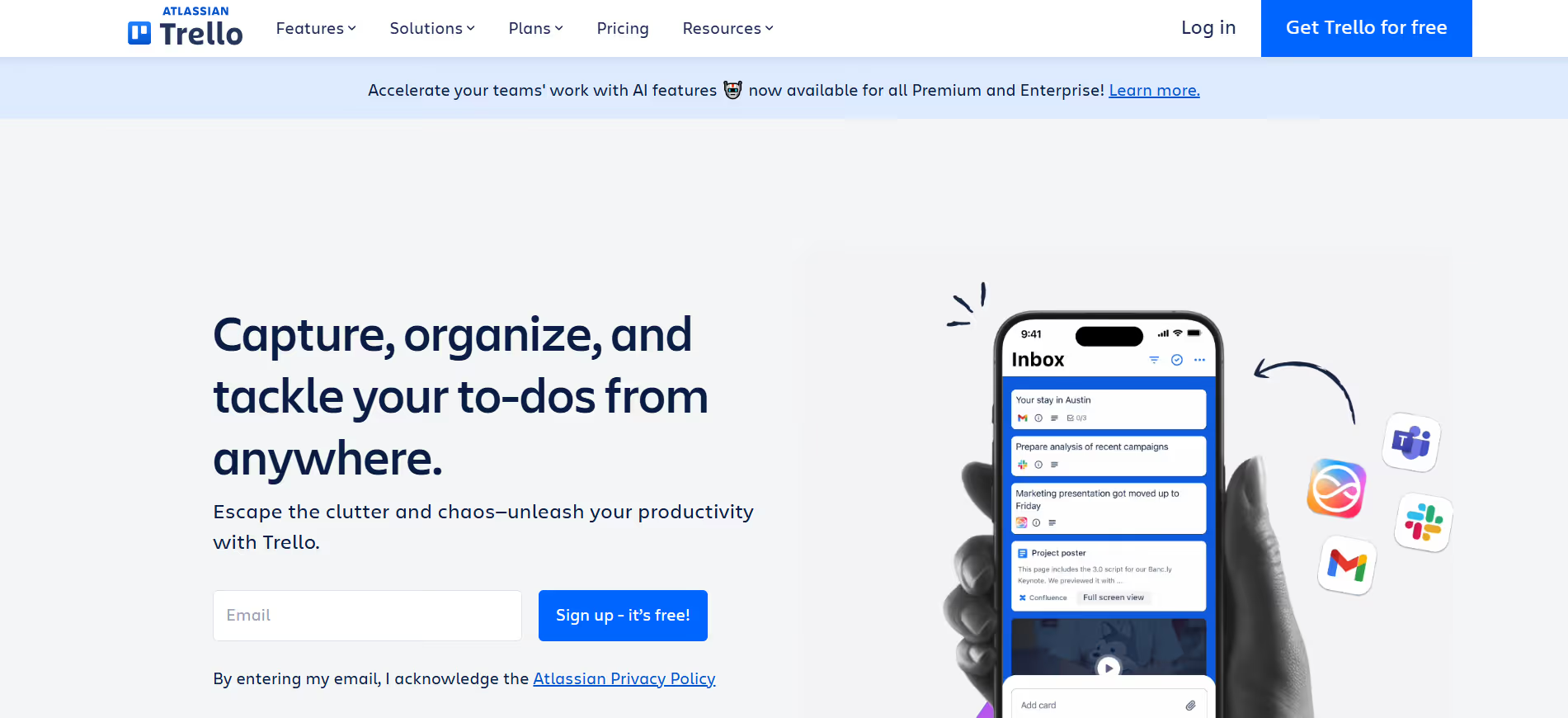
Trello is a card-based tool for tracking tasks across columns. It is multivisual, light, and simple to install. For small businesses, tools that don't have to be complex work well when teams need to see what is underway, what has been completed, and what is ahead. Trello works well for this.
What Works Well
- Drag-and-drop card system is easy to use; no training needed.
- Power-Ups can be used to add calendar views, time tracking, and integrations without altering the underlying interface.
- Quick to install content calendar, task boards, and basic project tracking.
- Status can be at a glance in a visual board format without having to go through lists.
- The free plan is actually useful with small teams.
Where It Falls Short
- Begins to fail when workflows become complicated - no built-in dependency tracking or Gantt charts.
- Reporting is limited, and workload management becomes challenging when the teams expand.
- Add-ons with real functionality are usually paid plans.
- Inappropriate in teams that require formal project management, time tracking, and milestones.
Best Use Cases
Lightweight project visibility with small teams - content teams, marketing teams, client services teams, and no complexities of enterprise project management tools are required.
Pricing
Free for individuals; Standard plan starts at $5/user/month (billed annually).
13. Zendesk - Best for Traditional Ticketing Support
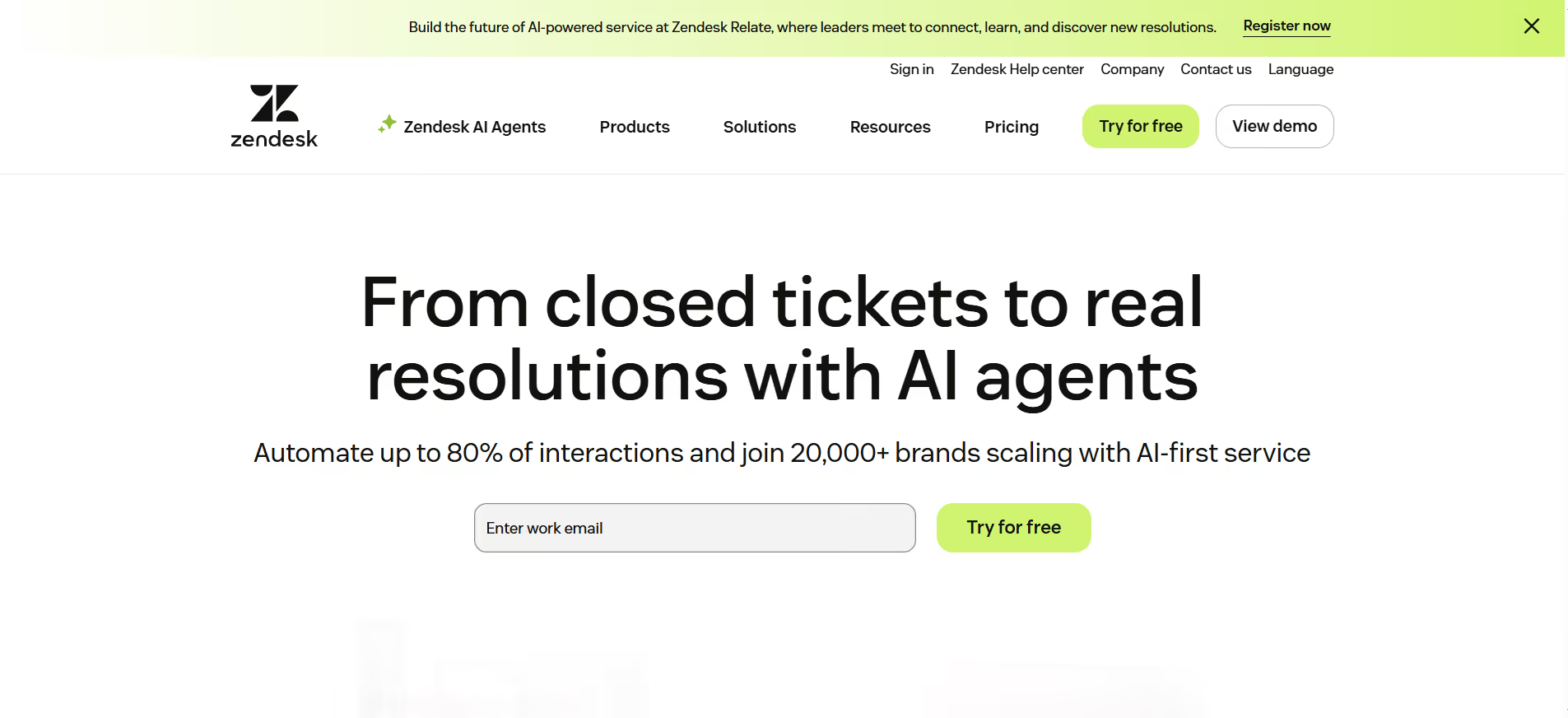
Zendesk manages support cases via email, chat, and social. It is organized, expandable, and compatible with most CRMs. It is designed to be more enterprise-grade infrastructure than lean-team tooling, and thus will require actual setup time and ongoing administration to operate effectively.
What Works Well
- Single-ticket queue that consolidates customer communications across email, chat, and social channels.
- Repetitive work is minimized among support agents through automation rules and macros.
- An integrated assistant developer enables it to deflect self-serve logs.
- Response time, resolution rates, and CSAT scores.
- Scales properly with dedicated support teams with a large volume of tickets.
Where It Falls Short
- Costly in comparison with the support tool that most small teams require.
- Installation is important - it can take days, not hours, to do it correctly.
- The cost has risen significantly over the last few years, making it more difficult to afford when a business is starting out.
- For lean teams, a shared inbox or an AI-first support tool can provide most of what Zendesk offers at a significantly lower cost.
Best Use Cases
Teams that have dedicated support personnel who handle large volumes of structured customer inquiries across multiple channels, where SLA monitoring and formal support reporting are real needs.
Pricing
Support Team plans start at $19/agent/month (billed annually).
14. Airtable - Best for Custom Internal Systems
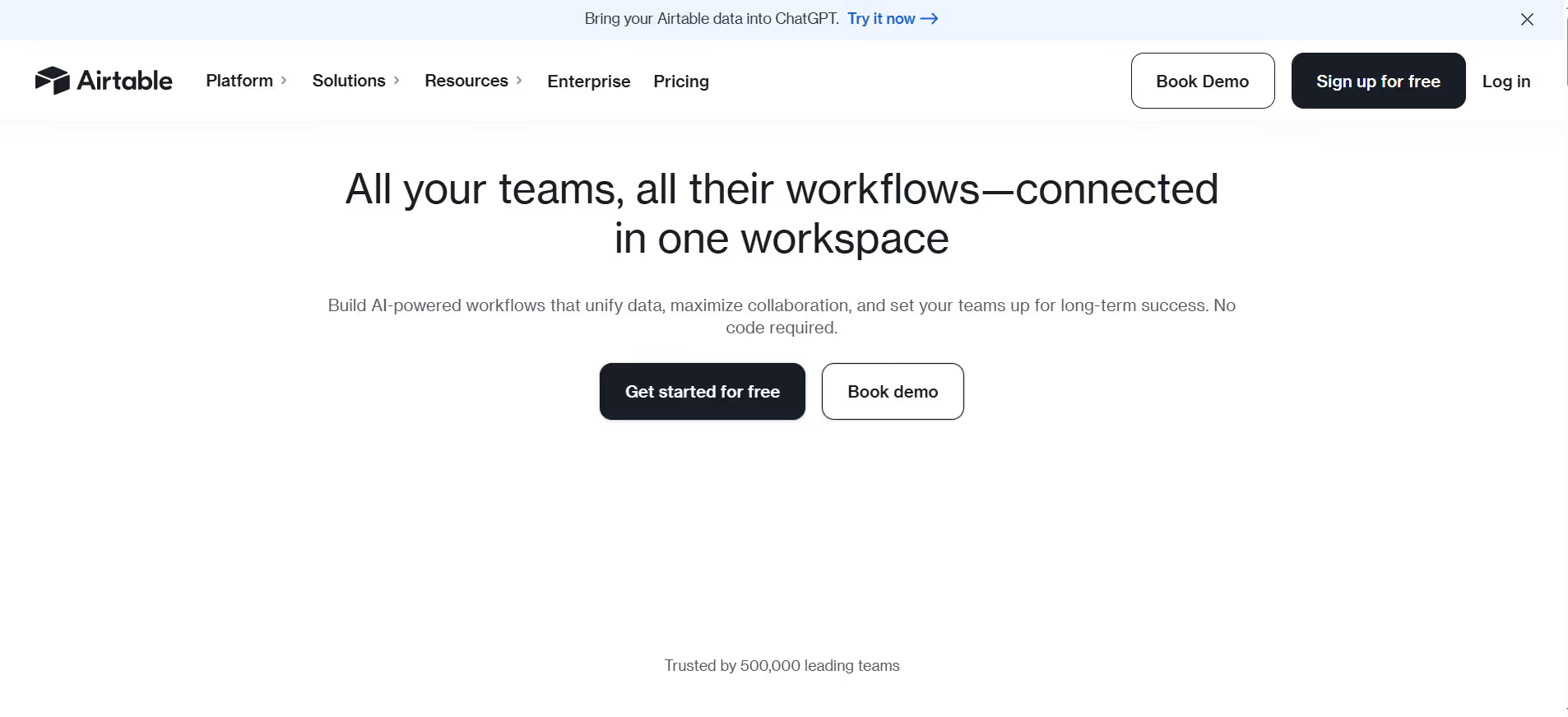
Airtable is a spreadsheet-integrated database that allows you to create custom internal tools without engineering. Imagine inventory trackers, content calendars, client portals, and hiring pipelines based on customizable views and relational data. Airtable provides the flexibility to use technology tools that fit your specific business workflow.
What Works Well
- Visualization of the same data in multiple formats: grid, calendar, kanban, gallery, and timeline, with no additional configuration.
- The real relational databases are enabled by linked records and do not require SQL.
- Automations can be used to perform routine activities, such as sending notifications, updating records, or integrating with other applications.
- Much more organized than Notion in data-intensive processes.
- Big template gallery content pipelines, product tracking, recruiting, and others.
Where It Falls Short
- Anything more than a simple table is a real learning curve - non-technical teams are easily aggravated by configuration.
- Storage capacity and the number of automation runs are limited on lower-priced plans.
- Big data is sluggish, and managing a large number of connected tables is cumbersome.
- Needs continuous maintenance in order to remain useful as workflows change.
Best Use Cases
Teams with heavy usage of operations that require organized data, ad hoc internal applications, and no developer, especially when working with content pipelines, product catalogs, recruiting, or project portfolios.
Pricing
Free version available; Team plan starts at $20/user/month (billed annually).
15. Loom - Best for Async Communication
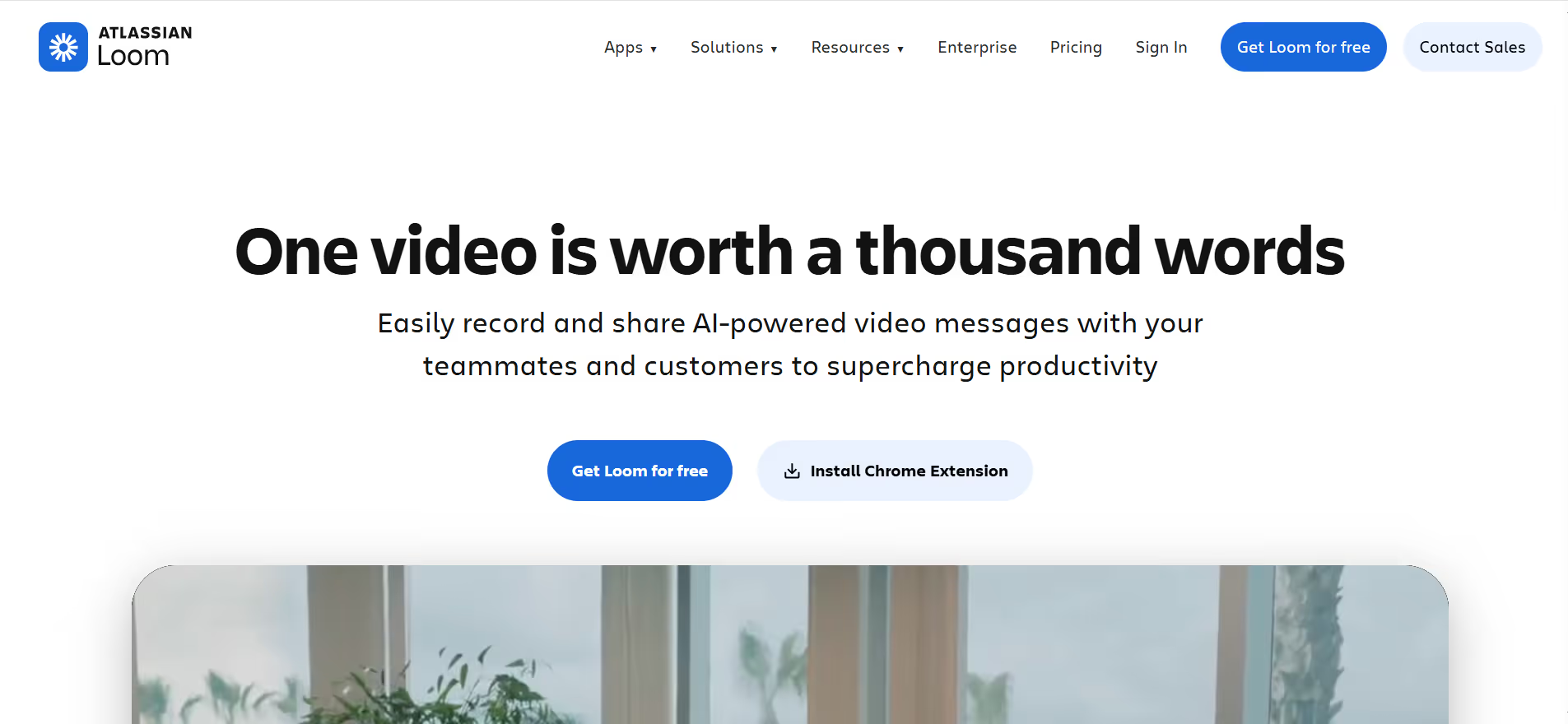
Loom lets you screen capture and face capture, and you can share the video instead of scheduling a meeting. Introducing new staff, making corrections, visiting the field, and internal communication - all this becomes quicker, as you can demonstrate something rather than explain long descriptions. For small businesses with remote or sometimes asynchronous teams, Loom saves hours every week.
What Works Well
- Sharing and recording are almost in real time; you just need to click, record, and share a link; viewers don't need to download anything.
- Timestamp comments allow viewers to provide precise feedback at the appropriate point in the video.
- Auto-generated transcripts enable searching and watching videos without any additional work.
- Substitutes meetings, which would have been the equivalent of a five-minute visual inspection.
- Effective in client onboarding, team feedback, and internal updates.
Where It Falls Short
- Video is not always the appropriate format; subtle back-and-forth is better served as a live discussion.
- The free plan limits to 25 videos and 5 minutes of recording, which is not sufficient for active teams.
- Certain members of the team do not embrace video-first communication and write-only forms.
- The storage becomes congested in organizations with high video content production.
Best Use Cases
Remote teams, freelancers accepting clients, founders offering design or copy feedback, and anyone who wants to reduce the number of meetings, since it is possible to explain complex things visually as well.
Pricing
Free for up to 25 videos; Business plan starts at $12.50/user/month (billed annually).
What Are Small Business Tools in 2026?
In 2026, small businesses' software will not only include project management and email. Current tools are implemented as execution layers. They write your text, respond to your clients, track your revenue, and automatically manage your business processes. AI elevates the standard of "organizing work" to “doing work”. The most appropriate tools currently lie at that crossroads.
Why Small Businesses Are Replacing Hires with Software
In the US, the cost of hiring a full-time employee is much higher than the base salary. The Society for Human Resource Management (SHRM) estimated that the average cost to onboard a new employee is over $4,000, before considering salary, benefits, or time spent onboarding. For a small business, that is a major risk to bear when tools capable of doing most of the same tasks are available at a fraction of the price.
Speed is the other factor. The process of hiring a full-time employee can take weeks, from recruitment through onboarding and ramping. Software is live in hours. Business tools for small businesses have reached a point where output quality is competitive enough that founders are opting to use them, not necessarily because of cost concerns, but for speed and flexibility.
An effective illustration is that an AI business strategist can assist a single founder in organizing planning meetings, evaluating market statistics, and preparing quarterly reports without hiring a consultant or a part-time COO.
How to Choose the Best Small Business Tools?
The following is a useful formula to use when selecting the best software for small businesses, and not overcomplicated:
- Execution vs. management. Does the tool work, or does it help you keep track of your work? Lean teams require more actionable instruments and fewer dashboards.
- Consolidation potential. Is it possible to substitute two or three tools with this one? Each item on your stack is an expense of both time and money. Fewer, better tools win.
- Memory and context. Does the tool come to know your business over time? Memory-based tools (such as the Brain AI of Sintra) are more useful the longer you use them.
- Integration. Does it fit in your stack, or is it an additional silo?
- ROI clarity. Is it possible to relate this tool directly to the time saved, revenue generated, or cost avoided?
ROI of Small Business Software in 2026
ROI is no longer about how much money is saved. In 2026, it has to be about how much you achieve. The best software for small businesses is the one that saves time, handles more tasks, and generates revenue sooner, rather than the number of tools you pay for.
Time Saved Is the New Currency
Each hour you save is an hour you can devote to productive business activities, such as talking to customers, developing the business, and making better decisions. Small business productivity tools do the repetitive tasks; sending emails, creating reports, and posting on social media give you that time back. You save 10 hours per week, which equals more than 40 hours a month. More than a full work week, once a month.
Cost Savings vs. Hiring New Employees
A single full-time marketing employee will cost at least $60,000 annually, with added benefits and onboarding. A good small-business tool kit, such as an AI team like Sintra, could cost a few hundred dollars a month - especially when powered by an AI marketing strategy generator.
The job is not always the same, but for most small teams just starting out, the savings are tangible, and the choice is evident.
Reducing Tool Sprawl Improves Margins
The fact that you use many different tools silently consumes your time and money. You are switching applications, typing the same information in, and maintaining a dozen different logins. Reducing that and shifting to fewer, stronger business tools for small businesses saves time you did not even know you were losing, and that translates directly to your bottom line.
Execution ROI vs. Management ROI
There is a difference between a tool that assists in planning work and one that actually does the work. The former provides management ROI. The second provides you with ROI from execution. In the case of lean teams, ROI in execution is more important. Business tools that get the job done, not only keep track of it, are those that are now paying off.
Short-Term ROI vs. Long-Term Leverage
Certain tools are immediate payoffs: more responsive replies, content out sooner, less on the calendar. Other ones come to pay in the long run: your brand remains the same, your processes are repeatable, and you can expand without further increases in headcount. Business technology tools that can accomplish both are the ones to keep.
Measuring ROI the Right Way
You do not have to use a complex formula. When it comes to software among small business owners, all you have to do is watch four things:
- Time saved per week in activities that have been automated or left to AI.
- Jobs that you once had to do by hand.
- Switched to tools that are more capable.
- Valuable outputs in less time - consider proposals, campaigns, and customer responses.
When all four are headed in the right direction, it is worth what you are paying for the tool.
Why ROI Matters More for Small Teams Than Enterprises
A large firm can afford the price of a defective instrument. A small business can't. When you are operating lean, every hour and every unwanted subscription matters more. It is not only a matter of saving money but also of a focused vision, speed, and actual growth.
What Are Small Business Tools Used For?
There are modern small business tools to help you save on manual labour, guard your focus, and make lean teams act like companies three times their size. It is not about features, but about results: speed, consistency, and performance.
Replacing Manual Work With Automation
Repetitive work devours founders. The process of scheduling, reporting, content creation, customer replies, invoice follow-ups, and more can be automated with the appropriate tools. Small-business productivity tools that manage this will give founders time to do the work only they can.
Helping Small Teams Operate Like Bigger Companies
A small two-person business does not have a marketing department, a sales team, or a customer service representative. However, with the right tools for small businesses, they can do so. Software provides small groups with structure, systems, and repeatability without the need to employ managers or create complete departments.
Maintaining Consistency Without Heavy Processes
Brand voice, customer experience, and response quality decline quickly in small businesses without a systematic approach. Software in small businesses with context (such as an AI with business memory) ensures that the output remains consistent when you are running fast and have too many hats.
Why Small Businesses Use These Tools in 2026?
There is no longer a choice for small businesses whether to use the best software or not. It's a baseline competitive requirement. The founders are being pushed by economic pressure, the speed customers expect, and the reality of running lean with essential small-business tools that can do more with less.
Hiring Is Expensive and Slow
Aside from cost, there is a risk in hiring. What if the fit is wrong? What happens when you lose revenue and may have to lay off someone? Small business Software scales up and down with you. No severance, no onboarding overheads, no benefits. Such flexibility is important as never before in volatile markets.
Forbes also reports that small business owners often work more than 50 hours a week, and most of that time is spent on tasks that can be handled by tools. That is where software comes in to solve the issue.
Customers Expect Faster Responses and Better Experiences
Response time has become a competitive advantage. Customers who send a message and wait 48 hours do not wait; they go elsewhere. This is done through online business tools that automate responses, support queues, and personalized outreach, allowing small teams to meet high expectations to an extent that would not have been possible without the tool.
Founders Wear Too Many Hats
Marketing, operations, sales, support, finance, and strategy. Most founders manage it all. Business tools that reduce context switching, i.e., performing one task, closing the tab, and then opening another, minimize decision fatigue and positively impact the quality of the decisions that actually count.
Why Sintra AI Stands Out in 2026?
The majority of the small business tools assist you with your work. Sintra AI helps you do it. That is the essence of the difference that makes it the best of this list.
It is a real AI team, not a chatbot that you can ask something every now and then. The helpers specialize. The Brain remembers, the workflows execute. And as the business expands, the system becomes more helpful because it can store your context over time.
To replace five subscriptions and two part-time employees, Sintra is the most comprehensive tool we have found in our search for small-business tools. The AI sales manager deals with outreach and follow-up. The AI SEO agent optimizes content. You have an entire team running in the background.
Ready to Replace Tool Sprawl With One AI Team?
When you have more than six tools on the stack, and you are doing work that none of the tools can execute on their own, it is time to consolidate. The key tools that a small business will have in 2026 are not the ones that have the most capabilities, but those that actually cut down on your workload.
Sintra AI provides you with an AI team, collective memory, and actual implementation in all key business functions. It's not another dashboard. It is not some other subscription that gathers dust. It is like having a full team without incurring the overhead, the risk, and the management time.
Your AI assistant is already waiting. Try Sintra AI today and find out how much you can hand off in the first week.
Small Business Tools FAQs
What are the best small business tools in 2026?
The best current options are Sintra AI for all-in-one AI, Motion for time management, Notion for documentation, QuickBooks for accounting, Stripe for payments, and HubSpot for customer management. The correct combination depends on whether your business requires more execution or management tools.
Can AI tools really replace employees at small businesses?
In a variety of repetitive and specialized jobs — social media management, customer responses, content generation, strategic planning, search engine optimization, yes. Artificial intelligence applications such as Sintra AI can manage these capabilities at a level that is satisfactory to the majority of small businesses. They will not eliminate all hires but will postpone or eliminate many of them, particularly in the initial phases.
How many tools should a small business use?
Most small businesses employ excessively. The right range would be five to eight well-integrated tools that can cover your core functions. Beyond this, the cost of maintaining multiple subscriptions and platforms outweighs the benefits.
Are all-in-one platforms better than separate tools?
For lean teams, yes. The consolidation into fewer, more powerful platforms reduces tool sprawl, drives cost savings, and eliminates time wasted switching between disconnected applications. The most obvious one is Sintra AI - it substitutes many single-purpose tools with a single AI team that has a shared context.
How to choose the right small business tool?
Begin by questioning whether the tool performs or simply manages work. Next, see whether it can substitute something you are already spending on. Search tools with memory or context-sensitivity, clean integrations, and a visible association with saved time or delivered revenue. Do not use tools that are complicated to use and produce no output.
What are small business tools used for?
Small business tools are designed to minimize manual labor, promote consistency in output, and enable small teams to compete with larger companies that can afford to invest in resources. The most superior ones in 2026 do even more: they can perform independently, remember the business context over the long term, and grow with the team without adding additional manpower.
Related articles




.avif)




