8 Best Workato Alternatives and Competitors in 2026

Table of Contents

Quick Answer: What Are the Best Workato Alternatives in 2026?
Here's a quick snapshot of the best Workato competitors in 2026:
- Sintra AI: An AI-first platform designed for autonomous task execution and AI-driven workflows.
- Zapier: A user-friendly, no-code automation platform with extensive integrations and AI orchestration features.
- Make: A highly visual workflow builder for complex automations at a lower cost.
- Tray.ai: A powerful visual builder that helps build sophisticated integrations via natural language.
- Microsoft Power Automate: The best business automation choice for organizations within the Microsoft 365 ecosystem.
- Pabbly Connect: A budget-friendly automation tool with unique "one-time payment" lifetime deals.
- Activepieces: An open-source, AI-native automation tool for self-hosting and specialized multi-agent orchestration.
- Gumloop: An AI-powered workflow builder designed for creating AI agents and workflow automations without code.
Workato is a powerhouse in the enterprise Integration Platform as a Service (iPaaS) market. The platform seamlessly connects enterprise apps, automates workflows, and executes complex business processes across systems. The biggest highlight of Workato is its low-code recipe builder that allows non-developers to build automation workflows through simple visual steps.
However, as we move through 2026, many organizations are turning towards Workato competitors. Recurring friction points like Workato's steep learning curve and high workflow complexity are challenging business sustainability and growth. The business case for smarter automation is hard to ignore - hyperautomation lets healthcare professionals work 2–3 hours faster per day, in banking it is tied to $170 billion in profit gains and 20–30% cost reductions, and in legal, 22–35% of lawyer tasks are already automated. Additionally, task-based billing in Workato means costs can escalate quickly with high-volume workflows.
Businesses now prefer platforms that combine automation with AI agents, real-time execution, and intuitive interfaces. In this article, we will explore the 8 best Workato alternatives that offer sophisticated integrations and smarter workflow orchestration.
What Makes a Great Workato Alternative in 2026?
A great Workato alternative is no longer defined by how many apps it connects. Teams today need platforms that shift from building workflows to executing outcomes. This change in buyer priorities is clear—Aembit reports that 73% of organizations expect AI agents to become vital within the next year, signaling a move toward autonomous systems.
The best Workato alternatives now need to meet key criteria:
- Ease of use – Is the app interface intuitive, no-code, or low-code? A platform’s usability is crucial for non-technical teams that want to build workflows quickly without IT dependency.
- Integration depth – How many integrations does the platform support? A strong app ecosystem determines whether a tool simply connects apps or actually orchestrates them.
- Automation vs execution – Can the tool execute multi-step tasks autonomously? Modern tools go beyond triggers and actions and use LLMs to reason through data and complete tasks.
- AI capabilities – Is the system AI-driven? Workflow automation is one thing, but systems now need to reason, adapt, and optimize workflows in real time.
- Scalability – Can the tool handle complex processes as the business grows? Businesses are built to grow, so scalability is essential.
- Time-to-value – How short is the gap between an idea and a live workflow? A strong Workato alternative delivers fast results without creating IT bottlenecks.
Ultimately, the best choice today is the one that transforms your team from automation maintainers into AI operators.
Best Workato Alternatives by Category
Here’s a detailed guide to the best Workato alternatives. Each tool is grouped by its strengths, such as AI execution, no-code automation, and enterprise integrations. However, no single tool fits every use case. So before choosing a Workato competitor, make sure it offers the features your business actually needs.
1. Sintra AI — Best AI Team for Business Execution in 2026

Sintra AI represents a major shift from traditional workflow automation to task execution. Unlike most Workato alternatives, where teams spend hours building recipes and connecting apps, Sintra AI provides role-based AI helpers that actively complete tasks across marketing, support, and operations.
Sintra’s AI helpers remove the need for manual setup or API troubleshooting, drastically reducing time-to-value for non-technical teams. A core differentiator is its shared memory feature, Brain AI, which stores and remembers your brand voice and business context. With shared memory across all AI agents, outputs remain consistent across every task.
When integrated with your existing systems, Sintra AI can autonomously run and monitor social media campaigns, handle customer support queries with human-like nuance, and manage complex internal operations, such as onboarding new employees or tracking project tasks.
However, Sintra AI is less suited for highly complex, custom automation pipelines that some organizations build with traditional Workato competitors. For teams seeking outcomes over technical orchestration, Sintra delivers a faster, smarter, and more autonomous approach to work execution.
Key Features
- Role-based AI helpers for different business functions
- Shared memory system for brand consistency
- Pre-built use cases for fast deployment
- Cross-functional execution (marketing, support, ops)
Weaknesses
- Limited flexibility for deeply custom workflows
- Not designed for heavy API-level automation
Sintra AI Pricing
Workato's high entry cost typically starts around $10,000/year, and its usage-based pricing can be prohibitive for some teams. Sintra AI, on the other hand, offers a more accessible SaaS pricing model with strong value for small teams.
- Monthly plan – $97/month
- Quarterly plan – $59/month (billed every 3 months)
- Annual plan – $52/month (billed yearly)
2. Zapier — Best for Simple Automation and Integrations
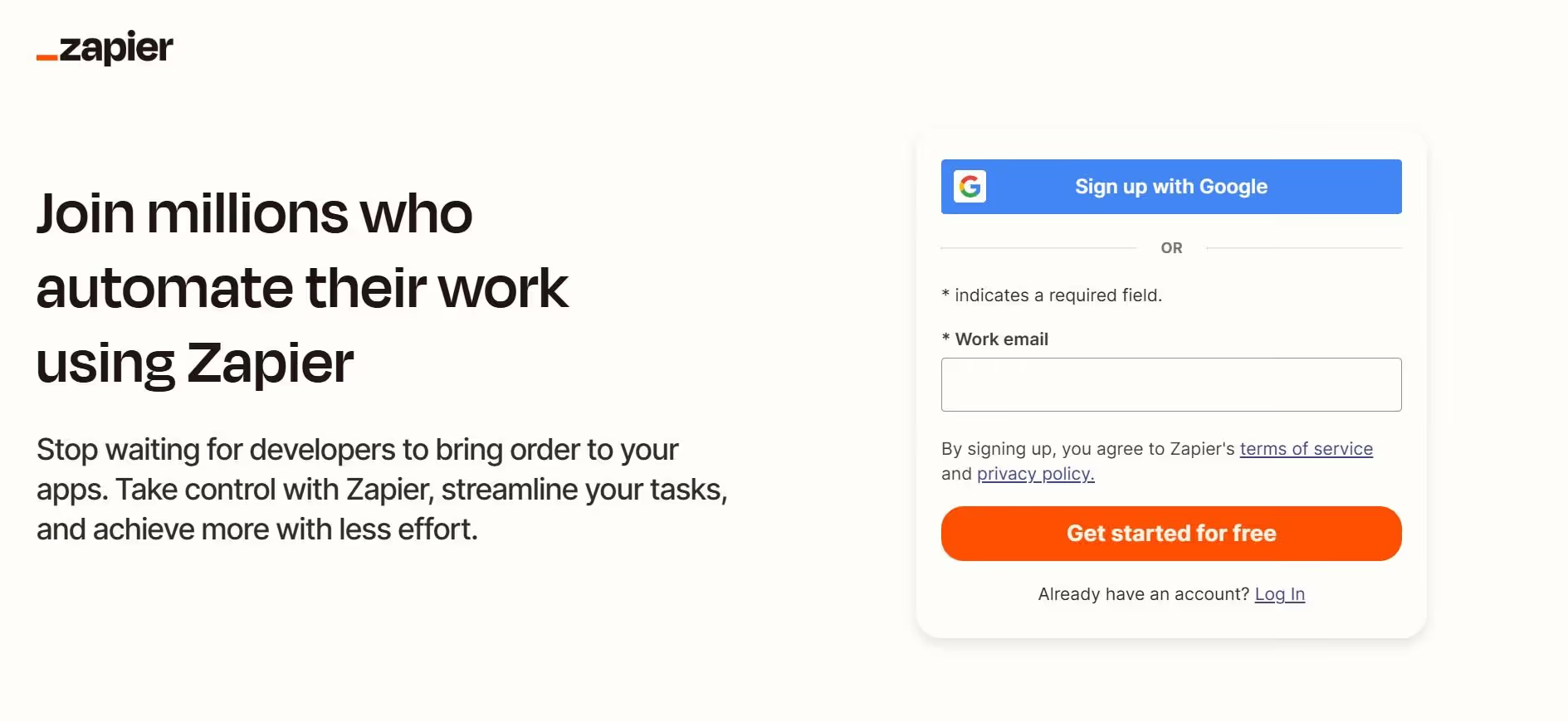
Zapier is one of the most accessible Workato competitors. It provides drag-and-drop automation between applications with over 7,000 app connectors, which is a massive upgrade as Workato offers pre-built connectors for 1,000 applications.
In a Workato vs Zapier comparison, Zapier clearly prioritizes ease of use over deep customization. It works best for straightforward automations like sending email alerts, updating spreadsheets, syncing new leads from a website form to a CRM, or triggering Slack notifications based on specific events.
However, Zapier can become limiting when workflows require complex, multi-step logic. For advanced branching, heavy API customization, or enterprise-grade automation, a more robust platform like Workato is often the better fit.
Key Features
- Huge app integration library
- Easy no-code automation builder
- Fast setup for simple workflows
Weaknesses
- Limited logic for advanced workflows
- Costs increase quickly with scale
Pricing
Zapier offers a free tier and transparent, low-cost starting plans ($19.99/month), while Workato typically requires an $80,000+ annual commitment.
- Professional plan – $19.99/month (billed annually)
- Team plan – $69/month (billed annually)
You can contact Zapier Sales for enterprise pricing.
3. Make (formerly Integromat) — Best for Visual Workflow Automation
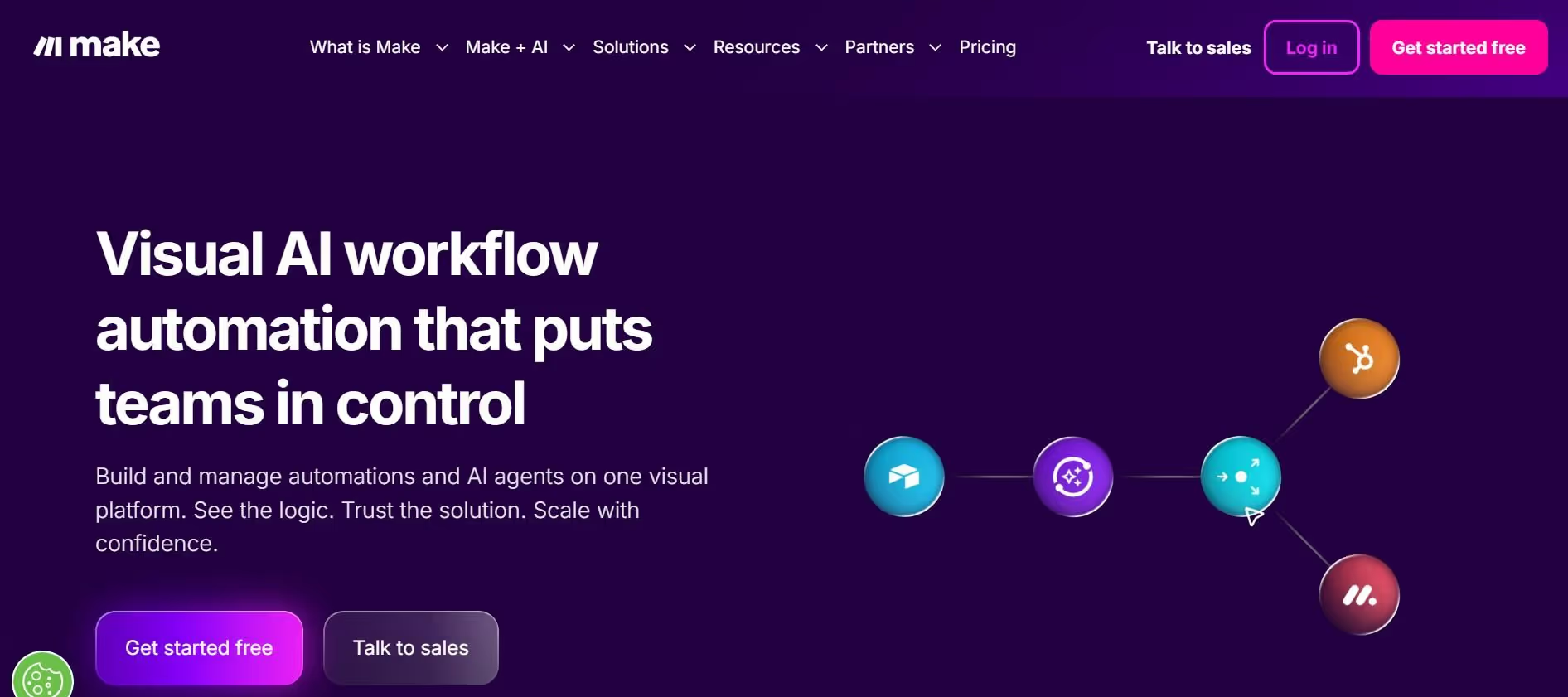
Make stands out among Workato alternatives as a more flexible, control-focused platform. Its visual interface allows users to build complex workflows step by step, using branching logic and thousands of pre-built connectors.
For organizations seeking alternatives to Workato due to its limitations in handling complex integrations without significant technical expertise, Make is the perfect solution. It offers more control than Zapier, without the full enterprise complexity of Workato.
However, Make does come with a steeper learning curve, meaning new users may need more time to fully understand its interface and workflow structure.
Key Features
- Visual workflow builder with branching
- Advanced automation scenarios
- Strong customization options
Weaknesses
- Steeper learning curve
- The interface can feel complex for beginners
Pricing
Workato uses a usage-based pricing model that can be difficult to predict. In comparison, Make's pricing model is relatively straightforward.
Make offers a free tier for starters with up to 1,000 credits/month. The tool's paid plans include:
- Core – $9/month (10k credits/month)
- Pro – $16/month (10k credits/month + advanced AI and automation features)
- Teams – $29/month (10k credits/month)
Enterprises can contact the sales team for custom pricing.
4. Tray.ai — Best for Enterprise Automation
Tray.ai is designed for developer-heavy teams needing sophisticated logic with a modern interface. As a Workato competitor, it excels at handling complex integrations, custom APIs, and large-scale automation across multiple systems. Tray's AI offering, Merlin, adds another layer, allowing businesses to build agents for executing workflows.
Tray.ai's powerful approach helps with enterprise data synchronization, automating backend operations, and managing multi-system workflows that require deep customization.
However, this level of power comes with trade-offs. Tray.ai requires technical expertise to implement, and its pricing is geared towards organizations with bigger budgets.
Key Features
- Enterprise-grade automation platform
- Advanced API integrations
- Scalable workflows for large teams
Weaknesses
- High cost
- Requires technical expertise
Pricing
Tray.ai's pricing is entirely custom and sales-driven, with no public self-serve tiers. The total cost is calculated based on:
- Base plan – Three core subscription tiers: Standard, Professional, and Enterprise.
- Usage – A consumption-based model where users pay for workflow steps.
- Add-ons – Optional features like the Merlin AI agent builder, security packages, and more.
While the total cost can vary by organization, basic plans typically range from $695 to $950/month, with higher pricing for teams and larger enterprise use cases.
5. Microsoft Power Automate — Best for Microsoft Ecosystem Users

Microsoft Power Automate is a popular alternative to Workato, especially for organizations already using Microsoft products. Its biggest advantage is its deep integration within the Microsoft ecosystem, with native connections to Microsoft 365, Teams, Dynamics, and Azure. This makes it easy for teams to automate workflows using the tools they already rely on.
For example, businesses can automatically update Excel sheets, trigger email responses in Outlook, and send alerts in Teams based on specific actions. Microsoft Power Automate also includes Robotic Process Automation (RPA) for automating legacy systems that lack modern APIs. This standout feature makes it a powerful Workato alternative.
However, there’s a catch. While Power Automate is ideal within Microsoft environments, it can feel limiting when integrating with non-Microsoft tools. Although it supports cross-platform automation, it’s not as seamless or flexible as platforms like Sintra AI or Zapier.
Key Features
- Deep integration with Microsoft products
- Strong automation within enterprise environments
- Built-in AI capabilities
Weaknesses
- Limited flexibility outside the Microsoft ecosystem
- Can become complex for advanced flows
Pricing
Alternatives to Workato often provide more predictable pricing models, which can be a significant factor for organizations. Microsoft Power Automate pricing starts at $15 per user per month, providing predictable costs for users. It also offers a basic free tier for beginners.
- Power Automate Premium – $15/user/month (billed annually)
- Power Automate Process – $150/bot/month (billed annually)
- Power Automate Hosted Process – $215/bot/month (billed annually)
6. Pabbly Connect — Best Budget-Friendly Alternative
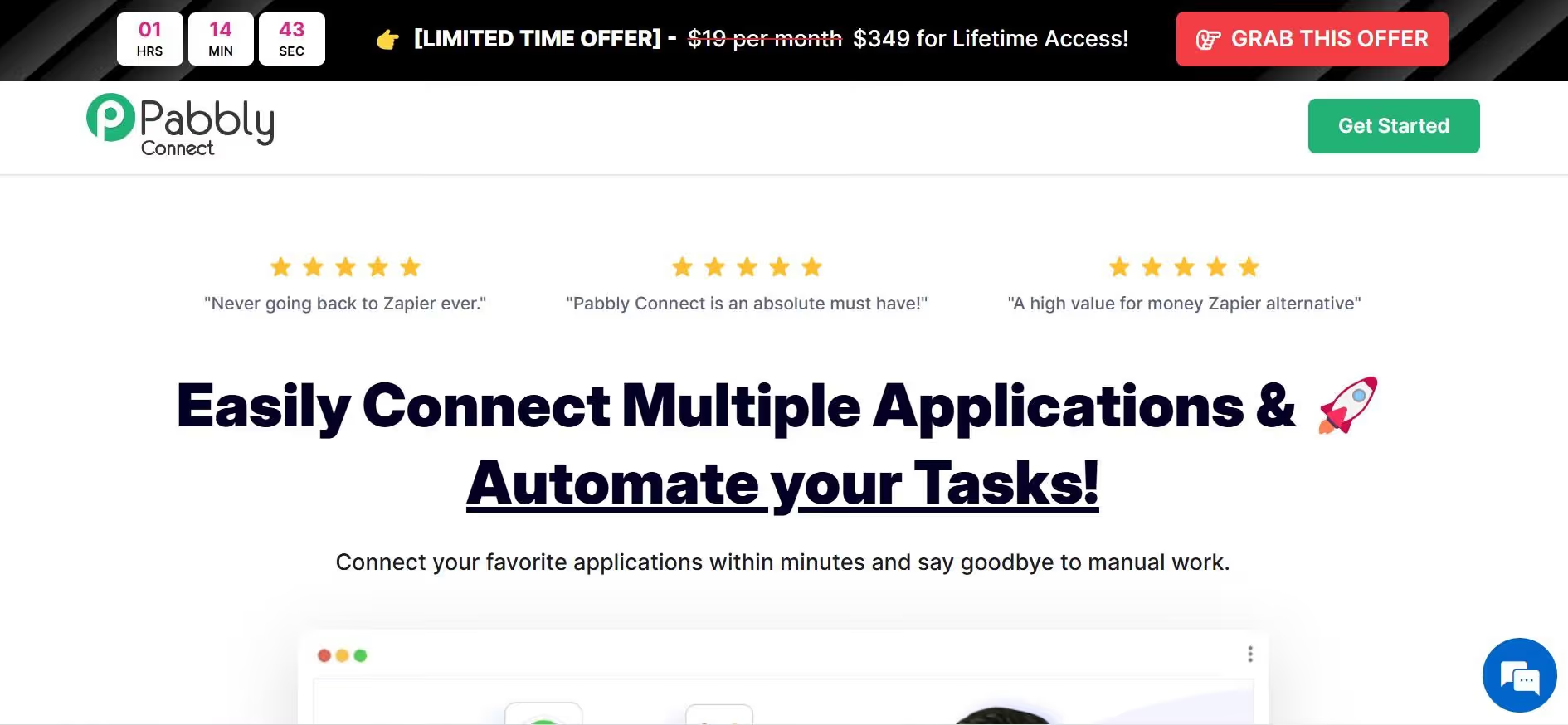
Pabbly Connect is one of the best Workato alternatives for businesses on a budget. While Workato’s annual costs typically range from $15,000 to $50,000 for mid-market companies, with enterprise deployments exceeding $100,000, Pabbly’s low, one-time pricing option makes it a highly cost-effective alternative.
Despite its affordability, Pabbly Connect offers solid automation capabilities, allowing users to connect apps, automate workflows, and manage basic integrations with ease. Its combination of reliable core functionality and accessible pricing makes it well-suited for small teams and startups.
However, businesses with complex workflows may find limitations in terms of polish, scalability, and advanced features.
Key Features
- Affordable pricing model
- Unlimited workflows in some plans
- Decent app integrations
Weaknesses
- Less intuitive interface
- Limited advanced capabilities
Pricing
Pabbly Connect offers three pricing plans, each with a one-time subscription for lifetime access:
- Standard – $694
- Ultimate – $2280
- Ultimate Plus – $4650
7. Activepieces — Best Open-Source Workato Alternative

Activepieces is an open-source Workato alternative that gives businesses greater flexibility in customizing workflows compared to proprietary platforms. It appeals primarily to teams seeking flexibility, transparency, and full control over their automation systems.
Activepieces supports self-hosting, meaning all automation data, credentials, and workflow logic remain within the organization’s infrastructure. This ensures that sensitive information isn’t transmitted to third-party services, making it ideal for businesses with strict data privacy requirements.
Activepieces features a drag-and-drop interface for building automation flows. However, Activepieces isn’t well-suited for non-technical users, as teams need developer knowledge to fully leverage its capabilities.
Key Features
- Open-source and customizable
- Self-hosting capability
- Flexible integrations
Weaknesses
- Requires technical knowledge
- Less polished UX
Pricing
Activepieces offers transparent pricing regardless of how many flows you run, unlike Workato, which raises costs as usage increases.
The platform includes a free open-source version with 10 active flows and unlimited runs. Teams can add more flows at $5 per flow per month, while larger organizations can contact sales for custom pricing tailored to their needs.
8. Gumloop — Best for AI-Powered Workflow Automation
Gumloop is a newer entrant among Workato competitors. It blends AI with automation, allowing users to quickly set up automated workflows with AI-driven logic. This approach contrasts with other Workato alternatives that rely on manual, step-by-step workflow development.
Like many integration platforms, Gumloop is designed to be user-friendly, enabling non-technical users to create and manage automations without extensive coding knowledge. It effectively balances traditional automation, like Workato, with AI-powered execution platforms, such as Sintra AI, offering a flexible middle ground for teams seeking smarter, faster workflows.
Key Features
- AI-assisted workflow creation
- Automation with intelligent decision-making
- Modern interface
Weaknesses
- Newer platform with evolving features
- Less proven at scale
Pricing
Gumloop offers a free tier with 5,000 credits per month. Advanced users can upgrade to the Pro plan at $37 per month, while enterprise organizations can contact sales for custom pricing.
How to Choose the Right Workato Alternative
Choosing the right Workato alternative depends mostly on your team's size, technical expertise, and the complexity of your workflows.
Small teams or startups with limited technical skills may benefit from no-code tools that are easy to deploy and require minimal setup. Many integration platforms offer pre-built connectors to facilitate the quick setup and deployment of workflows. In contrast, larger organizations with dedicated developers can opt for more robust platforms with advanced logic, APIs, and custom integrations.
Another important factor to consider is workflow complexity. If your business needs are simple—like syncing data or sending notifications—simpler tools with limited features will work well. But for multi-step processes or cross-system orchestration, you need a Workato alternative that's capable of heavy lifting.
Speed matters too. Startups may need quick deployment, while others can invest time in building complex systems. Also, look for tools that prioritize deployment efficiency. For example, some integration platforms offer testing environments to validate configurations before deployment, reducing the risk of errors in production.
Finally, consider the pricing of each alternative to find the best fit for your budget. Organizations often seek integration tools that offer predictable pricing models to avoid unexpected costs as usage scales.
AI Execution vs Traditional Automation: What’s the Difference?
Traditional automation platforms like Workato are designed around rule-based workflows. Users need to design every step of the workflow manually. While this approach is effective, it requires time, planning, expertise, and continuous maintenance.
AI execution tools focus on outcomes more than the process. This means instead of asking users to design workflows, they understand the goals and design processes automatically. For example, rather than setting up a multi-step workflow to manage a social media calendar, an AI execution tool can plan, generate, and publish content on its own.
AI integration and process execution have changed how businesses think about automation. They are now moving towards AI-powered systems that reduce manual setup, adapt in real time, and deliver faster results with less effort.
Automation Requires Building, AI Executes Tasks
Traditional automation tools rely on predefined logic. Users must map out every step manually—triggers, actions, and conditions. AI tools follow a completely different approach where users simply provide a goal, and the system figures out how to achieve it.
For example, if you wanted to set up a Zap to save Gmail attachments to Google Drive and notify your team on Slack, you'd define each step: trigger (new email with attachment), action (upload file to Drive), then another action (send Slack message).
But if you're working with an AI helper, you'd simply assign the task: "Monitor incoming emails, store all attachments, and notify the team on Slack." The AI tool would design the logic on its own without you needing to map each step.
Faster Time-to-Value for Non-Technical Teams
One of the biggest reasons AI execution is taking over traditional Workato alternatives is how quickly it delivers results. Automation tools often require onboarding, setup, testing, and multiple iterations before workflows run reliably. This stretches deployment time and can slow down adoption.
AI execution tools don’t have the same limitations. Teams can start seeing results almost immediately, even without technical expertise.
For example, a business can launch a marketing campaign without setting up multi-step automations—AI can generate content, schedule posts, and track performance. At the same time, support teams can use AI helpers to respond to, categorize, and escalate issues automatically.
Reduced Complexity and Maintenance
Traditional workflows are rigid, meaning any change in processes can break them or produce errors. Workflows built with traditional automation tools, therefore, require constant updates and manual revisions. As businesses evolve, multi-step systems can become overly complex and even more prone to mistakes.
AI tools handle this differently. Not bound by fixed rules, AI systems adapt dynamically to changing inputs and conditions. This reduces the need for ongoing maintenance, minimizes errors, and ensures greater efficiency.
For example, a traditional automation system would require users to manually update workflows for a new product launch on an e-commerce platform. In contrast, an AI system can automatically adjust data routing, notifications, and related processes without intervention.
From Integrations to Outcomes
Traditional automation tools focus on moving data between systems. Workflows are designed to trigger actions, such as creating accounts in multiple systems, sending welcome emails, and assigning training modules for employees onboarding.
While these platforms ensure accurate data flow, the outcome usually depends on human follow-up. In short, these tools connect apps but don’t complete tasks on their own.
AI execution tools, on the other hand, focus less on connections and more on delivering tangible results. They handle data while ensuring tasks are completed. For example, an AI system can create accounts, schedule training, assign mentors, send personalized welcome messages, and track employee progress—all without constant human intervention.
AI Enables Cross-Functional Execution
Traditional automation tools often operate in departmental silos. As each team builds and maintains its own processes, the risk of duplicate work, inconsistent outputs, and slower execution increases.
AI-driven tools, however, operate seamlessly across departments such as marketing, support, and operations. For example, an AI system can manage multiple connected tasks automatically: generating marketing content, scheduling social media posts, responding to customer queries, and updating internal project trackers for a campaign.
By handling cross-functional tasks in a single system, AI tools create a more unified and efficient workflow with fewer errors and duplicates.
Why This Shift Matters for Modern Businesses
The move from traditional automation to AI execution tools is not just a technological trend—it’s a strategic advantage for modern businesses. AI platforms deliver tangible results quickly, scale effortlessly across departments, and adapt to changing business rules without human intervention.
Companies that adopt AI execution gain a competitive edge by improving consistency and accelerating outcomes across business functions. Smaller teams can achieve more without deep technical expertise, while larger organizations can streamline complex operations without overloading IT resources.
Ultimately, the best Workato alternatives are AI-powered solutions that go beyond traditional automation, focusing on execution-driven workflows that deliver results rather than just moving data.
Why Sintra AI Is the Best Workato Alternative
When it comes to Workato alternatives, Sintra AI stands out for its focus on outcomes over automation. While Workato is a powerful platform with deep integrations, its slower time-to-value and steep pricing can discourage startups and small teams. Sintra AI, on the other hand, is a strong AI execution tool that offers many of the same benefits without the limitations of manual setup and ongoing updates.
Many integration platforms, including Workato, can struggle with high-volume task automation, leading to performance bottlenecks and unpredictable costs. In contrast, Sintra's AI employees can handle multiple tasks simultaneously without getting overwhelmed or significantly increasing costs.
Sintra Focuses on Execution, Not Workflow Building
Sintra AI removes the need to design and manage complex automation flows. Unlike Workato and other traditional alternatives that require manual workflow setup, users can simply assign tasks to Sintra’s AI helpers and let them handle the process automatically.
Sintra focuses on execution instead of configuration. For example, it can capture leads, respond to queries, and follow up automatically. This makes Sintra ideal for teams that want results without managing workflows.
Built for Non-Technical Teams
Sintra is a great choice for non-technical teams, making it more accessible to founders, marketers, and operators lacking developer expertise. While even the best Workato alternatives can require time-consuming onboarding and workflow setup, Sintra is easy to get started with and delivers results quickly.
Role-Based AI Helpers Replace Multiple Tools
Sintra AI uses specialized, role-based AI helpers to handle different business functions, such as marketing, support, analysis, and operations—all within a single platform.
The ability to get results without switching systems significantly improves workflow efficiency. It reduces tool sprawl and simplifies workflows, helping teams streamline operations effortlessly.
Shared Memory Ensures Consistency Across Tasks
One of the major downsides of traditional Workato alternatives is disconnected automation workflows. Sintra addresses this limitation with its Brain AI feature—a shared memory layer that stores your brand voice, preferences, and business context across all activities.
With shared memory, workflows don’t operate in isolation, and every task stays aligned and consistent. For example, the brand voice used on your website will automatically carry over to social media interactions, support responses, email marketing, and every other touchpoint.
Faster Results With Pre-Built Use Cases
Sintra AI accelerates execution with pre-built use cases, allowing teams to launch workflows quickly. Instead of designing and building automations from scratch, as is the case with traditional automation tools, Sintra’s ready-made setups reduce deployment time and deliver faster ROI.
When Sintra AI May Not Be the Best Fit
While Sintra excels at task execution and simplifying workflows, it does have limitations. For organizations that require highly complex, custom enterprise integrations, Sintra may not be the ideal fit.
Traditional Workato competitors offer deeper API control, advanced branching logic, and granular workflow customization. BBusinesses needing multi-step AI orchestration or highly specialized automation should consider platforms like Workato or Tray.ai for more technical flexibility
CTA – Ready to Replace Workato With Smarter Execution?
Sintra AI makes it easy to move from traditional automation to outcome-driven execution. Instead of getting bogged down in time-consuming workflow builds, you can automate processes with just a few text prompts. With Sintra, automation is simple, fast, and effective.
Ready to step into the future of automation? Get started with Sintra AI today and discover what AI-powered execution can do for your team.
Workato Alternatives FAQs
What is the best Workato alternative in 2026?
The best Workato alternatives in 2026 include Sintra AI for AI-driven execution, Zapier and Make for no-code automation, Tray.ai and Microsoft Power Automate for enterprise-grade automation, and Pabbly Connect, Activepieces, and Gumloop for budget-friendly business automation options.
Is Zapier better than Workato for small businesses?
Yes. Zapier is a better choice for small teams and businesses than Workato. It has a lower learning curve, offers a wide range of integrations with no-code workflows, and provides a predictable pricing model. While Workato is powerful, it is also more complex and expensive, making it less suitable for startups and small businesses.
Are there free Workato alternatives available?
Yes. Several Workato alternatives offer free tiers, including Zapier, Make, Activepieces, and Gumloop. These tools allow teams to start automating workflows without upfront costs. However, free plans usually come with limited features and are best suited for experimentation or small teams.
What is the easiest automation tool to use?
Sintra AI is one of the easiest automation tools to use, as it focuses on AI execution rather than complex configurations. Unlike traditional platforms that require manual workflow setup, users can assign tasks to AI helpers and let them handle the process automatically. This means users don’t need technical expertise and can kickstart automation immediately.
How do AI tools compare to traditional automation platforms?
AI execution tools focus more on outcomes than processes. Instead of requiring users to design workflows, they understand goals and handle execution automatically. In contrast, traditional automation platforms require manual setup of each step, which takes time, planning, and ongoing maintenance.
Related articles