



Workflow automation in plain English
Stop building 20-step Zaps for things you'll change next quarter. Tell the workflow automation what you want in plain English (when a customer signs up, send welcome email plus Calendly link). The helper does it.


Marketing Plan

Trusted by leading teams worldwide





How workflow automation skips the Zapier setup tax.
Zapier promised automation, then made you a workflow engineer. Most teams have 5-15 Zaps that broke six months ago, 3 they're afraid to touch, and 20 they'd build if the setup wasn't an afternoon each. Our workflow automation skips the setup. Describe the workflow in plain English, the helper executes it. When the workflow changes, you tell the helper what changed, not rebuild the Zap. Works for customer onboarding flows, lead routing, expense workflows, content publishing pipelines, and any repetitive multi-step work that's currently manual or duct-taped together.
Integrations. One-click and go.

Calendar

Drive


Analytics


Tasks

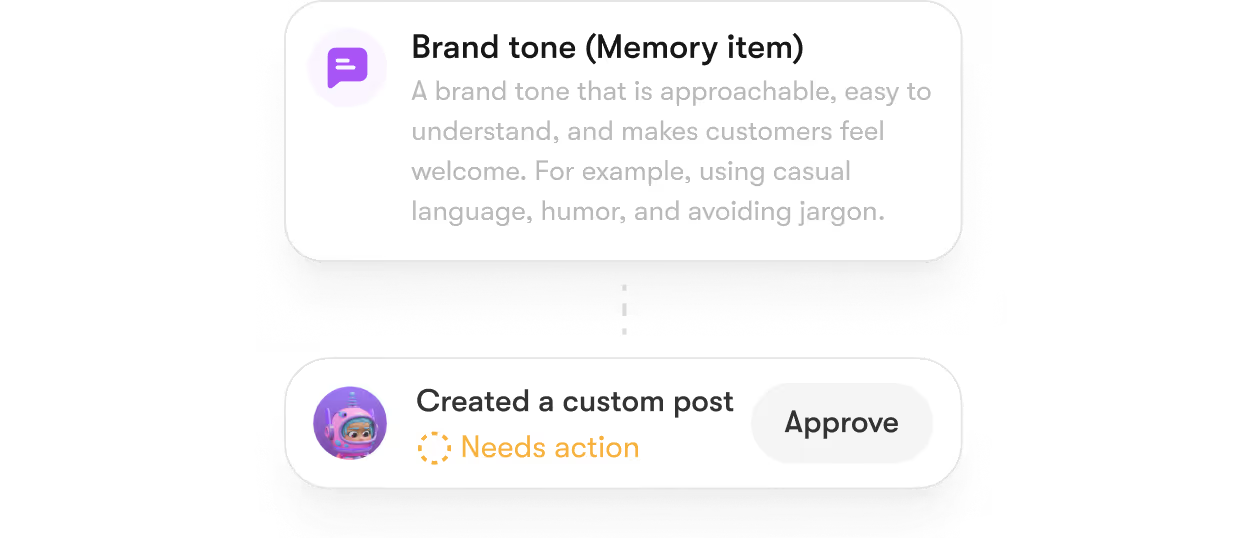
How to automate without becoming a workflow engineer


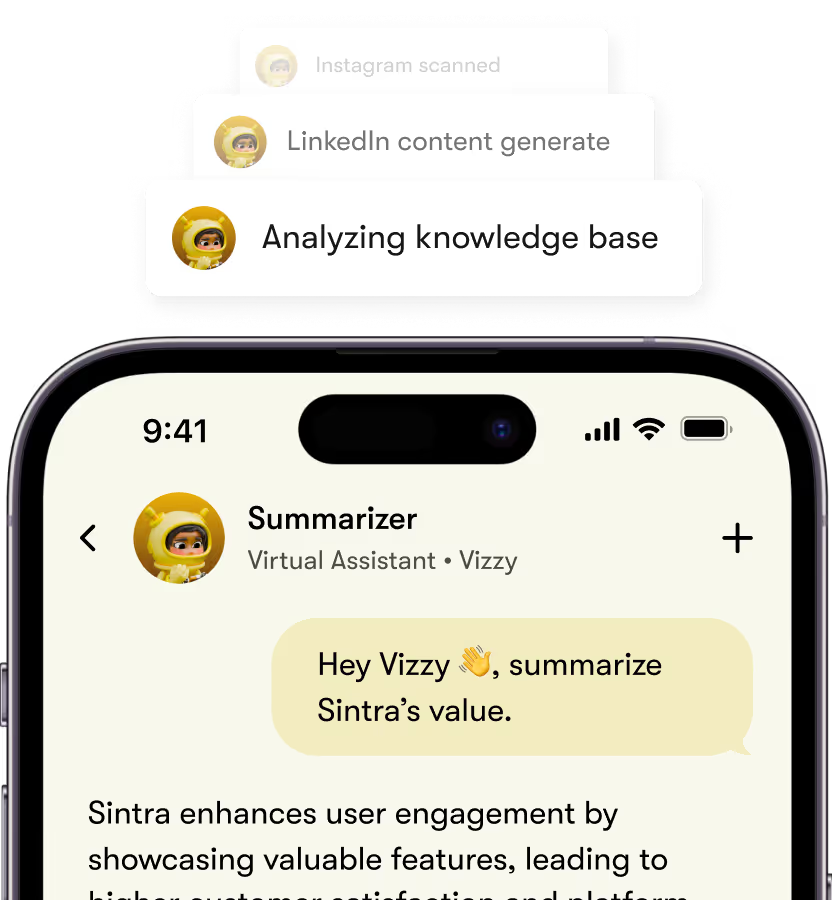
Vizzy can summarize all the information you provide to it.
Ask Vizzy anything, and watch it be handled with precision and creativity.
Key Generation Features of Soshie

eCommerce Manager
Drives online sales growth through strategy, data, and innovation.

Business
Strategist
Shapes company direction through analysis, planning, and vision.
Customer
Support
Ensures client satisfaction by resolving issues quickly.
Data
Analyst
Transforms raw information into insights guiding business decisions.
What workflow automation handles that Zapier and iPaaS tools can't.
Zapier asks you to be a workflow engineer. iPaaS tools ask you to be a workflow architect. Our workflow automation asks you to describe what you want. Brain AI translates the description into the actual workflow, monitors execution, and adapts when things change. The point isn't to replace Zapier for complex enterprise automation. It's to make sure the founder who needs to automate the 5 simple workflows isn't blocked by setup overhead.





Three automation moments where workflow automation earns the operations sprint back.

Automating customer onboarding
New customer signs up. Our workflow automation sends the welcome email, schedules the onboarding call, and adds them to the right CRM tag.

Routing inbound leads
Form submission lands. Our workflow automation enriches with company data, scores the lead, routes to the right rep, and creates the follow-up task.
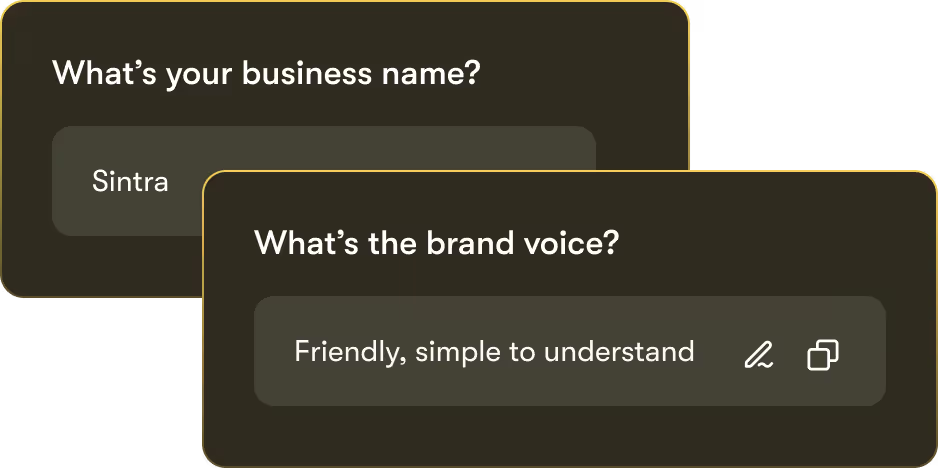
Publishing content across channels
Blog post publishes. Our workflow automation cross-posts to LinkedIn, schedules an X thread, sends to newsletter, and updates the content calendar.


Power-Ups
available for Vizzy


-min.webp)


-min.webp)
.webp)



With great powers
comes great privacy.
Encrypted by design
From your first login to the last addition in your business knowledge vault, every interaction is encrypted in transit and at rest. This means that neither Sintra nor any third party can access your files or analytics.
Full Data Ownership
"Your content, your strategy, your AI - they belong entirely to you. At any time, you can delete your data or export it. We don’t train models on it or resell it, and your Brain AI is built exclusively on your own assets.
GDPR Compliant
We follow the highest standards of data protection under the GDPR framework. Your personal information is collected and stored transparently - with clear rights to access, modify, or delete your data at any time.
Helpers of the month, every month.
With over 40,000 entrepreneurs from more than 100 countries, Sintra is the world’s leading provider of business automation tools and AI-powered solutions, including AI for marketing, AI for customer support, and more. Sintra supports businesses at every stage of their AI implementation journey, from initial pilot phases to scaling and optimizing AI initiatives.


I can’t recommend SintraAI enough. It’s like having a personal business coach 24/7, mapping out steps to grow my company and clarifying my priorities. I feel a renewed sense of focus and control every day.
December 29, 2024 • Socrate Concepcion • US

Each AI bot tackles my to-do list, from scheduling tasks to crawling my website for SEO tips. I love how it set up calendar reminders for all my commitments. Sintra.ai is well worth every penny, especially for a busy single-person business.
December 14, 2024 • Jennifer Glenn • US

As an entrepreneur launching a new venture, Sintra.ai has made a real difference. The AI assistants are like personal staff I can rely on. And whenever I needed support, the team was on point. A must-try for any budding business!
December 21, 2024 • Custódio Barreiros • HU

I once had a large team, and although I loved my helpers, they needed constant motivation. With Sintra, there’s no drama, just new ideas that I can simply accept or reject. It’s a huge relief—100% recommended.
December 26, 2024 • Holly Wehde • US

Hiring Sintra was a great decision for my struggling boutique. They handle social media posts, guide my ads, and even offered a solution for double social media pages. Now I can focus on my inventory and customers.
December 17, 2024 • Michele Davis • US

Signed up for Sintra X—it felt overwhelming at first, but once it understood how I think, it turned into a creative powerhouse. Support is top-notch, and the daily integrations impress me.
Dec 10, 2024 • Sami Liftoff • US

I’m not usually one to give top marks, but once I got comfortable with Sintra’s 12 helpers, I was blown away by their efficiency. They churn out so many analytical ideas I have to pause and digest them. It’s sometimes overwhelming, but in a good way.
December 29, 2024 • lars • DK

Sintra integrates with all my favorite tools and these little helpers automate my tasks in a huge way. They actually learn my company’s style day by day. It’s a massive step up from generic AI chats.
December 30, 2024 • Michelangelo • IT

My life is simpler with Sintra. It handles content creation, next steps, brainstorming, and copy. I highly recommend it if you want to free up mental space for what truly matters in your business.
December 28, 2024 • Lionel D'Alvia • US

My “team” in Sintra knocks out tasks like magic, offering fresh ideas for efficiency and better customer outreach. It’s a relief knowing I have AI assistants ready to go around the clock.
December 31, 2024 • Kat Angelica • US

I’ve only been using Sintra for a couple of weeks, but the experience has been great—especially with the social media bot reaching out to me with new ideas. The pull model feels super proactive and makes me more confident in my daily tasks.
December 30, 2024 • Bayan Qandil • US

I challenge anyone to compare other platforms to Sintra.ai and their staff—you won’t find a better customer experience. Everyone is professional, responsive, and genuinely cares about helping. Truly top-notch!
December 28, 2024 • Timothy Montjoy • US

This platform helps me like a full-time employee would. As a startup, I can’t afford extra staff, so Sintra stepped in to handle complex tasks and free me up for big-picture thinking.
December 28, 2024 • Jules Kincaid • US
I’m juggling multiple hats in my business, and these 12 AI “helpers” lighten the load. They even crack jokes and celebrate milestones with me! I saved thousands in consultant fees by letting Sintra handle SEO and content tasks.
December 30, 2024 • Michelle Smith • US

This platform helps me like a full-time employee would. As a startup, I can’t afford extra staff, so Sintra stepped in to handle complex tasks and free me up for big-picture thinking.
December 24, 2024 • Domanic R.H • US
Available always, at your command.
Ask and it’s underway – any hour. Vizzy executes without hand-holding.
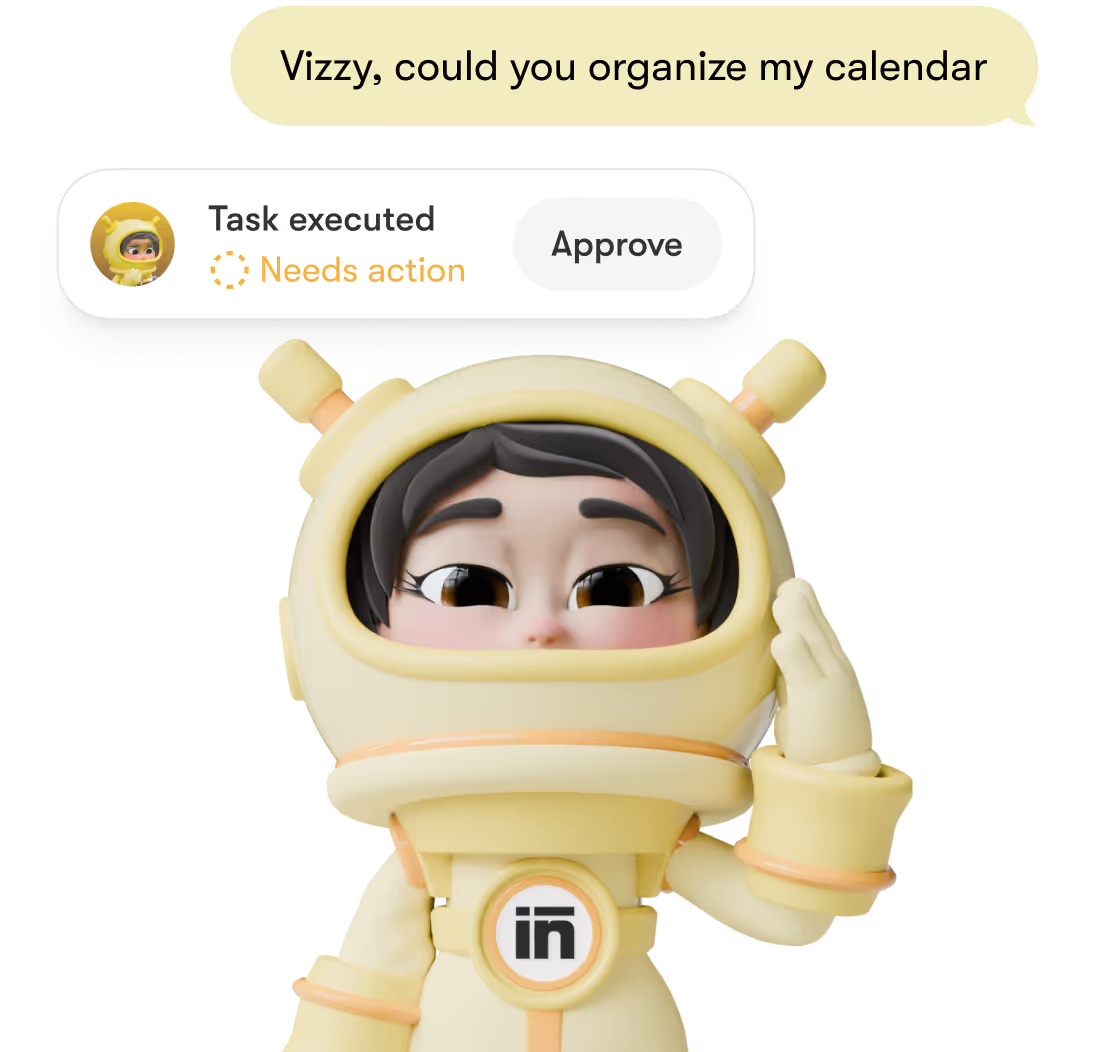
Works with just a few clicks.
Type what you need, review if required, done.
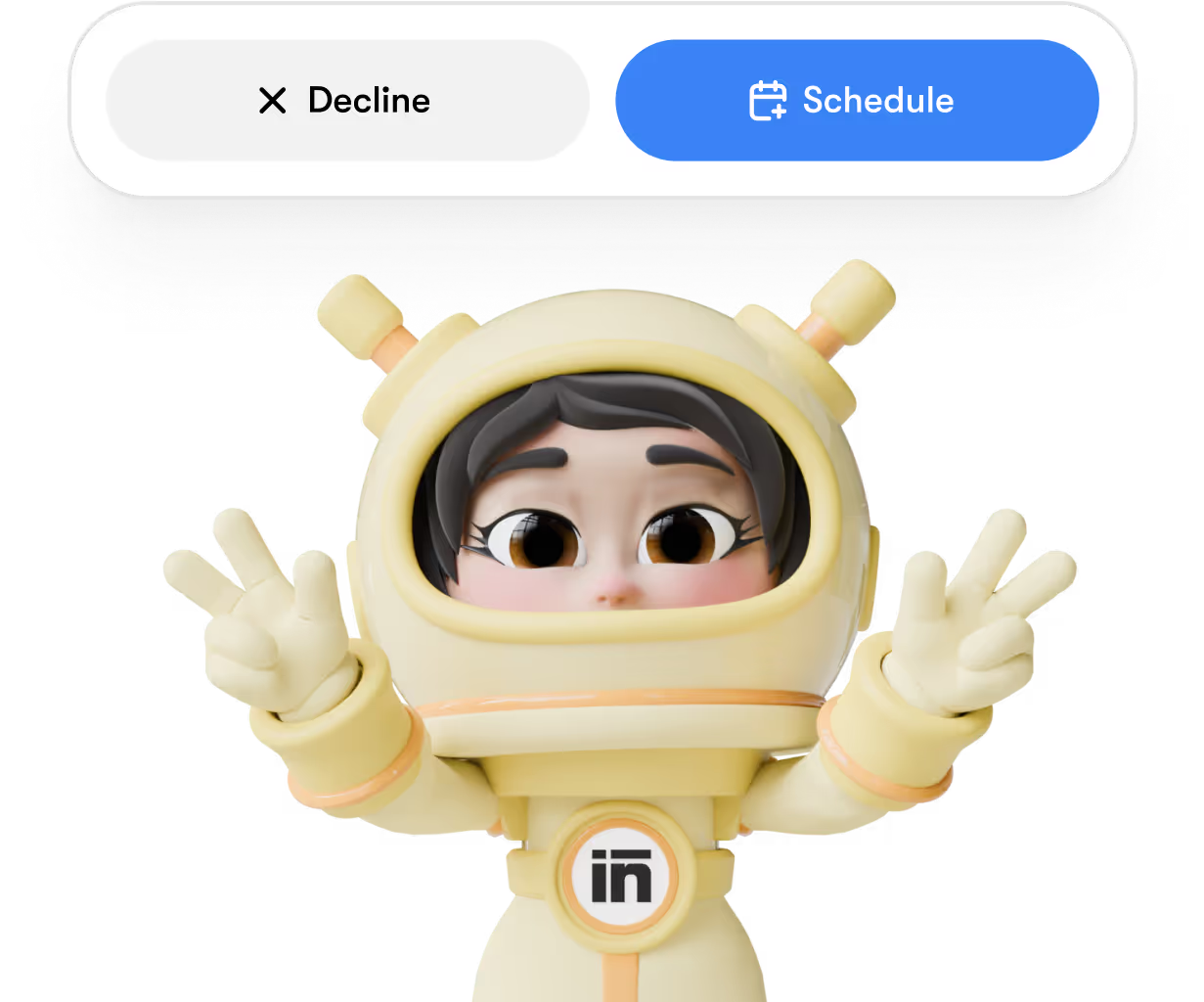
Adapts to your way of working.
Outputs match your preferences, tone, and expectations.

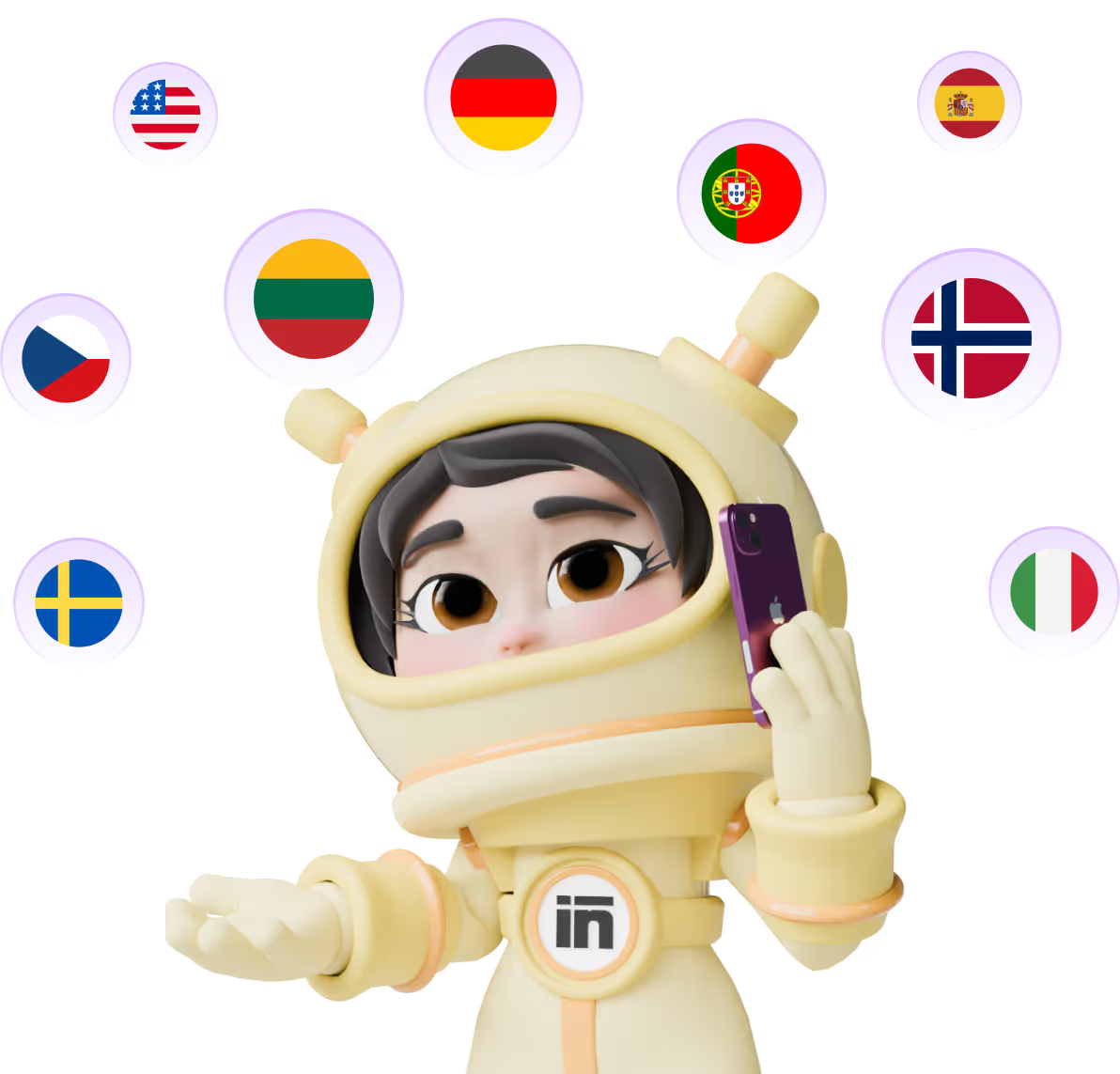
Speaks fluently in 100+ languages.
Work naturally across markets without friction.
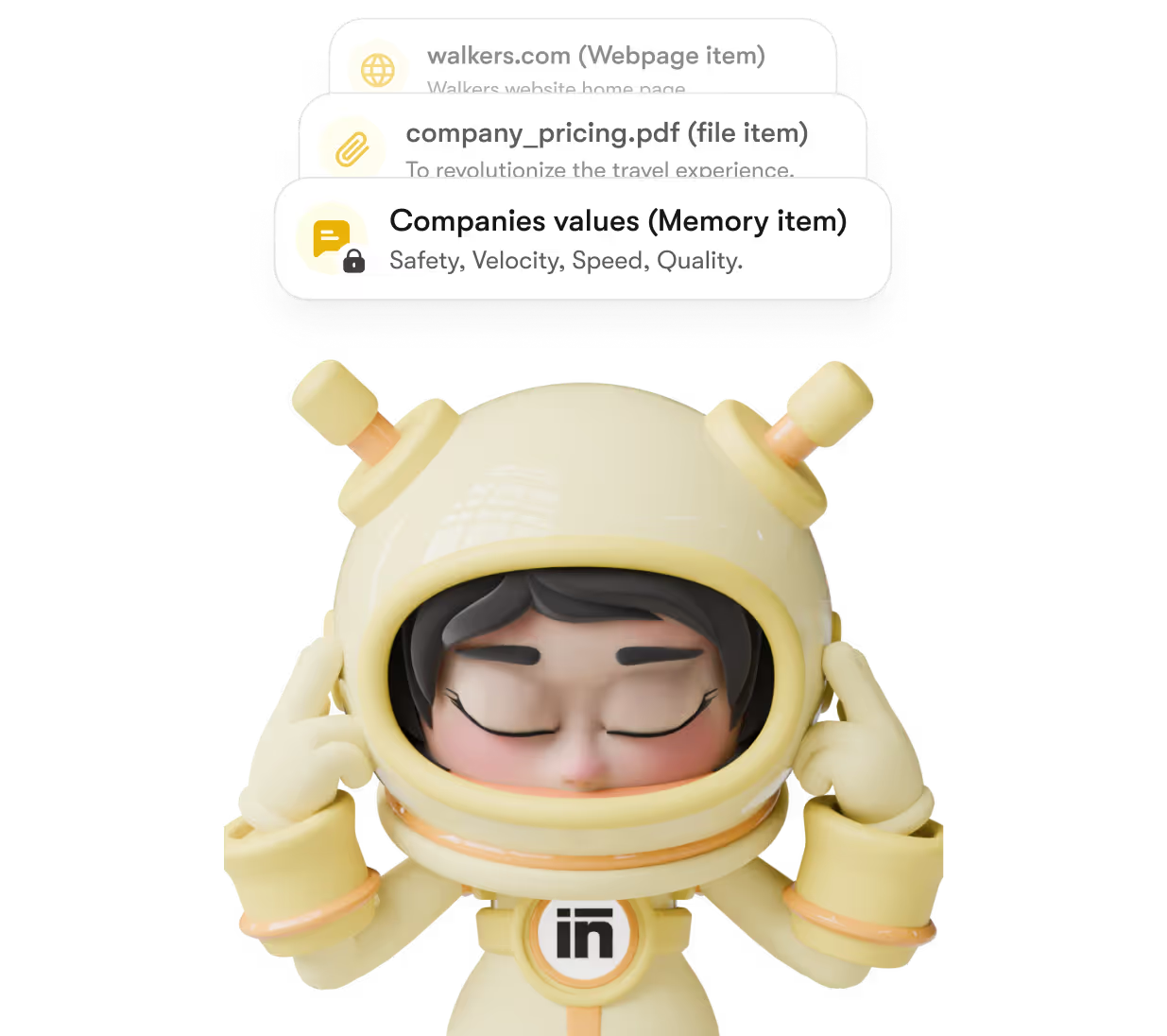
Consistent over time.
Past decisions inform future execution – so work improves instead of restarting.
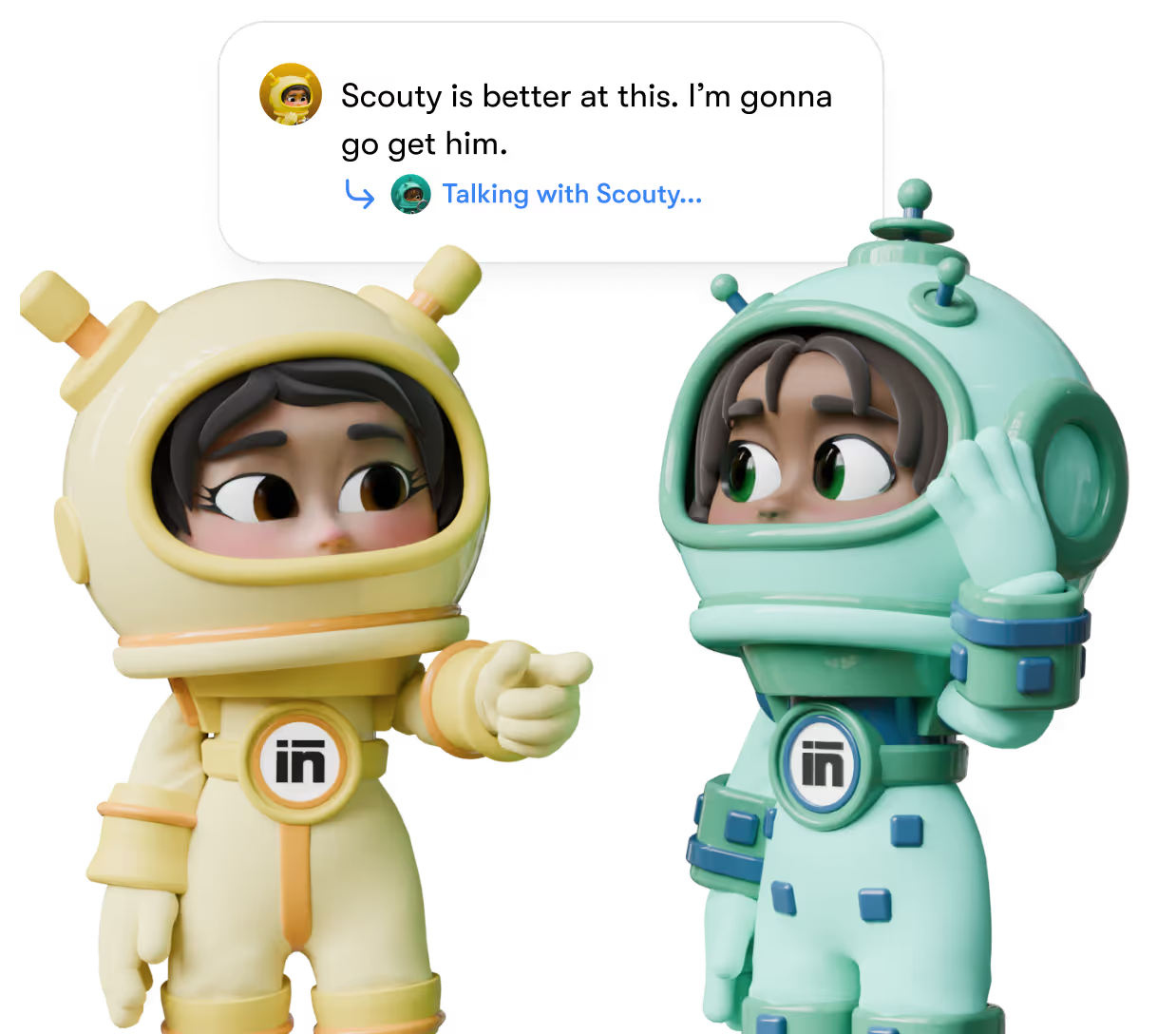
Delegates when needed.
Vizzy can loop in other helpers for research or refinement behind the scenes.
So that's Vizzy.

Try Other AI Generators
Buddy
Let our helpers create and share posts.
Social Media Expert


Penn
Let our helpers create and share posts.
Social Media Expert

Dexter
Let our helpers create and share posts.
Social Media Expert

Seomi
Let our helpers create and share posts.
Social Media Expert

Commet
Let our helpers create and share posts.
Social Media Expert

Soshie
Let our helpers create and share posts.
Social Media Expert

Emmie
Let our helpers create and share posts.
Social Media Expert

Milli
Let our helpers create and share posts.
Social Media Expert

Vizzy
Let our helpers create and share posts.
Social Media Expert

Cassie
Let our helpers create and share posts.
Social Media Expert

Workflow automation FAQs
Most automation tools require workflow engineering. AI translates plain English to execution, which is what automation was supposed to be in the first place.
How is the workflow automation different from Zapier?
How is the workflow automation different from Zapier?
What tools does the workflow automation integrate with?
Gmail, Outlook, Google Drive, Notion, QuickBooks, Shopify, Slack, and common CRMs. For tools without direct integration, the workflow automation can drive them via API calls or shared webhooks. Brain AI remembers your usual integrations so the second workflow uses the same destinations.
Can the workflow automation handle multi-step workflows with conditions?
Yes. Describe conditions in plain English (if the customer is enterprise tier, route to the enterprise rep; if SMB, route to the standard pool). Our workflow automation handles branching logic, conditional skips, and parallel paths. Brain AI tracks which conditions trigger most often.
How does the workflow automation handle errors when a step fails?
Our workflow automation retries failed steps with backoff, logs errors for review, and routes critical failures to a human via your preferred channel. Brain AI tracks which steps fail most often so you can fix the root cause instead of just retrying.
Will the workflow automation work for time-based recurring workflows?
Yes. Set up workflows triggered by time (every Monday morning, end of every month, daily at 9am) and the workflow automation runs them on schedule. Useful for recurring reports, periodic data syncs, and time-based reminders without manual triggering.
Can the workflow automation handle workflows requiring AI judgment?
Yes. Our workflow automation can include steps that need AI judgment (categorize this lead, draft a personalized email, summarize this document) alongside straightforward automation steps. Useful when the workflow includes content generation or classification, not just data movement.