The Best Organization Apps in 2026 (Ranked & Compared)

.avif)
Table of Contents

Quick Answer: What Is the Best Organization App in 2026?
The best organization apps in 2026 include Sintra AI, Todoist, Notion, and Clickup. Each serves a different purpose for your business.
- Sintra AI serves as the best AI-powered business organization system for teams.
- Todoist is the cleanest pick for simple personal tasks.
- Notion wins when you want a fully custom workspace. ClickUp is built for teams running heavy, complex projects.
The future of organization apps in 2026 is not merely about having all your tasks stored somewhere to browse on your device, but about actually completing them. Leadership mindset plays a bigger role than most expect - 30% of reflective leaders believe their organizations can quickly adapt to change, versus only 17% of non-reflective leaders, and reflective leaders are more likely to champion AI adoption at 61% versus 43%. This guide includes all the key categories: AI-powered business applications, such as Sintra AI; task management applications, such as Todoist; and project management platforms, such as ClickUp.
Whether you are a founder with 10 tabs open in your browser or a small team trying to get work done without an entire ops department, we have ranked and reviewed the tools that can help.
That’s why we are confident you will definitely find your best organization app here.
| Tool | Best For | Why It Stands Out |
|---|---|---|
| Sintra AI | AI-driven business organization | Organizes work by roles, not just tasks |
| Todoist | Simple personal task management | Clean, fast, zero learning curve |
| Notion | Custom flexible workspaces | Database + docs + projects in one |
| ClickUp | Project-heavy teams | Deep features, robust dashboards |
| Asana | Structured team collaboration | Timeline views, cross-team visibility |
| Trello | Visual Kanban workflows | Drag-and-drop simplicity |
| Monday.com | Customizable workflow tracking | Visual dashboards, automation recipes |
| Motion | AI scheduling for individuals | Auto-schedules tasks on your calendar |
| Evernote | Note-based organization | Rich note types, personal knowledge hub |
| Airtable | Database-driven organization | Spreadsheet-database hybrid |
Best Organization Apps in 2026 (Full Reviews)
The following tools are the finest organizing applications in each key category: AI-based execution applications, traditional task managers, project management platforms, and custom workspaces. In each review, you'll find a breakdown of what the tool does well, who it is designed to suit, where it reaches its limits, and its cost. No filler, no padding, just the thing to make the right call.
1. Sintra AI - Best AI-Powered Business Organization App for Teams
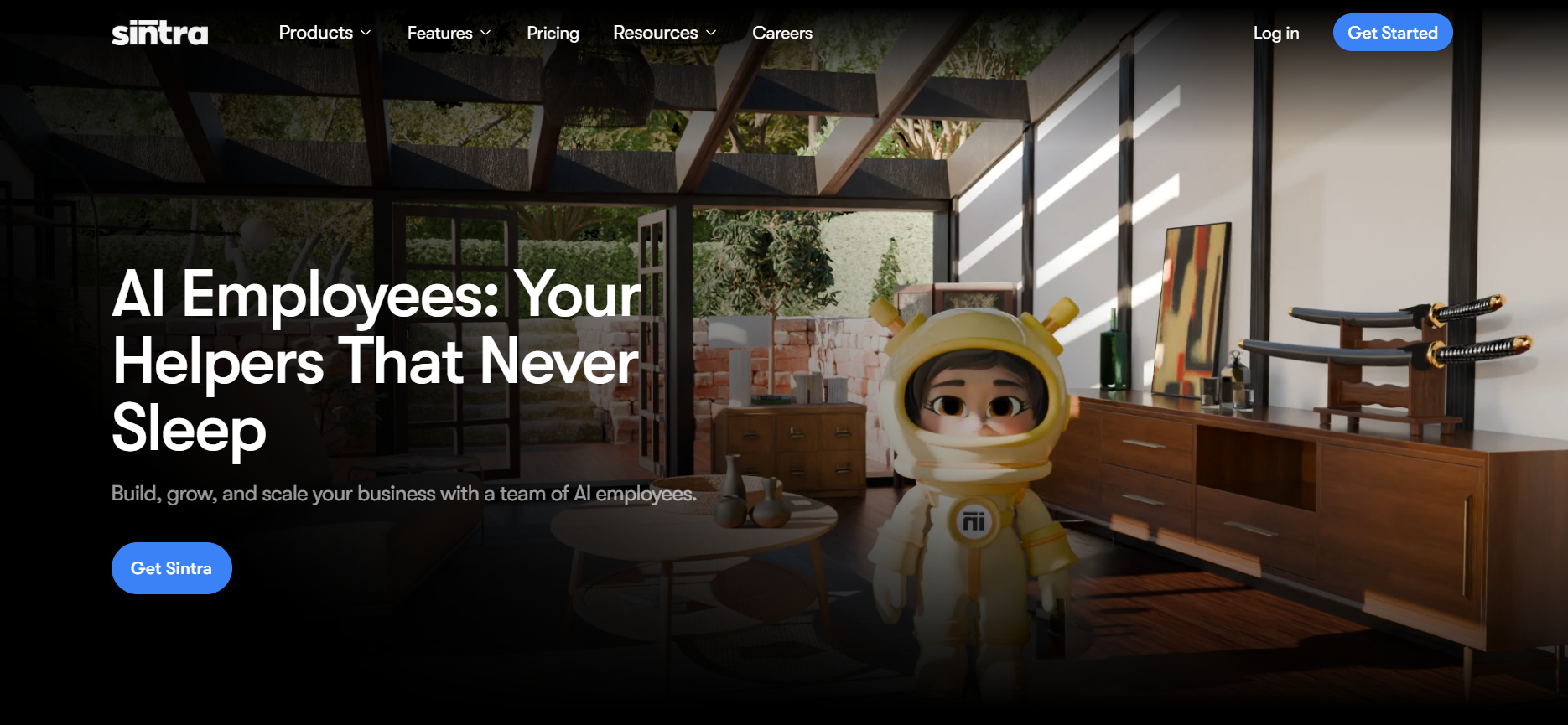
Sintra AI is unlike any other tool on this list. It is not merely a monitor of your work; it is a co-worker. Rather than boards and task lists, Sintra manages your business with role-based AI helpers that own a specific business function. Imagine creating a small AI team, rather than a bigger to-do list.
Overview
The concept of Sintra is that lean teams do not require five specialists to implement in five business functions. Its AI staff handles marketing, content, support services, sales, and visuals, based on a shared-memory platform known as the Brain AI, which contains your brand voice, SOPs, and business context. All assistants are not only aware of your business but also do not need to be briefed on a case-by-case basis.
Key Features
- Role-based AI assistant - Soshie (social), Penn (content), Cassie (support), Buddy (analysis), Vizzy (visuals).
- Shared Brain memory - a single central station of brand context that all AI helpers will access automatically.
- Workflow automation is a multi-functional workflow that does not require manual activation.
- Integrate with your existing tools so work does not exist in isolation.
- AI assistant and AI personal assistant - to execute everyday tasks and be productive.
Real-World Example
Suppose you are introducing a new product. AI copywriter Penn composes the email campaign. AI social media manager Soshie constructs the social calendar. Cassie is prepared to receive support questions in advance. Vizzy creates the visuals. All of them scooping out of the same brand Brain, without you touching five tools and writing five briefs. This is what systematic execution really means in 2026.
Best For
Founders with a lean operation, marketing-heavy startups, and small teams without an operations manager. Sintra is designed for when you spend more time coordinating than working.
Pricing
This is a premium "AI employee" model; expect to pay $48.50/month for the full squad or $39/month for a single helper.
2. Todoist - Best for Simple Personal Task Management
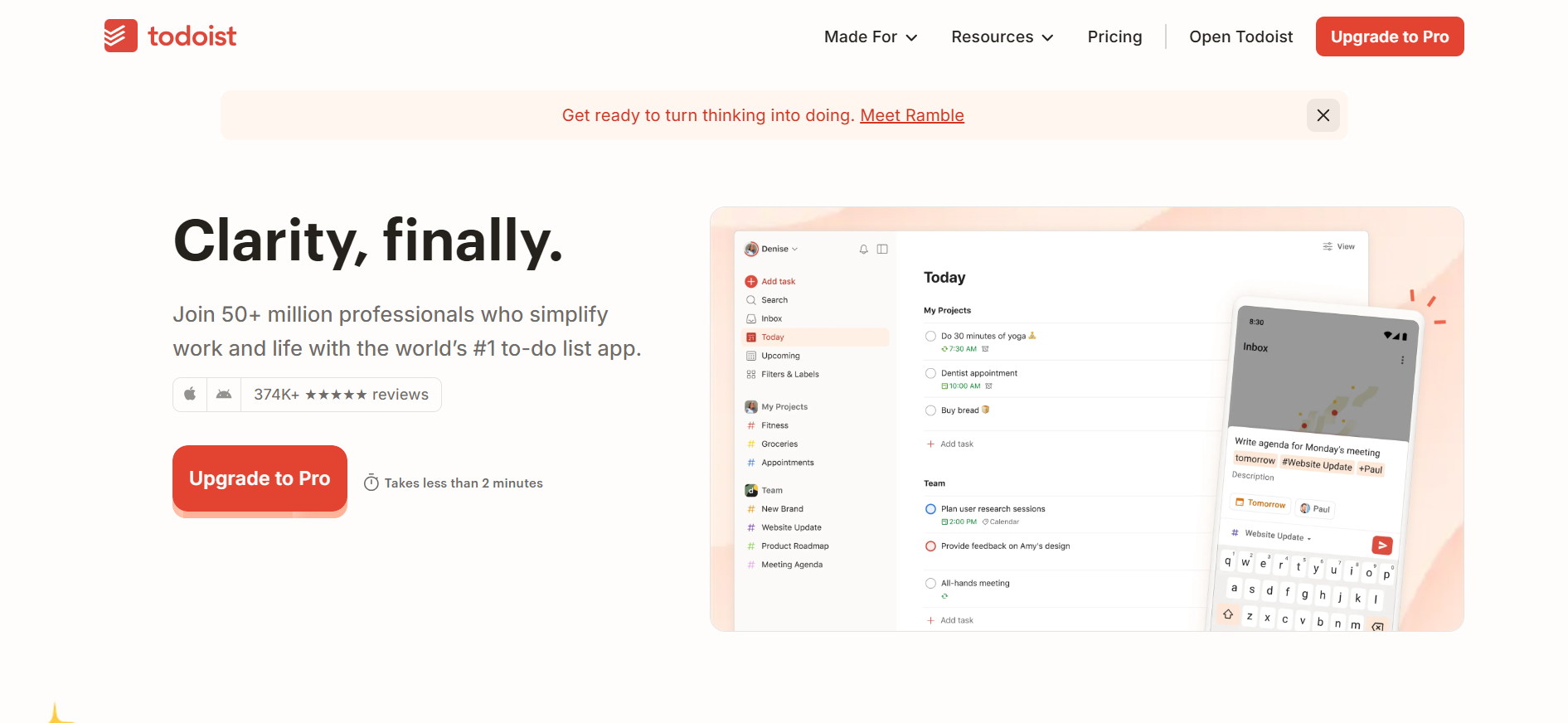
Todoist is the organization application you open on Monday morning because you only have to get your week out of your mind and into the list. It is clean, it is quick, and it functions as your brain anticipates.
Overview
Todoist is known for its natural language processing, enabling users to create and manage tasks quickly. For instance, type what you have to do, and it automatically works out the rest, including recurrence, priority, and due date. It is excellent at managing tasks and does not attempt to be a project management platform, a wiki, or a CRM.
Key Features
- Natural language input - type “send invoice every Friday at 9 am”, and it will figure out the recurrence.
- Quick filtering priority levels and labels.
- Repeating activities and notifications on devices.
- Google Calendar browser plug-in and sync.
- Teamwork (on free tier), if you need more than one collaborator.
Real-World Example
A freelance designer keeps track of their client deadlines, recurring invoices, and weekly administrative tasks all in one clean inbox with Todoist. No setup, no configuration. Just tasks that get done on time, every time, without any overhead.
Best For
People, freelancers, and everyone who wants a trusted personal task manager without a full project platform.
Pricing
Still the king of "cheap and easy," with a solid Free version and a Pro tier that’s just $5/month (billed annually).
3. Notion - Best Flexible Workspace for Custom Systems
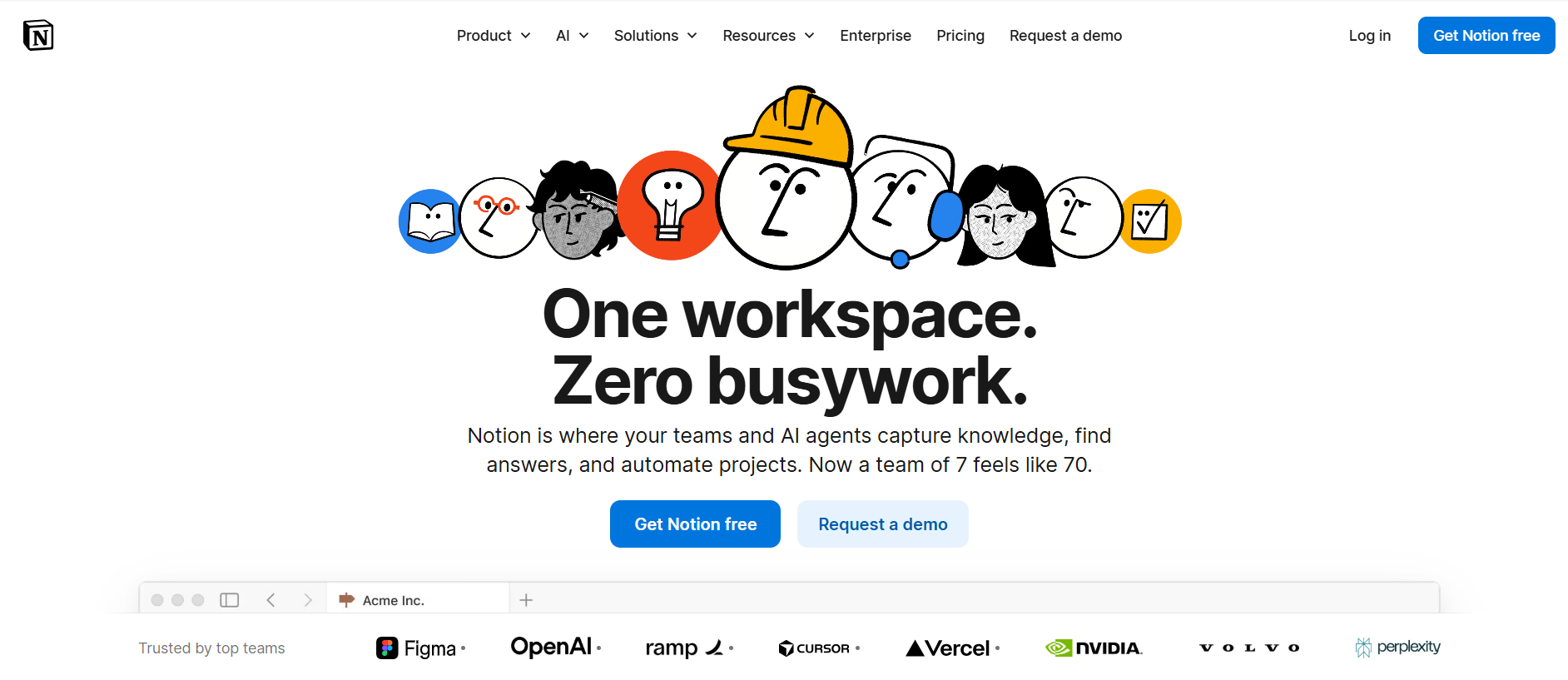
Notion is the team organization app that allows users to build their own systems. It is a database, a document editor, and a project tracker, and it is completely customizable, which is both its greatest strength and its most significant learning curve.
Overview
Notion is highly valued for its flexibility, serving as a database, document manager, and project tracker in a single interface that teams can customize to suit their needs. It is superb when one owns the system and maintains it. Teams that invest in their Notion workspace receive a strong documentation, project management, and knowledge management hub. Teams that lack the bandwidth to do so may end up with a costly digital junk drawer.
Key Features
- Multi-view databases - table, board, calendar, gallery, timeline.
- Linked page relational databases.
- An AI writing assistant is integrated into the editor.
- Fast starting points library of templates.
- Commenting and mentioning collaboratively.
Real-World Example
A content team works on Notion as their editorial center - a single database that follows every article idea to publication, connected to the single brief pages. The marketing manager constructed it during the weekend. The rest simply fill up their column and go.
Best For
Individuals who need full control over how their workspace is formatted, and anyone who does not want to be put in a template, such as content teams, startups that develop their own internal wikis, and so on.
Pricing
You can start for Free. However, to get the best team features, it’ll run you $10/user/month on the annual plan.
4. ClickUp - Best for Project-Heavy Teams
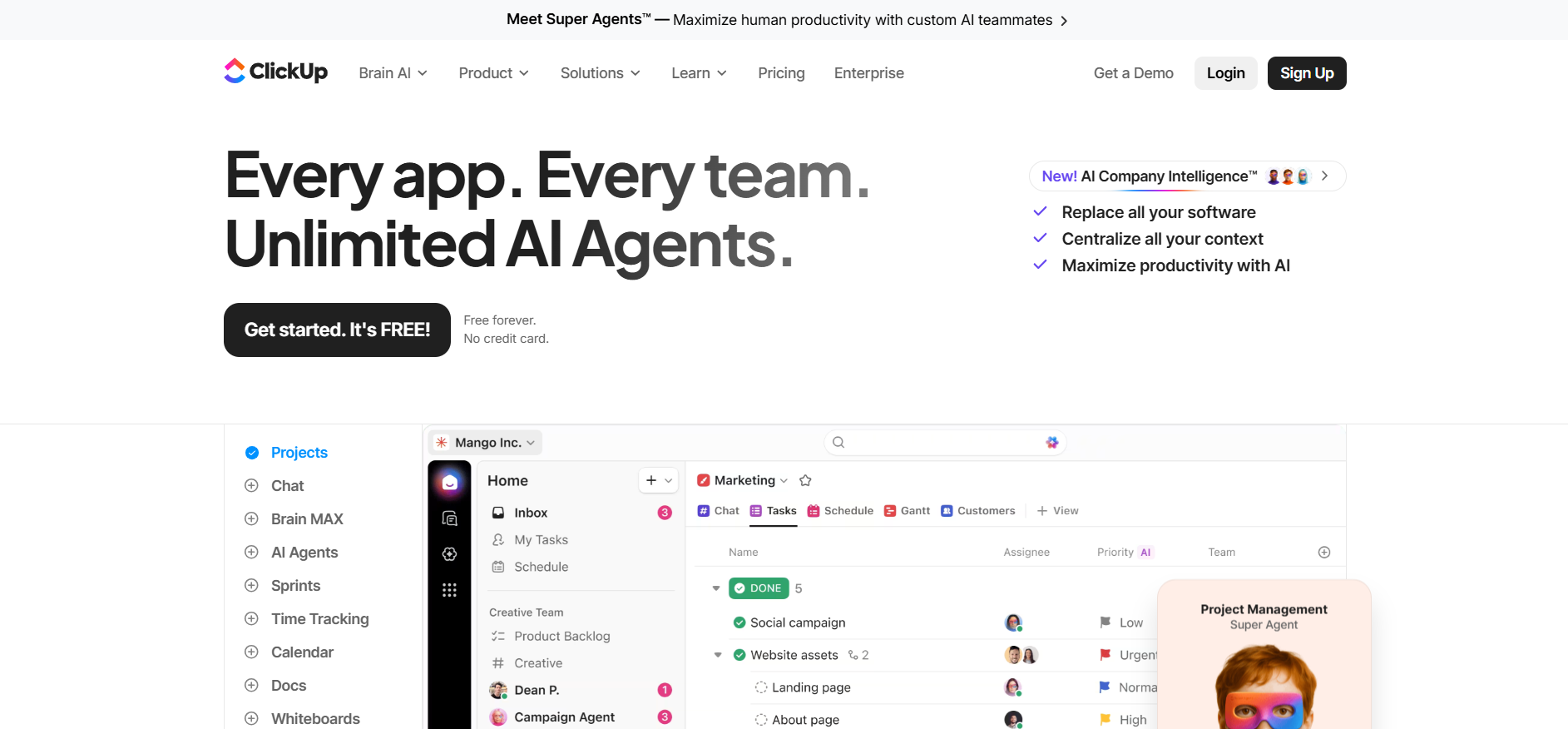
ClickUp combines all the features of project management you can imagine into a single platform. When you have numerous projects underway at the same time, and their dependencies are complex, ClickUp lets you manage them all in one workspace.
Overview
On a single platform, ClickUp combines tasks, documentation, whiteboards, and time tracking, making it one of the most integrated work-organization applications for teams who have outgrown the need to switch between tools. The extent of customization is amazing — you can create workflows that replicate how your group functions. The trade-off is that to get there, one needs an initial investment in configuration, and new team members will take time to orient themselves.
Key Features
- Multiple views: list, board, calendar, timeline, Gantt, workload.
- Custom fields, workflow triggers, and automations.
- Team or company-level goals and OKRs.
- ClickUp Brain AI to generate tasks, summaries, and action items.
- Native time tracking and reporting dashboards.
Real-World Example
A SaaS product team relies on ClickUp to organize development sprints, handle feature requests, and directly link tasks to product objectives, all of which leadership can see in a single real-time dashboard without any manual status report.
Best For
Mid-sized teams, operation-intensive organizations, and product or engineering teams dealing with complex and many-layered projects across departments.
Pricing
They keep a Free Forever plan for basics, while their "Unlimited" power-user tier starts at $7/user/month (annual).
5. Asana - Best for Structured Team Collaboration
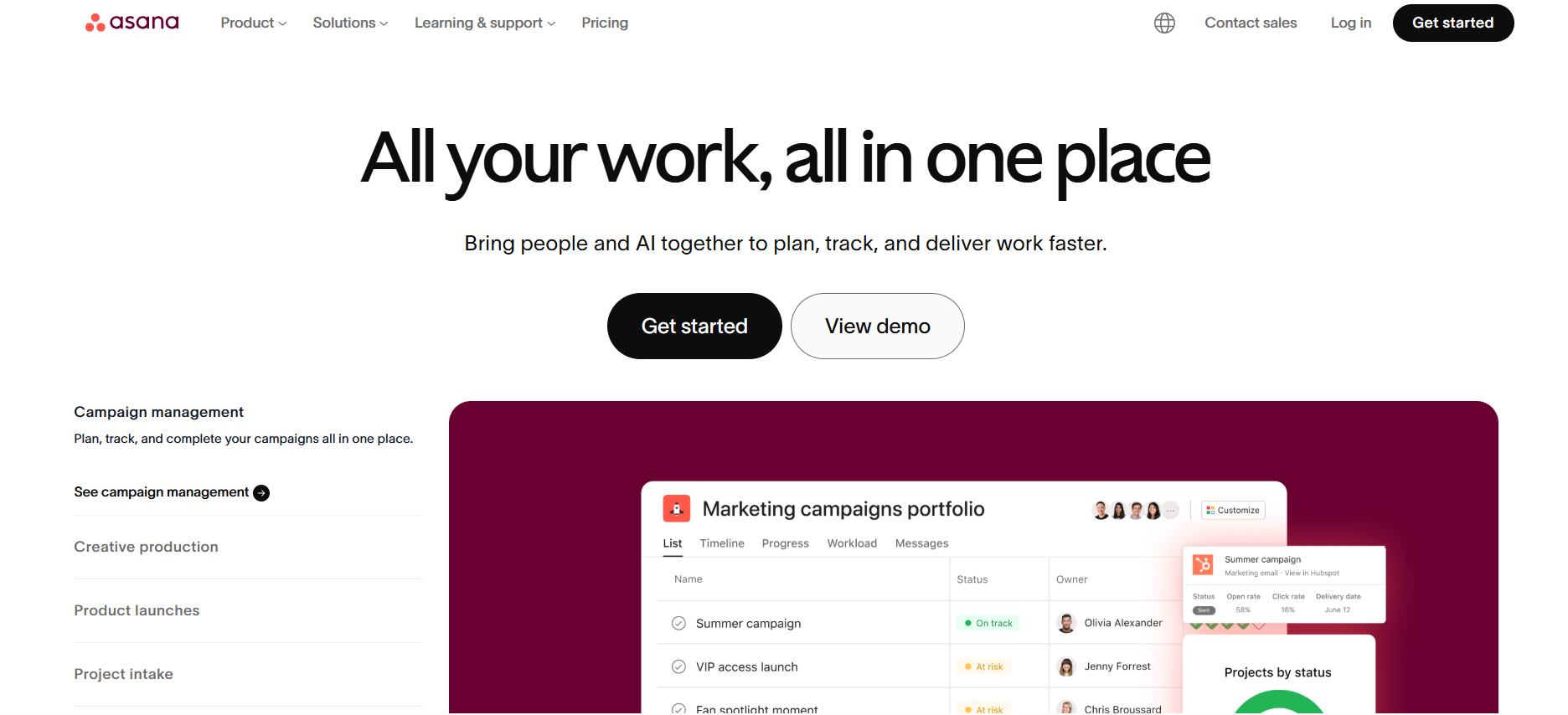
Asana is the team-structure application that mid-sized businesses continue to turn to because it makes cross-team responsibilities truly visible. No chasing status updates. No wondering who owns what.
Overview
Asana is great for monitoring projects and reporting progress, providing managers with real visibility into all deliverables without having to hunt anyone down for a manual status update. Its time-line perspective, task-relationship, and cross-team project association have made it the choice in organizations with many departments that require consistent, predictable delivery.
Key Features
- Gantt and timeline charts of deadline-based projects.
- Inter-team dependencies on tasks and tracking of portfolios.
- Repeatable process automation workflow builder.
- Goals that are linked to teamwork deliverables.
- Workload perspective to balance team capacity amongst team members.
Real-World Example
Asana helps a marketing team keep track of quarterly campaign schedules - each deliverable has a schedule attached, and every member of the team knows what is due and when. The CMO can see the whole image without anyone having to provide him with an update.
Best For
Mid-sized businesses, marketing and operational departments, and organizations require structured, auditable workflows that span departments and functions.
Pricing
A bit pricier for the structure they provide; the Starter plan is $10.99/user/month when paid yearly.
6. Trello - Best Visual Organization App for Kanban Users
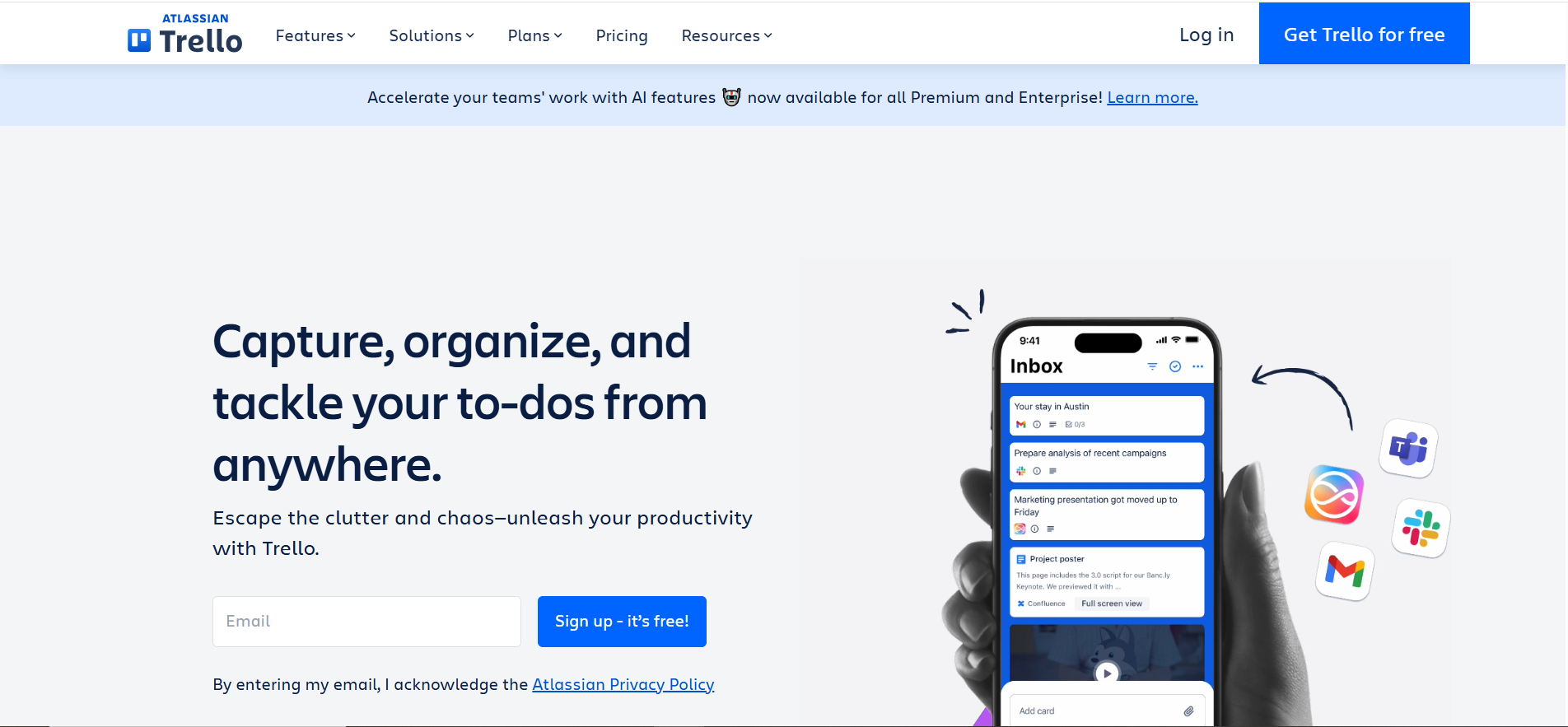
Trello is the free organization application that wins in sheer simplicity. You open it, you have it, and within five minutes, you move the cards through your hands. For lightweight workflows, it is precisely the right tool.
Overview
Trello provides boards, cards, and lists that help users organize tasks and work with teams, giving all members a single, visualized picture of the current state of work at any moment. Trello is structured as a collaboration tool to help teams work together through boards, cards, and lists to organize tasks, making it one of the most open avenues for structured team workflows in small teams and content pipelines. The entire system is built on visual clarity, and in most small workflows in Teams, that's all you need.
Key Features
- Trello's drag-and-drop system for moving and organizing tasks saves time in the long run, replacing manual status updates with a simple card move across the board.
- Power-Ups to connect to Slack, Google Drive, and others.
- Butler automation with rule-based workflow triggers.
- Checklists and templates of the repetitive tasks.
- Power-Up calendar and timeline views.
Real-World Example
A small agency manages its content pipeline using Trello, with each client having a board and each board having columns for drafts, review, approved, and published. The entire team will know where all the content is in real time without the need to schedule a single status meeting.
Best For
Small teams, freelancers, content pipelines, and anyone seeking a visual, zero-overhead task tracker that brings value immediately.
Pricing
Very budget-friendly with a generous Free tier; their Standard plan is a flat $5/user/month annually.
7. Monday.com - Best for Customizable Workflow Tracking
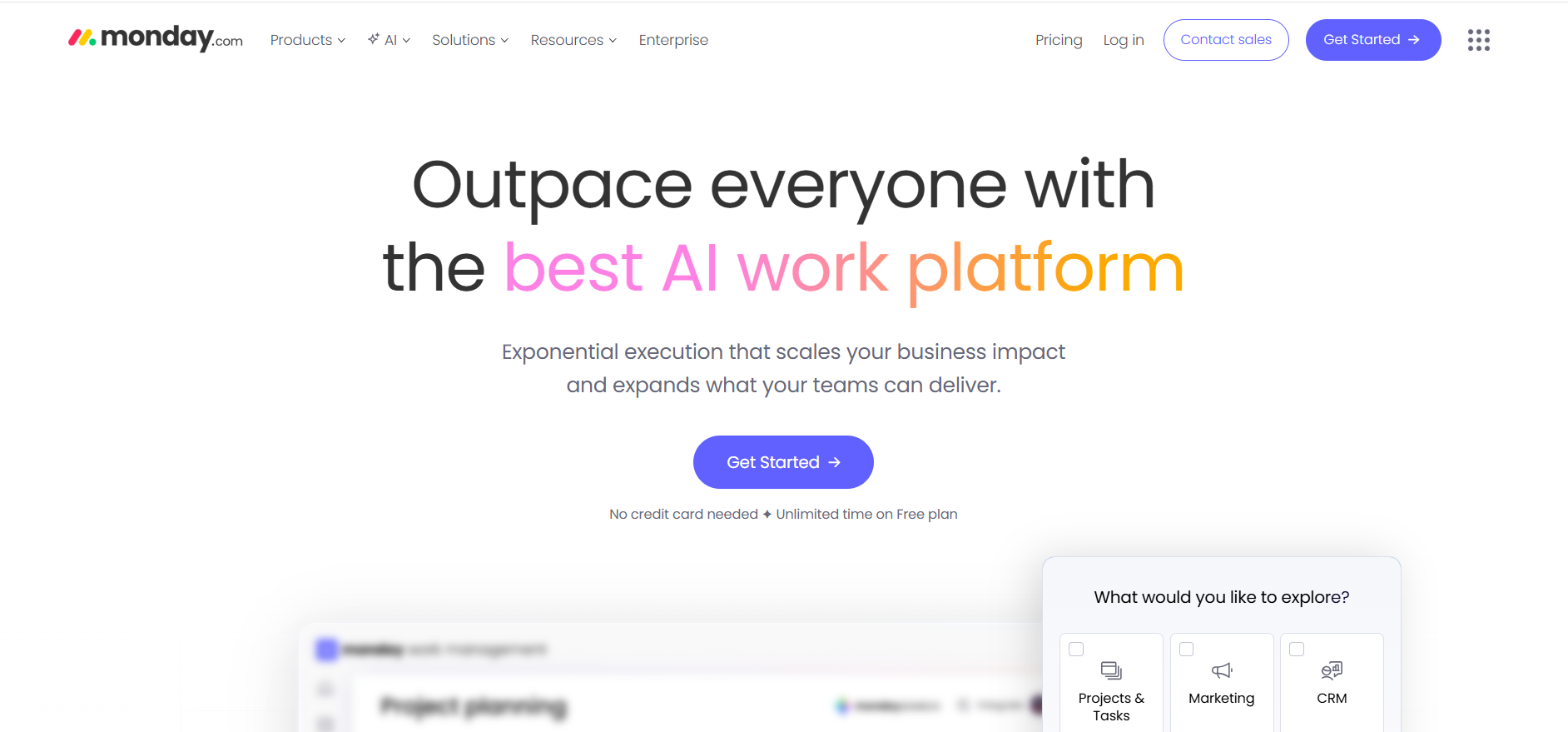
Monday.com lies between the simplicity of Trello and the complexity of ClickUp, which is the right balance for operations-driven teams. It is visual, customizable, and truly strong after the initial setup.
Overview
Monday.com can be used to monitor project progress and offers customizable dashboards, giving all team members real-time visibility into the project's status without the need to scroll through updates or schedule a status update call. Its automation recipes and trigger-based rules that activate when statuses change help reduce the amount of manual coordination work that silently kills team efficiency on a weekly basis without anyone noticing.
Key Features
- Any workflow structure or team has customizable column types.
- When/then trigger logic automation recipes.
- Visual dashboards that drag data across boards simultaneously.
- Views on workload management and capacity planning.
- Integration with 200+ business tools.
Real-World Example
Monday.com is used by an operations team at a growing e-commerce company to view inventory processes, vendor schedules, and worker capacity, all in a single color-coded dashboard, updated in real-time without anyone having to refresh a spreadsheet manually.
Best For
Teams that are operations-intensive, organizations that are process-based, and teams that desire visual dashboards that have in-built automation that do not need a developer to set up.
Pricing
Positioned for growing teams, their popular Pro plan sits at $28/seat/month (billed annually).
8. Motion - Best AI Task Scheduler for Individuals
Motion doesn't ask you to find time for your tasks. It auto-adjusts and makes time when your day changes. That is a truly different way of working for calendar-driven people.
Overview
Motion allows you to automatically plan all tasks in your calendar and reschedule them if priorities change, i.e., your plan is always updated to reflect your real availability, rather than what you planned at the beginning of the day. This is a radically different proposal from a typical organizing application: you are not managing a list, but a self-adjusting schedule, which is aware of your actual day in real time and does not require you to replan manually.
Key Features
- AI-powered automatic task scheduling directly on your calendar
- Rescheduling in real-time when priorities or meetings change suddenly.
- Auto-scheduling deadline-based project management.
- Booking and calendar coordinator assistant.
- Daily planner view, which rebuilds your real availability.
Real-World Example
A busy executive who has back-to-back meetings uses Motion to maintain a daily task schedule that reflects their available time. When an urgent meeting is added at noon, Motion automatically moves the afternoon tasks without any manual input.
Best For
People, leaders, and freelancers who live and die by their calendar and require AI to manage time allocation smartly, without contributing an extra set of decisions to an already-busy day.
Pricing
They don't do freebies; it’s an investment in your time at $19/month (billed annually) or $34 if you go month-to-month.
9. Evernote - Best for Note-Based Organization
Evernote is the personal organizer for those who store everything and actually have to retrieve it later. It is not a task manager, but a personal knowledge hub that keeps your information in exactly your way of thinking and working.
Overview
Evernote is a note-taking organization tool that allows users to organize their work-related data into easy-to-search, extract, and act on notes, regardless of how many years ago they were saved. Evernote has a minimal interface that is nonetheless versatile enough to help you stay up-to-date and sensibly organize your knowledge; there is no steep learning curve or complicated setup that will stand between you and a well-organized personal knowledge base. It remains one of the most powerful apps in its category for researchers, writers, and knowledge workers who work with large amounts of reference material.
Key Features
- Evernote supports all types of notes, including images and audio recordings, so it is one of the most flexible capture tools for mixed-media work.
- Full-text search in any content of the notes, including handwriting.
- Flexible and personal organization structure, notebooks, and tags.
- Web Clipper web extension to store pages and articles in real time.
- Native support of Google Drive, Slack, and Microsoft Teams.
Real-World Example
Through Evernote, a consultant can save research on clients, bookmark competitor articles, and take notes on meetings, all tagged with the client's name and available at any time on any device. By the time they are to write a proposal, all they require is at their fingertips and can be searched in a single place without the need to dig through old emails.
Best For
Scholars, authors, consultants, and individual professionals are working with large volumes of reference content and personal information across many ongoing projects.
Pricing
You can still use it for Free, but serious note-takers usually opt for the $14.99/month Advanced tier.
10. Airtable - Best for Database-Driven Organization
Airtable provides the flexibility of a spreadsheet to technically minded teams with the strength of a relational database. When your team requires storing and organizing interrelated data, not only tasks, Airtable is designed to handle that issue.
Overview
Airtable is recommended for organized database management, allowing teams to create custom, non-standard views over common underlying data so that each department can see only what is relevant to their operations, and nothing more. Kanban Marketing status of the campaign. Op is aware of the deliverables schedule. A grid of budgets is seen in finance. All sharing a single source of truth, and without replicating a single row of data anywhere.
Key Features
- Multiple views on shared data: grid, Kanban, calendar, gallery, timeline
- Connected record fields of relational structure across tables.
- Code-free trigger-based workflow automations.
- Interfaces designer to create custom team dashboards.
- Huge integration library through native connectors and Zapier.
Real-World Example
In Airtable, a content operations team manages its entire editorial pipeline, including a client database, a writer database, and a live content calendar, all within a single base that automatically updates its status as fields change, so no one needs to enter data by hand.
Best For
Operations teams, content ops, technical teams, and data-driven workflows require an organized, relational data arrangement, not merely task tracking.
Pricing
Free for small projects, but scaling up to a Team plan costs $20/user/month on an annual cycle.
How We Chose the Best Organization Apps
We did not extract this list from product marketing pages. All the tools in this category have been tried with real workflows - SaaS teams, content pipelines, founder setups, and lean startup teams. We rated each organizational app in six categories: usability, level of automation, collaboration, scalability, integrations, and artificial intelligence capabilities.
Onboarding speed is another aspect that we considered. An organizing app that needs three weeks to organize before it can be used is not really benefiting anyone. The tools on this list either clear your path quickly or provide the power needed to offset setup time. One more thing we considered was how each tool handles execution, not just task storage, since in 2026, task storage is the bare minimum.
Traditional Organization Apps vs AI-Powered Organization Systems
The organization's tools have gained significant ground in a very short period of time. The traditional organization applications were designed to store and manage your work. AI-based systems are designed to assist you in planning, generating, and getting it done. That is not a minor difference; it is an entirely different job description for the software in your stack.
Side-by-Side Comparison
| Feature | Traditional Organization Apps | AI-Powered Organization Systems |
|---|---|---|
| Primary function | Store and track tasks | Plan, generate, and execute work |
| To-do lists | Yes, easy to create and organize | Yes, plus auto-prioritization |
| Reminders and notifications | Built into most tools | Built-in plus proactive AI triggers |
| Automation | Basic, rule-based triggers | Deep, cross-functional AI workflows |
| Content generation | None | Drafts, copy, plans, briefs, responses |
| Manual input required | High - every update is manual | Low - AI handles repetitive actions |
| Best for | Individuals, simple workflows | Lean teams, multi-role execution |
| Learning curve | Low | Low to medium |
| Cost to start | Free tiers are widely available | Paid plans vary by platform |
| Examples | Trello, Todoist, Notion | Sintra AI |
What Traditional Organization Apps Do Well
Task management apps can help users manage their personal and professional responsibilities more efficiently - keeping both personal and professional workloads visible and under control in one place. Here is what they consistently get right:
- Easy to-do list creation: Effective task management apps let users create and organize to-do lists easily. No setup, no configuration, just tasks ready to go from the first minute.
- Reminders and notifications: Many task management apps offer features like reminders and notifications to help users stay on track and prevent tasks from falling through the cracks on busy days.
- Low cost to start: Free tiers on Trello, Todoist, and Notion cover most solo and small-team needs without requiring a credit card or a procurement process.
- Zero onboarding overhead: Most traditional tools are usable within minutes of signing up; no training sessions, no documentation, no IT involvement required.
- Reliable structure: Boards and lists stay exactly where you put them. No surprises, no AI moving things around, no unexpected changes between sessions.
The tools do what they're told. Nothing more, nothing less, and for individuals and small teams with straightforward workflows, that's exactly the right level of tool for the job.
Where Traditional Apps Fall Short
The cracks appear when work gets fast, complex, and multi-functional. Here is what breaks down:
- Every update is manual: Status changes, handoffs, and reassignments all require a human to do something; open the app, find the task, update the field, notify the right person. Every single time.
- No output generation: The app can show you a task is "in progress," but it can't write a word of it, draft a reply, or move the work forward on its own.
- Context switching between tools: Updating Notion, ClickUp, email, Google Docs, and Slack for one campaign eats hours of real work time every single week without anyone noticing where the time went.
- Coordination is a job in itself: Someone has to route every task, chase every update, and close every loop manually, which is a full-time role that most small teams simply can't afford to fill.
- No proactive assistance: Traditional tools wait for input. They never take initiative, flag a risk, or suggest what should happen next. They are reactive by design and always will be.
Imagine coordinating a marketing campaign manually. You're updating the content calendar in Notion, tracking tasks in ClickUp, sharing briefs over email, collecting feedback in a Google Doc, and posting updates in Slack. Every handoff is a manual action. Every status change is its own task. The tools organize your information, but they don't reduce the actual volume of coordination work you carry every day.
What AI-Powered Organization Systems Add
Users can benefit from using task management apps to centralize their tasks and responsibilities in one place. With AI systems, that centralization extends to execution, not just storage. Here is what AI-powered organization apps bring to the table:
- Automated workflow triggers: Some task management apps offer automation to streamline repetitive tasks and improve workflow efficiency. AI takes this further by acting without any human prompting at all, not just responding to pre-set rules.
- Smart prioritization: Task management apps can improve productivity by helping users prioritize their tasks and manage their time effectively. AI removes the need for manual prioritization entirely, deciding what matters most based on real-time context.
- Content drafting: Replaces the need to brief a writer, wait for a draft, manage revisions, and send approval reminders; the AI produces a working draft directly from the brief.
- Cross-functional coordination: Replaces the coordinator role that small teams often can't afford to hire; each function has its own AI helper that owns its lane without being micromanaged.
- Active execution: AI is now moving into the role of an active business participant, a system that doesn't just support work but actually performs it across tools, teams, and time.
Which Type of Organization System Is Right for You?
- Solo user or freelancer with simple tasks: A traditional organizer app like Todoist or Trello covers everything you need without any overhead or monthly cost.
- Small team with a stable, repeatable workflow: A traditional organizing app on a free or low-cost plan gives you the structure and visibility you need without overcomplicating things.
- Lean team managing marketing, sales, and support simultaneously: An AI-powered system like Sintra AI, where each function has its own AI helper executing work, not just tracking it.
- Founder handling multiple business functions without an ops manager: An AI-powered system with role-based execution that removes the coordinator burden from your plate entirely and runs without constant input from you.
- Team that needs content drafted, not just tracked: An AI-powered system that generates output, copy, briefs, social posts, and responses, rather than simply storing the task of producing them.
The deciding question isn't "which tool has more features." It's simply this: do you need to track work, or do you need help actually doing it?
Best Organization App by Use Case
There is no single winner in all situations. The best organization app for a solo founder is not the same as that for a 15-person marketing team. This section subdivides it by real-world scenario so that you can align the tool with the real problem you are actually seeking to solve at the current time, not the problem you will have in 18 months.
Best Organization App for Small Teams Without Managers
Teams without a designated operations manager waste a lot of time trying to organize work that should evidently be handled. Sintra AI resolves this by substituting the coordinator with role-based AI assistants that are fully responsible in their domains.
Sintra has an AI helper for marketing, content, support, and sales, which does not merely track. Certain task management applications offer automation to simplify routine tasks and optimize workflows, and Sintra takes this logic to its extreme, automating coordination itself.
Best Organization App for Founders Wearing 10 Hats
Founders are more familiar with the context-switching tax than anyone else. You are copywriting at 9 am, sales decking at noon, customer service at 3 pm, and social media at 8 pm. Organization and time management apps of the past required you to make all that mess the same way by hand, which is a job unto itself on top of all you are already doing.
A centralized AI execution system like Sintra collapses that overhead. The shared Brain implies that each AI assistant is already aware of your business, your voice, and your priorities, so there is no need for a new briefing on a case-by-case basis.
Best Free Organization Apps
Budget-constrained? Top free organizational apps of 2026 include Notion (a flexible personal workspace), Todoist (a clean personal task manager), and Trello (a visual Kanban board).
Each of the three can provide truly useful free versions to individuals and small start-ups. They all have restrictions on automation, seat counts, and integrations in the free tier; however, for the features required to run on an individual basis or with a small staff, they include the essentials at no cost.
Key Features to Look for in an Organization App in 2026
Organization apps should not be limited to task tracking in 2026. Automation, AI support, a collaborative structure, and the level of integration have become the minimum requirements for any serious business tool. This is what you should consider before committing yourself to anything.
AI-Powered Automation vs Manual Task Management
Automation depth is currently the largest difference between average and great organizing apps. Task management apps also make people more productive by enabling them to prioritize tasks and manage their time better, but AI-powered automation is even more efficient, as it can schedule, route, and perform the work without human intervention at each stage.
Organizational teams that apply automated best practices spend less time on organizing and more time implementing the work that will propel the business forward on a daily basis.
Role-Based Organization for Teams
Most conventional tools are project-organized. Actual work organization applications must be functionalized, since that is how businesses operate. In case marketing, sales, and support are on the same flat board, everyone loses context quickly.
Role-based organization assigns each function its own lane, its own AI helper, and its own workflow, dramatically reducing friction in cross-functional work in lean teams without assigning specific managers.
Collaboration and Visibility Across Teams
Multi-user functions such as sharing dashboards, commenting, user access controls, and cross-team reporting are non-negotiable in any organizational application used by multiple people at once. Teams end up duplicating work and missing handoffs without visibility.
Permission granularity and notification design are aspects to pay special attention to when considering tools. You would want notices that force you to respond, not ones you can learn to turn off or switch off within a week of registering.
Integrations With Existing Tools
Organizing applications that do not interoperate with your CRM, email service, or document system creates data silos that cost you hours per week. Always map your existing tool stack before committing, and cross-reference native integrations with your 5 most-used tools per day. This is important, too: API access: open APIs imply that you can develop custom links as your workflows change without an underlying integration, gradually releasing them over time.
Scalability for Growing Teams
At a small size, free organization apps perform well, but they begin to crash once they scale to seats, automations, and data storage. Test what each level of payment actually unlocks - and whether the pricing framework is punitive of growth.
The most popular organization apps grow with your team and do not require the entire platform to be shipped every 18 months just because you added five new people.
Ease of Use and Learning Curve
The most rapidly embraced organizer apps offer pre-built workflow templates with an AI-assisted configuration, shortening the gap between registration and real utility. The longer the period between the “creation of an account” and its “usefulness”, the lower the adoption rate will be across your whole team.
Never trust scaling on any platform without first running a real trial with your actual team, not a slick example with a salesperson.
Security, Data Privacy, and Trust Signals
Any organizational application that involves business-critical information should have its SOC 2 compliance, data encryption at rest and in transit, role-based access controls, and distinct data retention policies checked.
In organization-specific apps that use AI, check whether your content is being used to train models and whether you can stop this altogether. These are typical due diligence items in 2026, and every serious vendor must have documented, transparent responses to them, available before you even make a sales call.
Ready to Organize Work by Outcomes Instead of Tasks?
Task tracking is not an issue for most teams. Their problem is execution. The boards are full, the lists long, and the work still is not being completed fast enough. Those are the voids that AI-powered organization apps were created to fill, and that void is only getting more costly to ignore as teams do more with less.
If you're ready to stop managing tasks and start managing outcomes, Sintra AI is the natural next step. Role-based AI assistants, collective business memory, cross-functional workflows, and execution that does not require human intervention at each step. It is not merely an improved tool for lean teams, founders, and marketing-heavy startups. It is a fundamentally improved mode of work. Start with Sintra and find out what it is like to use an organized execution in practice.
Organization Apps FAQs
What is the best organization app in 2026?
Sintra AI is the best overall organization app in 2026 and is used by teams that require AI-powered performance across a range of business tasks. Todoist is the best in the field for personal, simple task management. For flexible custom workspaces, Notion is the best choice. The answer to this question lies fully in the necessity of tracking work or performing it.
Which organization apps are best for teams?
In 2026, Sintra AI (AI-based execution), ClickUp (heavy on projects), Asana (structured cross-team workflows), and Monday.com (heavy on operations) are the best team organization apps. They all work on teams of varying sizes and levels of complexity; therefore, you need to find the best fit between the tool and the kind of work your team does on a day-to-day basis.
Are there good free organization apps available?
Yes — Notion, Todoist, and Trello have truly useful free organization apps with a wide range of features. They are solid for personal use and in simple workflows, especially for early-stage teams. With the expansion of teams, free plans typically restrict automation, seats, and integrations, so either subscribing to a paid plan or switching to a more powerful platform is required.
What is the difference between task management apps and organization apps?
Task management applications specialize in creating and managing tasks. Whereas, organization applications are more general - task management, documentation, workflow automation, collaboration, and, in recent AI-powered applications, proactive execution of business processes in many departments at once.
Can AI replace traditional organizational tools?
Not completely, but AI-driven systems, such as Sintra AI, are replacing the functionality of conventional tools in specific use cases. Where the old organizing applications store and track, AI systems write, execute, and organize. In workflows that involve a lot of execution, AI systems deliver significantly higher per-employee leverage. Traditional tools are still very effective and cost-efficient for simple personal tracking.
Related articles