


Cursor vs ChatGPT: Which AI Tool Is Right for You?


Table of Contents

Quick Answer: Cursor vs ChatGPT
Cursor is built for developers who want AI to work directly in their codebase. ChatGPT is built for anyone who needs help with writing, research, planning, brainstorming, or general problem-solving. They're not competing products; they're different tools for different jobs.
Most developers and business operators today have at least two or three AI tools open at any given time. The problem isn't access, it's knowing which one to actually use. The Cursor vs ChatGPT question comes up constantly, and it's easy to see why: both are powerful, both involve AI, and both promise to make you faster at your work.
But they're built for completely different jobs. Cursor is an AI-powered code editor that lives in your development environment and works directly on your files. ChatGPT is a general-purpose AI assistant built for writing, research, planning, and problem-solving across almost any task. As AI tools become a core part of both development and business workflows, knowing which one belongs in your stack, and when, matters more than ever.
This comparison breaks down exactly that, and also looks at where both tools hit a ceiling and what fills the gap, including how AI teams are being used to move from AI outputs into actual execution.
Here's a quick snapshot:
Cursor vs ChatGPT: Key Differences
Surface-level comparisons miss what actually matters day to day. The real differences show up when you're mid-project, under pressure, and need the tool to just work.
Here's a fuller comparison across the things that actually affect your workflow:
The main point: these tools aren't interchangeable. Once you see the differences laid out this way, it's easier to stop second-guessing and just pick the right one for the task at hand.
Core Purpose and Positioning
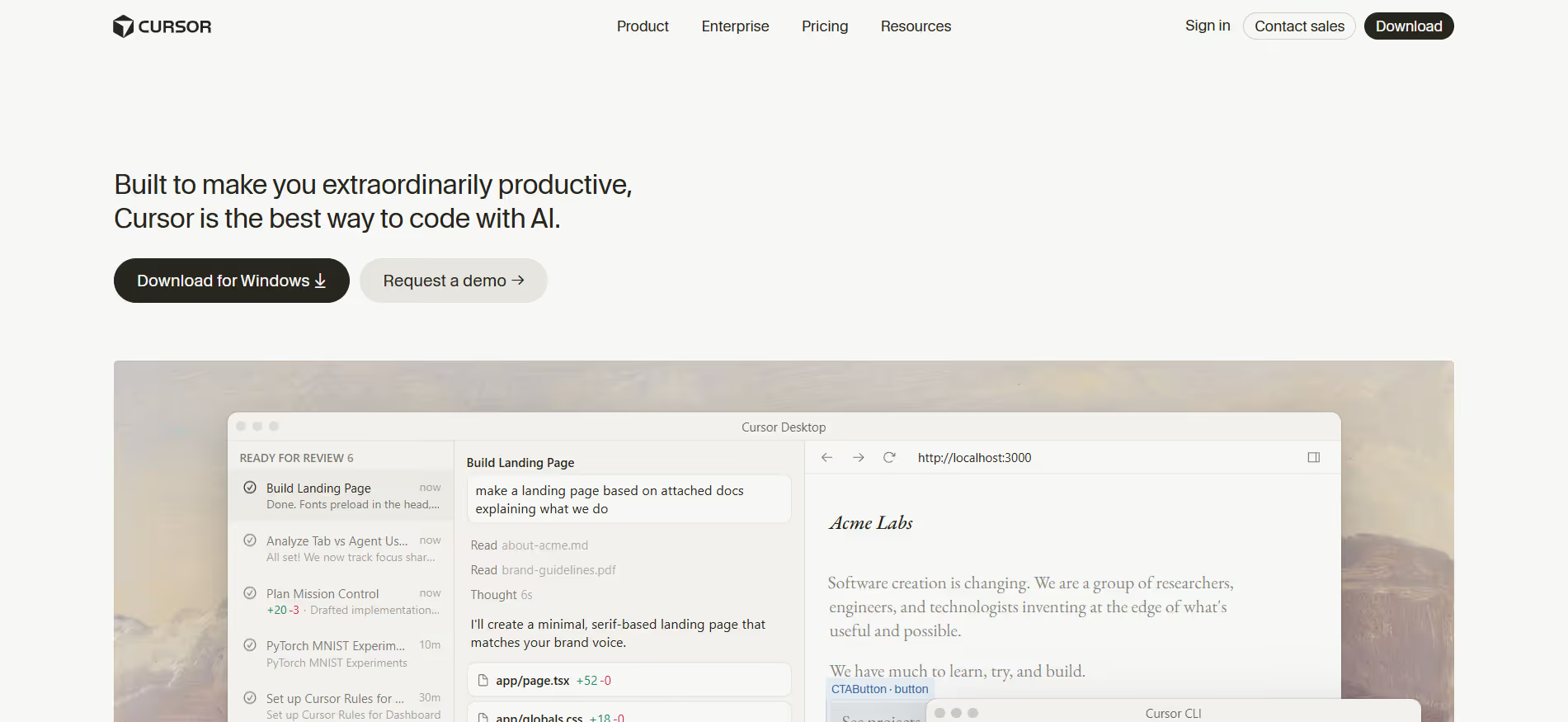
Cursor is purpose-built for developers who work inside a codebase daily. It sits in your editor, reads your project, and makes changes to your actual files. Think of it less like a chatbot and more like a senior developer who already knows your codebase inside out.
ChatGPT sits outside your workflow. It's a conversation-first tool. You describe a problem, get a response, and decide what to do with it. That makes it incredibly flexible; you can use it to draft an email, explain a legal clause, or debug a function. But it doesn't directly affect your files.
Real-world example: If you're building a SaaS app and need to refactor your authentication logic across 15 files, that's Cursor's territory. If you're figuring out what auth system to use in the first place, ChatGPT is the better thinking partner.
Coding and Development Capabilities
This is where the difference is starkest.
Cursor:
- Reads your entire project structure, not just the file you show it
- Makes changes directly in your files; no copy-pasting
- Agent mode handles multi-step tasks: editing files, running terminal commands, verifying changes
- Tab completions predict your next edit based on real project context
- Background agents (Pro+ plan) can work on tasks while you focus elsewhere
ChatGPT:
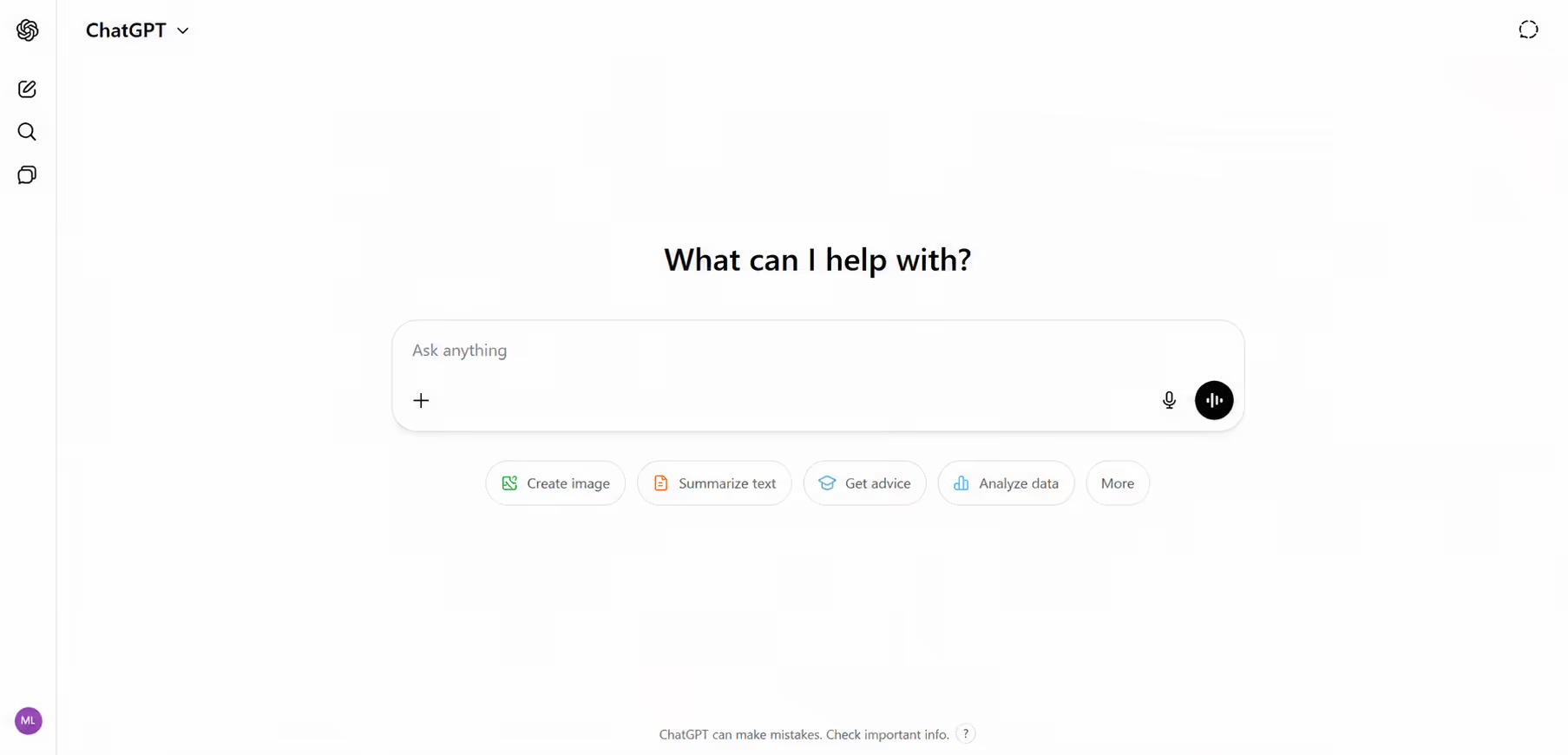
- Generates code in a chat window
- You copy it into your project manually
- Strong at explaining why code works, not just writing it
- The Codex agent can run code in a sandboxed environment, but it's separate from your local setup
- Better for one-off snippets, boilerplate, or learning new patterns
Practical example
You have a bug where a component breaks because of a missing import three files away. The cursor can catch bugs that depend on how files interact, thanks to its full context-awareness of the codebase. ChatGPT would need you to paste each relevant file and manually explain the relationships.
Content Creation and Communication
ChatGPT wins here.
- Long-form writing: blog posts, reports, case studies
- Email drafting and tone adjustment
- Research summaries and document analysis
- Brainstorming and ideation
- Conversational back-and-forth to refine ideas
Cursor can generate documentation comments and README content, but that's the ceiling. It's not built for writing workflows. If your work involves content as a core output, ChatGPT is the tool for that.
Workflow Integration and Tool Ecosystem
Cursor integrates deeply but narrowly. It tightly integrates with your development environment and little else. Everything it does is rooted in the codebase open on your machine.
ChatGPT integrates broadly but lightly. It works across web, mobile, and desktop. It can connect to third-party tools through plugins and the API. It's flexible across contexts, but it won't go as deep into any single workflow as Cursor does within an IDE.
Most developers end up using both depending on the task. Planning and research happen in ChatGPT. Building happens in Cursor. There's no single tool that covers both ends of that spectrum well yet.
Output Types and Practical Applications
Cursor generates code directly in your files with full awareness of your existing codebase, while ChatGPT generates code in a chat window that must be copied and pasted into the project. That distinction determines most of the practical difference between these two tools.
Limitations of Cursor and ChatGPT
Here's something both tools have in common: they generate outputs, but they don't execute tasks.
Cursor writes your code. ChatGPT writes your content. But neither of them:
- Publish that content to your site
- Sends that outreach email
- Manages your customer support queue
- Updates your CRM with new leads
- Runs your marketing campaigns
They stop at the output. Someone, or something, still has to take that output and do something with it in the real world.

This isn't a knock on either tool. They're built to augment human work, not replace the humans doing it. But if your goal is actual business outcomes, not just better outputs, there's a gap between what these tools produce and what actually needs to happen next.
When to Use Cursor vs ChatGPT
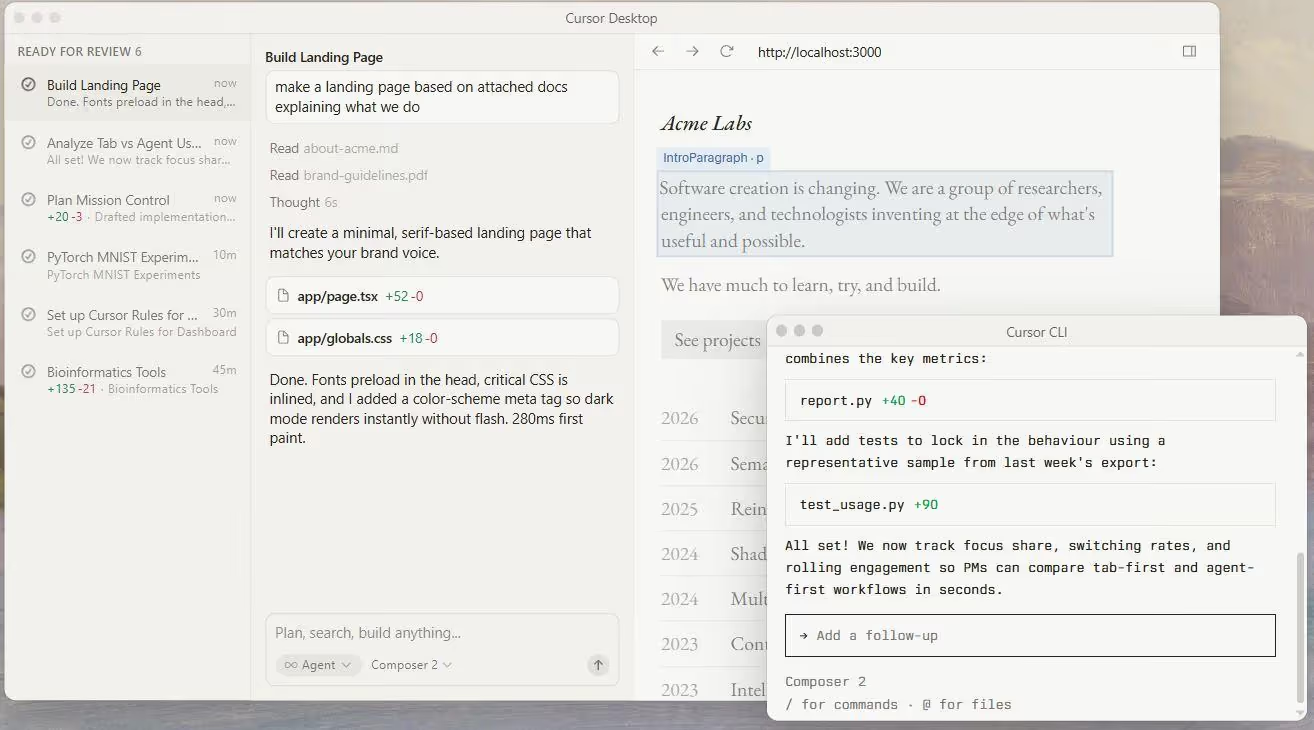
Use Cursor when: You're a working developer who ships code regularly, and the bottleneck is writing, editing, or debugging within a real project.
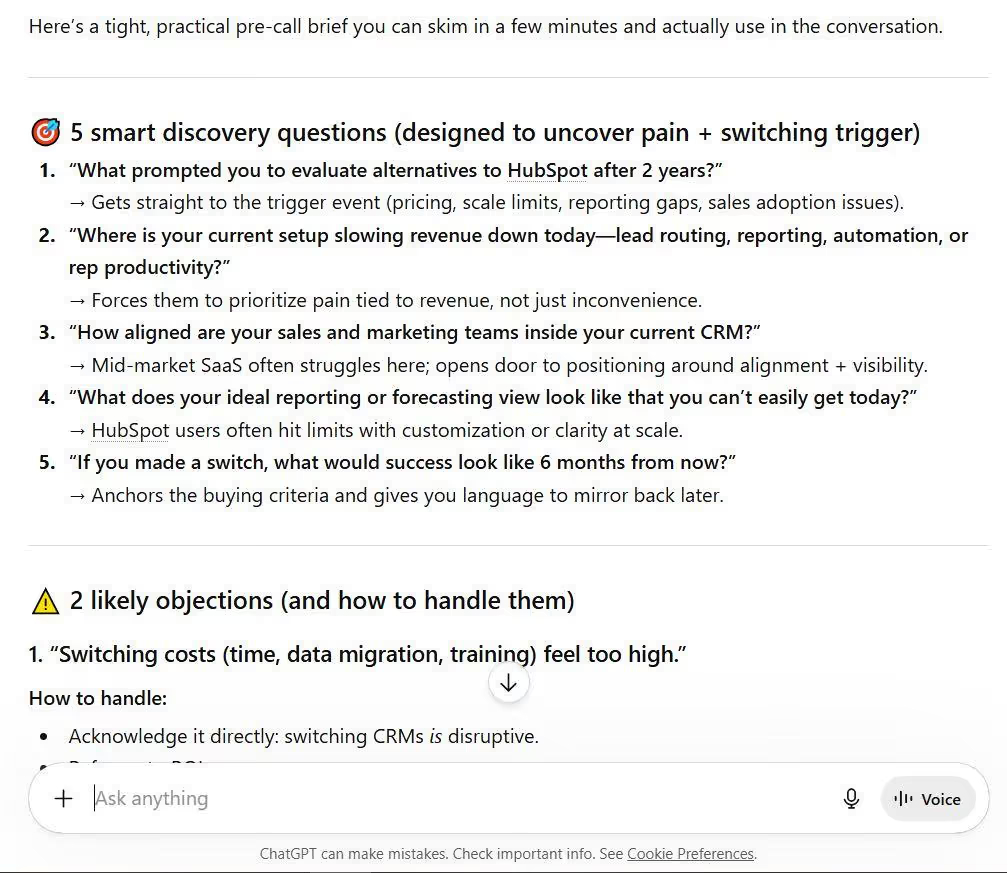
Use ChatGPT when: You need a thinking partner for planning, writing, research, learning, or tasks that live outside a code editor.
Use both when: You're a professional developer. Many developers use both ChatGPT and Cursor together to leverage their unique strengths, with ChatGPT handling research and planning while Cursor manages coding tasks directly in the IDE. At $40/month combined for both Pro plans, most find that setup pays for itself quickly.
Role-based recommendations:
- Professional developers: Cursor as primary, ChatGPT as secondary for planning and docs
- Students learning to code: Students and beginners are recommended to start with ChatGPT, as its conversational format is ideal for learning to code and exploring concepts without needing a project open. Add Cursor's free tier once you're working on real projects.
- Occasional coders: ChatGPT may be more suitable due to its general-purpose nature, which serves diverse needs beyond coding, making it more valuable when coding is infrequent.
- Non-technical founders: Consider AI app builders rather than coding tools like ChatGPT or Cursor, as these tools assume users can read and evaluate code.
Pricing: What You'll Actually Pay
ChatGPT offers a free tier at $0/month, a Plus plan at $20/month, and a Pro plan at $200/month, catering to users from casual to power users. Plus is the sweet spot for most developers.
ChatGPT Plans
Cursor Plans
Cursor offers a free Hobby tier at $0/month, a Pro plan at $20/month, a Pro+ plan at $60/month, and an Ultra plan at $200/month, designed for varying usage levels. One thing to know: Cursor's "Auto" mode doesn't consume credits. Credits only drain when you manually select premium models, such as Claude Sonnet.
Using both ChatGPT Plus and Cursor Pro together costs $40/month, making it a cost-effective solution for developers who need both tools.
What Studies Say About These Tools (Not the Companies)
Here's what independent studies and official survey data actually confirm. These are no marketing copy, no inflated claims. Let’s share what we have learned.
Stack Overflow 2024 Developer Survey (65,437 respondents, 185 countries)
76% of developers said they are already using AI tools or intend to incorporate them into their workflows, an increase from 70% the year before. However, only 43% said they trust the accuracy of AI tools, and 45% believe AI tools struggle to handle complex tasks. The top three AI tools used by developers were ChatGPT (82%), GitHub Copilot (41%), and Google Gemini (24%), confirming ChatGPT's dominance as a general-purpose coding companion, though not necessarily as a code editor replacement.
Stack Overflow 2025 Developer Survey
In 2025, the biggest frustration for developers, reported by 66%, is AI outputs that are close to correct but still not quite right. The second most common issue, cited by 45%, is that debugging AI-generated code takes more time than expected. This applies directly to both Cursor and ChatGPT; the output quality issue is real and well-documented.
Source: 2025 Developer Survey
Peer-Reviewed Study: Cursor's Impact on 807 GitHub Repositories (arXiv, November 2025)
This is the most rigorous independent study on Cursor to date. Through a difference-in-differences design comparing 807 Cursor-adopting repositories with 1,380 matched controls, researchers found that Cursor adoption produces substantial but transient velocity gains alongside persistent increases in technical debt, and that technical debt accumulation subsequently dampens future development velocity.
On average, Cursor adoption showed a modestly significant positive impact on development velocity, with lines of code added increasing by about 28.6%. But the gains were concentrated in the first one to two months, then returned to baseline. This isn't a reason to avoid Cursor; it's a reason to pair it with code review discipline.
Randomized Controlled Trial: AI Tools and Experienced Developer Productivity (METR / arXiv, July 2025)
In a randomized controlled trial in which 16 experienced open-source developers completed 246 tasks using early 2025 AI tools (primarily Cursor Pro and Claude Sonnet), developers forecast a 24% reduction in completion time, but the study found that allowing AI actually increased completion time by 19%.
This doesn't mean Cursor isn't useful. The researchers noted that there may be strong learning effects for tools like Cursor that only appear after several hundred hours of use, and that developers in the study typically used Cursor for only a few dozen hours before and during the study. Context matters enormously here.
Source: Measuring the Impact of Early-2025 AI on Experienced Open-Source Developer Productivity
Cursor's Growth as a Market Signal
Cursor reached $100 million in ARR within 12 months of launch, making it the fastest SaaS company to ever hit that milestone. It also reached over 1 million users, including 360,000 paying customers, almost entirely through word of mouth. By September 2025, Cursor had reached 1 million daily active users and $500M in ARR, capturing approximately 40% of the AI code editor market, with developer satisfaction at 89%.
That level of organic adoption in a developer community, historically skeptical of hype, is itself a signal worth noting.
Source: 10 Cursor Statistics (2025) | How Cursor Grows: AI Coding Tool Growth Strategy Breakdown 2026
What We've Learned From These Findings
The research points to a nuanced picture neither tool's marketing will tell you:
- ChatGPT is the most widely used AI coding tool by volume, but developer trust in AI accuracy is still low across the board.
- Cursor drives real velocity gains, but works best when developers invest time learning it and pair it with review discipline.
- Both tools are more complementary than competitive; the "which is better" question matters less than "which fits this specific task."
Beyond Cursor and ChatGPT: How Sintra AI Turns Output Into Execution
Here's the real problem neither tool solves: the output isn't the outcome.
You can generate the perfect marketing email in ChatGPT. You can ship clean code with Cursor. But the email still needs to be sent, the leads still need to be followed up on, the content still needs to be published, and the customer questions still need answers. That gap between what AI generates and what the business actually needs done is where most teams lose time.
This is what's now being called the “Execution gap”: the distance between creating an output and actually running the workflow that delivers results.
Sintra AI is built to close that gap. Where Cursor and ChatGPT stop at generation, Sintra moves into execution, running business functions, managing workflows, and completing tasks end-to-end.
What Is the AI Execution Gap?
Think of it this way:
- ChatGPT writes a marketing plan. Someone still has to run the campaigns.
- Cursor builds the feature. Someone still has to deploy it, write the release notes, and notify customers.
- ChatGPT drafts customer responses. Someone still has to send them, track them, and follow up.
The execution gap is the space between the AI output and the actual business result. For most teams, that gap is still filled entirely by human time. That's the bottleneck that neither Cursor nor ChatGPT addresses.
How Sintra AI Bridges the Gap
Sintra isn't a chatbot or a code editor. It's an execution platform that runs business functions through AI Helpers, specialized virtual workers that handle specific business tasks from start to finish.
The difference: instead of handing you an output to work with, Sintra's AI integrations actually complete the task. Marketing campaigns run. Outreach emails get sent. SEO tasks get handled. Customer queries get resolved.
It integrates with your existing tools and workflows, so there's no need to build a new system from scratch. You bring the business context; Sintra brings the execution.
AI Helpers: From Output to Action
AI Helpers are Sintra's version of specialized team members. Each one is trained to handle a specific business function:
- Marketing Helper: Runs campaigns, creates content, manages messaging
- SEO Helper: Handles keyword research, content optimization, and on-page tasks
- Customer Support Helper: Responds to inquiries, routes issues, and manages follow-ups
- Outreach Helper: Manages lead communication and follow-up sequences
The difference from a chatbot is that these Helpers don't stop at advice. They complete the task. That's the shift from generating to executing.
Brain AI and Context-Aware Automation
One of the key limitations of both Cursor and ChatGPT is memory. Every new conversation in ChatGPT starts from scratch. Cursor can store some project context via .cursorrules files, but it's still largely session-based.
Sintra's Brain AI solves this at a business level. It stores your company's knowledge, like your brand voice, customer data, processes, and history, and uses that context to make every task more accurate over time. The more you use it, the better it understands how your business operates. That's not possible with static prompts in Cursor or ChatGPT.
Real-World Workflow Example
Here's what a full workflow looks like in practice:
- Plan in ChatGPT. You explore the problem space, outline your product launch strategy, and draft the key messages.
- Built-in Cursor. You implement the landing page and backend logic. A typical combined workflow involves using ChatGPT to explore problem spaces and outline solutions, then implementing those plans in Cursor, which can handle file creation and terminal commands automatically.
- Execute in Sintra. The launch email goes out. The lead follow-ups run. Customer inquiries get handled. The content gets published and distributed. SEO tasks run in the background.
Each tool does what it's actually good at. Nothing falls through the cracks because a human forgot to follow up.
Move From AI Tools to Real Business Execution
Generating great outputs is step one. The value only shows up when those outputs become real actions, that is, sent, published, responded to, or completed.
Cursor and ChatGPT are genuinely useful tools. If you're a developer, you probably need both. But if you're running a business and still manually turning AI outputs into work, you're leaving most of the value on the table.
Sintra AI is designed for that next step: turning what you've generated into something that actually gets done. Get started with Sintra AI and see what execution-first AI looks like in practice.
Cursor vs ChatGPT FAQs
What is the main difference between Cursor and ChatGPT?
Cursor is designed specifically for coding tasks, allowing direct modifications to the codebase, while ChatGPT serves as a general AI assistant that requires manual copying of code snippets for editing. Cursor works inside your development environment and reads your entire project. ChatGPT works through a chat interface and handles a much wider range of tasks, like writing, research, planning, and more.
Is Cursor better than ChatGPT for coding?
For writing and editing code inside a real project, yes. Cursor has full project context awareness, enabling it to understand file relationships and dependencies, whereas ChatGPT operates in isolation, relying on user-provided context for each interaction. However, ChatGPT is more effective for learning new frameworks, walking through complex logic step by step, and handling individual code snippets outside of an active project. ChatGPT excels at explaining errors and providing step-by-step debugging assistance, while Cursor can catch bugs that depend on how files interact, thanks to its full context-awareness of the codebase.
Can ChatGPT replace Cursor AI?
No. ChatGPT generates code you still have to paste into your editor, test, and manage manually. For multi-file edits and refactoring, Cursor's Agent mode can automate changes across multiple files, whereas ChatGPT requires manual input for each file, making Cursor more efficient for complex coding tasks. The Codex agent in ChatGPT closes some of this gap, but it runs in a cloud sandbox separate from your local environment.
Can you use Cursor and ChatGPT together?
Absolutely, and most professional developers do. A typical combined workflow involves using ChatGPT to explore problem spaces and outline solutions, then implementing those plans in Cursor, which can handle file creation and terminal commands automatically. Professional developers benefit from using Cursor because its integrated workflow reduces time lost to context switching and manual code transfer. ChatGPT handles the thinking and planning; Cursor handles the building and shipping.
What tool helps turn AI outputs into real business actions?
That's where platforms like Sintra AI come in. Cursor and ChatGPT generate outputs, such as code, content, and plans. But they don't execute those outputs inside your business workflows. Sintra AI's AI team is built to close that gap, moving from generation into actual execution: sending emails, managing leads, running campaigns, handling customer support, and more.
Related articles



.avif)




