AI To-Do List Generators: The Best Way to Use Them

Table of Contents

Quick Answer: What Is an AI To-Do List Generator?
An AI to-do list generator turns your goals, ideas, or project descriptions into organized task lists using natural language processing (NLP). Instead of creating a plan from scratch, you simply describe what you want to accomplish, and the AI breaks it into actionable steps. An excellent tool also prioritizes tasks, suggests deadlines, and organizes work in a logical order, making it easier to stay focused and keep projects moving.
Every project starts with a goal, but figuring out the exact steps to reach it often slows things down. Turning a big idea into a daily plan takes time. Today, 39% of enterprise users already use AI for task prioritization and scheduling, proving that manual planning is quickly becoming outdated.
AI to-do list generators turn a simple prompt into a clear list of tasks in seconds. These tools handle the planning so you can focus on the work.
In this guide, we will compare the best AI to-do list generators, look at what each one does well, and help you choose the right tool for your workflow. We will also look at how to move from just generating a list to successfully completing the tasks.
The Best AI To-Do List Generators Available Today - And Our Top Pick for Execution
AI productivity tools vary significantly in what they help you accomplish. Some focus on turning ideas into actionable plans. Others manage schedules, organize team workflows, or support full task execution. We evaluated the following best to-do list apps on ease of use, planning quality, automation capabilities, business value, and their ability to move users from planning to completed work.
Sintra AI
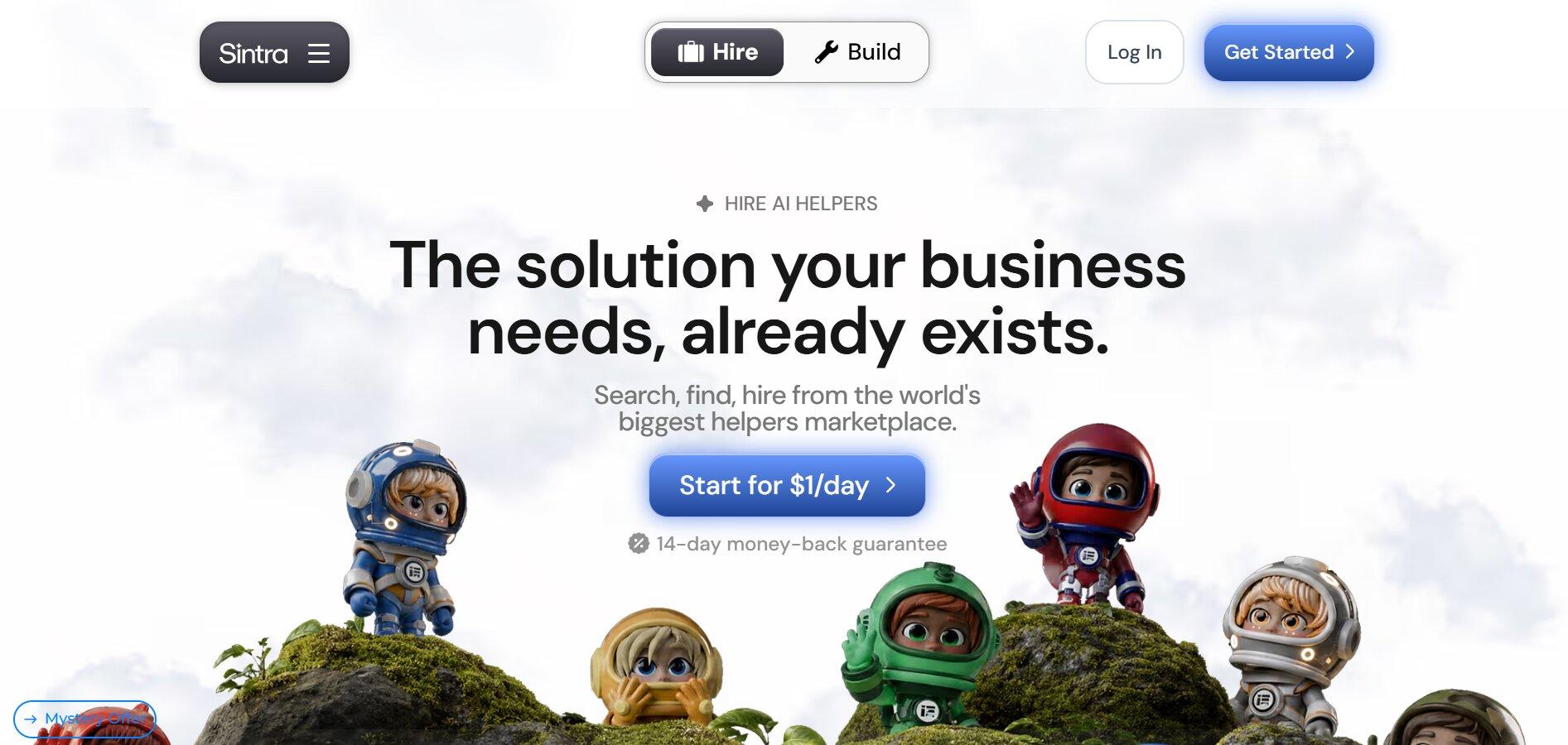
Sintra AI is our top choice for businesses that need more than task generation. You can start by chatting with Sintra just like you would with any AI assistant. Describe a goal, project, or idea, and it can turn it into a clear to-do list with actionable next steps. But that's only part of what the platform is built to do.
Sintra also includes a specialized AI team that can help with many of the tasks on your list. Buddy supports business strategy, Penn writes content, Soshie creates social media posts, Cassie handles customer support, and Vizzy helps manage emails, meeting notes, and daily admin work. Moreover, it executes all assigned tasks autonomously. Each helper is designed for a specific role, so you can hand work to the one that's best suited for it.
Behind them is Brain AI, a shared knowledge base that stores your brand voice, product information, documents, and business processes. Every helper uses the same context, so the work stays consistent without needing repeated instructions.
If you're looking for a tool that does more than generate a checklist, Sintra is one of the strongest options available. It helps you plan your work and provides AI helpers that can handle many tasks, making it our top pick for businesses that want to save time and reduce manual work.
Key Features
- AI helpers collaborate on multi-step tasks when more than one role is needed.
- 90+ AI Power-Ups for common business tasks like research, planning, writing, and reporting.
- Supports recurring tasks for ongoing business workflows.
- Connects with tools like Gmail, Google Calendar, Google Drive, Facebook, and Instagram.
- Web browsing and Google Search are built into AI helpers for up-to-date information.
Pricing
- Monthly Plan: $48.50/month
- 3-Month Plan: $23.60/month
- 12-Month Plan: $15.60/month
ChatGPT
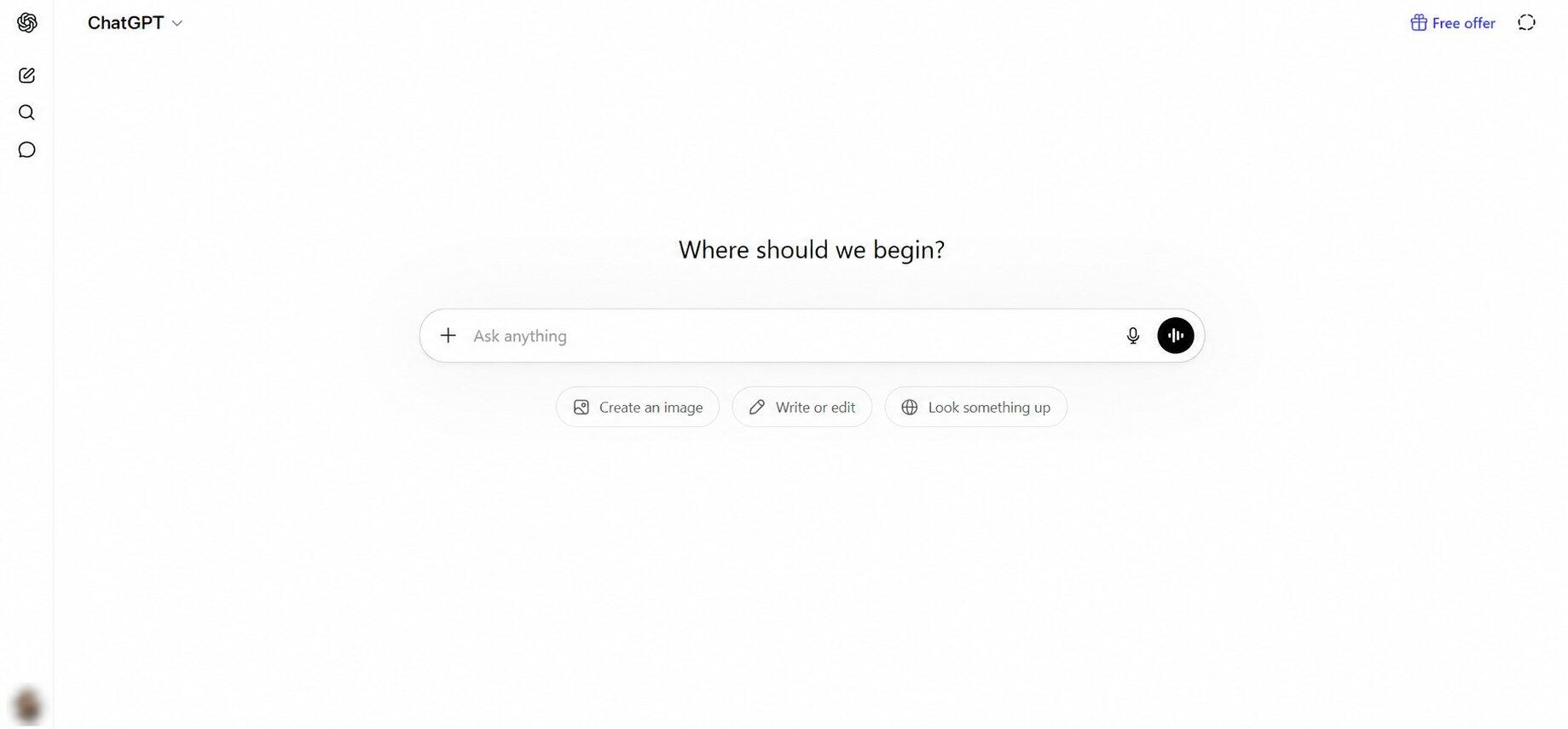
ChatGPT makes creating a to-do list simple. You can type your goal, paste your notes, upload a file, or even use voice to explain what you need to do. It quickly turns that information into a clear checklist with actionable steps. If your project feels overwhelming, ChatGPT can break it into smaller tasks, suggest priorities, estimate timelines, and even create a day-by-day plan.
Once your list is ready, you can keep refining it through a conversation. Ask ChatGPT to add new tasks, reorganize priorities, remove completed items, or adjust deadlines as your plans change. For larger projects, Projects keeps your chats, files, and instructions together in one workspace, while Tasks lets you schedule one-time or recurring reminders so you don't have to remember everything yourself.
Key Features
- Create to-do lists by typing, speaking, uploading files, or pasting notes.
- Breaks large projects into smaller, actionable tasks.
- Prioritizes tasks and suggests a logical order.
- Creates daily, weekly, or project-based plans.
- Projects keep related chats, files, and instructions together.
- Tasks support one-time and recurring reminders.
- Available on web, desktop, and mobile with voice conversations.
Pricing
- Free: Basic access.
- Go: $5/month.
- Plus: $20/month.
- Pro: $200/month.
Motion

Motion is built for people who struggle to fit everything into their day. Instead of only creating a to-do list, it automatically finds time for every task on your calendar. Add your tasks, meetings, deadlines, and estimated work time, and Motion uses AI to build a schedule that fits everything together. If a meeting gets moved or a task takes longer than expected, your schedule updates automatically.
The tool also helps you plan projects from the start. Enter a project with a deadline. Next, it creates the tasks, assigns due dates, and schedules time to complete them. This makes it a great choice for busy professionals and teams who want an AI assistant to decide what to work on next without constantly rearranging their calendar.
Key Features
- Automatically time-blocks tasks into your calendar.
- Rebuilds your schedule when priorities, meetings, or deadlines change.
- Creates project plans with tasks, deadlines, and estimated work time.
- Finds the best meeting times for everyone and schedules them automatically.
- Syncs with Google Calendar and Outlook.
- AI meeting assistant with notes and summaries.
- Team workload planning and task assignment.
Pricing
- Individual: $19/month (annual billing).
- Business Standard: $29/user/month (annual billing).
- Business Pro: Custom pricing.
ClickUp AI
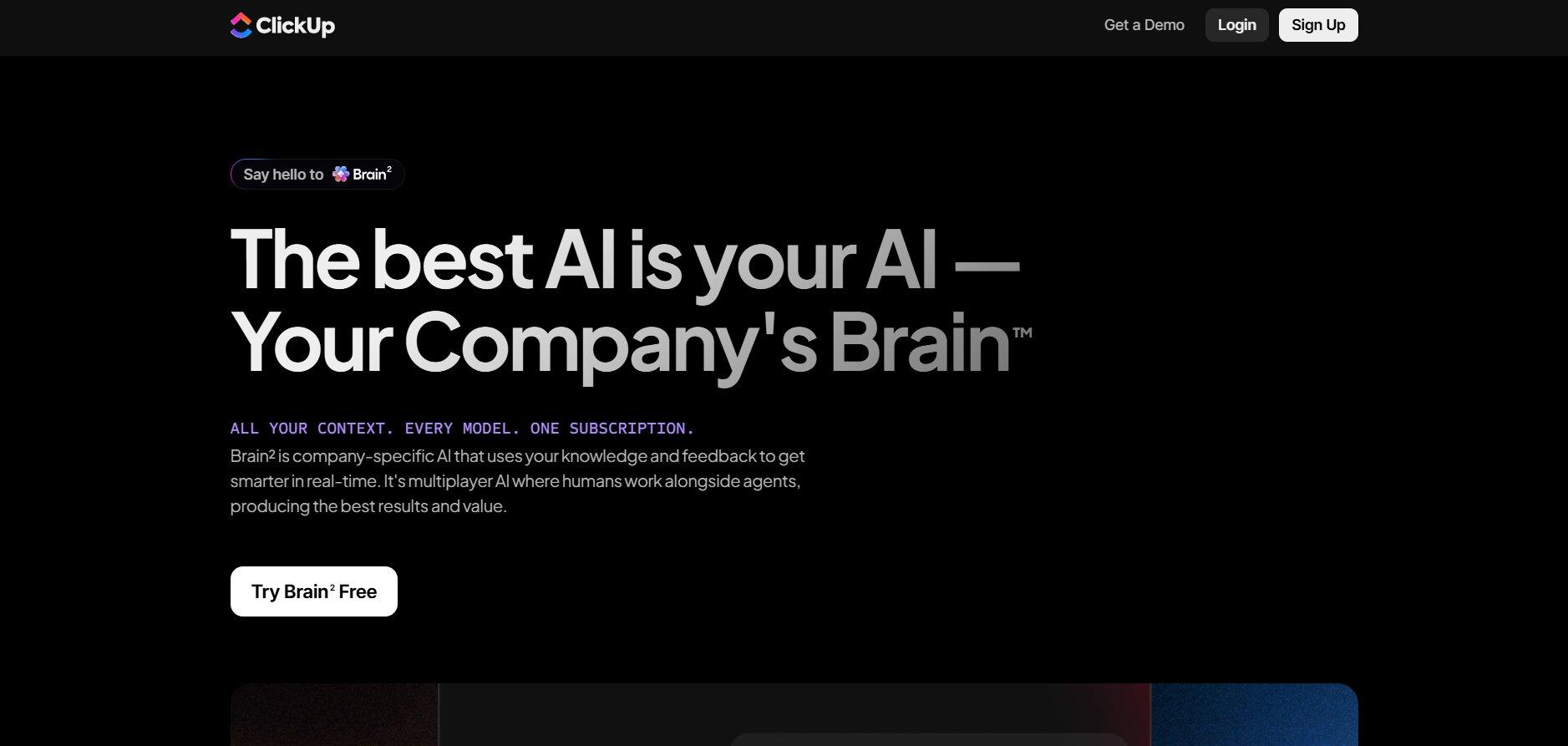
ClickUp Brain is a good choice if you already manage your work in ClickUp. You can describe a project, meeting, or goal in plain language, and it creates structured action plans, subtasks, due dates, and project plans right inside your workspace. Since it has access to your tasks, Docs, chats, and projects, it can also answer questions about your work, generate updates, and find information without searching manually.
Planning doesn't stop after creating a checklist. ClickUp Brain can summarize long documents, meeting notes, and comment threads, write project briefs, generate task descriptions, and turn conversations into action items. Everything stays connected to your existing workspace, so you don't have to copy information between different apps.
Key Features
- Creates tasks, subtasks, and project plans from natural language.
- Turns meeting notes, Docs, and chats into action items.
- Searches across your tasks, Docs, and workspace to answer questions.
- Generates project updates, summaries, and status reports.
- AI writing for task descriptions, documentation, and emails.
- Supports multiple AI models, including ChatGPT, Claude, and Gemini, from one interface.
Pricing
- Free: Trial access to AI features.
- Brain AI: $9/user/month.
- Everything AI: $28/user/month.
Notion AI
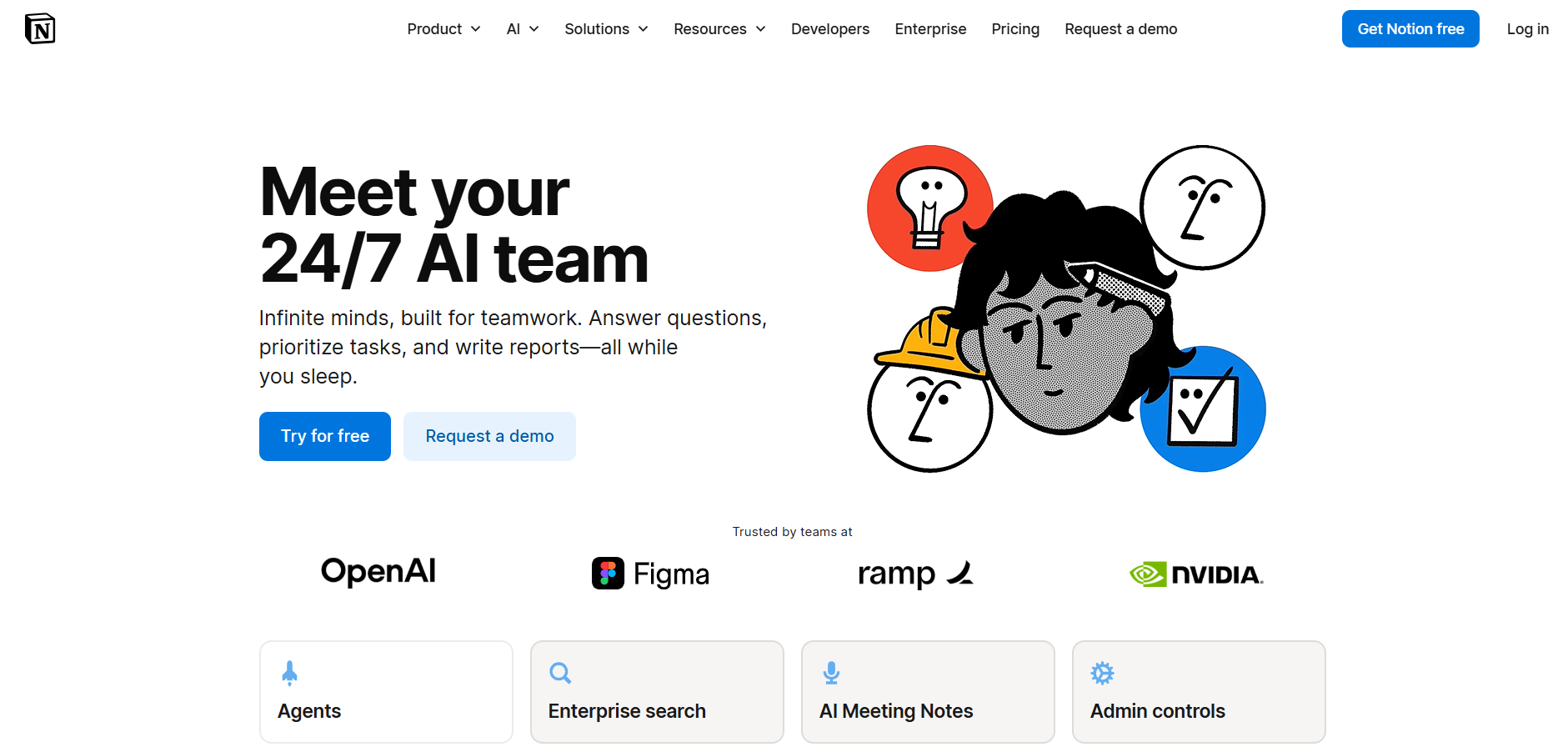
If your ideas usually start as notes, Notion AI makes it easy to turn them into an action plan. You can highlight a page, meeting notes, or brainstorming session and ask Notion AI to generate a checklist, extract action items, or build a project plan. Since it works inside your existing workspace, every task stays connected to the original document, making it easy to track context later.
Another advantage is Notion AI Connect. It can search across your Notion workspace and connected apps like Slack, Google Drive, GitHub, Jira, and Microsoft Teams, then use that information to answer questions or create tasks. This is especially useful for teams that manage projects across multiple tools and want everything in one place.
Key Features
- Turn notes, meeting minutes, and documents into personal task lists.
- Extract action items automatically from meeting notes.
- Search across Notion and connected apps with AI Connect.
- Generate project briefs, summaries, and documentation.
- Ready-made templates for task management and project planning.
- Available on web, desktop, and mobile.
Pricing
- Free: Limited AI responses.
- Plus: $10/user/month.
- Business: $20/user/month.
- Enterprise: Custom pricing.
What Is an AI To-Do List Generator?
An AI to-do list creator is a tool that turns a goal, project idea, meeting notes, or even messy thoughts into a clear list of tasks. Instead of manually writing every item, you describe what you want to accomplish, so that the AI creates a structured plan. It can fill in missing steps, group related tasks, suggest priorities, and arrange everything in the order it should be completed.
For example, if you type "Launch a new landing page," the AI can generate tasks like researching competitors, writing the copy, designing the page, getting approval, publishing it, and testing everything before launch. Rather than starting with a blank page, you get a checklist that's ready to use.
How AI Converts Ideas Into Tasks
The process is simple. You start by typing or speaking a request, such as "Plan my week" or "Launch a marketing campaign." The to-do list maker first identifies your main goal, then breaks it into smaller tasks. Next, it organizes those tasks into a logical sequence, adds priorities or deadlines when appropriate, and formats everything into a checklist you can edit or expand.
For example, "Plan my week" could become separate sections for work tasks, meetings, admin work, personal errands, and follow-ups. If you also mention deadlines, your availability, or important meetings, the AI can create a much more useful plan.
Common Types of AI-Generated Task Lists
AI to-do list makers can create task lists for almost any type of work. Common examples include:
- Personal planning: Daily routines, errands, travel plans, or study schedules.
- Work priorities: Daily tasks, meeting action items, and follow-ups.
- Project planning: Breaking large projects into smaller milestones and tasks.
- Content planning: Blog posts, social media calendars, newsletters, and video production.
- Customer support: Ticket follow-ups, customer onboarding, and response checklists.
- Sales: Lead follow-ups, CRM updates, proposals, and outreach.
- Marketing: Product launches, SEO tasks, advertising campaigns, and email marketing.
- Business operations: Hiring, onboarding, documentation, reporting, and recurring workflows.
The more context you provide, the better the results. Including your goals, deadlines, team members, and the tools you're using helps the AI generate a productivity list that's more accurate and easier to put into action.
How AI To-Do List Generators Work
When you enter a goal into an AI to-do list maker, the AI first figures out what you're trying to achieve. It identifies the main objective, breaks it into smaller tasks, adds steps that are commonly needed, and organizes everything into a logical order. Because AI recognizes common workflows and dependencies, it often creates more complete task lists than people do manually.
Input Prompts and Context
The results depend on the information you provide. A short prompt gives the AI a general direction, while a detailed one produces a more useful plan. Adding details like your deadline, priorities, available resources, team members, or preferred tools helps the AI generate tasks that are more relevant to your situation. Better input almost always leads to better output.
Prioritization and Task Structuring
After generating the tasks, the AI puts them into a practical workflow. It identifies which tasks should be completed first, groups related work together, recognizes dependencies, and can even suggest deadlines or milestones. This gives you a step-by-step plan that's easier to follow and update as the project changes.
Why AI-Generated Task Lists Save Time
Planning often takes longer than people expect. AI speeds up that process by creating a structured task list in seconds. It reduces planning fatigue, fills in missing steps, and gives you a solid starting point that you can adjust if needed. Instead of spending time organizing your work, you can start working on it much sooner.
Benefits of Using AI To-Do List Generators
AI to-do list makers offer several practical benefits that make planning and managing work much easier.
Plan Projects Faster
AI removes the time-consuming part of planning. Instead of brainstorming every task yourself, you describe your goal and receive a structured action plan within seconds. The AI also fills in common steps that are easy to miss, helping you start a project much faster.
Stay Organized and Focus on the Right Work
A long task list can quickly become overwhelming. AI task maker organizes related tasks together, identifies dependencies, and suggests a logical order for completing them. Many tools can also highlight high-priority work, recommend what to tackle next, and adjust your plan as deadlines or priorities change.
Handle Personal and Business Tasks More Easily
AI productivity list makers work well for both everyday life and professional projects. You can organize travel plans, study schedules, or home renovations just as easily as content calendars, product launches, customer follow-ups, sales pipelines, or recurring business operations. The more details you provide, the more tailored the task list becomes.
Get More Done with Less Planning
When you're managing multiple projects, a lot of time is spent deciding what to do next. AI reduces that planning effort by creating a clear roadmap from the beginning. Instead of constantly reorganizing tasks, you can follow a structured plan, make adjustments when needed, and spend more time completing work than planning it.
Limitations of AI To-Do List Generators
AI to-do list generators are excellent planning tools, but they don't solve every part of the workflow. They can create structured task lists, suggest priorities, and organize projects, but you still need to complete the work, review the output, assign responsibilities, and adjust plans as priorities or deadlines change. They're designed to support planning, not replace execution.
AI Can Create Tasks, But Cannot Always Execute Them
Most AI to-do list generators stop after creating the checklist. They can suggest tasks like writing blog posts, replying to customer emails, or planning a marketing campaign, but they usually don't complete those tasks inside your existing workflow. For busy teams and small businesses, that often means using additional tools to get the work done.
Context and Business Knowledge Challenges
The quality of a task list also depends on how much the AI knows about your business. Without information about your brand, products, customers, or internal processes, it may create tasks that are too generic or miss important details. Tools that can use stored business knowledge and company context usually produce more accurate and relevant plans.
How Sintra AI Helps Businesses Complete the Work Behind Their To-Do Lists
Creating a to-do list is only the first step. Sintra AI helps with what comes next by giving you a team of specialized AI Helpers for everyday business tasks. With built-in AI integrations, they can also connect with tools like Gmail, Google Calendar, Google Drive, Facebook, and Instagram, helping you manage work from one place.
Turning Marketing Tasks Into Completed Campaigns
Marketing plans often include tasks like writing social media posts, researching content ideas, building a content calendar, and preparing email campaigns. Soshie, Sintra's AI social media manager, helps create that content, plan posts, and support campaign execution, so your marketing checklist turns into content that's ready to review and publish. Penn can also help write blog posts, website copy, and other marketing content, reducing the time spent switching between different AI tools.
Supporting Business Planning and Day-to-Day Operations
Business planning doesn't stop after creating a checklist. Teams also need to research ideas, evaluate priorities, organize projects, and keep work moving. Sintra's AI business assistant, Buddy, helps with strategy, business development, planning, and decision support, making it easier to turn ideas into structured workflows that your team can actually follow.
Managing Email and Customer Communication More Efficiently
Following up with leads, replying to emails, and answering customer questions can quickly fill an entire workday. Sintra has its AI email assistant, Emmie, which helps draft and organize emails, while Cassie supports customer service by generating responses based on your business information. This helps teams stay responsive while spending less time on repetitive communication.
Completing Creative and Visual Tasks Faster
Creative work often slows projects down because it takes time to brainstorm ideas and create supporting assets. Vizzy AI assistant helps with visual ideation, presentations, image generation, meeting notes, and other everyday tasks, making it easier to move creative projects forward without starting from scratch every time.
Why Shared Business Context Matters for Execution
The quality of AI output depends on how well it understands your business. Brain AI stores your brand voice, products, documents, processes, and company knowledge in one shared workspace. Every AI Helper uses that information, so content, emails, marketing materials, and customer responses stay consistent without repeating the same instructions in every conversation.
How to Choose the Best AI To-Do List Generator
The right tool depends on what you're trying to accomplish. Before making a choice, think about how you plan your work and where you need the most help.
- For personal planning: Pick a tool that quickly turns ideas, notes, or goals into organized checklists.
- For time management: Look for a platform that automatically schedules tasks around your calendar and deadlines.
- For team projects: Choose software that connects tasks with documents, conversations, and project updates in one workspace.
- For business workflows: If your work includes content, marketing, customer support, or operations, consider a platform that can help carry out those tasks as well.
- Check how flexible it is. You should be able to edit tasks, change priorities, set deadlines, and update plans as projects evolve.
- Look for integrations. Connecting with tools like Gmail, Google Calendar, Slack, or Google Drive helps reduce manual work and keeps everything in sync.
- Consider context and memory. Some platforms remember your documents, brand guidelines, and previous work, leading to more relevant suggestions over time.
- Think beyond planning. Some tools stop after creating a checklist, while others can automate parts of your workflow and help move projects forward.
Ready to Turn AI Task Lists Into Real Results?
An AI-generated task list can help you get organized, but checking off those tasks is what moves your business forward. If you're looking for support beyond planning, Sintra AI is a practical next step. Its specialized AI Helpers can help with content, marketing, customer support, email, business planning, and other everyday work, while Brain AI keeps everything aligned with your brand and business knowledge.
Instead of switching between different tools for every task, you can manage your work in one place and get help throughout the entire workflow. If you're ready to move beyond simple task generation, get started with Sintra AI and see how AI can help you turn plans into progress.
AI To-Do List Generator FAQs
What is an AI to-do list generator?
An AI to-do list generator is a tool that turns a goal, project, or idea into a structured list of tasks. Instead of creating every task manually, you describe what you want to accomplish, and the AI breaks it into actionable steps, often suggesting priorities and a logical order.
How do AI task generators create task lists?
AI task generators analyze your prompt to understand your objective, then break it into smaller tasks based on common workflows and best practices. Many tools also organize tasks by priority, identify dependencies, and suggest the order in which they should be completed.
Are AI to-do list generators better than traditional task management apps?
They serve different purposes. Traditional task management apps are designed to store, organize, and track tasks you create yourself. AI to-do list generators help you build those task lists automatically, making them especially useful for planning new projects or breaking down large goals. Many people use AI together with a traditional task management app for the best experience.
What is the best AI to-do list generator for businesses?
It depends on your needs. If you only need help creating task lists, tools like ChatGPT, ClickUp Brain, Notion AI, and Motion are all strong options. If your team also needs help with content, marketing, customer communication, and day-to-day operations, Sintra AI is one of the most complete choices because its specialized AI Helpers can support both planning and execution.
Can AI help complete tasks after generating a to-do list?
Yes, but it depends on the platform. Many AI tools stop after generating the checklist, leaving you to complete the work yourself. Some platforms, such as Sintra AI, go further by providing specialized AI Helpers that can assist with writing content, managing emails, planning marketing campaigns, customer support, and other business tasks.
Related articles